Vinyl cutting
The basic logo
I started by creating a 2 color logo in InkScape:
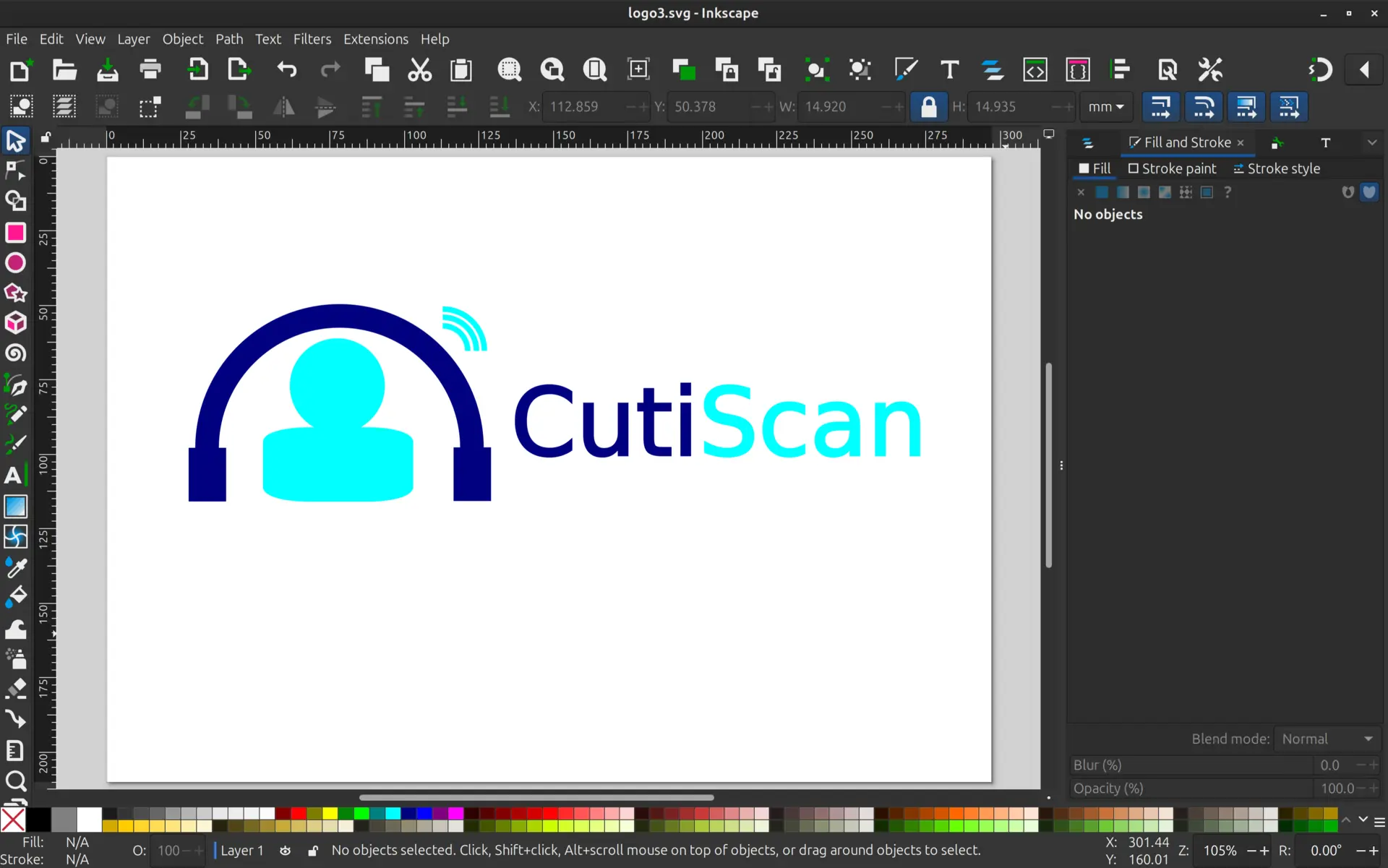
Each color is a visual representation for the screen only, as what determines the color is not what’s on the screen, but rather the vinyl that is getting cut.
Joint artifacts
Because each color is being cut in separate mediums, it is convenient to add a rectangle near where each color joins, so it is easy to align when transferring to the final place. These will be removed at the end when everything is transferred.
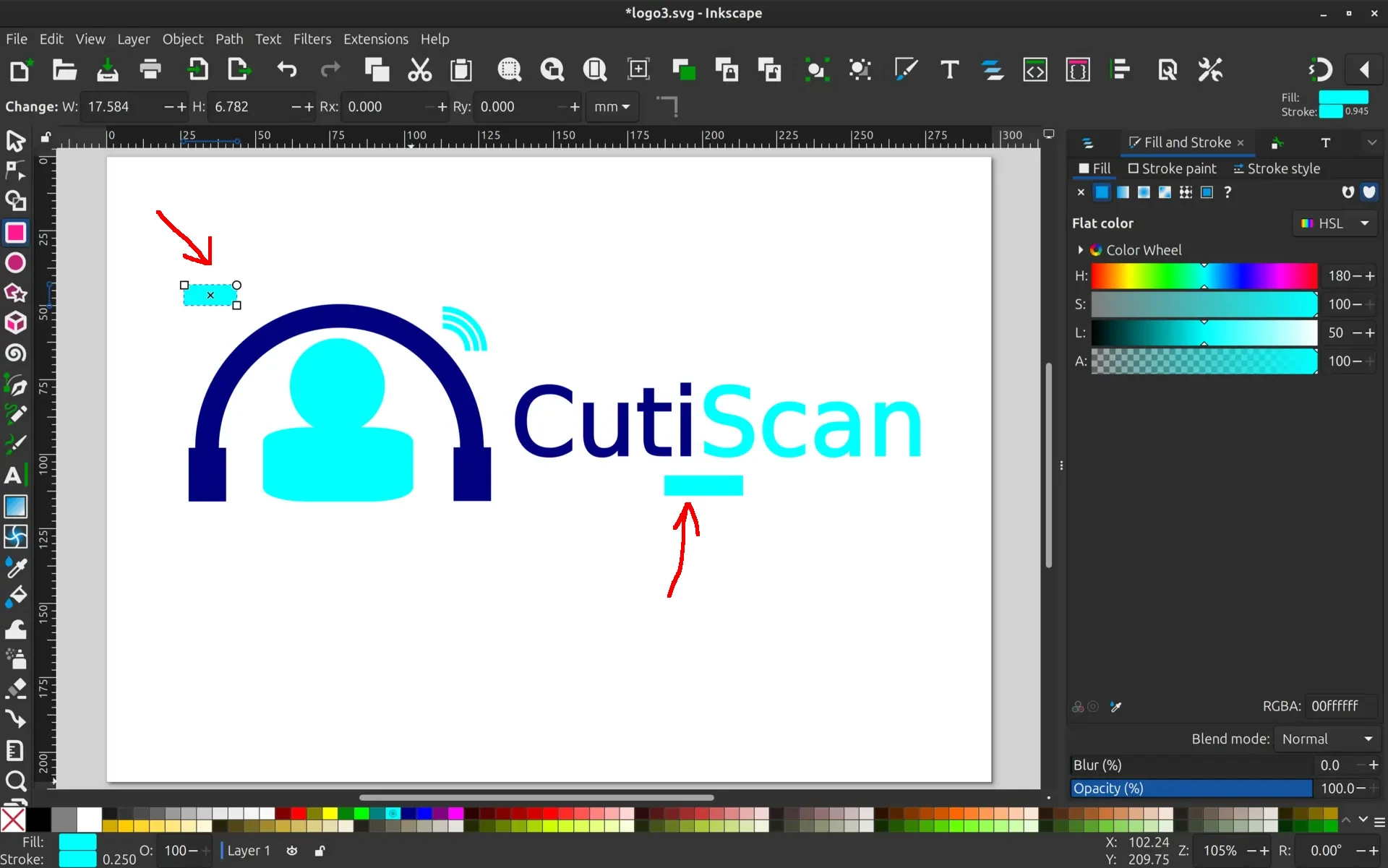
Colors split
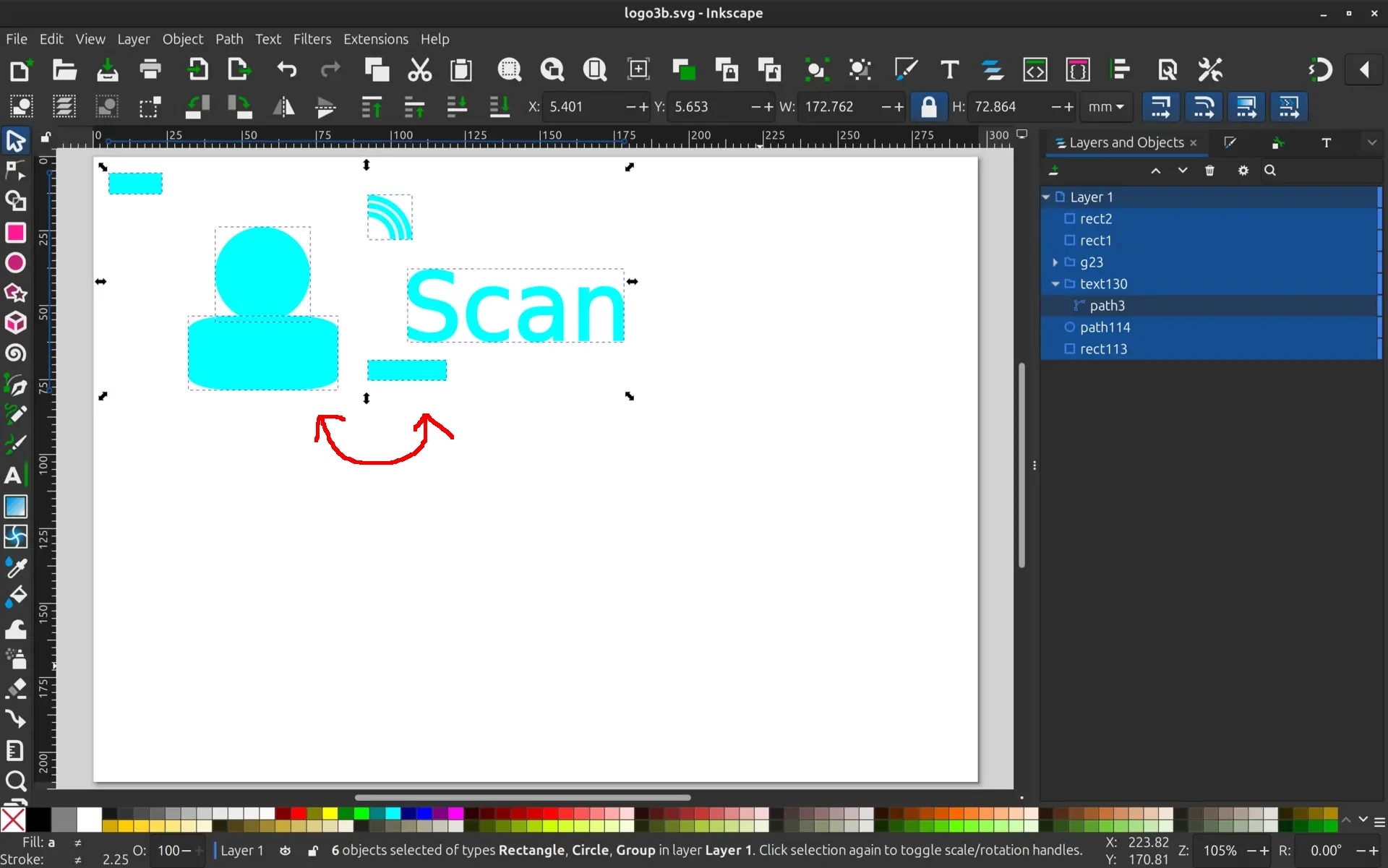
We then have to split each color to it’s own SVG files. Here we can see the light blue one, and one can also see that, in order to save material, we collapsed the space between the torso and the word. That’s OK, because in the end we will use the rectangles to properly align the different parts.
Using the cutter
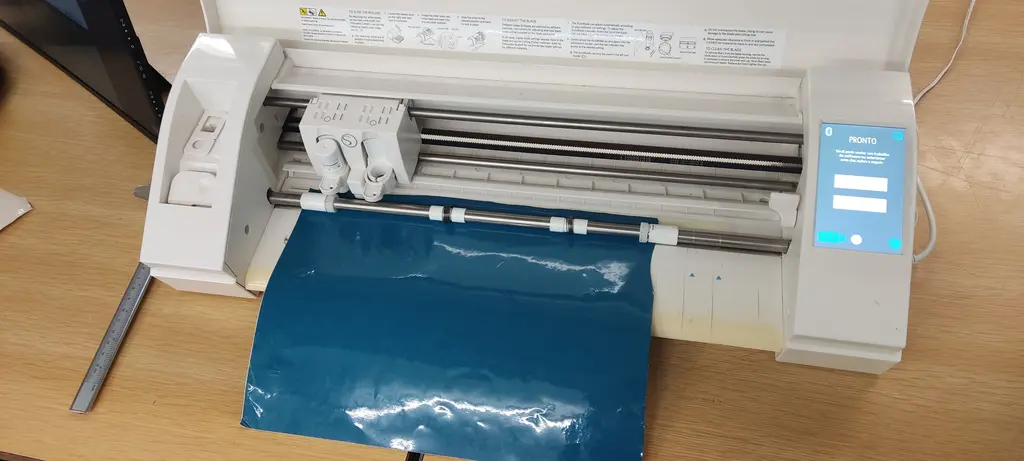
We used the Silhouette Cameo 3 cutter
Removing excess


Once the vinyl is cut, I made some additional manual cuts, so I could easily remove the parts that we don’t need:
Transfer the vinyl
We now need to use a transfer material to pick the design from the vinyl.
This material is just enough sticky so that it picks the design from the vinyl, but not so much that we cannot transfer back to the end place.
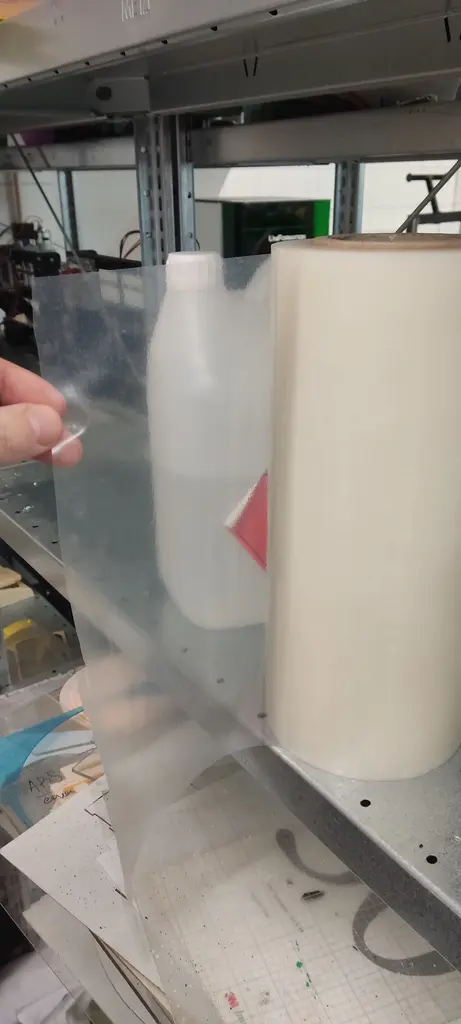
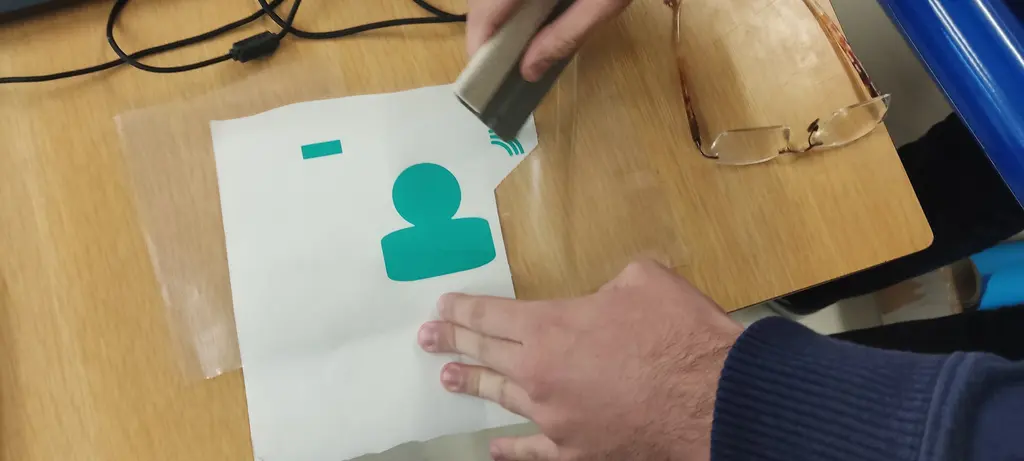
I place the transfer over the vinyl:
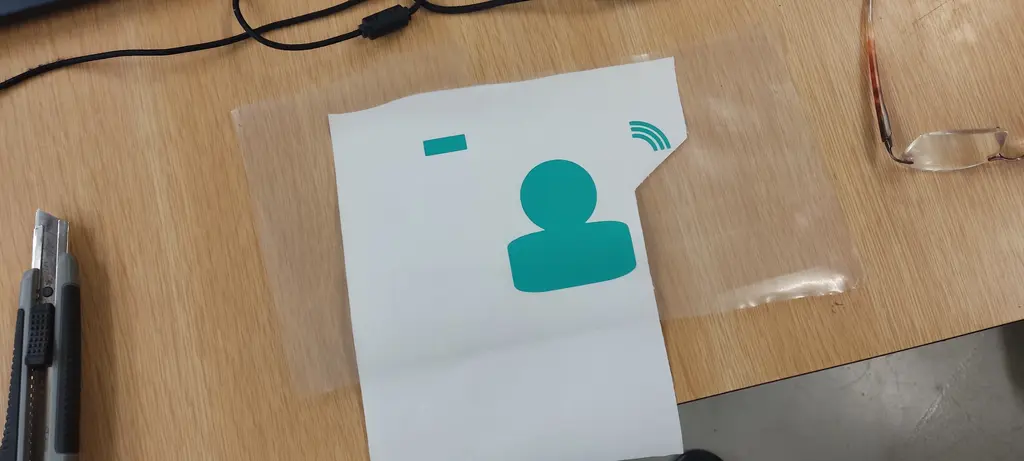
We need to use the tool and press it against the the design to make sure it sticks.
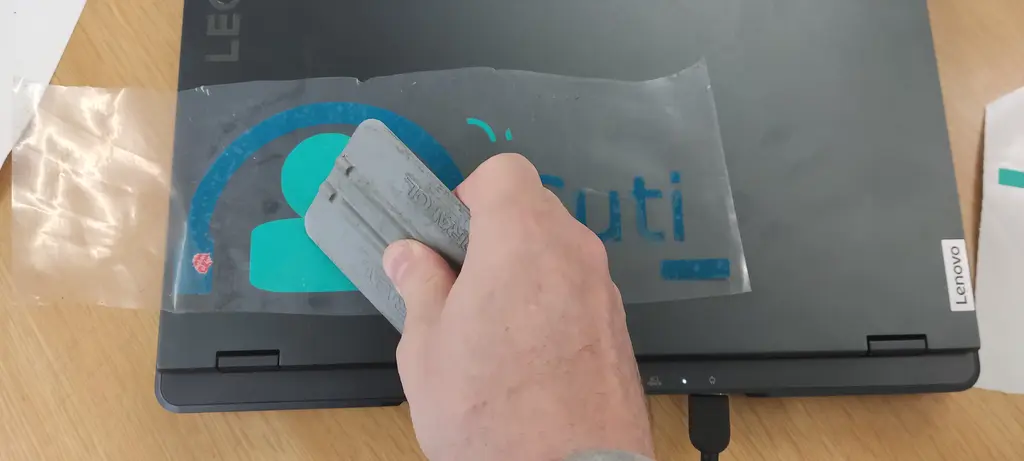
And then press it again against the place where the design is meant to be.
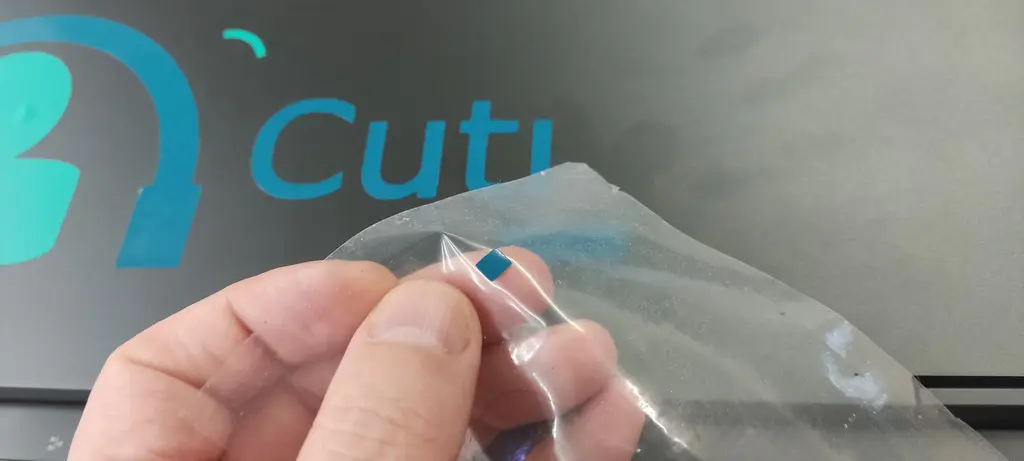
Some smaller details are some times missed, and had to be manually extracted and placed.
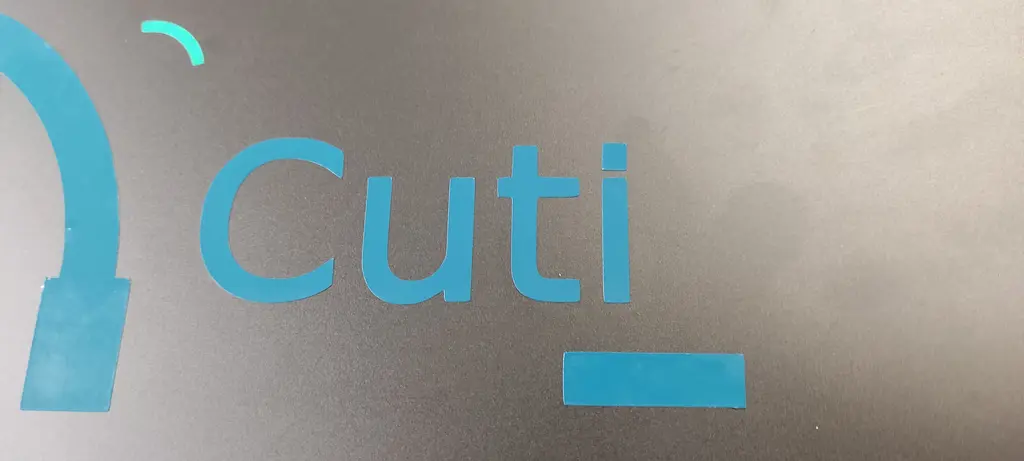
First vinyl is done:
Align 2nd part
We now need to align the rectangles, as mentioned previously
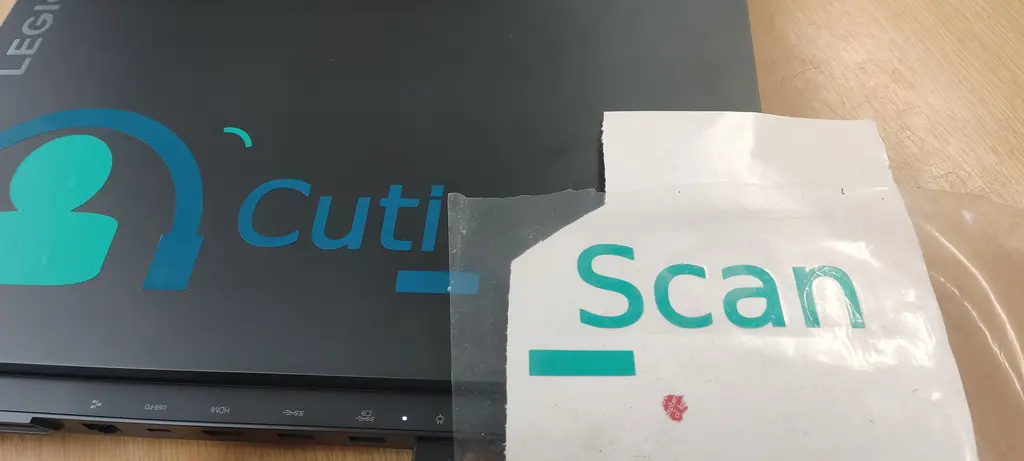
I start lifting the transfer:
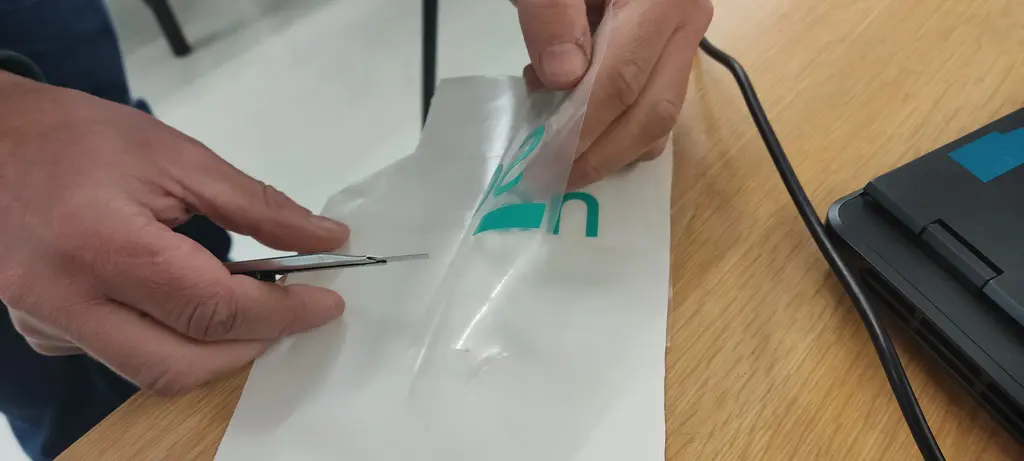
The material for lighter blue didn’t stick as well to the transfer material, so I needed to use the precision knife to help a bit.
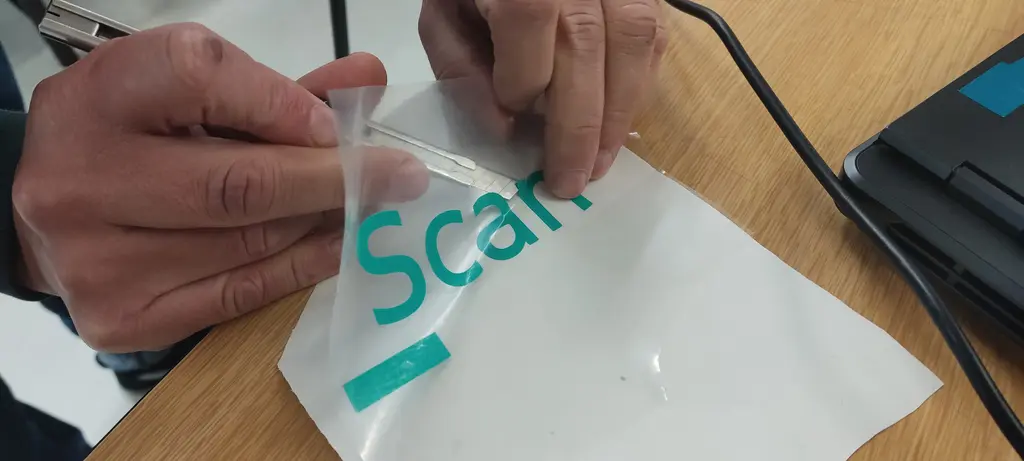
And now it’s perfectly aligned. Notice how the darker blue rectangle is not visible because it is aligned with the lighter blue one above:
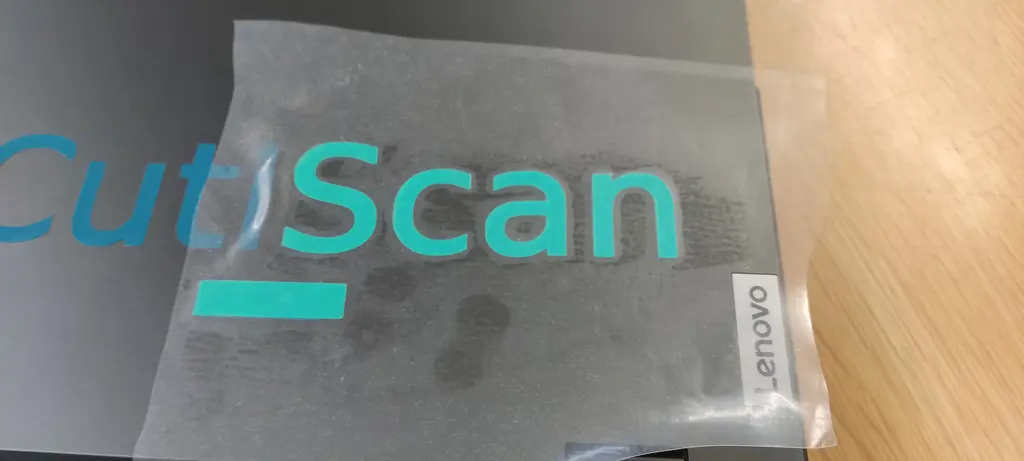
Then the transfer material is removed.
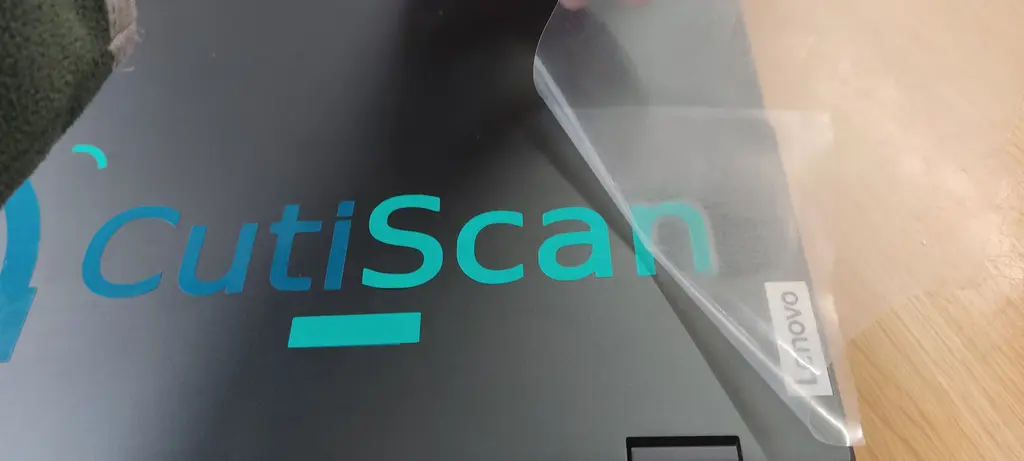
Clean up
Once everything is transferred, we no longer need the aligning rectangles, so I removed them in the end.
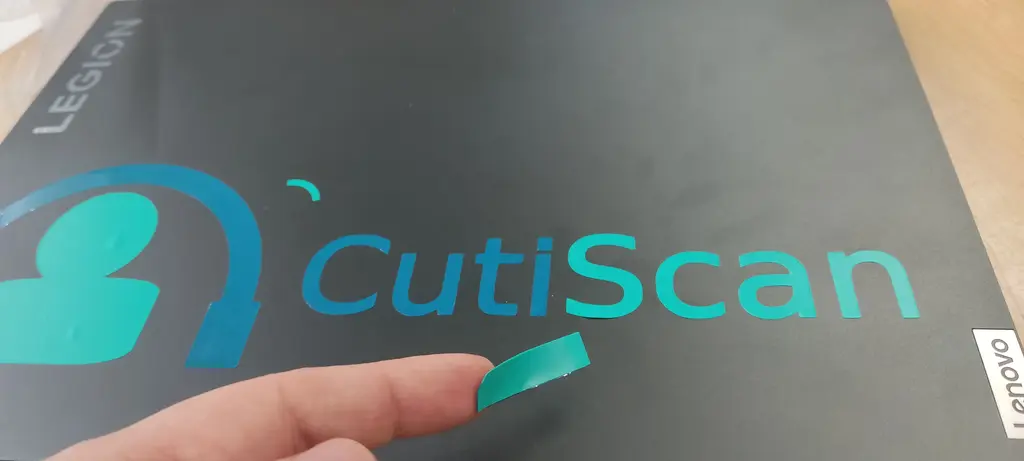
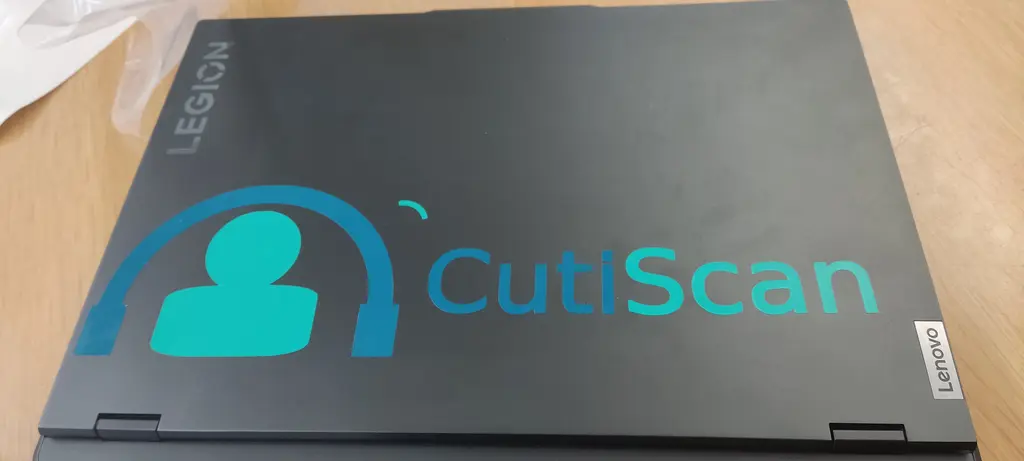
Hero shot
And here’s the final result.
Cardboard experiment
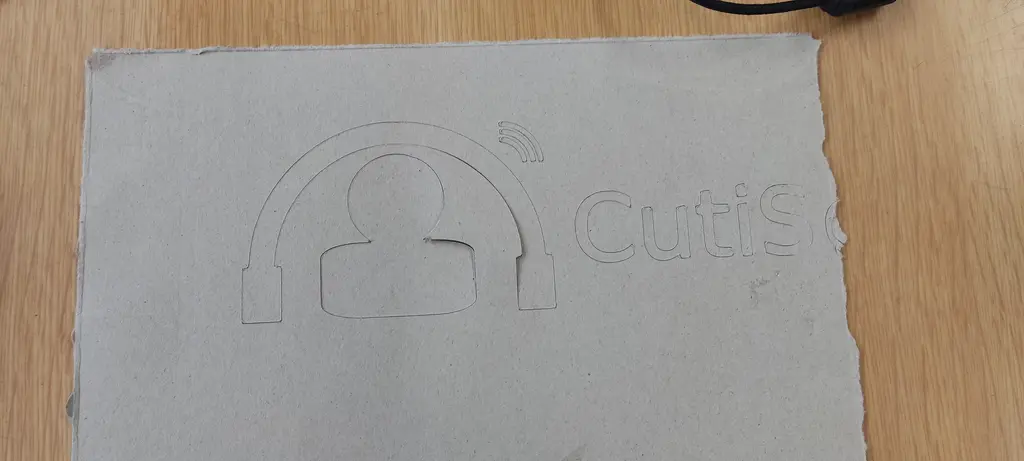
I also did some experiments to cut a cereal box cardboard. I used the full logo without splitting to parts. We changed the material and increased the force a little bit.
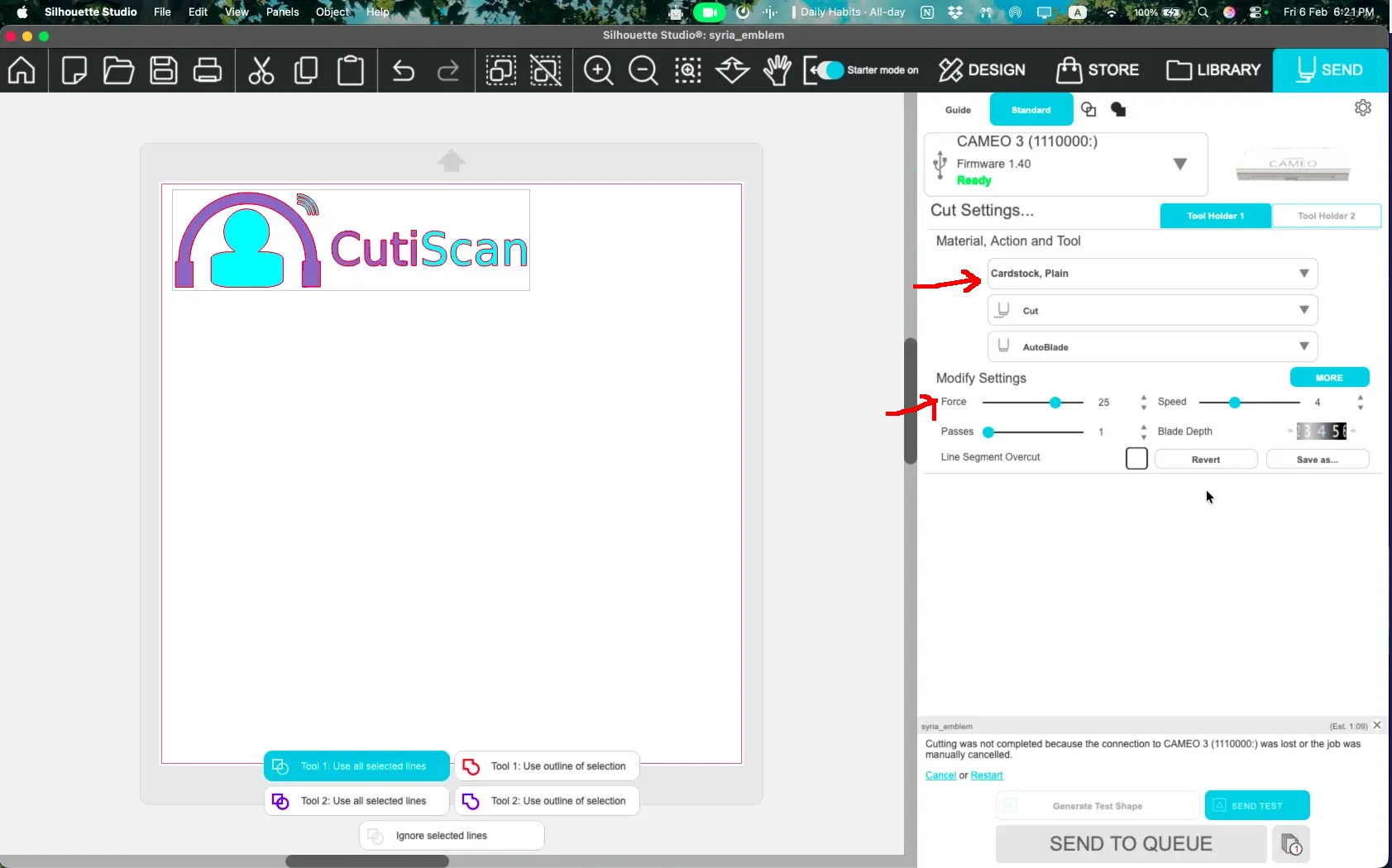
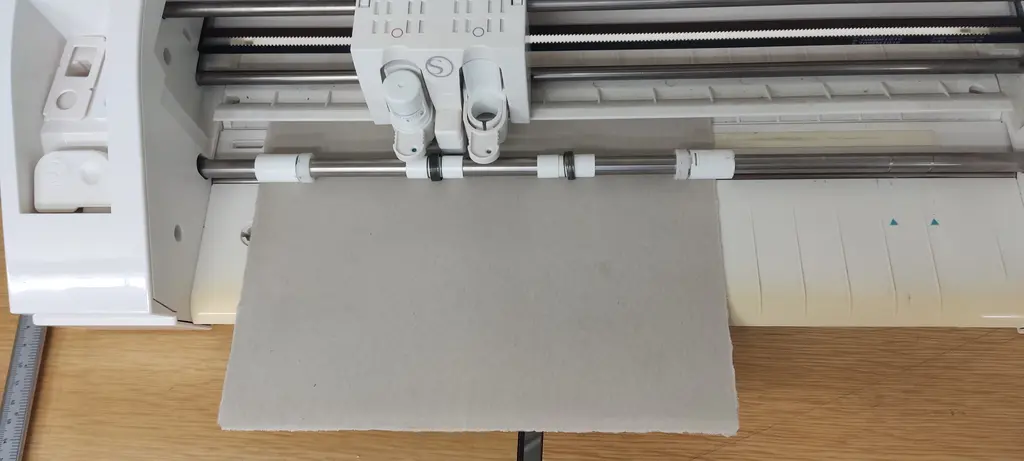
The cardboard was smaller size than the vinyl, and I forgot to resize it, but it was just for testing and it turned out OK.
Files
Here’s the original logo file