7. Computer-controlled machining
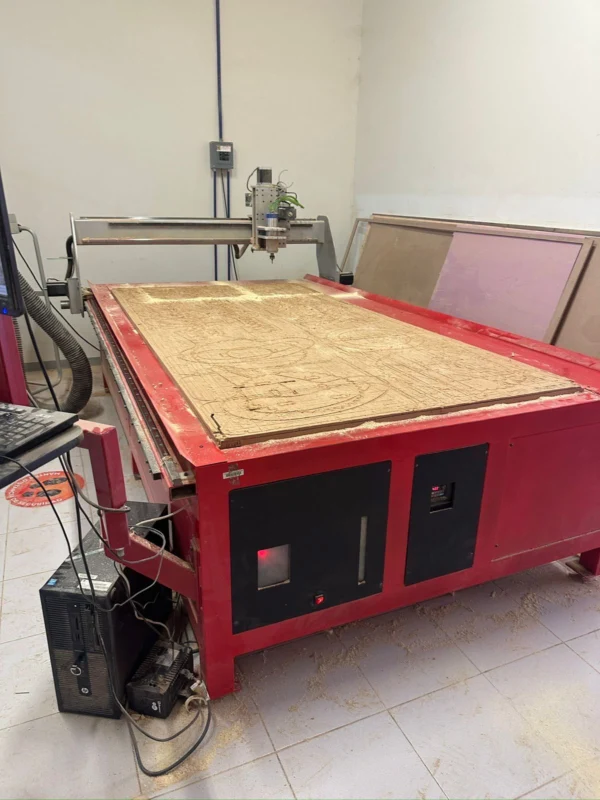
This week we explored about computer controlled machining (also know as CNC) which is a subtractive manufacturing process usually for large-scale fabrication. For this we translated a digital design into toolpaths that a CNC machine can follow. The general workflow was:
- Designing in a CAD software, in my case I did a drafting table on Onshape.
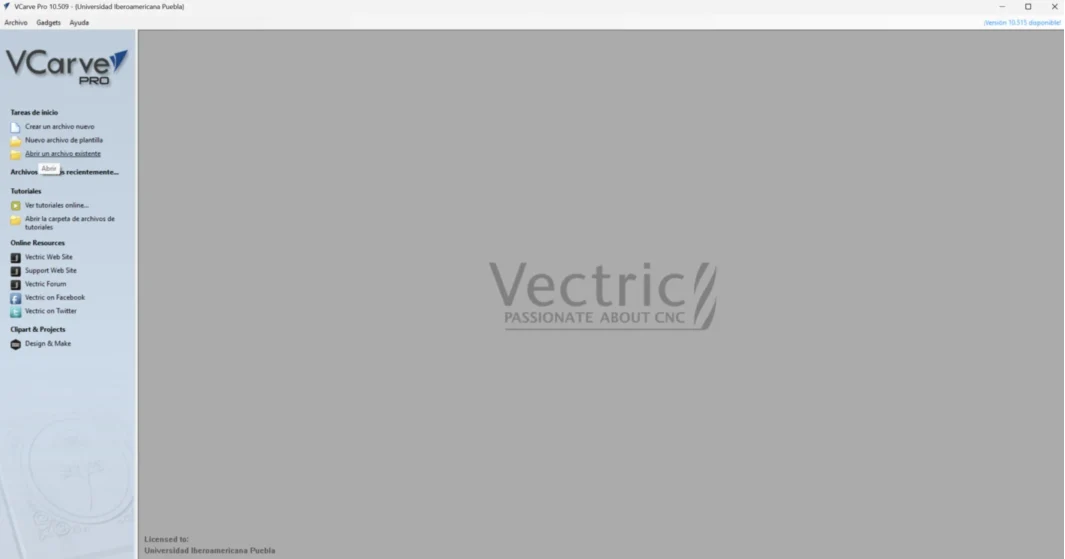
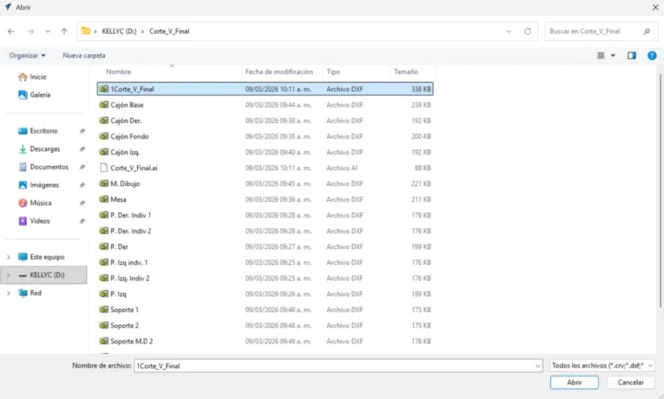
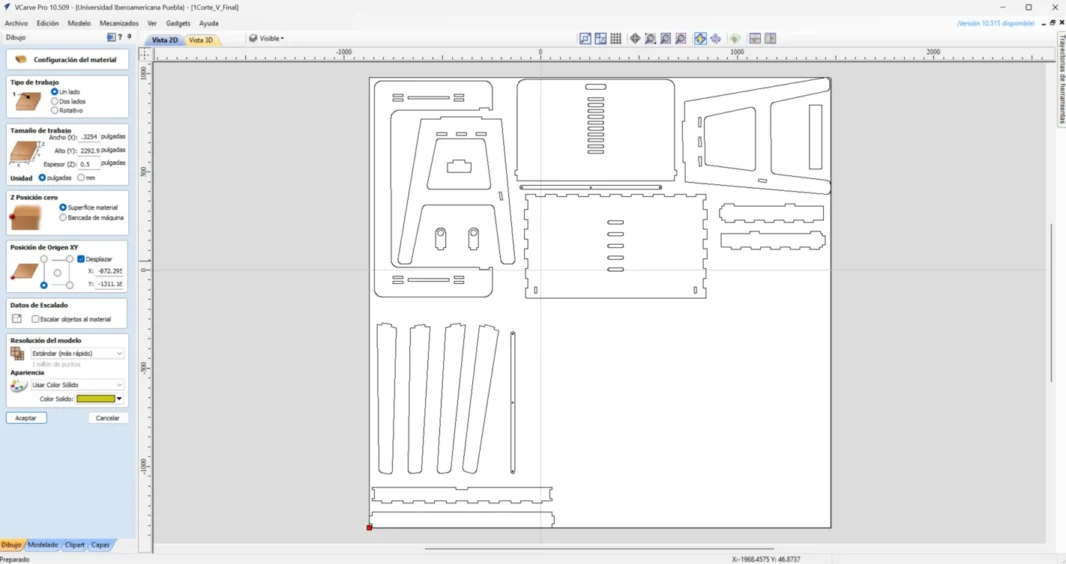
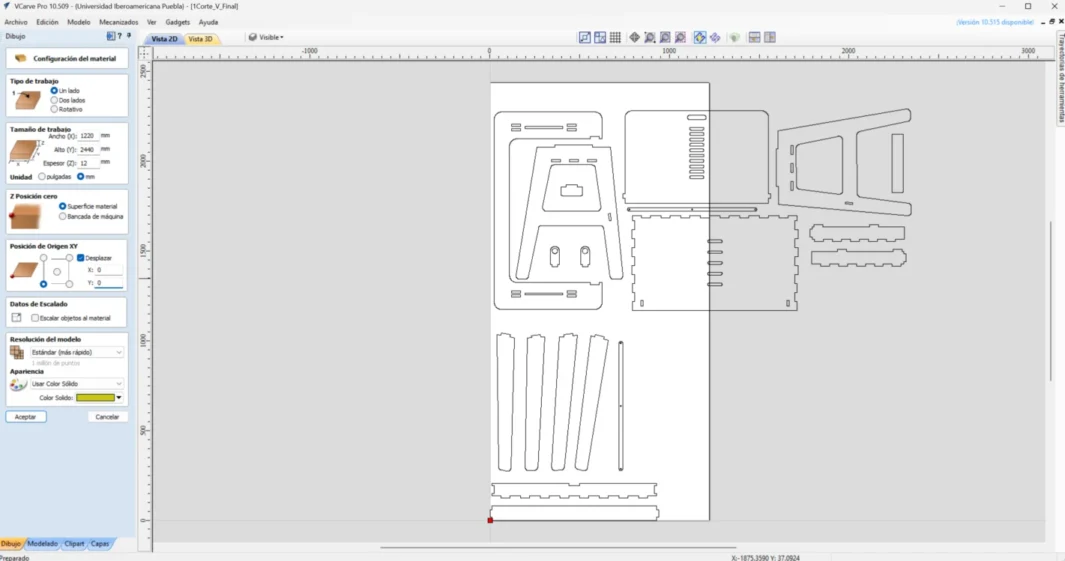
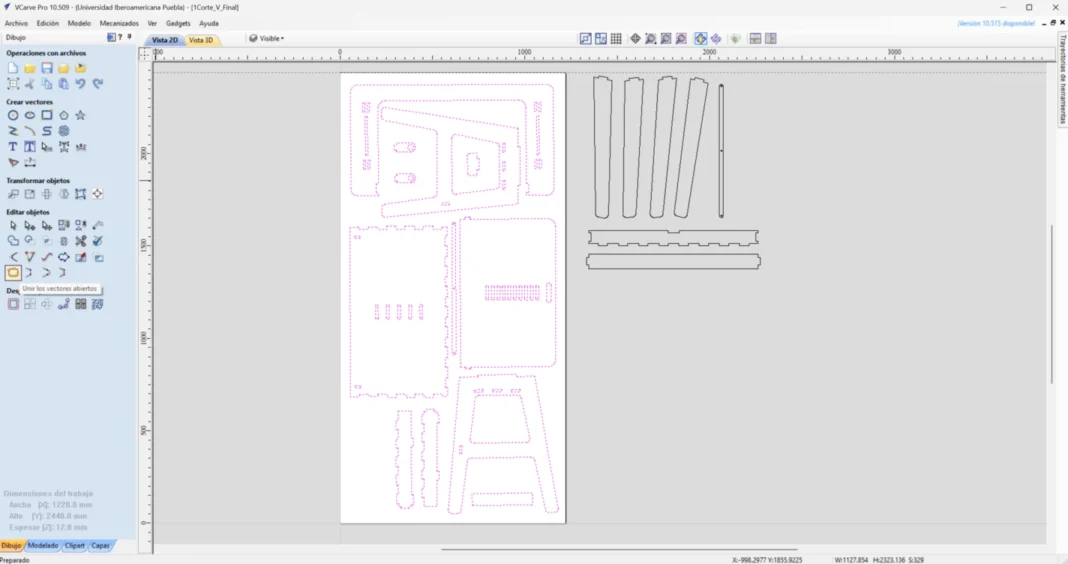
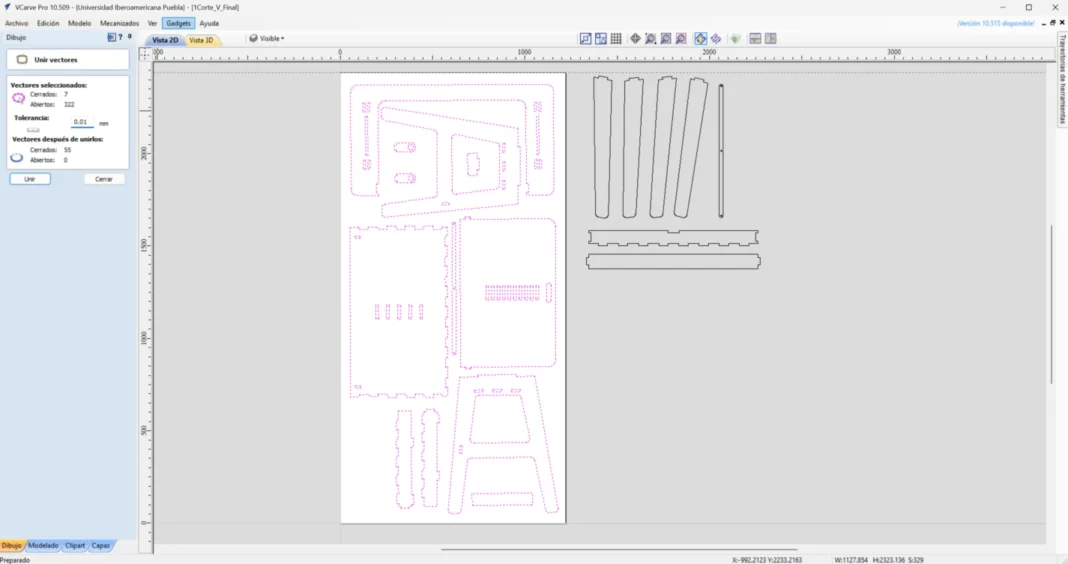
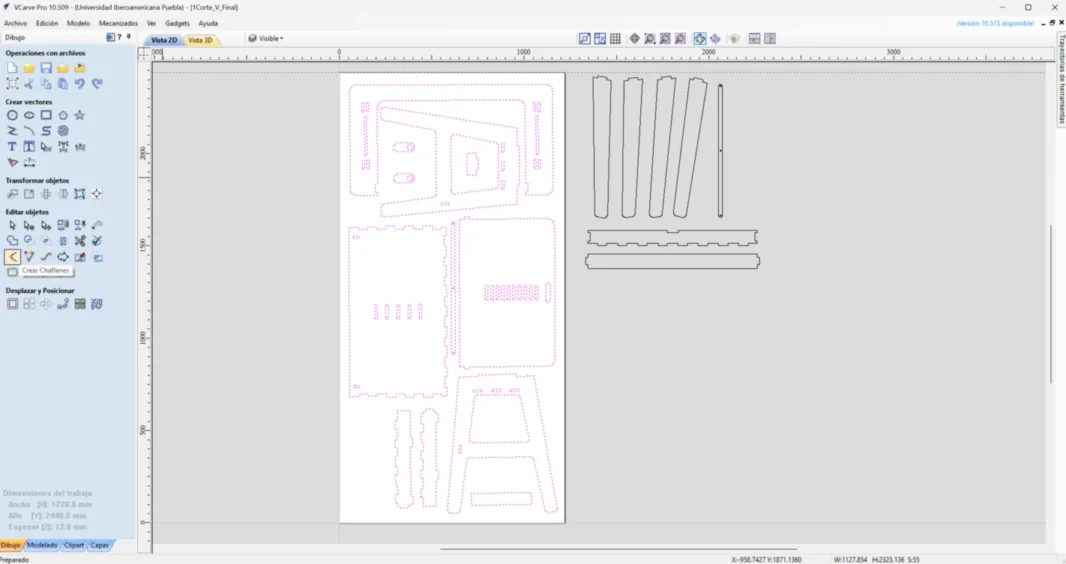
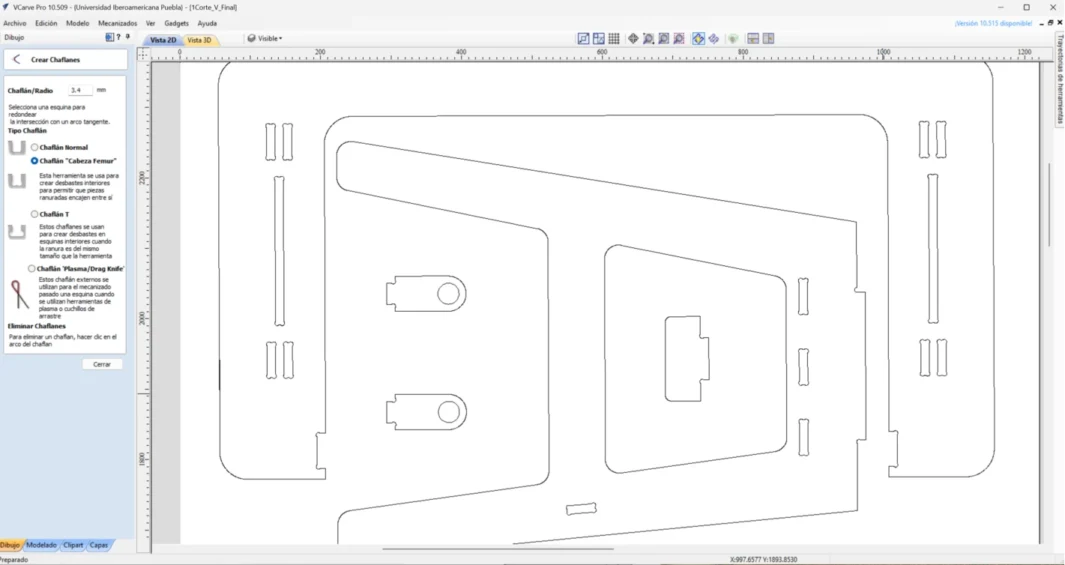
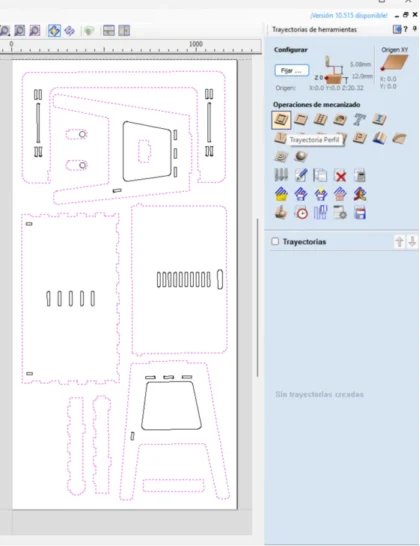
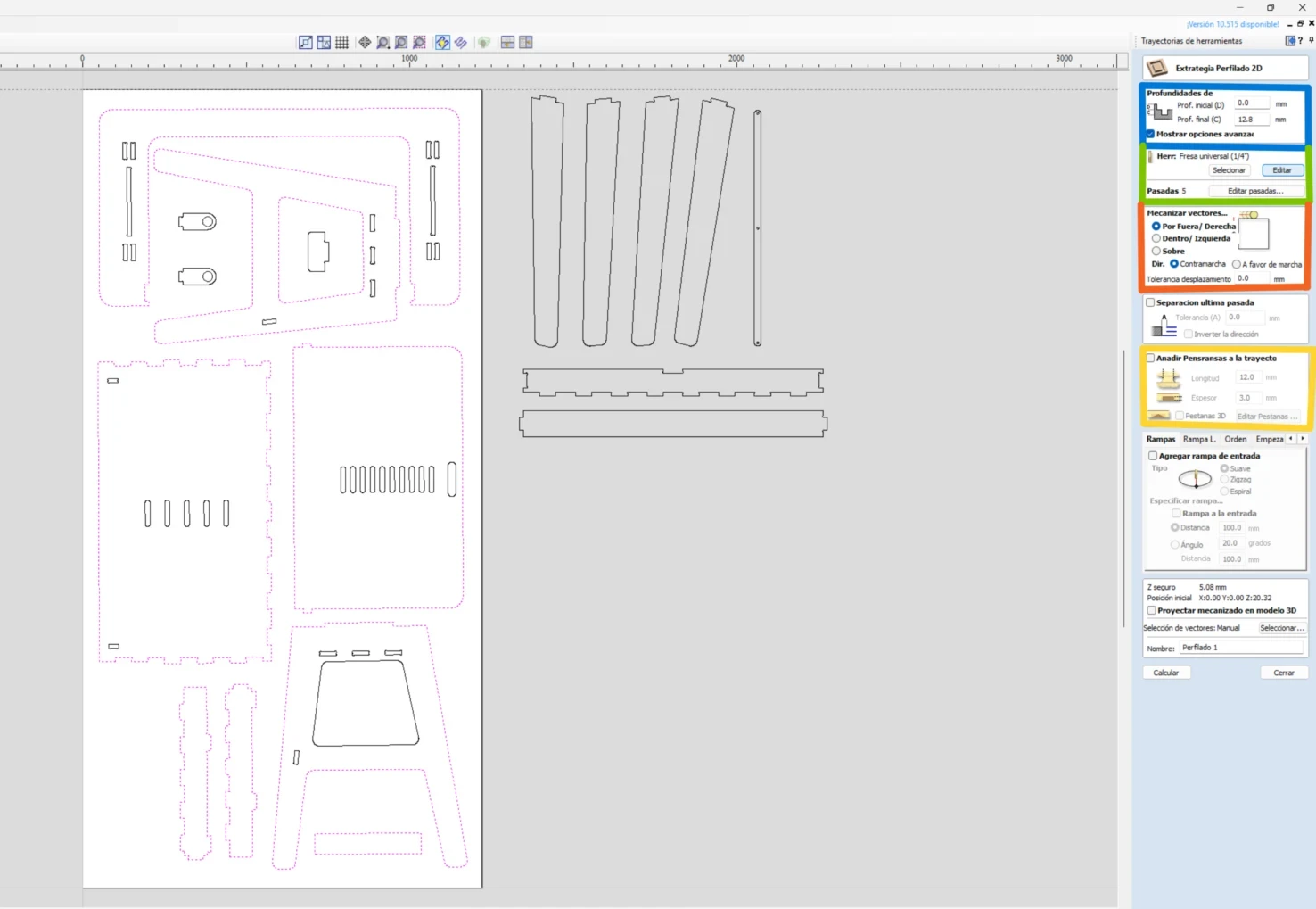
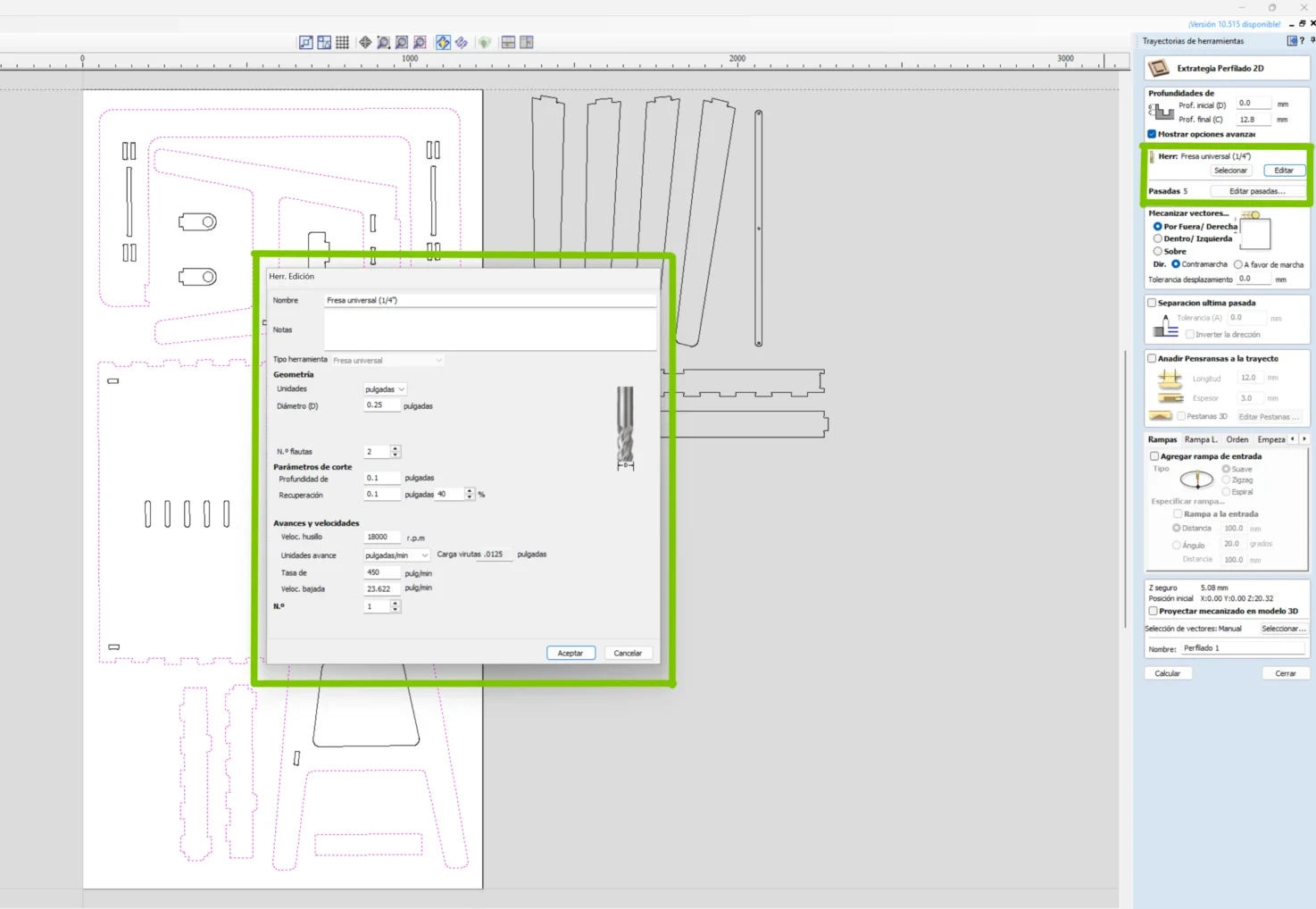
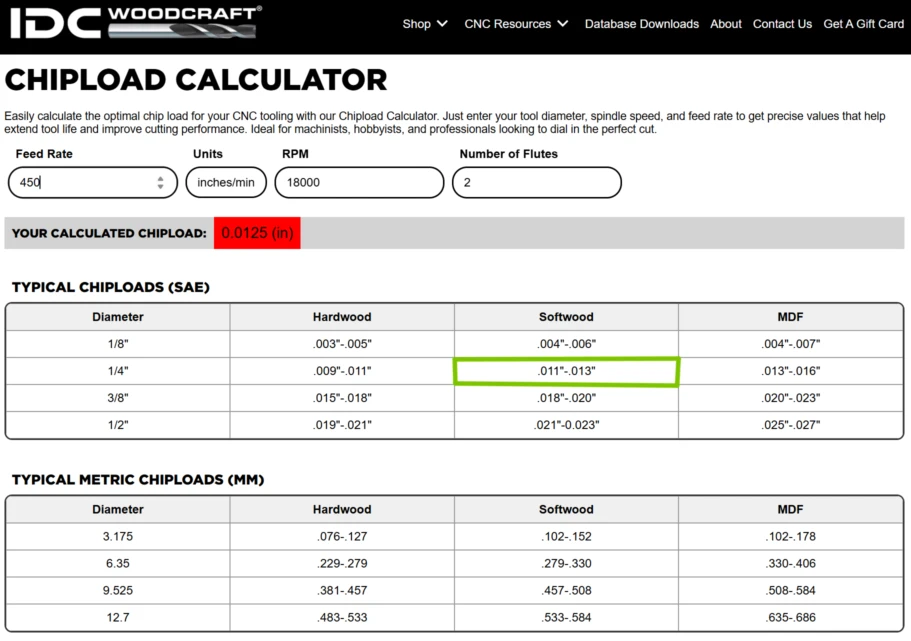
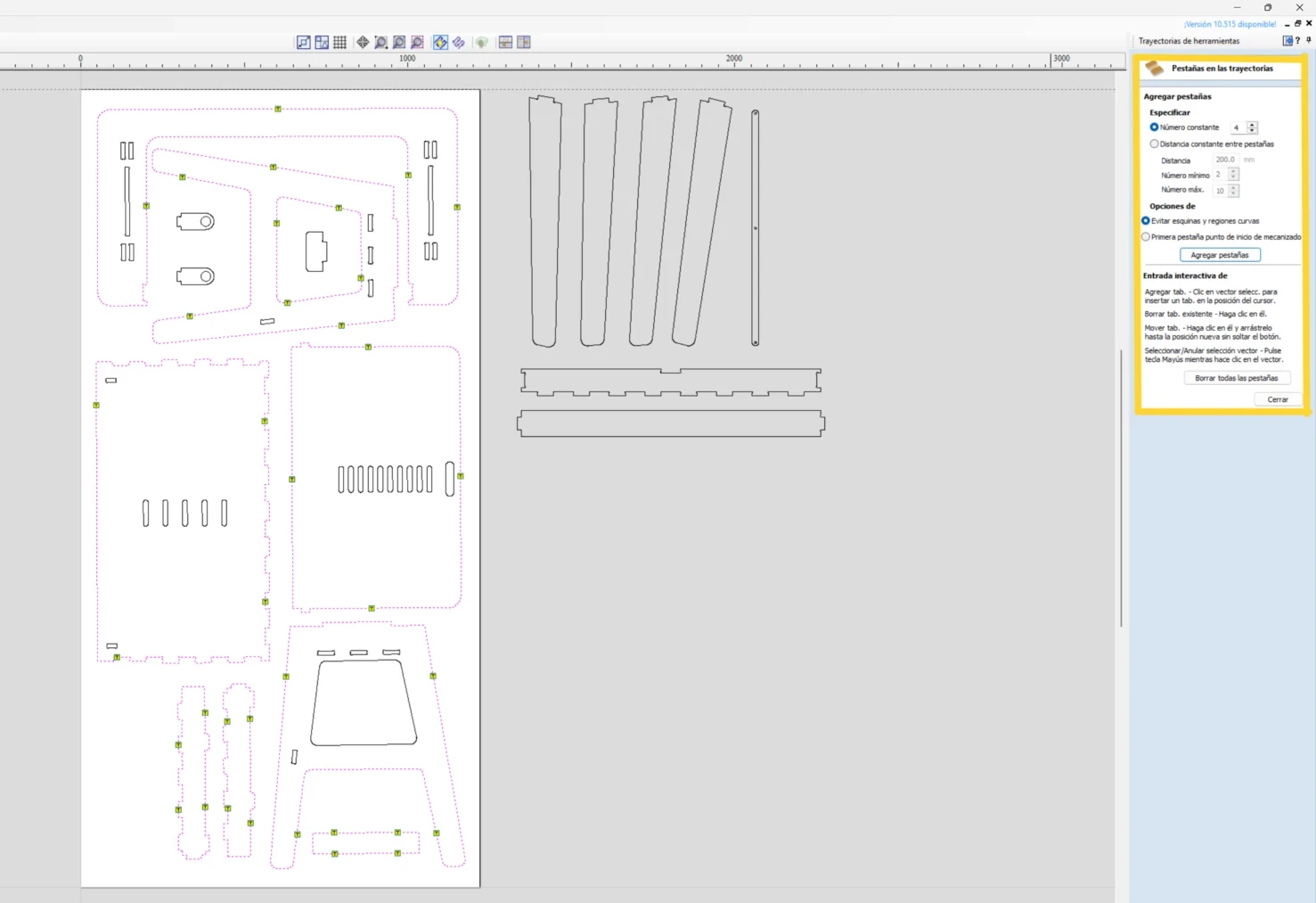
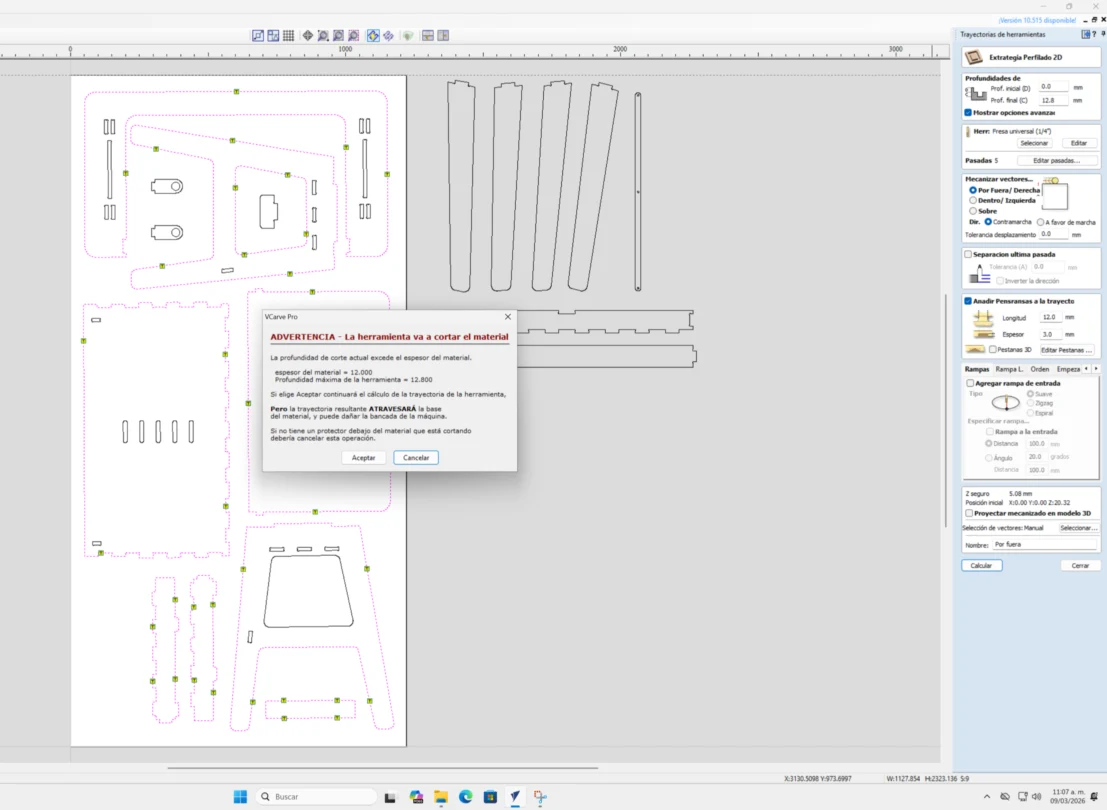
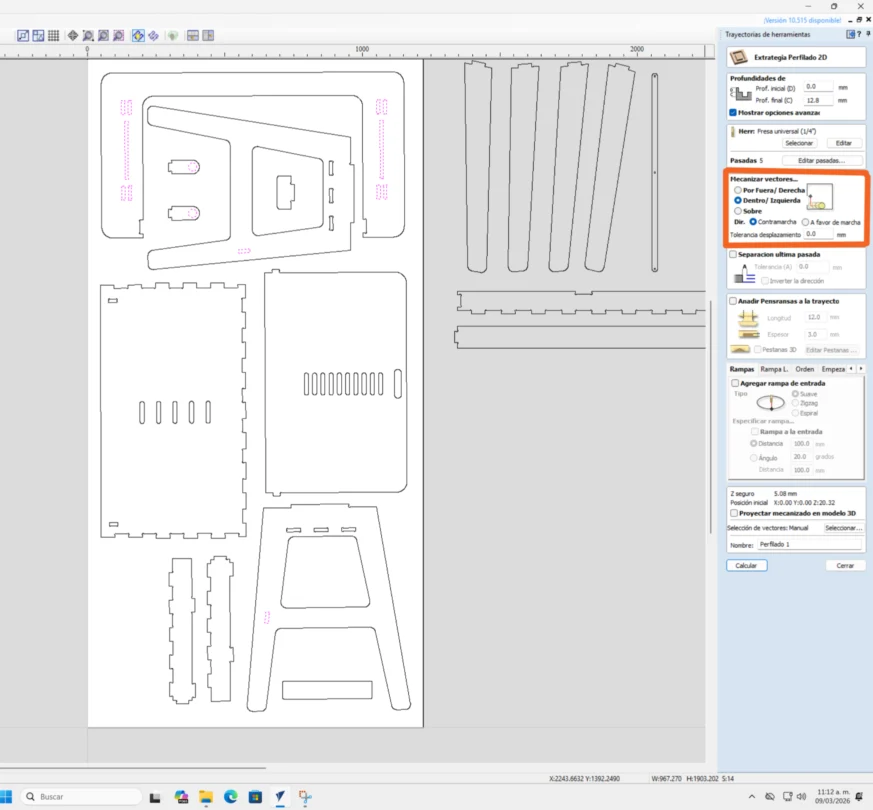
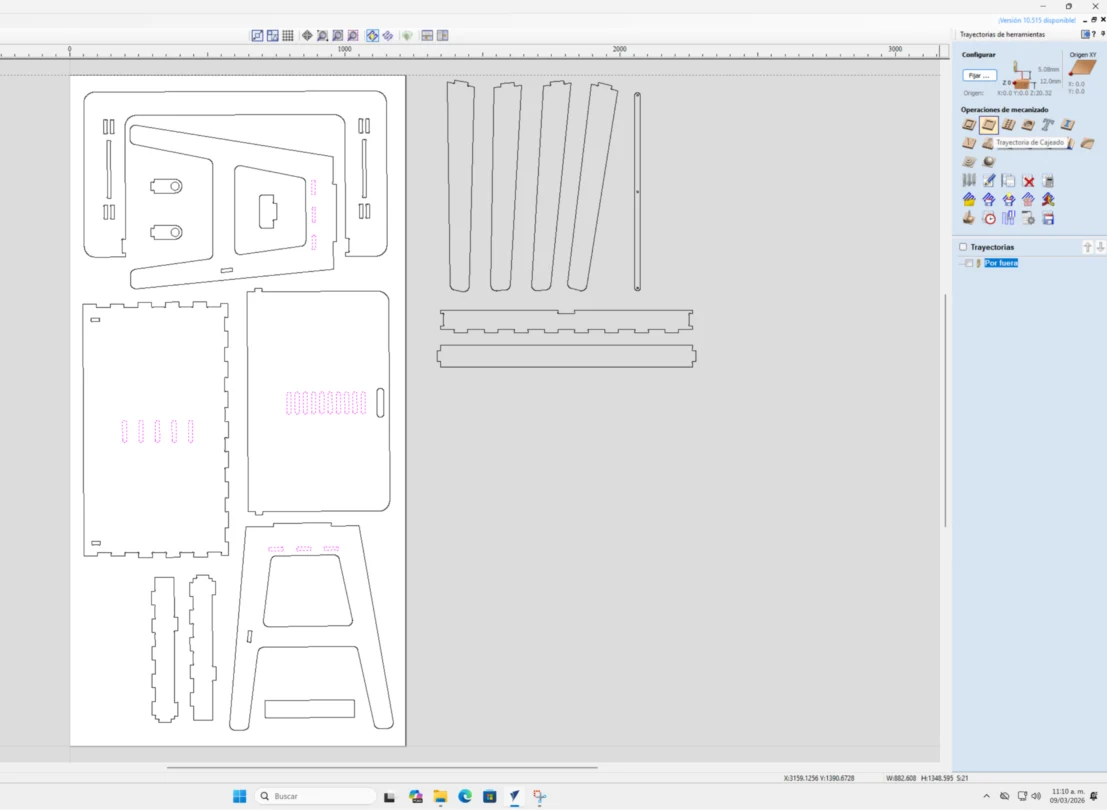
- Generating the toolpaths in Vcarve (here we selected the tool type, the feeds and speeds, the depth and passes and added tabs to keep the pieces attached)
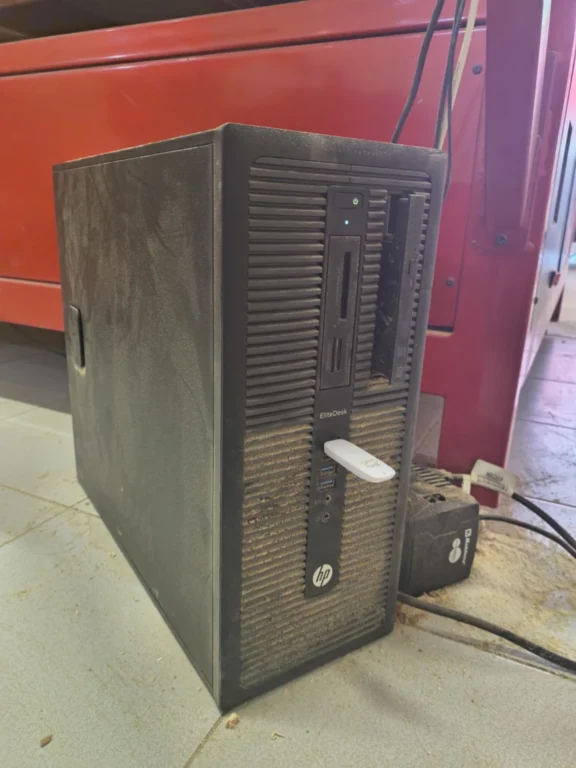
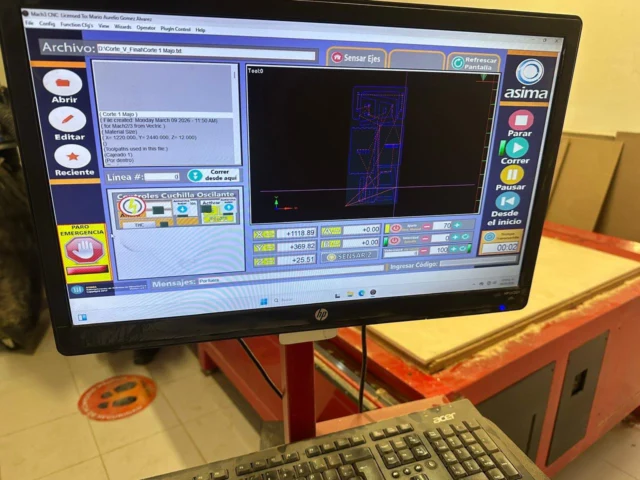
- Exporting the G-code that is compatible with the CNC machine (this case a Mach 2/3 Arcs file .txt)
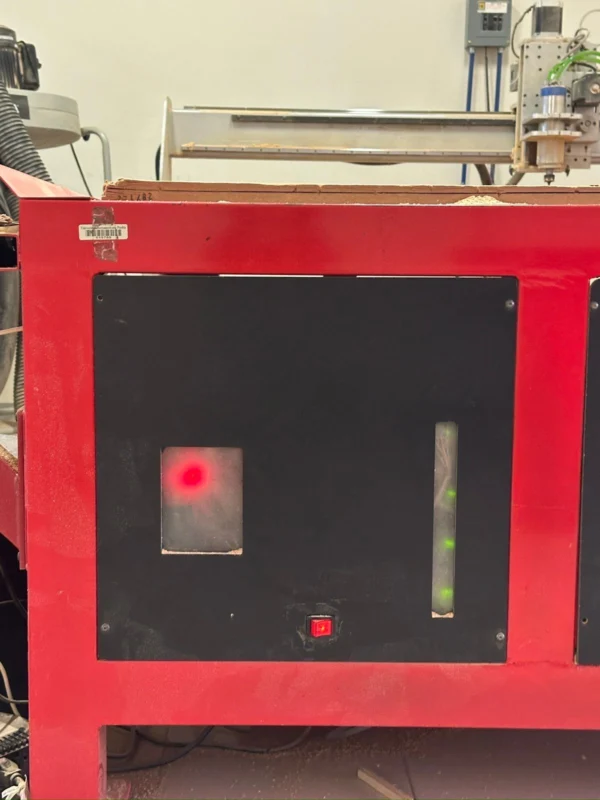
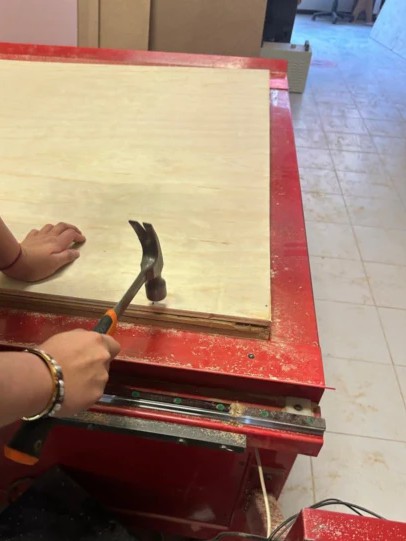
- Setting up the Machine by securing the material (plywood) and setting the X,Y,Z origins.
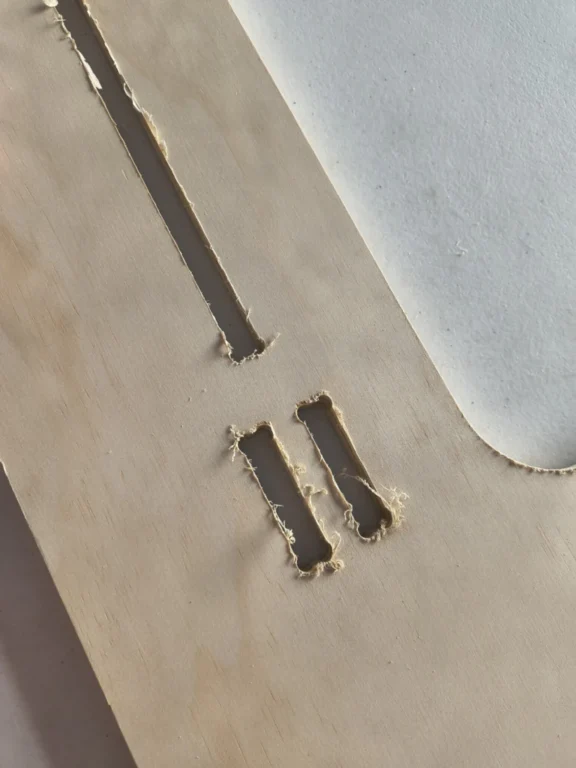
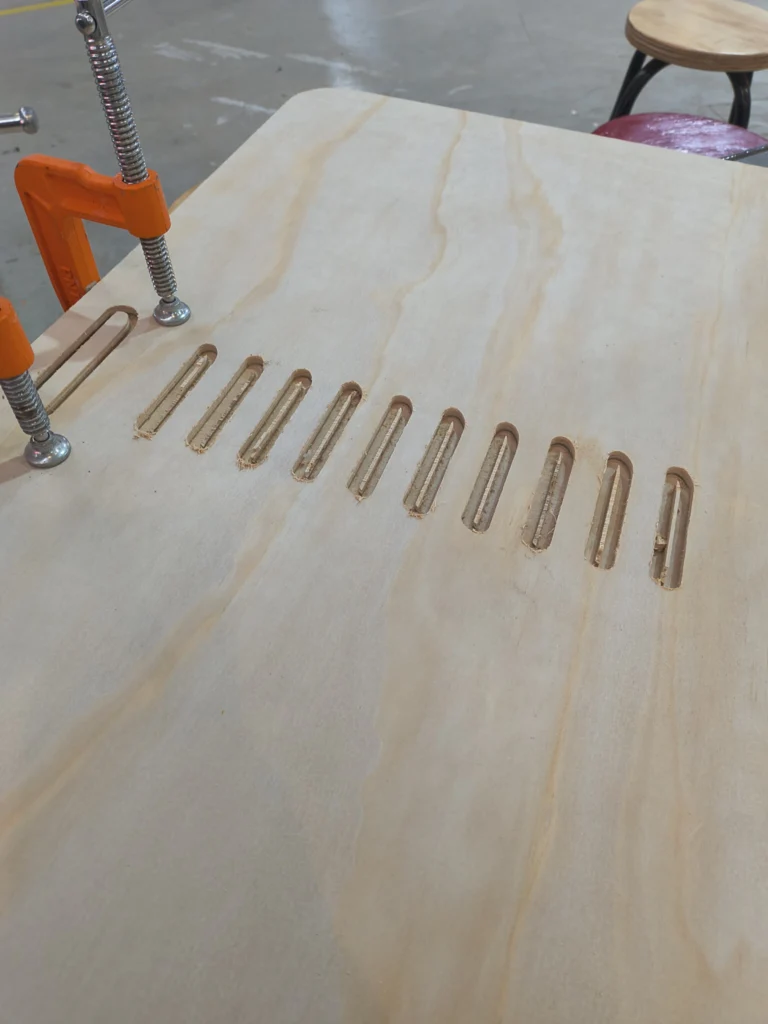
- Running the job, monitoring it, and removing the dust.
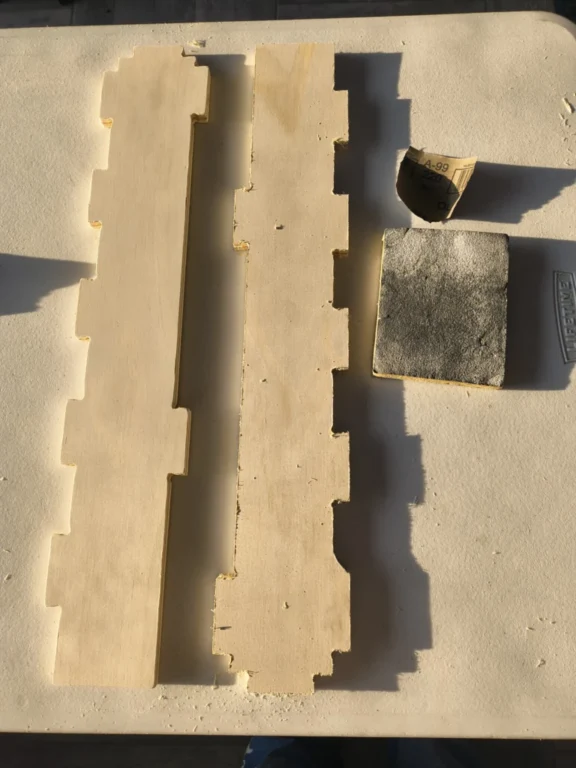
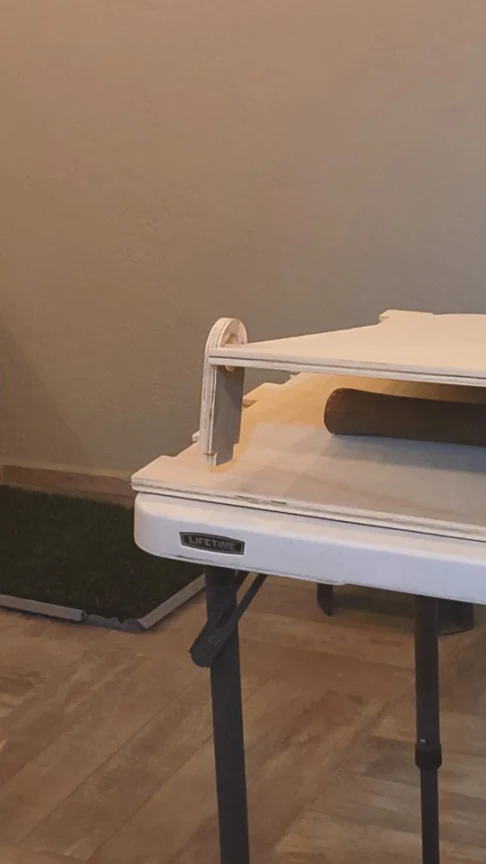
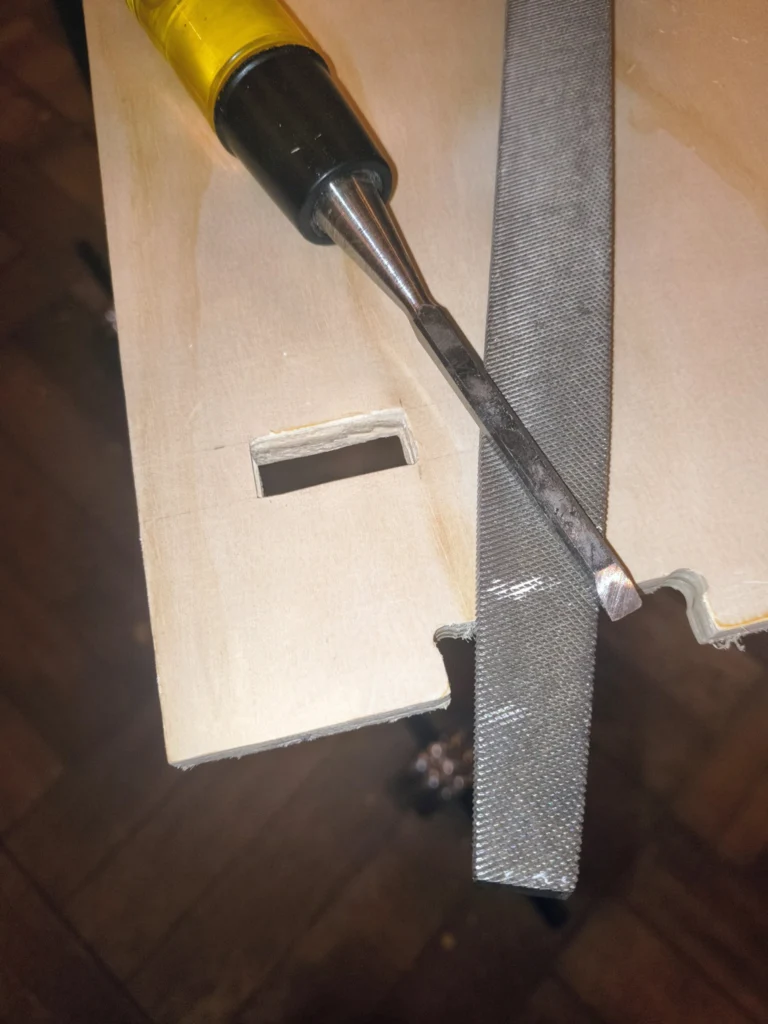
- Post-processing wich includes sanding and assembling.
Drafting table
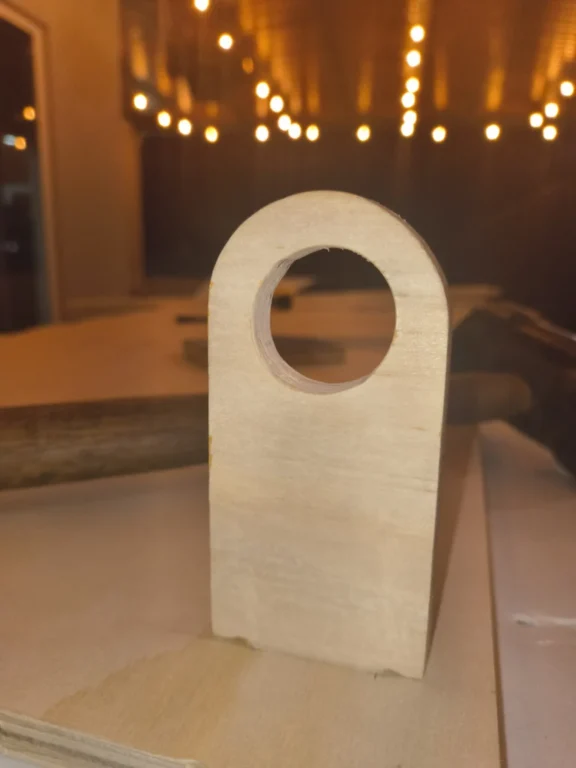
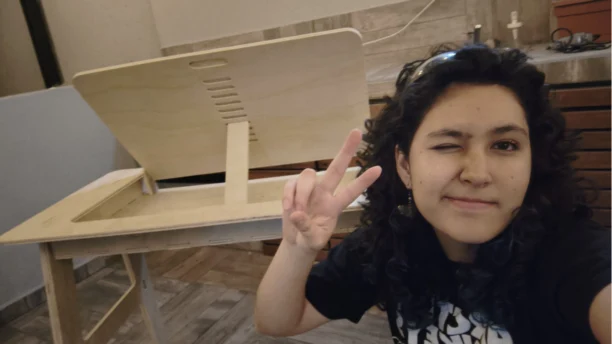
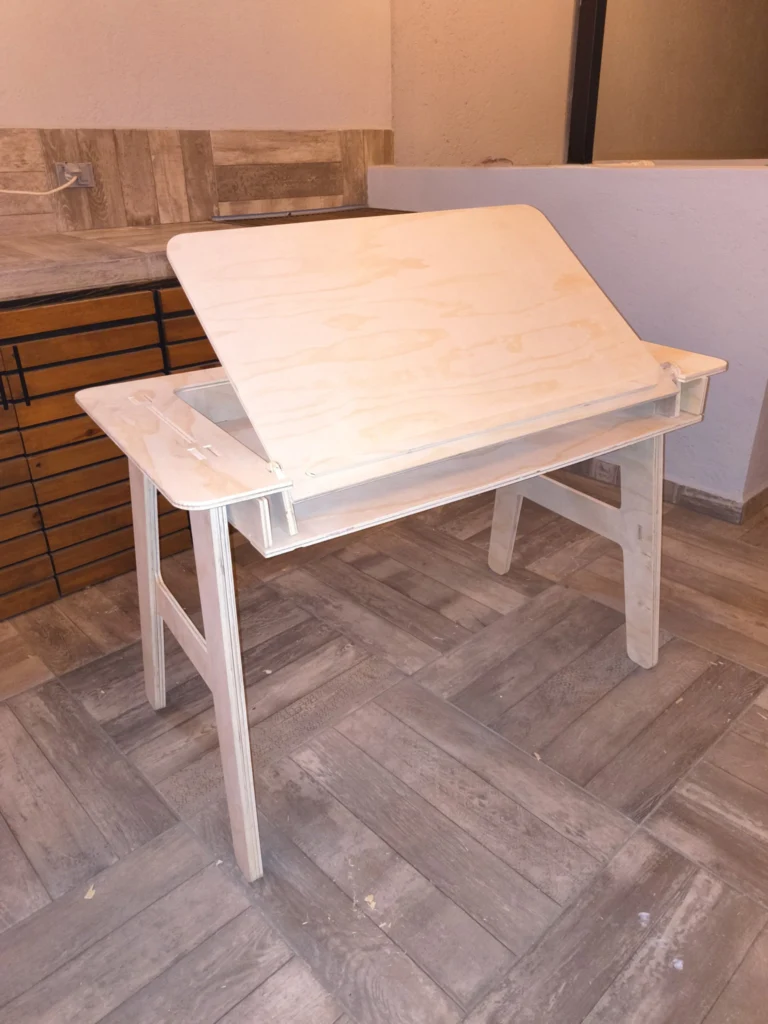
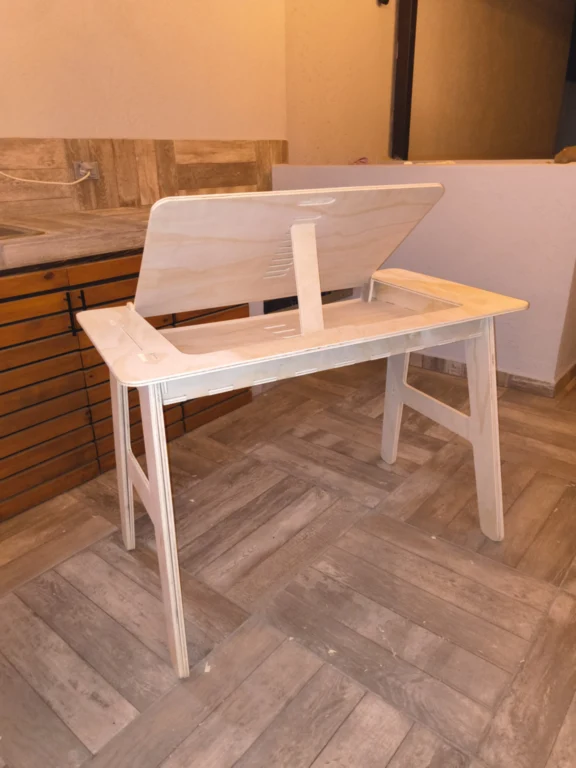
For this week I decided to do a press-fit drafting table, because it will help me a lot for when I'm drawing. It works with manual pivot and lock system, inspired from this design , this way I don't use screws or metal hinges, just the plywood. Here you can explore my process:
3D Modeling in Onshape
To model the desk I used parametric variables, extrusion and boolean tools. After one piece was done I used it as reference for the next one. In total I had 17 pieces.

Learning Outcomes
This week helped me understand that digital design is not only about creating shapes, but designing with intention.
- Vector precision is not automatic: Achieving a faithful vector can be tricky and time-consuming. Image tracing tools are helpful, but they do not always produce clean geometry. I learned that sometimes it is better to manually redraw vectors to have full control over curves and anchor points.
- Dominating parameters takes practice: Working with parametric tools requires understanding constraints and relationships between dimensions. It can be difficult at first to structure variables correctly, but once defined properly, we can have an iterative designs.
- Different CAD environments, different strengths: I did not struggle much transitioning between Onshape and Inventor because their interfaces are similar. However, Inventor offers more advanced tools like rendering, while Onshape is excellent for cloud-based modeling and accessibility.
- File compression and optimization: I learned that large files can slow down the webpage and sharing processes. So by compressing files properly we can reduce file size without losing a lot of quality. This is especially important when uploading our documentation. The biggest challenge for me was using FFMPEG to compress videos, but with some practice I undersanted how to use it.
This knowledge will help me trough my Fab LAB journey,as the fundamentals to document and model for my final project. Through this process I would like to learn how to use other CAD programs (Aside from Onshape I have worked with SolidWorks, Rhino, Fusion 360 and Blender, but have limited knowledge).