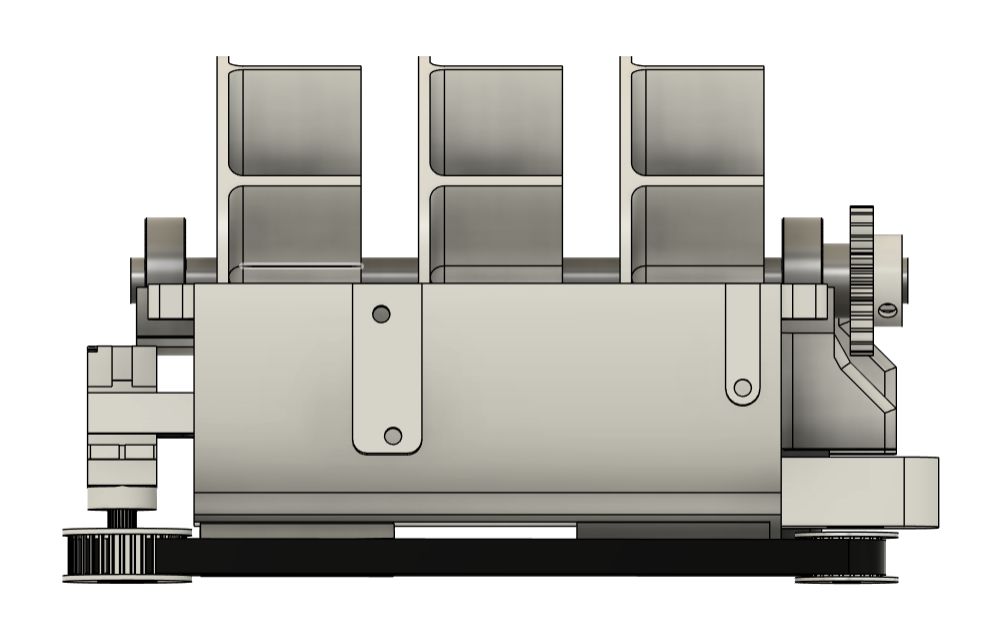
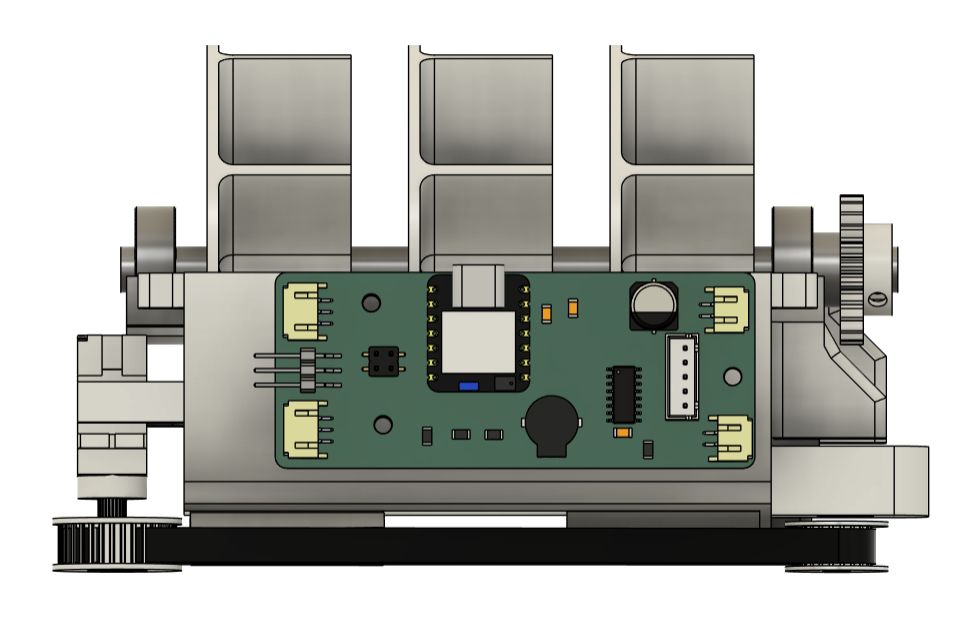
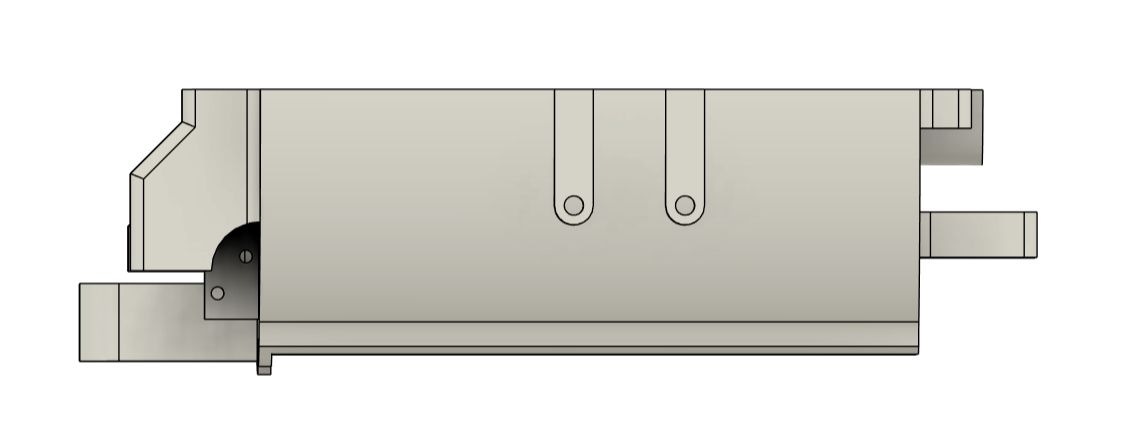
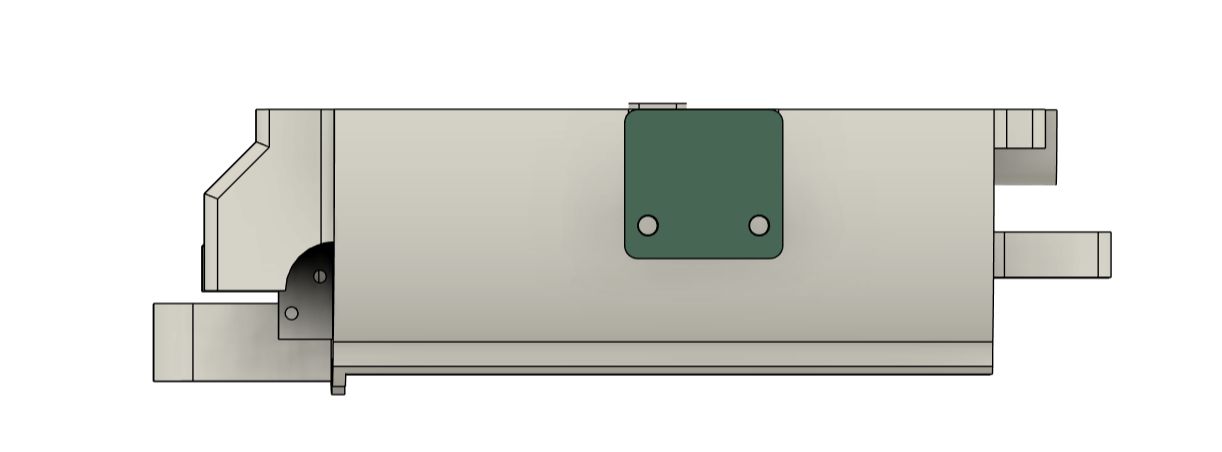
SYSTEM INTEGRATION

Assignment

What is System Integration

System integration is the phase where individual subsystems stop being separate experiments and start being a product. Up until this point, it's fine for each piece to work in isolation: a circuit that drives a servo, a firmware loop that checks a schedule, a 3D-printed shell that fits together. Integration means all of those things have to coexist in the same physical enclosure, share power, communicate over the same bus, and behave correctly under the same conditions, at the same time.

MediBee

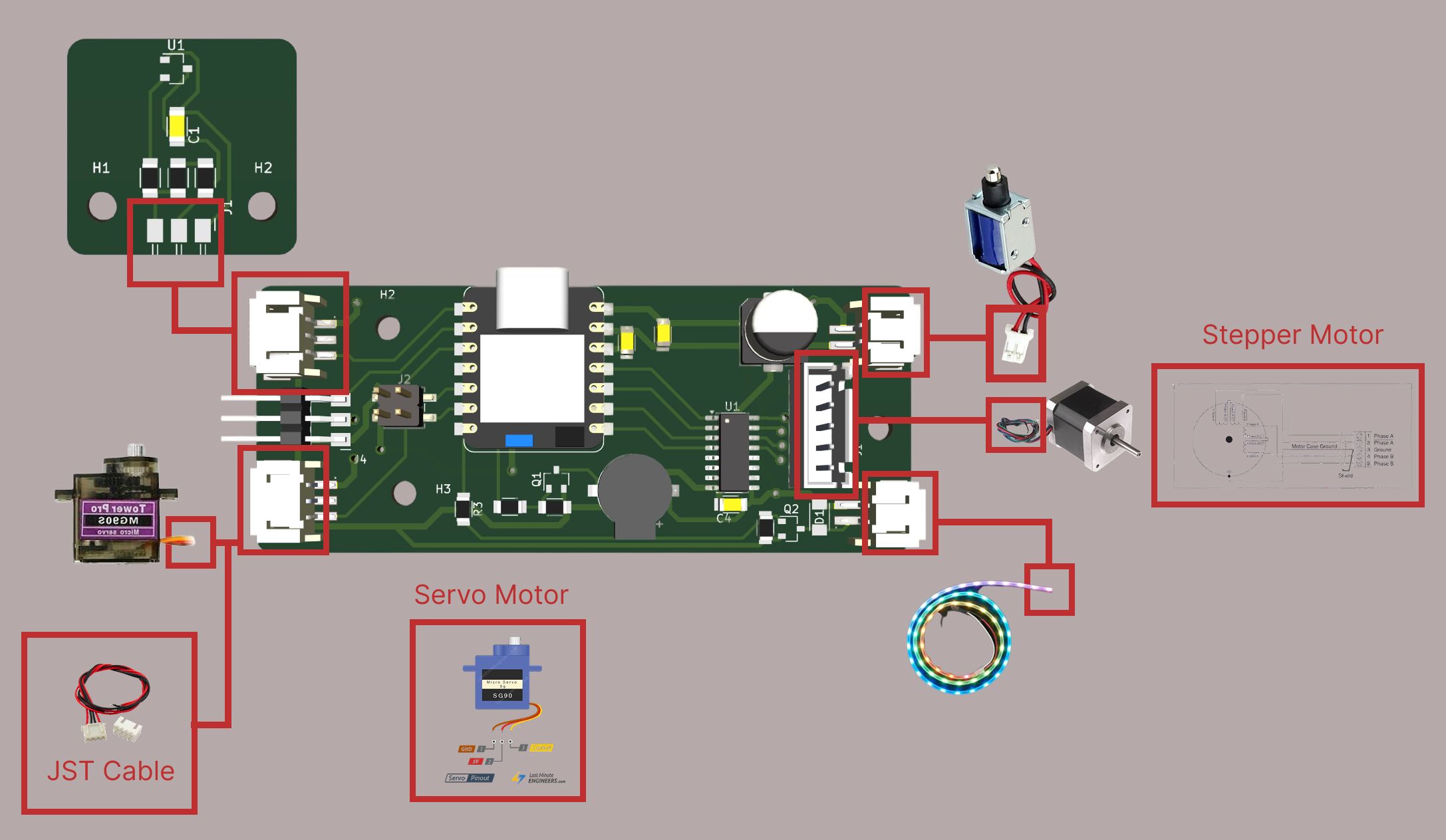
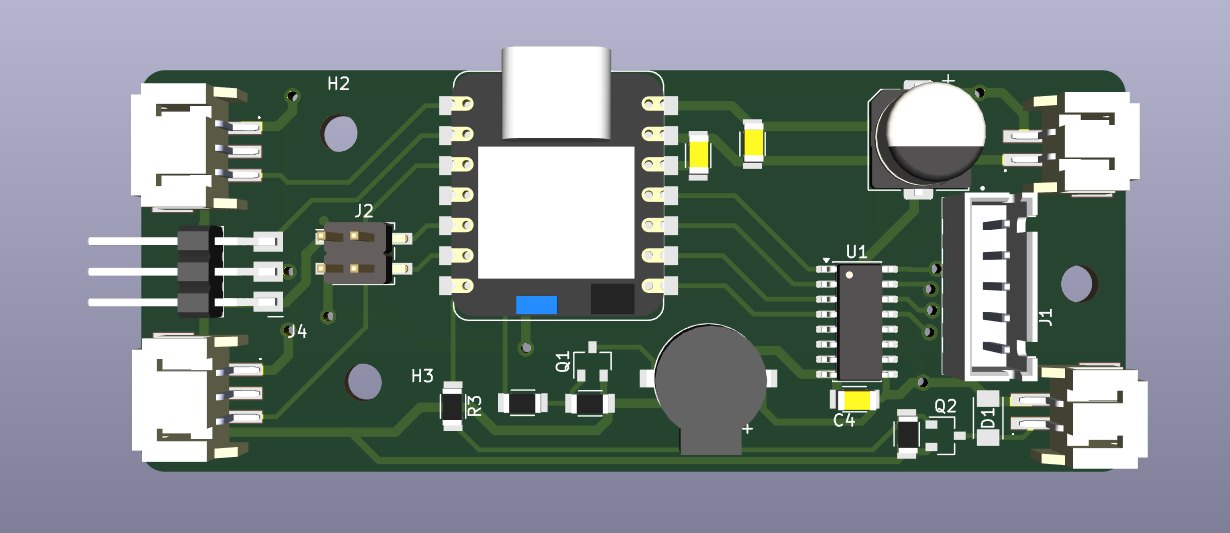
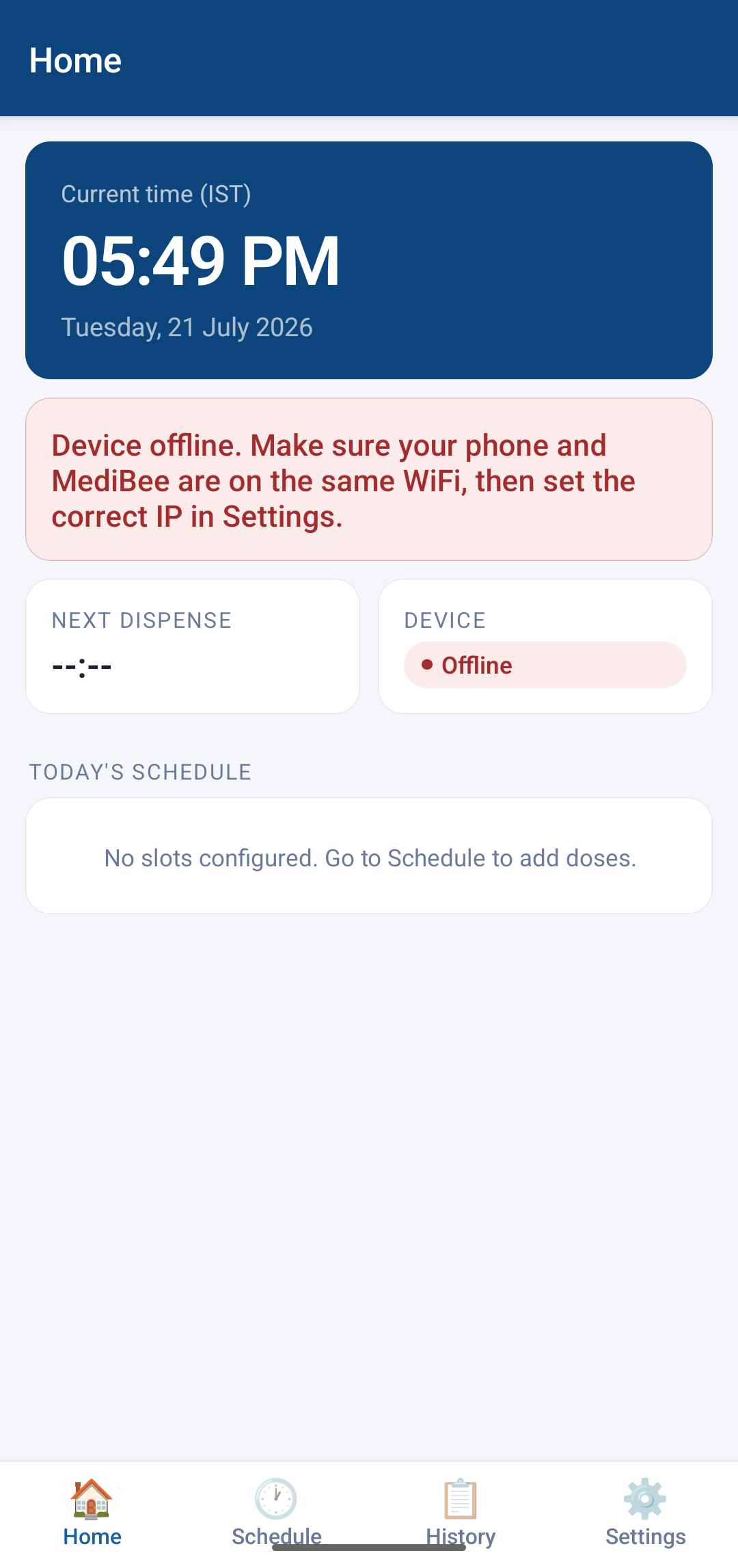
MediBee is a smart automatic pill dispenser built as my Fab Academy final project. The hardware is a custom PCB built around a XIAO ESP32C6, driving a 28BYJ-48 stepper motor (rotating a medication disc), a servo (controlling the dispensing gate), a solenoid lock, a passive buzzer, and an SSD1306 OLED display. On the software side, a React Native Android app communicates with the device over WiFi via a REST API hosted on the ESP32.

Each subsystem had been developed separately across previous weeks. System integration meant wiring them into a single enclosure, resolving hardware conflicts, and validating end-to-end behaviour from the phone app down to physical actuation.

System Architecture

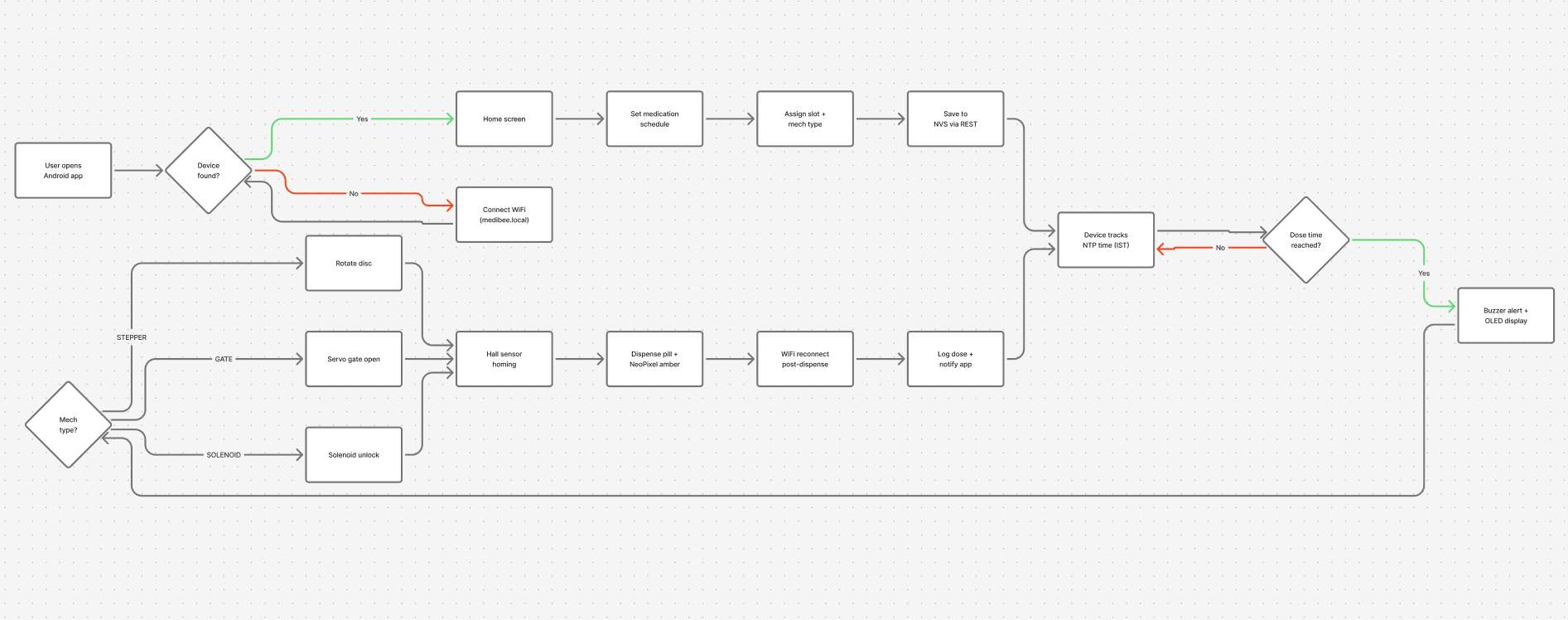
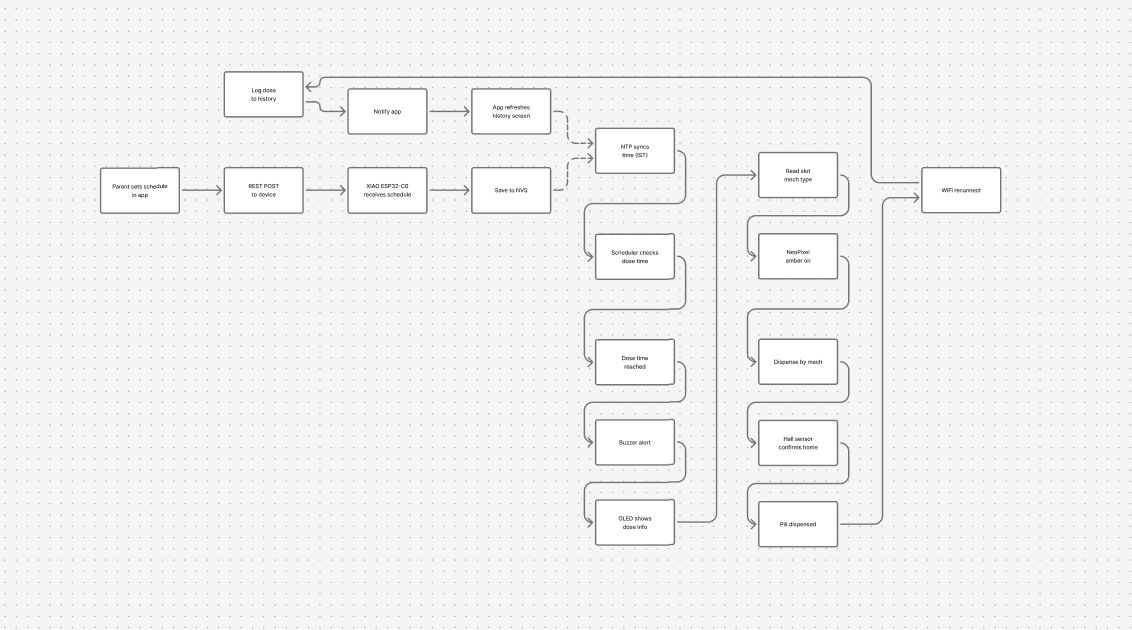
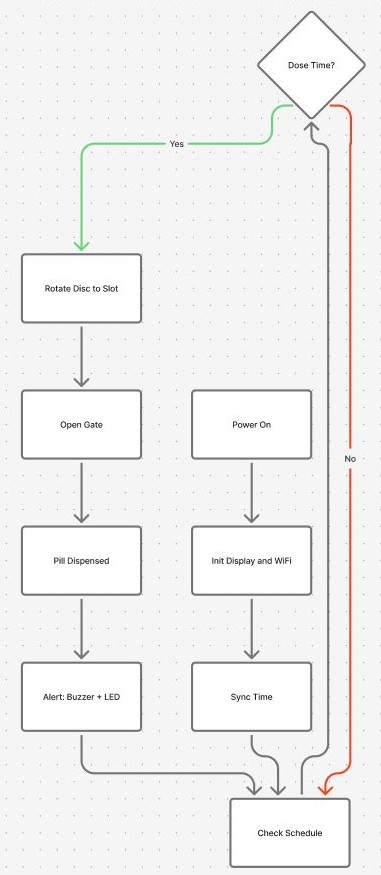
The full system has four layers:

The key integration requirement was that no layer should need to know the implementation details of another. The app talks to named HTTP endpoints — it doesn't know whether the device uses a stepper or a servo. The firmware drives hardware pins — it doesn't know what phone screen triggered the request. This separation meant I could test and iterate each layer independently before wiring them together.

Mechanical Integration

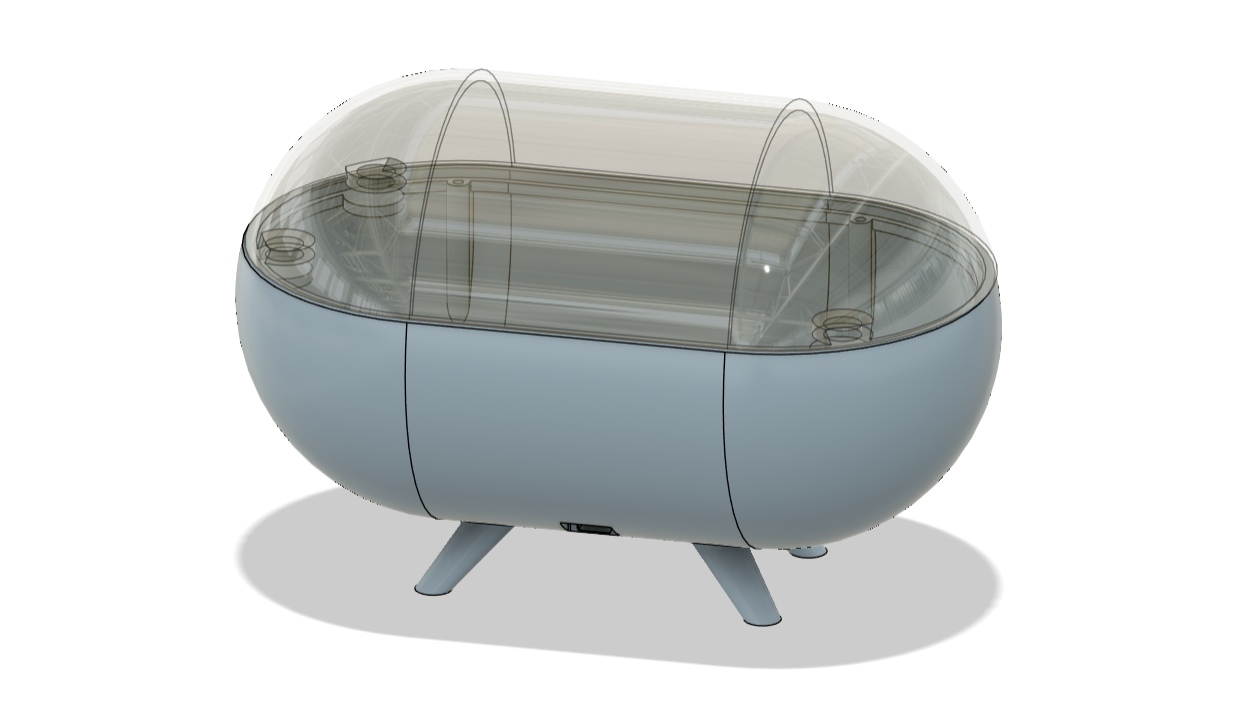
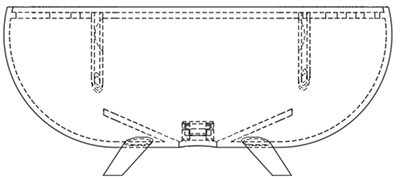
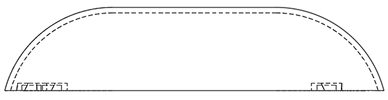
The enclosure was designed in Fusion 360 and printed in PLA. The main challenge during physical assembly was fitting all of the components into the available space with real wiring, not the idealised routing from the CAD model.

Disc and Motor Alignment

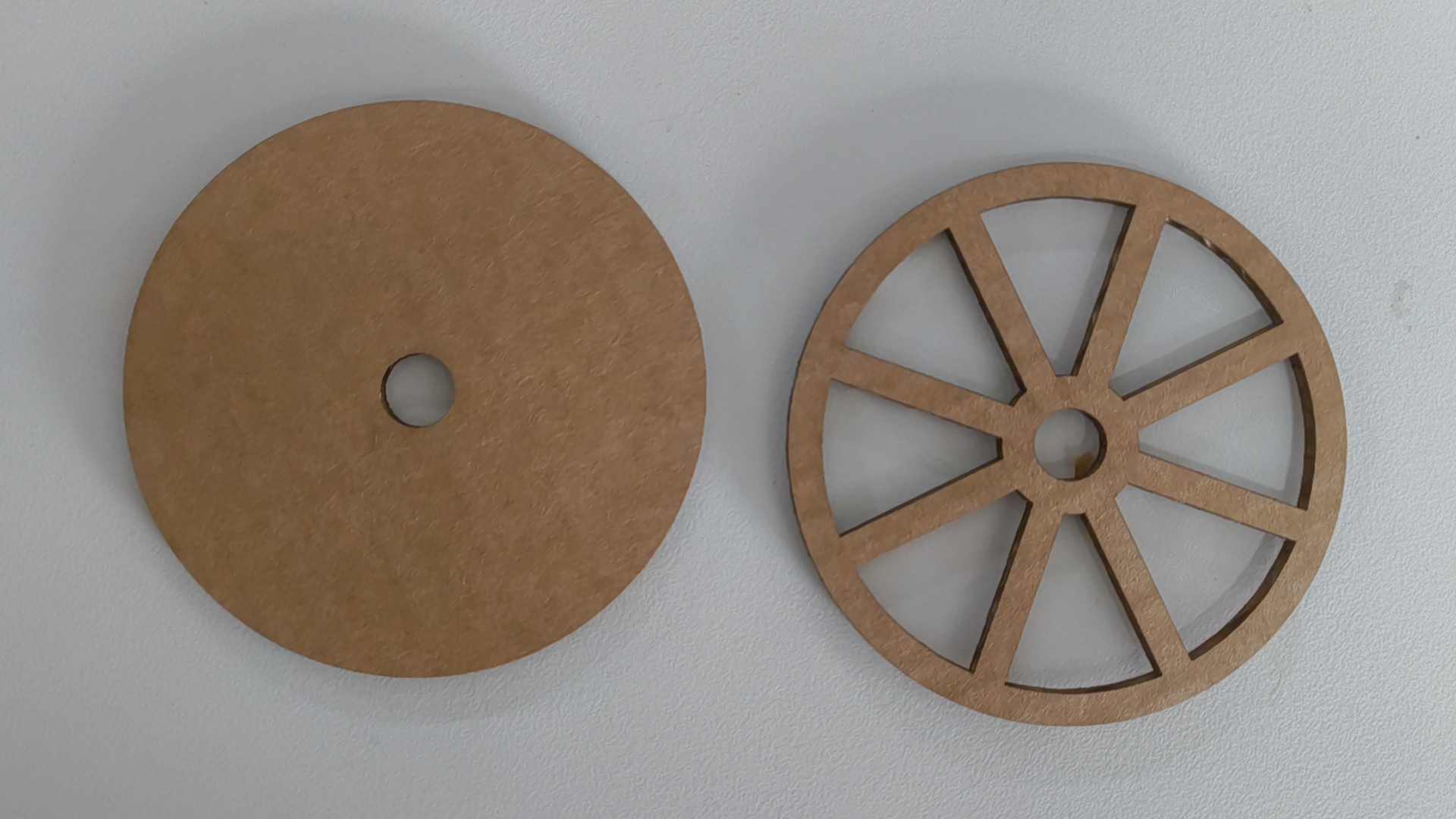
The medication disc was designed to grip the stepper motor shaft by friction alone, but under real load inside the enclosure it would slip and end up half a compartment off — lining the wrong pill slot up with the dispensing gate. The fix was a small protruding boss at the centre of the disc with an M3 screw pressing against the flat of the motor shaft, locking the disc in place mechanically. After that, the disc and shaft moved together with zero slip.

The Stepper motor will rotate only once during the day. Preferable in the morning, right before the first dose.
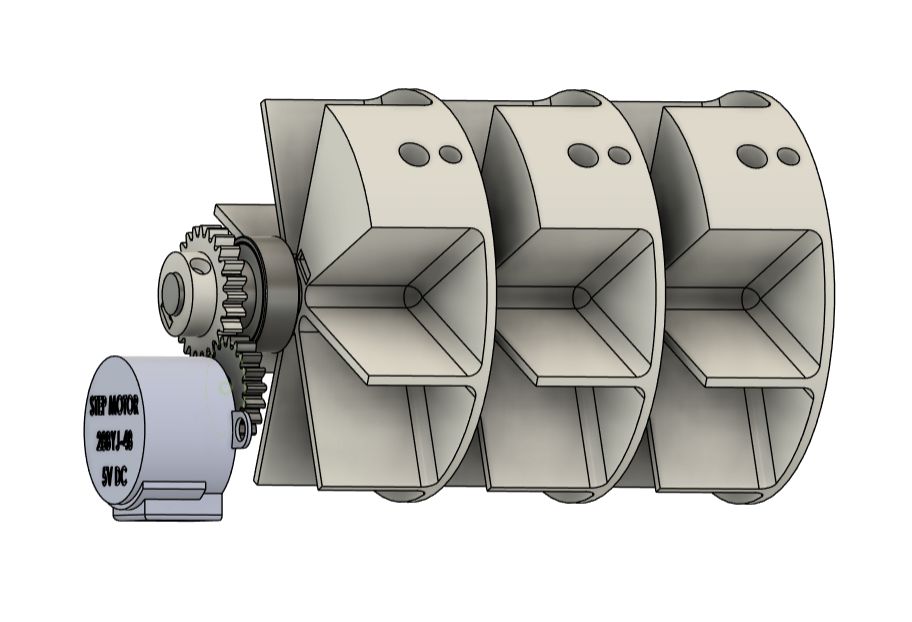
Disc and motor alignment

Servo Gate Mechanism

The servo controls the dispensing gate, a hinged flap that opens to drop a pill into the output chute.
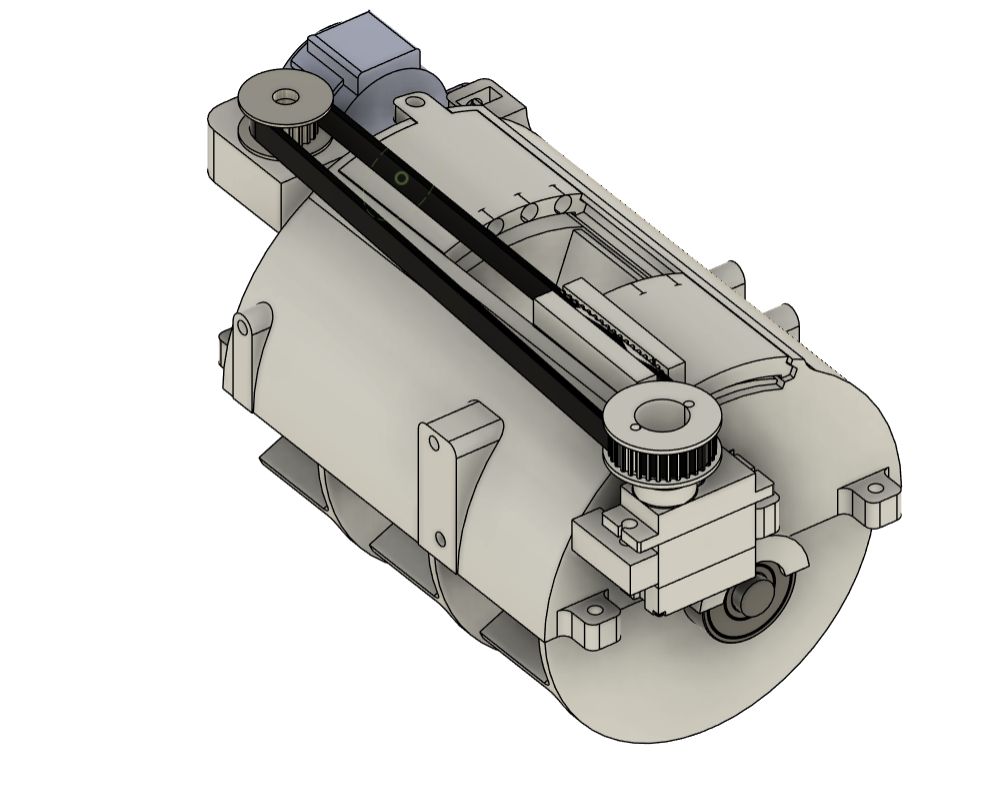
Servo gate mechanism

With this mechanism, I can control which slot must dispense at one time. From the image, you can see that the cmpartment at the center is not covered. This dispenses the morning dose.

At noon, the servo rotated the door to the center, which opens the compartment at the side, and the noon dose dispenses.

Solenoid Mounting

The solenoid lock is mounted to the enclosure using two M2 screws through a printed bracket. Getting the angle right was important — if the solenoid was even slightly off, the plunger would catch on the latch instead of sliding through cleanly.
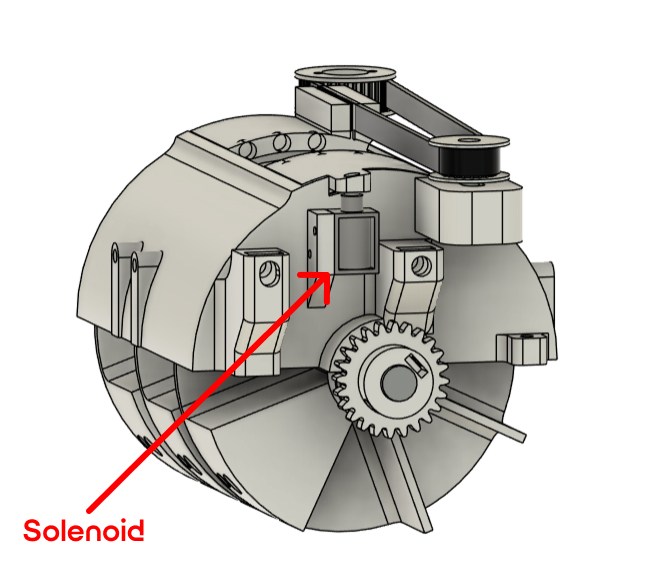
Solenoid mounting

When the solenoid is activated, the plunger retracts and releases the door. The servo rotates the other door to the center. Then rotates back to the original position, which opens the compartment at the side, and the noon dose dispenses.

This is possible by attaching magnets to the side of the doors.

Wire Routing

This was the biggest mechanical surprise. The PCB, stepper motor, servo, solenoid, buzzer, OLED, and Hall sensors together produce about 30 cm of wiring inside an enclosure that was designed with essentially zero consideration for harness routing.

Solenoid mounting Solenoid mounting

Electronics Integration

The custom PCB carried the XIAO ESP32C6 plus driver circuits for all the peripherals. Board-level testing had verified each peripheral independently. Integration testing found two issues that only appeared when everything was running simultaneously.

Power Rail Noise

When the stepper and solenoid fired at the same time, the 5 V rail dropped briefly and the OLED either blanked or displayed garbage for one frame. Both the stepper driver (ULN2003) and the solenoid driver (a single transistor) are inductive loads, and neither had a flyback diode on the schematic — I had planned to add them and then forgot. Adding a 1N4007 across each coil terminal and a 100 µF electrolytic cap across the 5 V input header resolved the rail drop. The OLED stopped misbehaving.

I2C Bus Reliability

The OLED is the only I2C device, so bus contention was not an issue, but the OLED occasionally failed to initialise on power-up when the ESP32 was also connecting to WiFi. The WiFi stack startup on the ESP32C6 is aggressive — it temporarily preempts other tasks including the I2C peripheral clock. The fix was simple: move the OLED begin() call to after WiFi connection is confirmed, with a 100 ms delay before the first display(). That gave the I2C bus time to settle and the OLED has initialised cleanly on every power cycle since.

Hall Sensor Calibration

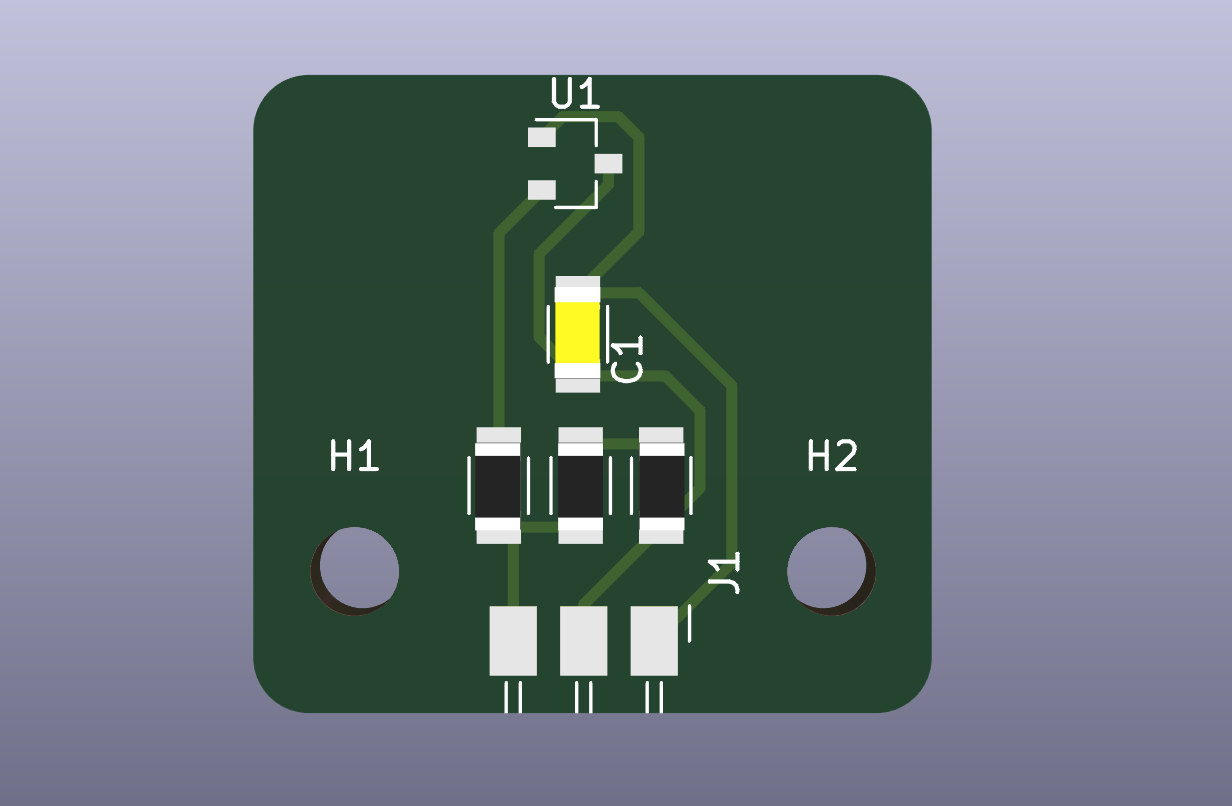
The disc home position is detected by a Hall effect sensor mounted beneath the track. During integration I found the sensor was triggering at slightly different disc positions depending on temperature — the PCB sitting next to the stepper motor warms up over a 20-minute dispensing session and the Hall threshold drifts. The firmware already had a polarity auto-detect at boot (sampling 20 readings), but I extended it to also sample and store the background field level, then use a 10% hysteresis band around that level rather than a fixed threshold. The homing became consistent across the full operating temperature range.

Firmware Integration

The firmware was written in Arduino C++ and structured into independent modules — each hardware subsystem has its own functions and the main loop coordinates them. Integration testing revealed ordering and timing issues that weren't visible in unit tests.

Startup Sequence Order

The original startup sequence initialised the WiFi stack before homing the stepper disc. This created a 5-10 second window where the disc was in an unknown position and the HTTP server was already accepting requests. If the app happened to call GET /status during that window, the firmware returned a slot position of 0 even when the disc hadn't homed yet, and a subsequent POST /dispense could fire before the disc was ready.

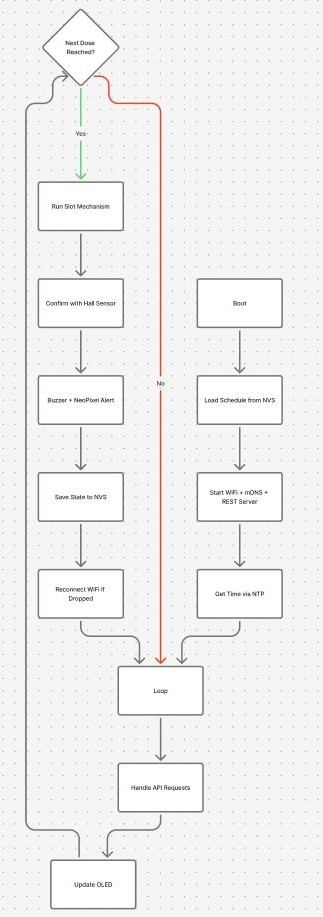
The fix was to restructure the startup sequence so the disc always homes before WiFi connects:

  1. Configure all GPIO pins
  2. Lock solenoid and close gate to known state
  3. Init I2C and bring up the OLED
  4. Load saved data from NVS
  5. Auto-detect Hall sensor polarity
  6. Home the disc — stepper runs until Hall sensor triggers
  7. Connect to WiFi
  8. Sync NTP time
  9. Register HTTP routes and start server
  10. Double buzz — ready

With this order, the device only starts accepting requests when it is fully initialised. A banner on the OLED shows "HOMING…" then "CONNECTING…" then "READY" so the user can see the startup progress.

Dispense Concurrency

The HTTP server runs on a background task and the dispense logic runs on the main task. When a POST /dispense request came in while an automatic scheduled dispense was already running, both the request handler and the scheduler tried to call dispenseSlot() simultaneously. On the bench this never happened because test requests were sent manually between scheduled doses. In integration it was easy to trigger — open the app while a scheduled dispense is in progress and tap Dispense Now.

The fix was a boolean flag dispensing set at the start of any dispense call and cleared at the end. Both the HTTP handler and the scheduler check this flag before calling dispenseSlot(). If a dispense is already in progress, the HTTP handler returns HTTP 409 and the app shows a brief message — "Device busy, try again shortly."

NTP Time Sync

The device syncs time over NTP at startup and then again every 6 hours. During integration, I found the re-sync was happening mid-dispense — the NTP update momentarily blocks the main loop long enough to miss a dose check in the 10-second polling interval. Moving the NTP sync to fire only when no dispense is in progress (using the same dispensing flag) resolved the conflict.

App Integration

The React Native app was developed and tested against a mock API running on a laptop. When tested against the real device over WiFi, two issues came up.

IP Address Discovery

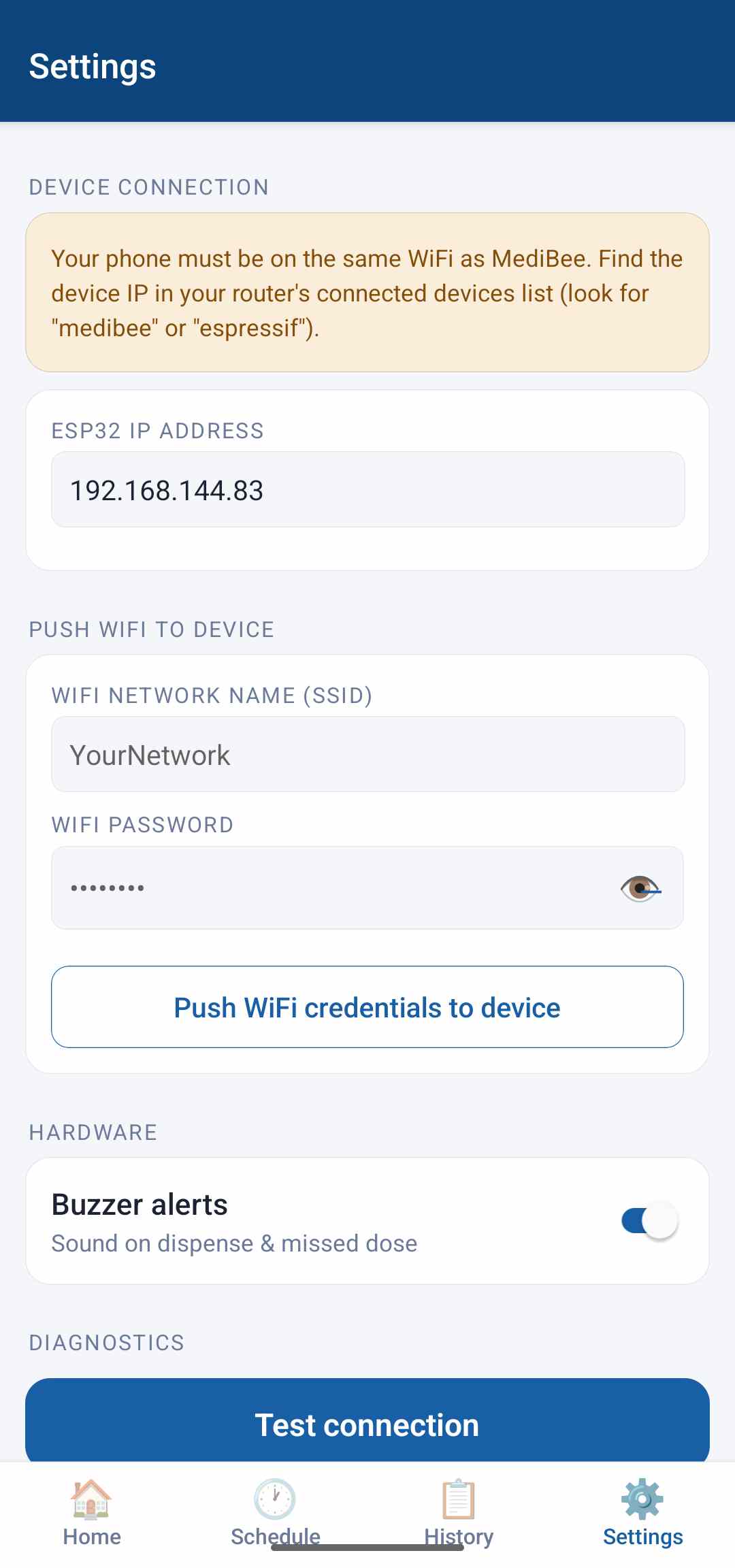
The app requires the user to manually enter the device's IP address. In a home network this IP is usually stable (routers tend to hand out the same lease), but in the lab the device got a different address each session because multiple devices share the same pool. The workaround in the short term was to configure the lab router to assign a static IP lease to the ESP32's MAC address. The longer-term solution would be mDNS — the ESP32 can advertise itself as medibee.local and the app can resolve that hostname — but that's a post-integration improvement.

Offline State Handling

The app polls GET /status every 15 seconds to determine whether the device is online. During integration I found that when the device was rebooting (e.g., after pushing new WiFi credentials), the 5-second fetch timeout in apiFetch meant the app could spend up to 20 seconds showing "Online" before the poll caught the device going offline. This wasn't a functional problem but it confused users who expected the badge to update immediately after hitting Reset Device.

The fix was to immediately set online = false in the Settings screen when the user confirms the reset, without waiting for the next poll cycle. The badge updates within one render frame of the button press.

End-to-End Test

Once all three integration fixes were in place, I ran a full end-to-end test covering the primary user flow:

  1. Power on device — observe HOMING → CONNECTING → READY on OLED
  2. Open app on phone — confirm Online badge appears within 15 seconds
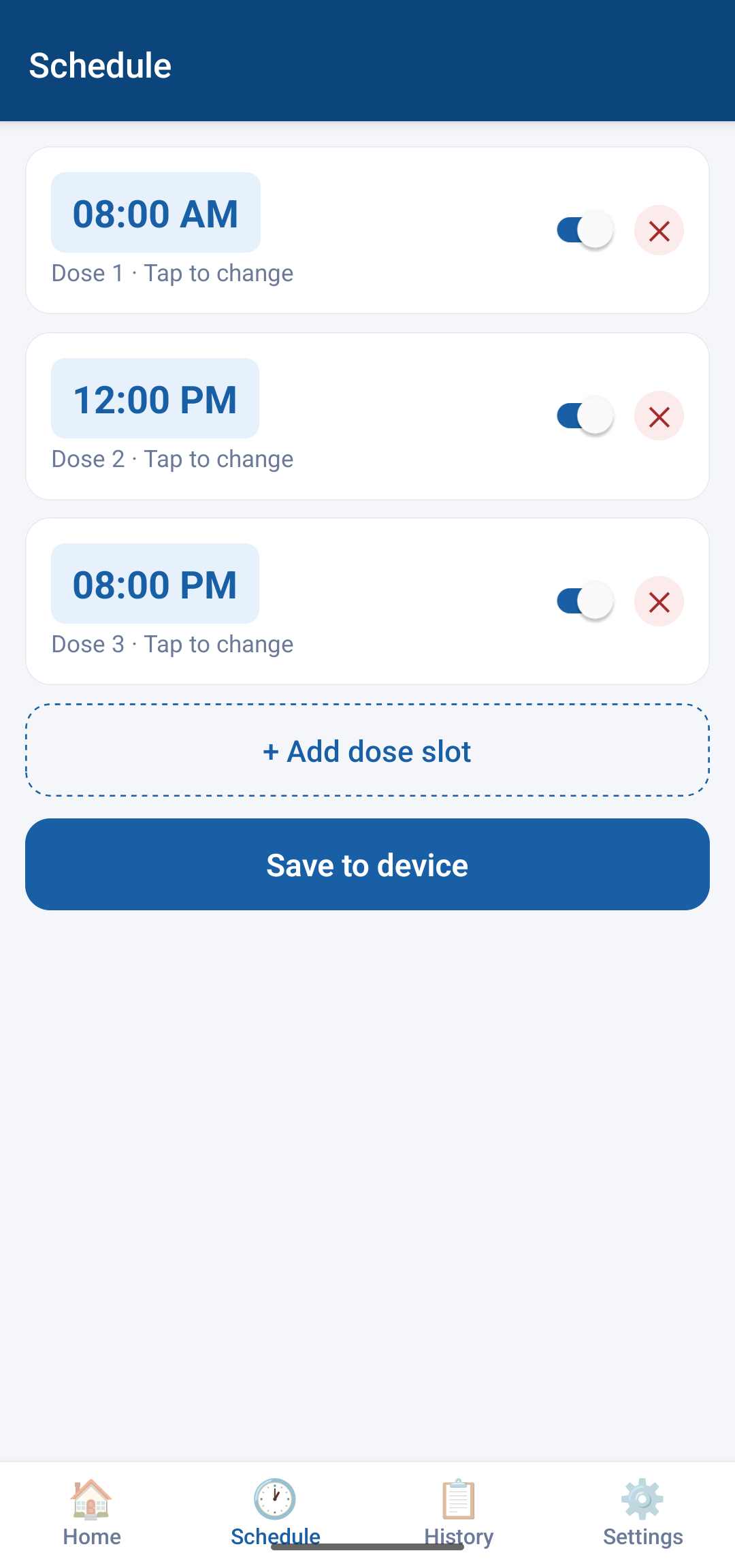
  3. Navigate to Schedule — confirm current slot list loads from device
  4. Add a new slot 2 minutes in the future — save to device
  5. Wait for automatic dispense — observe stepper rotate, gate open, buzzer sound, OLED update
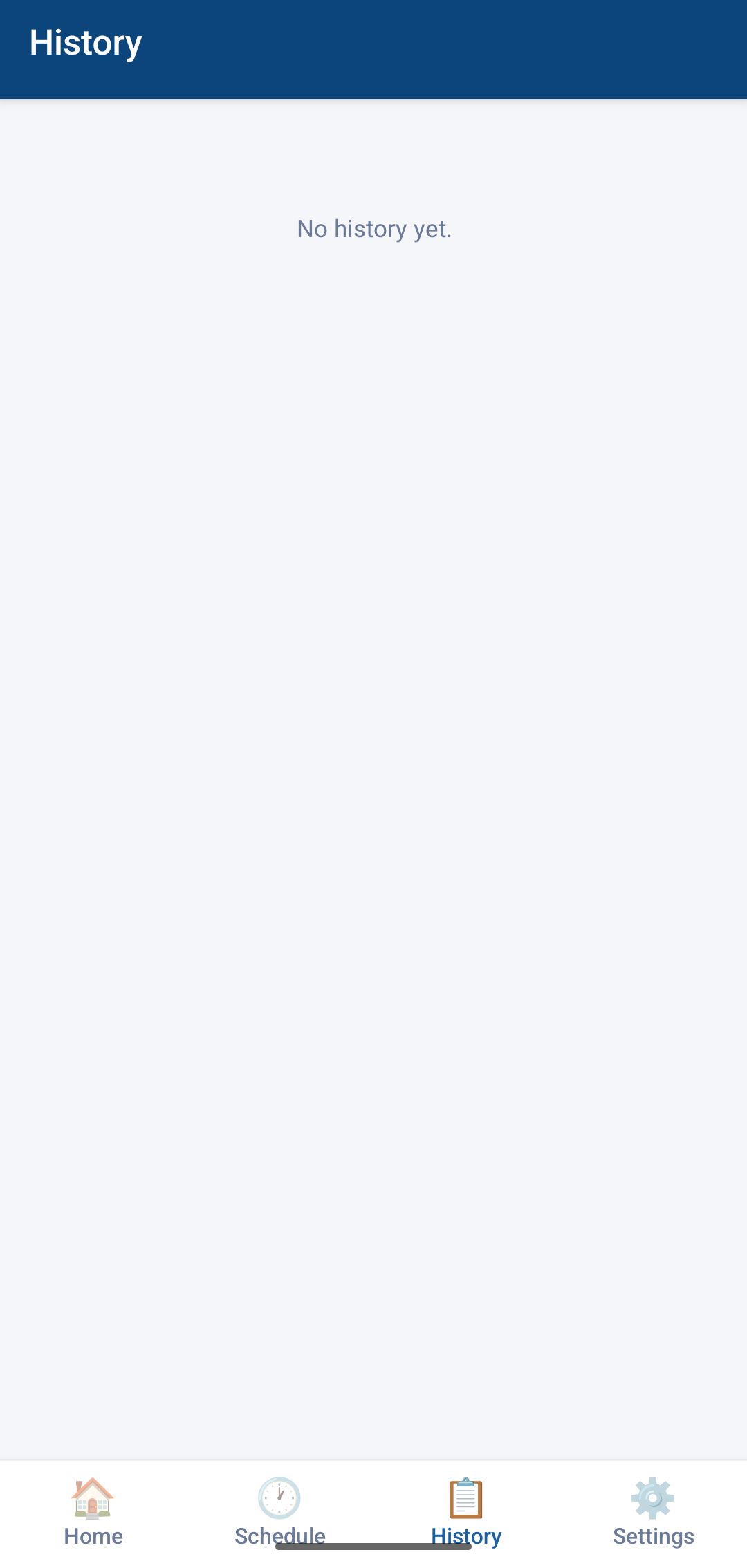
  6. Navigate to History — confirm dispense event appears with correct timestamp and Taken status
  7. Navigate to Home — tap Dispense Now on a slot — confirm manual dispense fires immediately
  8. Navigate to Settings — push new WiFi credentials — tap Reset — confirm device reconnects

All eight steps passed on the first run after integration. Steps 5 and 6 (automatic dispense + history) are the highest-risk path because they span firmware timing, hardware actuation, NVS writes, and an HTTP response — four subsystems in sequence. Getting that path clean is what system integration week is for.

Issues Encountered and Resolved

Issue Root Cause Fix
Disc slips during dispense Friction-fit shaft connection had play from print tolerance Set-screw boss on disc hub, M2 bolt pins to motor shaft flat
Gate servo drags on enclosure wall CAD clearance gap too small after print tolerance Reprinted gate housing with 1.5 mm slot instead of 0.5 mm gap
OLED blanks during stepper + solenoid fire Missing flyback diodes on inductive loads caused 5V rail drop Added 1N4007 across each coil, 100 µF cap across 5V input
OLED fails to init on power-up WiFi startup preempts I2C peripheral clock Moved OLED init to after WiFi connection, added 100 ms delay
Hall sensor triggers at inconsistent positions Background field level drifts with temperature Extended polarity detect to store baseline field, applied 10% hysteresis band
HTTP server accepts requests before disc homes WiFi connected before homing in startup sequence Restructured startup: home disc first, then connect WiFi
Concurrent dispense from HTTP handler and scheduler No mutex on dispenseSlot() between tasks dispensing flag checked by both callers before entering dispense
NTP sync blocks dispense loop Re-sync timer fires regardless of device state NTP re-sync gated on !dispensing
App badge slow to update after device reset Badge driven by poll cycle, not by button action Immediately set online = false on reset confirmation in UI

What the Integrated System Looks Like

At the end of integration week, MediBee is a single self-contained device that:

What's Left

Integration is not the same as done. A few things are working but not polished, and a few are still outstanding:

Key Learnings

System integration week produced more real fixes than all the unit testing weeks combined. The things that failed were not the things I expected to fail — they were interactions between subsystems that you can only find by running everything together. Some specific observations: