Week 11
Assignment - Networking and Communications
-
Group assignment:
- Send a message between two projects
- Document your work to the group work page and reflect on your individual page what you learned
-
Individual assignment:
- Design, build and connect wired or wireless node(s) with network or bus addresses and a local input and/or output device(s)
From Assignment Details
Group Assignment
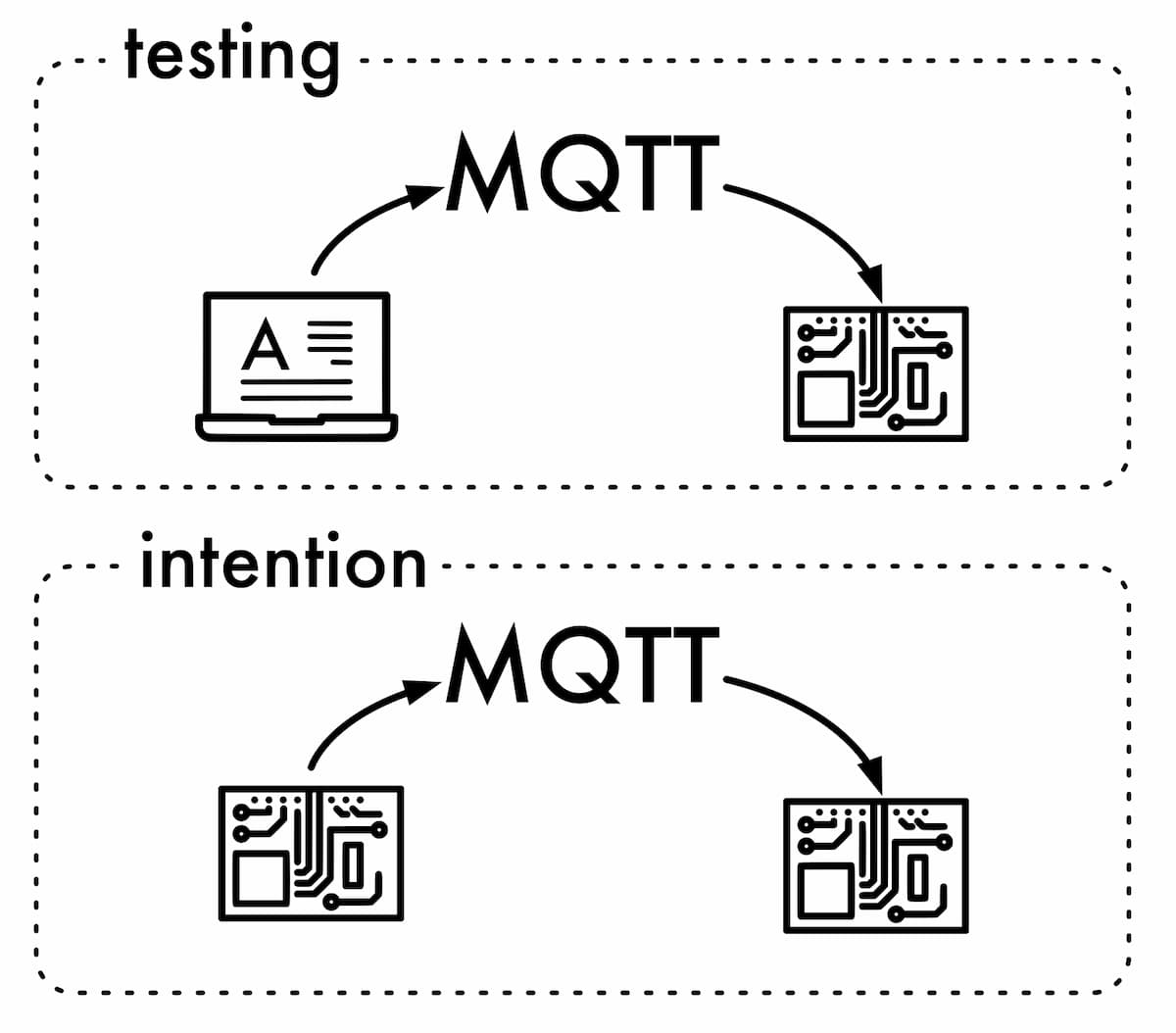
I wrote some code for the board I made in week 8. I connected it to an MQTT server, and wrote out to the Serial Monitor.
I did this by installing the ArduinoMQTTClient library in the Arduino IDE, and then opened the example from the File>Examples menu.
I updated the file called secrets.h, using the credentials Julian shared, so I could use the shared Fab Academy MQTT Broker.
#define SECRET_SSID ""
#define SECRET_PASS ""
#define SECRET_BROKER "mqtt.fabcloud.org"
#define SECRET_PORT 1883
#define SECRET_TOPIC "fabacademy/etc"
#define SECRET_USER "fabacademy"
#define SECRET_PSK "fabacademy"
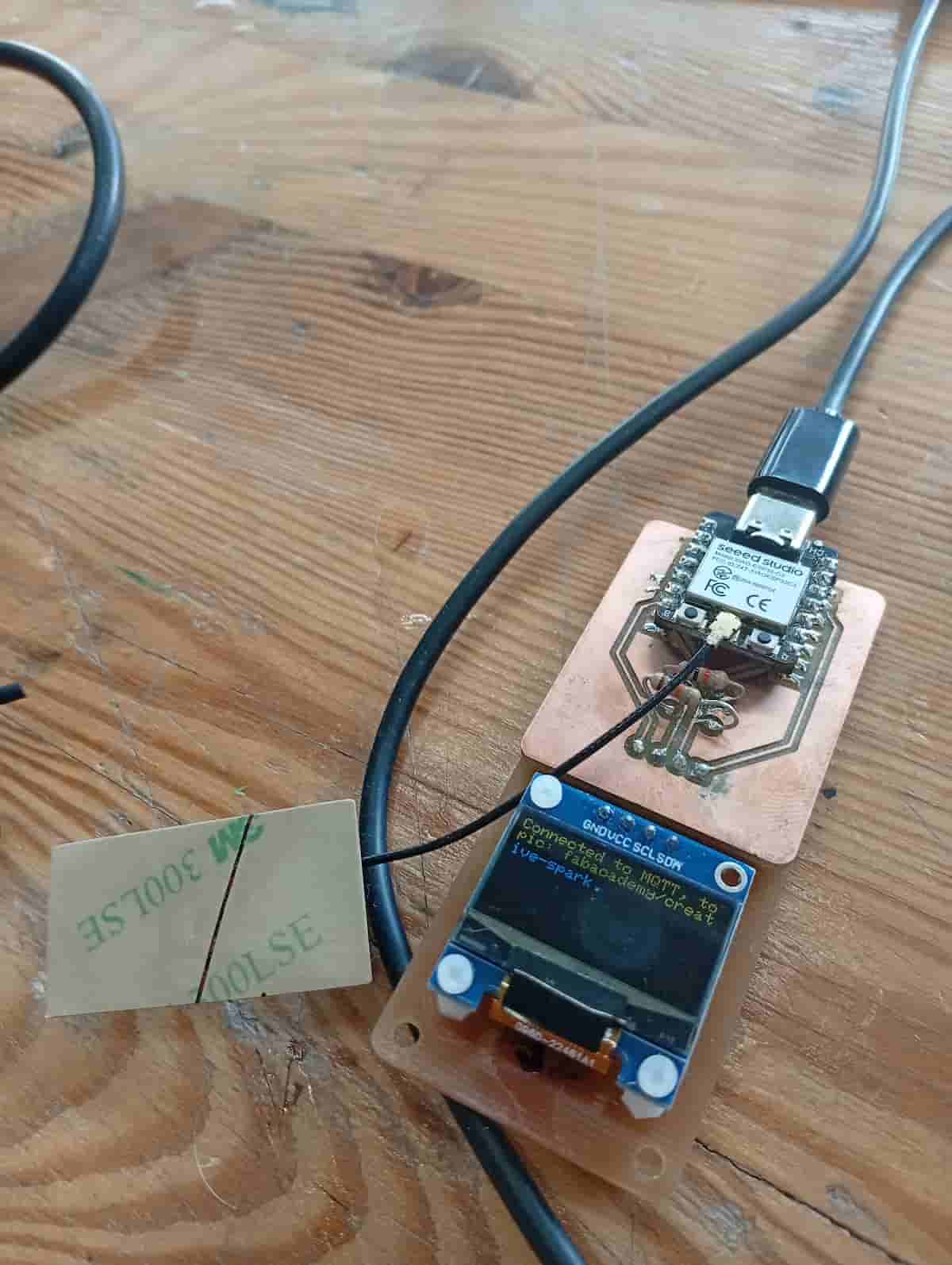
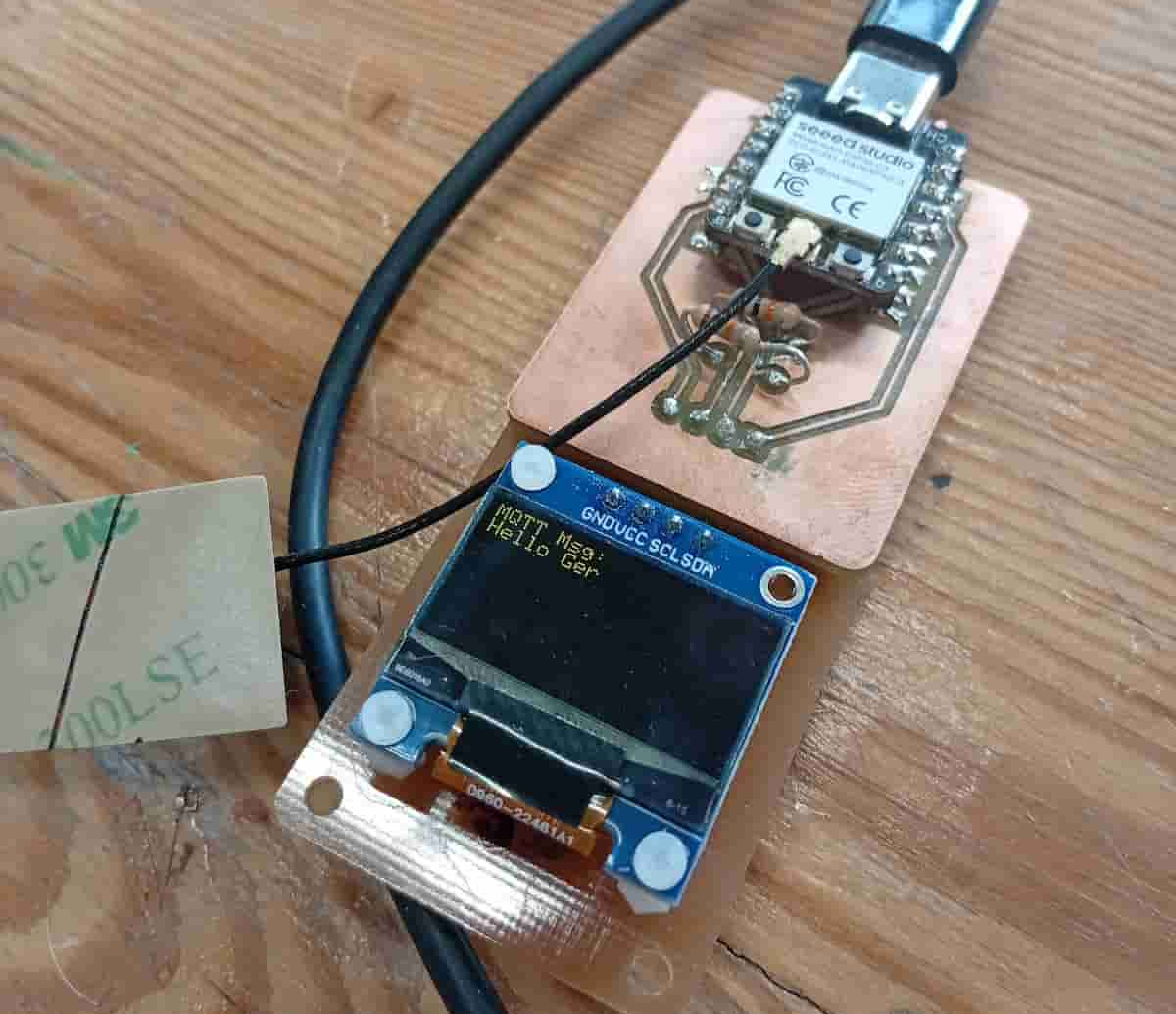
I uploaded it to the Xiao ESP32 module, with the OLED screen that I made in week 8. It listens to MQTT on the topic: fabacademy/creative-spark.
Then I had it write messages to the screen.
At first, I had an issue issue with the University’s Network
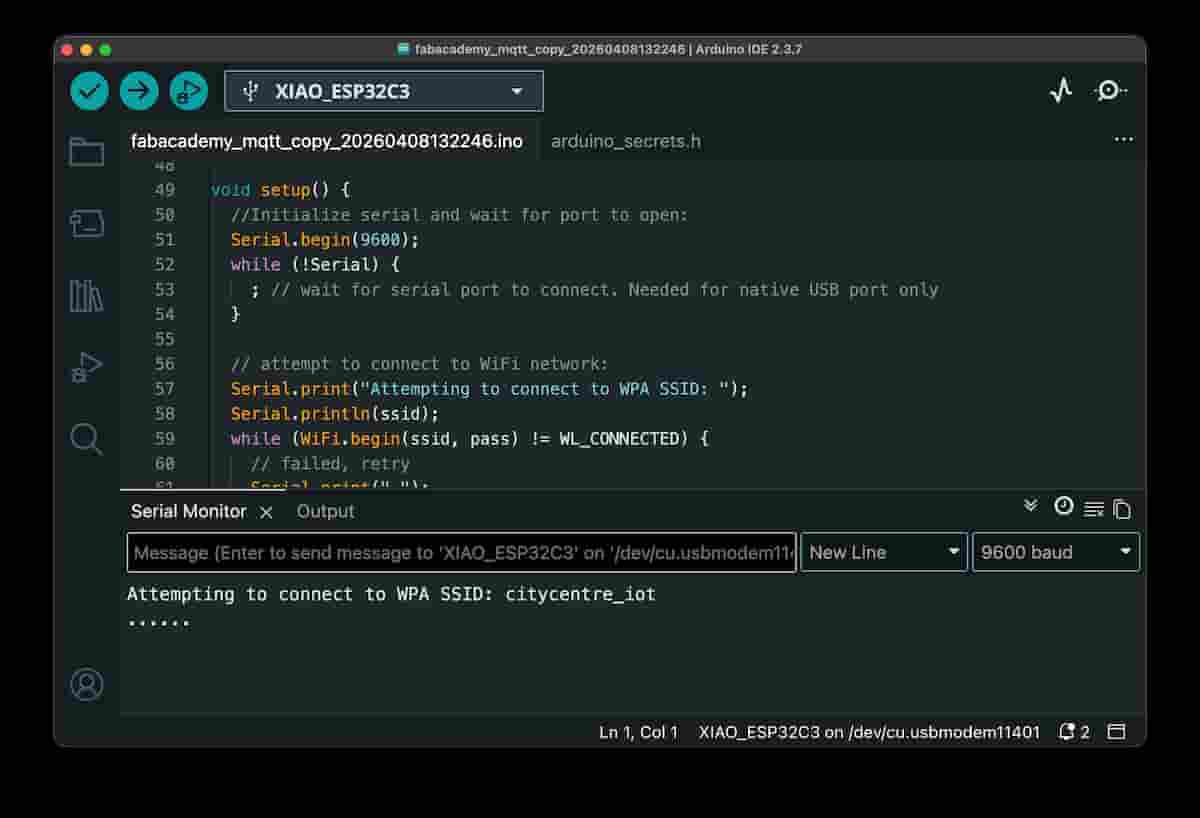
Tried my phone’s hotspot, it worked. But, I went back to the University Network… and then it worked too.
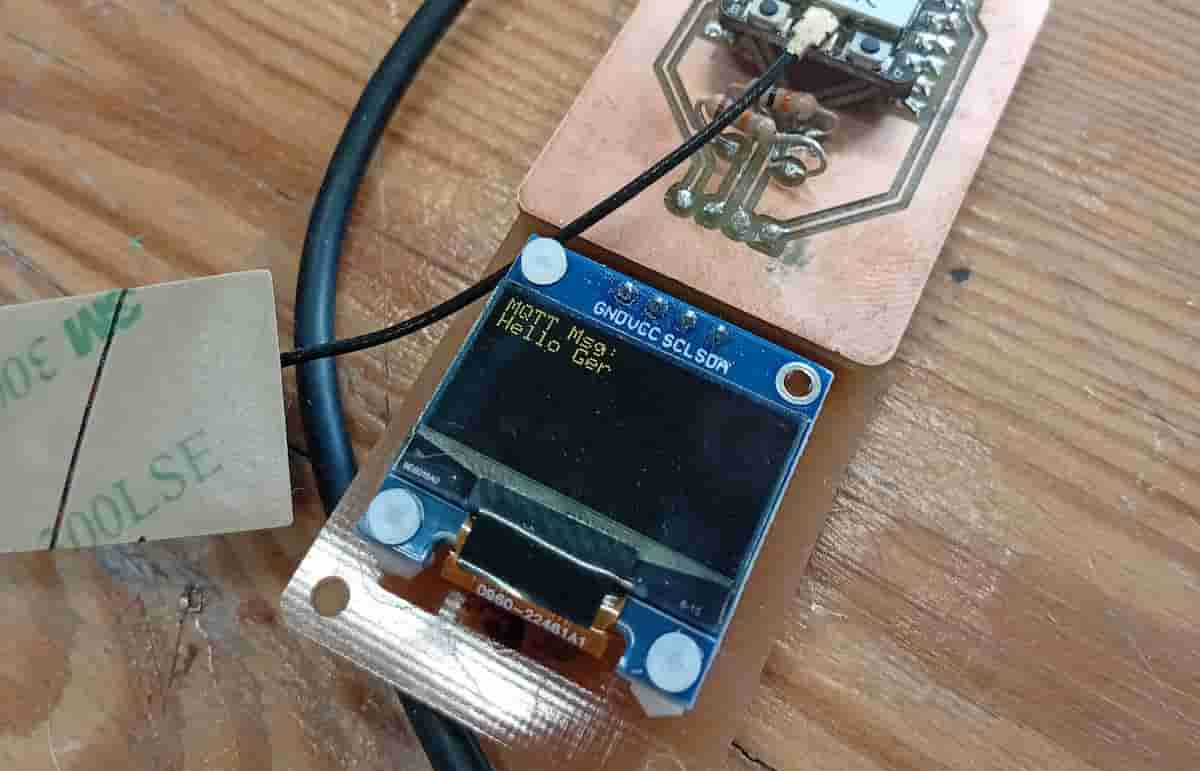
Then, I published a message with mosquitto_pub from the terminal on my computer. And I receive it on my device.
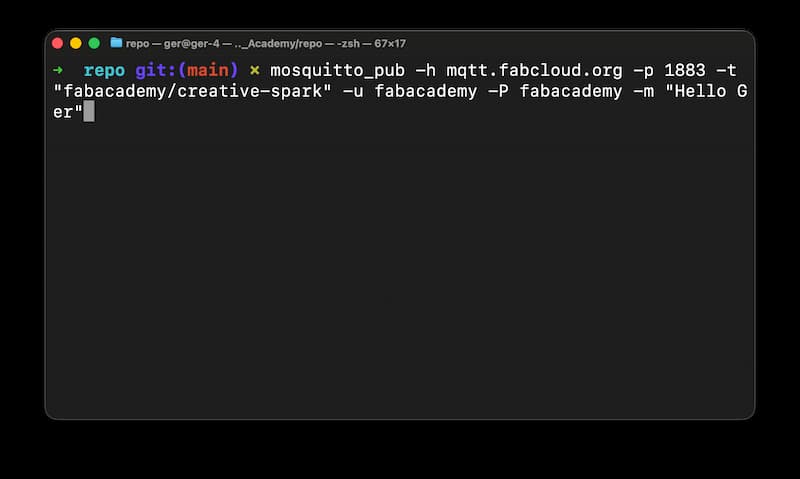
“Hello Ger” :)
Reflection
Some old sources on MQTT:
I’ve used MQTT in home automation projects. I never really got the chance to get in deeper into QoS, retained messages, topic structure, wildcards, but it was really interestign to read. I have used MQTT nodes in Node-RED which expose these features.
There is password authentication, though it can be used on a local network or behind a VPN. Which feels secure for most cases.
A sophisticated protocol that does basic message brokering well, and has advanced features that are there for more complicated uses.
Files
- fabacademy_combined.ino
- secrets.h (SSID and password have to be filled in)