.Machine Week.

Lets start with the machine week😈

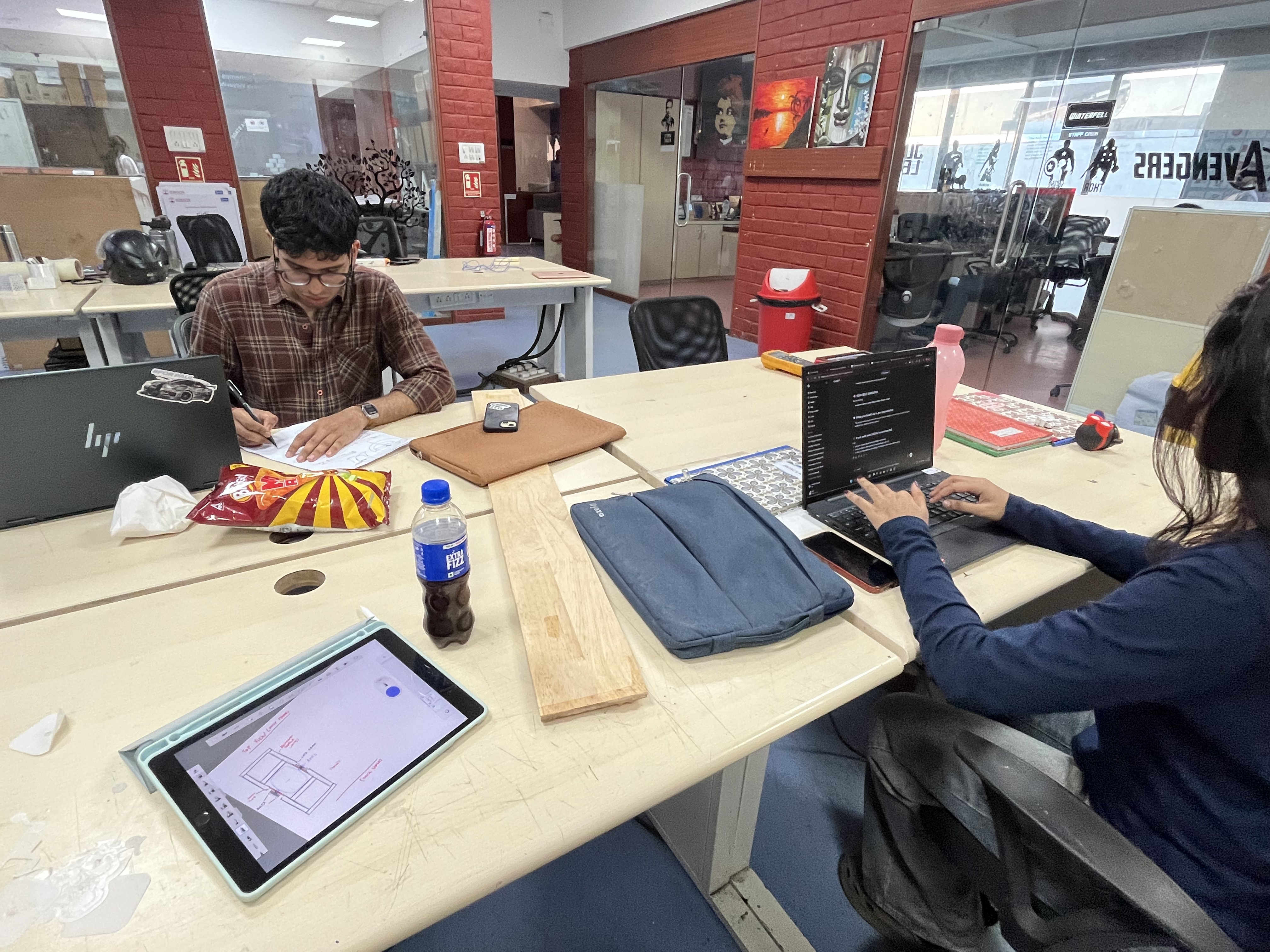
We started by jotting down potential ideas that we could complete in the time span
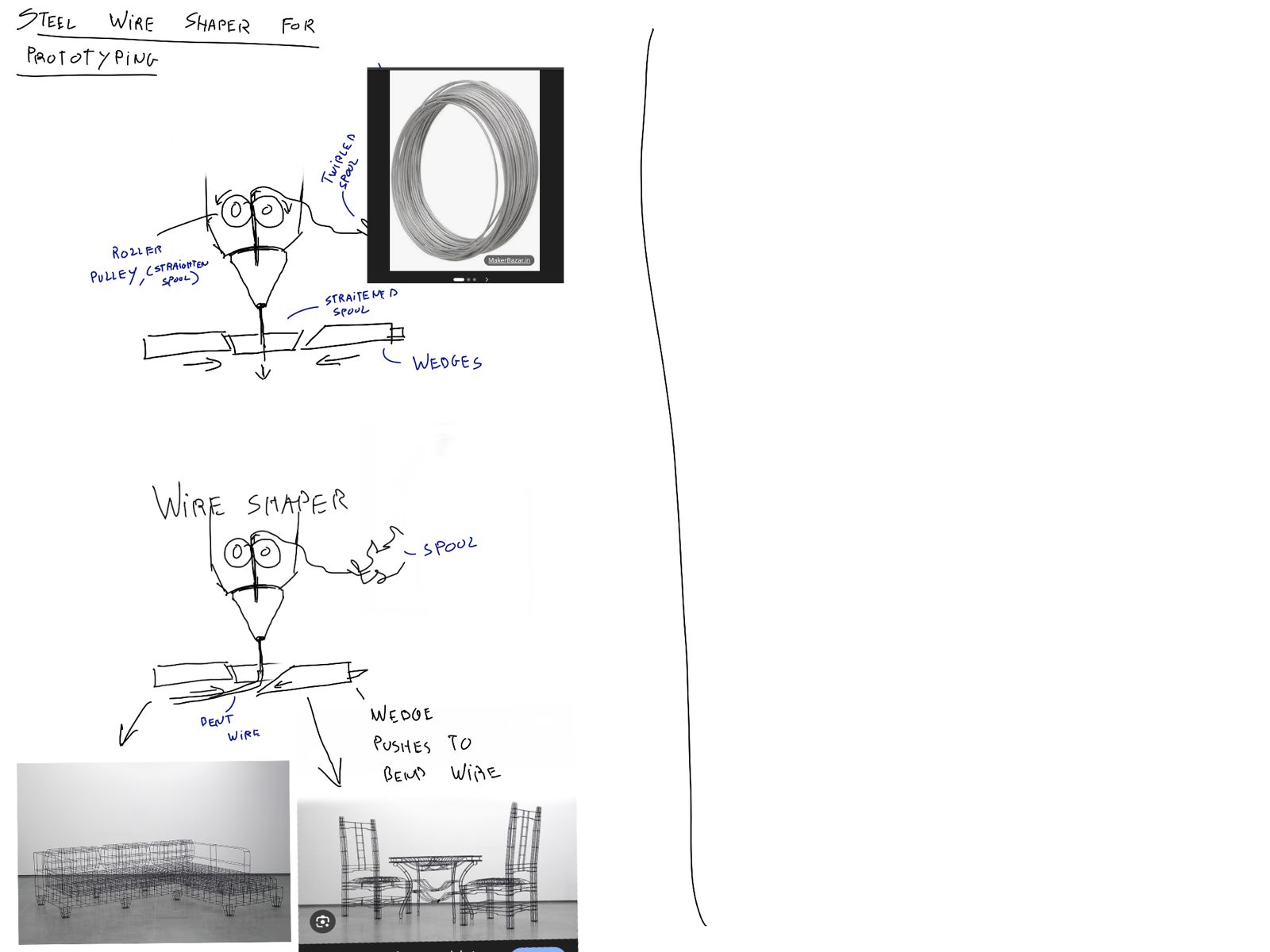
This was one of the ideas,

A steel wire bender that can be used for Wireframe prototyping

We bounced around a few more ideas such as:

  • automatic sander
  • Coke can cannon
  • pick and place soldering machine
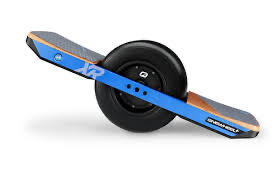
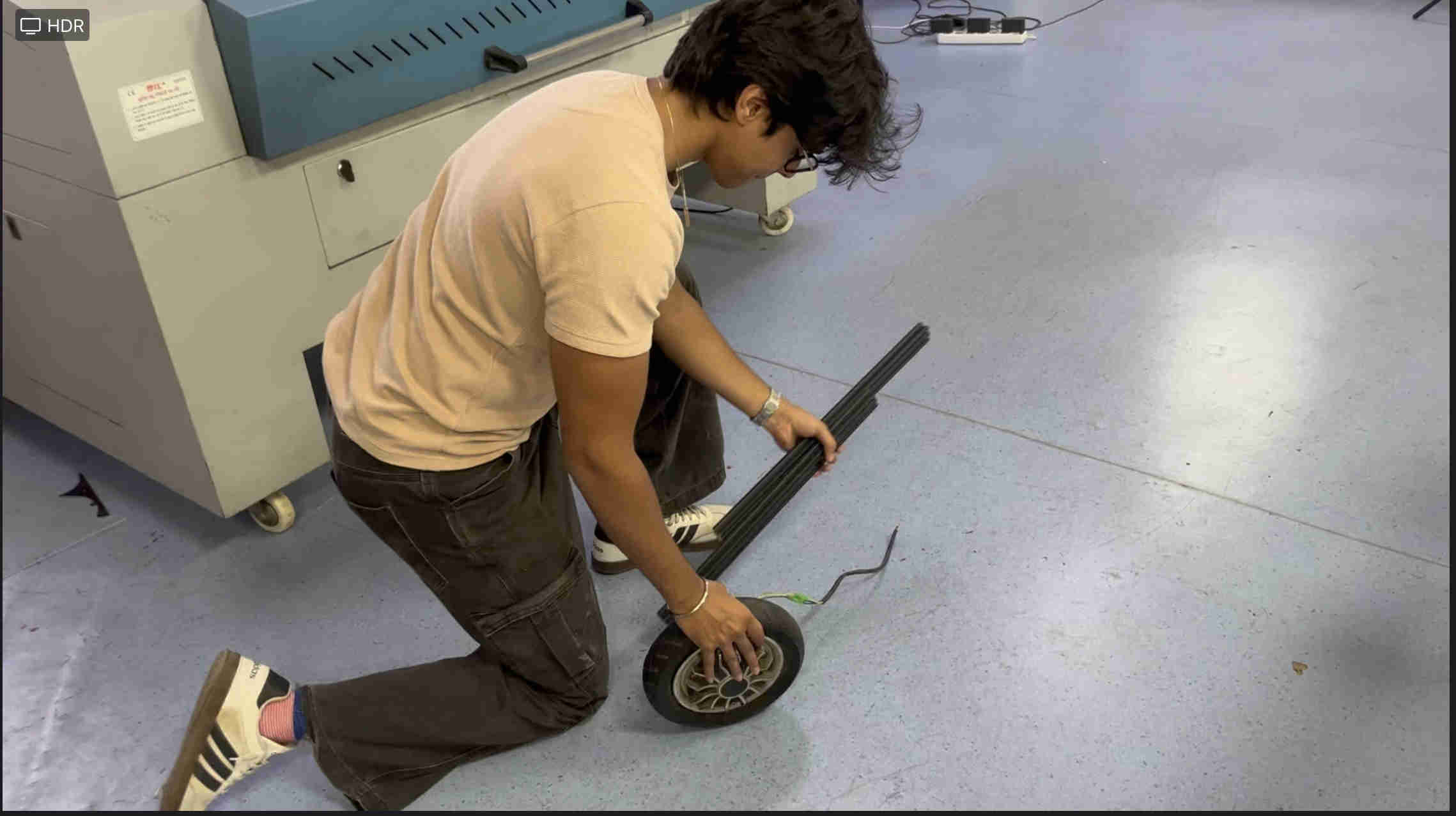
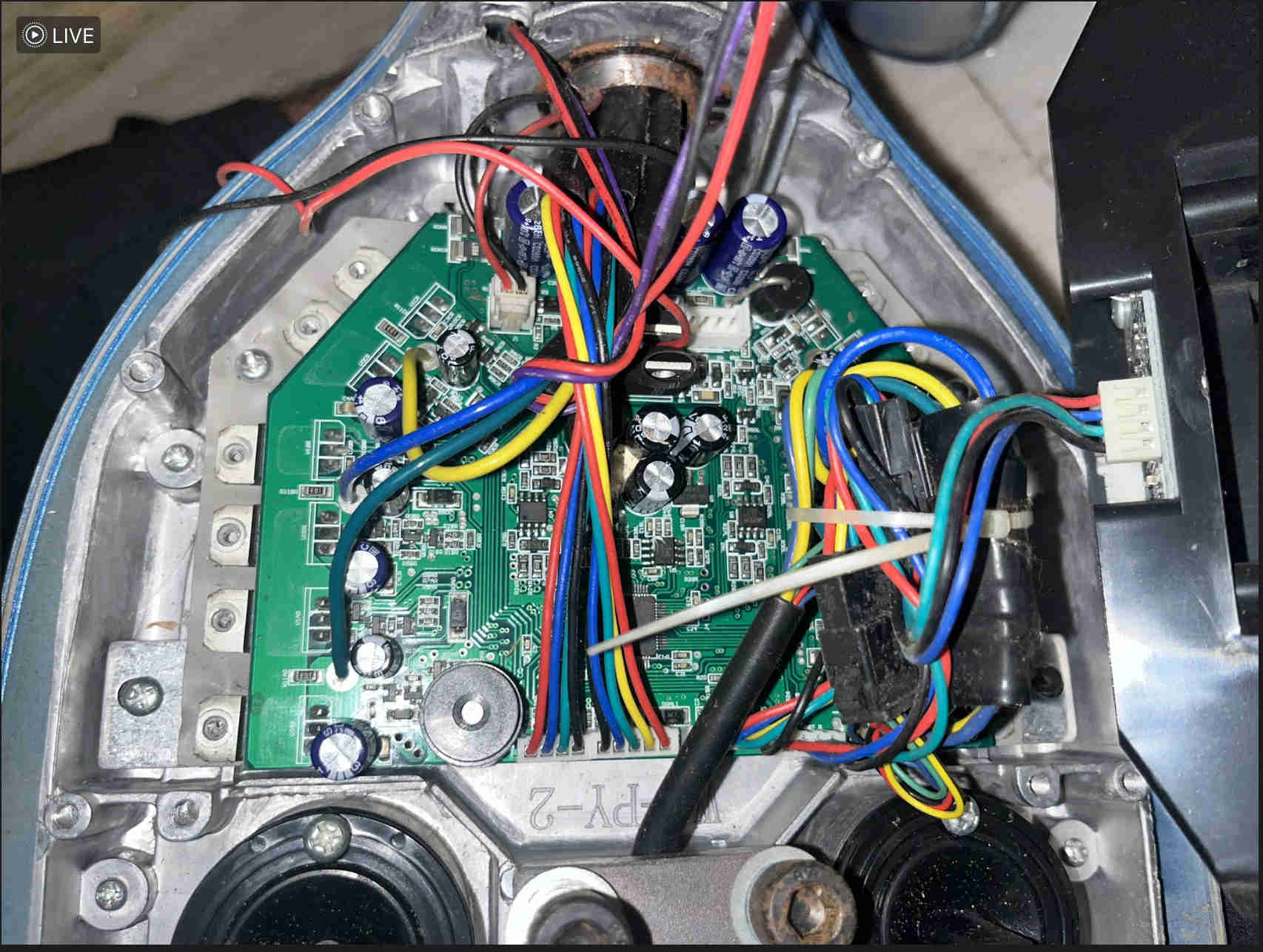
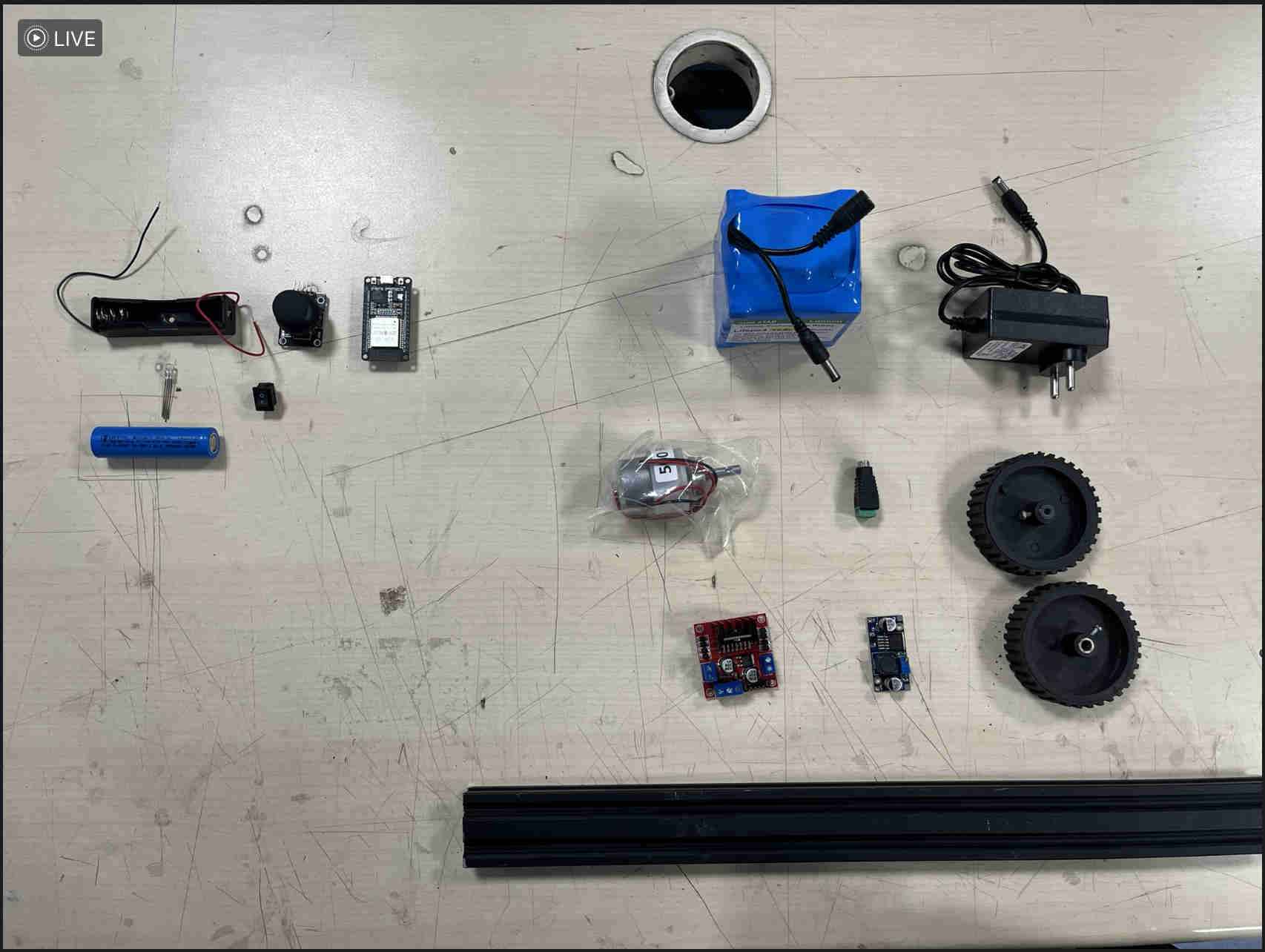
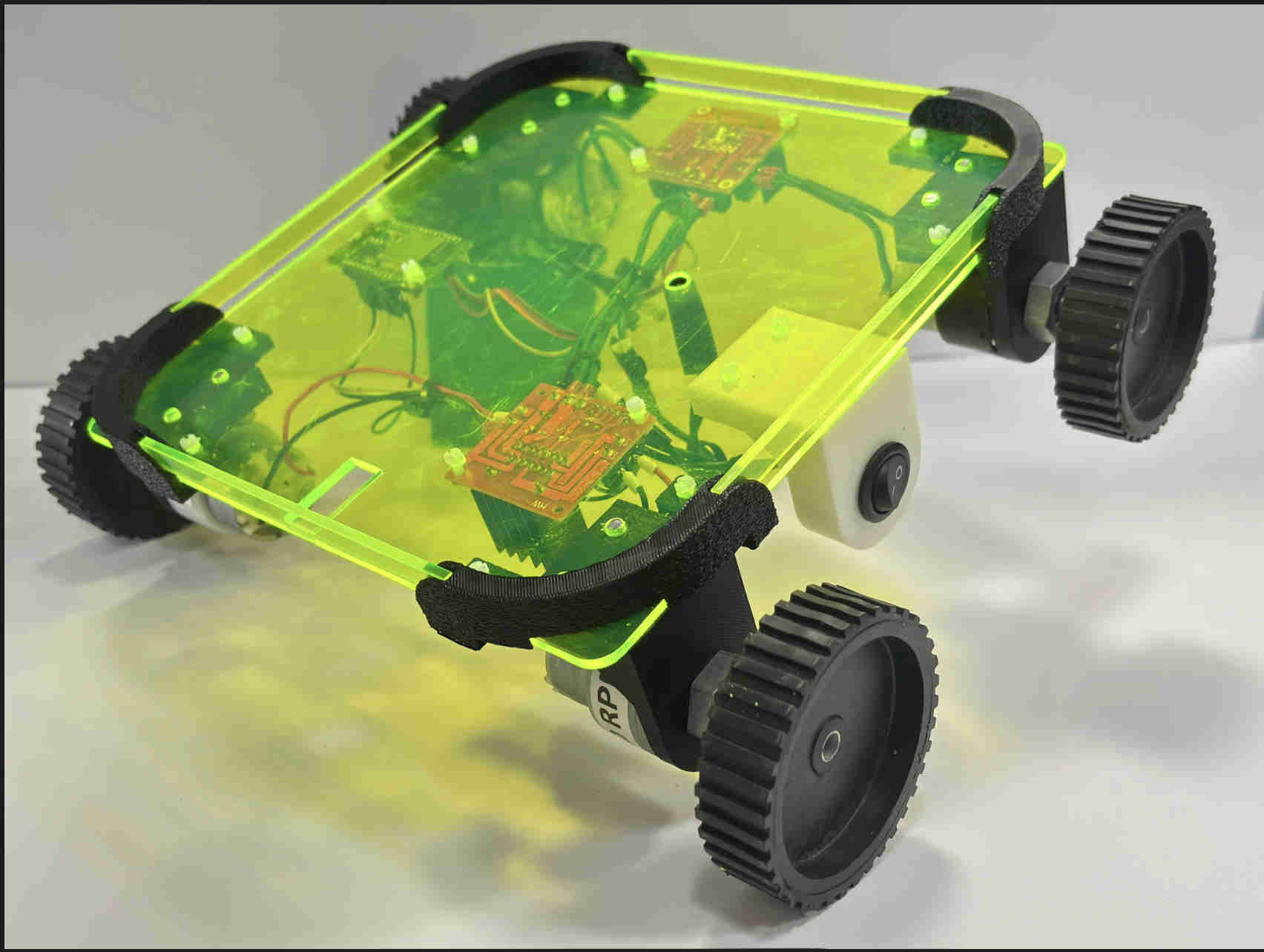
  • We finally decided to make a onewheel

      
        #include 
    
    #define PIN 6
    #define WIDTH 10
    #define HEIGHT 10
    #define NUMPIXELS (WIDTH * HEIGHT)
    
    Adafruit_NeoPixel matrix(NUMPIXELS, PIN, NEO_GRB + NEO_KHZ800);
    
    byte heat[WIDTH][HEIGHT];
    
    // Zig-zag mapping
    int getIndex(int x, int y) {
      if (y % 2 == 0) {
        return y * WIDTH + x;
      } else {
        return y * WIDTH + (WIDTH - 1 - x);
      }
    }
    
    // Convert heat to flame color
    uint32_t heatColor(byte temperature) {
      byte t = temperature;
    
      if (t > 170) {
        return matrix.Color(255, 255, t - 170); // yellow-white
      } else if (t > 85) {
        return matrix.Color(255, t - 85, 0); // orange
      } else {
        return matrix.Color(t, 0, 0); // red
      }
    }
    
    void setup() {
      matrix.begin();
      randomSeed(analogRead(A0));
    }
    
    void loop() {
    
      // Step 1: cool down
      for (int x = 0; x < WIDTH; x++) {
        for (int y = 0; y < HEIGHT; y++) {
          heat[x][y] = max(0, heat[x][y] - random(0, 40));
        }
      }
    
      // Step 2: heat rises
      for (int x = 0; x < WIDTH; x++) {
        for (int y = HEIGHT - 1; y >= 2; y--) {
          heat[x][y] = (heat[x][y - 1] + heat[x][y - 2]) / 2;
        }
      }
    
      // Step 3: new sparks at bottom
      for (int x = 0; x < WIDTH; x++) {
        if (random(100) > 60) {
          heat[x][0] = random(160, 255);
        }
      }
    
      // Step 4: display
      for (int x = 0; x < WIDTH; x++) {
        for (int y = 0; y < HEIGHT; y++) {
          matrix.setPixelColor(getIndex(x, y), heatColor(heat[x][y]));
        }
      }
    
      matrix.show();
      delay(50);
    }


    Simulating servos

    Since there is no physics in wokwi to control 3 phase motors, i started experimenting weith servo simulations as well
    wire as such
    
    
      #include 
    
    Servo esc;
    
    void setup() {
      esc.attach(9);
      
      // Arm ESC (important in real life)
      esc.writeMicroseconds(1000);
      delay(2000);
    }
    
    void loop() {
      // Increase speed
      esc.writeMicroseconds(1200);
      delay(2000);
    
      esc.writeMicroseconds(1400);
      delay(2000);
    
      esc.writeMicroseconds(1600);
      delay(2000);
    
      esc.writeMicroseconds(1000); // stop
      delay(3000);
    }


    code for controlling the servo

    servo simulation

    I realised that servo might not be a complete parallel to bldc, so i tried simulating a normal dc motor as well

    Dc motor

    wiring for the simulation

    Control Side

    Arduino Pin 9 → Resistor (1kΩ) → Transistor BASE

    Power Side

    Transistor EMITTER → GND

    Motor one side → 5V

    Motor other side → Transistor COLLECTOR

    Protection Diode

    Across motor:

    Stripe side → 5V

    Other side → Collector

    I have switched to tinkercad now

    Add all the components that i mentioned above and wire them accordingly
    Working dc motor at constant rpm
    This was the final result with the output through my laptop speakers using a script on my terminal.
    comb test 19 mm ply wood
    parametric fusion file for comb test
    Download File