Week 7: Computer Controlled Machining.
A.k.a. making something BIG...so I made a giant penguin 🐧✨
🪛 Overview
This week was all about the CNC router: big machine, big sheet, big object.
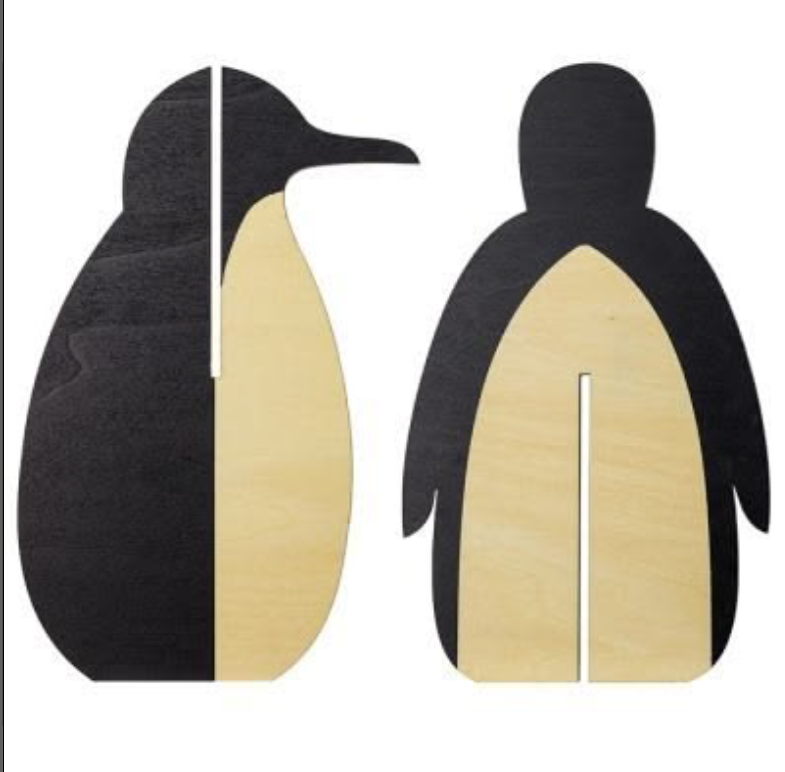
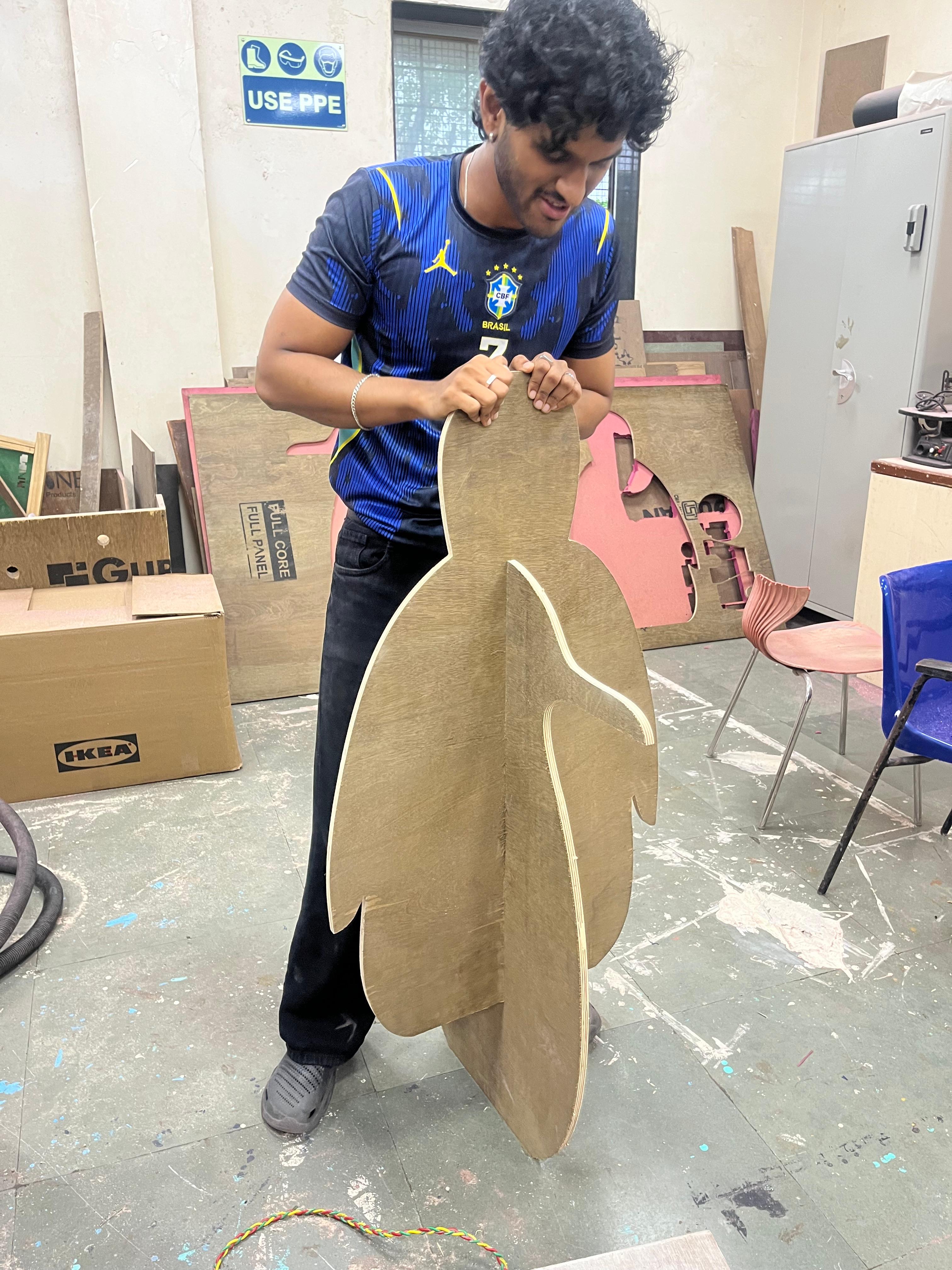
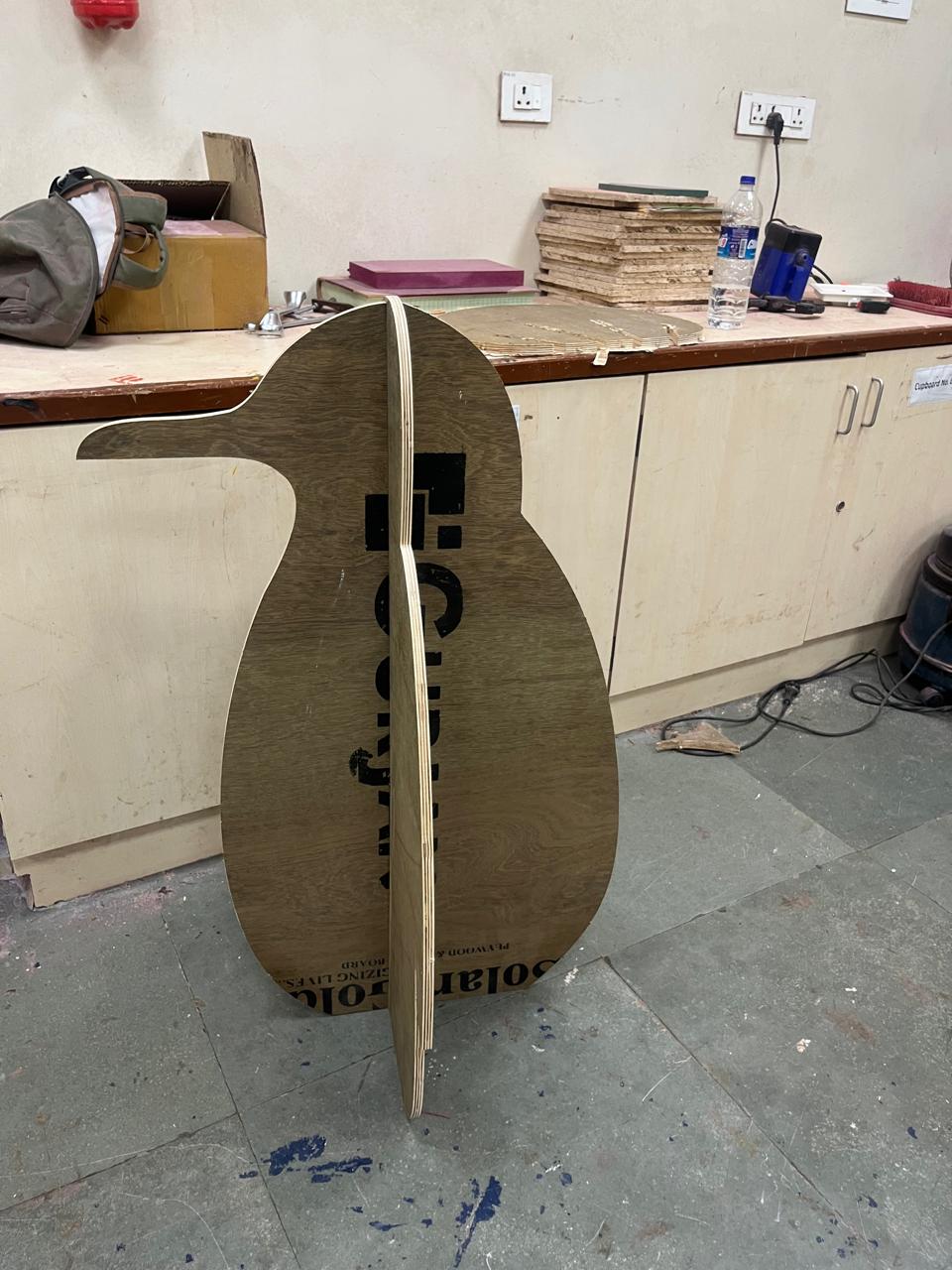
I made a press-fit plywood penguin. Two pieces, two slots, zero glue (๑˃ᴗ˂)ﻭ
👥 Group Assignment
As a group, we tested the CNC for runout, alignment, speeds/feeds and joint tolerances using a comb test.
Key takeaways:
- • Best press-fit came at t + 2×0.16 mm tolerance
- • 12000 rpm splintered the ply, 8000 rpm was much cleaner
- • Tabs are a must, loose pieces + spinning bit = flying wood 😵
- • Dogbones at inner corners since the bit is round
🔗 View Group Assignment Documentation
🛠️ Tools + Materials
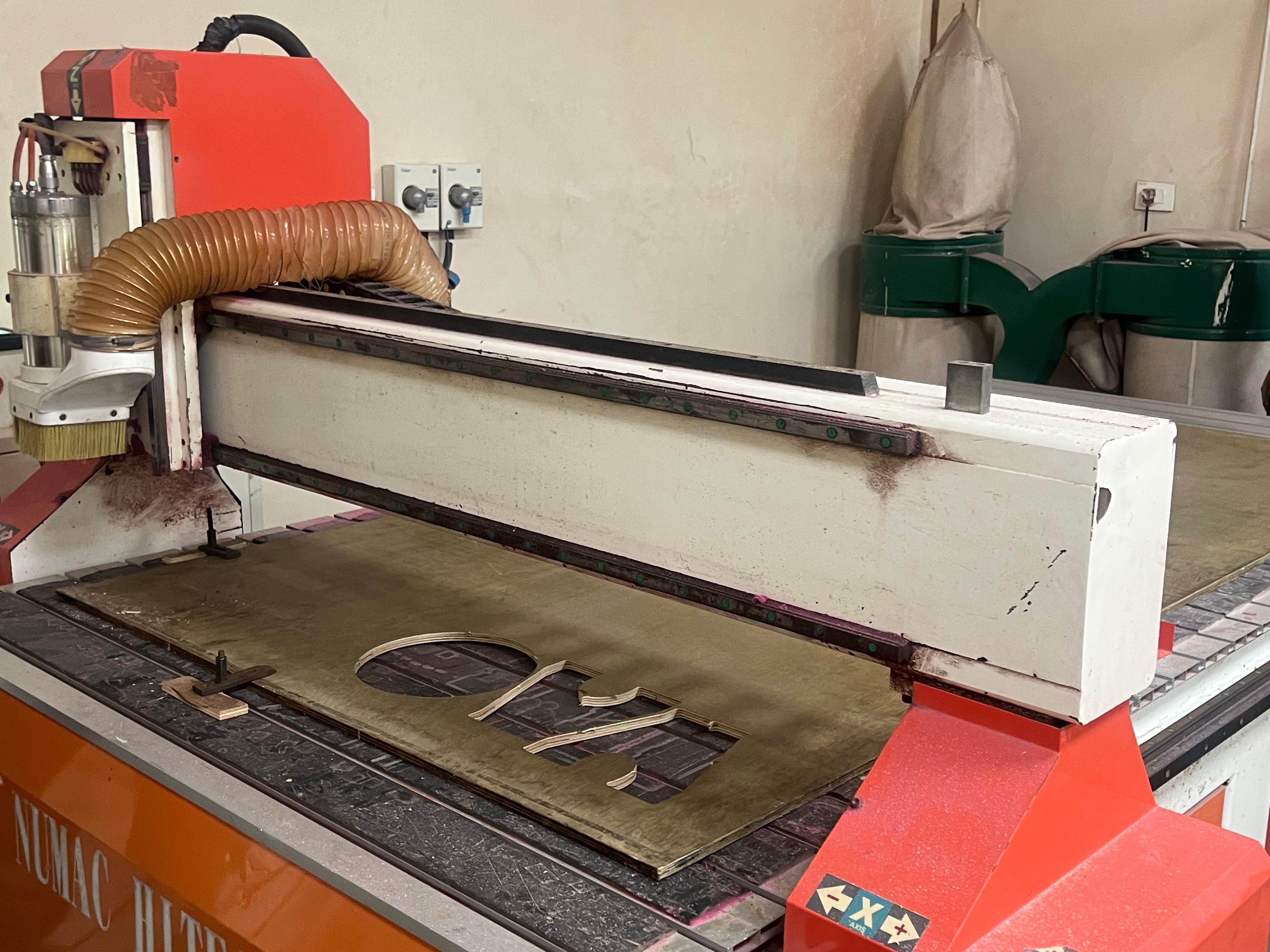
- • Numac Hi-Tech CNC router
- • RichAuto handheld controller
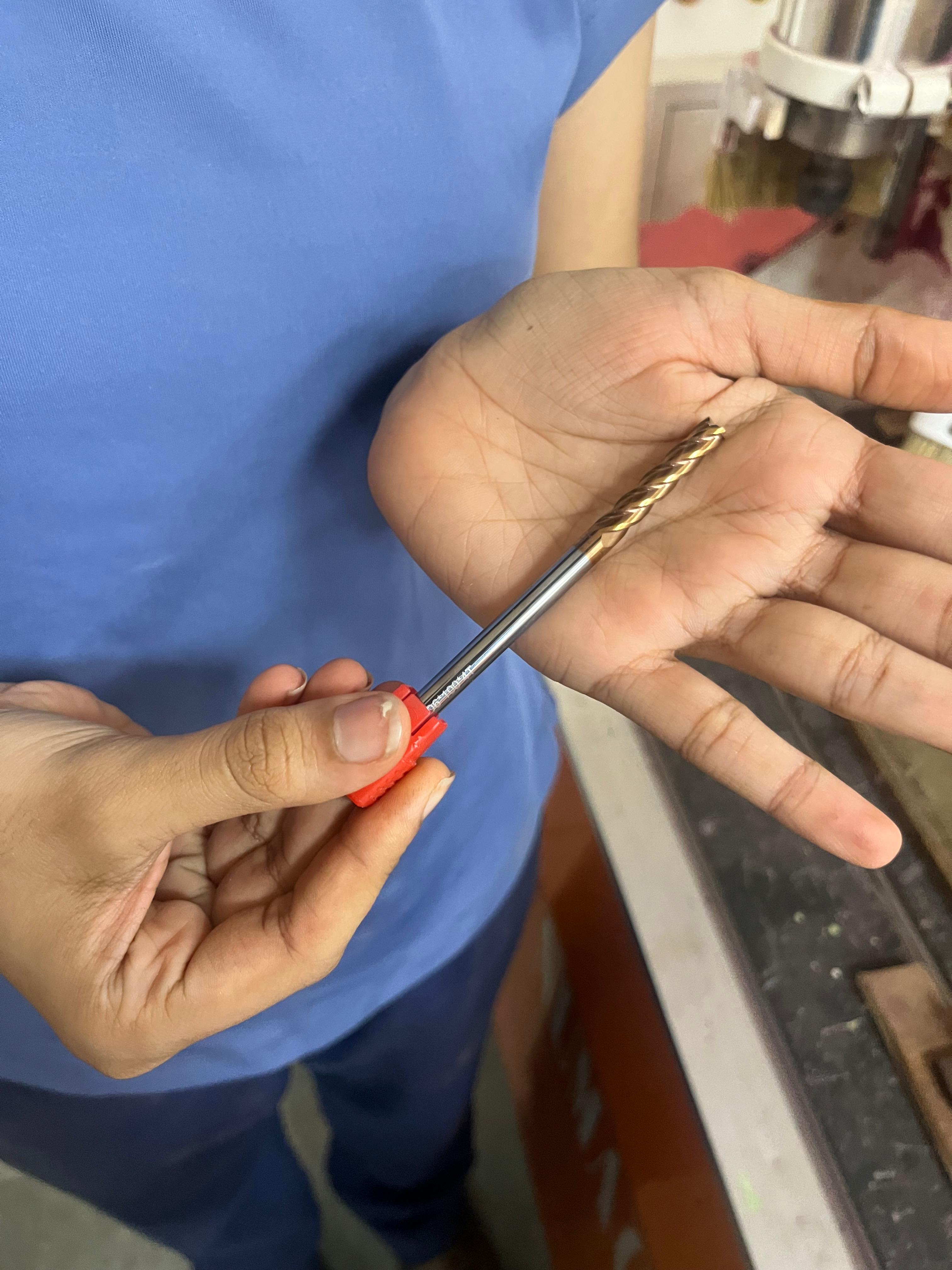
- • 6 mm flat end mill (4 flute)
- • 12 mm plywood sheet
- • Autodesk Fusion (CAD + CAM)
- • Orbital sander
💡 Inspiration
✏️ CAD + CAM in Fusion
Sketched both penguin profiles, cut a slot in each (top-down on one, bottom-up on the other), extruded to sheet thickness and moved to the Manufacture workspace.
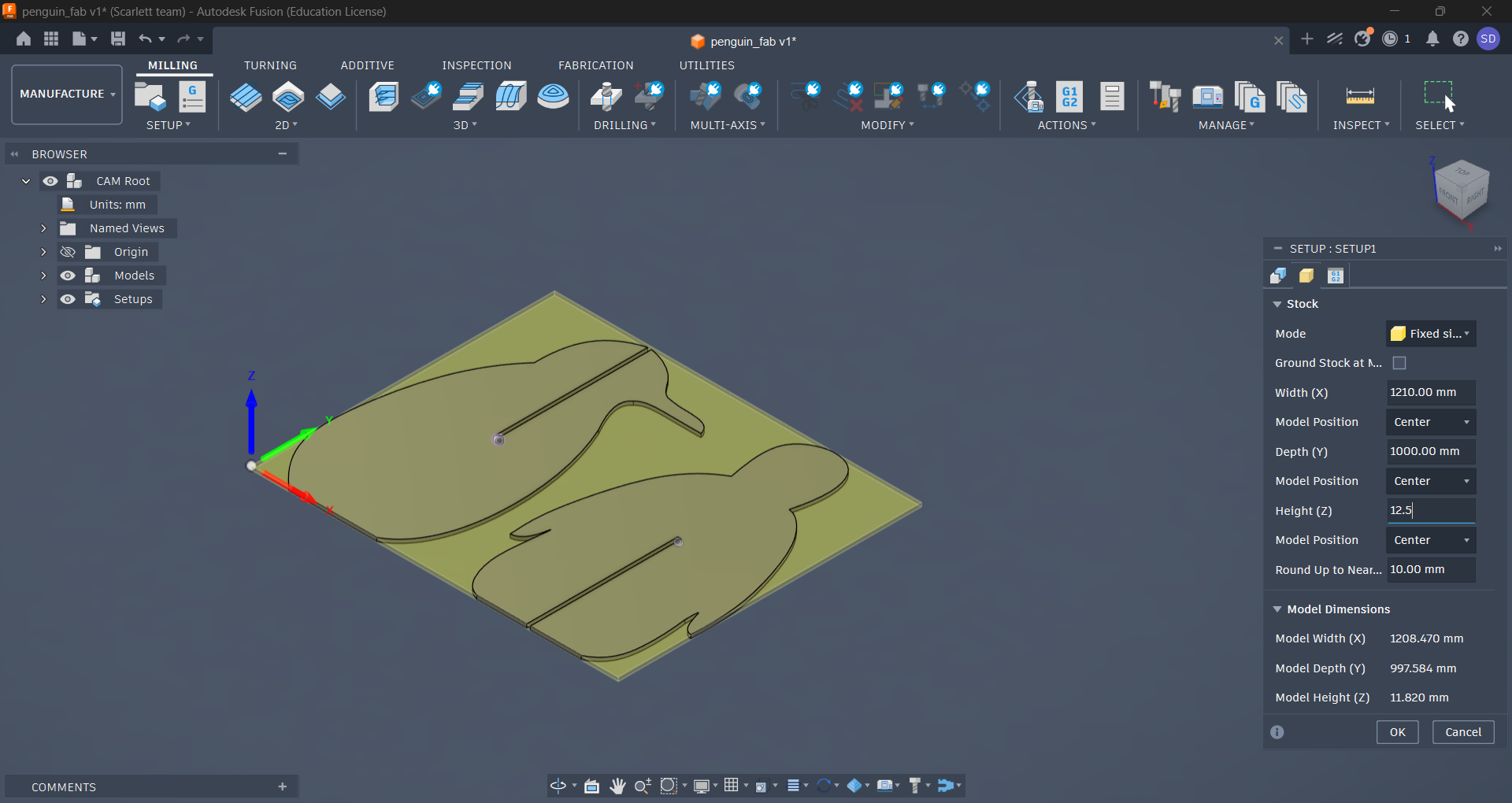
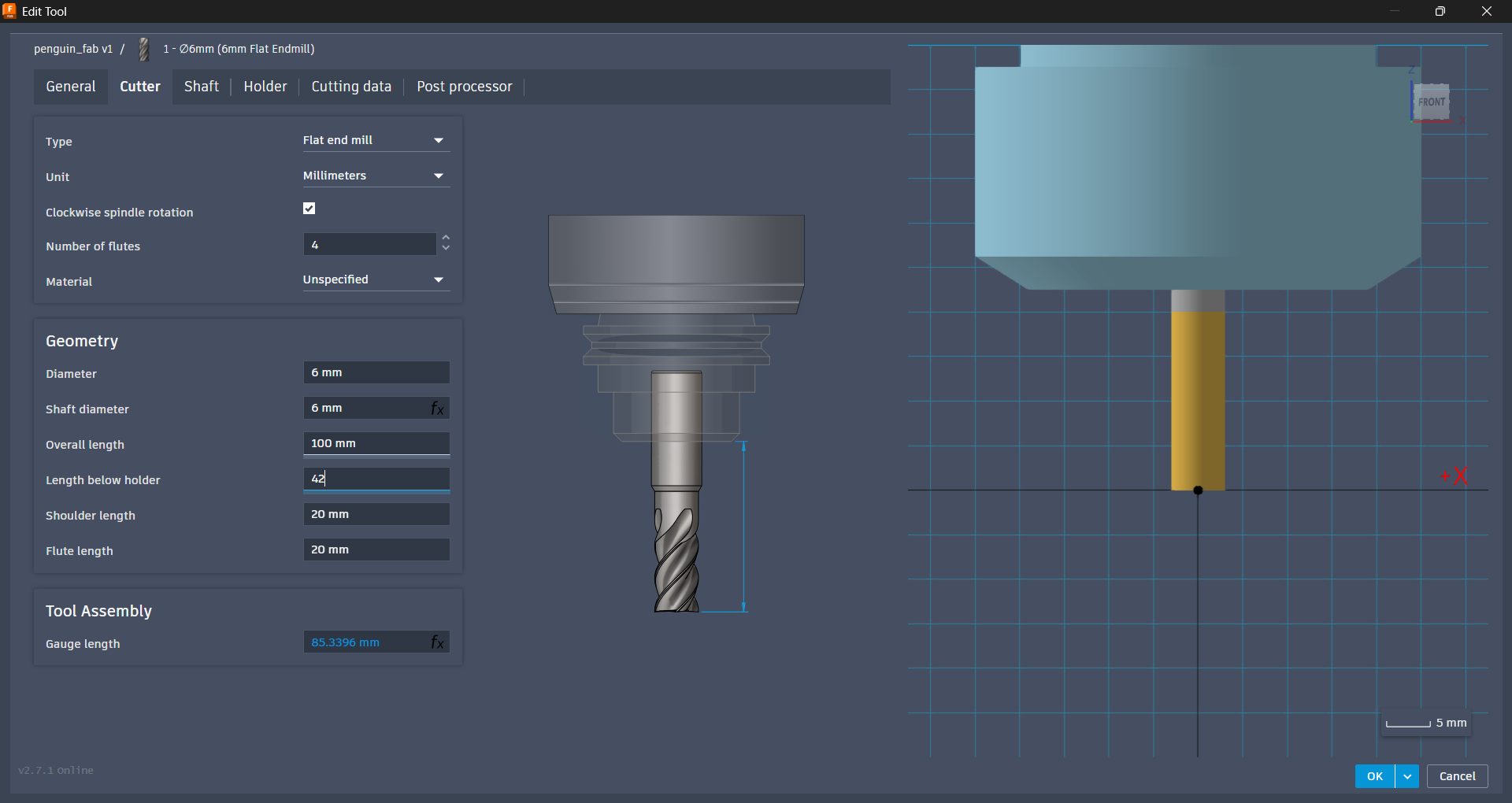
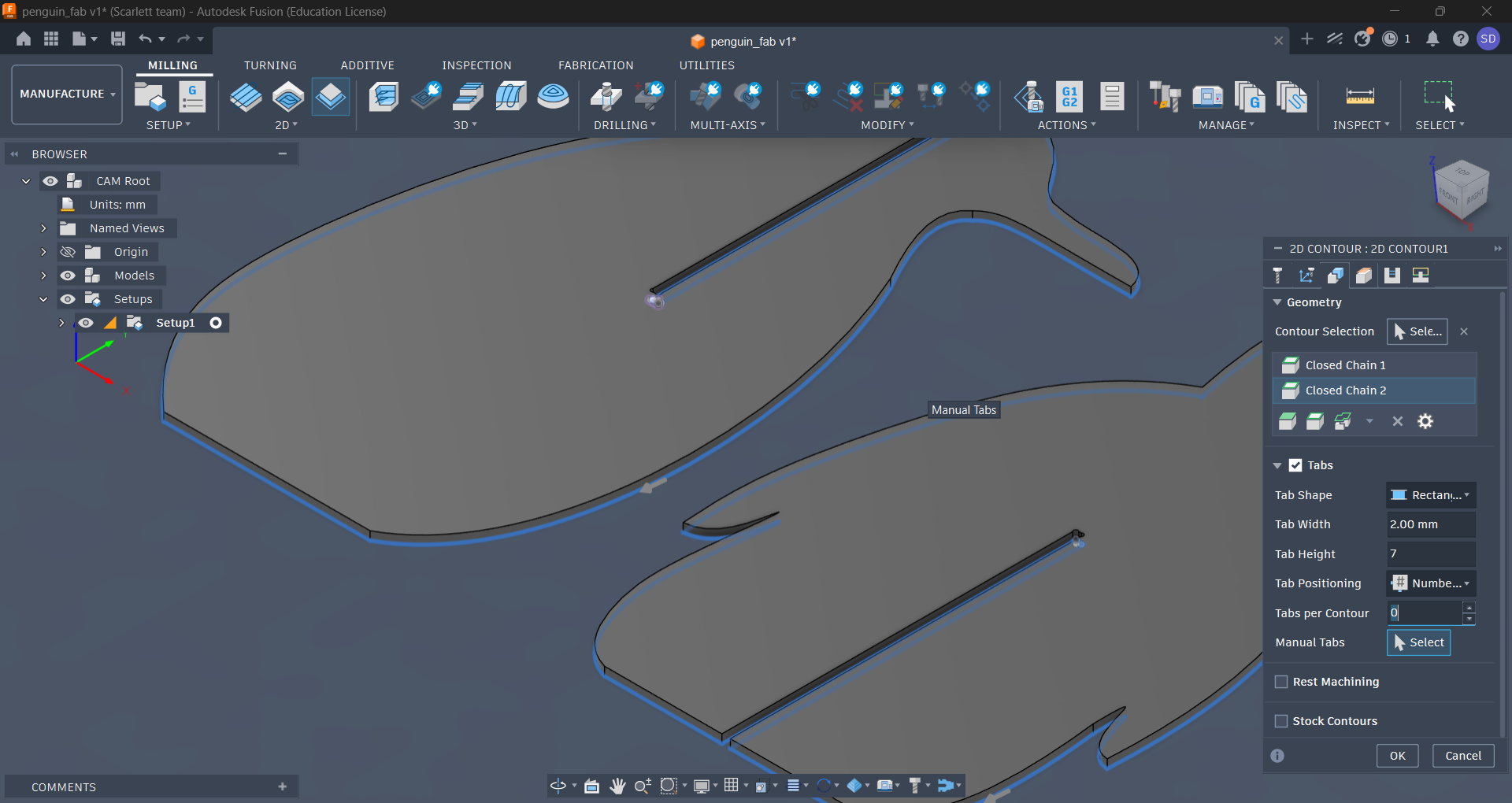
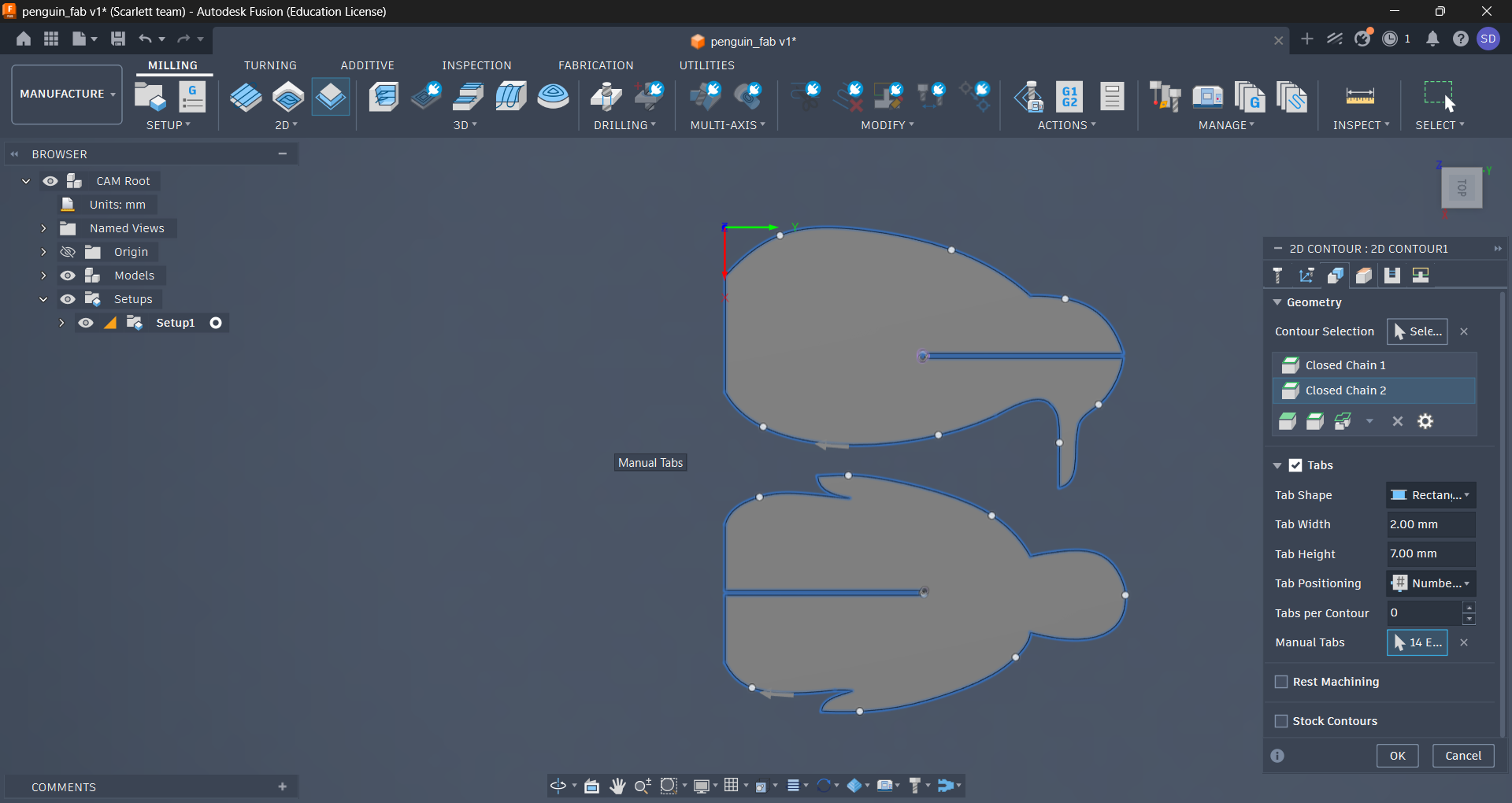
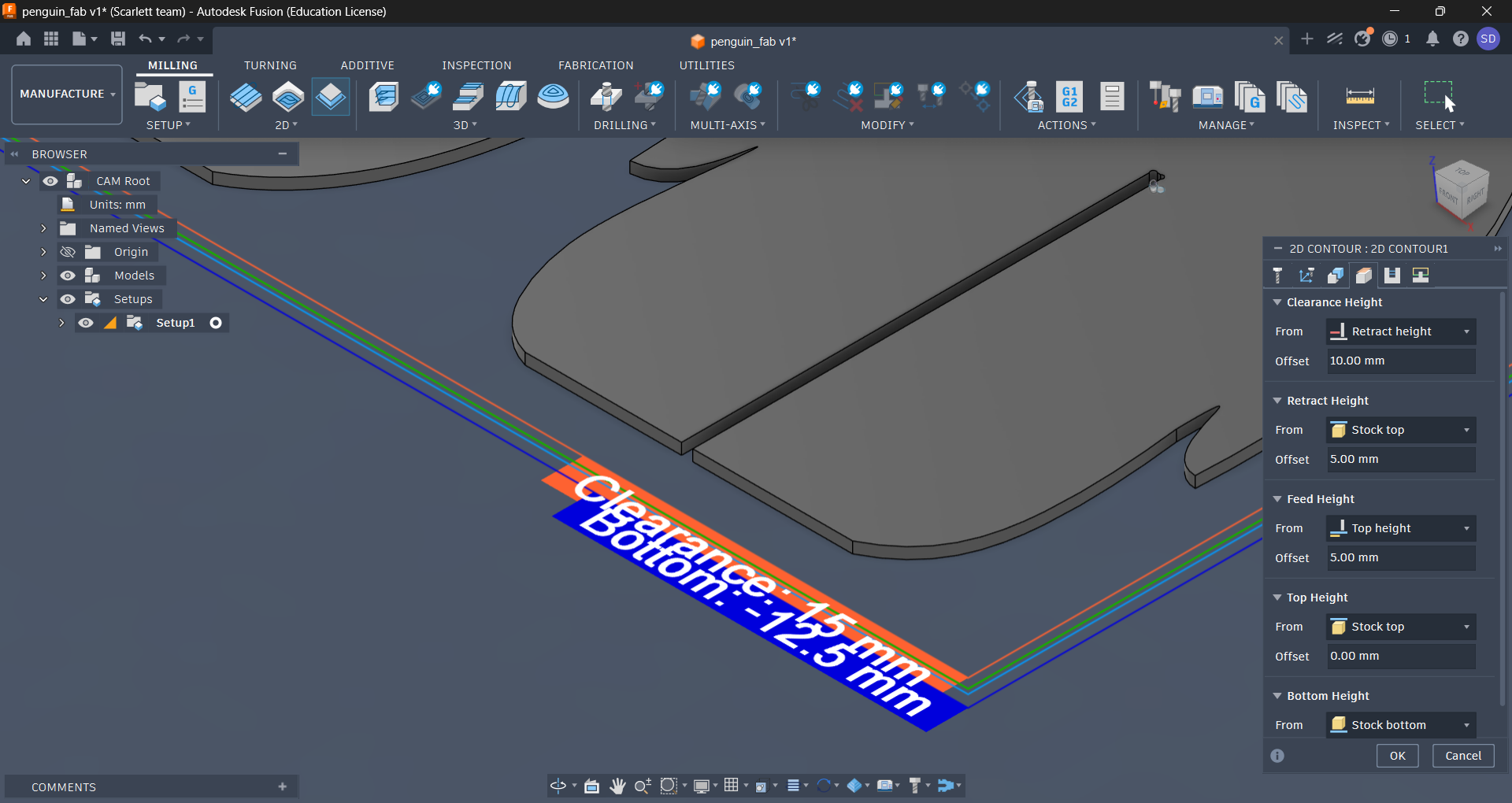
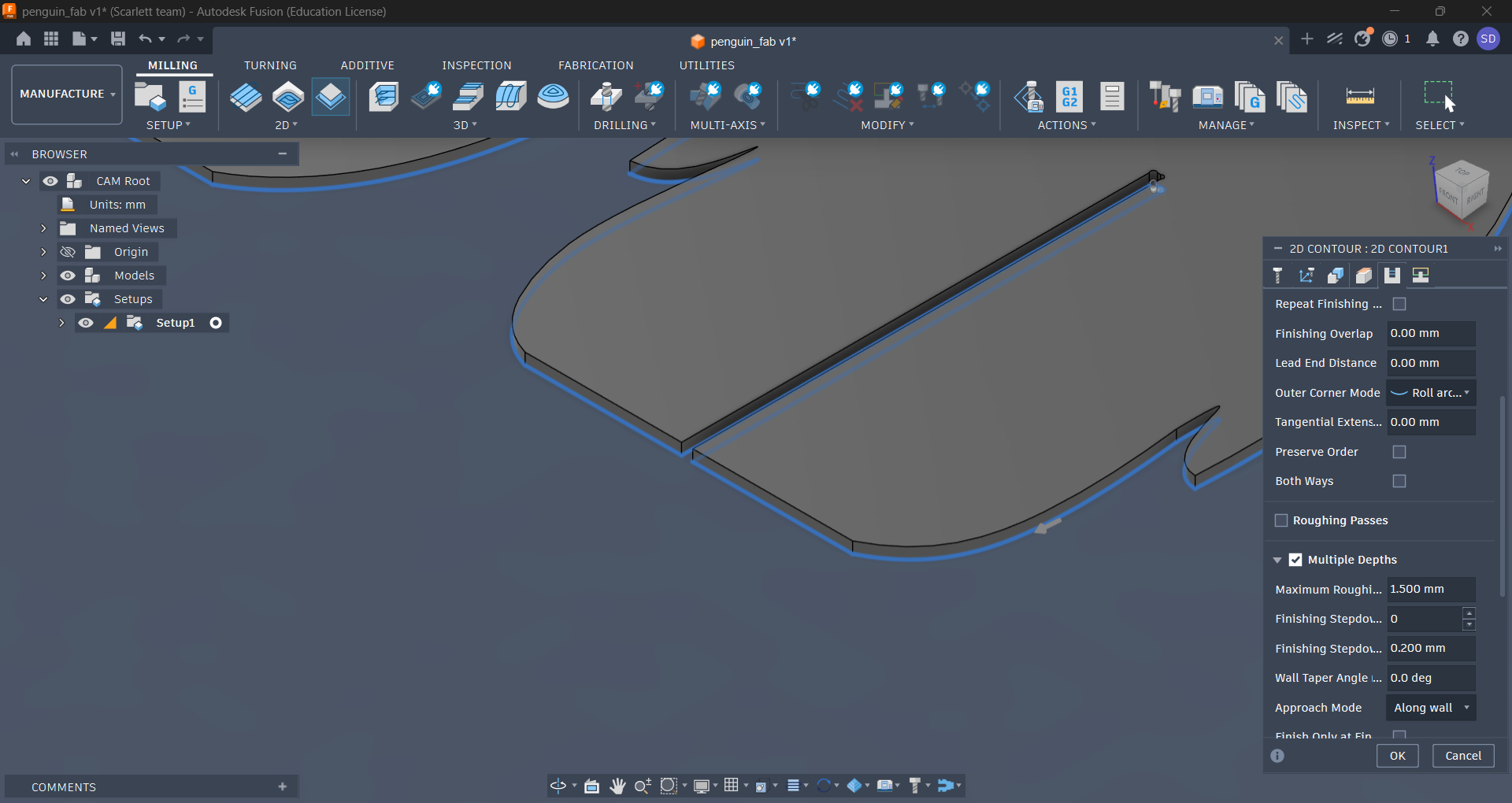
Then Post Process → export the G-code → onto a pendrive it goes.
🔧 Machine Setup
🔹 Loading the bit
🔹 Clamping the sheet
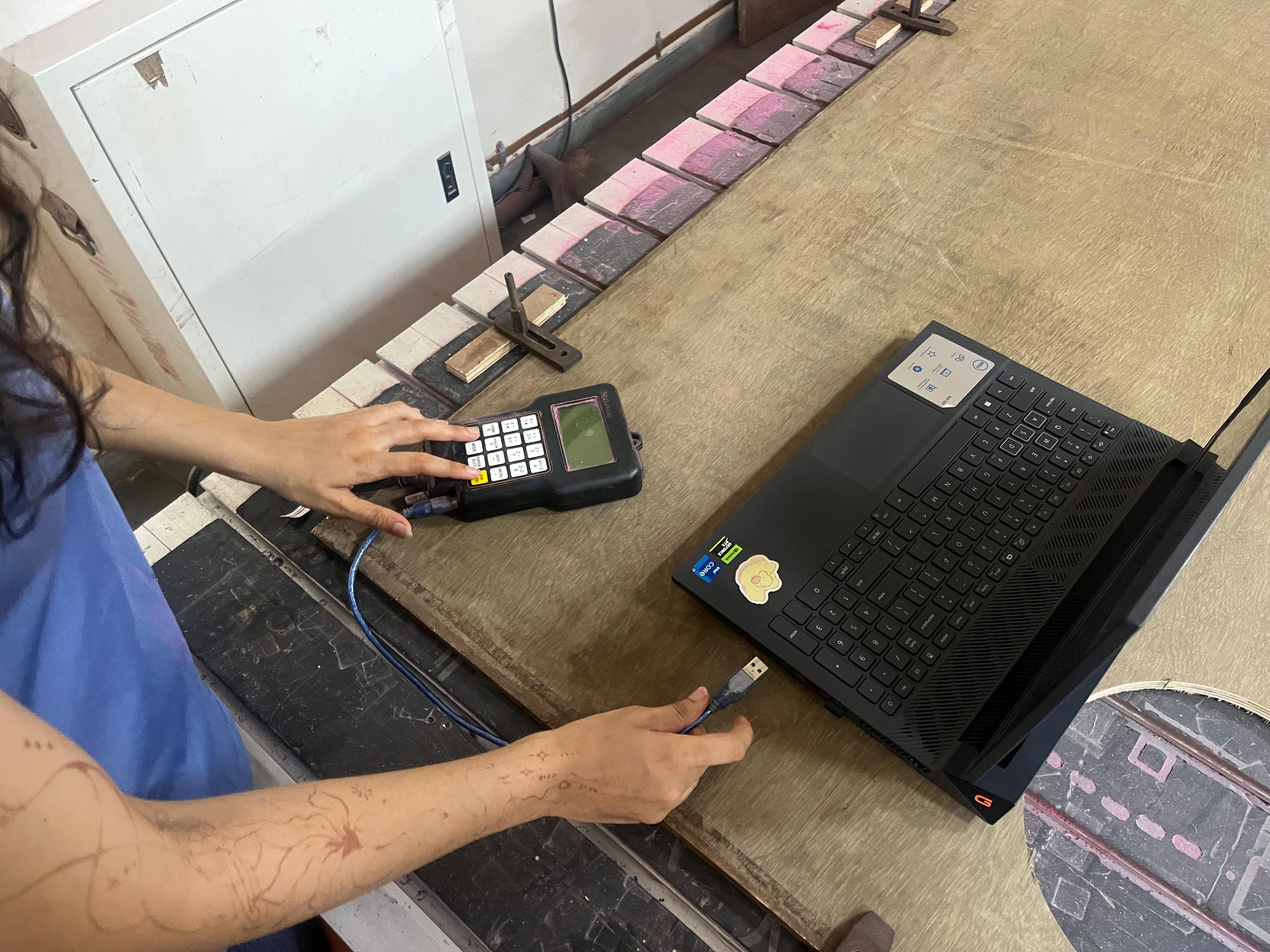
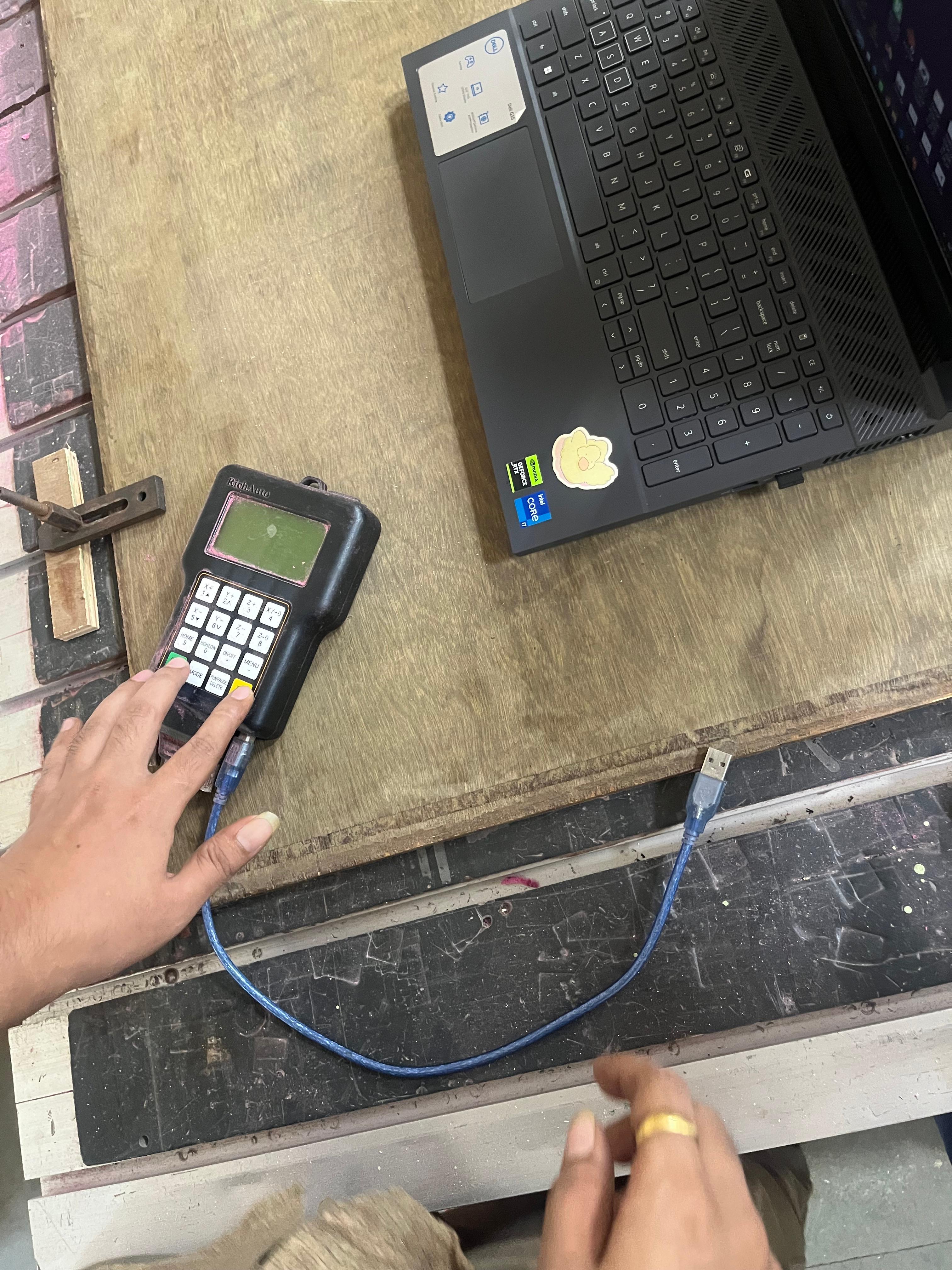
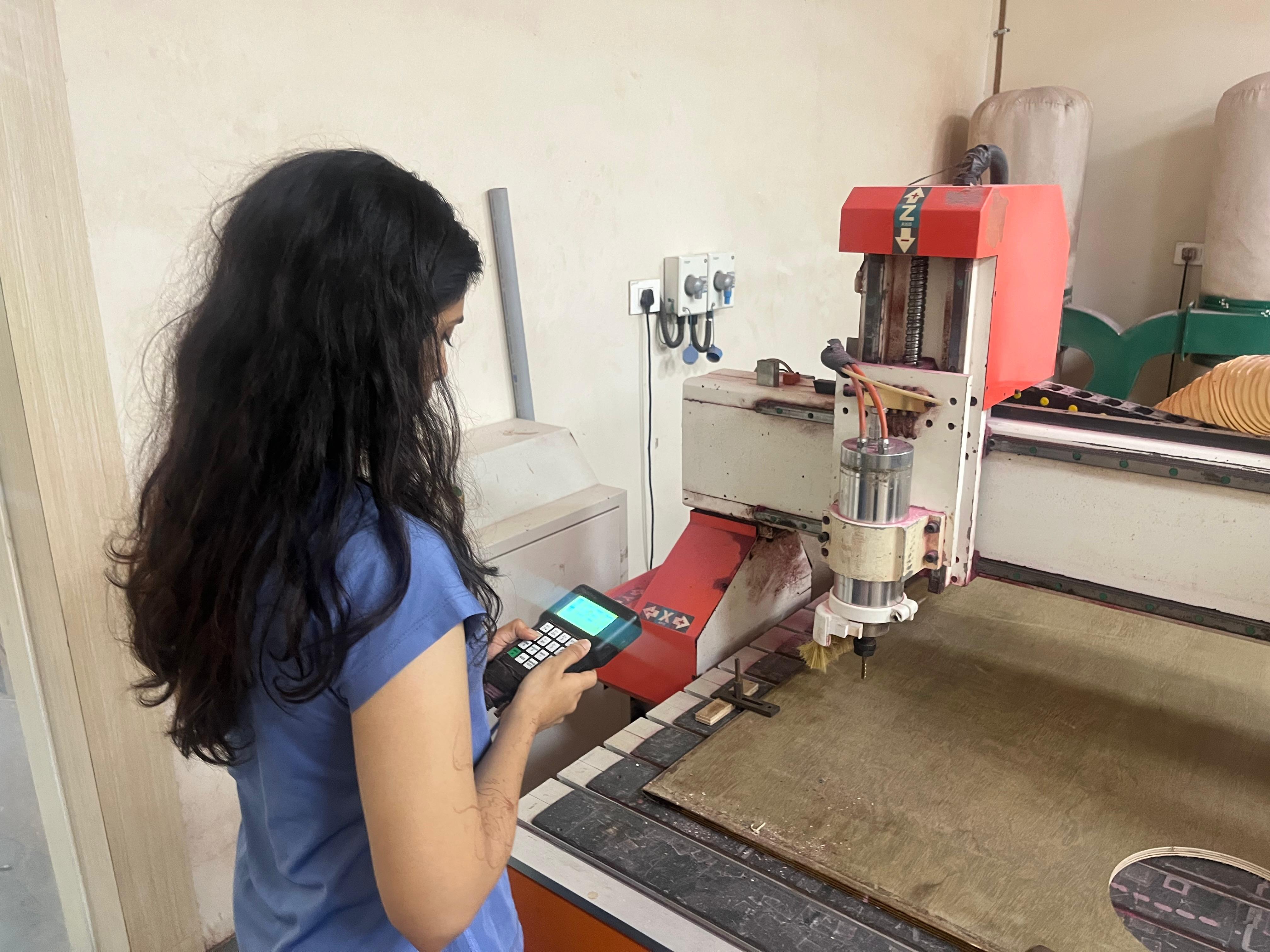
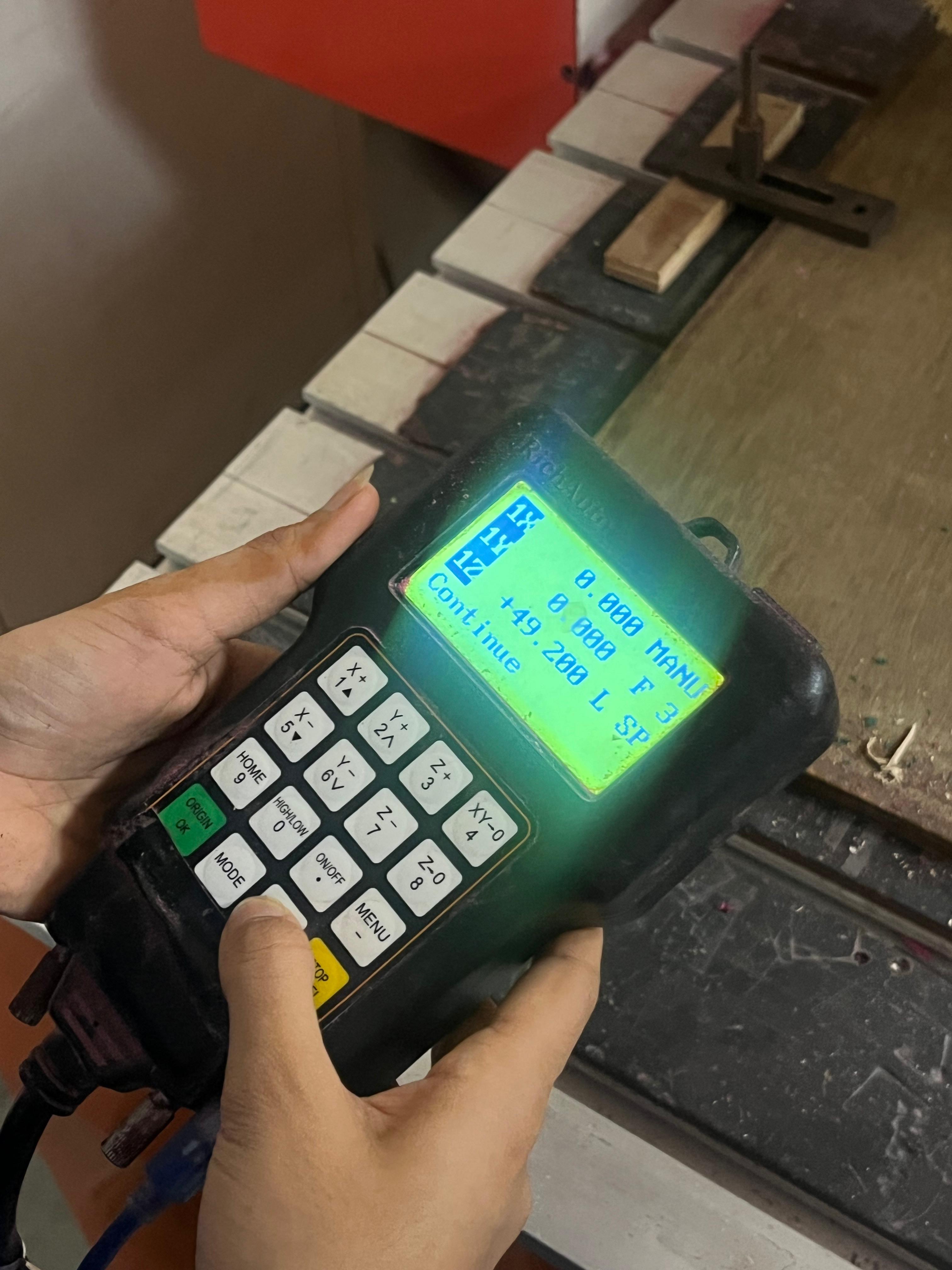
🔹 Loading the file + setting origin
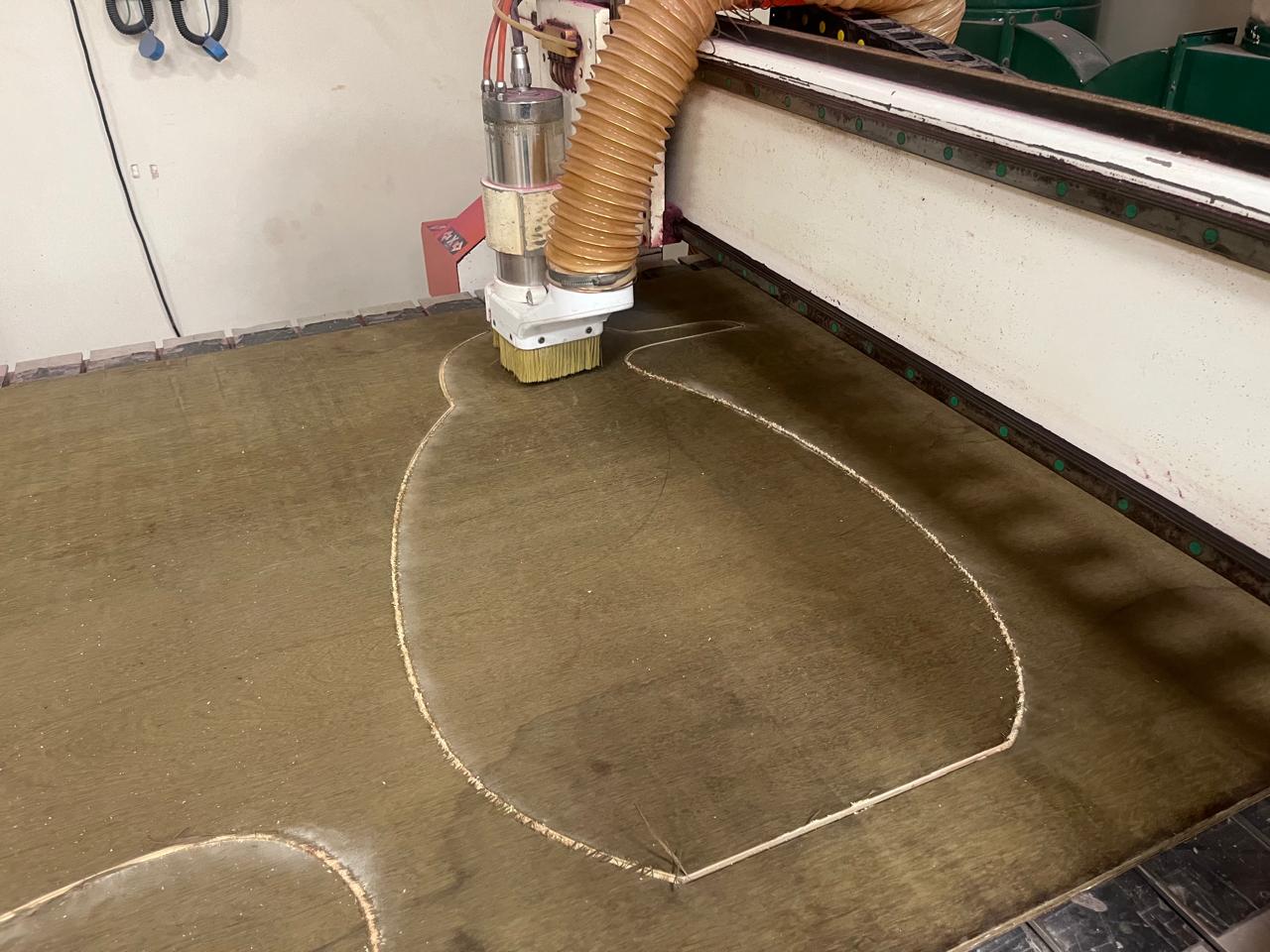
⚙️ Cutting
🪚 Post-Processing
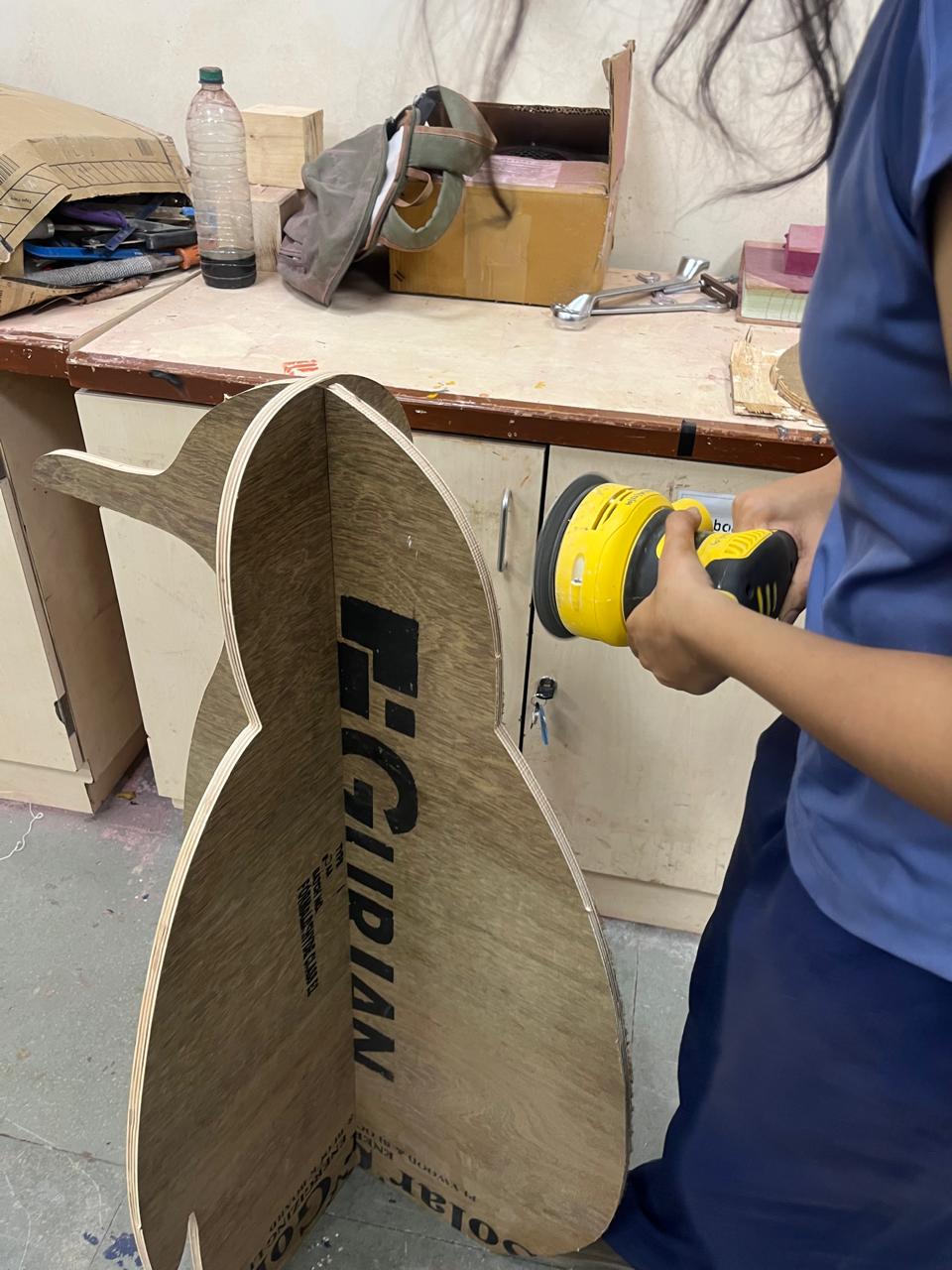
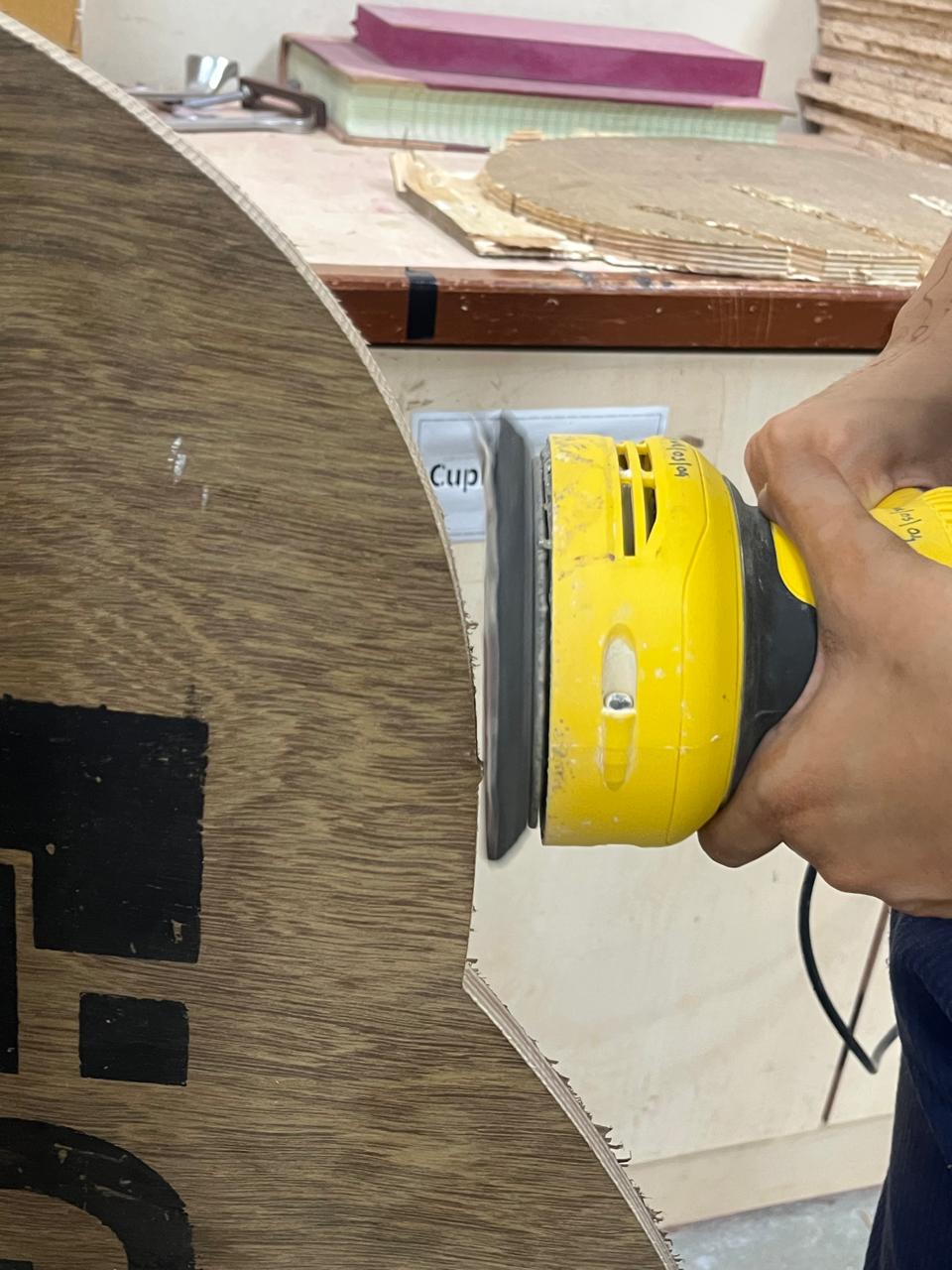
Snapped the tabs, then sanded the edges + tab marks with the orbital sander.
🐧 Final Penguin
✨ What I Learned
- • Tabs + clamps are non-negotiable
- • Always zero Z on the actual sheet
- • Multiple shallow passes > one deep pass
- • Big machine = big respect 🫡