Week 2: Computer aided design.
I tried, need to try more🥹
🪛 Overview
This week focused on exploring different computer-aided design tools and workflows to understand how digital models translate into physical fabrication.
Coming from a UI/UX focused background, I don't have much expertise in this area.
I experimented with multiple tools — Blender, Fusion 360, Meshy AI, and Illustrator — to explore different approaches to modeling, form generation, and fabrication readiness.
Alongside this, I began prototyping joint mechanisms for my final project.
🎯 Goals
- Learn basic and intermediate workflows in CAD tools.
- Understand differences between mesh-based and parametric modeling.
- Explore AI-assisted 3D generation.
- Begin designing articulated joints for puppet movement
- Create models that can be fabricated (3D printing / laser cutting).
🛠️ Tools Explored
1️⃣ Blender
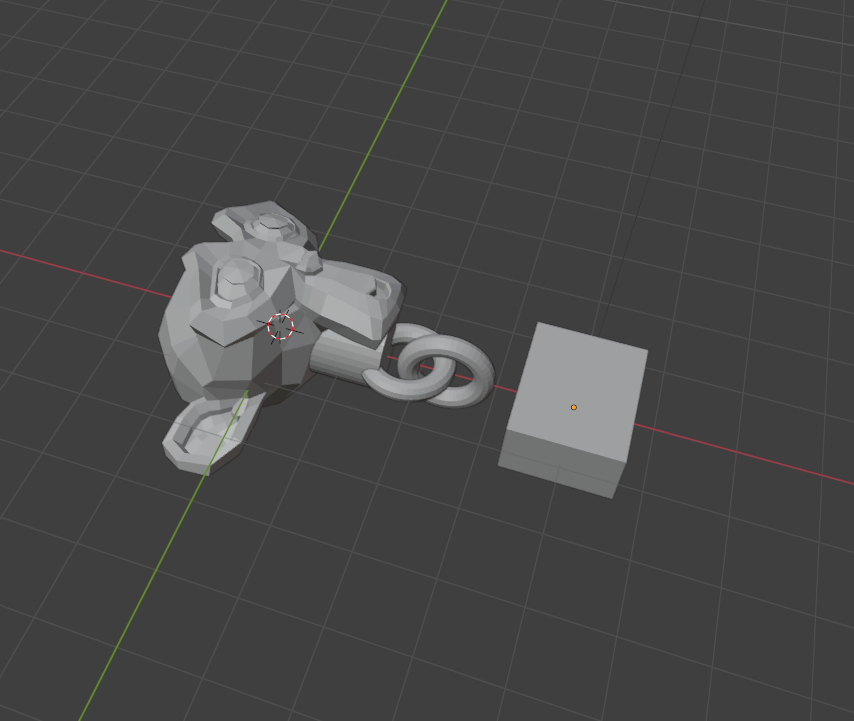
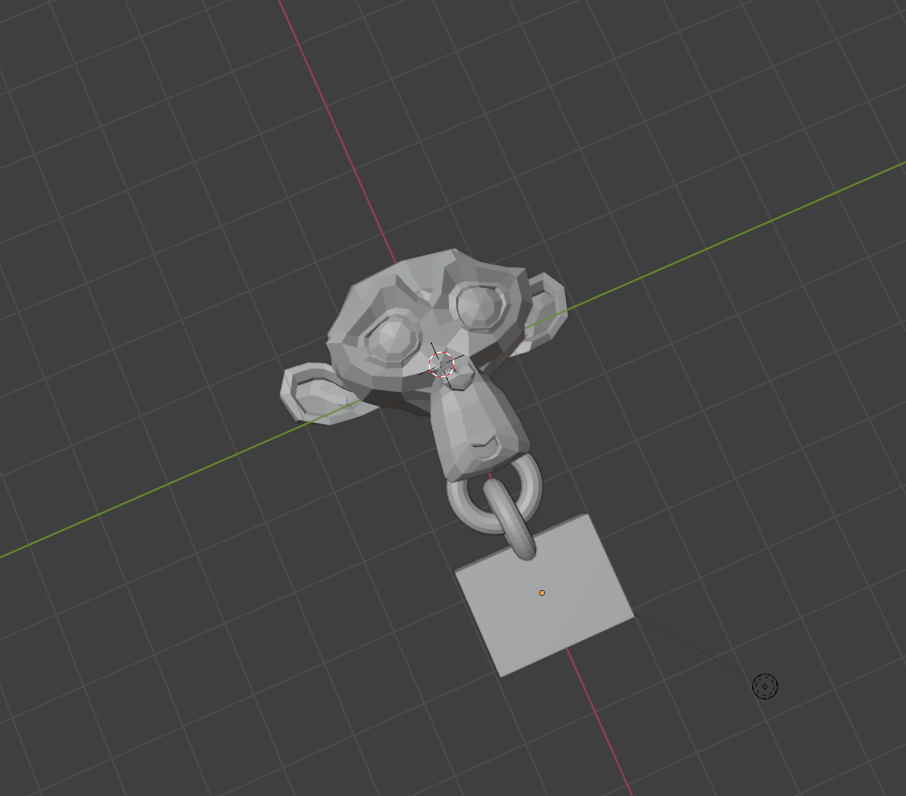
Blender was used primarily for organic modeling and to visually understand form and articulation.
I created a basic jointed structure using a monkey model
I laerned that Blender is great for visualization and understanding motion, it is not ideal for precise fabrication. Controlling exact dimensions is difficult, making it less suitable for production-ready parts. However, it is very useful for conceptualizing movement before translating it into parametric design.
2️⃣ Fusion 360
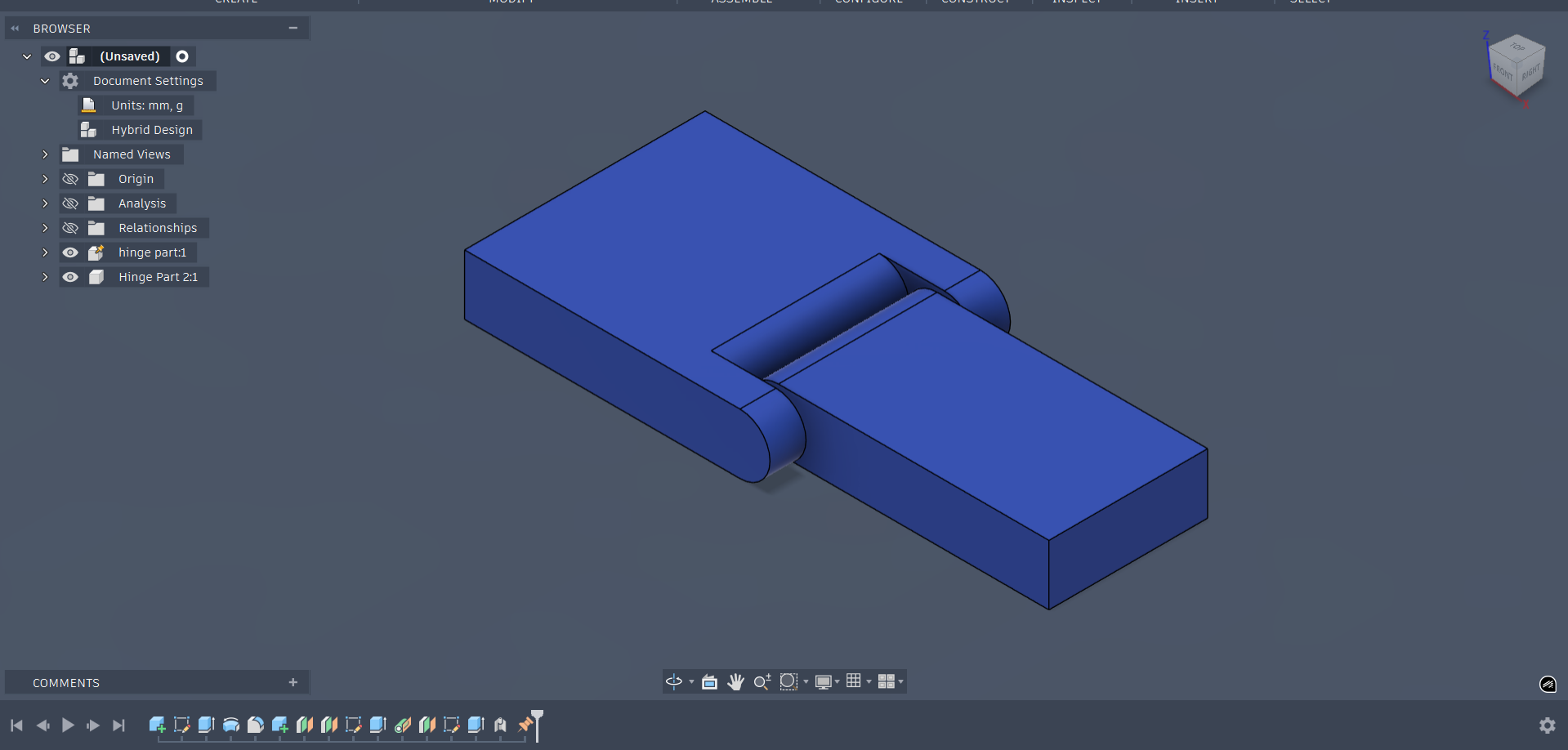
Fusion 360 was used for precision modeling and designing fabrication-ready components. Unlike Blender, it allows for accurate control over dimensions and relationships between parts.
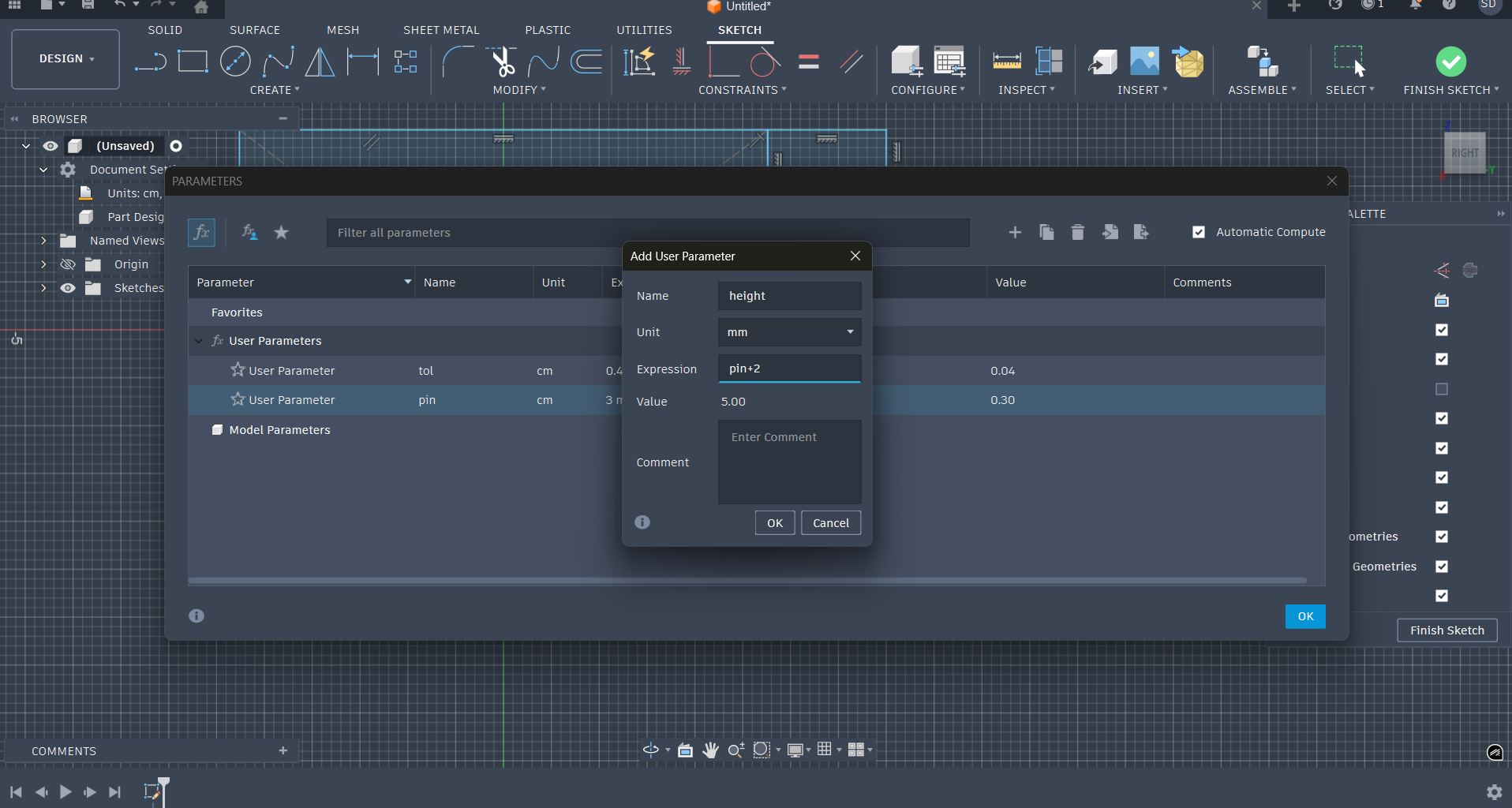
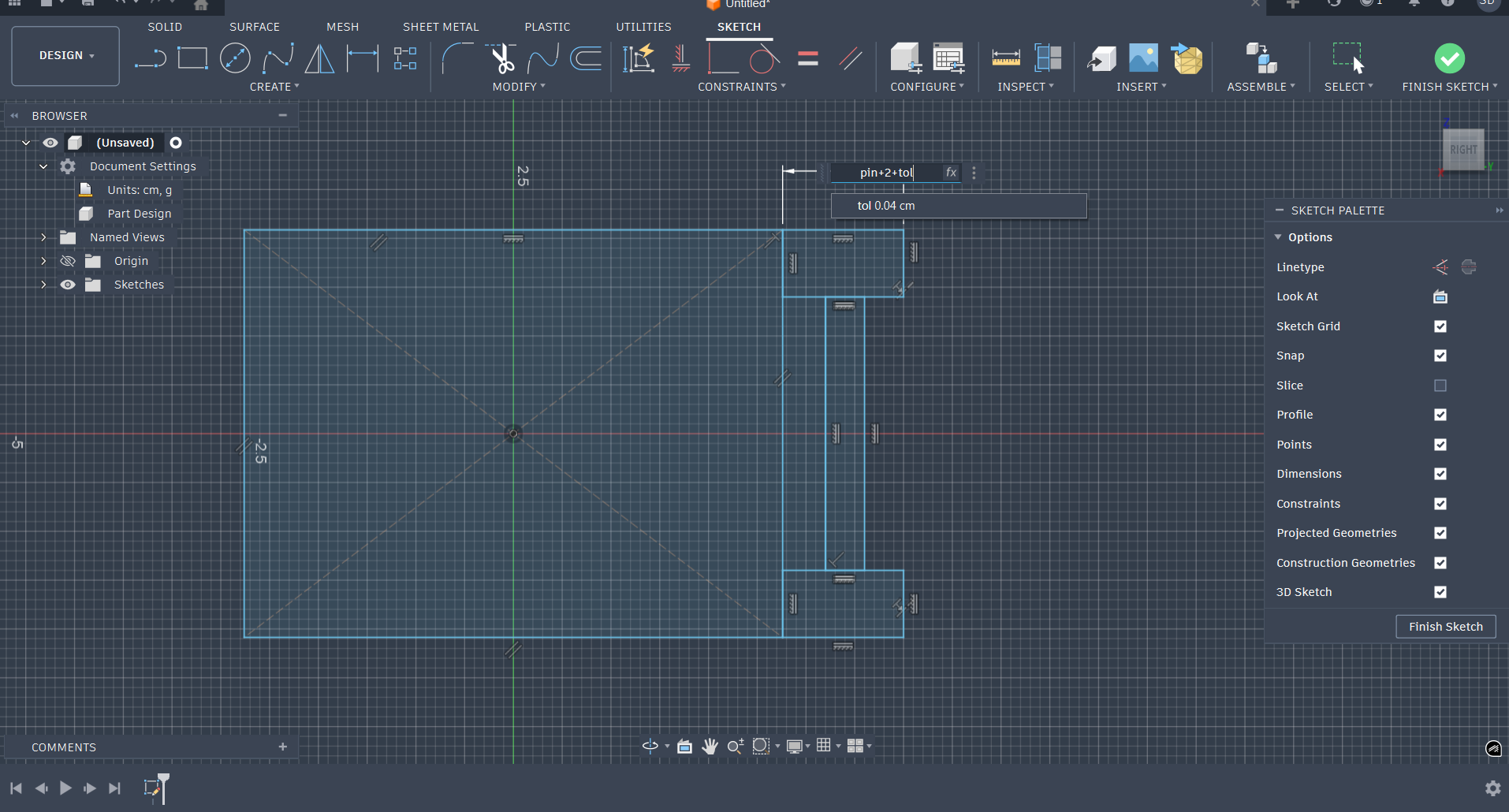
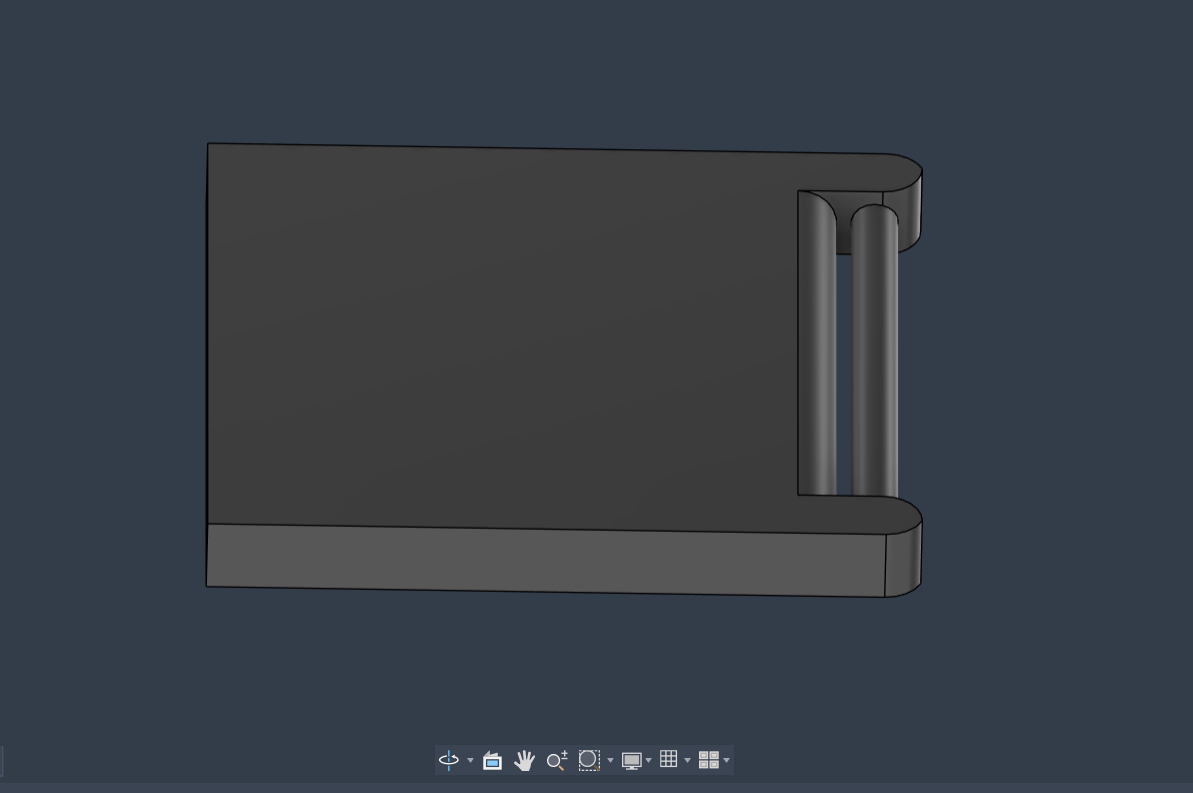
I designed mechanical joint prototypes, including hinge-like connections, and tested clearances and fit between components.
This process highlighted the importance of parametric design in real-world fabrication. Designing joints requires careful consideration of tolerance, range of movement, and friction. Fusion made it possible to iteratively refine these aspects with accuracy.
3️⃣ Meshy AI
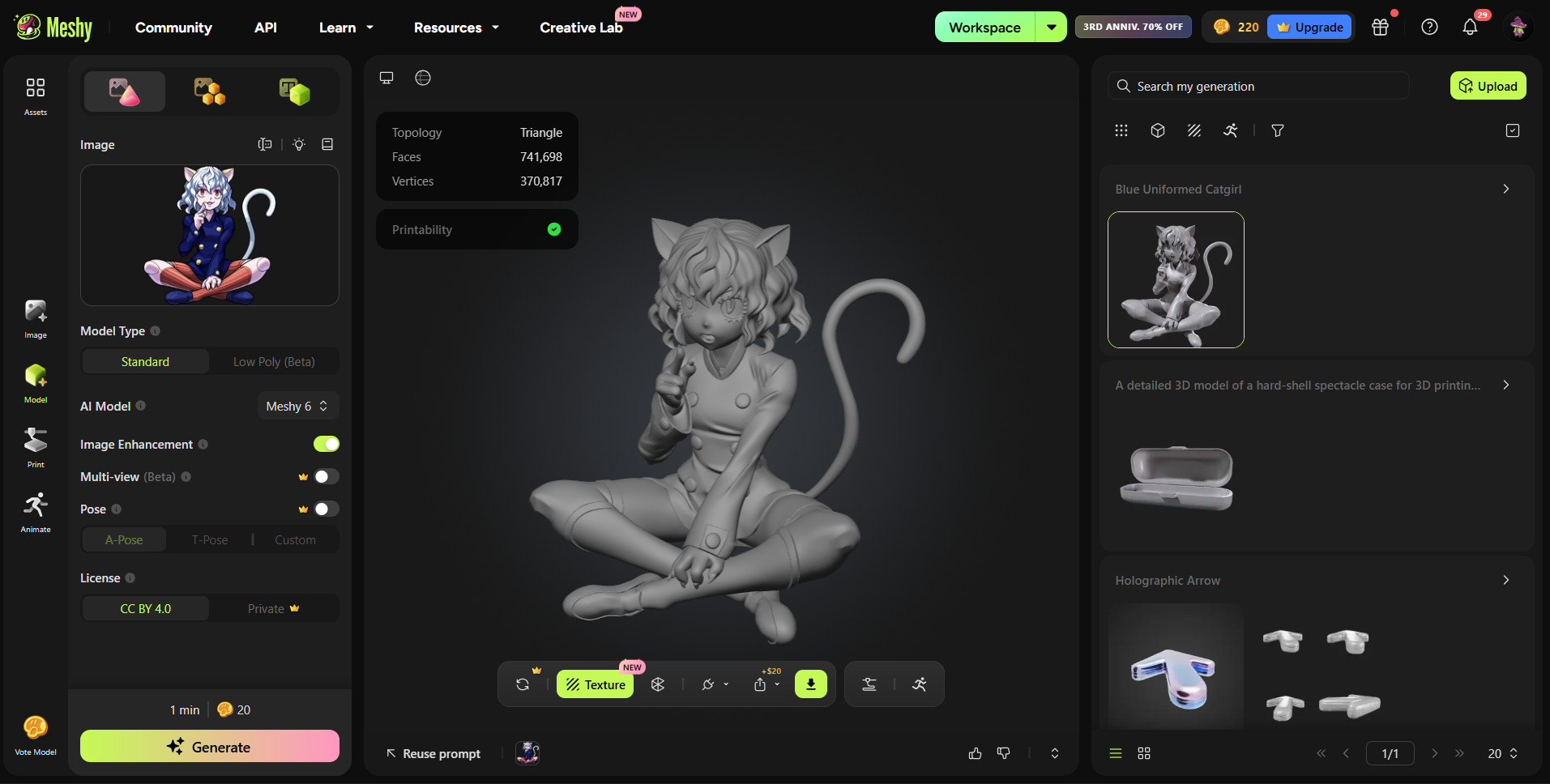
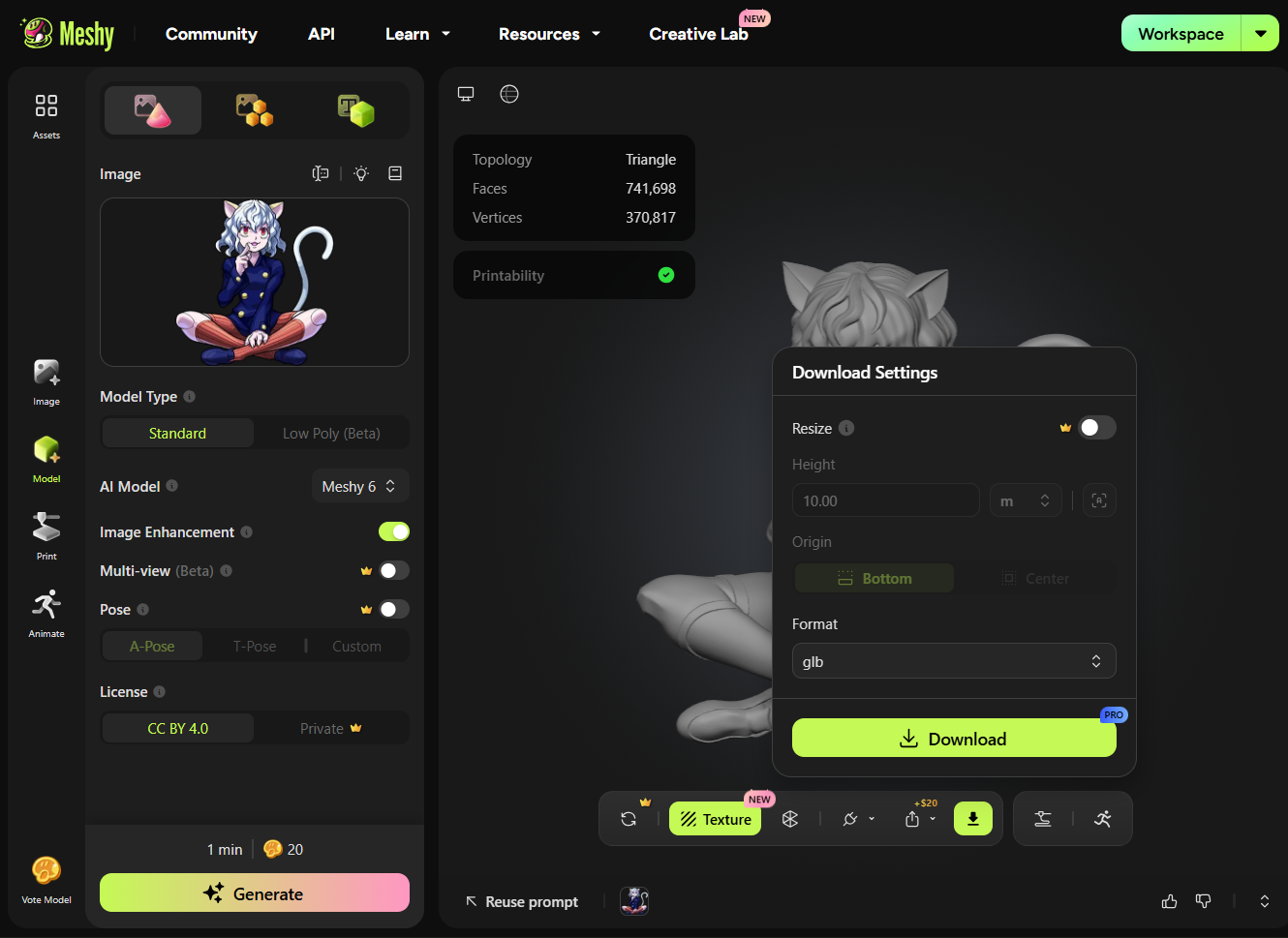
Meshy AI was explored as a tool for rapid prototyping and generating base 3D forms from prompts.
While the tool is fast and useful for ideation, the outputs are not directly fabrication-ready and require significant cleanup.
This made it clear that AI tools are more suitable for conceptual exploration rather than final production workflows.
4️⃣ Adobe Illustrator
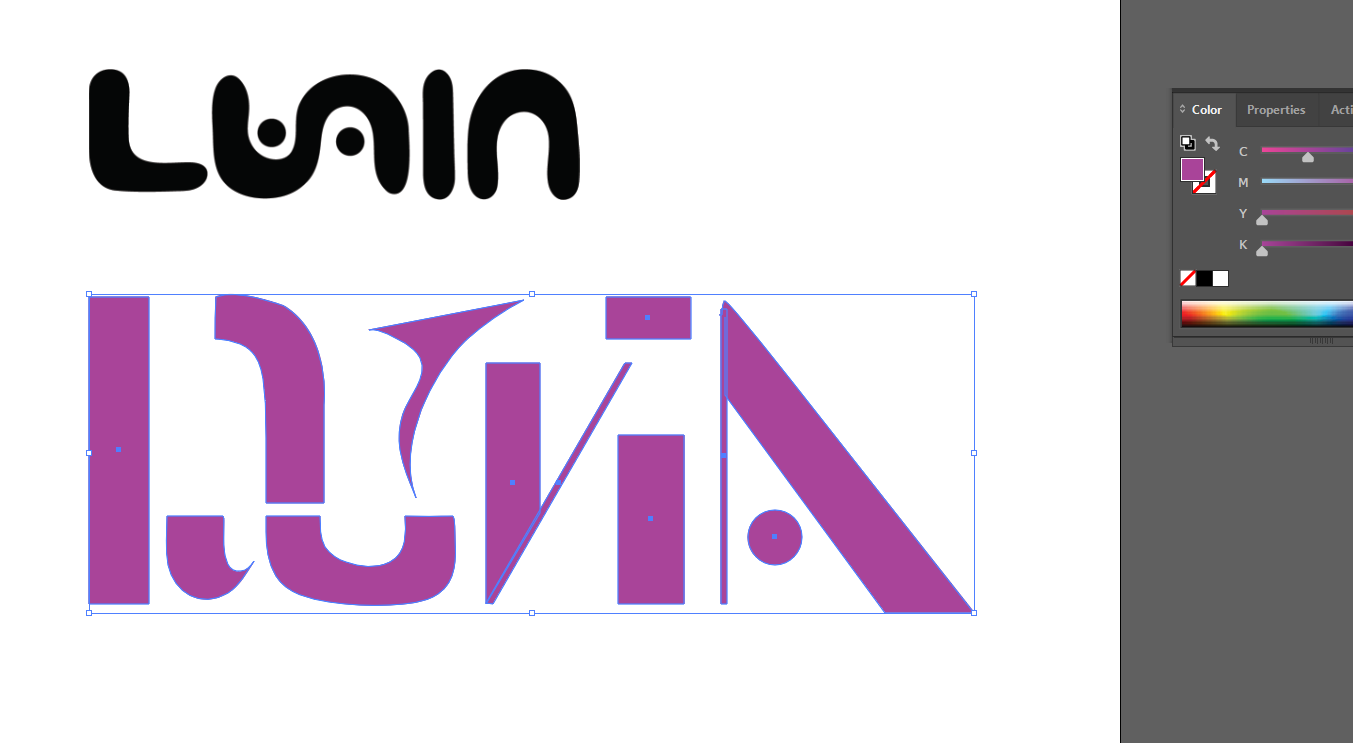
Adobe Illustrator was used for creating 2D vector designs, particularly for laser cutting workflows.
I created vector shapes and explored export formats such as SVG and DXF to ensure compatibility with fabrication machines.
This process emphasized the importance of clean paths, proper scaling, and precision in 2D design, especially when translating digital files into physical outputs.
📁 Design Files
Fusion HingeBlender Monkey chain
Illustrator Logo