Week 12: Machine Building
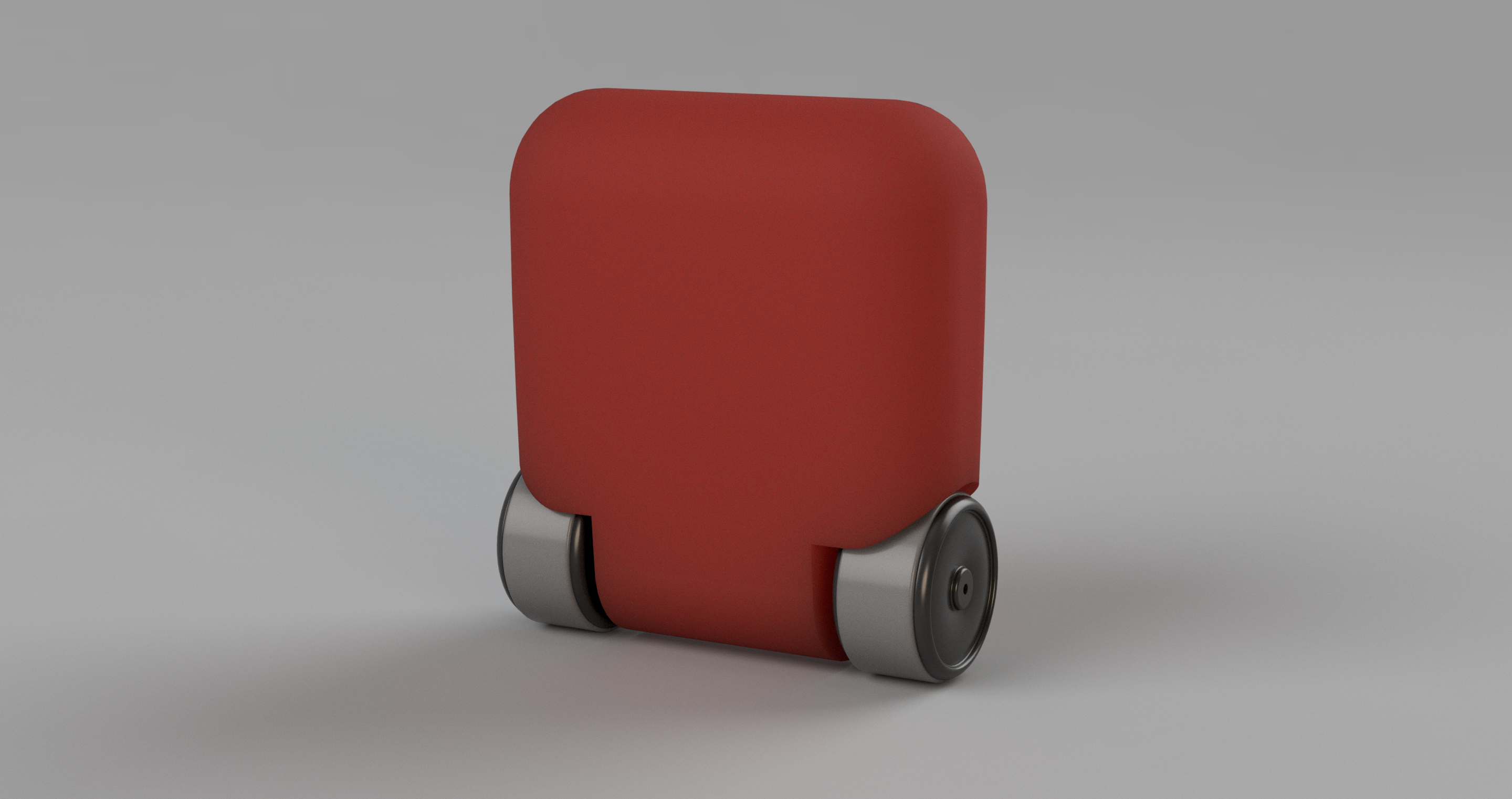
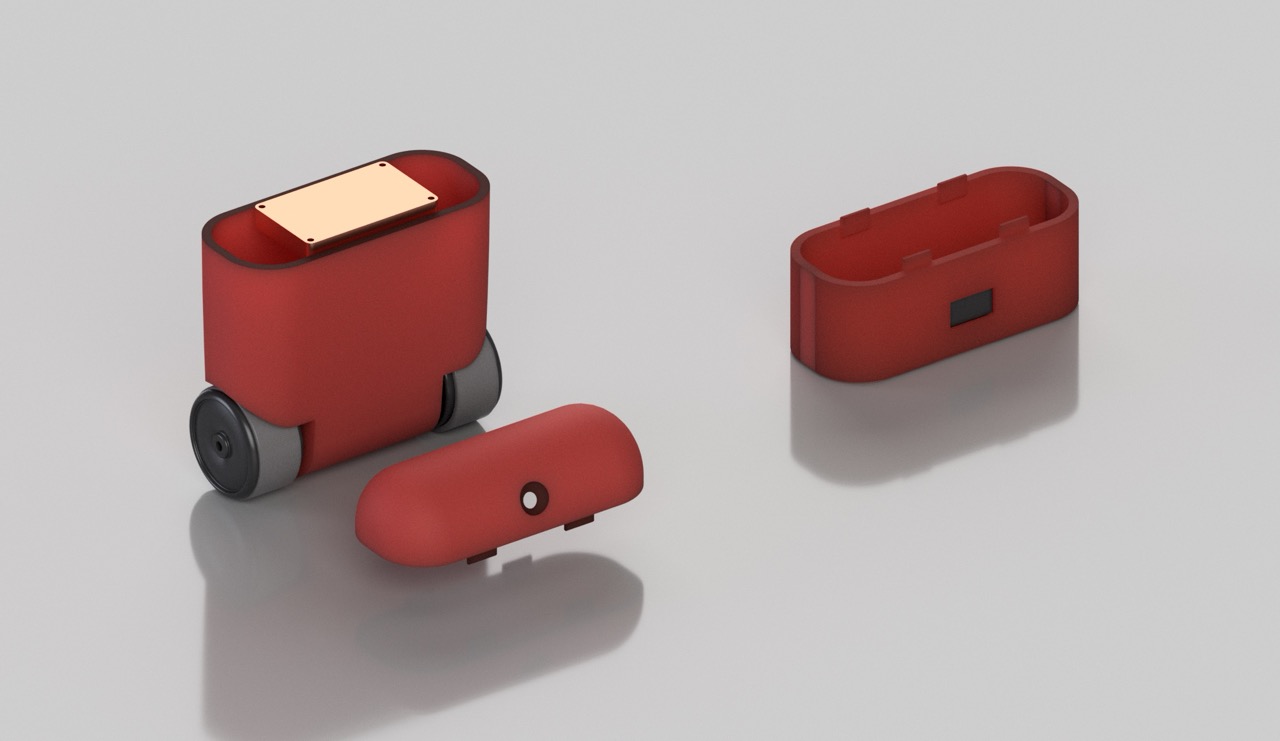
*Rendered model of the robot.
The Idea
Two weeks before the machine building week, my groupmate Mariam and I had thought about making a robot vacuum cleaner. Then when the week had arrived, we changed our initial idea and spent a day ideating. After many ideas, and a lot of back and forth, eventually, we landed on the idea of a two-wheeled self balancing robot. Whereas the inspiration came from both bionic robots and agentic AI.
The Philosophy
My team mates and instructors know that before conquering bionic robots and agentic AI, we first need to solve mobility tasks. In other words, if the end goal is building robots that move and think on their own, then movement has to come first. Rather than starting with something straightforward, we figured we would pick a problem that’s already a bit harder than it required to be. A self-balancing robot has to earn its stability constantly, it’s not just rolling from one point to point another, it’s working continuously to stay upright –– in some sence a 2-in-1 task. It felt true to the bigger picture we had in mind, but the grand idea behind was learning by failing.
Project Ditribution
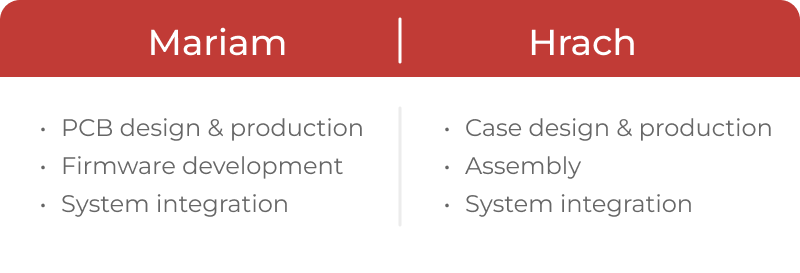
The work was divided between the two of us – Mariam, and Hrach [me].
Aditionally, we were continuously supervised by Onik, one of our local instructors.
I mainly focused on deisgning the chassis of the robot, in fact we tried to make the robot as much customizable as possible. Initially, we could simplify the task, and swap the wheels from another store-bought robot we found in the lab. But, that did not seem to be in our agenda, we only did that on the draft version. Other than the design work, I would spend time laser cutting, 3D printing, and sometimes assembling the robot, or soldering small parts, like the charger.
Mariam, on the other hand, worked on the PCB design, firmware, face detection through machine learning, and much more… For more details I suggest you explore Mariam’s page.
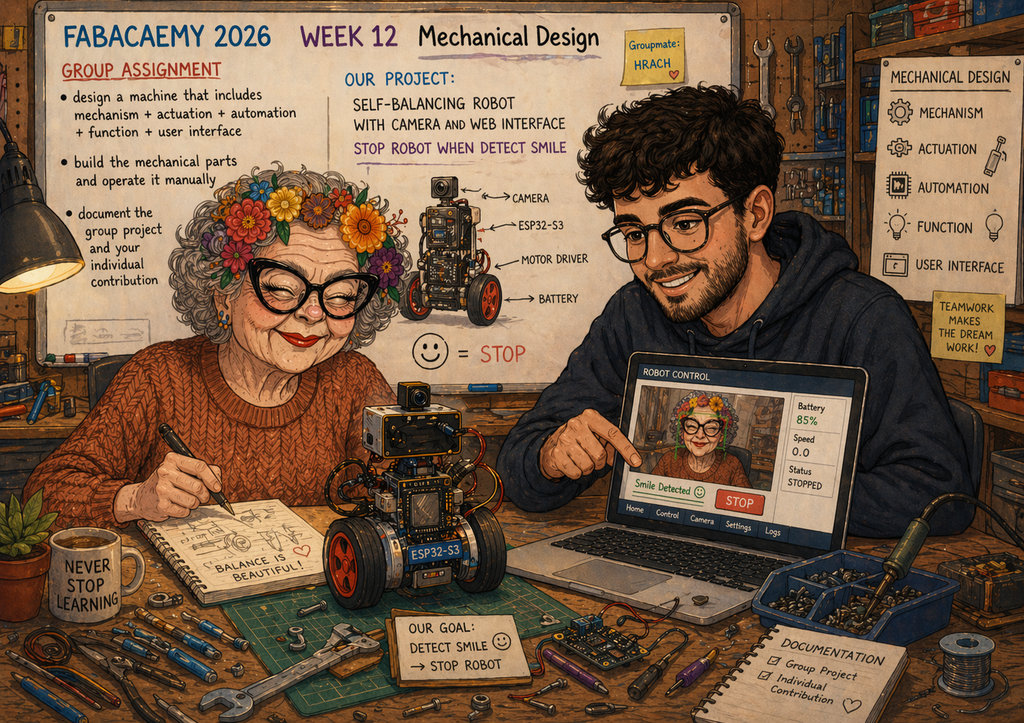
*Mariam’s granny and I.
The Design
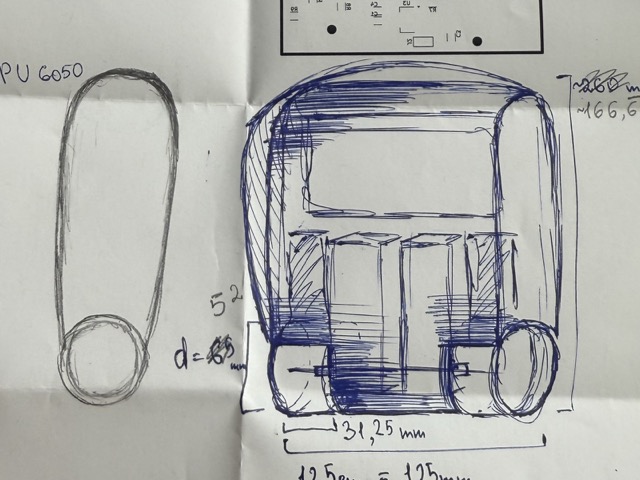
We began by each submiting a draft of what the robot would look like, and after ideating a day, we landed on this sketch. We had decided to place the batteries somewhere in the upper part of the body to raise the center of gravity. If it were lower it would have been more difficult for the robot to try to balance itself.
The Components
1x chassis
2x rims
2x tires
2x DC motors
1x ESP32-C3 for mobility
1x ESP32-S3 for camera input
1x LCD
1x camera
1x Wi-Fi antena
1x infinate patience
Wheels
Everything began from a single tire and a rim. The rim was simple, printed with black PLA. Whereas for the tire, initally, we wanted to print it with transparent TPU, but ended up switching to a different color filament.
The Tire
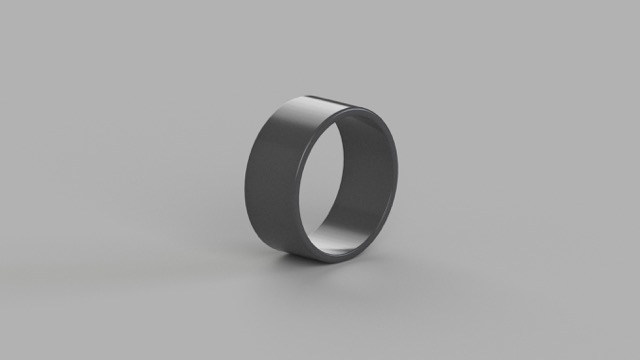
When choosing the infill pattern, I was aiming to provide cushioning that mimics the behavior of a pneumatic tire. However, the robot was not heavy enough, and the tire walls were not thin enough to create any suspension. Despite the stiffness, the TPU provided sufficient traction, effectively preventing slips.
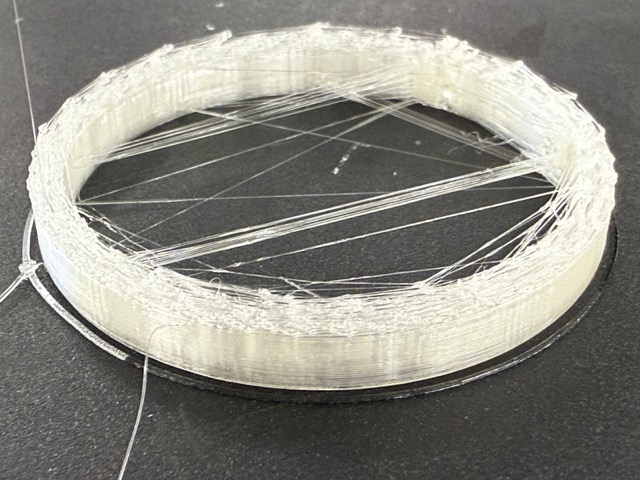
The first attempt to print the tires did not go as planned. The lower layers turned out fine, but as it would progress through the print, the layers would get ruined. Assuming the nozzle was clogged, so we tried cleaning it. The needle did not work so we tried some other methods, such as heating the nozzle, and retracting the filament by pulling with a quick movement.
Eventually, we came to a conclusion that the fault was with the filament. So we switched to an opaque silver metallic TPU [shown below].
The Rim
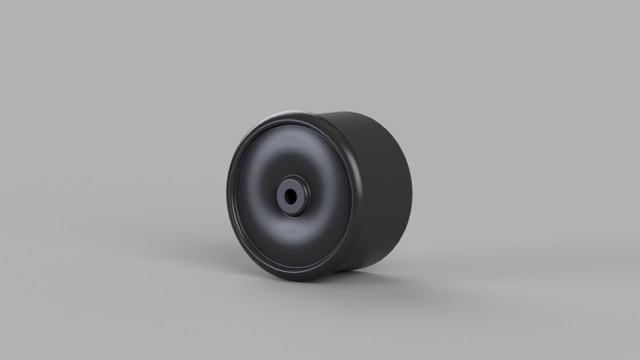
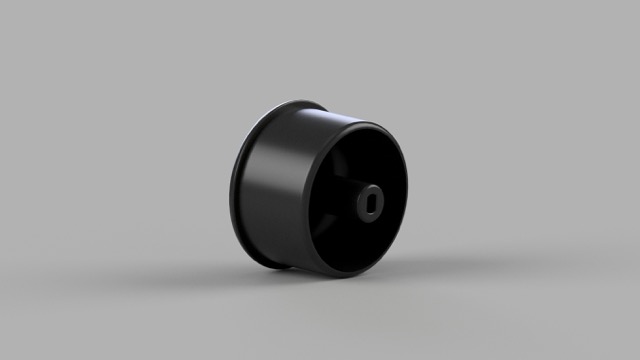
In the final 3D model shown below, I included a hole for the screws that attach the wheels to the motors, while the short, wide opening accommodates the motor shaft.
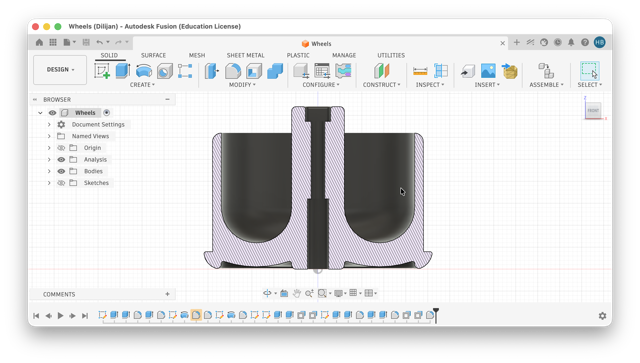
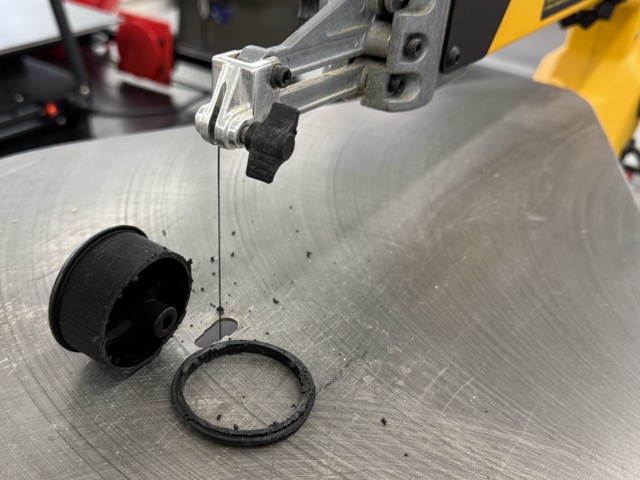
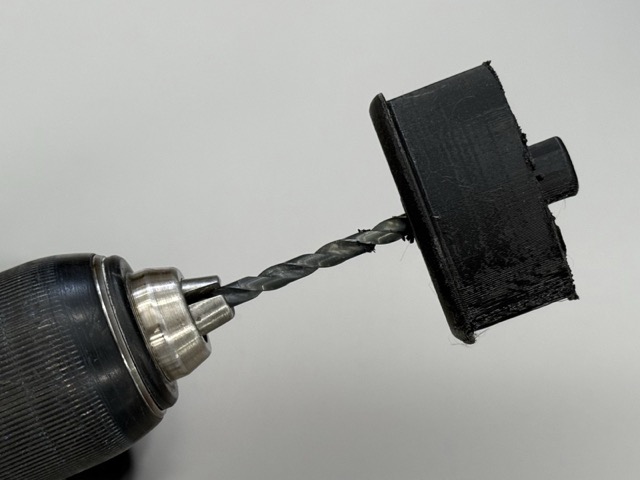
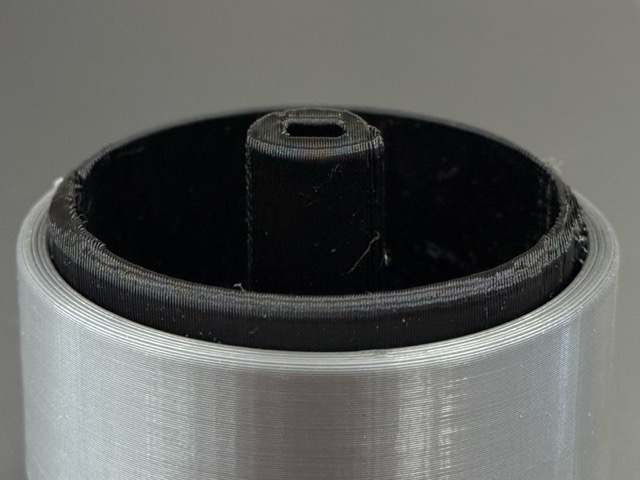
The design evolved after I realized the screw length exceeded the rim depth [right image below]. Furthermore, the rigid TPU tires were nearly impossible to remove without damaging the rim with metal tools. After trimming the inner rim with a scroll saw [left image below], I iterated the design into the current version of it [larger image below].
Inner Structure
Meanwhile, I had also taken all of the component measurements, and created their digital twins in Fusion. This was done to create the 3D version of the insides, and understand how to organize, and fit the comonents to achieve the best balance for the robot.
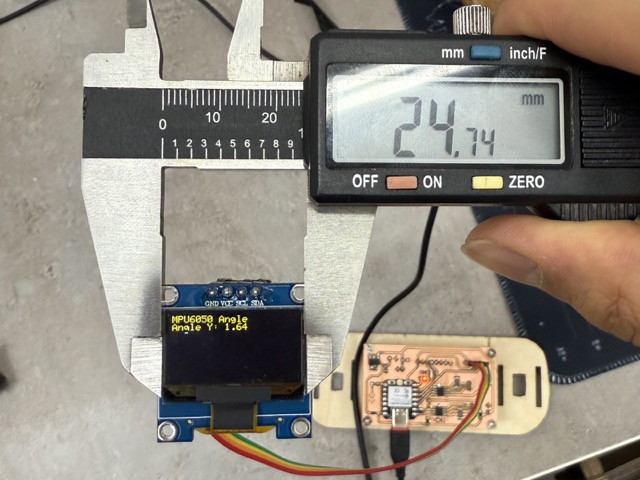
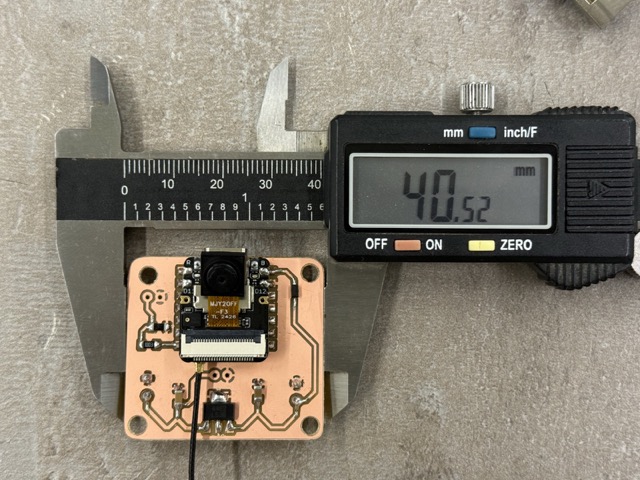
Not sure why, but I did not download 3D files of the motors, display or other parts. But throughout designing each component I noticed a significant advance in CAD designing. I also later learned that I could dowanload the 3D versions of the PCBs from KiCad.
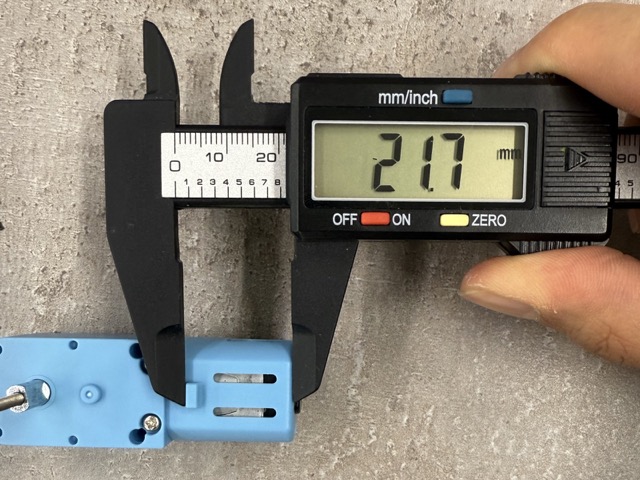
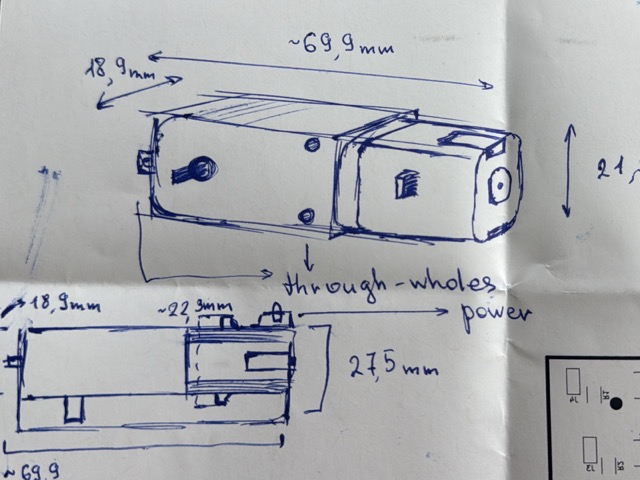
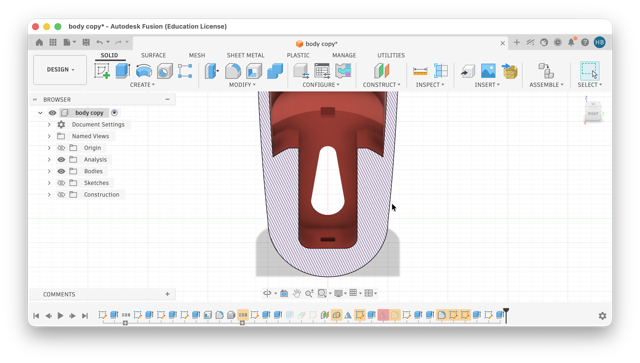
For example, in this image below, based on the measurements of the motor, I designed a pocket where the motor would fit with minimal space to wobble.
Chassis
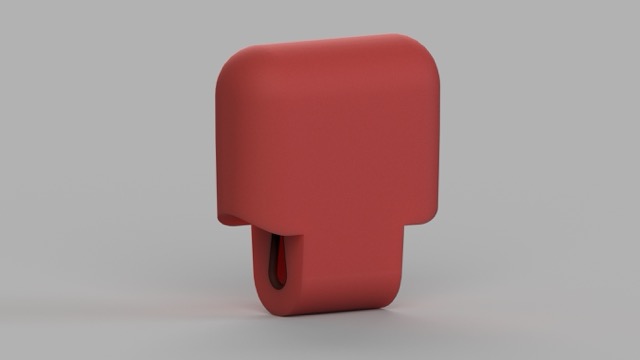
Our filament of choice was red transparent PETG. Compared to the body rendered body [much further image below] the translucency is more visible. We planned to print this version when we were sure that the robot would work as anticipated, but when the moment came to test the red filament, we realized that it would not print good. After all, the total print time was near 12 hours.
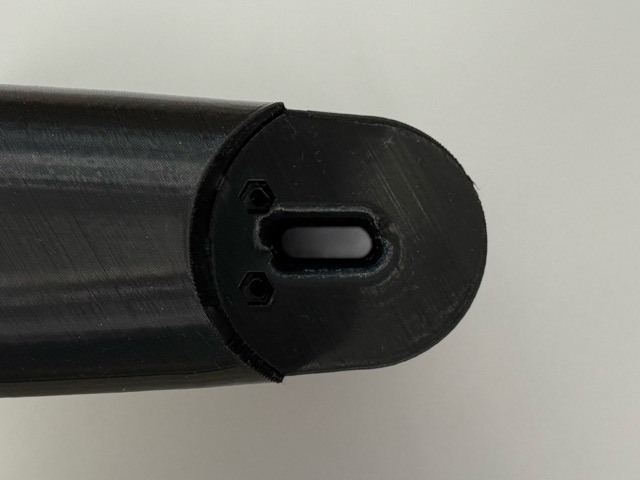
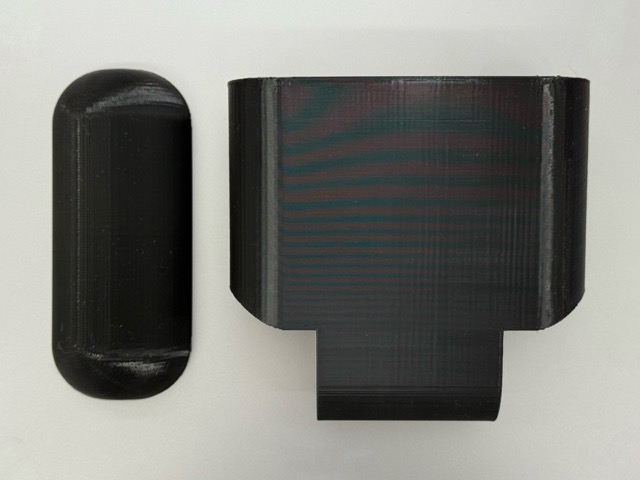
We tried drying the filament, cleaned the nozzles, changed print settings, we even changed the printers. As nothing seemed to work, we ended up not switching the housing, and left in it’s second, black print prototype.
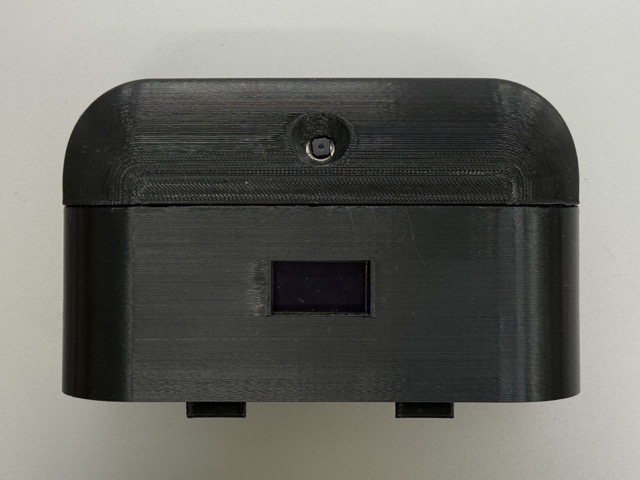
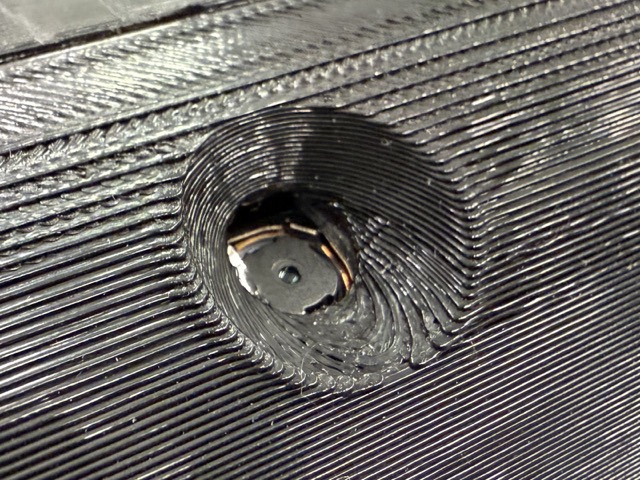
Camera
The camera whole was left so wide as I was not very sure how wide the angle of the lense is, but the camera we used was XIAO esp32 S3’s camera module.
Charger
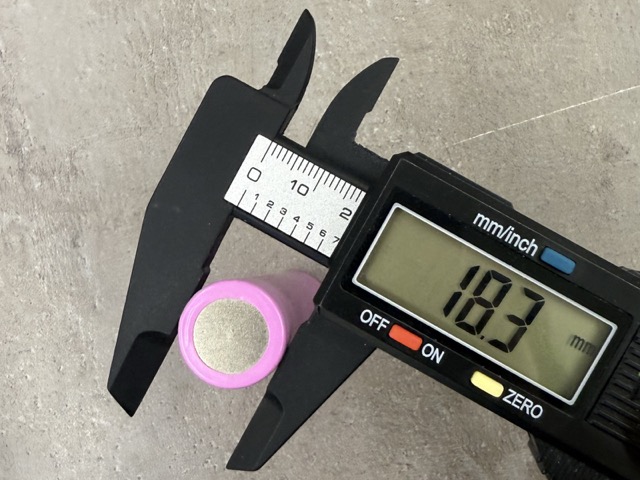
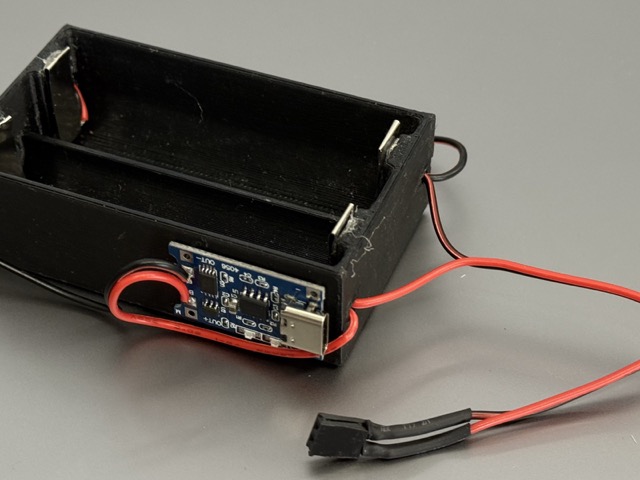
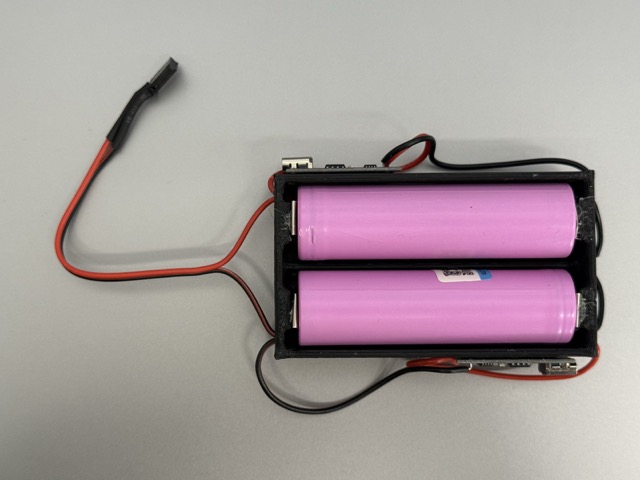
Separetly, we considered having a separate battery charger, as opposed to having a battery management system [BMS] taking up more space in the robot. Nevertheless, from our point of view, this was a smart approach as we wouldn’t know how many times we’d need to disassamble the robot throughout development.
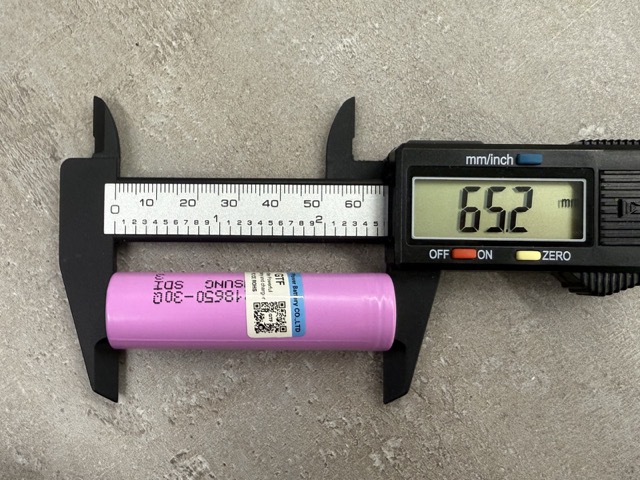
I havn’t experienced this, but I do not recommend either! Do not use a metalic caliper to meature a batter, especially tocuhing the anode and the cathode.
Prototype
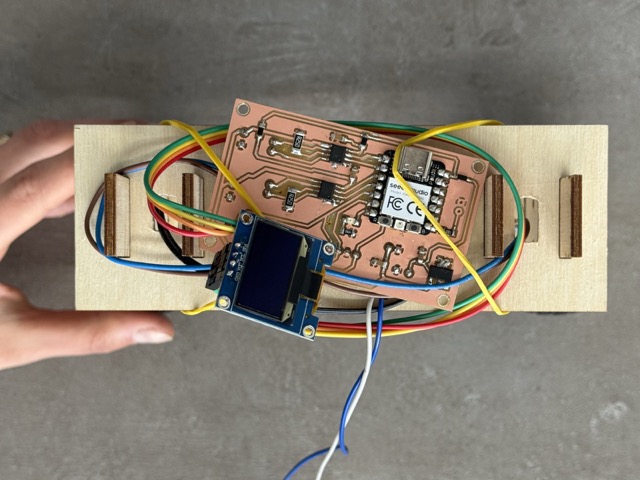
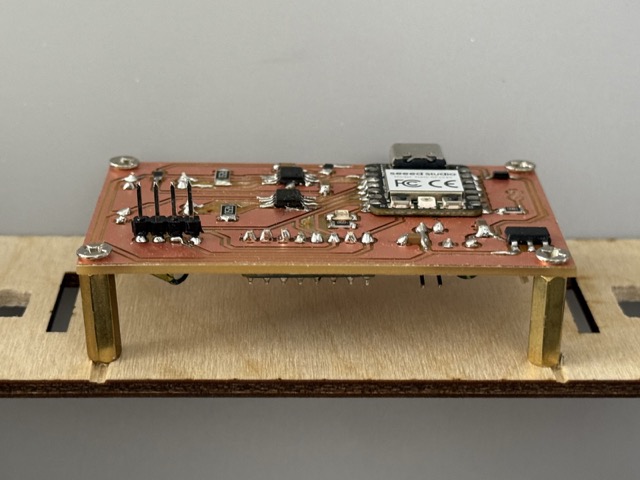
As the robot is meant to continuously wobble, even when prototyping we quickly advanced from having a rubber band setup, to having the PCB screwed onto the plywood panel.
Frame
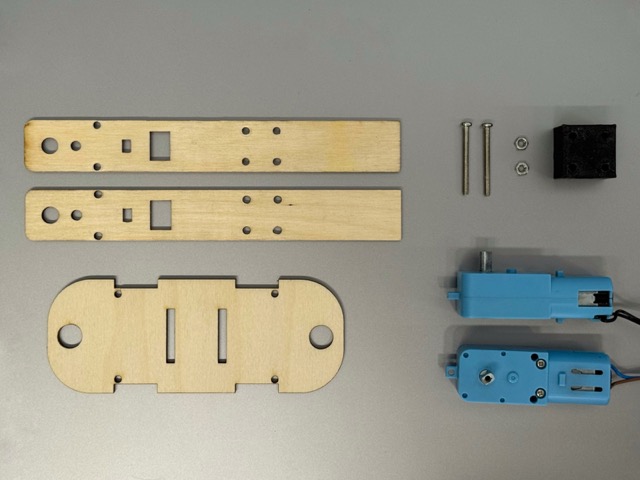
The draft version of the robot had two laser-cut plywood legs for which we had separetly designed a plastic cube that would pass the motor wires through, and create a stable support for the upper part of the structure.
Results
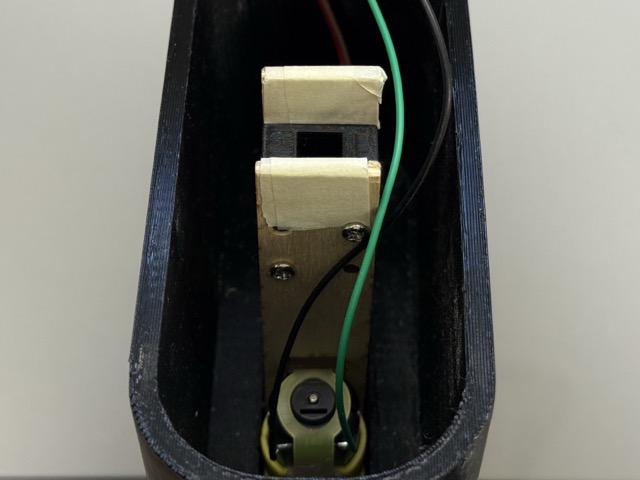
As we had decided on what will be inside the printed body, we also decided not to change the inner architecture. This would both save time on designing, and printing. So a workaround was reinforcing the insides by having a one of the sets of thee legs as a central core to the robot.
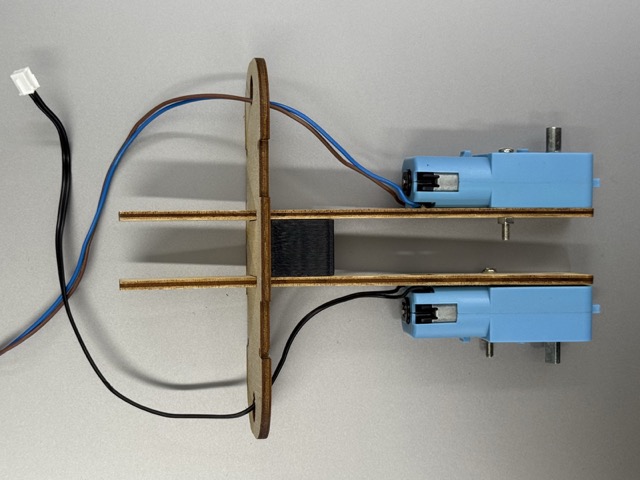 *The skeleton.
Design Improvments
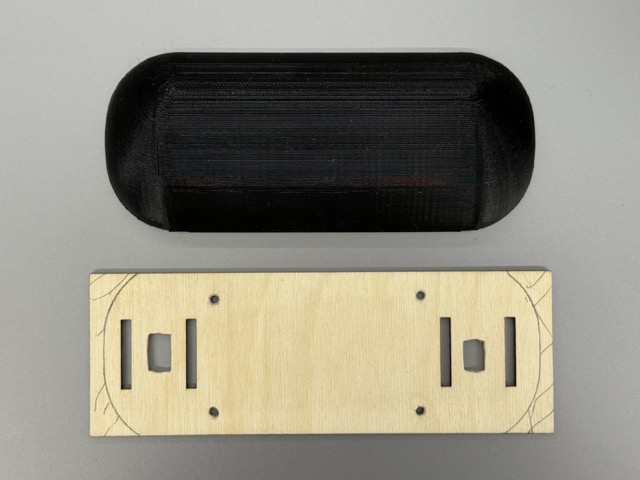
In order to save time, I had simplified the joints, which are not very good. They simply hold the body parts together. In my initial design I wanted to have a back door to the body, and not a body that would disassamble to multiple parts. So the major change would be this.
Conclusion & Future Developement
The week ended up being more than I expected. I spent a lot of time in Fusion 360 – more than I have ever before – and looking back, the improvement in my CAD skills was one of the biggest wins of the whole week. There’s something about choosing a hard problem that pulls more out of you than an easier one would. It also changed how I think about the final project — now I feel like I can’t go backwards. Whatever comes next has to be at least as interesting as this, if not more.
For us, not only the purpose of this project was to balance a robot on its two wheels, but also a big takeaway was the learning. As for what comes next to this project, I think to improve its stabalizing, which will result in further learning.
Resources
STL
• Rim
• Tire
• Motor
• Body
• Battery Holder
3MF
• Rim
• Tire
• Motor
• Body
• Battery Holder
F3D
• Rim
• Tire
• Motor
• Body
• Battery Holder
Prompts
No AI prompts were used to come up with the design or inner architecture of this project!