Computer-aided Design
2D Software
I prefer Adobe Photoshop.
I may also use some online tools for editing sometimes, like:
- Baidu Image for searching and AI editing.
- Photopea a simple version web based Photoshop.
- Convertio for converting image to svg.
Here is a picture to show how I generated images with Baidu Image AI.
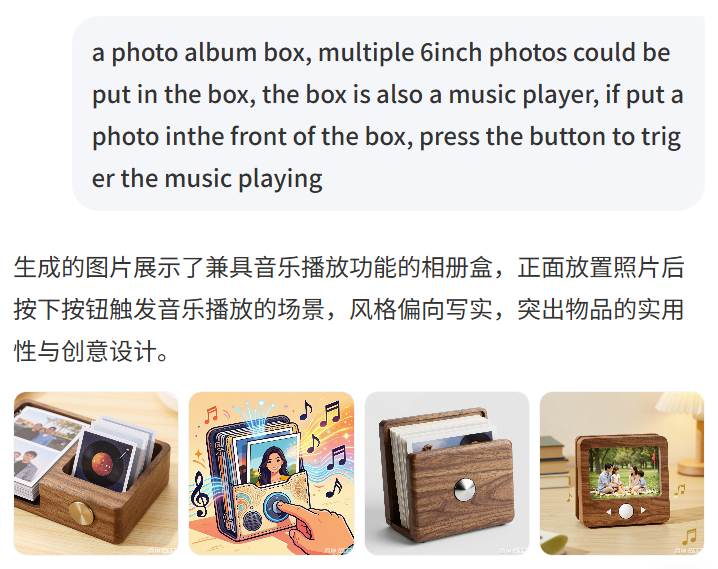
Even it's an AI tool made by Chinese company, it could read both Chinese and English.
The screenshot I took was saved as PNG format. To compare PNG and JPG format, JPG format is smaller in size.
Here is more explanation provided by Adobe about the difference between PNG and JPG: JPEG vs PNG.
Idea is more important than the software. Even like Microsoft PowerPoint, it could be used as a 2D designing software.
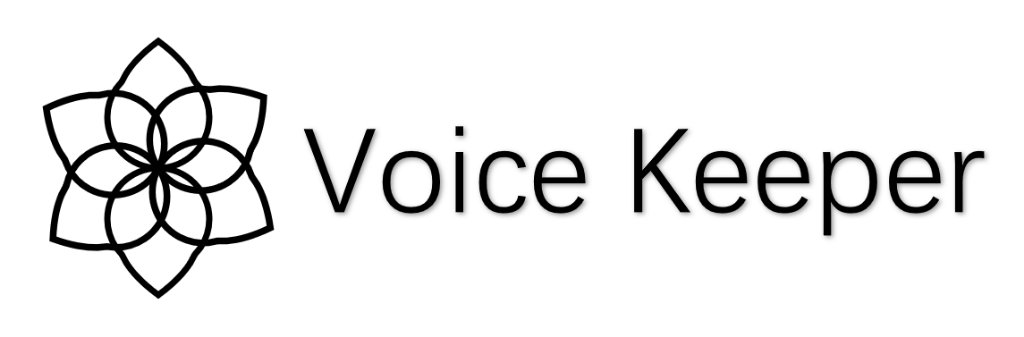
In my mind, the graphic of the logo is a Sacred Geometry - inspired motif. Its core feature is a six-petal structure formed by multiple equal circles intersecting and overlapping, framed by an outer ring of pointed, angular outlines.
This interwoven pattern of multiple circles closely resembles the Flower of Life in geometry, symbolizing creation, growth, and the interconnectedness of all things. For the VoiceKeeper brand, it serves as a metaphor for how fragmented memory pieces (each circular ring) are woven together into a complete and harmonious life narrative.
Guardianship and Preservation: The six pointed outer contours resemble an emblem or seal that encloses the central flower. This subtly echoes the "Keeper" in the brand name—it is not merely about storing sound, but about guarding precious memories in a solemn and holistic manner. The interlaced rings can also be interpreted as an abstraction of sound wave propagation, radiating outward from the center in layered ripples, hinting that voice is the brand's core medium.
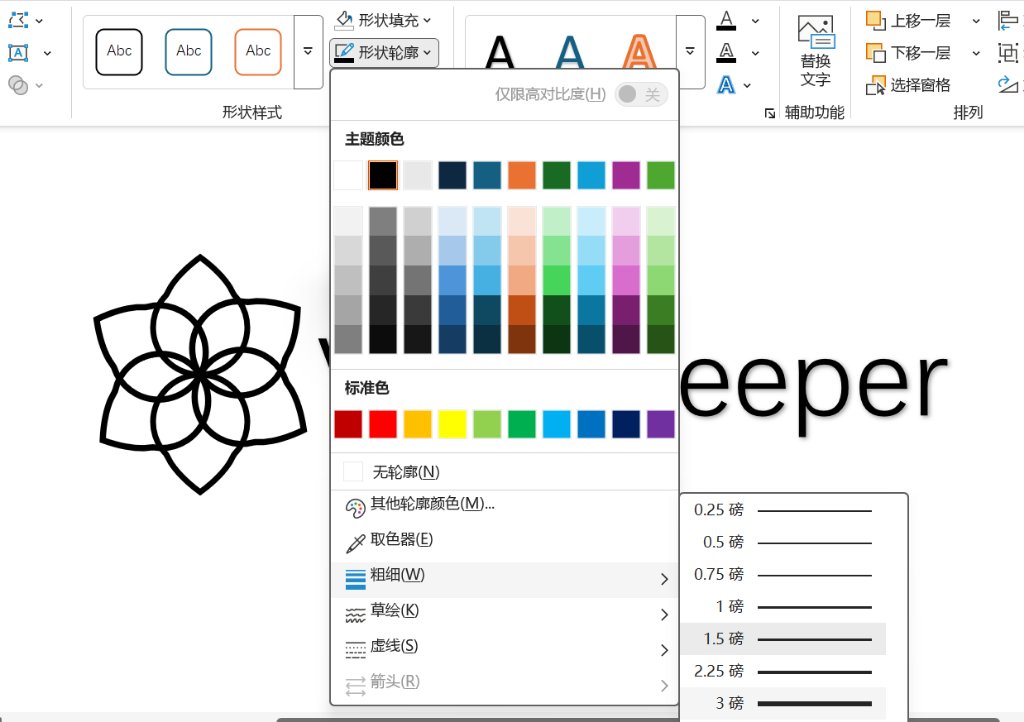
Here is the logo design I made with Microsoft PowerPoint.
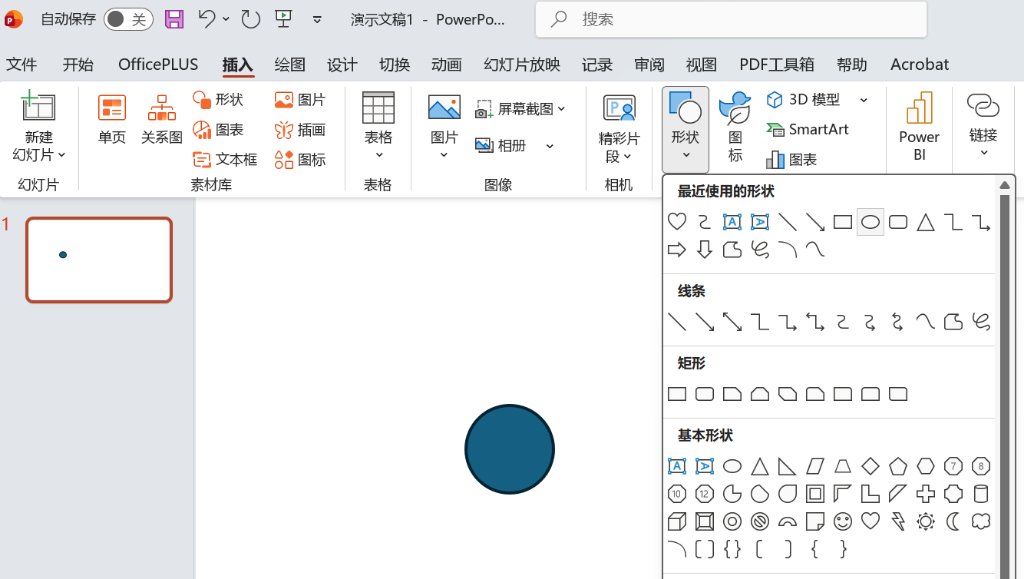
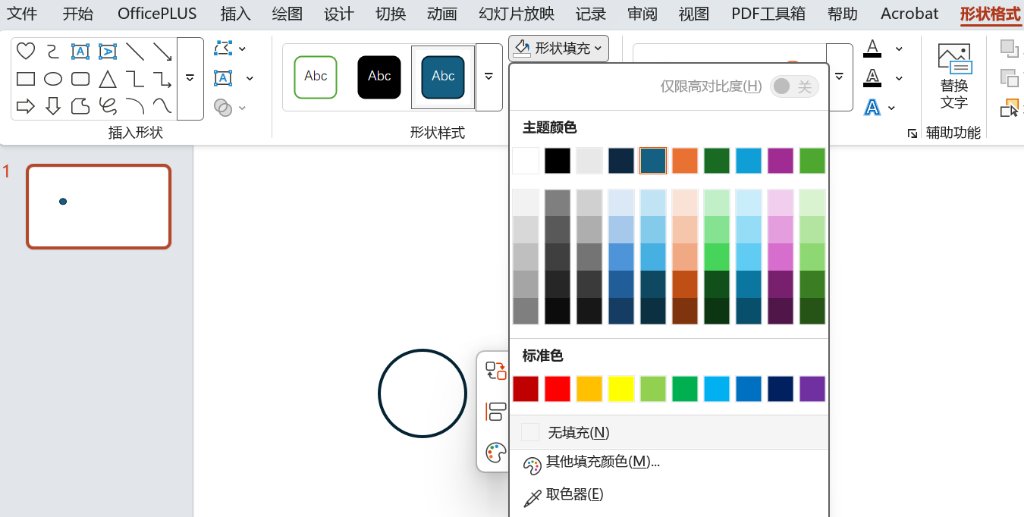
Here are the steps of how did I make the logo design with Microsoft PowerPoint:
- Open Microsoft PowerPoint and create a new slide.
- Insert a circle and change the fill color to transparent.
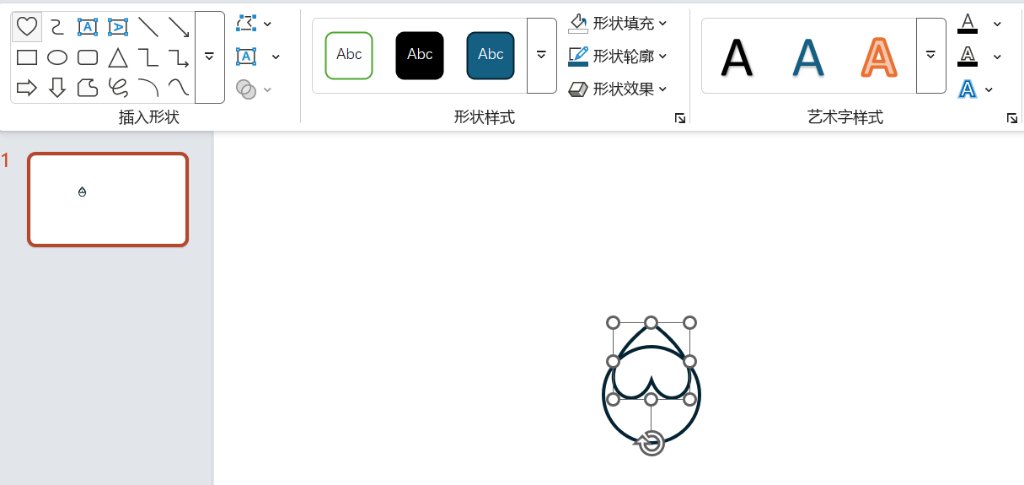
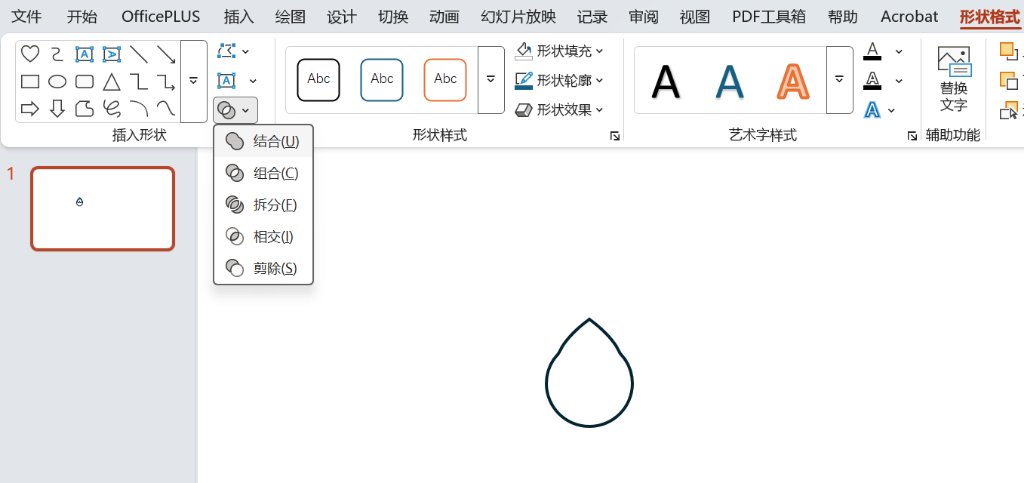
- Insert a heart shape and change the fill color to transparent. Union the two shapes.
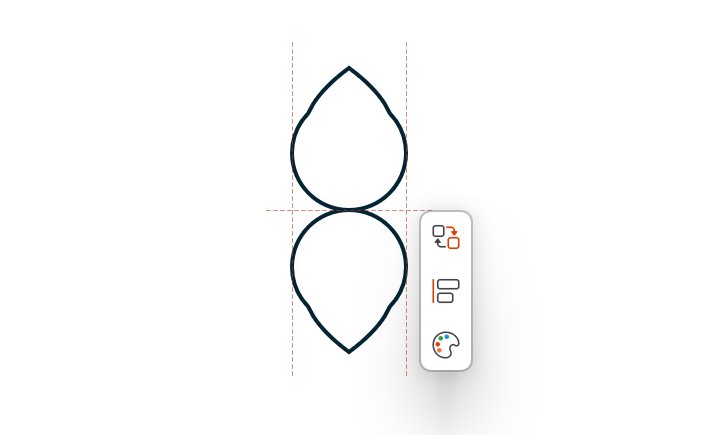
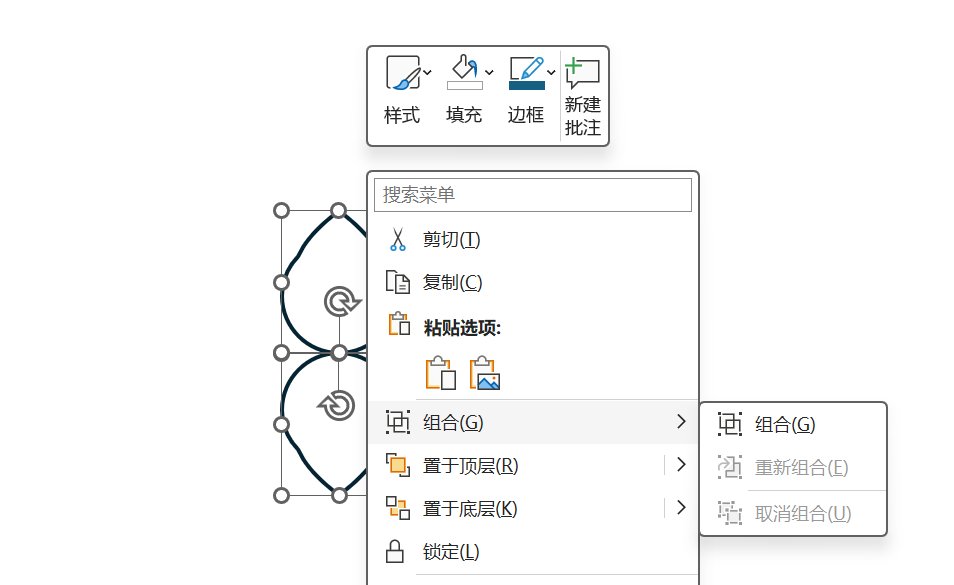
- Copy the shape and paste it, then rotate the copied shape to 180 degrees. Choose the both two shapes and group them.
- Copy the group and paste it 2 times, then rotate the copied shapes to +60 degrees and -60 degrees. Choose all the shapes and change the outline color to black and thickness to 3 pts
- Insert a text box and type the text "Voice Keeper".

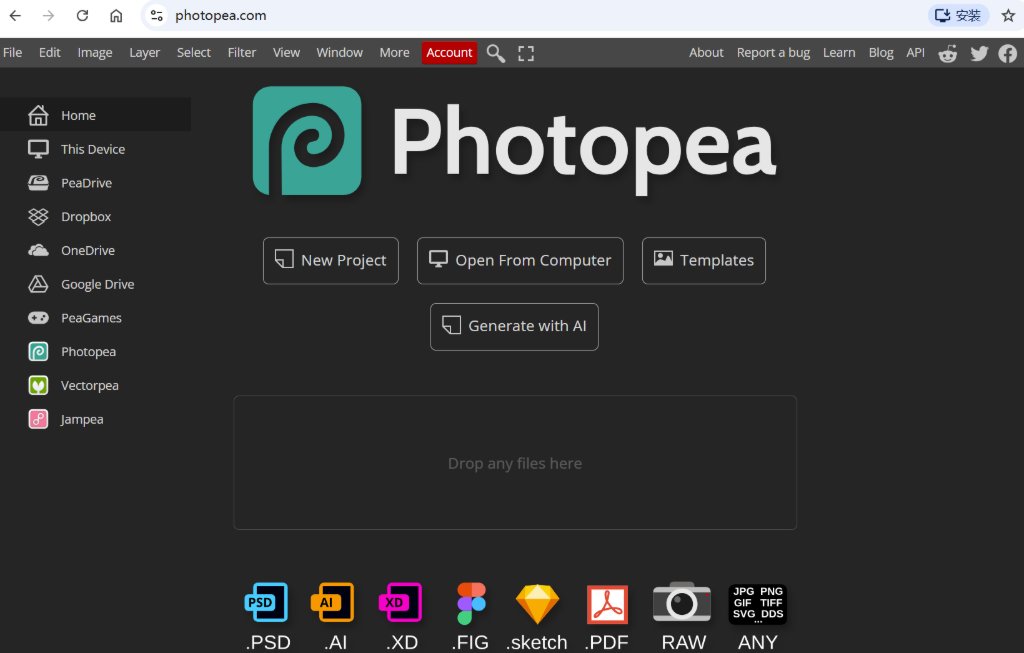
Photopea is a simple version web based Photoshop. It's free and easy to use. It's also very powerful. I will try to use it to edit one of the AI generated images by using Photopea.
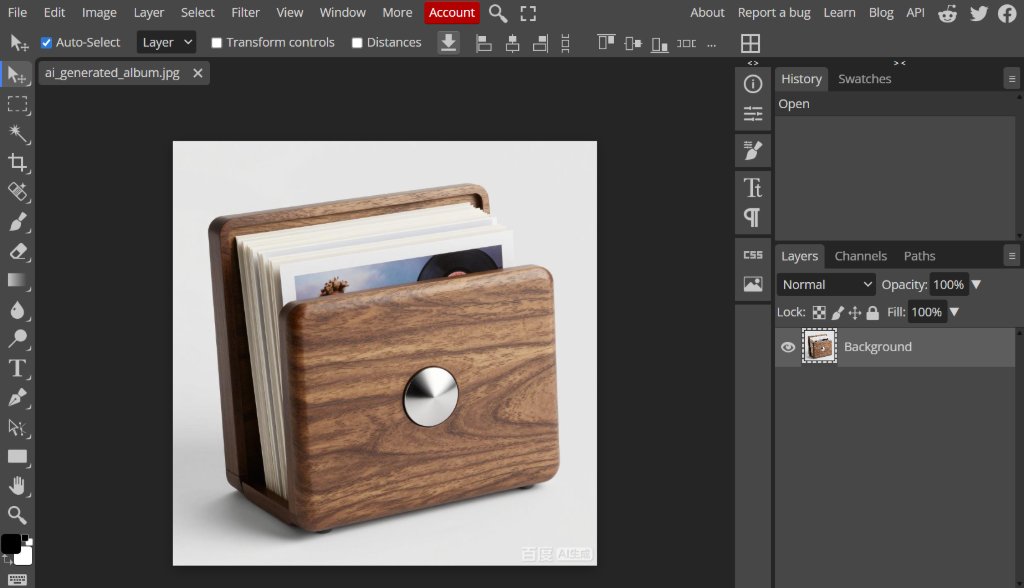
To open the image in Photopea.
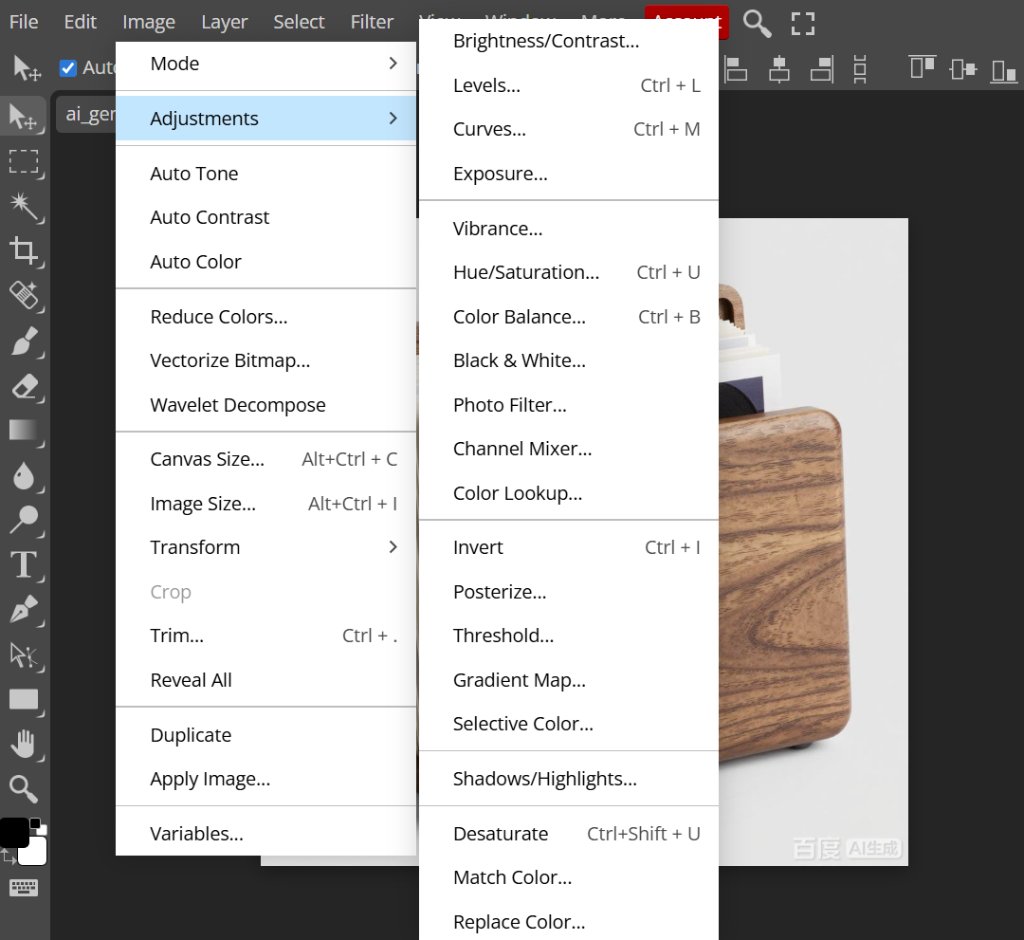
Under "Image" menu, there are a lot of options to edit the image.
Then I opened the logo image in Photopea.
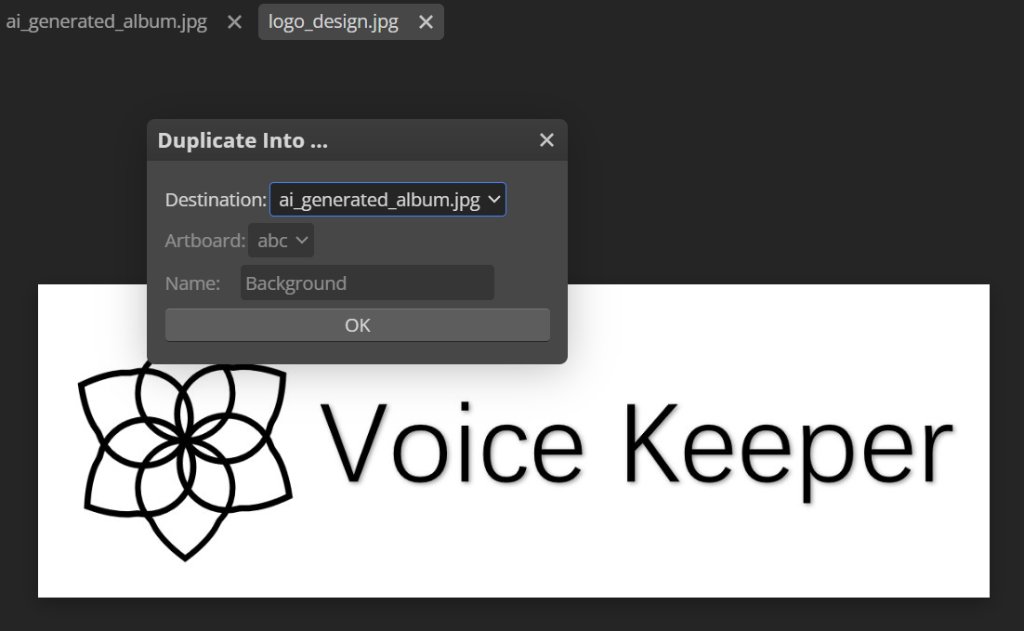
Riht click, choose duplicate layer, then duplicate the layer to the other image.
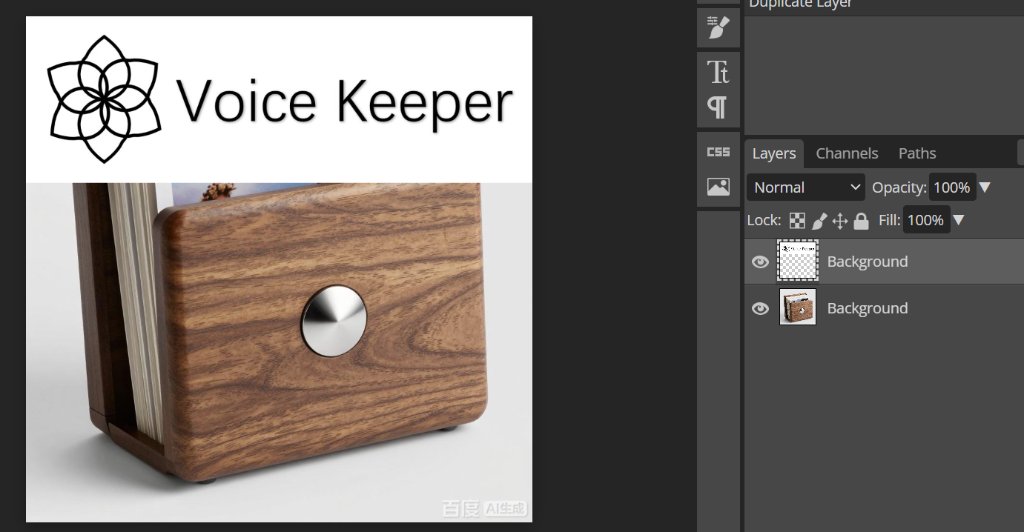
Then we could see the new layers in one image.
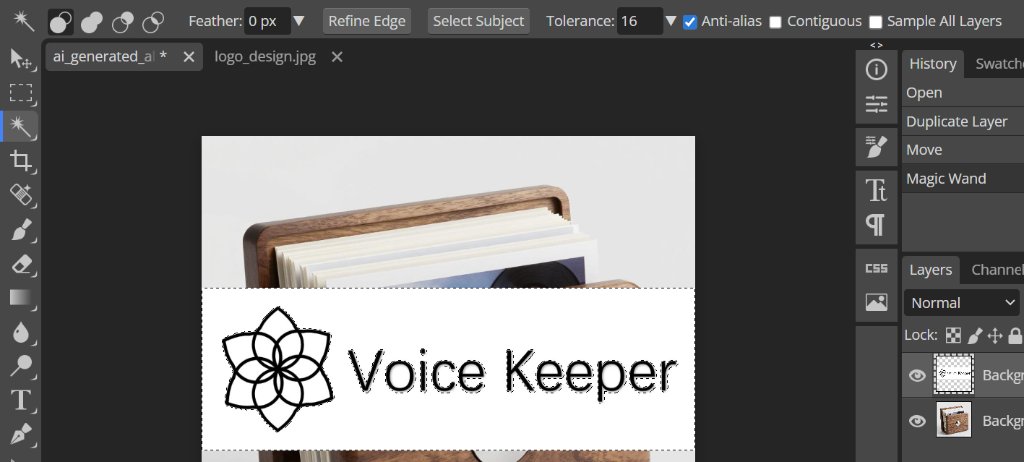
Then I selected the white background and deleted it.
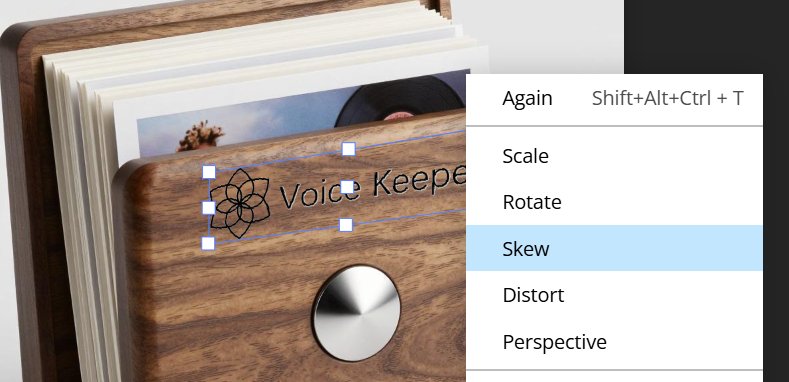
After that, I selected the logo layer and used the "free transform" tool.
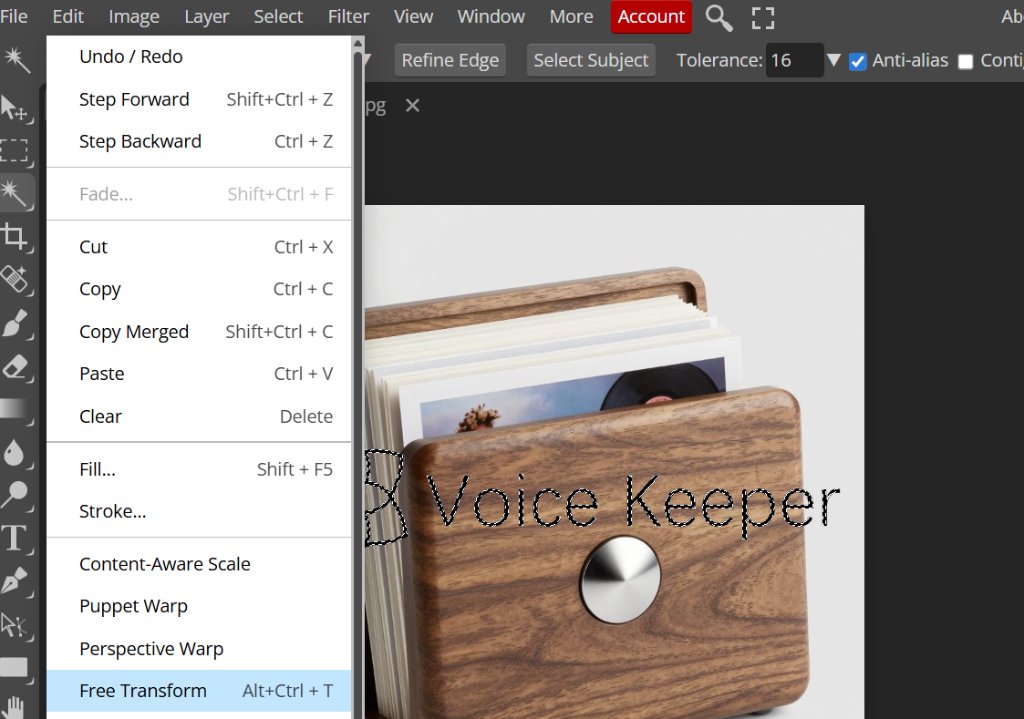
Right click, choose "skew" tool.
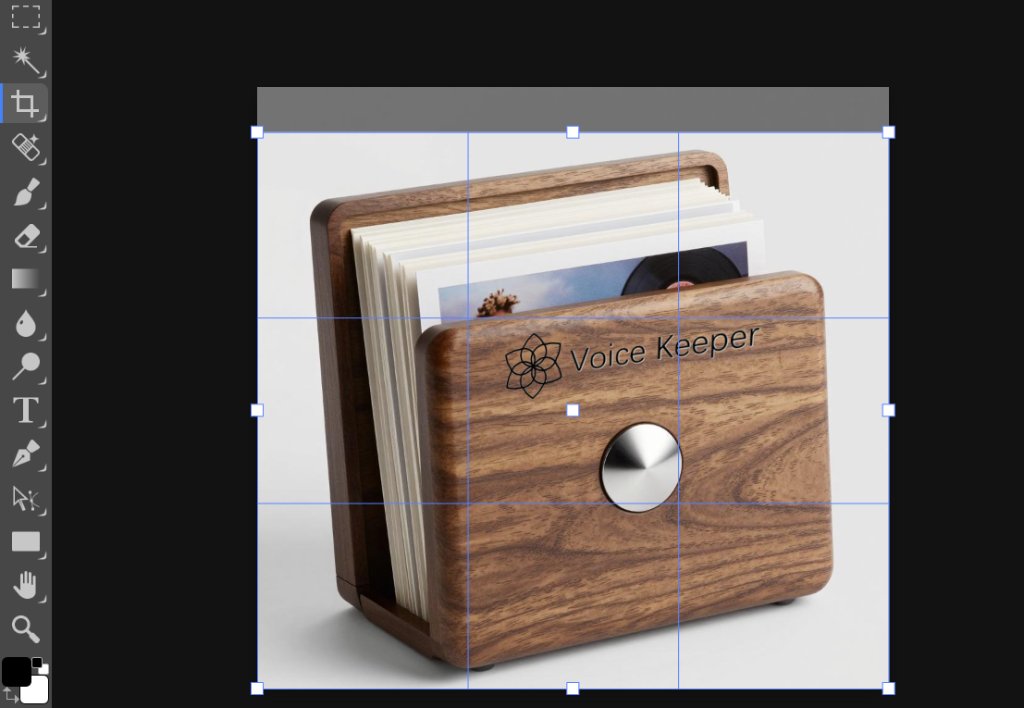
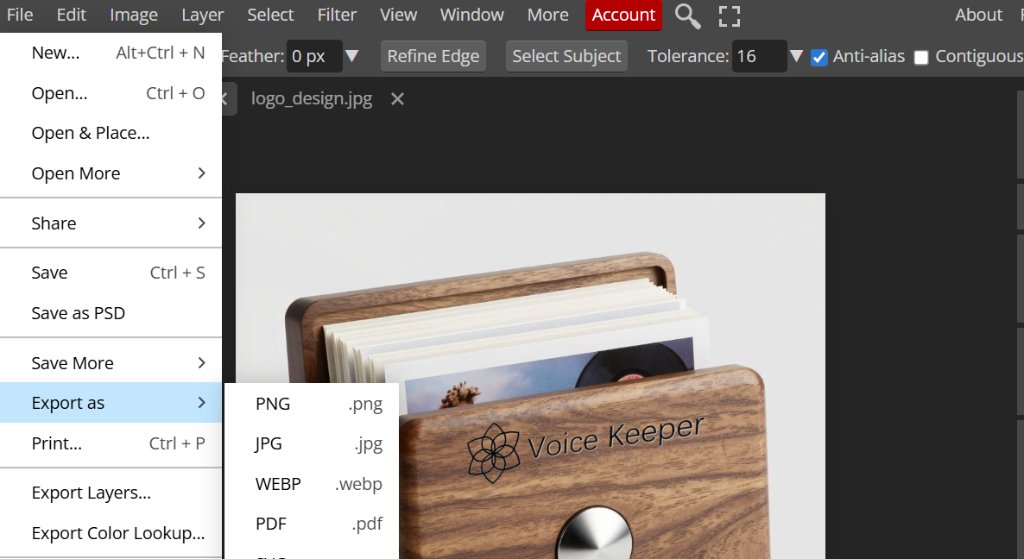
Then go to "file", choose "export as", then choose the format as JPG.
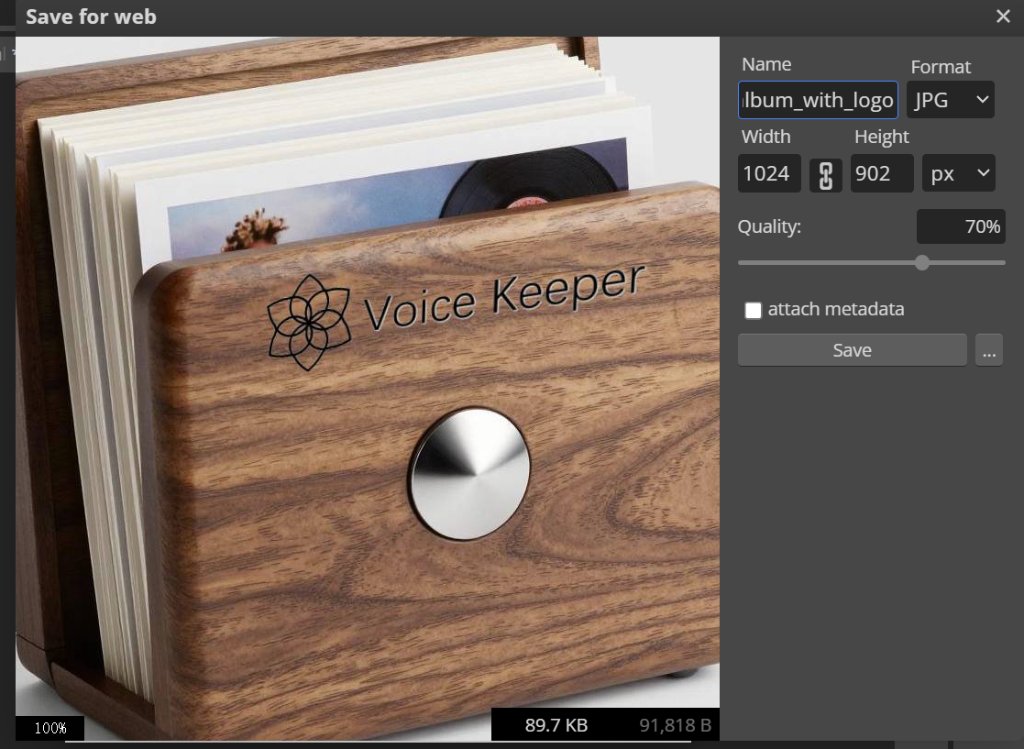
To compress the image, I used Cursor to create a simple tool for cropping and compressing the images.
Here is the link of the tool: Smaller Picture Tool.
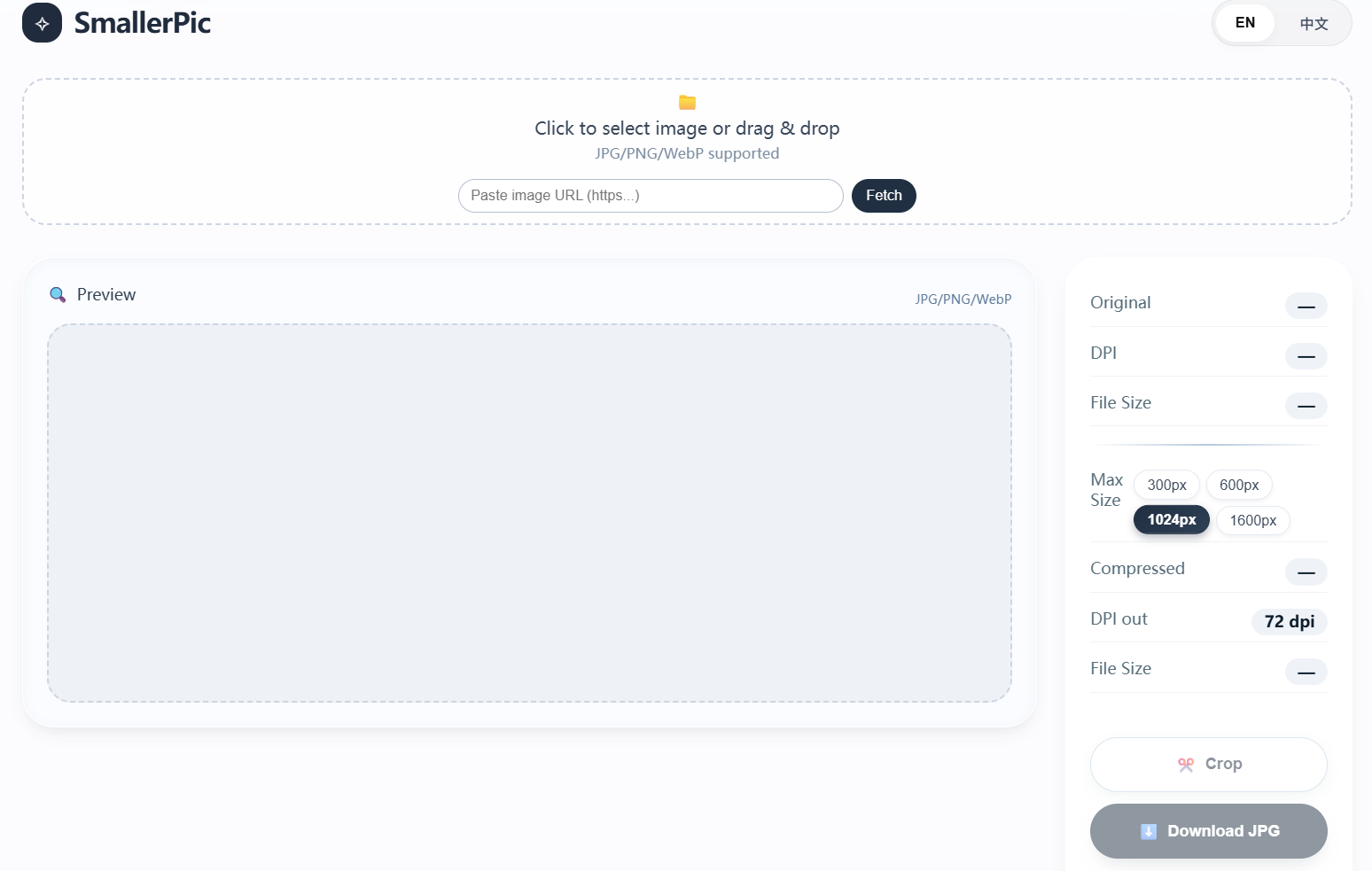
At beginning, I made the largest size of images as 600px, but our instructor suggested to make it as 1024px.
I asked the AI to upgrade the tool to support different sizes of images.
Here is a image to show how the tool works.
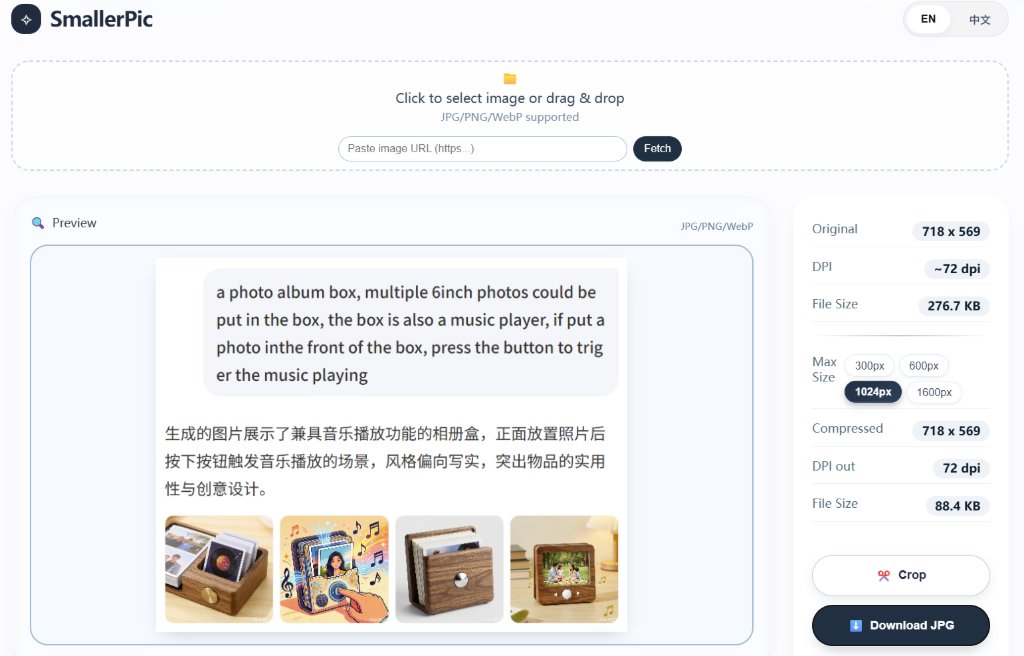
We could see that the original size was 276KB, and the compressed size was 88KB. It saved 68% of the size.
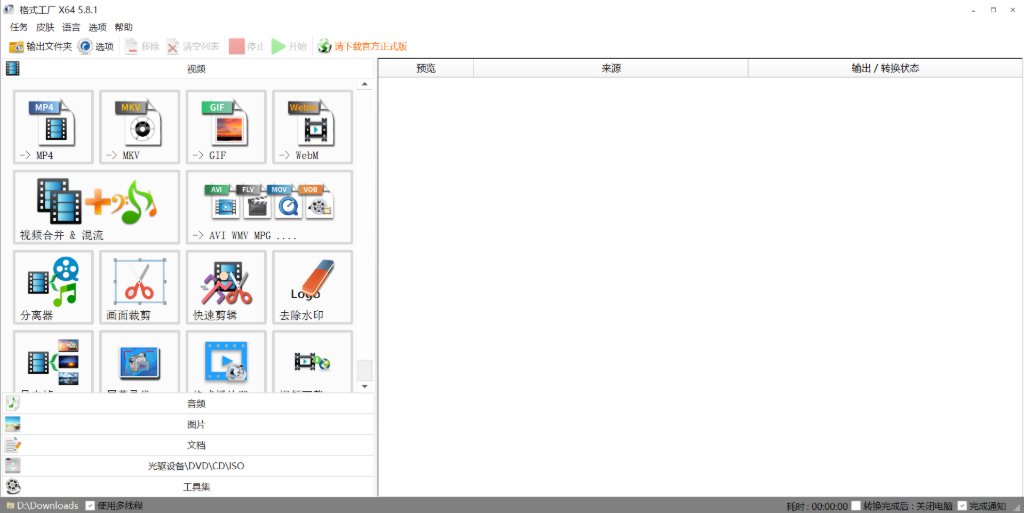
To compress the video, ffmpeg is a good tool, but it's not convenient to use directly. I will choose a software called FormatFactory to compress video.
Here is the link of the software: FormatFactory.
It's based on ffmpeg, so it's very powerful.
Another way to compress video is to use WeChat. I just need to sent the video to myself through WeChat, then I downloaded the video to my laptop, it's been compressed automatically.
3D Software
I prefer Fusion 360.
OnShape could be an backup option as it's web based, but network connection might be a problem sometimes.
Fusion 360 is a good choice and it's free for educational use. But network connection also could be a problem sometimes.
To use Fusio 360 to make 3D models, we need to start from a sketch.
To choose a plain surface as plane, then we can add shapes to the sketch.
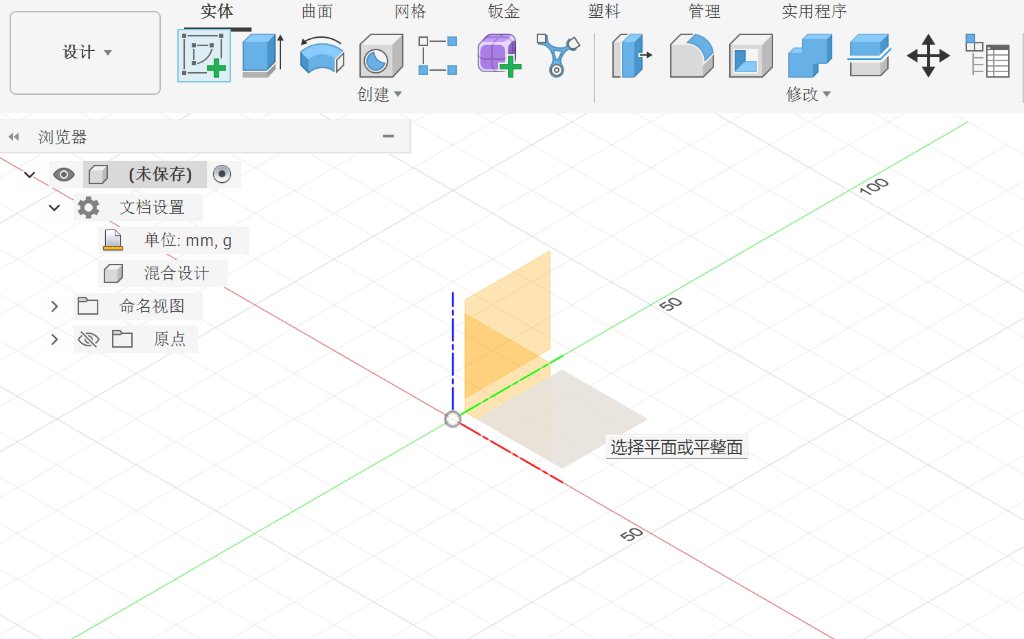
To select an enclosed shape, we could extend the sketch to a solid 3D shape.
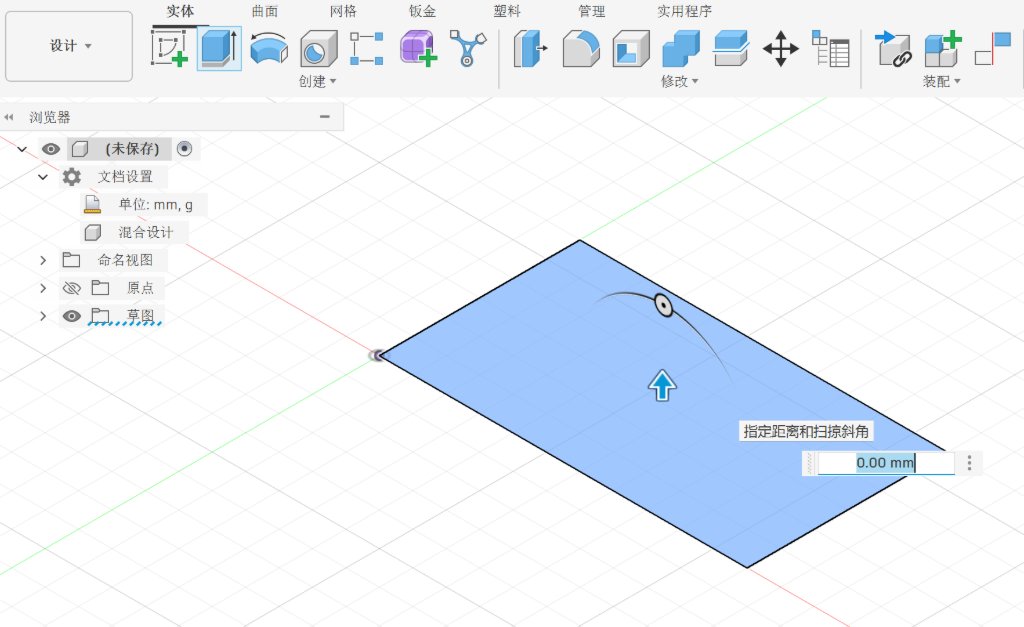
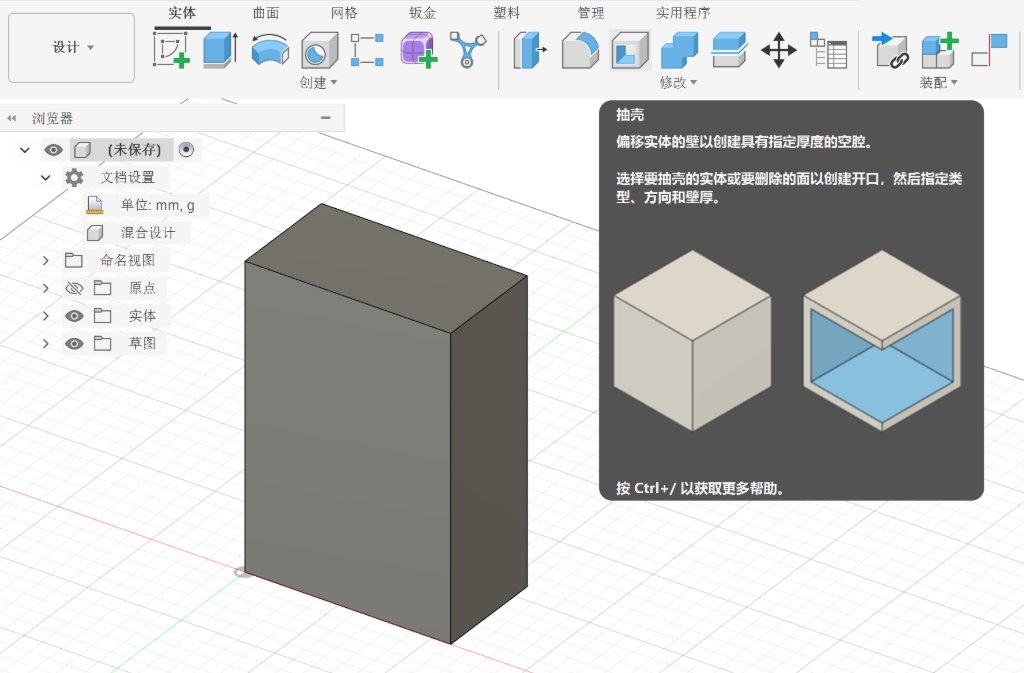
After I got the solid prism, I could use some of the tools to modify it. As I need it to be a box for photos, it should be empty inside. I could easily use the function of "Shell" to make the box hollow.
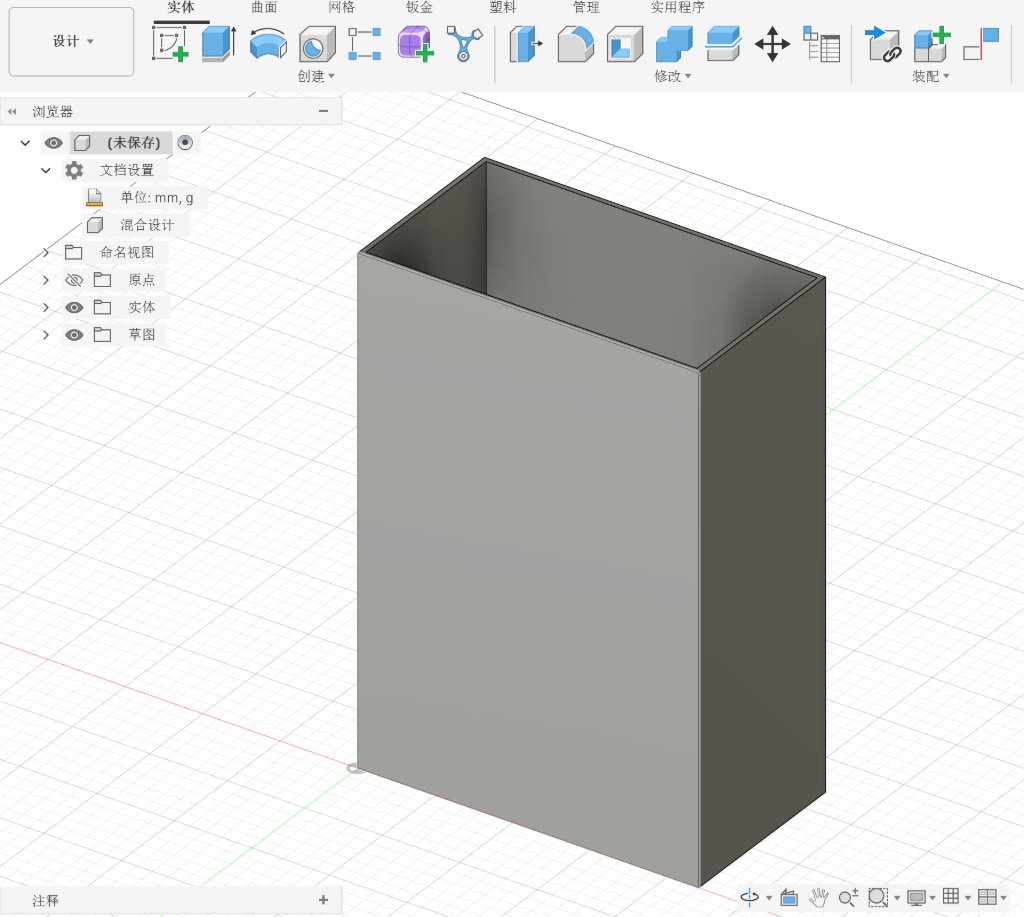
Then I used the function of "Fillet" to make the edges rounded.
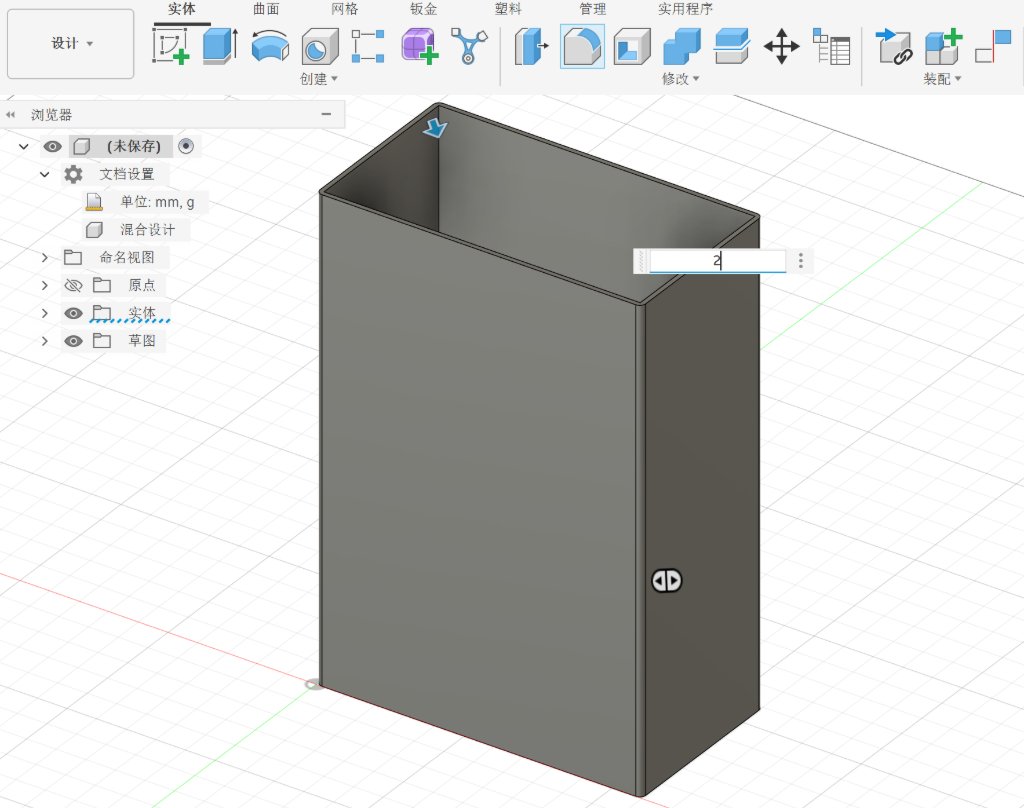
Then I could export the box as a STL file which could be used for 3D printing.
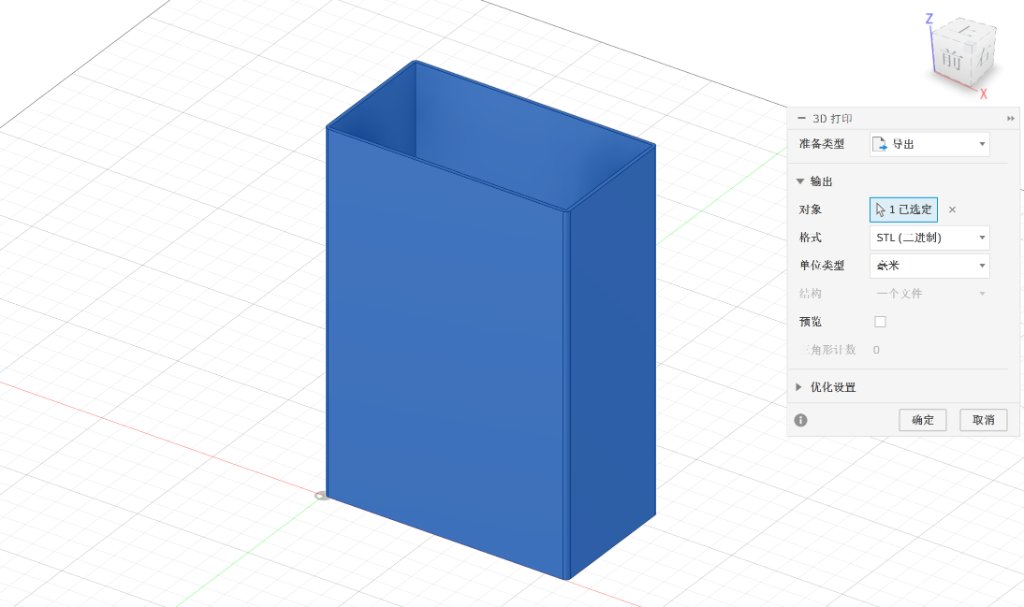
Here is the file of my 3D model: Test_box.stl