Basic Learning Plan
This week I worked on defining my final project idea and started to getting used to the documentation process.
I also started to think about the tools I might use in the coming 5 months.
Here is the link of my final project page: My Final Project.
Final Project Idea
I planned to make an audio album, maybe it's a box. Hard copies of photos will be put in the box, I hope it could store at least 100 photos.
It's an audio album, so it should be able to play music or sound. The sound should be linked with each photo.
RFID could be the module to trigger the music or sound, but 100 chips might be too expensive. I still want to try it, if the photos are not too many, it's still possible to use.
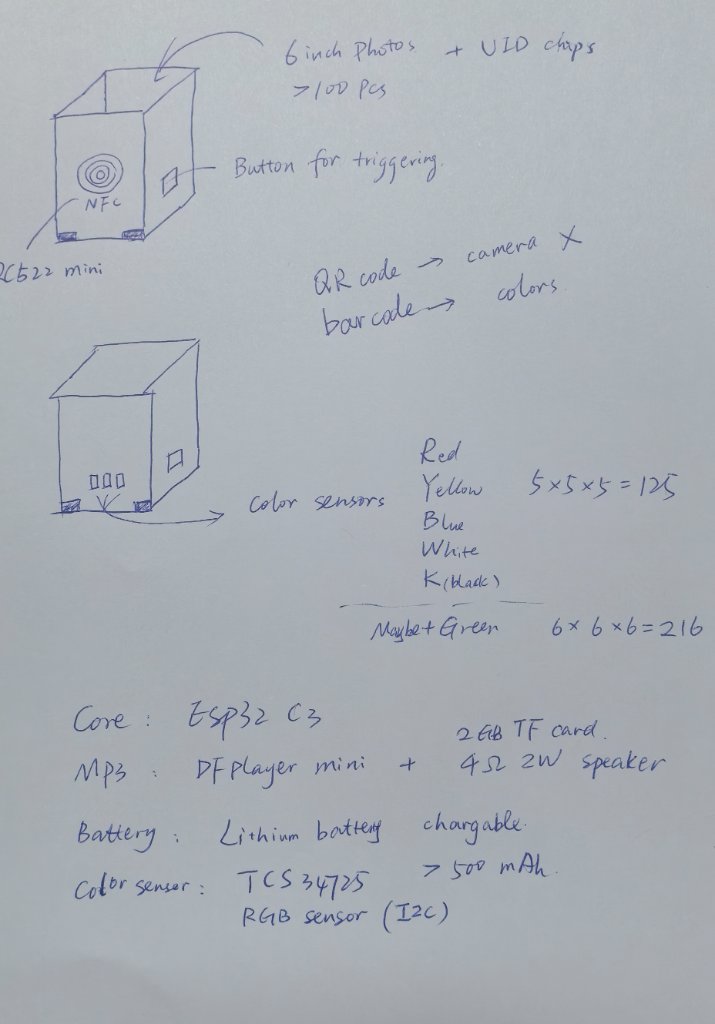
To reduce the cost, I thought about two ways to trigger the sound:
- Use buttons (press the buttons to make the audio ID) to trigger the sound.
- Use sensors to read a code (QRcode or Barcode)to trigger the sound.
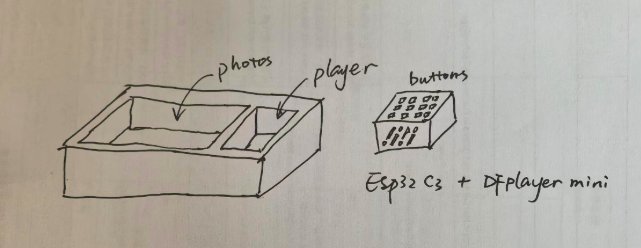
More ideas about how to make the final project will be added on the final project page.
This box will be designed for anyone who wants to keep their memories in a physical way. Photos will be visual only, I hope to add the audio to make them more memorable.
Research
This is my first time to use gitlab, so I need to explore it more.
This link might be useful for knowing more about gitlab: Gitlab Tutorials.
I tried to use gitlab in the web browser directly, it's not convenient. So I decided to use AI to help me with gitlab, I need to make the website locally, and then push the changes to the remote repository.
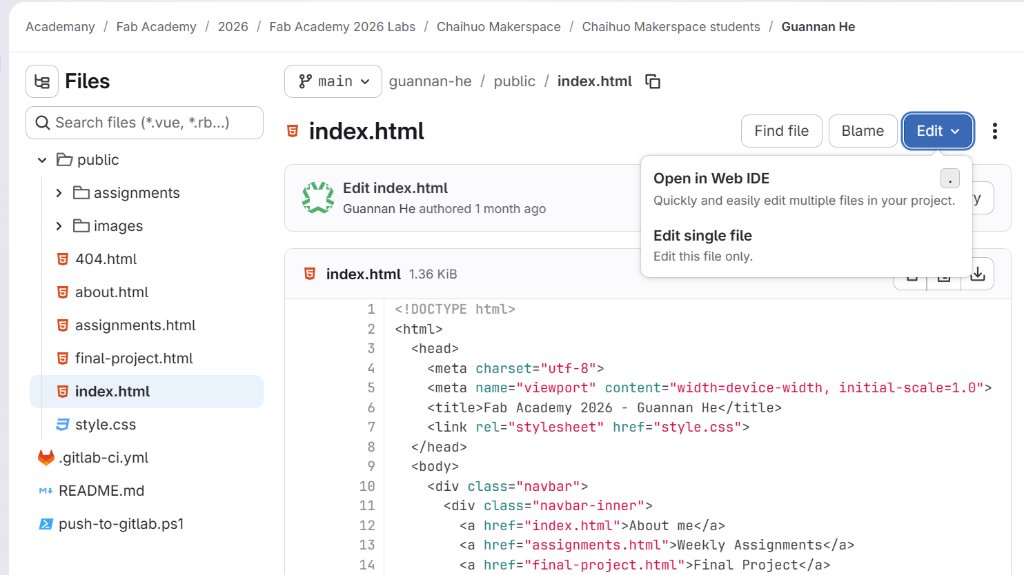
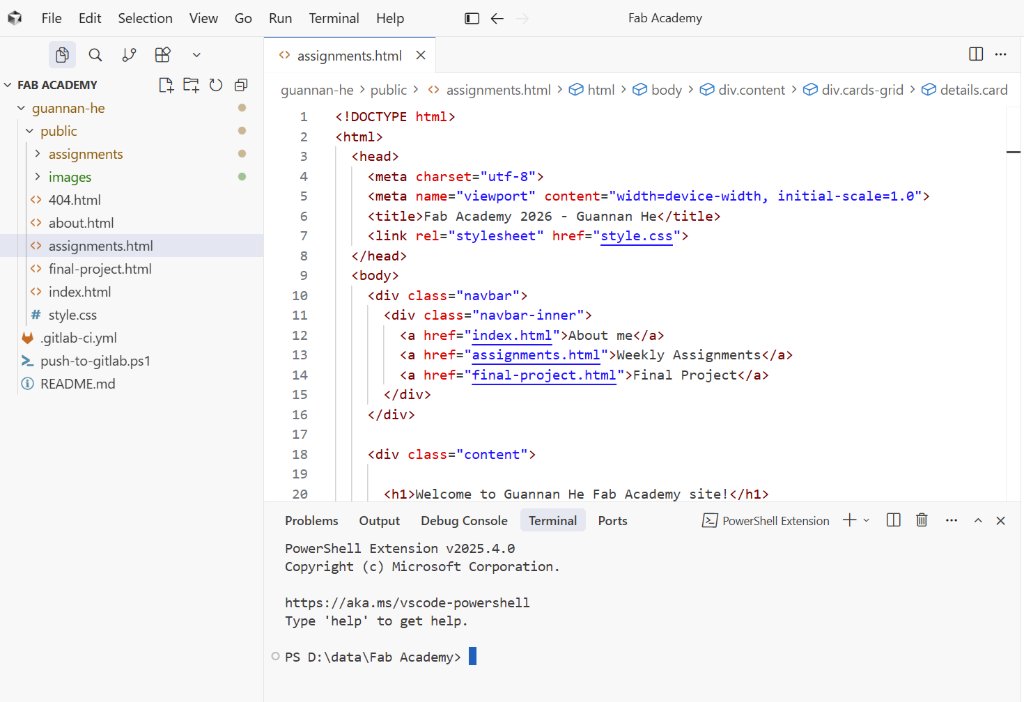
I download everything to my local computer, and I could edit it locally in Cursor.
From the lecture and discussion, I noticed that Markdown might also be very useful, but it's also something new to me.
If I need to start, I probably need to learn from here Markdown Guide.
After I read the guide, and tried to use it, I found it's not a tool for me. I would not use it for my personal documentation, but I had to use it for our group work.
I will use some AI tools to support, like DeepSeek, Kimi and Cursor for coding, DeepSeek for writing and English proofreading.
It's not convenient for us to use ChatGPT or Gemini in China Mainland.
To compare the different AI tools, I decided to use Cursor as my main AI tool which could help me with coding.
Cursor for the website
I started Cursor when I was tired of writing the website in the web browser directly.
I told Cursor that I had a website project on Gitlab, and I wanted to edit the website locally. I asked Cursor to show me how to set up the project locally. For my convenience, I sent my prompt all in Chinese.
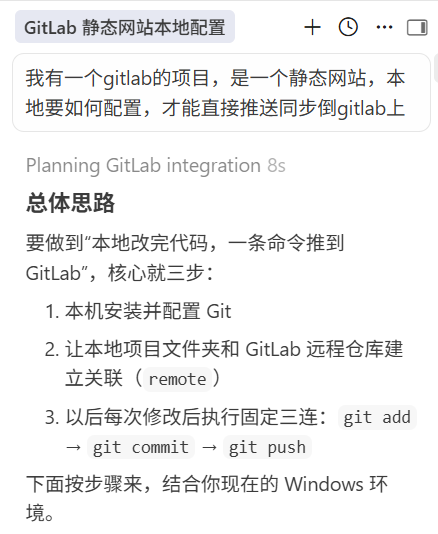
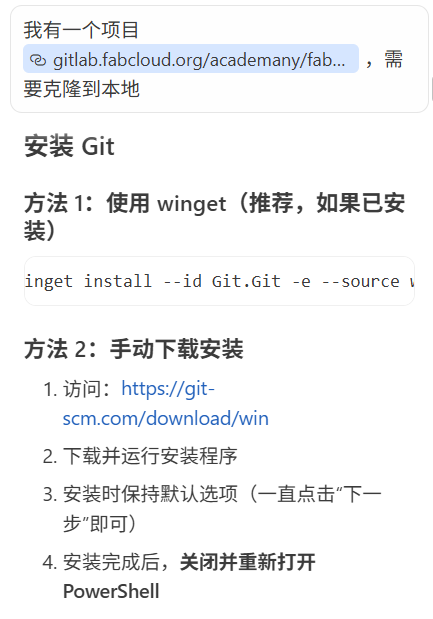
Cursor told me to install Git for Windows, so I installed it.
Then I asked Cursor to create a SSH key for me.
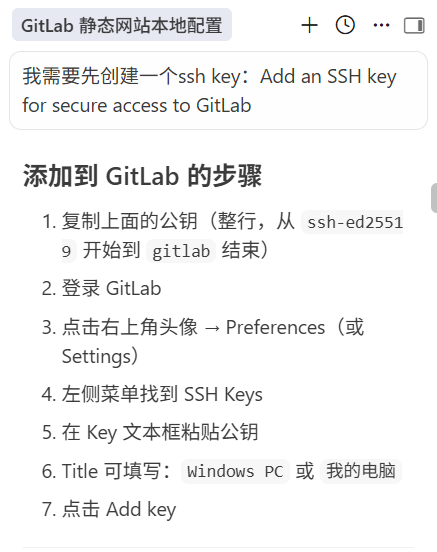
Then I added the SSH key to the Gitlab project. I told Cursor the website was under gitlab.fabcloud.org, and asked Cursor to test the SSH connection.
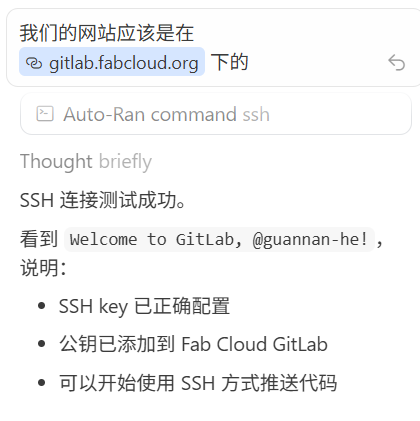
Then I tried to edit some pages, and asked Cursor to try push the changes to the remote repository. It worked!
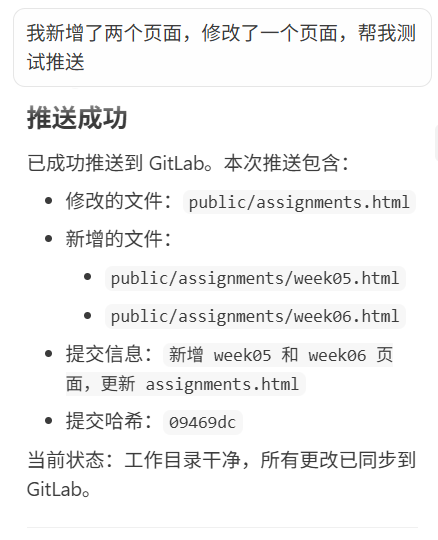
Then I wanted to make my website more beautiful, so I asked Cursor to help me with the CSS and helped me with the layout.
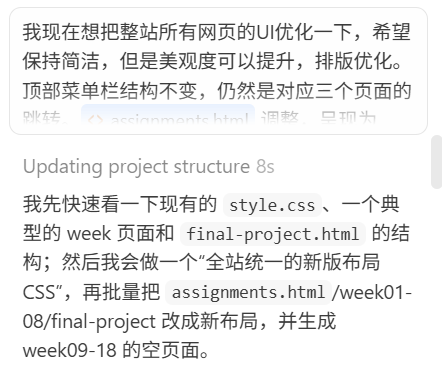
Now it's much better.
b
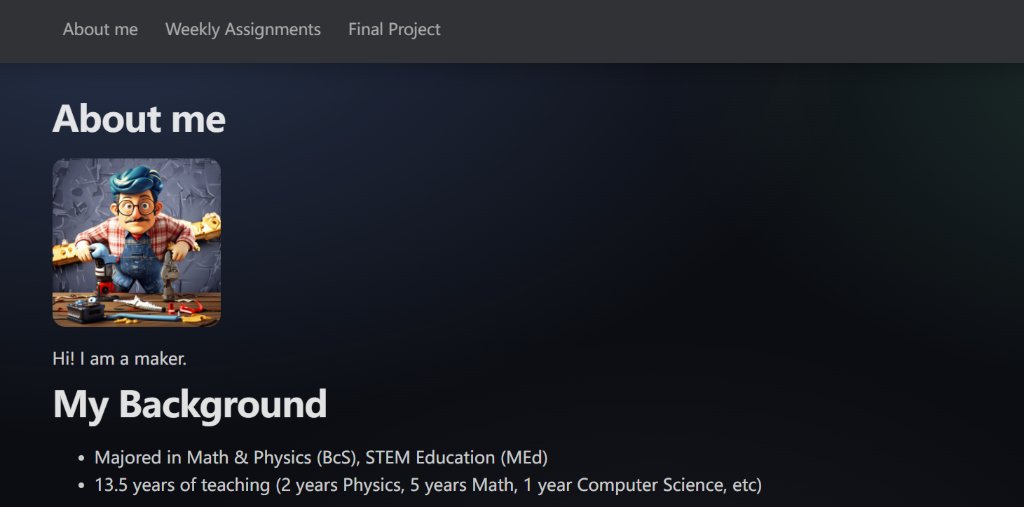
After the communication with instructors, I noticed that Cursor is just a tool, we should not put any confidential infomation in the chats or files to share with the tool.
We should also know how to use the git tools manually. If the Cursor is not working, we could still push the updates by myself.
I ask Cursor to show me the steps, and I started to try them in terminals directly. I also learned that only when I am in the main folder of the project, the git commands would work.
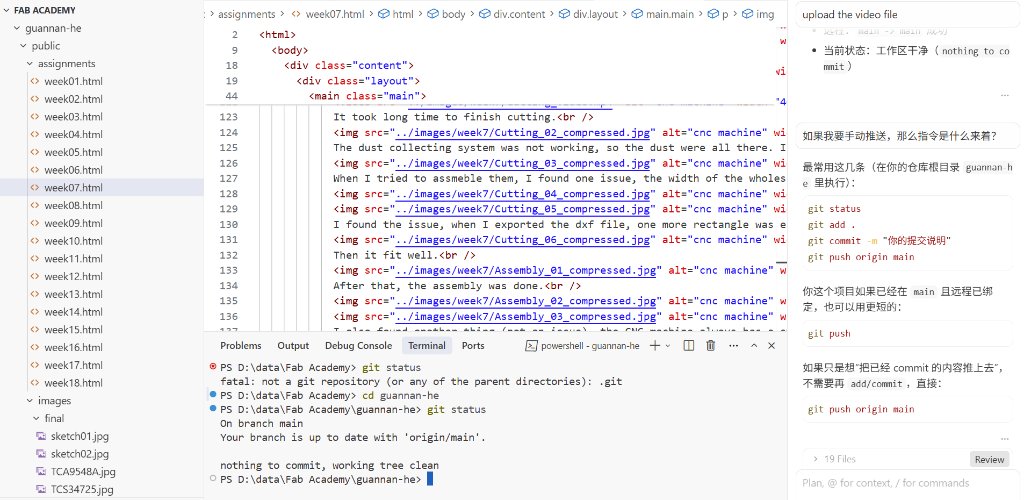
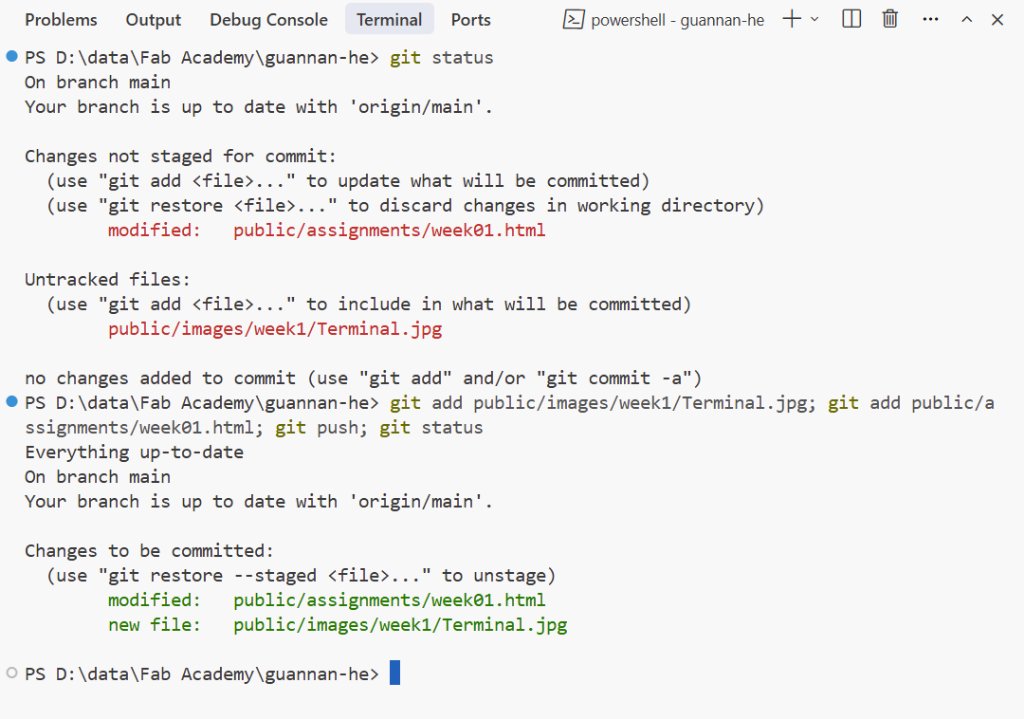
Basically it's easy, just use "git status" to check the status of the repository, "git add ." to add the changes to the staging area, "git commit -m " to commit the changes to the repository, "git push" to push the changes to the remote repository.
There is a limit of the size of the images and files, so I need to compress the images and files. I asked Cursor to make a simple tool for cropping and compressing the images.
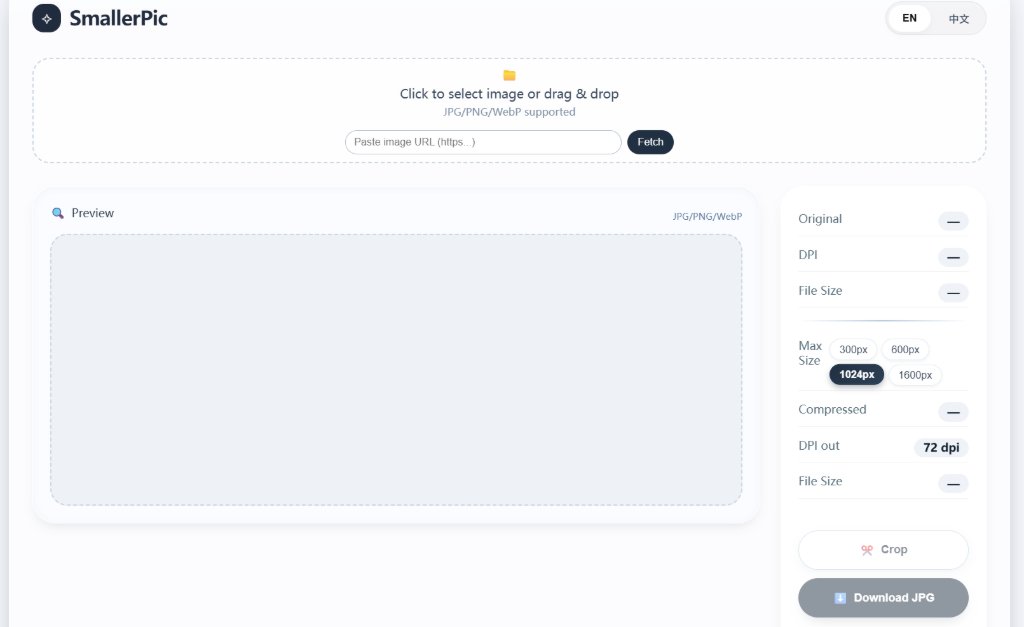
Here is the link to the tool: Smaller Picture Tool
Student Agreement
Here is my student agreement: Student Agreement.