Week5 3D Scanning and Printing
Group assignment
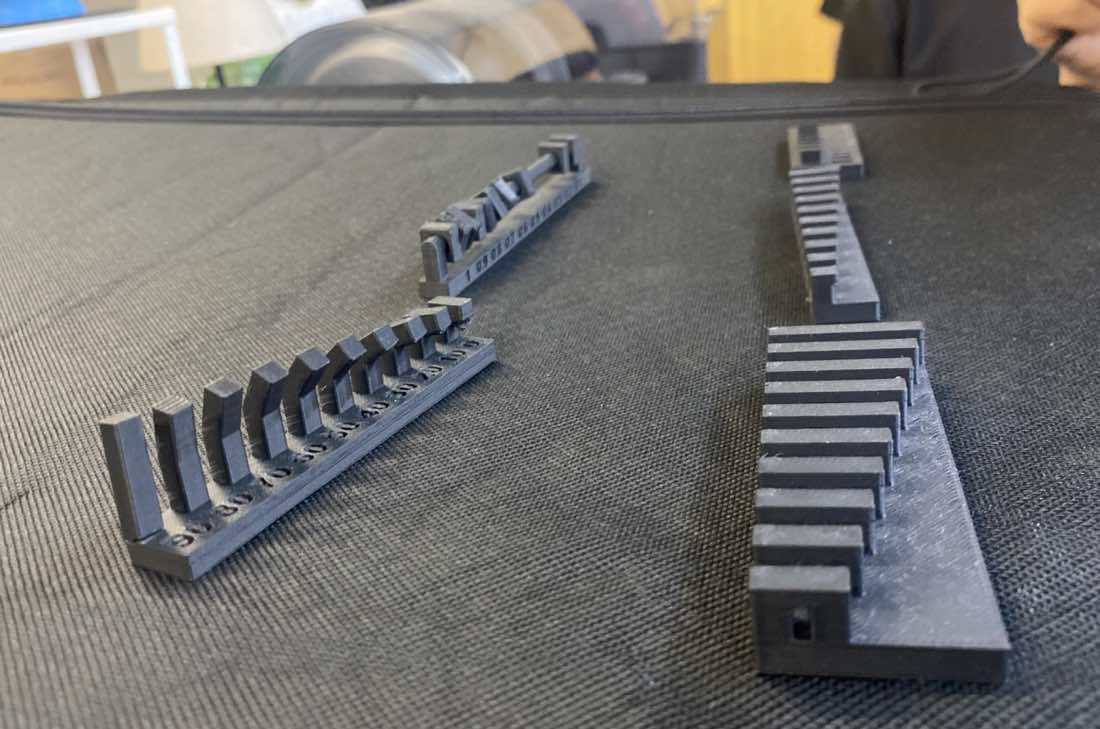
Design rule test of 3D printer
Bridging Test
Angel test
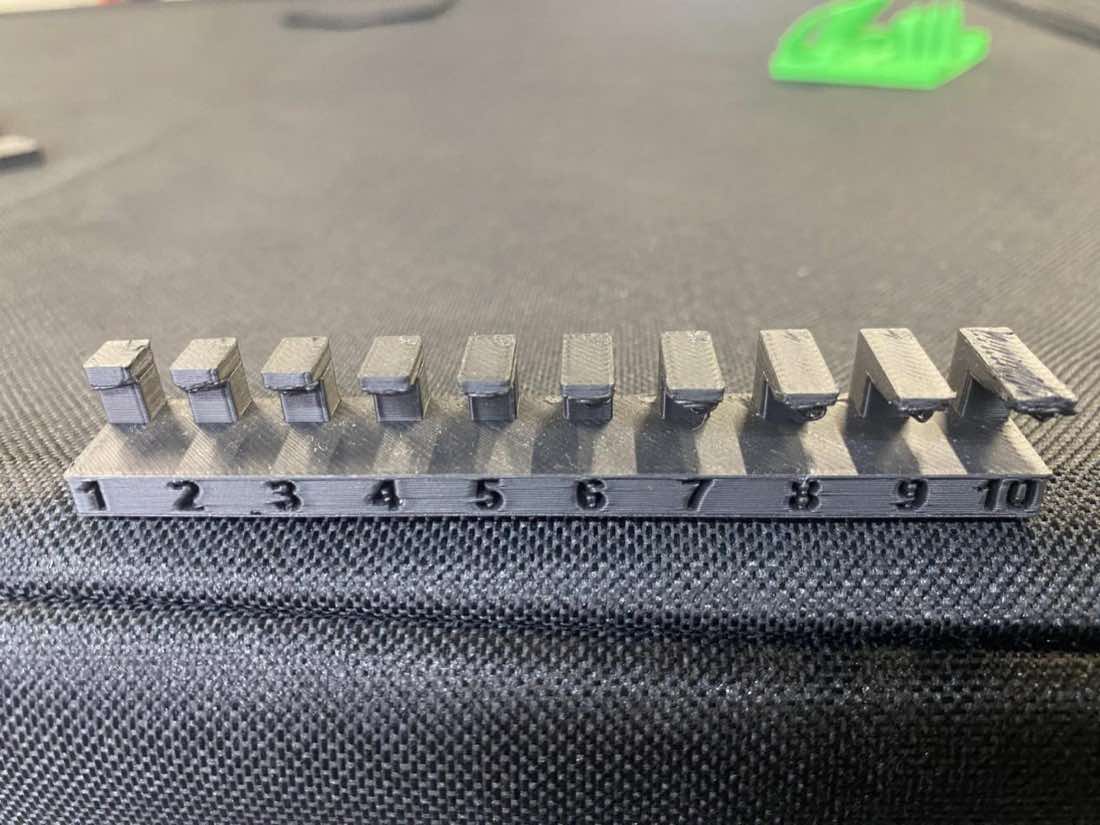
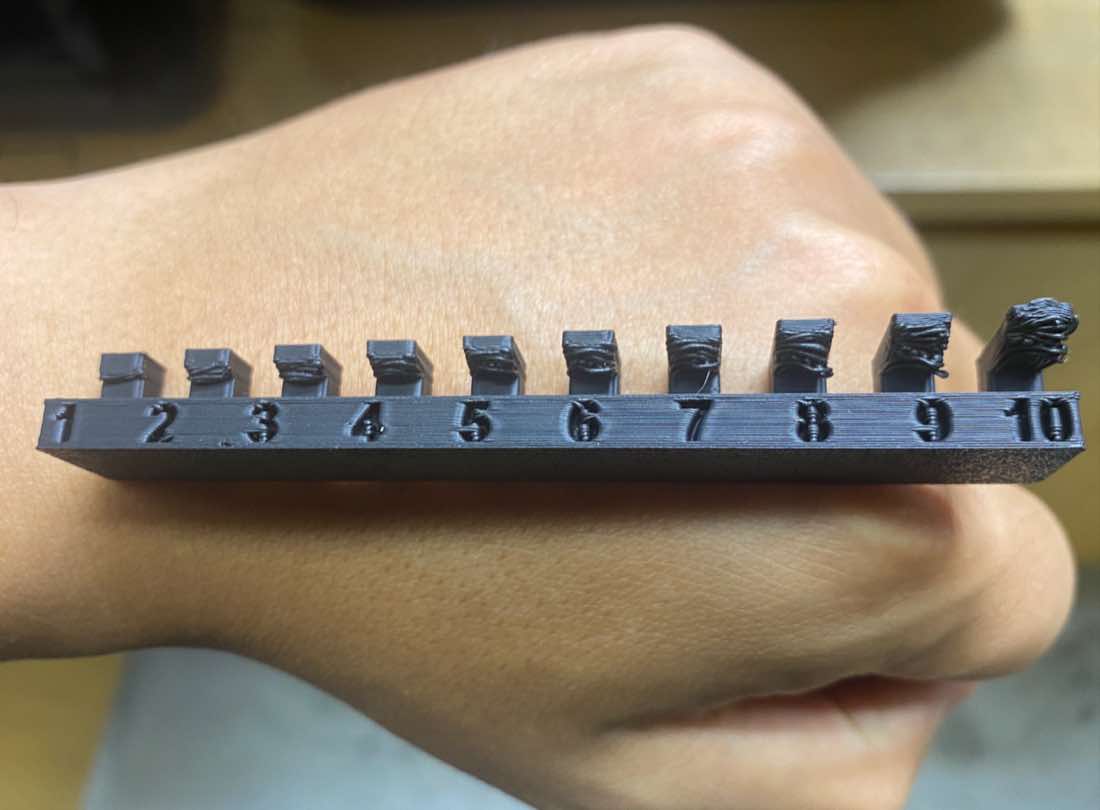
Overhang test
Wall Thickness test
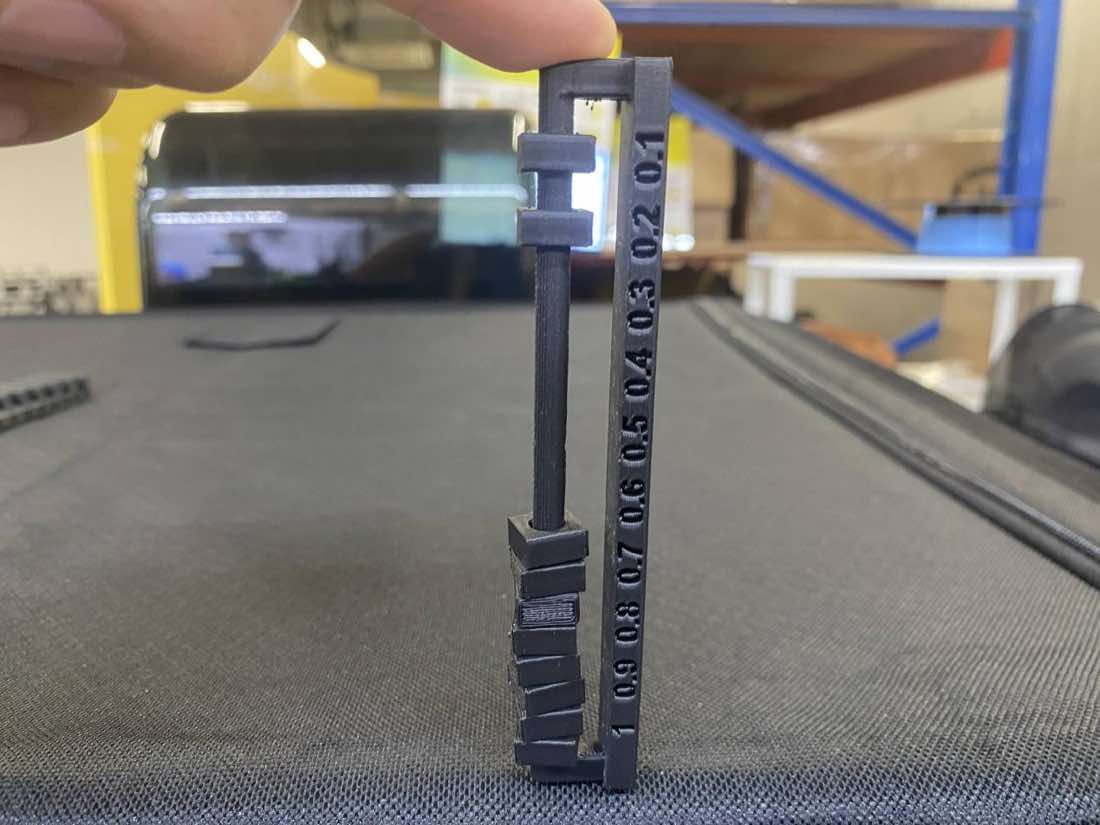
Clearance test
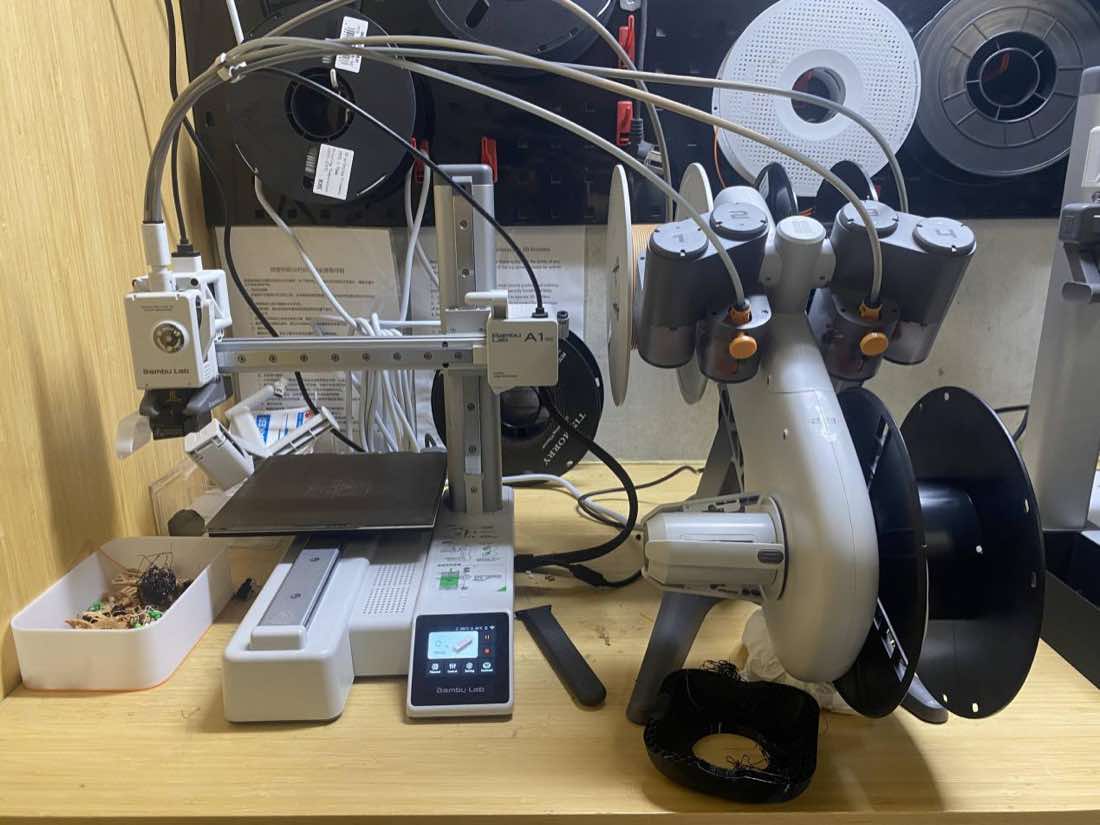
3D printer: Bambu Lab A1 Mini 3D printer and the Automatic Material System (AMS) Lite.
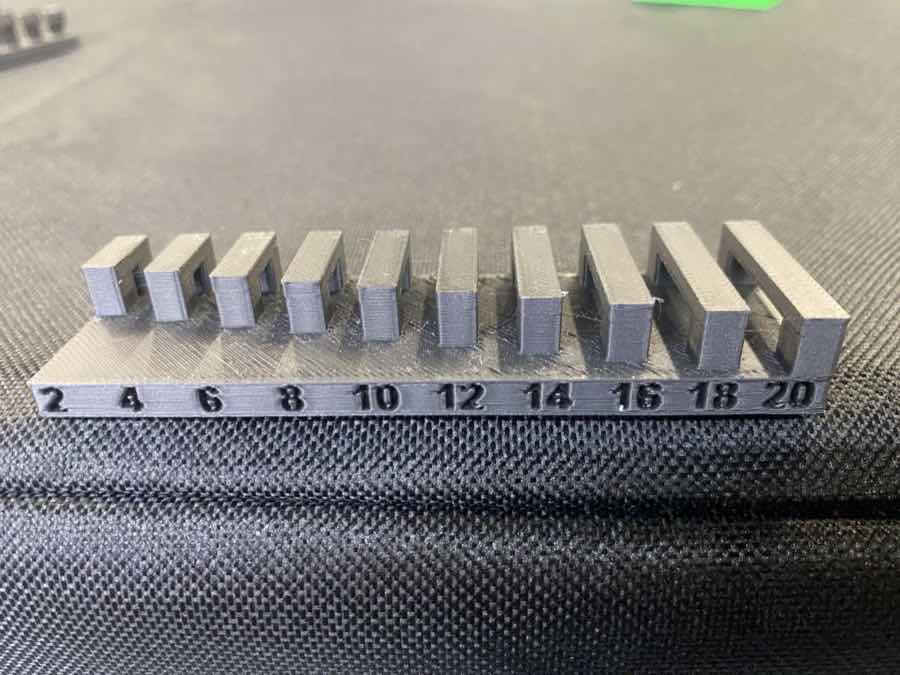
Bridging Test- All bridges from 2mm - 20 mm are good enough.
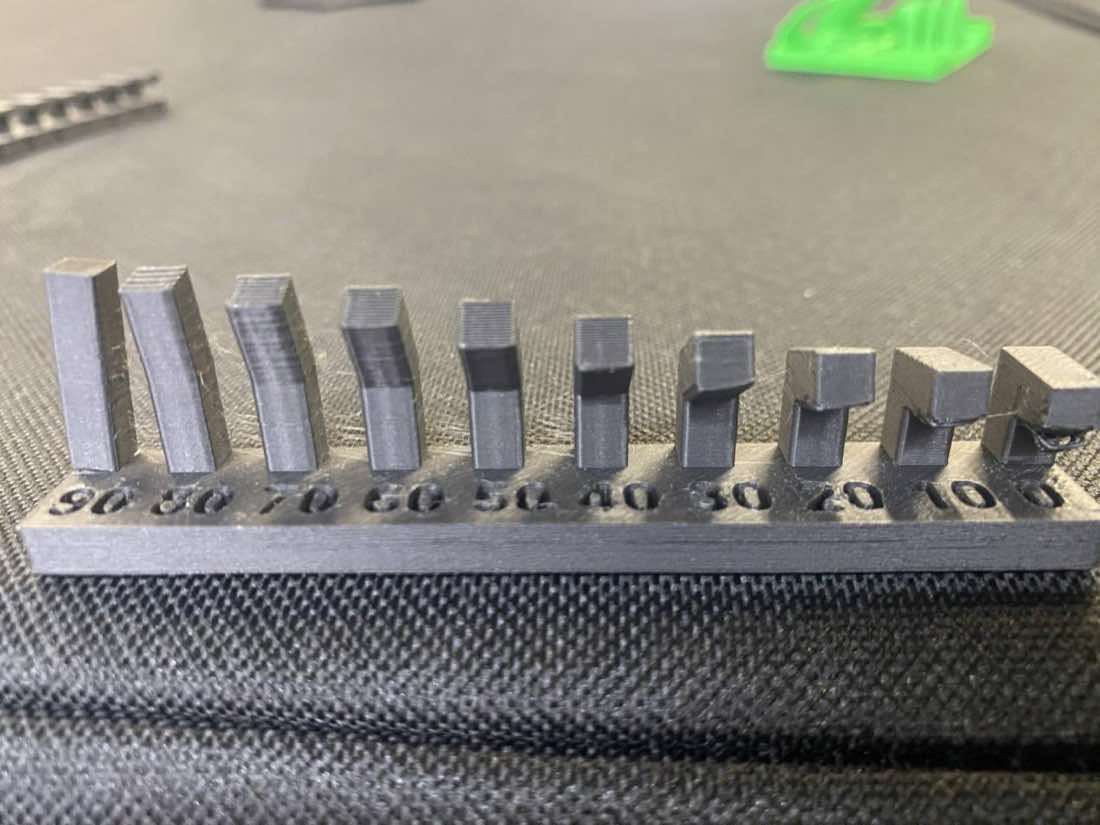
Angel test- Angles from 90° to 20° lookd good, but 10° slightly “spaghetti”,and 0° heavily and obviously “spaghetti”.
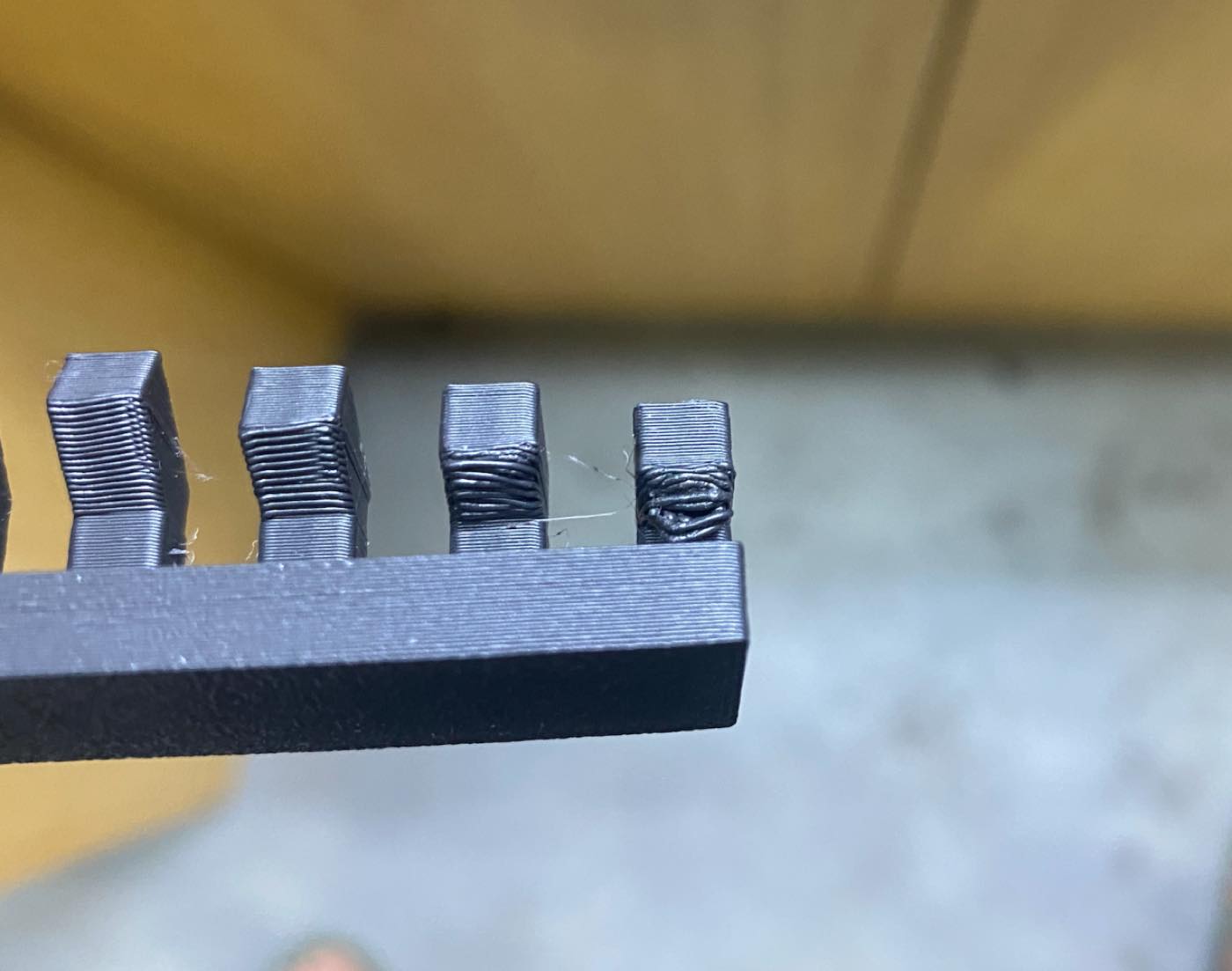
Overhang test
| 1mm overhang | OK |
| 2mm-5mm overhang | Slightly“spaghetti” |
| 6mm-10mm overhang | Obviously “spaghetti” |
Wall Thickness test-the minimum printable thickness is 0.4mm
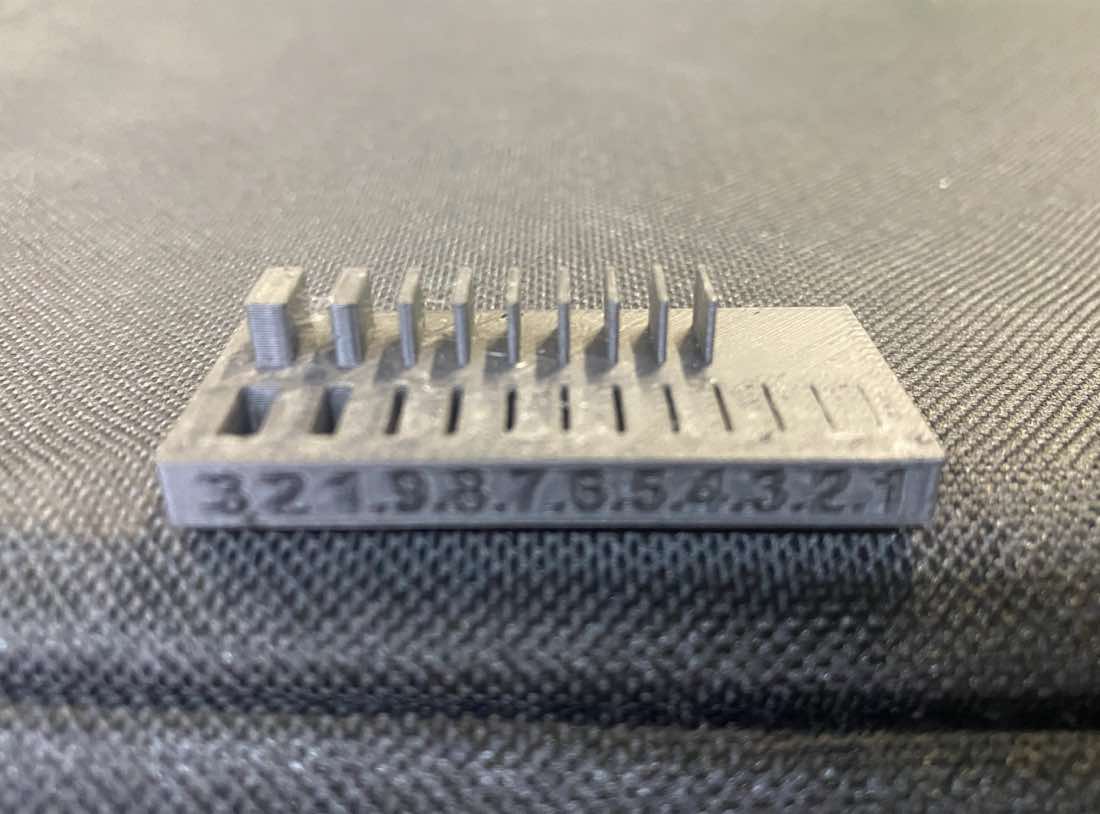
Clearance test- 0.1 and 0.2 clearance cannot move freely
Individual assignment
3D printing - Cup
Following the tutorial to make a cup
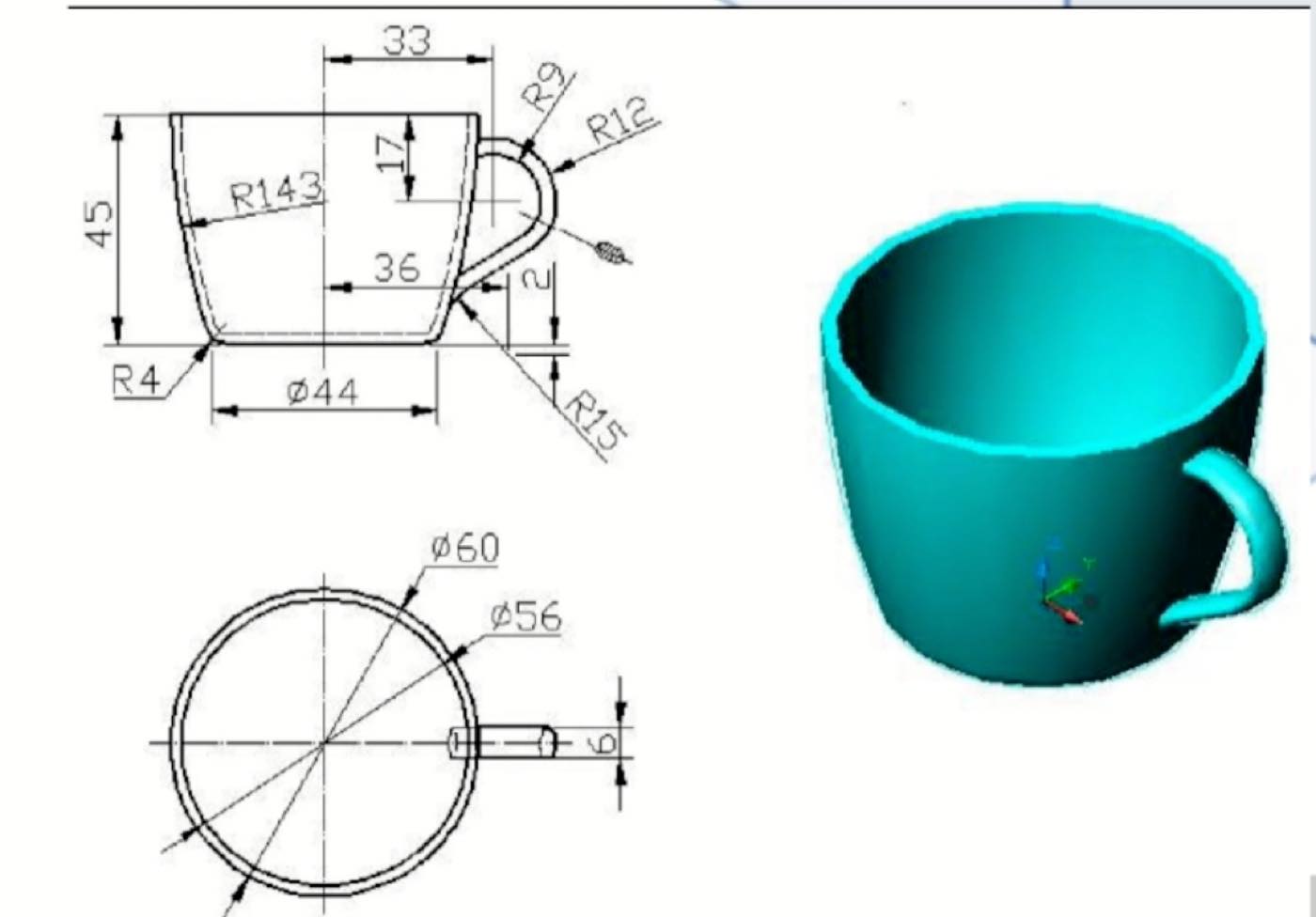
Step 1 draw the 2D diagram as below with dimension
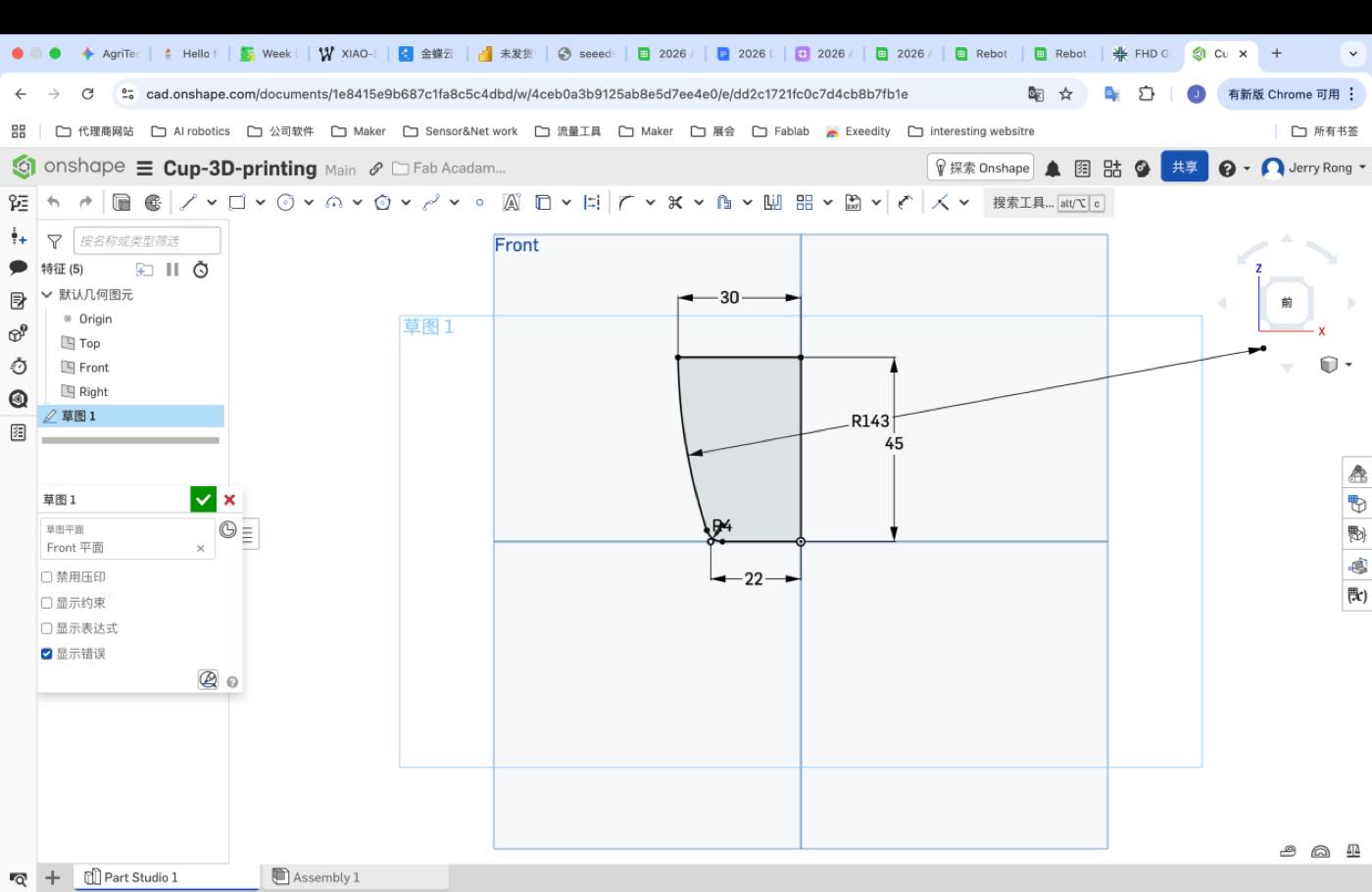
Step 2 use the tool to rotate
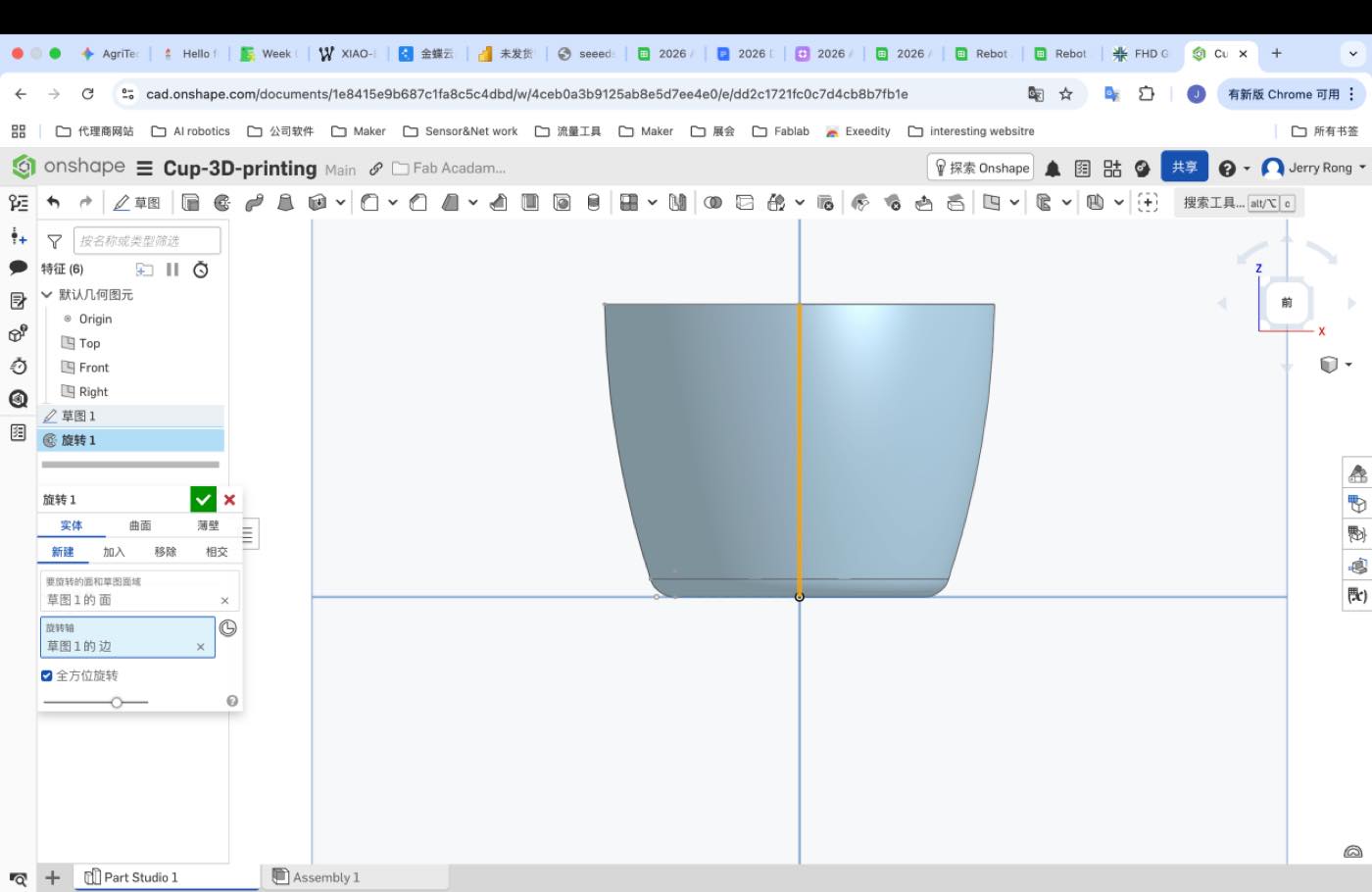
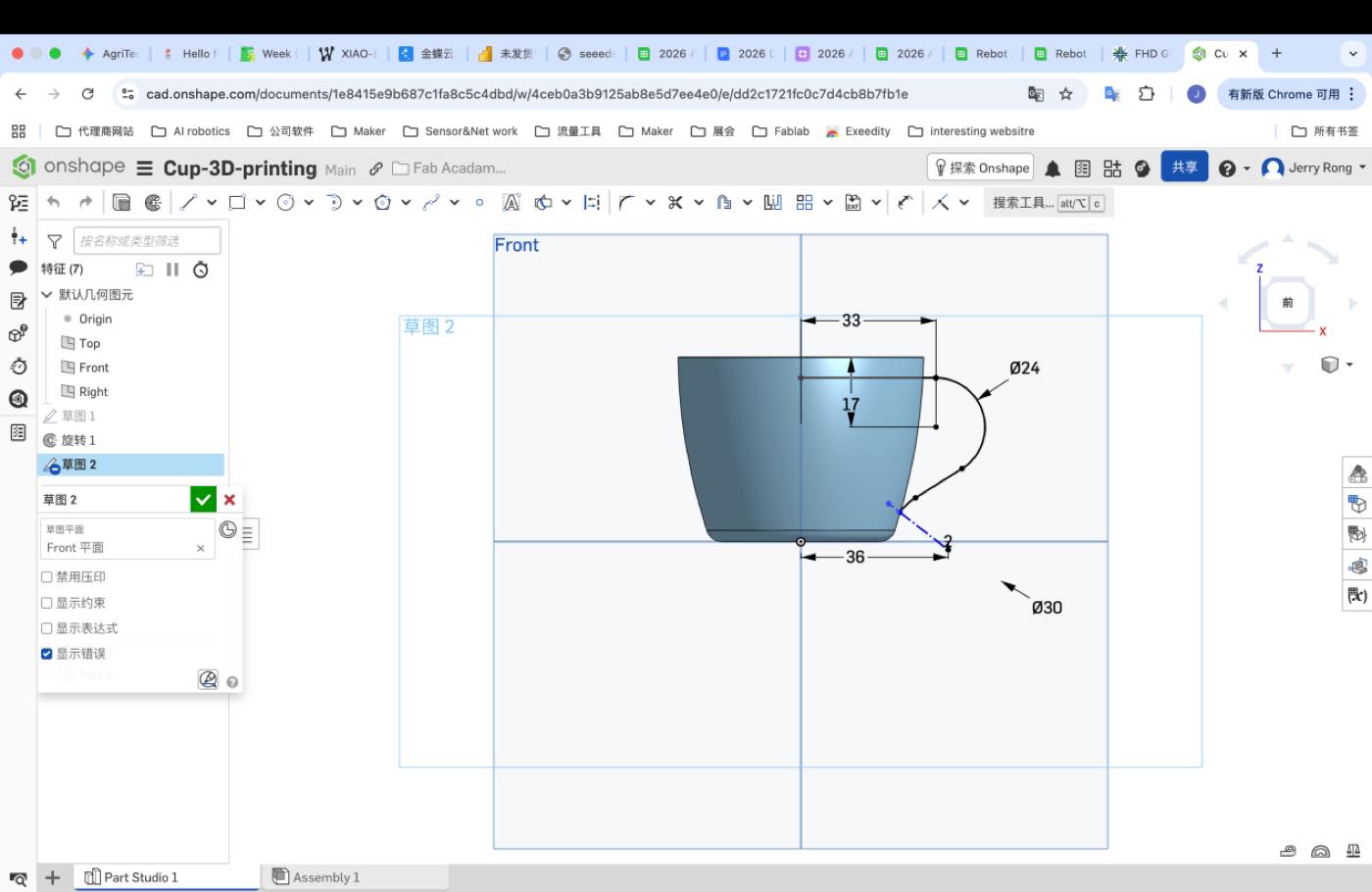
Step 3 make the handle with constraint as below
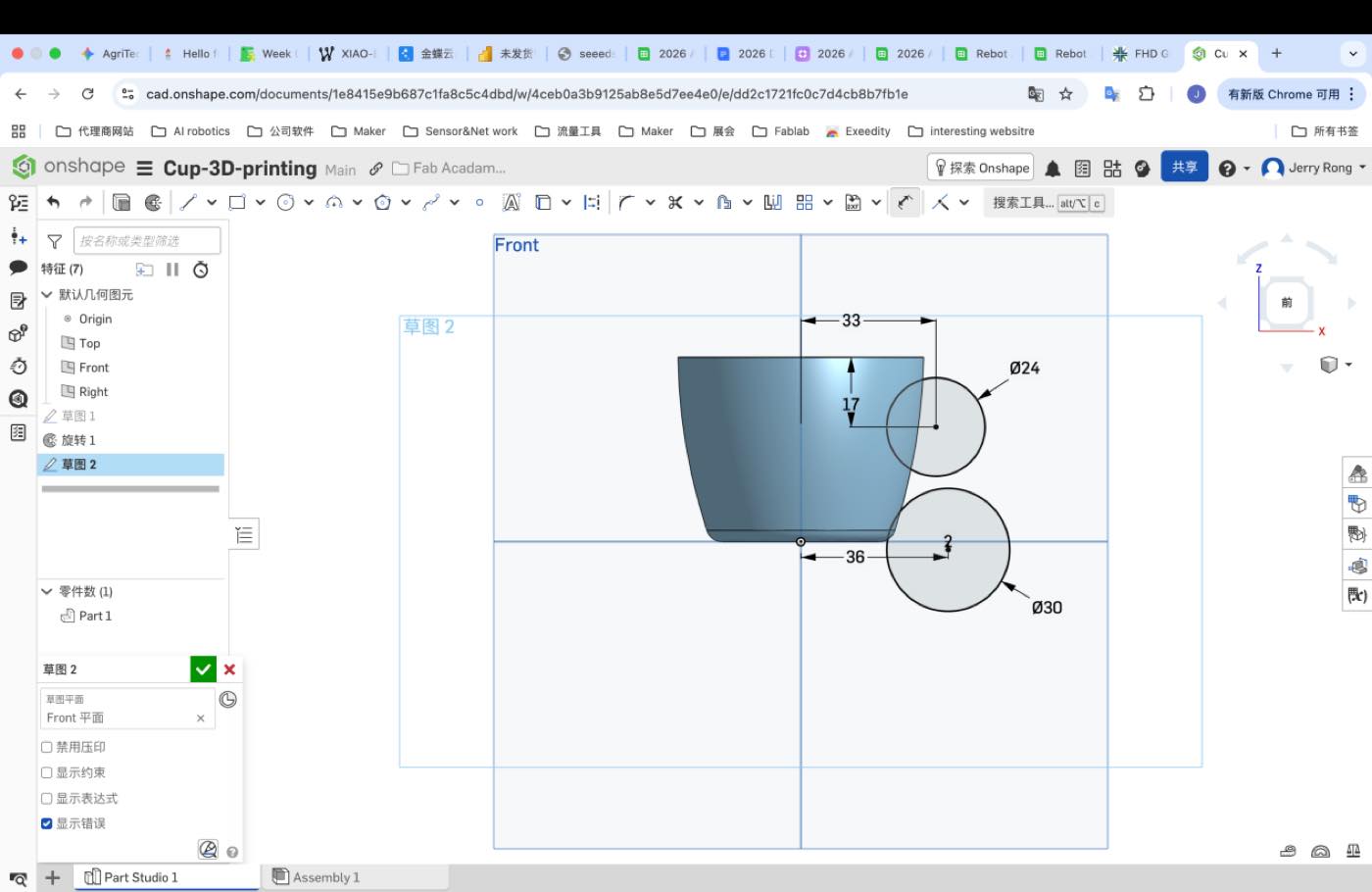
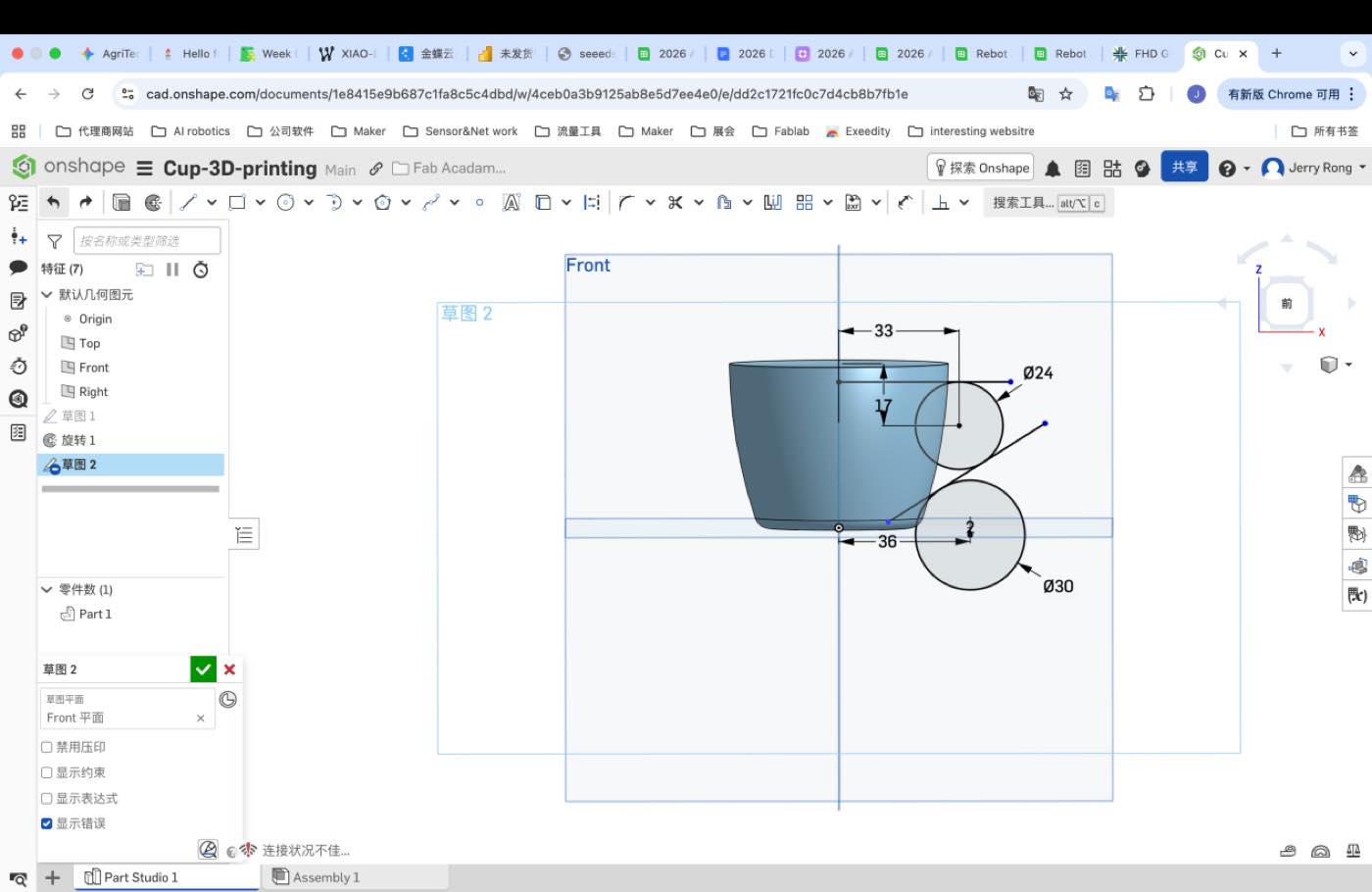
Cut the extra line
Draw a ellipse as below
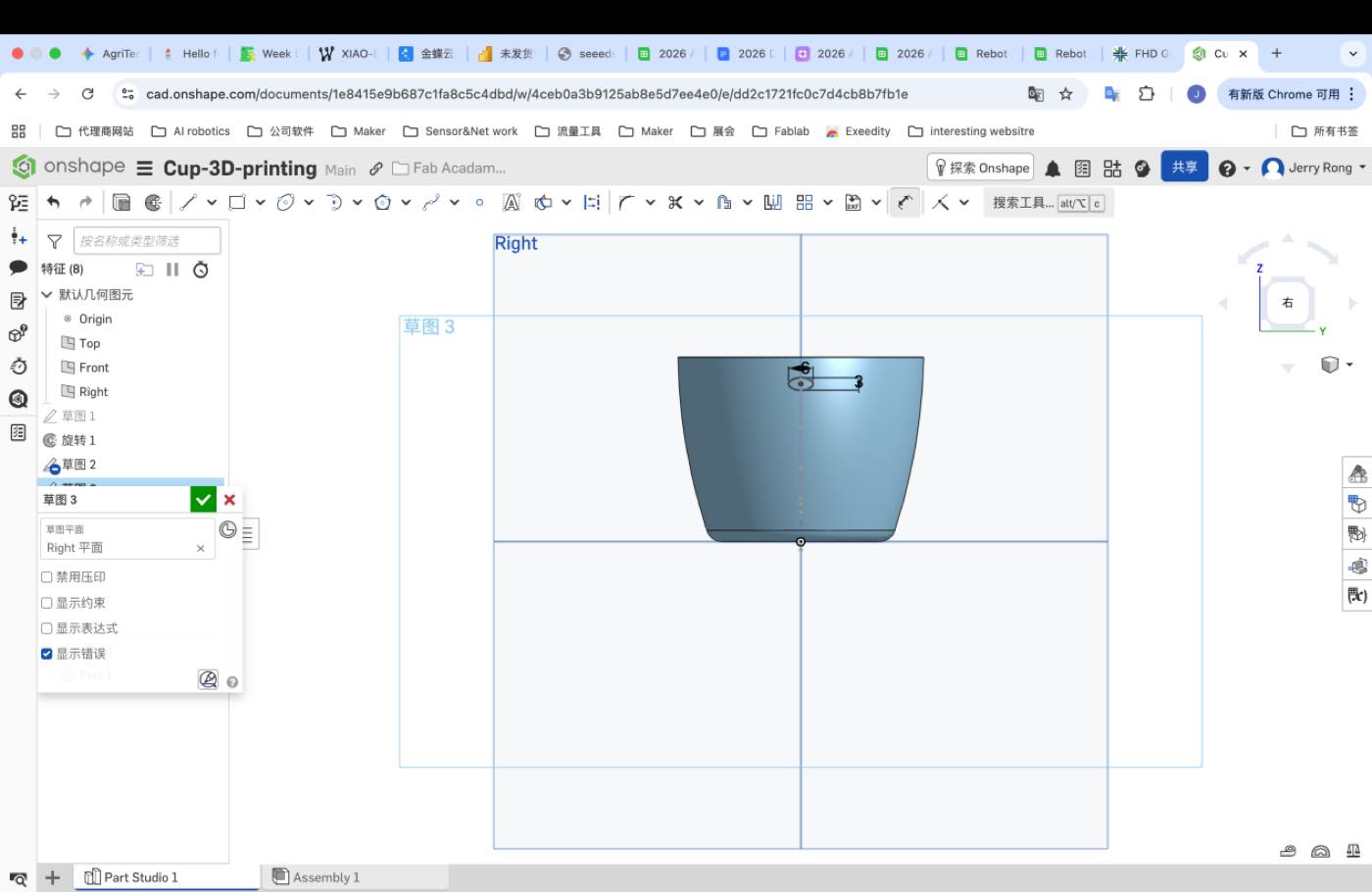
Use the sweep as the sketch 2, make the handle
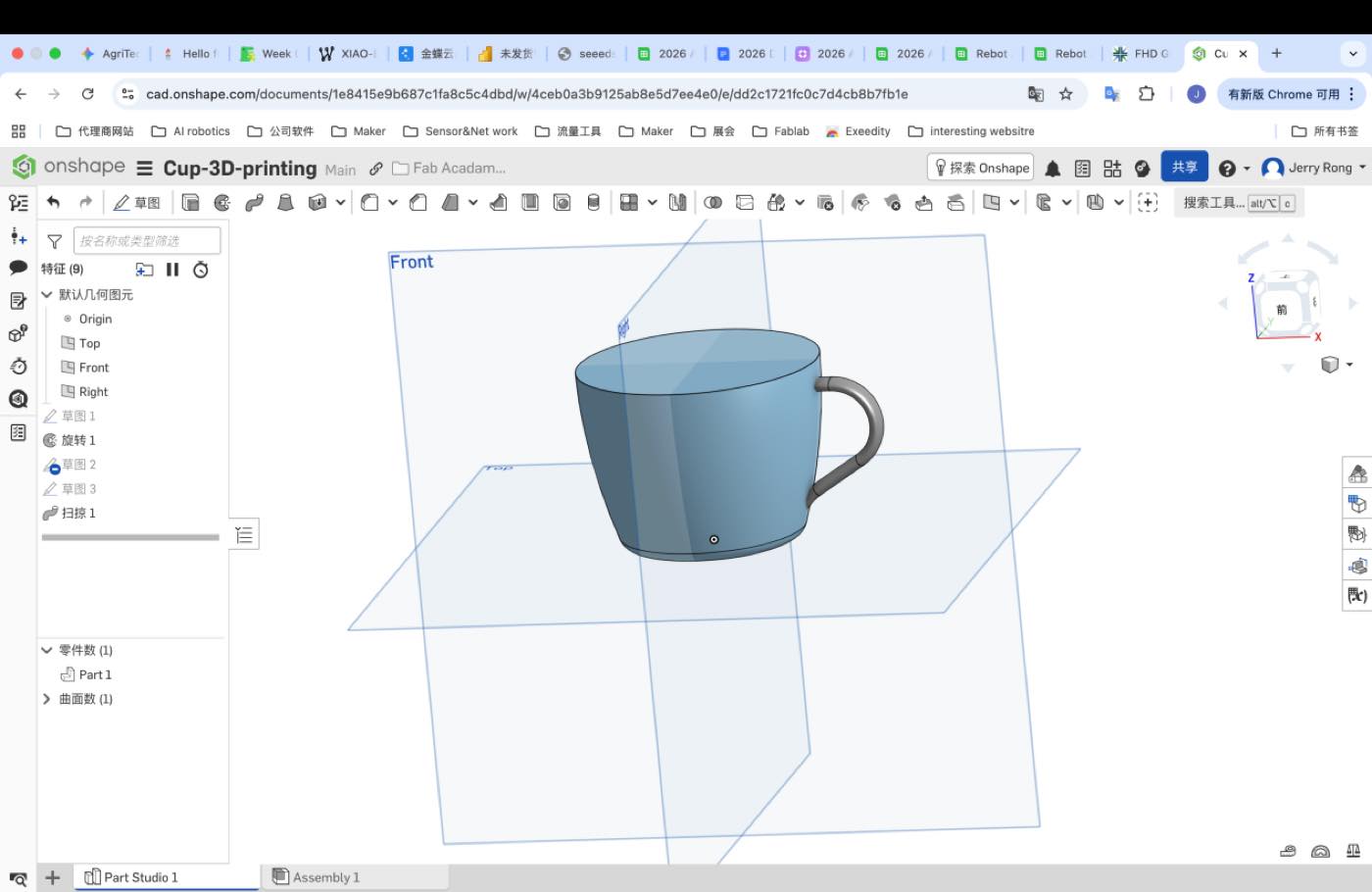
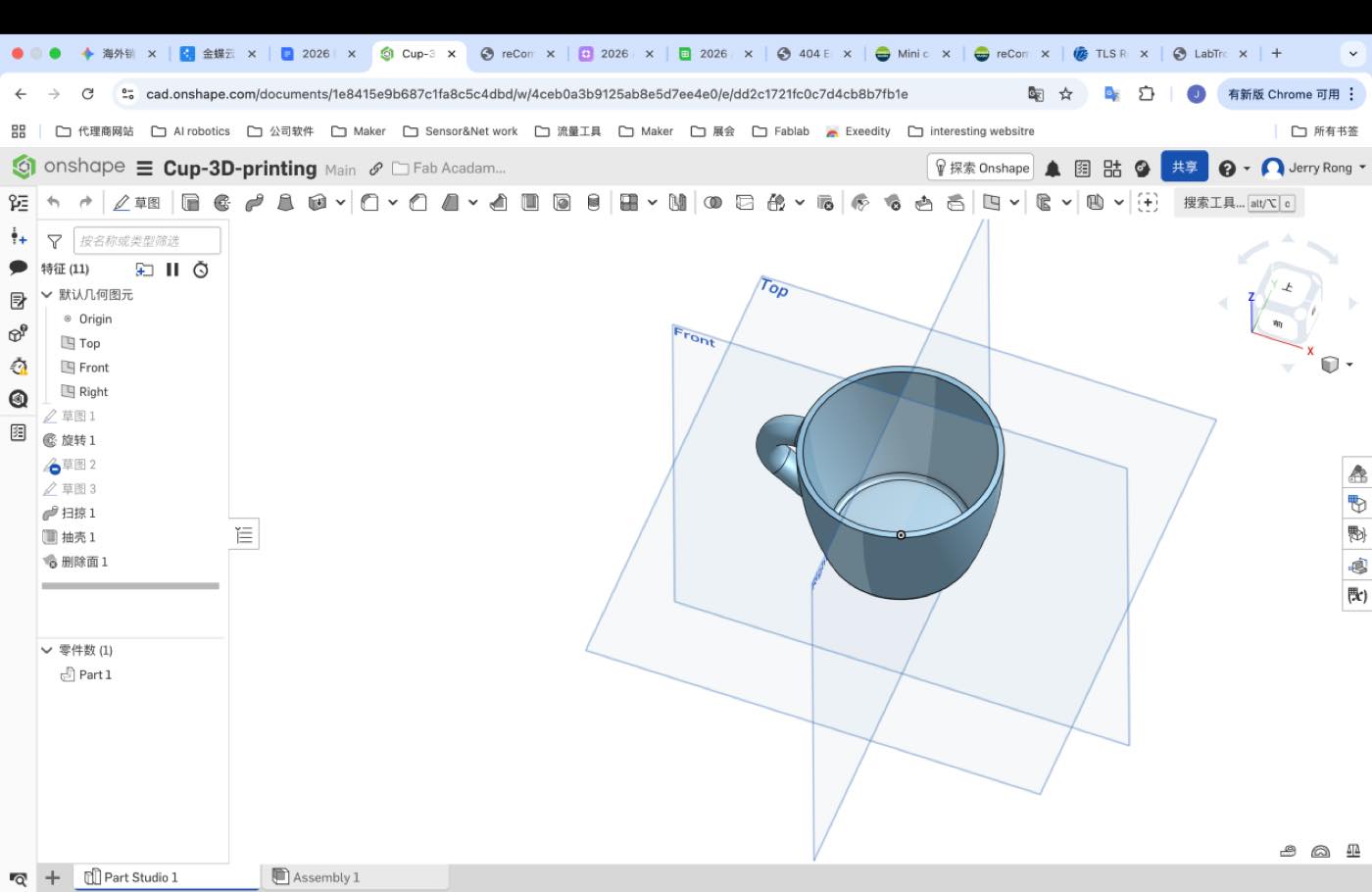
On shape 3D file:
STL file: cup-3D-priting.stl
3D Printing with Bambu :
Step 1 Download Bambustudio, and login
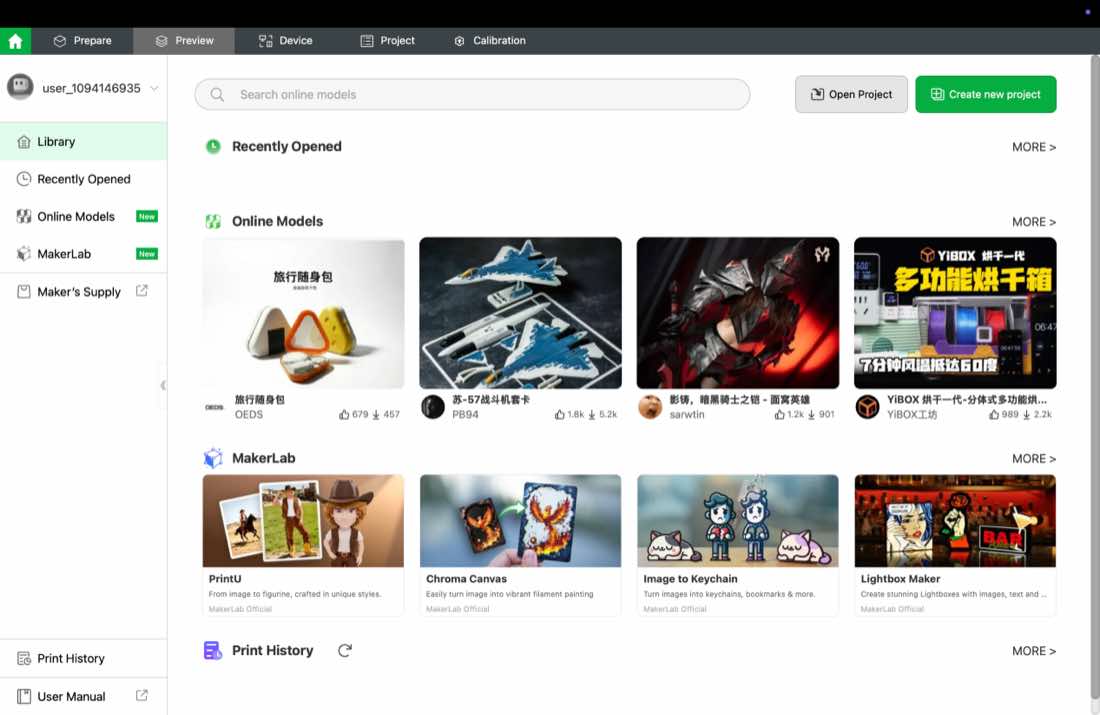
Step 2 import or drage the 3D print file, followed the defaulted setting
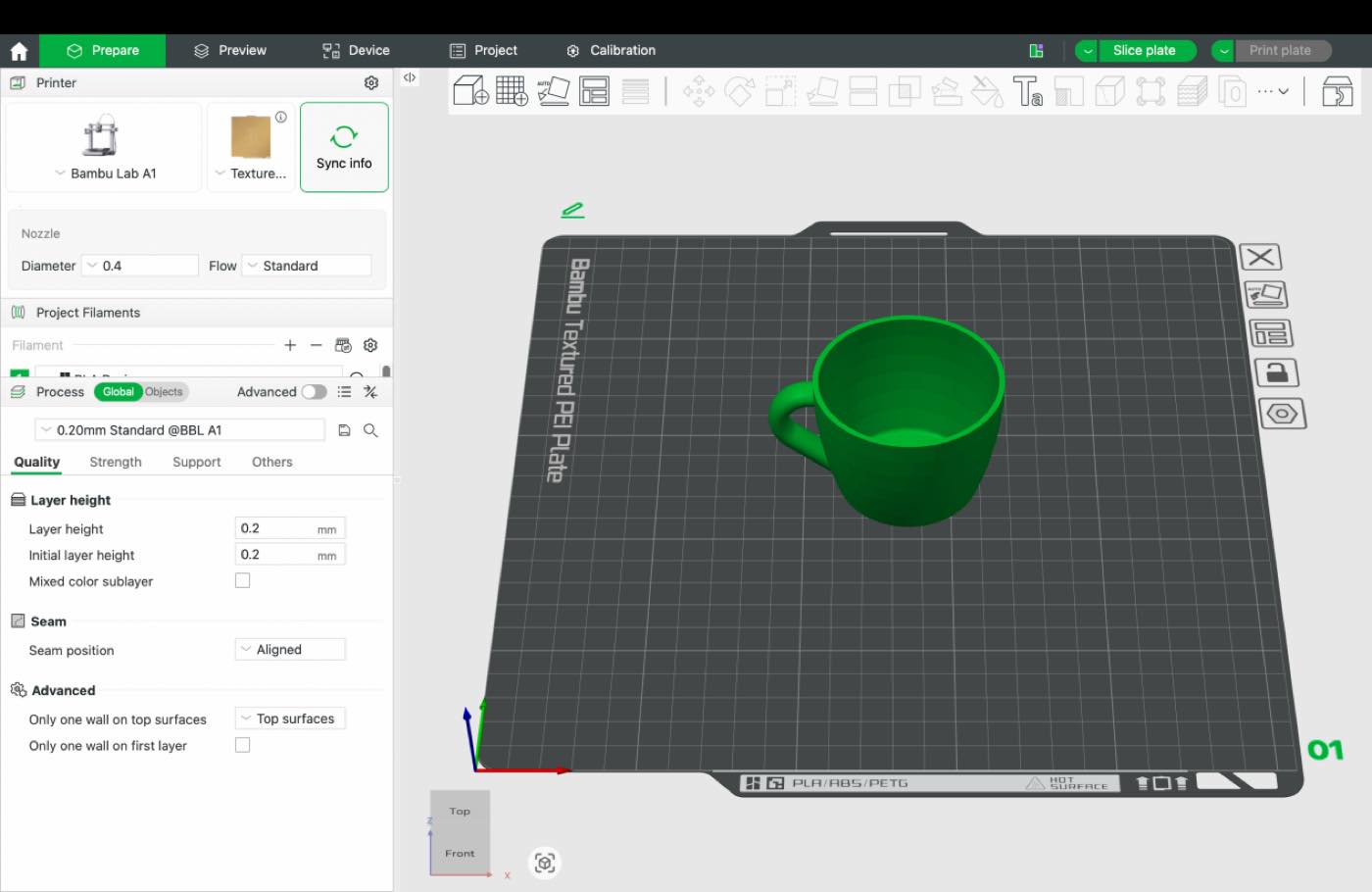
Step3 Slice plate checking if need support, fot this cup, need to add some “support”
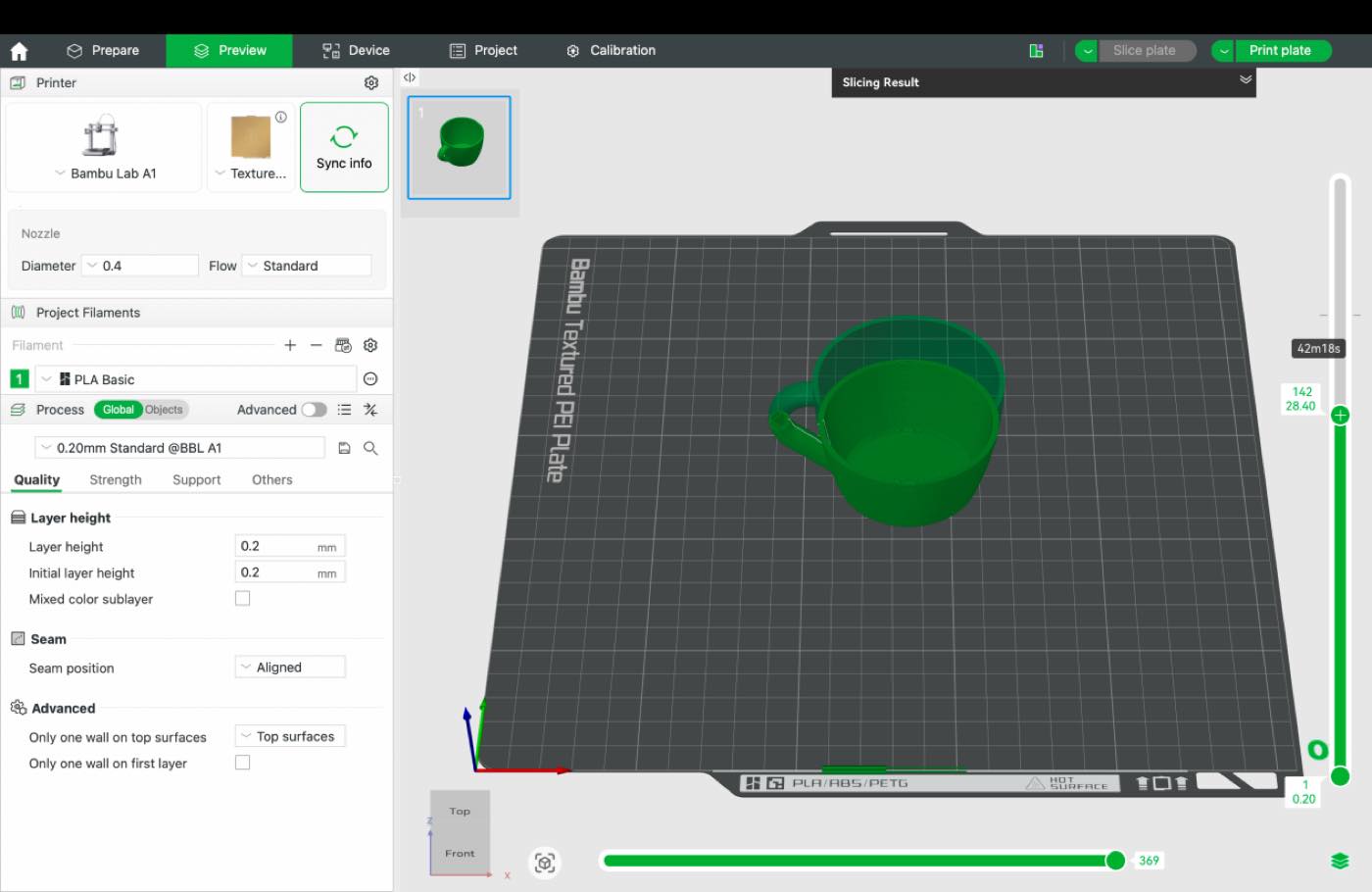
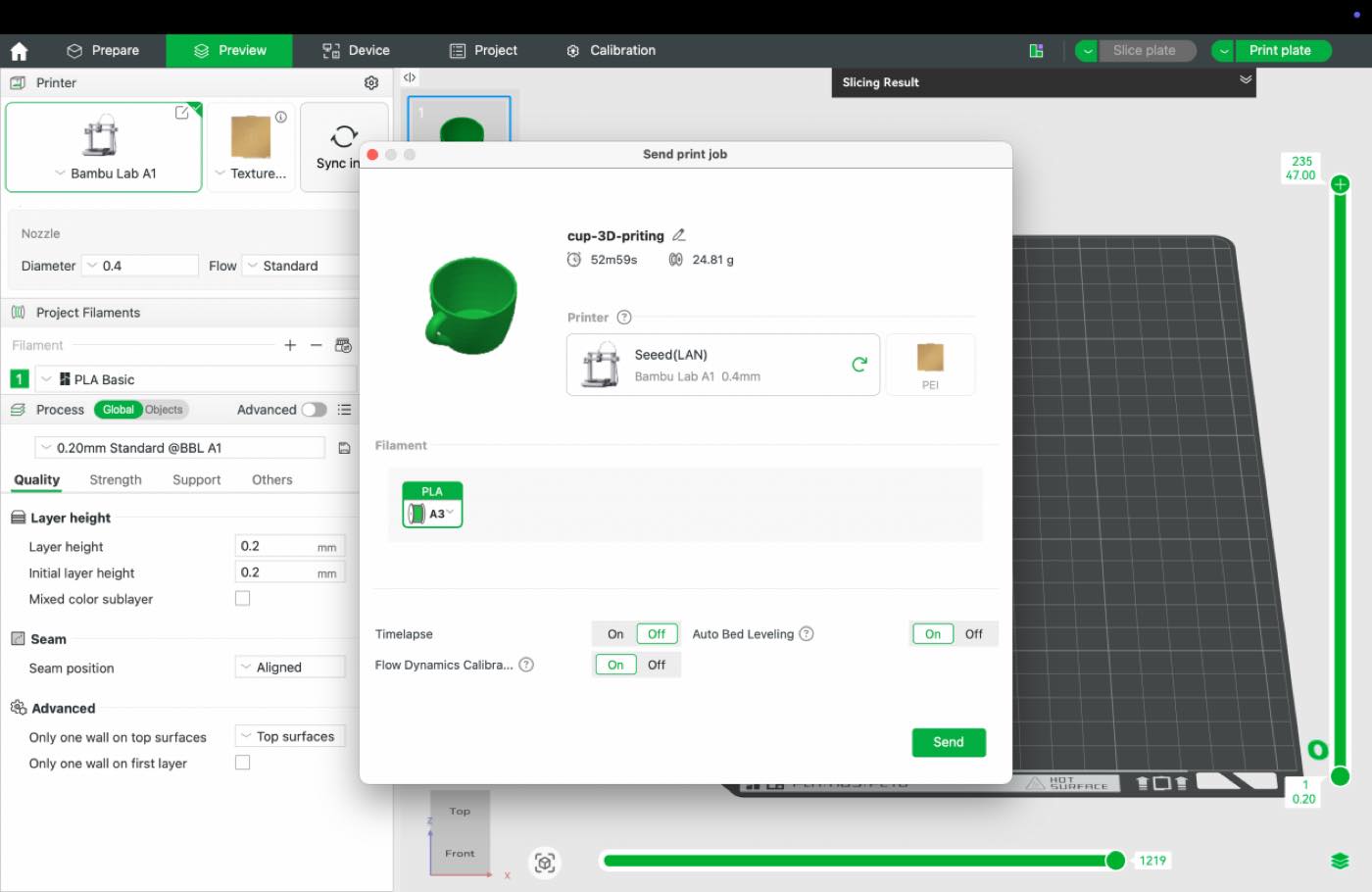
Step4 click print plate to start, but found the printer not connected
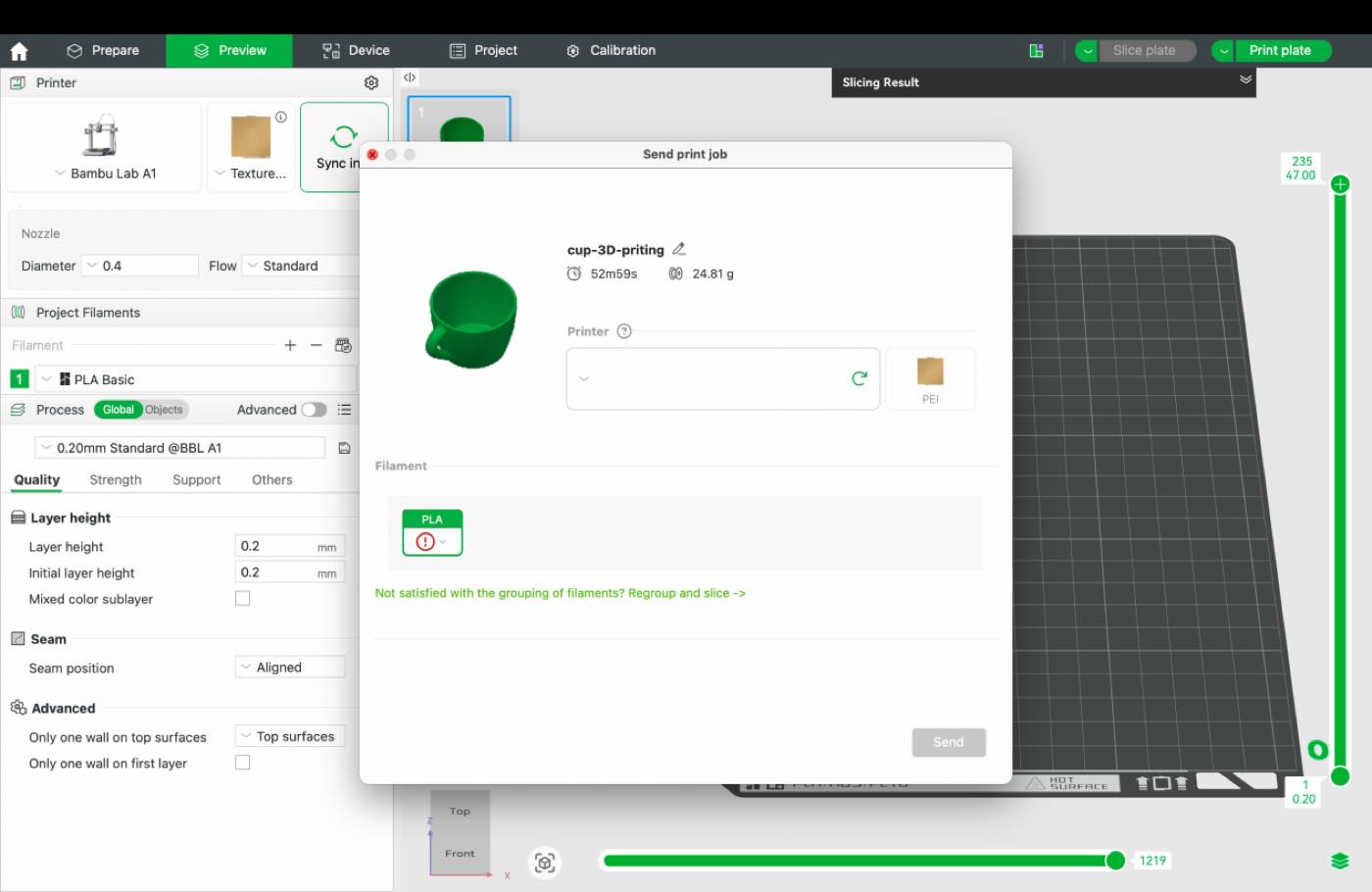
Step 5 connect the printer
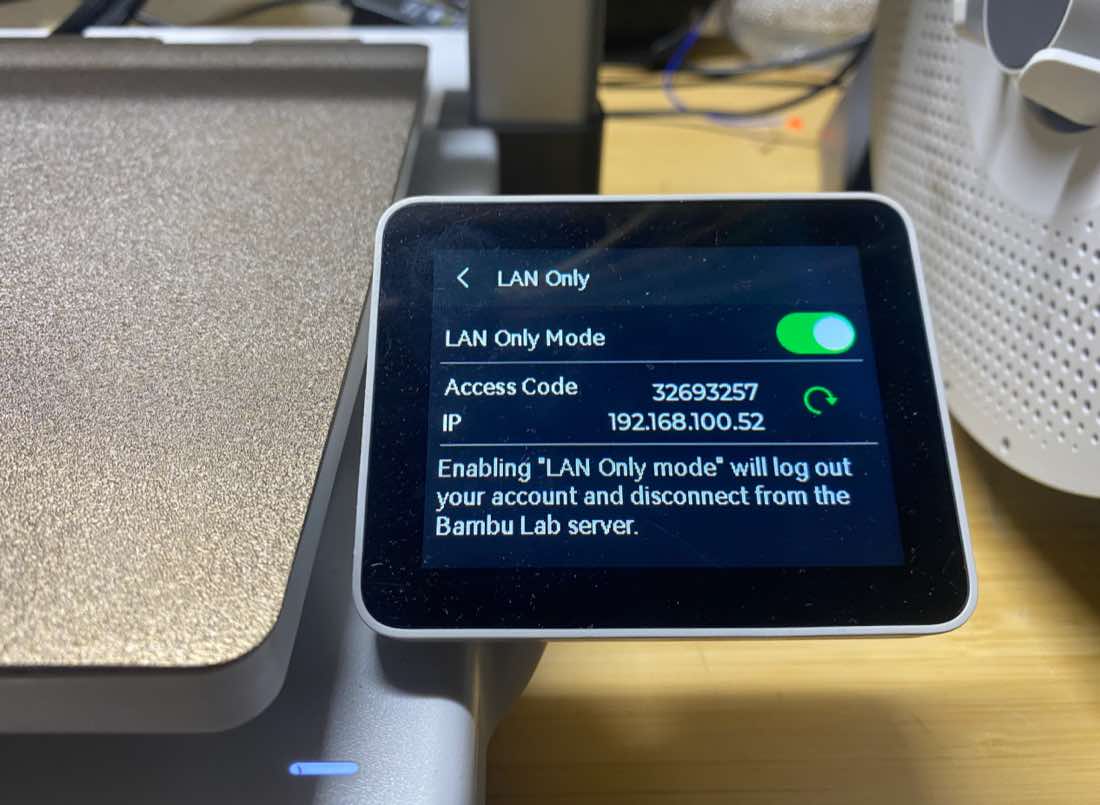
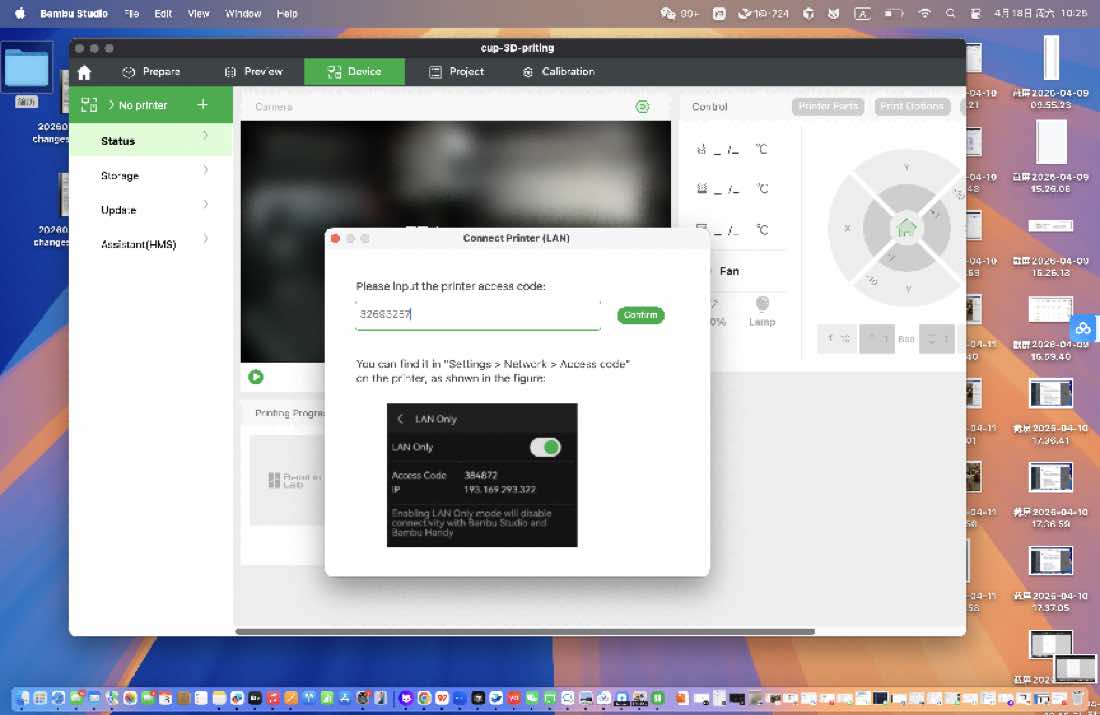
connected
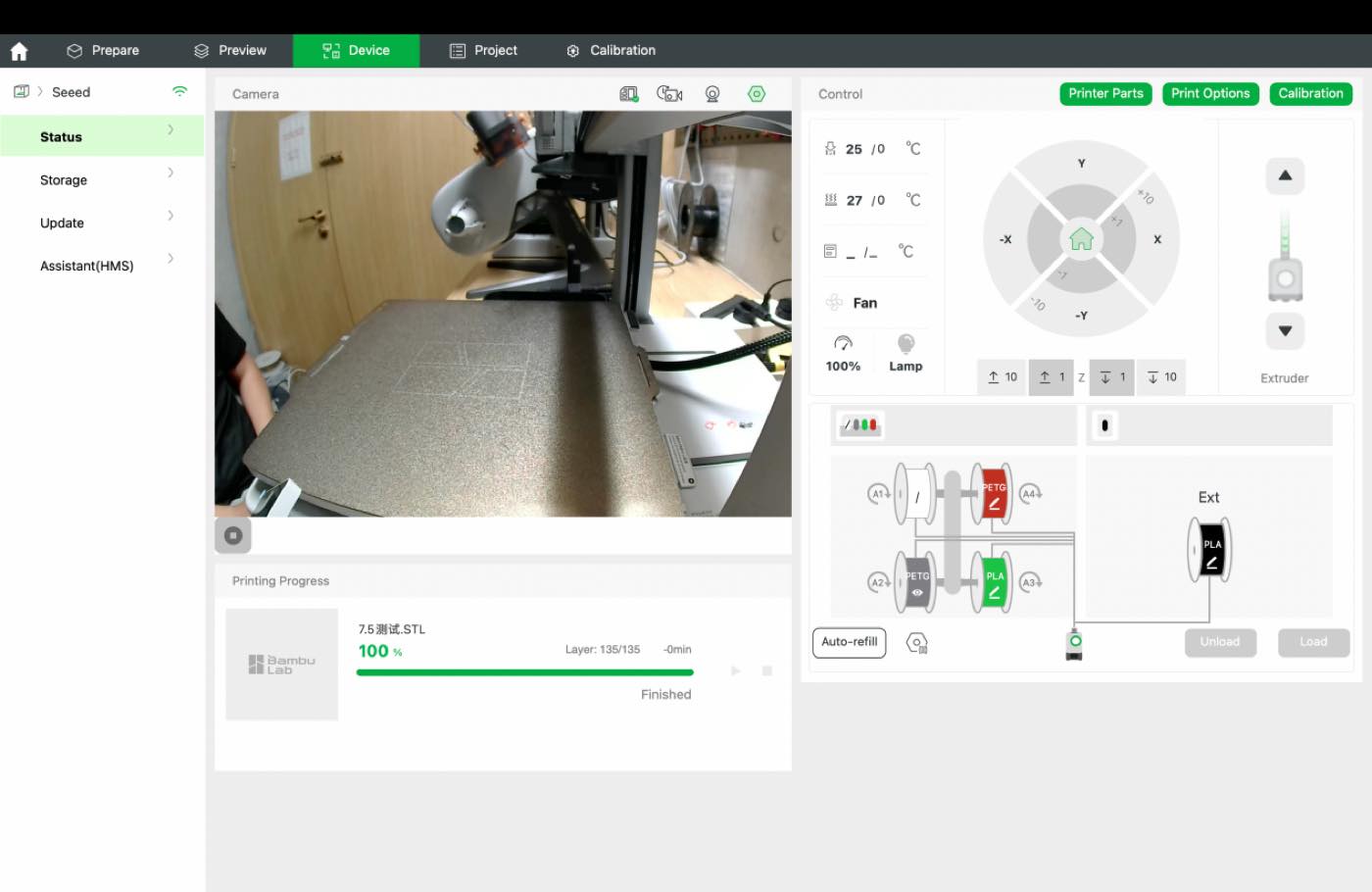
Step 6 start printing
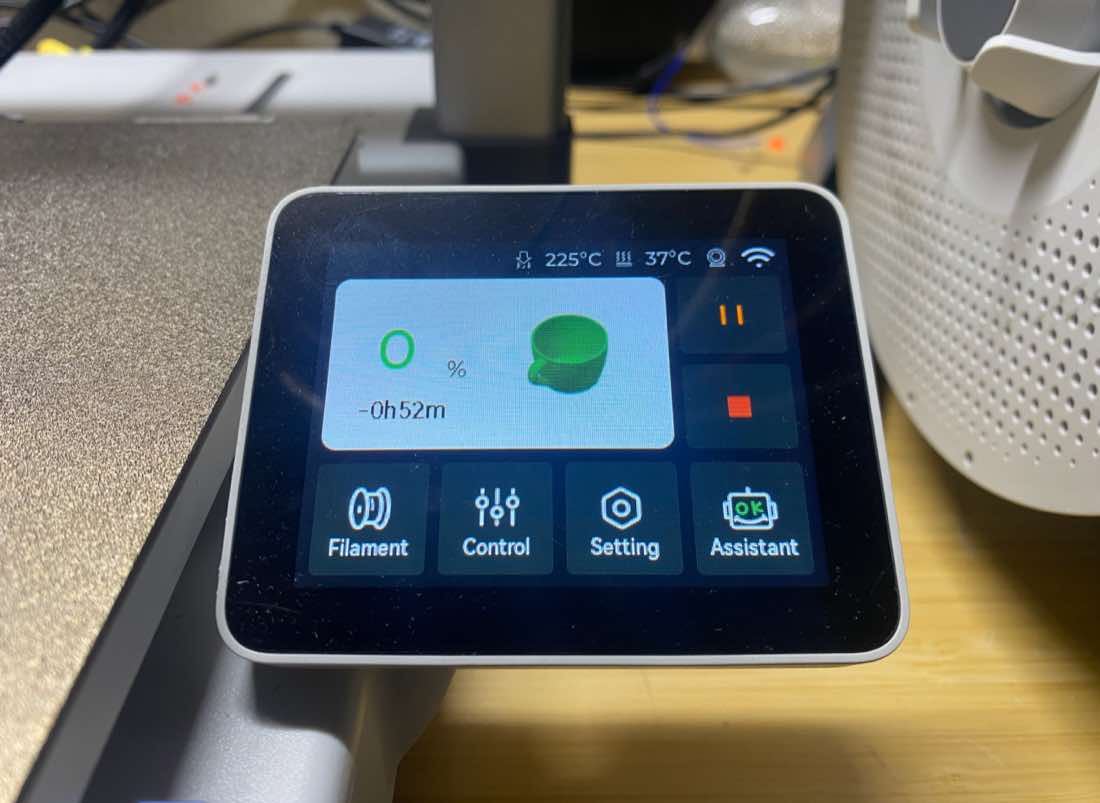
The cup printed
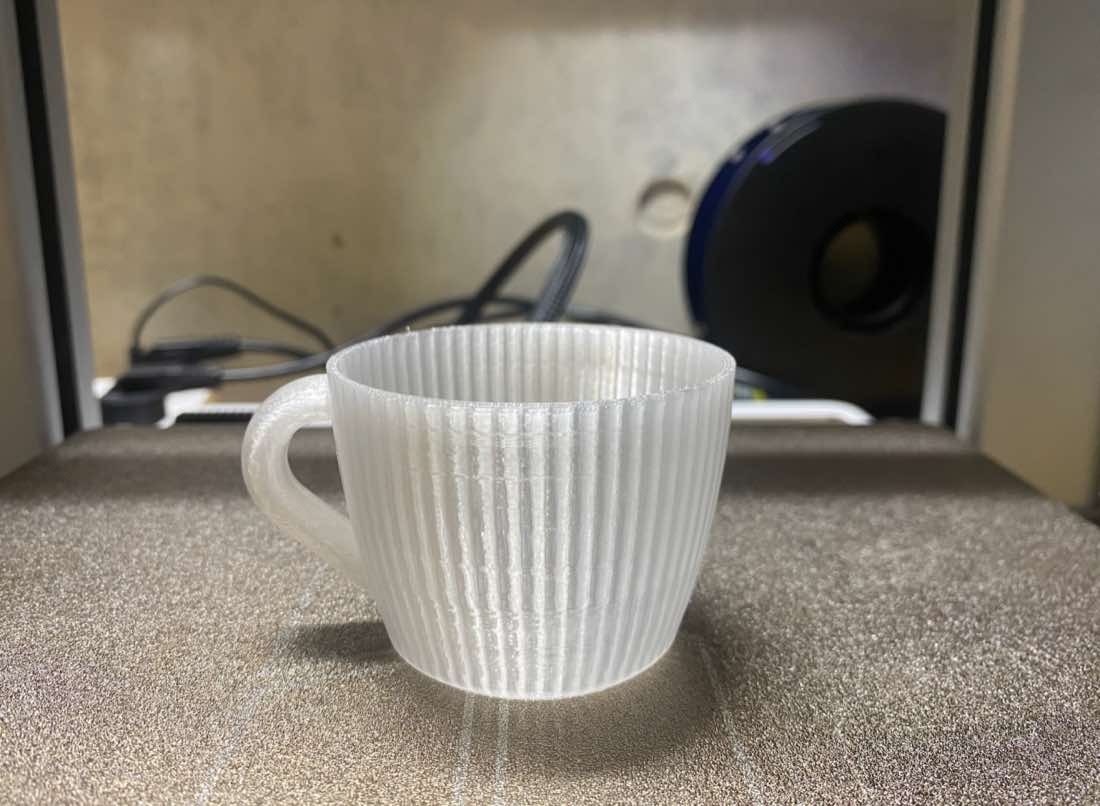
Update on 27th, Jun.
3D Scanning
With the recommendation from Ai, I will use "Polycam" for my project.
I download the App and sign up
The object I wanna Scan is the "Lucky bot", I spin the object the scan with Polycam.
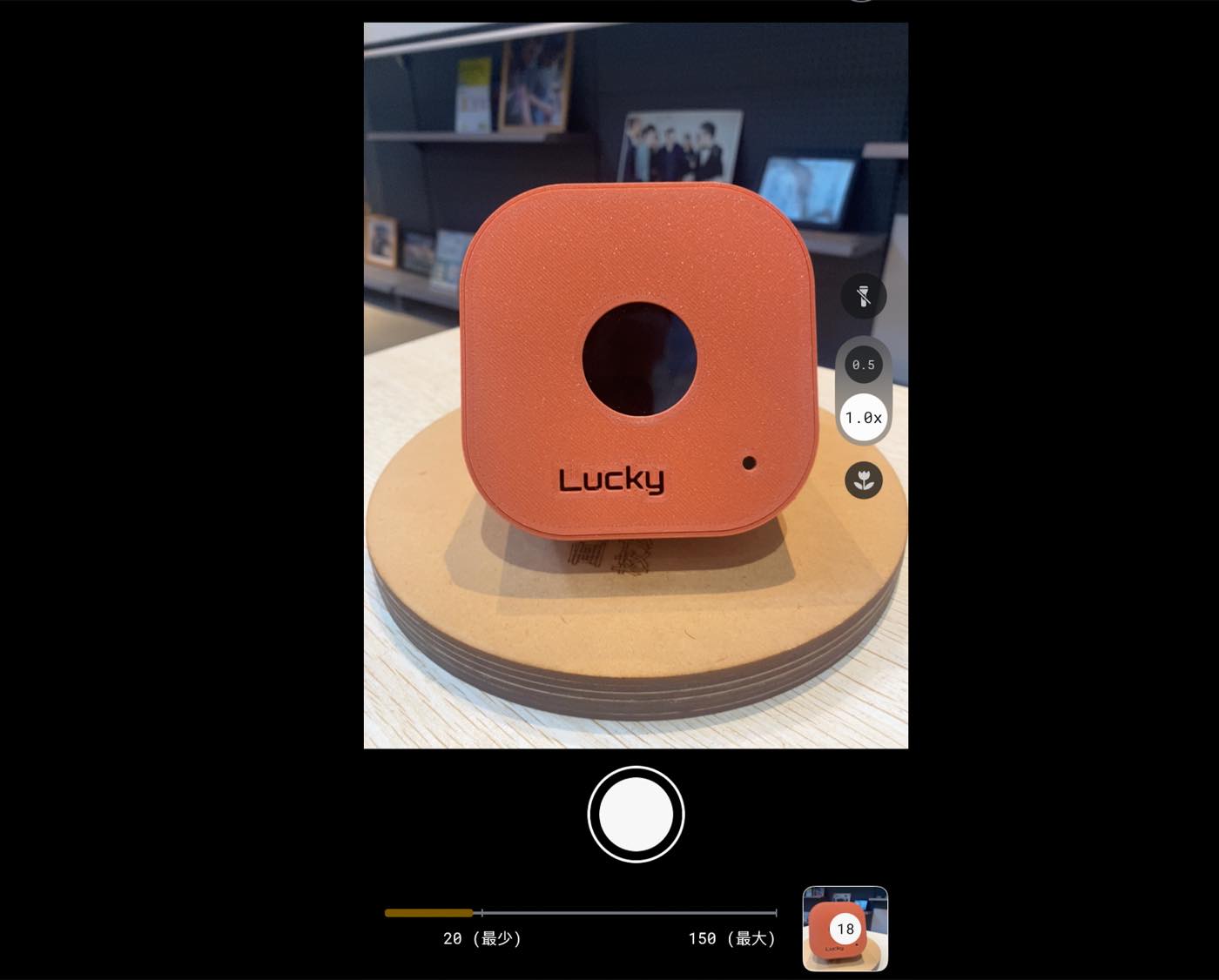
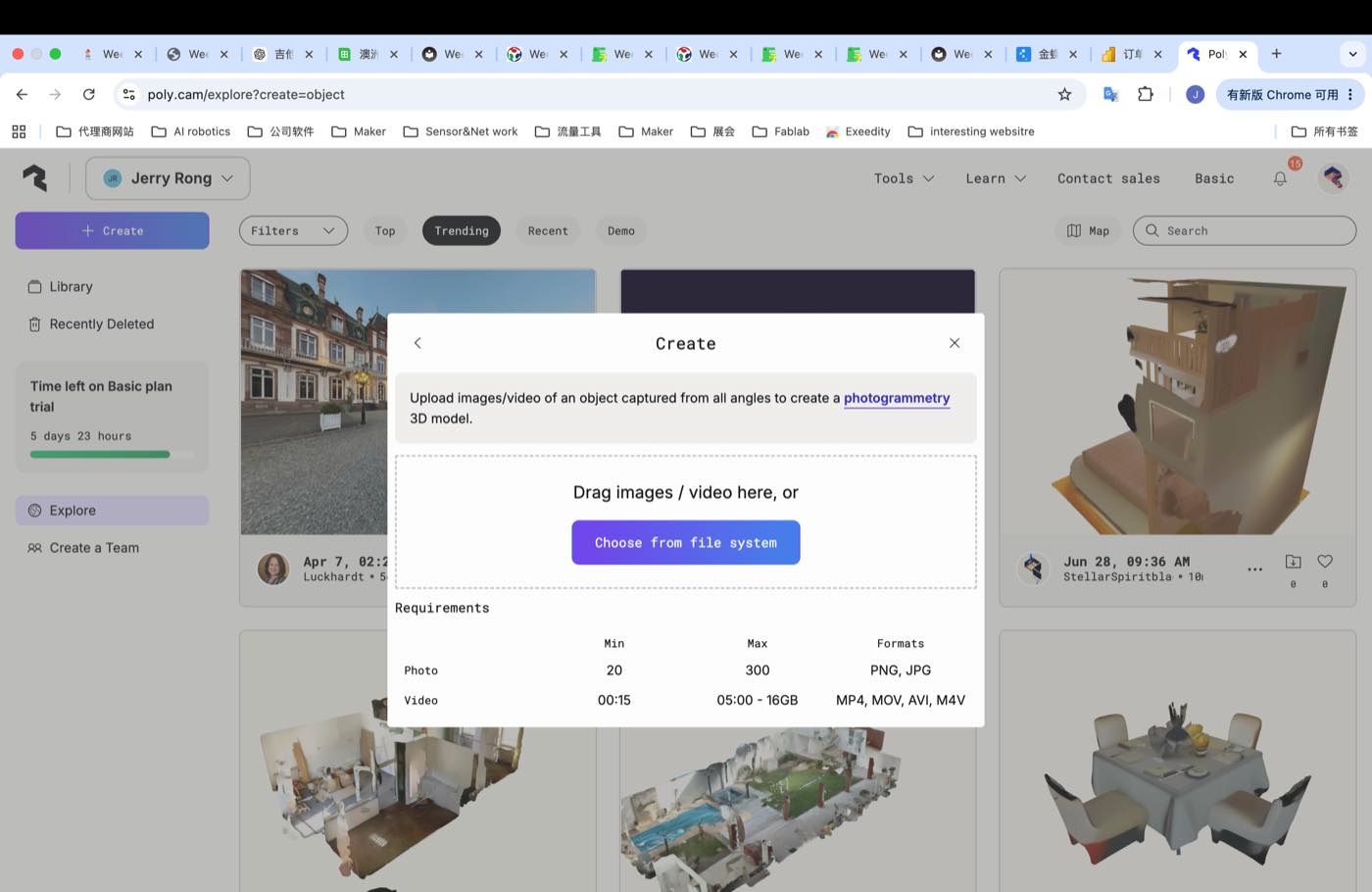
I select the default setting as below, select " Photogrammetry"
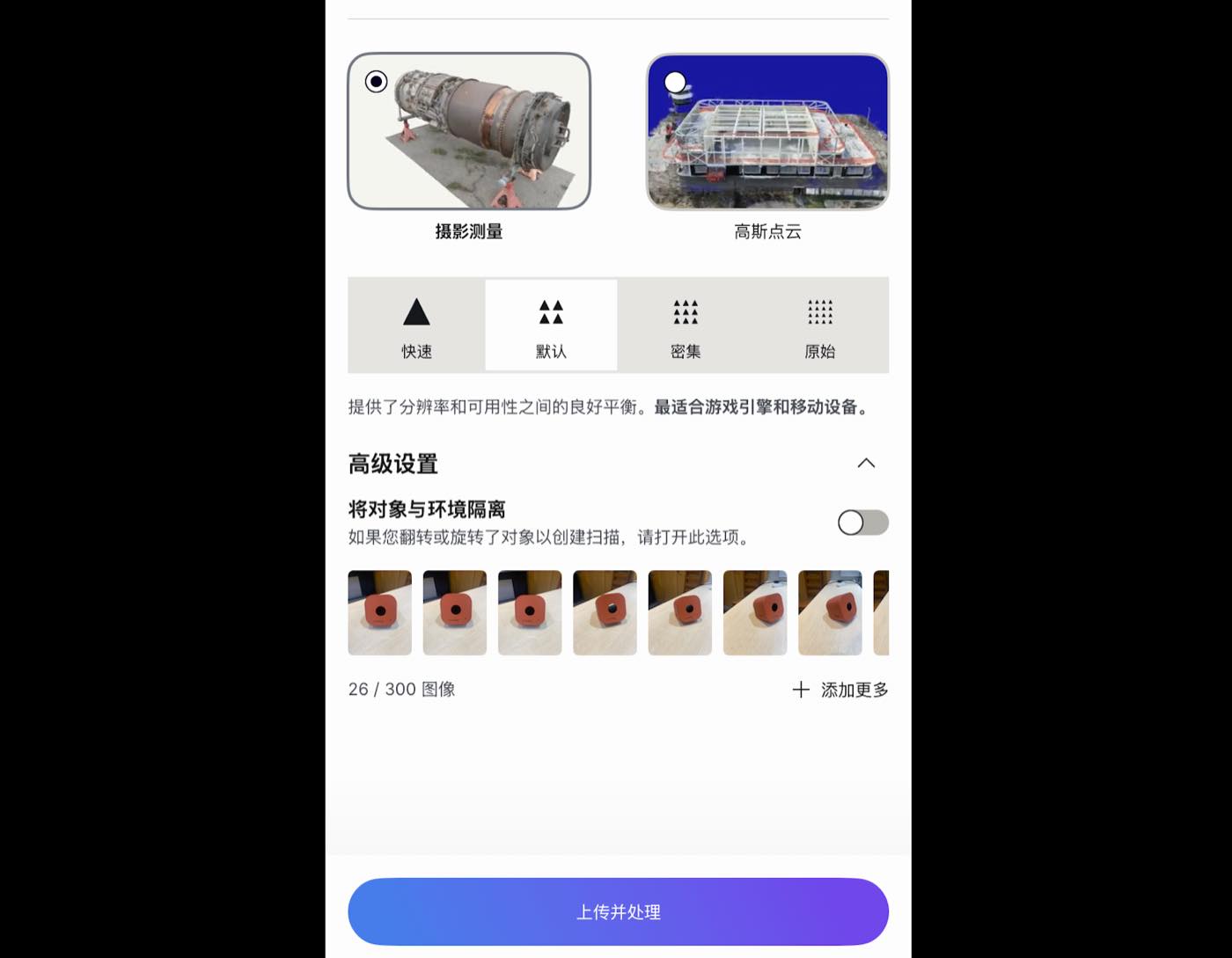
Upload the images, and Polycam is processing
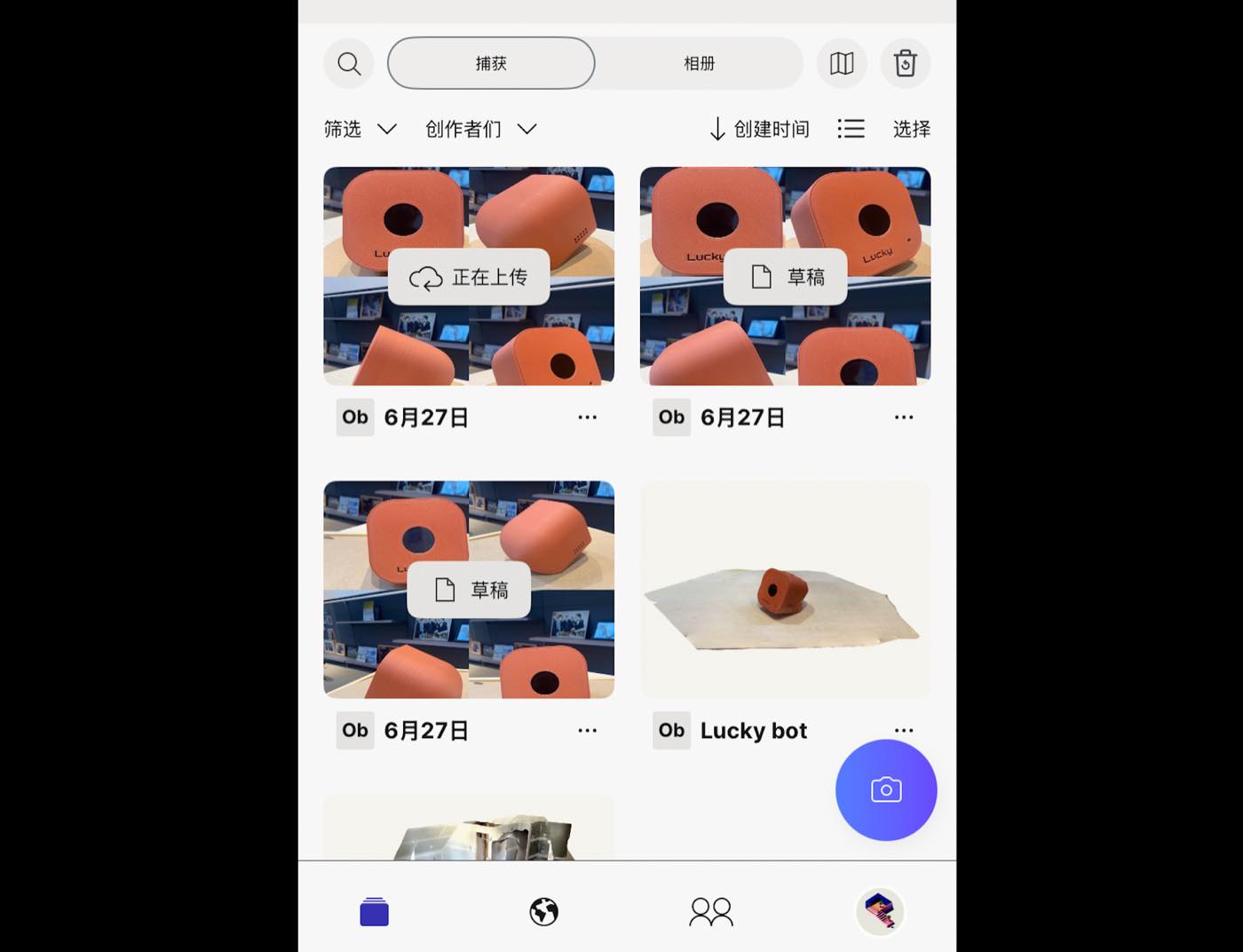
I tried many times, I found the video or pictures need to be sufficient, like 1-2 minutes video, with many times trying, I pick the one looks better.
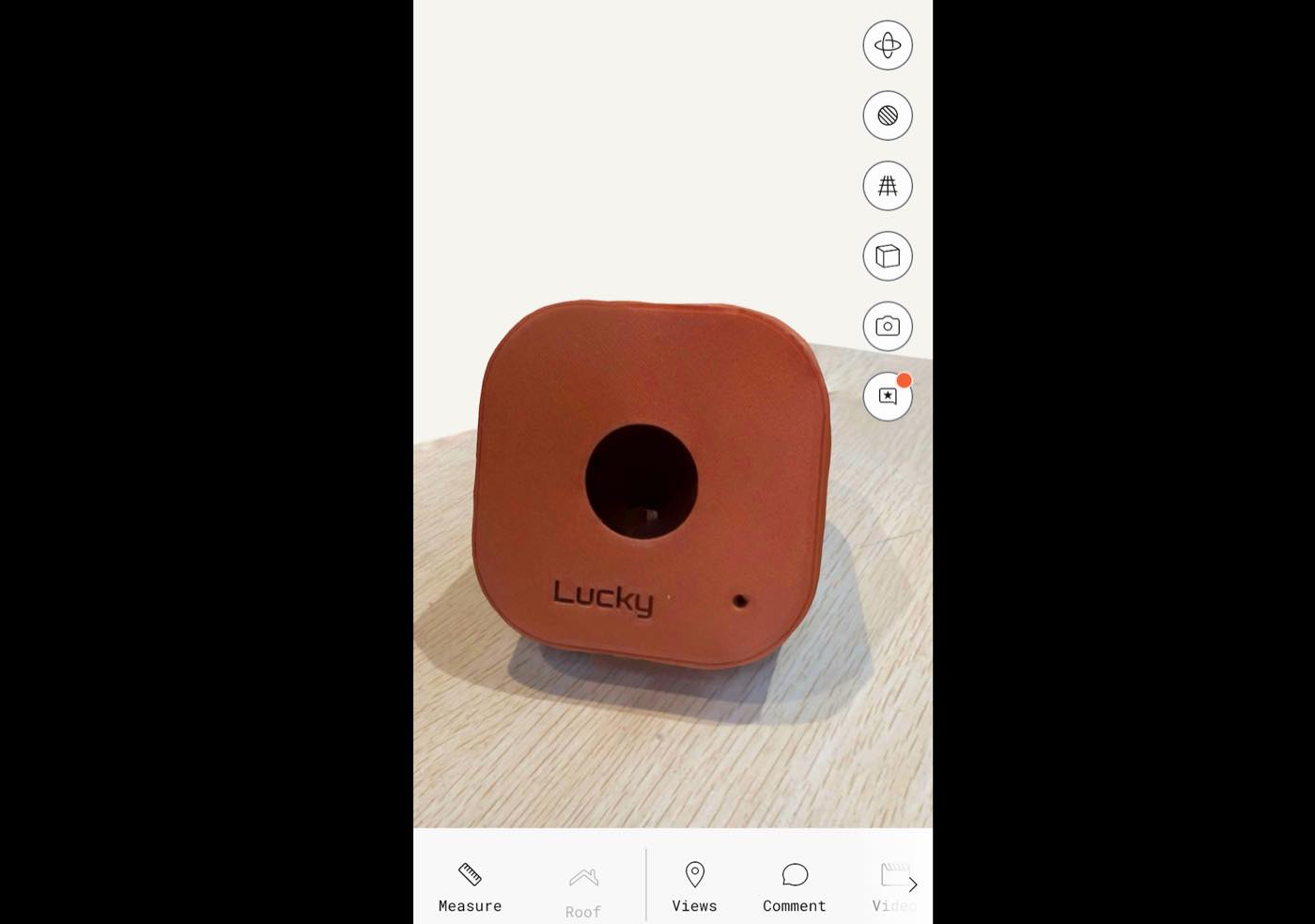
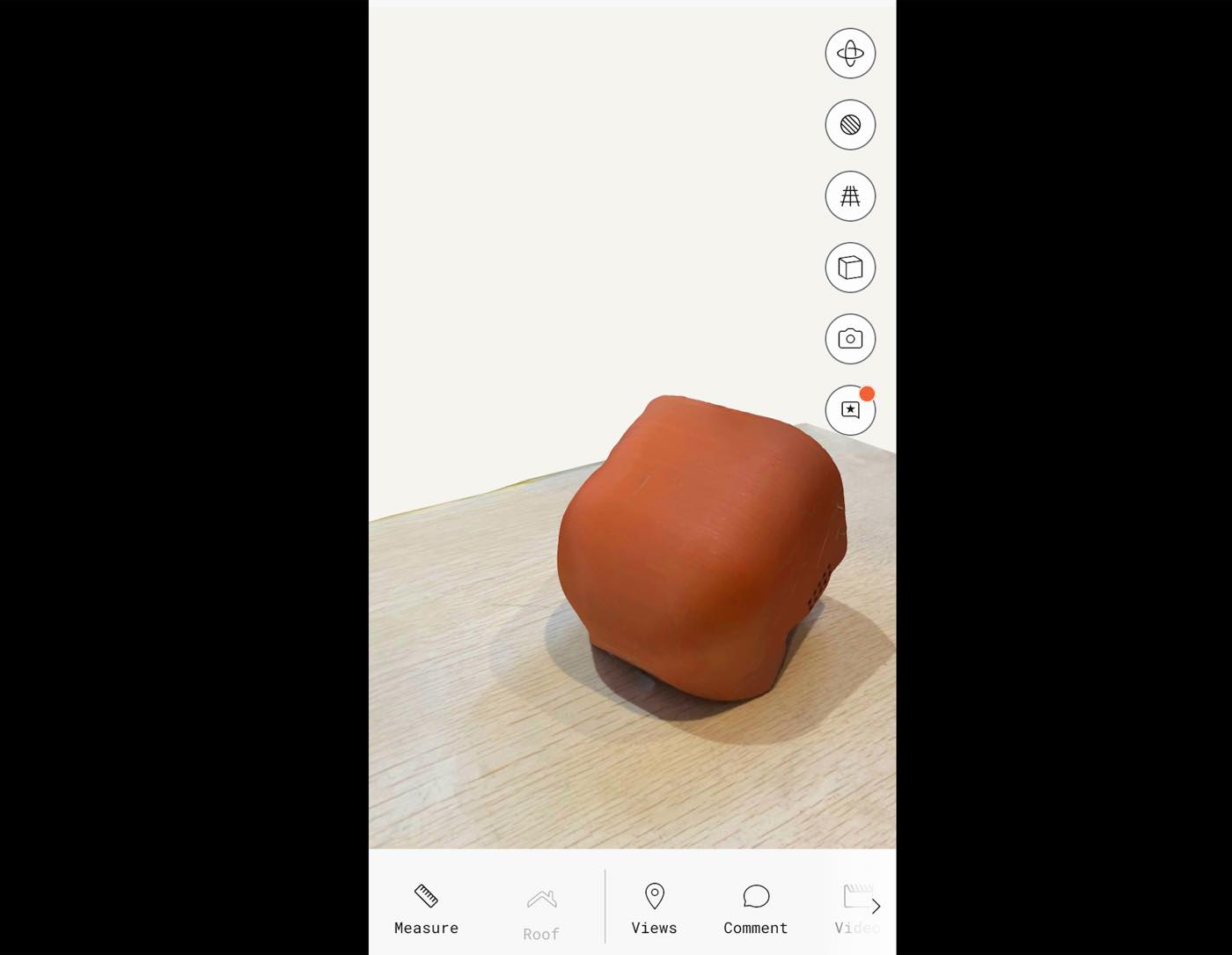
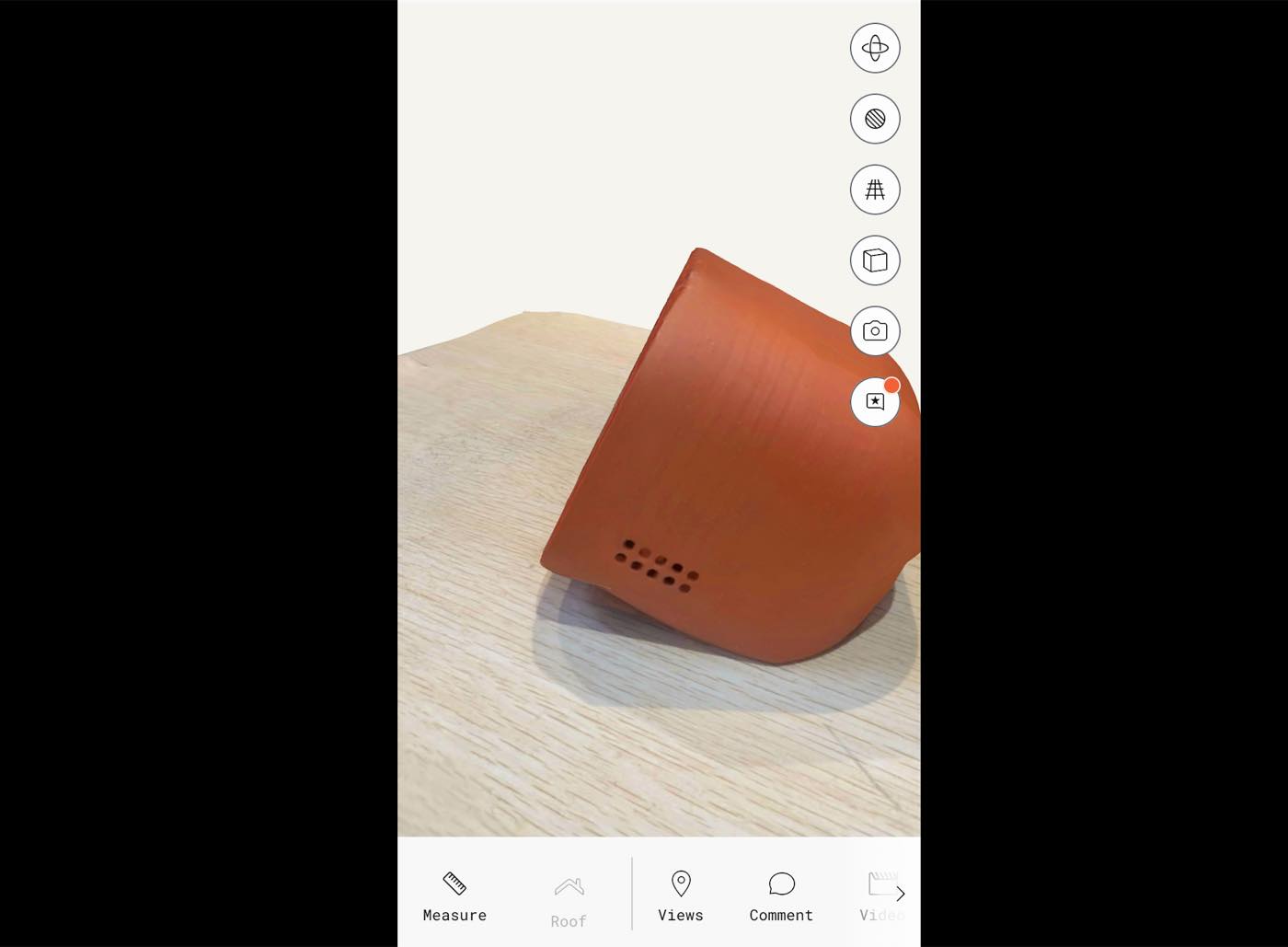
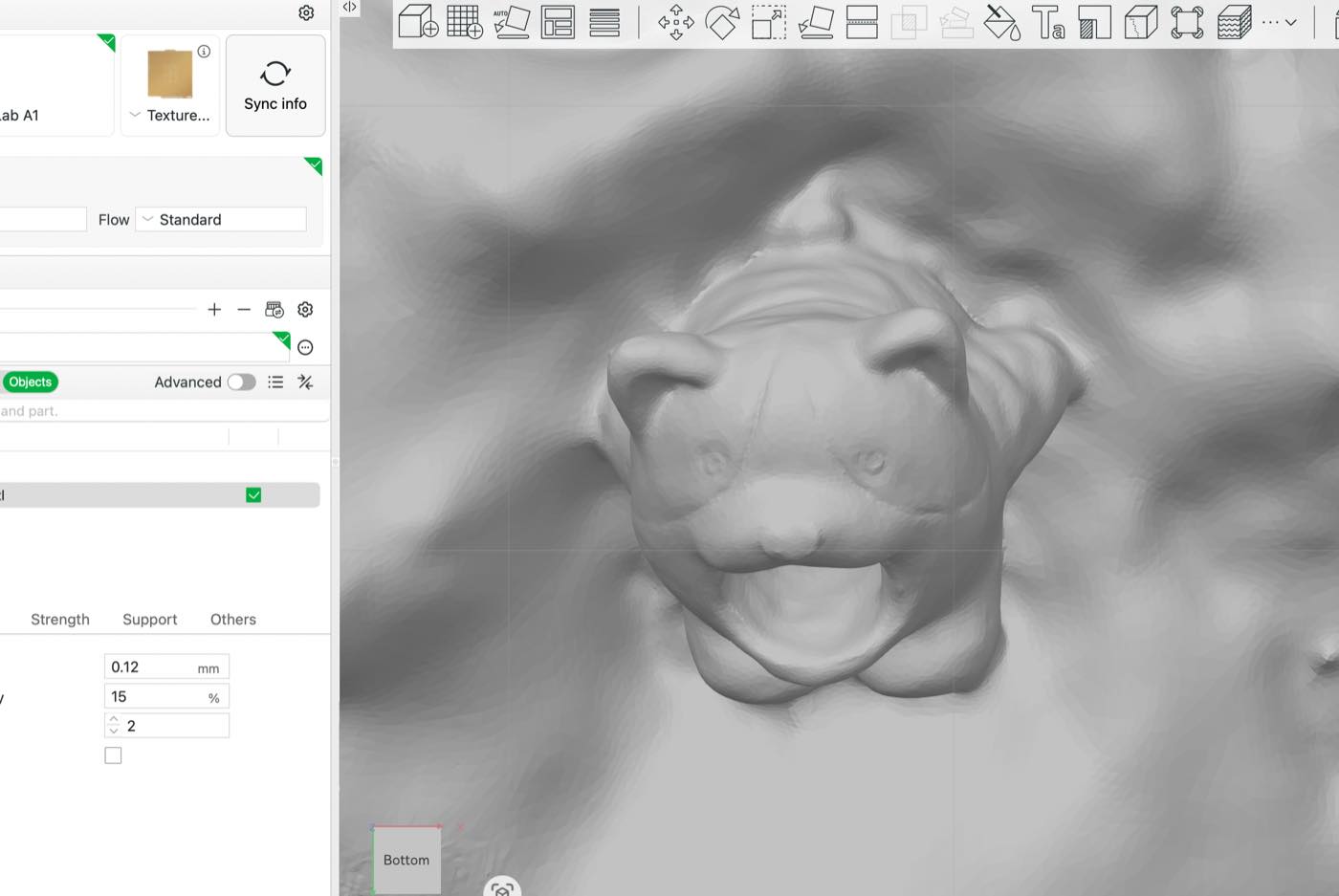
The 3D Scanning picture looks good than i expected. Then I download the stl. File, as below,
STL file: 3D Scanning Luckybot.stl
Open from Bambu studio,as below
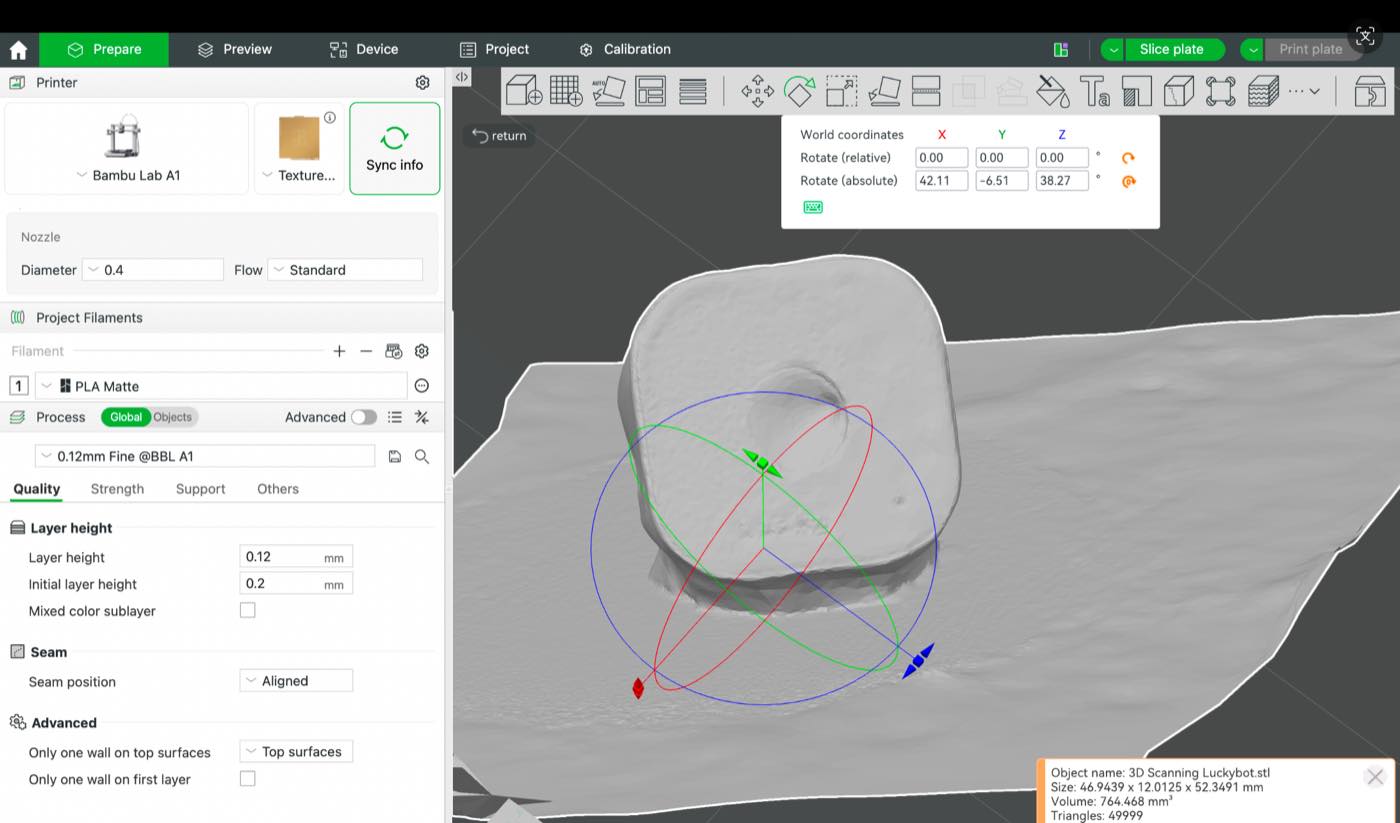
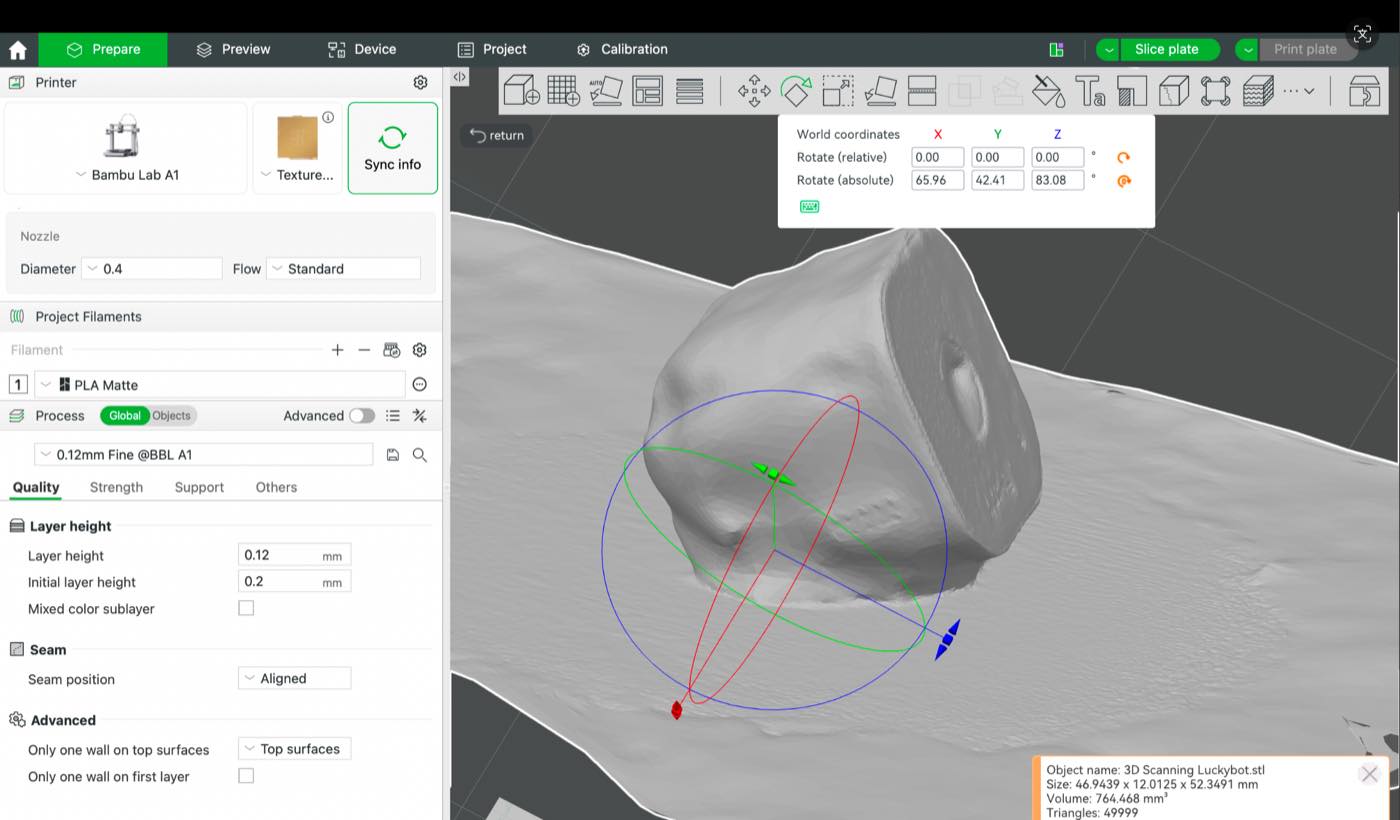
On the App, pictures looks more better. If I could upload a more longer video, or scan it slowly, the final 3D model will be better.
Update on 28th, Jun.
I still feel the one made yesterday is not good enough, I feel the main reason is the video data is not enough, so I tried another 2, with a longer video, around 1- 1.5 minutes, I upload the video from the website, and then I check the 3D scanning item from APP and download the Stl. File from APP
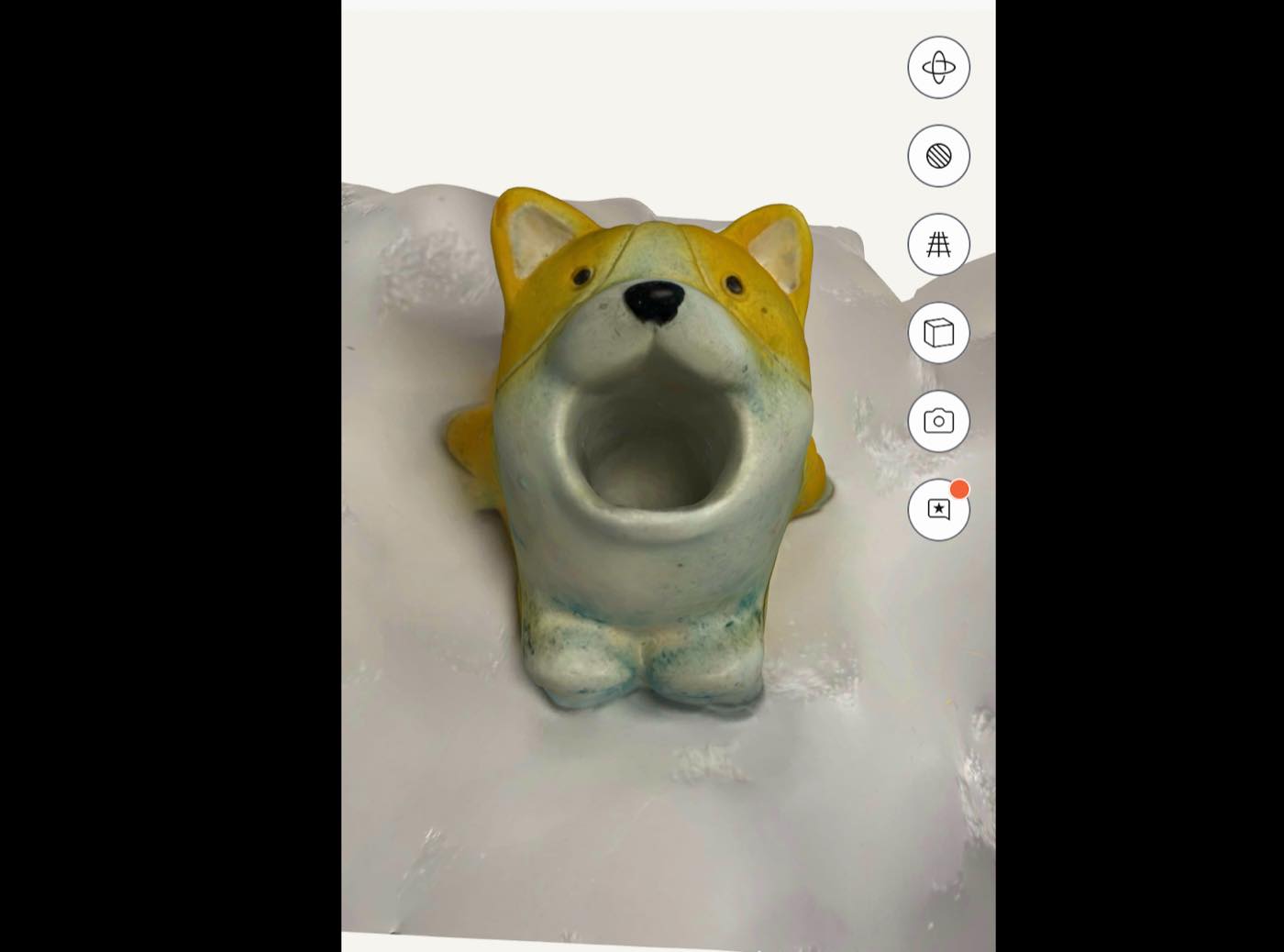
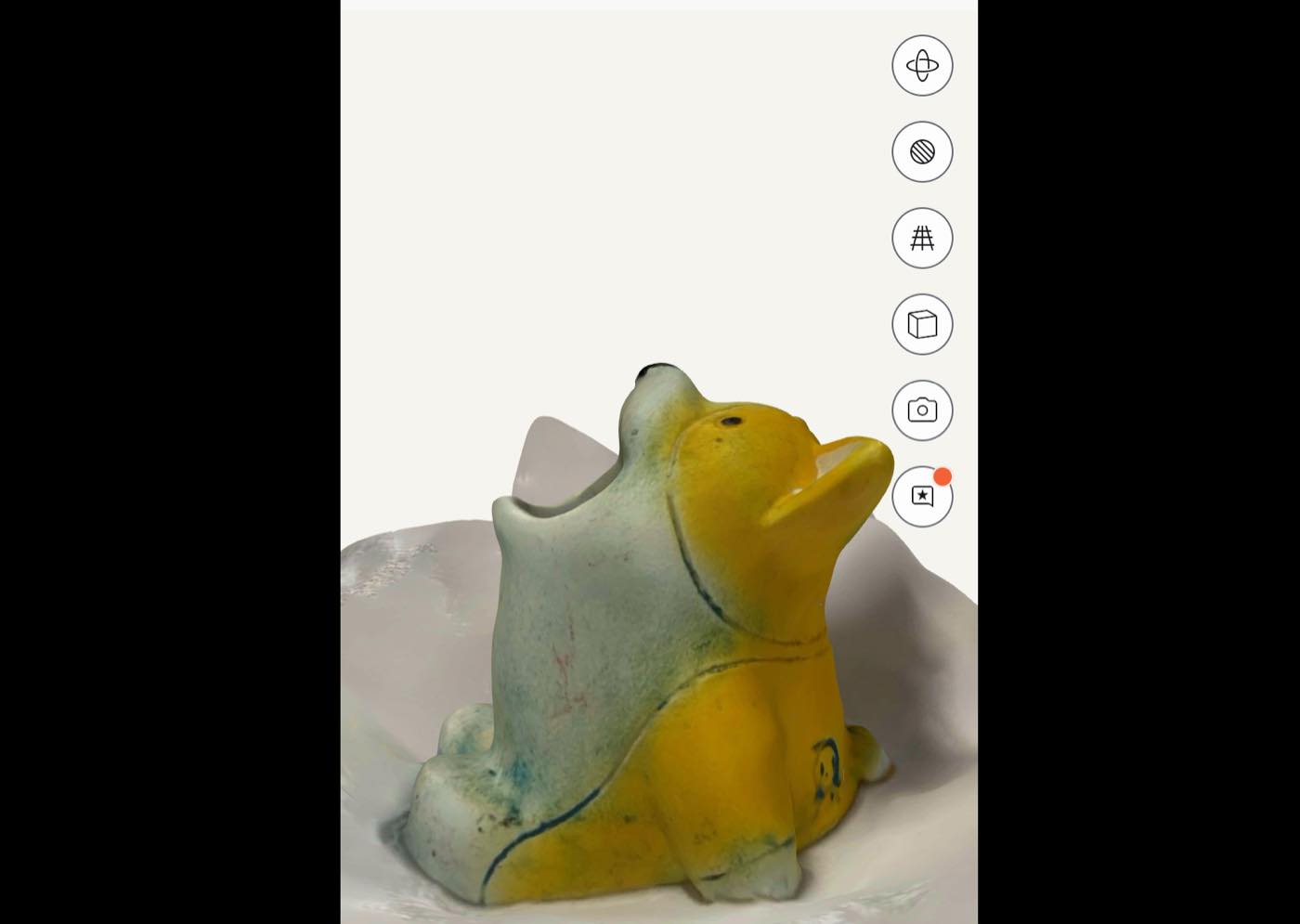
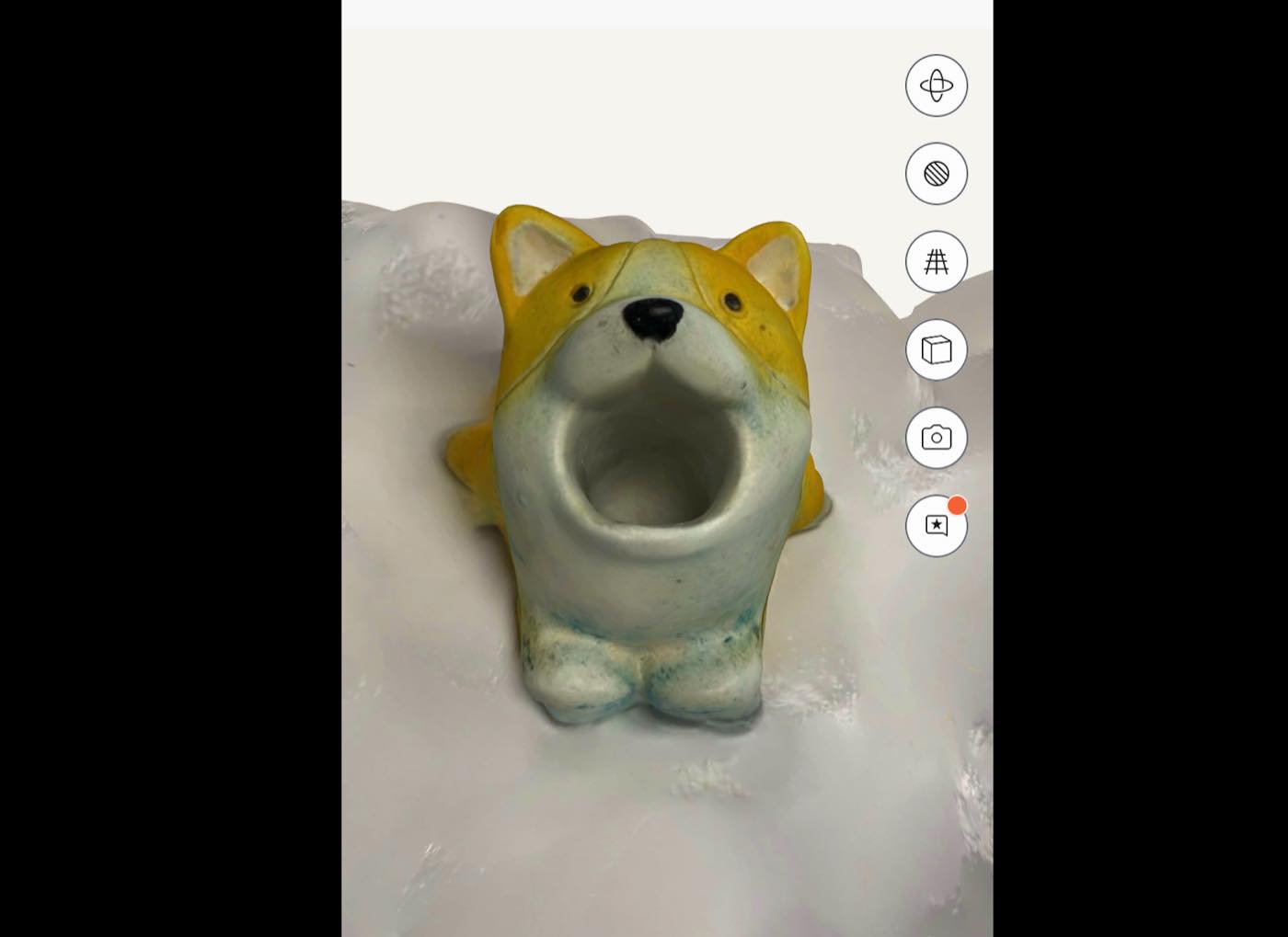
Sculpture Dog, see the image from the app.
Stone
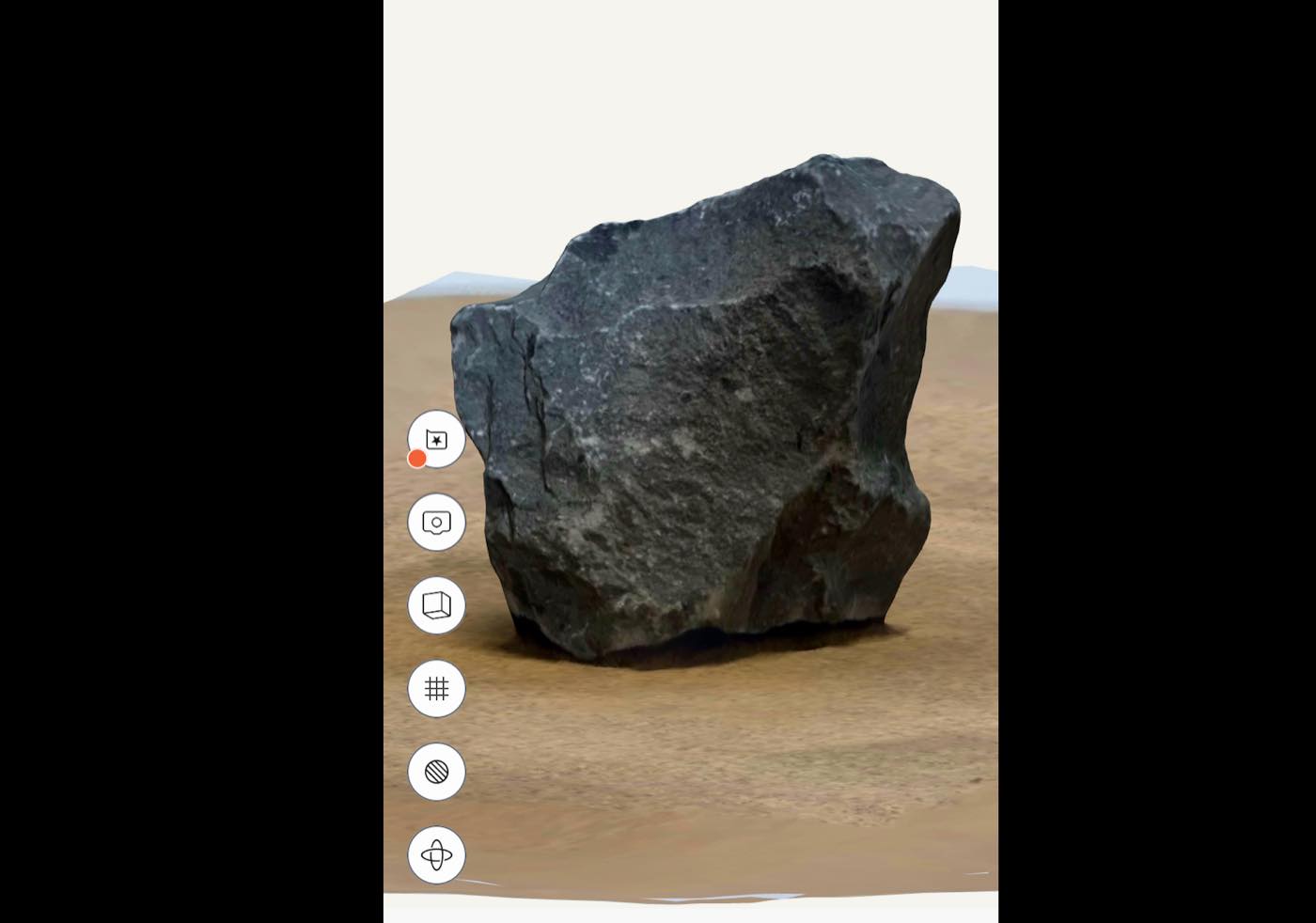
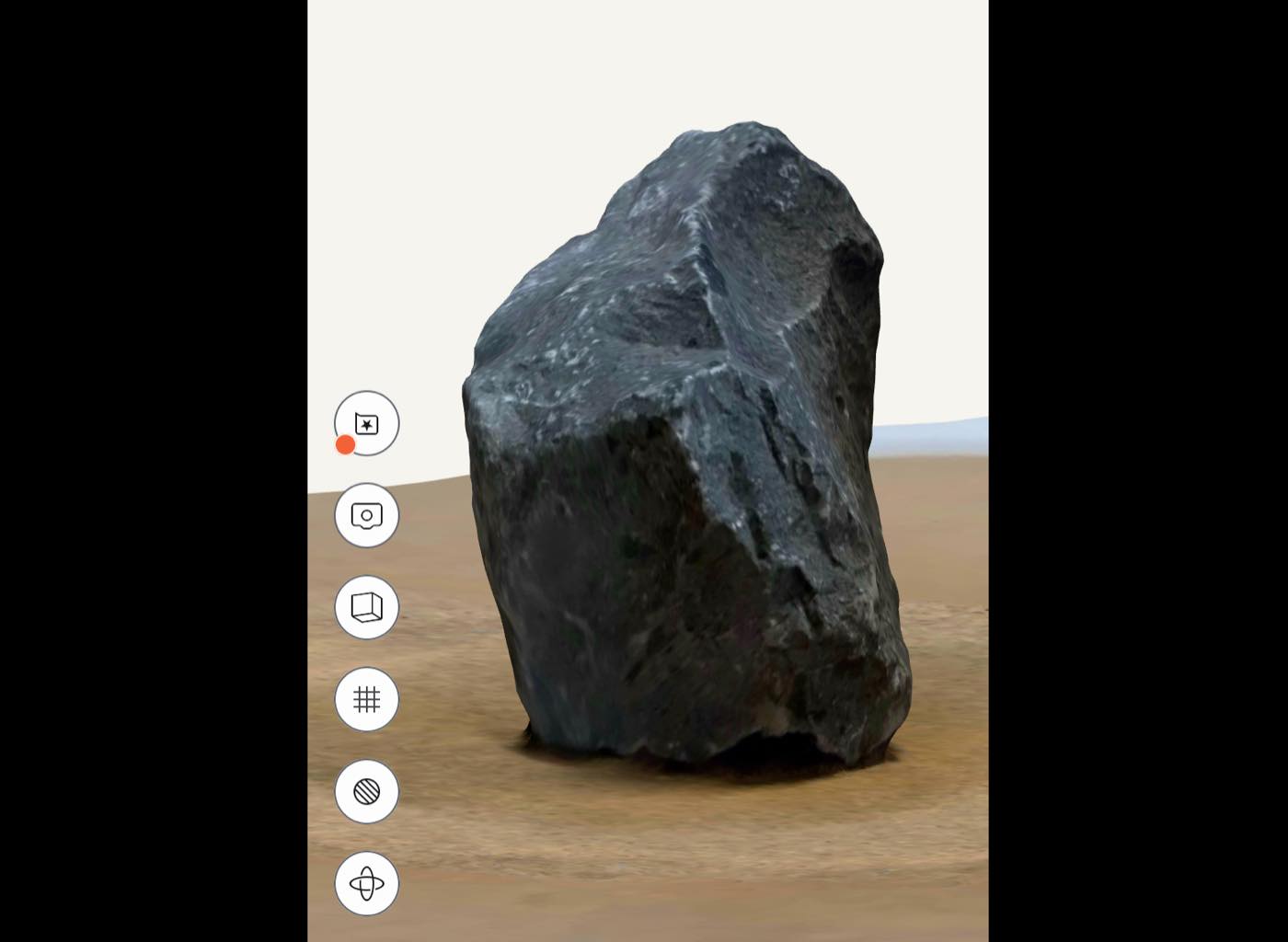
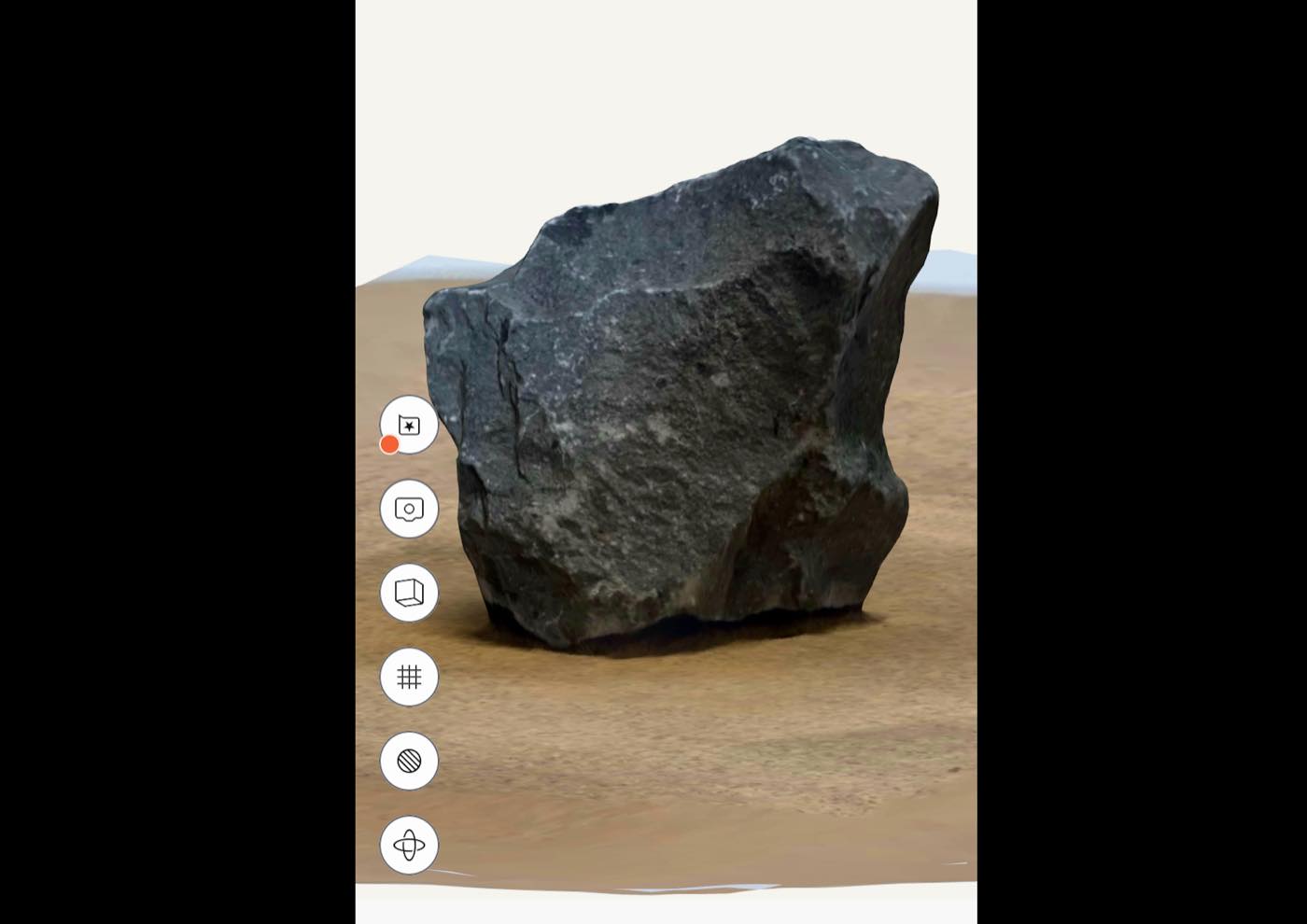
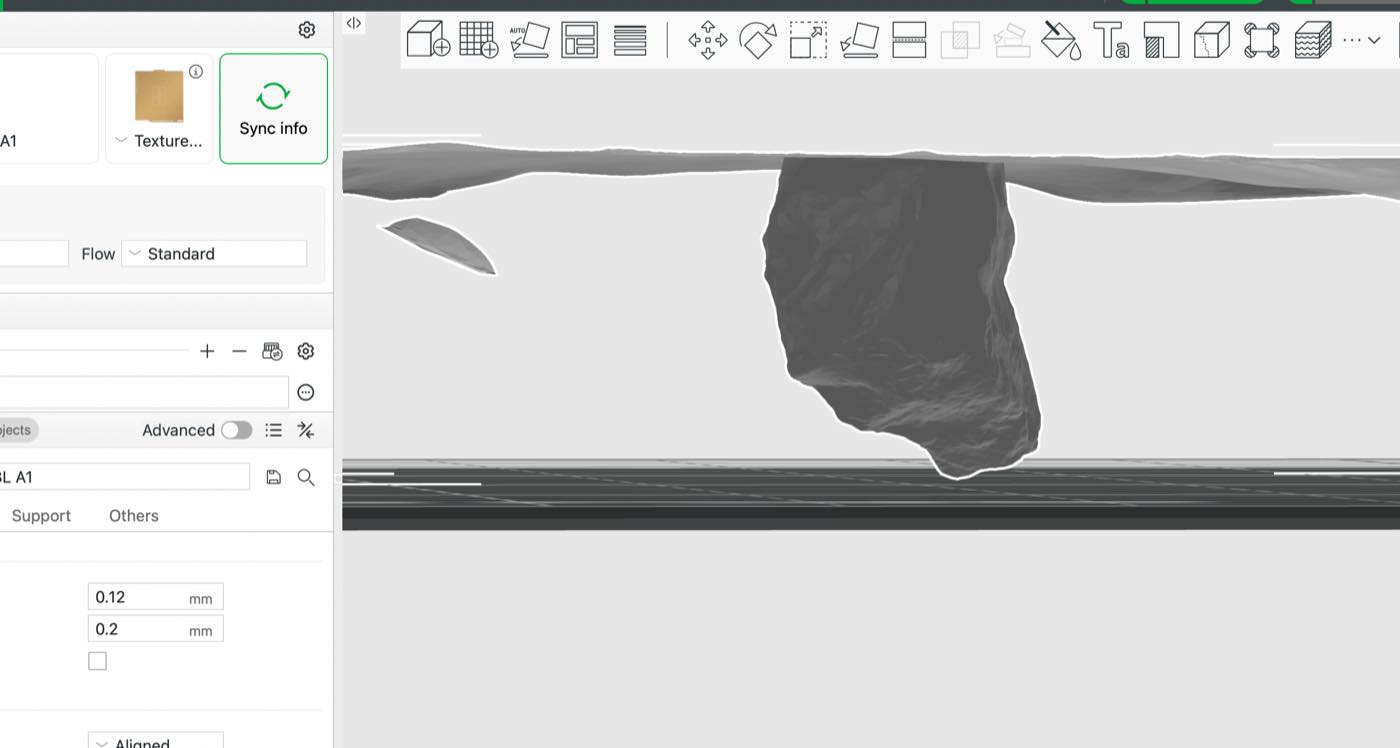
A small conclusion by my experience, with the Polycan, we can make a scanning file very close to the actual object, as long as the data is enough; when transefer to Stl file, it looks not that good as the Scanning file
Stl. File for the 2 items:
STL file: Wangwangdui.stl
STL file: Stone.stl