Project Management & Principles
Source file: Week1 Project Management & Get Started (.docx)
How did I decide to make Lucky AI Bot?
Last year, when I decided to join Fab Academy, I first wanted to make my own guitar. As a guitar player, it felt very cool to imagine playing a guitar made by myself. However, when I went to Chaihuo Maker Space, I found the CNC machine was not suitable for such a large and thin material, so I started looking for another idea.
Then I saw an artist on TikTok who made a mechanical hugging device. When you press the front plate, the arm hugs you. I loved the human-centered idea. My mentor, Matthew Yu, suggested I should add electronics, but I could not find a good way to combine electronics with that mechanical arm.
For more than one month I had no inspiration, and I felt anxious and confused. Finally, my mentor gave me a new direction: make an AI voice interaction device. That idea really caught me. I work at Seeed, and we already released many AI gadgets. I had also received many customer inquiries before, so I decided to make one by myself.
Talking with Gemini to finalize the PRD
Without product background, AI was a good assistant to help me analyze and define the device. I needed to balance my capability and time. I removed some features, like making the bot move with wheels, and removed some others because the MCU does not have enough pins.
In my mind, it is a desktop AI companion bot with voice interaction and expressive interactions like emoji.
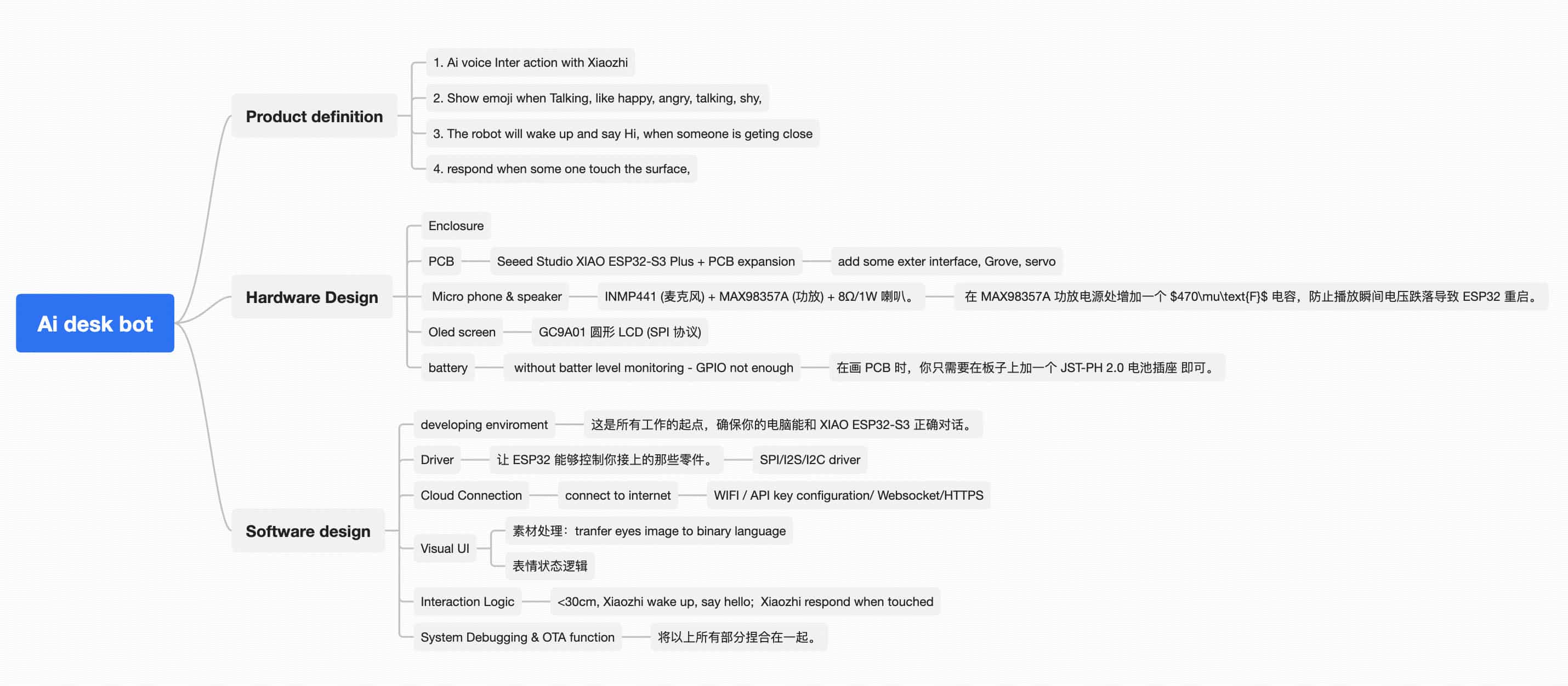
With my limited electronics knowledge, I felt the Seeed XIAO ESP32 could be a suitable MCU. With confirmation from Gemini, I got a hardware list and a software breakdown into six parts.
When I finalized the definition, I wanted to know what it would look like. I asked Gemini to design an enclosure with a simple design language, suitable for 3D printing, integrated with a circular display, and used on a desktop.
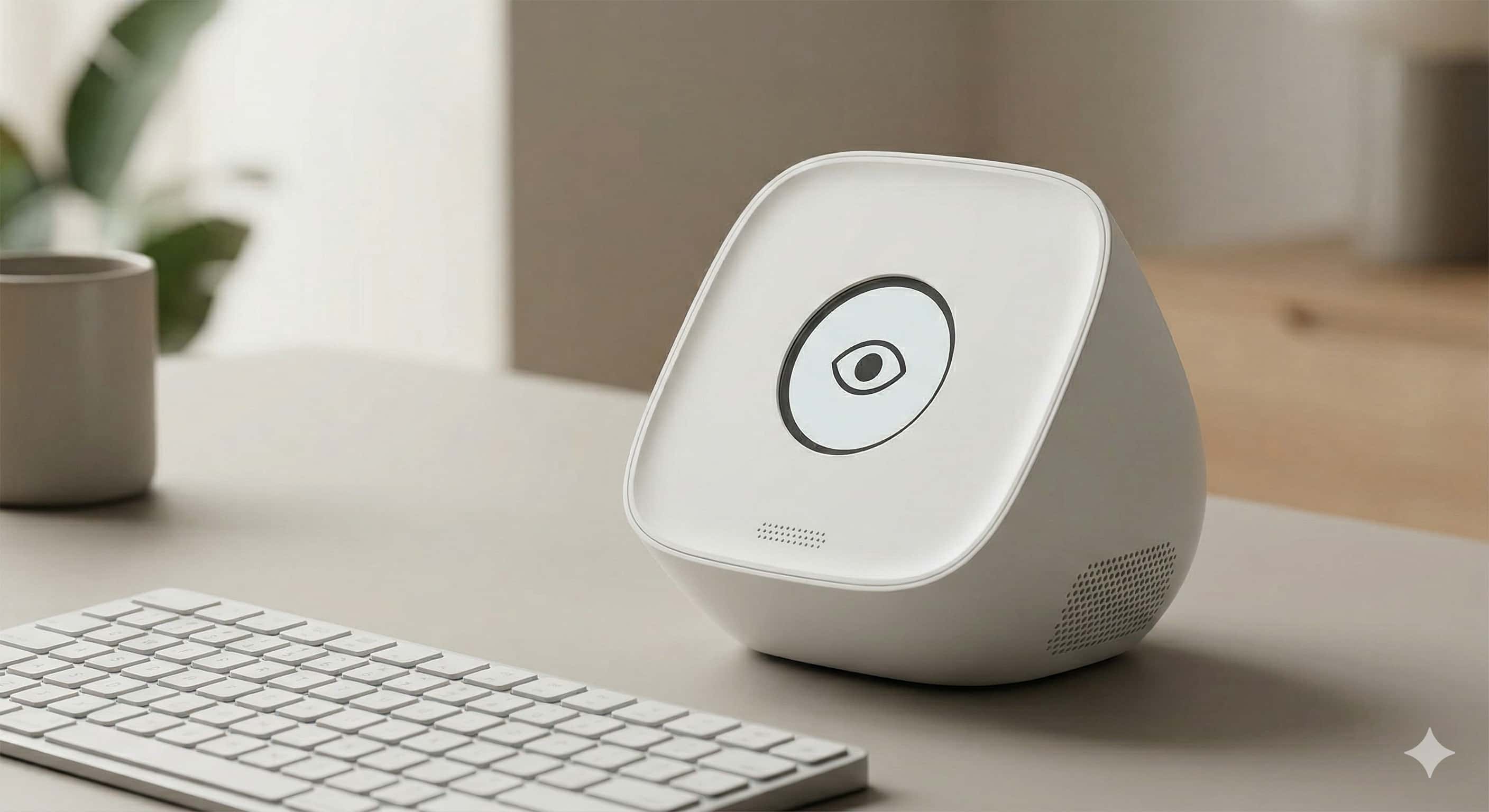
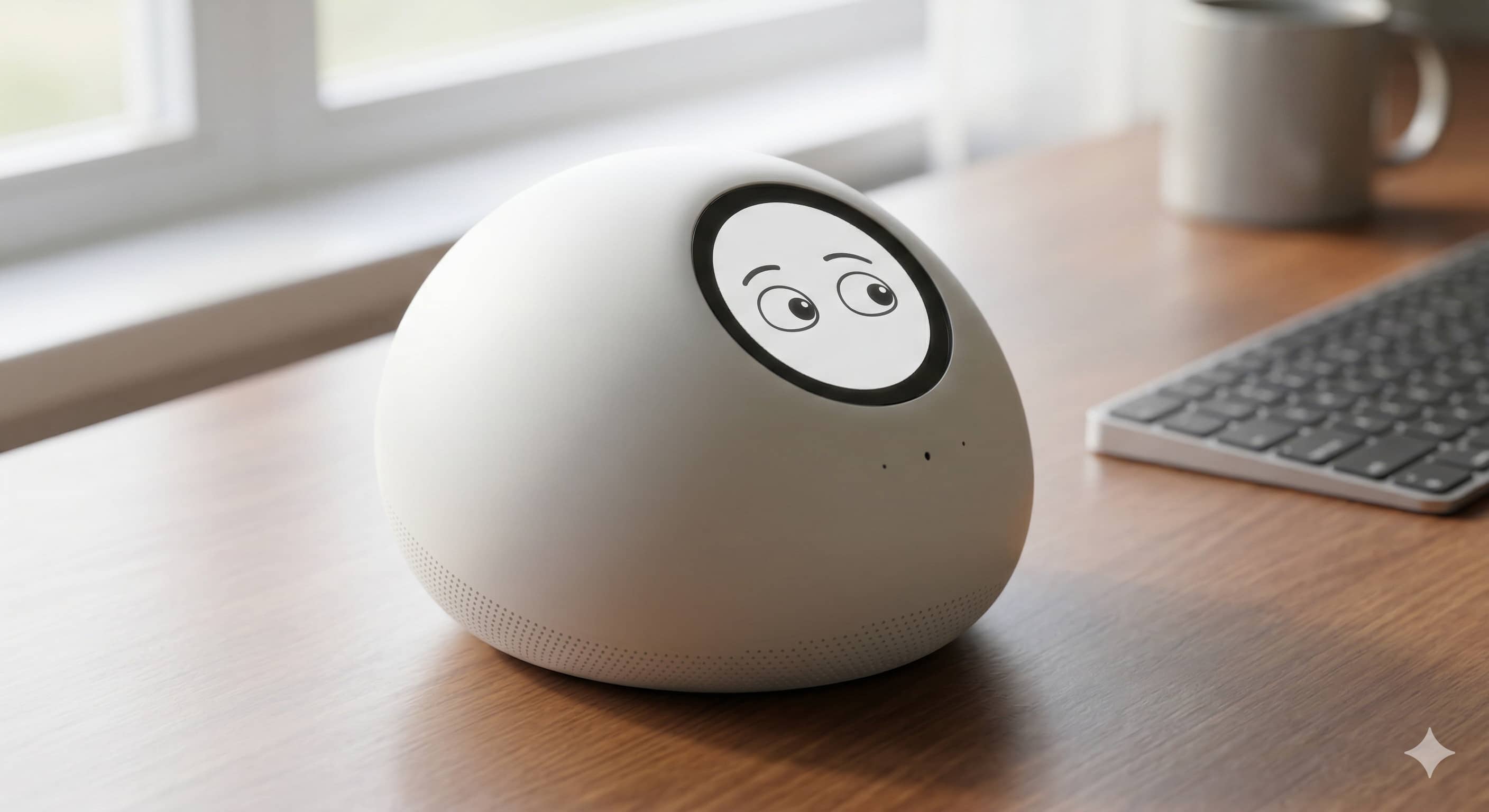
My communication with Gemini: https://gemini.google.com/share/3960e3806e06
Making the first website and release
After finishing my final project PRD, it was time to build my website, the first website in my life.
I did not know how to build and release a site to GitLab. Gemini guided me step by step: build environment, install Python, download Visual Studio Code, understand MkDocs basics, and push with Git.
The general steps were:
- Install tools: VS Code and Git
- Use SSH key to connect laptop with GitLab
- Clone the cloud repository to local environment
- Configure MkDocs in VS Code
- Edit and release from VS Code
It took a lot of time because many small configuration issues happened. Luckily, Gemini helped solve them one by one.
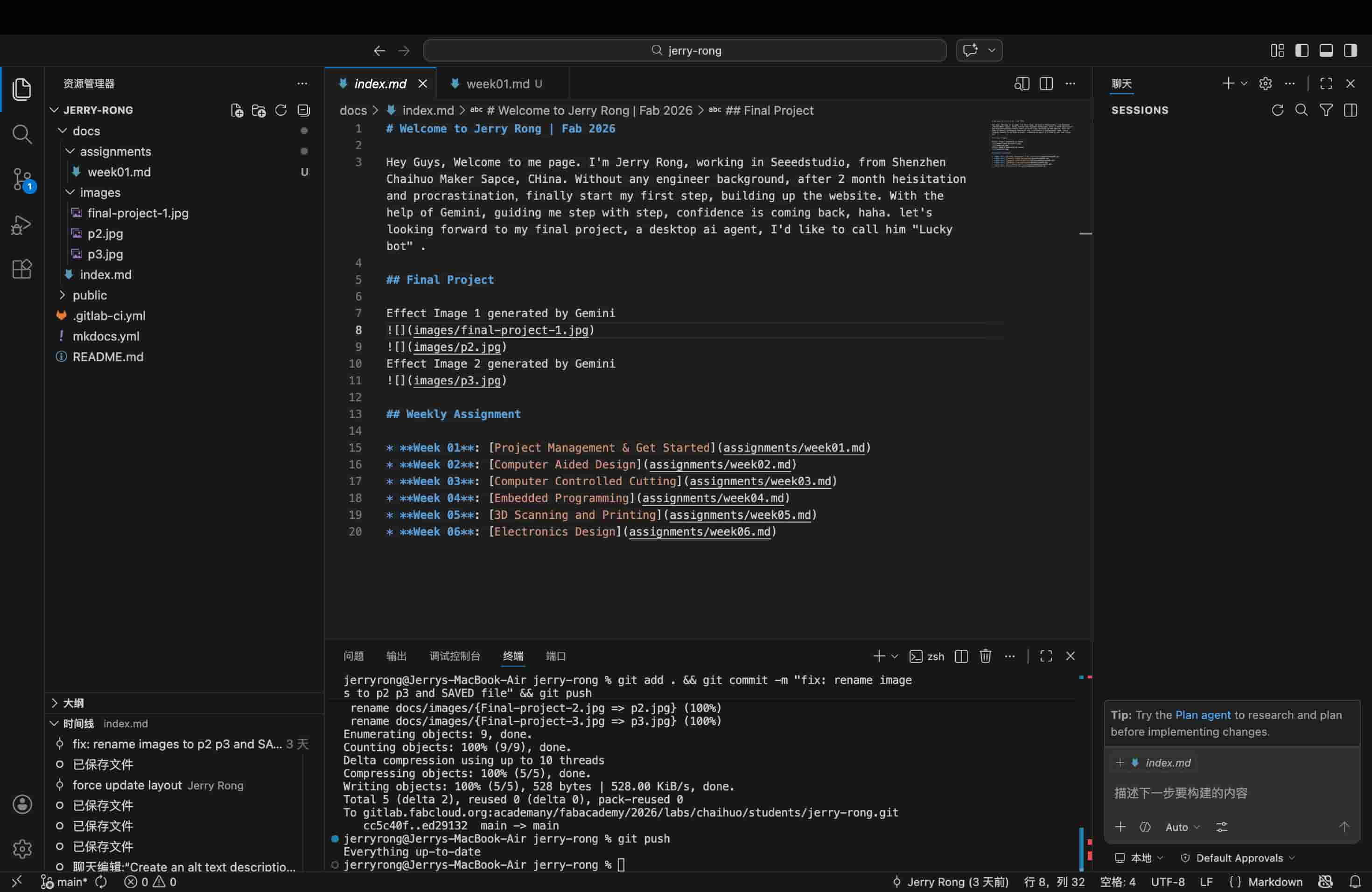
All communication for this part: https://gemini.google.com/share/fd868e8711ef
One debugging example: I spent about 90 minutes fixing image upload issues. The problems were basic naming rules, like no capital letters and using - instead of spaces.
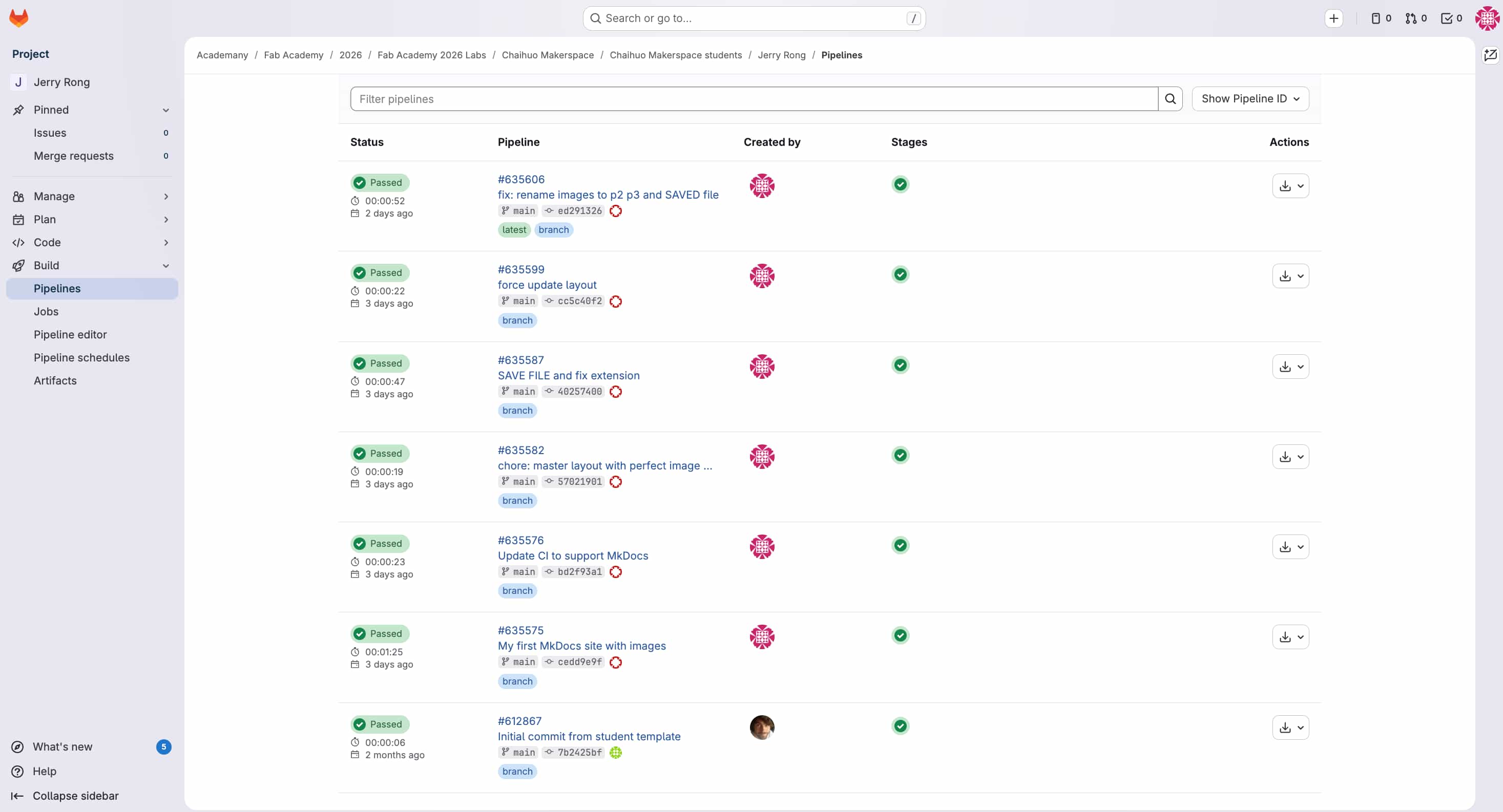
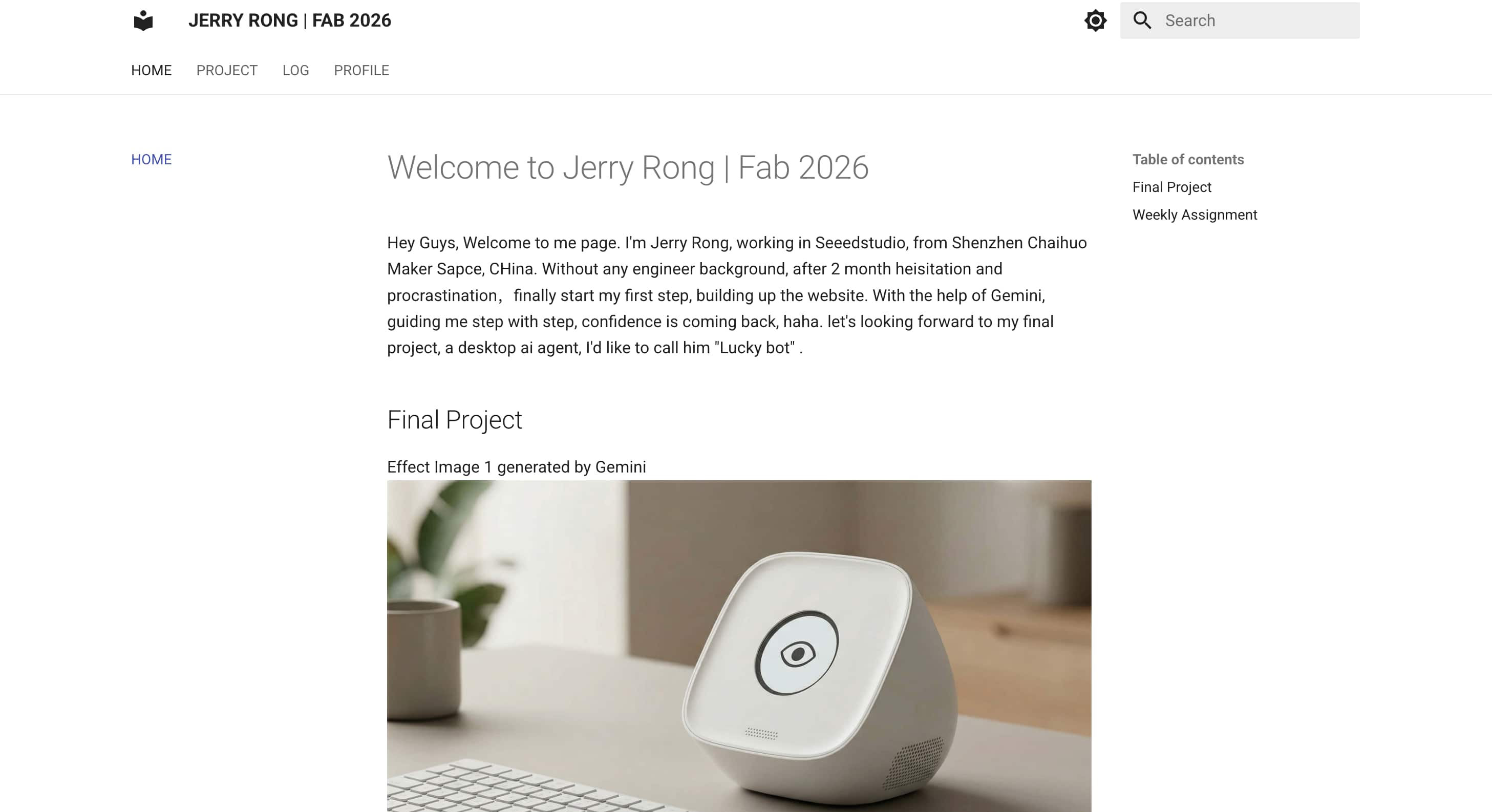
Final website screenshot: