Week 11: Networking and Communications
Assignment:
- Group: send a message between two projects.
- Individual: design, build and connect wired or wireless node(s) with network or bus addresses and a local input and/or output device.
Wireless control with ESP-NOW
My networking work is a wireless link between two ESP32 WROOM boards using ESP-NOW, a peer-to-peer protocol that lets ESP32s talk to each other directly, without a Wi-Fi router. The link controls the drive robot built with my group in Week 12: Machine Design.
The two nodes
| Node | Role | Local I/O |
|---|---|---|
| Transmitter (remote) | Reads the user's input and sends commands | Joystick / buttons (input), direction LEDs (output) |
| Receiver (robot) | Receives commands and drives the motors | L298N motor driver and DC motors (output) |
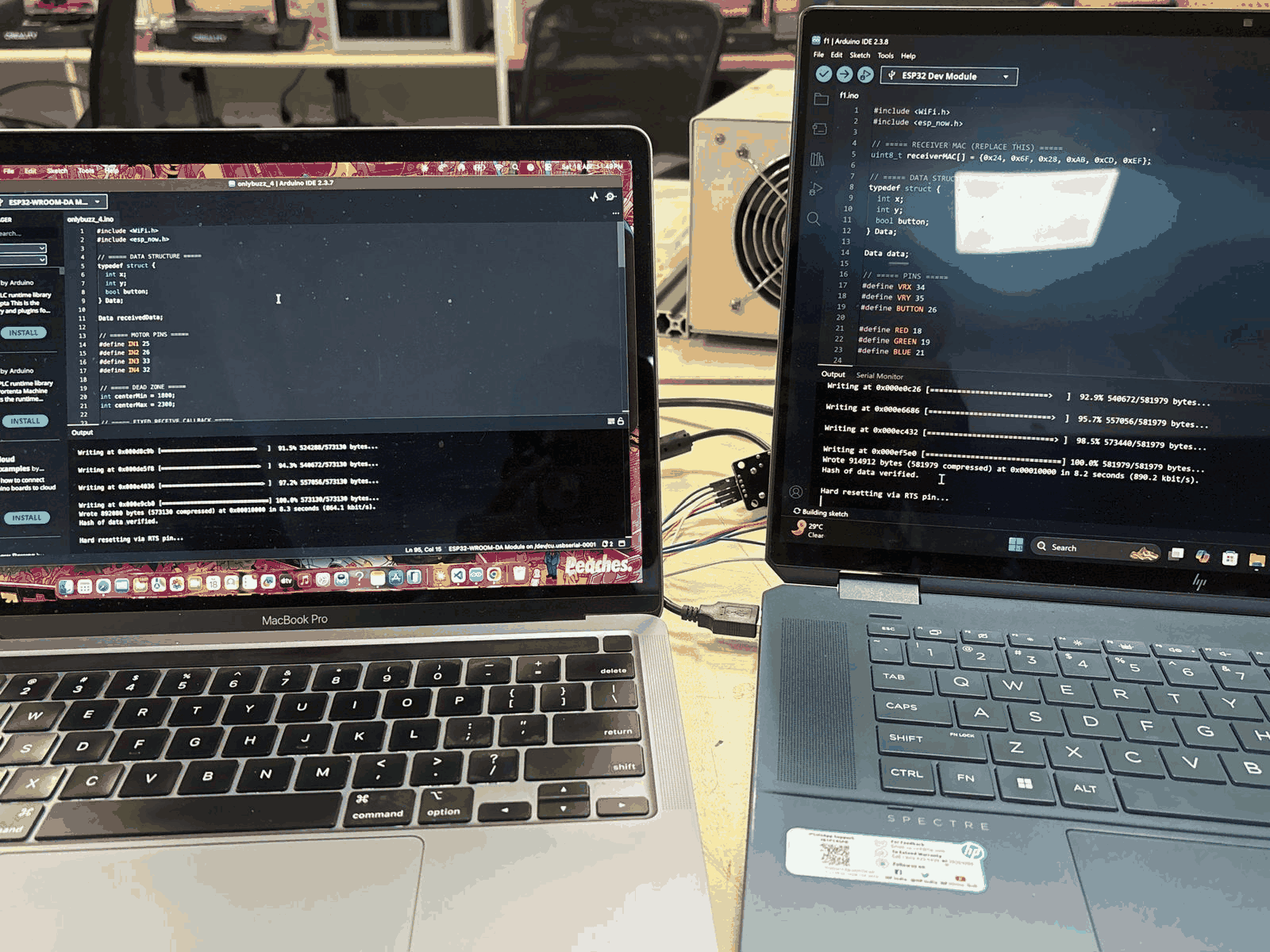
How the messages are addressed
- The transmitter reads the joystick and button inputs.
- It packs the command (forward, backward, left, right) into a data structure.
- It sends that structure to the receiver using the receiver's MAC address, which acts as its network address.
- The receiver decodes the message and switches the motor driver pins (IN1–IN4) to drive the motors in the right direction.
This gives real-time, low-latency control with no router in between.
The remote controller
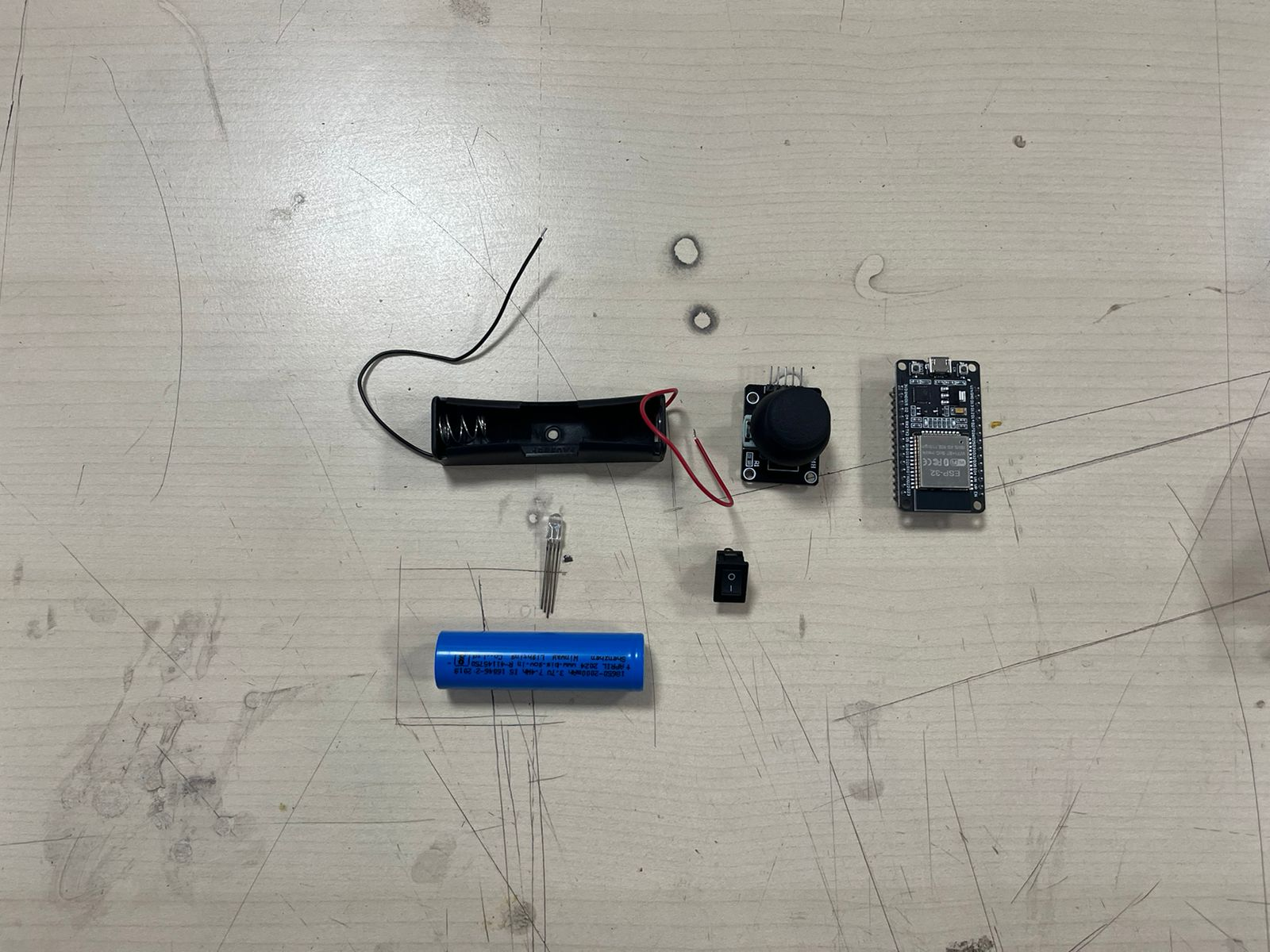
The controller brings together a battery holder, the joystick module, the ESP32, a power switch, and four LEDs that show the direction being sent (forward, backward, left, right).
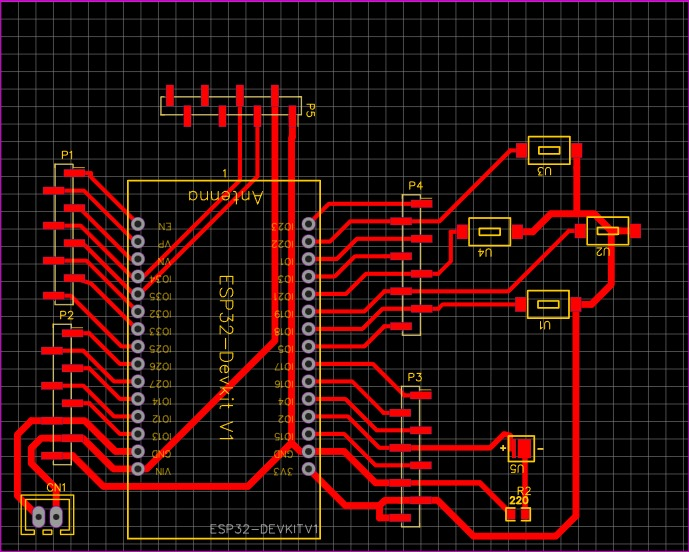
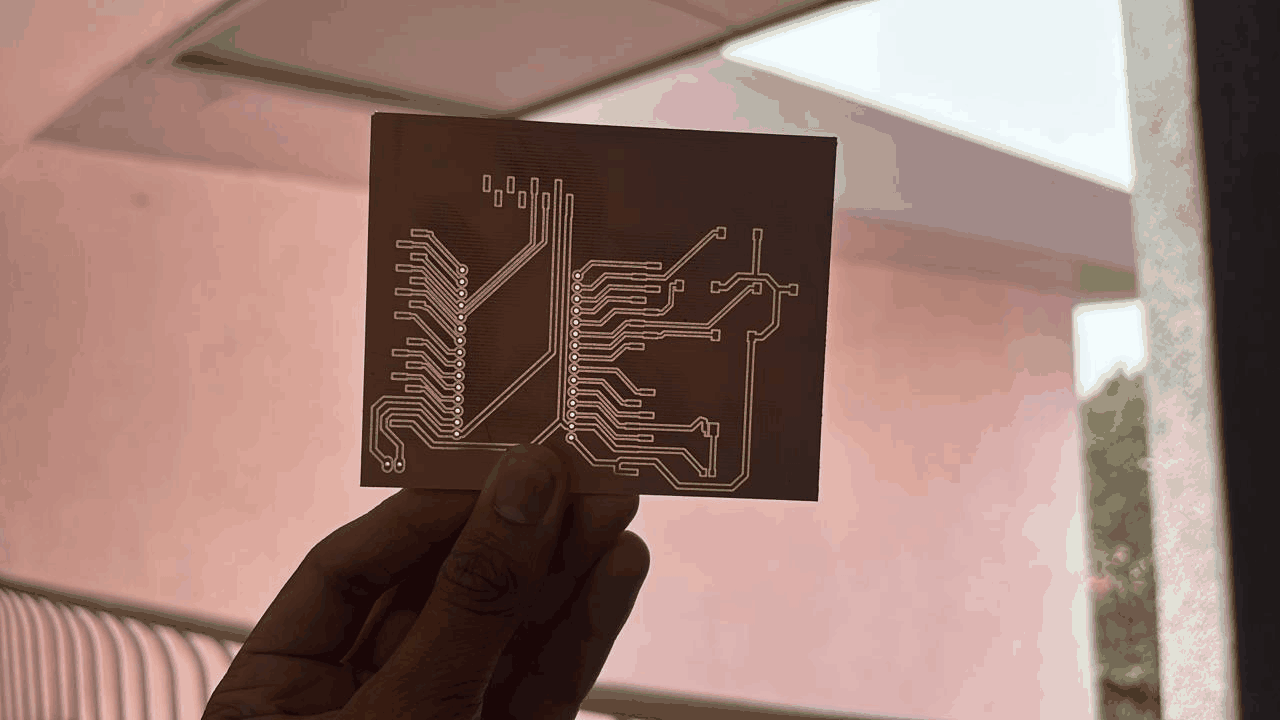
The controller circuit was designed in EasyEDA and milled as a custom PCB, replacing loose breadboard wiring with a cleaner and more reliable board.
Testing
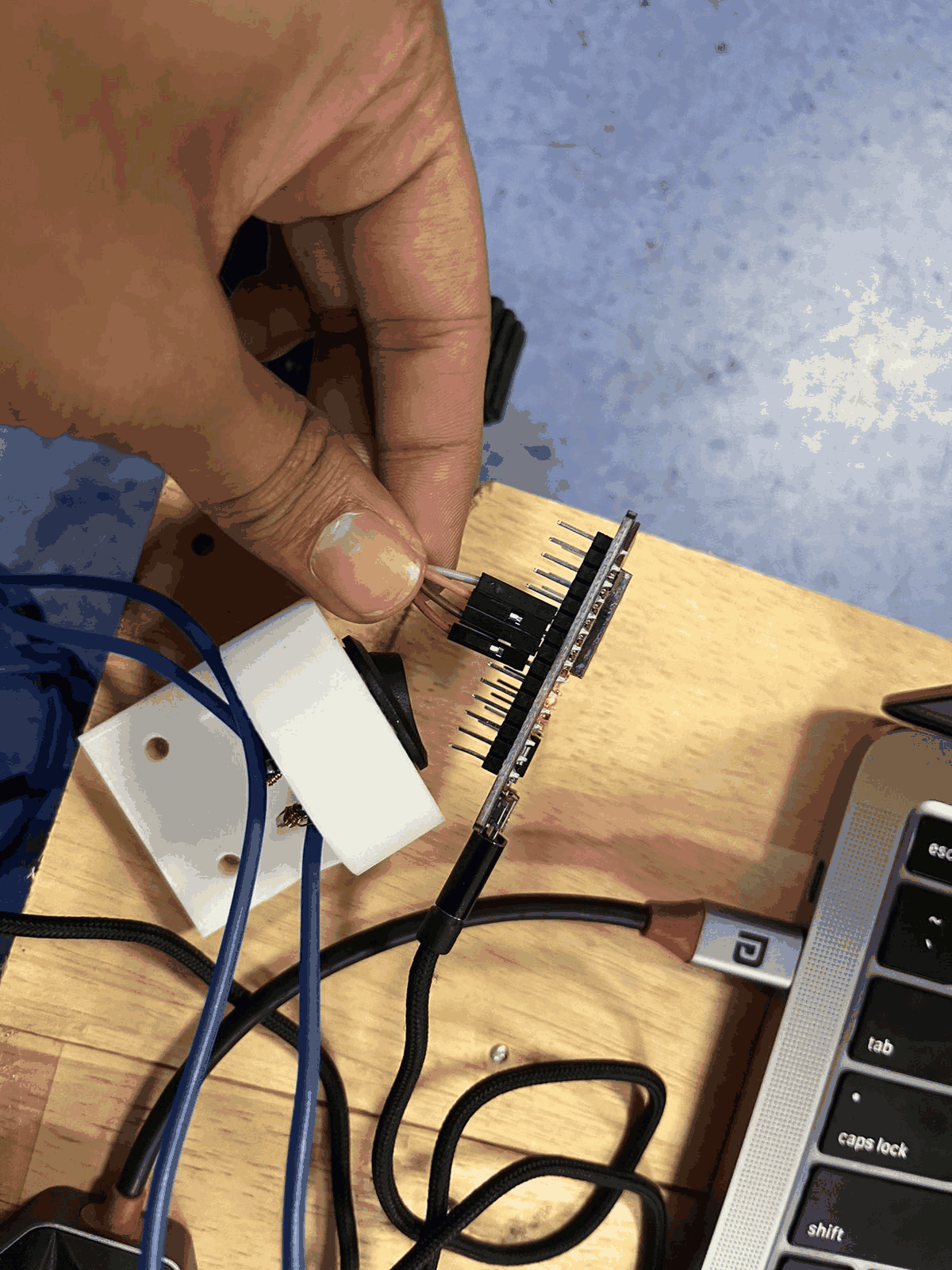
The receiver side was tested on the bench with a regulated DC supply (~12 V) to the motor driver, while the ESP32 handled the logic signals. This confirmed the wiring and the motor response before the full robot was assembled.
The complete robot and its final result are documented in Week 12.