Week 14: Interface and Application Programming
Assignment:
- Group: compare as many tool options as possible.
- Individual: write an application for the embedded board that you made, that interfaces a user with an input and/or output device.
This week I built an interactive projection-mapping installation: an ultrasonic sensor read by an ESP32 controls popcorn visuals in TouchDesigner, projected onto a real bowl.
1. ESP32 + ultrasonic sensor code setup
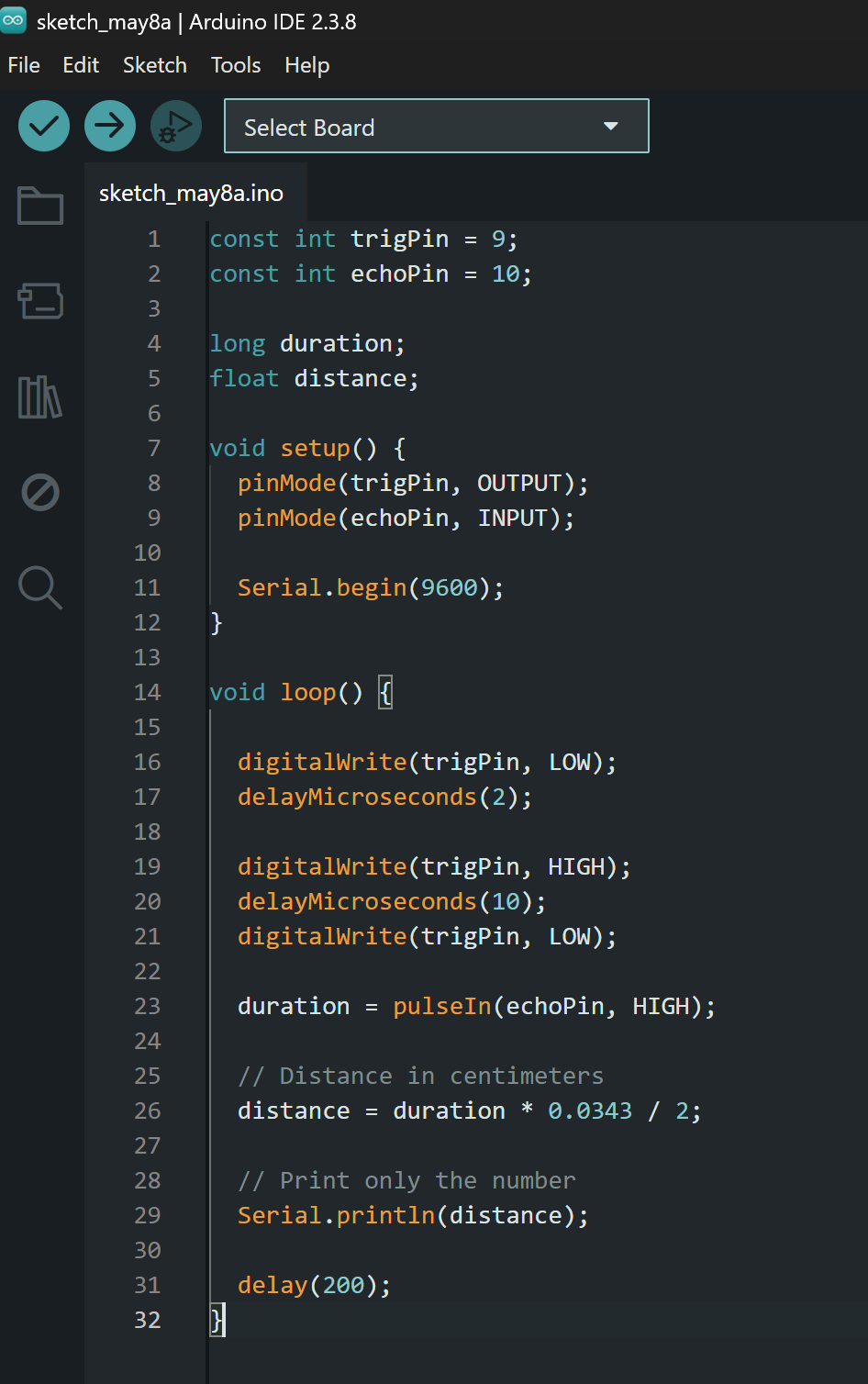
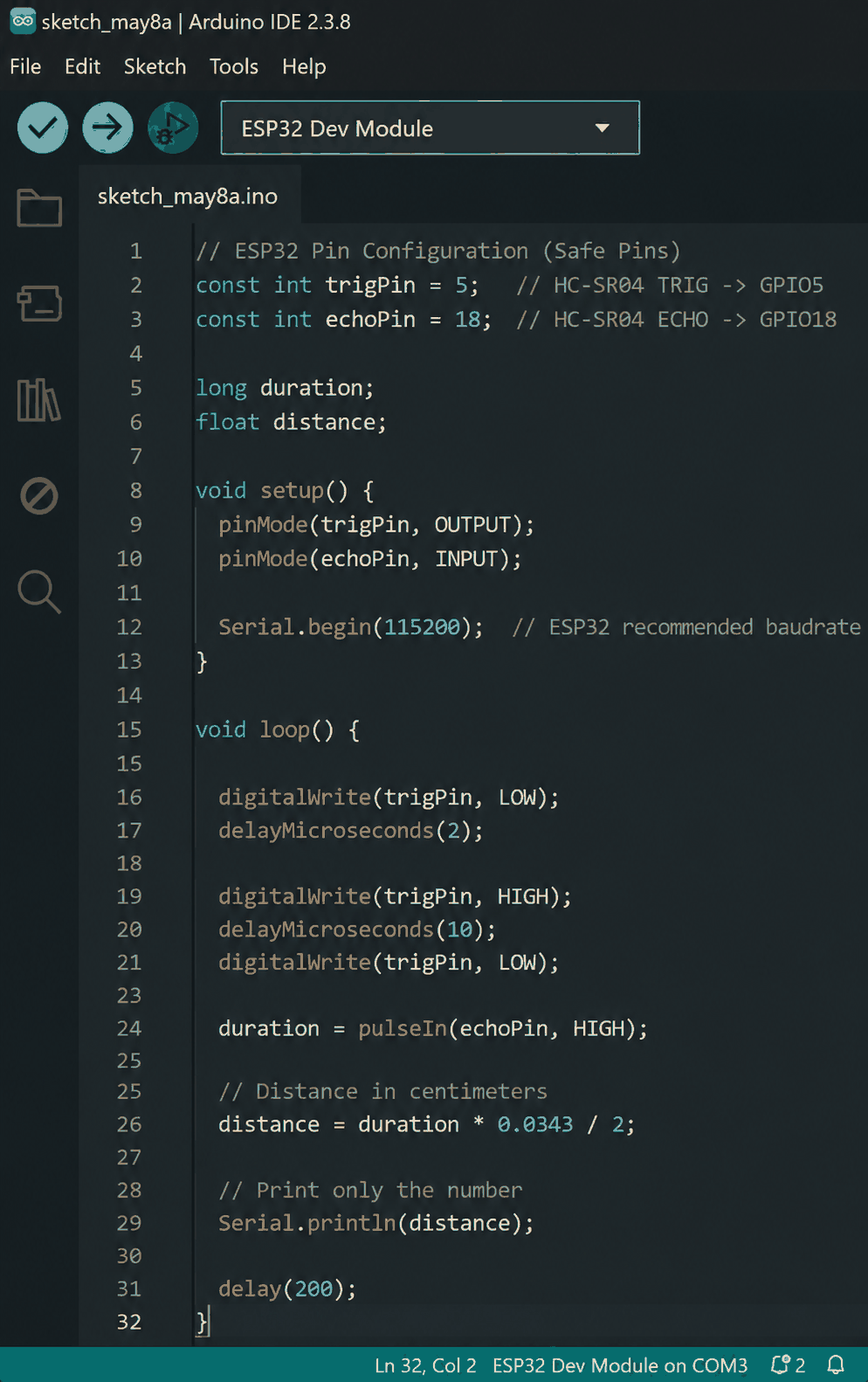
This stage focused on establishing communication between the ultrasonic sensor and the ESP32 WROOM Dev Kit using the Arduino IDE. The HC-SR04 ultrasonic sensor was programmed to continuously measure the distance between the installation and the approaching user. Instead of sending formatted text like “20 cm,” the code was intentionally optimized to output only raw numerical distance values through the serial monitor. This simplified the data pipeline and made it easier for TouchDesigner to directly interpret the incoming sensor data without additional string processing. The ESP32 acted as the bridge between the physical interaction and the projected digital environment. Proper pin mapping and serial baud-rate synchronization were important to ensure stable real-time communication. This setup formed the core interactive input system for the installation.
2. Physical projection mapping setup
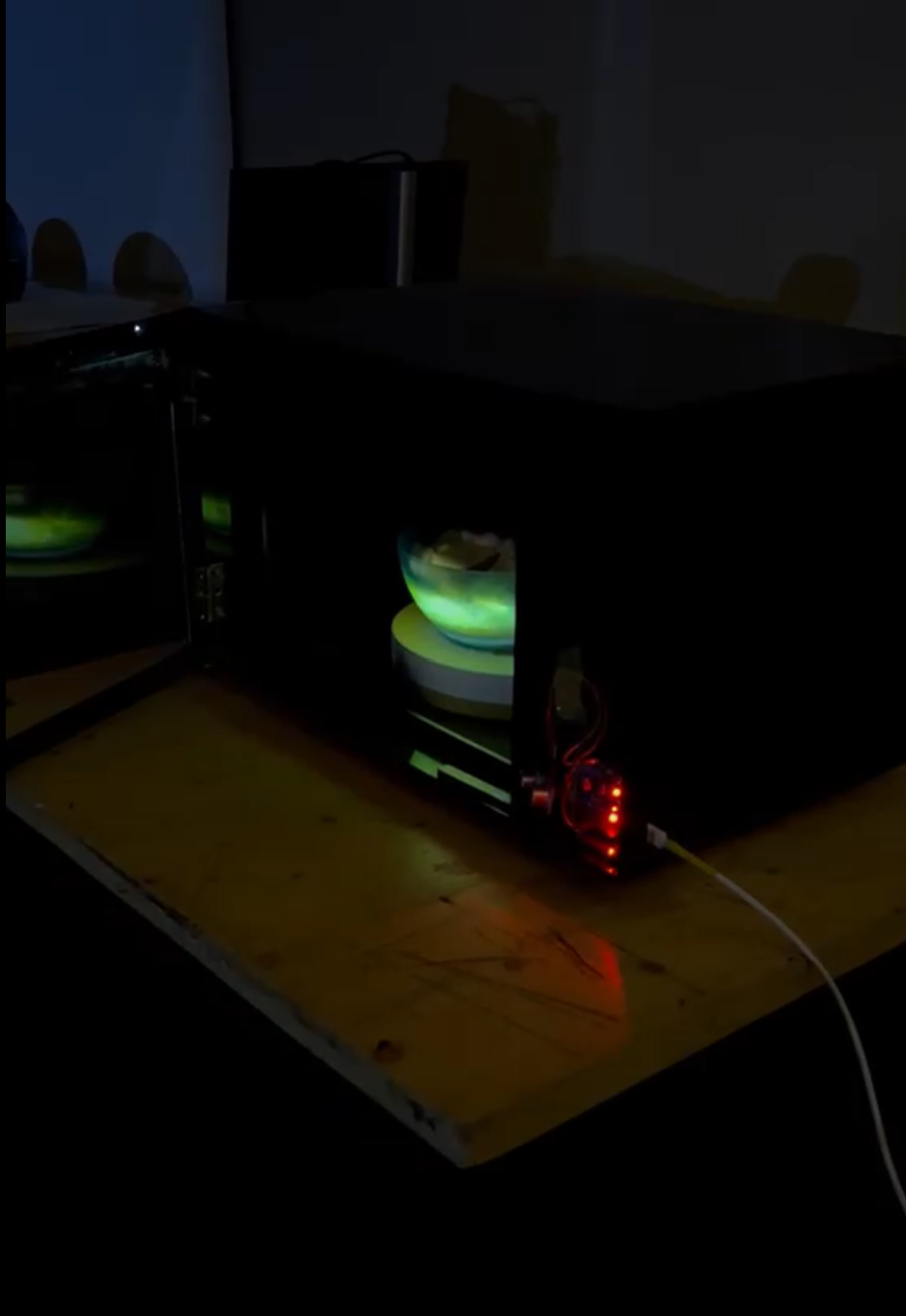
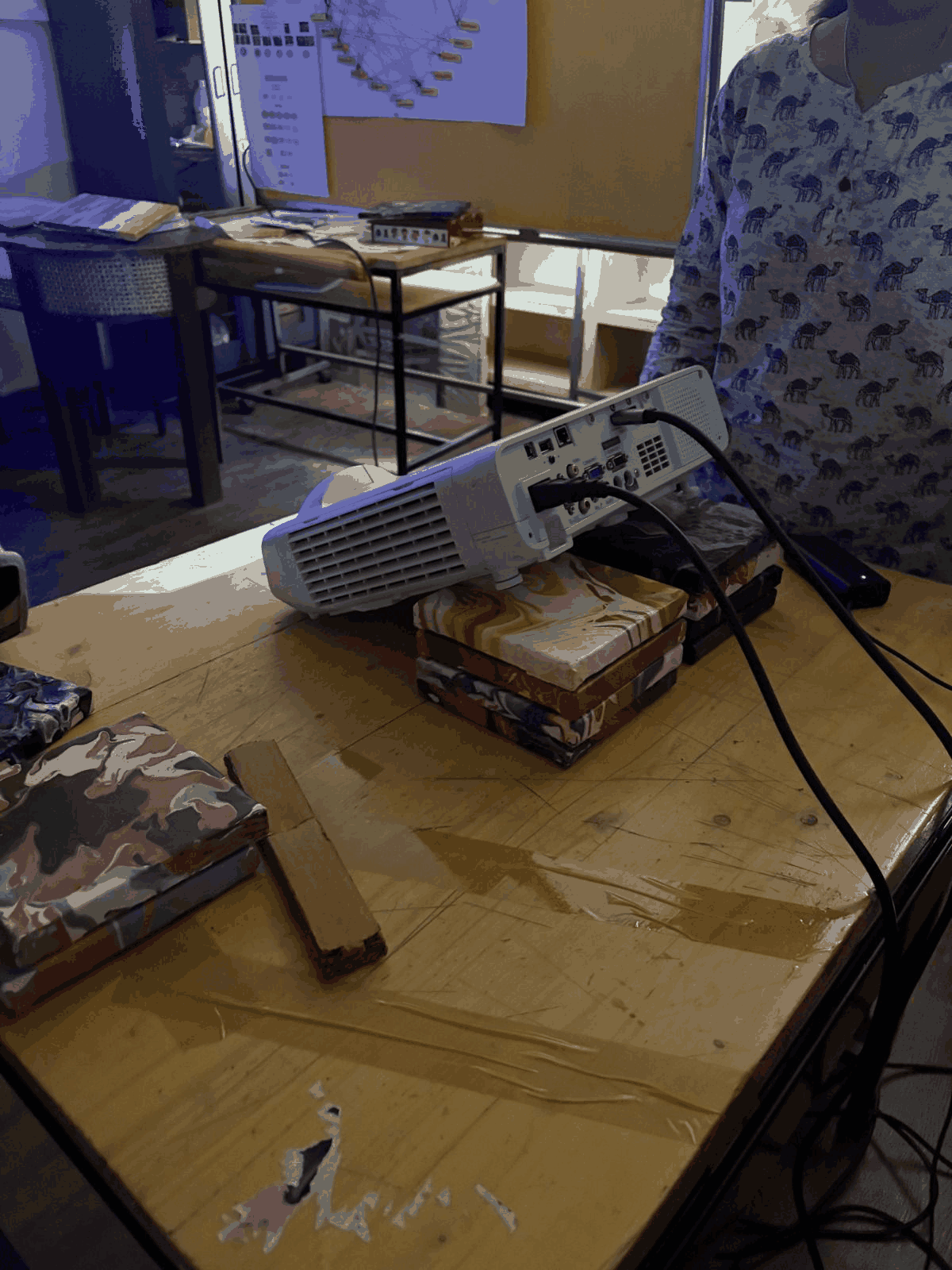
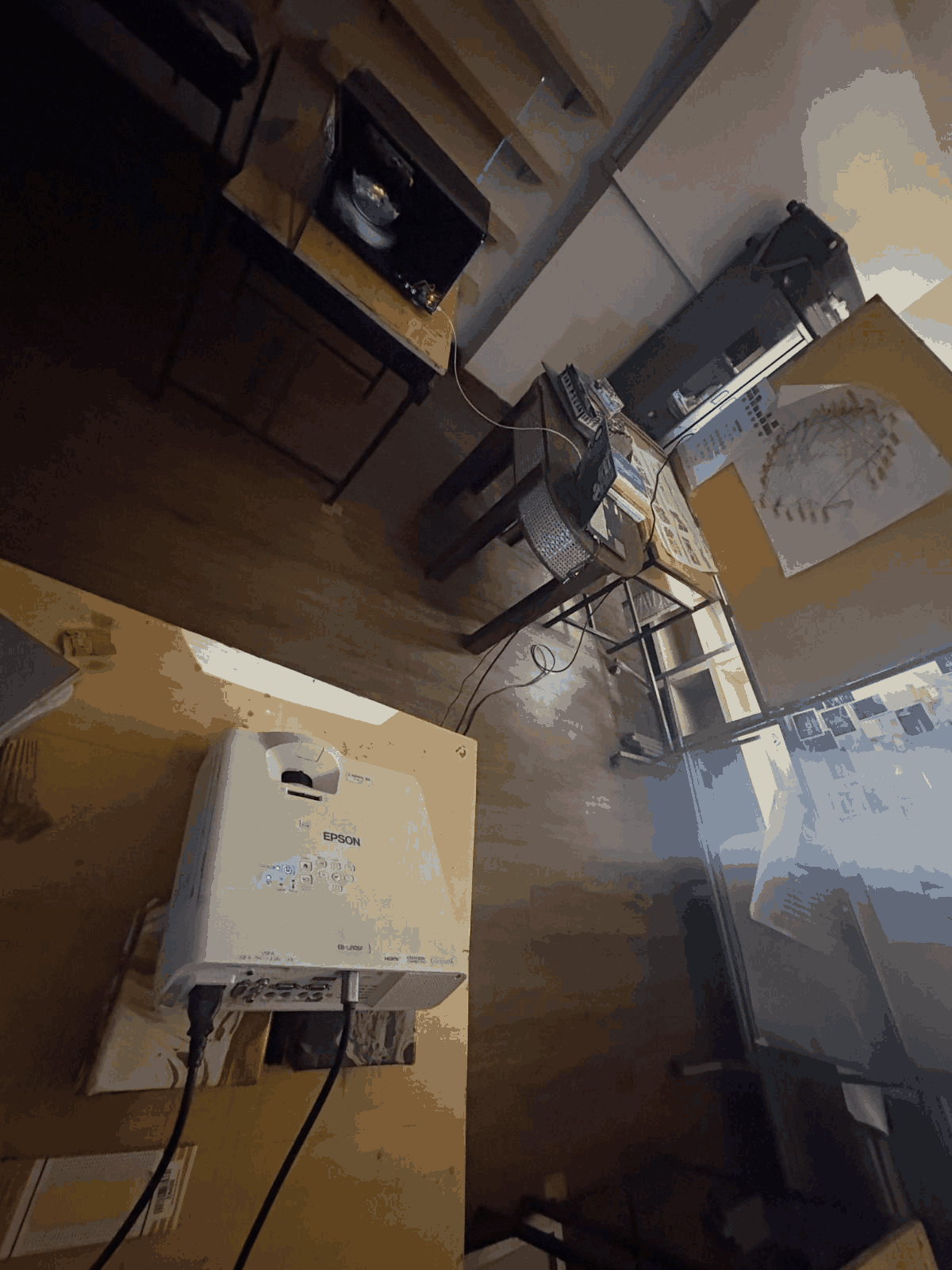
This image shows the physical setup used for the projection mapping experiment. A projector was carefully positioned above the installation space to project visuals directly onto a bowl placed beneath it. The bowl acted as the physical surface onto which animated popcorn visuals were mapped, creating the illusion that the bowl was actually filled with moving popcorn. The positioning and angle of the projector were adjusted manually to align the visuals accurately with the geometry of the bowl. This setup transformed a simple static object into an interactive illusion-based installation. The overall environment was intentionally kept dark to enhance the brightness, contrast, and realism of the projected visuals. This stage was essential in combining digital media with physical objects to create an immersive spatial experience.
3. TouchDesigner interactive workflow
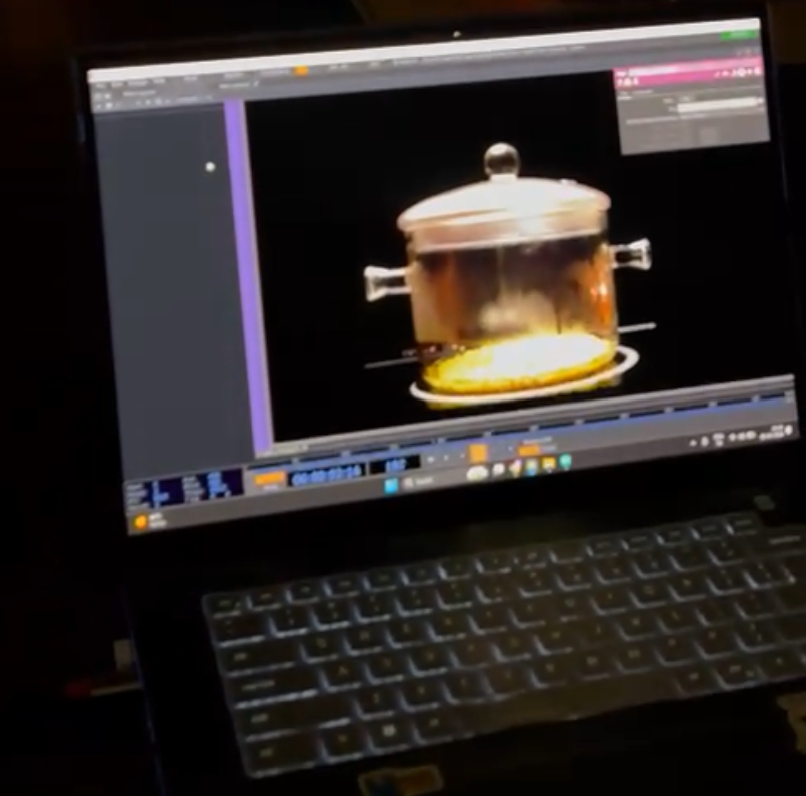
This stage involved integrating the sensor data into TouchDesigner to control the interactive projection in real time. The numerical values coming from the ESP32 through serial communication were imported into TouchDesigner and used as live input parameters. As a user approached the installation or interacted near the sensor, the ultrasonic readings changed dynamically, triggering corresponding visual behavior inside the projection system. The projected popcorn visuals responded based on proximity, making the installation feel reactive and alive. TouchDesigner was used because of its node-based workflow and real-time visual processing capabilities, which allowed rapid experimentation with interaction, projection mapping, and animation control. This integration connected physical interaction, sensor data, and digital visuals into one cohesive immersive experience.