Week 06: Electronics Design
Assignment:
- Group: use the test equipment in the lab to observe the operation of an embedded microcontroller.
- Individual: use an EDA tool to design an embedded microcontroller system using parts from the inventory, and check its design rules for fabrication.
This week I designed my own development board around the Seeed Studio XIAO RP2040 in EasyEDA, then prepared it for milling.
1. Schematic
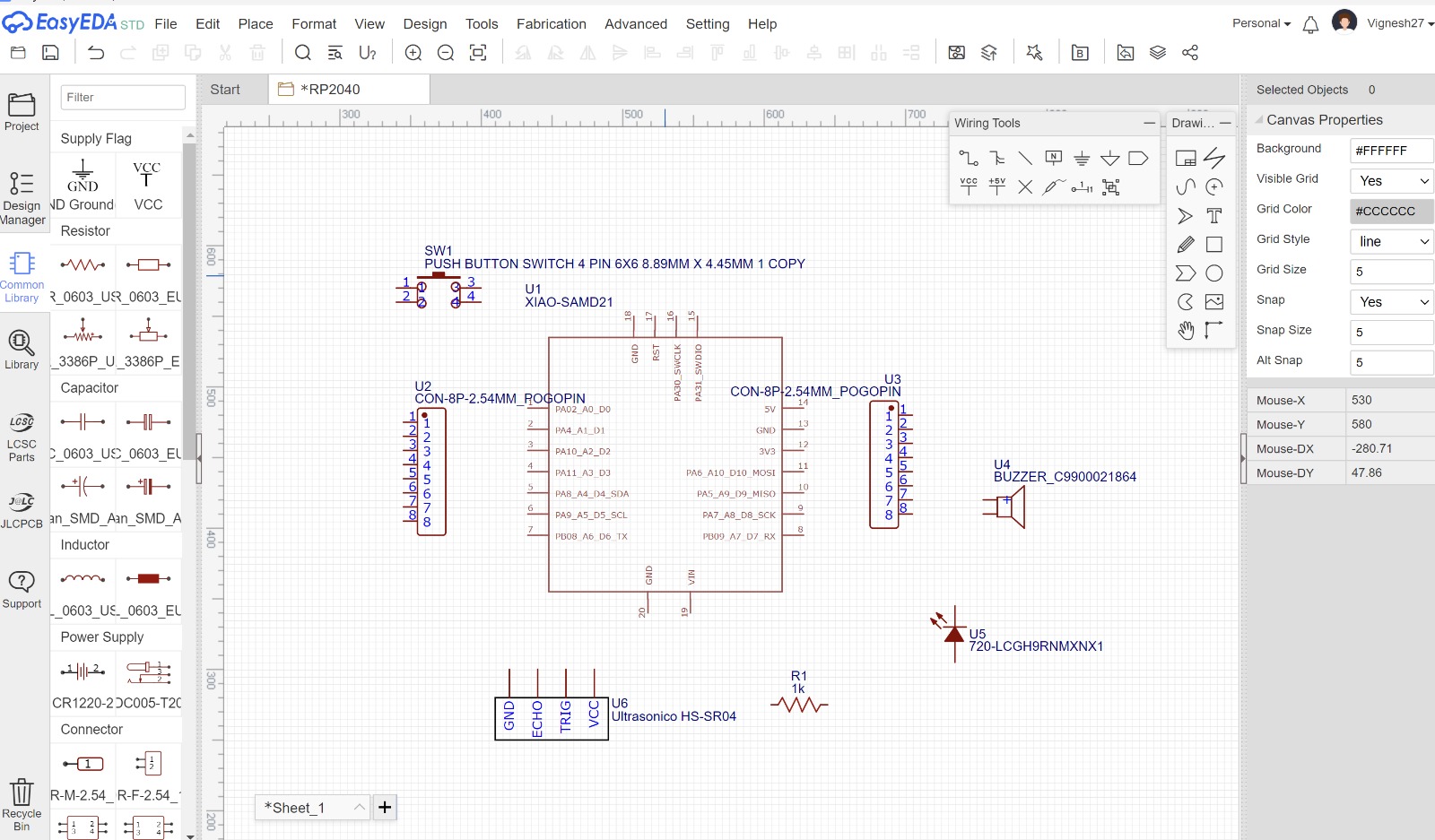
I started with the schematic in EasyEDA. The board is built around the XIAO module (I used the XIAO symbol from the library, listed as XIAO-SAMD21, which has the same pinout and footprint as the XIAO RP2040). Around it I added:
- SW1: a 6×6 mm push button as a digital input
- U2 / U3: two 8-pin 2.54 mm headers to break out the XIAO's pins
- U4: a buzzer as an output
- U5: an LED as an output, with R1, a 1 kΩ current-limiting resistor
- U6: a connector for an HC-SR04 ultrasonic sensor (GND, ECHO, TRIG, VCC)
2. Setting up the PCB
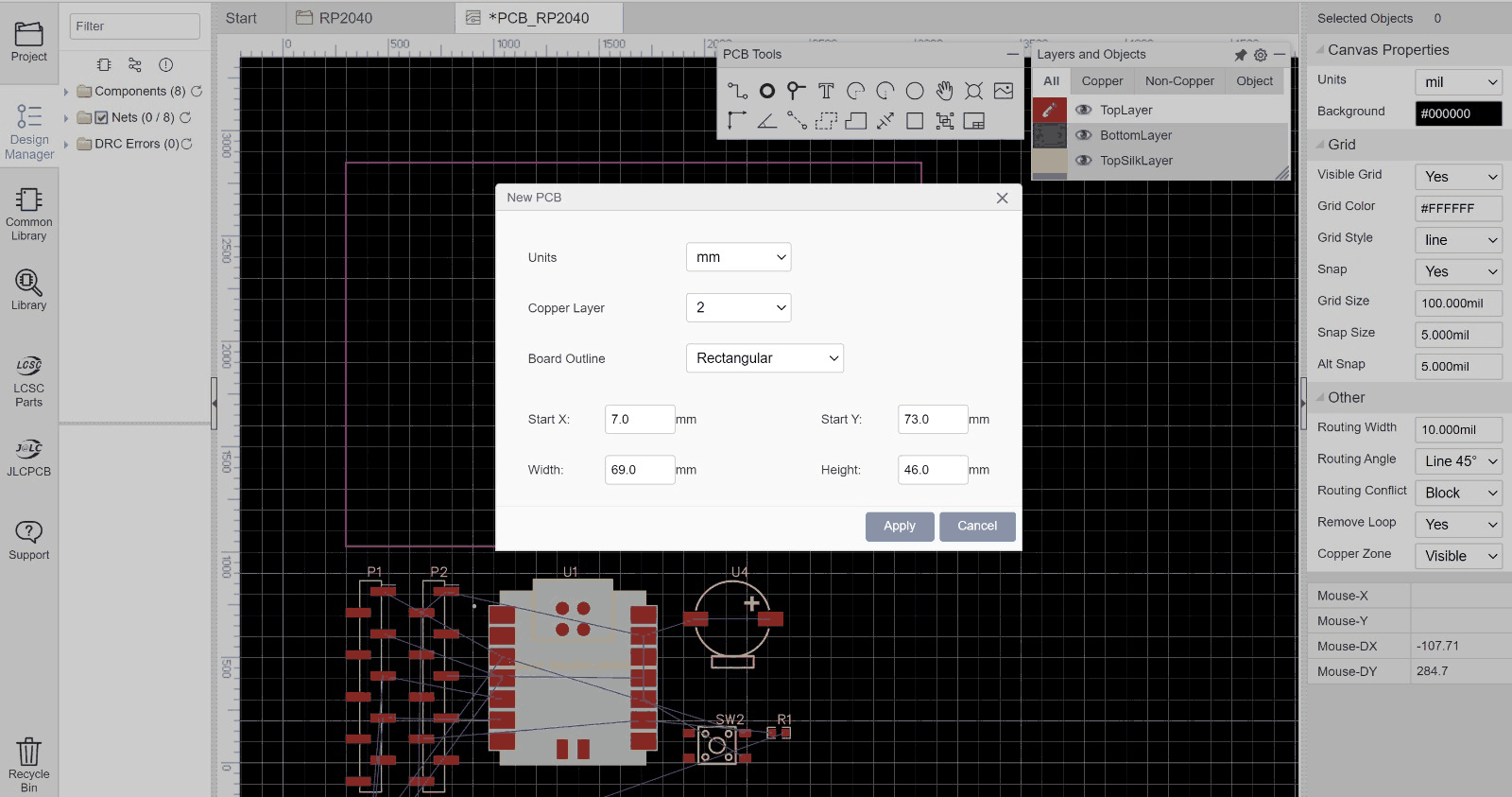
Using Convert Schematic to PCB, the components came into the PCB editor with ratsnest lines showing the connections still to be routed. I created a rectangular board outline in millimetres and placed the components around the XIAO.
3. Routed board and Gerber export
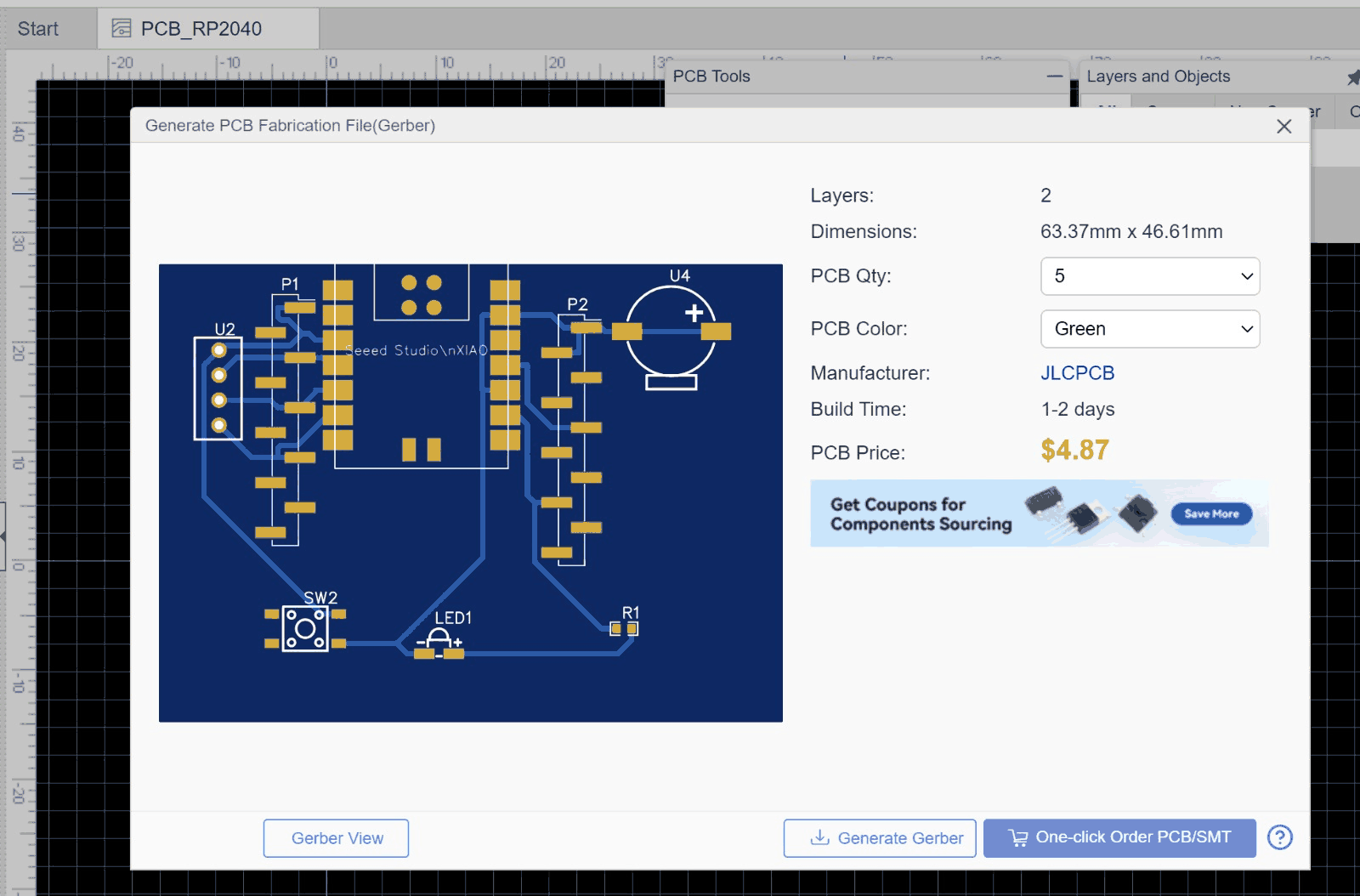
After placing and routing the traces, the final board measured 63.37 × 46.61 mm. I generated the Gerber fabrication files from EasyEDA so the board could be milled in the lab.
4. Checking the design rules: trace-width test
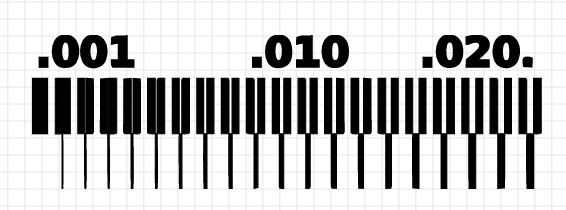
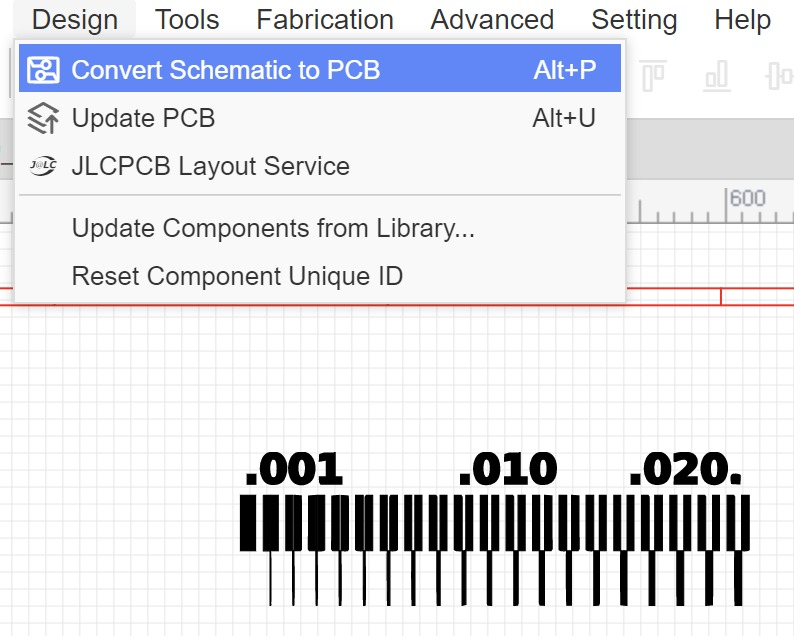
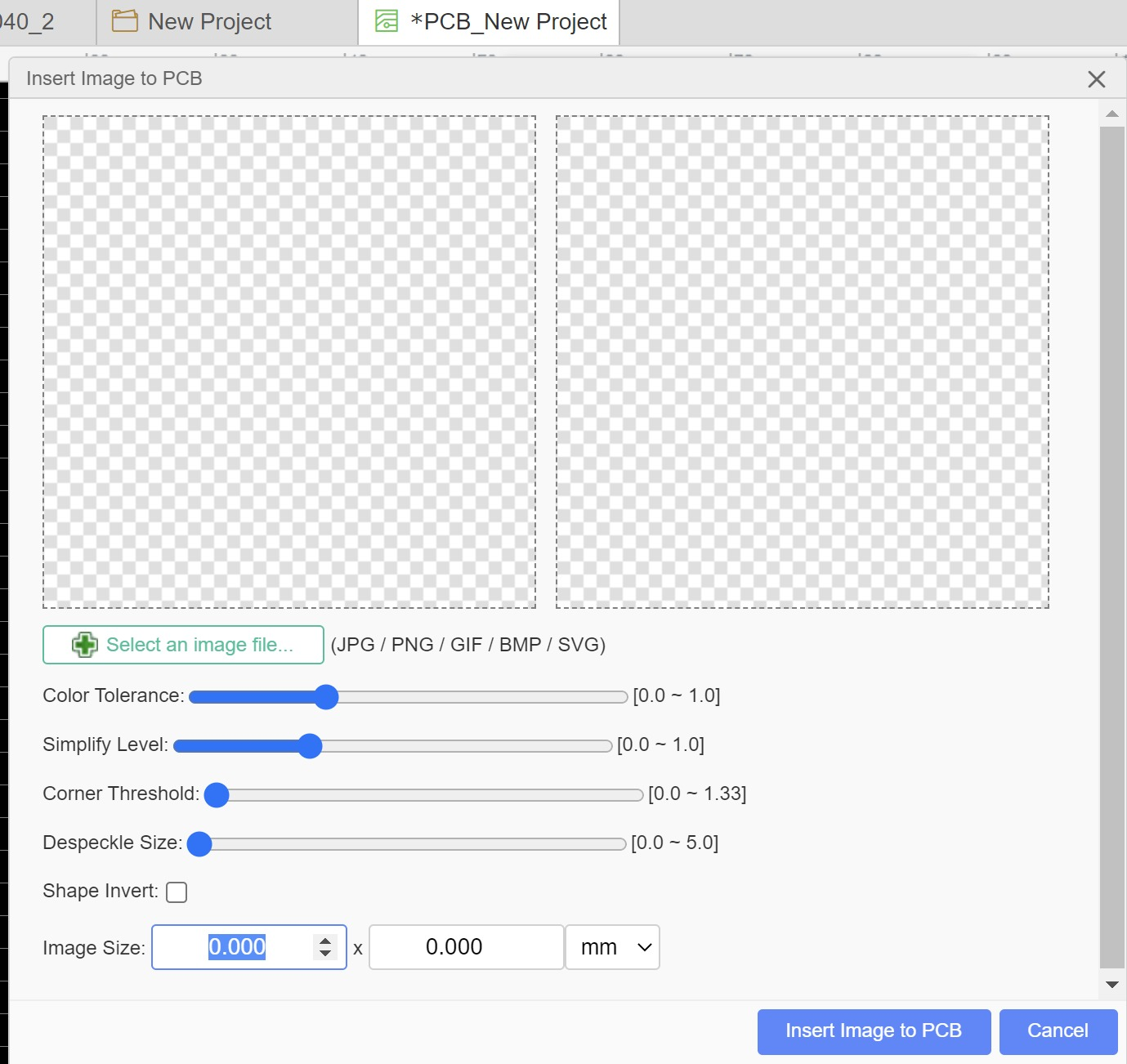
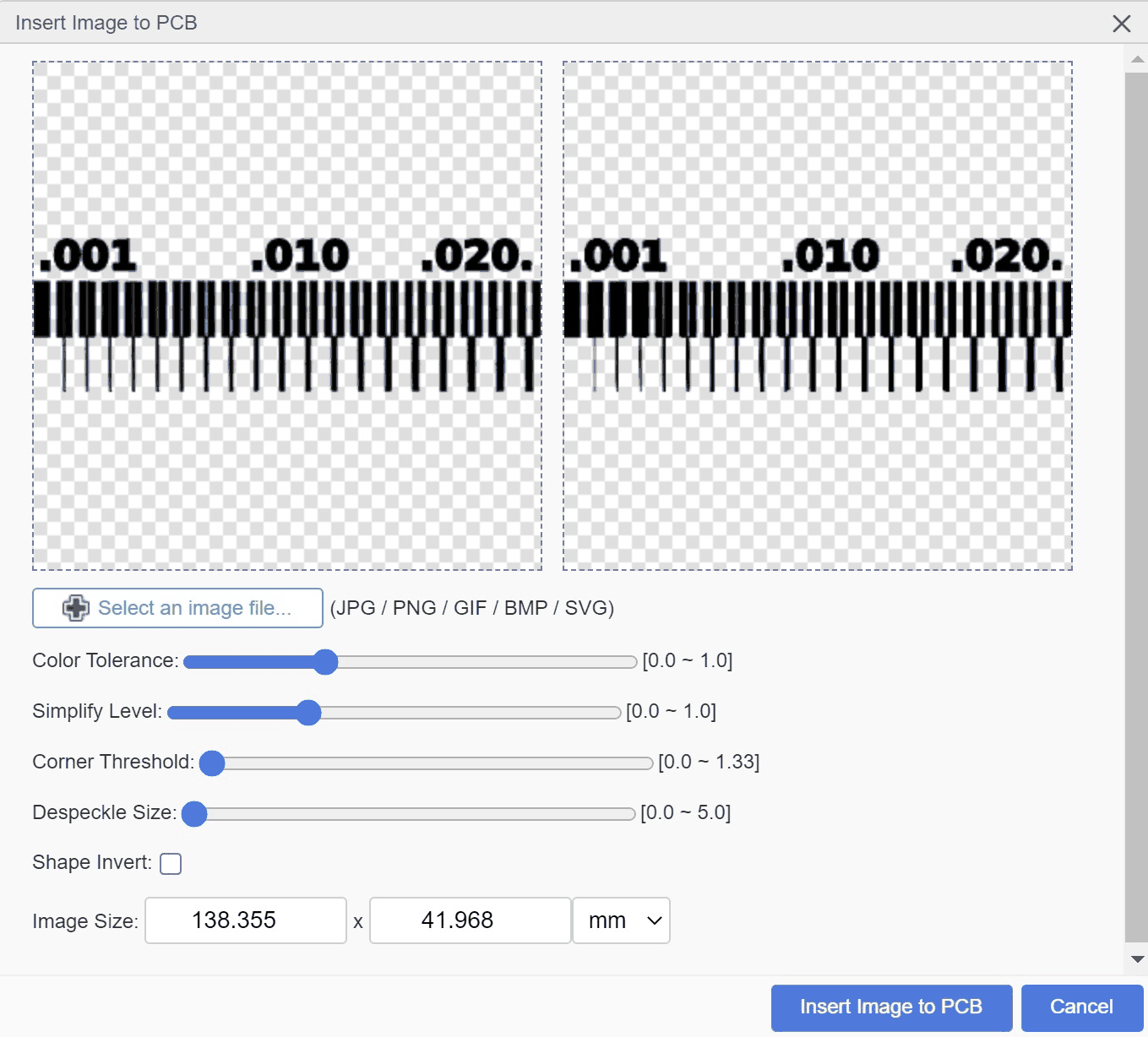
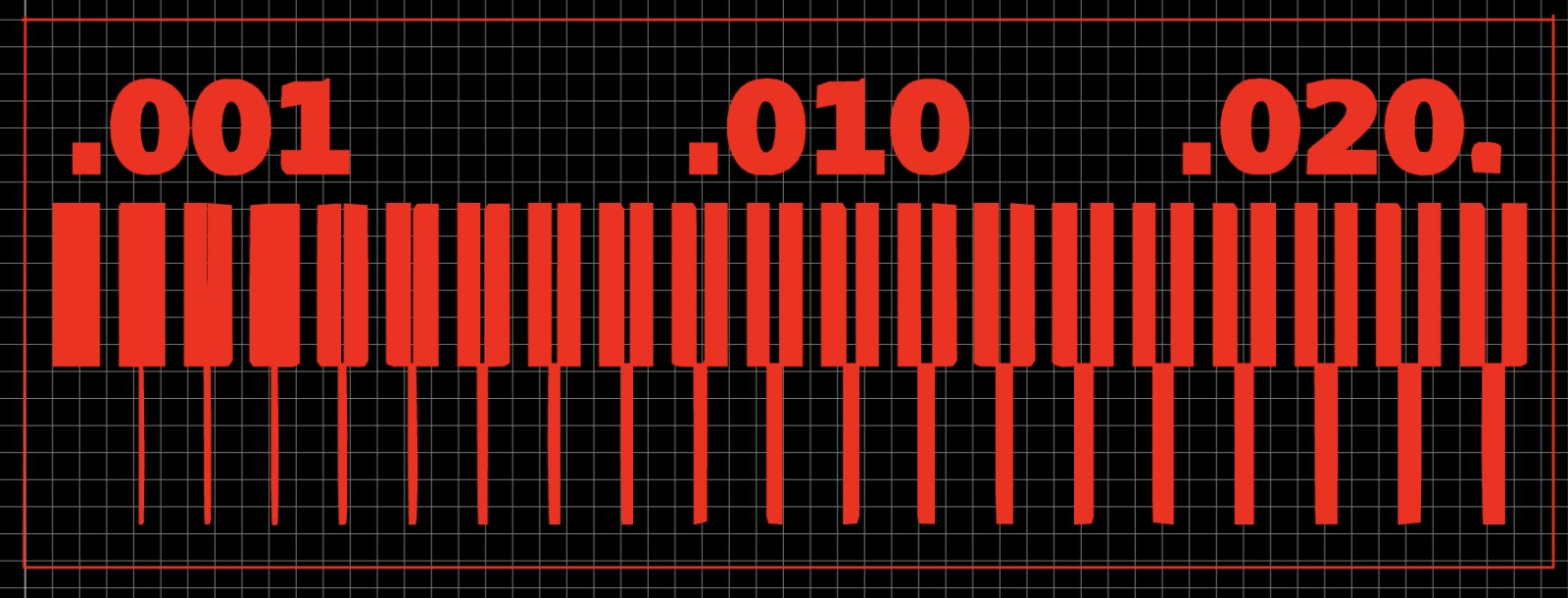
Before committing to my board, I checked which trace widths our milling setup could actually produce. I imported a standard trace-width test image (.001, .010 and .020 inch) into EasyEDA using Insert Image to PCB, adjusted the colour tolerance and simplify level, and scaled it to size. The red preview shows the copper that would remain after milling. The milled result is documented in Week 08.
5. Preparing the board in CopperCAM
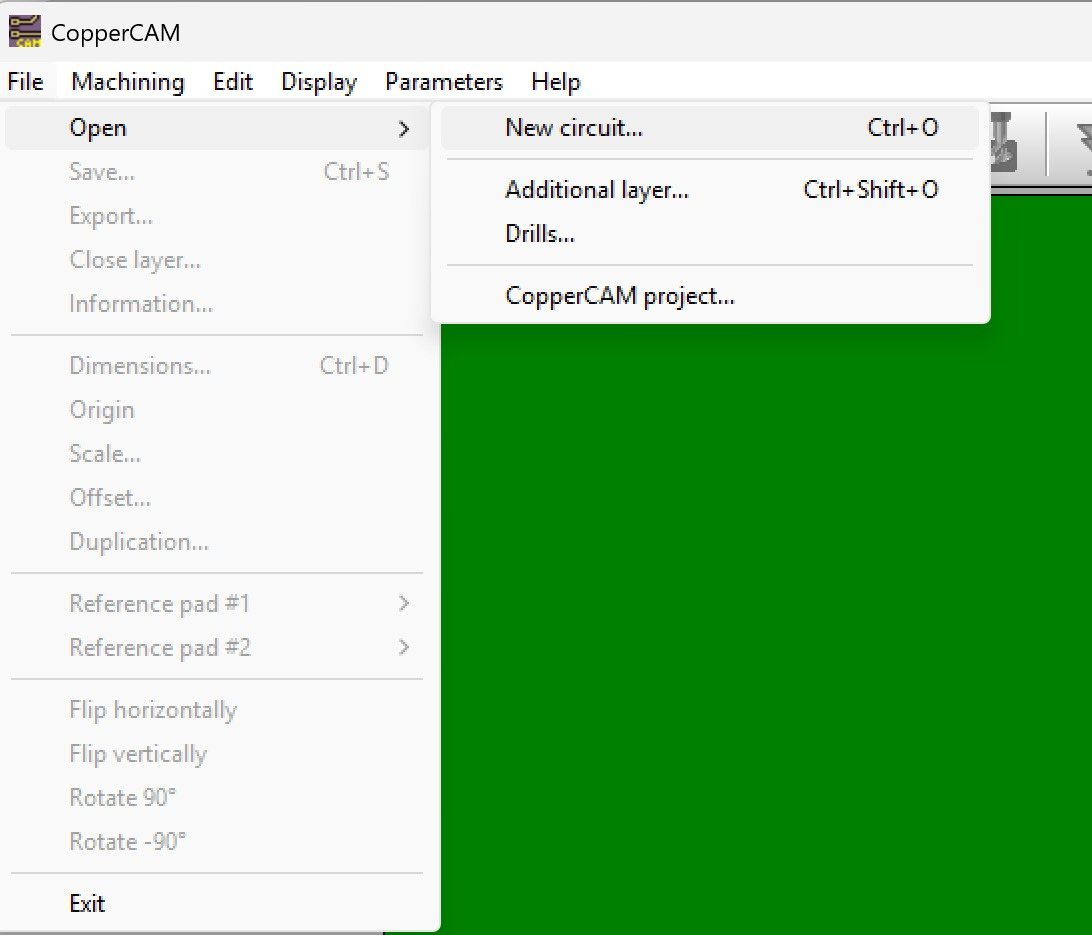
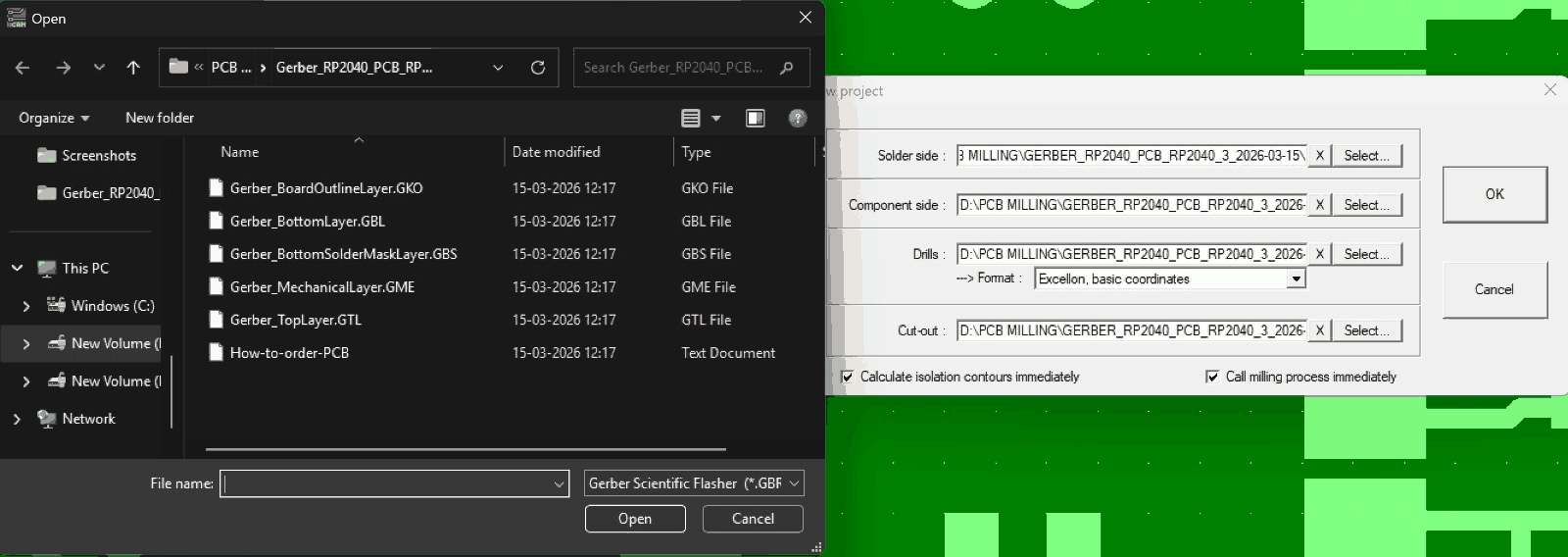
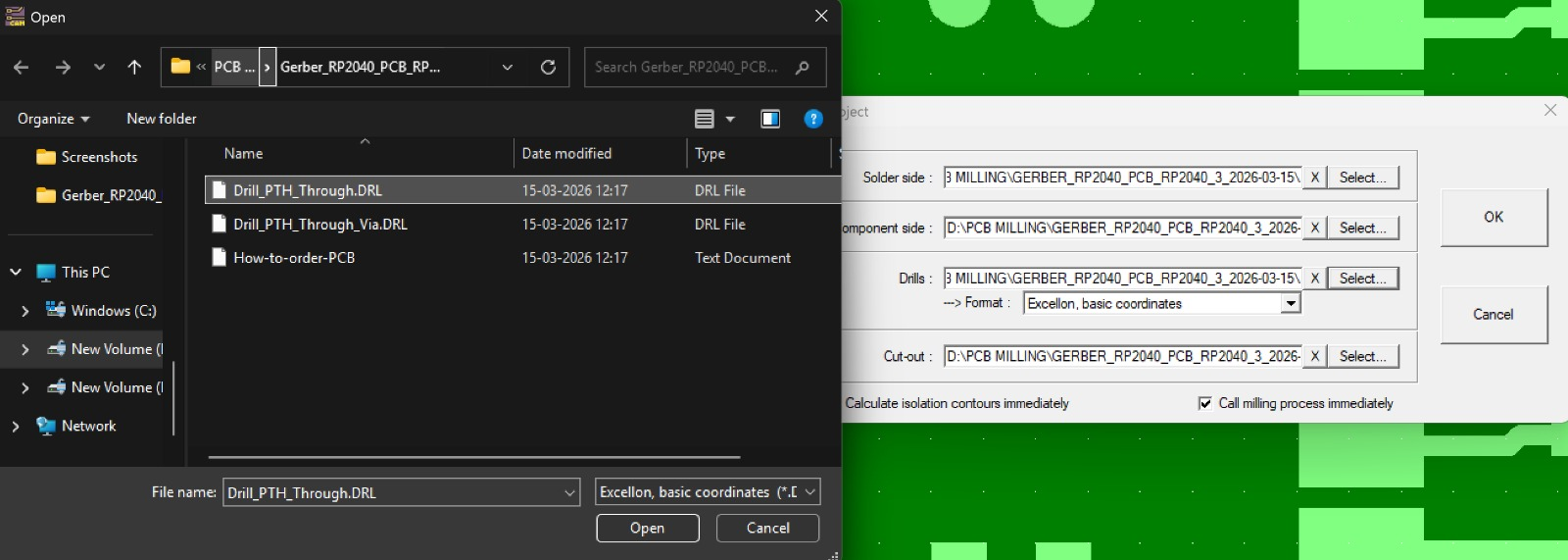
I opened the exported Gerber layers (top layer, bottom layer, board outline) and the Excellon drill files in CopperCAM.
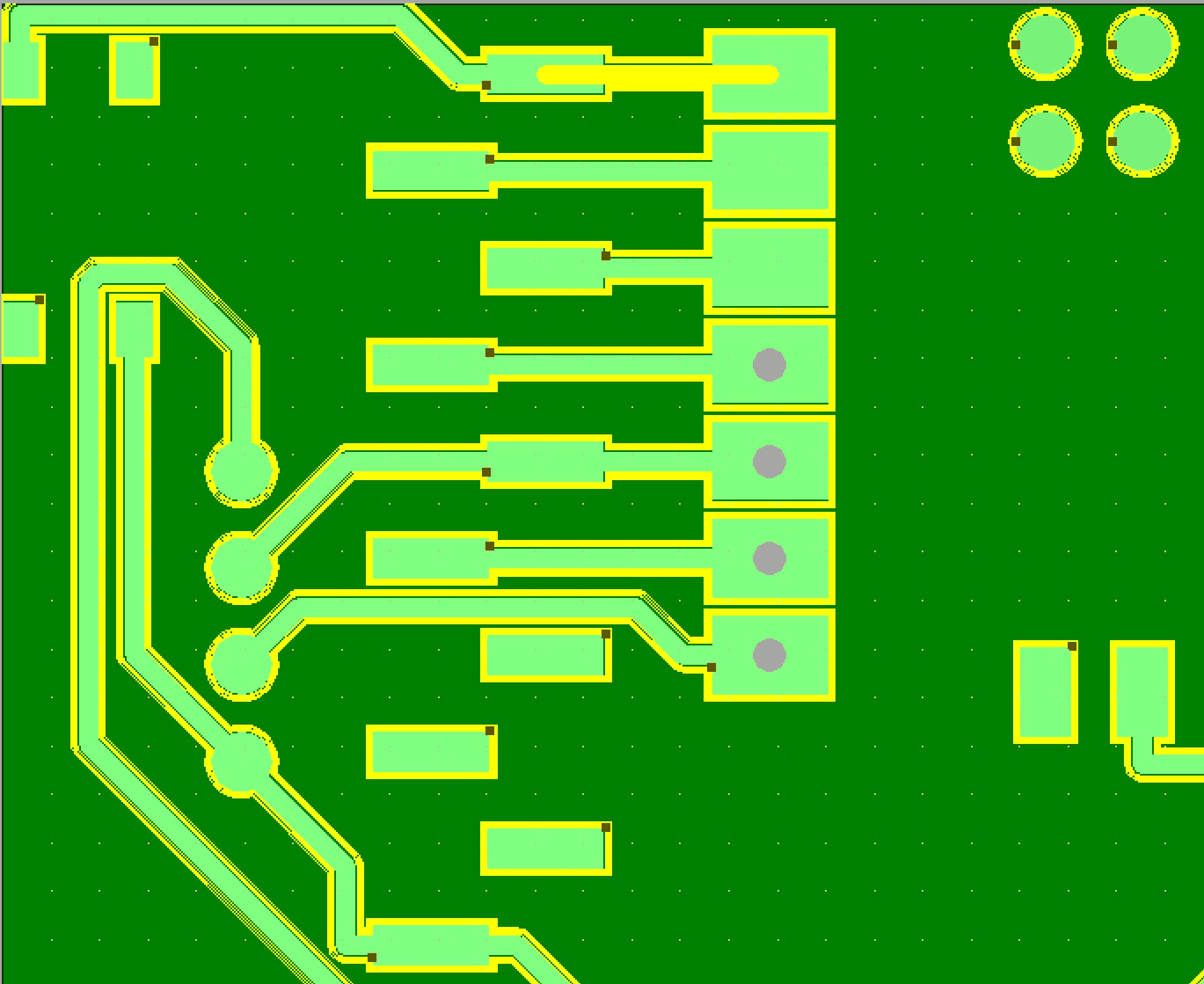
CopperCAM calculated the isolation contours (yellow) around each trace and pad, which is the path the engraving bit follows to separate the copper.
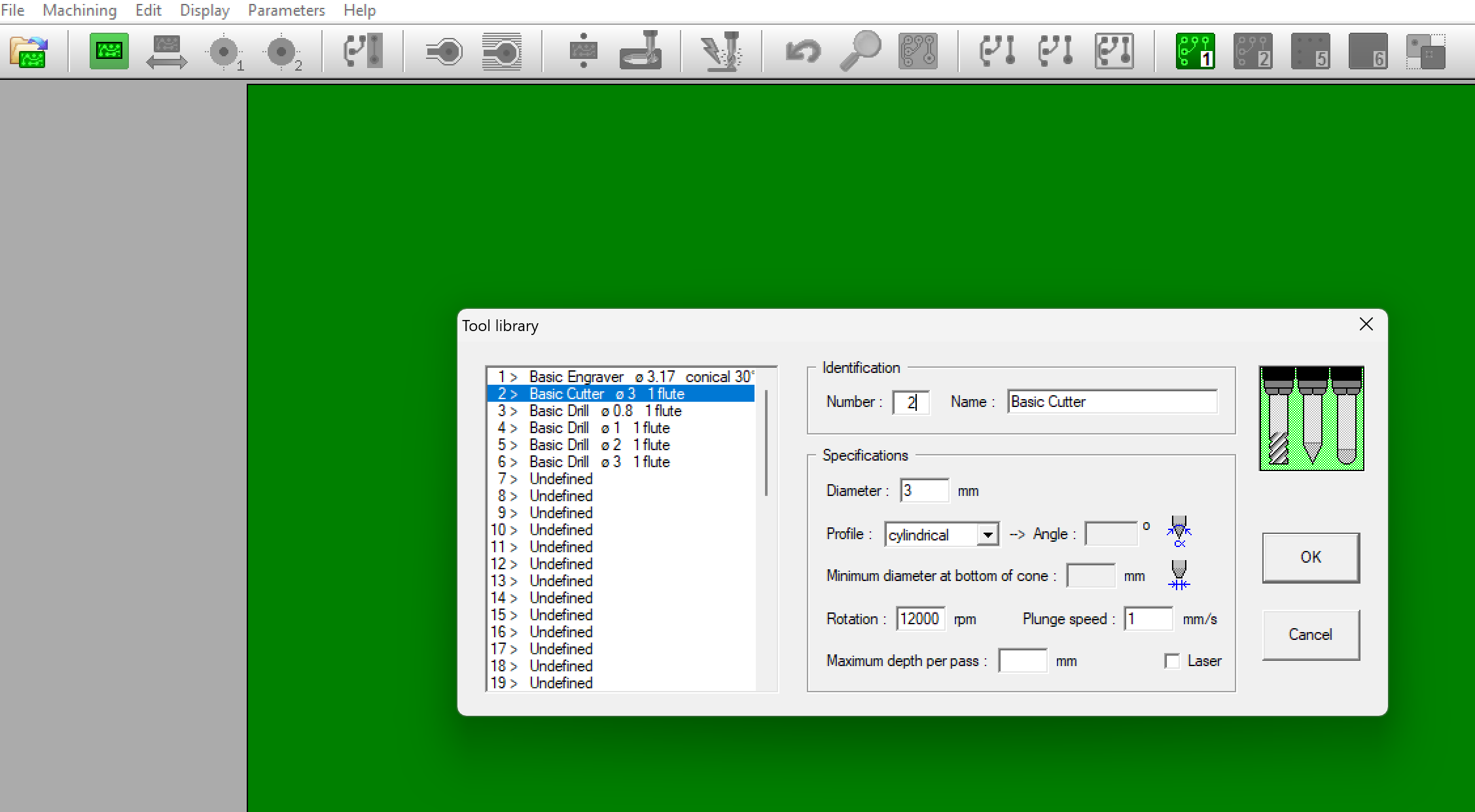
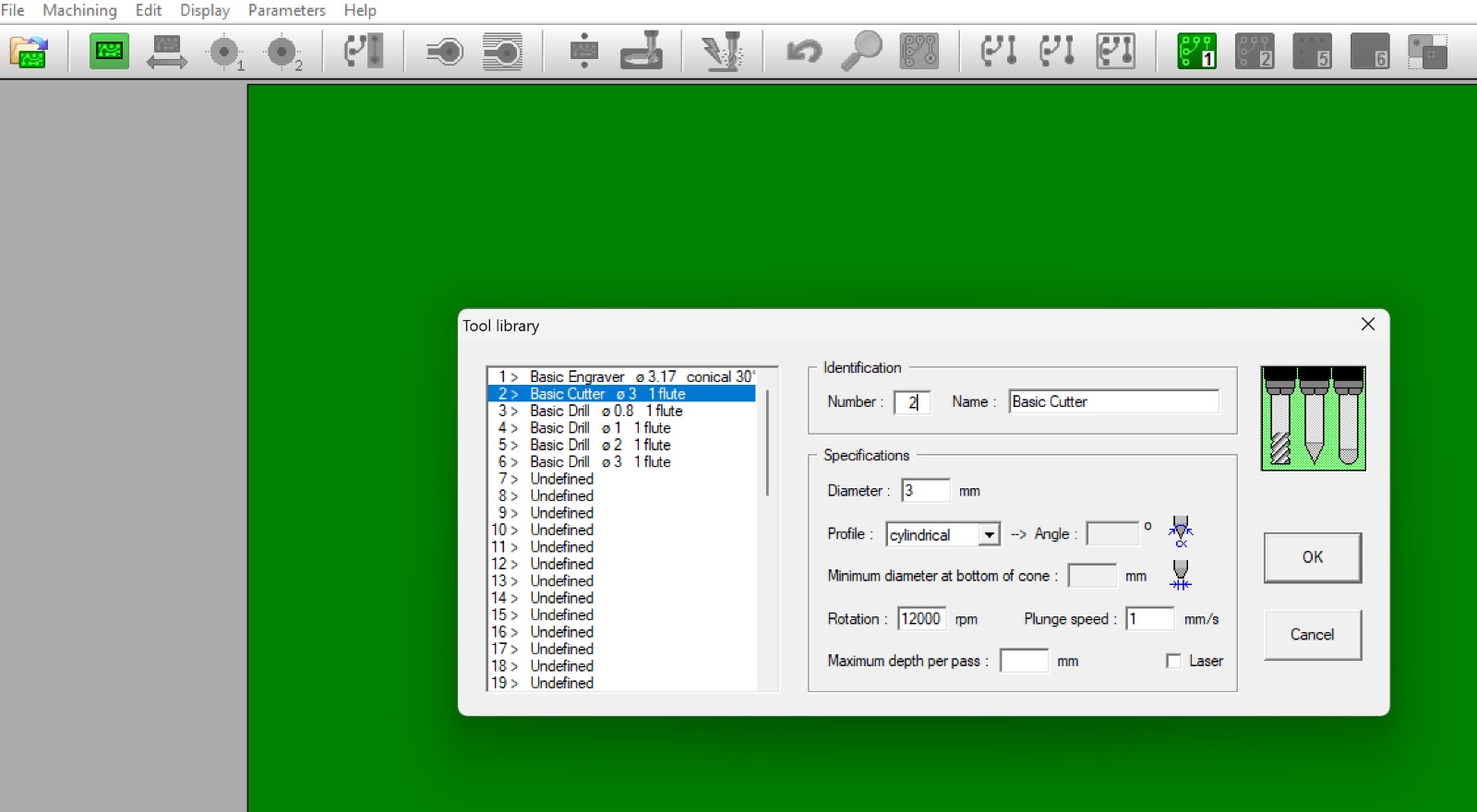
In the tool library I set up the tools: a 3.17 mm 30° conical engraver for the traces and a 3 mm cylindrical cutter at 12,000 rpm for the board outline.
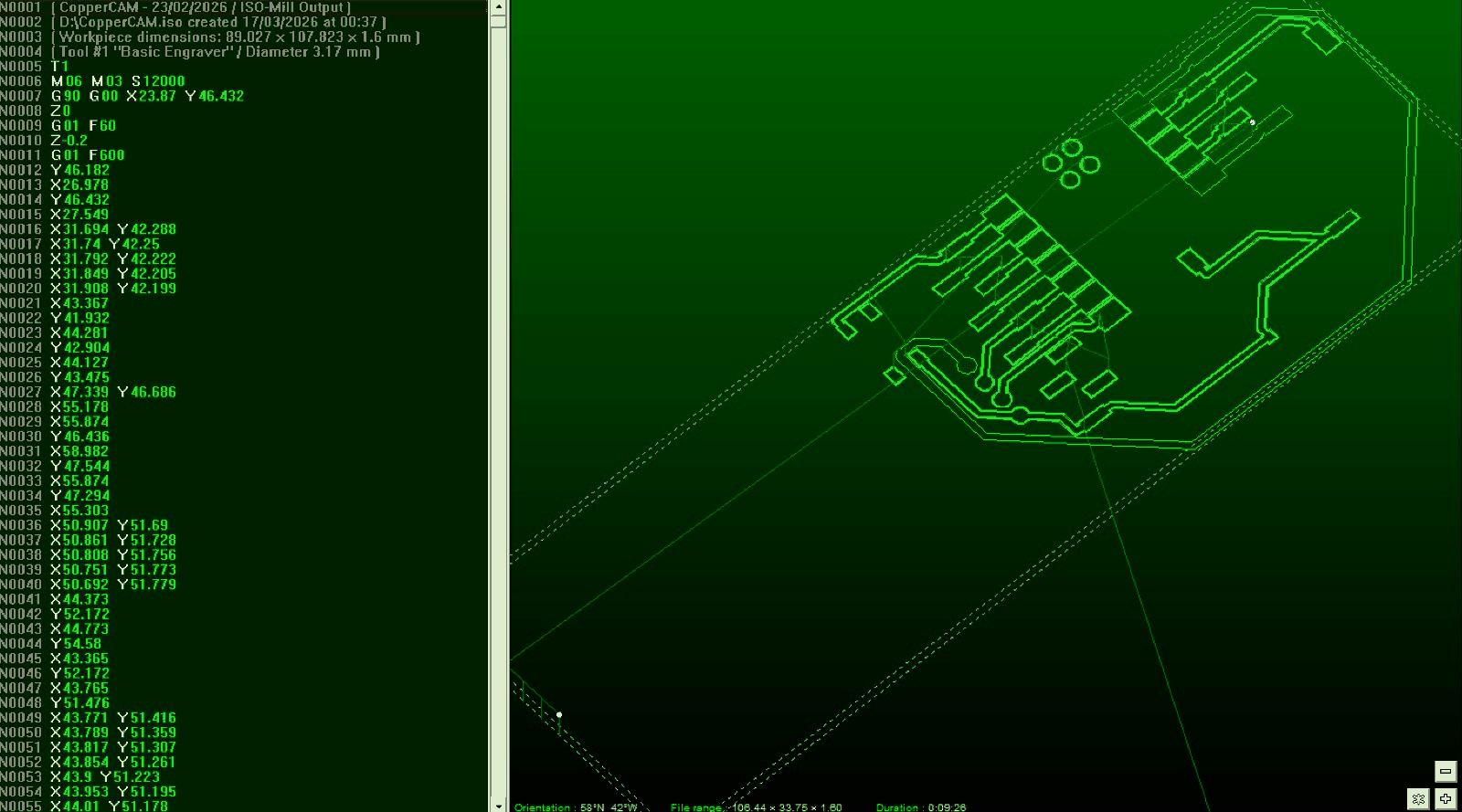
The final G-code preview showed the toolpaths over the board before milling. Fabrication of the board continues in Week 08: Electronics Production.