Week16
Wildcard Week
Learning outcomes:
- Demonstrate workflows used in the chosen process
- Select and apply suitable processes (and materials) to do your assignment.
Digital embroidering
Recently, our lab installed affordable embroidery machine, Brother PP1. So that I tried to use this machine. We never do embroidering in this course.
Making data
There are a opensource machine embroidery design platform named Ink/Stitch. So I used this with Inkscape.
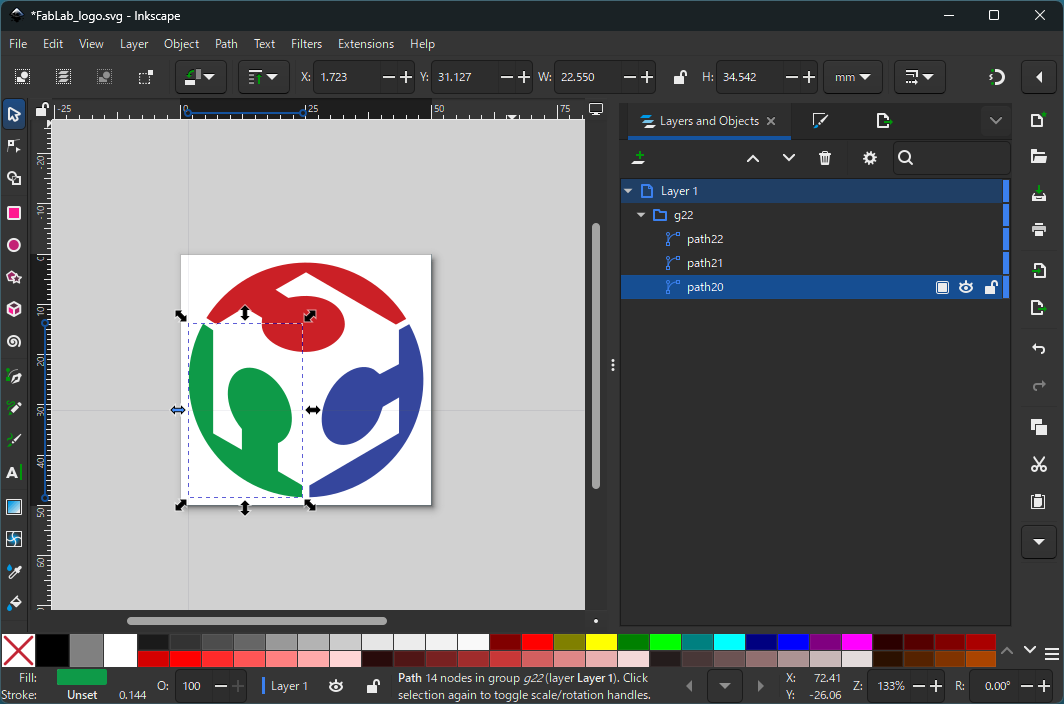
I opened FabLab logo SVG with Inkscape and sat document format as 50x50 mm through [File]-[Document properties…]. And I adjusted size of logo to fit with 50x50 mm.
Then I choose one of the path, and call Ink/Stitch through [Extensions]-[Ink/Stitch]-[Params].
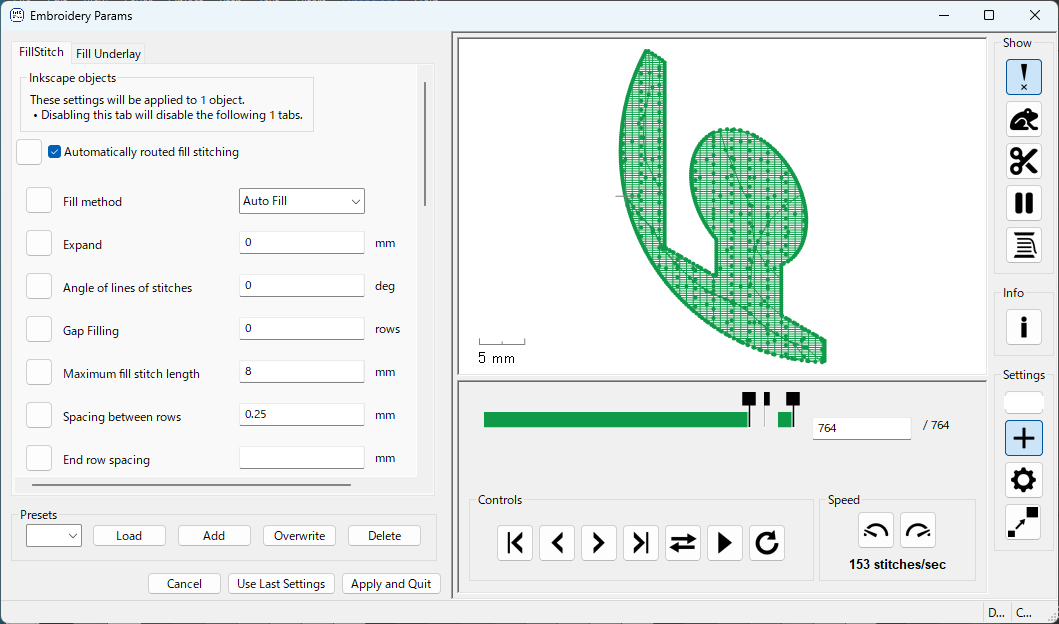
On this window, we can setup how we embroider. There are some parameters but I only change “Angle of lines of stitches” and “Maximum fill stitch length”. I just interested if there are difference by changing parameter. You can preview your configuration on right pane. When you finish, press “Apply and Quit” button.
I did this for all three pathes one by one.
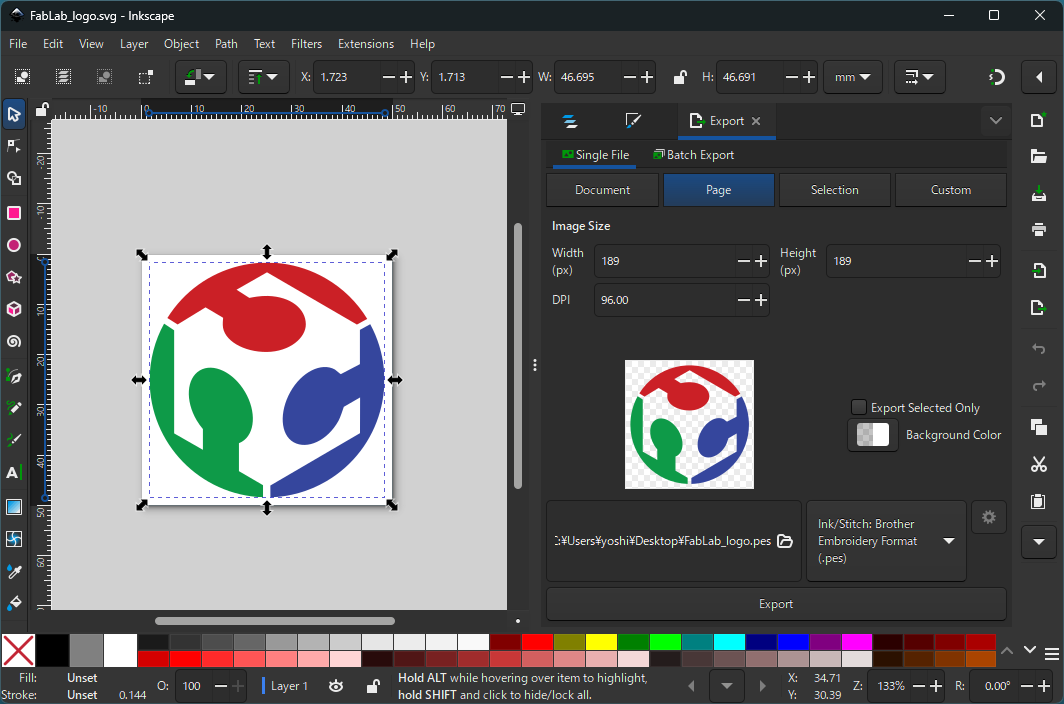
To generate embroidering data, do export as “.pes” format.
Machine setup
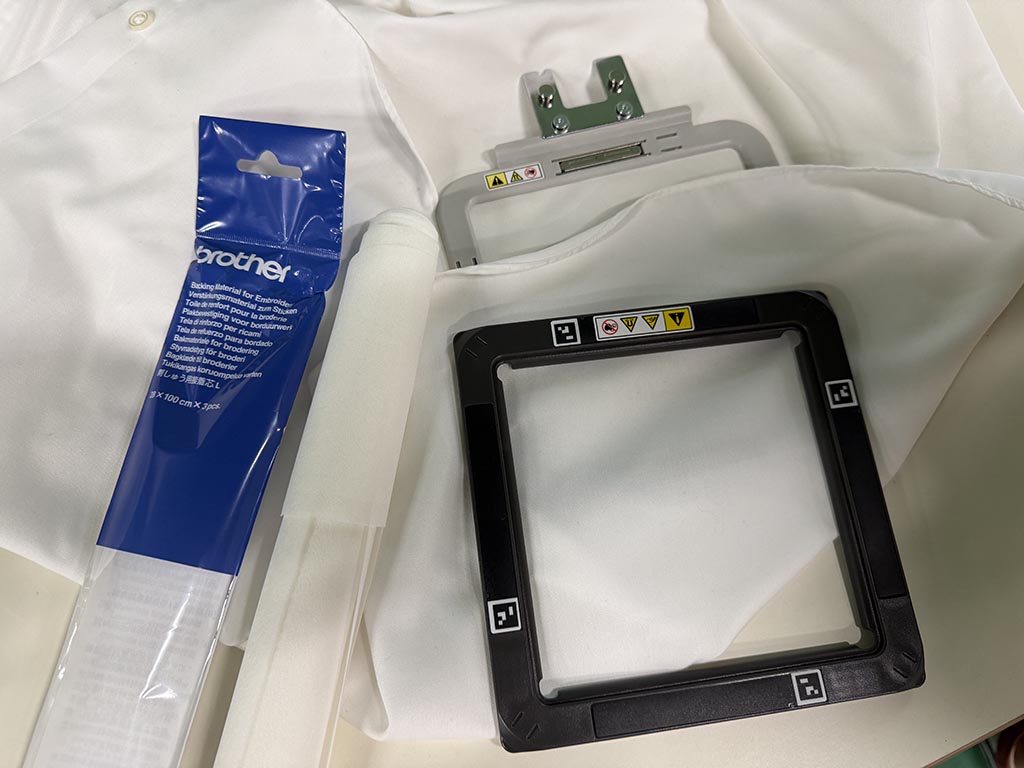
There are a embroidery frame, so I ironed backing material to the cloth and sandwiched the cloth by the frame.
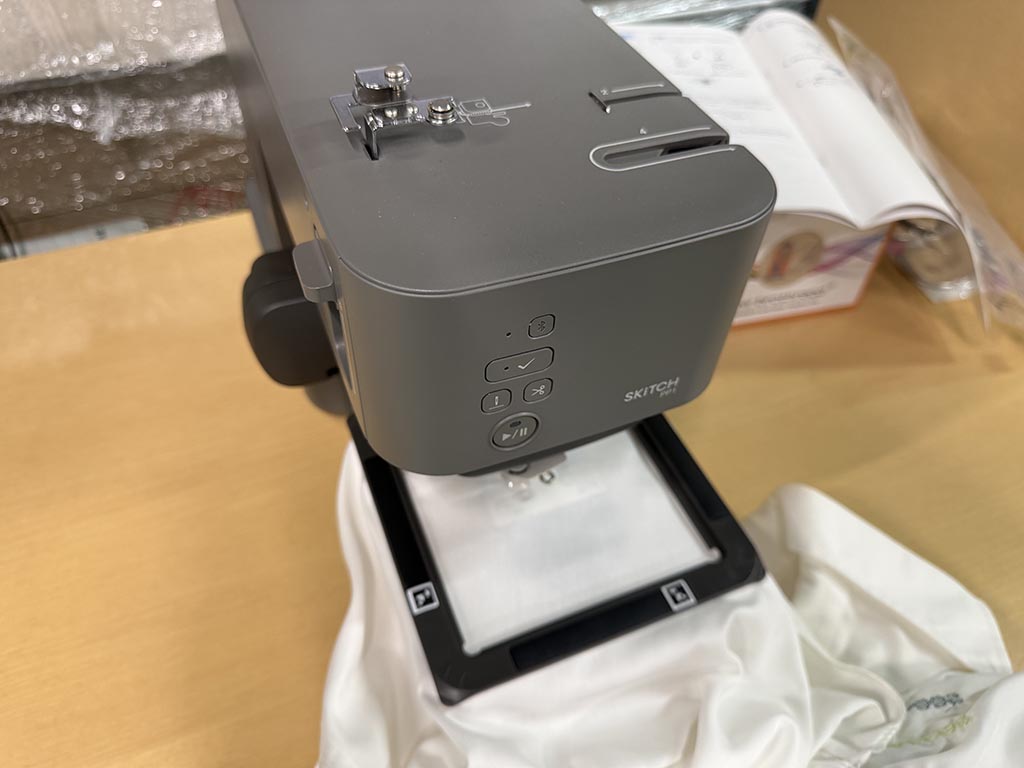
Then install the frame onto machine. For detail, there are online manual.
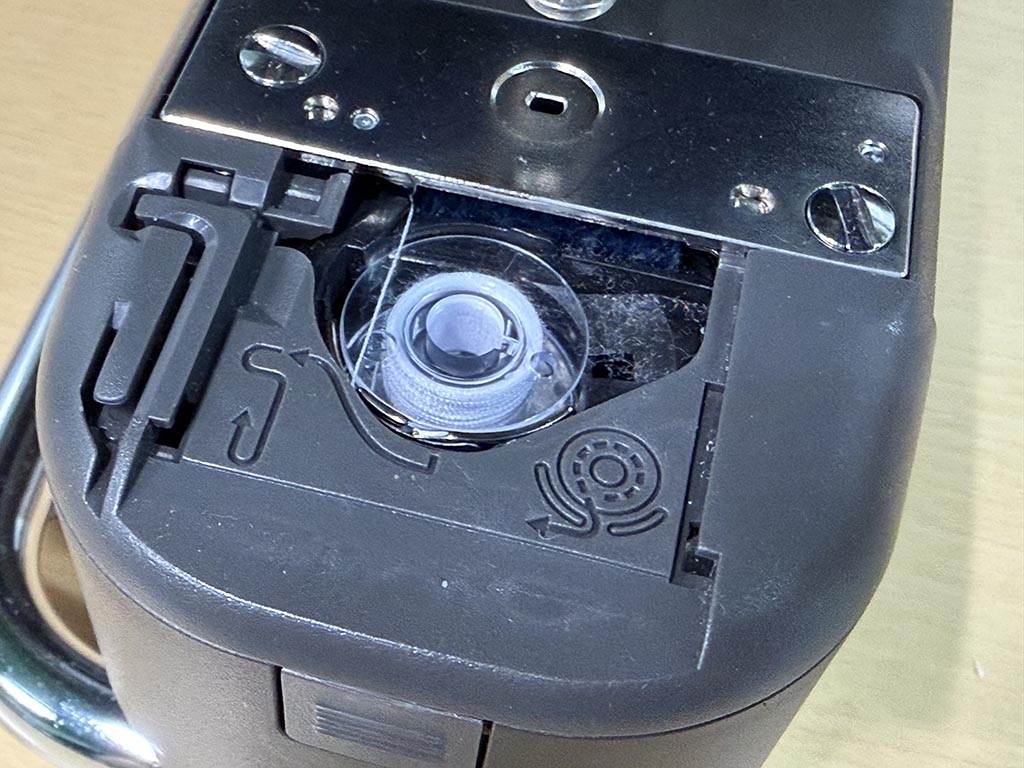
Bobbin was already installed, but there are instruction emboss on the machine. Details can be found on online manual.
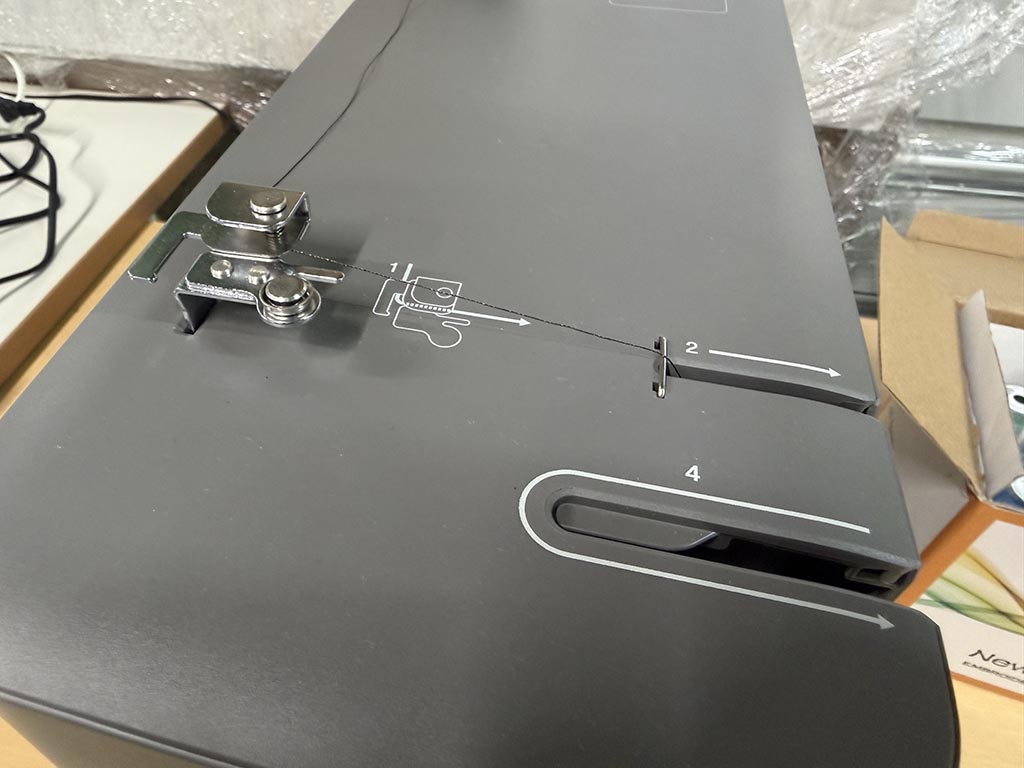
And I setup the upper thread. To do this, I just needed to follow the number printed on the machine. Also there are detailed online manual.
Transferring data
We can transfer pes file through Brother’s smart phone app, Artspira.
I used Google drive to send .pes file to my iPhone. On iPhone, I saved .pes file to local storage using Google drive app.
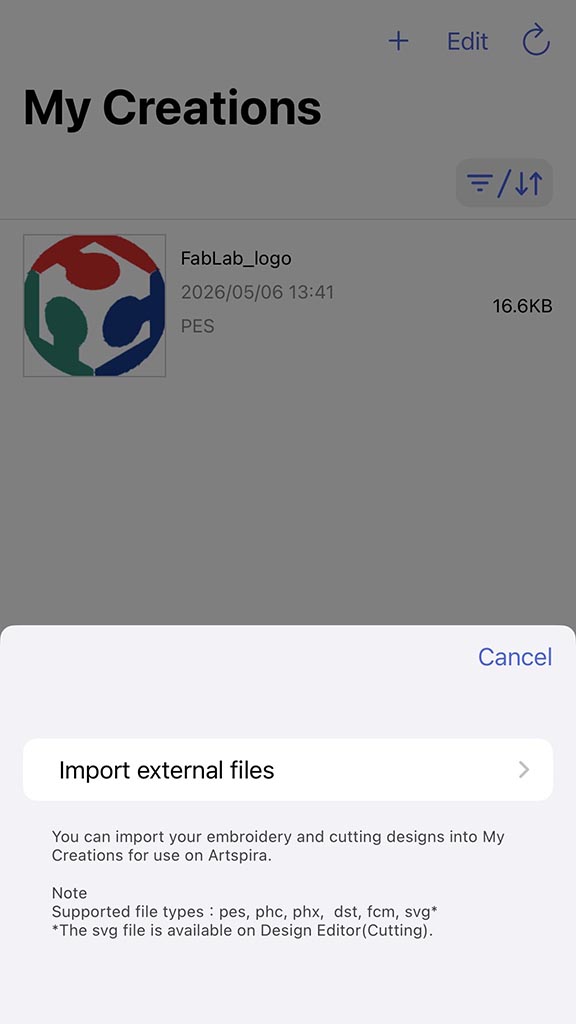
Artspira can import files from local on “My Creations” tab. Once imported, you can transfer data from this app.
Embroidering
Before start embroidering, we need to do setup. I ironed backing material and put bobbin thread. For backing material and bobbin thread, we are using Brother genuine parts. For embroidery thread, we are using affordable one.
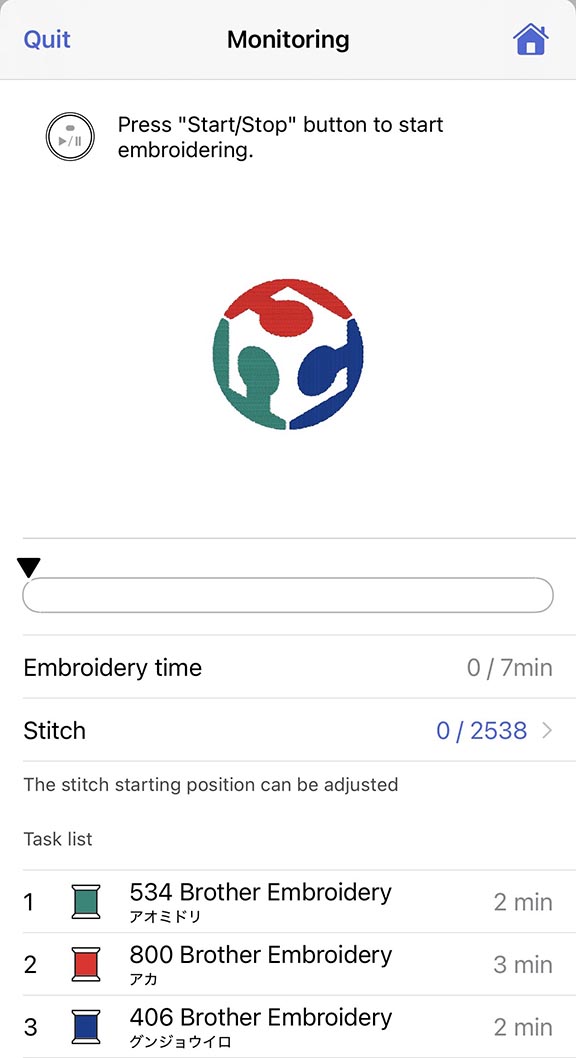
After transferring data, phone app enter monitoring mode. We need to put embroidery thread by referring the color on the app.
By pressing play button on the machine, machine start embroidering.
Making tin badge
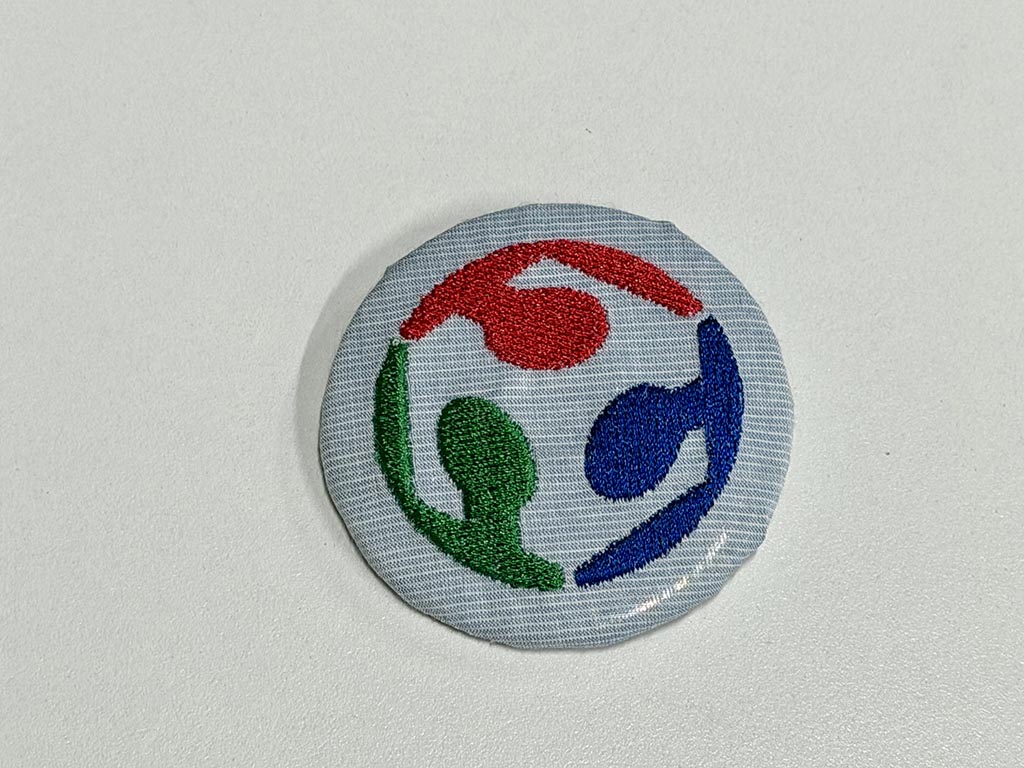
By using tin badge kit purchased at dollar store, I made tin badge.😁
You can find “Angle of lines of stitches” are different on each color of threads.
Design file: W16_FabLab_logo.svg W16_FabLab_logo.pes

There were no problem encountered.
Checklist
- Documented the workflow(s) and process(es) you used
- Explained how your process is not covered in other assignments
- Described problems encountered (if any) and how you fixed them
- Included original design files and source code
- Included ‘hero shot’ of the result