Bidirectional Braille Translator
This project proposes a bidirectional communication device focused on improving interaction with deafblind individuals, with the goal of eliminating communication barriers between both users.The concept is based on operating as a real-time translator between conventional language (text) and Braille, enabling bidirectional communication.
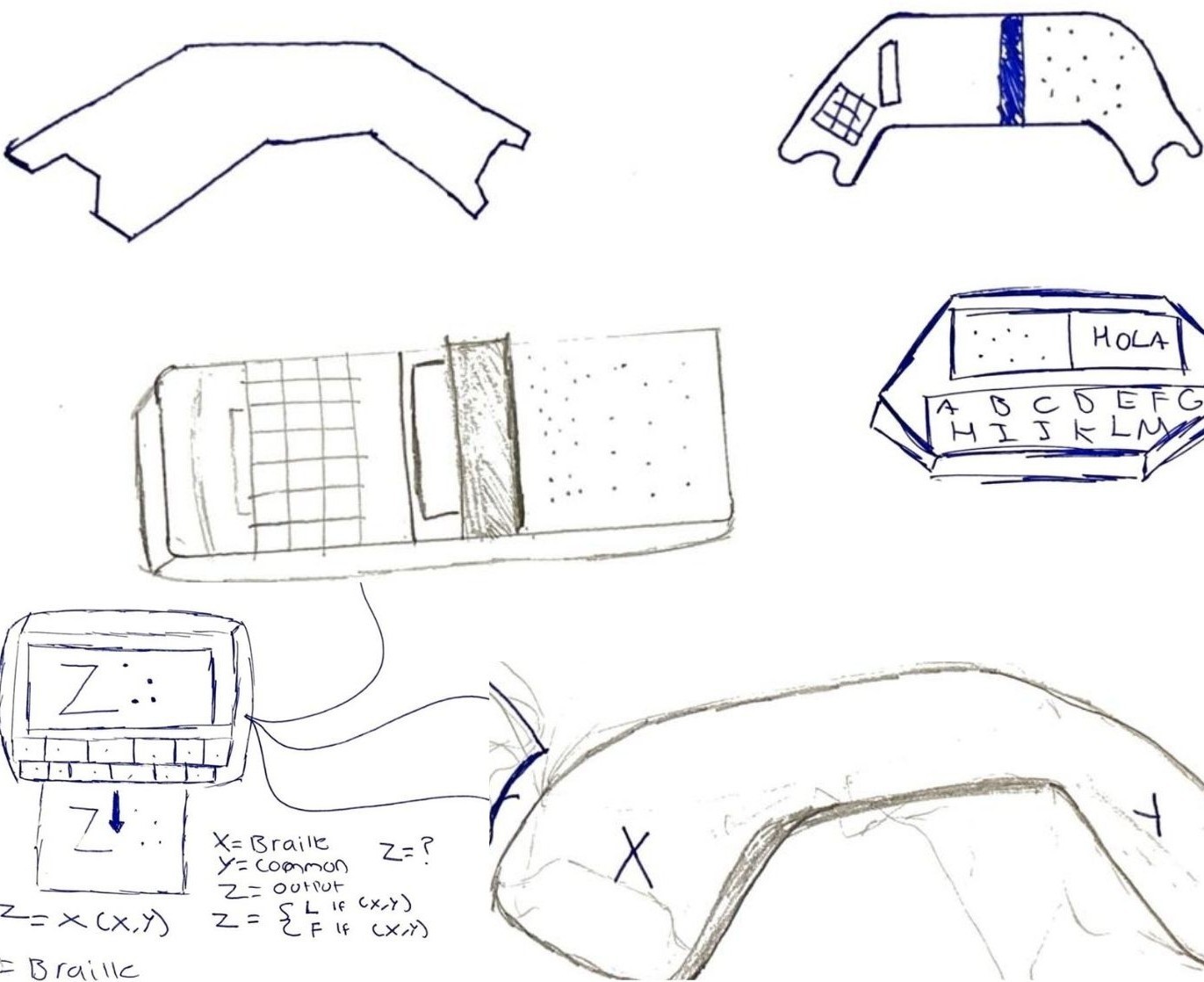
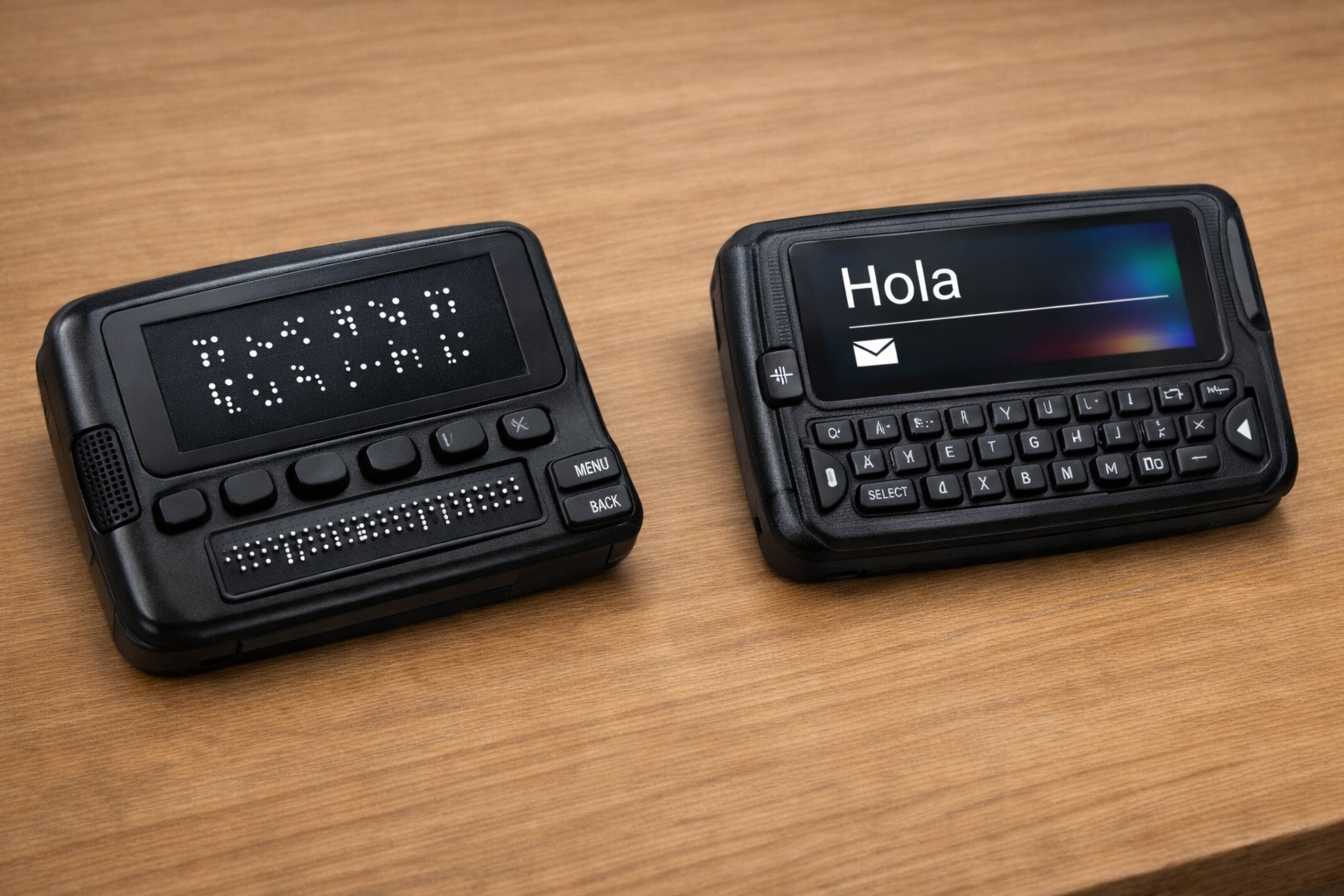
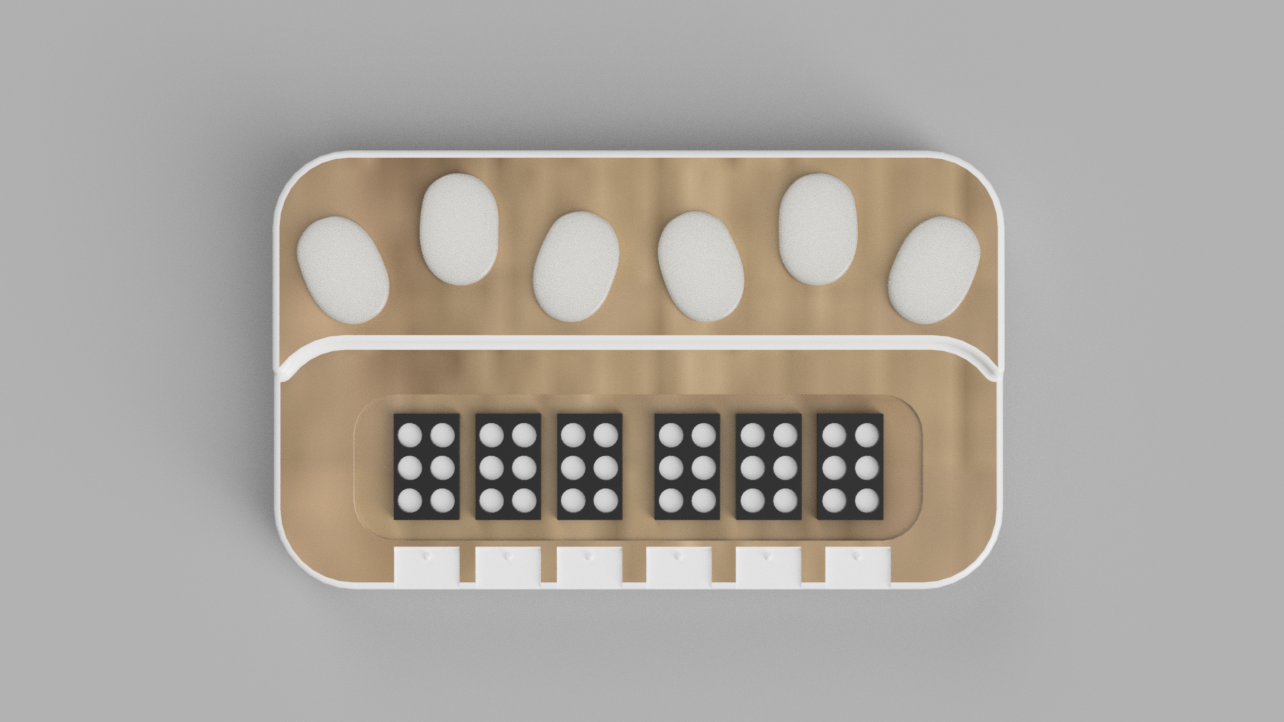
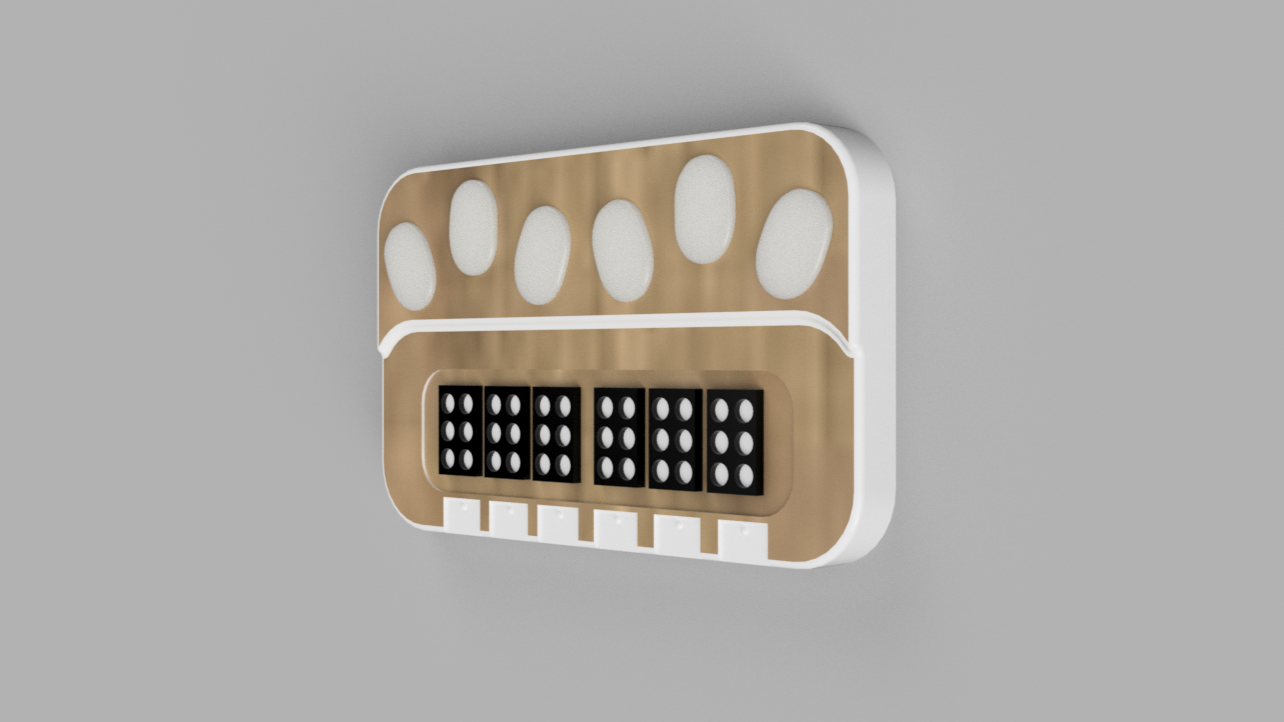
Channel 1 (Text)
- Keyboard with a conventional layout (QWERTY).
- LED display for message visualization.
- The user types a message in plain text; "Hello").
- The system processes the message and converts it into Braille, allowing the deafblind user to interpret it through touch.
Channel 2 (Braille)
- Braille keyboard layout.
- Dynamic Braille reading panel.
- The deafblind user enters the message using the Braille keyboard.
- The system translates the message from Braille into conventional text and displays it on the receiver’s screen.
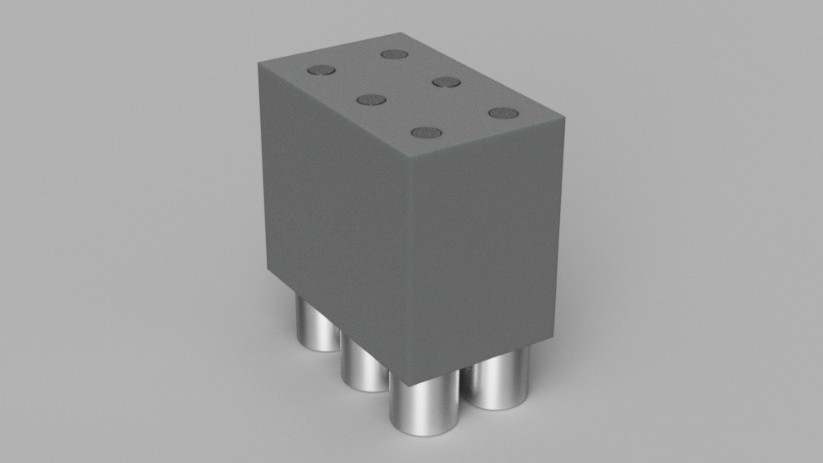
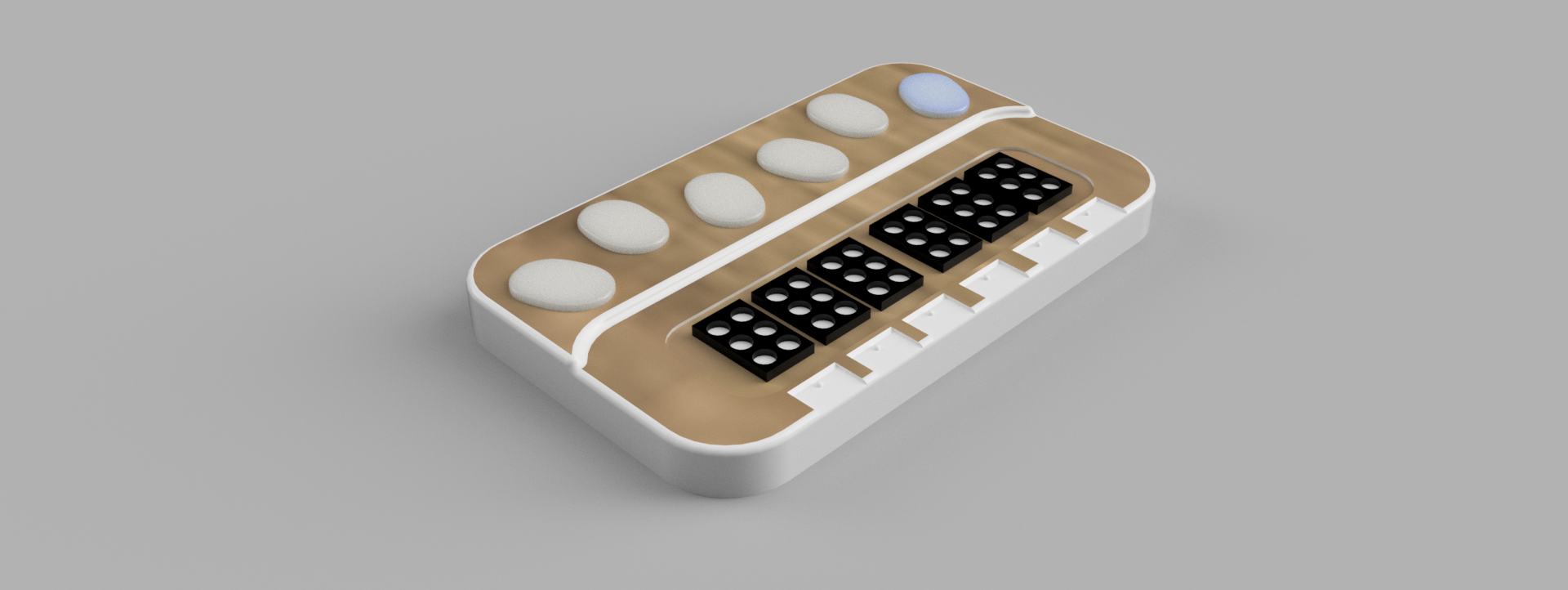
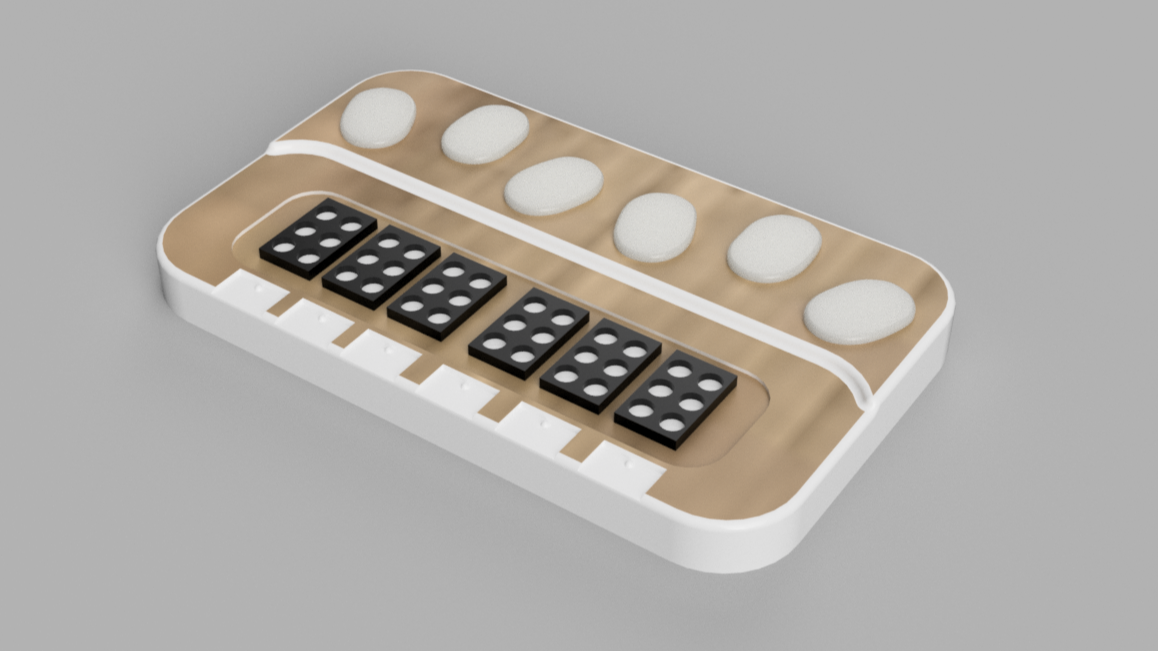
The system is composed of two operating modes controlled through six push buttons, which together form a six-dot braille keyboard. Depending on the mode, some of these push buttons are also used to select a mode or exit the current one. This keyboard is mainly used in Mode 2, where it allows real-time visualization of which dots are active within the braille cell.
Mode 1:This mode allows the visualization of numbers together with their braille representation. The braille output is displayed using a 2×3 braille cell format, which corresponds to the standard braille writing structure. In later stages of the final project, this representation will be implemented with a solenoid array, where each solenoid corresponds to one dot of the braille cell.
Mode 2:In this mode, the user can manually activate the six dots using the buttons to create custom braille patterns. The system immediately shows which keys are being pressed and how the generated pattern is translated. It works both as a braille visualizer and as an interactive braille construction tool.