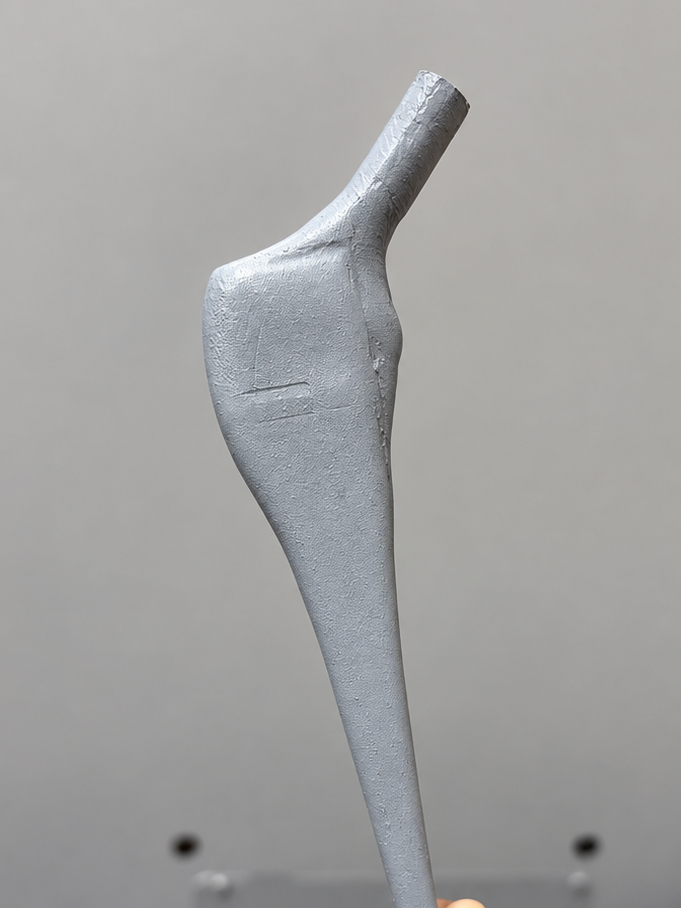
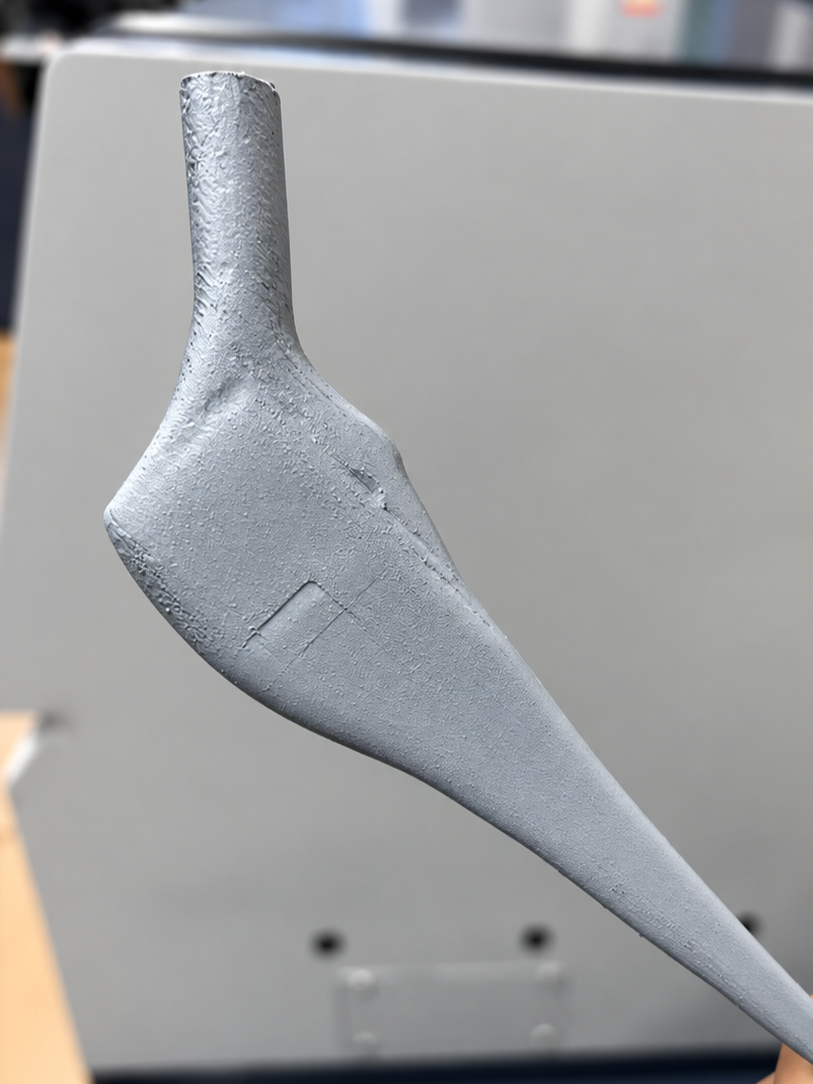
WILDCARDWEEK
Tools
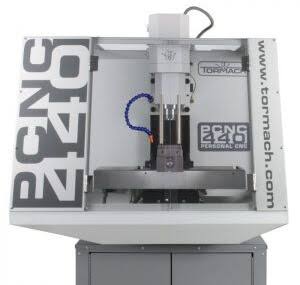
PCNC 440
Tormach - CNC Machine
Stock Preparation
The design used for this week is a model developed in the Molding and Casting assignment, but this time a different manufacturing process called “3-axis CNC machining” will be used, which is the coordinated movement of the cutting tool or the workpiece along the X, Y, and Z axes for material removal, resulting in the creation of mechanical components. The objective is to manufacture the part using methods applied in industry, with limitations such as orientation and clamping, since the part must be reoriented using operations that do not generate collisions or material vibrations.
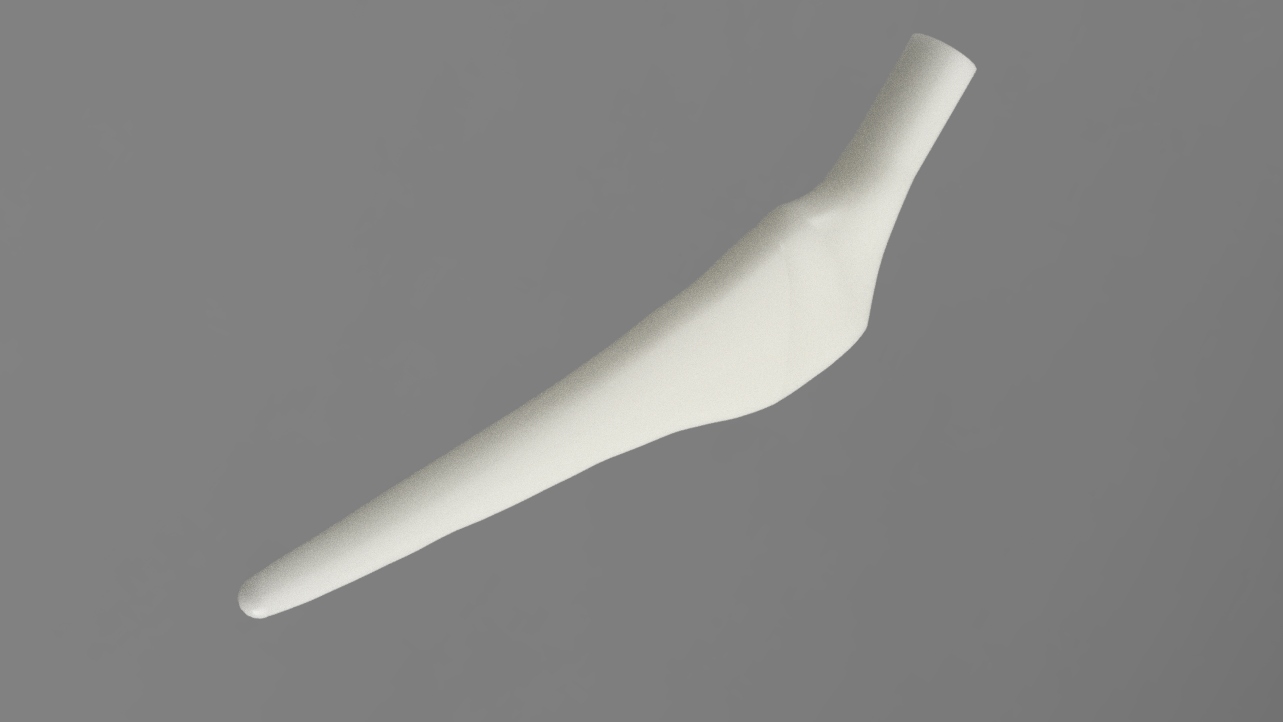
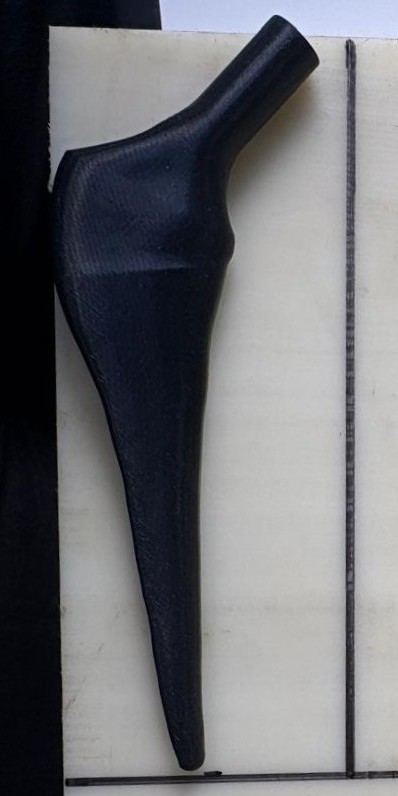
Before starting machining, we used as a reference a piece of the prosthesis at the same scale as the model to take the measurements and define the size of the material block.
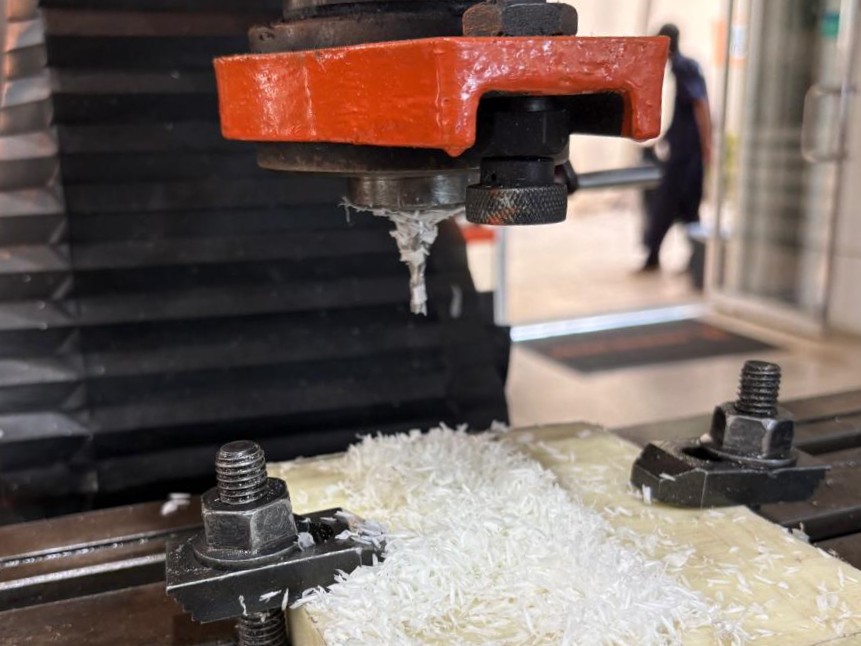
We also used a conventional milling machine to cut the materials, especially when we wanted to be precise with the block dimensions.
CAM Programming
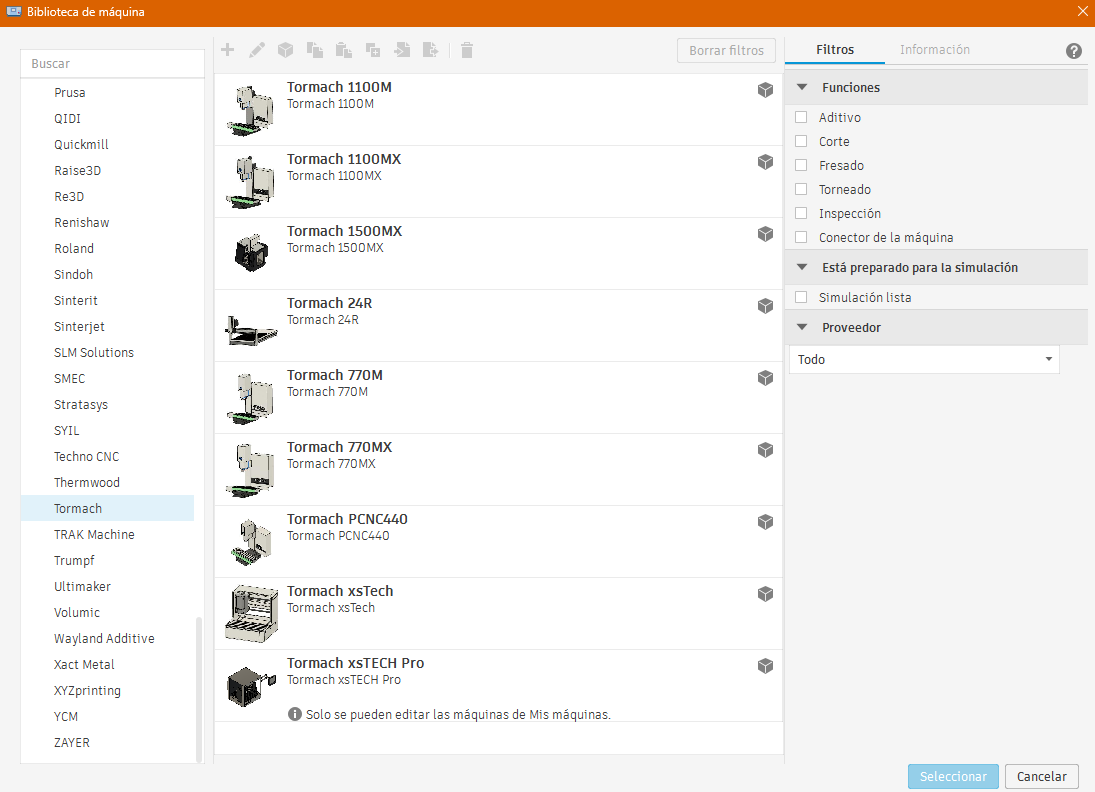
In our case for CAM programming we used Fusion 360 since one of the advantages is that the Tormach PCNC 440 is pre-configured in the program.
For the machining process, we used the two end mills available in the tool holders: a 3/8" two-flute end mill and a 1/2" two-flute end mill.
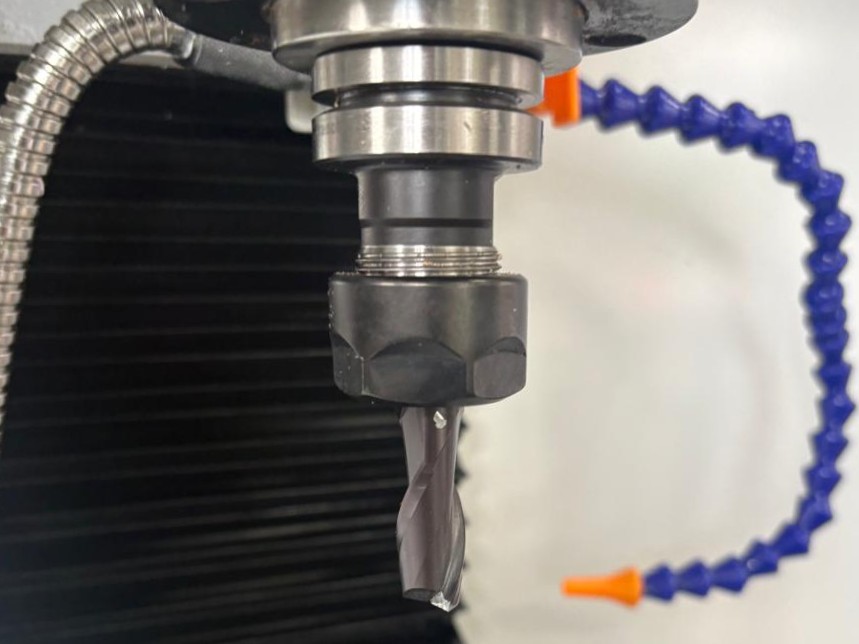
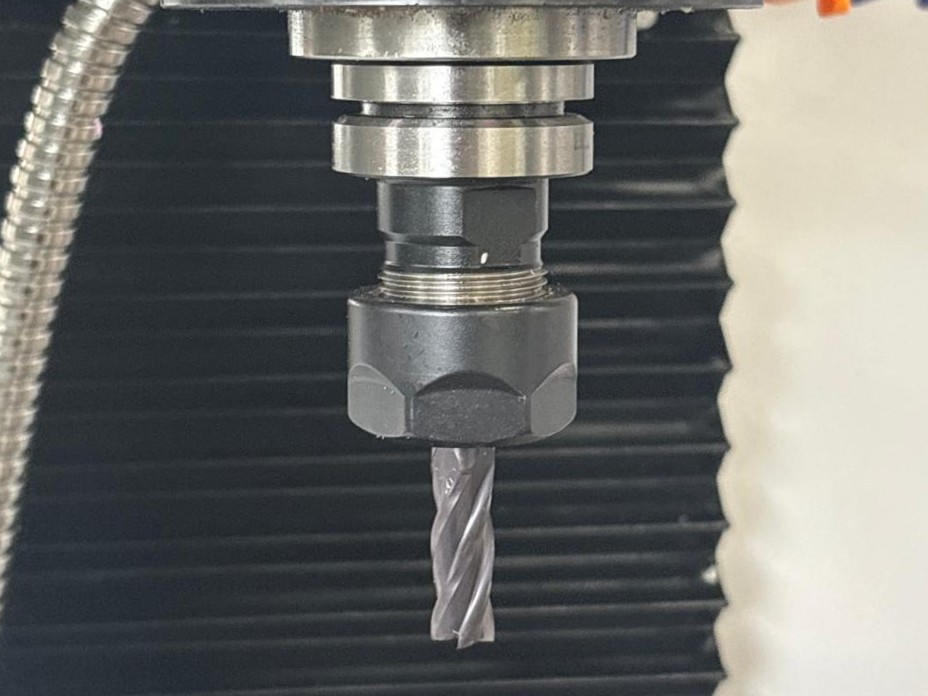
There are other types of end mills that could be used to reduce the number of operations but in this case we used the tools that were available at that time.
It is important to mention that before we started using CAM, we had to define the tool library and the holder.
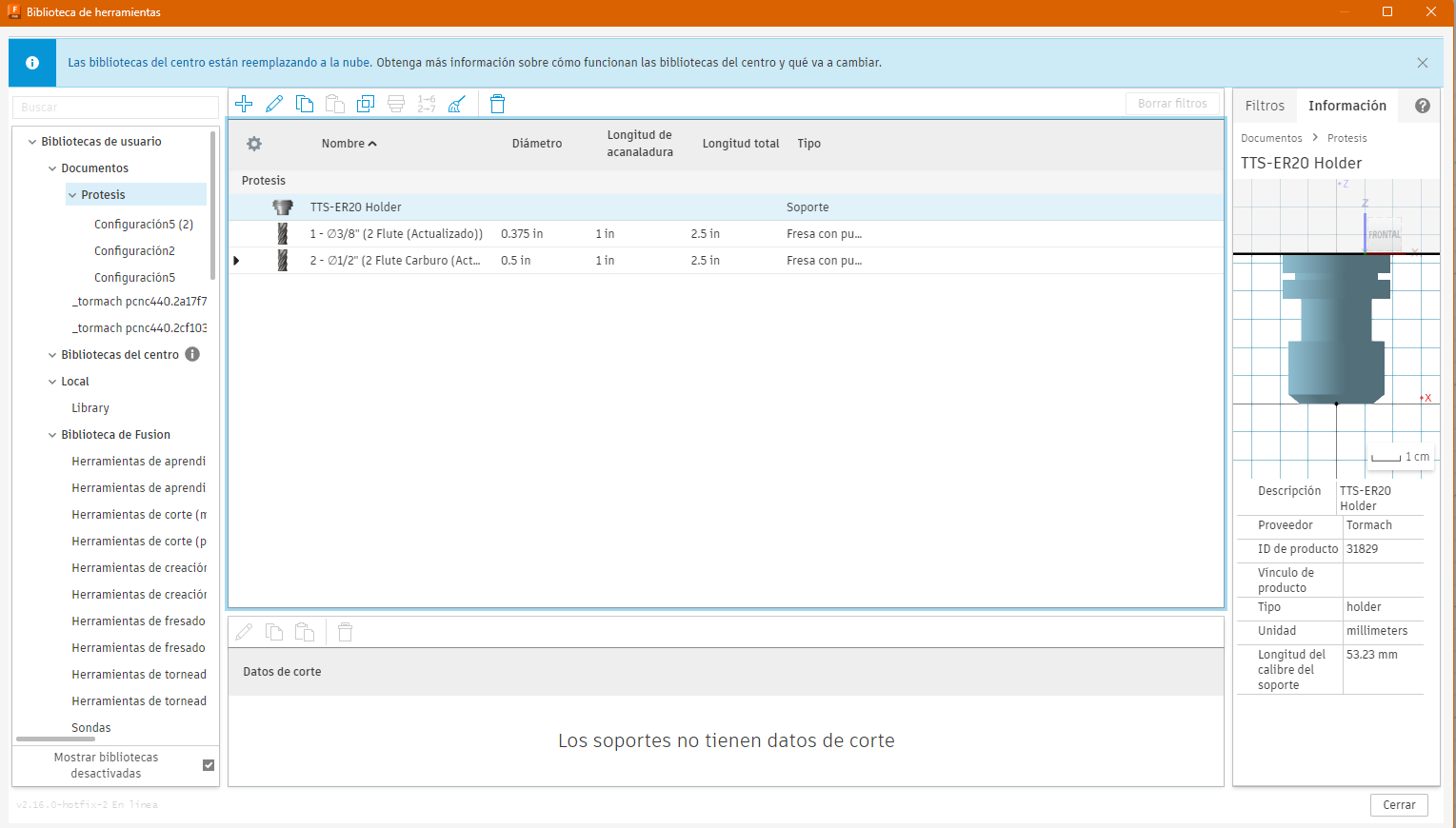
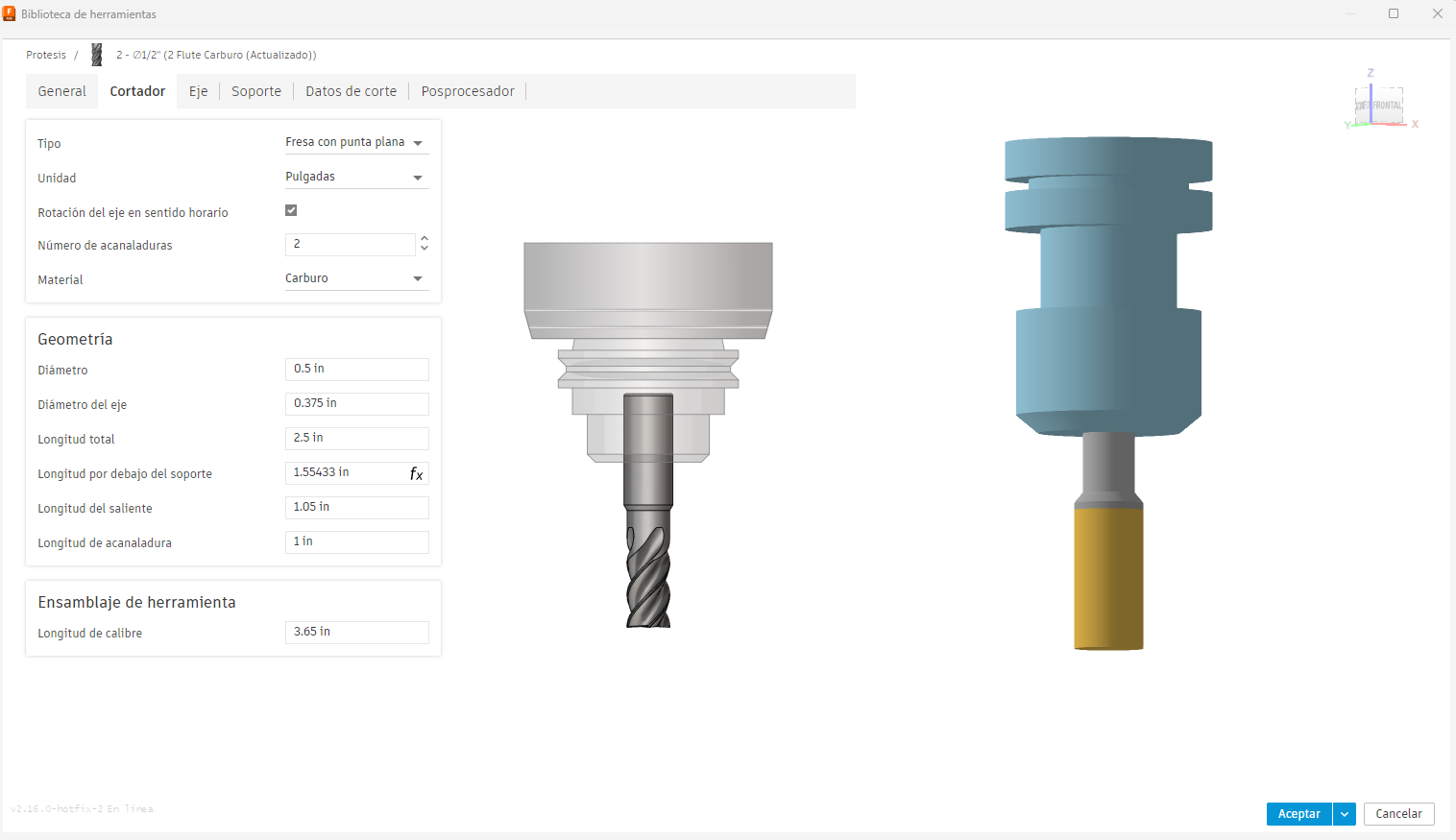
The tool characteristics, such as diameter, number of flutes, material, cutting length, and overall tool length.
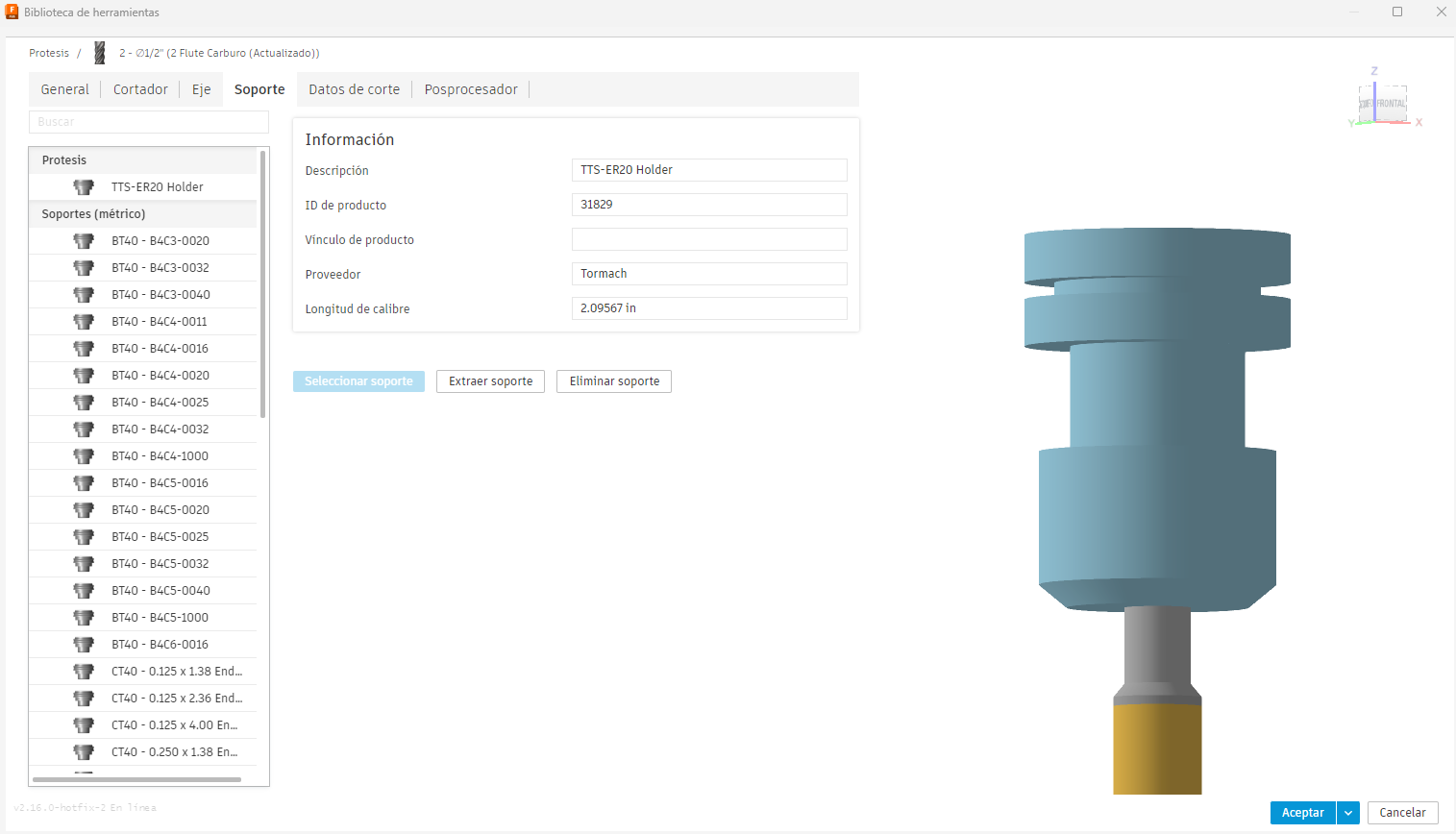
The Tormach TTS-ER20 holder was selected.
The cutting parameters according to the material.
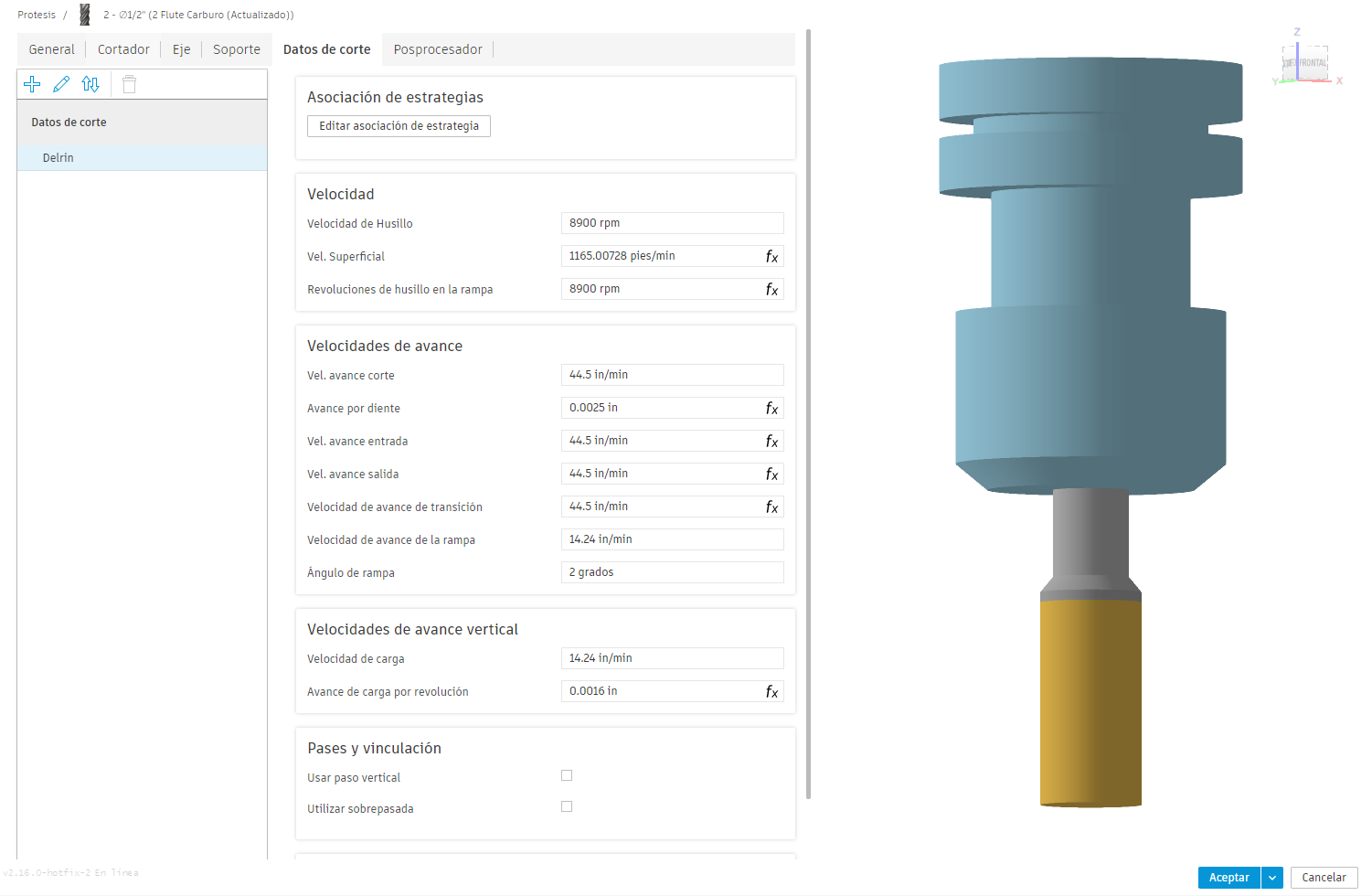
If we skip these steps, we can generate G-code but we won't be sure if there is a collision in the real world or if the cutter is entering the material as it should.
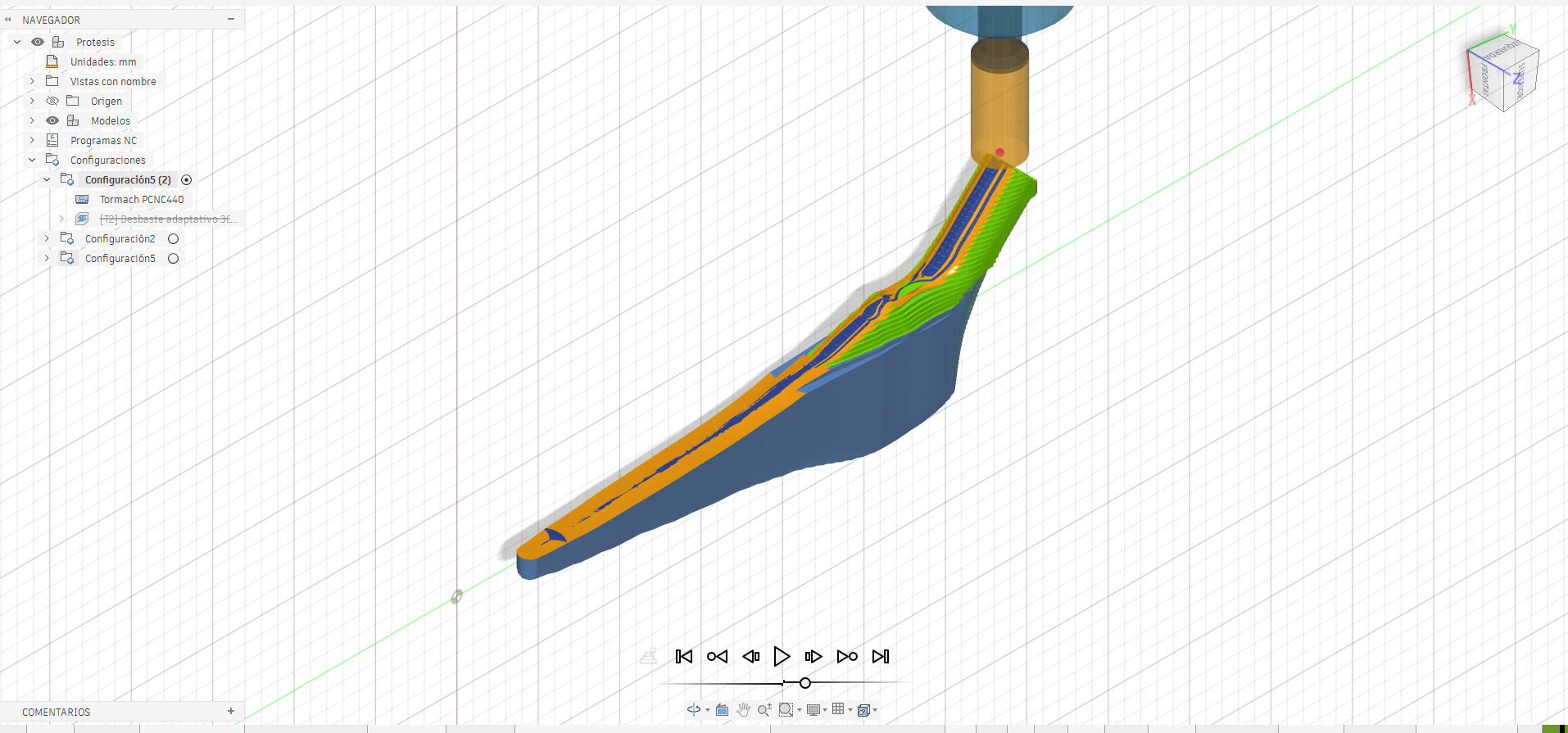
A test was simulated to verify how the material is removed and to check the tool heights before generating the G-code.
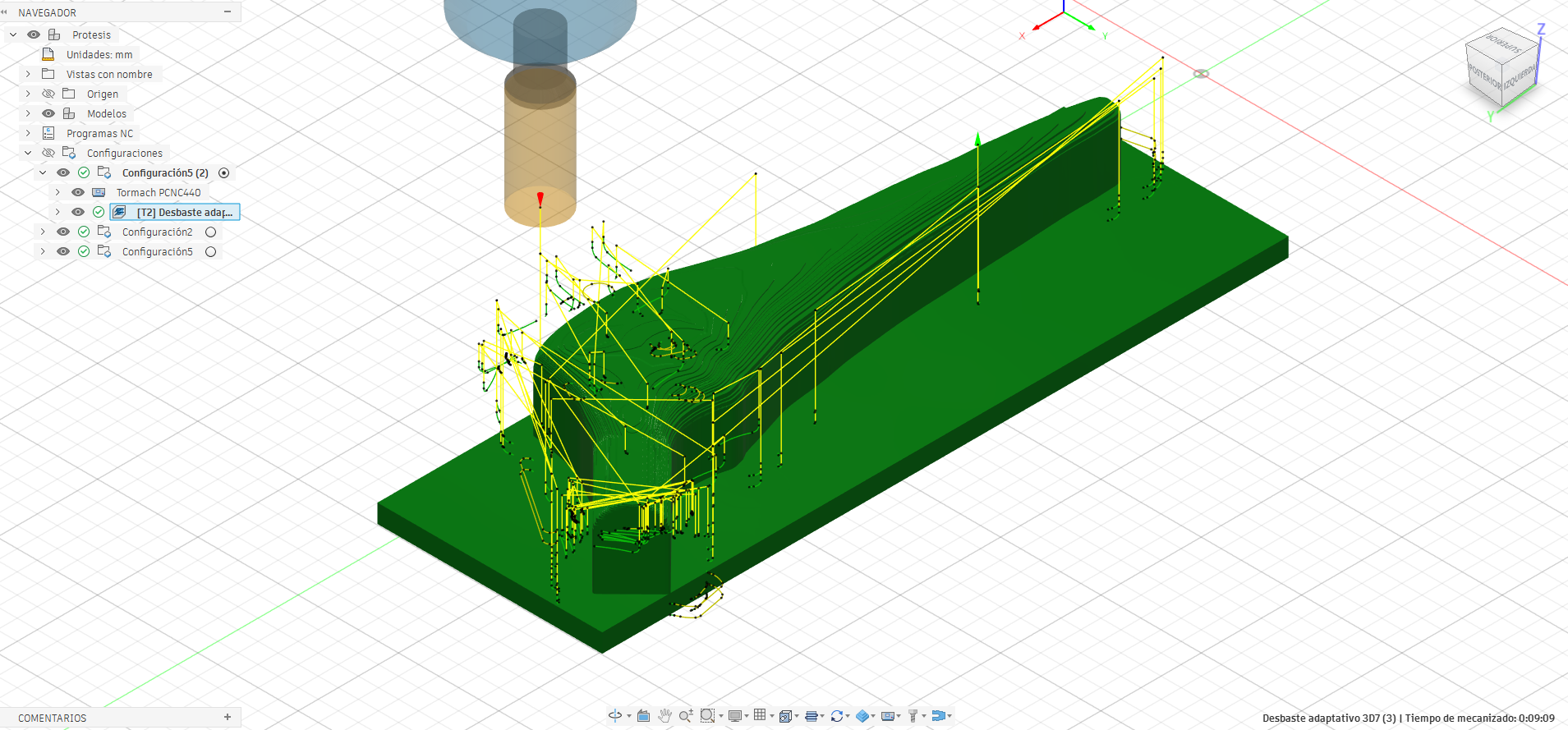
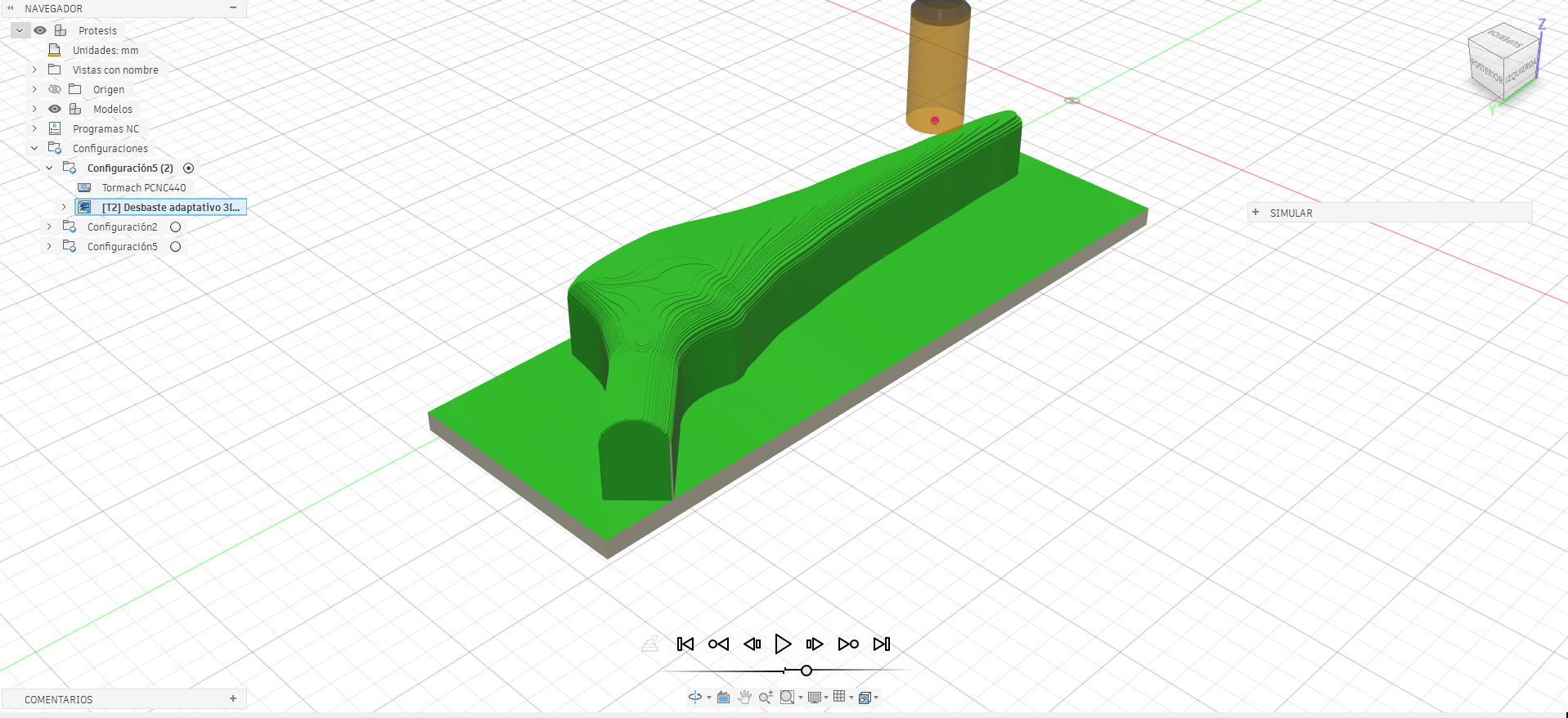
Once we had a clear understanding from the preliminary test, we had to use different orientations of the part to complete the machining.
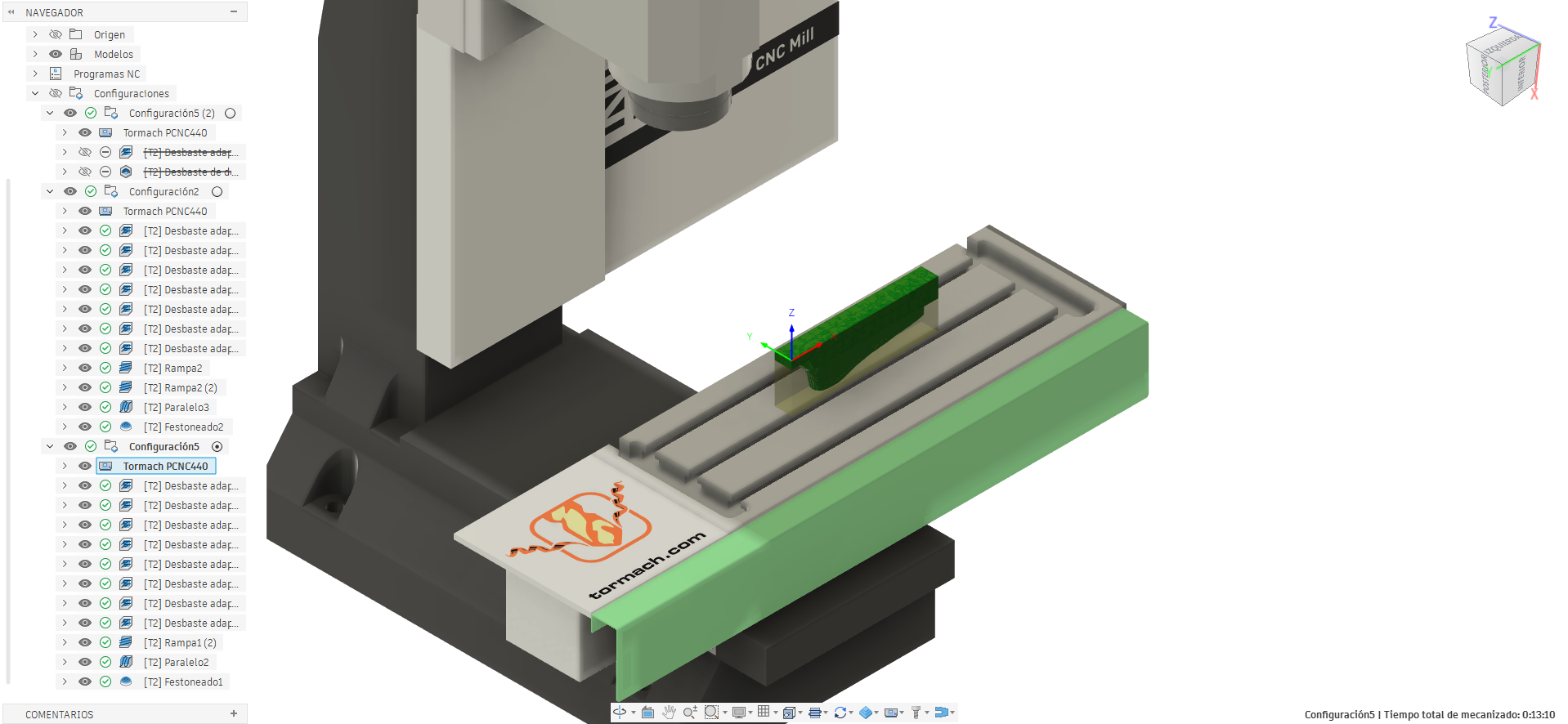
In the first orientation, we used the upper left corner of the material as the point of origin with the intention of removing as much material as possible while maintaining enough material for clamping.
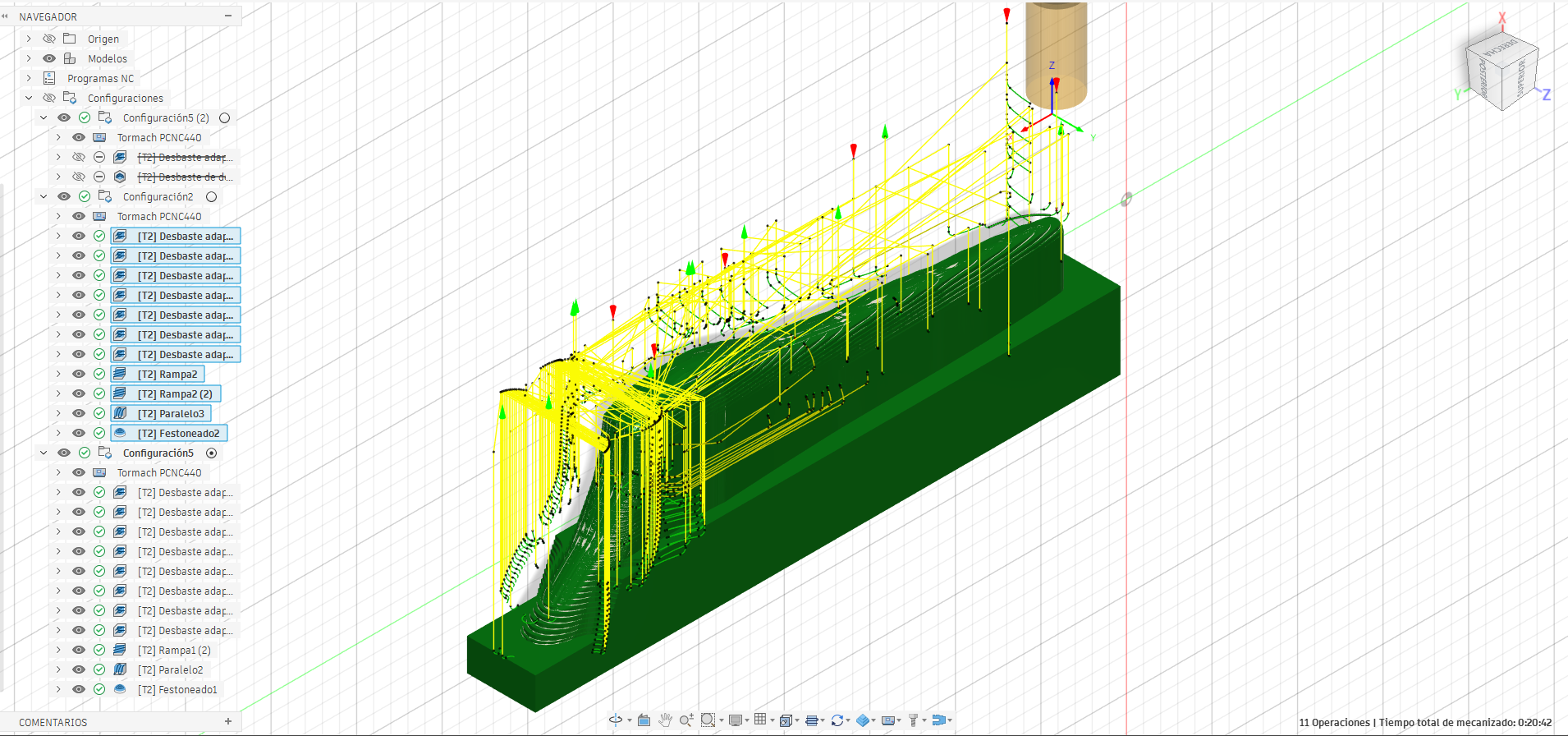
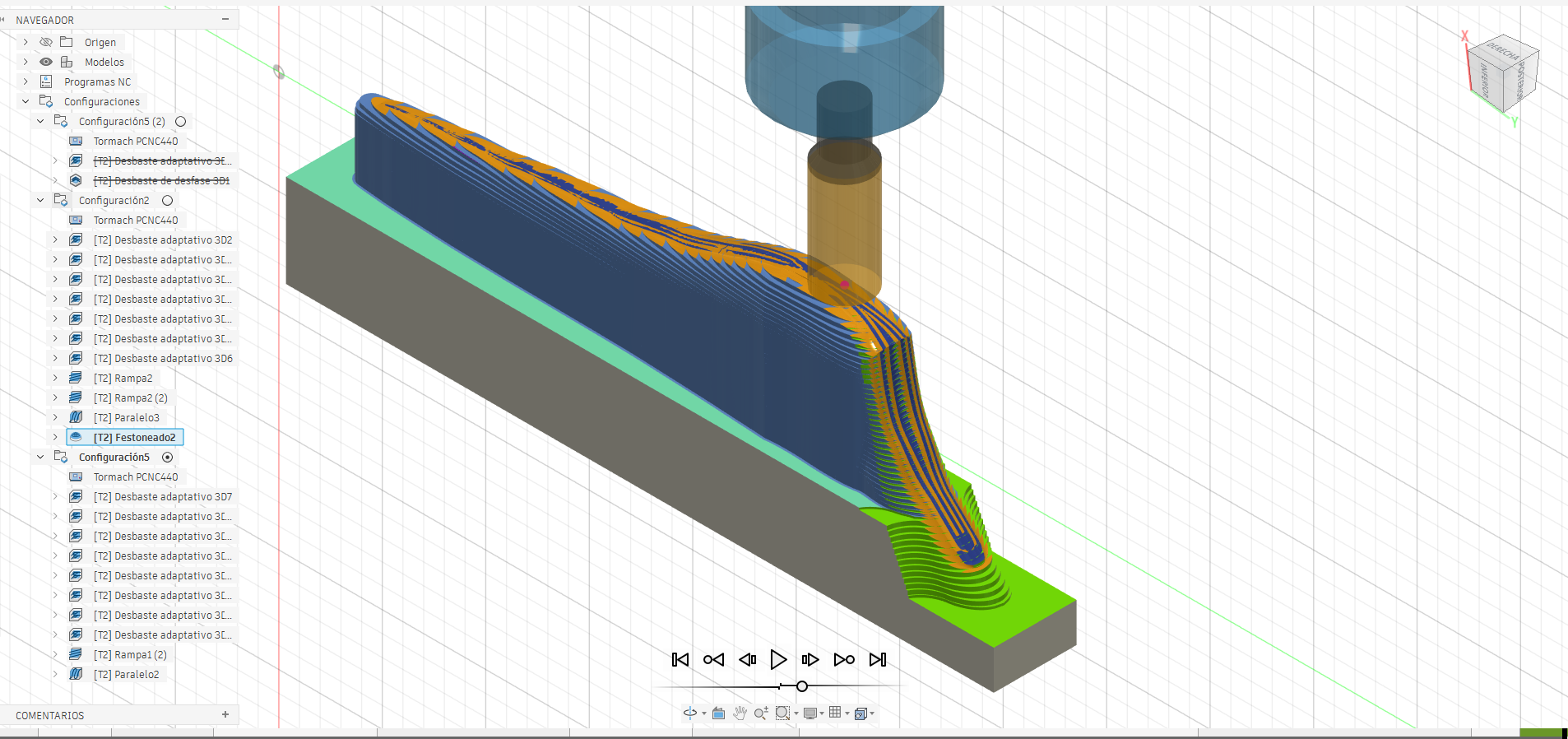
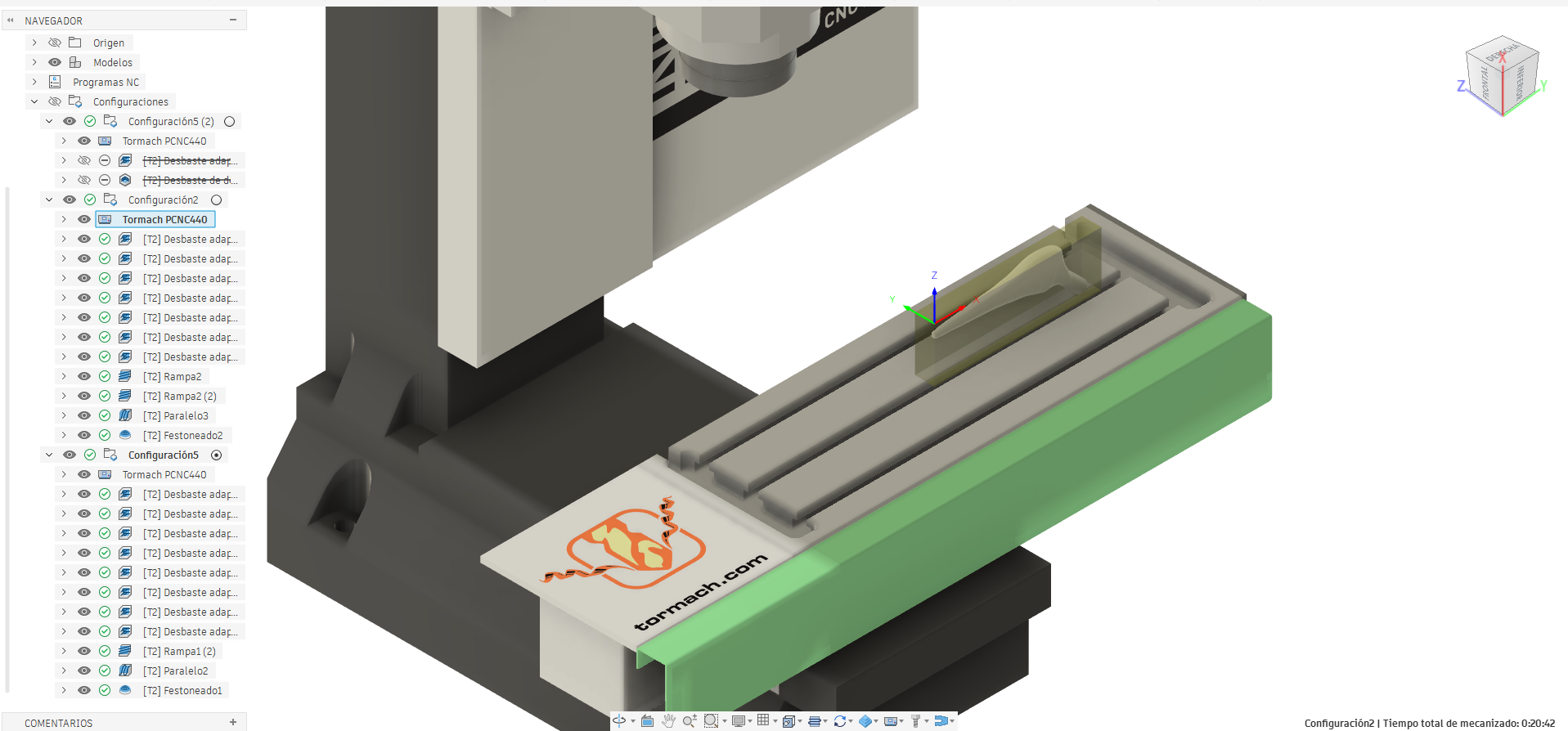
With the material remaining from the first orientation, we reoriented the part using the same corner as the point of origin but in this second configuration we removed the remaining material from the areas that could not be machined previously.
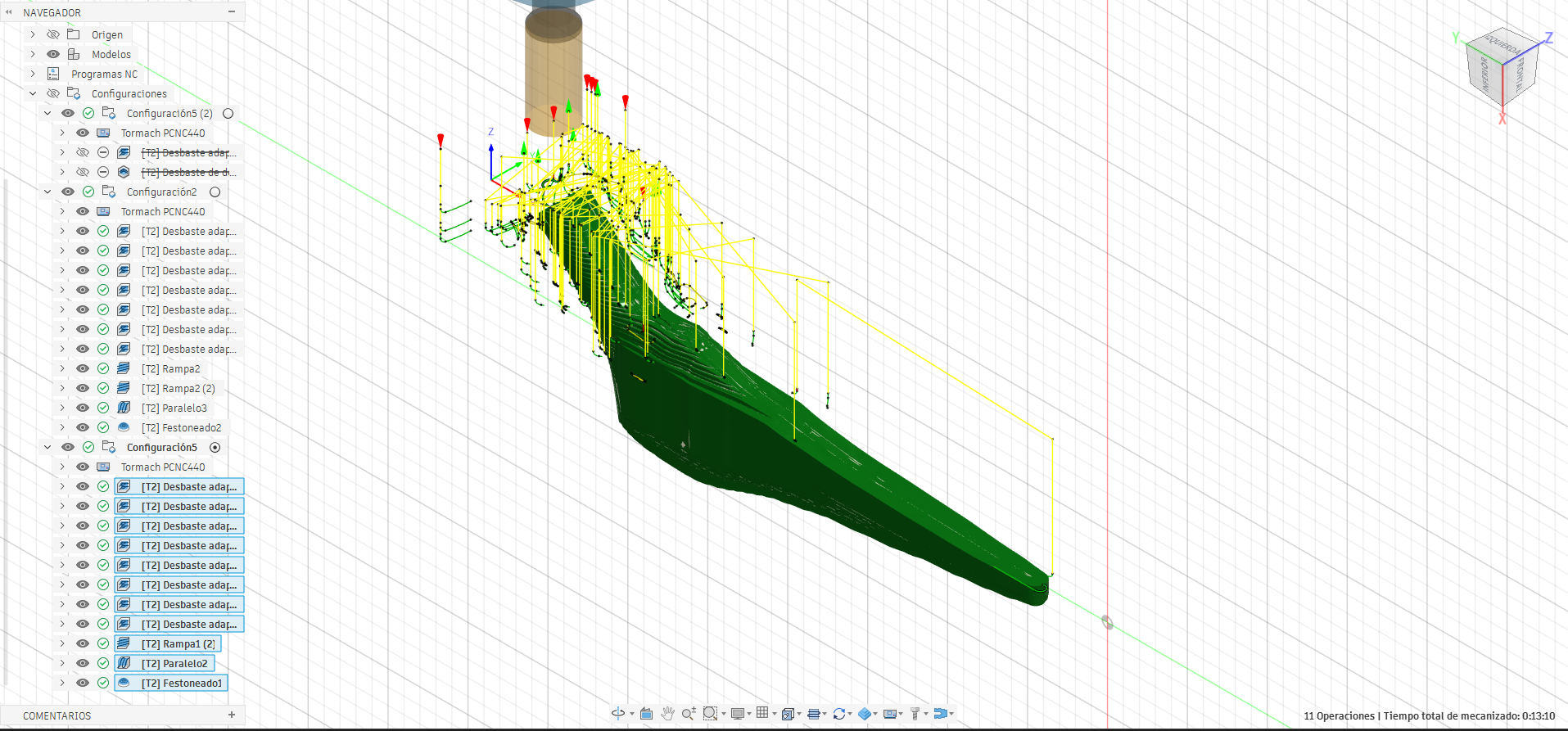
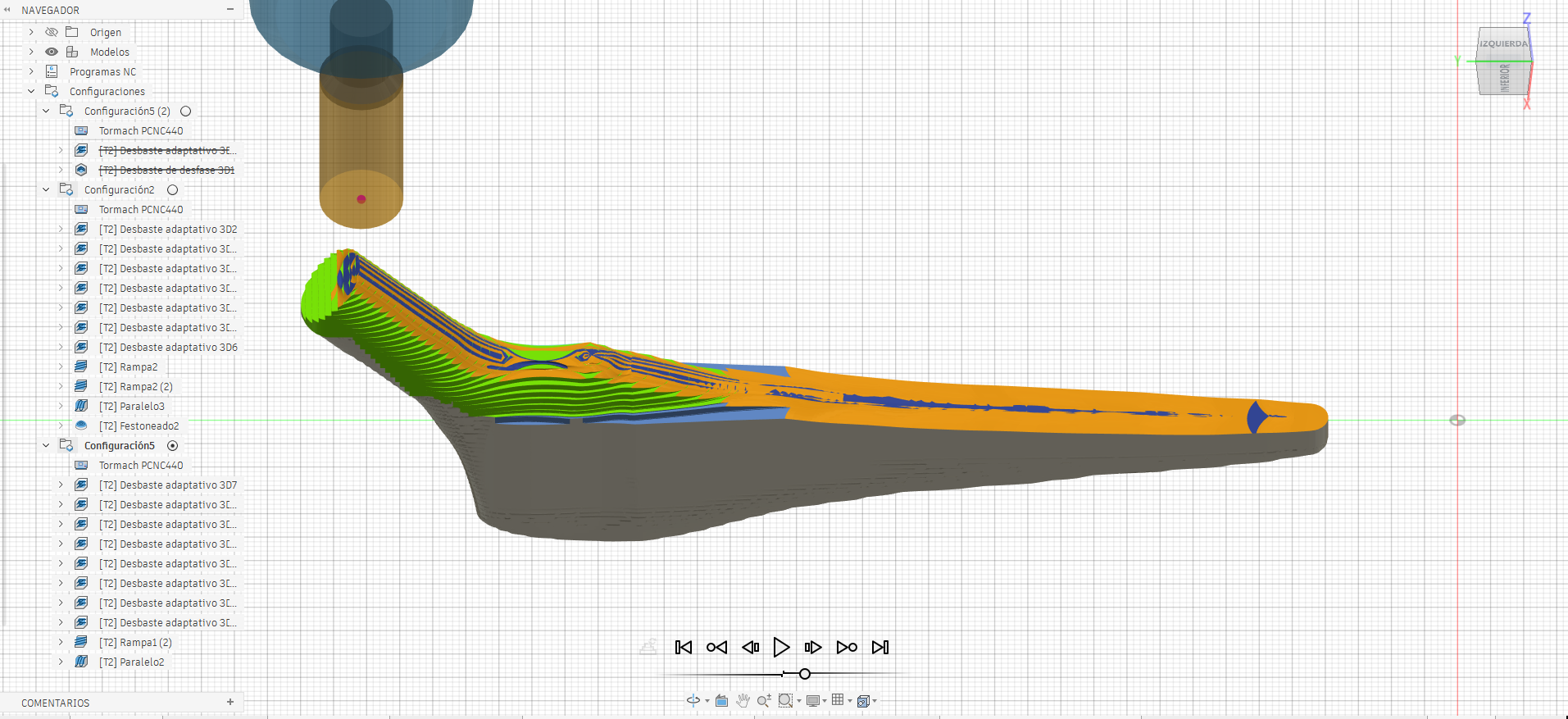
And so we get the machined part,however the strategy used is one of the possible ways to manufacture this geometry on a 3-axis CNC machine.
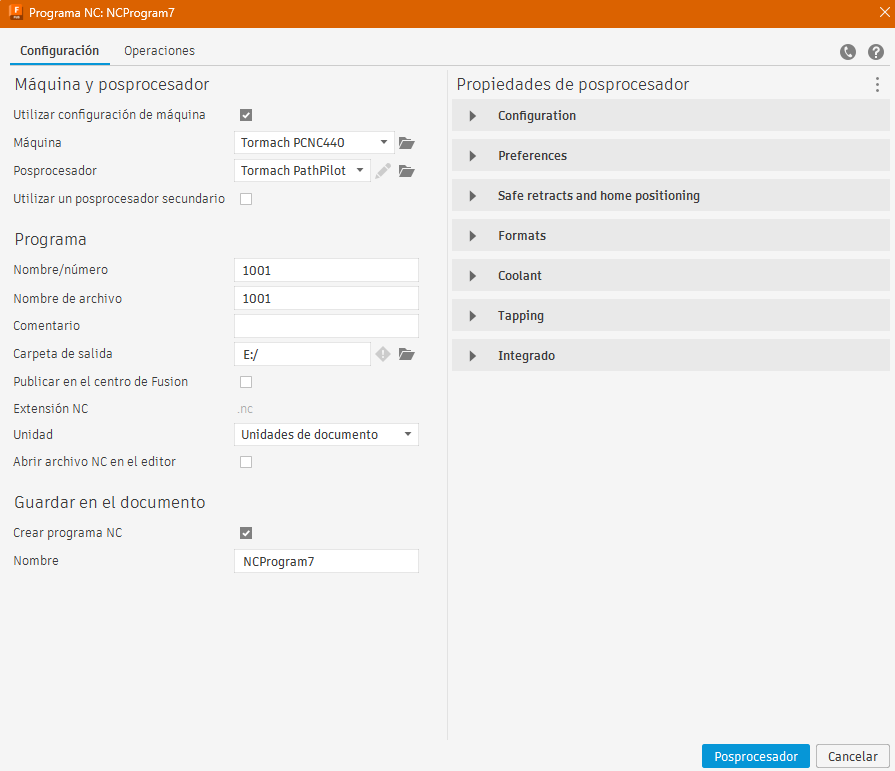
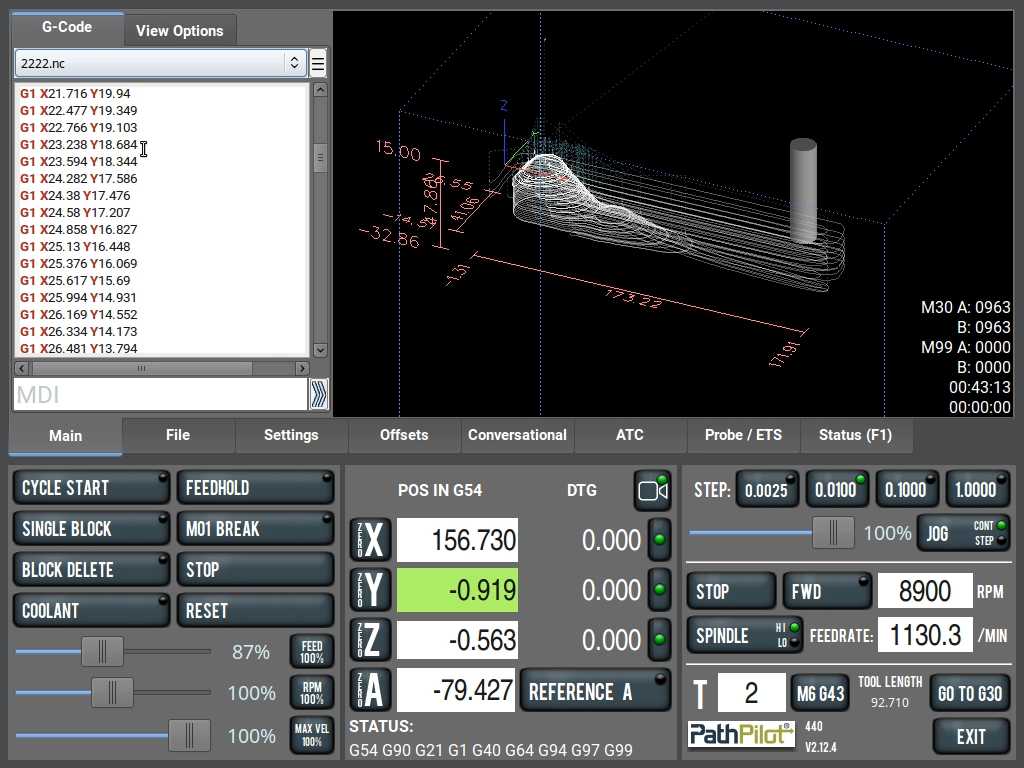
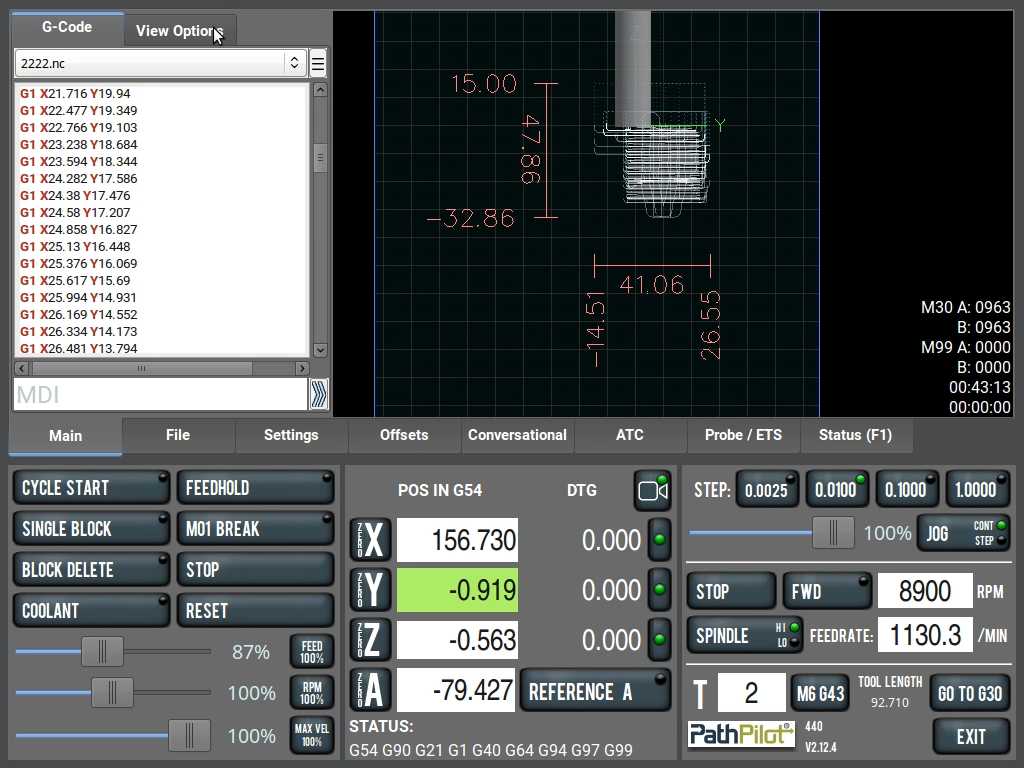
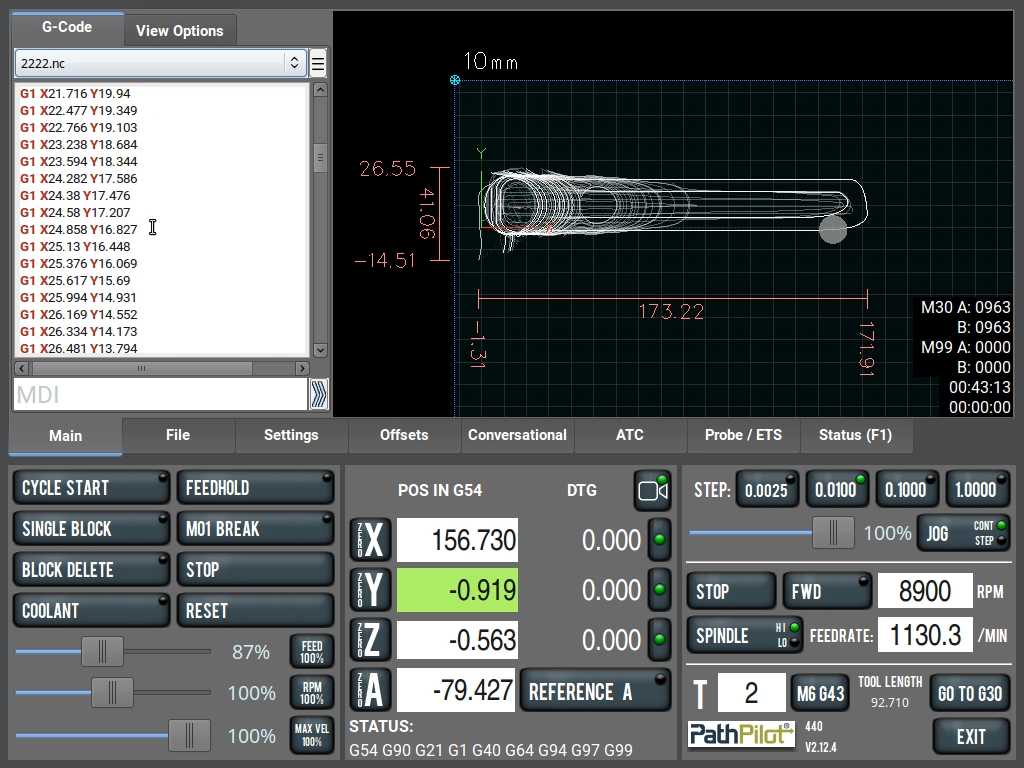
We post-processed the configurations using PathPilot to generate the NC file.
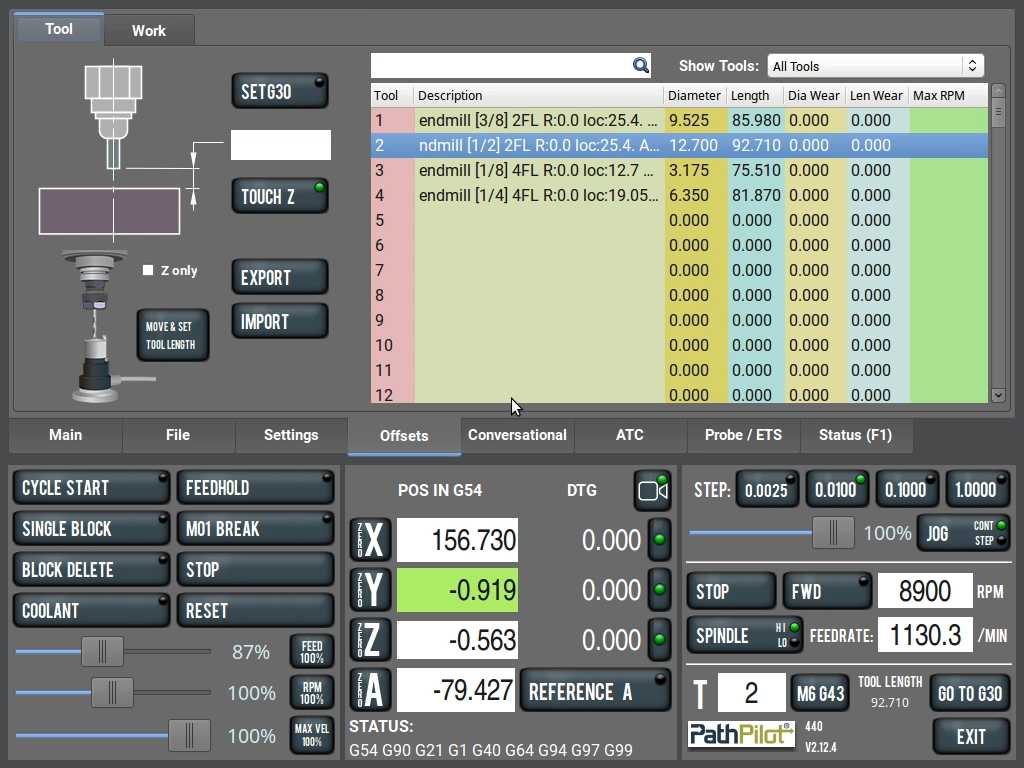
PathPilot
These are the tool configurations in PathPilot used on the Tormach PCNC 440, which served as a reference to maintain the same values.
PathPilot includes conversational operations, and one of the operations we used is facing to make the material surface uniform.
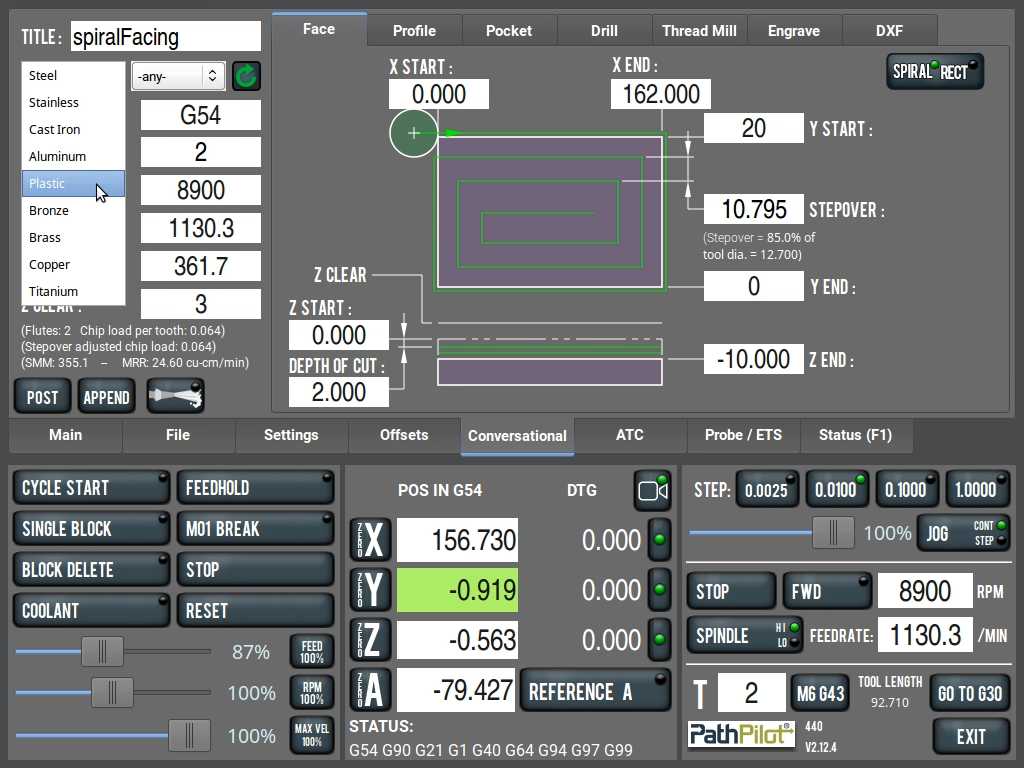
G-code for Setup 1.
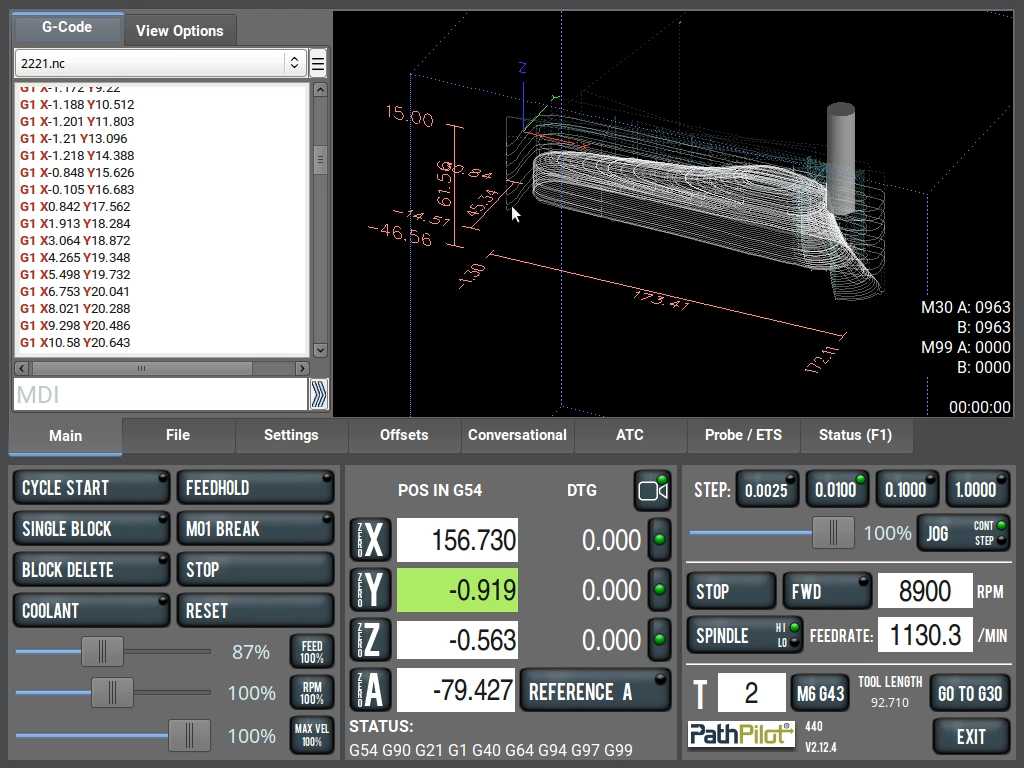
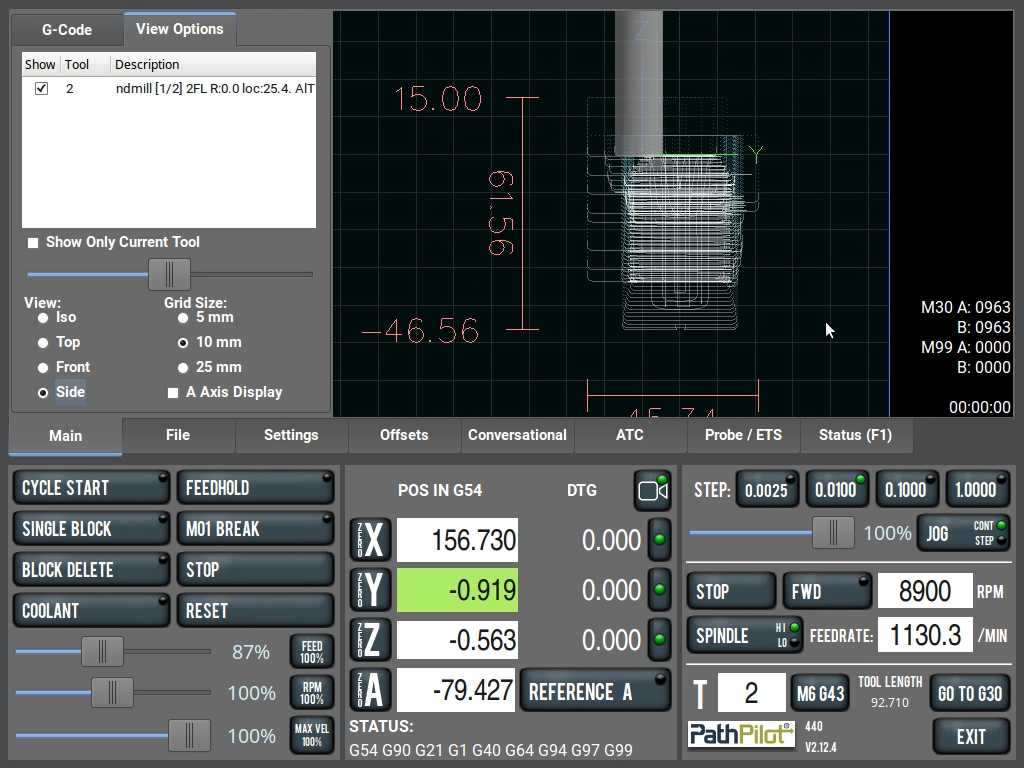
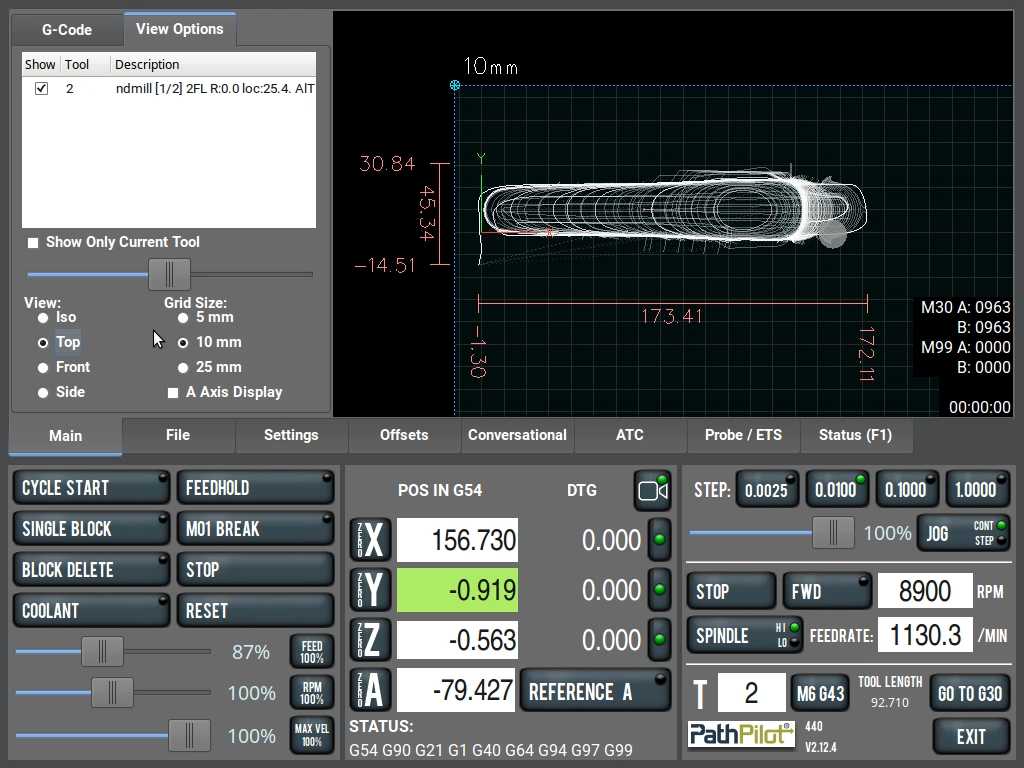
G-code for Setup 2.
CNC Milling
We are ready to start machining.
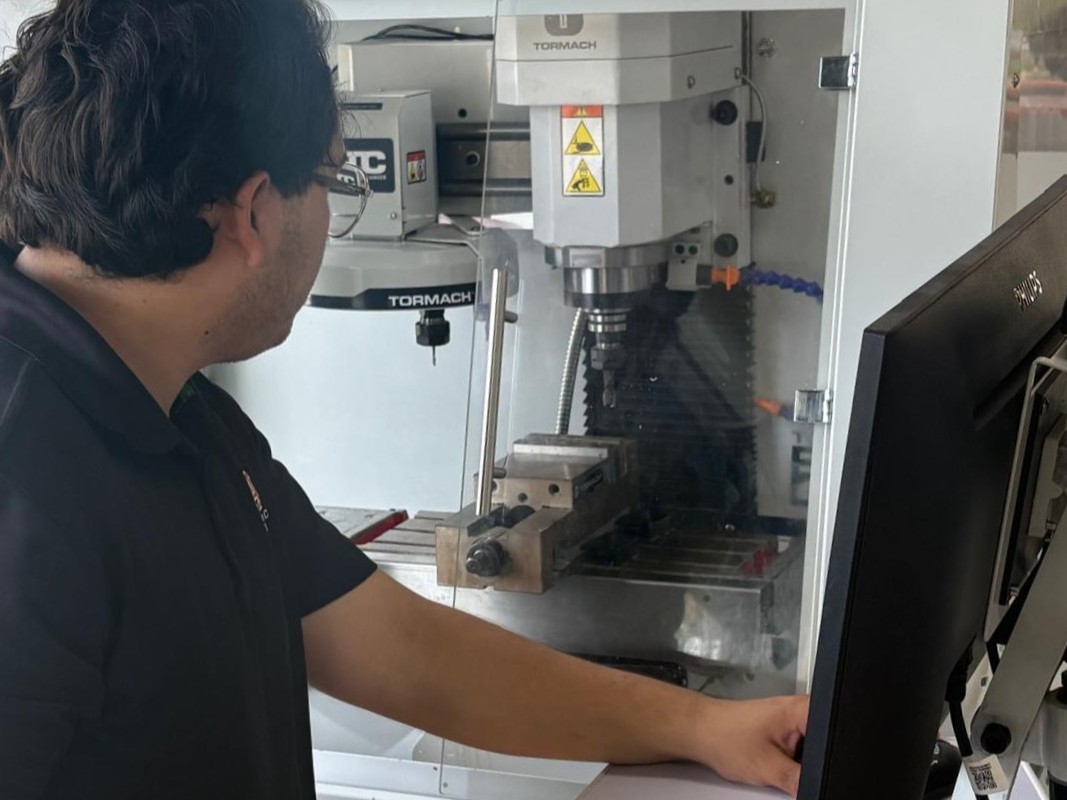
Clamping the material for Setup 0 using FOAMULAR.
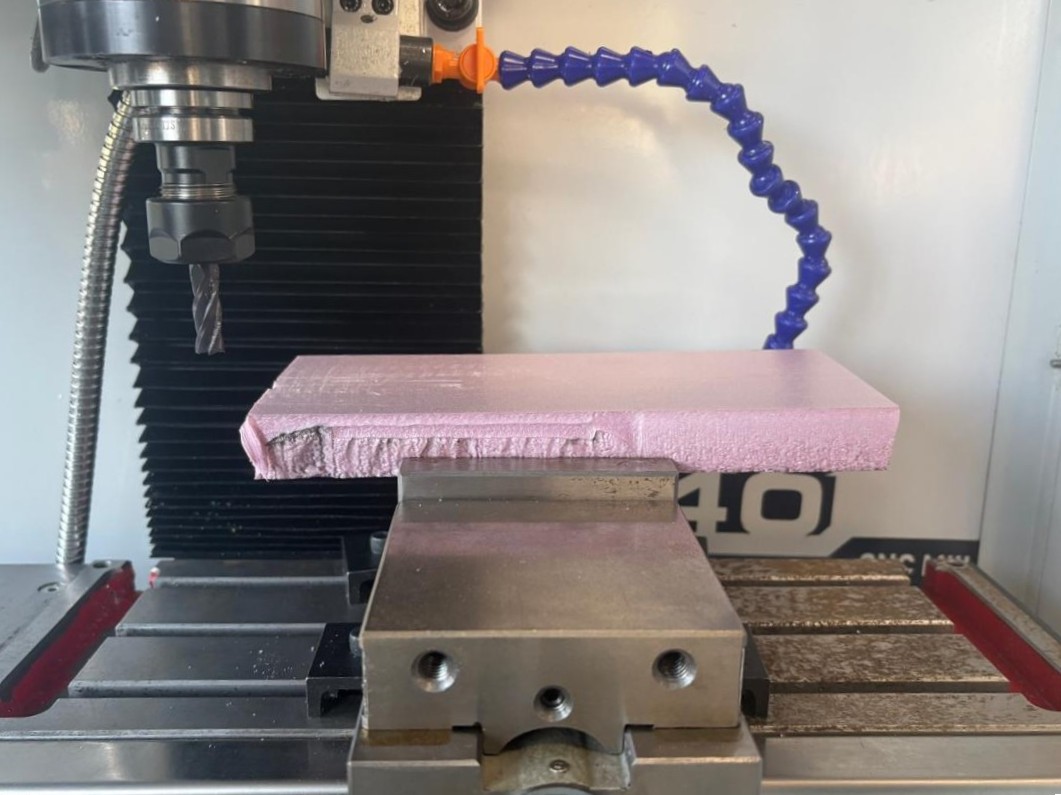
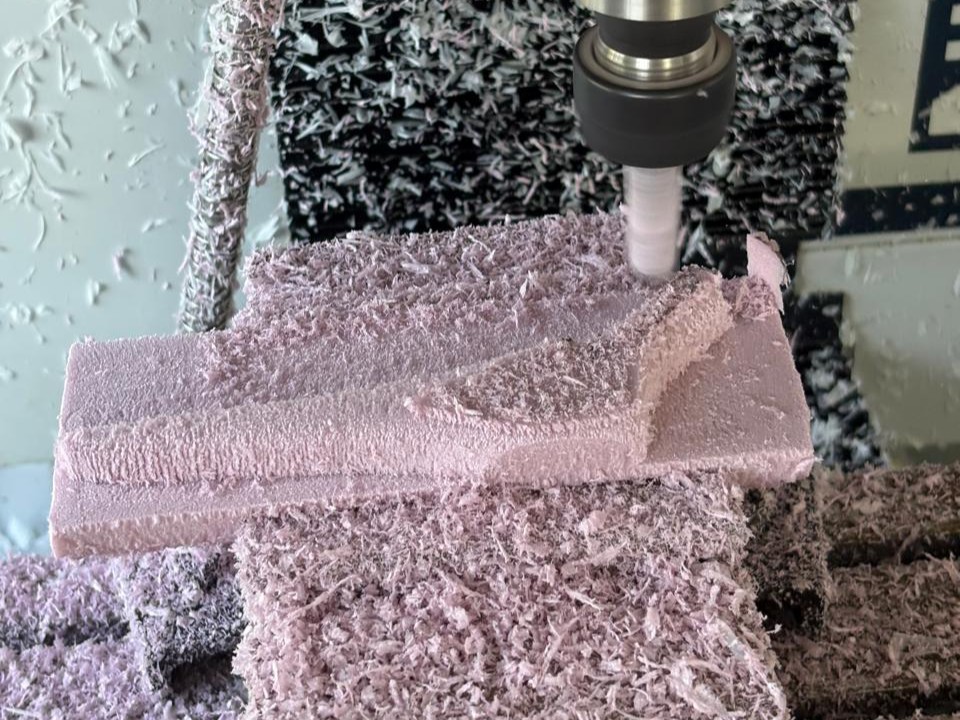
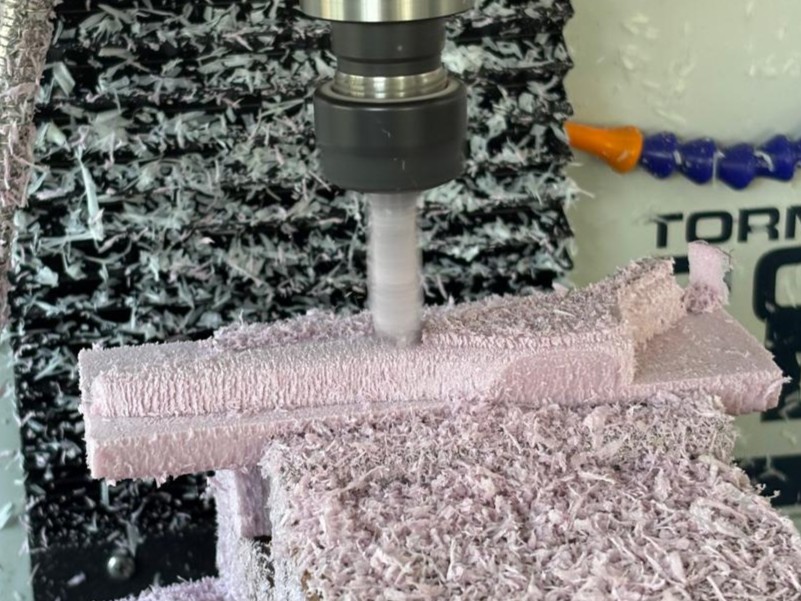
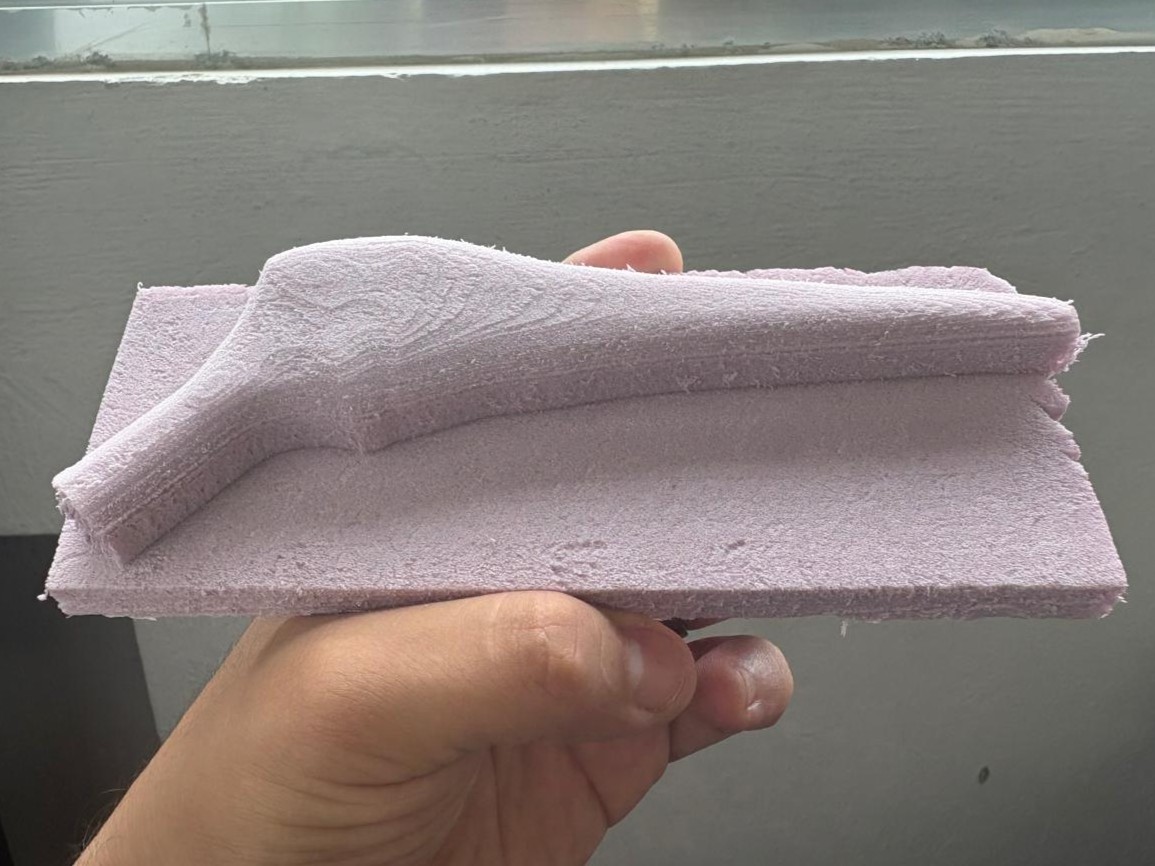
The machining was slightly offset because I did not correctly assign the origin of the workpiece but that is what these tests are for.
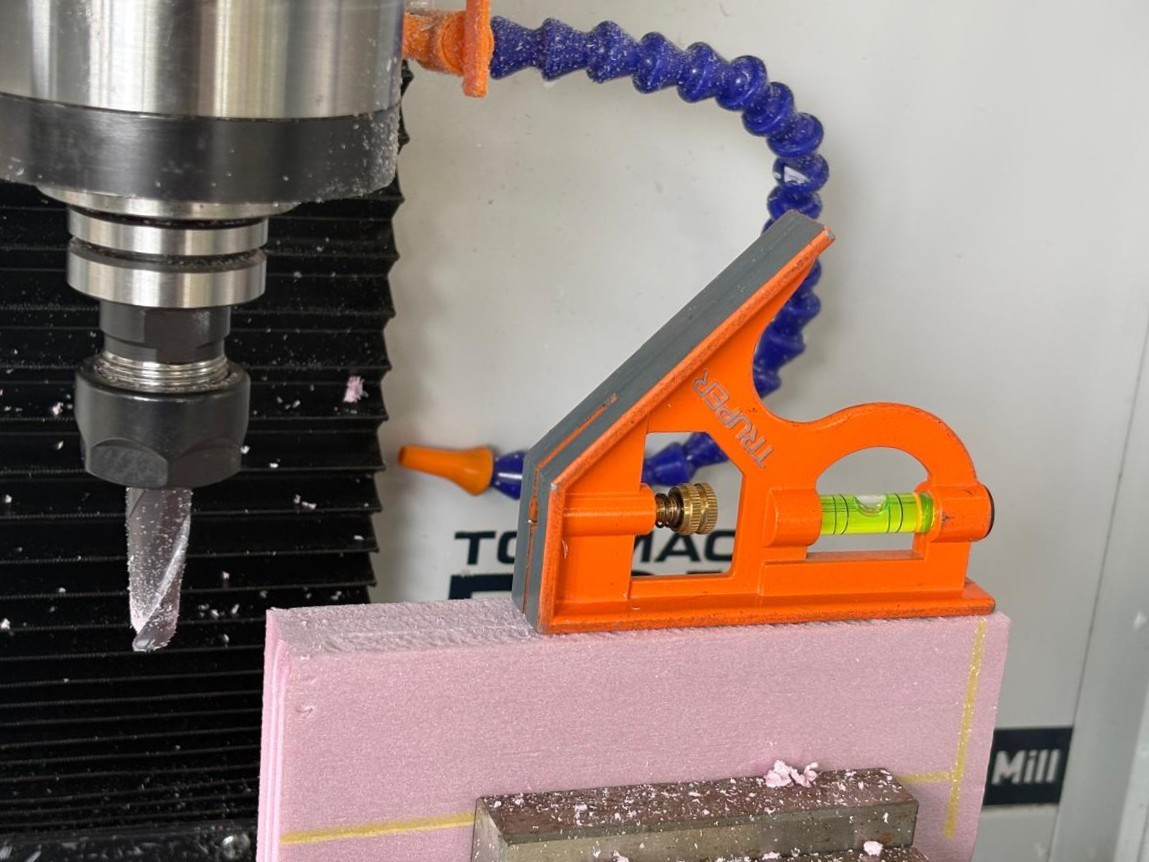
Facing for Setup 1
Machining Setup 1
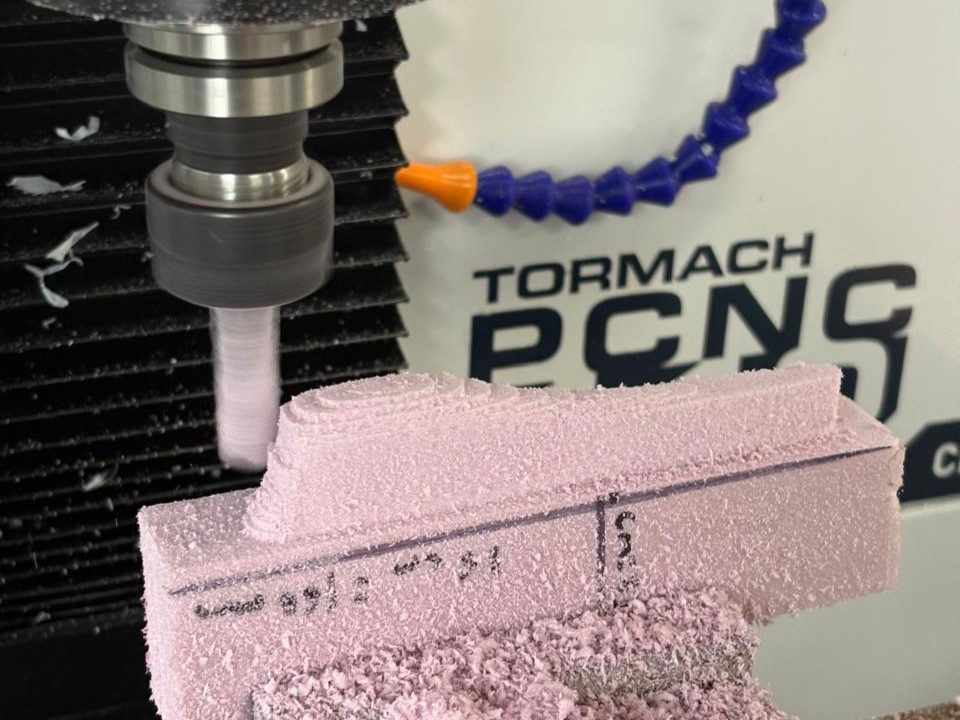
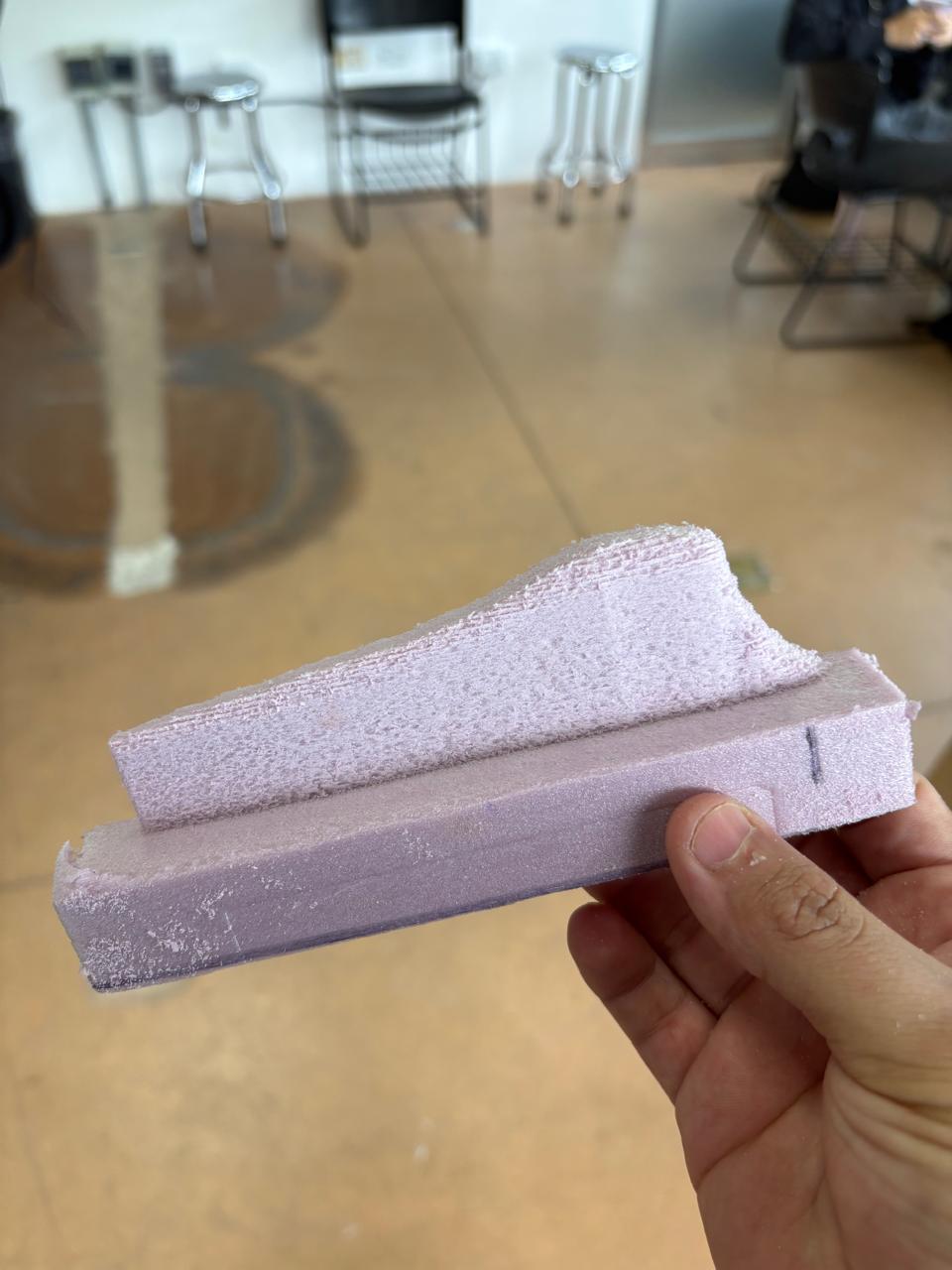
Machining Setup 2
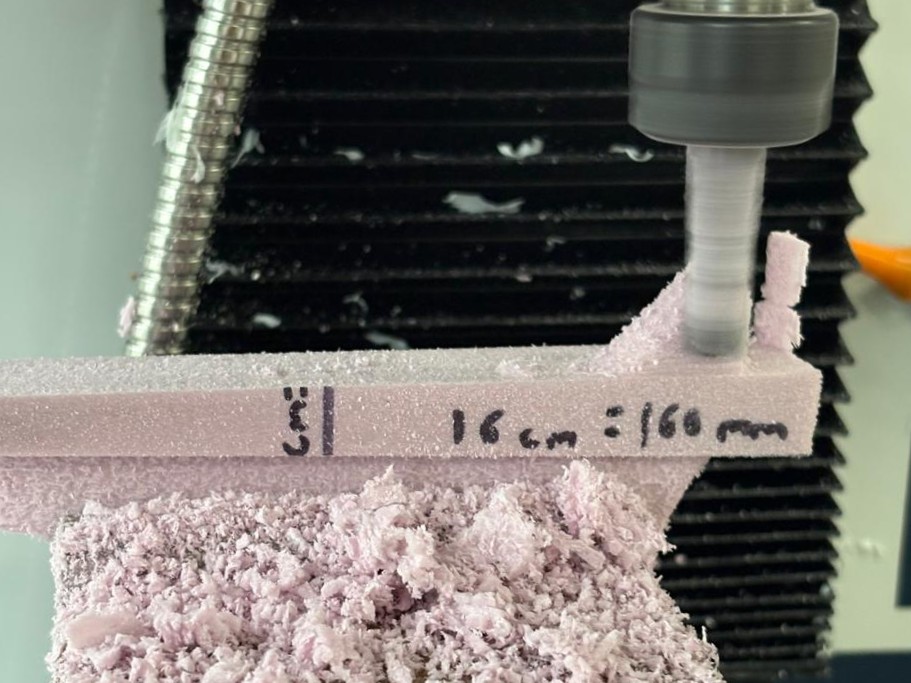
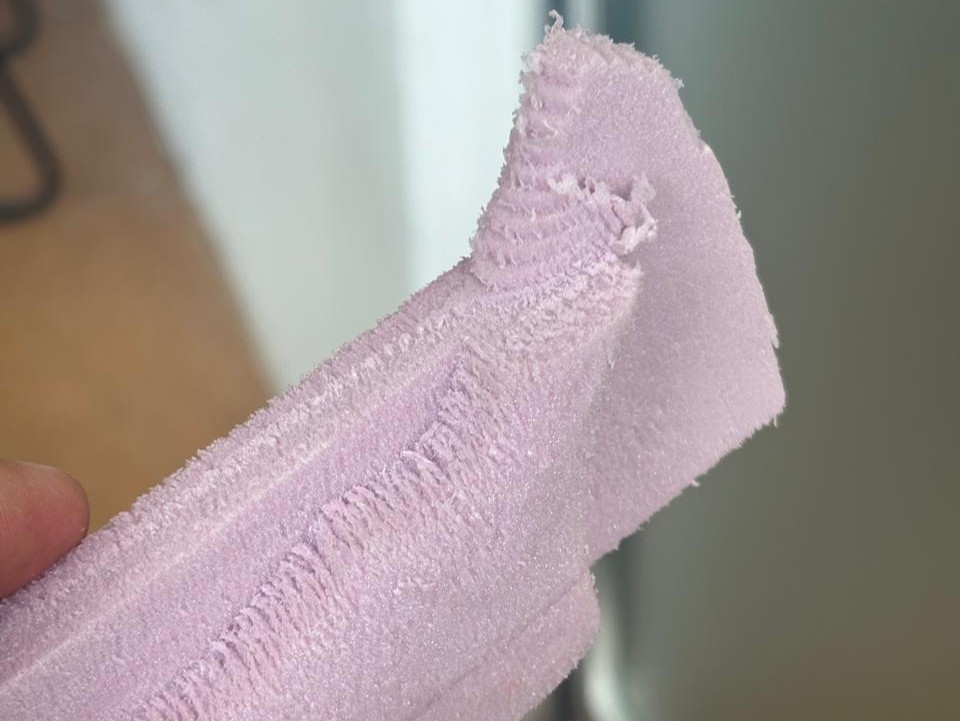
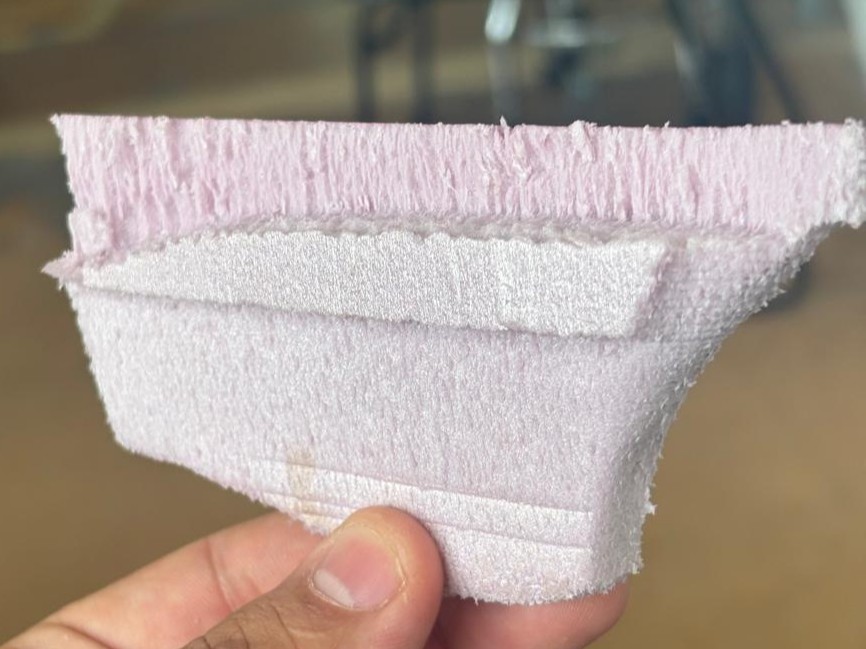
Again, we had an issue with the workpiece origin and some sections of the material also broke during machining.
We tried again with the corrections made but in this case using Delrin.
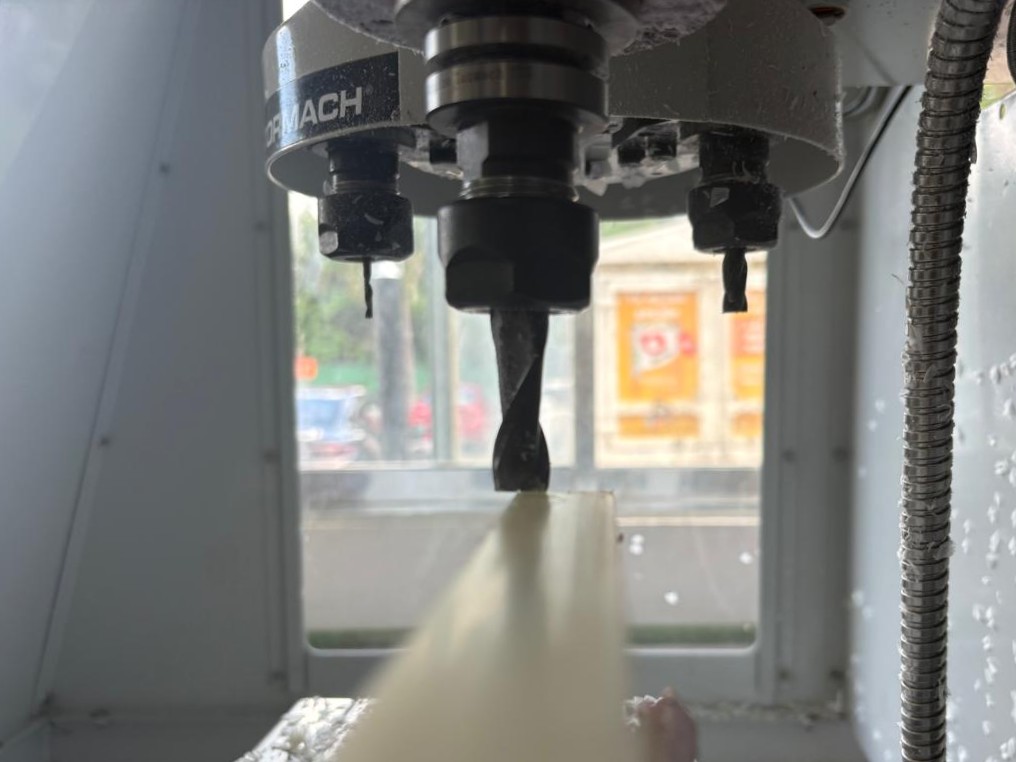
Facing for Setup 1
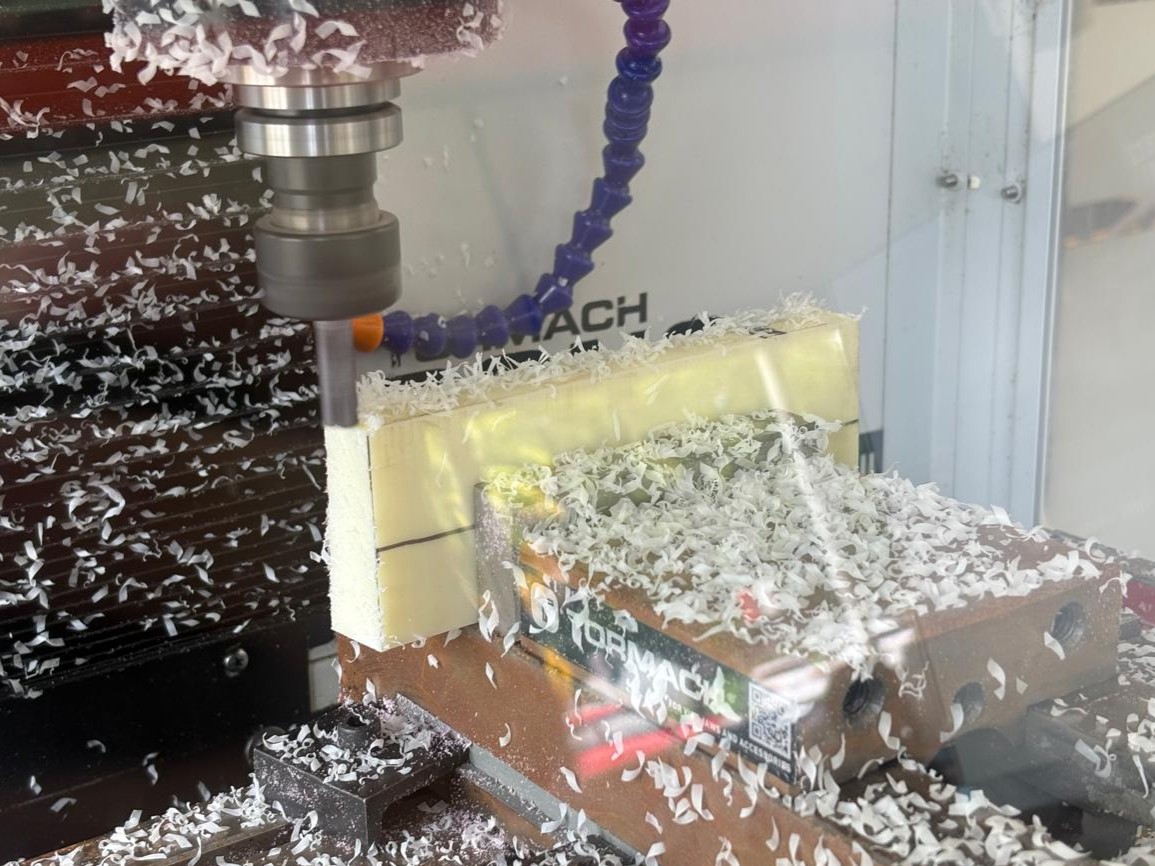
Machining Setup 1
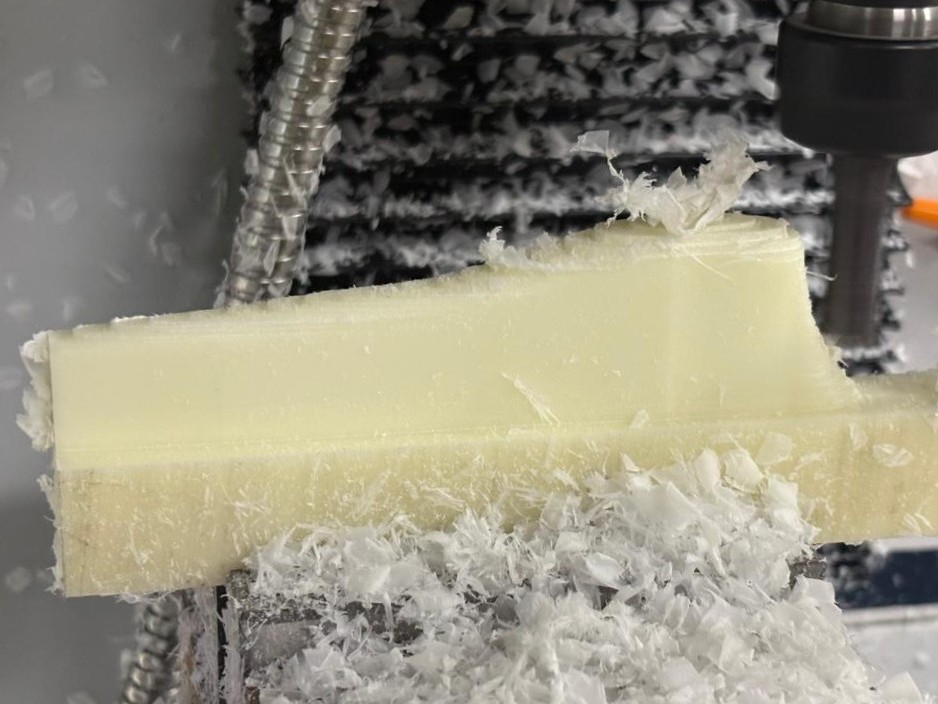
Machining Setup 2
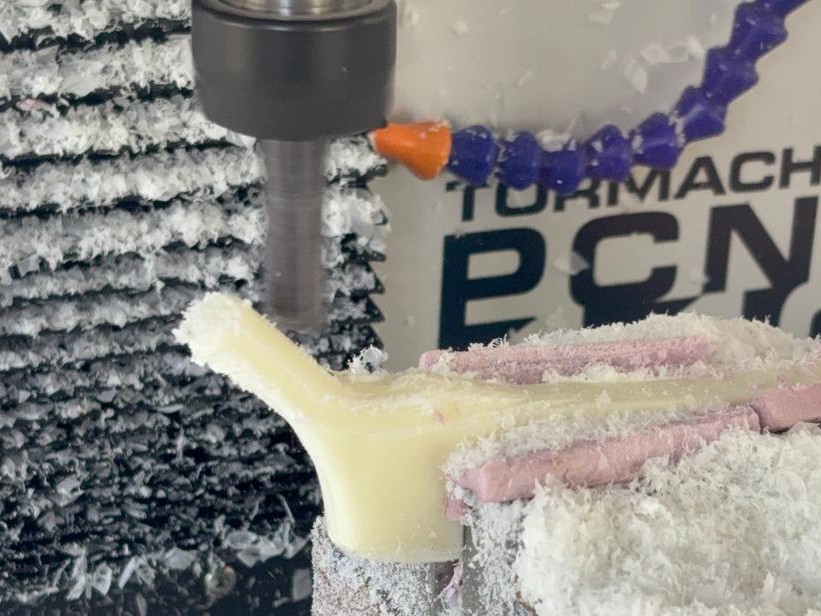
During Setup 2, the thinner areas of the part began to vibrate due to the cutting force and the type of cutter used in those sections. So I had to strategically adjust the clamping and decrease the amount of material removed in each pass.
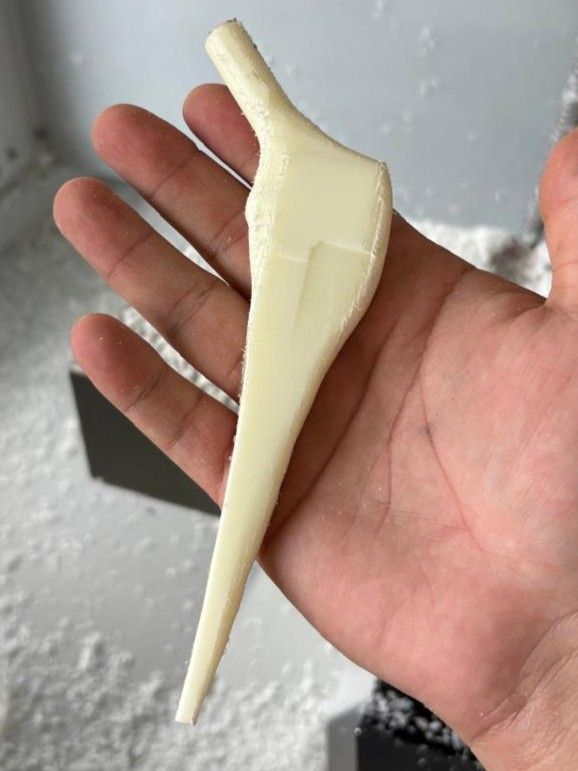
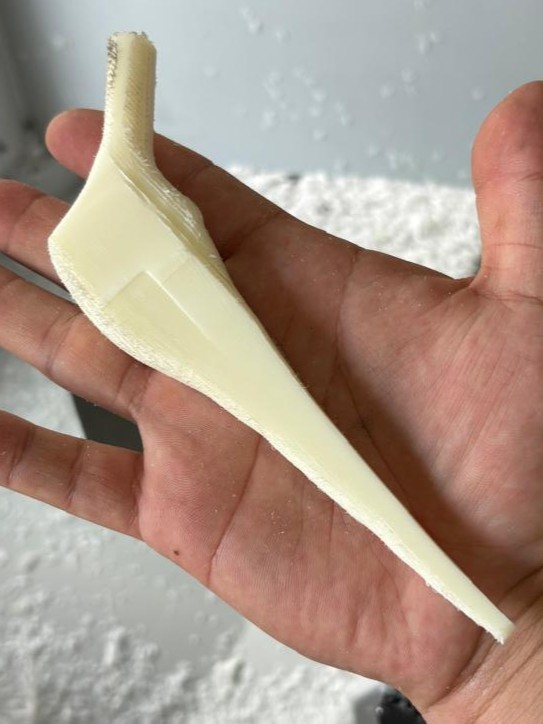
We improved the finish and applied paint...