10. Output devices
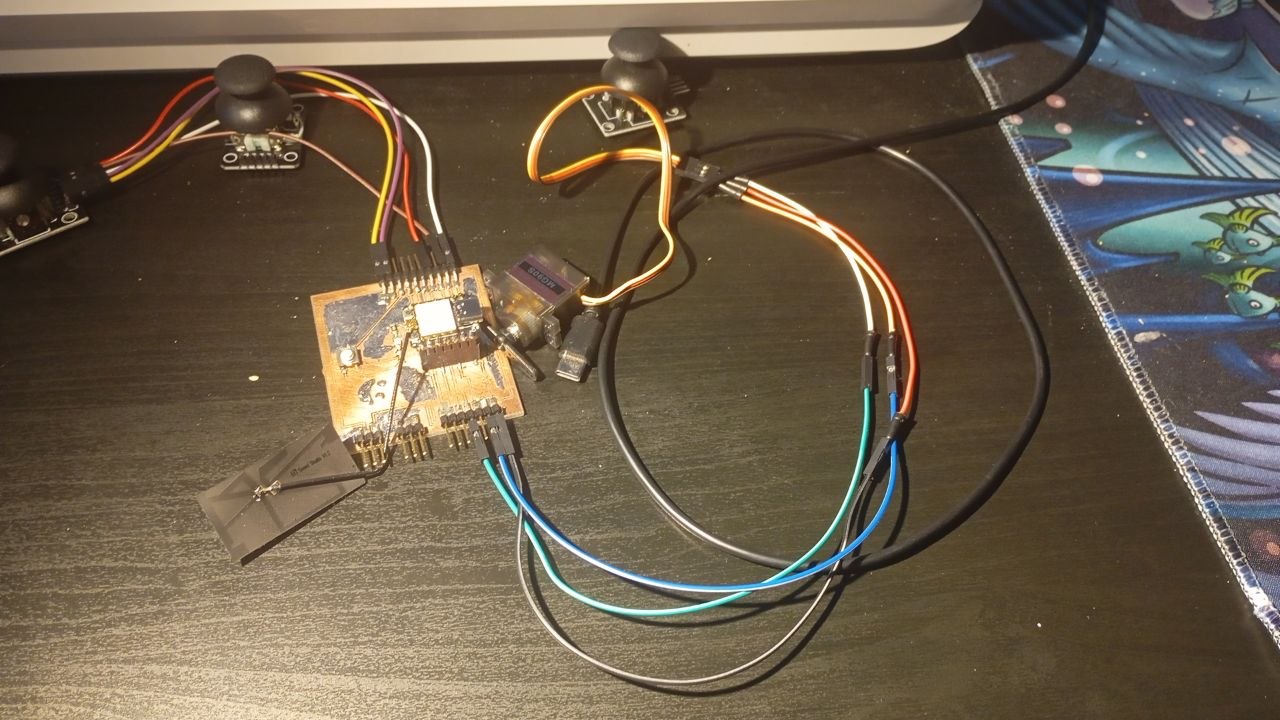
This week I used a servo as my output device because I will have to learn how to use them for my final project.
This week I will focus on output devices, something like speakers, video systems, servo motors, and displays. I used my own board for that. Here you can read about my PCB DESIGN and here you can read about its production PCB PRODUCTION.
Group Assignment
In the group assignment, we attempted to measure the power consumption of an OLED display using four power meters.
Individual Assignment
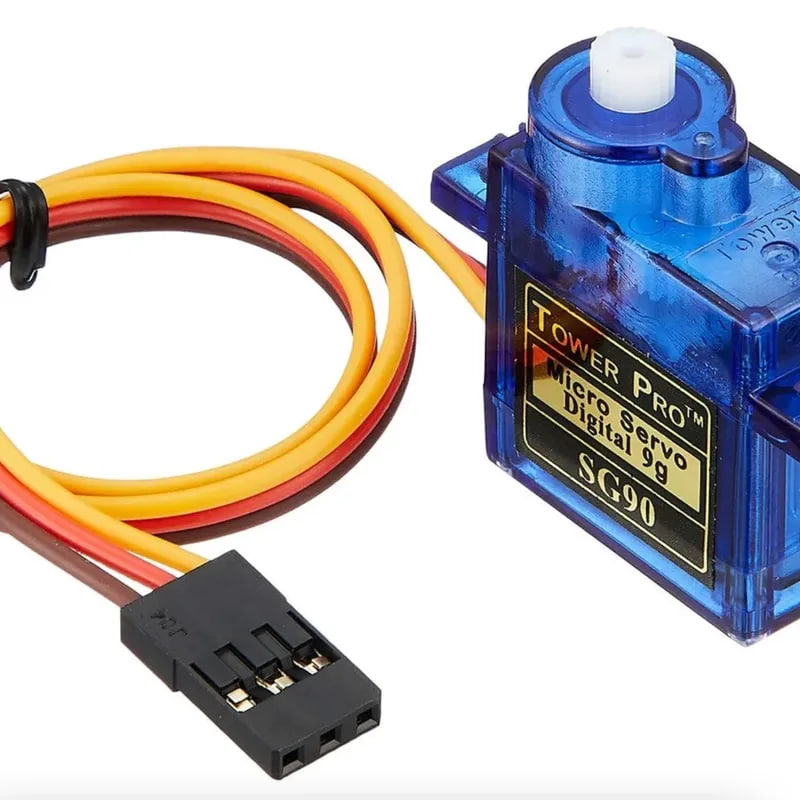 Servo motors are precision-engineered devices designed to deliver accurate control over position, speed, and acceleration. They utilize advanced feedback systems, which set them apart from other motor types like stepper and DC motors. Unlike these alternatives, servo motors excel in complex motion tasks, thanks to their dynamic feedback loops that ensure high accuracy.
For my individual assignment, I used a servo motor.
So I used this code to connect it.
I connected it to the 10th port.
This is some code ChatGPT generated with this prompt: “Generate an example code for a servo on a Seeed Studio XIAO ESP-32_C2.”
#include <ESP32Servo.h>

Servo myservo;

int servoPin = 10;  // D10 = GPIO10 on XIAO ESP32-C3
int pos = 0;

void setup() {
  // Allocate timers (required for ESP32)
  ESP32PWM::allocateTimer(0);
  ESP32PWM::allocateTimer(1);
  ESP32PWM::allocateTimer(2);
  ESP32PWM::allocateTimer(3);

  myservo.setPeriodHertz(50);              // standard servo frequency
  myservo.attach(servoPin, 1000, 2000);   // attach to GPIO10
}

void loop() {
  // Sweep from 0 to 180
  for (pos = 0; pos <= 180; pos++) {
    myservo.write(pos);
    delay(5);
  }

  // Sweep back from 180 to 0
  for (pos = 180; pos >= 0; pos--) {
    myservo.write(pos);
    delay(15);
  }
}
So the servo starts at 0 degrees, and in the main loop it just keeps going step by step up to 180. Each little move has this 15-millisecond pause; I think that’s what makes it look smooth instead of jerky. I tried using the 1 ms and anything less than 5 ms but it just felt too fast so 5-15 for me is the ideal range.
Connected it to the ESP32, and it runs perfectly connected to the ports.
Connected the brown to the ground, the red to the 5V, and the input to the D10.