Fab Academy – What I've been doing
A short overview of what I've been working on each week.
1 – Project management
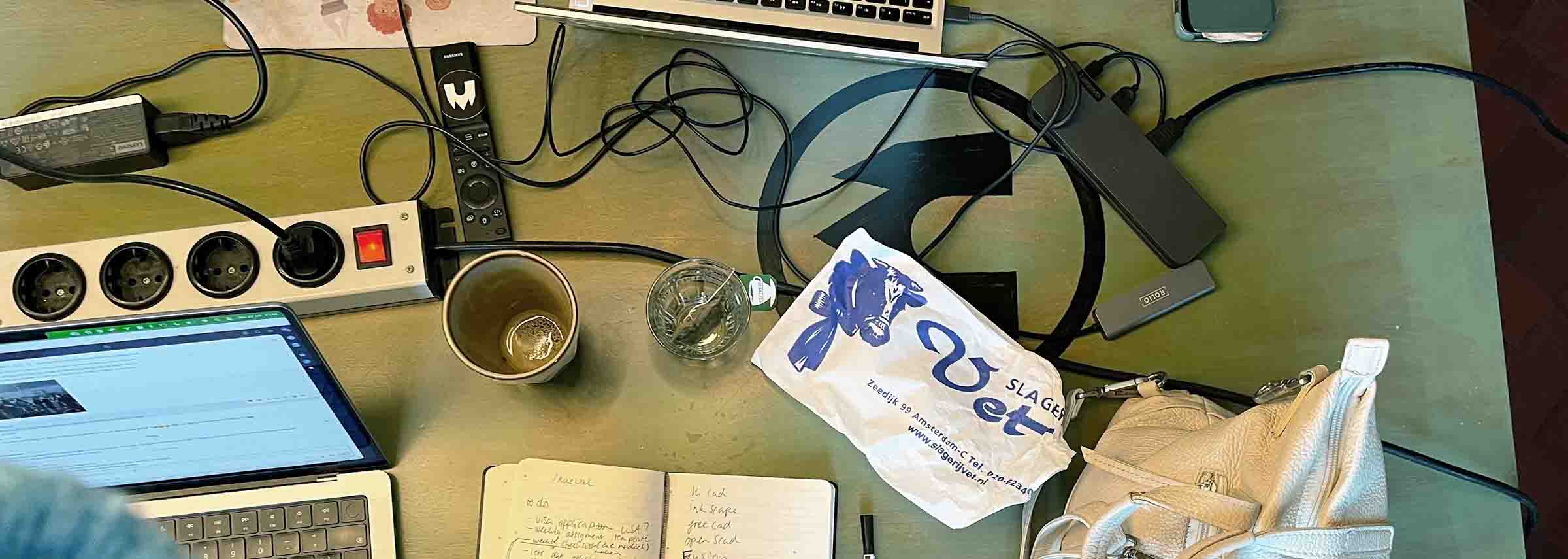
To kick off Fab Academy I set up this website, configured the deployment pipeline and started shaping the documentation workflow I’ll use throughout the course. Most of the week went into getting a practical setup in place that lets me quickly write, test and publish work without overthinking the design too early.
2 – Computer-aided design
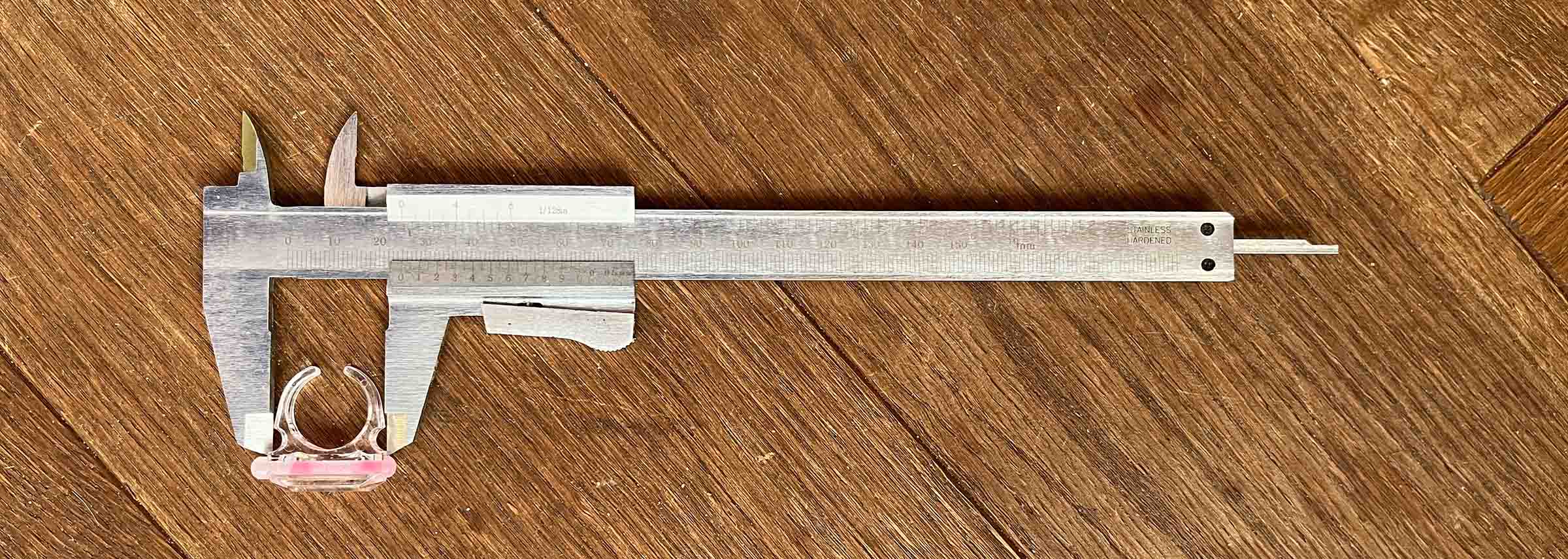
To get comfortable with digital design tools, I recreated a toy glow-stick ring. After measuring the original object, I rebuilt it in several design programs to see how each tool handles shapes and dimensions.
3 – Computer-controlled cutting
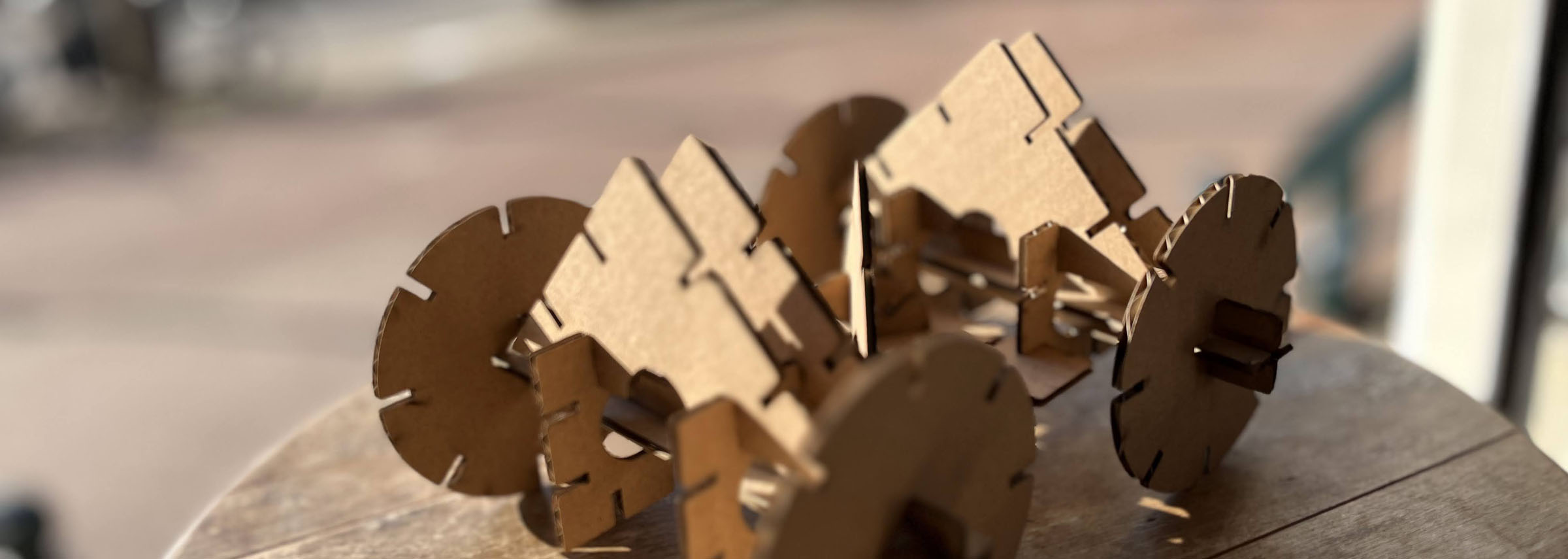
Using the laser cutter for the first time meant experimenting with different settings and materials. After a series of test cuts, I designed and produced a small construction kit from cardboard where the pieces snap together.
4 – Embedded programming
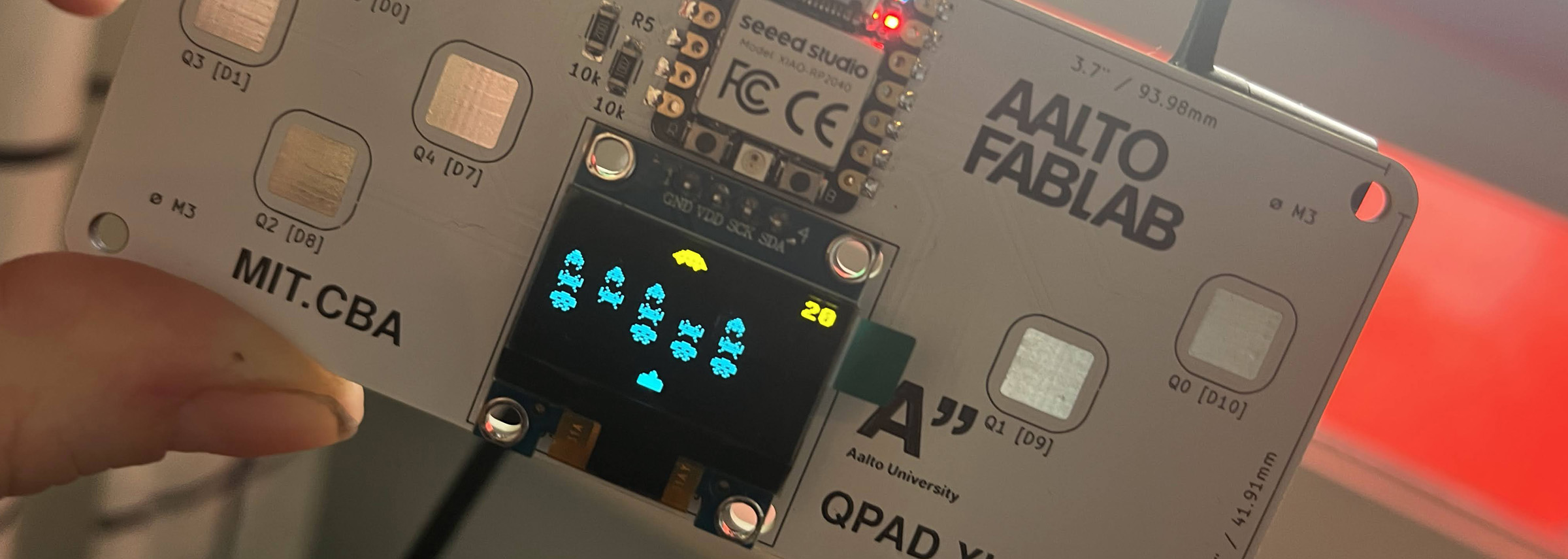
This part of the course introduced programming small electronic boards. I wrote programs that display graphics on a tiny screen and experimented with simple retro-style game ideas.
5 – 3D scanning and printing
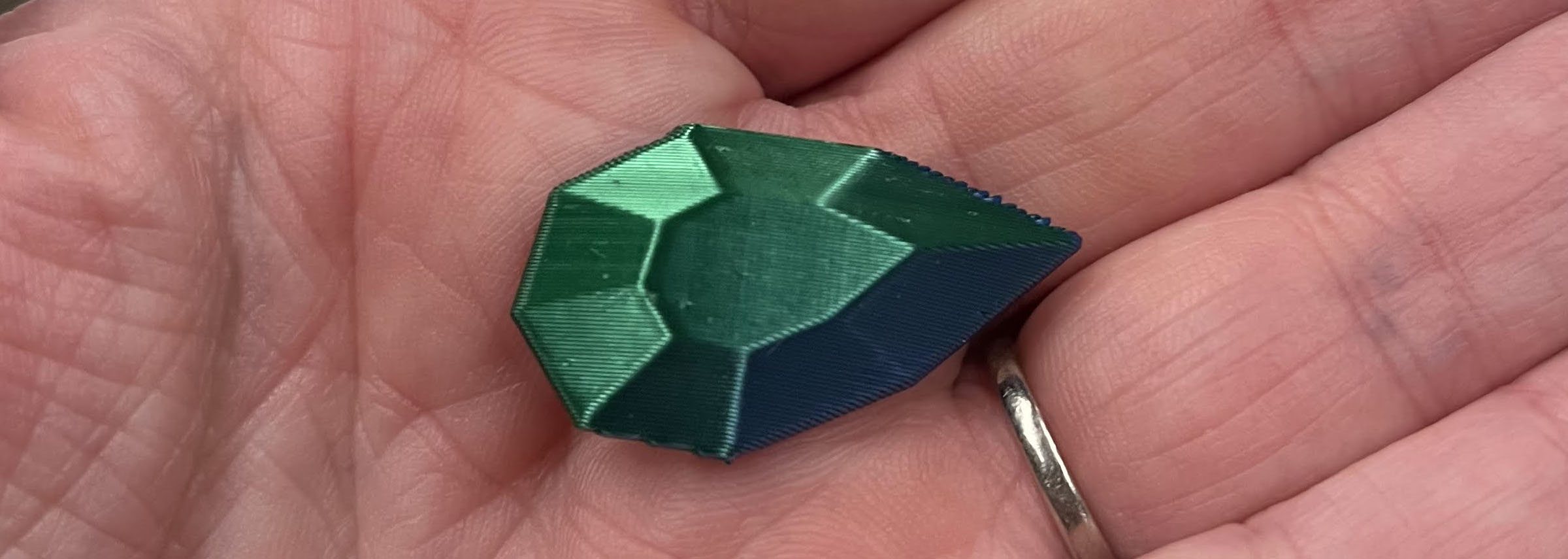
To understand how 3D printers behave, I designed and printed several test objects. Comparing the results helped reveal what shapes print well and which ones cause problems.
6 – Electronics design
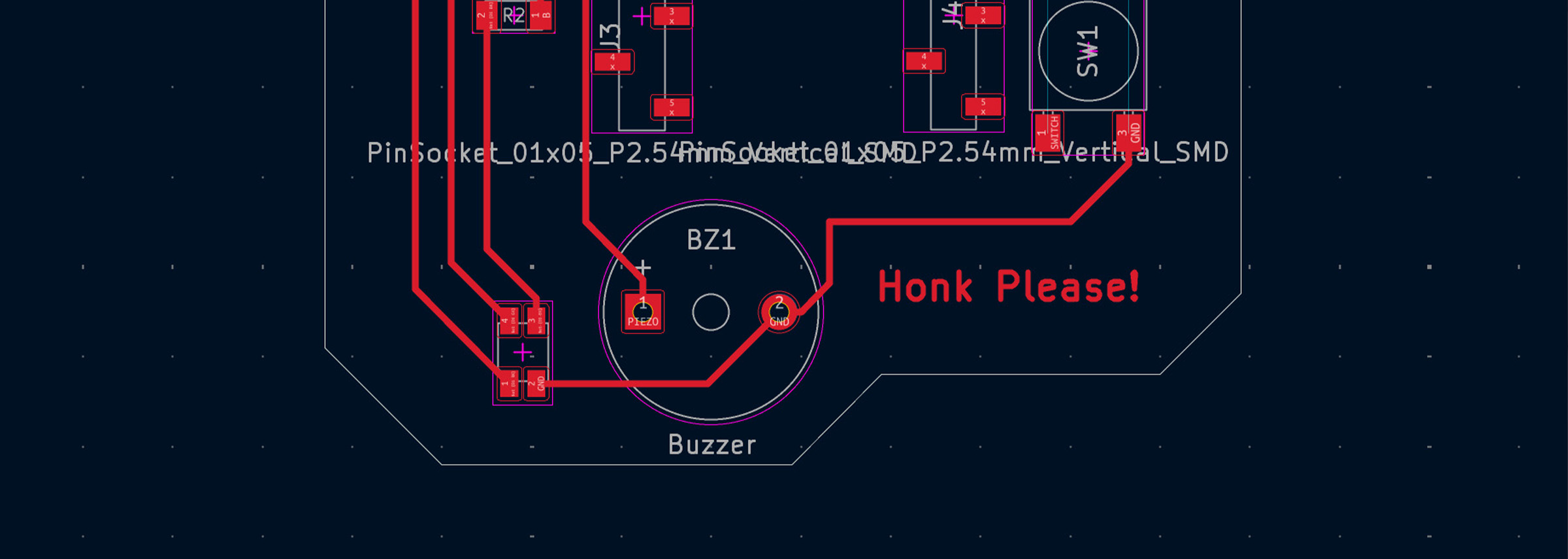
This week I learned how to test circuits and design a circuit board from scratch. I used tools like a multimeter, oscilloscope, and logic analyzer to better understand how electronic signals behave, then designed several versions of my own board based on an idea for tracking when the bus near my house is about to arrive.
7 – Computer-controlled machining
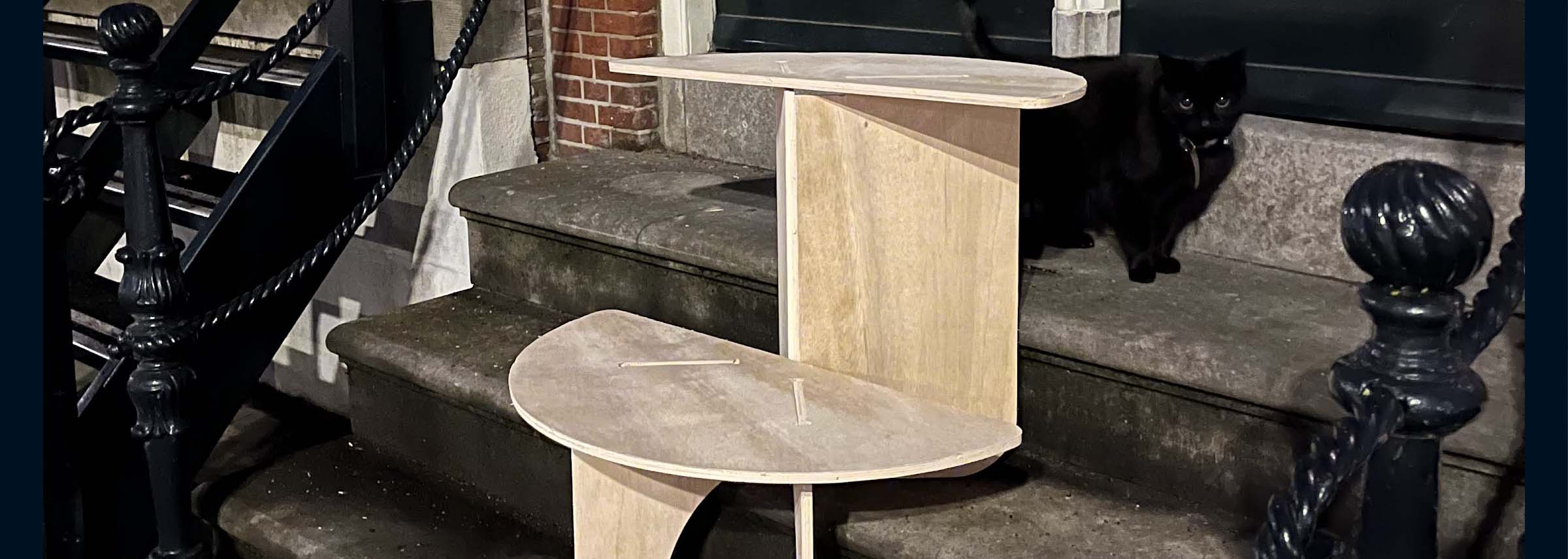
For this assignment, I learned how to use the large CNC machine safely and how to prepare a design for milling. I designed a press-fit table made for the steps outside my house, milled it from plywood, made a few stressful mistakes along the way, and eventually got all the pi eces cut and assembled.
8 – Electronics production
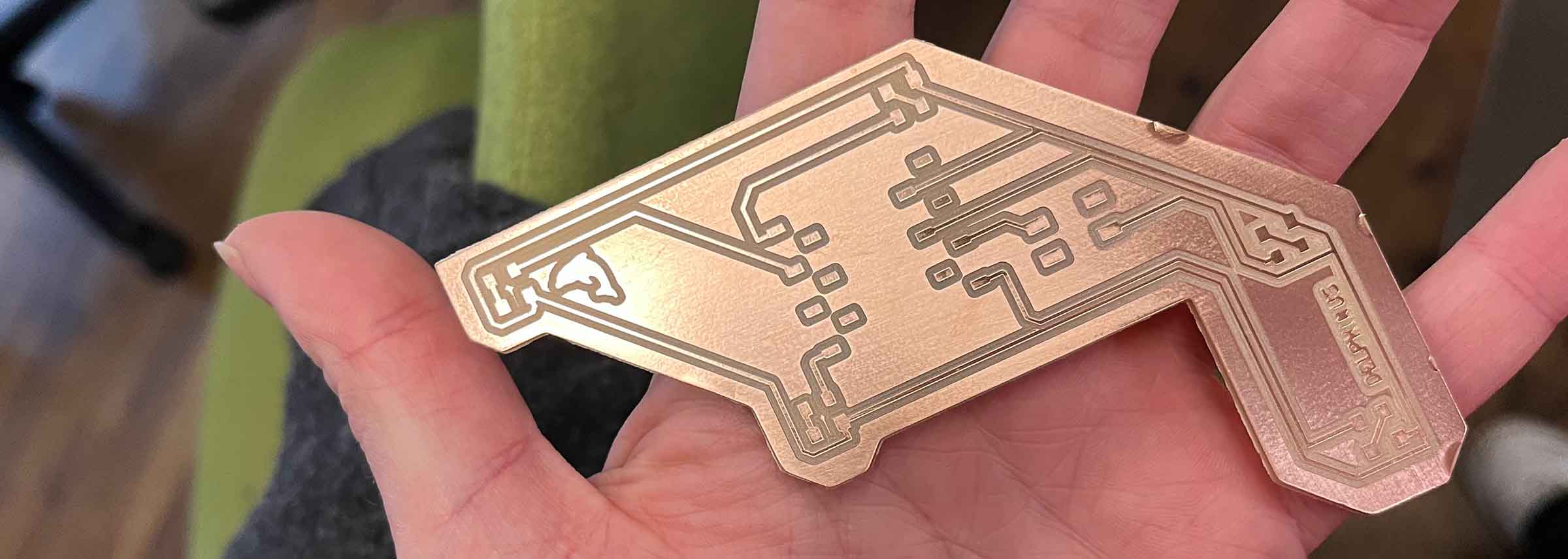
During electronics production week I learned how to use digital fabrication machines for PCB production, specifically focusing on milling circuit boards using the Roland Modela at Waag.
9 – Input devices
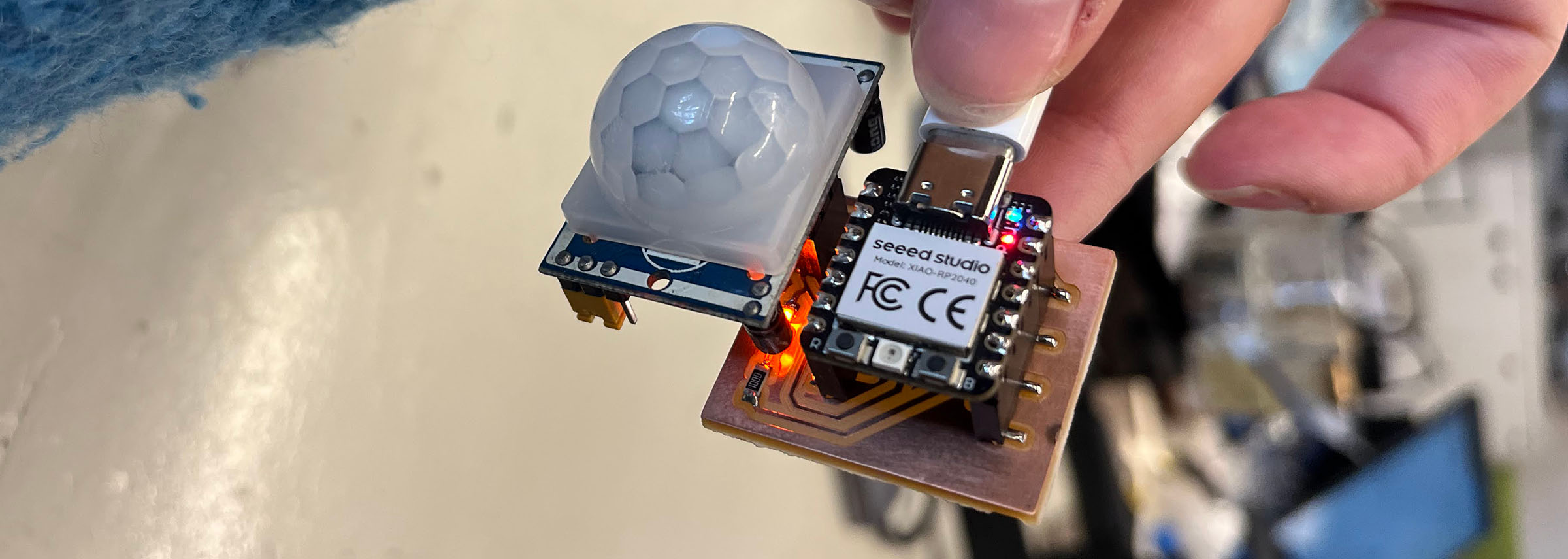
This week I worked with a range of input devices and focused on understanding how they function at a basic level, both physically and electronically. I also produced a custom PCB for a motion sensor to be used in my final project.
10 – Output devices
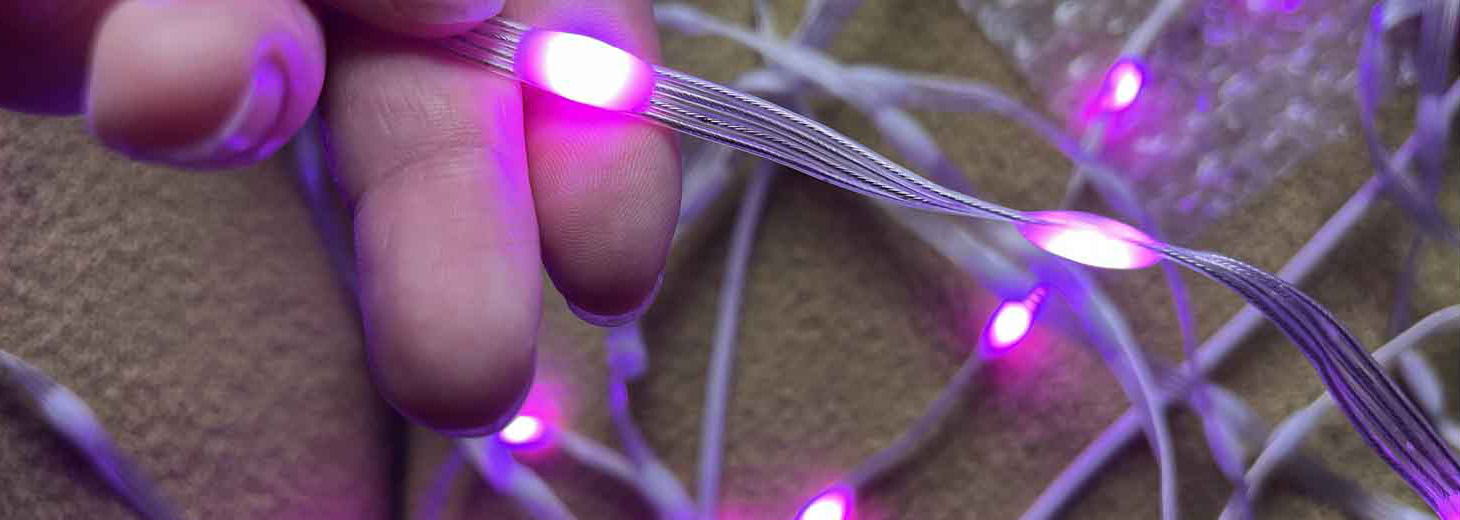
This week I explored different types of addressable RGB LEDs and learned how to control them using a custom PCB. I designed and milled a board capable of driving multiple LED strands independently, helping me better understand how to scale the lighting system for my final project.
11 – Networking and communications
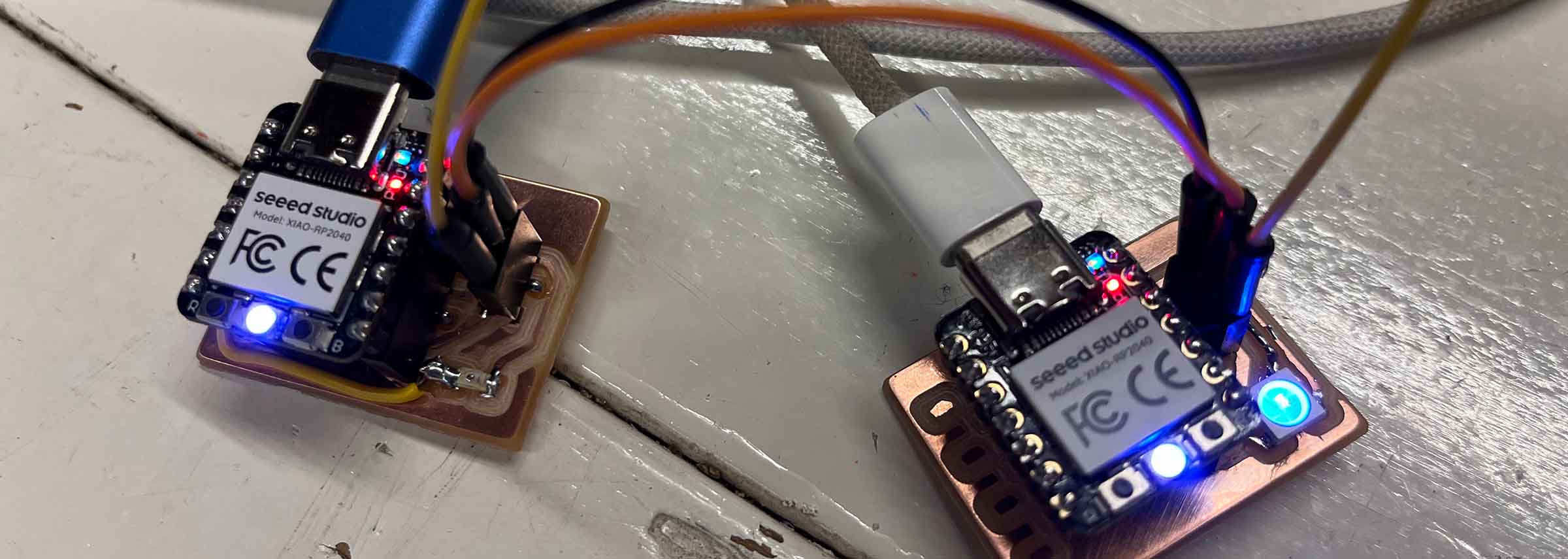
Communication between multiple microcontrollers was the focus here, using protocols like I2C and UART. I designed two small boards — one with a light sensor input and one with a NeoPixel output — and connected them together to send data between separate devices.
12 & 13 – Machine and mechanical design
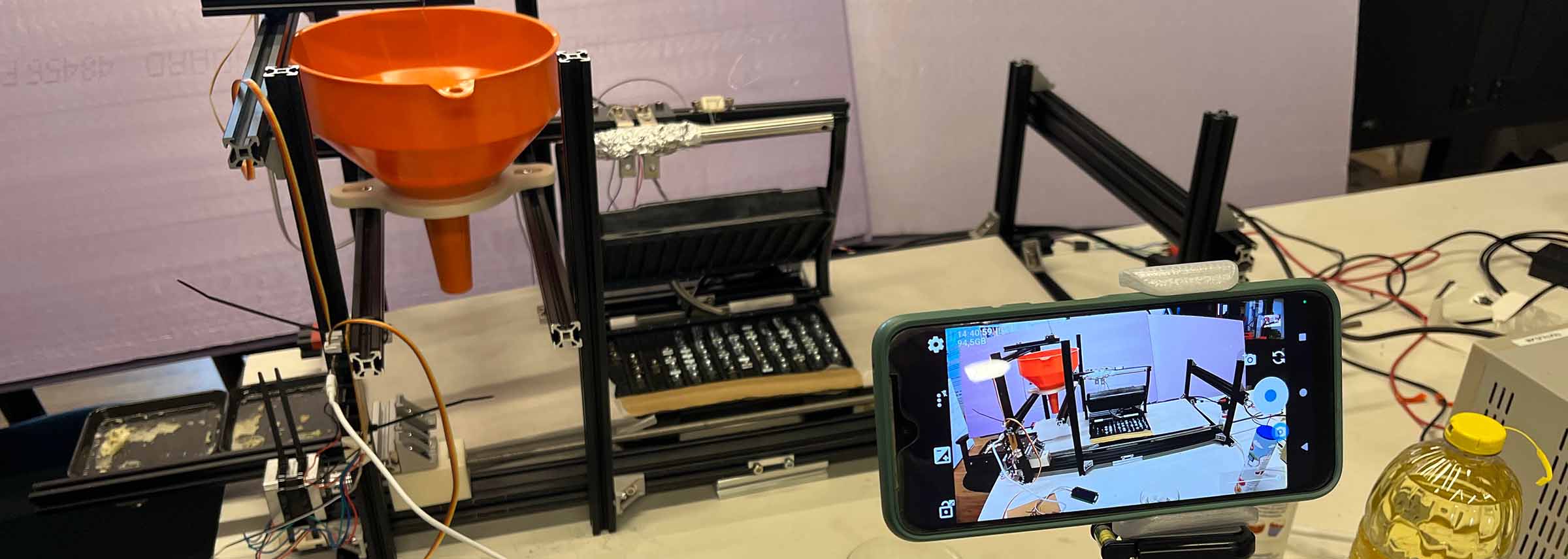
Together with two classmates I helped build a semi-automated poffertjes machine made up of multiple communicating systems. My contribution focused on designing and prototyping the batter dispensing mechanism, including the plug system, servo control, custom PCB and part of the machine integration.
14 – Molding and casting
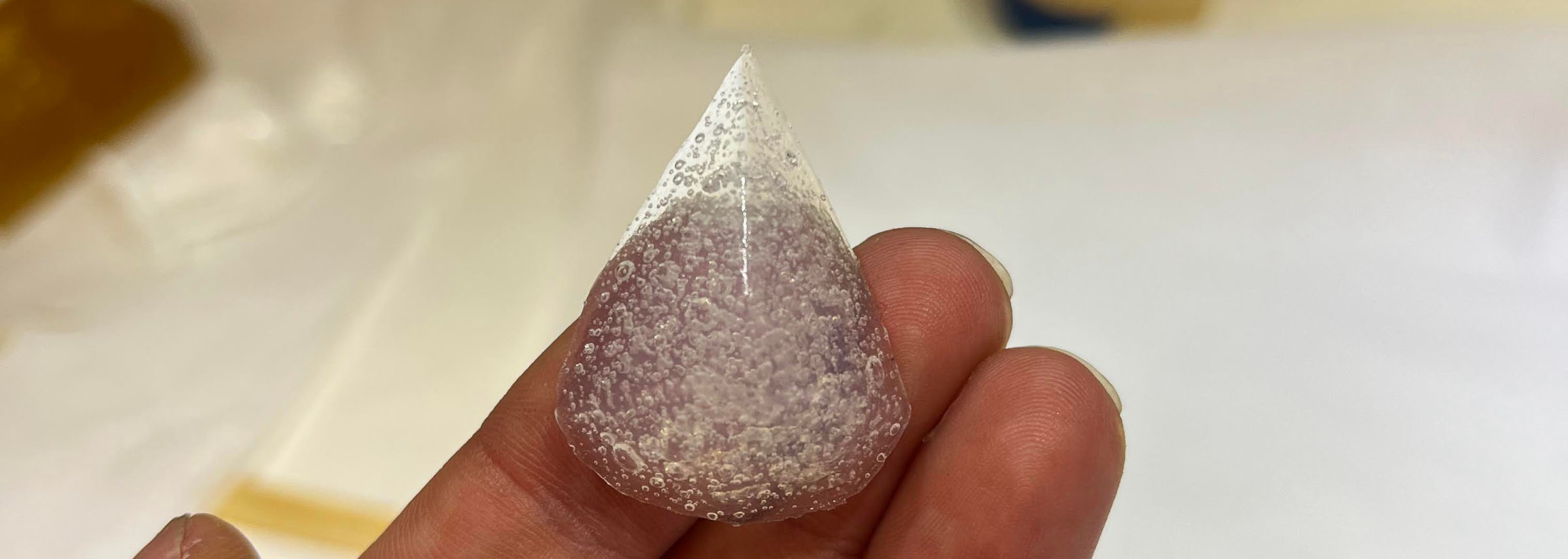
Molding and casting became a way to explore whether custom translucent beads could work for my final project. I experimented with wax milling, bio-based mold materials and clear casting materials while testing how small faceted shapes, light transmission and surface detail survive the full molding process.
15 – Interface and application programming
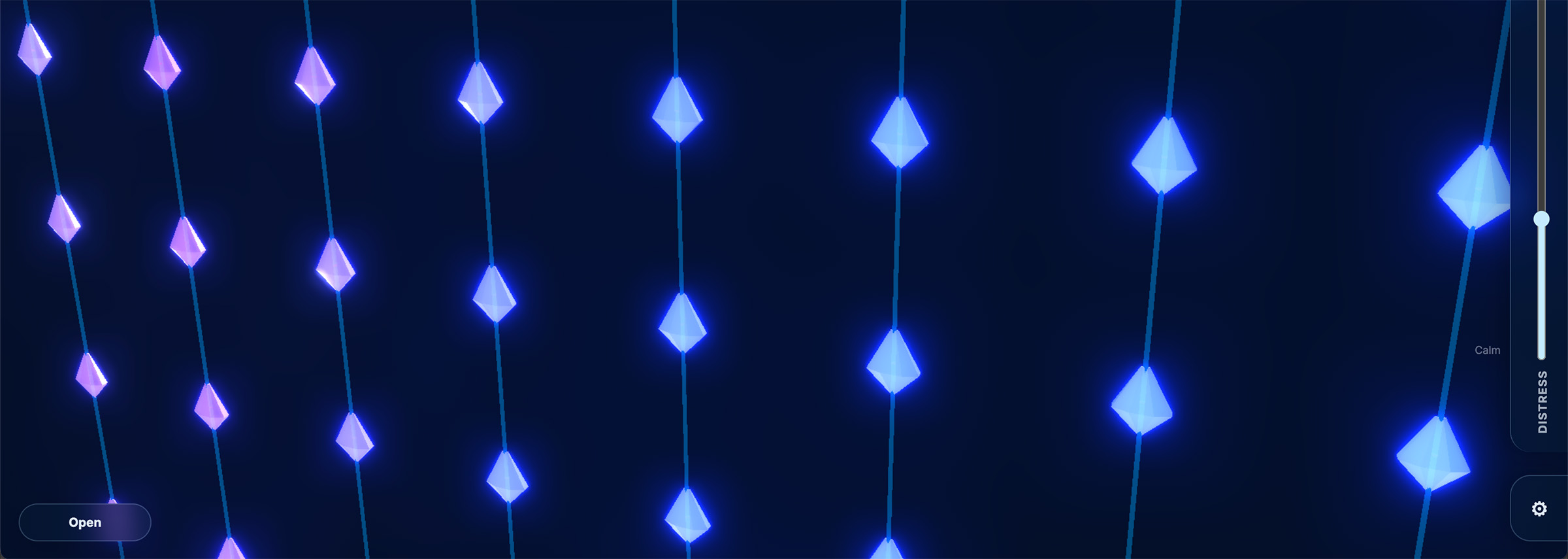
Using ThreeJS and a browser-based physics engine, I built an interactive simulation of my final project. The application models the curtain’s movement, lighting behaviour and escalating “distress” states, while also serving as an experiment in AI-assisted coding and rapid prototyping.
16 – System integration
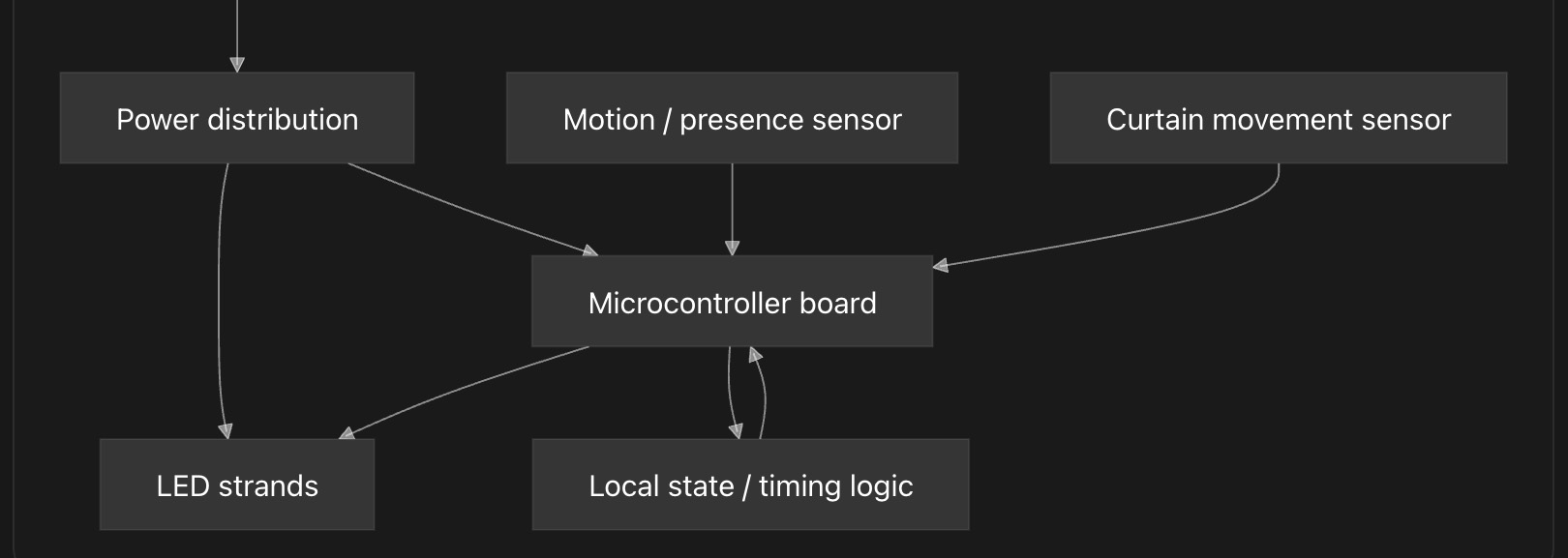
This week I planned how the separate parts of my final project fit together as one system: the physical curtain, LED strands, sensors, microcontroller, power distribution, software state machine and testing workflow.
17 – Wild card week (composites)
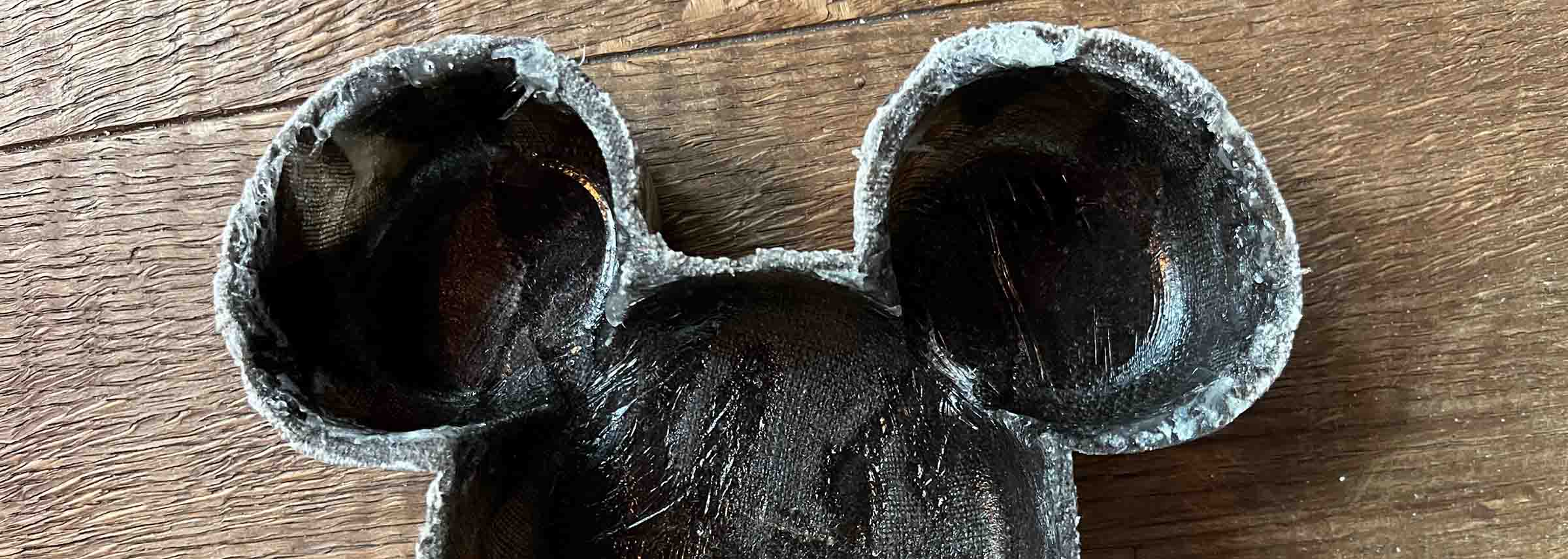
Week 17 we at Waag decided to make composites of fabric and epoxy. My week wasn't very successful, but I sure learned a lot.
Final Project - Oops I Did It Again
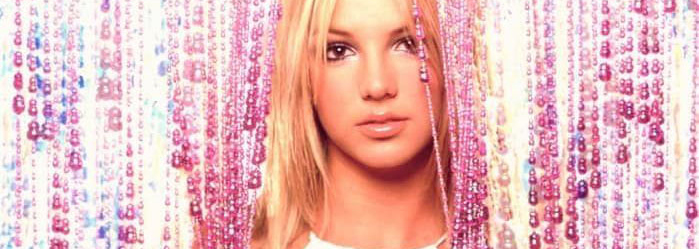
Oops I Did It Again is a curtain that nudges you to step away when you’ve been in the same space for too long. It’s built around the experience of getting so absorbed in a project that taking a break gets pushed aside and self-care is neglected.