Controlling Stepper Motor using DRV8825 and Custom PCB
This week focuses on controlling output devices using a microcontroller. The objective was to interface and control an electromechanical actuator using a custom PCB developed in previous assignments.
This week’s group assignment documentation can be found at: https://academany.fabcloud.io/fabacademy/2026/labs/oulu/site/group_assignments/group1/week10/
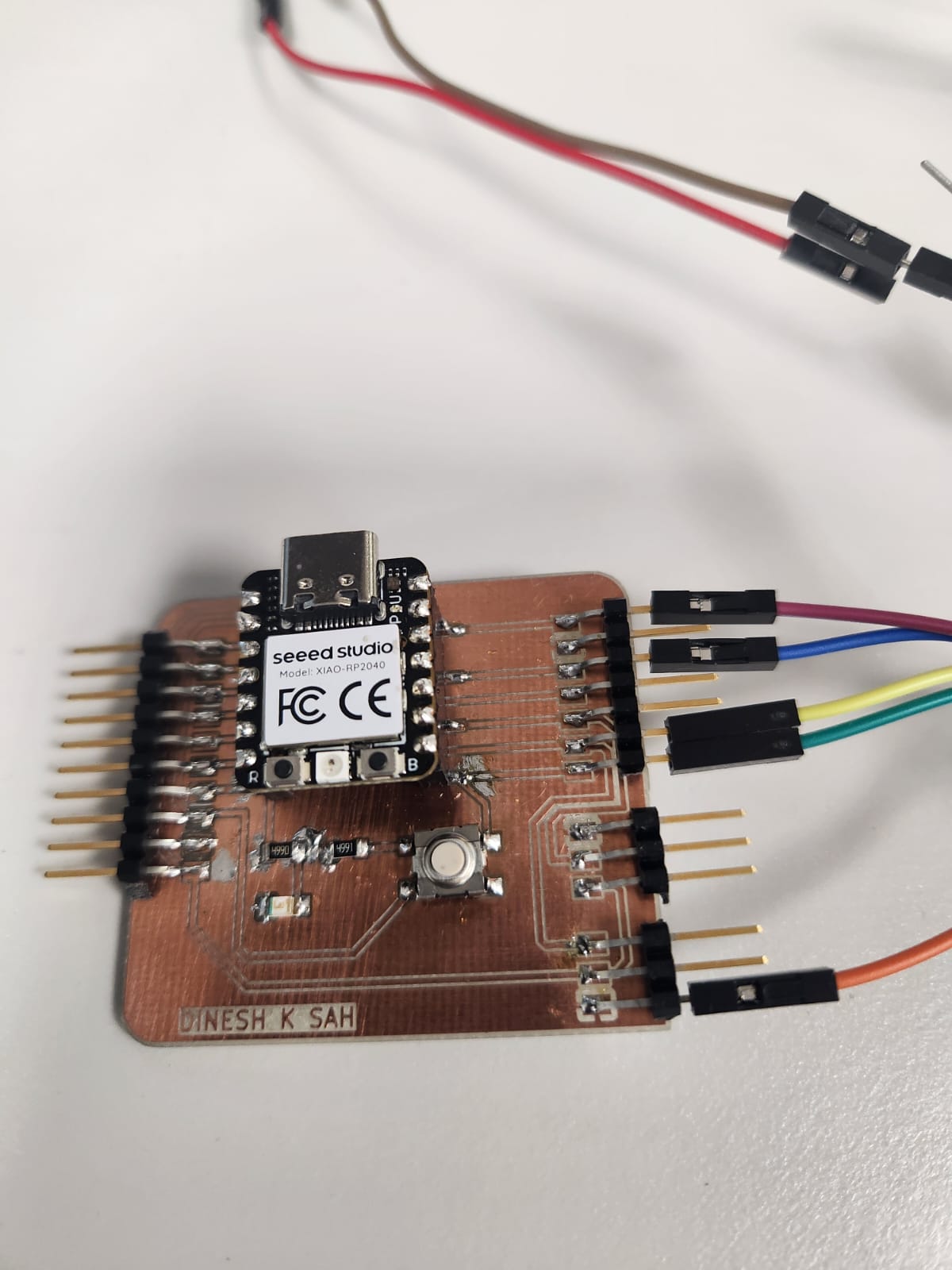
This week focuses on the implementation and control of output devices within an embedded system, emphasizing the transition from low-power digital control signals to high-power electromechanical actuation. In this assignment, I designed and validated a complete stepper motor control system using the DRV8825 driver module interfaced with my previously fabricated custom PCB based on the Seeed Studio XIAO RP2040 microcontroller.
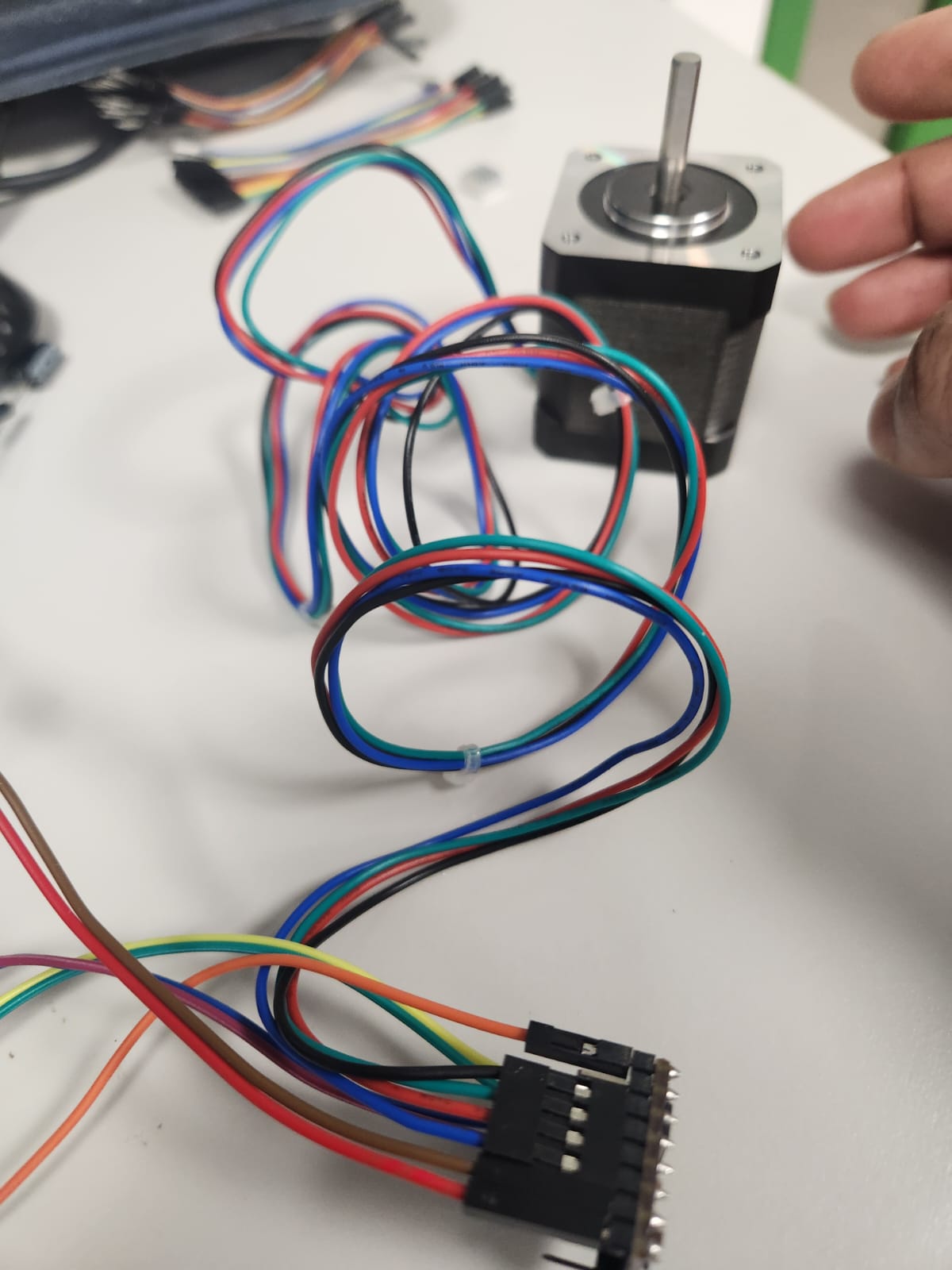
For this assignment, I implemented a stepper motor control system using the DRV8825 driver module interfaced with my custom Seeed Studio XIAO RP2040 board.
A stepper motor is a digital actuator that moves in discrete steps. Unlike DC motors, it allows precise control over position and speed.
The DRV8825 is a stepper motor driver that converts low-power control signals (STEP and DIR) into high-power outputs required to drive the motor.
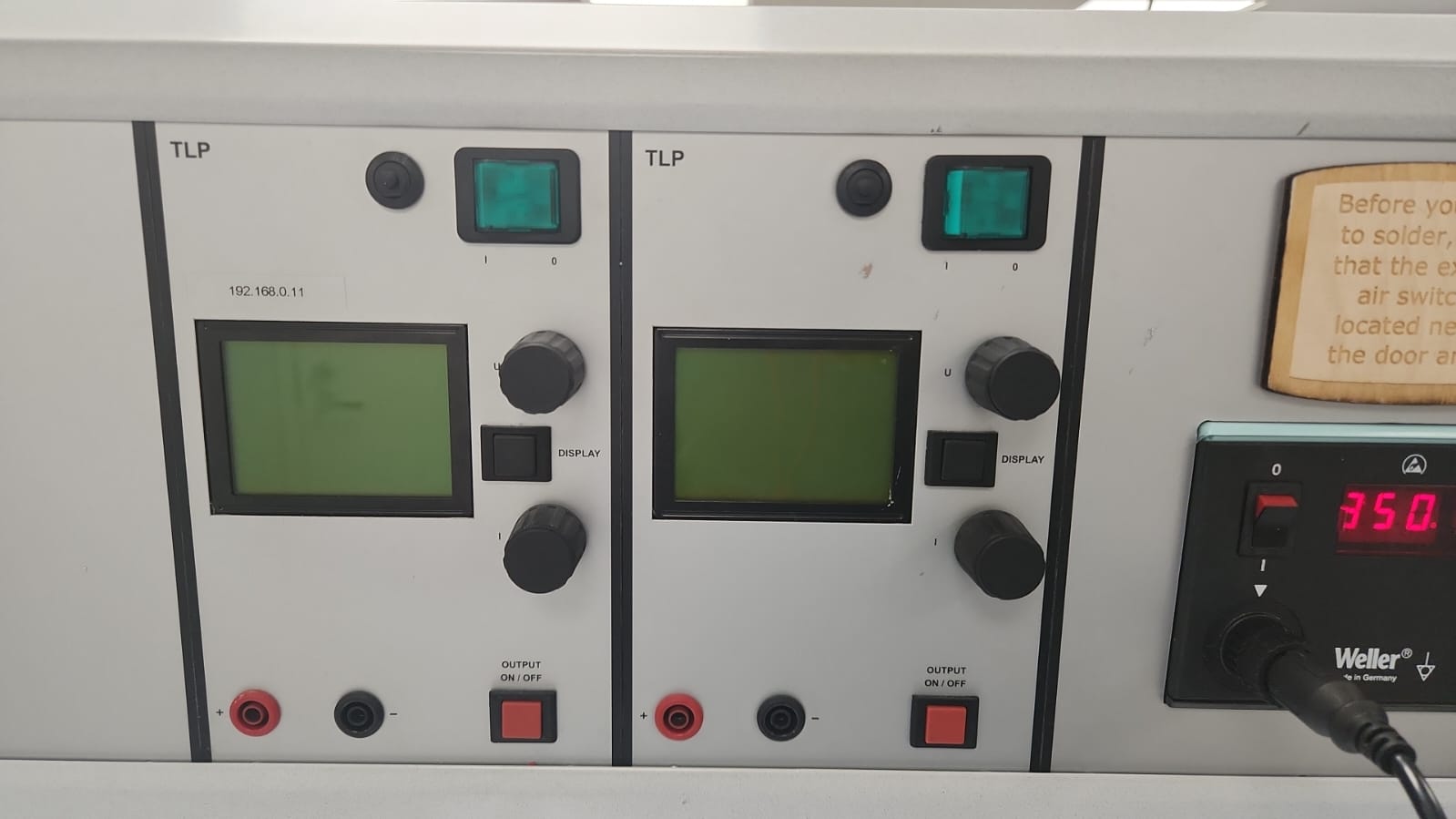
A laboratory power supply was used to provide controlled voltage to the motor driver.
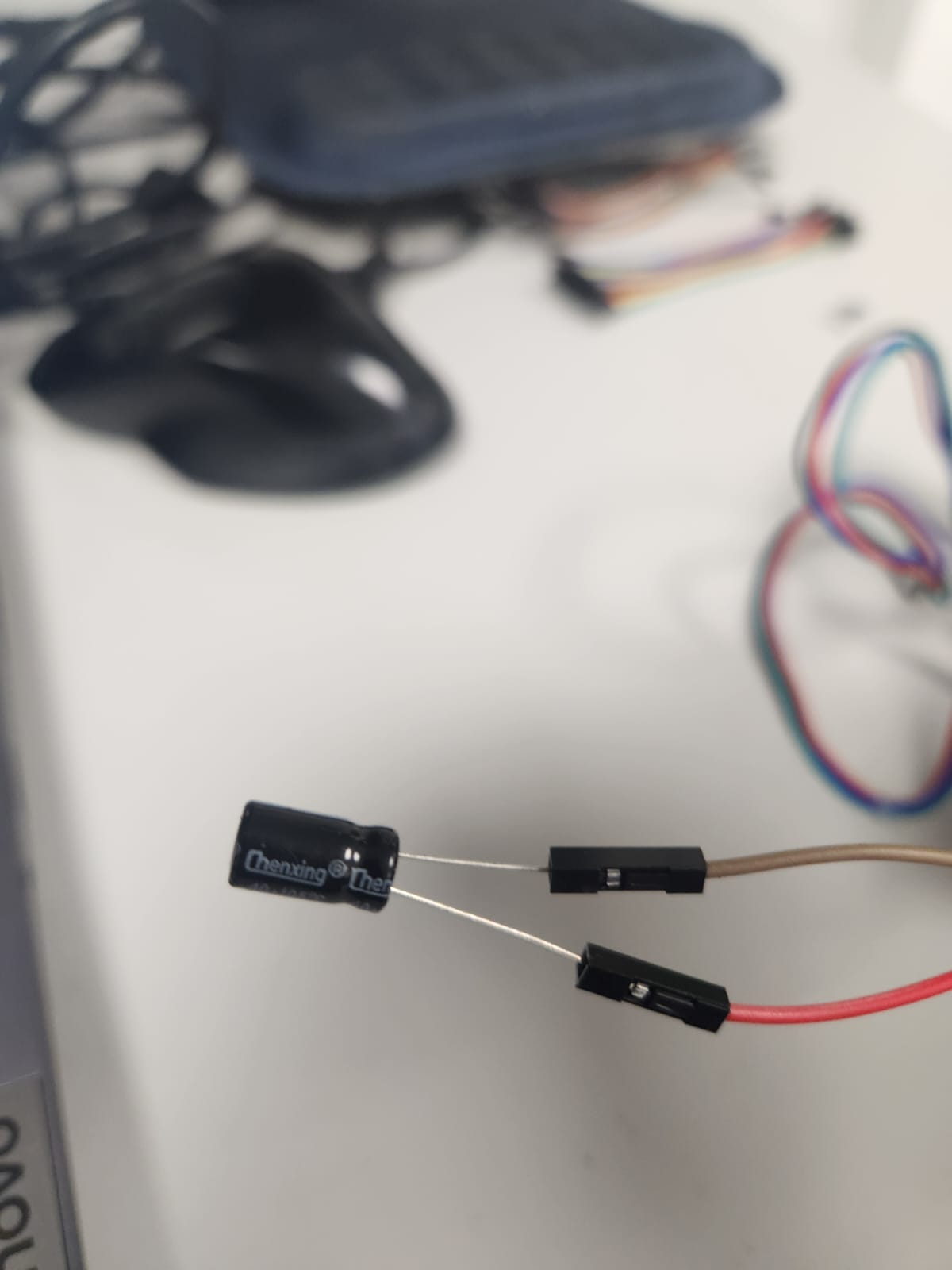
A 100µF electrolytic capacitor was connected across VMOT and GND to suppress voltage spikes.
The system architecture integrates three critical layers: the microcontroller for signal generation, the motor driver for power amplification and current regulation, and the stepper motor as the output actuator. Control was achieved through STEP and DIR signals generated from GPIO pins, enabling precise bidirectional motion.
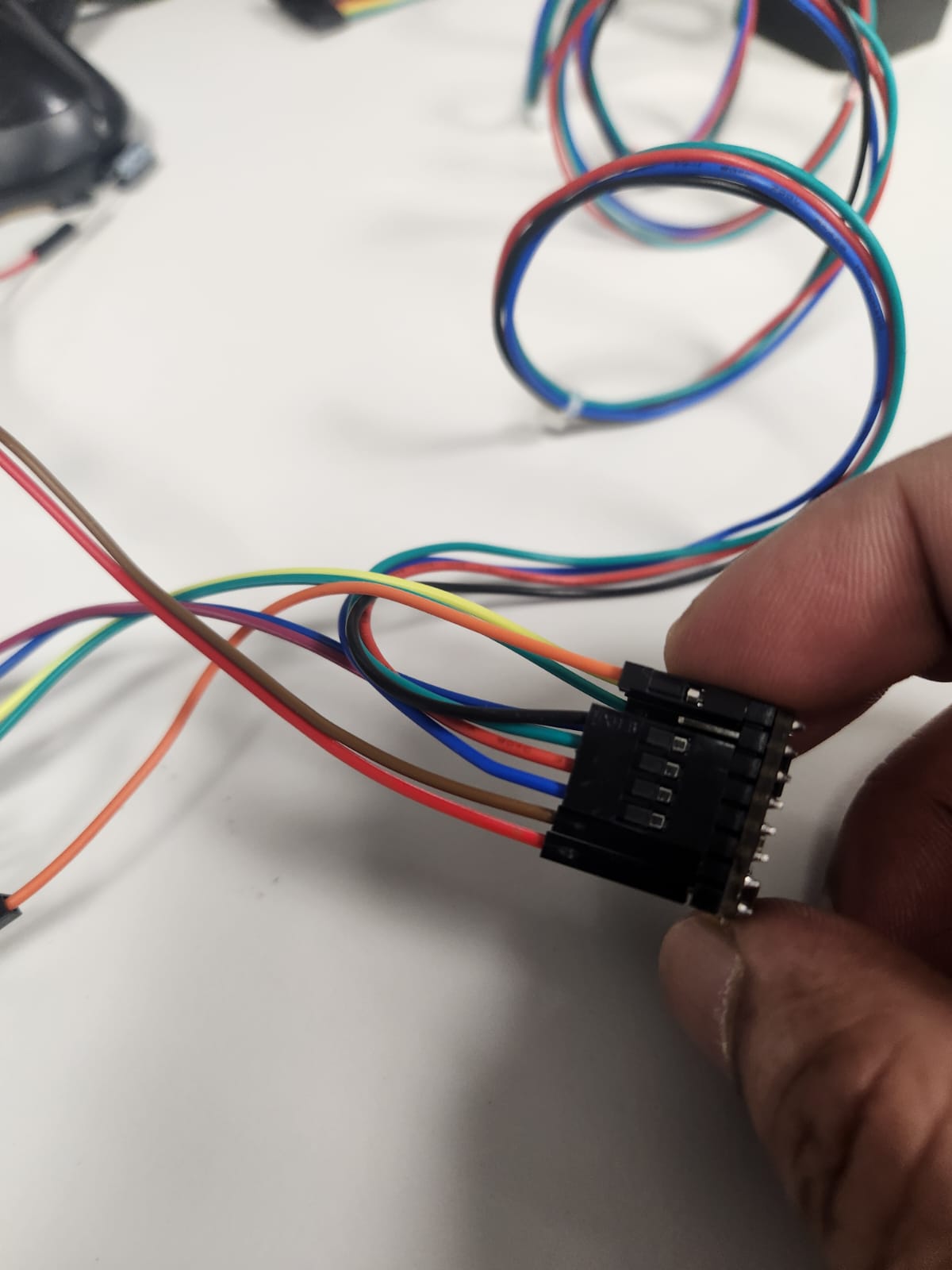
A laboratory power supply was used to provide a stable external voltage (9V) with current limiting to ensure safe operation. Additionally, a 100µF electrolytic capacitor was incorporated across the VMOT and GND terminals of the driver to suppress voltage spikes caused by inductive switching, thereby protecting the driver circuitry. The implementation required careful consideration of common grounding, correct motor coil pairing, and safe power sequencing to avoid hardware damage.
Connections were established as follows:
// Include the AccelStepper Library #include// Define pin connections #define DIR_PIN 7 #define STEP_PIN 8 AccelStepper stepper(AccelStepper::DRIVER, STEP_PIN, DIR_PIN); void setup() { stepper.setMaxSpeed(1000); stepper.setAcceleration(200); stepper.setSpeed(200); stepper.moveTo(200); } void loop() { if (stepper.distanceToGo() == 0) stepper.moveTo(-stepper.currentPosition()); stepper.run(); }
The code generates step pulses using the AccelStepper library and controls motor direction and speed dynamically.
The motor successfully rotated in both forward and reverse directions. The motion was smooth and stable, confirming correct wiring and configuration.
These issues were resolved by carefully reviewing the driver architecture and ensuring proper power and grounding connections.
This assignment provided practical understanding of how output devices are controlled in embedded systems. It highlighted the importance of power electronics, driver circuits, and signal synchronization.
The experience reinforced key engineering practices such as step-by-step debugging, safe power handling, and modular system design.
Using the AccelStepper library, motion control was enhanced by introducing acceleration and speed parameters, resulting in smooth and controlled rotation. The system was incrementally validated through serial debugging, electrical verification, and final motion testing, demonstrating a complete and reliable embedded output device integration. This assignment significantly strengthened my understanding of power electronics, driver-based actuation, and the practical challenges involved in interfacing digital systems with real-world mechanical components.
| Task | Status |
|---|---|
| Interfaced DRV8825 with custom PCB | Completed |
| Configured power supply | Completed |
| Implemented stepper control code | Completed |
| Validated motor rotation | Completed |
| Debugged wiring and power issues | Completed |