1. Objectives
- Understand raster vs vector graphics
- Design 2D vector models using Inkscape
- Explore parametric 3D modeling tools
- Prepare design files suitable for digital fabrication
2. Inkscape – 2D Design Exploration
Software Installation
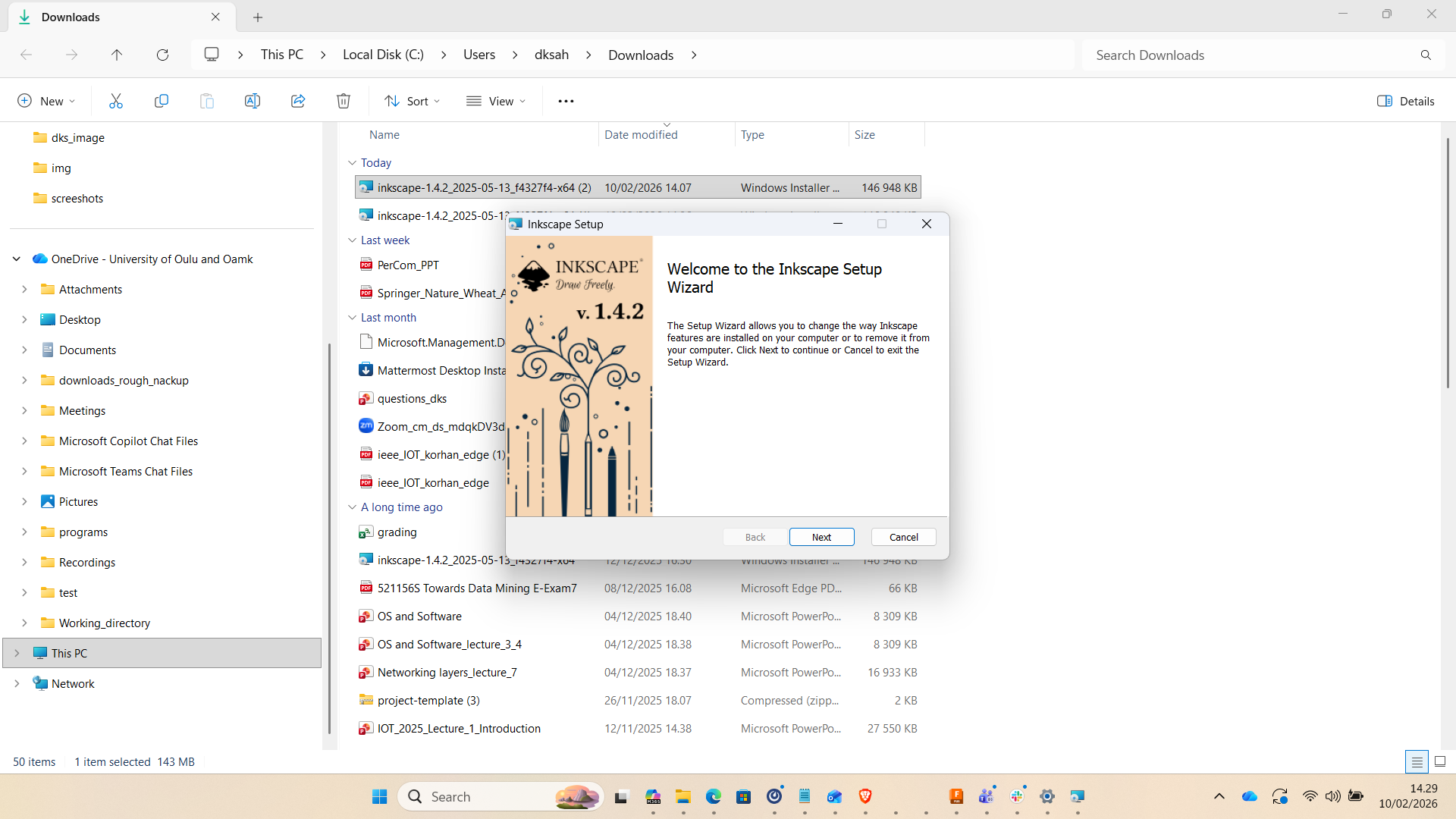
I installed Inkscape version 1.4.2 (64-bit) on Windows. The installation was completed using the custom setup option to review available components and extensions.
Interface Familiarization
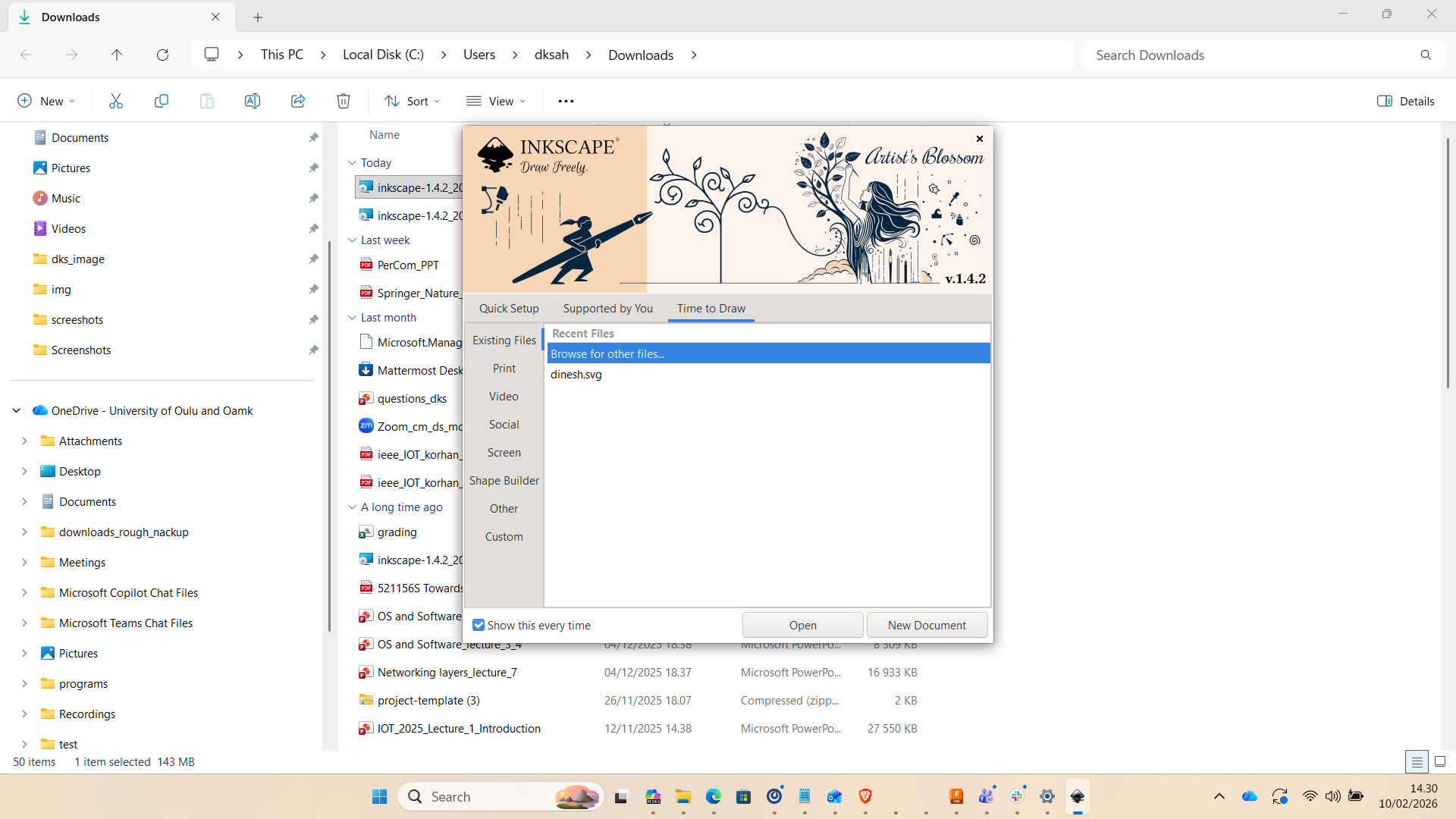
After installation, I explored the Inkscape workspace, including toolbars, layers panel, properties panel, and drawing canvas. Understanding the interface layout was essential before starting design work.
Basic Vector Design Practice
I created basic geometric shapes such as rectangles, circles, and paths. I practiced alignment, grouping, duplication, and path operations.
- Rectangle & Ellipse tools
- Bezier curve tool
- Fill & Stroke adjustments
- Object alignment and distribution

Exporting Design Files
The final design was exported in SVG and PNG formats. SVG is particularly important for laser cutting and vinyl cutting applications in upcoming assignments.

Reflection
This exercise helped me clearly understand the difference between raster and vector graphics. Vector graphics are scalable without loss of quality and are essential for digital fabrication workflows.
3. Fusion 360 – 3D Parametric Modeling
Planned tasks include:
- Creating parametric sketches
- Extrusion and feature operations
- Assembly modeling
- Exporting STL files for fabrication
4. Weekly Summary
Week 02 focused on understanding digital design fundamentals required for digital fabrication. Through Inkscape, I practiced 2D vector-based design, while Fusion 360 will be used for parametric 3D modeling in upcoming tasks.