3. Compression Software
Compression is a way to reduce the size of files. There are two main types of compresses:
- Image Compression
- Video Compression
3.1. Image Compression
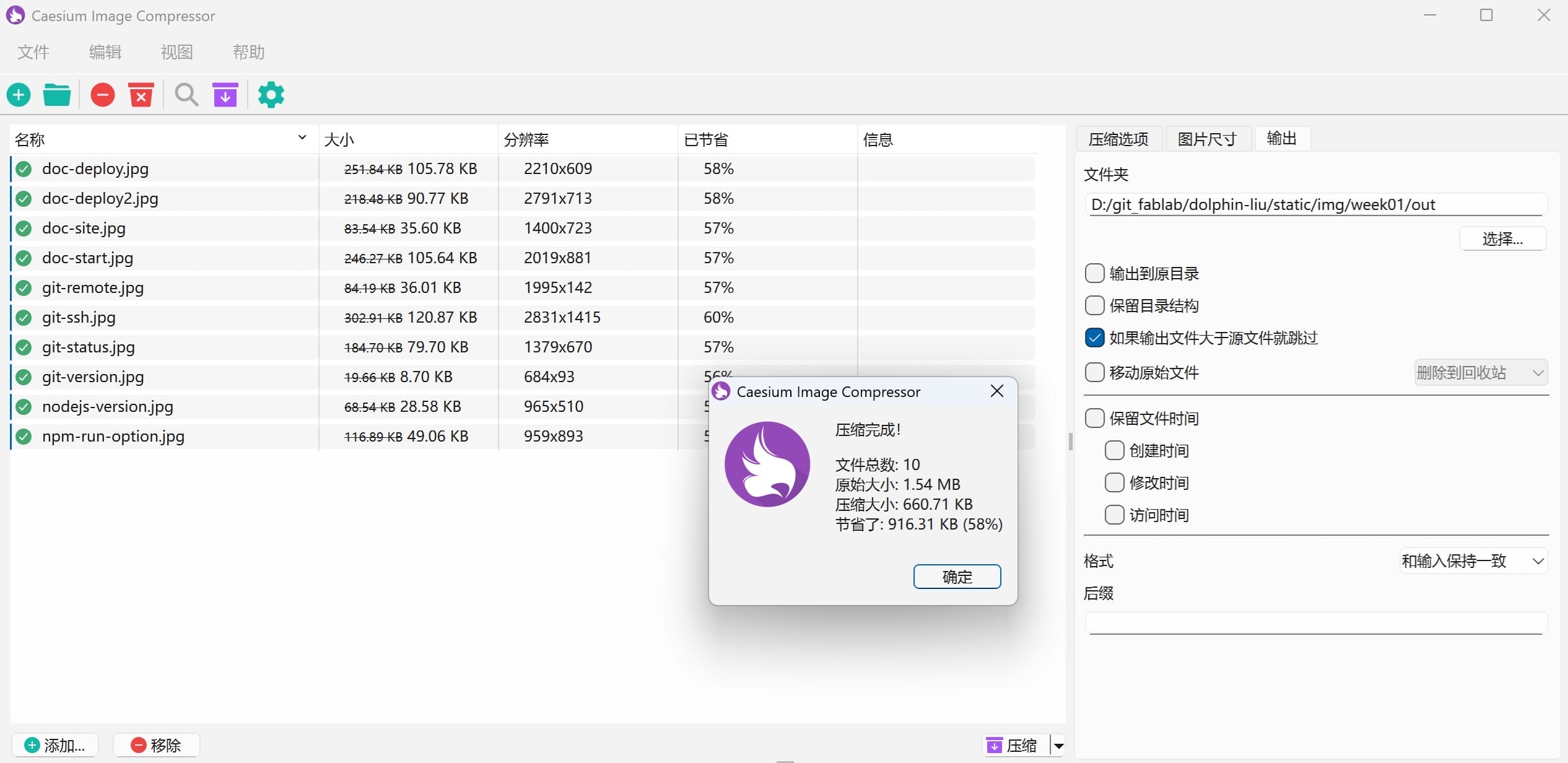
I use Caesium Image Compressor to compress images.
Caesium Image Compressor is a free, open-source image optimization tool developed by Matteo Paonessa. It supports Windows, macOS, and Linux platforms, offering both GUI and command-line versions.
The software enables users to reduce image file sizes by up to 90% without significant visual quality loss. It supports major formats including JPEG, PNG, WebP, TIFF, BMP, and GIF. Key features include batch processing, real-time before/after preview, customizable compression quality, metadata management, and folder structure preservation.
3.1.1 Download Software
I get this software from the following sources:
https://github.com/Lymphatus/caesium-image-compressor
https://saerasoft.com/caesium/#
3.1.2 Compress
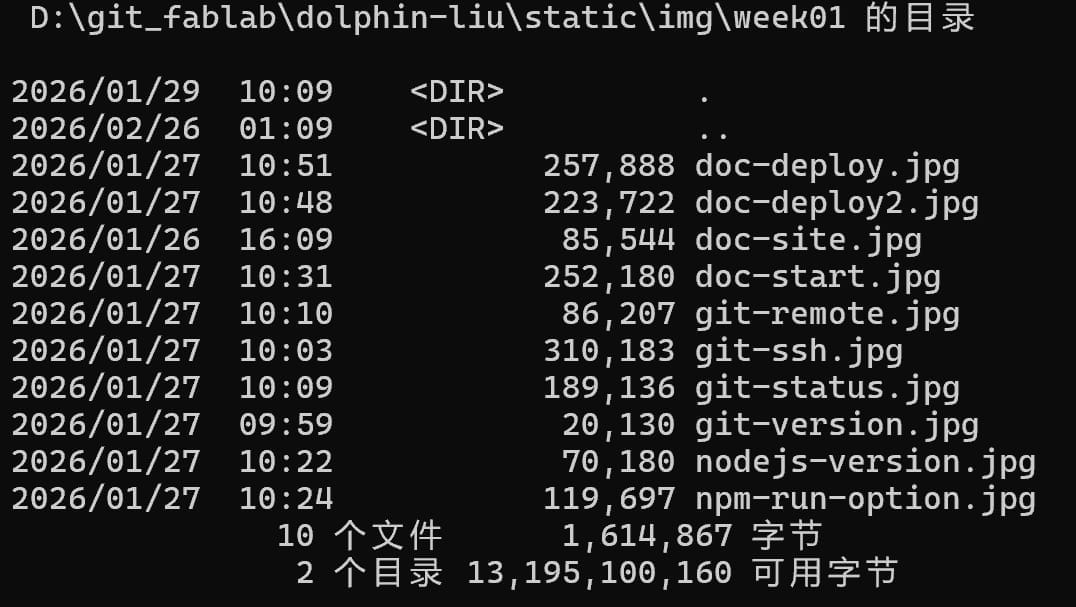
I compressed all the images in the static/img/week01 folder
Before:
Compression Tool:
I used the following tool to compress the images:
After:
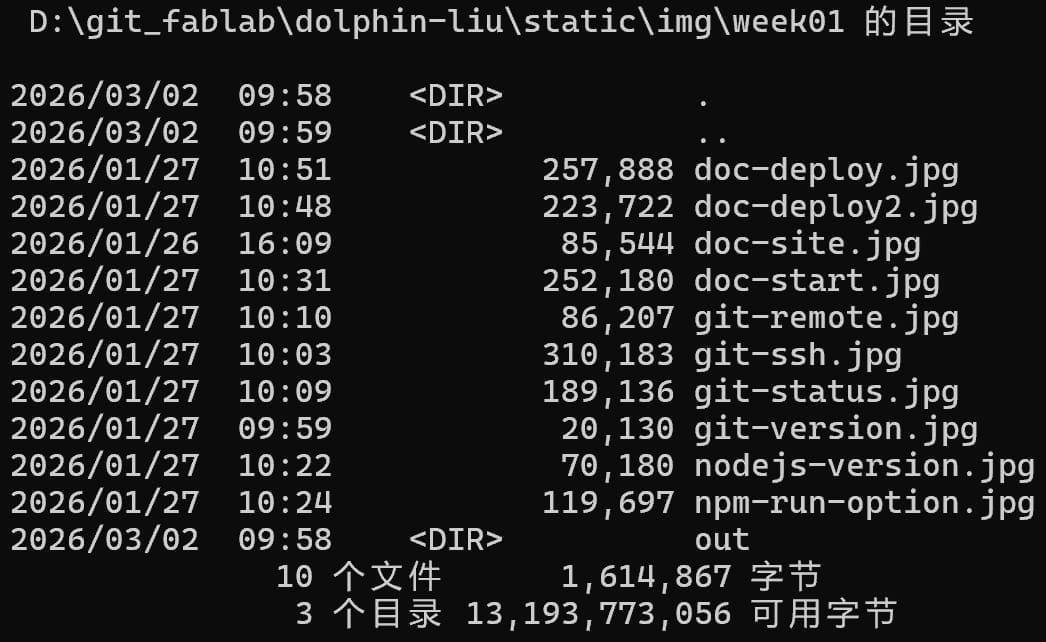
The size of the images is reduced by 58%.
3.2. Video Compression
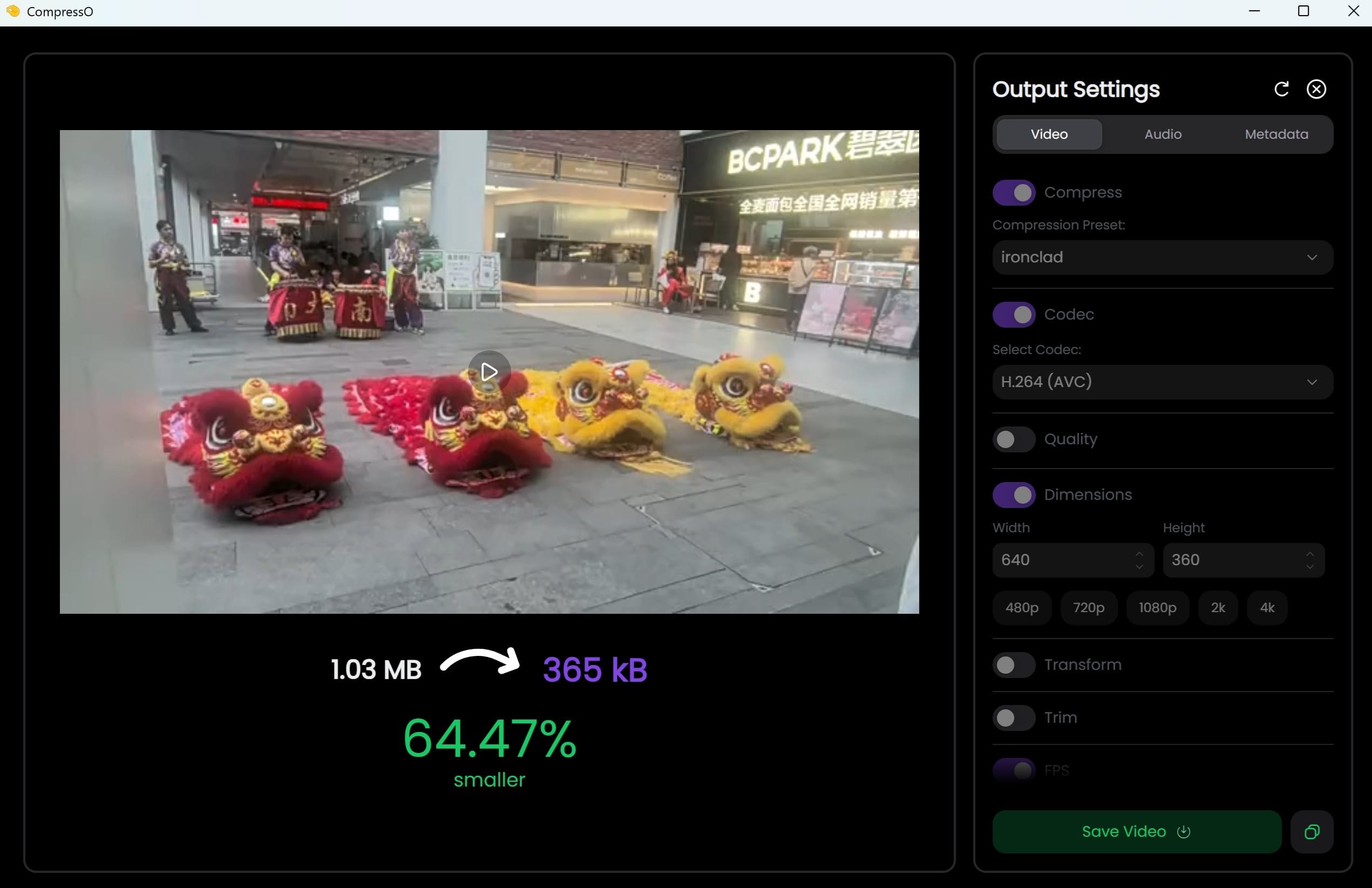
I use CompressO to compress images.
CompressO is an open-source video compression tool built on FFmpeg, designed for users who value simplicity and efficiency. It operates entirely offline, ensuring complete privacy protection as no data leaves your local machine.
The software features a clean, minimalist interface that supports drag-and-drop functionality. Users simply drag videos into the application to start compression immediately, without navigating complex settings. Despite its simplicity, CompressO delivers impressive results—compressing a 481MB video to just 70MB with minimal visible quality loss.
Key features include real-time progress tracking, the ability to cancel compression mid-process, and an option to mute videos by removing audio tracks. The tool displays file size changes dynamically, giving users full transparency throughout the process.
CompressO is particularly suitable for content creators, office workers, and everyday users who need quick compression without technical overhead. The software is free, open-source, and available for Windows and macOS, Debian 13 and Ubuntu 24.
3.2.1 Download Software
I get this software from the following sources:
https://github.com/codeforreal1/compressO
https://compresso.codeforreal.com/#downloads
3.2.2 Compress
After I compressed the video, The size of the video is reduced by 64%.