2. 3D CAD Software
There are many 3D design software available, such as:
2.1 compare software
2.1.1 Fusion 360
- Type: Professional CAD software
- Platform: Windows, macOS
- Features:
- Parametric modeling
- Simulation and analysis tools
- CAM capabilities for manufacturing
- Cloud collaboration
- Free for students and hobbyists
- Best for: Engineering design, product development, mechanical parts
2.1.2 Blender
- Type: 3D modeling and animation suite
- Platform: Windows, macOS, Linux
- Features:
- Advanced 3D modeling and sculpting
- Animation and rigging tools
- Rendering engine (Cycles, Eevee)
- Video editing capabilities
- Completely free and open-source
- Best for: 3D art, animation, game development, organic modeling
2.1.3 Tinkercad
- Type: Browser-based 3D design tool
- Platform: Web-based (any modern browser)
- Features:
- Simple drag-and-drop interface
- Basic geometric shapes and tools
- Built-in tutorials and learning resources
- Easy sharing and collaboration
- Free to use
- Best for: Beginners, simple 3D printing projects, educational purposes
After comparing these software, I found that Fusion 360 is the best choice for my project. It is easy to use, and it is so many vedio tutorials to learn.
2.2 Fusion 360
For my case, I have installed Fusion 360 on my Windows computer. And I also create a 3D model of my NameCard.
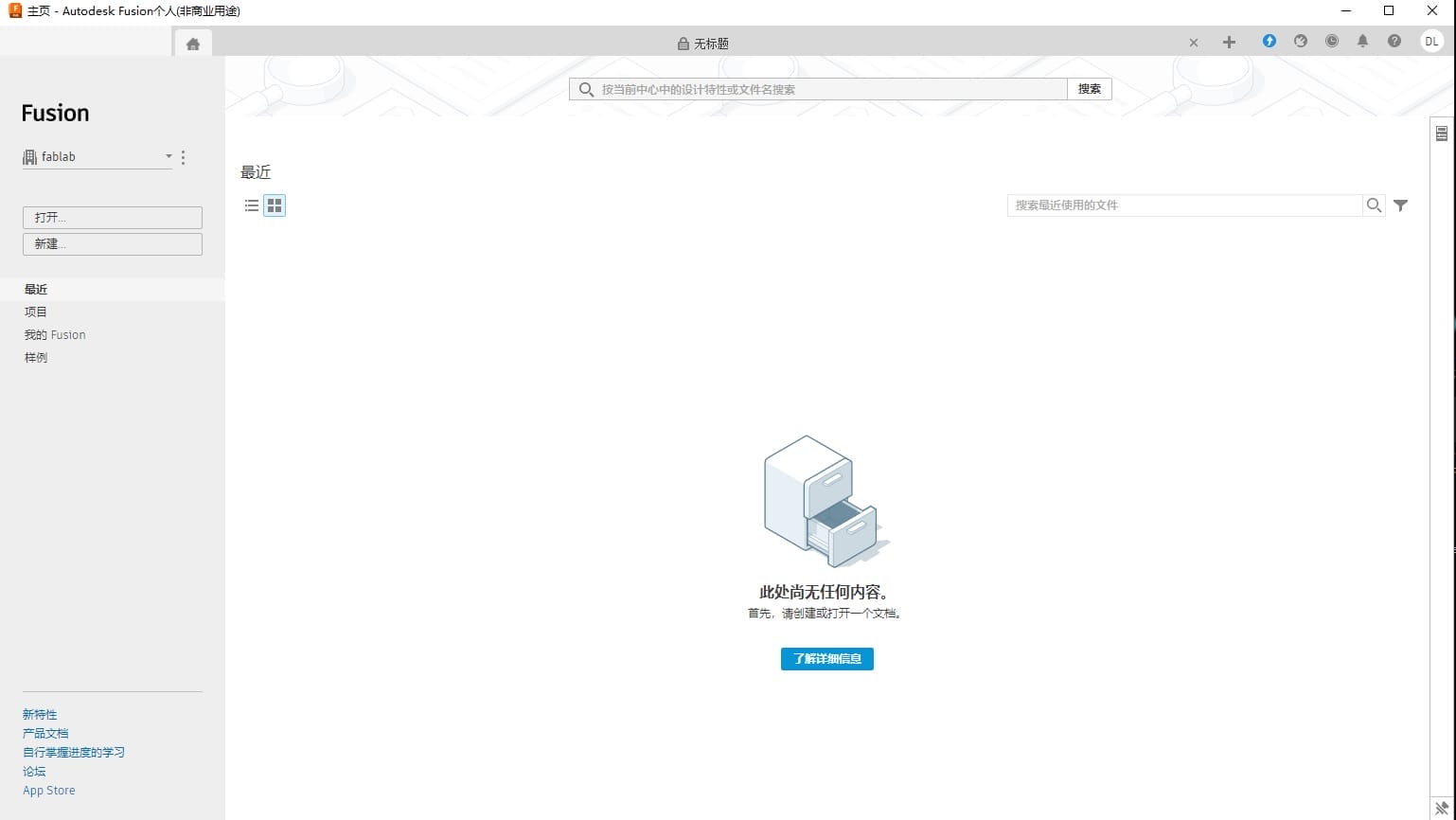
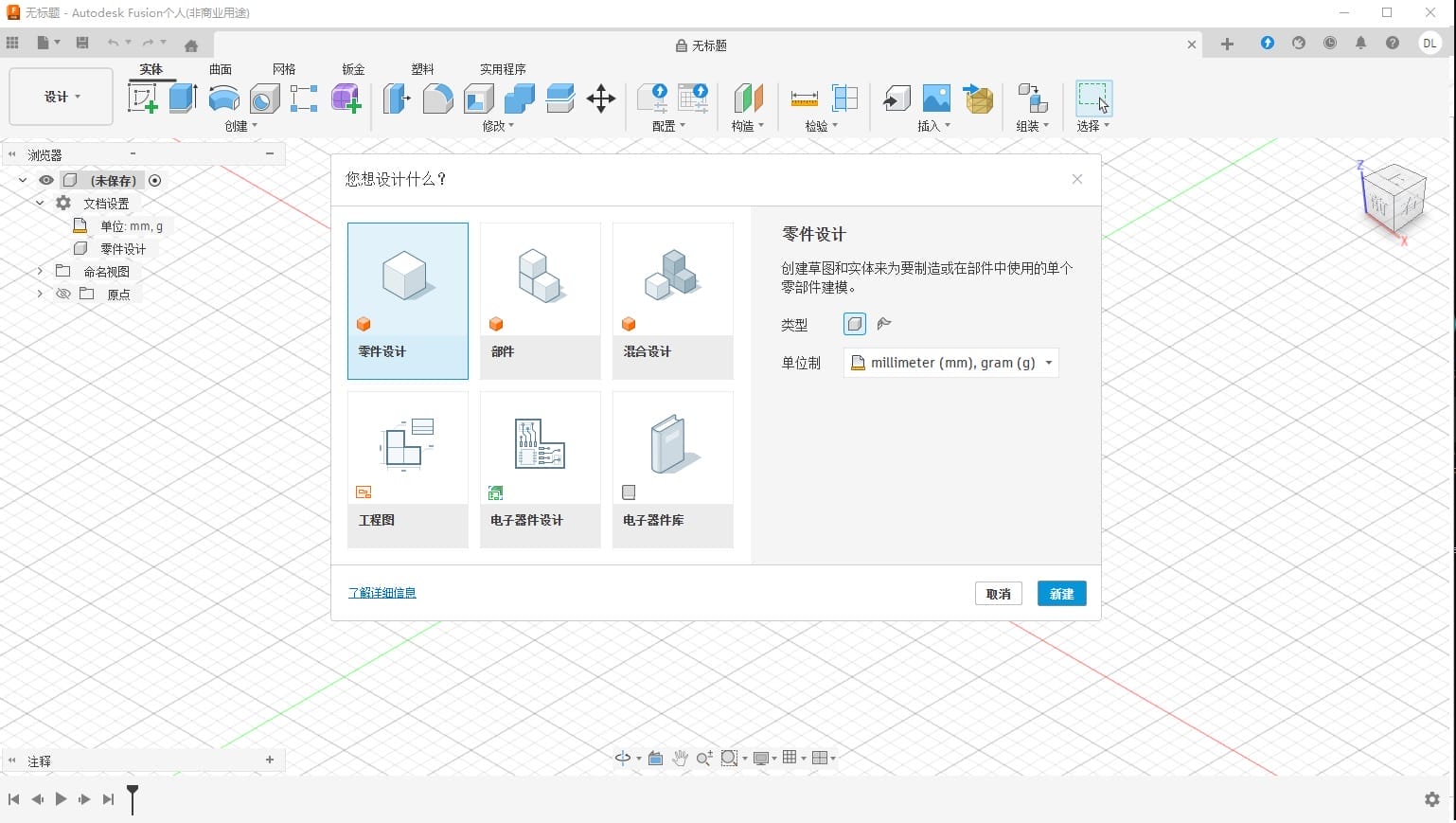
First, I open Fusion 360 and create a new project.
| photo 1 | photo 2 |
|---|---|
 |  |
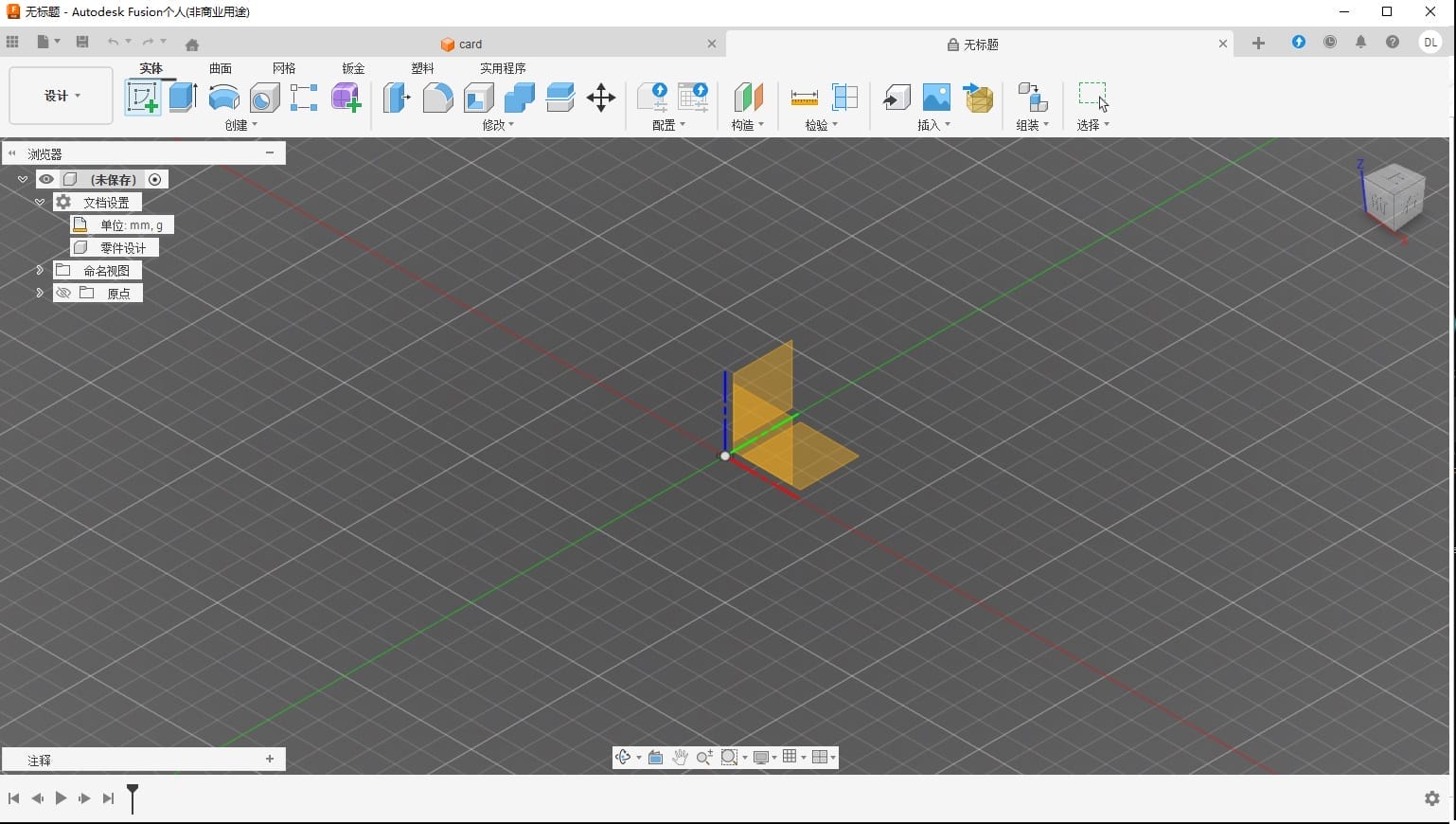
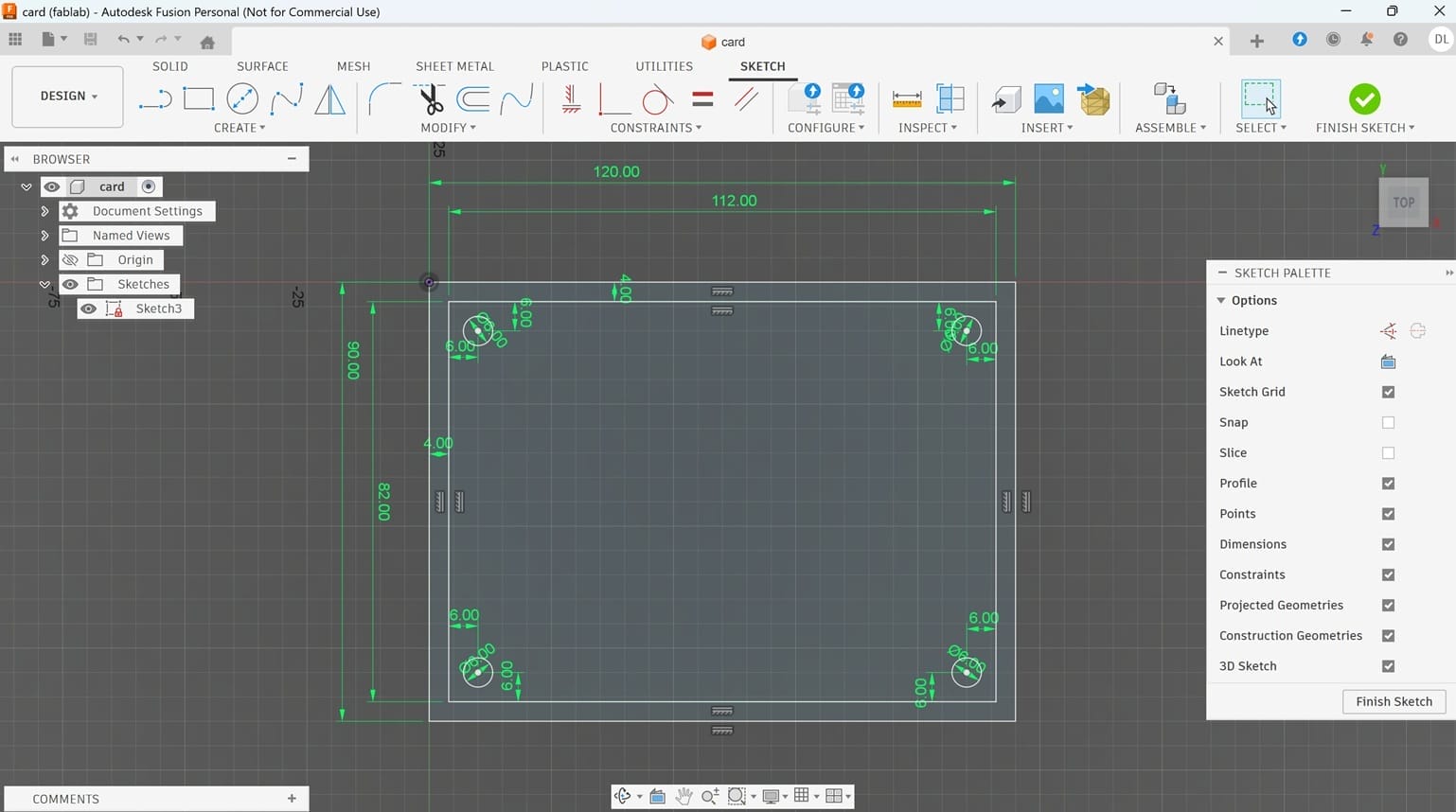
I Create Sketch,and add two Rectangle. I use Extrude and set depth 2.00 mm.
| photo 3 | photo 4 |
|---|---|
 |  |
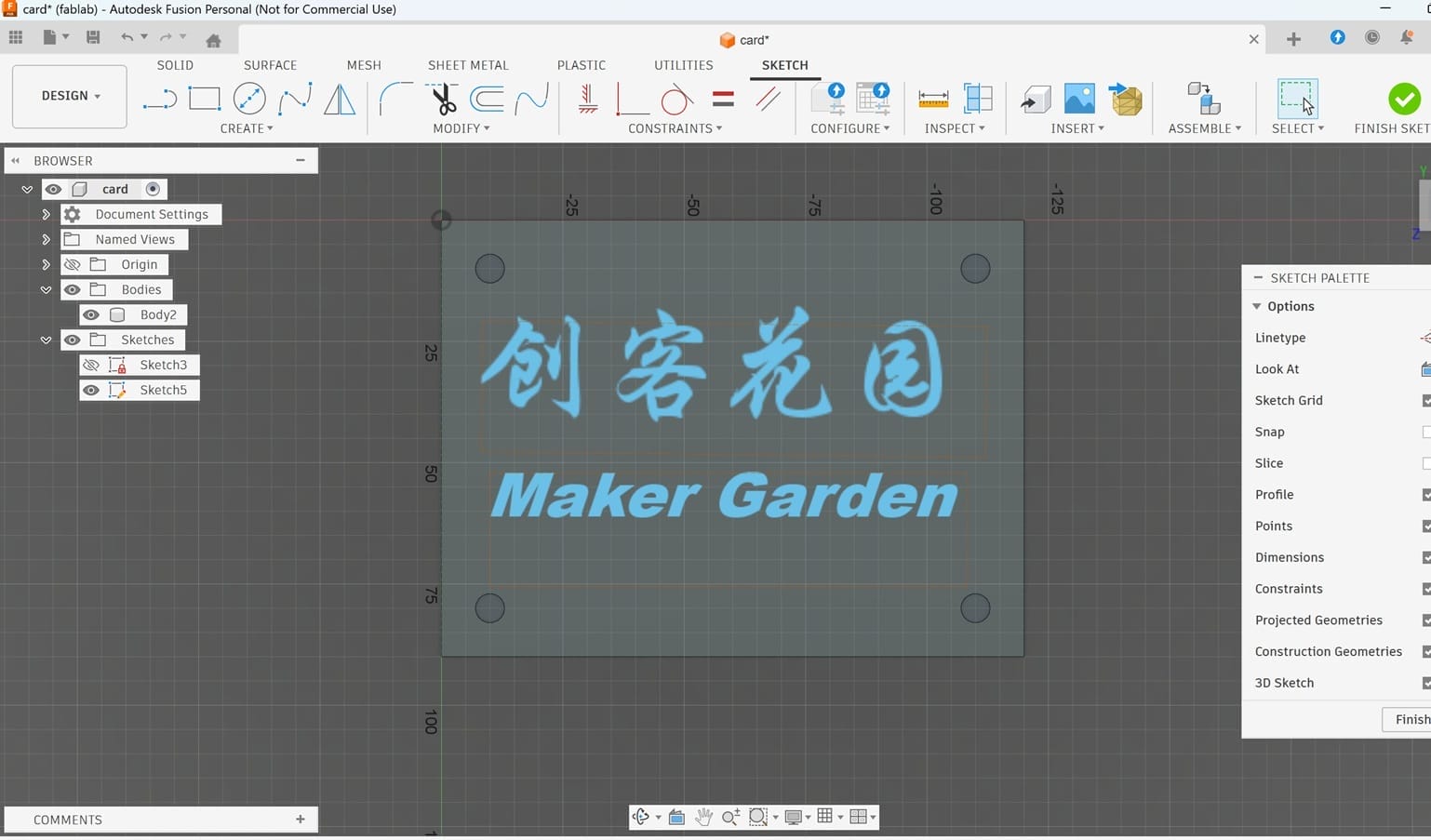
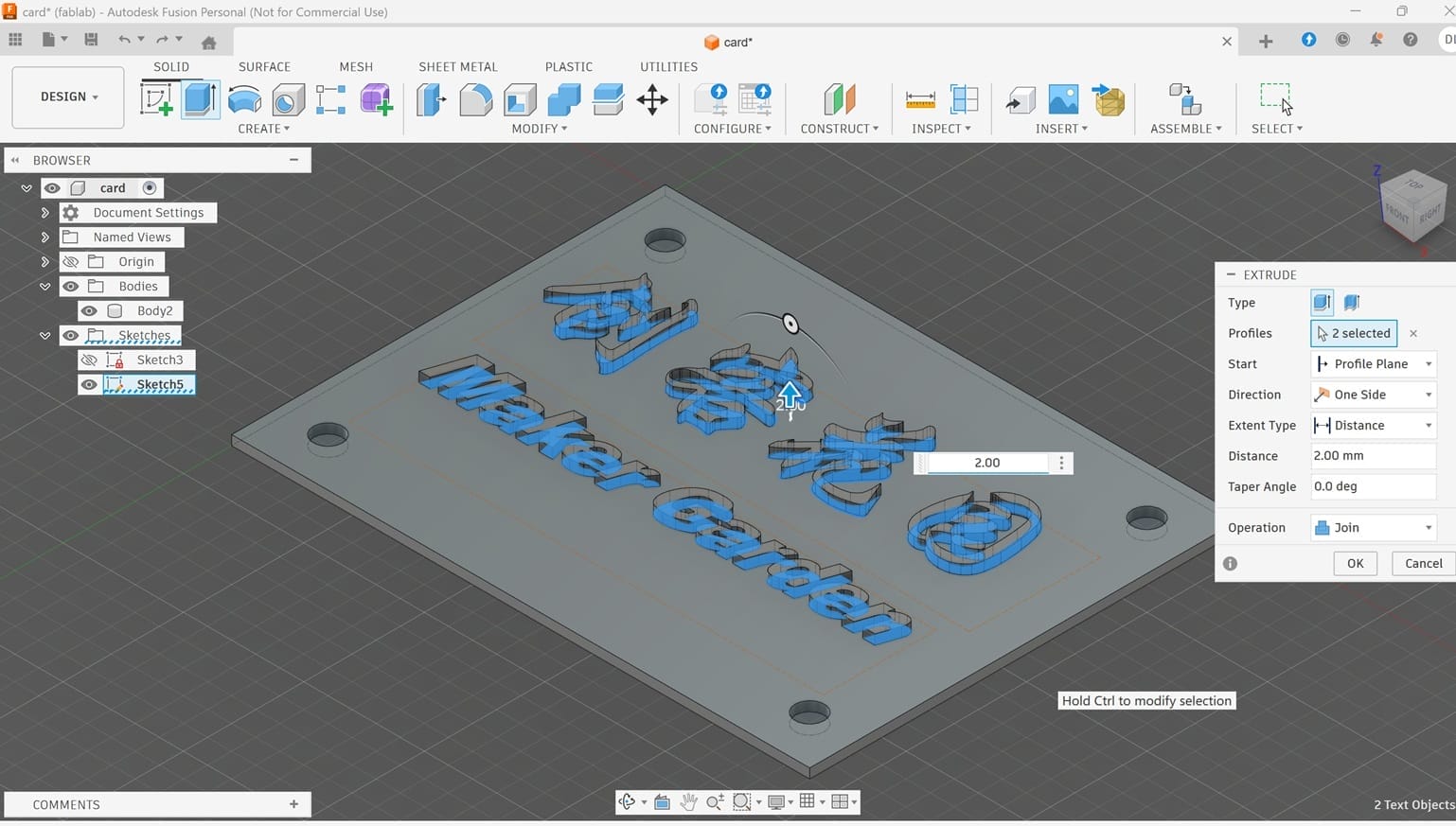
I Create Sketch,add Text, and input my workshop name. I use Extrude and set depth 2.00 mm.
| photo 5 | photo 6 |
|---|---|
 |  |
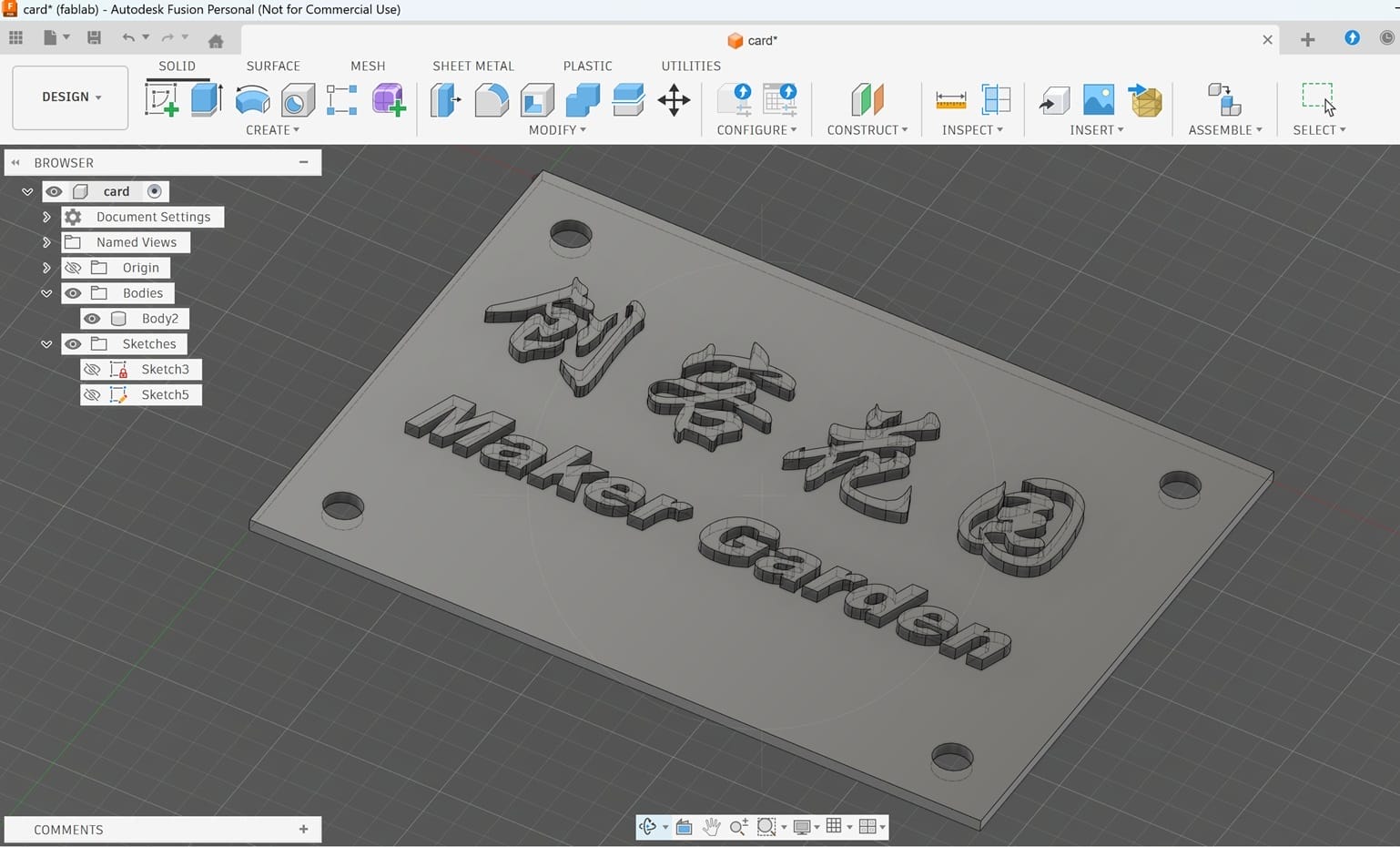
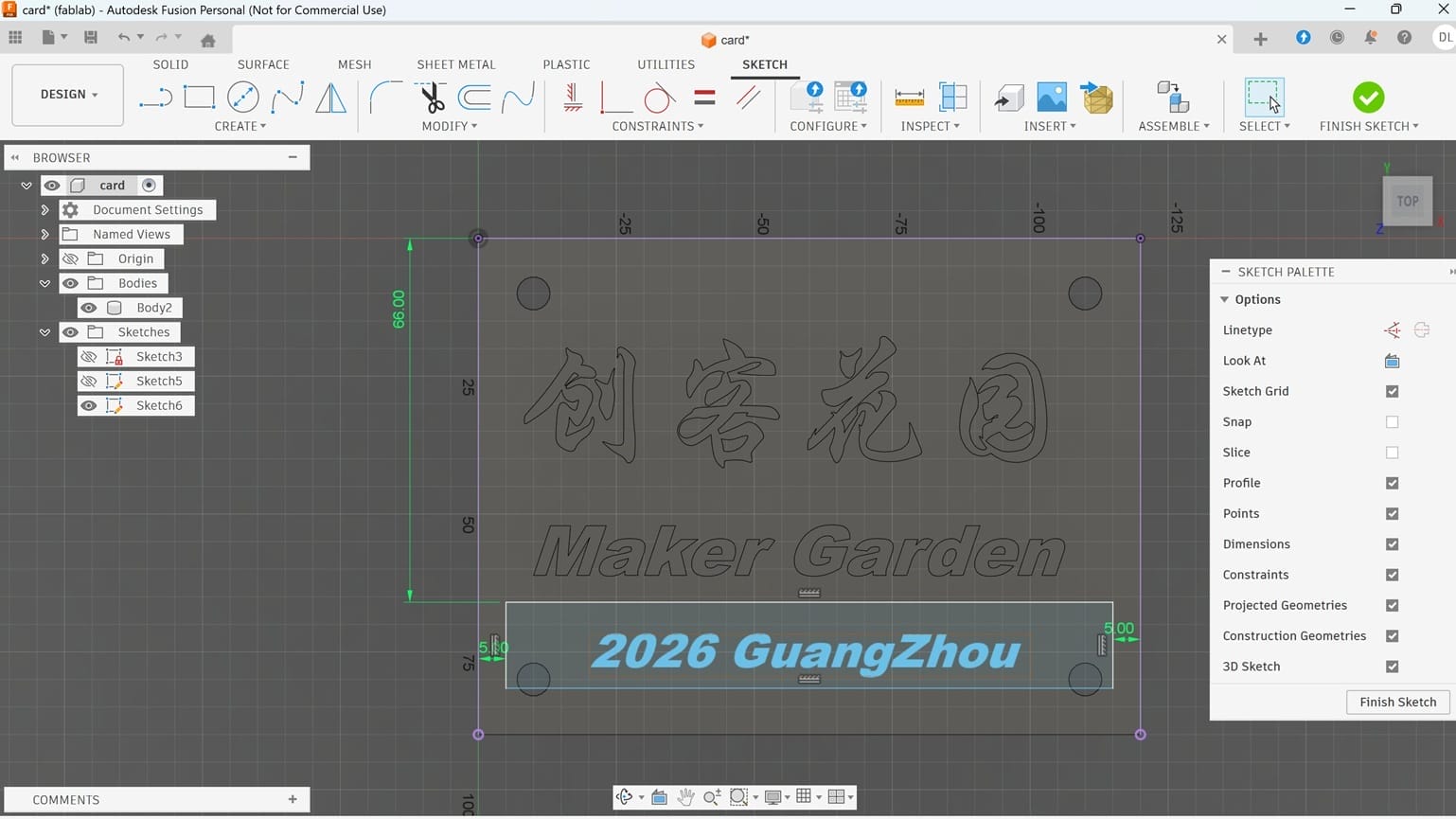
I Create Sketch,add Text, and input "2026 Guangzhou". I use Extrude and set depth 2.00 mm.
| photo 7 | photo 8 |
|---|---|
 |  |
Design and 3D print of a non-substractive object. I discovered that the hinge binder mechanism is a common household item.
2.3. Design a non-substractive object -Hinge binder
2.3.1 Design Hinge leaves
First, I designed the Leaves of the Hinge.
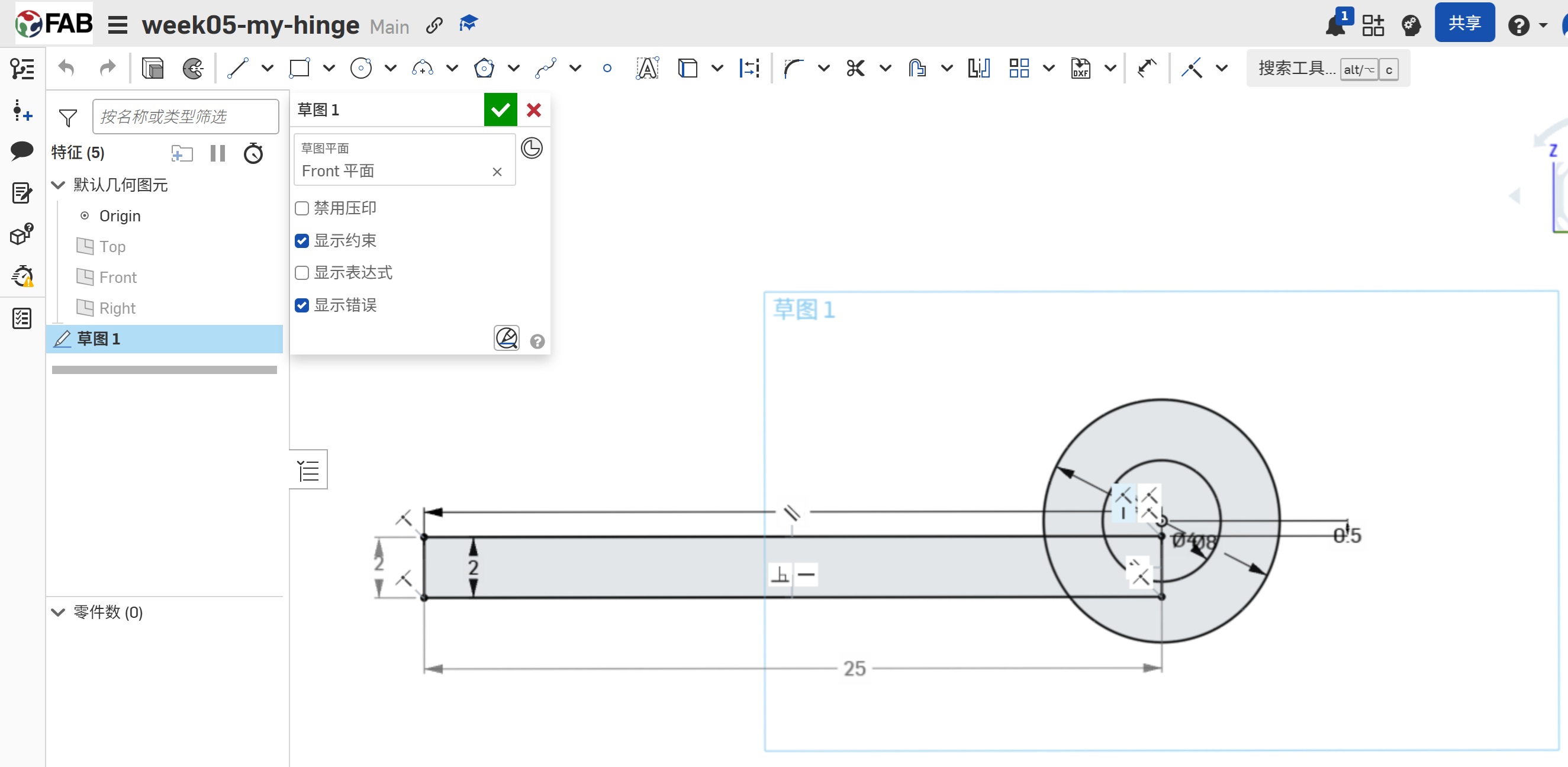 | 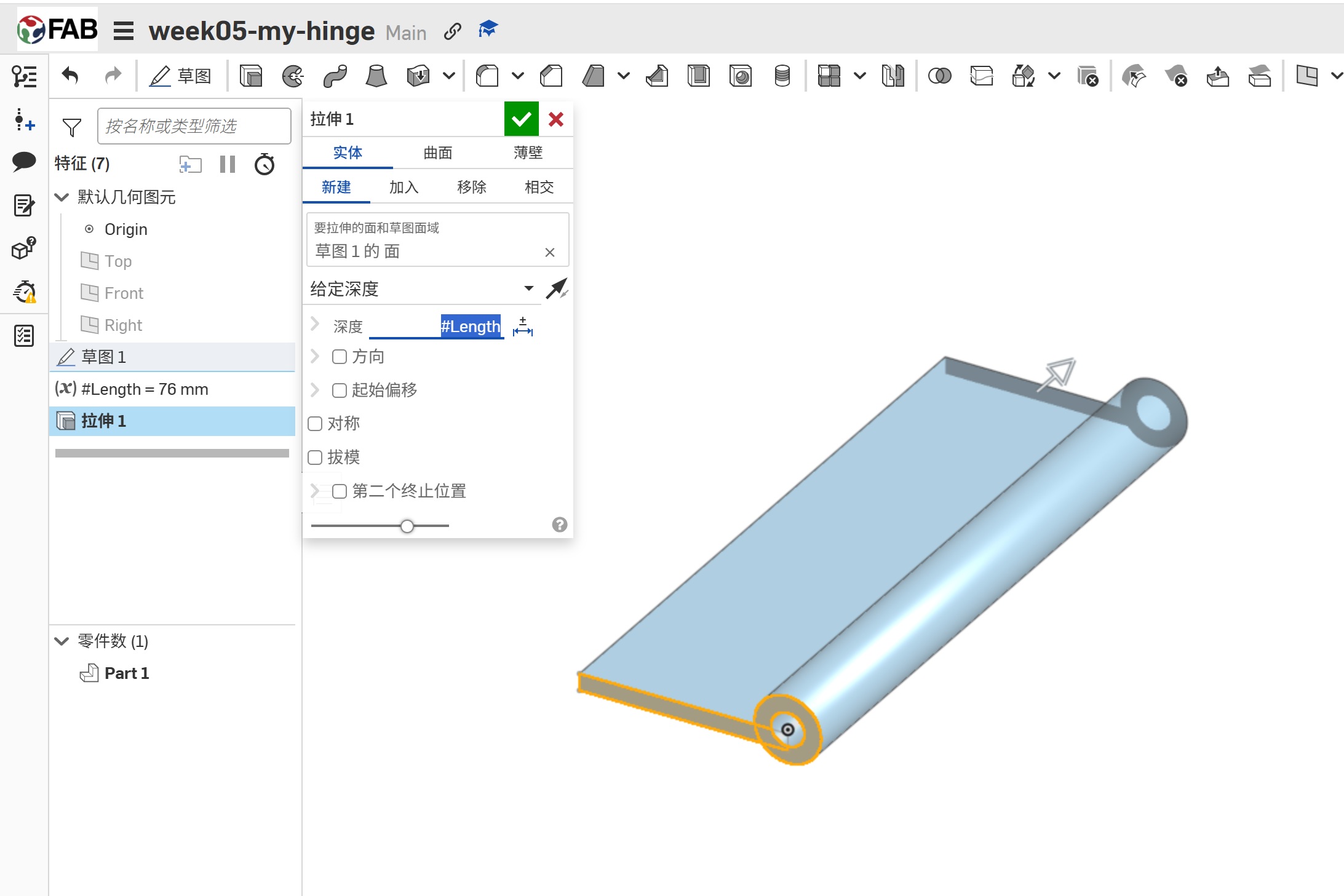 |
|---|
2.3.2 Design the holes
Then, I designed the mounting holes. And I duplicated the leave to another leave.
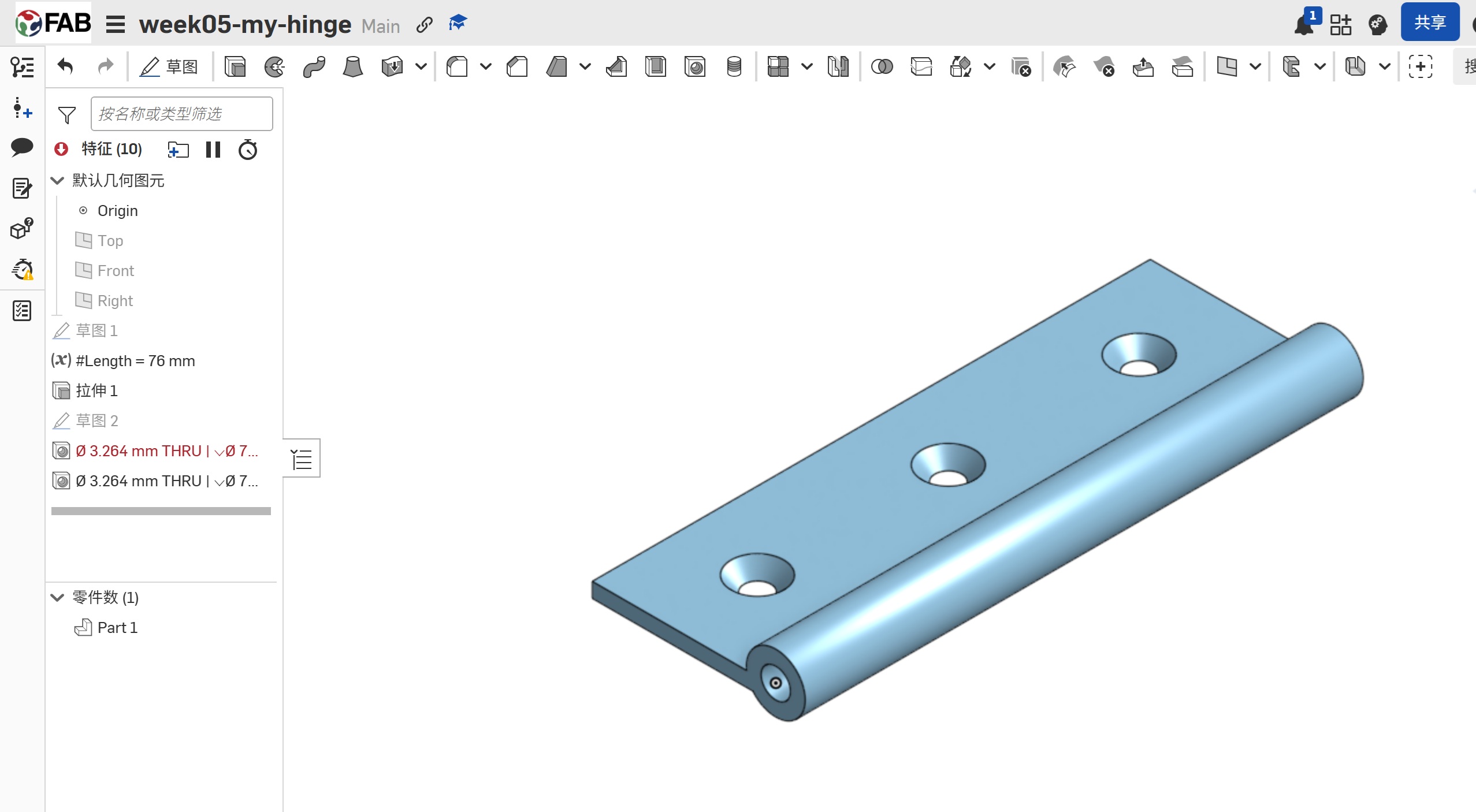 | 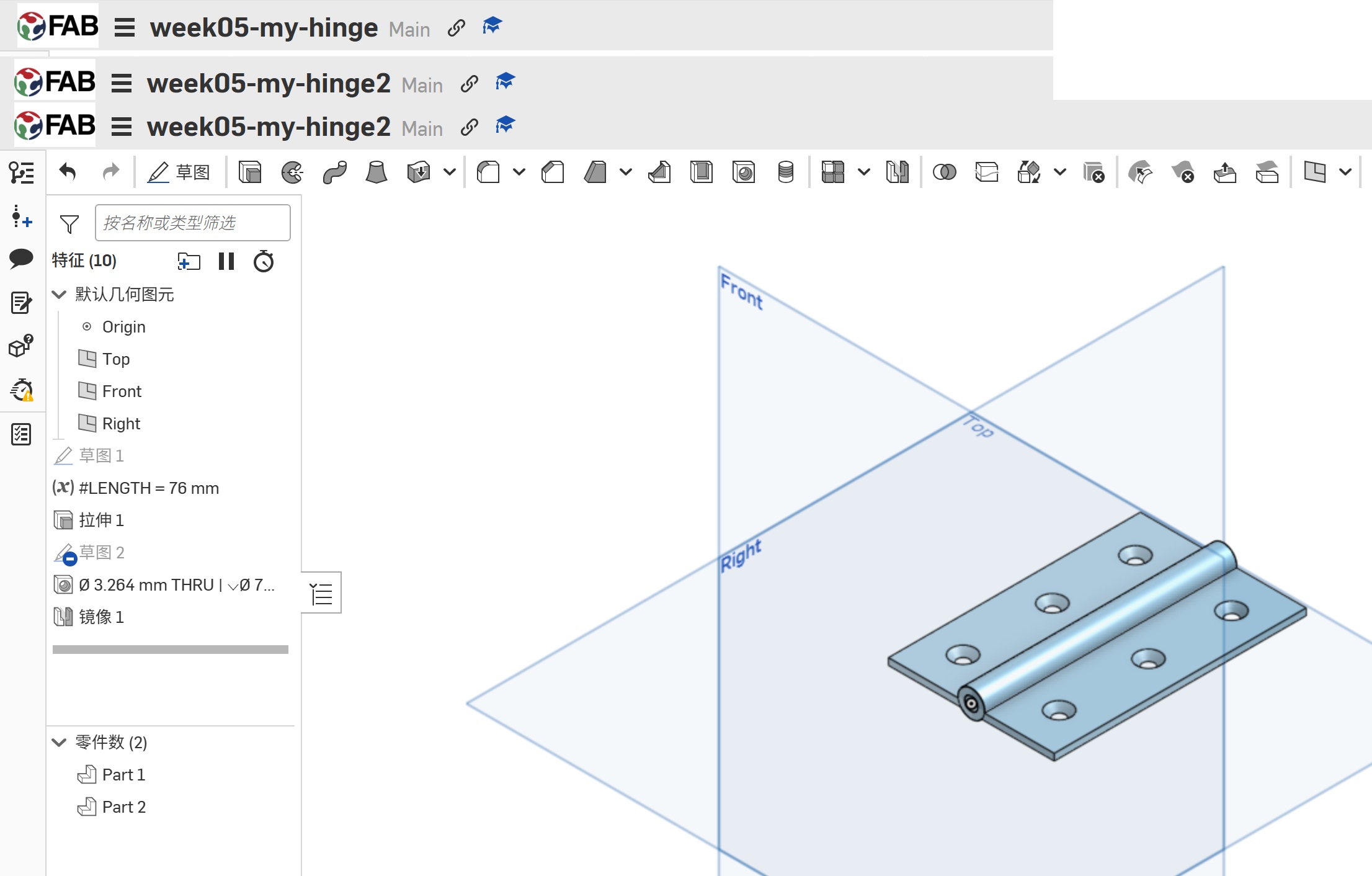 |
|---|
2.3.3 Design the Pin
Then ,I design the Hinge Pin,
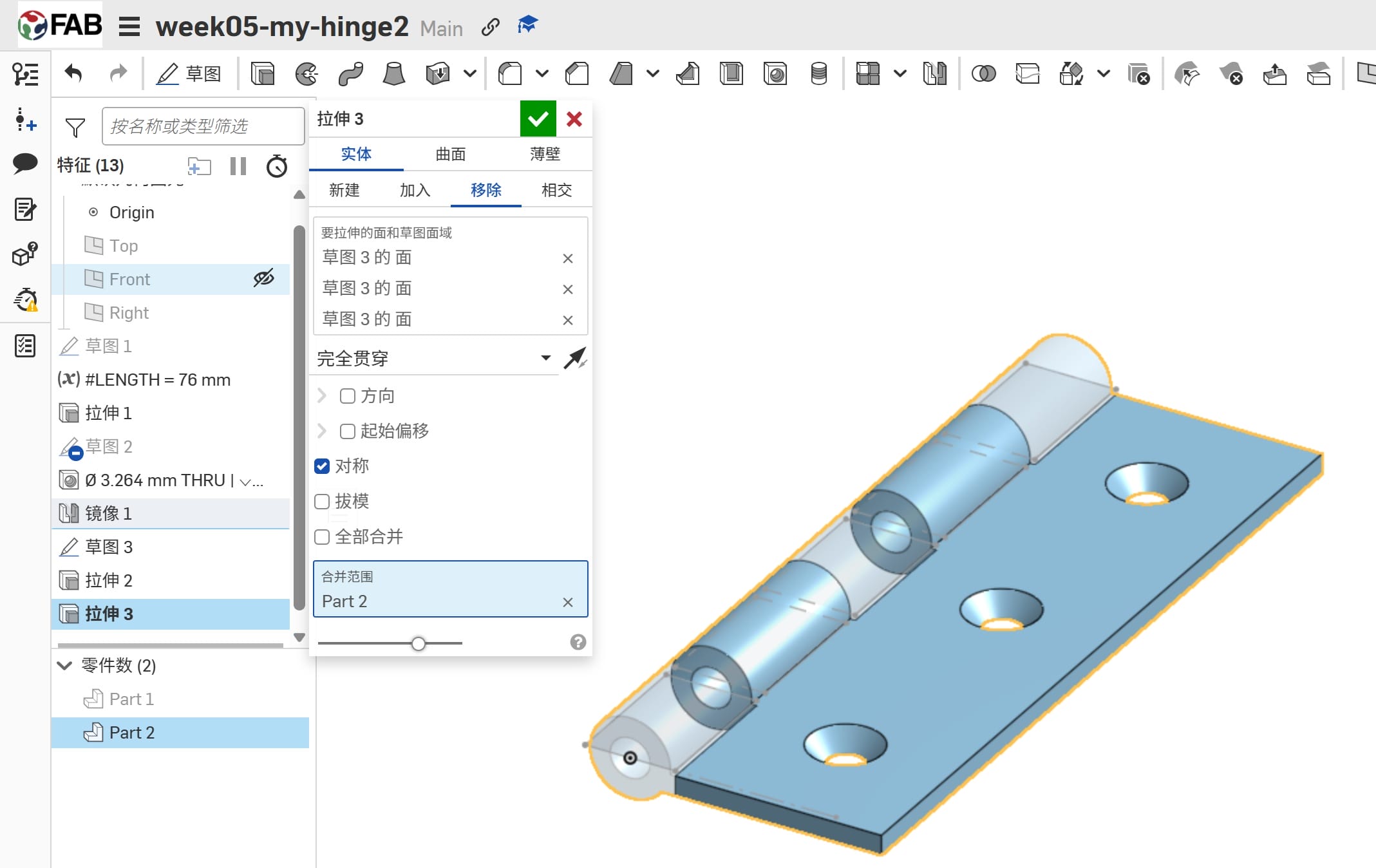 | 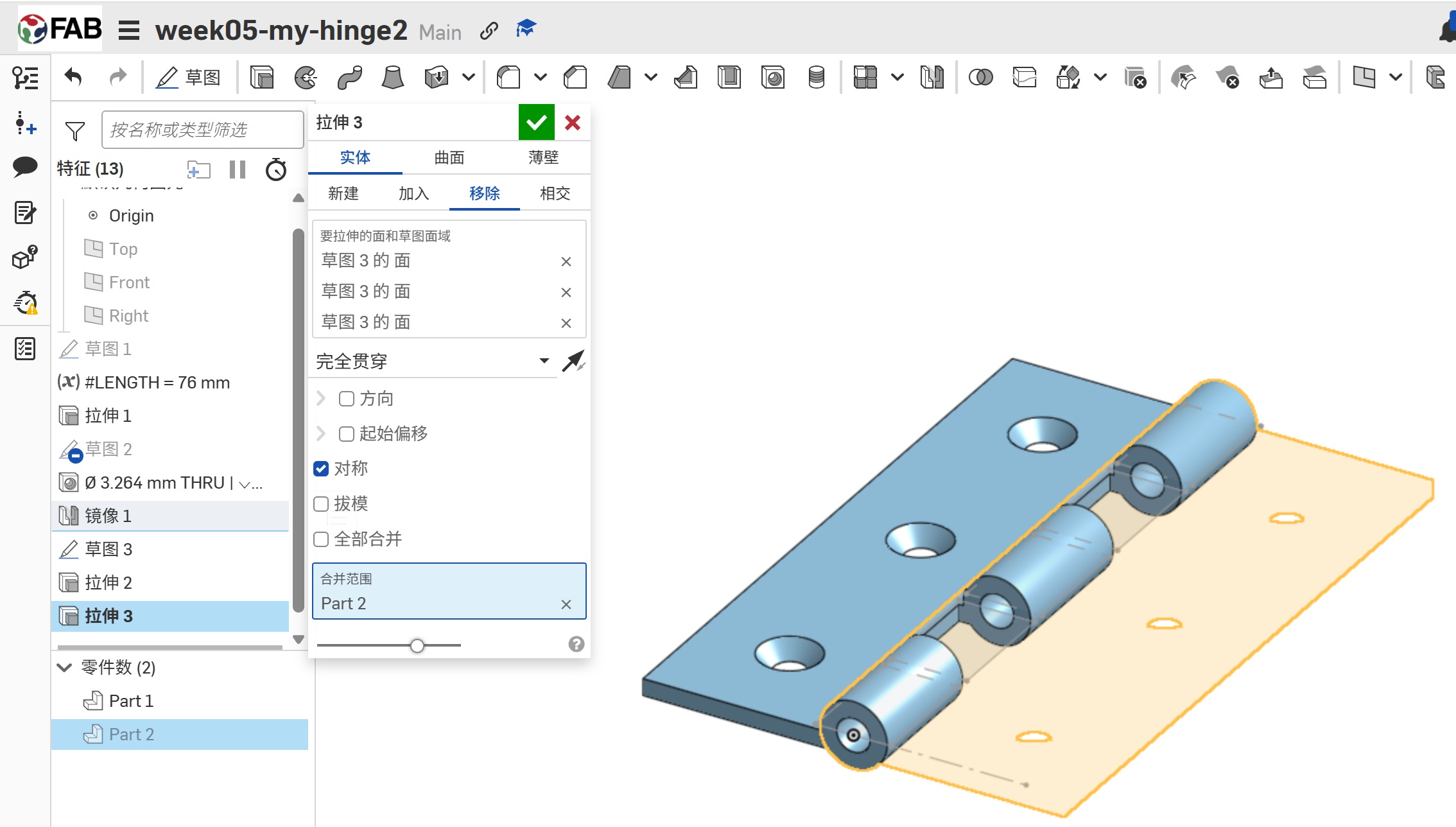 |
|---|
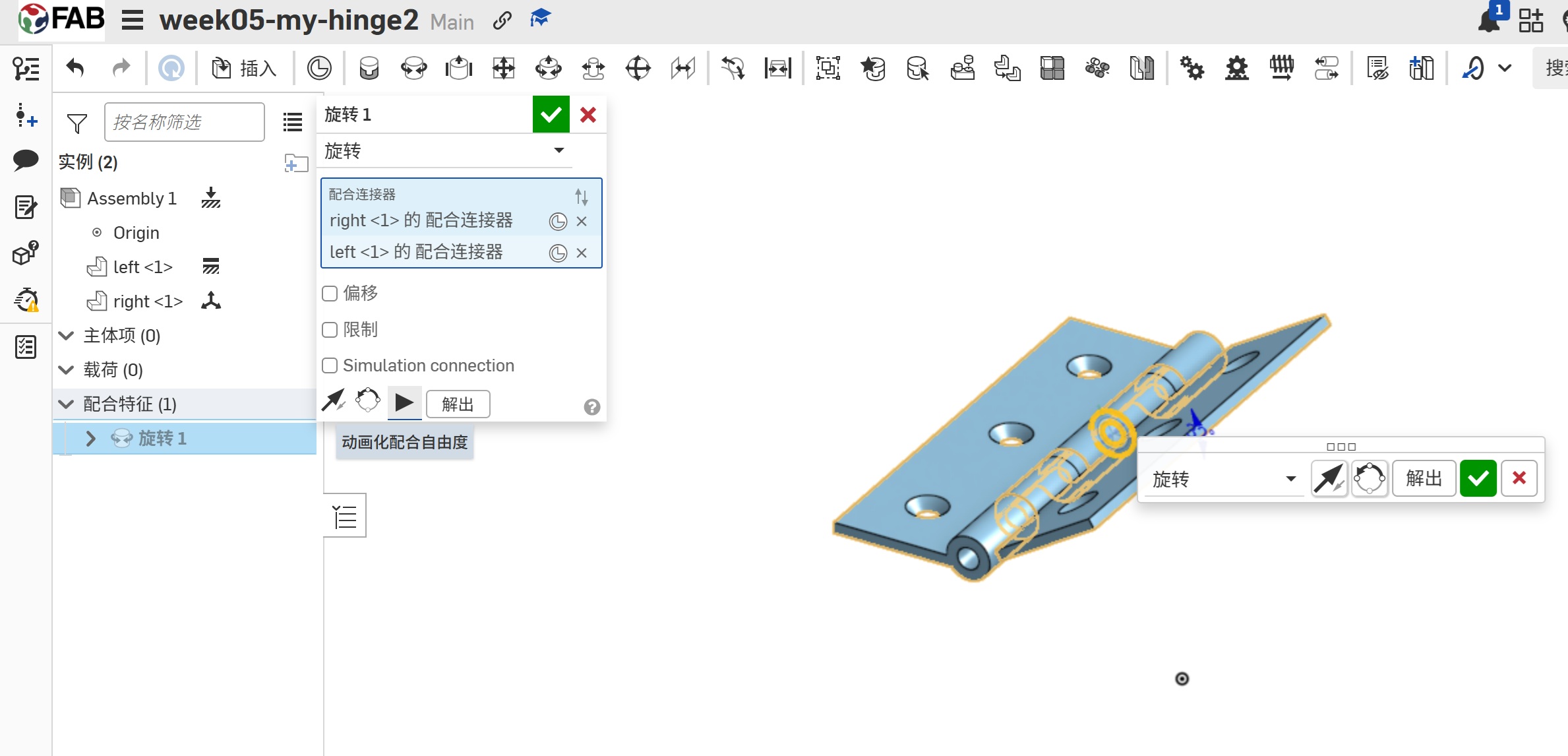
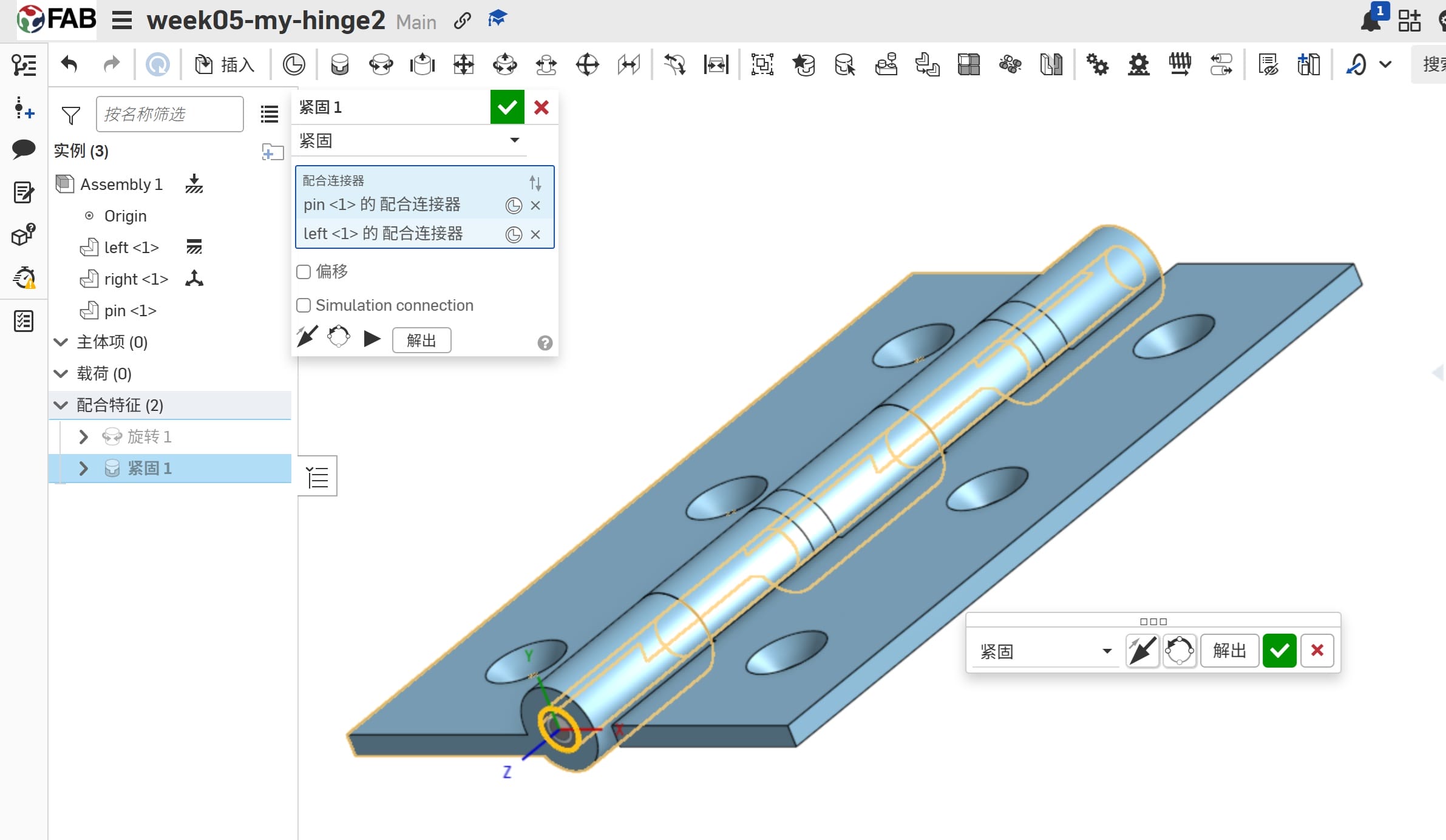
2.3.4 Hinge Assembly
Then, I Assemb the Leaves and the Pin.
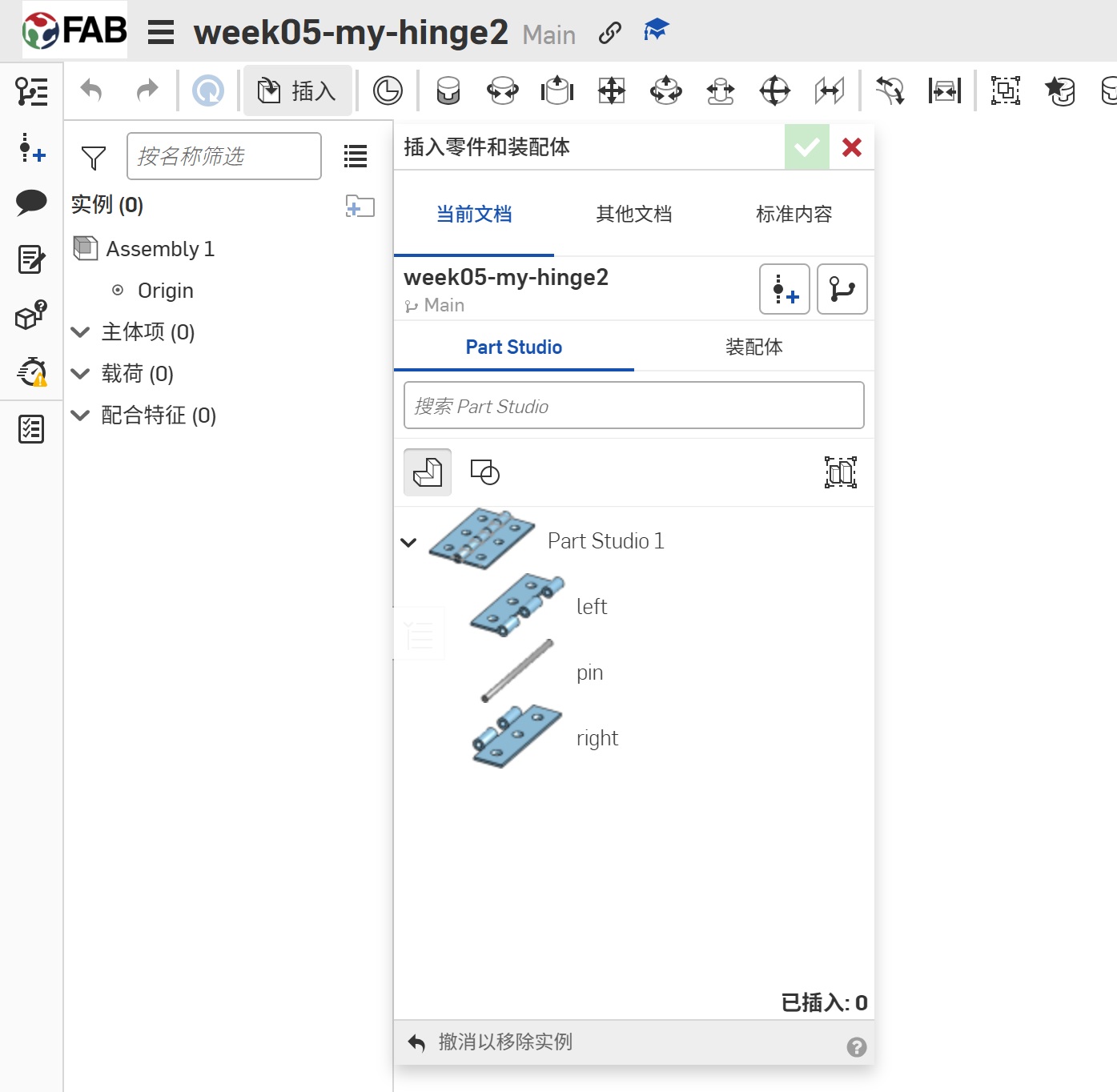 | 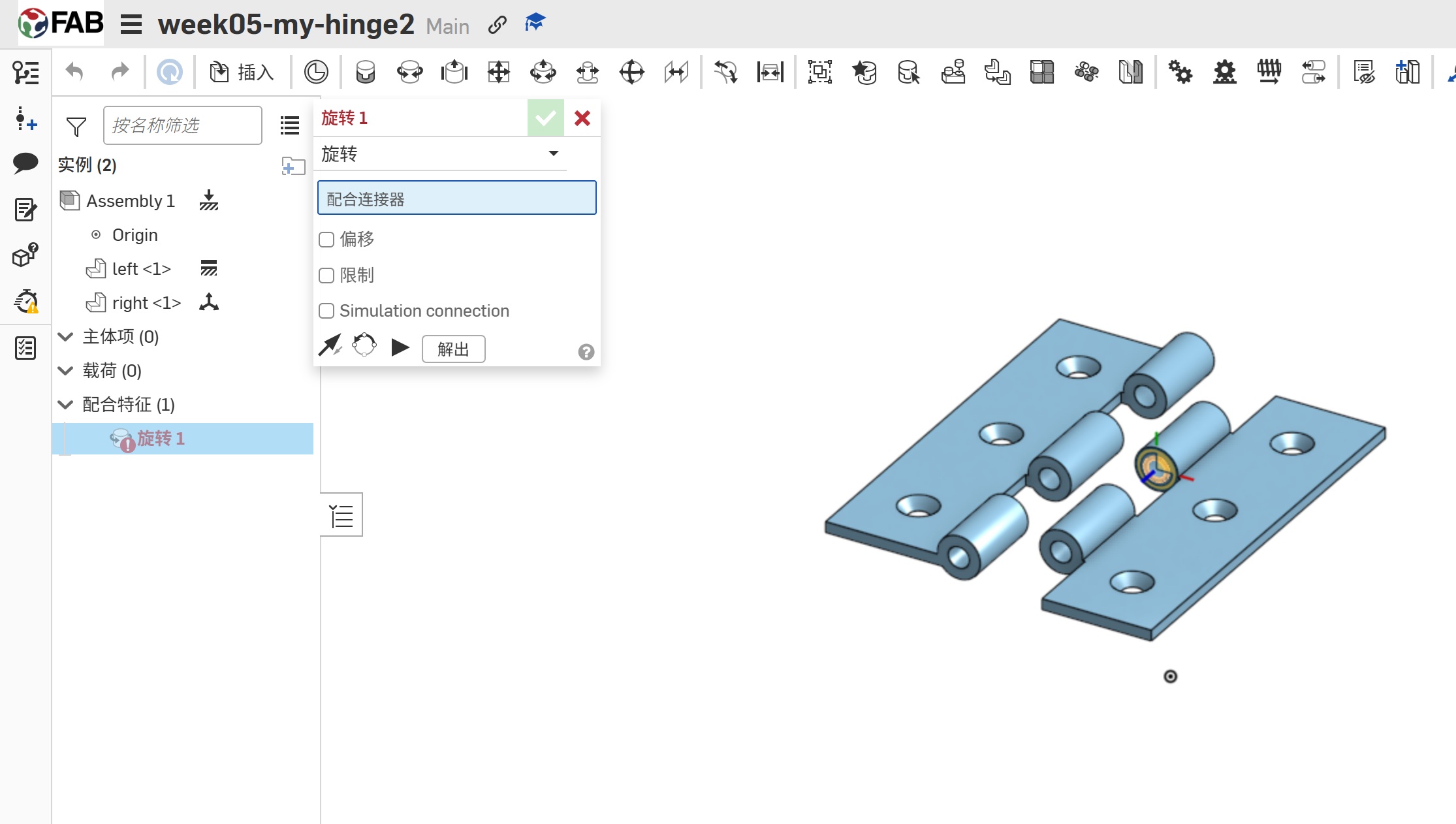 |
|---|
2.3.5 Hinge Animation
I use the Animation to test the Hinge.
 |  |
|---|
2.5 Resources
This is the Fusion360 file for the simple part I created in this tutorial.
-
- This is workshop namecard part1 file [workshop_card1.f3d]:
-
- This is workshop namecard part2 file ,which add year information. [workshop_card2.f3d]:
-
- This is workshop namecard finale stl,which can be printed. [workshop_card.stl]:
Here is the zip file