1. 2D Software
There are many 2D design software available, such as:
-
GIMP:
- GIMP (GNU Image Manipulation Program) is a powerful and versatile open-source image editor that provides a range of tools for creating, editing, and exporting 2D images.
- It is widely used for tasks such as photo retouching, image composition, and graphic design.
- GIMP is available for Windows, macOS, and Linux.
After comparing these software, I found that GIMP is the best choice for my project. It is free and open-source, and it is easy to use. It also has a wide range of features, which is important for my project.
1.1. GIMP
GIMP (GNU Image Manipulation Program) is a powerful and versatile open-source image editor that provides a range of tools for creating, editing, and exporting 2D images. It is widely used for tasks such as photo retouching, image composition, and graphic design.
1.2 Features of GIMP
- Layer-based editing: Allows for non-destructive editing by working with multiple layers.
- Selection tools: Includes rectangular, elliptical, freehand, and fuzzy selection tools.
- Brush and painting tools: Provides a variety of brushes, gradients, and patterns.
- Transformation tools: Includes scaling, rotation, shearing, and perspective adjustments.
- Filters and effects: Offers a range of artistic and photo-enhancement filters.
- Support for plugins: Allows customization and extension through plugins.
- Wide format support: Compatible with various file formats, including PNG, JPEG, TIFF, and PSD.
1.3 Installation
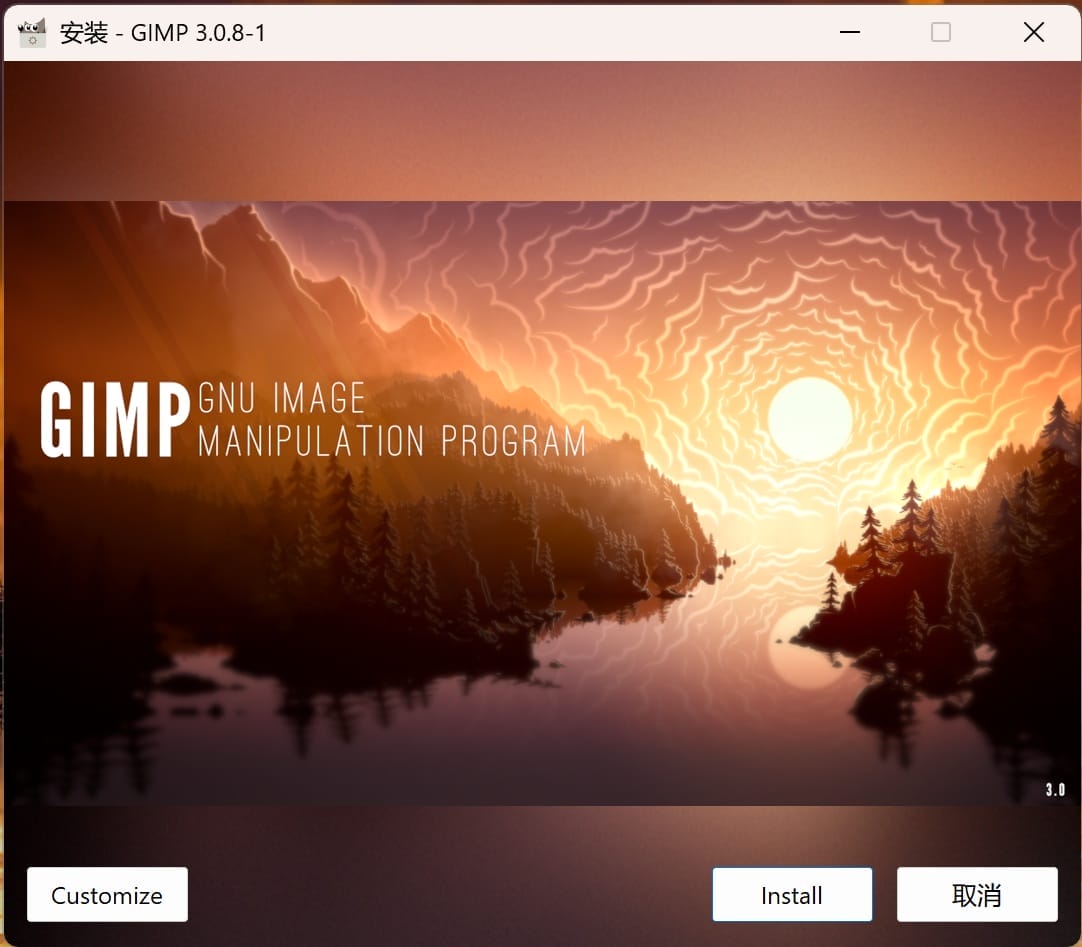
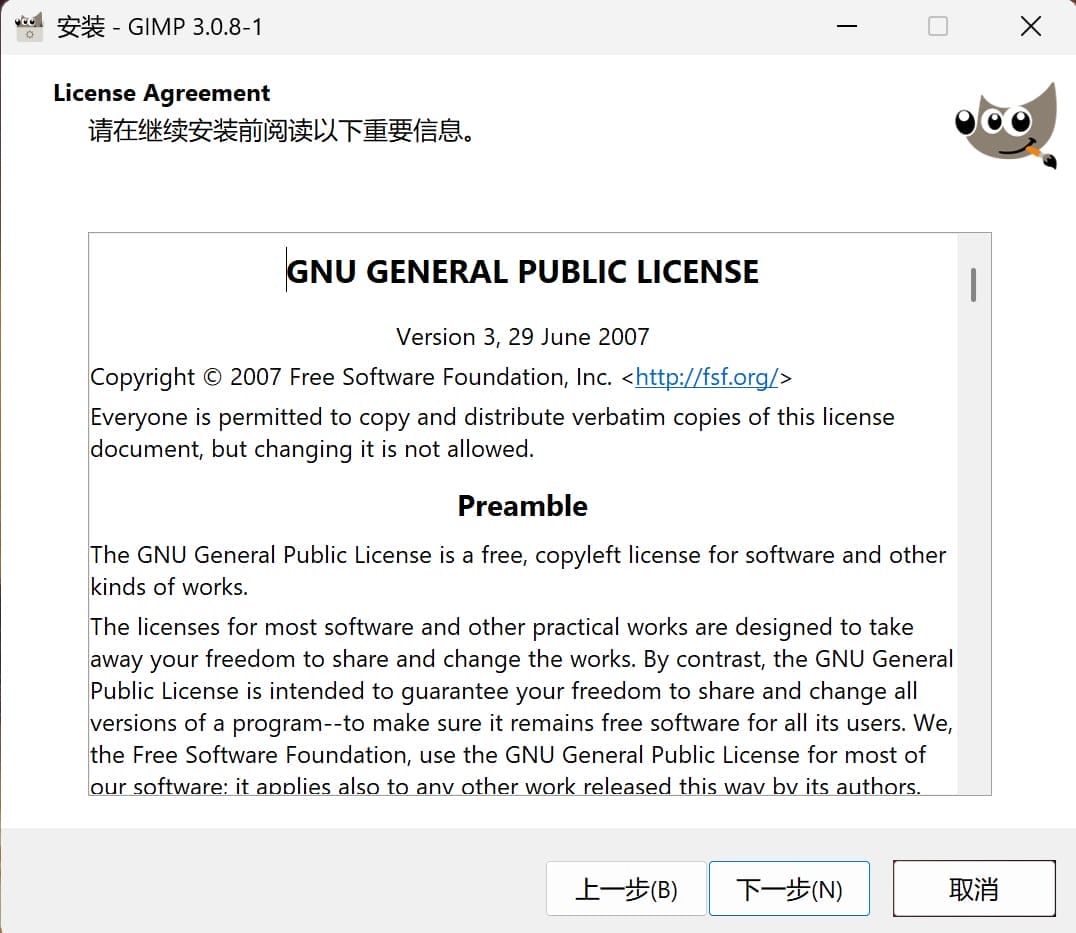
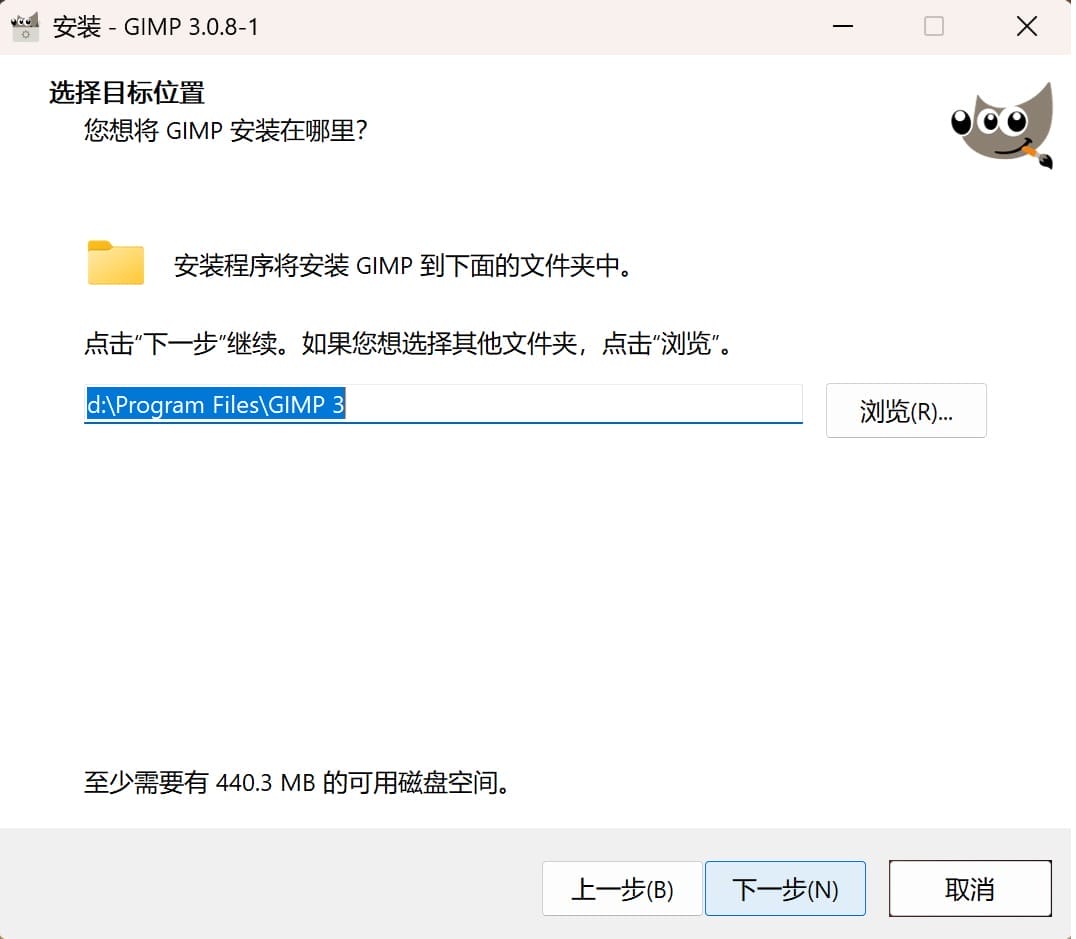
To install GIMP on your computer, follow these steps:
- Download the official GIMP installer from the GIMP website.
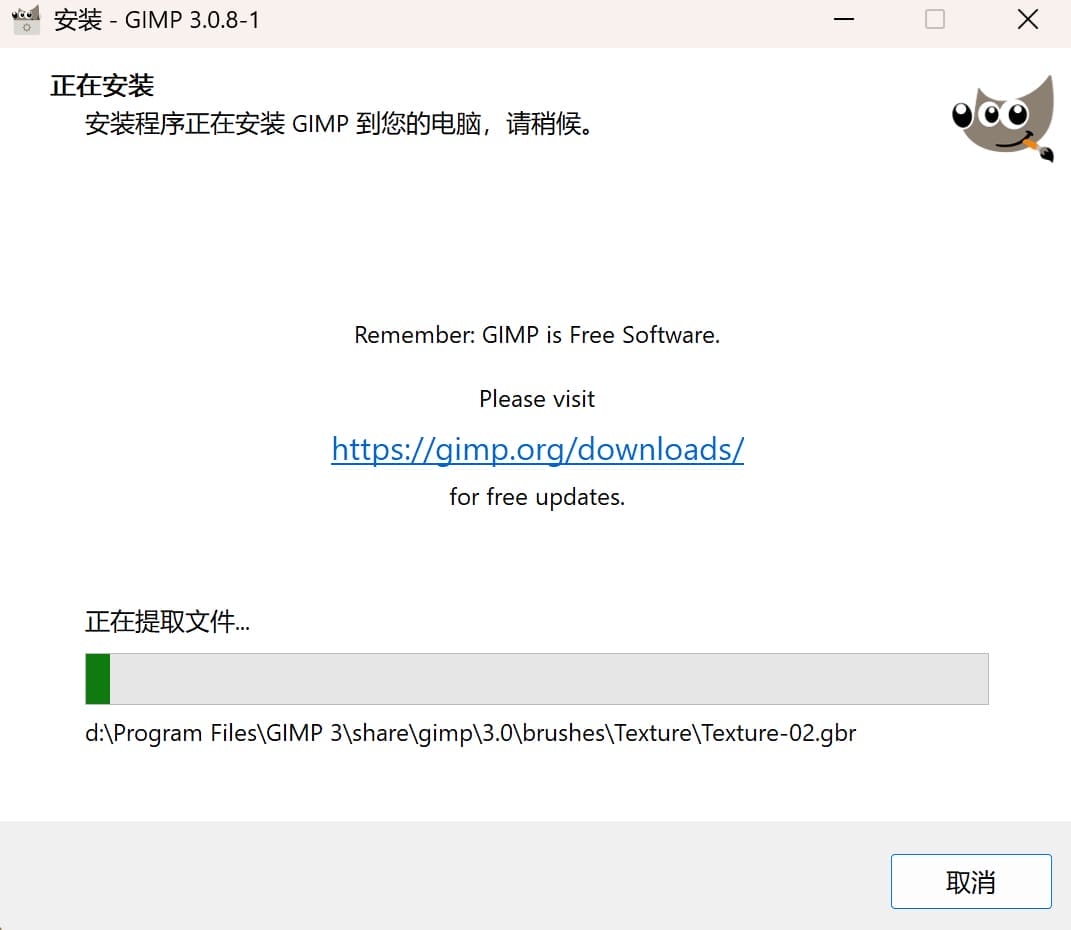
- Run the installer and follow the on-screen instructions to complete the installation.
- Open GIMP after installation to verify that it is working properly.
For my case, I have installed GIMP on my Windows computer.
| photo 1 | photo 2 |
|---|---|
 |  |
| photo 3 | photo 4 |
|---|---|
- |  |
1.4 design
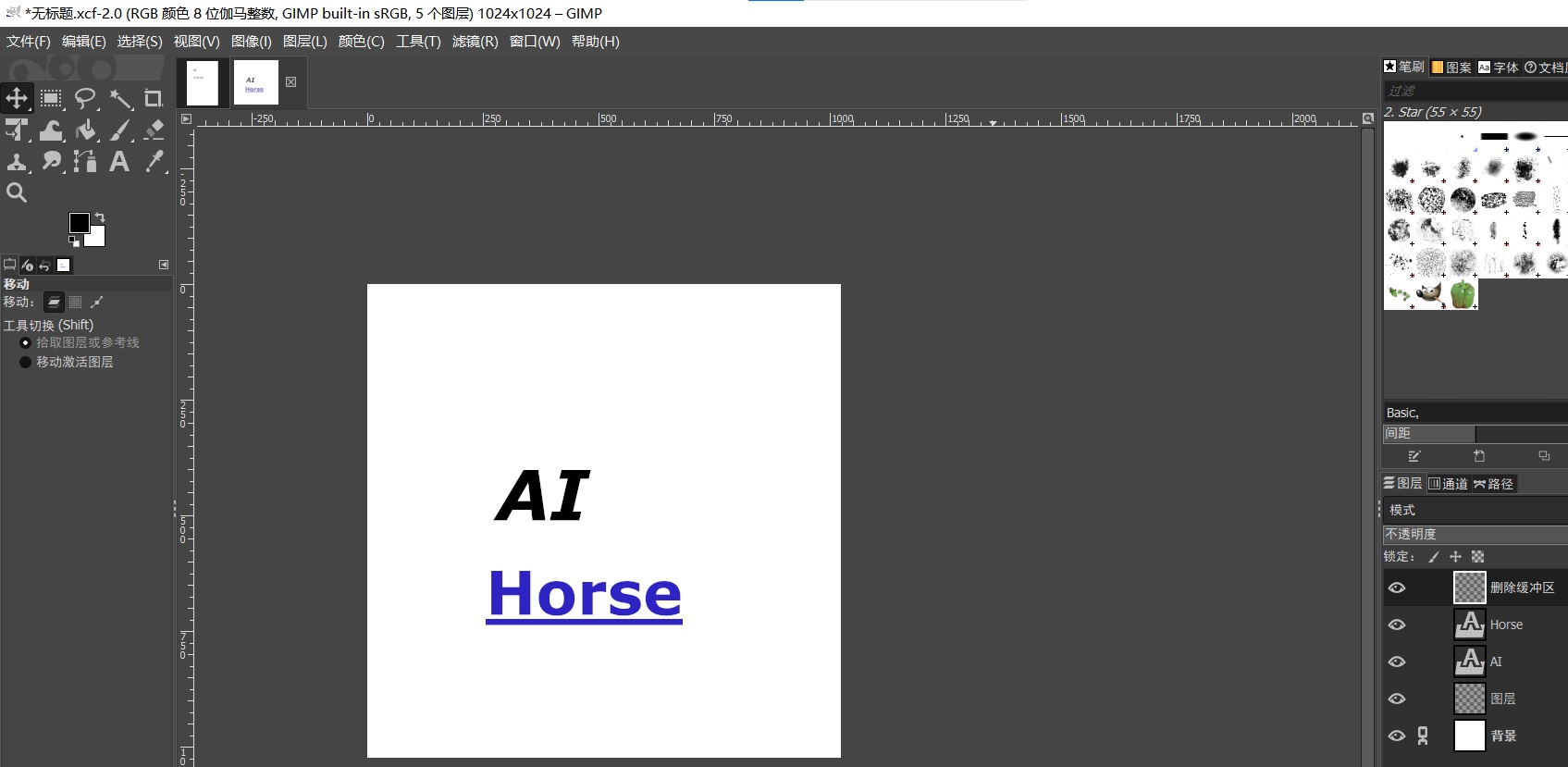
I created a simple image in GIMP with two layers: one with the text 'AI' and the other with the text 'Horse'.
Here is the image in GIMP design: