1. Laser Cutting
Laser cutting is a process where a laser beam is used to cut materials such as wood, plastic, and metal. The laser beam is focused on the material, which causes it to melt, burn, or vaporize, leaving a clean cut. Laser cutting is a precise and efficient way to cut materials, and it is commonly used in manufacturing, prototyping, and art.
1.1 Laser Cutting Machine
The laser cutting machine in the Chaihuo FabLab is AWC708C LITE
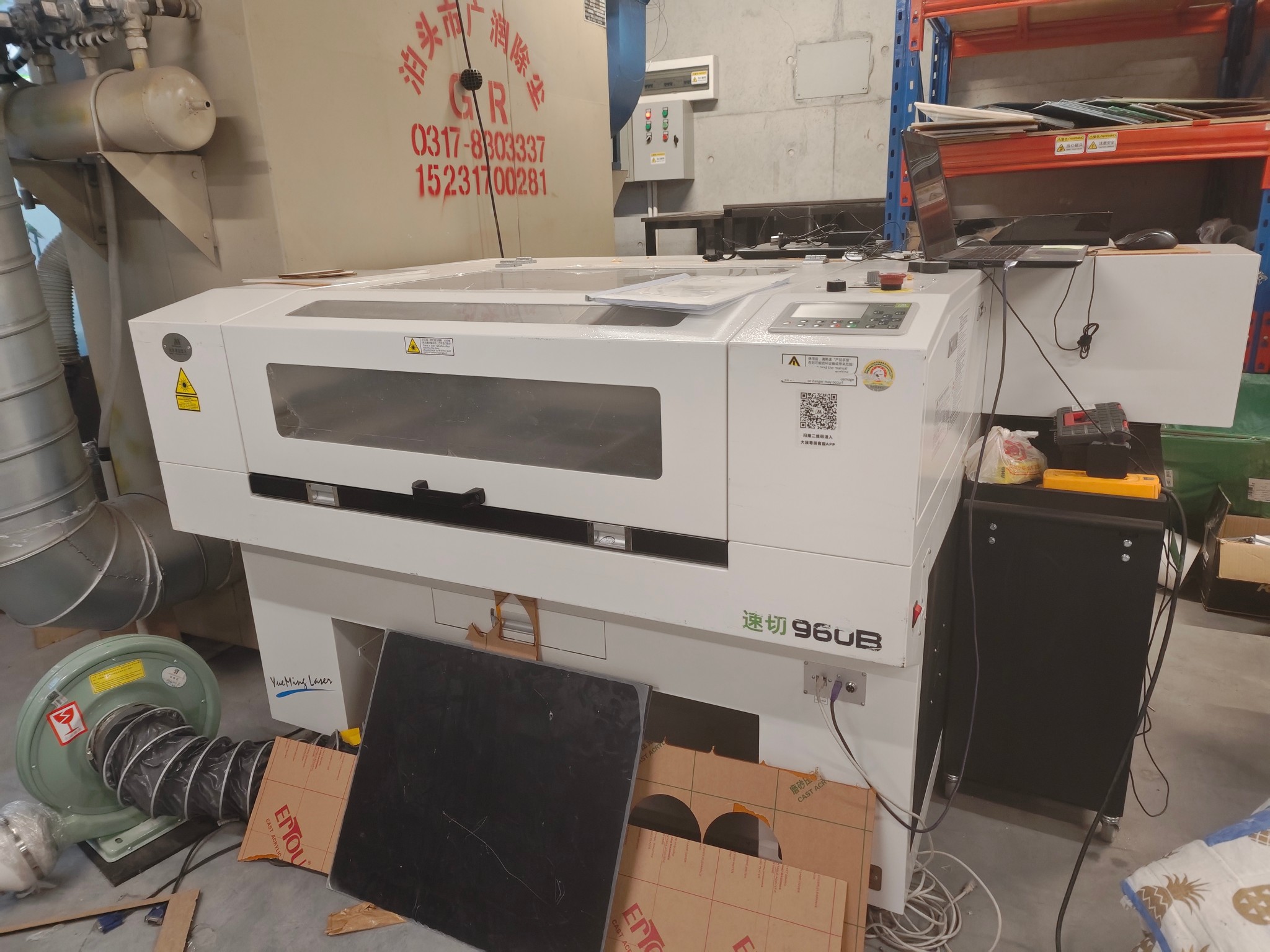
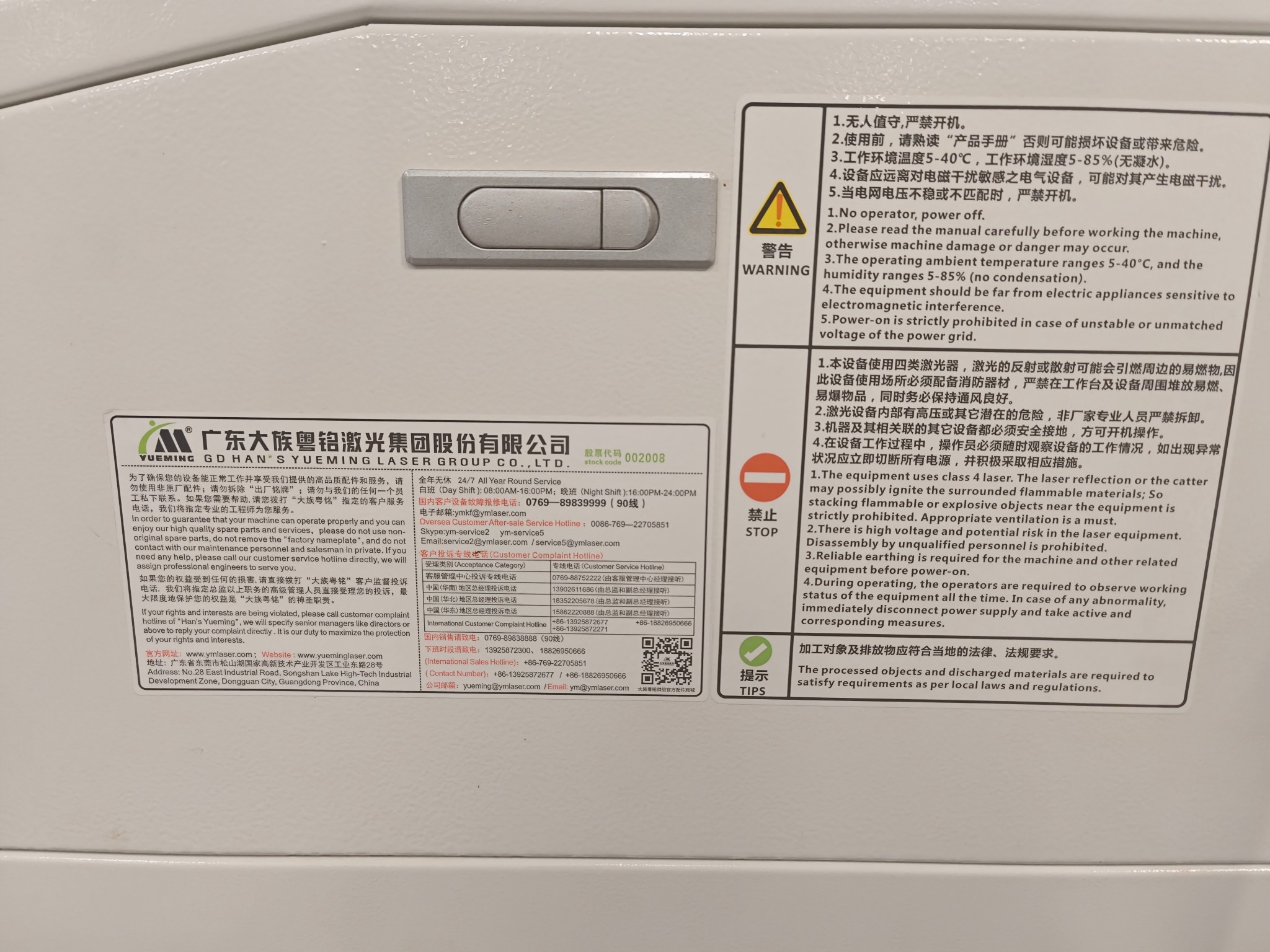
The information of the machine is as follows:
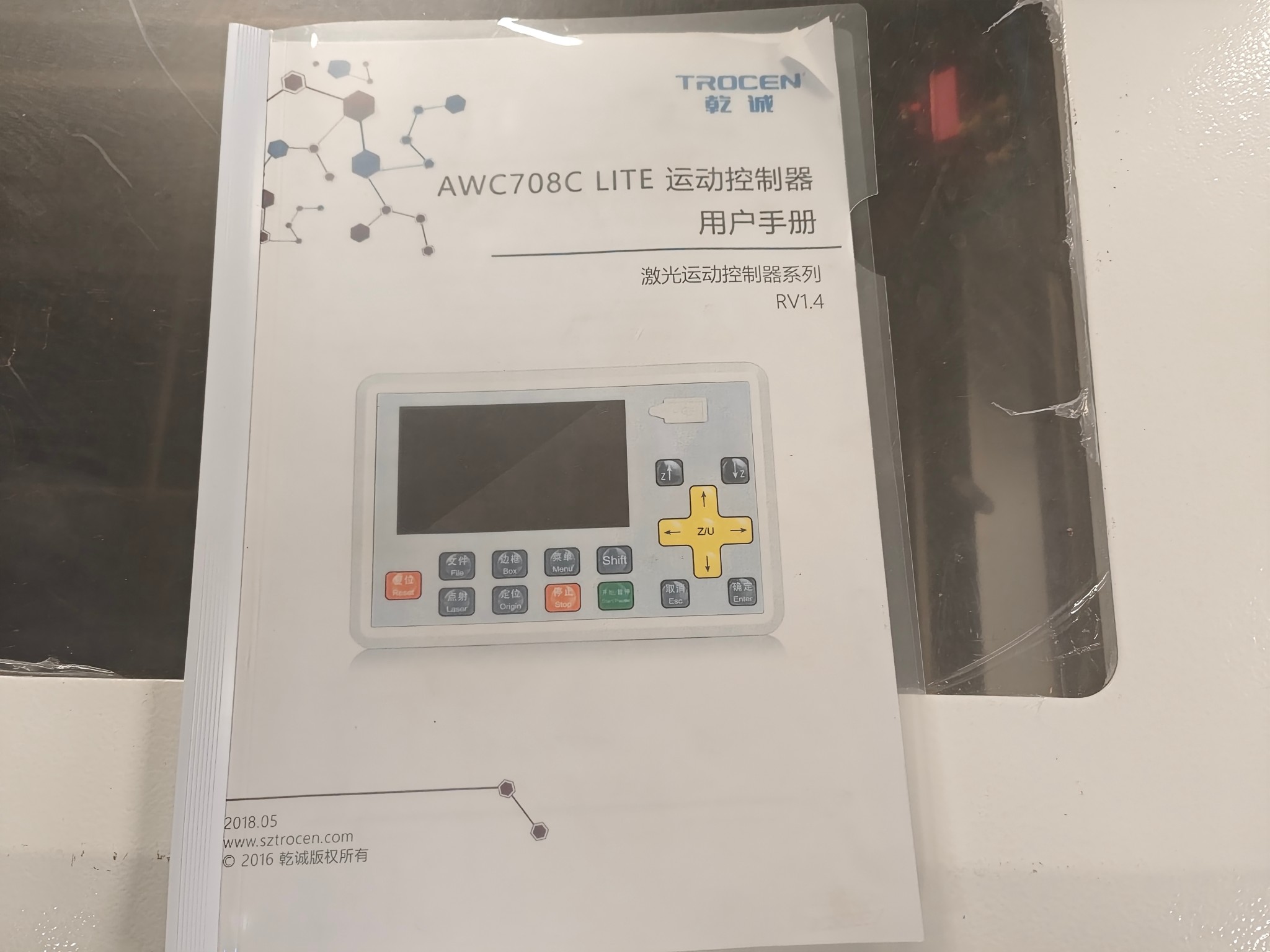
First I need to read the manual of the machine.
1.2 Parmeters for Laser Cutting
- Speed: The speed at which the laser moves across the material.
- Power: The power of the laser beam.
1.3 Materials for Laser Cutting
- Wood: Wood is a popular material for laser cutting because
- Acrylic: Acrylic is a versatile material that can be used for a variety of applications.
1.4 Designing for Laser Cutting
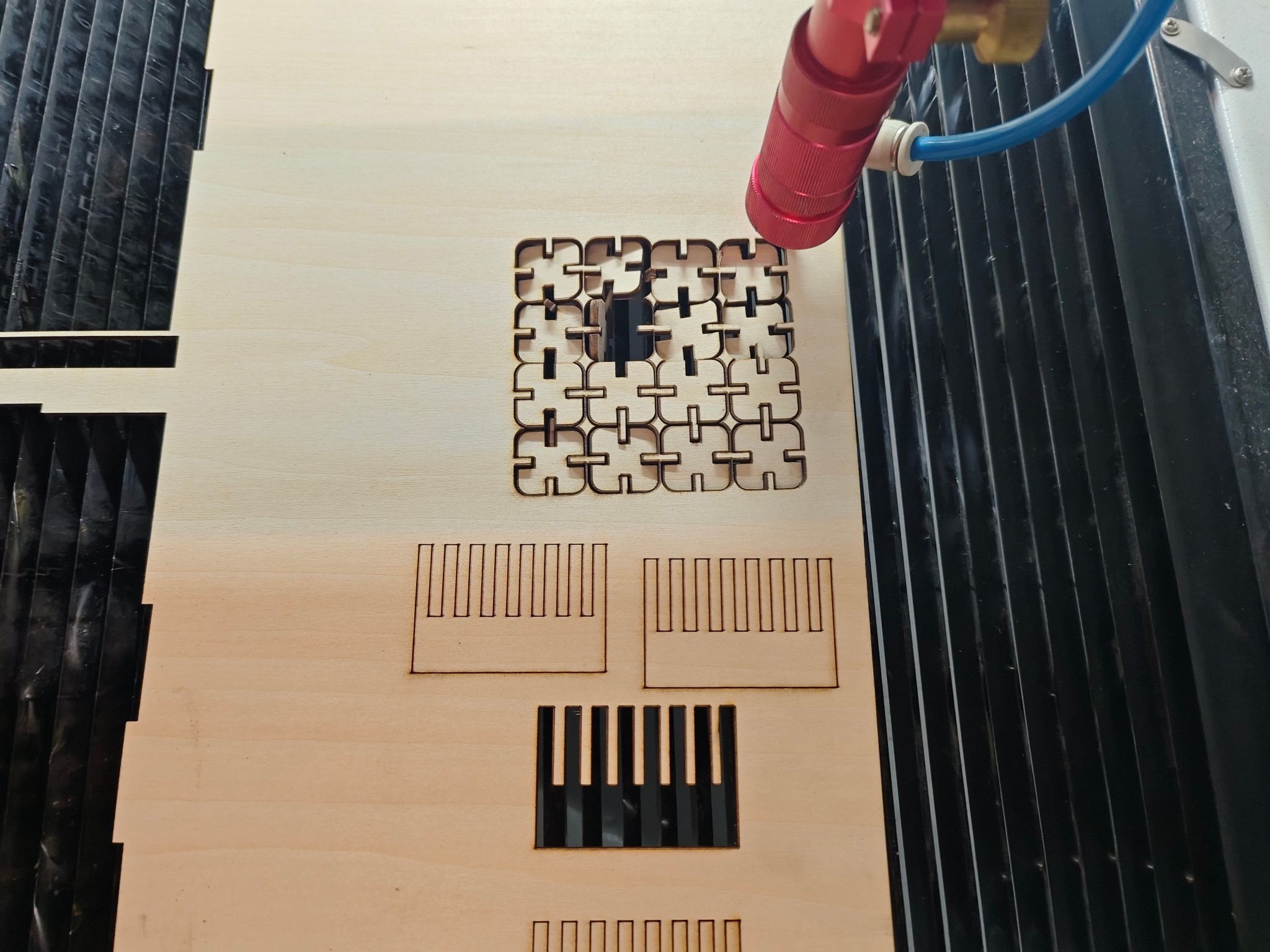
I caculated the deviation of the laser cutting machine by designing a serrated object with teeth spacing gradually decreasing from 3.6mm to 3.0mm, scaled at 1mm intervals.
Based on the identified error margin, I designed a snap-fit component that allows multiple pieces to interlock seamlessly. However, due to the presence of errors, I had to account for the tolerance by adjusting the spacing at the connection points. Without this adjustment, the snap-fit components would fail to connect properly.
According to the group assignment, I got the deviation of the laser is 1.1741mm.
So, I designed a snap-fit component that allows multiple pieces to interlock seamlessly.
First, I need to measure the actual tickness of the Wood.
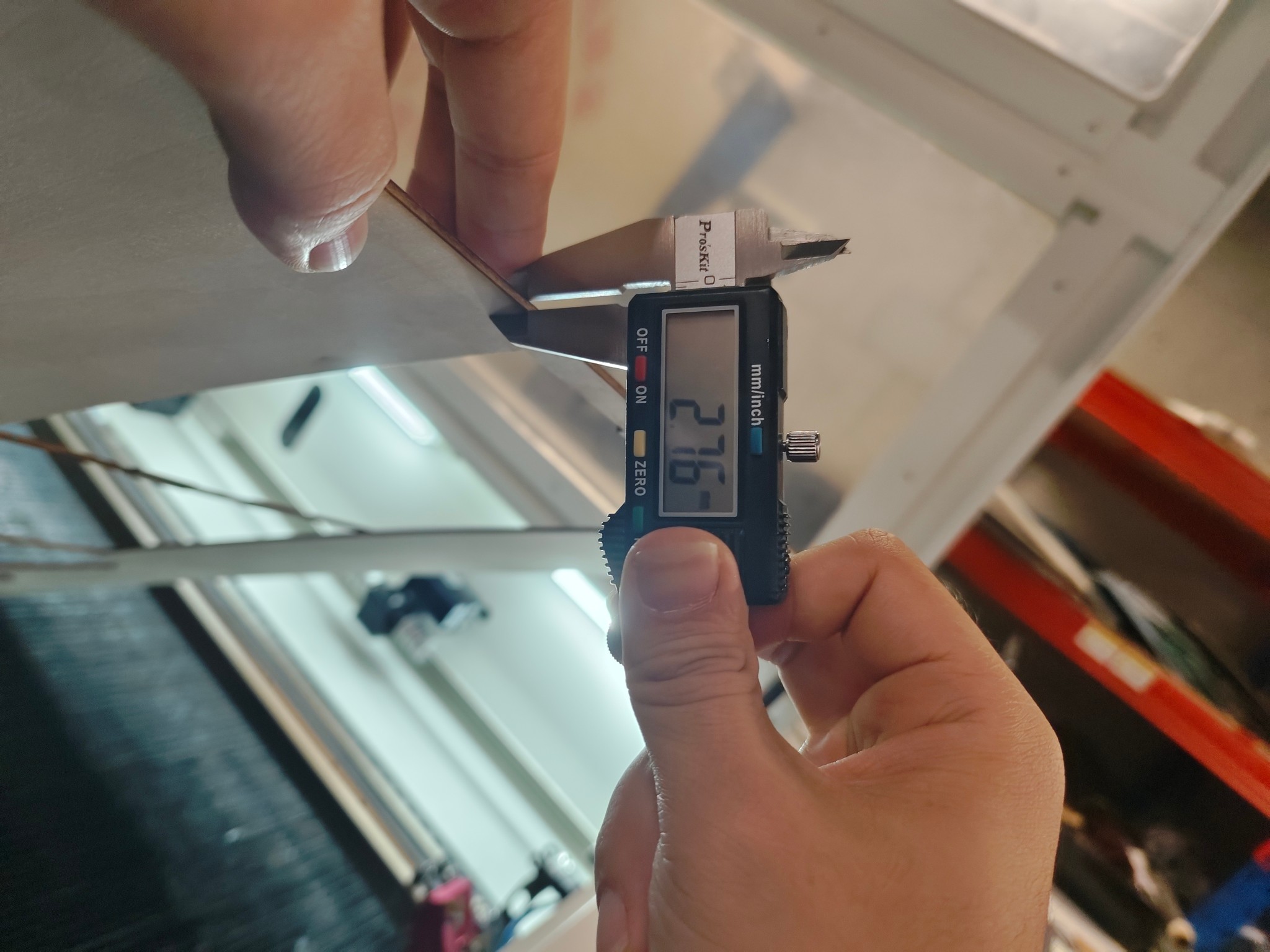 Then, I need to design a snap-fit component that allows multiple pieces to interlock seamlessly.
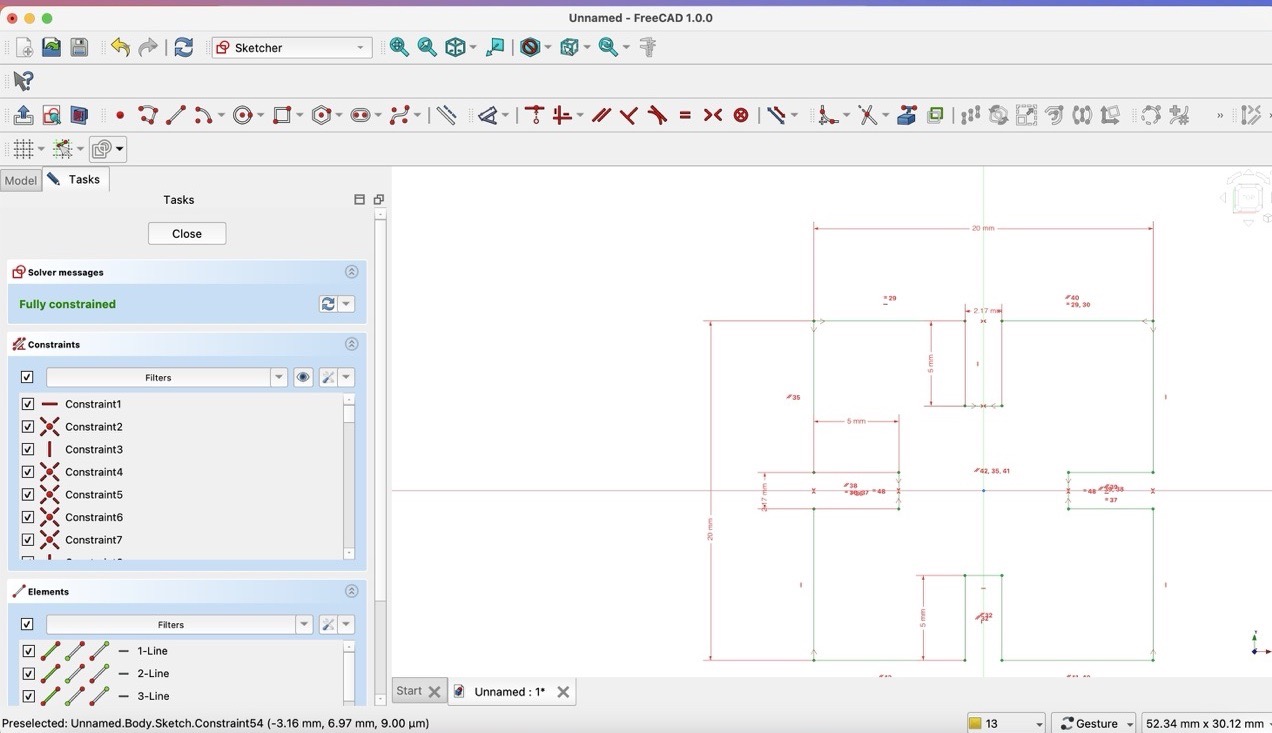
2.76 - 1.1741 / 2 = 2.17mm
1.4.1 3D Design
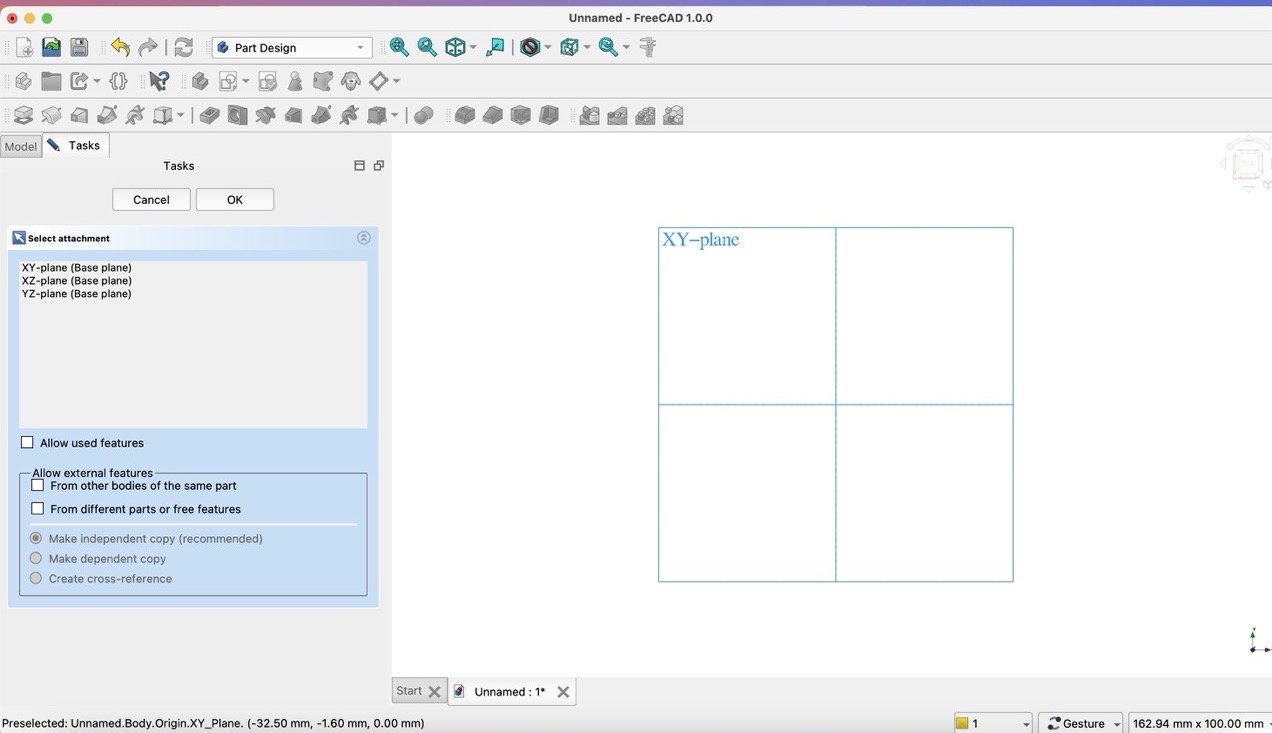
- Step 1: Create a project -> Create a part -> Create a sketch
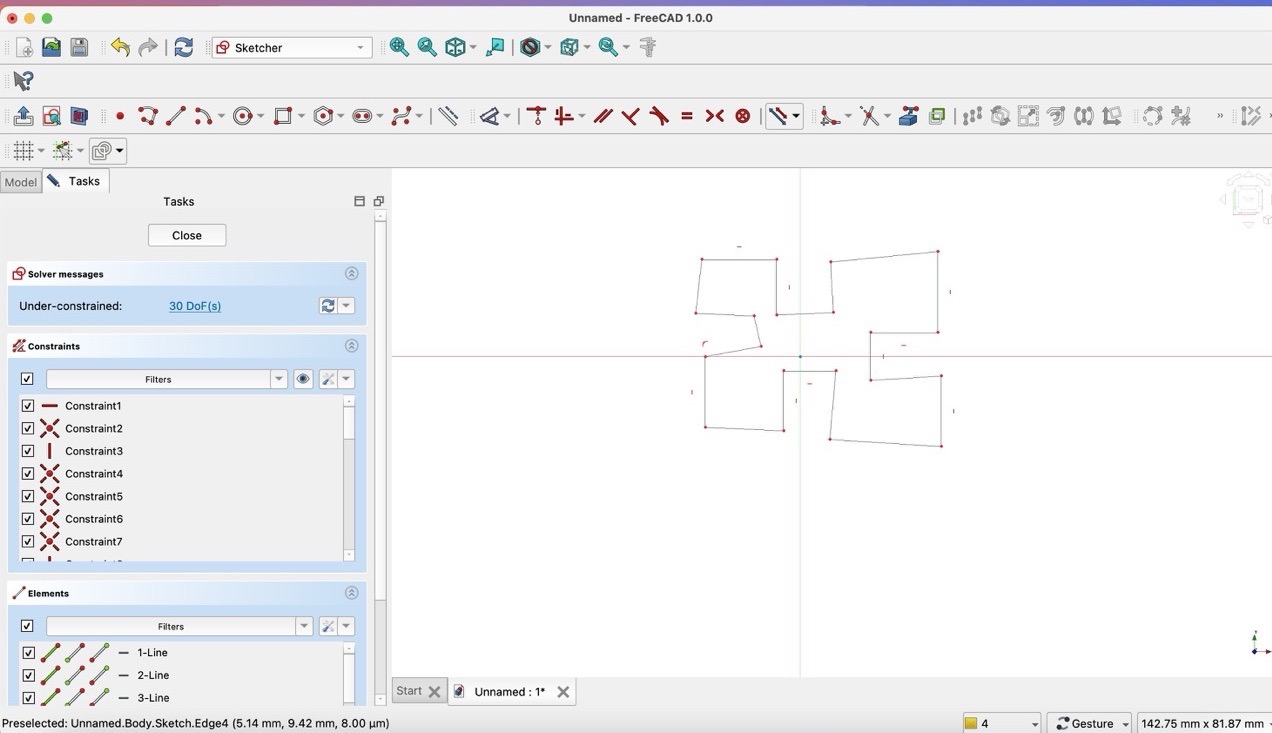
- Step 2: Draw a base shape
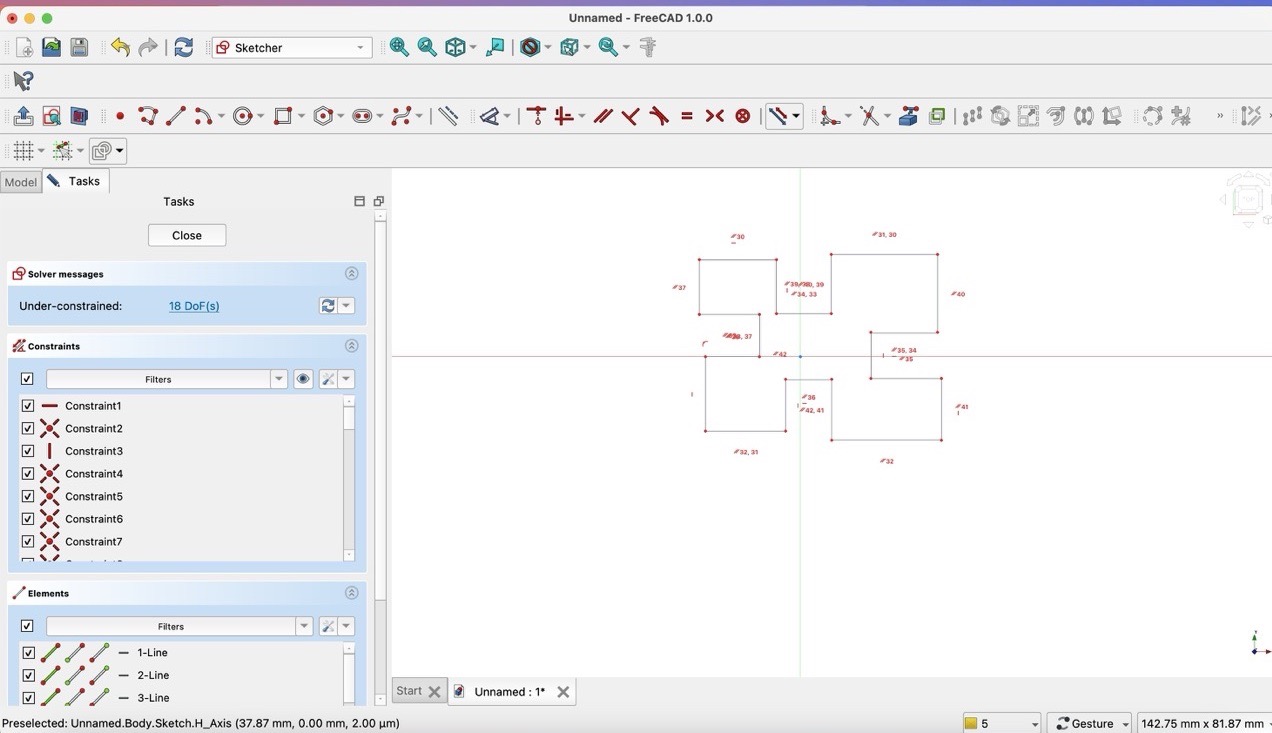
- Step 3: Add asymentric constraints
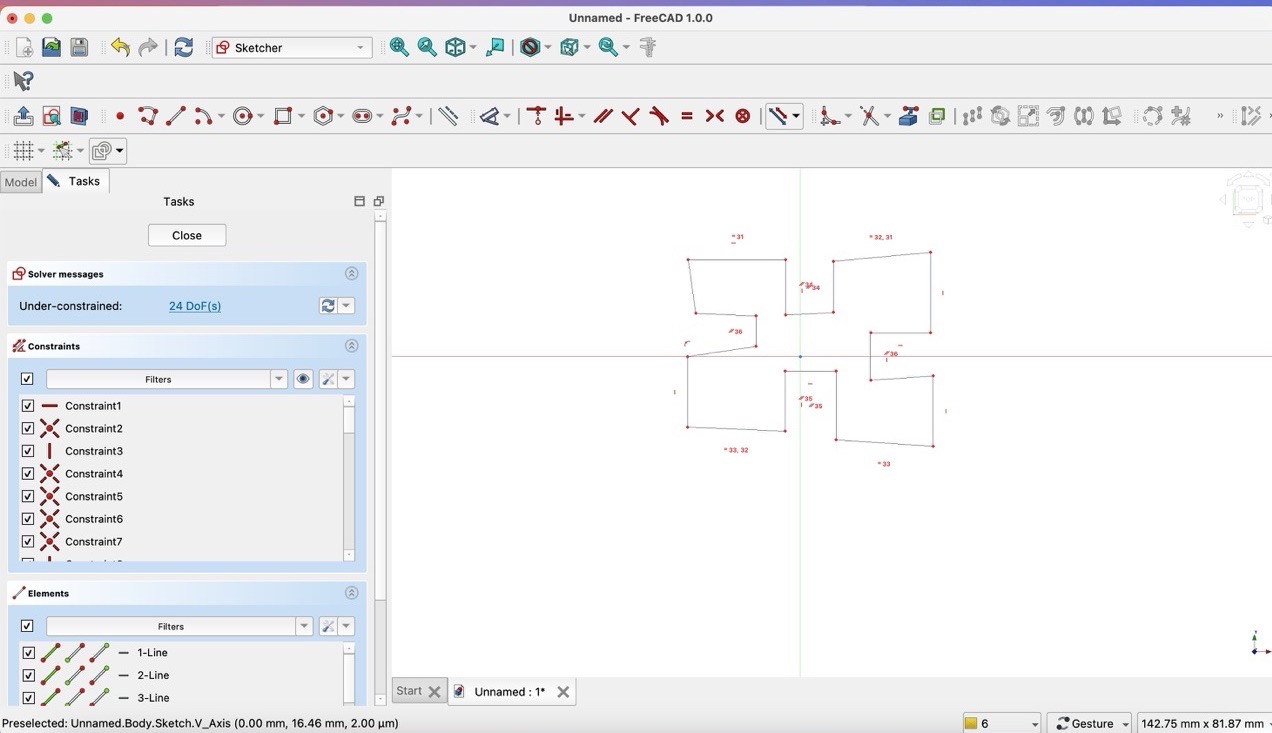
- Step 4: Add Parallel constraints
- Step 5: Add length constraints
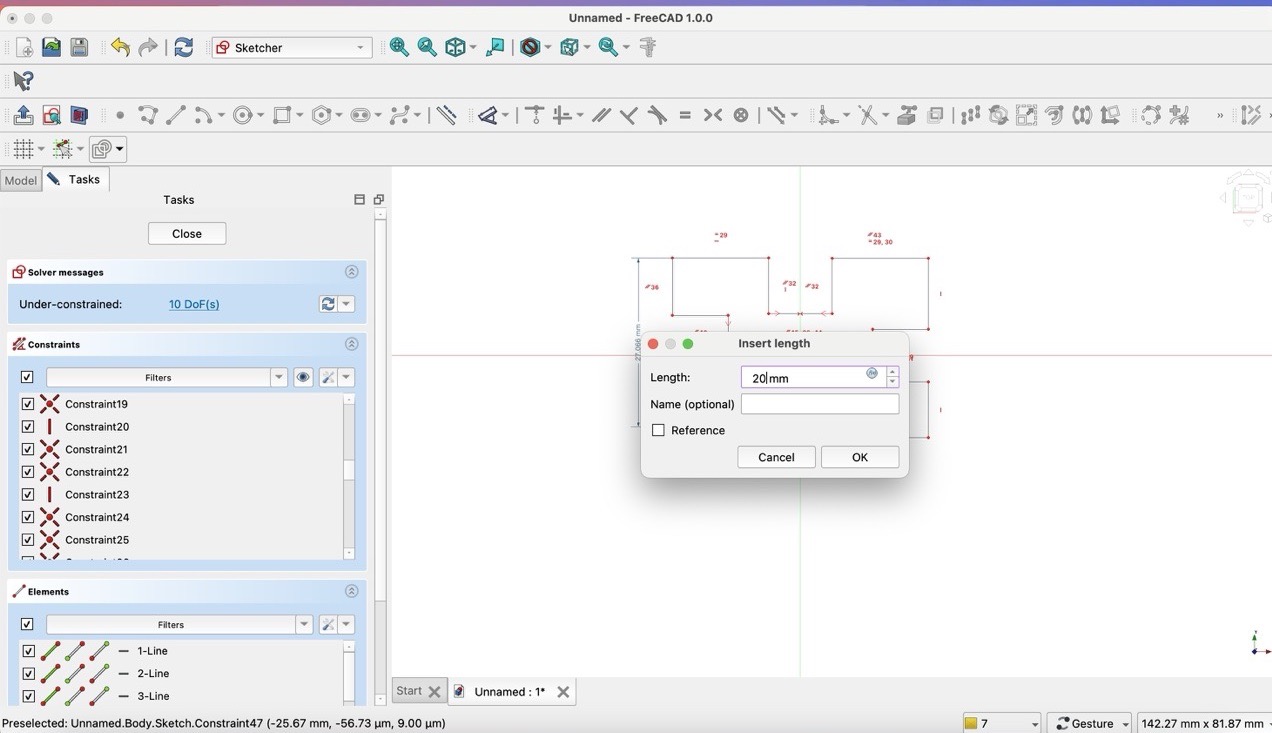
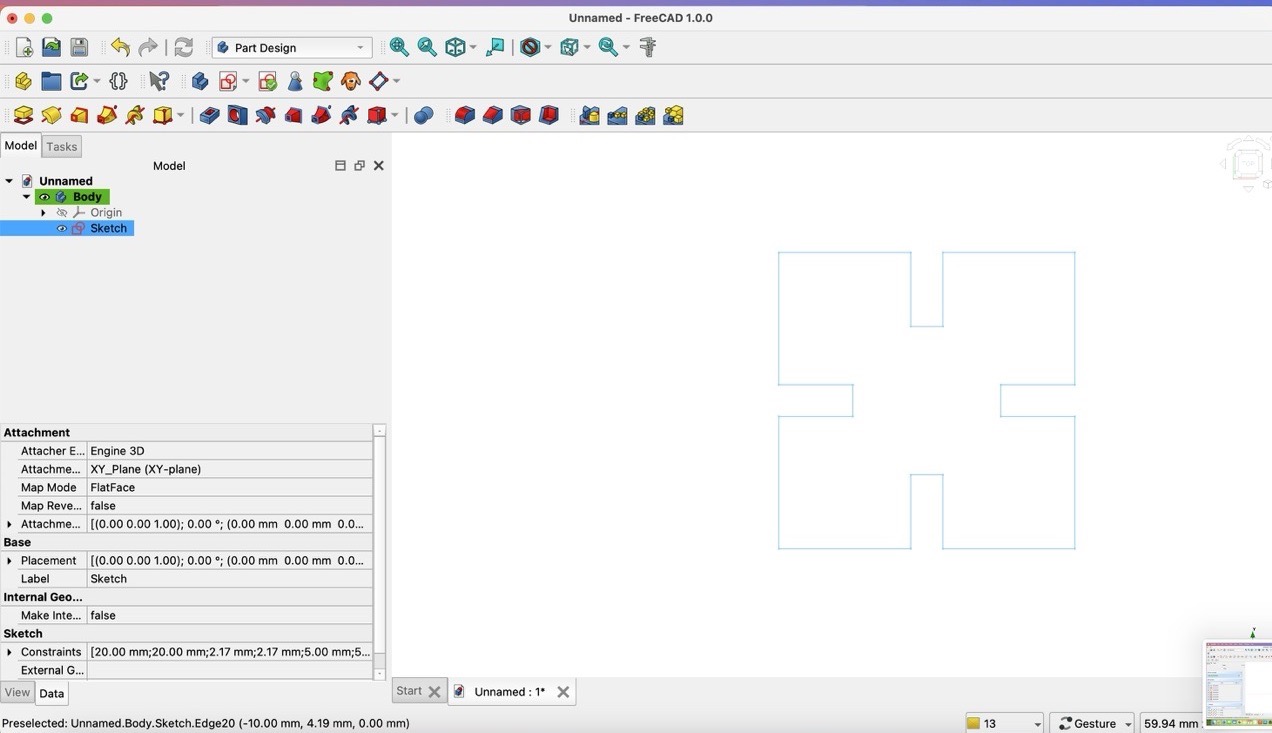
After above steps, I got the following schetch
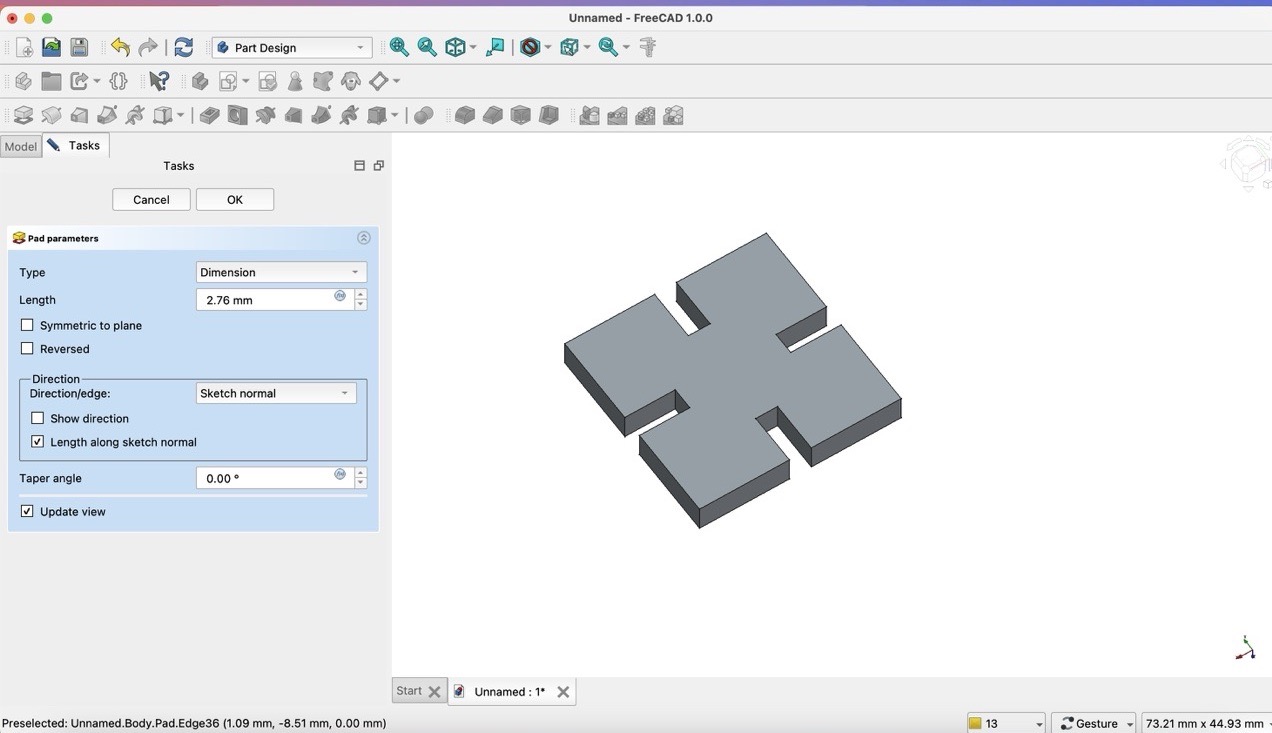
- Step 7: Pad the sketch
2.76mm
- Step 8: Fillet the edges
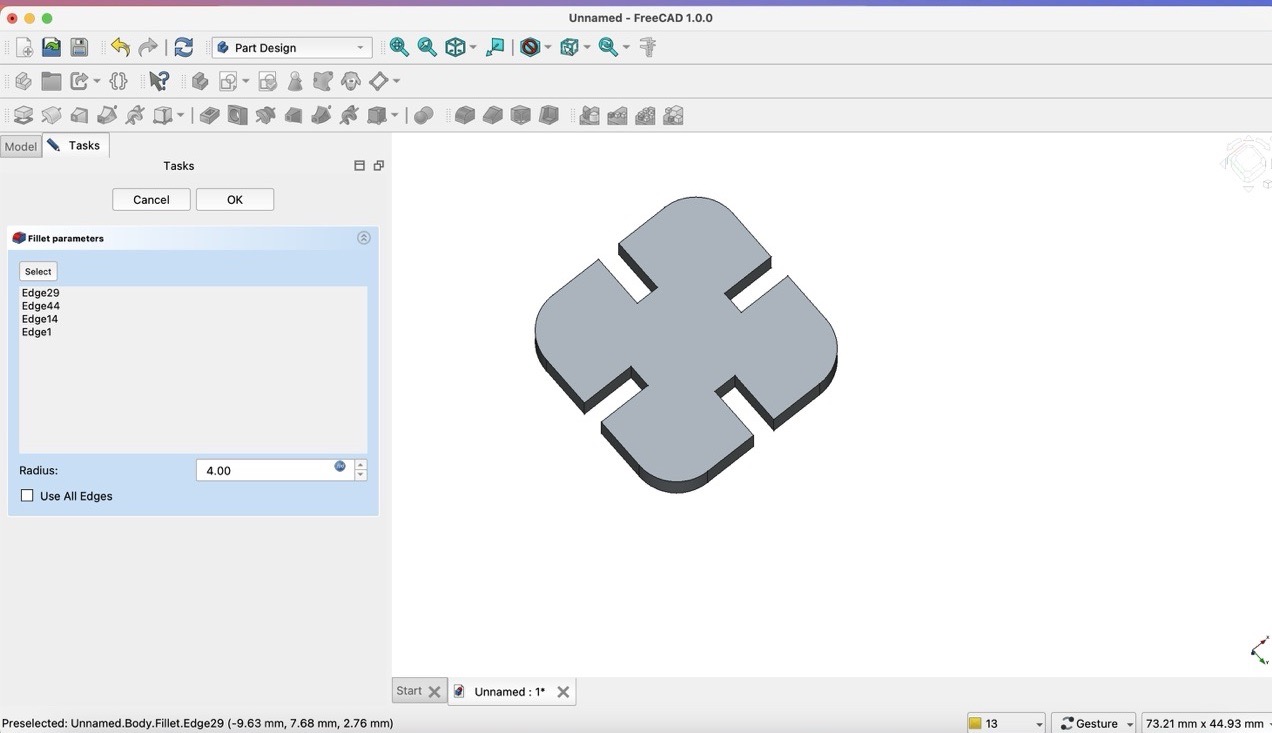
- Step 9: Export the design as a DXF file
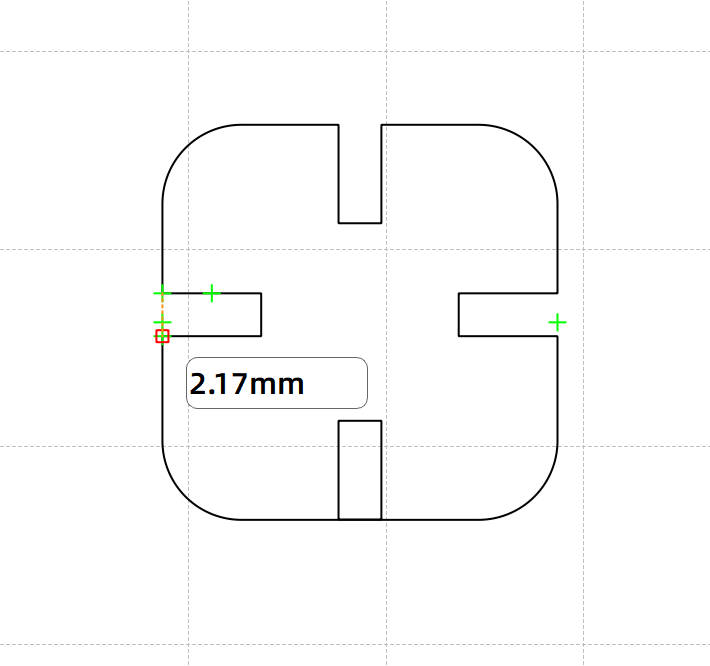
Copy 4*4 pieces
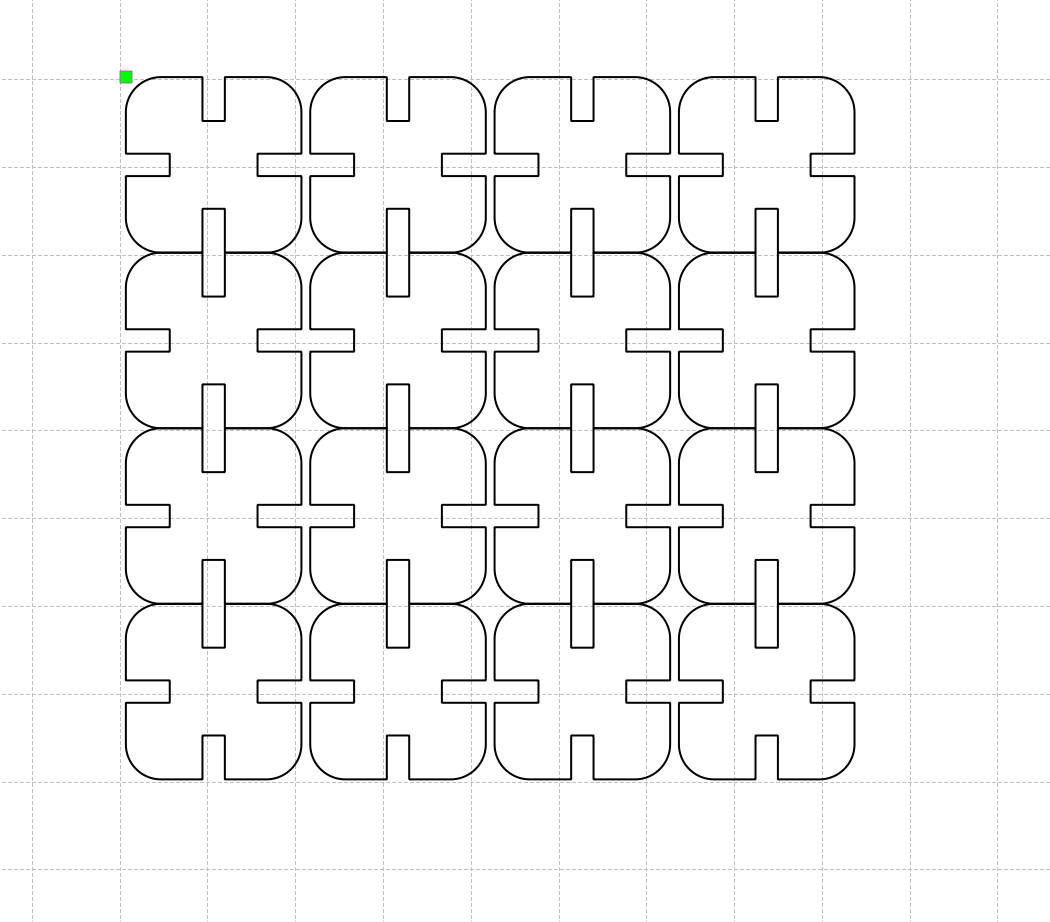
1.5 Cutting
First, I need to load the design file to the laser cutting machine.
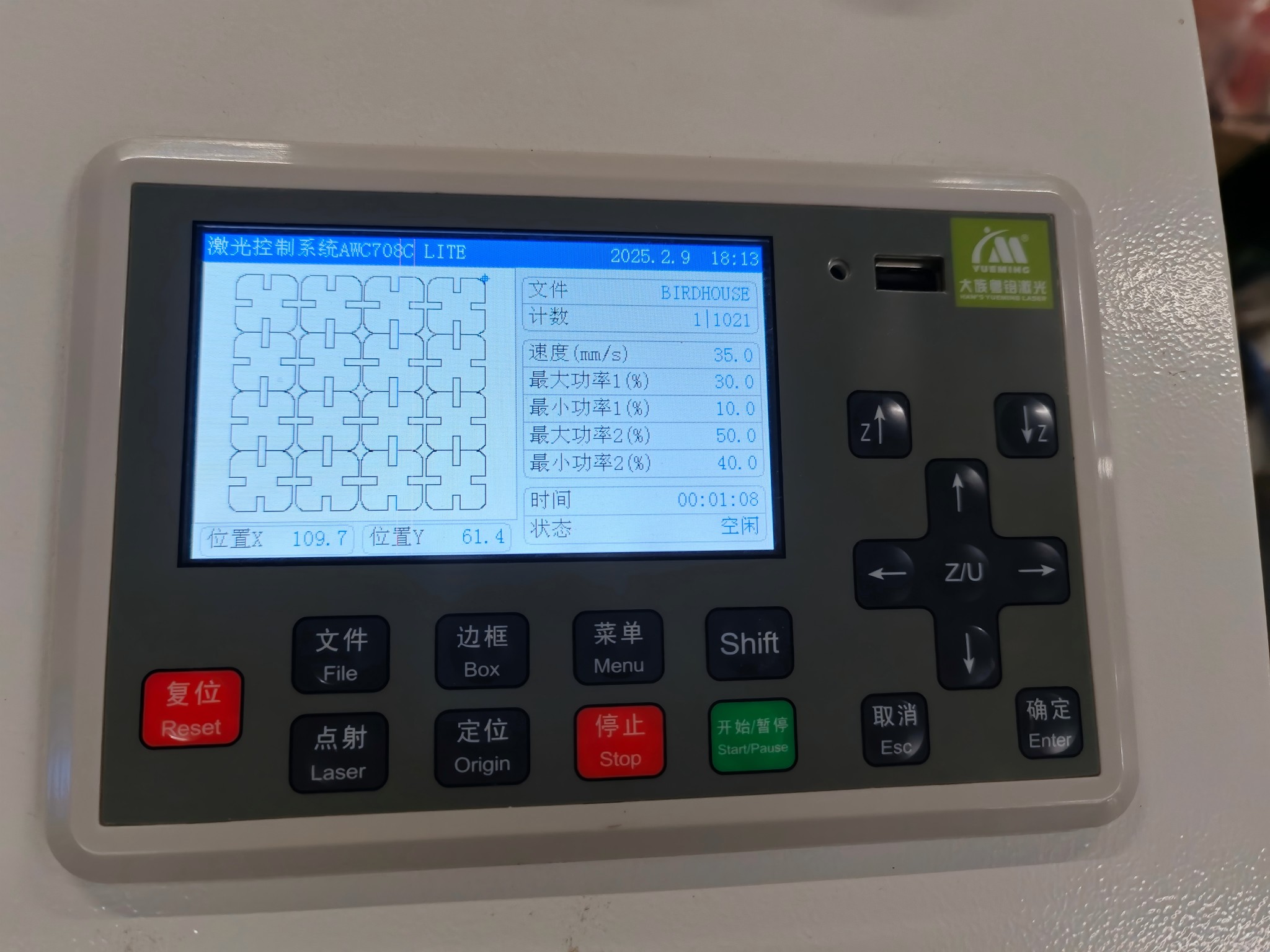
Then, I need to set the parameters of the laser cutting machine as follows:
- Laser Power: 90%
- Laser Speed: 30mm/s
Finally, I need to cut the object.
1.6 Assembly
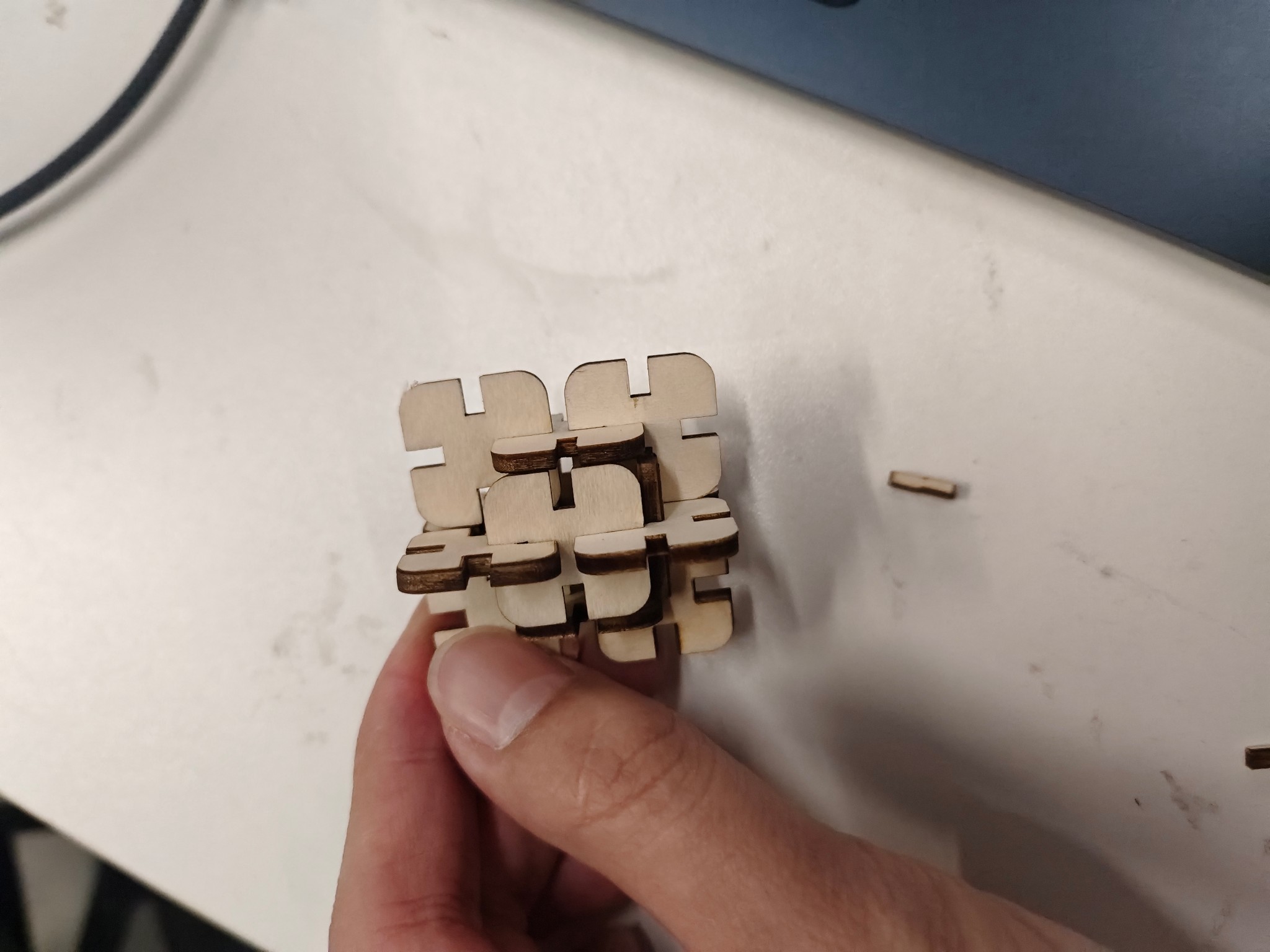
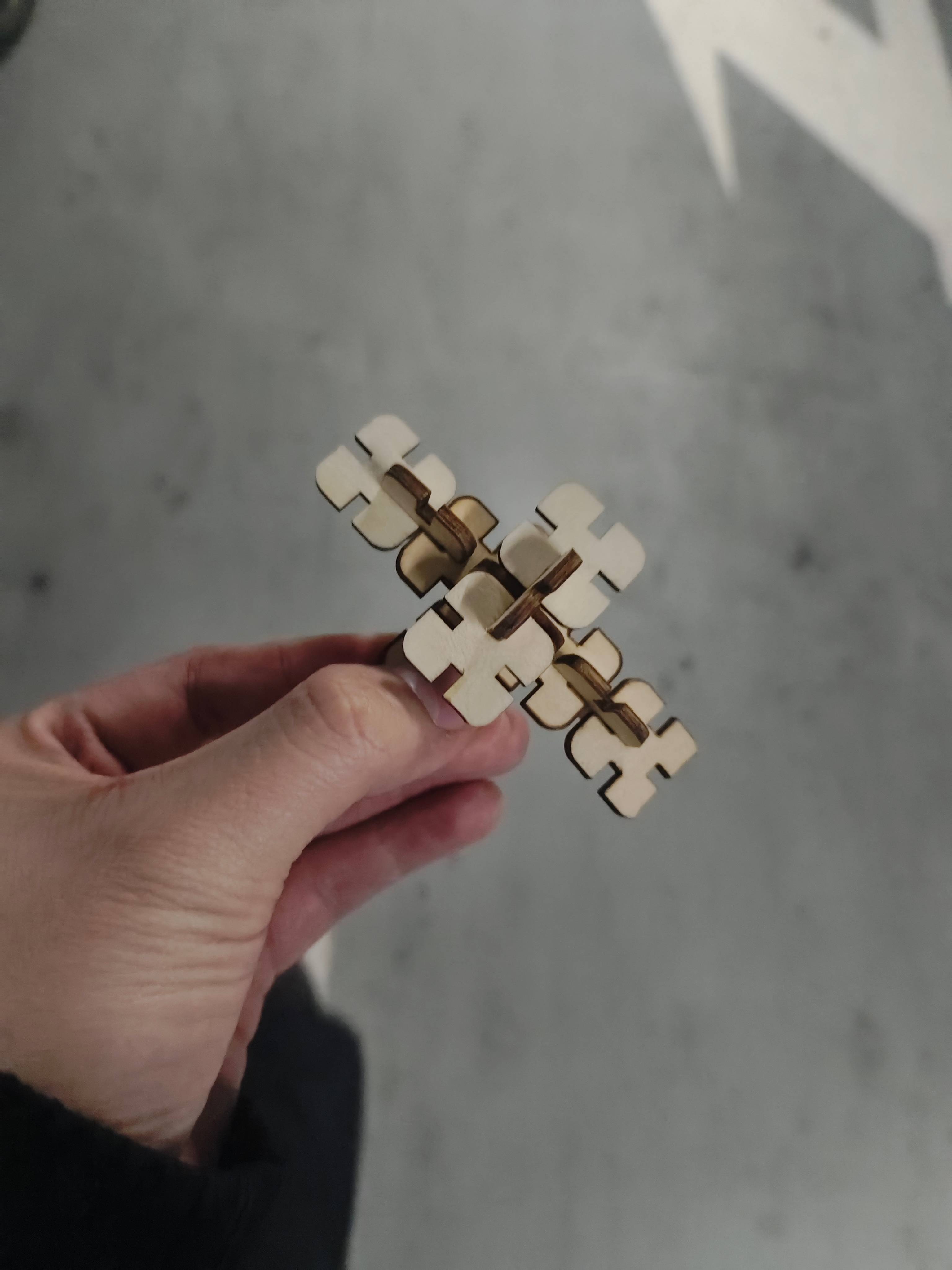
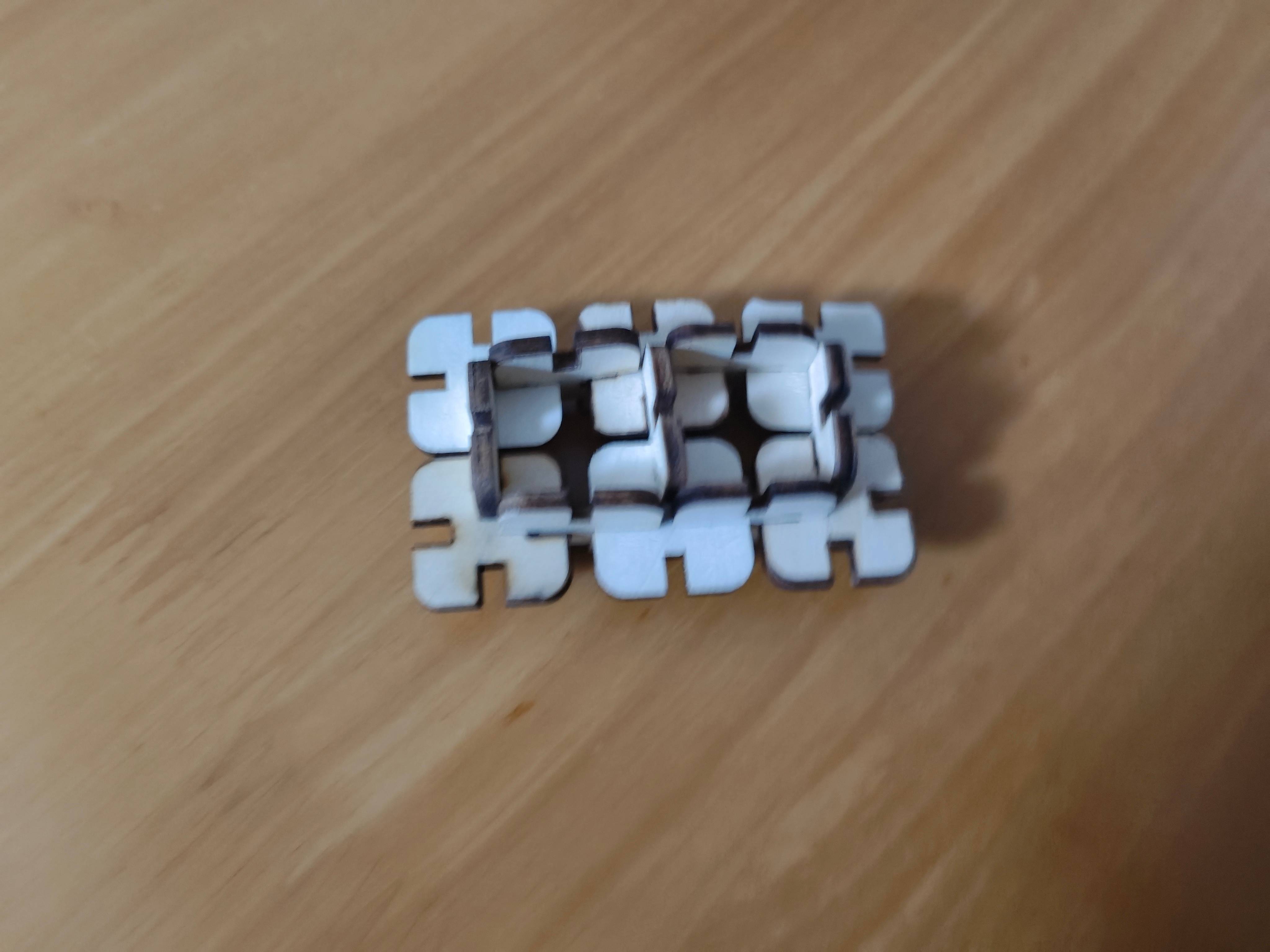
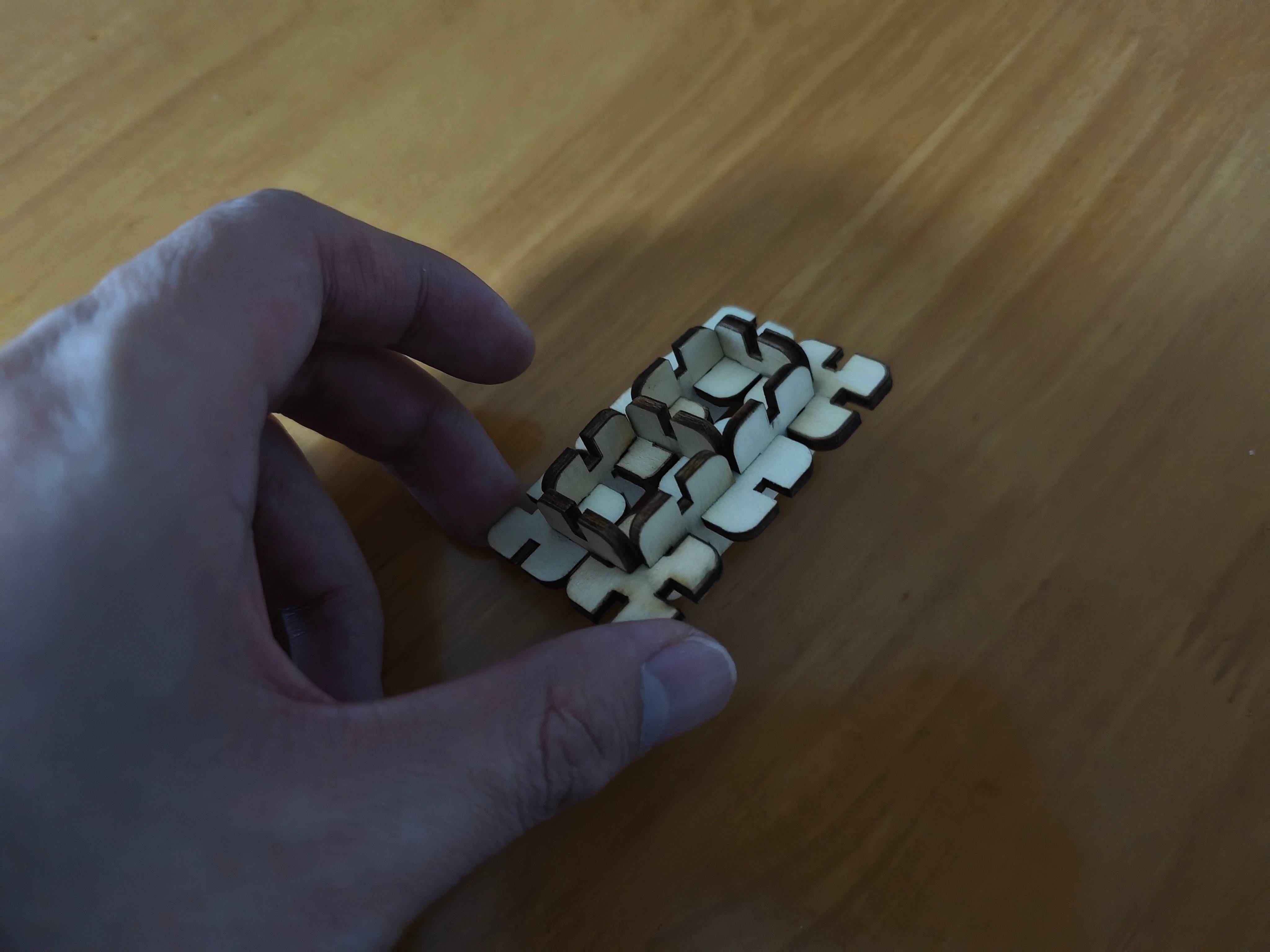
The assembly of the snap-fit component is as follows: