8. Input Devices - Students
Input Device Digital Signals - McKinnon Collins, Yian Hu & Oliver Abbott
This week, I tested the signals from a toggle switch. The switch of my choice has 3 pins.
Probing device - Analog Discovery 2 - McKinnon Collins, Yian Hu & Oliver Abbott
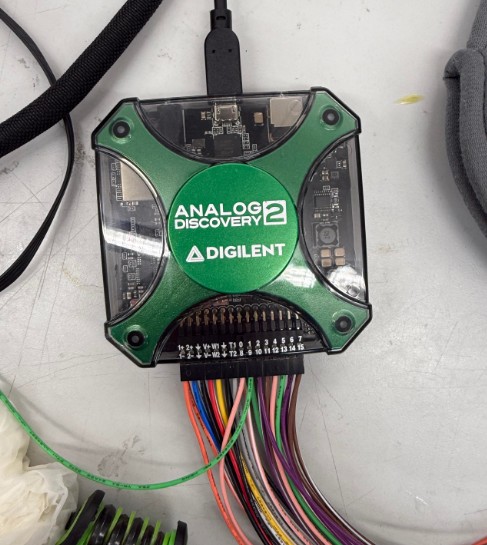
This is the Analog Discovery 2. This device is a compact USB-powered electronics tool that combines multiple instruments—like an oscilloscope, logic analyzer, waveform generator, and power supply into one device for testing and analyzing circuits.
I wired the AD2’s ground pin to one of the outside switch pins, and then the AD2’s pin 0 to the middle pin of the switch. This way, when the switch is in one position, ground and pin 0 will not be connected, and the AD2 will not read anything. Then, when switched the other way, the the two pins are connected. This way, I can measure a digital signal.
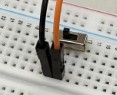
This is the physical setup I used. The black wire goes to GND and the Orange wire goes to Pin 0.
WaveForms
In waveforms, I used the Logic setting. This way, I can measure 1s and 0s, perfect for measuring digital signal.
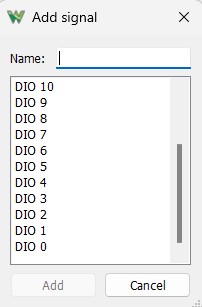
After entering Logic, I navigated to the click to add channels button, then selected signal. This window popped up. I selected DIO 0. This is the pin connected to my switch.
After that, all I need to do is press run, and then WaveForms measures the digital signals.
Testing
This is the video of me turing the switch on and off. It works, but as you can see, the on/off flashes a bit. This is because the switch was very small, and when I switched it on and off, it moved around and lost contact with the breadboard.
Analog Input Device - Max Negrin
We also tested a B10K this week, a variable resistance potentiometer. It works by sliding a conducting pad on a wiper over a resistive film, and as the distance from the pad to the power input increases, power has to flow over more of the resistive material, increasing resistance, like this:
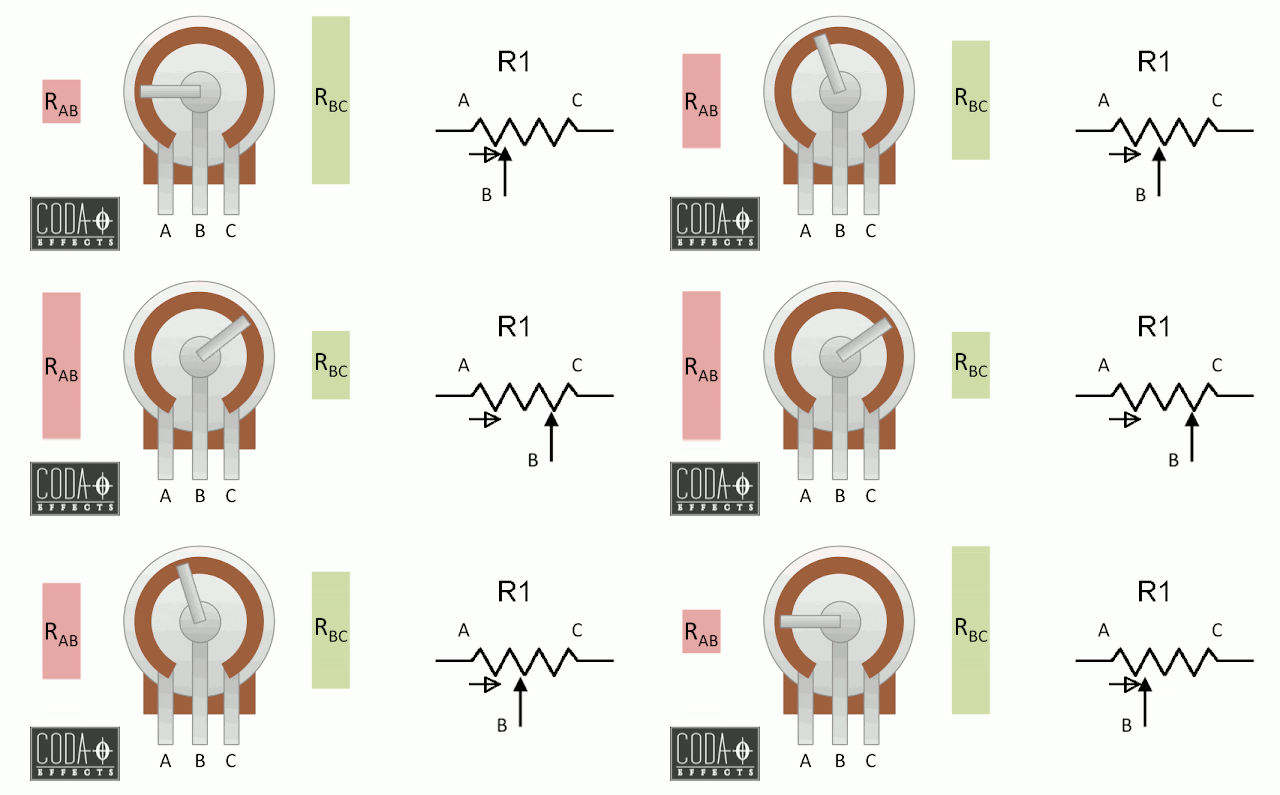
To test it, we hooked jumper wires from the potentiometer, which we put on a breadboard. Then, we simply held the multimeter’s probes to the potentiometer’s jumper cables, and read from the multimeter as someone adjusted the potentiometer. The value spans from 10k ohms (hence the “10k” portion of the name) to near zero (3.3, but as close as it will get):
This is extremely usefull for a physical UI, to adjust different parameters of a machine/project in real time.
Reflection
The group found this project to be pretty easy. It was quick but also helpful to learn about how to use different inputs.