Week 5: 3D scanning and printing
Assignments
Group work: Test the design rules of a 3D printer (overhangs, tolerances, bridging, stringing, diameters).
Group Work Assignment Workflow
Module choose and test the 3D printer
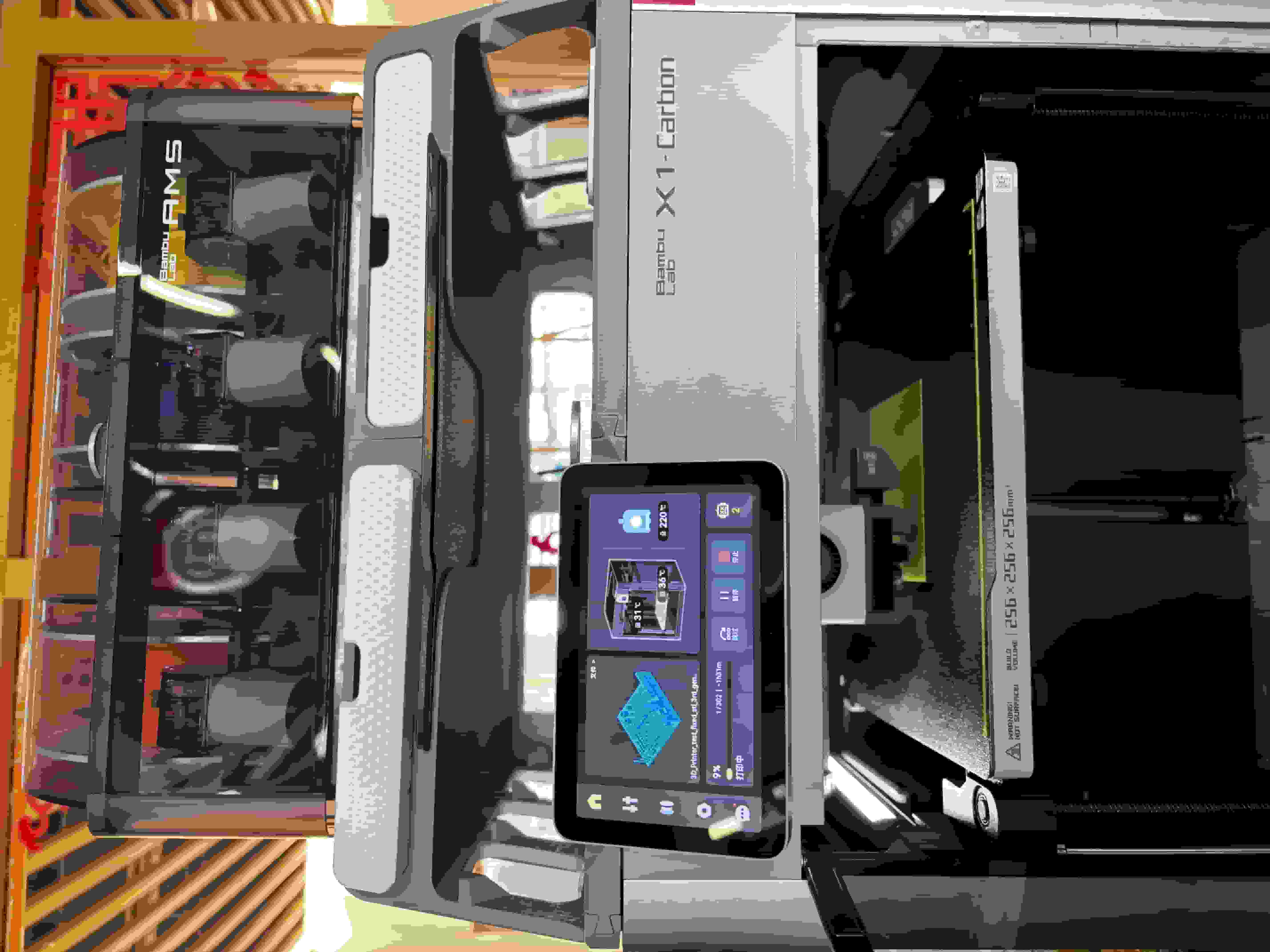
Bambu X1 Carbon
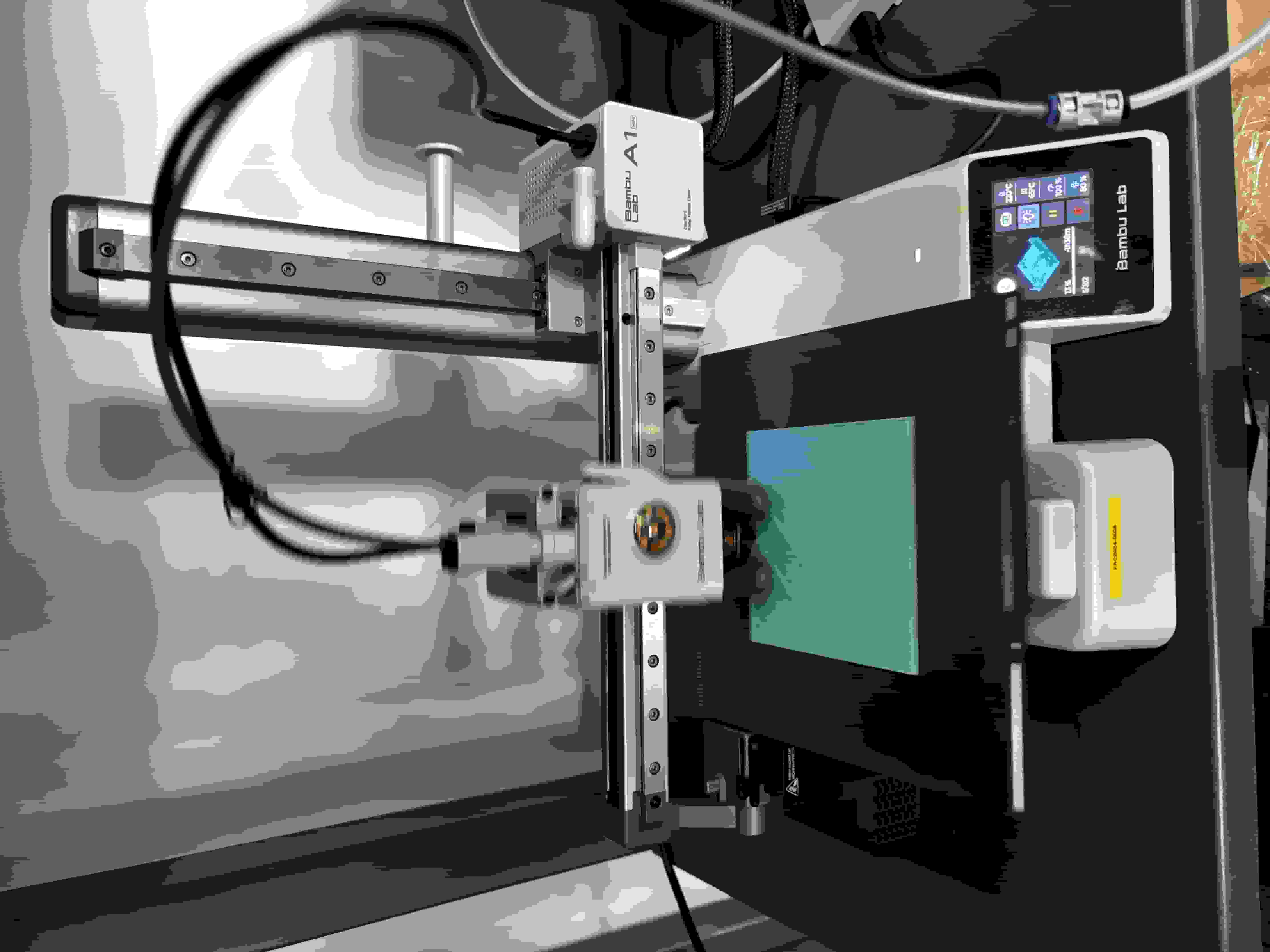
Bambu A1Mini
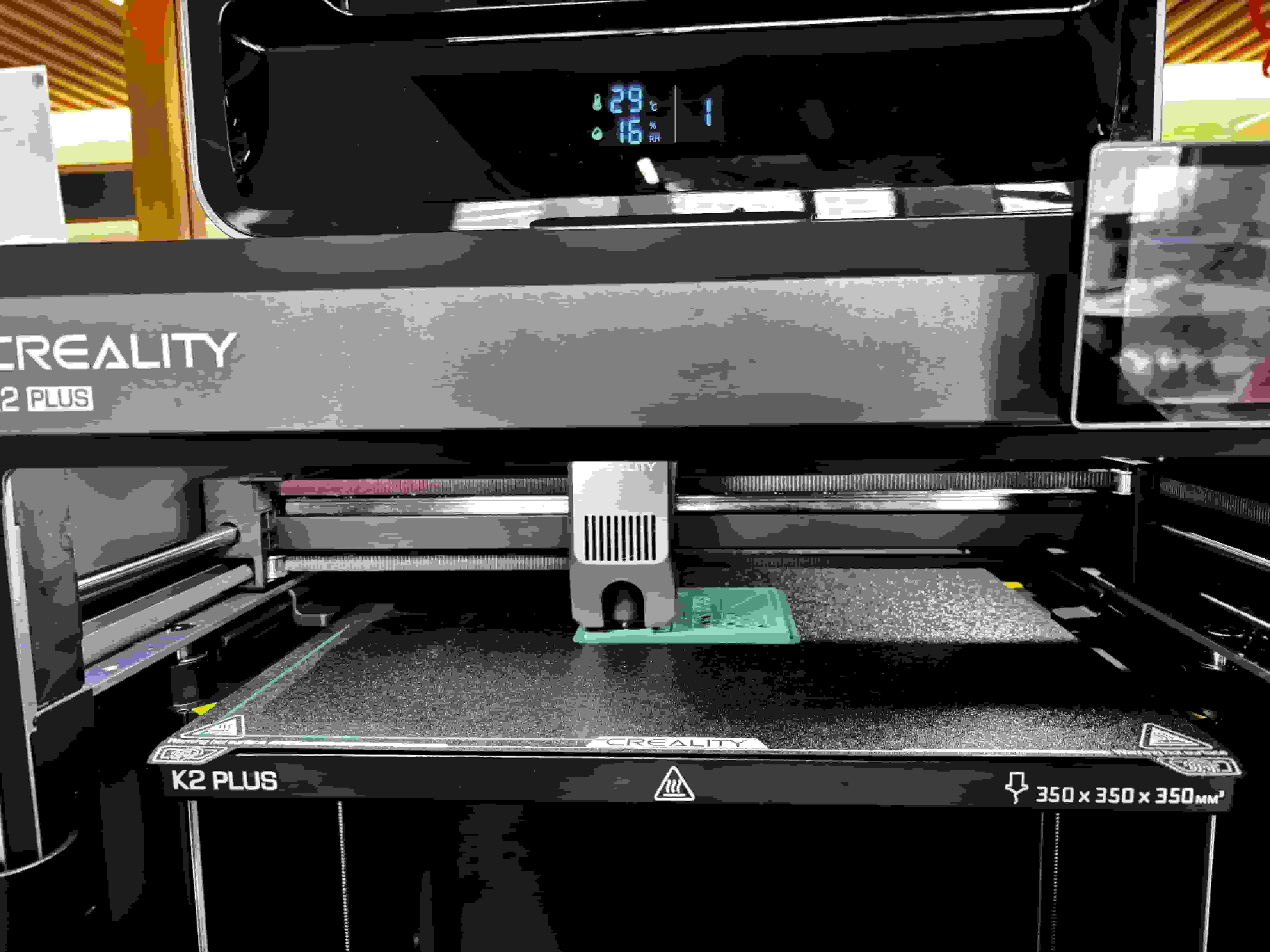
Creality K2 Plus
3D printer testing:
I went on to Thingiverse choose the All in ONe 3D test as a print test.
Slicing Software: Bambu Studio and Creality Print; supports other slicers capable of exporting standard G-code like SuperSlicer, PrusaSlicer, and Cura, though some smart features may not be supported.
Supported Operating Systems for Slicing Software: MacOS, Windows.
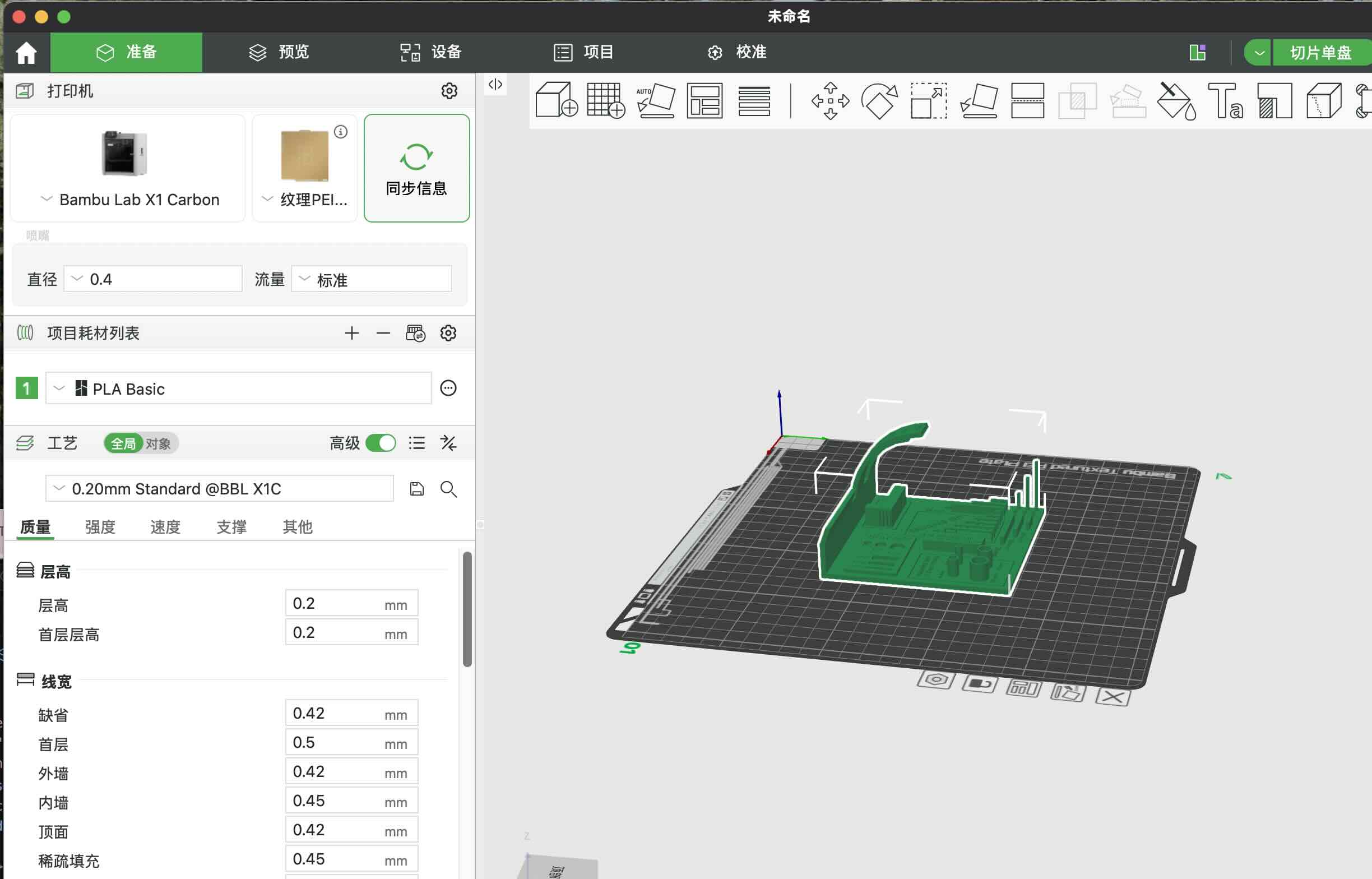
We first download the file from it, and then upload stl file to the Bambu corresponding software Bambu Studio.
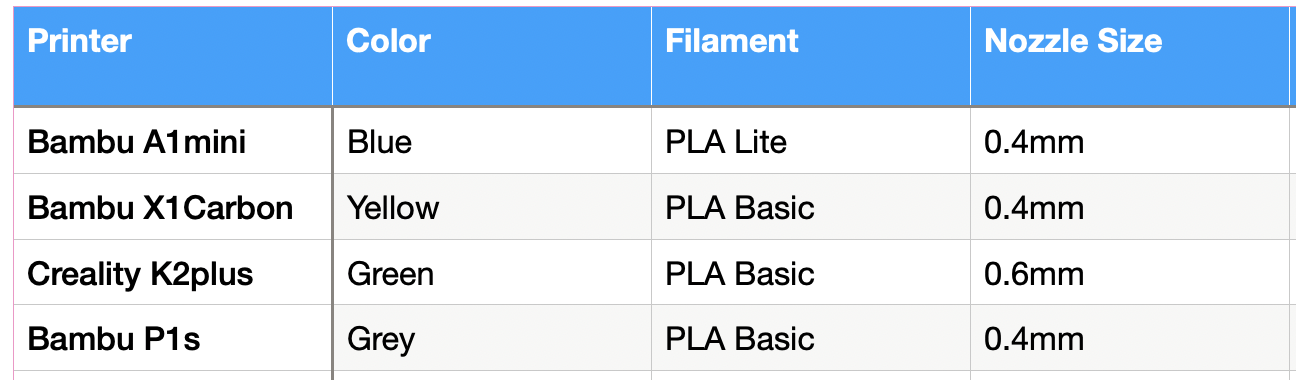
We set up with these parameters with out adding supporting material:
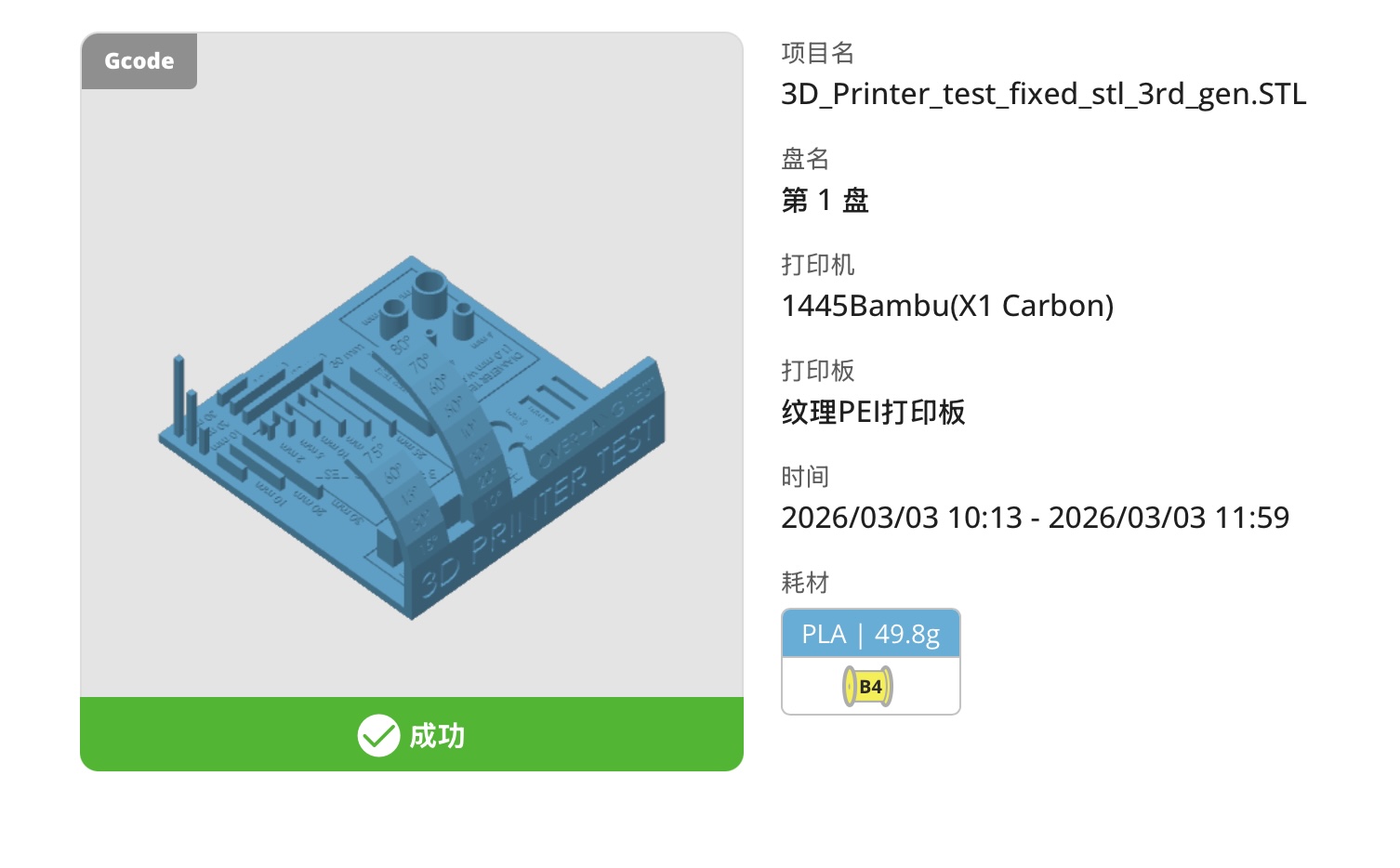
Here is the result of the print:
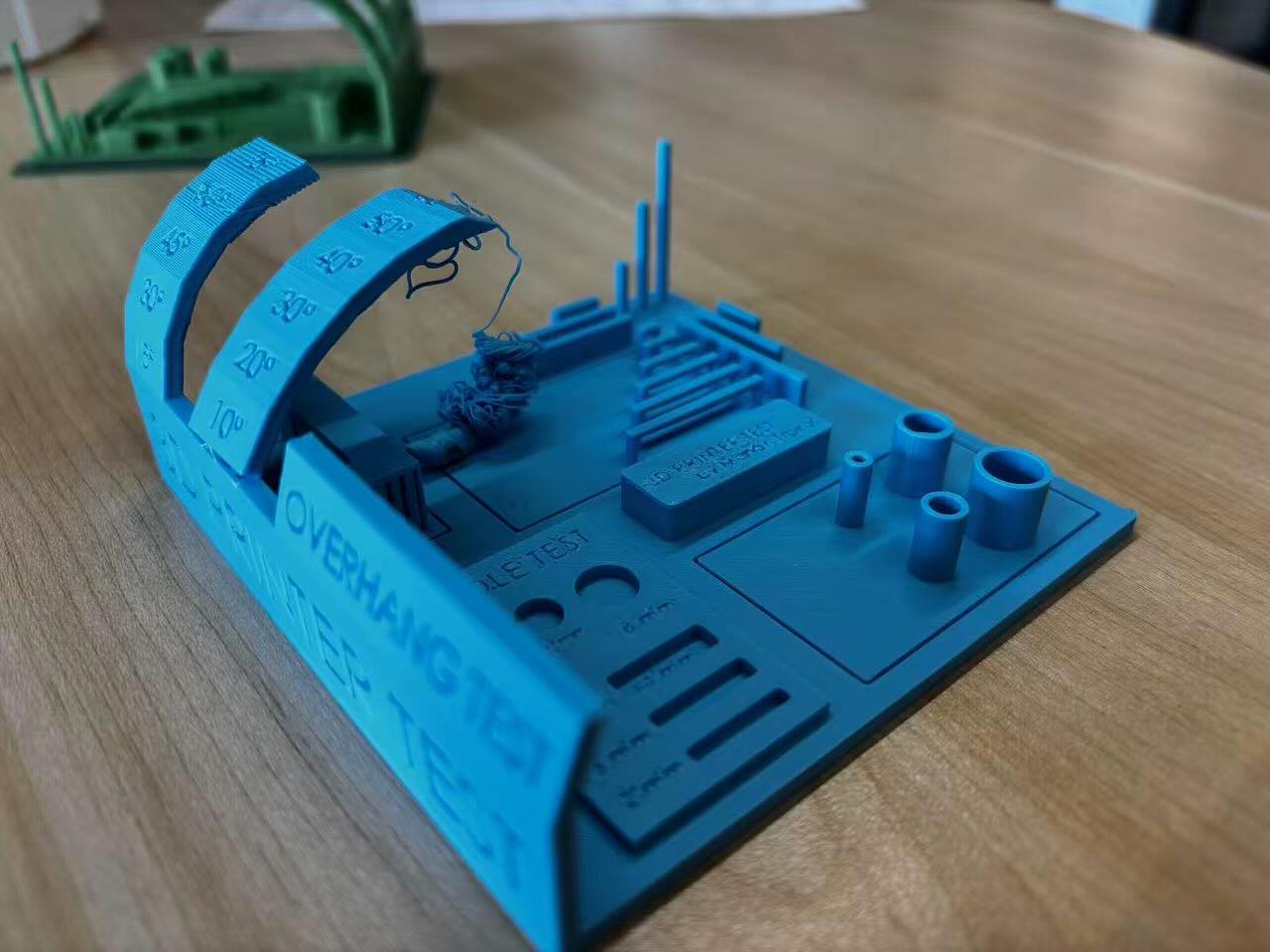
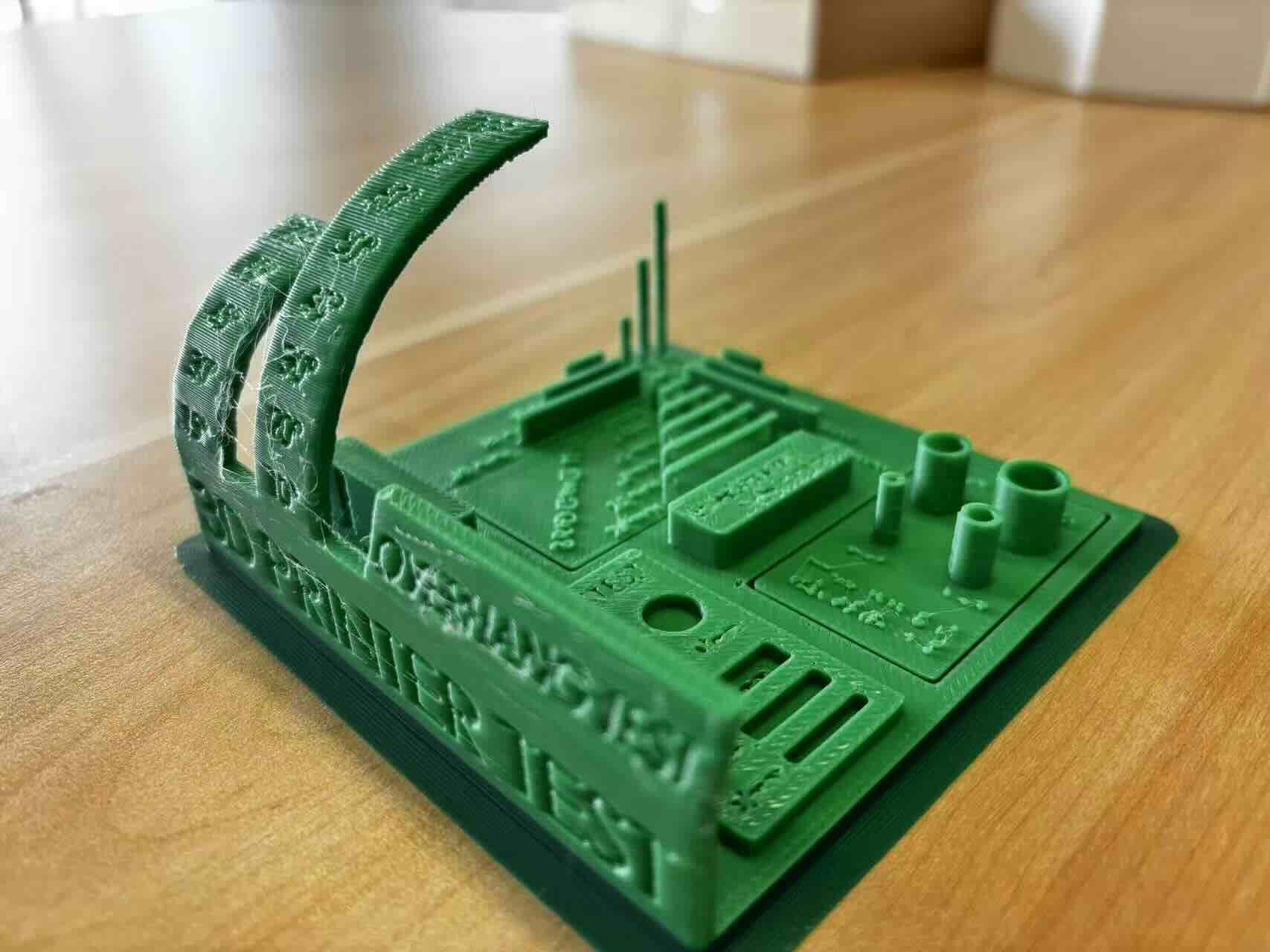
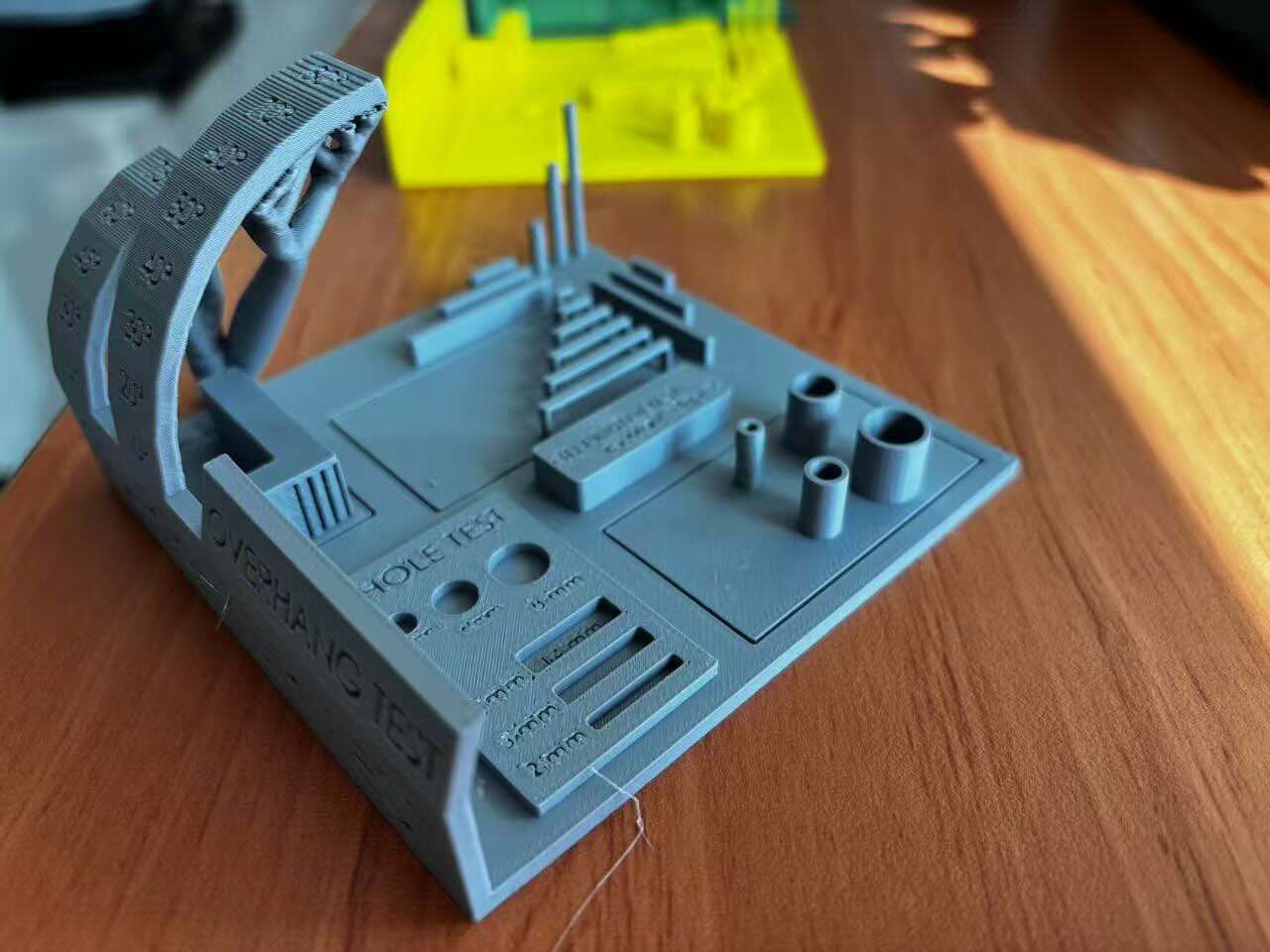
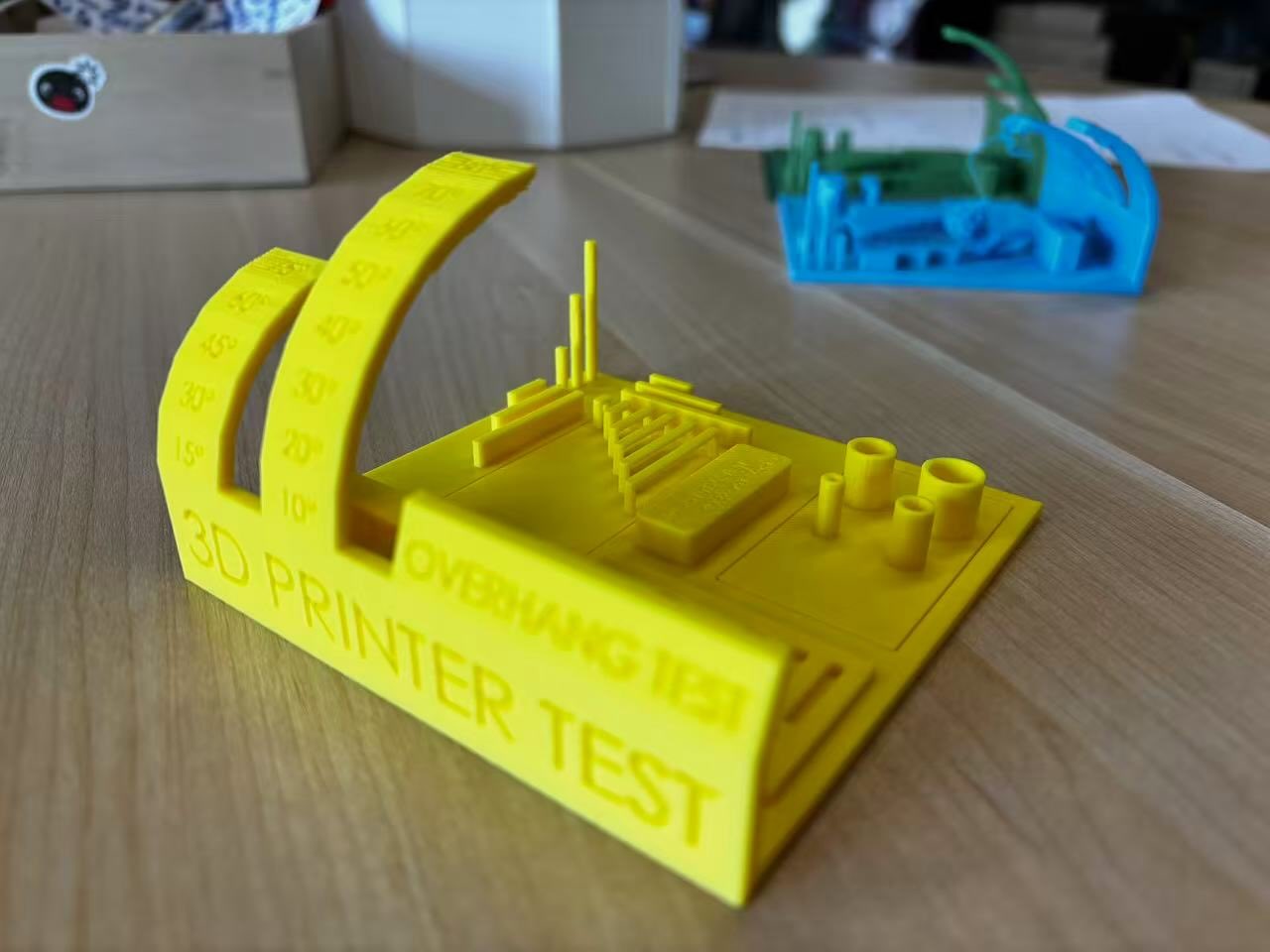
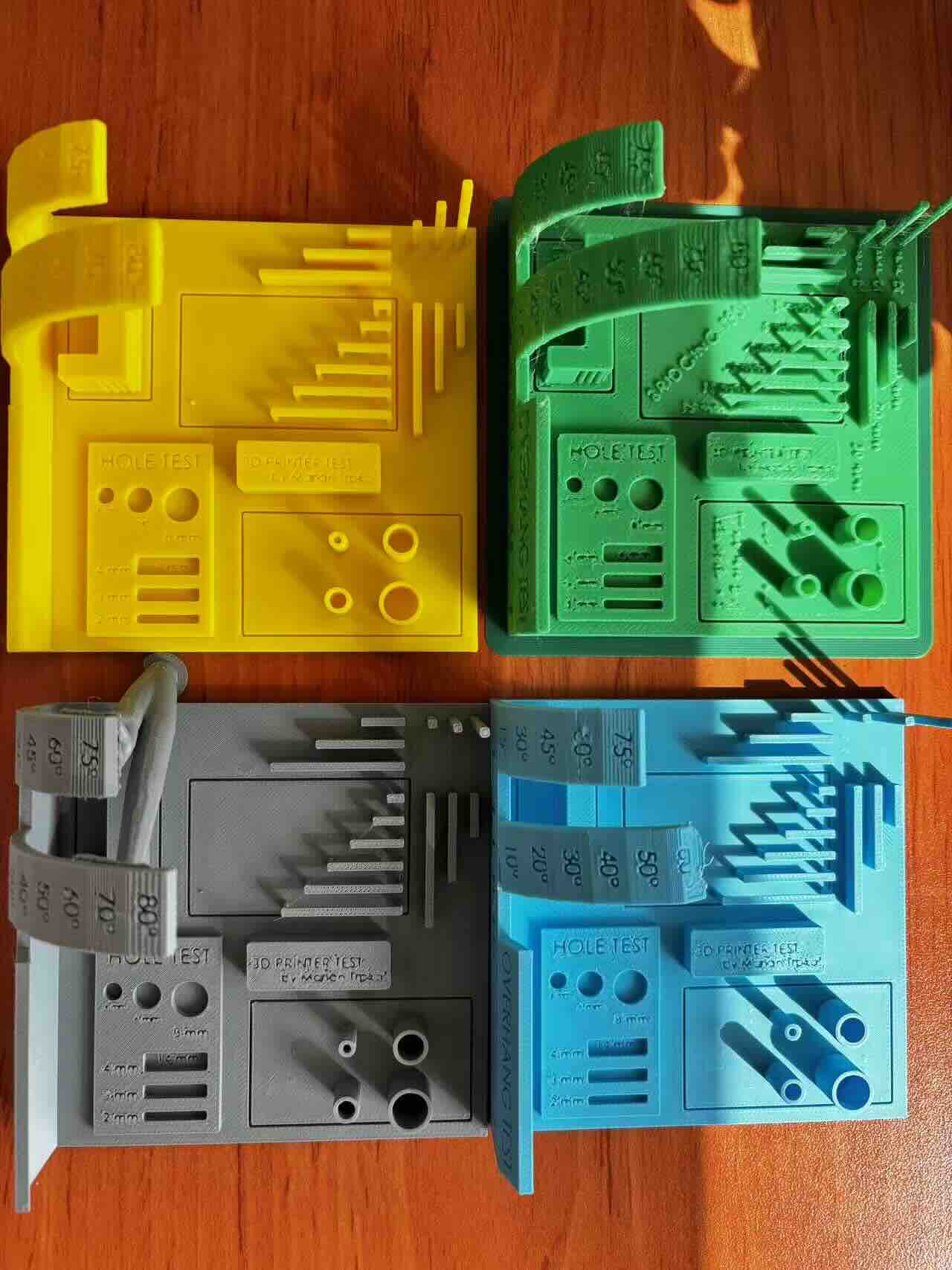
Test Record
Test Summary
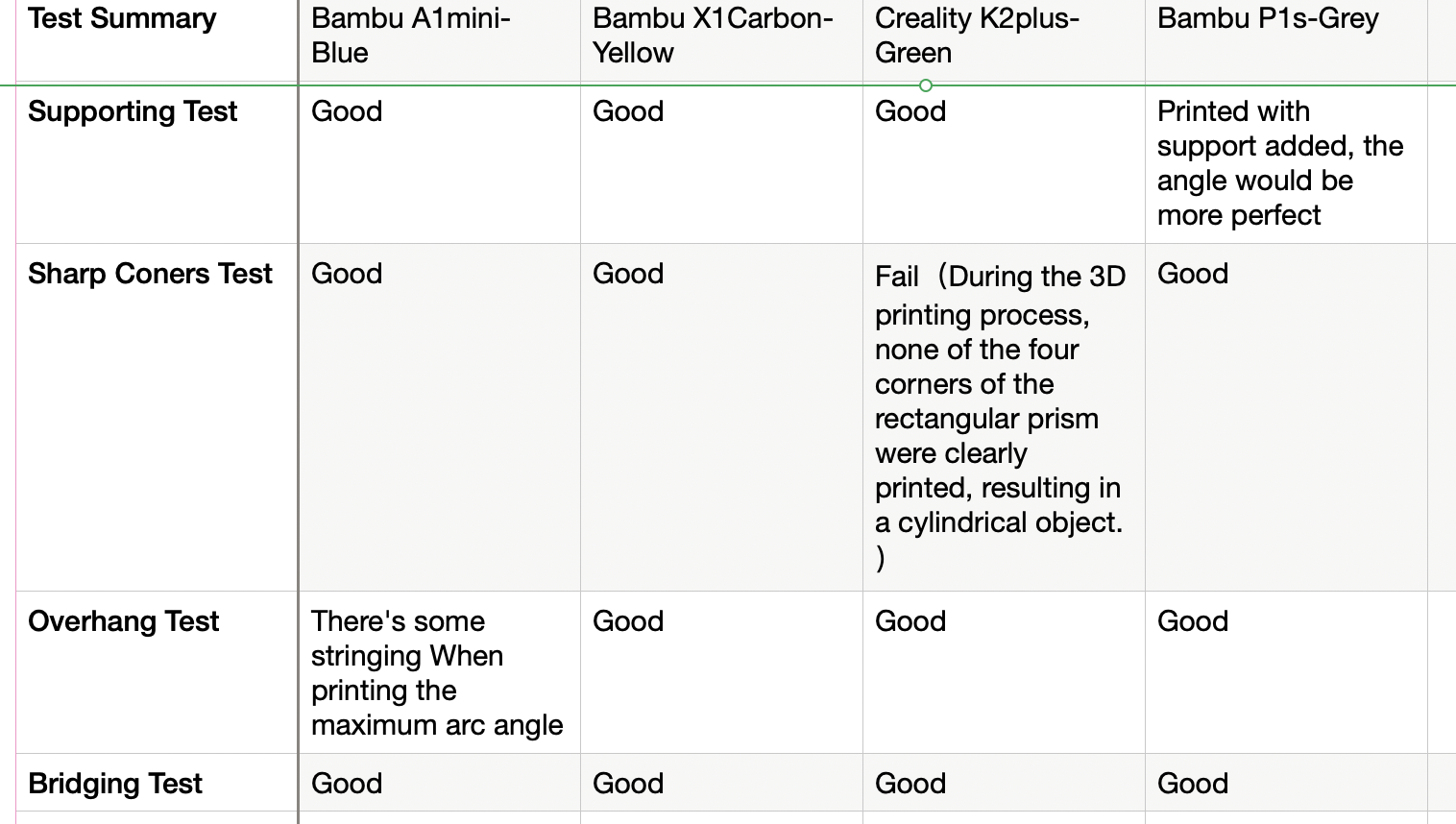
Note: When the same model is imported into slicing software, some fine text is automatically cropped in Bamboo Studio, while Creality preserves portions of it.