Documentation update — 21 October 2026
My design uses a XIAO RP2040, an LDR and an LED. I have made the earlier archived KiCad project available below, including its real PCB layout. The schematic already linked on this page is a different revision; I need to verify which revision matches the milled board.
I still need to record a fabrication-rule check and any fixes, and add the logic-analyzer capture required for the group work. The existing group page shows oscilloscope and function-generator work, but does not substantiate a logic-analyzer decode.
Group Assignment
use the test equipment in your lab to observe the operation of an embedded microcontroller
Introduction
The group assignment page documents oscilloscope and function-generator observations. Those instruments show voltage and timing; a logic analyzer records digital states and can decode a bus. I still need the actual analyzer setup, capture and interpretation before claiming that part of the assignment is documented.
Group page link group link
individual assignment
For my individual assignment, I simulated a smart light sensor circuit, designed and checked an embedded microcontroller system using KiCad with XIAO RP2040, and explored an alternative design workflow
I downloaded and installed KiCad KiCad download
Open KiCad
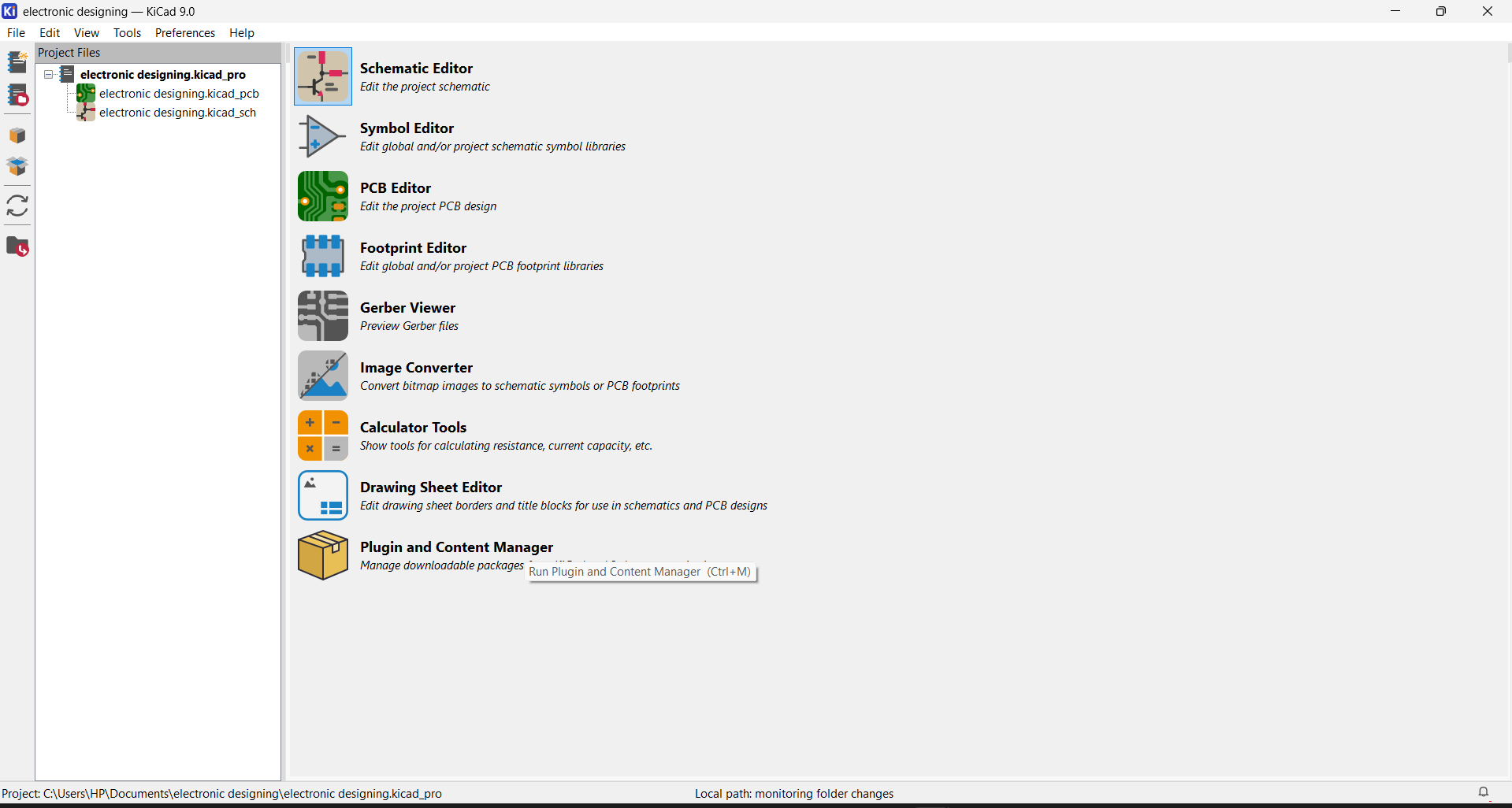
I installed the required component libraries in KiCad to ensure all necessary symbols and footprints were available for my PCB design Next, select plugin and content Manager and choose library for adding fab library
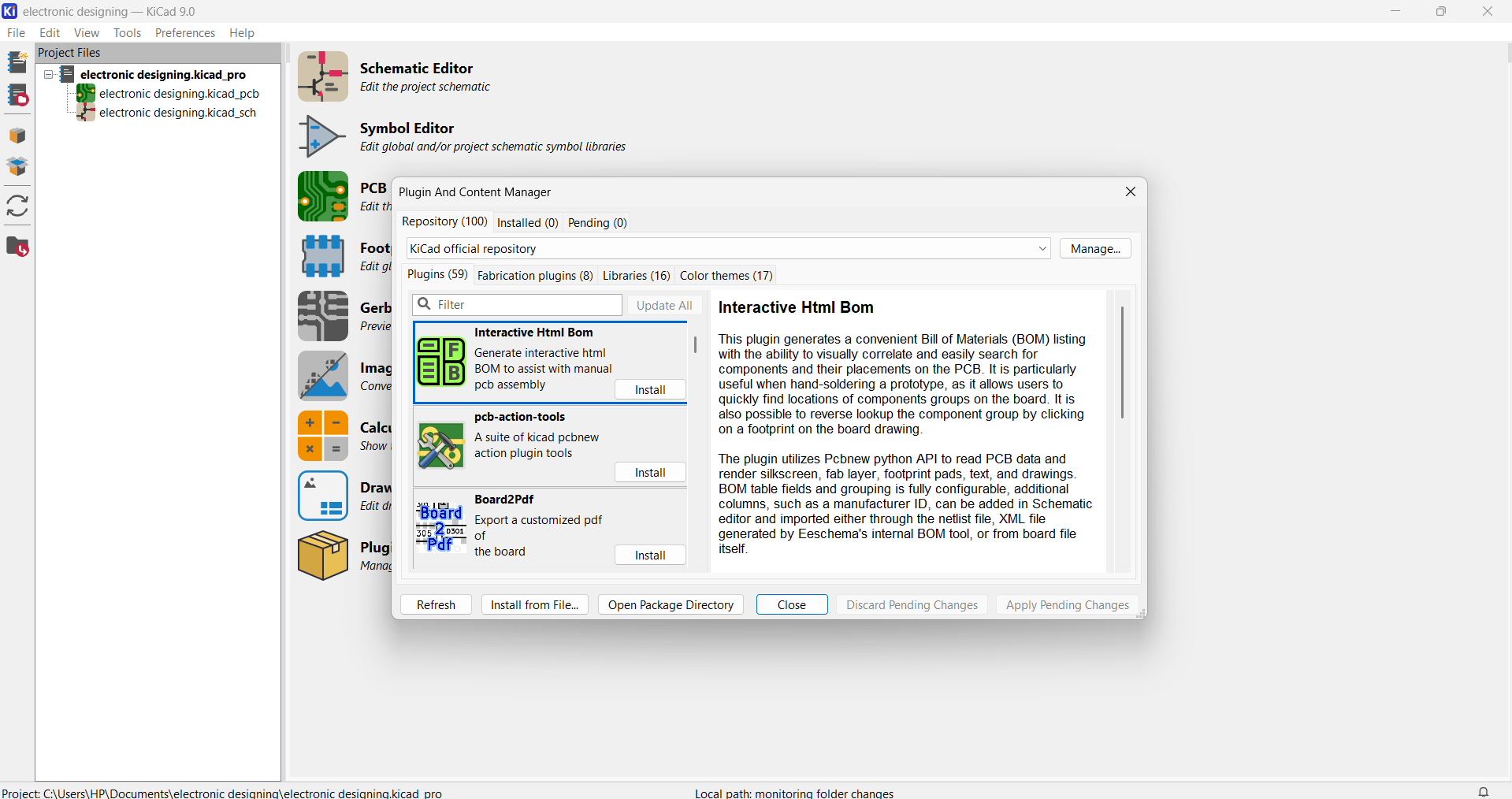
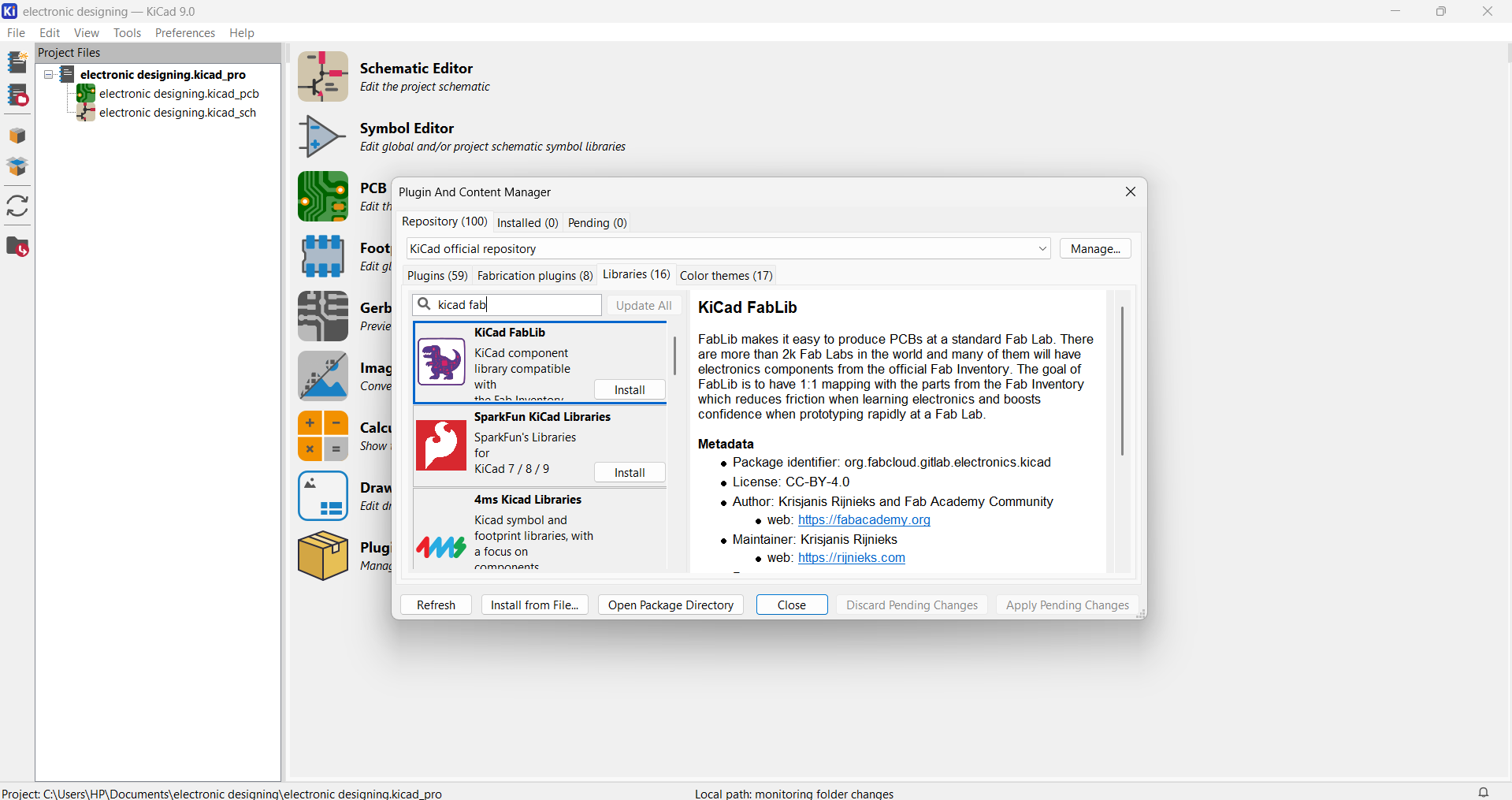
Choose fab KiCad library and click install
I opened KiCad and created a new project by selecting File → New Project, preparing the workspace for schematic
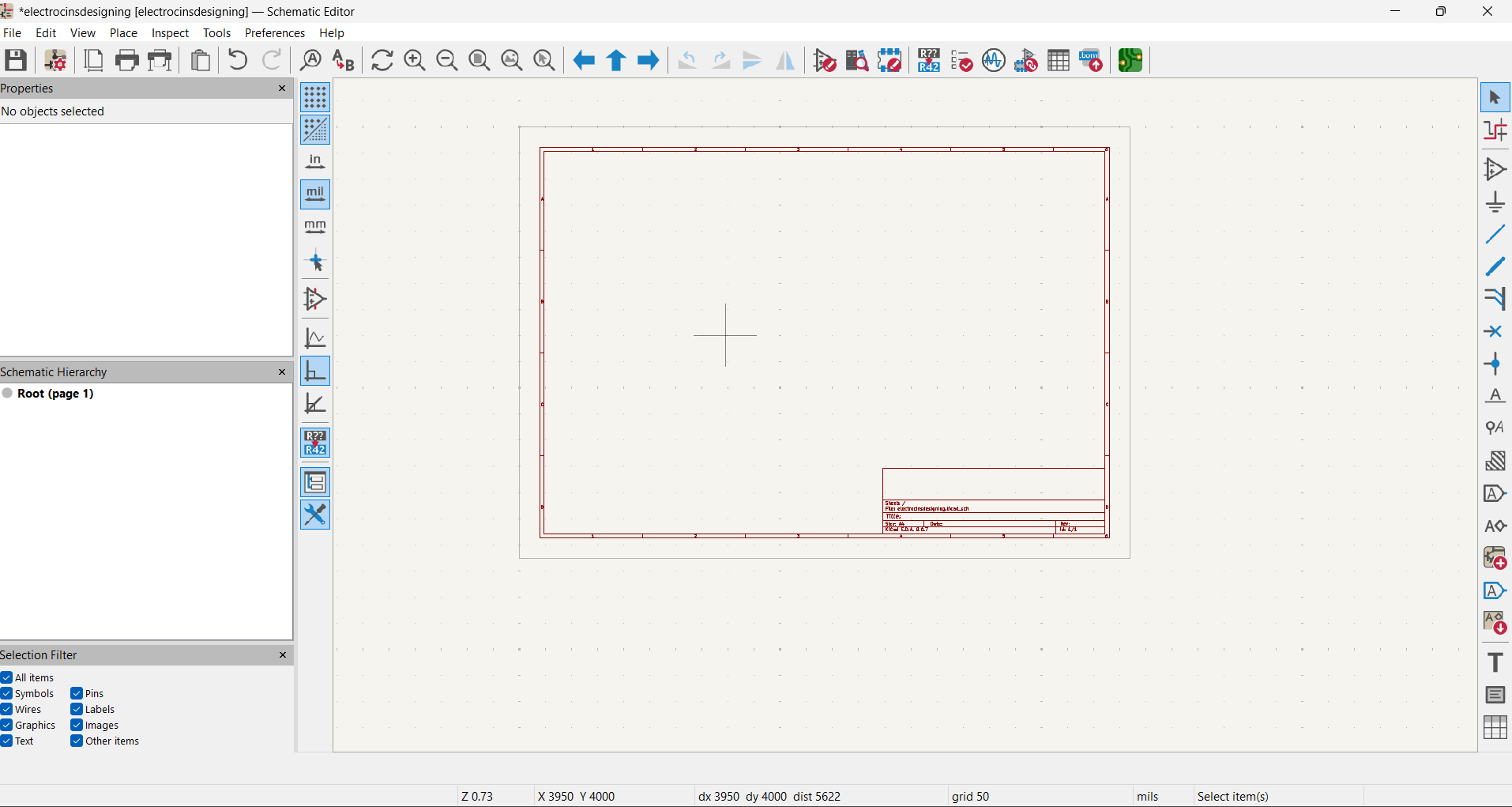
I opened the Schematic Editor and used the Symbol Tool to add the XIAO RP2040 microcontroller
Components Used
- XIAO RP2040 microcontroller
- LDR ( senses ambient light)
- 10 Ω resistor
- 220 Ω resistor
- LED 1206
I started by opening the schematic editor in KiCad and adding the XIAO RP2040 microcontroller using this symbols
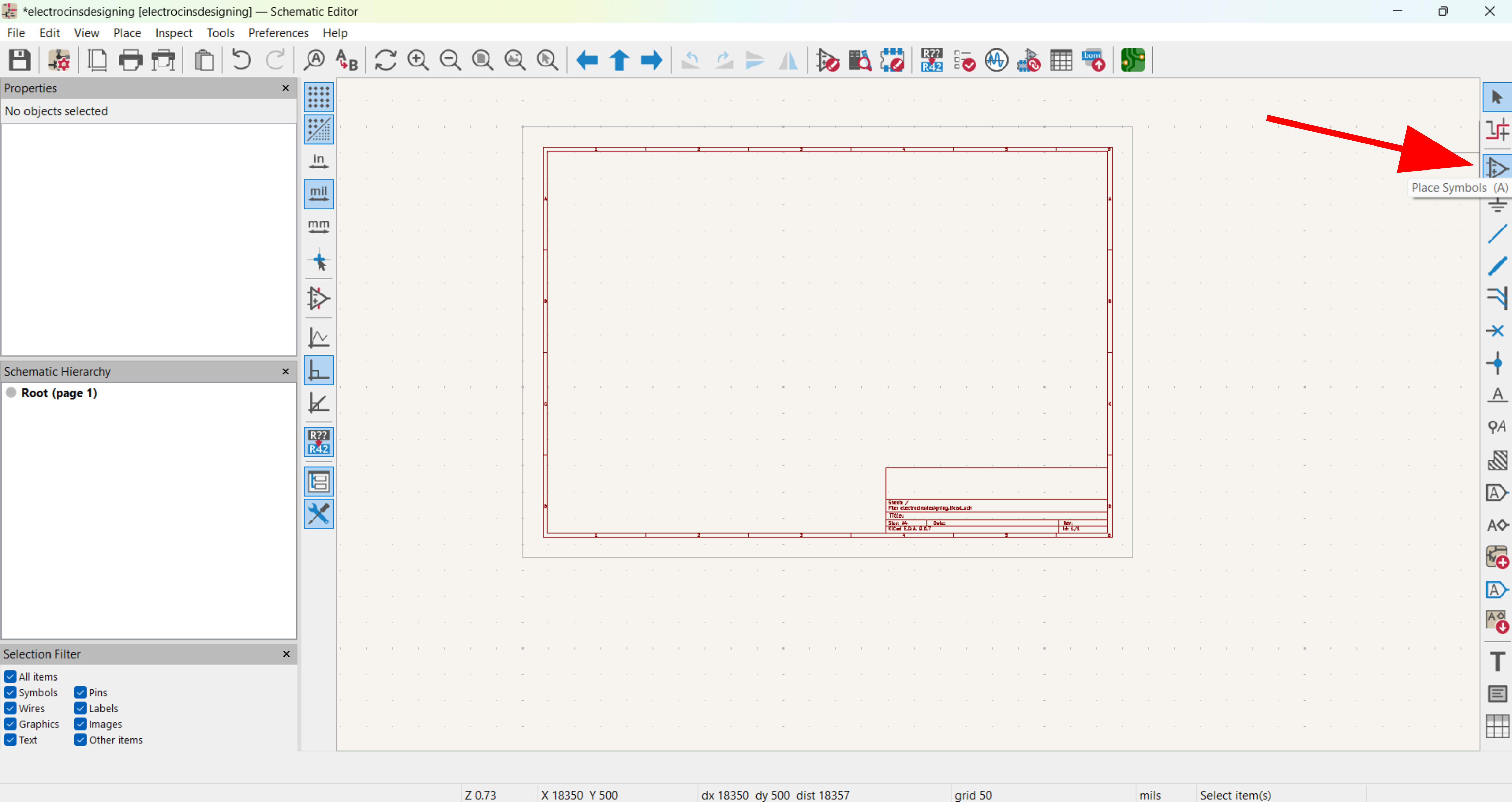
Next, I added the resistors from the component library and LDR ( senses ambient light)
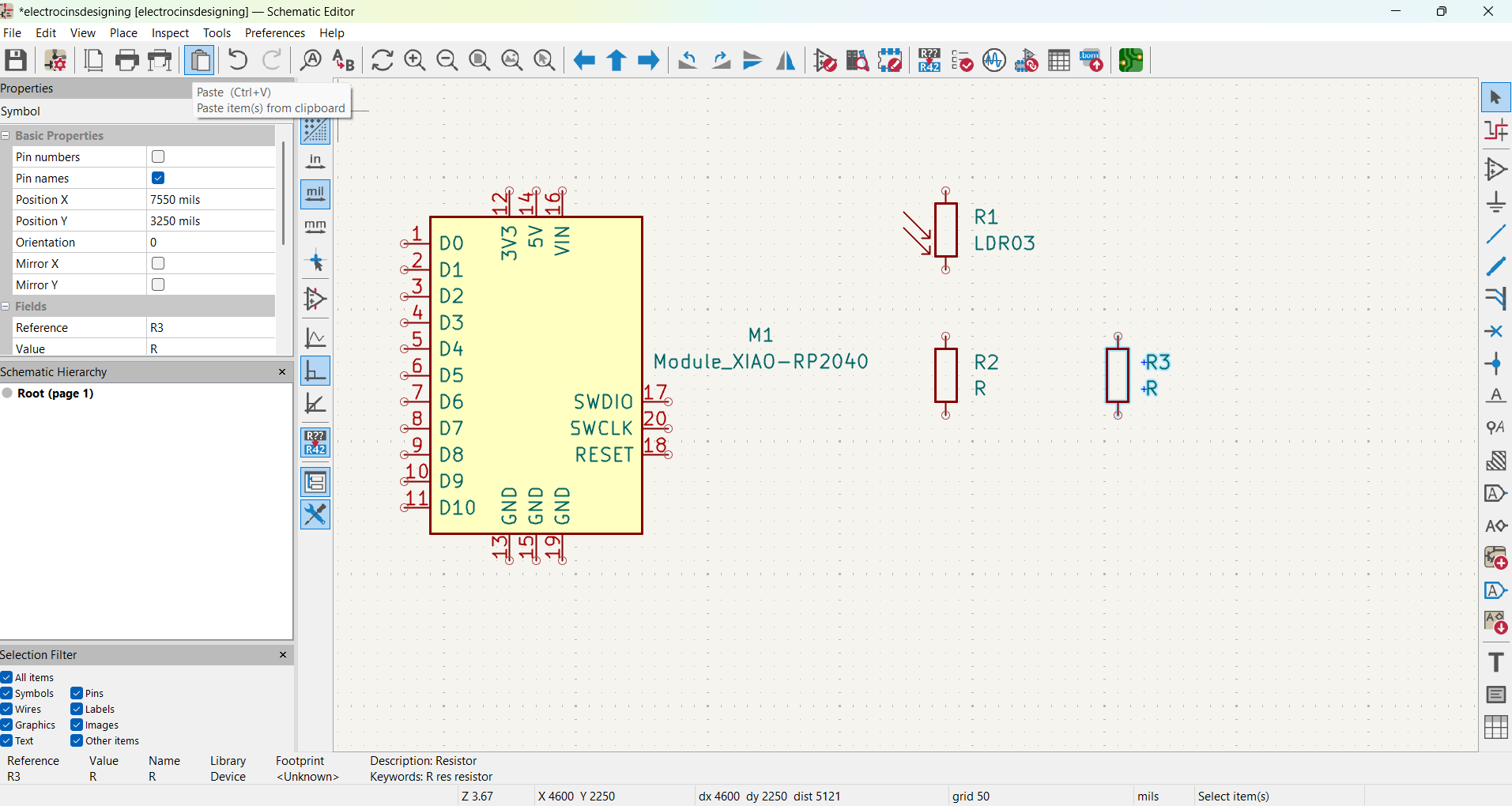
Next, I added the LED
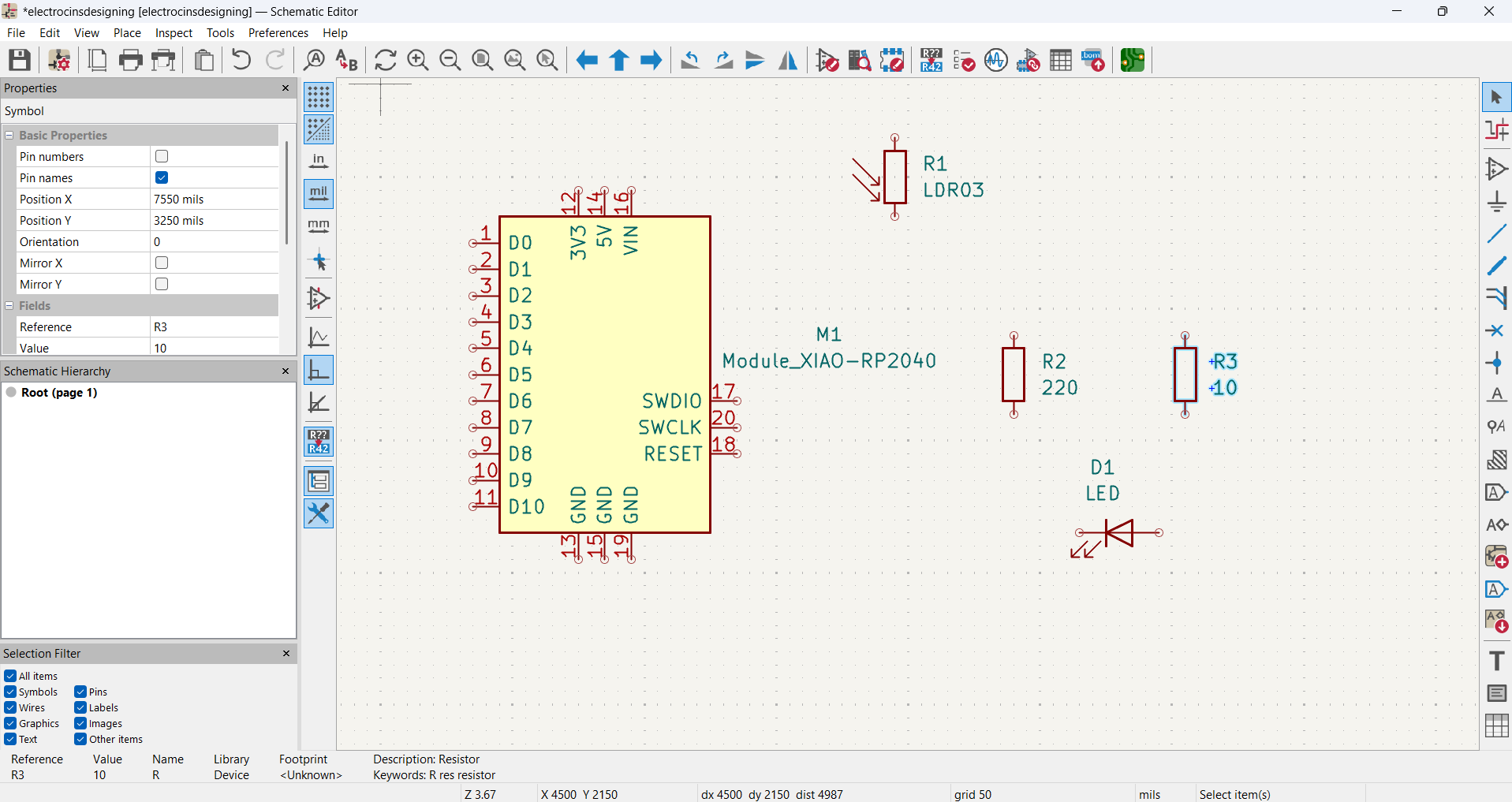
Next, I updated the resistor values
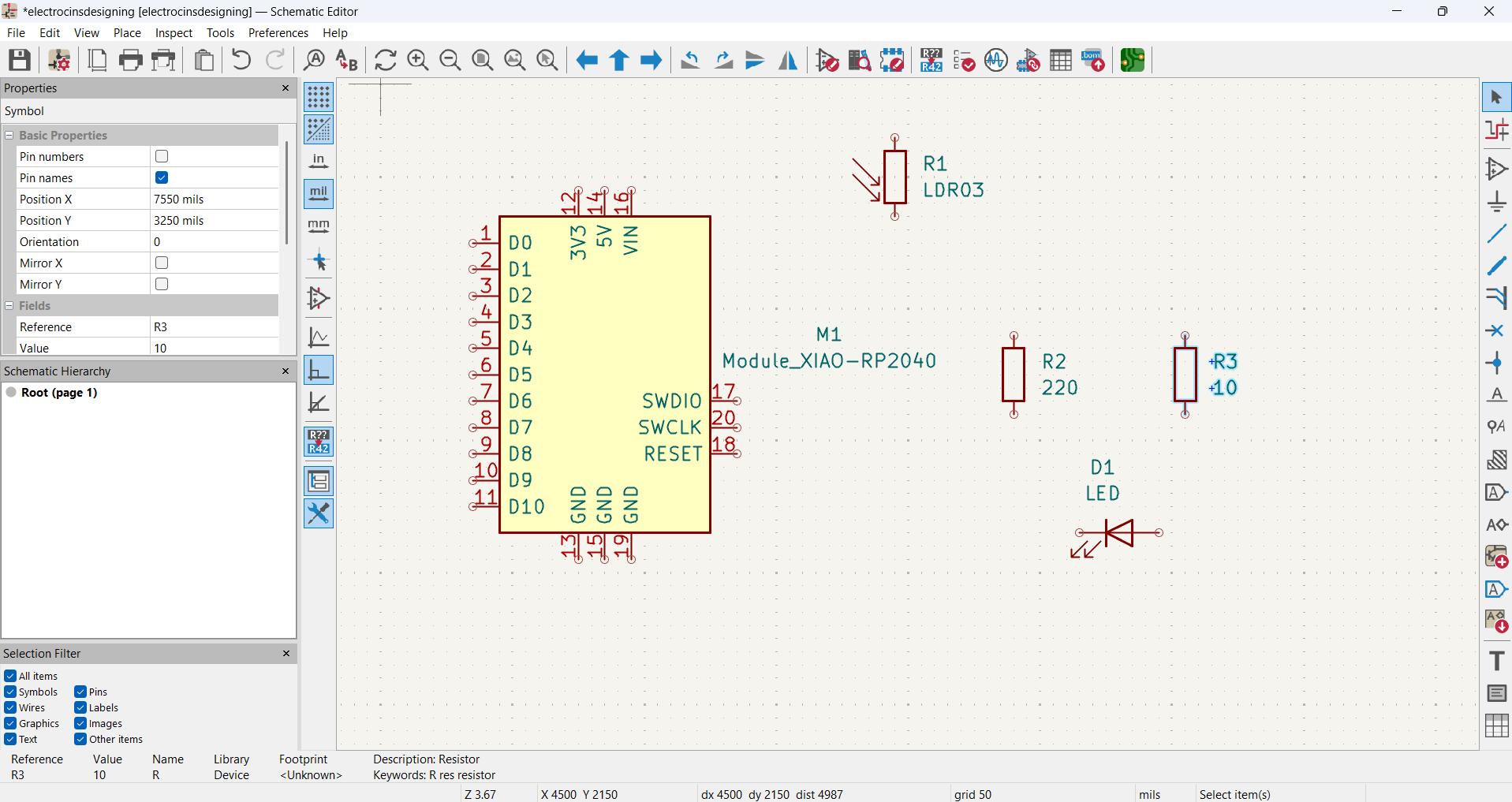
Next, I connected all the components by wiring and Place Global Labels to keep the schematic clean the XIAO RP2040 pins, LDR, resistors, and LED according to the circuit schematic
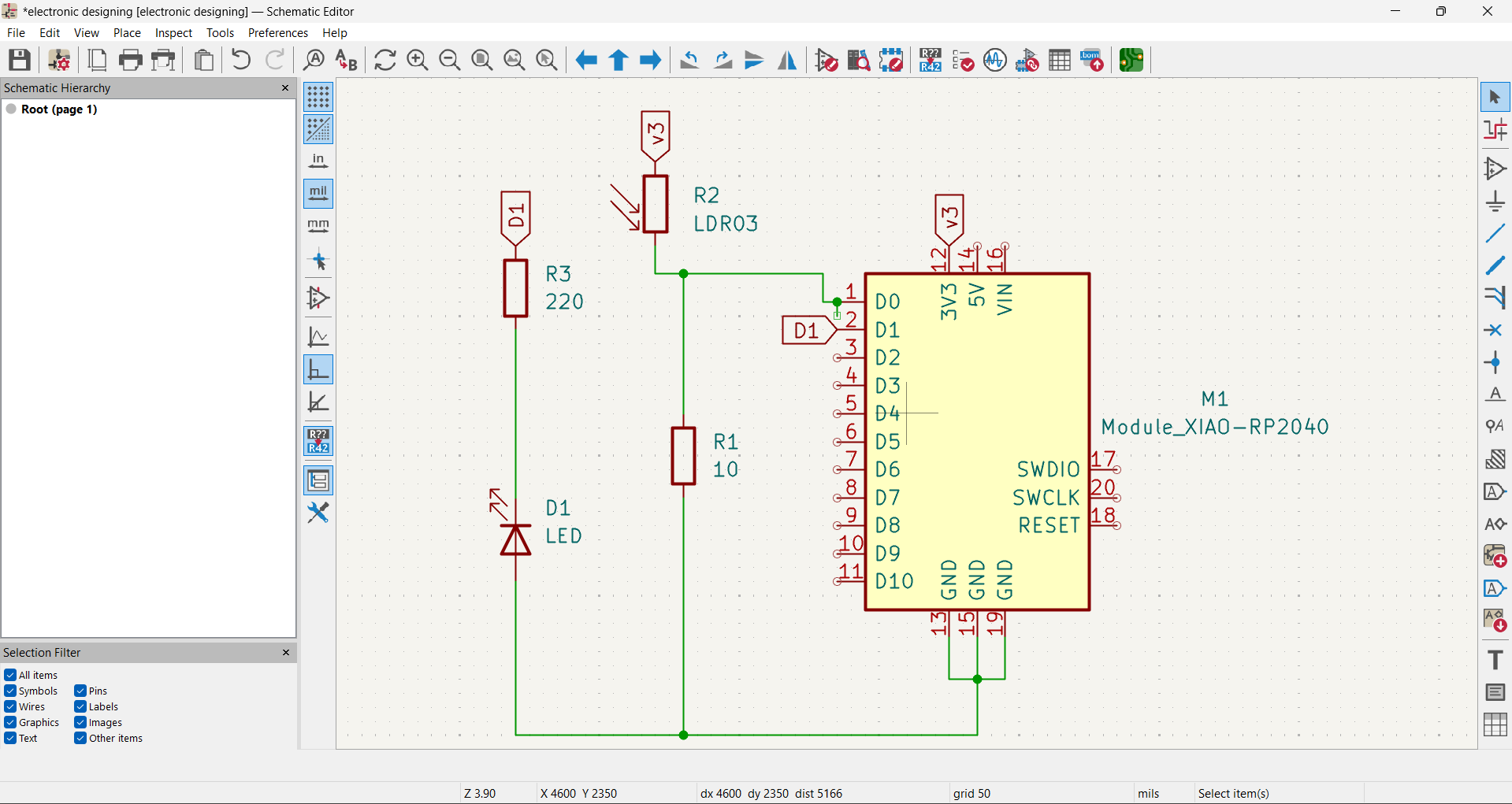
Next, I assigned footprints to verified that all connections were correct and All components were correctly connected
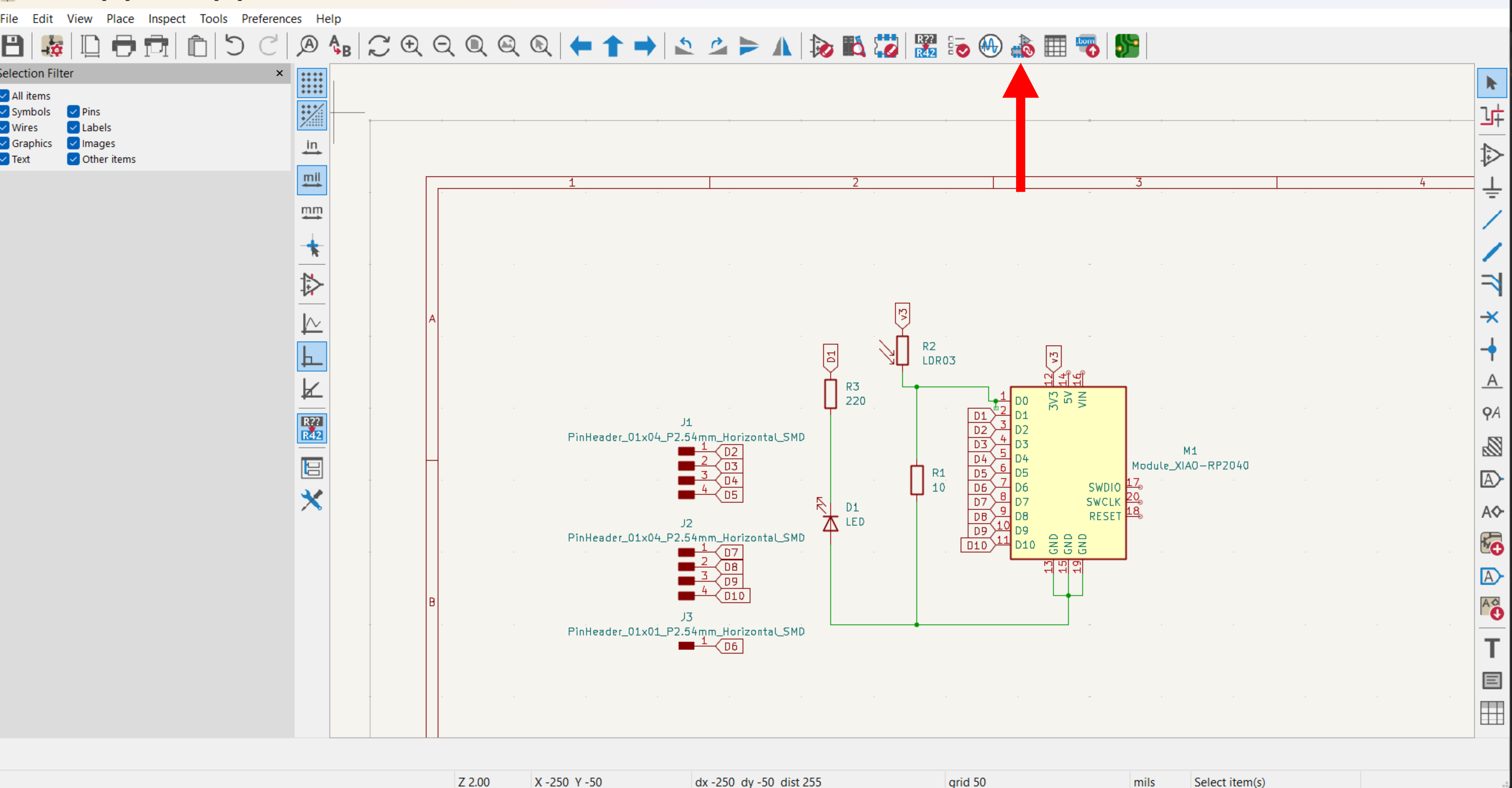
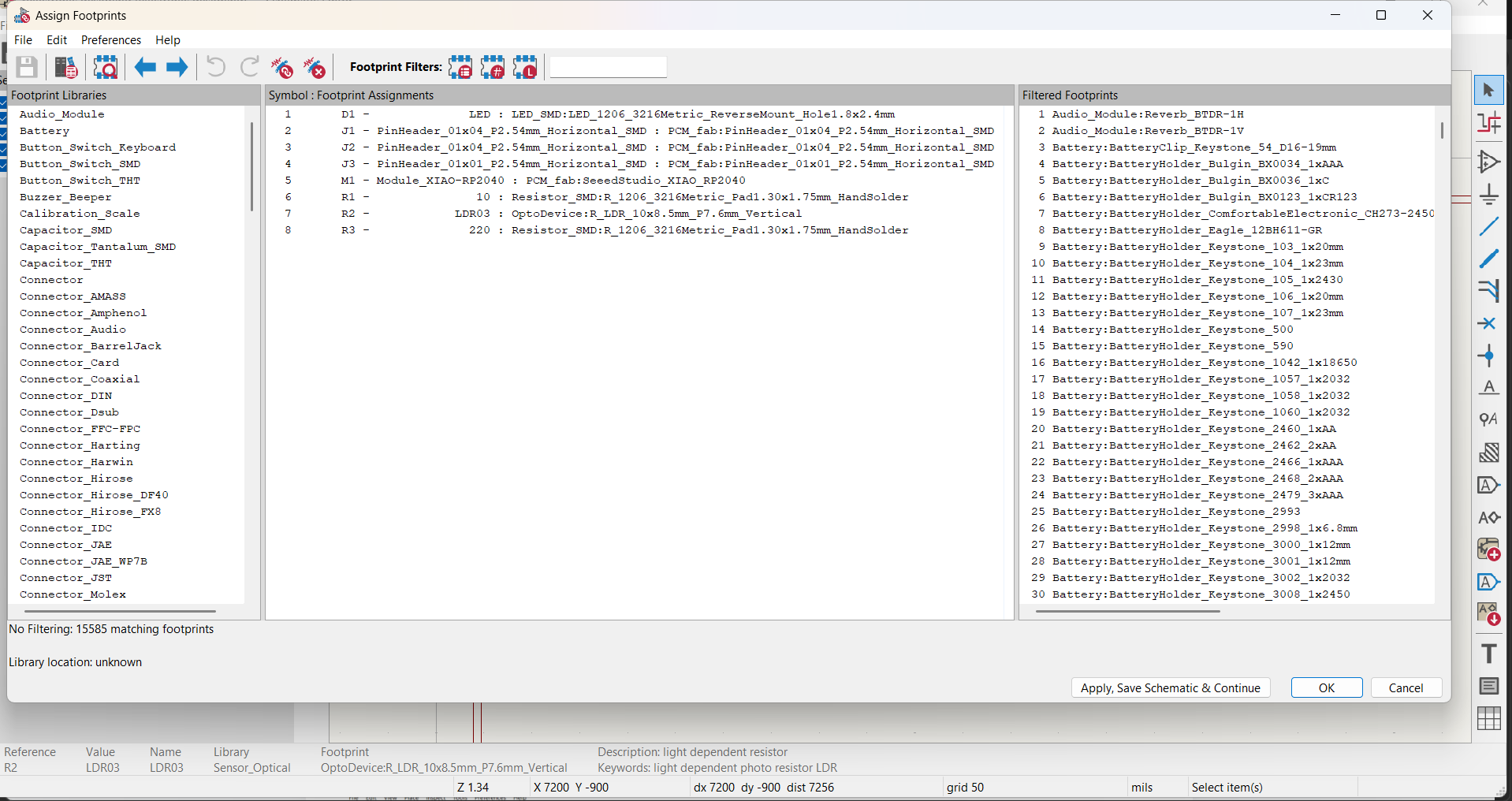
After assigning footprints, I switched to the PCB Editor
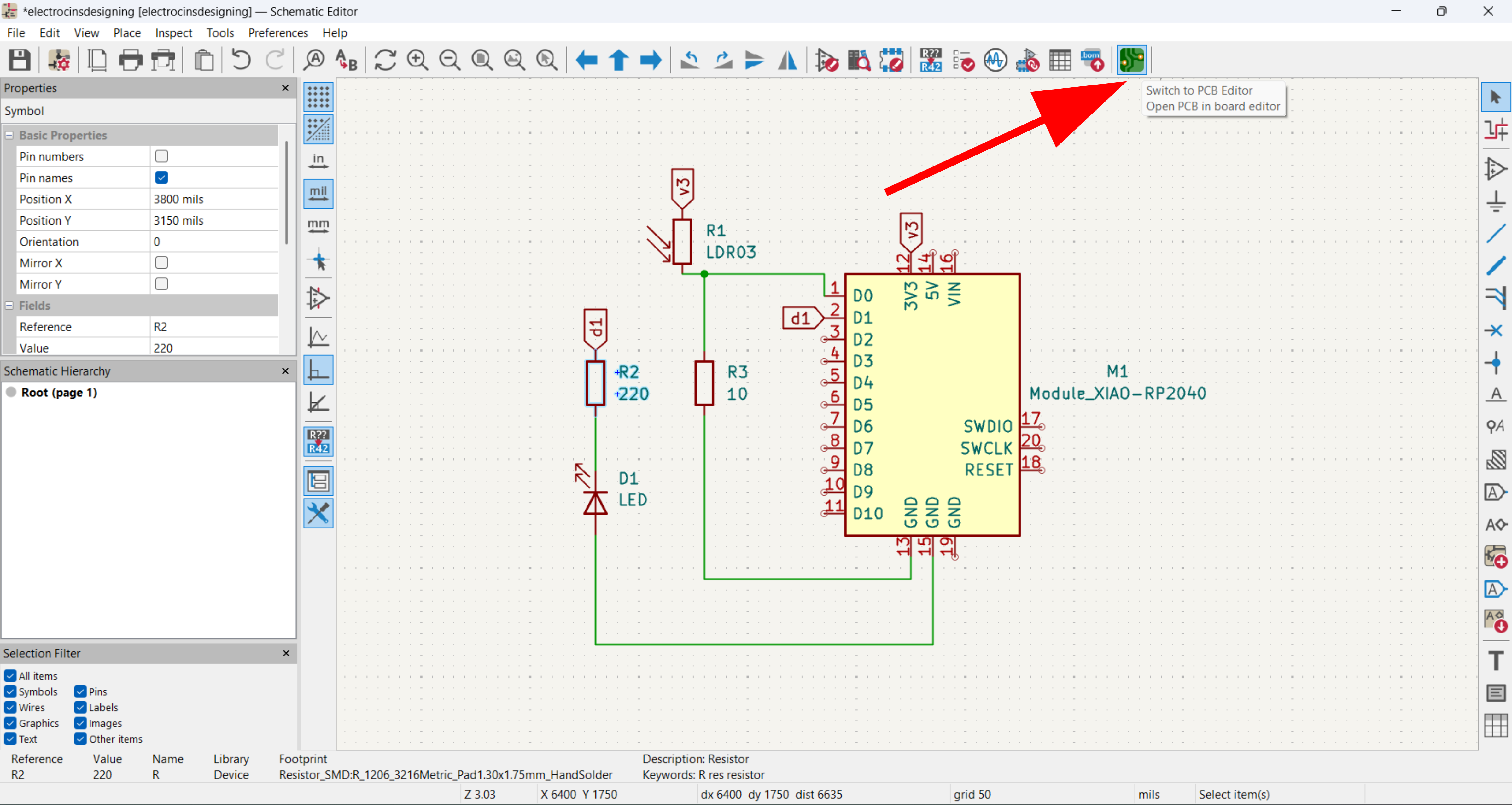
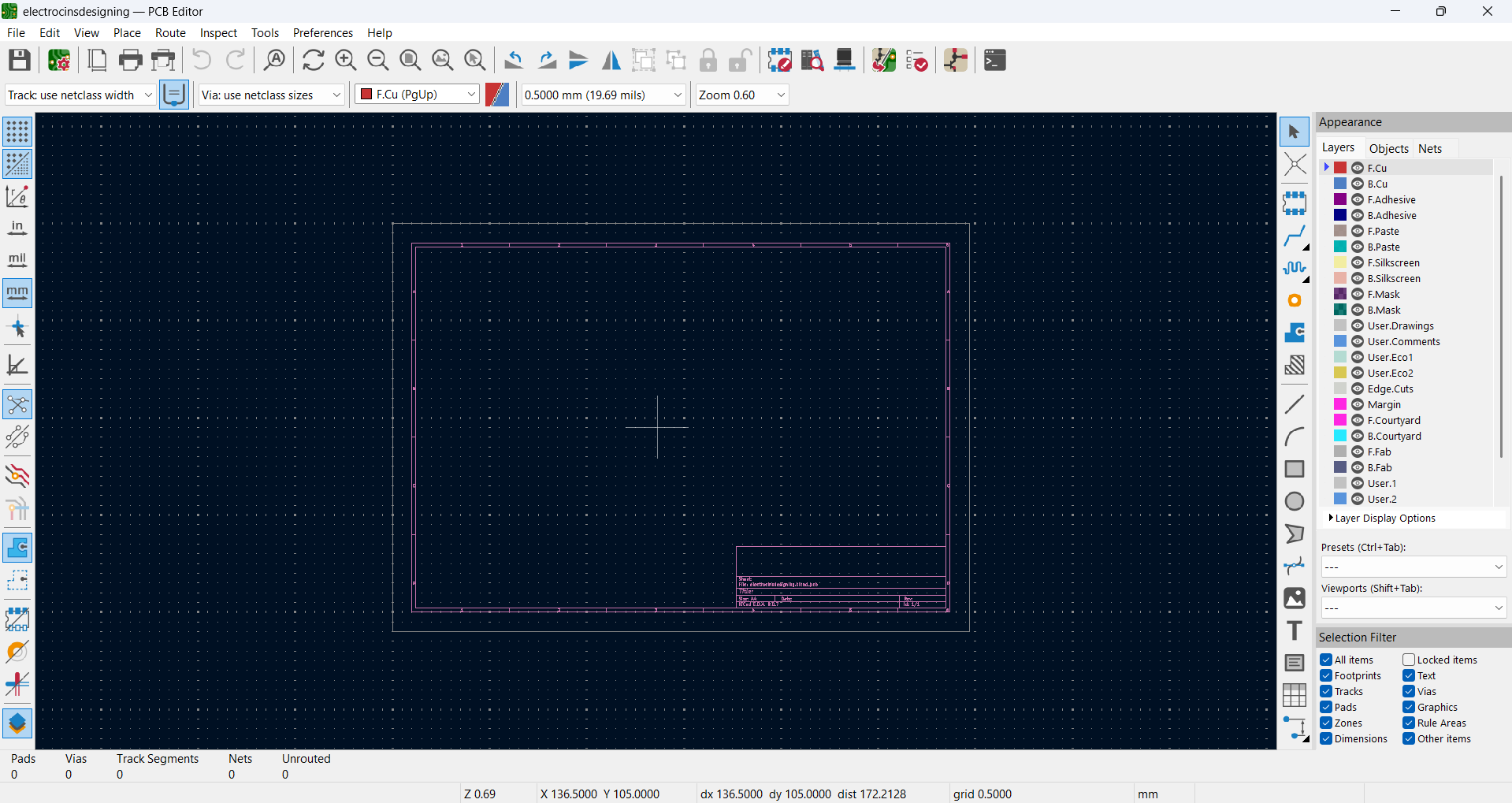
In the PCB Editor, I updated the board from the schematic and positioned all components in the editing area
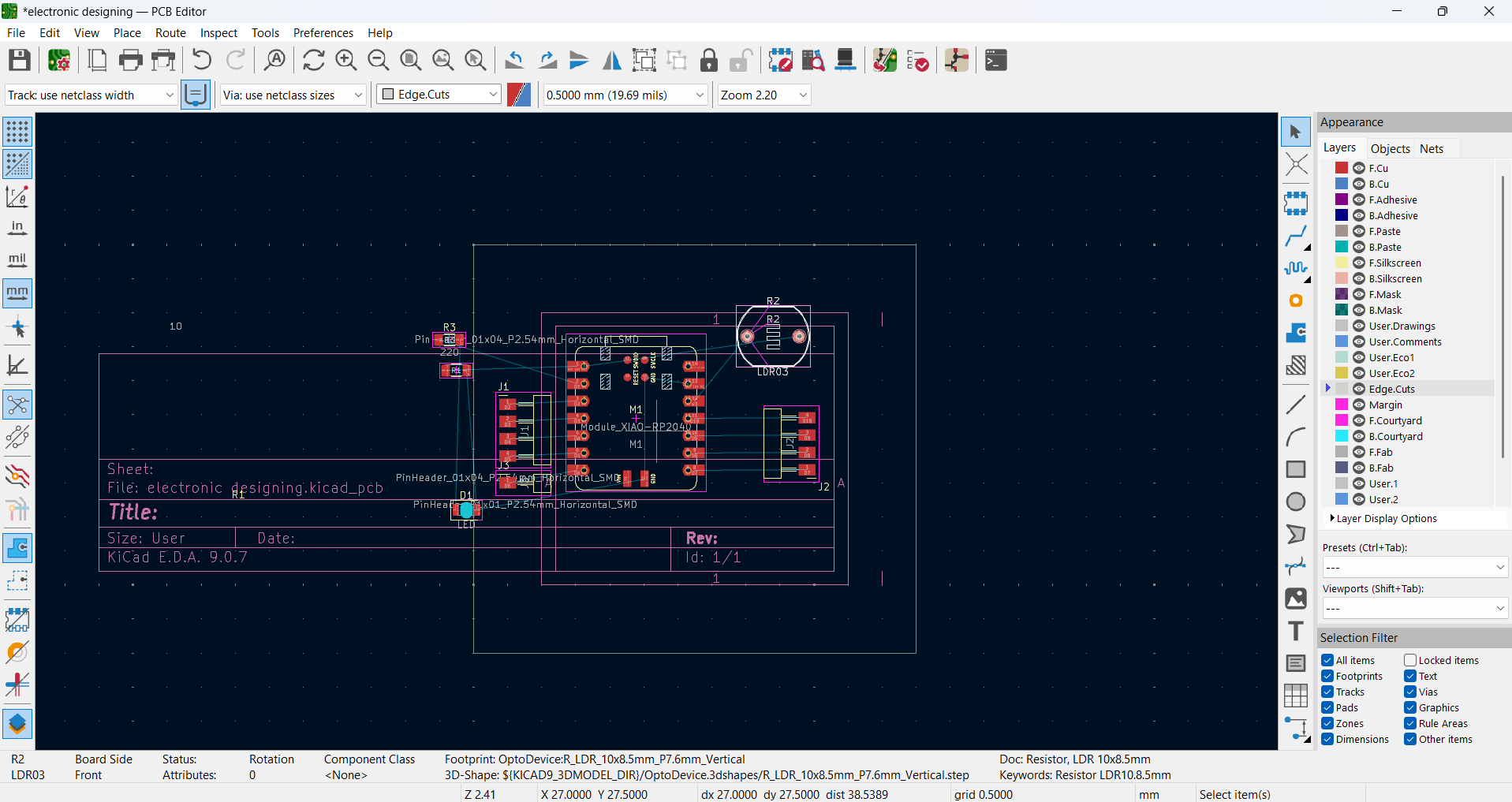
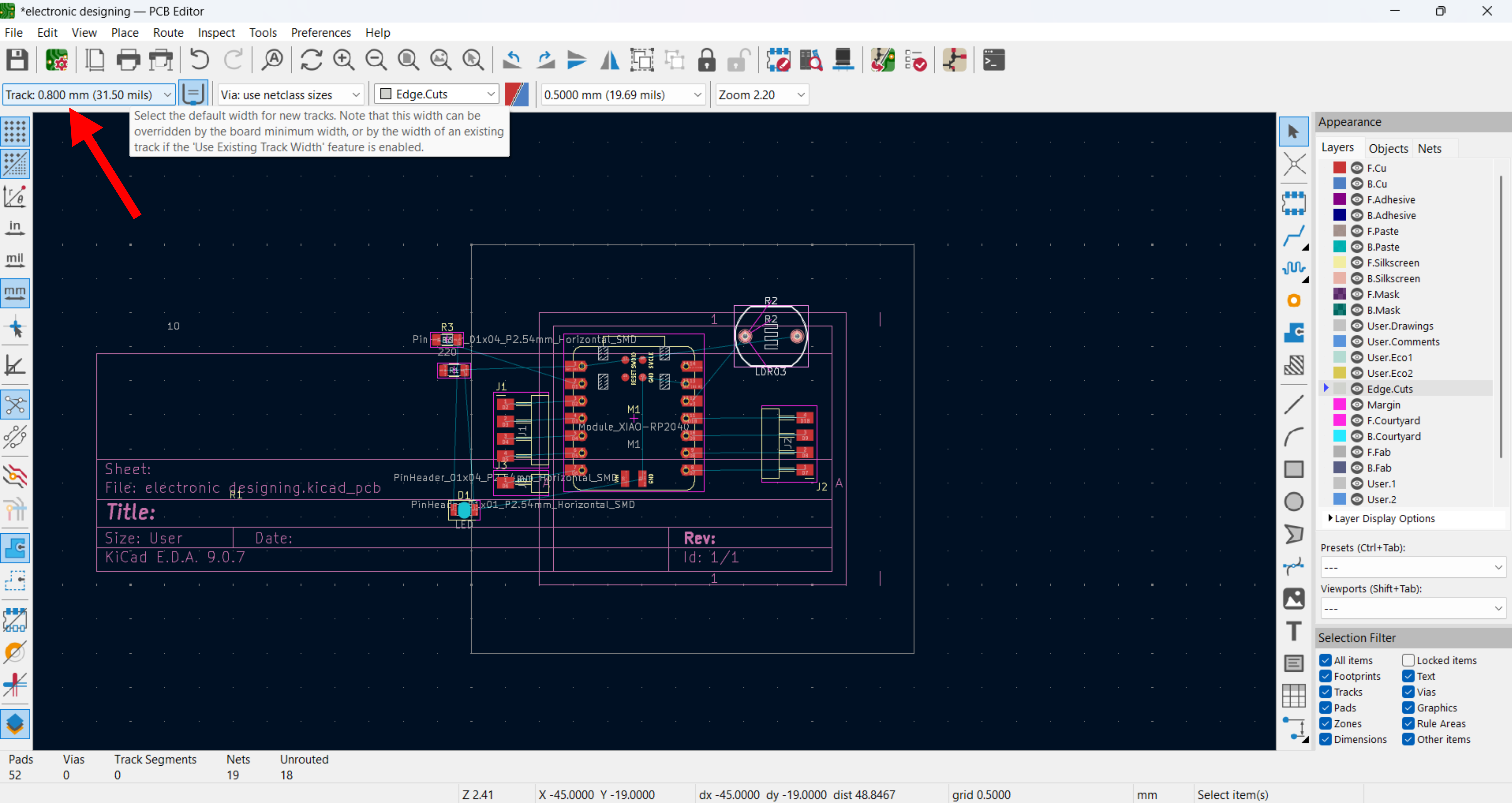
For PCB routing, I set the track thickness to 0.8 mm
I routed the PCB carefully with 0.8 mm tracks, keeping the layout clean and minimizing crossovers.
and, completing the track routing, I added edge cuts to define the final shape and outline of the PCB
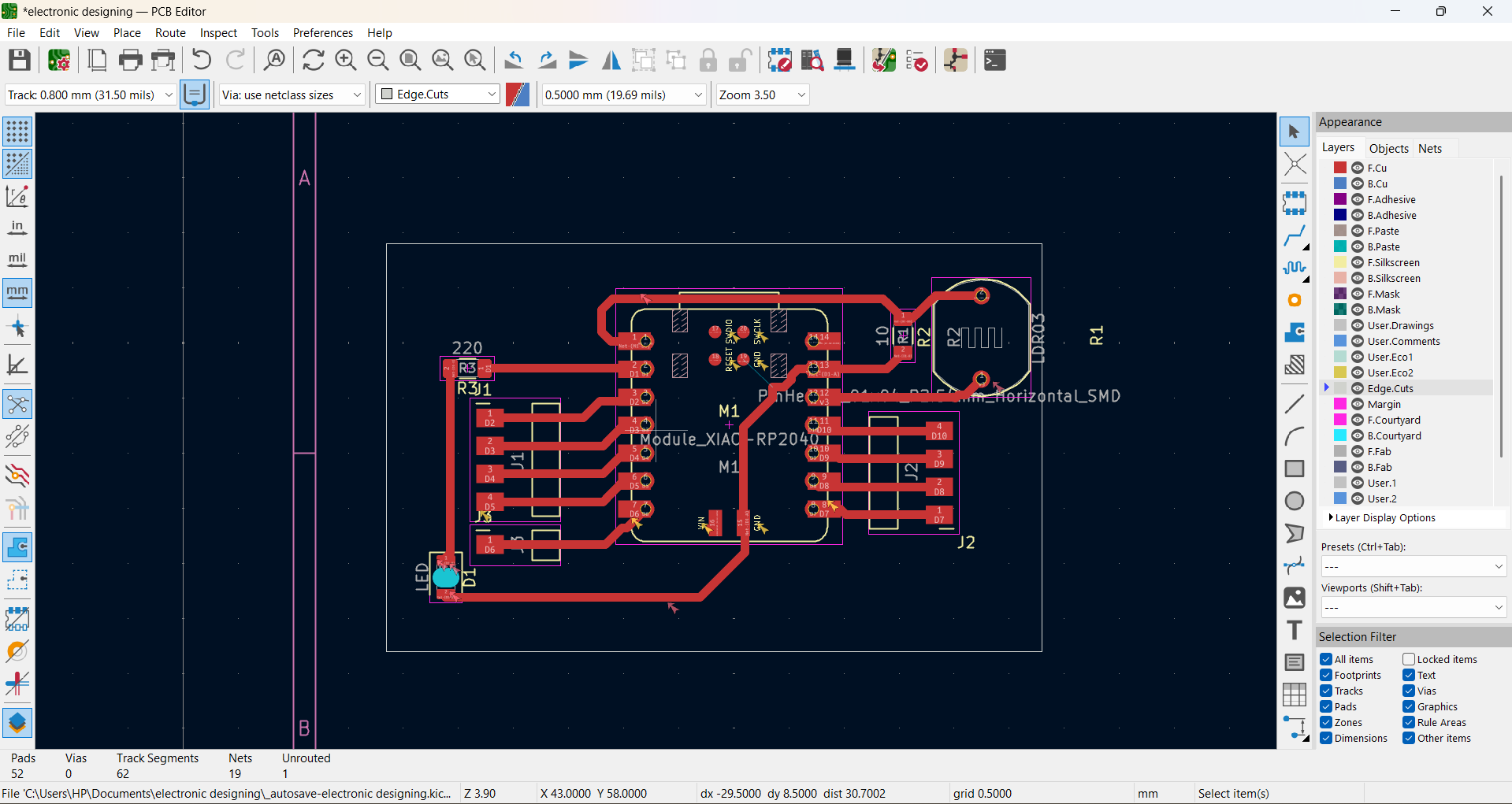
Hero shot
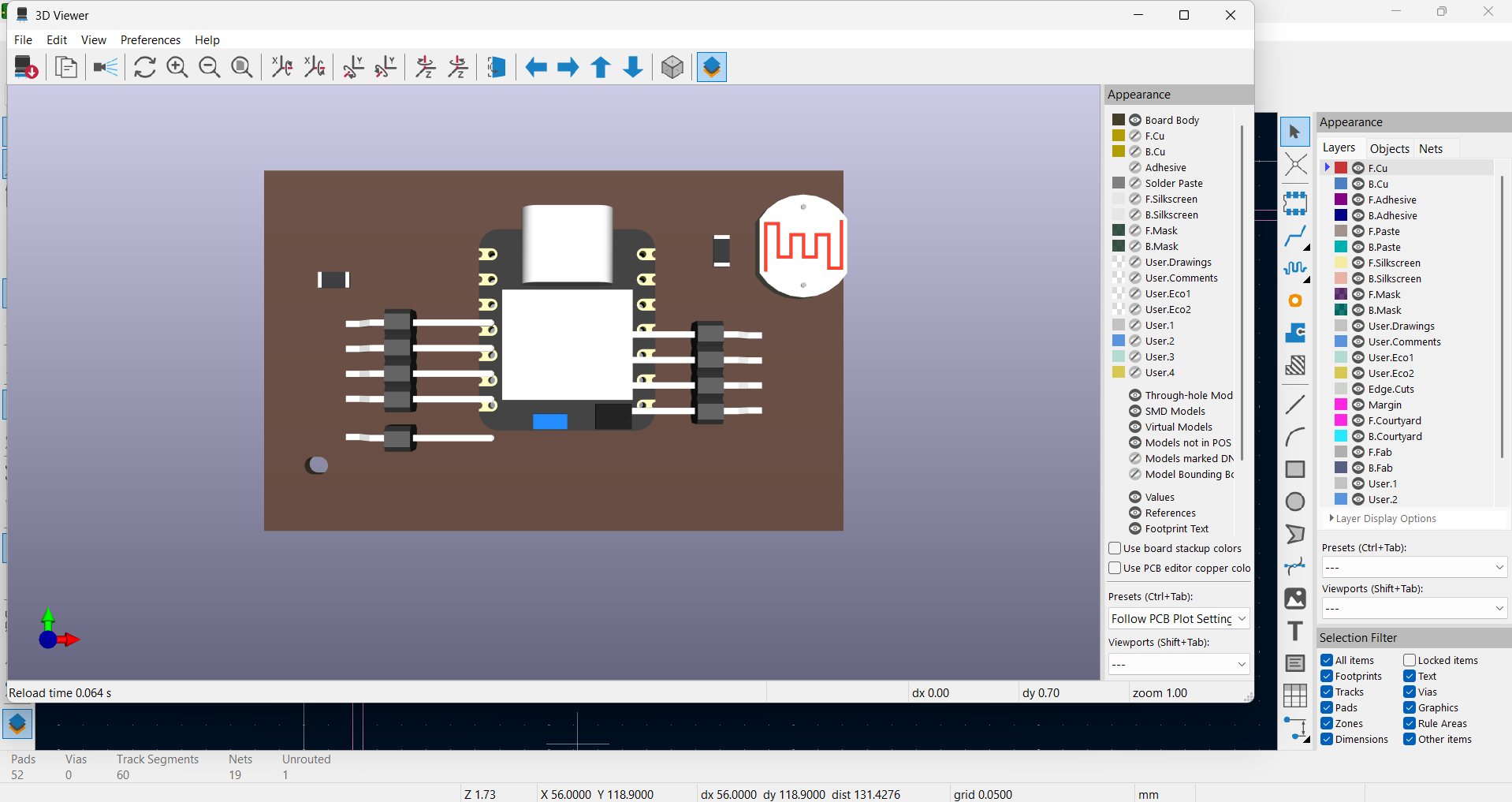
My finished smart light sensor board with the XIAO RP2040, LDR and LED
Archived project and version check
The following bundle preserves the matching project, schematic and PCB found in my earlier electronic design/electrocinsdesigning folder. I have not relabelled it as the final manufactured revision.
- Archived KiCad project ZIP
- Archived PCB layout (.kicad_pcb)
- Matching archived schematic (.kicad_sch)
My next check is to compare the pad connections and component positions against the board photos in Week 8, then run fabrication checks using the measured milling clearance. I will record the result rather than infer a DRC pass from a 3D view.