
Fab Lab Rwanda · Group work
Electronics Design
Our lab records show oscilloscope observations and function-generator exercises. We use these to distinguish voltage waveforms from digital timing, then define a logic-analyzer capture of a running microcontroller circuit.
Observing a microcontroller output
An oscilloscope shows voltage against time. For a periodic digital output, the useful checks are low/high levels, period, duty cycle and edge behaviour. The probe setting, channel scale, time base and trigger must be recorded with the waveform.
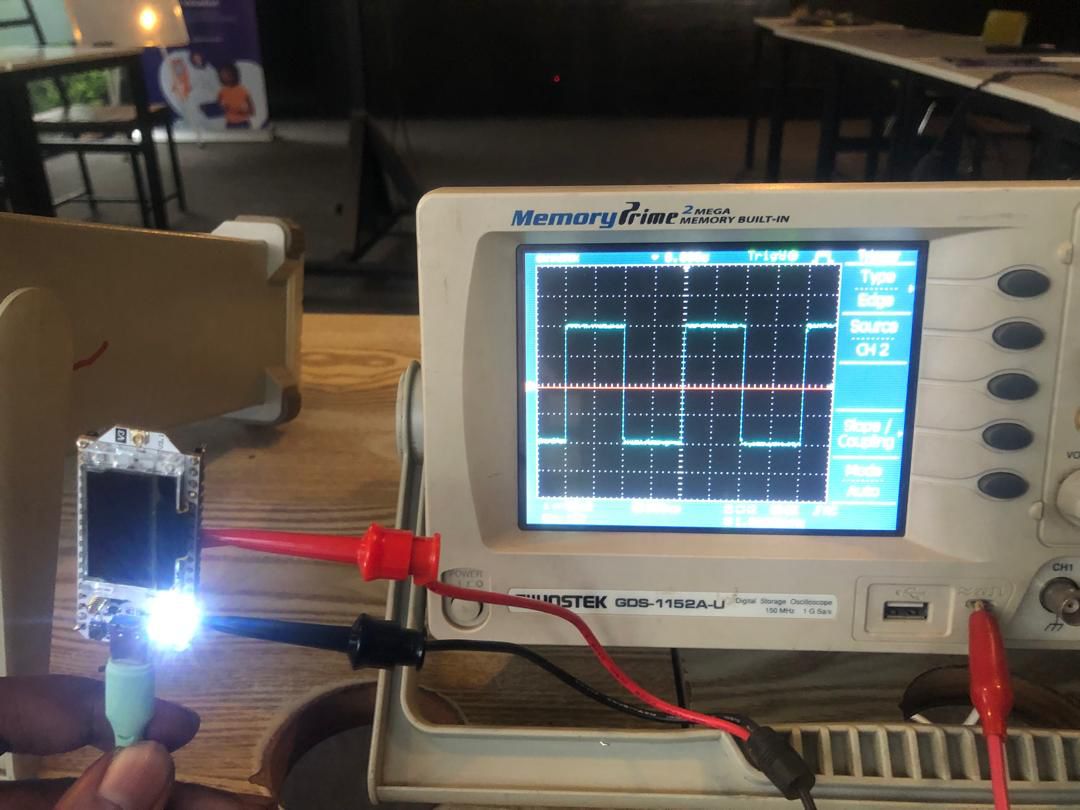
The existing photograph below shows a microcontroller-board setup and a square waveform on the oscilloscope. We have retained the image without assigning an unverified board model or extracting numerical measurements from an unreadable scale.
Function-generator exercises
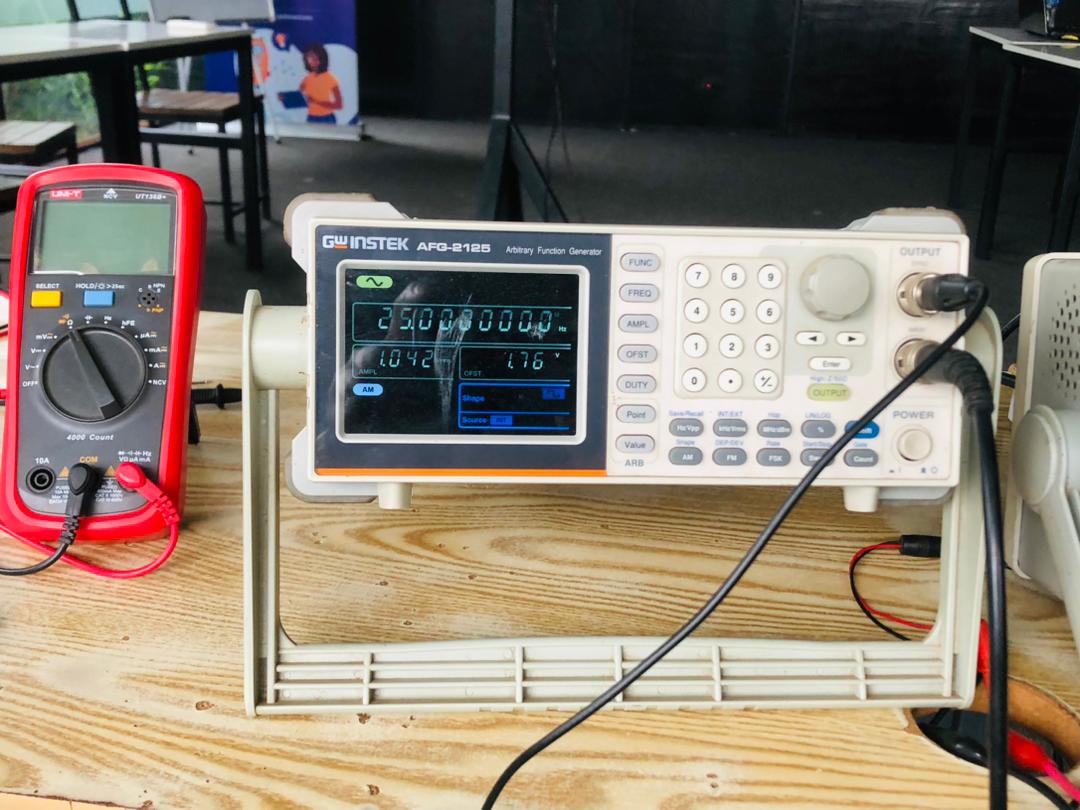
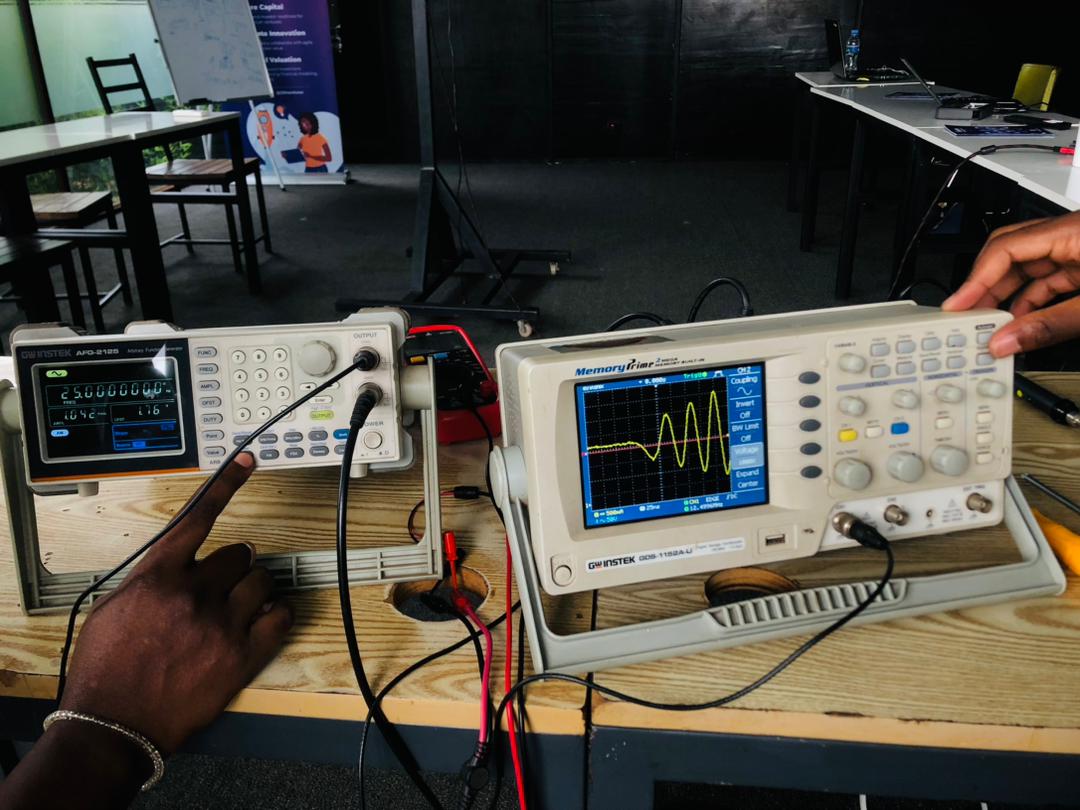
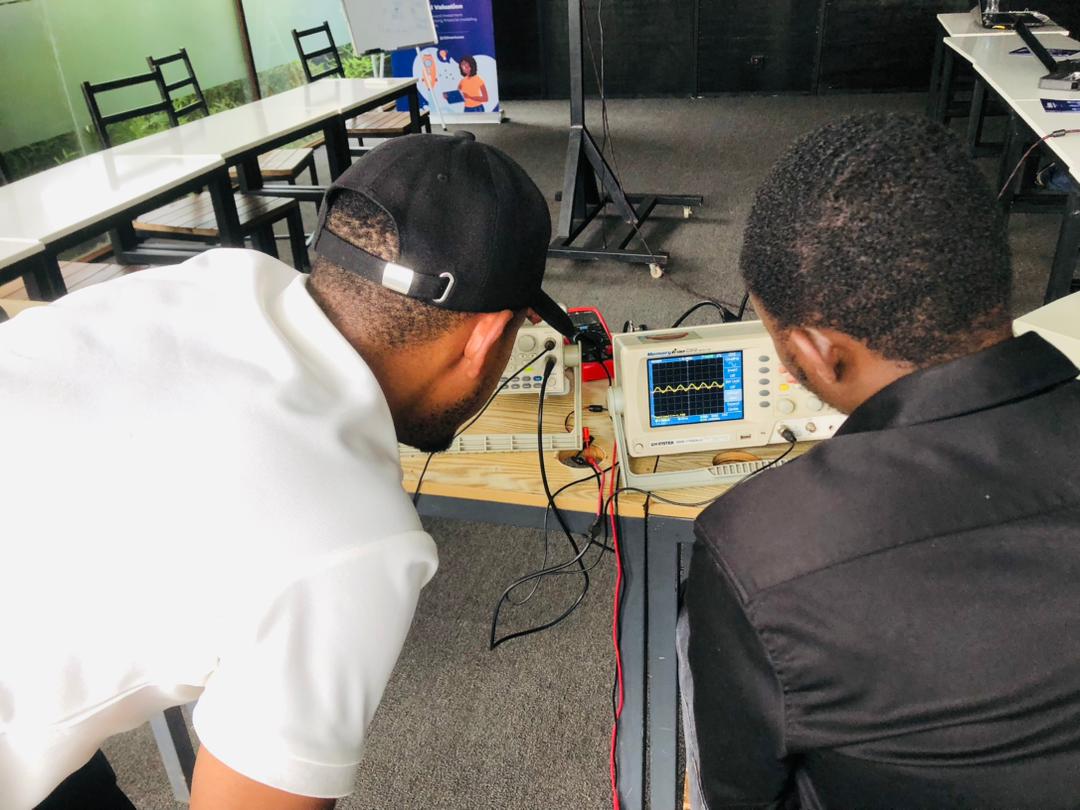
The following lab images document generator settings and waveform displays. They help explain signal amplitude, modulation and waveform shape. A signal generated by test equipment is a separate exercise from observing firmware running on a microcontroller.

Logic-analyzer capture method
The group requirement includes demonstrating a logic analyzer on an operating microcontroller board. Our oscilloscope photographs do not provide that capture.
For this test we will select a known digital signal or bus, check the analyzer's allowable input voltage, connect a common reference and map the channels to the actual board pins. The sample rate and threshold must suit the signal. We will capture an event triggered by our firmware and compare its timing or decoded payload with the source program.
For a UART example, the record should identify baud rate, data bits, parity, stop bits, channel and transmitted bytes. For I²C, it should identify SDA/SCL, pull-ups, bus voltage, device address and decoded transaction. We will save the native capture as well as an annotated screenshot so the trace can be inspected again.
What the instruments tell us
| Instrument | Useful observation | Limit |
|---|---|---|
| Oscilloscope | Voltage, noise, edge shape and timing | An image needs readable scales and probe details to support a measurement. |
| Logic analyzer | Digital transitions and protocol decoding | A decoded high/low state does not measure analog signal quality. |
| Multimeter | Steady supply voltage and continuity with power removed | A slowly updating display cannot show individual fast data bits. |