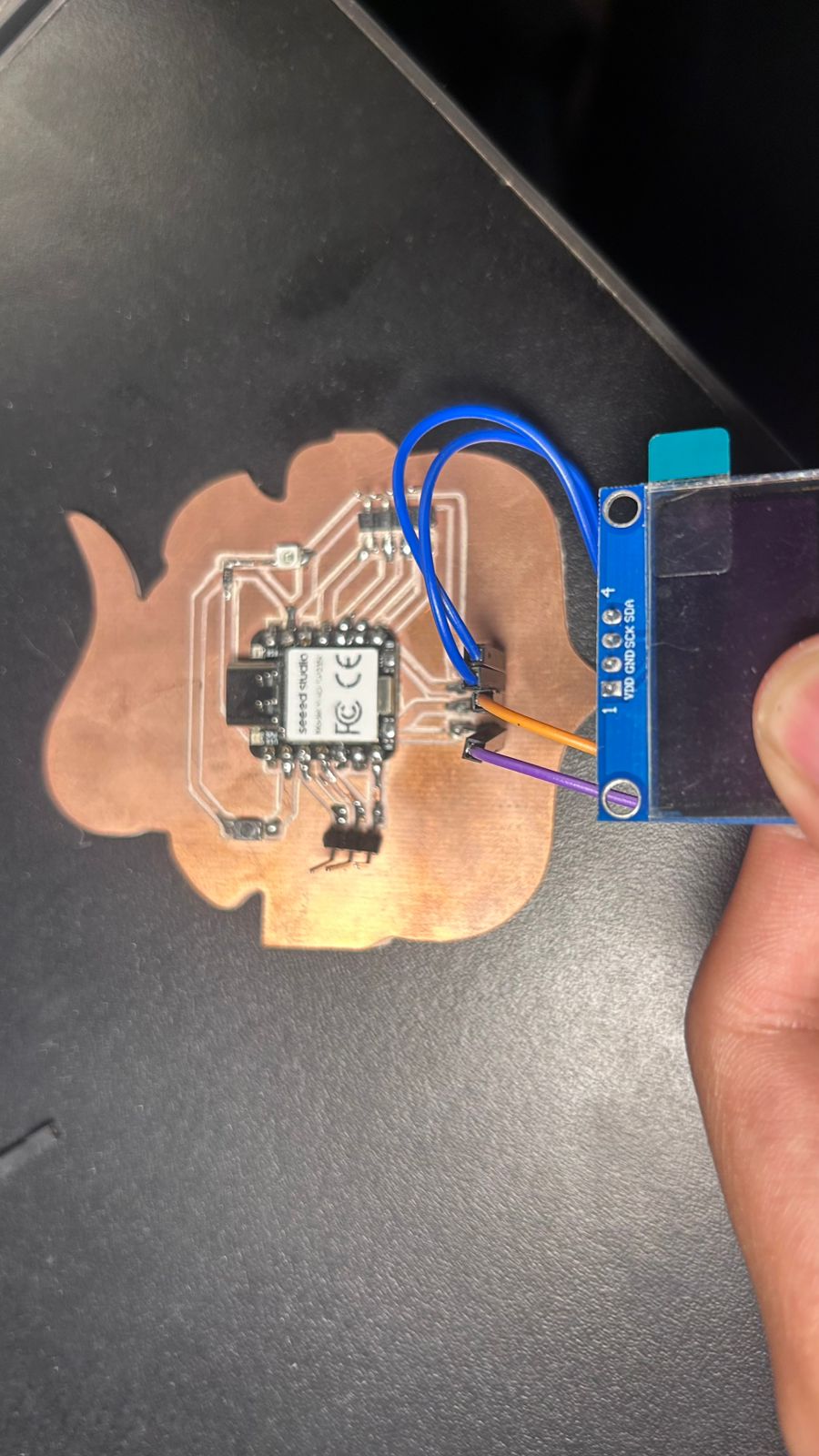
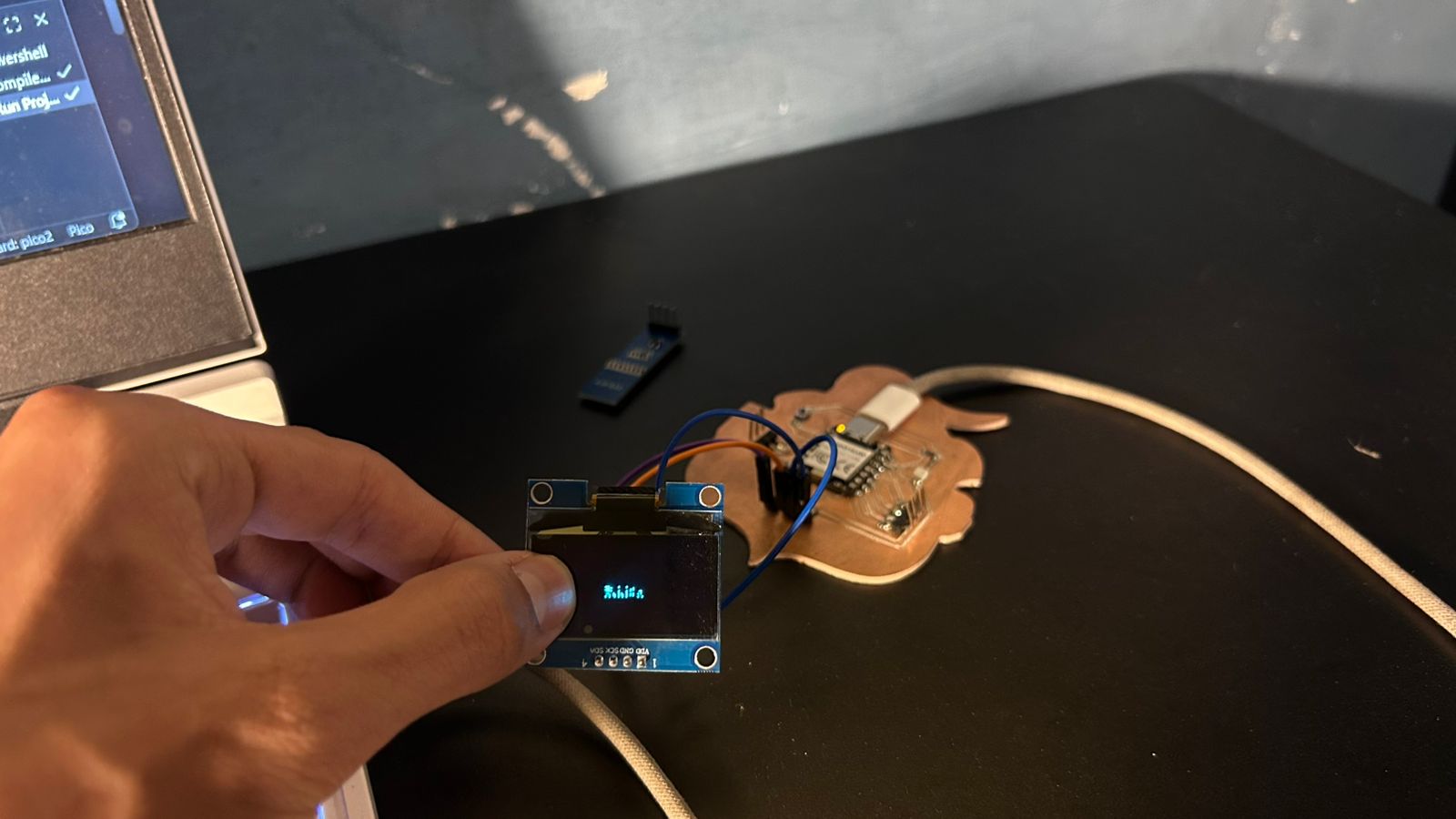
#include <stdio.h>
#include <string.h>
#include "pico/stdlib.h"
#include "hardware/i2c.h"

// Hardware Config
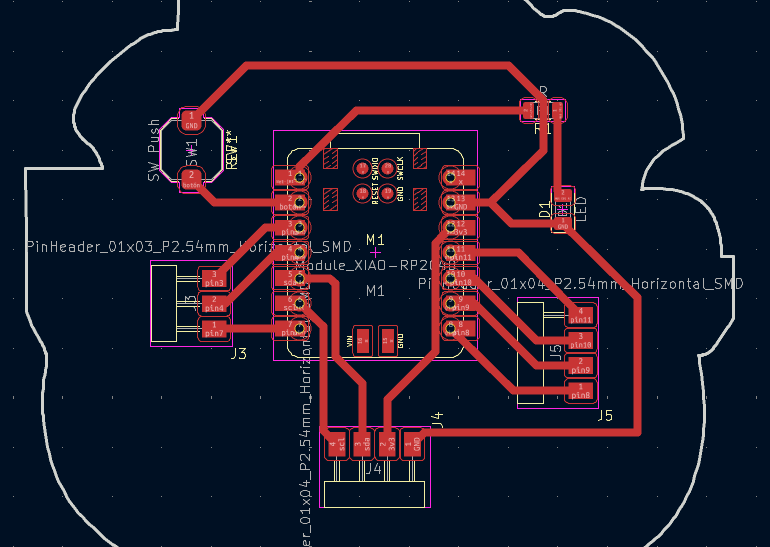
#define I2C_PORT i2c1
#define I2C_SDA 6
#define I2C_SCL 7
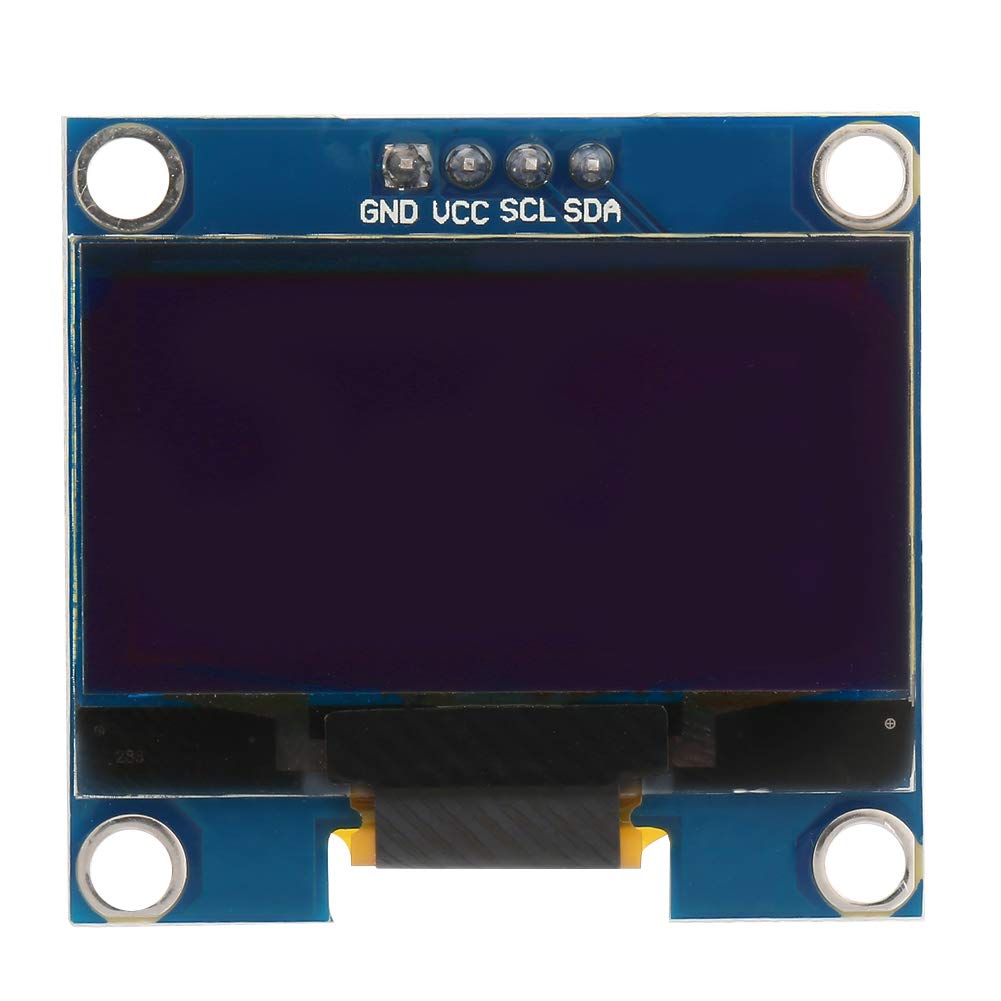
#define OLED_ADDR 0x3C

// ==========================================
// SH1106 NATIVE CONTROLLER
// ==========================================
void oled_cmd(uint8_t cmd) {
    uint8_t buf[2] = {0x00, cmd}; // 0x00 indicates Command
    i2c_write_blocking(I2C_PORT, OLED_ADDR, buf, 2, false);
}

void oled_init() {
    uint8_t cmds[] = {
        0xAE, 0xD5, 0x80, 0xA8, 0x3F, 0xD3, 0x00, 0x40,
        0x8D, 0x14, 0x20, 0x00, 0xA1, 0xC8, 0xDA, 0x12,
        0x81, 0xCF, 0xD9, 0xF1, 0xDB, 0x40, 0xA4, 0xA6, 0xAF
    };
    for (int i = 0; i < sizeof(cmds); i++) oled_cmd(cmds[i]);
}

void oled_set_cursor(uint8_t page, uint8_t col) {
    col += 2; // SH1106 Patch (Offset of 2 pixels)
    oled_cmd(0xB0 + page);
    oled_cmd(0x00 | (col & 0x0F));
    oled_cmd(0x10 | ((col >> 4) & 0x0F));
}

void oled_clear() {
    uint8_t vacio[128];
    memset(vacio, 0, 128);
    for (uint8_t page = 0; page < 8; page++) {
        oled_set_cursor(page, 0);
        uint8_t buf[129];
        buf[0] = 0x40; // 0x40 indicates Data
        memcpy(&buf[1], vacio, 128);
        i2c_write_blocking(I2C_PORT, OLED_ADDR, buf, 129, false);
    }
}

// ==========================================
// MICRO ASCII FONT 5x7 (Snippet)
// ==========================================
const uint8_t font_5x7[] = {
    0x00, 0x00, 0x00, 0x00, 0x00, // (Space, ASCII 32)
    0x00, 0x00, 0x5F, 0x00, 0x00, // !
    // ... [Font array omitted for brevity] ...
    0x00, 0x44, 0x7D, 0x40, 0x00, // i
    0x20, 0x40, 0x44, 0x3D, 0x00, // j
    0x38, 0x44, 0x44, 0x44, 0x38, // o
    0x1C, 0x20, 0x40, 0x20, 0x1C  // v
};

// ==========================================
// TEXT FUNCTIONS
// ==========================================
void oled_write_char(char c, uint8_t page, uint8_t col) {
    if (page > 7 || col > 122) return;
    int font_idx = (c - 32) * 5;
    if (font_idx < 0) font_idx = 0;

    uint8_t buf[7];
    buf[0] = 0x40;

    for (int i=0; i<5; i++) {
        buf[i+1] = font_5x7[font_idx + i];
    }
    buf[6] = 0x00;

    oled_set_cursor(page, col);
    i2c_write_blocking(I2C_PORT, OLED_ADDR, buf, 7, false);
}

void oled_write_string(const char *str, uint8_t page, uint8_t col) {
    while (*str) {
        oled_write_char(*str, page, col);
        col += 6;
        str++;
        if (col > 122) {
            col = 0;
            page++;
            if (page > 7) break;
        }
    }
}

// ==========================================
// MAIN ROUTINE
// ==========================================
int main() {
    stdio_init_all();

    // Init I2C1 at 400kHz
    i2c_init(I2C_PORT, 400 * 1000);
    gpio_set_function(I2C_SDA, GPIO_FUNC_I2C);
    gpio_set_function(I2C_SCL, GPIO_FUNC_I2C);
    gpio_pull_up(I2C_SDA);
    gpio_pull_up(I2C_SCL);

    sleep_ms(500);

    oled_init();
    oled_clear();

    // Tactical Mission: Write the message!
    oled_write_string("hello, i'm javi", 3, 19);

    while (true) {
        sleep_ms(1000);
    }
    return 0;
}