13. Mechanical Design, Machine Design
Assignments and Assessment this week
Mechanical Design (part 1 of 2)
Group assignment:
Design a machine that includes mechanism + actuation + automation + application Build the mechanical parts and operate it manually Document the group project
Machine Design (part 2 of 2)
Group assignment:
Actuate and automate your machine Document the group project
Back Ground Story for our Machine Development
For our Machine Week, we discussed about development of Open Source Tool that would support product development at FABLAB in Global South Countries.
Especially in Africa, it is known that the total African population will be 1/4 of Whole World population by 2050.
However, 80 percent of population in Africa are very poor. For example, there are basically No local manufacturing industry in Kenya.

Since last year, FABLAB Winam in Kenya started developing FABLAB.able Kinetic Seat with Toyota.

In their Talk in FAB25, they are focusing to develop the seat with Bio Material such as fabric made of Sisal and Frame made of Bamboo.

In order to assure the strength of product, it is important to know the basic strength of each material such as “Young’s Modulus”.
Most of the time, the strength of material changes by it’s processing.
What Chemical is used before dying? Was is completely dried with heating? etc…
Talking about Bamboo, it is known that the strength changes dramatically by heating, drying, keeping for a long time.
In addition, there are 81 bamboo species in Kenya, so how should they choose without knowing those unique strength characteristics.
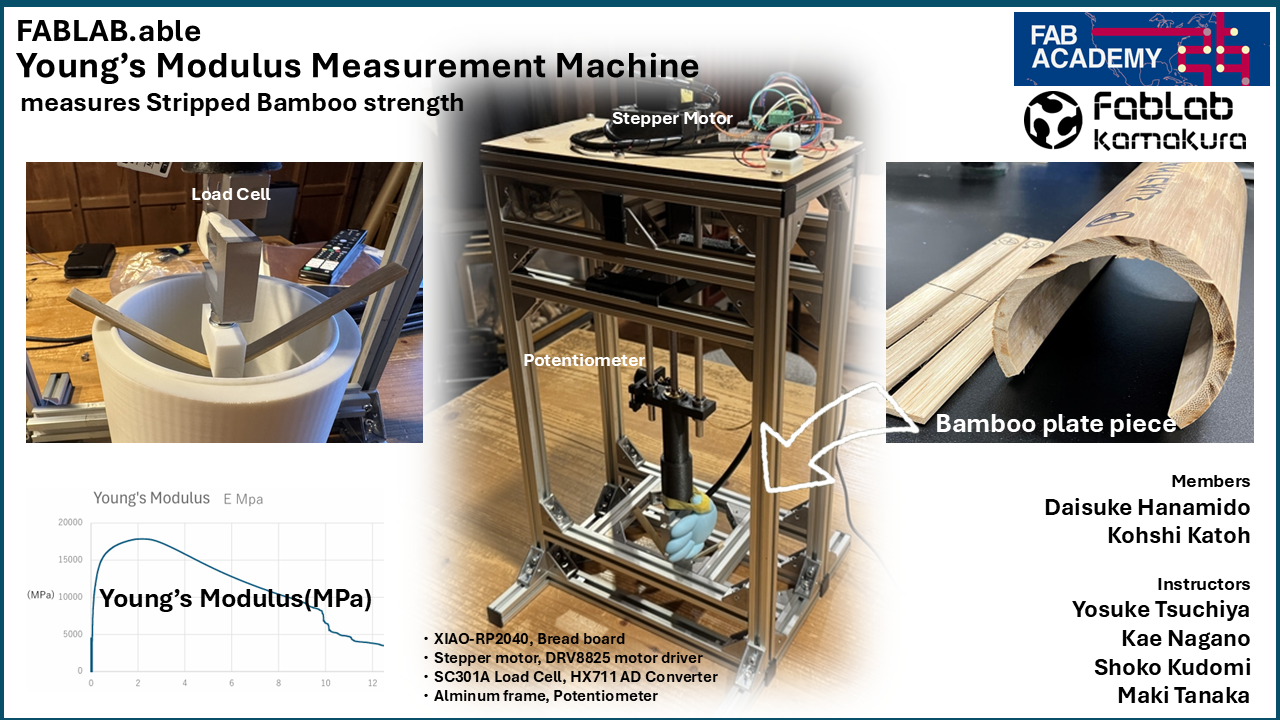
FABLABable Young’s Modulus Measurement Machine
We decided to make simple but useful and FABLABable “Young’s Modulus Measurement Machine”.
1.Handmade material inspection device
This week our group assignment is At Global South’s FabLab, we are developing a “handmade material inspection device” to support manufacturing that utilizes local materials.
Specifically, it’s a tool that allows anyone to easily measure the strength (Young’s modulus) of materials unique to a particular region. Using this, local people can numerically check the strength of materials and make decisions such as “should I use it as is?” or “should I reinforce it with another layer?”
What is Young’s Modulus?
Young’s modulus is a numerical representation of a material’s resistance to deformation. It is the value obtained by dividing force (stress) by the deformation rate (strain). Specifically, it can be calculated by measuring how much deformation occurs in millimeters when a certain amount of force is applied. The formula for Young’s modulus (E) is: E = (L^3 * F) / (4 * w * h * d) It can be calculated if L = length, F = force, w = width, h = thickness, and d = deflection distance are known. Of these, W = width and H = thickness are determined by the material, and L = length is determined by the material spanning the device. To measure the change, the applied force (F) and the resulting deformation (L) are measured intermittently.
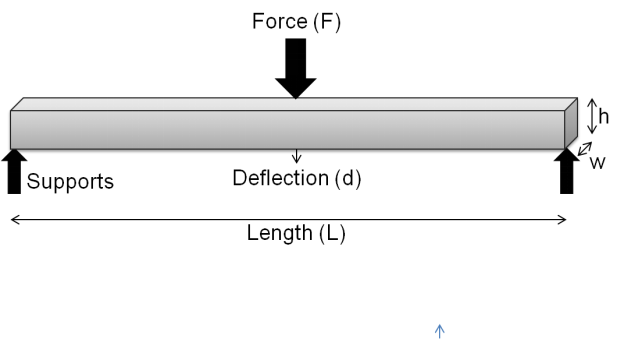
Understanding and Calculating Young’s ModulusWritten by Andy.Lu
You can see the Young’s Modulus Measurement image and how it differs.
Young’s Modulus Comparison of Kenyan Bamboo
Creation of Inspection Device
Inventor, Concept Slide Creation, Push Mechanism Modification Design and Fabrication: Kohshi Katoh (2026)
Supports Creation, Electrical and Electronic Design and Fabrication, Program Design and Fabrication: Daisuke Hanamido (2026)
Conceptual Slide
Here under is our initial sketch of Young’s Modulus Measurement Machine.
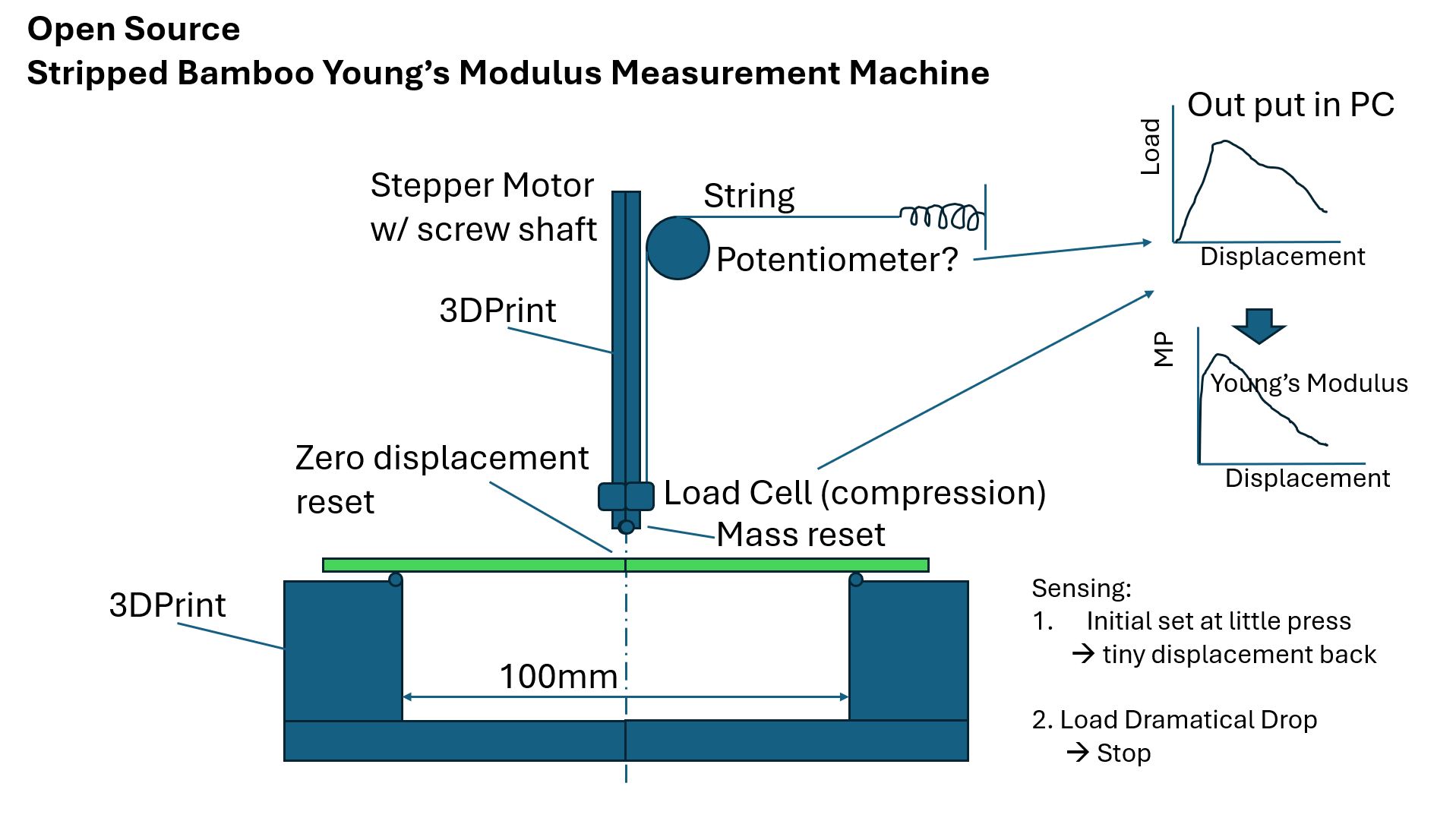
Written by Koshi Kato (2026)
In the initial conceptual explanation slides, the design began with the assumption of measuring the length altered by the rotation angle of a load cell (a component found in electronic scales, etc.) and a potentiometer. Furthermore, the material used for verification was bamboo grown in Japan.
The machine consists of following parts;
* Test piece base which can supports 150mm length of test piece with the support pillars distance as 100mm
-
3D printing Push Rod with tip at the edge and Load Cell installed in the middle as series to the tip
-
Potentiometer set at the main frame with the connection of a string attached to the fixation point at the frame via spring in series.
-
Push Rod connected to the Stepper Motor via Screw shaft and Coupling
-
Push Rod with the Load Cell moves down by the Stepper Motor’s rotation through Screw Shaft, and Measure the Load and Displacement by the Potentiometer pule as the angle.
How the system works:
-
The system should detect the first contact with load cell’s load signal, then stop and rise up a bit as the initial measurement position.
-
Then start measurement by Push Rod moving down until the Load Cell detects the Load level decreasing 10% of the peek load value, then stop.
-
The system will record the date of Load Cell, time, and potentiometer and save those data with CSV file format.
-
CSV file data will be calculated by Excel like PC application to get the Young’s Modulus Peek Value, and Graph is shown as the Young’s Modulus in vertical axis and Displacement as the horizontal axis.
Assignment for each member
In our Machine Week activity, we set our assignment as follows;
* Daisuke Hanamido designs;
* Test Piece Base
* Motor controlling circuit with programming
* Data handling
* Video Editing
- Kohshi Katoh designs;
- Concept of Young’s Modulus Measurement Machine
- Push Rod with measurement feature; Load cell, Potentiometer
- Frame Structure focusing measurement accuracy and system durability
- Presentation Panel
Zero Spiral
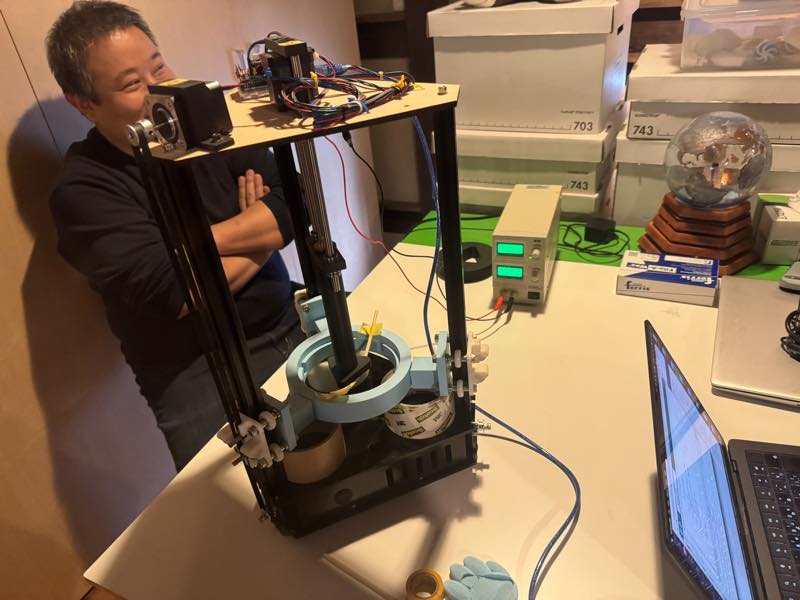
Last year in Kamakura, we used the Onigiri machine presumably made of bamboo chopsticks to verify the force of the MEM17 stepper motor.
We didn’t expect it to break, but when we moved the motor, it broke easily.
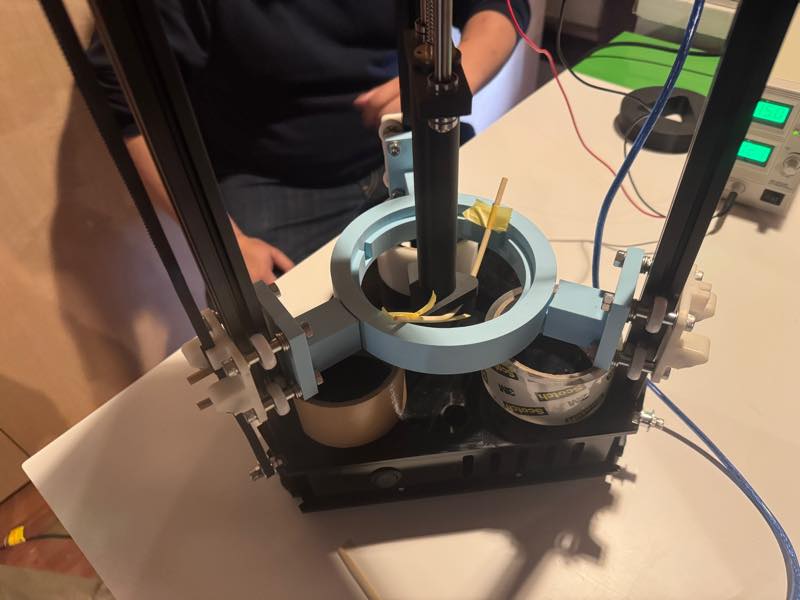
Therefore, we decided to reuse this machine in the First Spiral.
First Spiral
Modification 1 from the Onigiri machine: We removed the triangular mold and created a 10cm diameter Supports base.
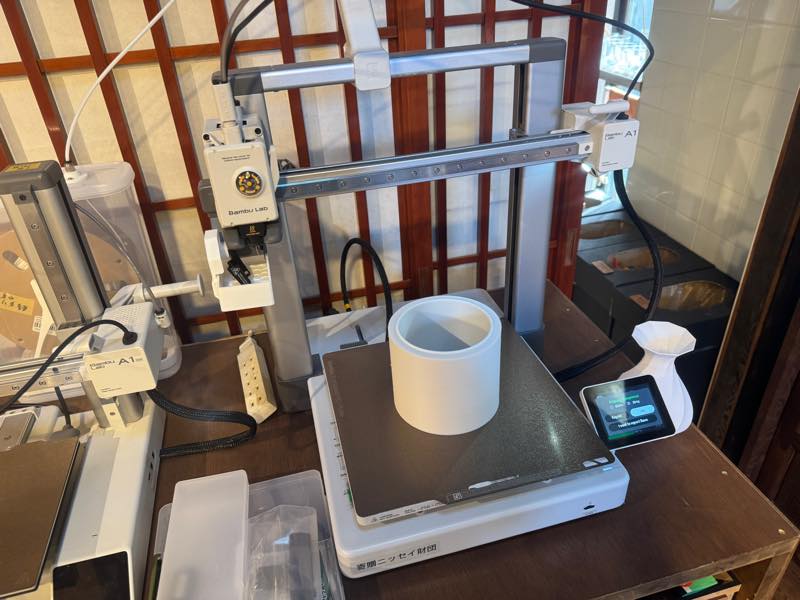
Modification 2 from the Onigiri machine: We redesigned the top-pressing mechanism to be optimal for measuring Young’s modulus.
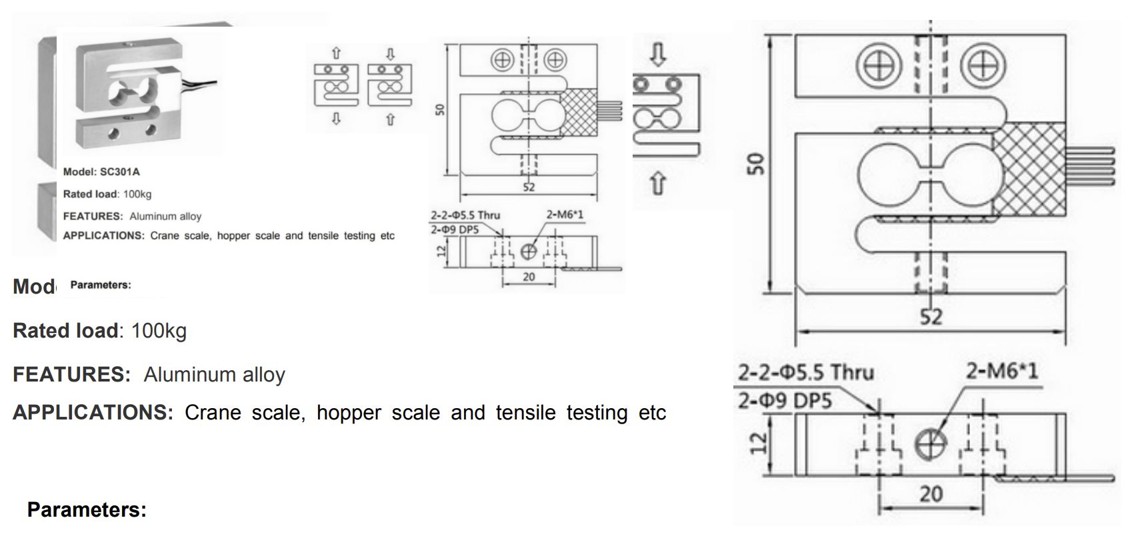
Considering the cost and range of measurement load, we decided to use Load Cell SC301A-100kg-V50 for the load measurement.
Here under is the Data Sheet of the Load Cell
To decide the length of Intermediate Rod, Kohshi drew a sketch to calculate the necessary length of the Intermediate Rod.
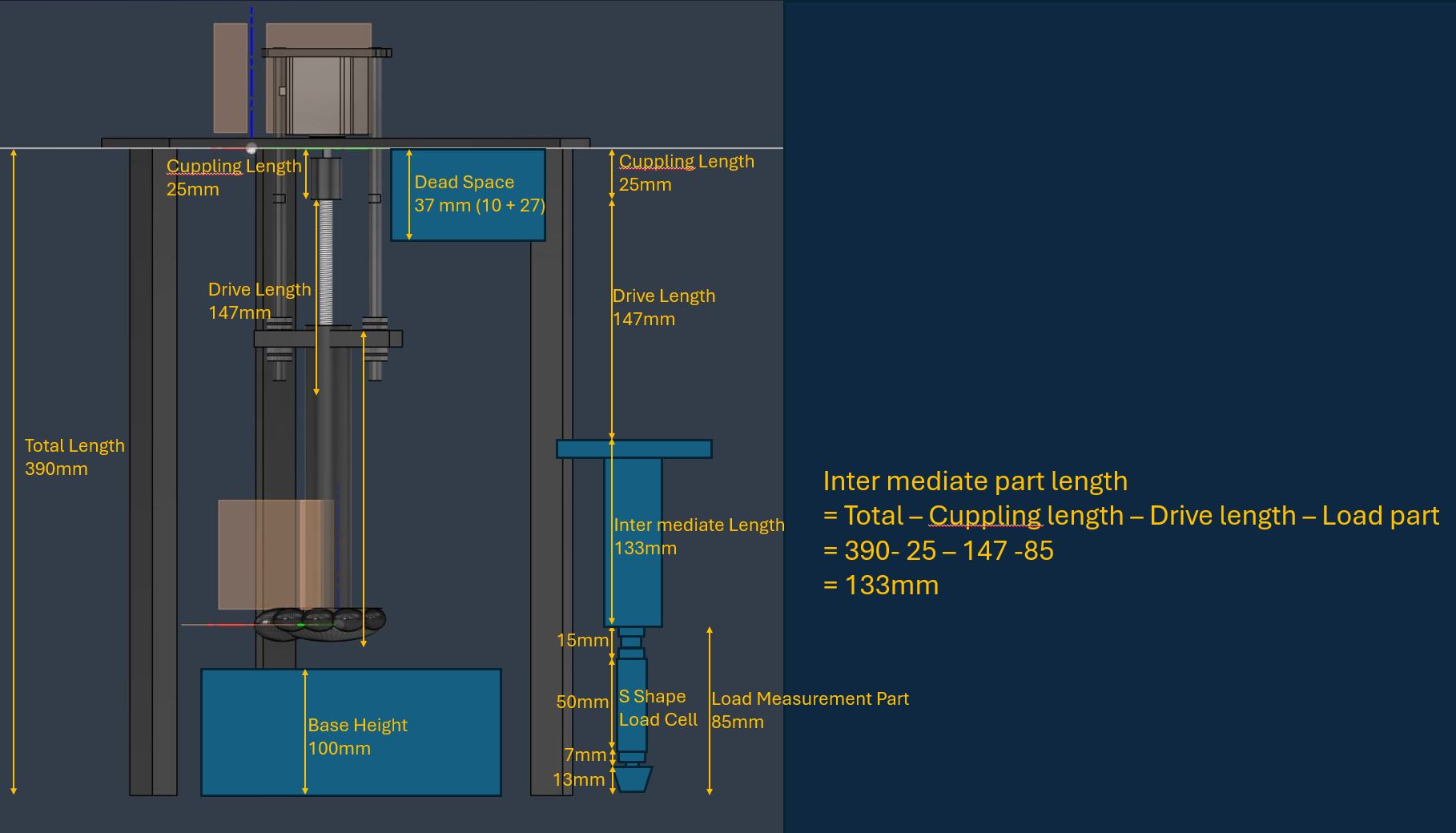
Intermediate Rod length
= Total - Coupling length - Drive length - Load part
= 390 -25 -147 -85 (mm)
=133mm
Detailed drawing process of Intermediate Rod is written in Kohshi’s individual documentation.
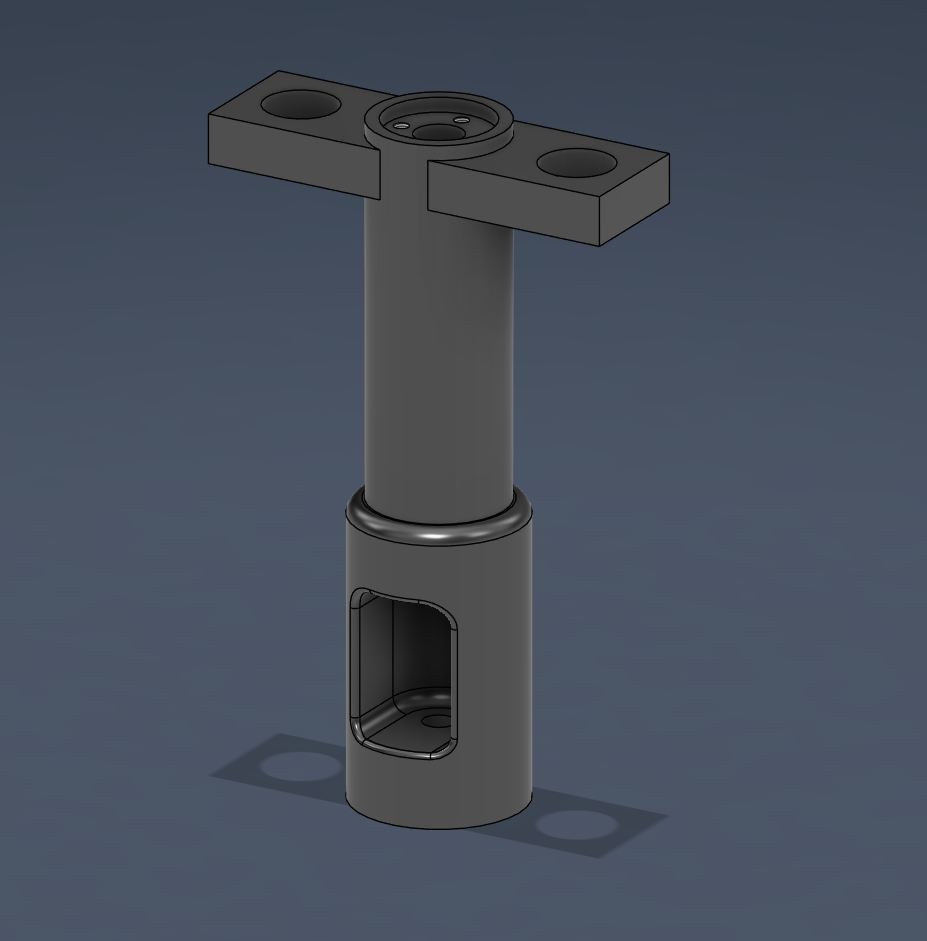
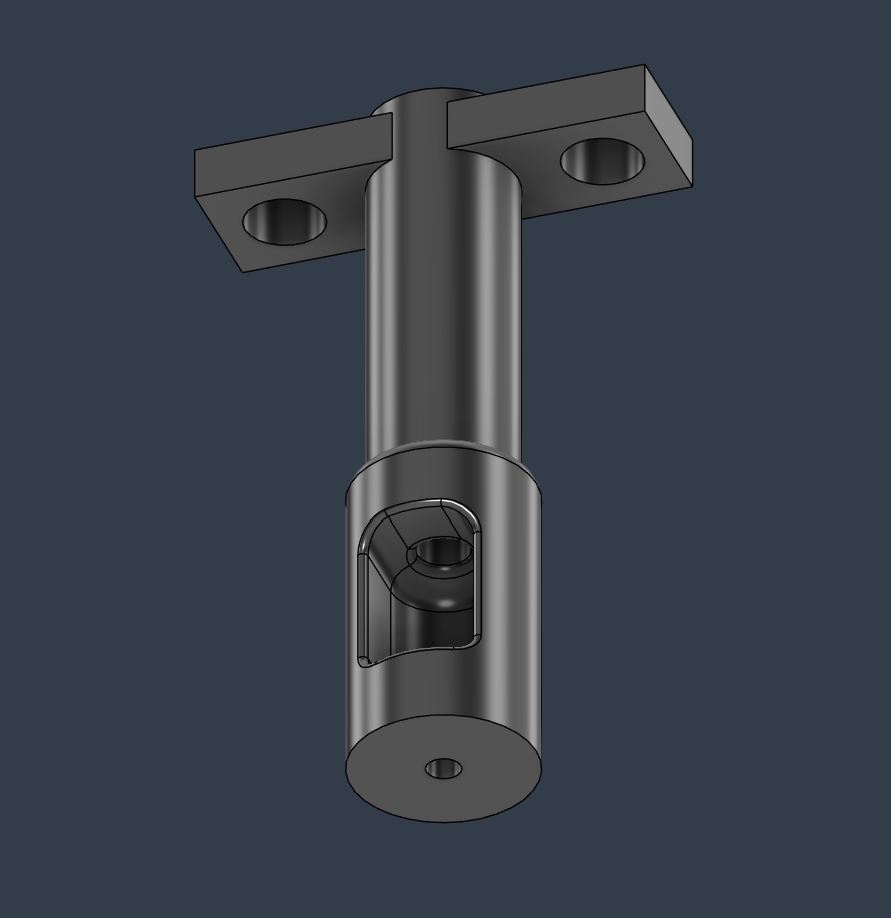
Here is the Tip to press the Bamboo Test Piece.
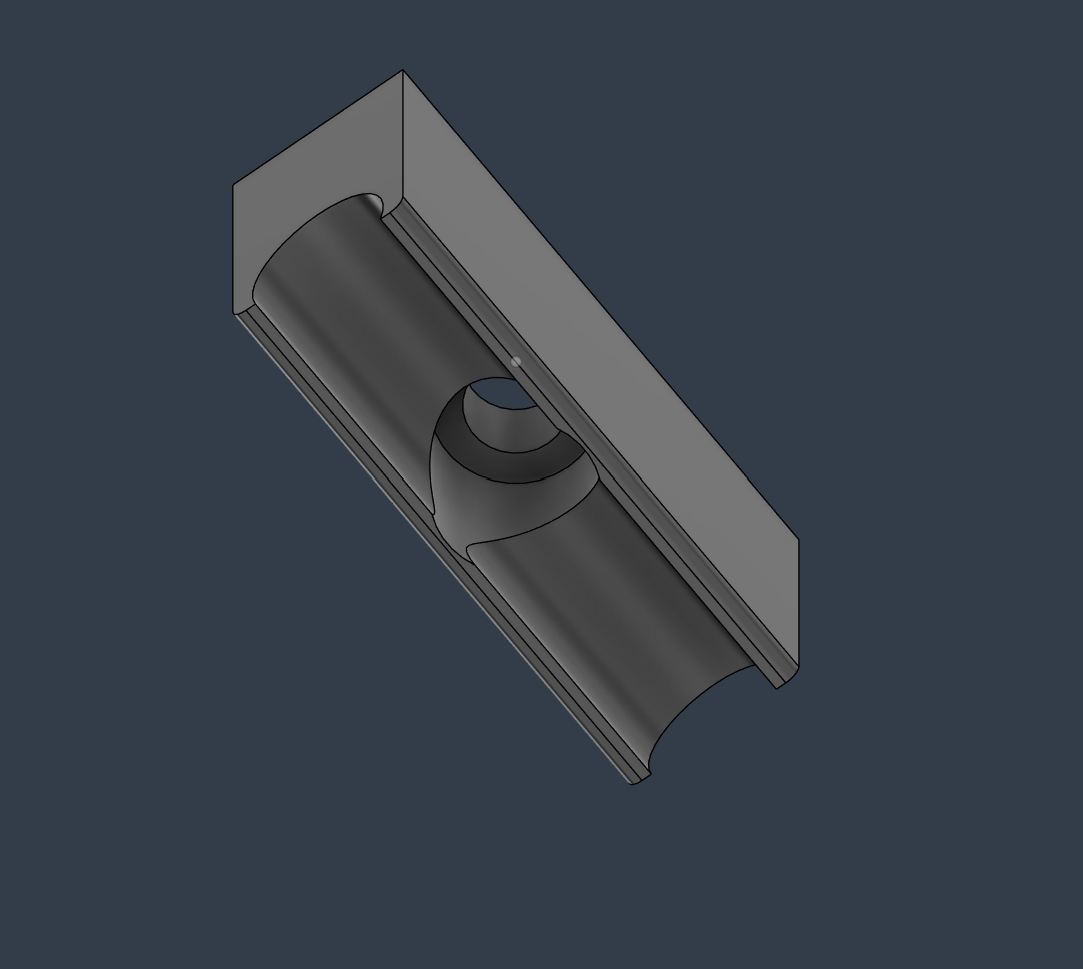
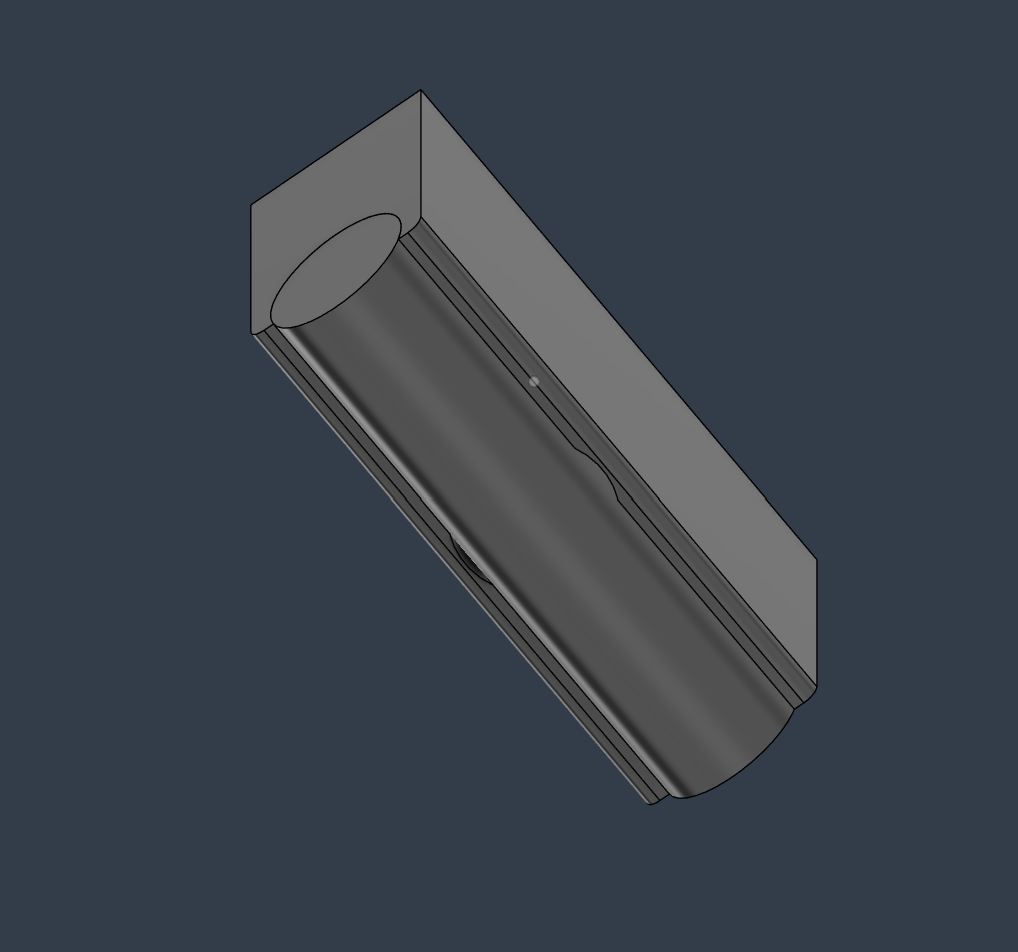
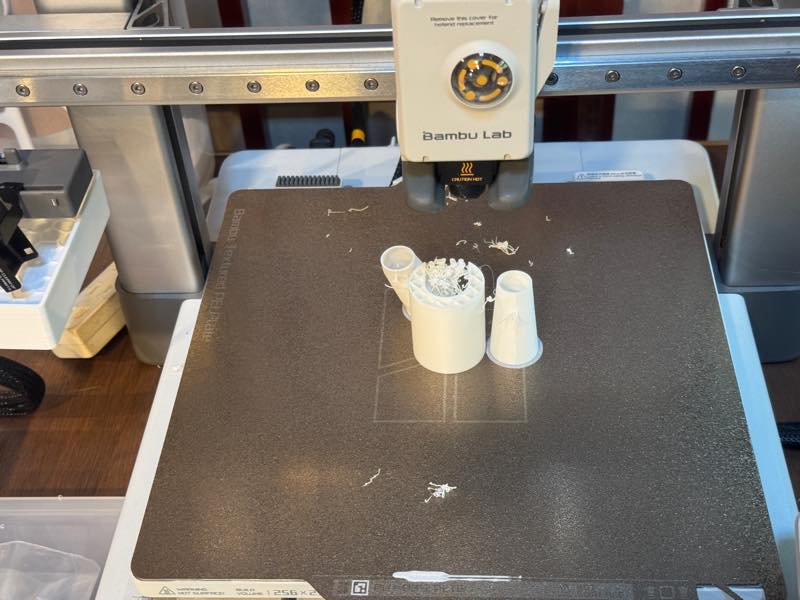
3D Printing Intermediate Shaft with different Support type.
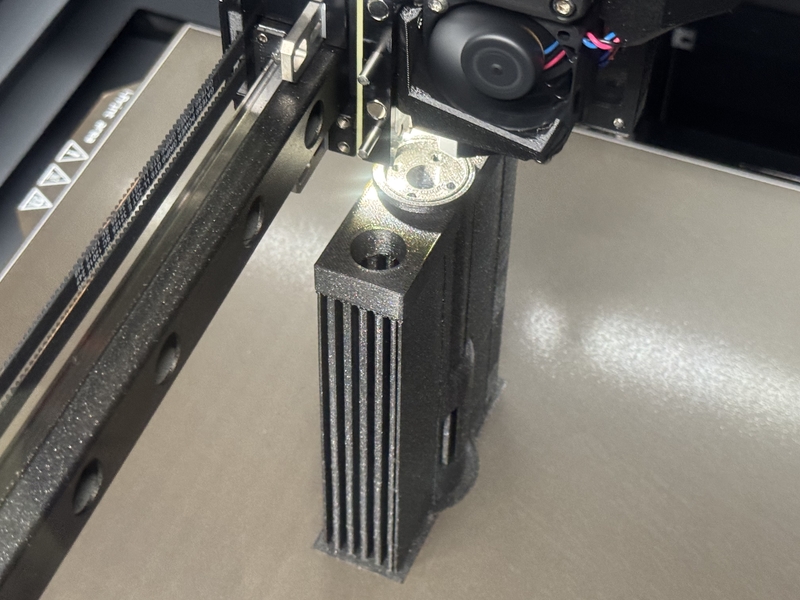
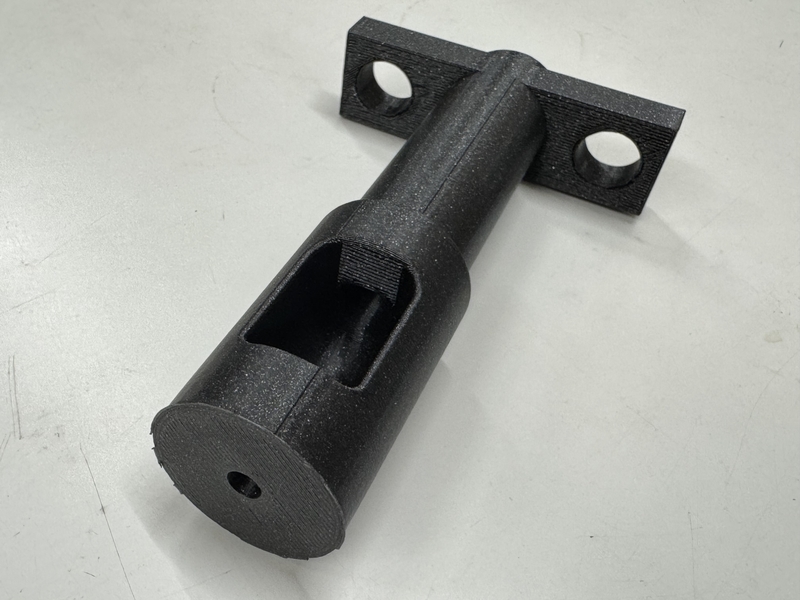
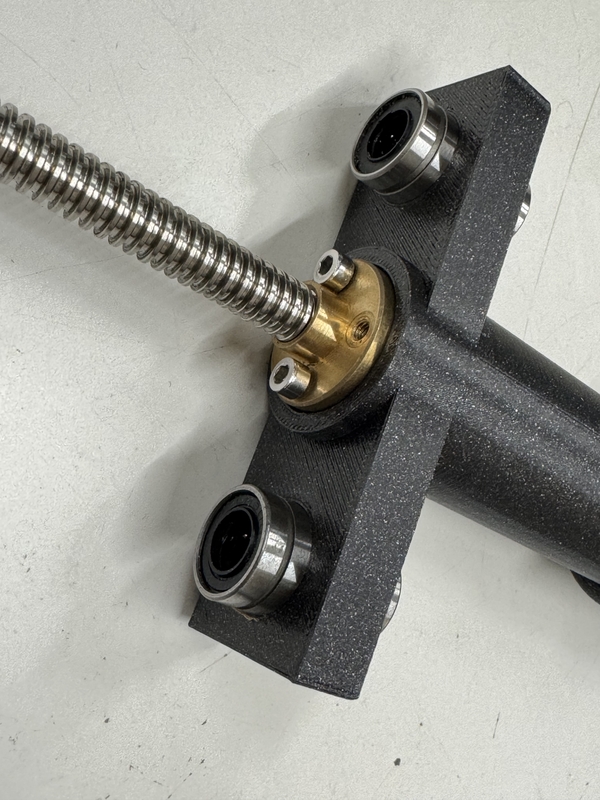
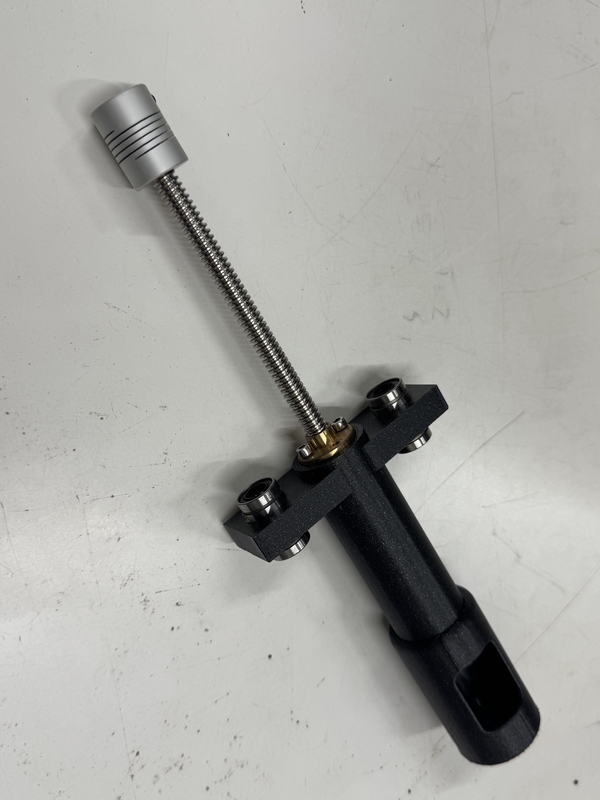
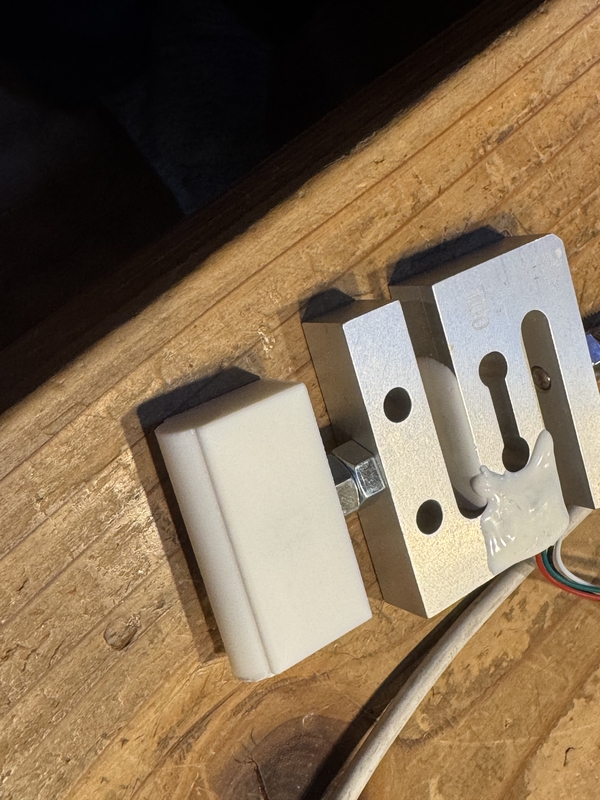
At this time, we made it possible to attach a load cell in between. This allows us to measure how much force is being applied.

3D printing Tip part
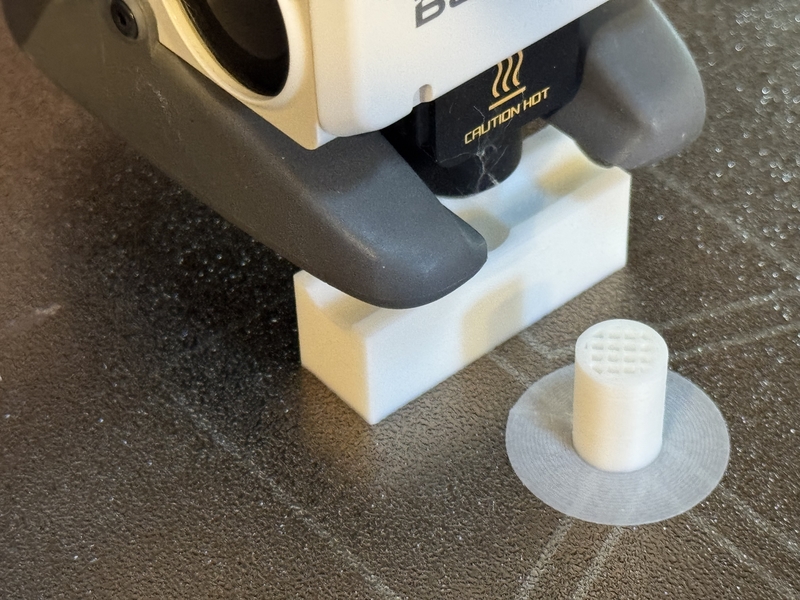
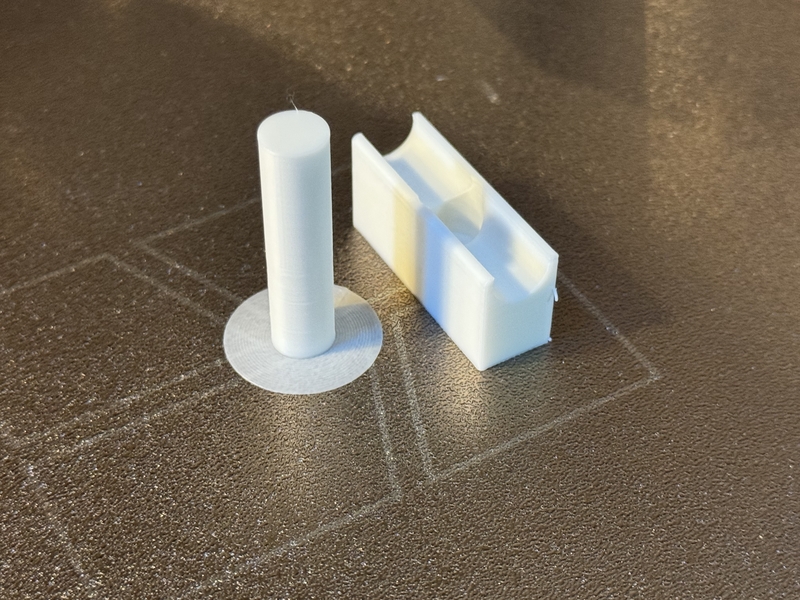
Connecting Tip and Load Cell
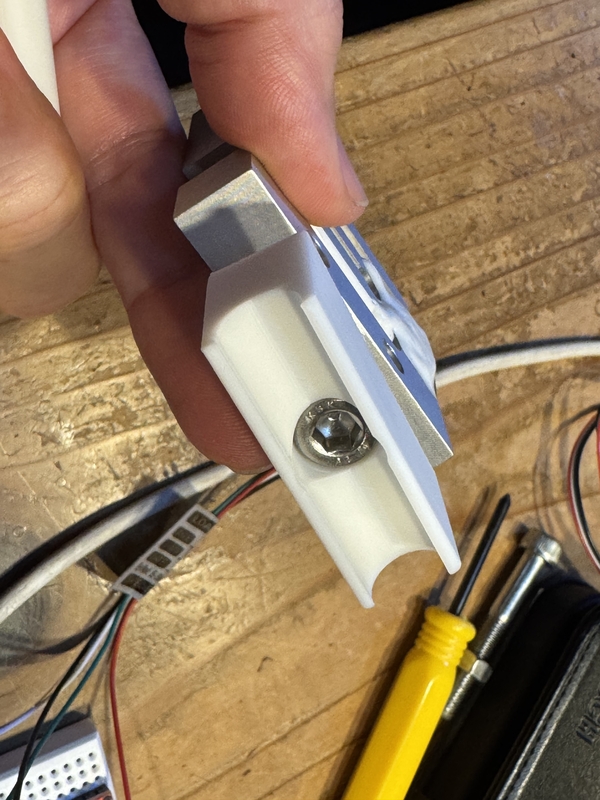
Pressing Tip is set under Load Cell.
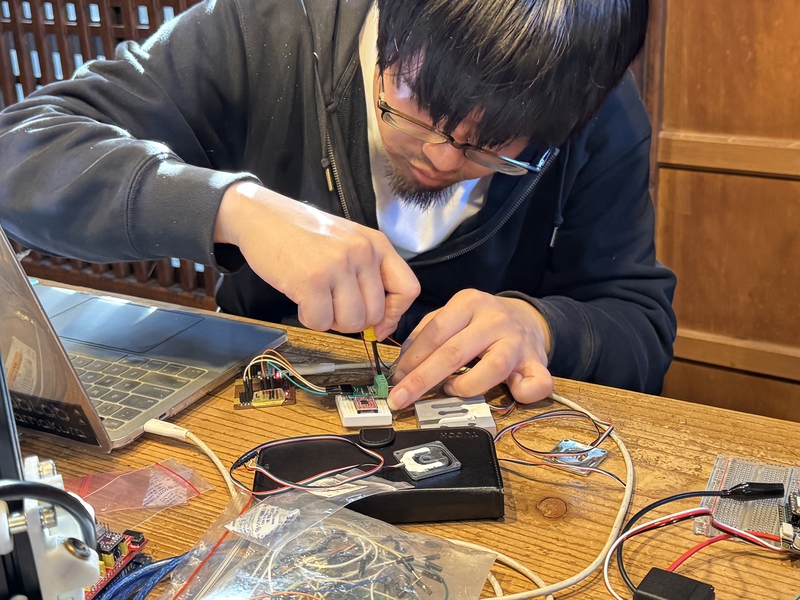
Working with Amplifier for Load Cell
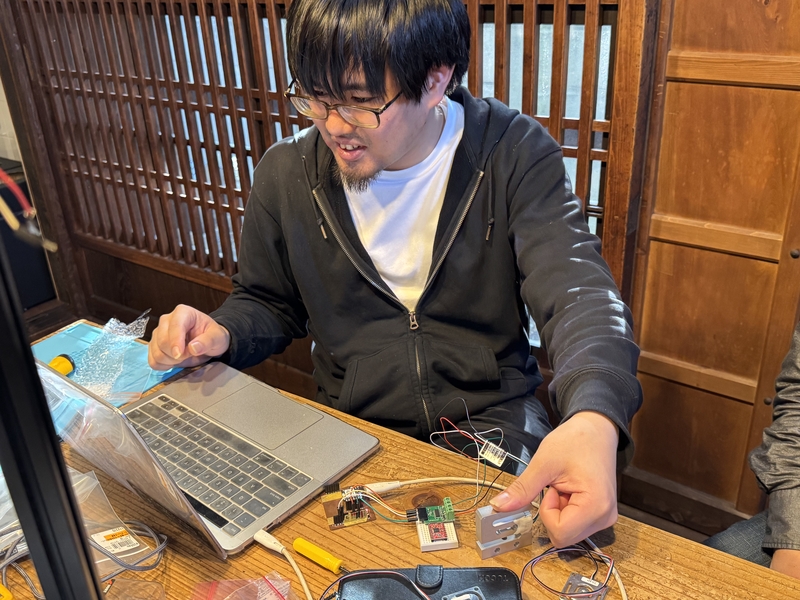
Testing Load Cell signal
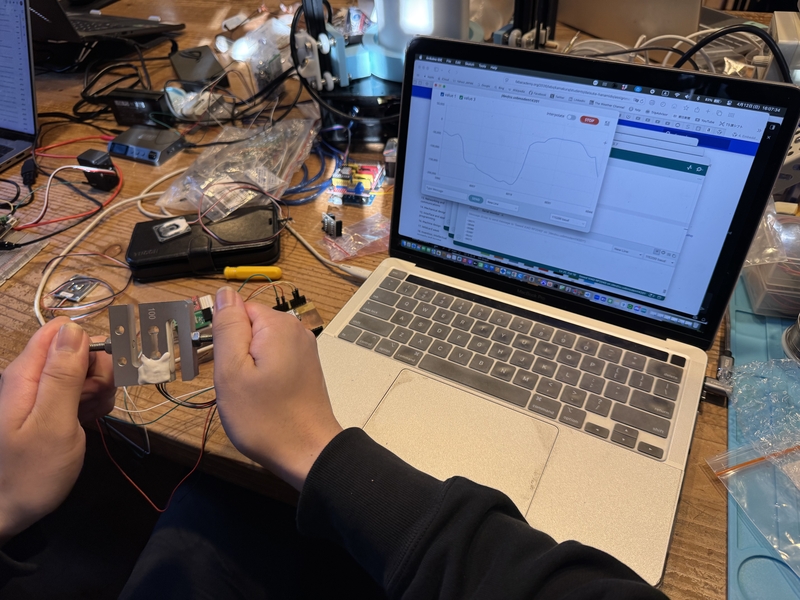
Signal from Load Cell is working
Connecting power cable
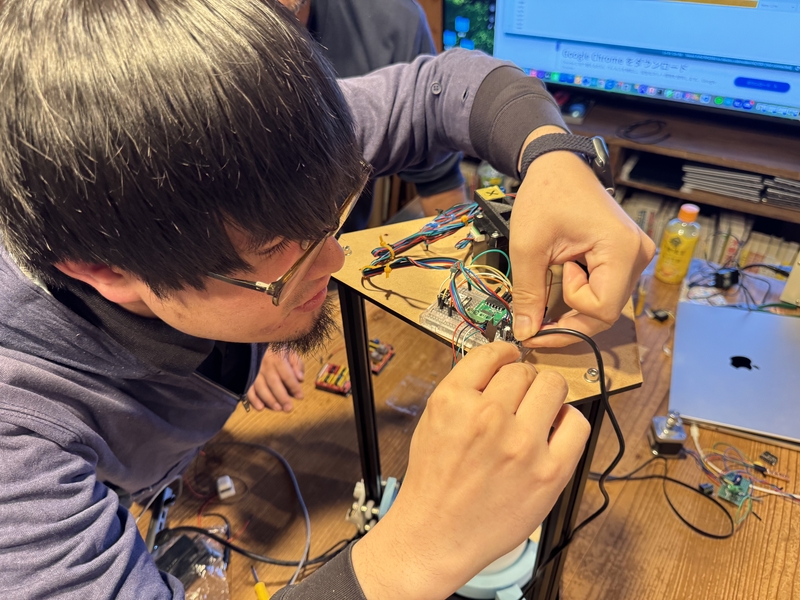
Setting ofr 1st spiral test
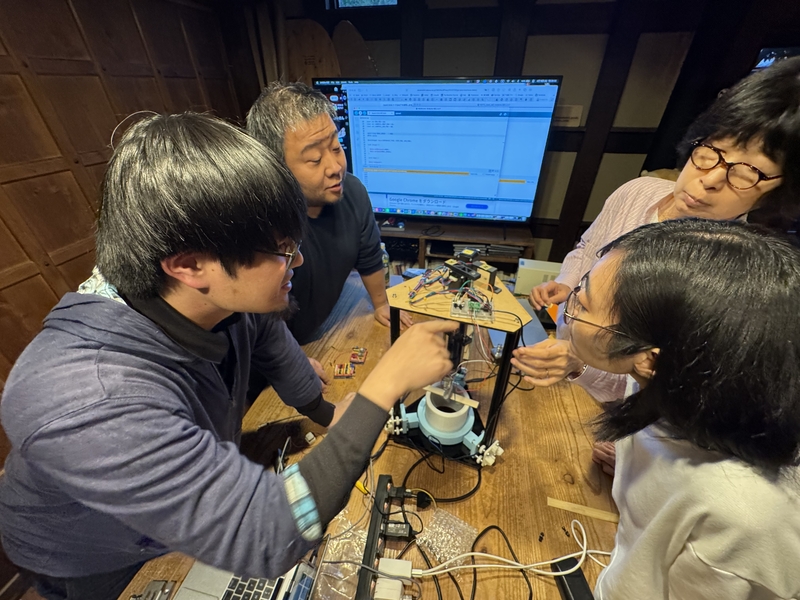
Confirming the load cell signal with 1st spiral test
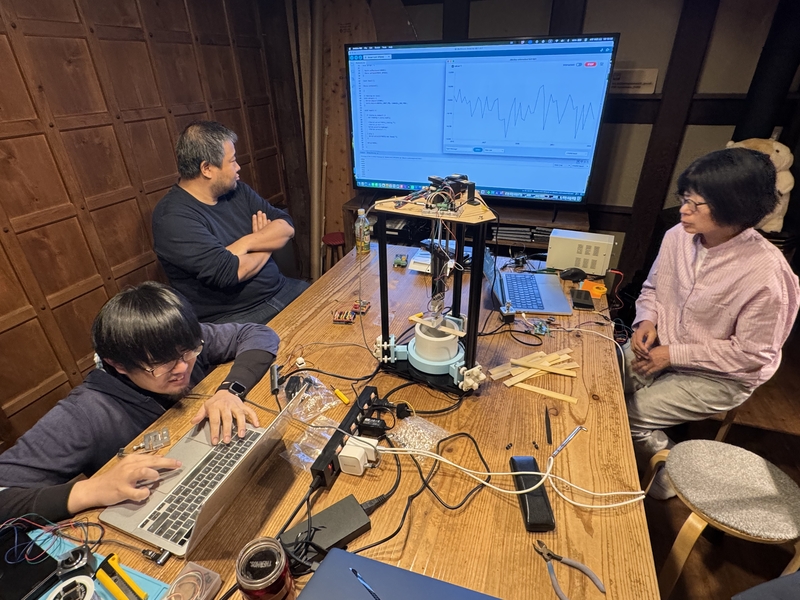
We also reconsidered the method for measuring the length of deformation. Three options were proposed: 1. Potentiometer, 2. Laser displacement meter, 3. Calculation of displacement from the motor’s rotation angle.
At this point, it was 5 PM on Sunday and closing time at the Kamakura lab was approaching, so we decided that Koshi would complete the unfinished extrusion mechanism, and Daisuke would design and program the motors, sensors, and other electronic components by the weekend, and then we disbanded.
Second Spiral
Observing the motion of the motoring part, Kohshi found that the motor (from shaft to case) is holding the vertical load to press the Bamboo Test Piece which is not good condition.
Then he decided to modify the structure as following sketch.
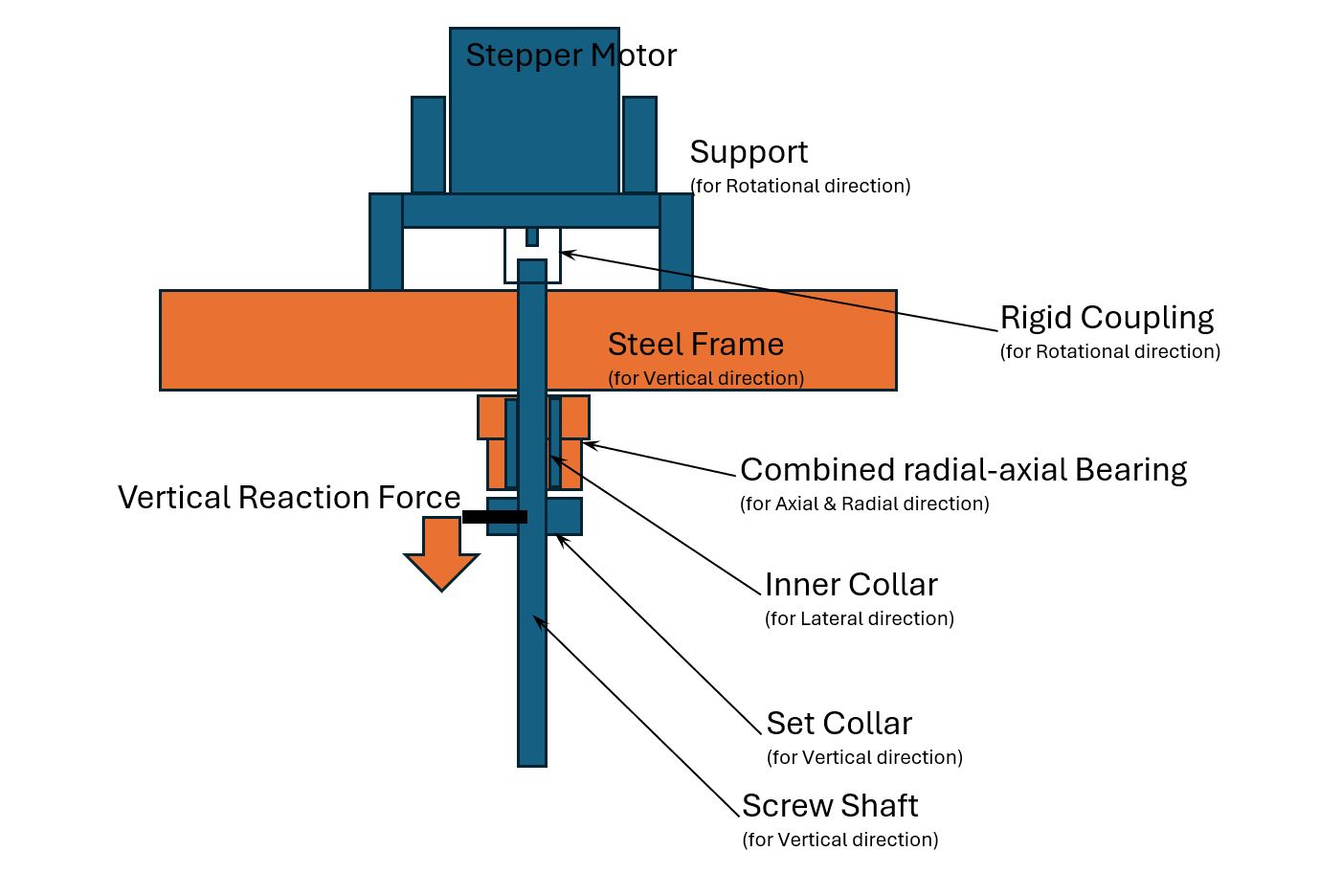
In above structure, the Vertical Reaction Force from Bamboo Test Piece is being hold by the Steal Frame through Combined Radial-Axial Bearing Not by the Stepper Motor Shaft.
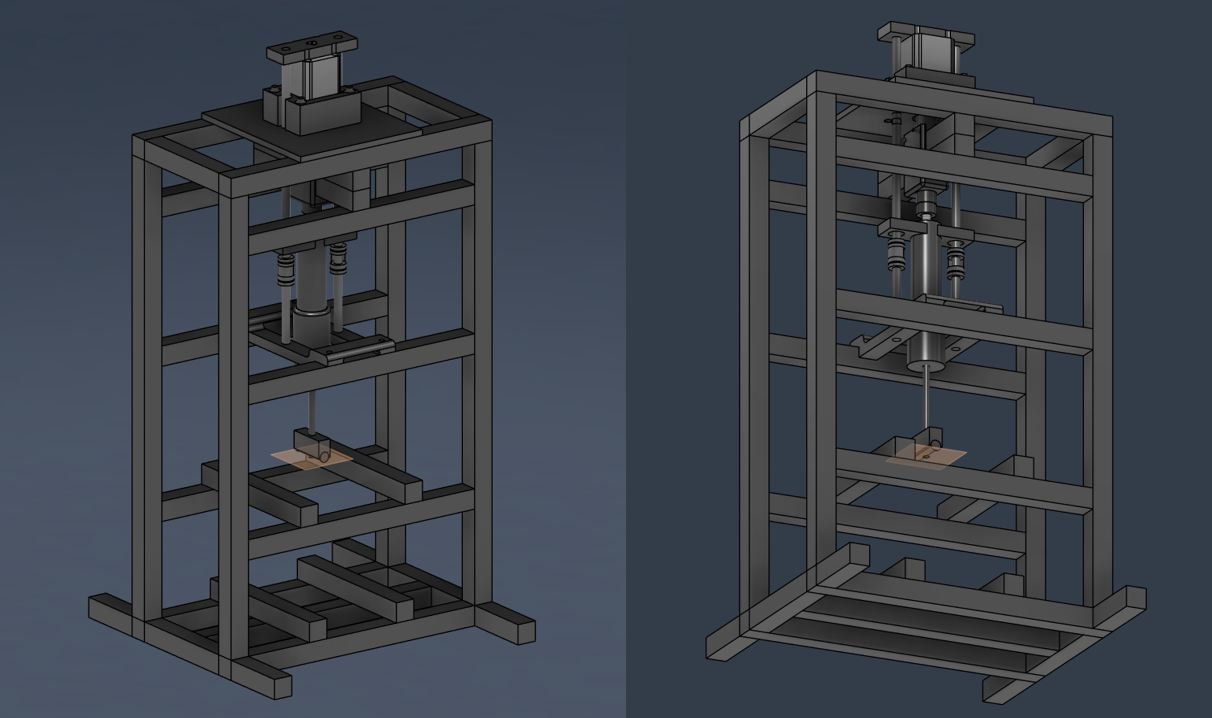
Detailed drawing process of New Frame for Second Spiral is written in Kohshi’s individual documentation.
Second Spiral Frame Drawing
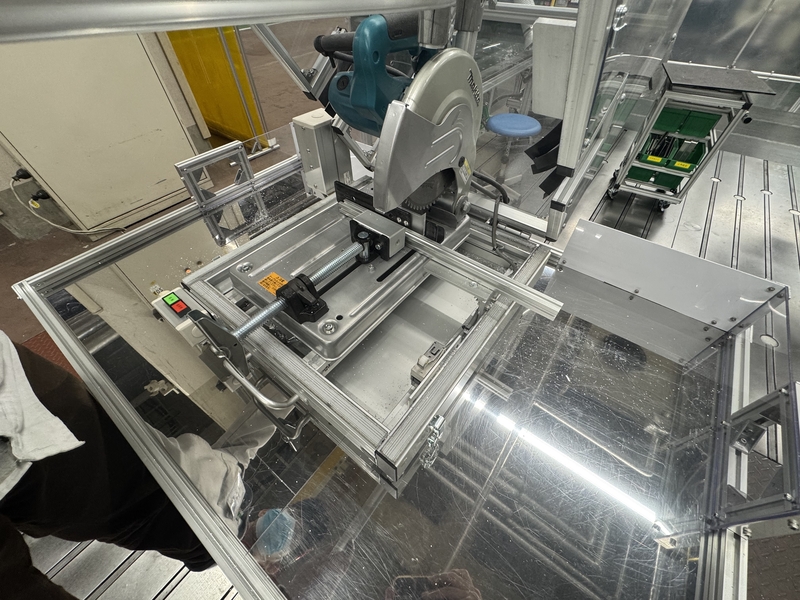
Setting Aluminum Frame in Cutting Machine
Cutting Aluminum Frame by covering the part
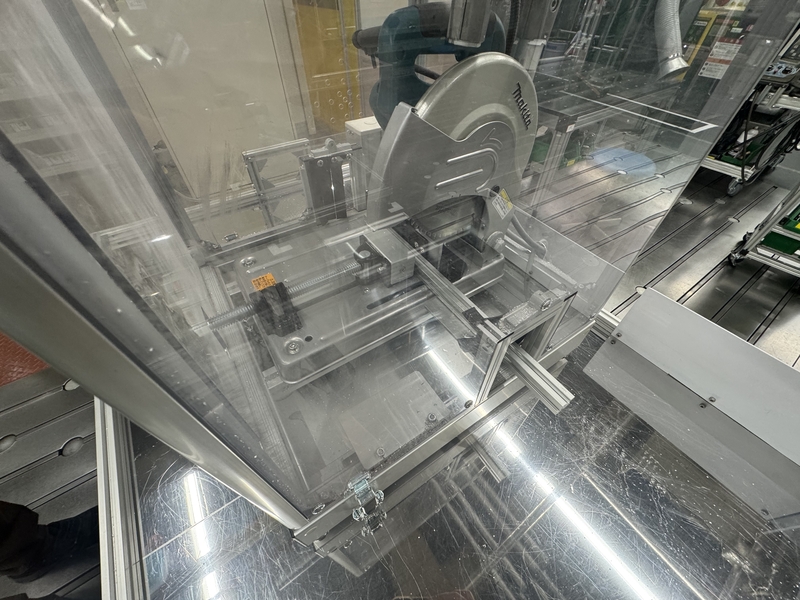
Cut Aluminum Frame
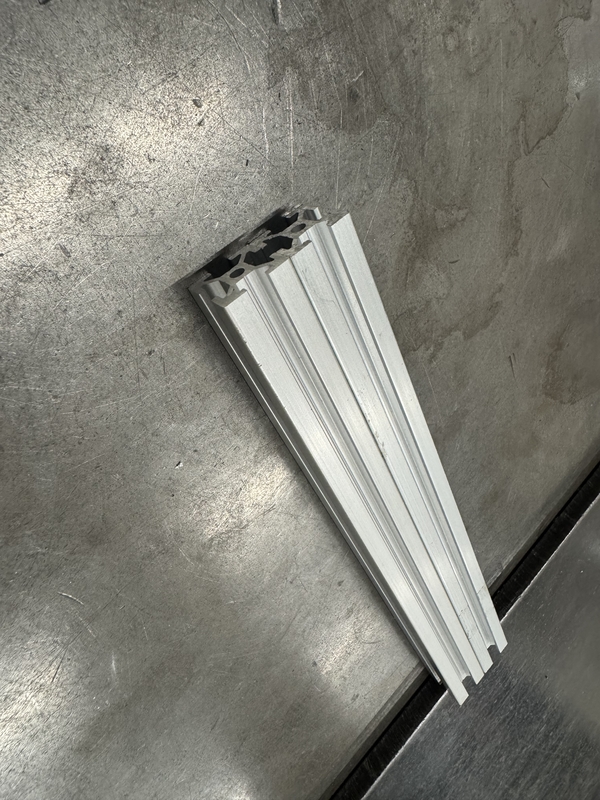
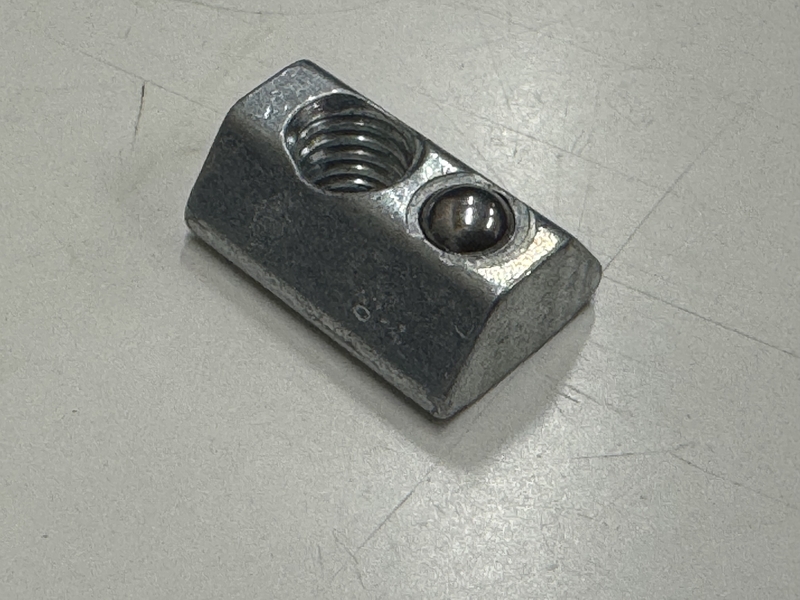
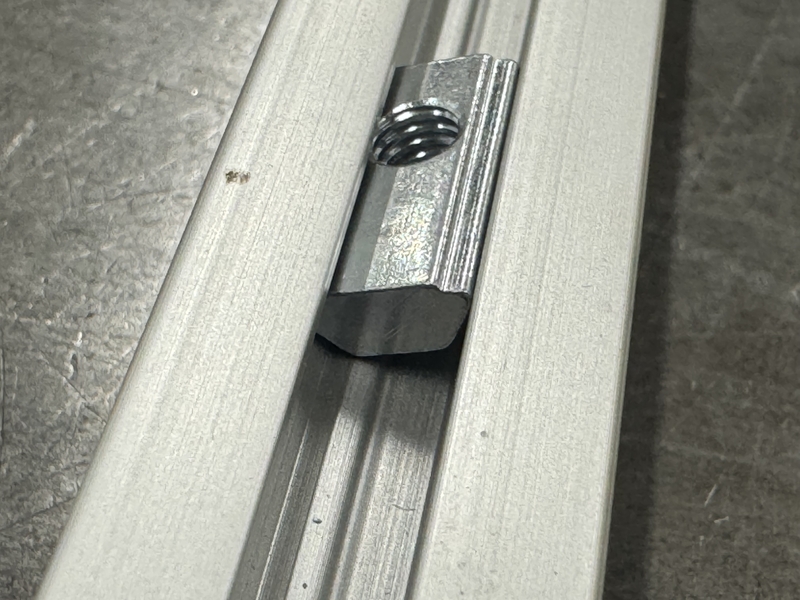
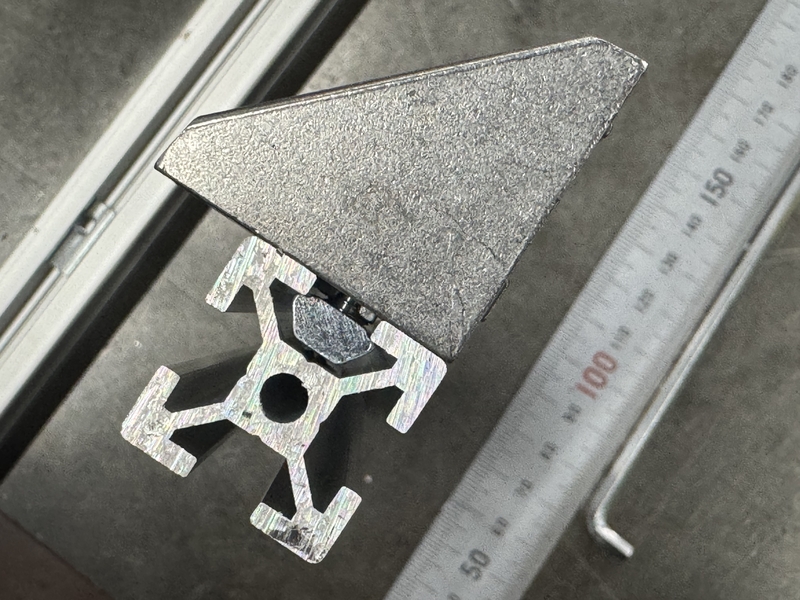
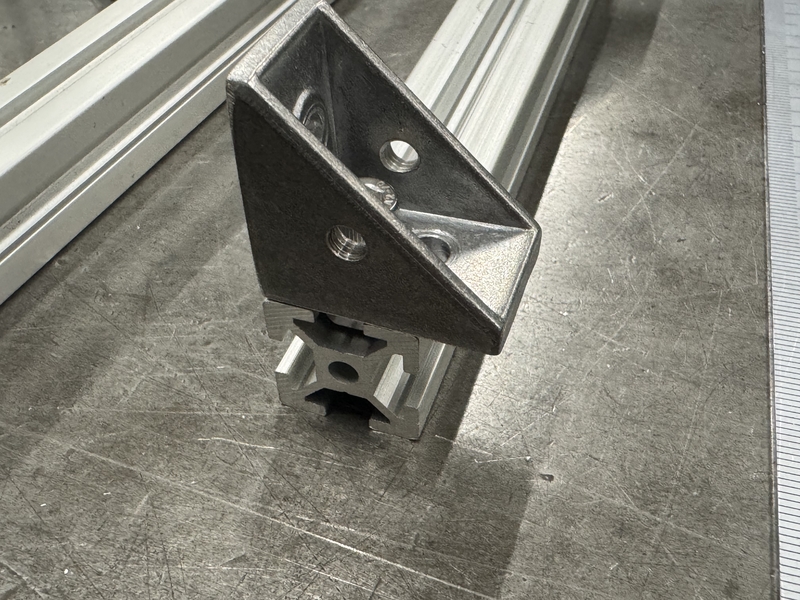
MISUMI Nut for Aluminum Frame
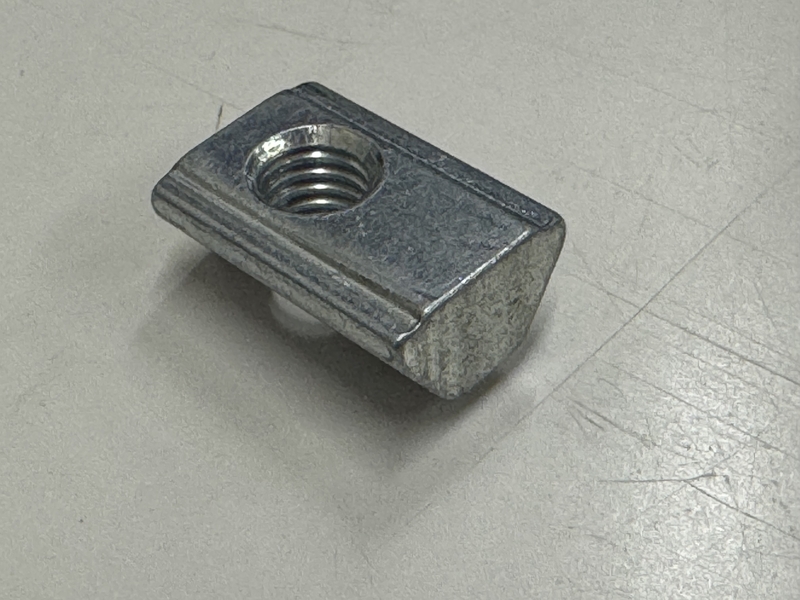
The nut has ball suspended by spring inside so that it makes assembly very easy without dropping the nut even at the vertical condition.
MISUMI Aluminum Frame nut can be installed in the middle of frame.
MISUMI Aluminum Frame cross section
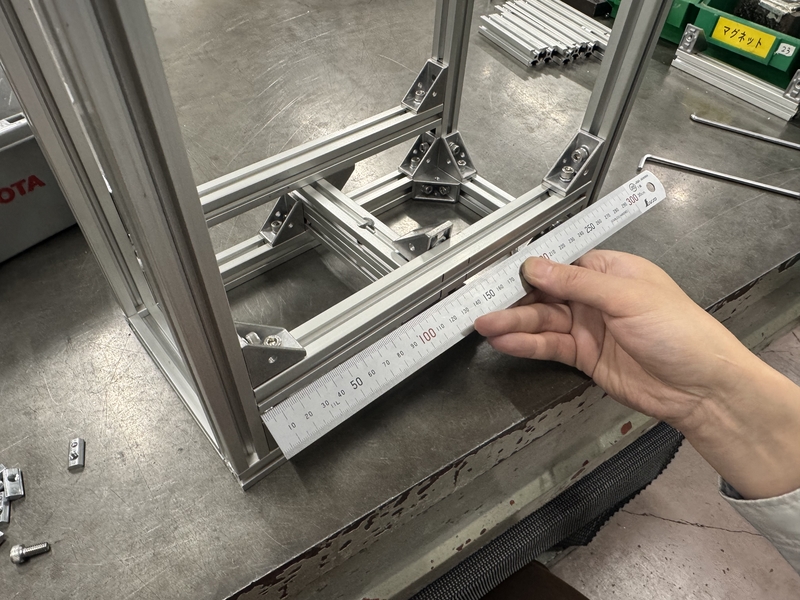
Assembling Frame by confirming the length of each part
Base of frame was assemble on the flat table
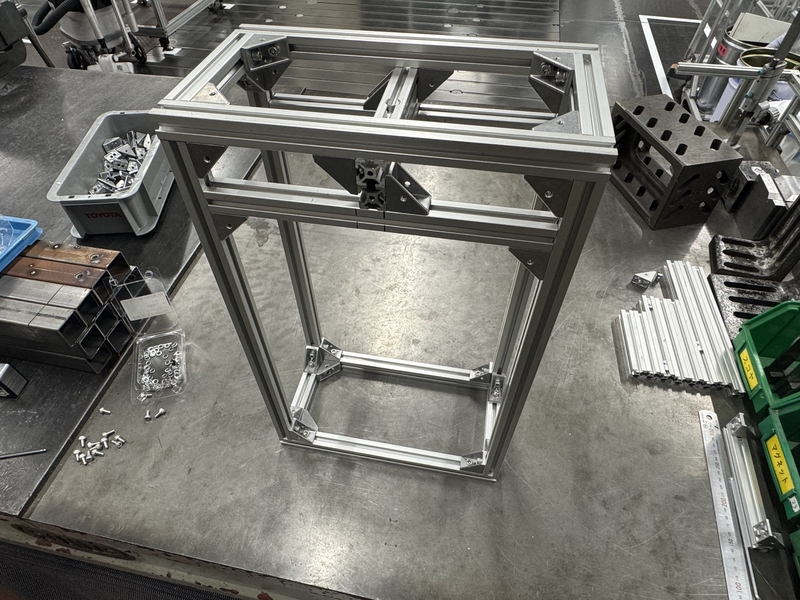
Main Frame was assembled
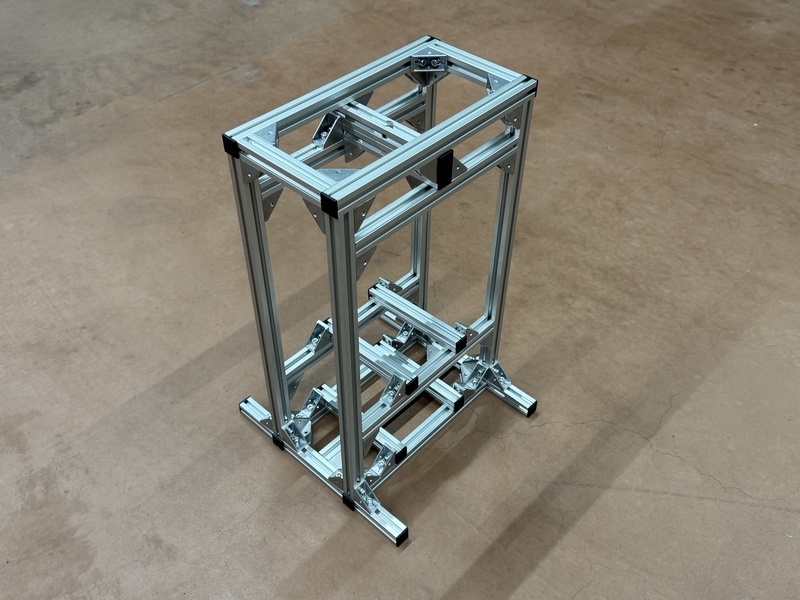
Designing Motor Case
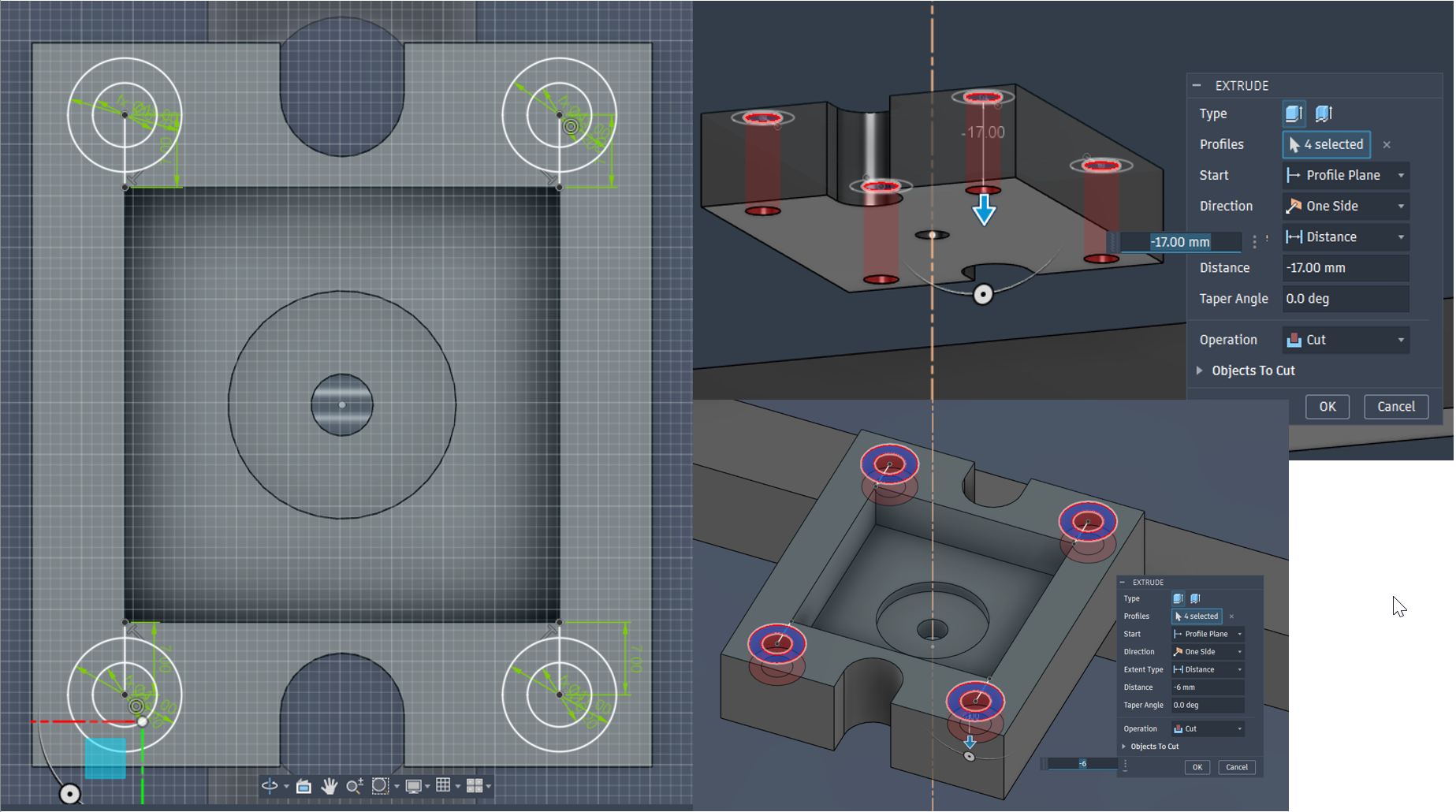
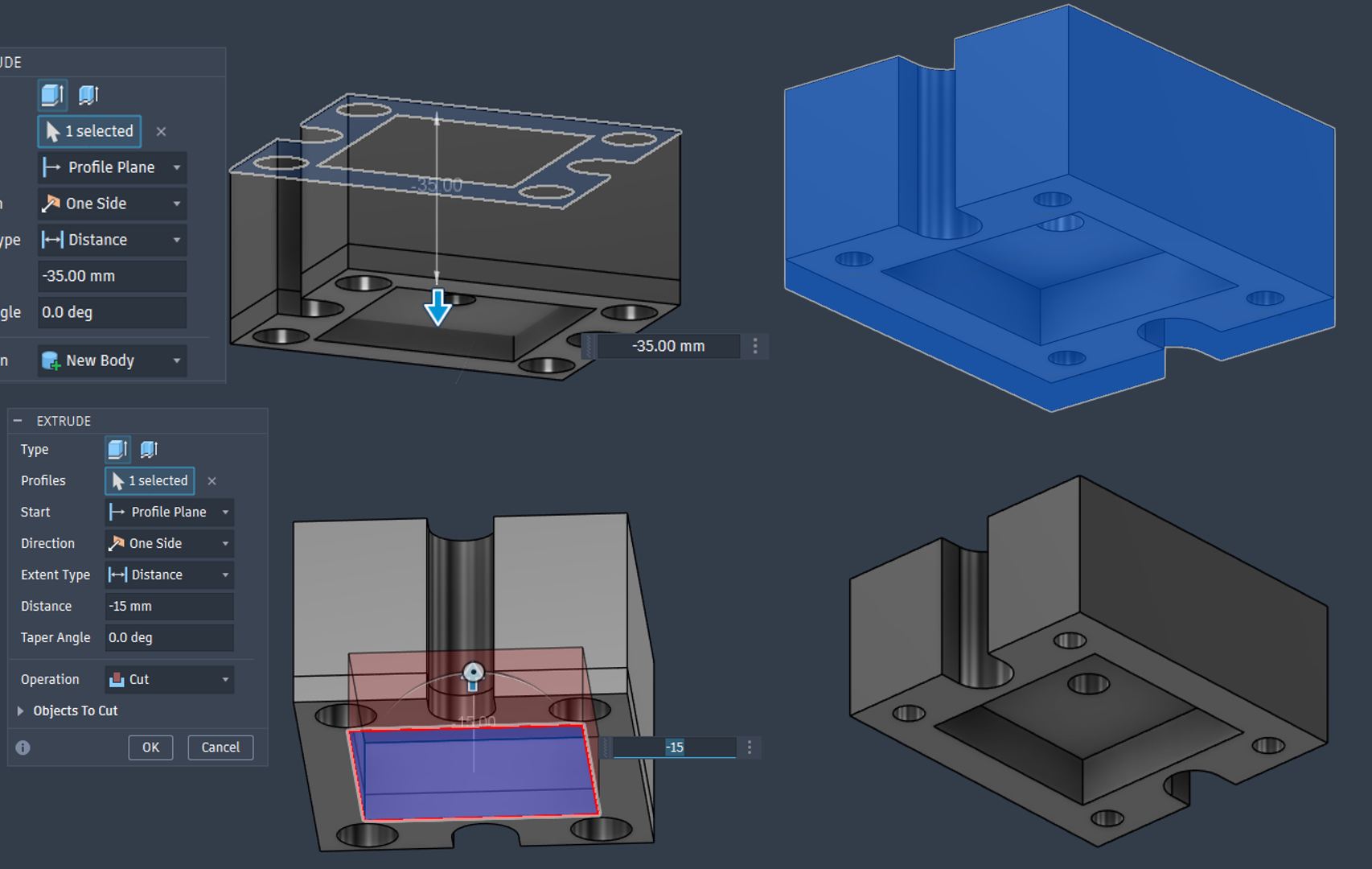
Motor Case 3DP was designed with manual support with support paint function in Prusa Slicer.
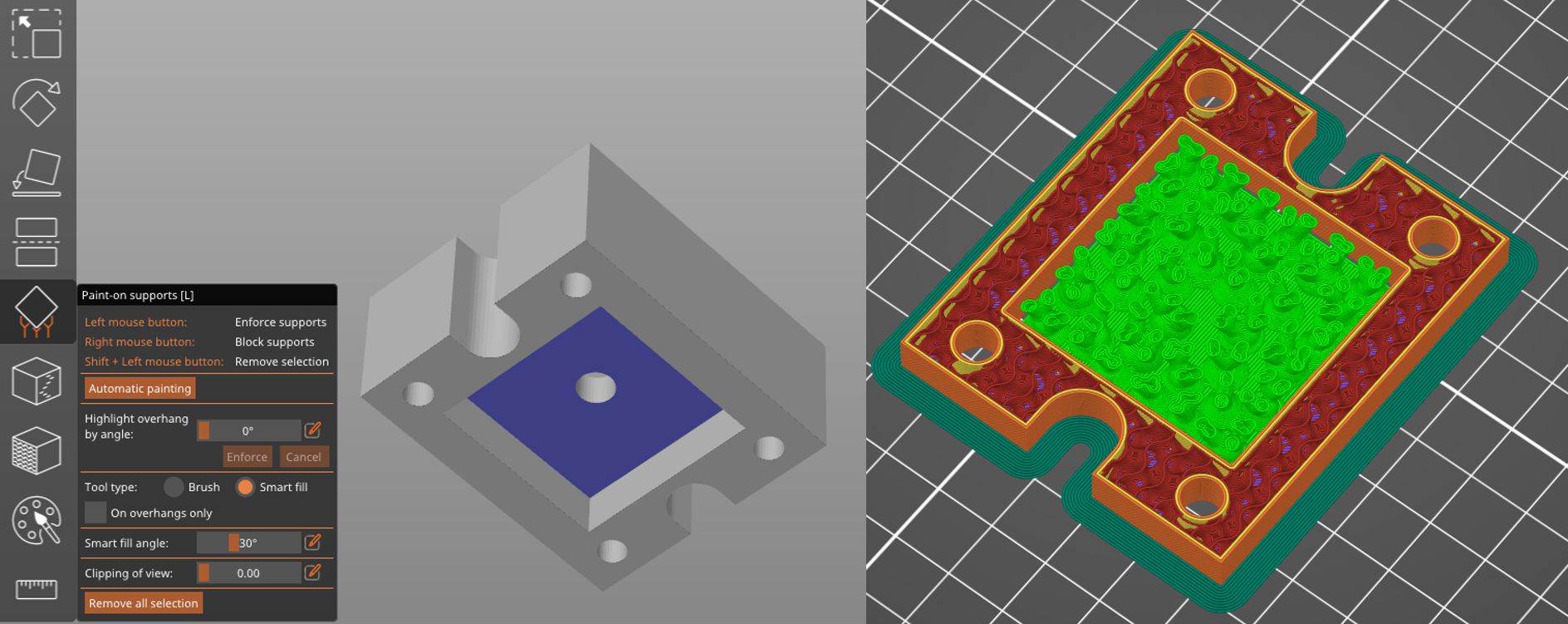
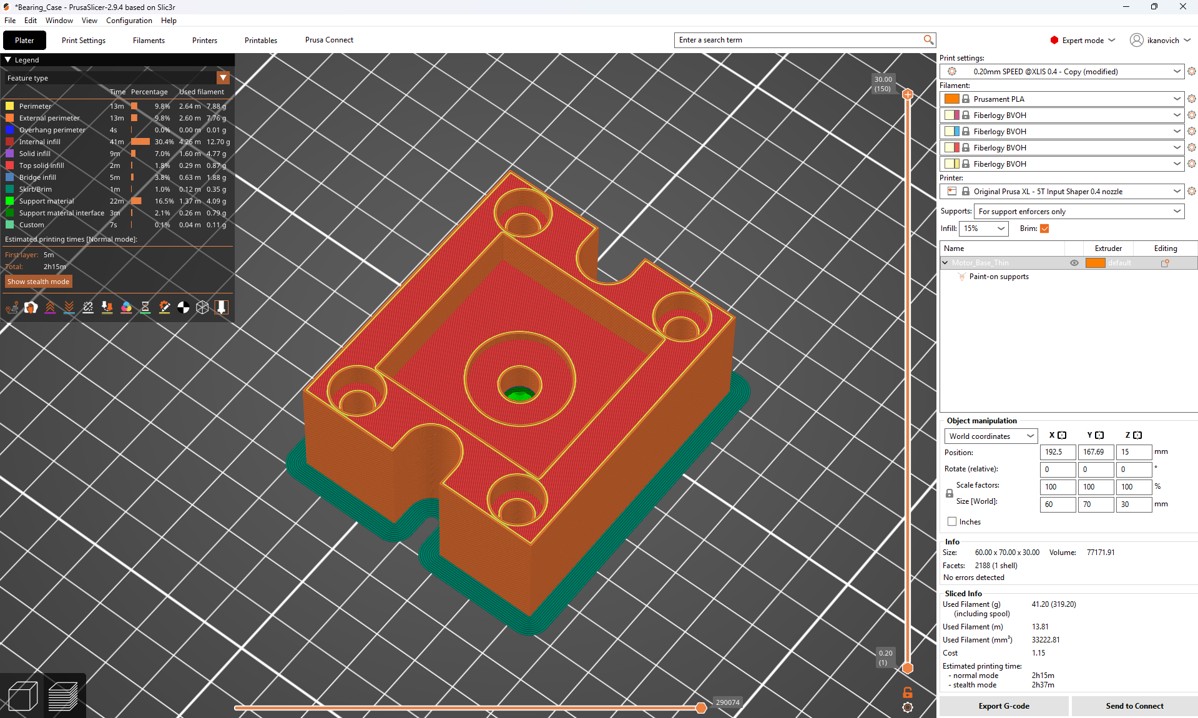
Motor Case 3DP setting for PrusaXL with PLA
3D printed Motor Case
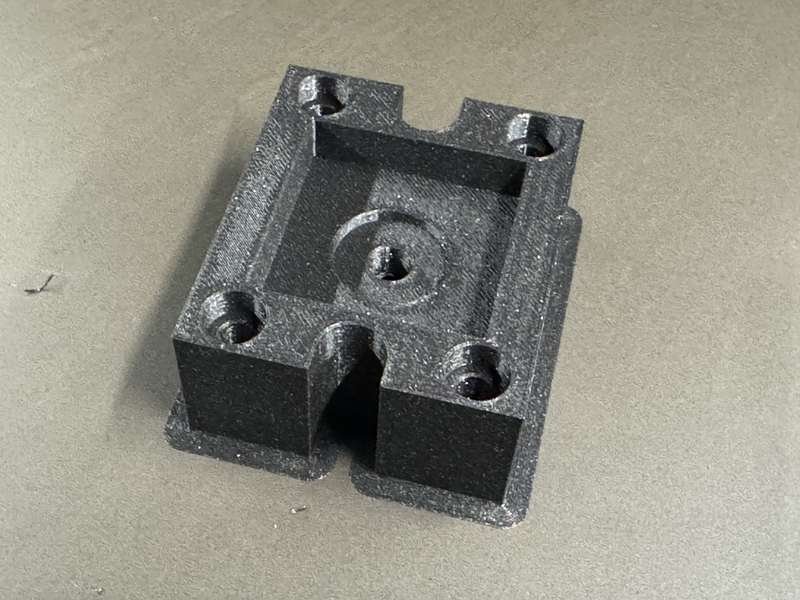
Detailed drawing process of Designing Bearing fixation part is written in Kohshi’s individual documentation.
Kohshi decided to use Combined Bearing to bear the vertical reaction load at pressing the test piece by Aluminum Frame Not by the Stepper Motor shaft.
Combined Bearing NAX1023 was chosen with 2 of inner collars
Designing Bearing Case
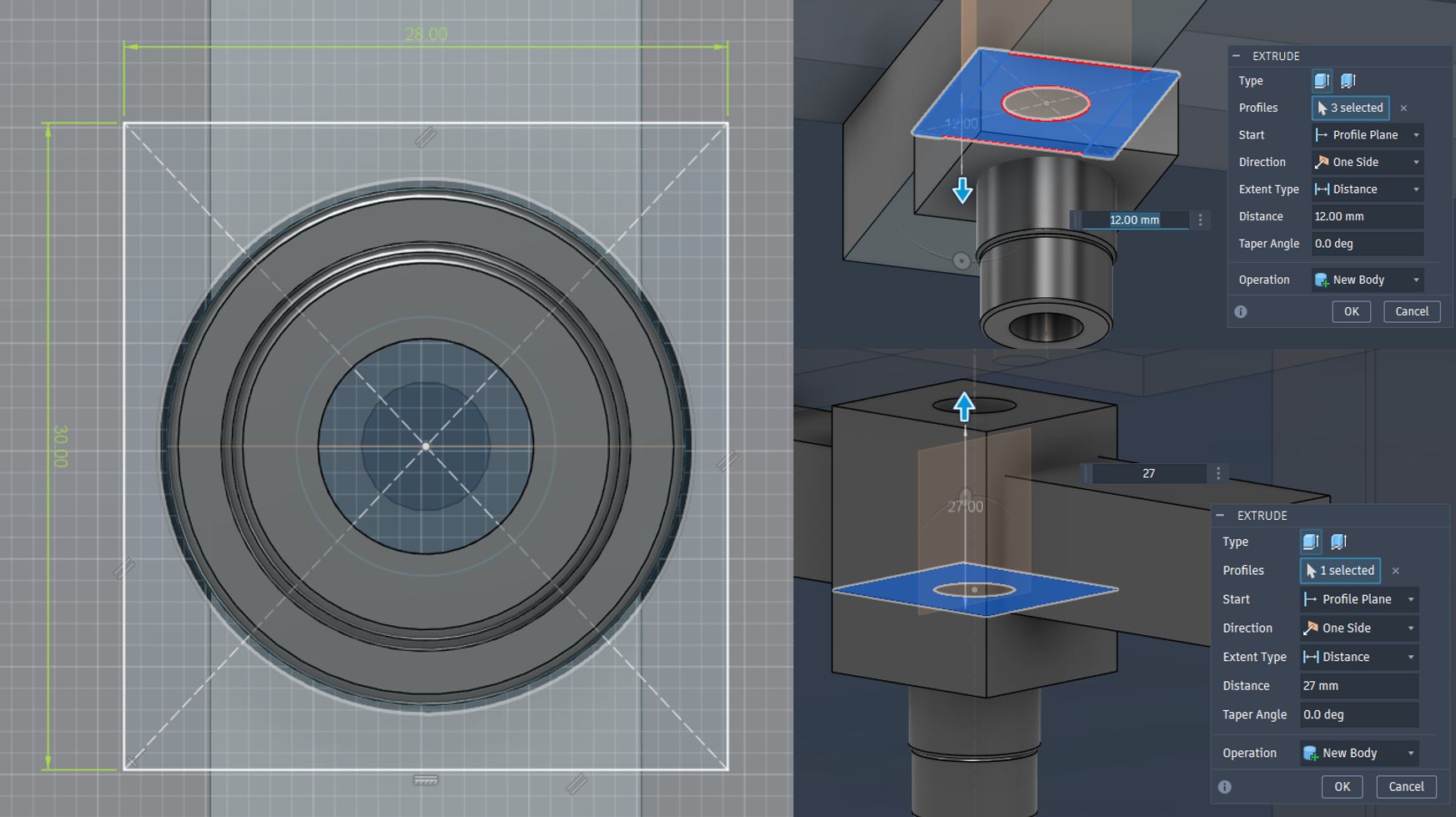
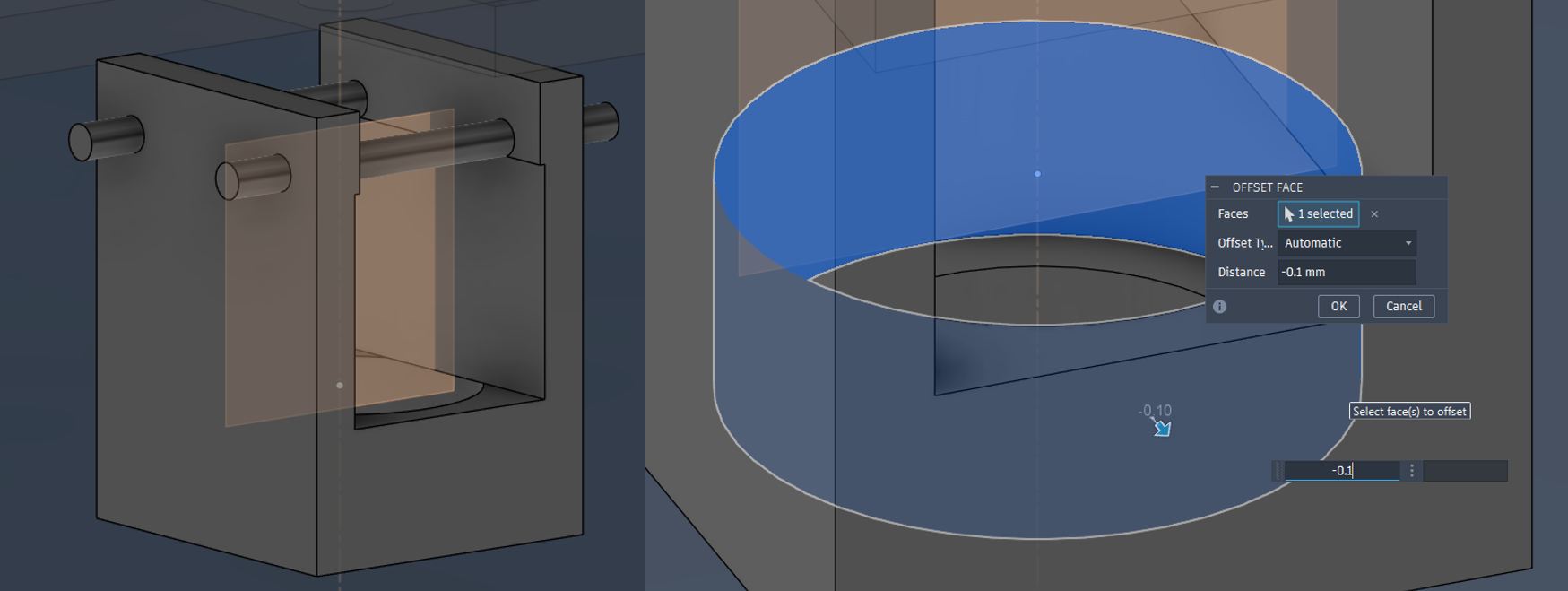
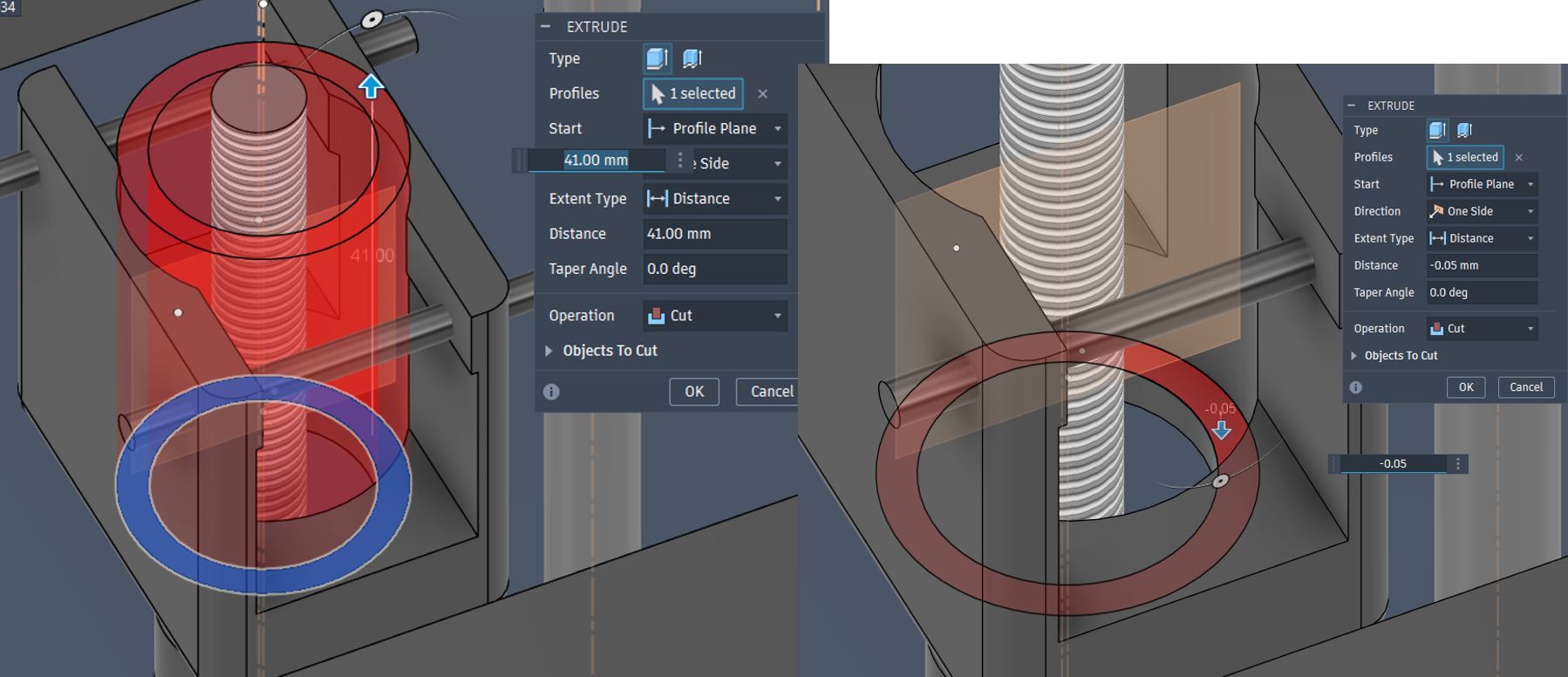
Bearing Case 3DP was designed with manual support with support paint function in Prusa Slicer.
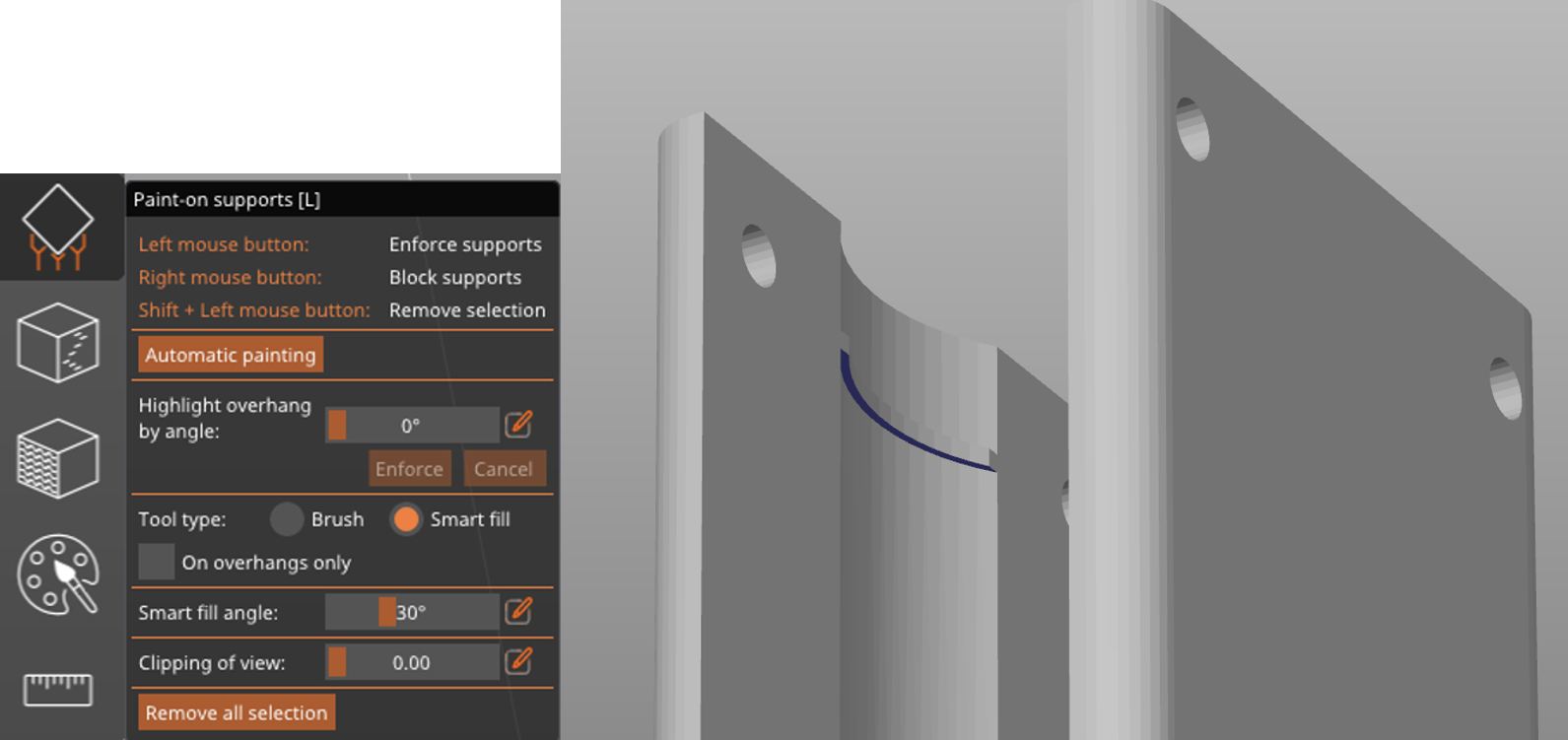
Bearing Support 3DP setting for PrusaXL with PLA
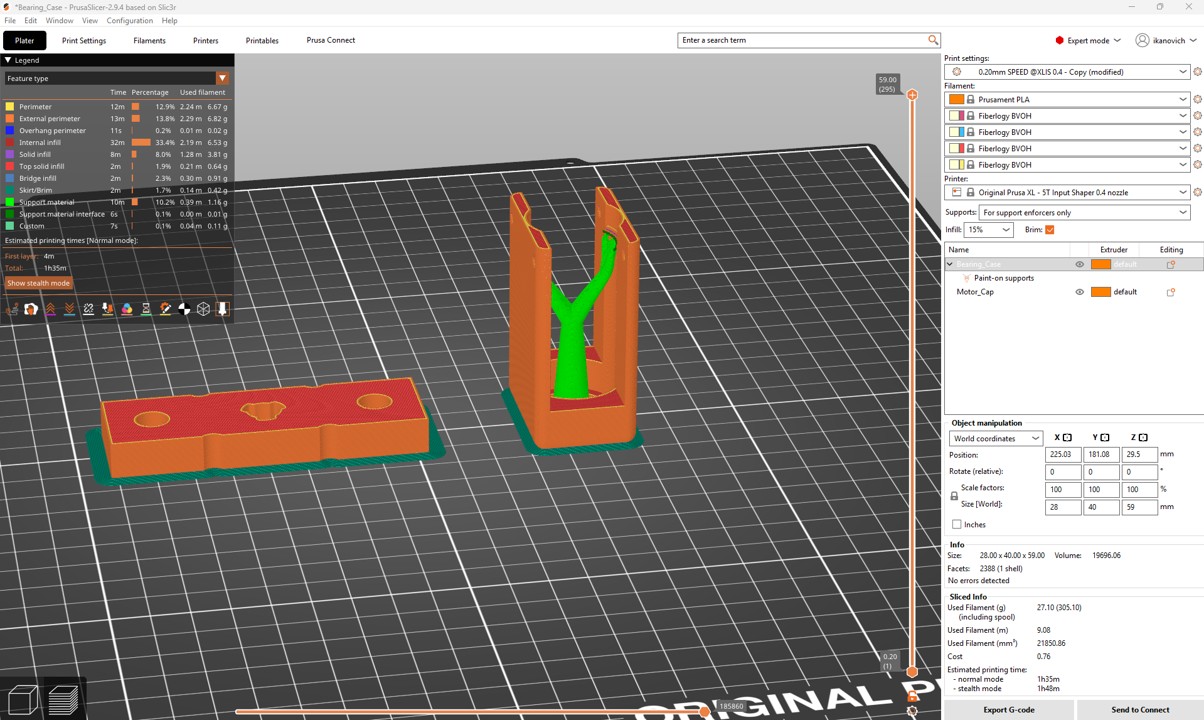
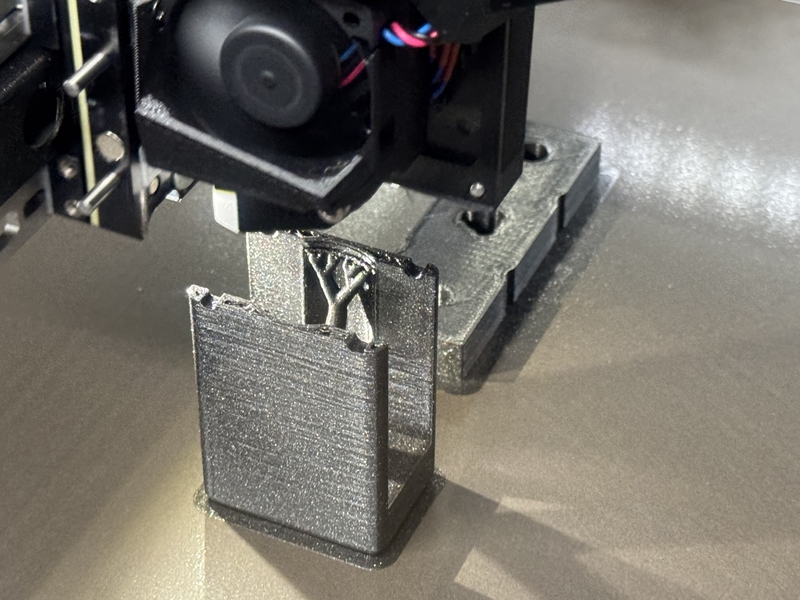
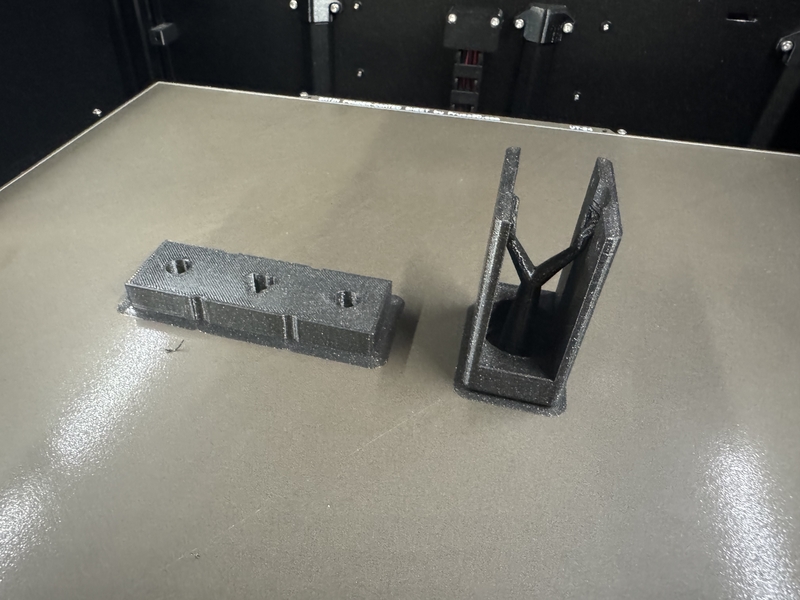
3D Printing Bearing Support part
In order to stabilize the screw shaft especially for rotational angle direction, Kohshi designed rigid “Angle Stabilizer” for 3D printing.
Designing Screw Shaft Angle Stabilizer
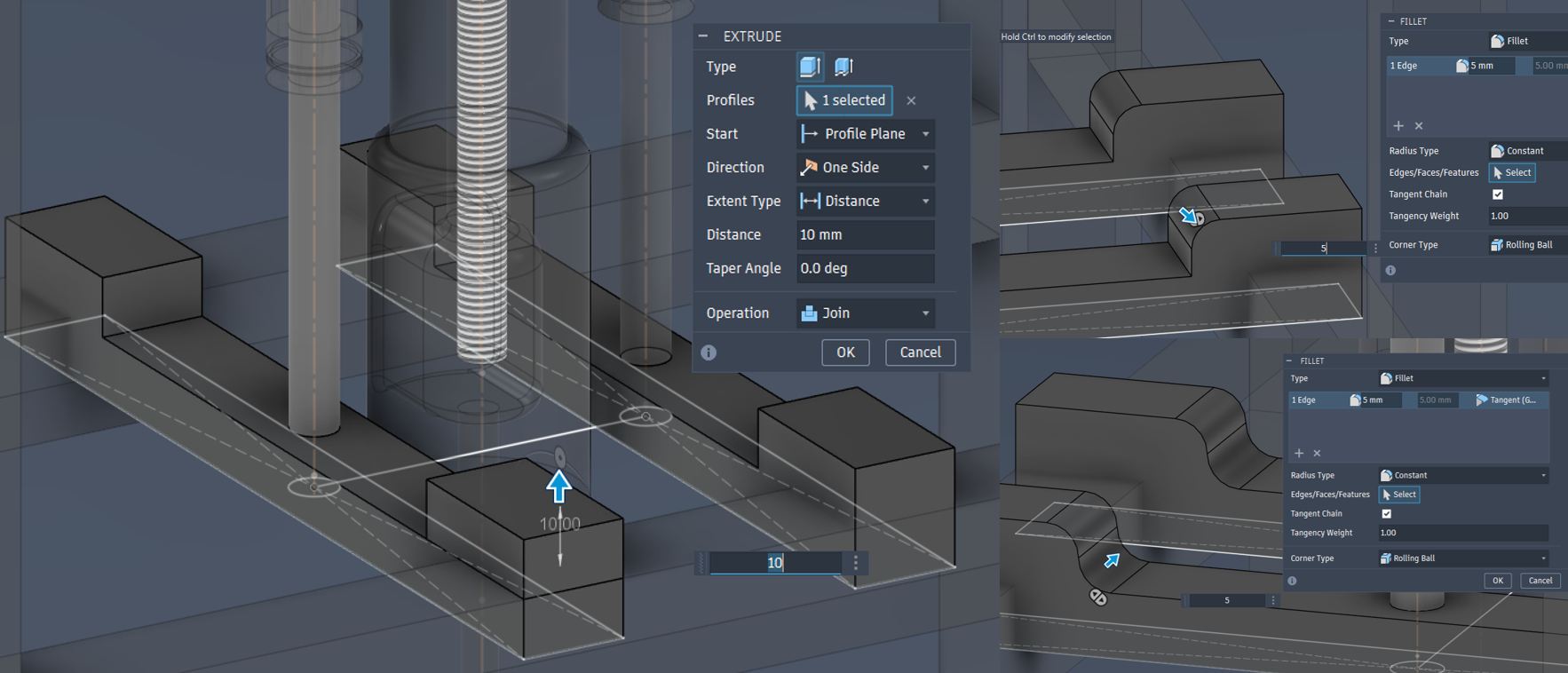
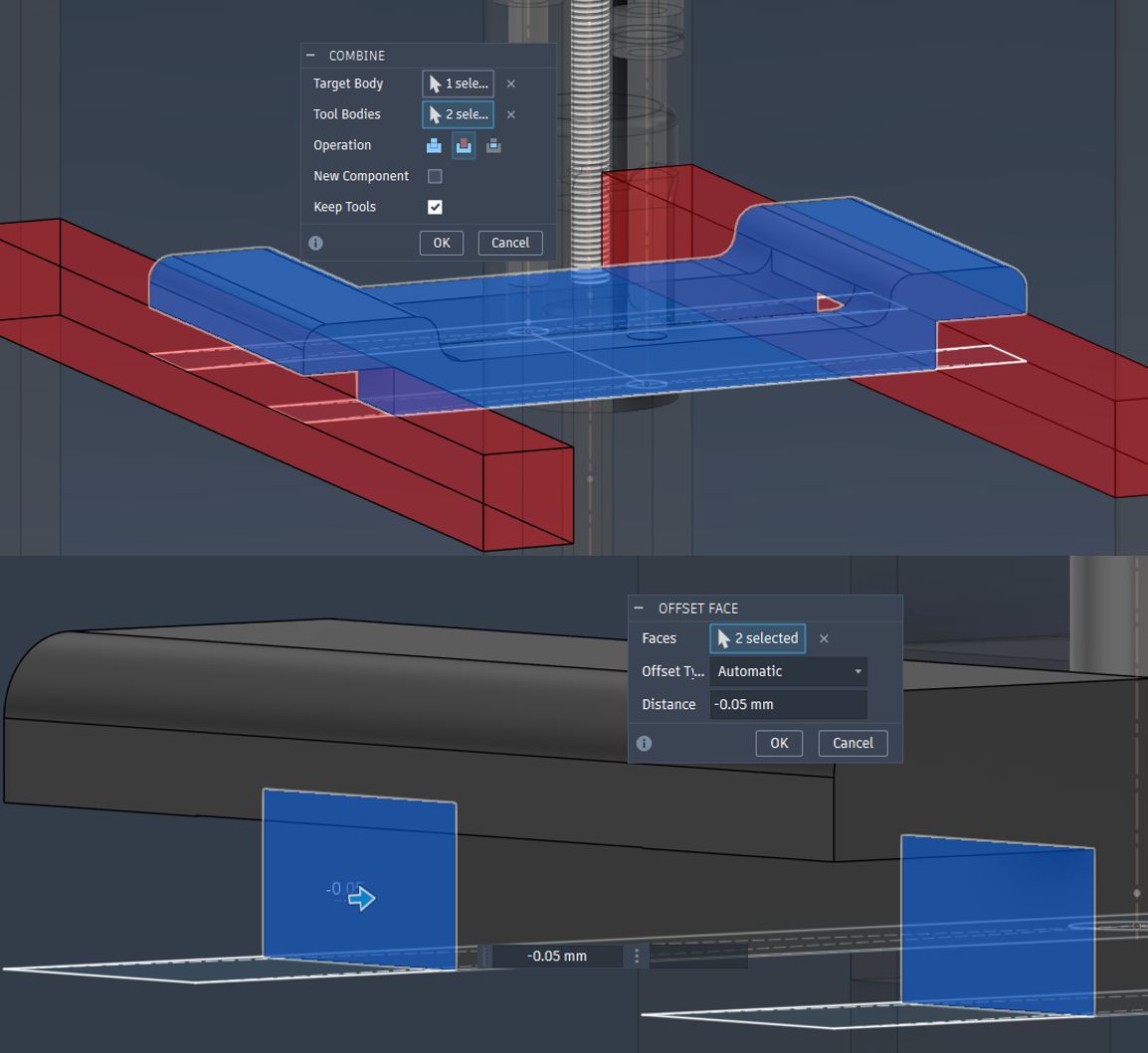
-0.05mm offset from the Main Frame contact point was done for assembly
φ5.5mm holes for M5 fixation
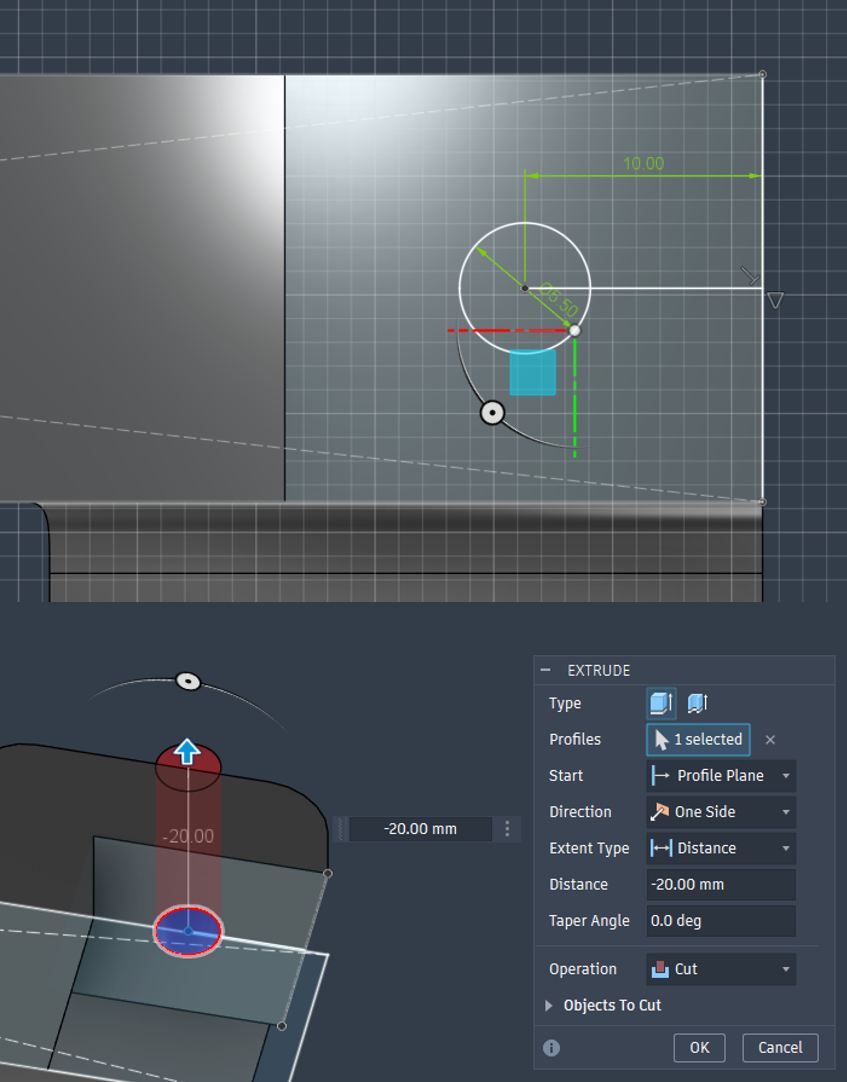
Angle Stabilizer design for 3D printing
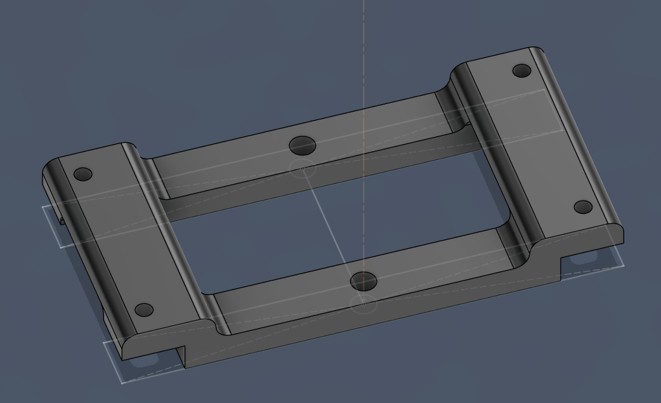
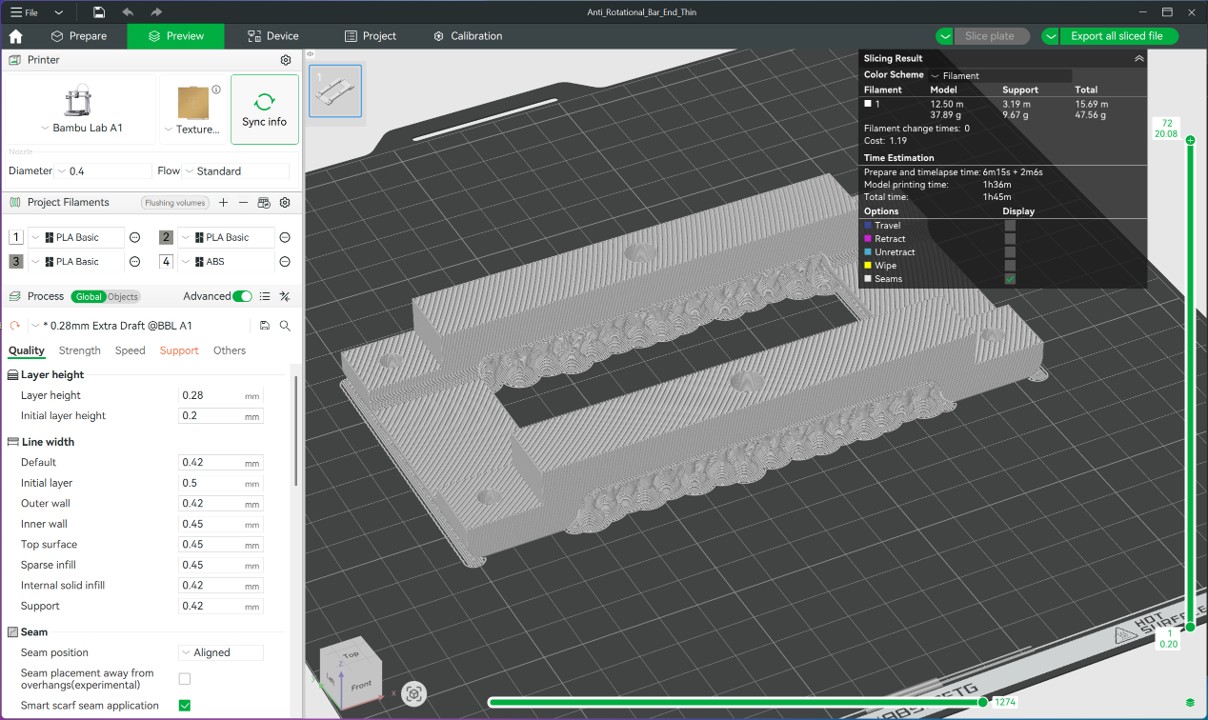
Angle Stabilizer 3DP was designed with manual support with support paint function in Bambu Studio.
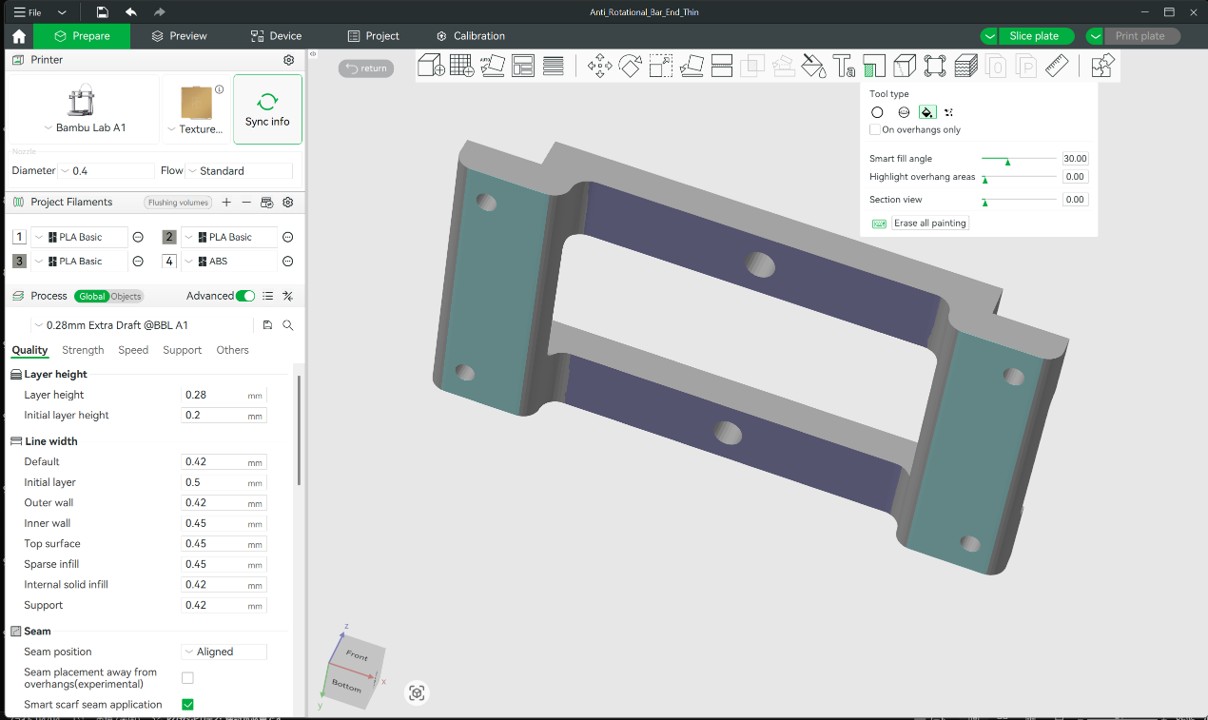
Angle Stabilizer 3DP setting for Bambu Lab A-1 with PLA
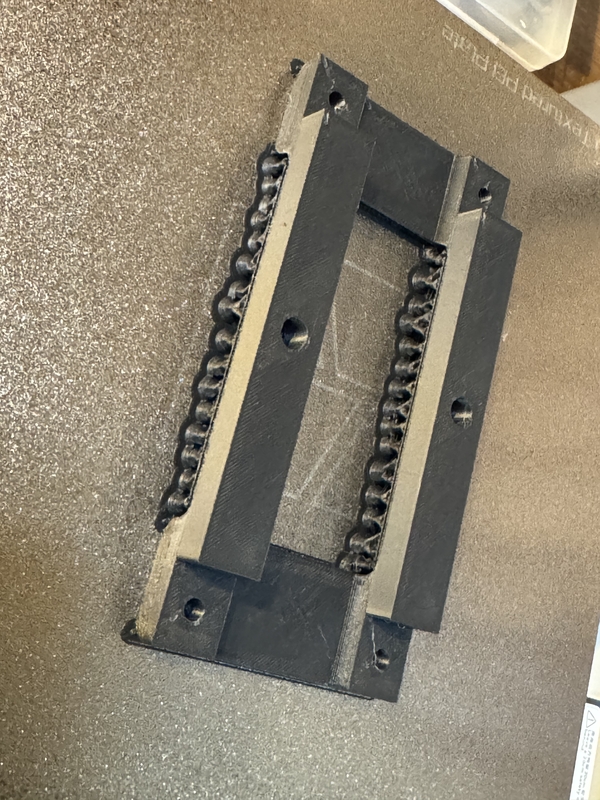
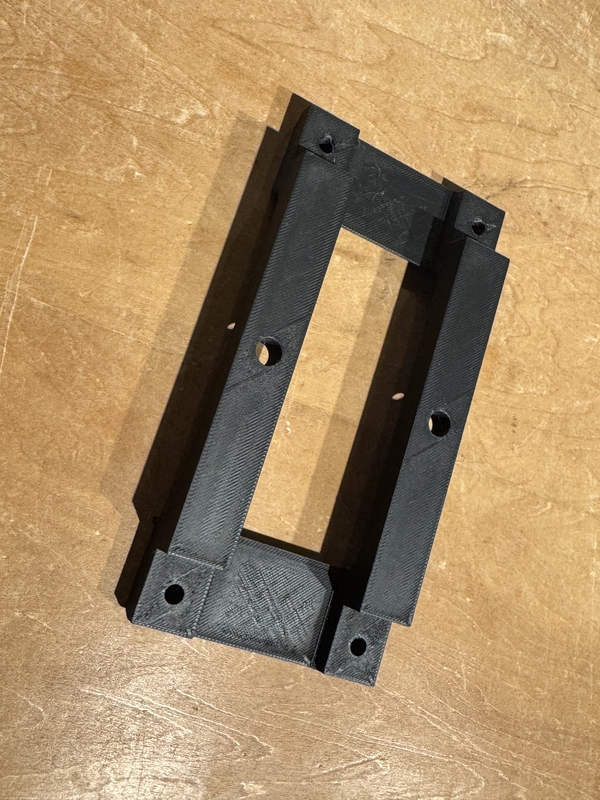
3D printed Push Rod Angle Stabilizer
Designing Top Board for MDF Laser cutting
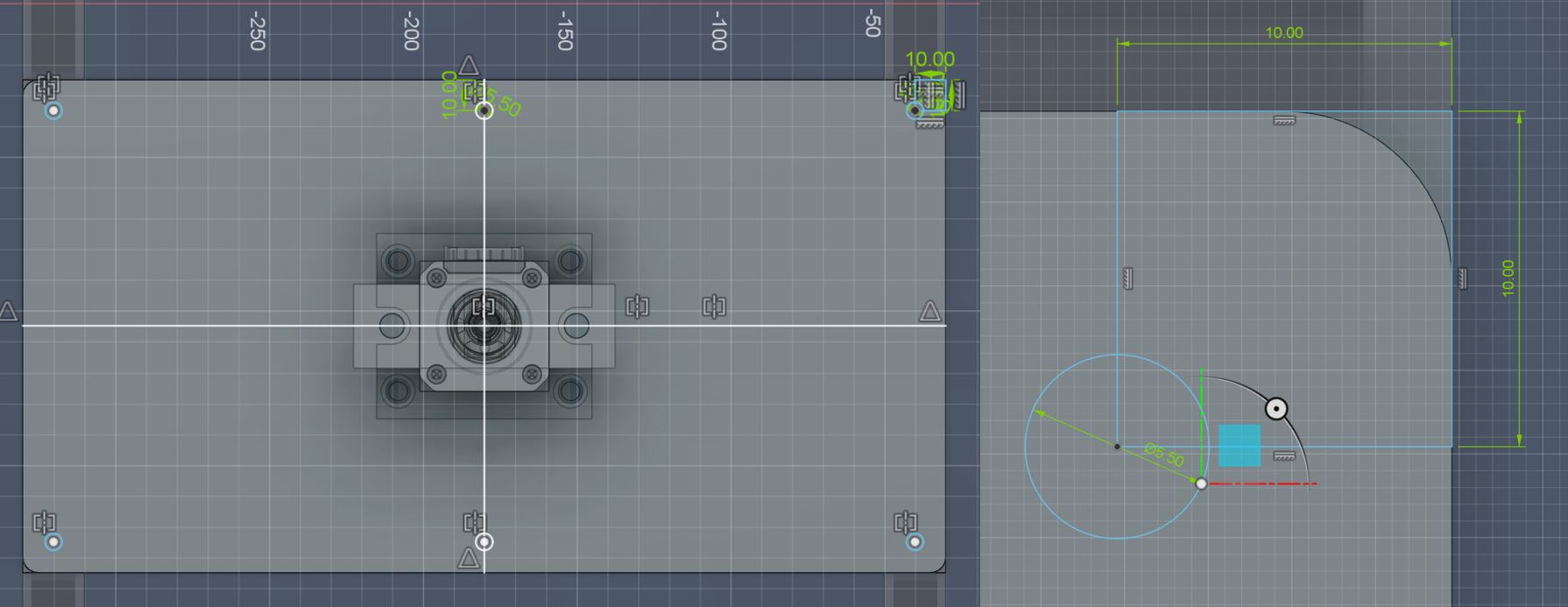
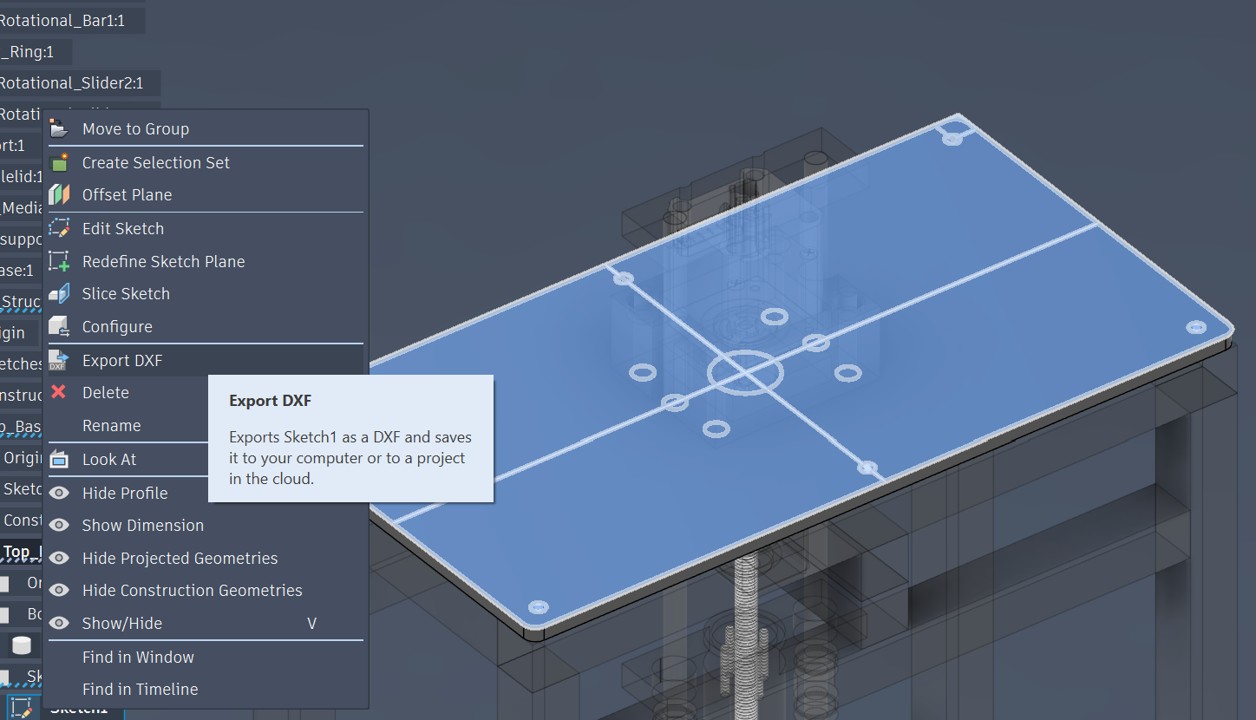
Export Top Board sketch as DXF file for Laser Cutting
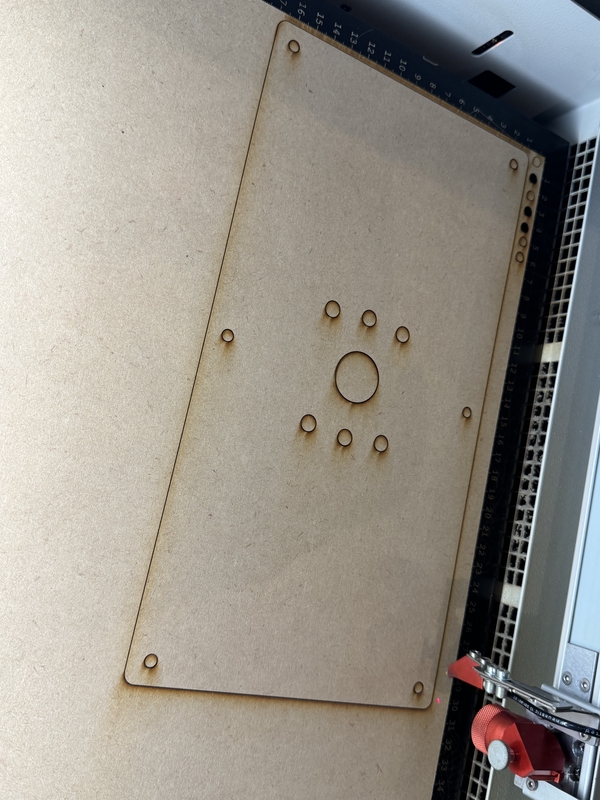
Top Board Design for Laser Cut
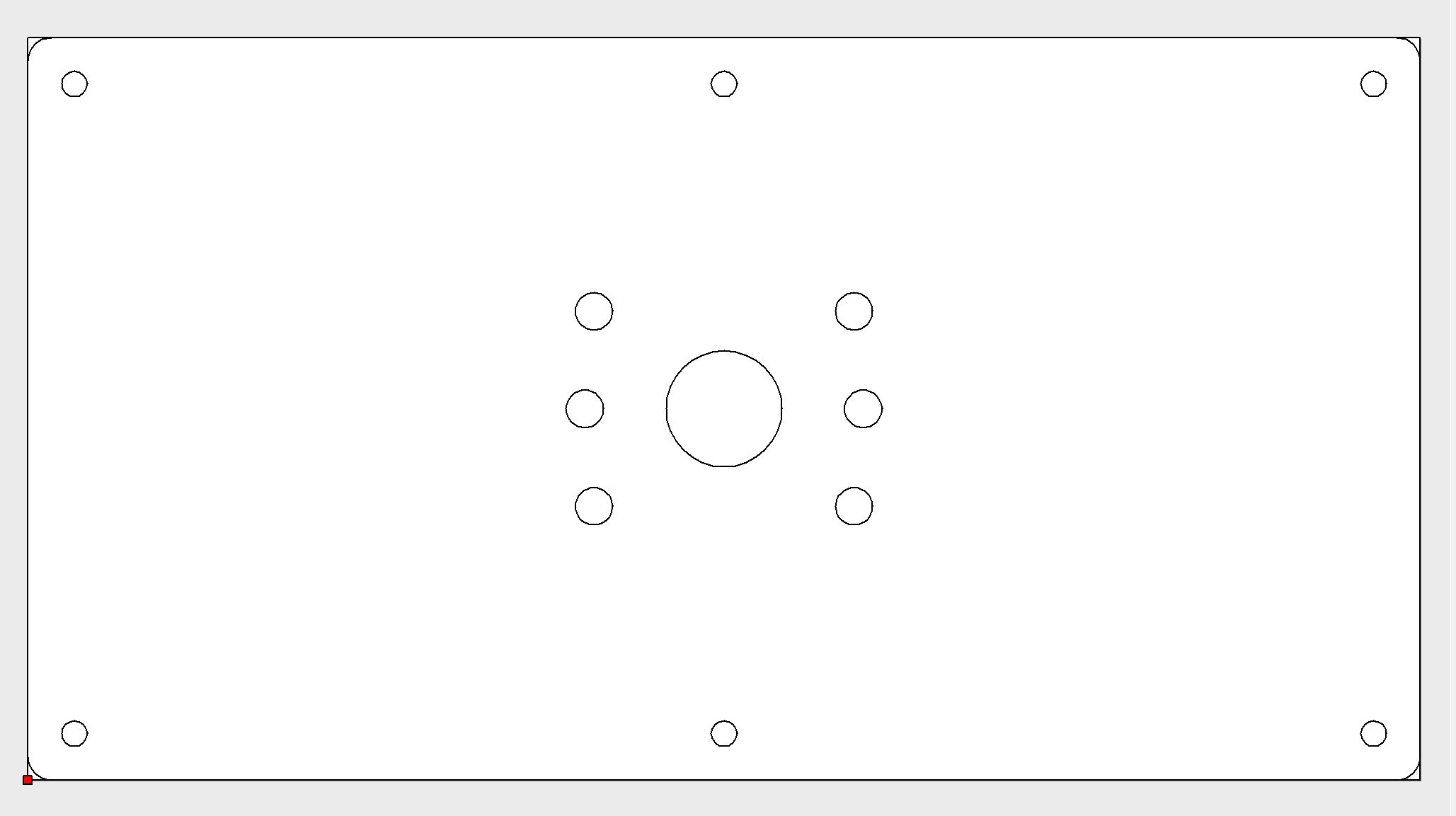
Illustrator file for Laser Cutting
Testing for Laser cutting condition
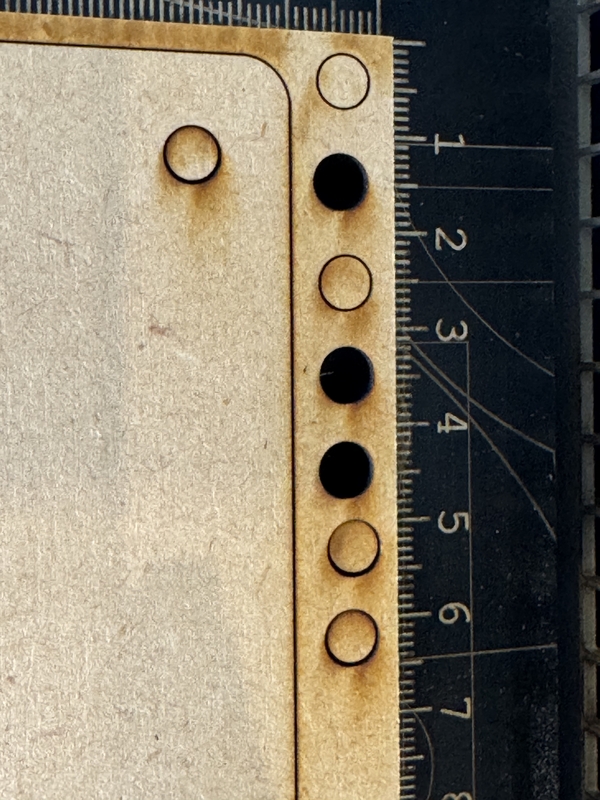
Laser Cut setting for 5.5mm MDF was chosen as following picture by Test Cut

Preparation for the Laser Cutting
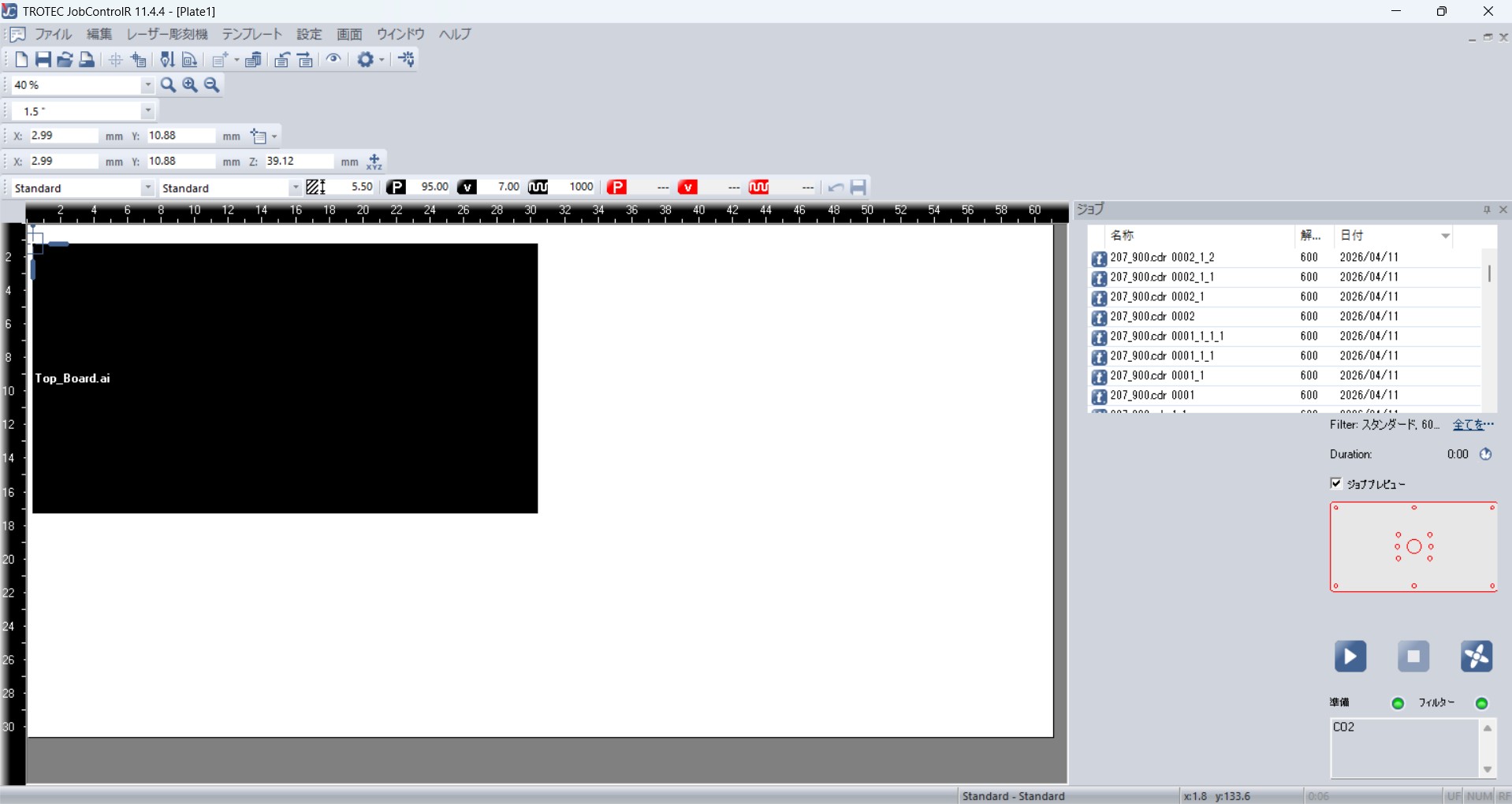
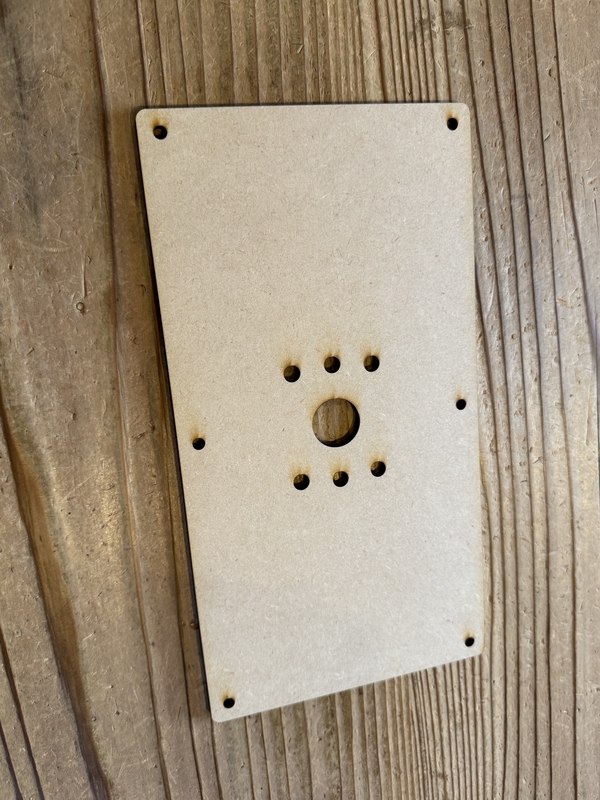
Laser Cut Top Board
2nd Spiral Test
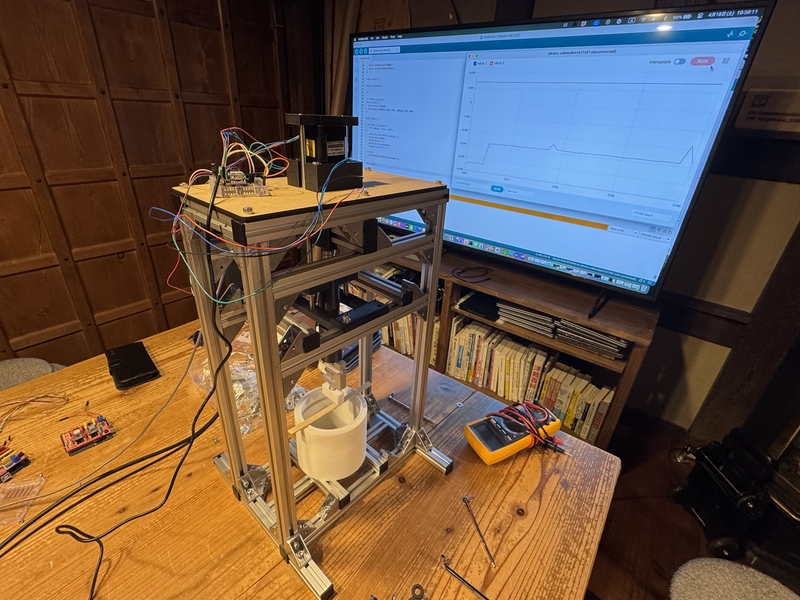
2nd Spiral test worked to some extent as the motor driven loading power with quicker motor rotation than our planning.
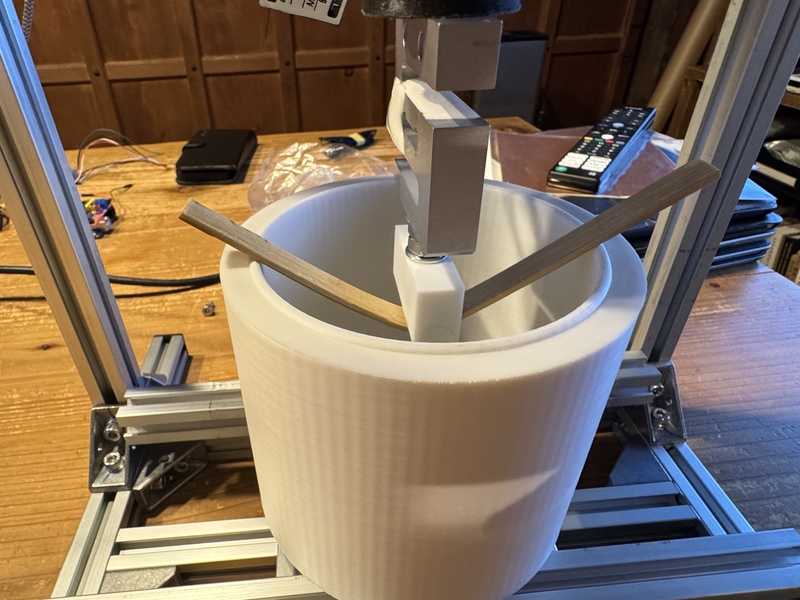
Displacement measurement by Potentiometer
Having difficulty to get displacement data from Stepper Motor Rotational Angle, we decided to install Potentiometer for displacement measurement.
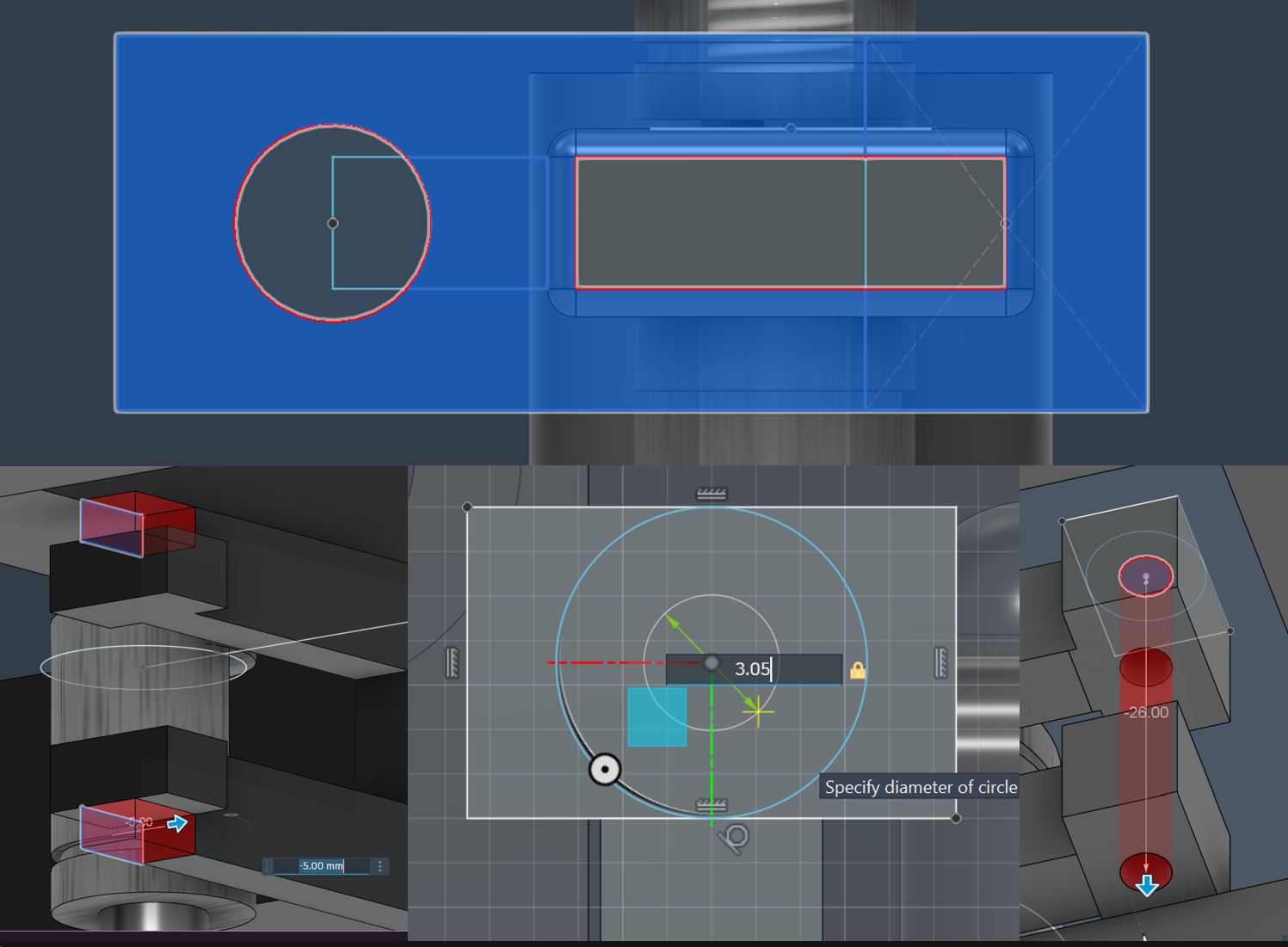
Kohshi Started to design the Potentiometer Stay and system for the displacement measurement.
Designing potentiometer stay
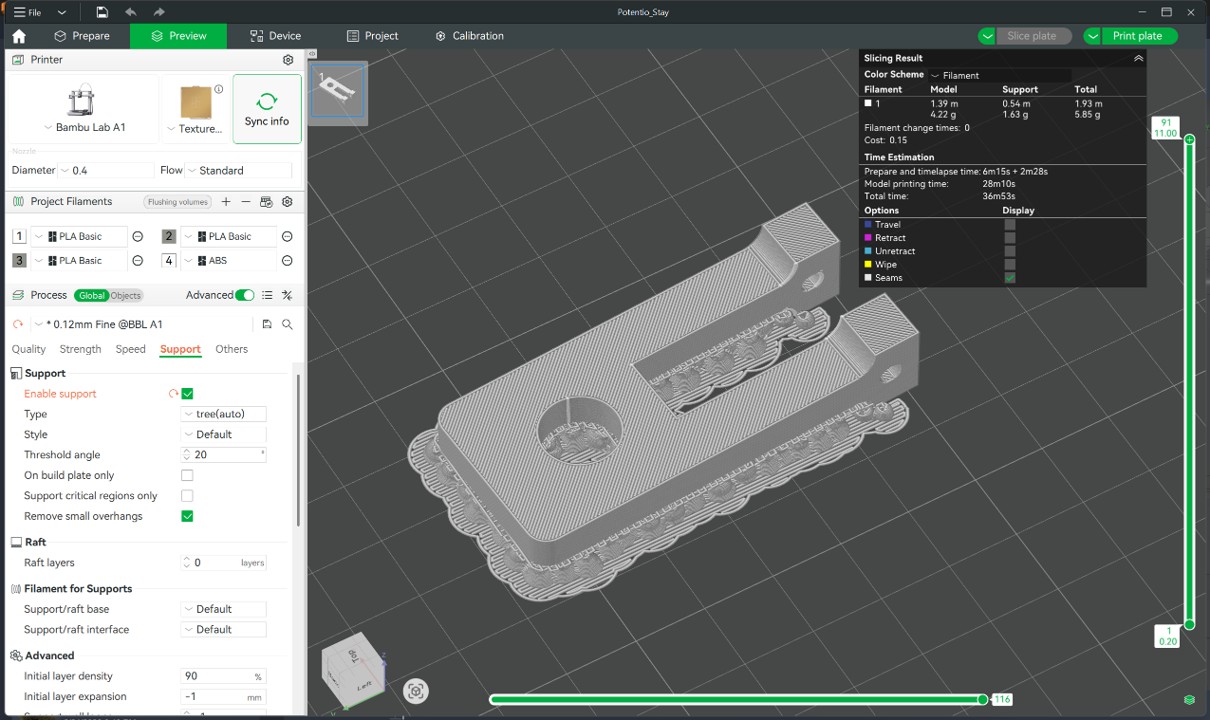
Potentiometer Stay 3DP setting for Bambu Lab A-1 with PLA
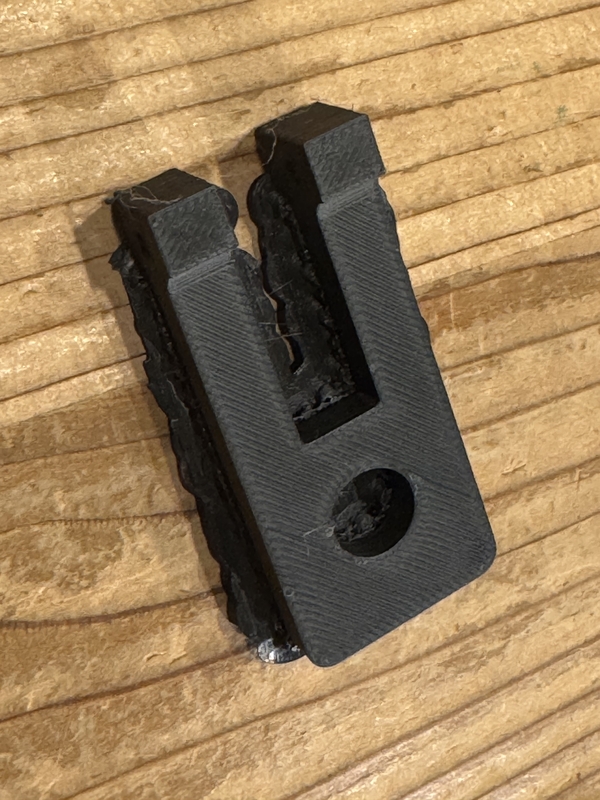
3D Printing Potentiometer Stay
Potentiometer set at the Push Rod
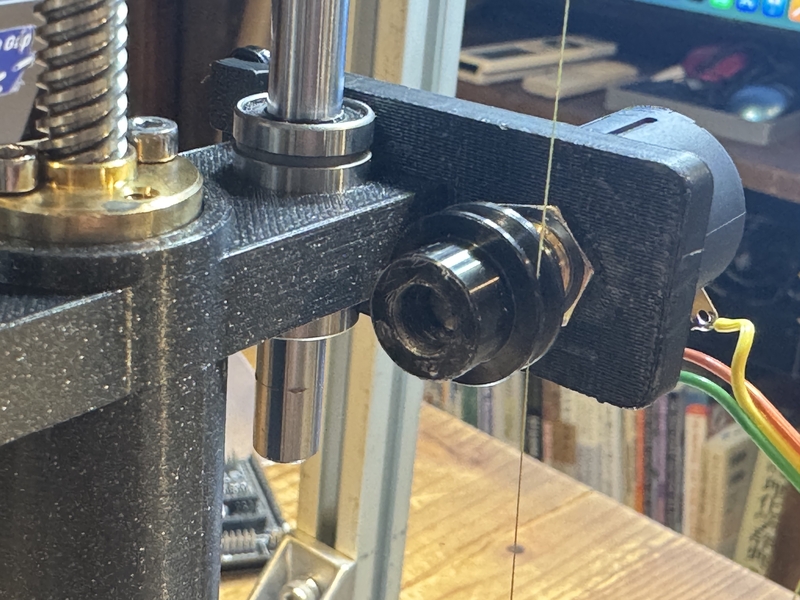
Potentiometer measurement system
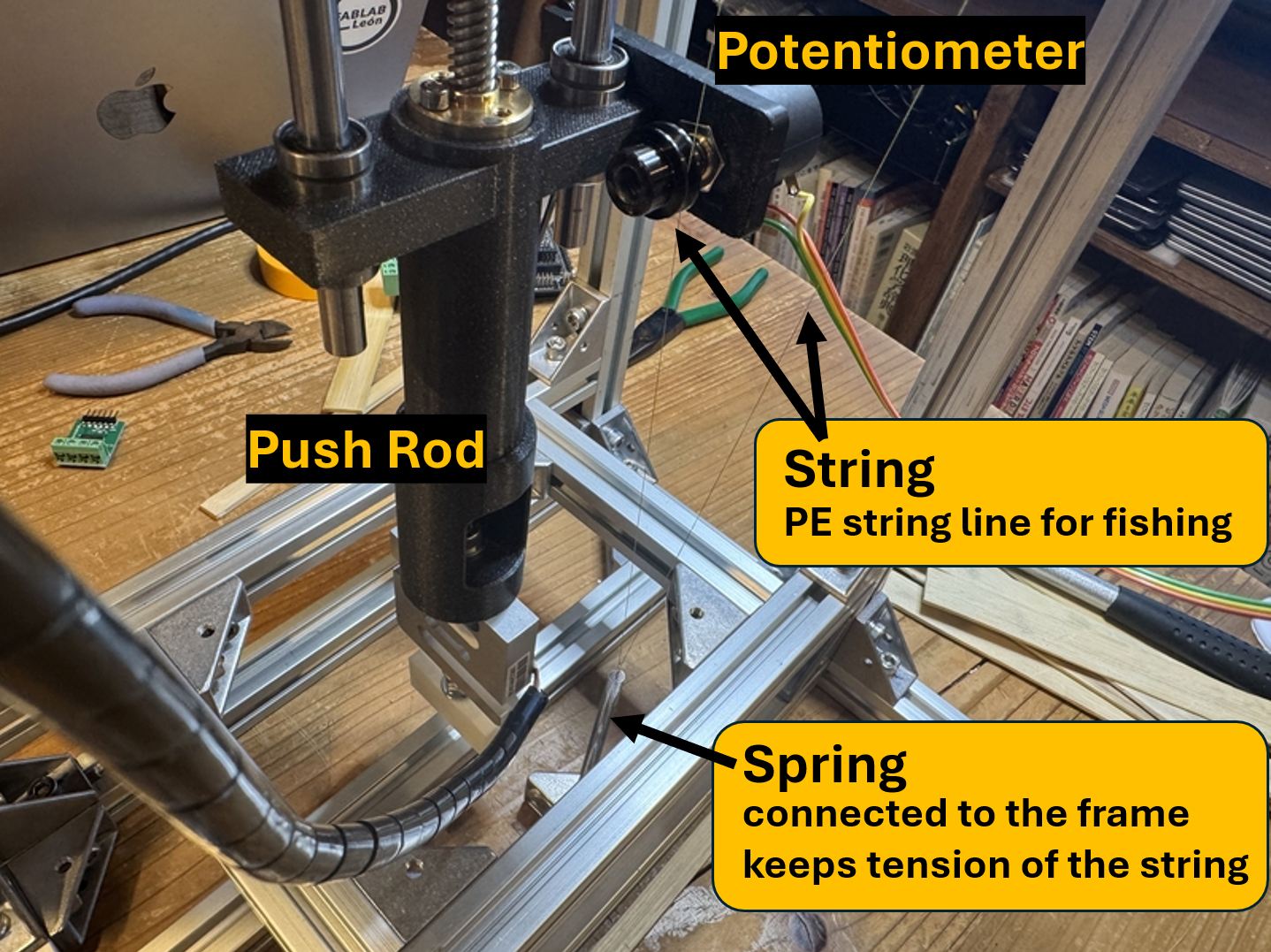
Potentiometer measures the travel distance of the Push Rod by the string which is fixed against the Main Frame via Spring.
The Spring keeps tension of the String so that there is no slip occurs at the spool of Potentiometer while it is rotating due to the travel.
PE Line (Izanas) for fishing is used as the string which has strong stiffness without deformation.
program
#include <AccelStepper.h>
#include "HX711.h"

// Pin settings
const int INTERFACE_TYPE = 1;
const int STEP_PIN = D5;
const int DIR_PIN = D4;
const int LOADCELL_DOUT_PIN = D1;
const int LOADCELL_SCK_PIN = D0;
const int SW_PIN = D10;
const int analogInPin = A2;

// Variables
long HX711_reading = 0;
int sensorValue = 0;
int switch_status = 1;
int machine_status = 0; // 0:Idle, 1:Forward(Down), 2:Reverse(Up)

// Custom settings
const long THRESHOLD = 250000;
const float MOVE_SPEED = 10000;   // Forward speed
const float ESCAPE_SPEED = 5000;  // Reverse speed

HX711 scale;
AccelStepper Xaxis(INTERFACE_TYPE, STEP_PIN, DIR_PIN);

void setup() {
  pinMode(SW_PIN, INPUT_PULLUP);
  Xaxis.setMaxSpeed(10000);
  Serial.begin(115200);
}

void loop() {
  int current_switch = digitalRead(SW_PIN);

  // --- 1. Switch Control ---
  if (current_switch != switch_status && current_switch == LOW) {
    if (machine_status == 0) {
      machine_status = 1; // Start movement
      Xaxis.setSpeed(MOVE_SPEED);
      Serial.println("START: FORWARD");
    } else {
      machine_status = 0; // Stop movement
      Xaxis.stop();
      Xaxis.disableOutputs();
      Serial.println("STOP: BY SWITCH");
    }
    delay(200); // Debounce
  }
  switch_status = current_switch;

  // --- 2. Motor Logic ---
  if (machine_status == 1) {
    // Forward mode: check for overload
    if (HX711_reading < -THRESHOLD) {
      machine_status = 2; // Auto-reverse
      Xaxis.setSpeed(-ESCAPE_SPEED);
      Serial.println("!!! OVERLOAD: REVERSING !!!");
    } else {
      Xaxis.runSpeed();
    }
  }
  else if (machine_status == 2) {
    // Reverse mode: keep moving back
    Xaxis.runSpeed();
  }
  else {
    // Stop mode
    Xaxis.disableOutputs();
  }
}

// --- Data Acquisition (Core 1) ---
void setup1() {
  scale.begin(LOADCELL_DOUT_PIN, LOADCELL_SCK_PIN);
}

void loop1() {
  if (scale.is_ready()) {
    HX711_reading = scale.read();
    sensorValue = analogRead(analogInPin);

    // Print data for Serial Plotter
    Serial.print(600);
    Serial.print(",");
    Serial.print(sensorValue);
    Serial.print(",");
    Serial.println(HX711_reading);
  }
  delay(100);
}
AccelStepper.h We used to control a stepper motor. However, we encountered a problem when combining it with a load cell. Looping both within the same IF statement caused erratic behavior, preventing the motor from rotating.
As a solution, our instructor,Kae Nagano (2019), offered a good suggestion.
Since our microcontroller was an RP2040, we used a second core (setup 1, loop 1) and created a program that constantly measured force and distance while activating the motor when a button was pressed.