14. Interface and application programming
Research
There are so many programming languages in front of us;
One of them was selected by each student for his trial.
P5.js as Kohshi’s choice
If you open the above page by clicking “P5.js” letter, you will see following top page.
In this page, you can simulate how the “P5.js” works with the simple demonstration by changing the parameters.
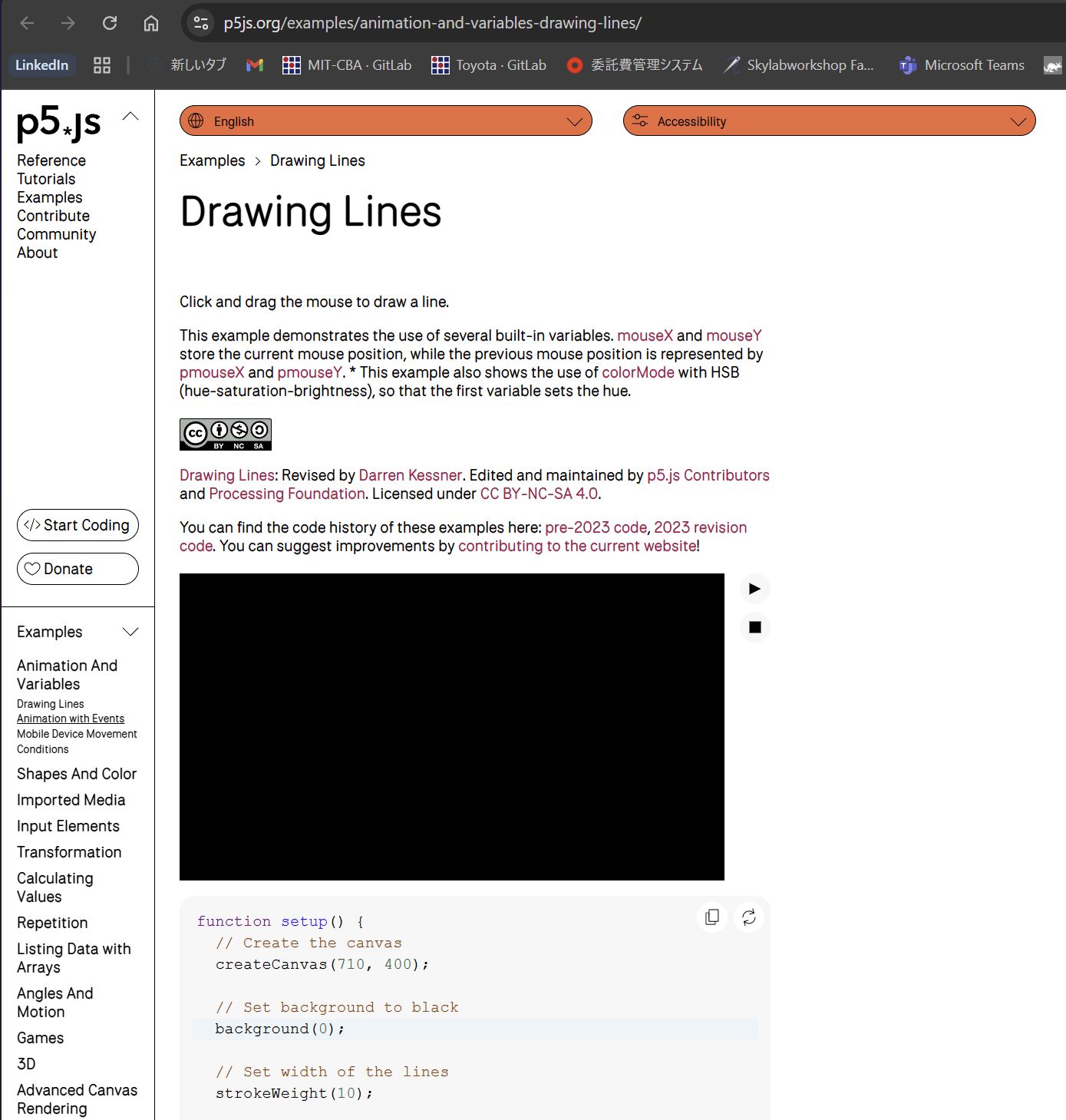
In the default condition, it works as this;
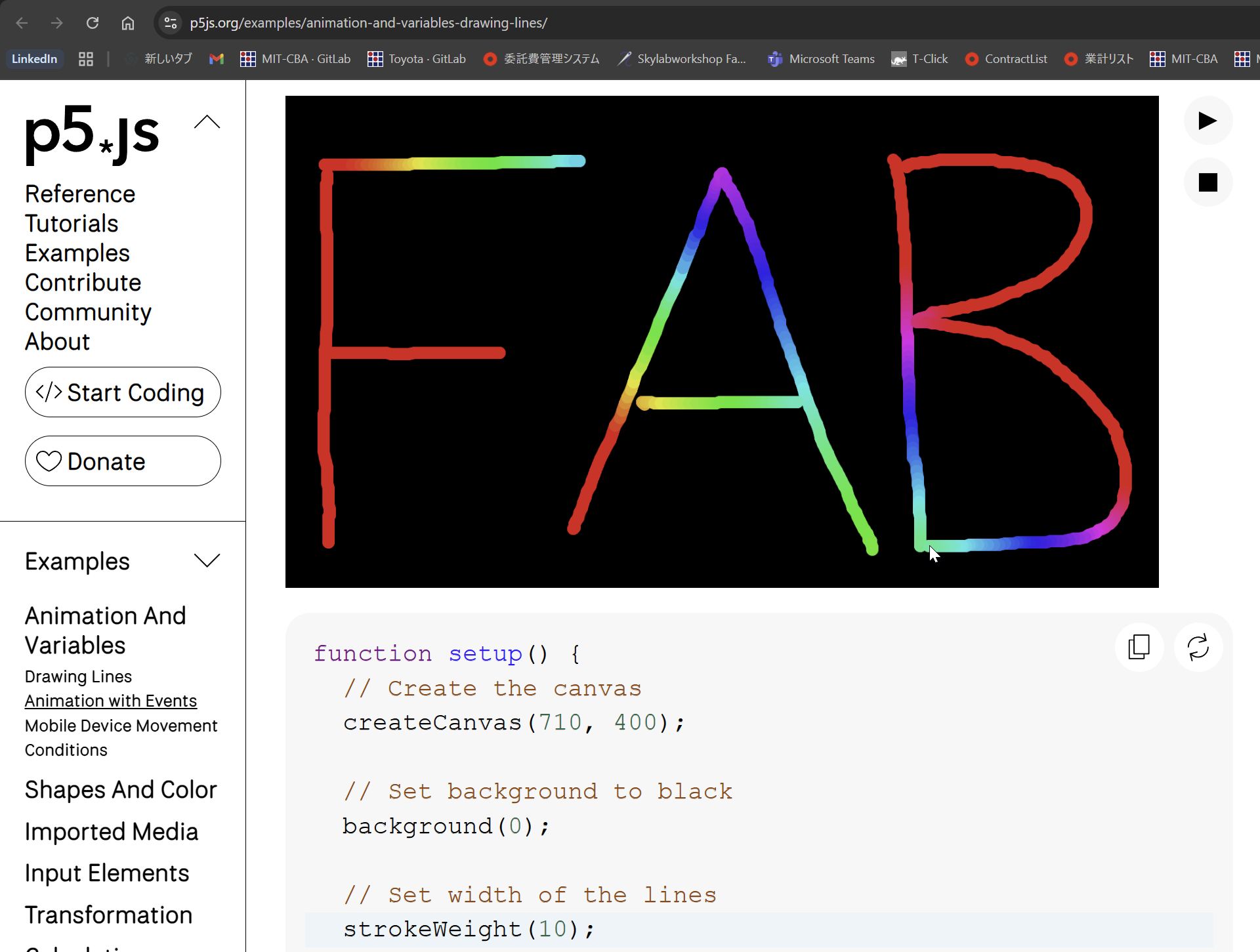
You can design graphics by mouse operation.
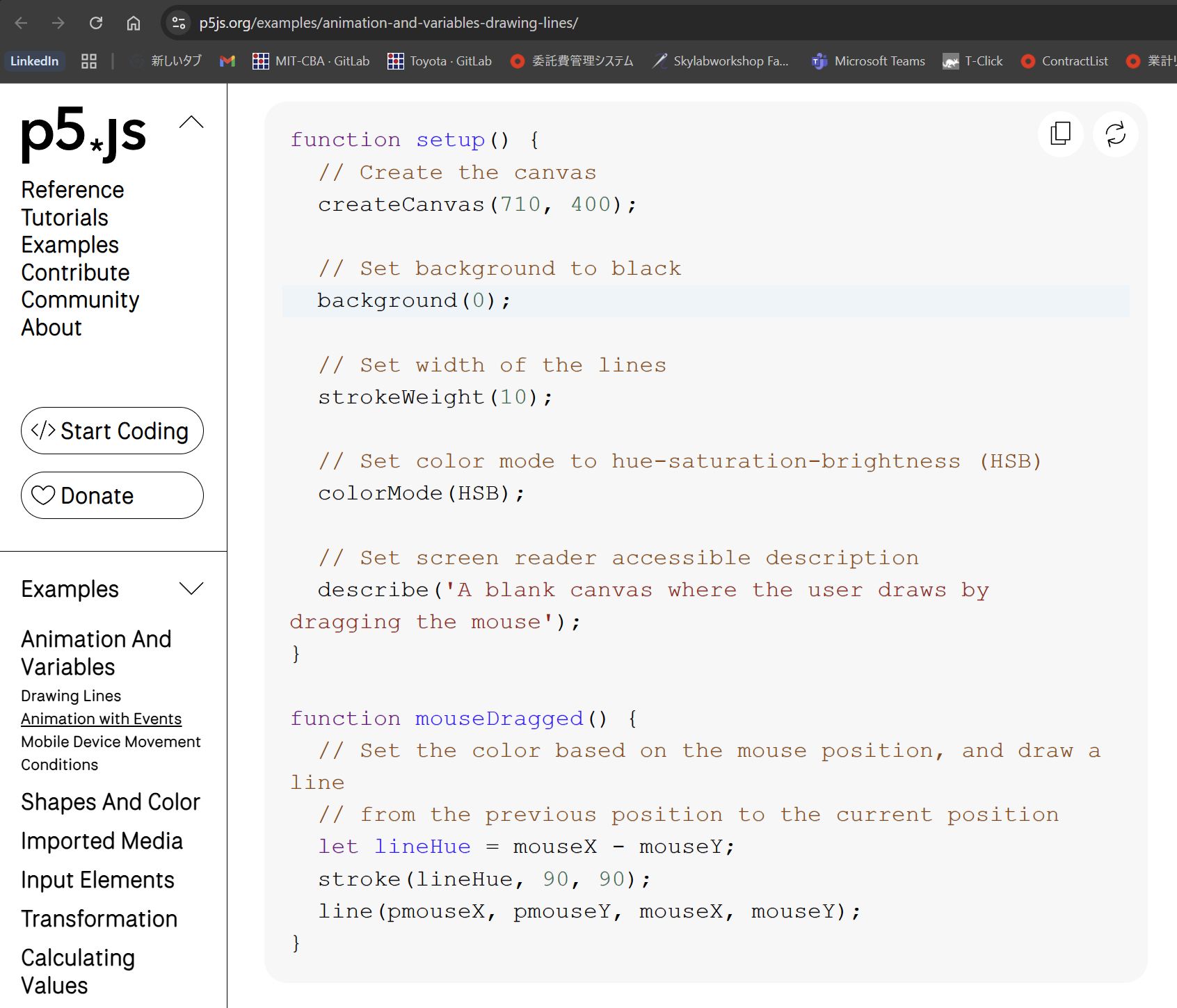
The coding for above can be seen below to this graphics as follows;
Change some of the parameters (in this case two) to modify the design.
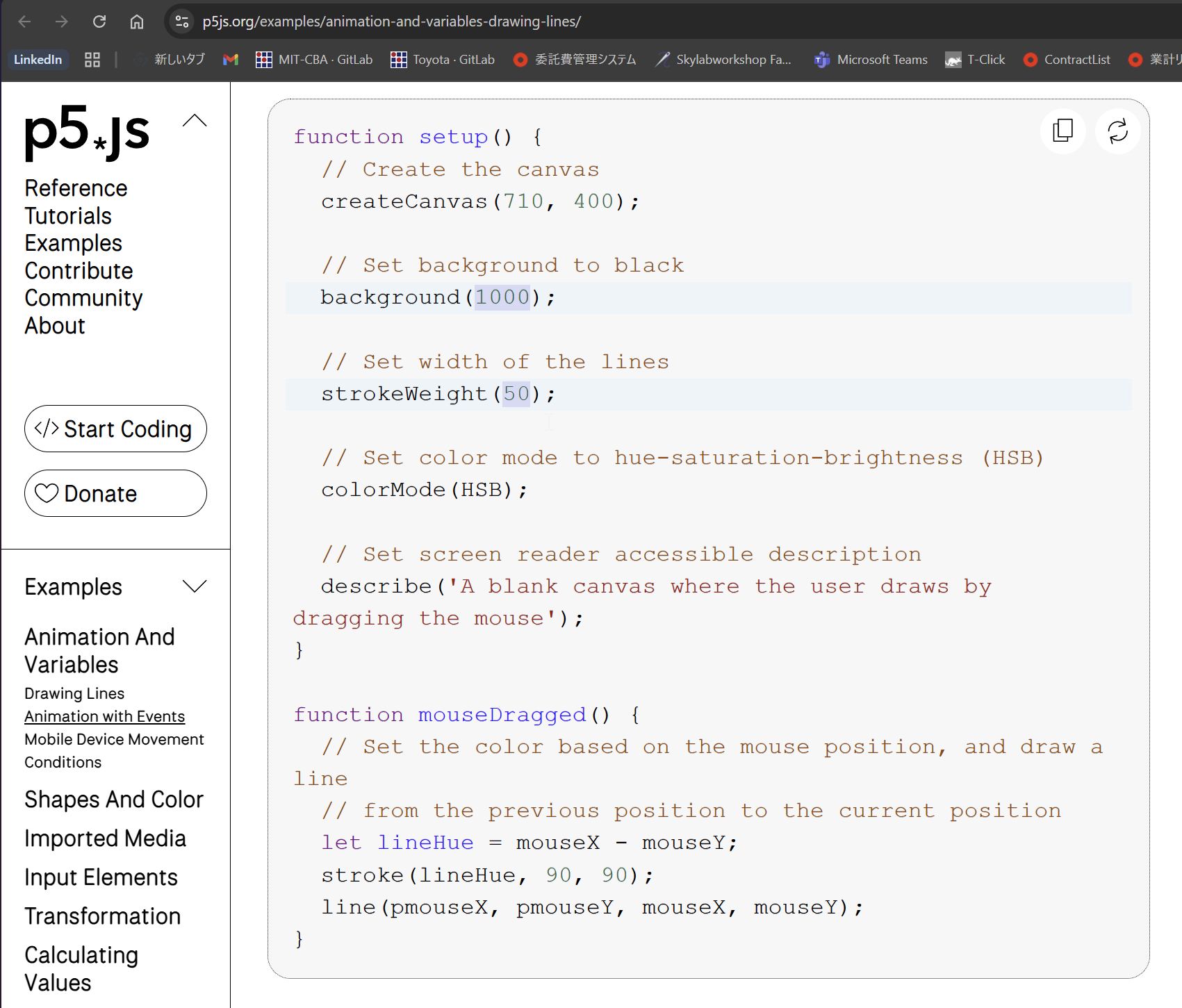
Modified graphic
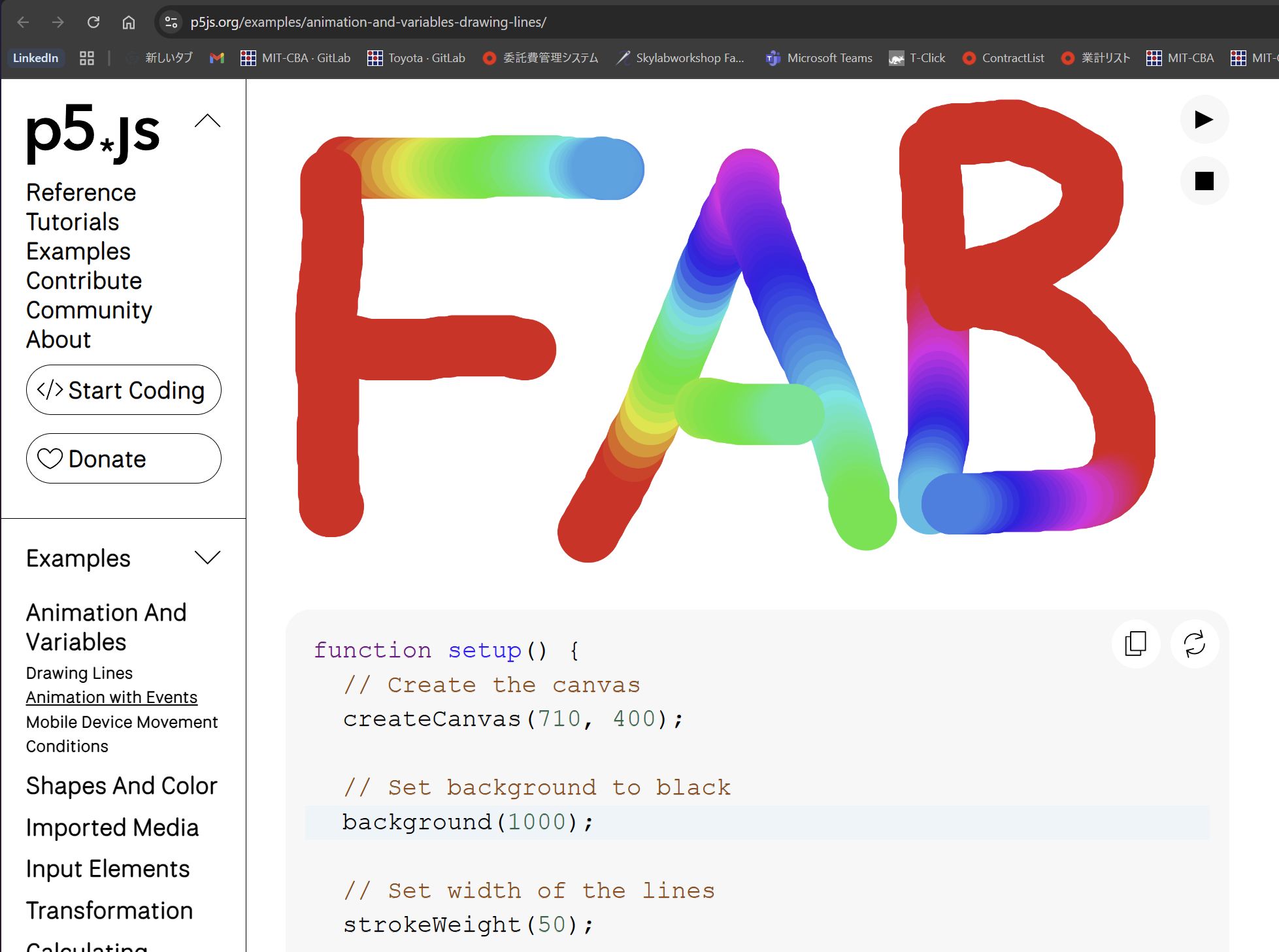
It is quite impressive to experience such a simple coding can create graphics by mouse.
Node-red
Node-red is a browser-based block-based program development tool that allows you to create execution procedures for flows by connecting nodes, and then link hardware and online services. MQTT, HTTP, and serial communication are also supported.
Environment construction
Perform the installation from the terminal.
First, install Node.js to run Node-red.
Download the latest LTS version of Node.js from the official Node.js homepage. If it’s already installed, you can see the Node.js and npm versions by typing the following command in the terminal.
In my environment, the following was displayed.
node --version && npm --version
v24.13.0
11.6.2
Once you’ve confirmed this, enter the following command to install Node-RED:
npm install -g node-red
If there are no errors, the installation is complete.
Node-red startup
Start node-red on the command line
node-red
That’s all for the terminal work. Also, closing the terminal will terminate node-red, so do not close it. (Conversely, to terminate it, simply close the terminal.)
You can open the program screen by going to one of the following URLs in your browser:
If you get a message saying “Cannot connect to server,” Node-RED is not running, so return to the terminal and run:
node-red
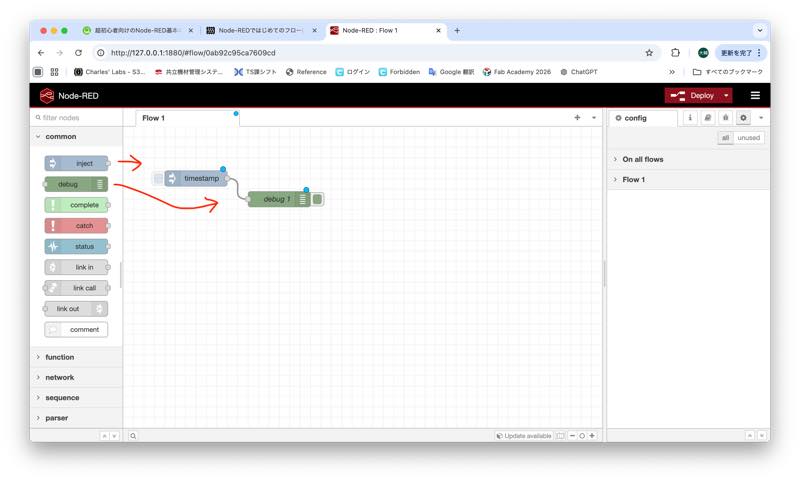
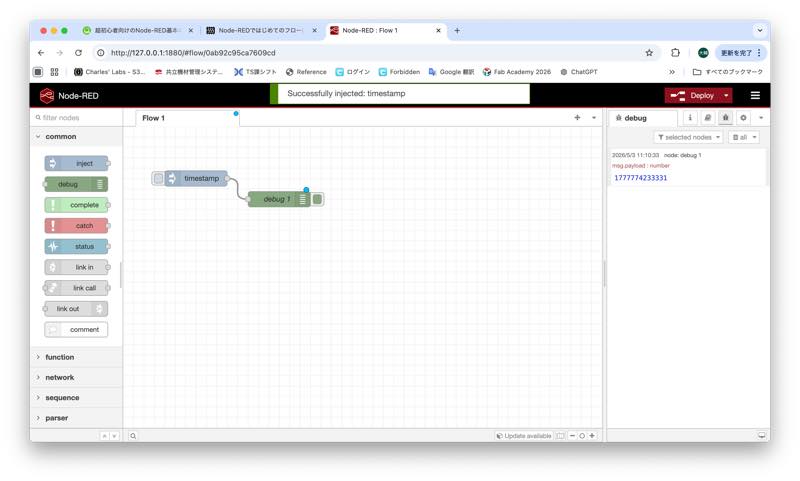
I tried writing a program that outputs a timestamp.
I was able to confirm the output in the debug block.
Comparison of P5js and Node-RED
P5js uses a traditional coding style, while Node-RED graphically represents code as blocks, making it easy for beginners to create programs.