| What does it do? |
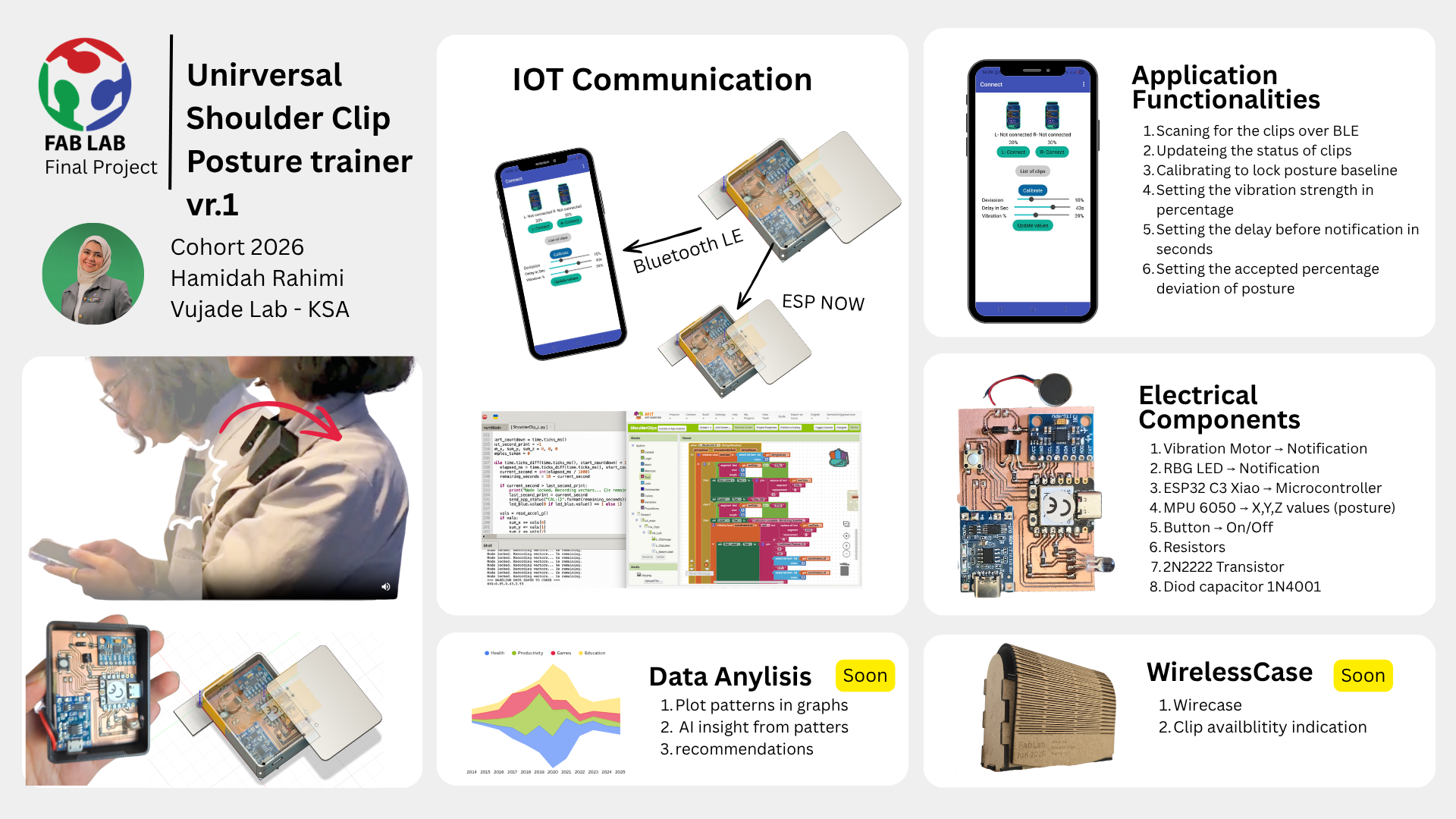
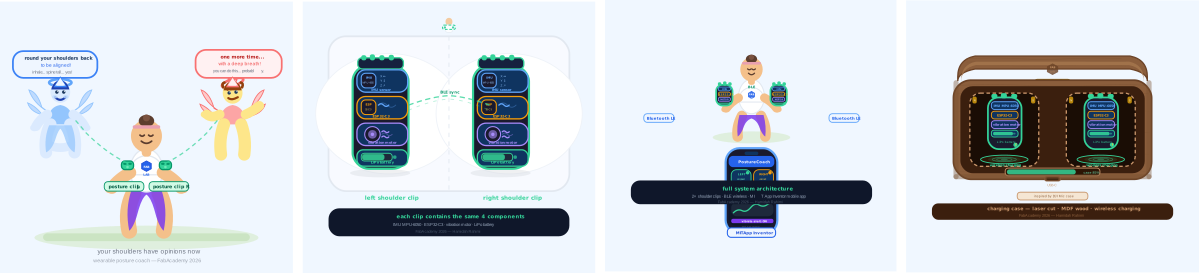
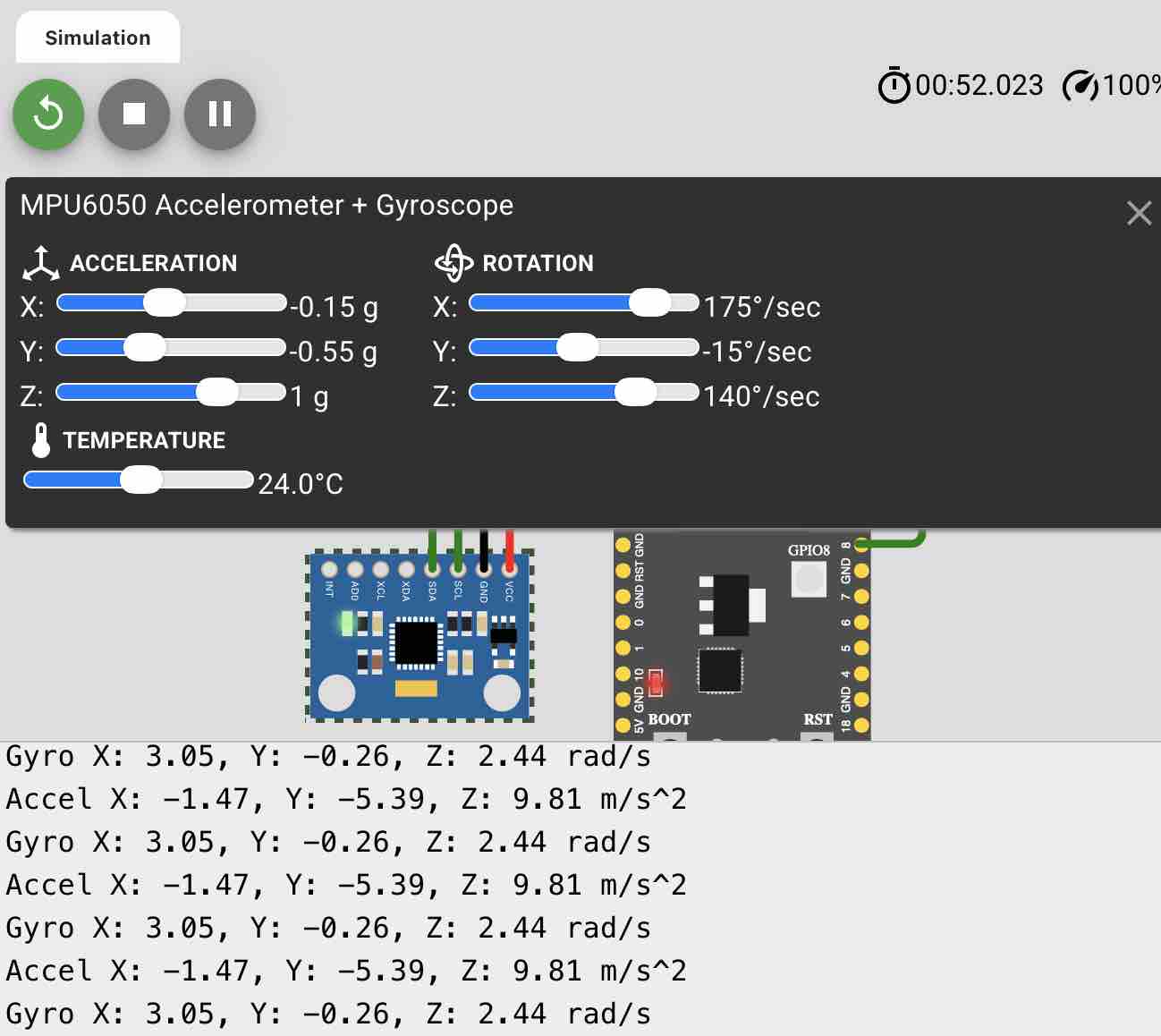
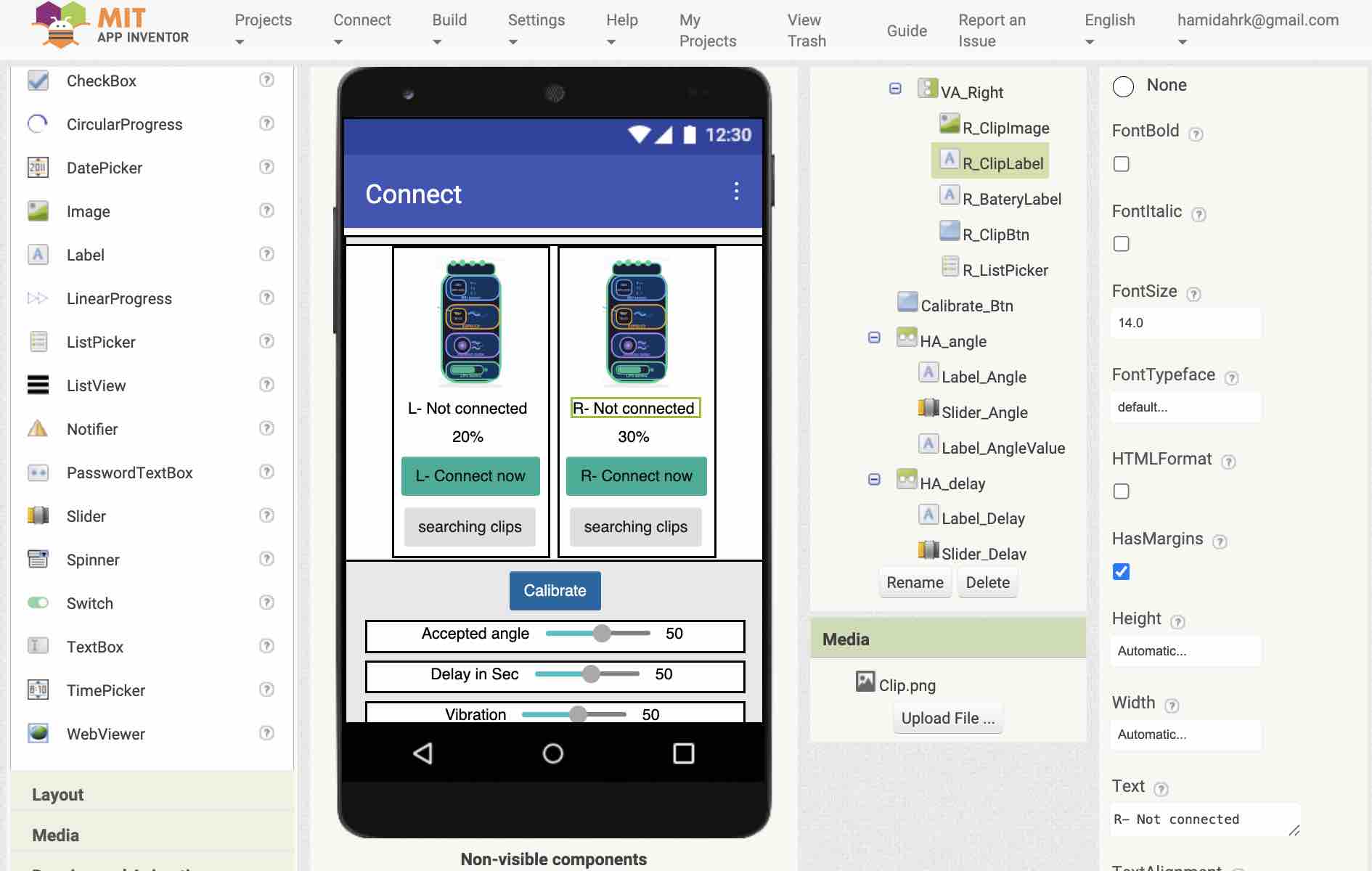
It’s a smart wearable system that fixes posture in real-time. It uses two clips—one on each shoulder—with MPU6050 sensors to track body alignment. If you slouch past a certain angle for too long, the clips vibrate to remind you to sit up. It also connects to a mobile app I built to handle calibration and settings. |
| Who's done what beforehand? |
The concept of posture biofeedback is well-established in both commercial and maker communities. I personally used the Upright device during my horse riding classes, which gave me firsthand experience with how effective real-time vibration alerts can be for maintaining spinal alignment during active movement.In the Fab Academy community, I've seen students explore similar themes but with different architectures. Like
Nadine Uwinoza,
used flex sensors for spinal tracking. Others, such as
Praveen Kumar,
focused on the ESP32 and MPU6050 integration. My project specifically targets shoulder symmetry, inspired by my yoga teaching experience. |
| What sources did you use? |
This project was an exercise in spiral development, where I constantly simplified my design to reach a functional, reliable 'Minimum Viable Product' (MVP).
- The Fab Academy Community: The global archive of previous projects was my main source of information.
- VujaDe Team and Instructors: My local team and instructors at the VujaDe Innovations Lab were essential.
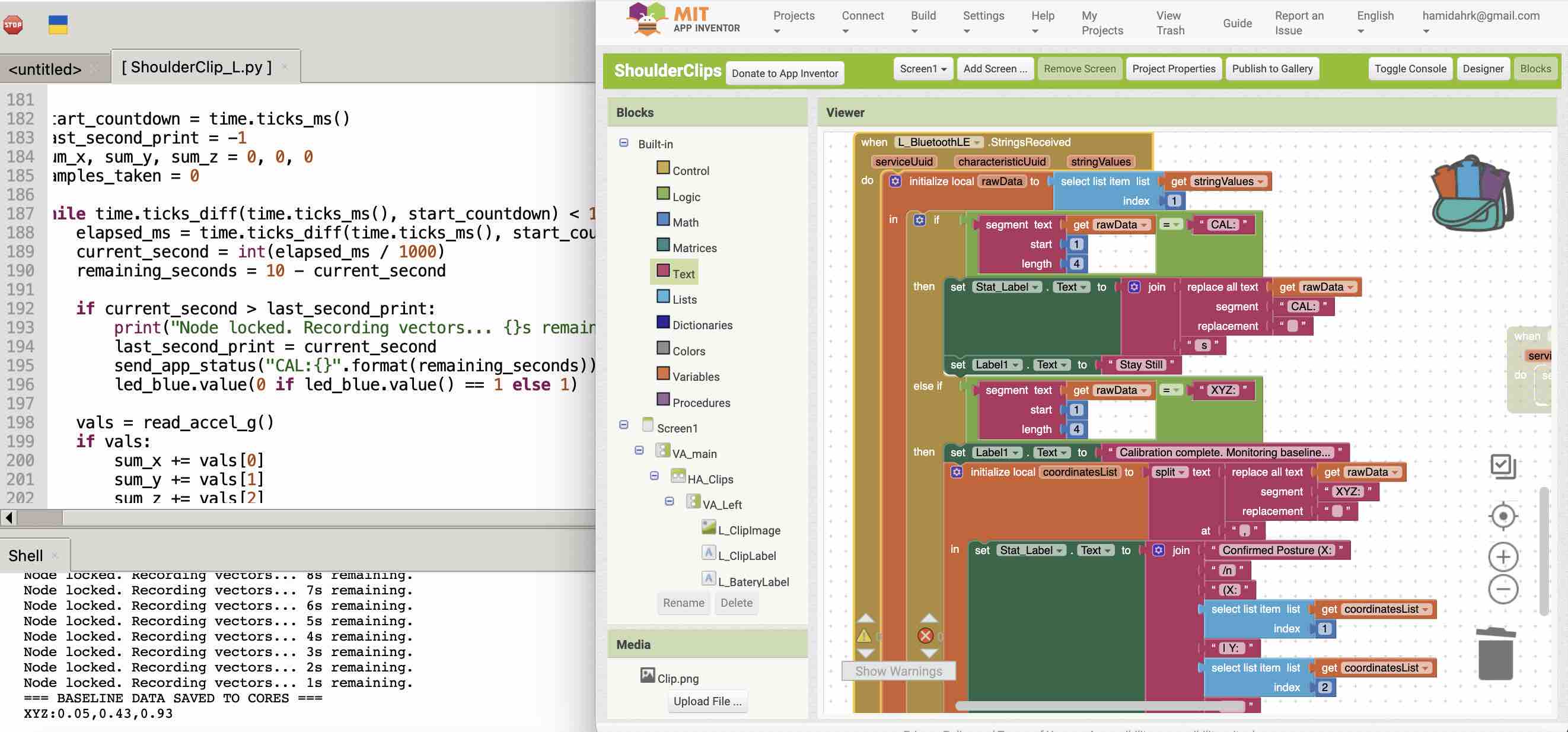
- AI Tools: I integrated AI into my workflow for coding and documentation. While I experimented with ChatGPT, my two favorite tools were Gemini and Claude Desktop. I used them to brainstorm the MicroPython logic, and help organize my documentation.
|
| What did you design? |
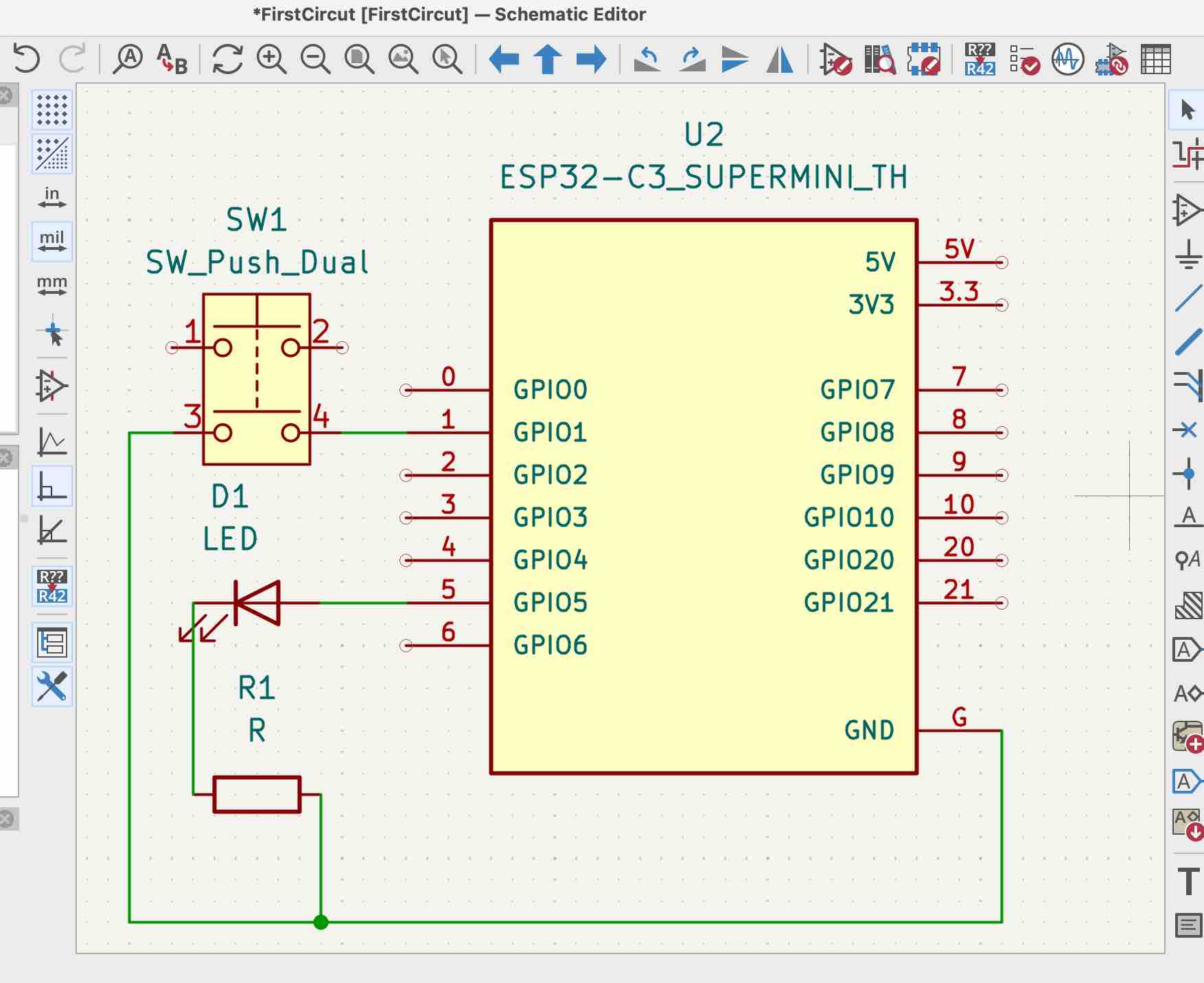
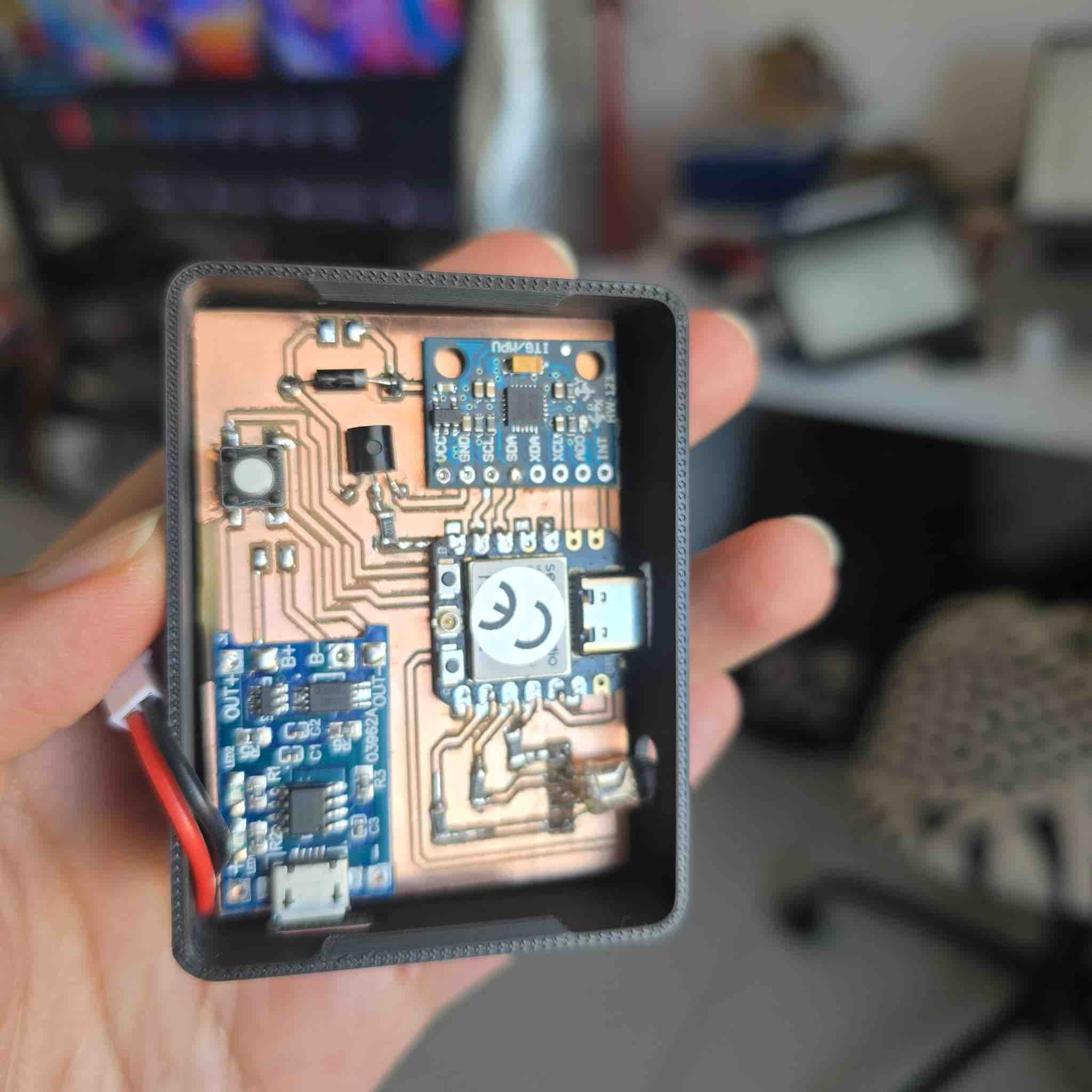
I designed a lot for this! I created the custom PCB for the shoulder clips in KiCad, the 3D-printed housings that snap onto clothes, the layout for the charging case, and the entire mobile app interface. I started with a complex vest idea but simplified it into these modular clips. |
| What materials and components were used? |
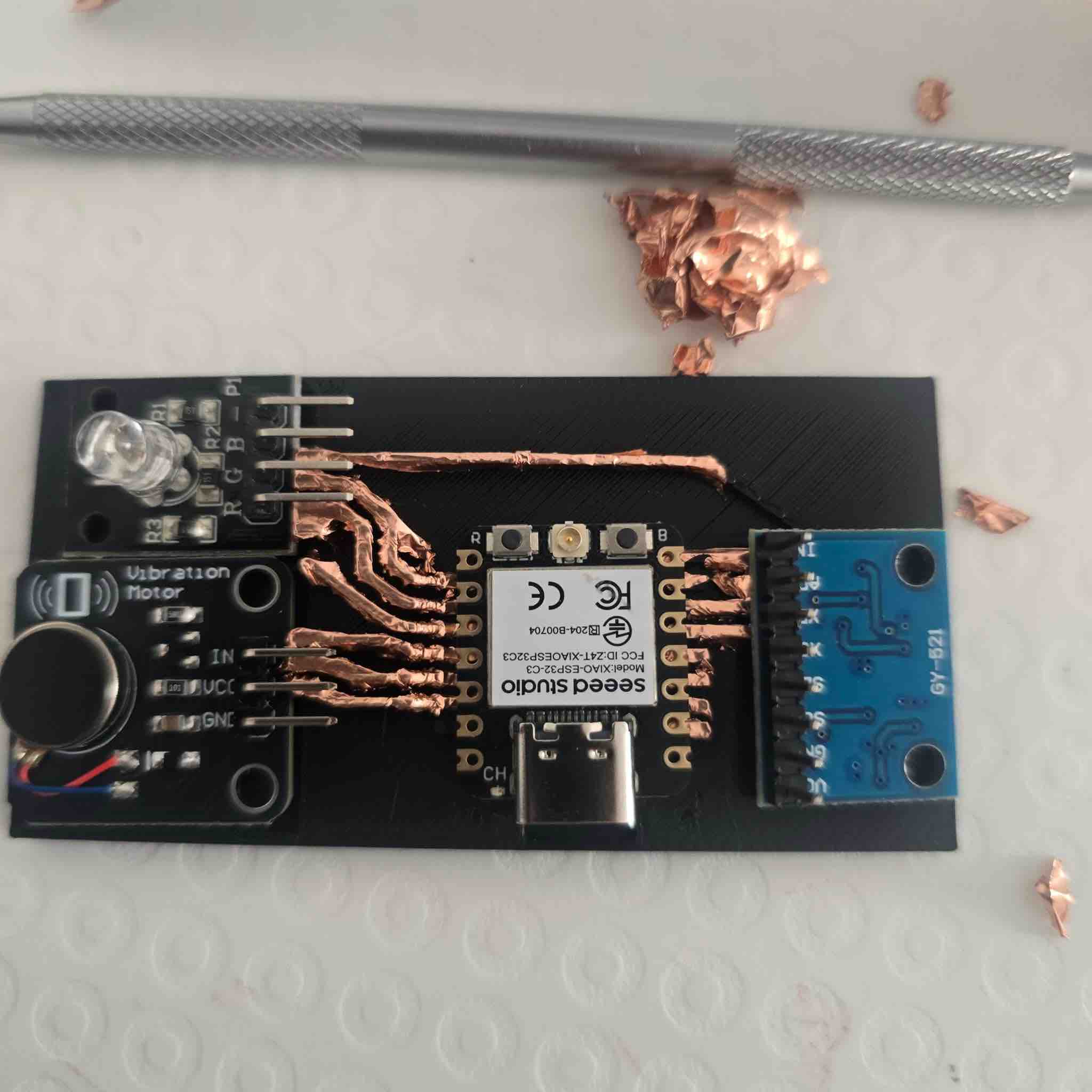
The main parts are 2x ESP32-C3 SuperMini controllers, 2x MPU6050 IMUs, 2x disc vibration motors, and LiPo batteries. For the casing, I used PLA filament, and for the charging station, I used laser-cut wood inspired by my DJI Mic case. |
| Where did they come from? |
Some from the Kuwait market, some ordered online, and some from the Vujade Lab in Saudi Arabia. |
| How much did they cost? |
I have to define this |
| What parts and systems were made? |
I built three main systems: the hardware clips (electronics + 3D casing), the communication system (BLE data transfer between clips and phone), and the mobile app (the UI for user control and monitoring). |
| What tools and processes were used? |
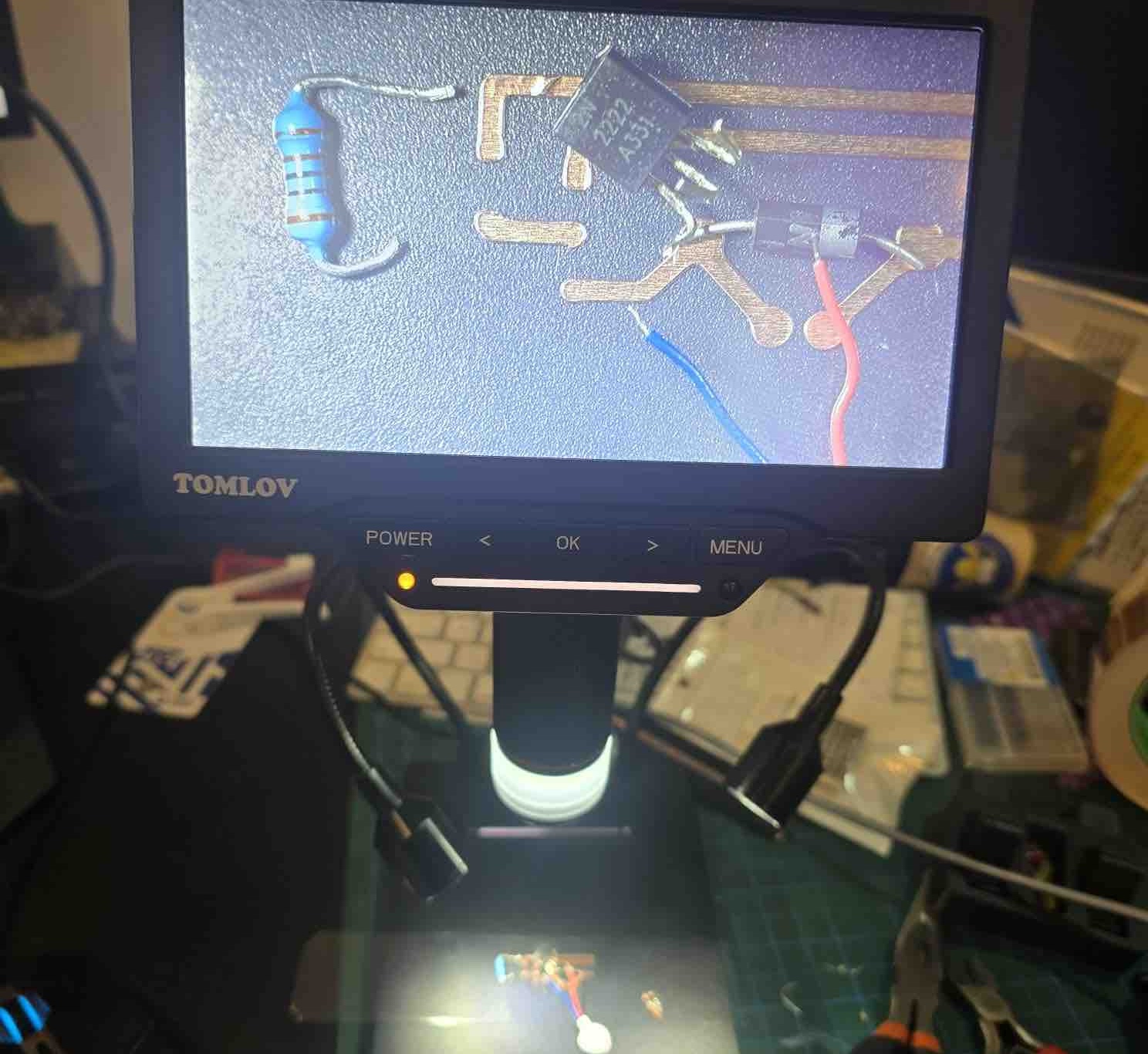
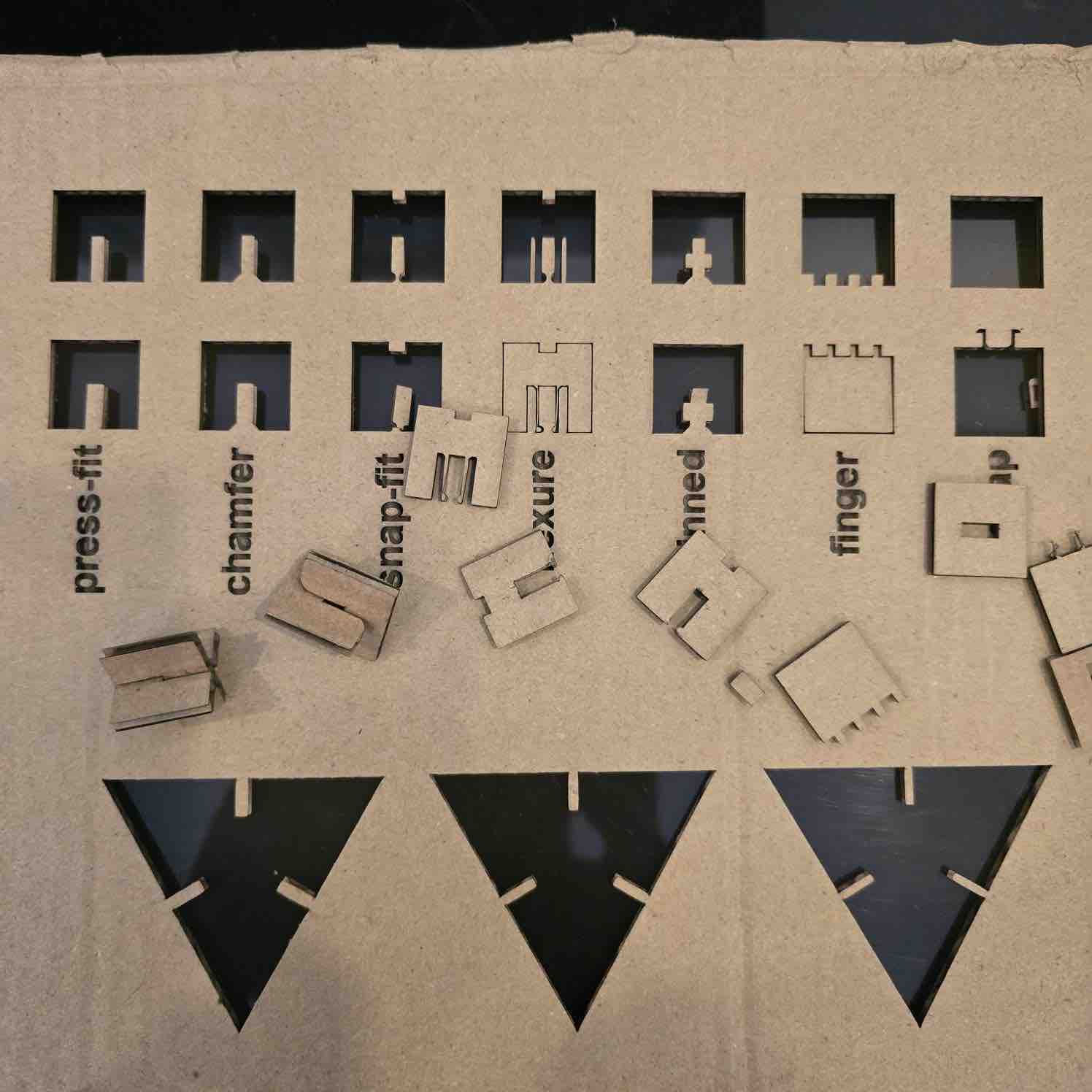
I used KiCad for PCB design, a Roland milling machine for the boards, FDM 3D printing for the clips, and laser cutting for the charging case. For coding, I used MicroPython in a web-based IDE and MIT App Inventor. |
| What questions were answered? |
Can two separate sensors communicate reliably with one app? Yes. Can we filter out "fake" slouching? Yes, by adding a custom time delay in the code. Is a dual-shoulder setup better than a single spine sensor? For me, it provides much better feedback on shoulder rounding. Can the case charge the clips wirelessly? Still being tested. |
| What worked? What didn't? |
Worked:
- The BLE connection between 2 microcontroller and APP
- calibration and real-time angle tracking are very smooth
- Feedback messages between the app and the clips
- Vibrator worked when the angle of the sholulder deviated from the angles defined in the collaboration
Did not work:
- My first idea for a wearable vest was too complicated with all the hidden wiring, I had to pivot to the wireless "clip" design which is much more practical.
- The ON/Off button on the clips, I had to find a way to control the battery flow on the softwear program and strat with vibrator moter on 0% until user press calibration
- i wanted to connect both clips to the app, but as the coding got more complicating I decided to keep the App connected only to one microcontroller clip, and have the second clip getting the final comands from the first Clip (information of when to calibrate, strength vibration, delay, and the angle)
- This cuased me to cancel a main feature, to have the clips alward working based on the last calibration made and user not having to alway connect and calibrate
- I was hoping to make a wireless charging case for the clips
|
| How was it evaluated? |
still in the process |
| What are the implications? |
This shows that we can make personalized health tech that isn't just a generic "one size fits all." My background in yoga and anatomy helped me design something that actually feels natural, and the tech can be adapted for other types of physical therapy. |