Documentation update — 21 October 2026
I can show toolpath generation, milling, soldering and a board test. The test sketch reads the LDR and switches the LED at a threshold; it is not a timed blink program. I have corrected that description and the source-code download.
I still need to identify the exact PCB revision, record the missing spindle/feed/plunge/cut-depth settings and describe any measured faults or fixes. The group board-house section needs a real export/upload walkthrough through the final review step.
Group Assignment
As a group we characterized the design rules for our in-house PCB production. We wrote down the settings our CNC 3018 can reliably make, like the smallest trace width, the clearance between traces and the drill size, and we also documented the workflow for sending a PCB to a board house. The results are on our group page: group assignment page.
Individual Assignment
Testing an embedded microcontroller system you designed
Summary
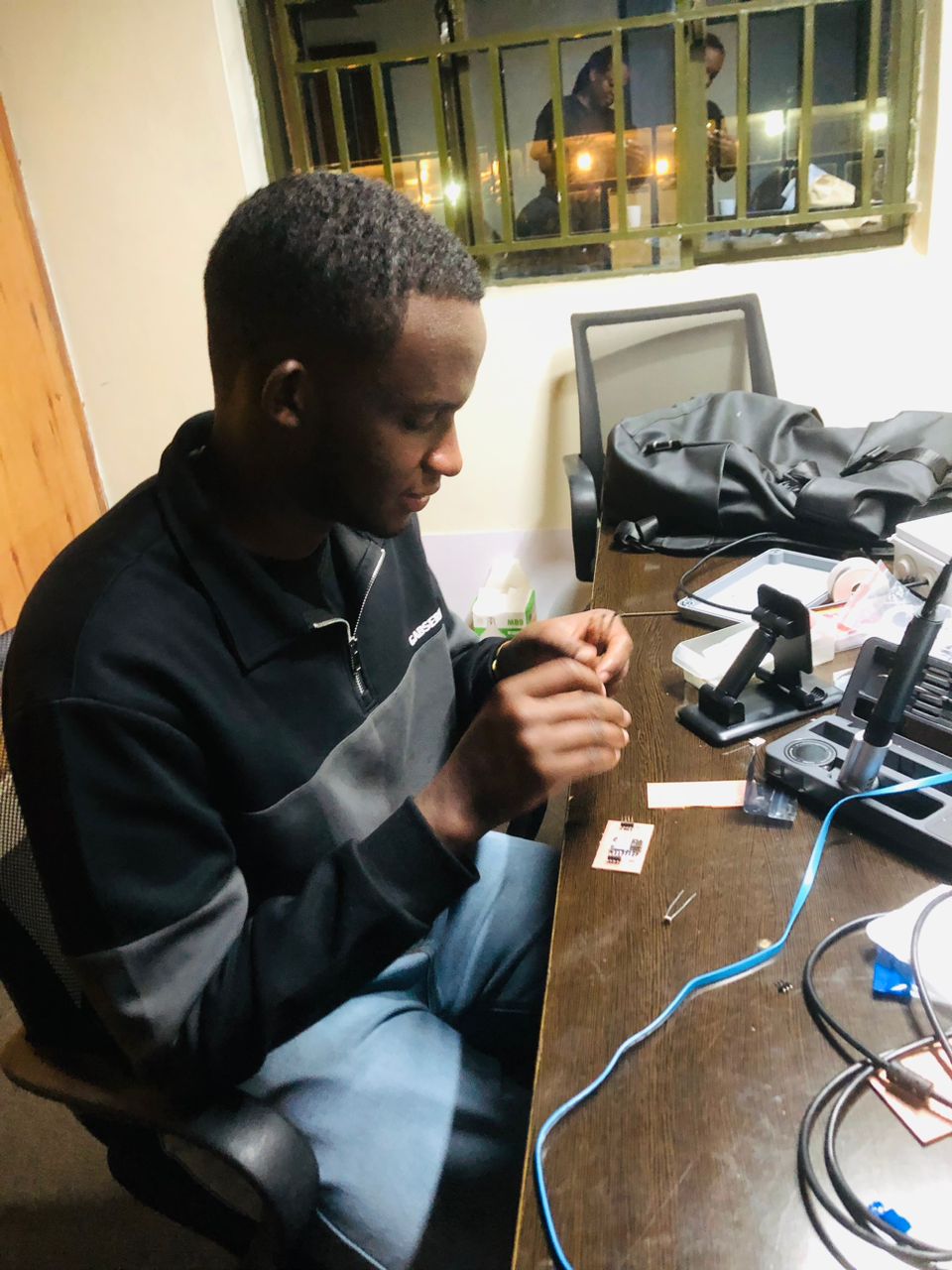
I exported my circuit design as an SVG and used ModsProject to generate G-code. The code was run in candle on CNC 3018 to mill the PCB. After soldering the components, I tested the circuit by programming the LED and LDR,
Plotting PCB
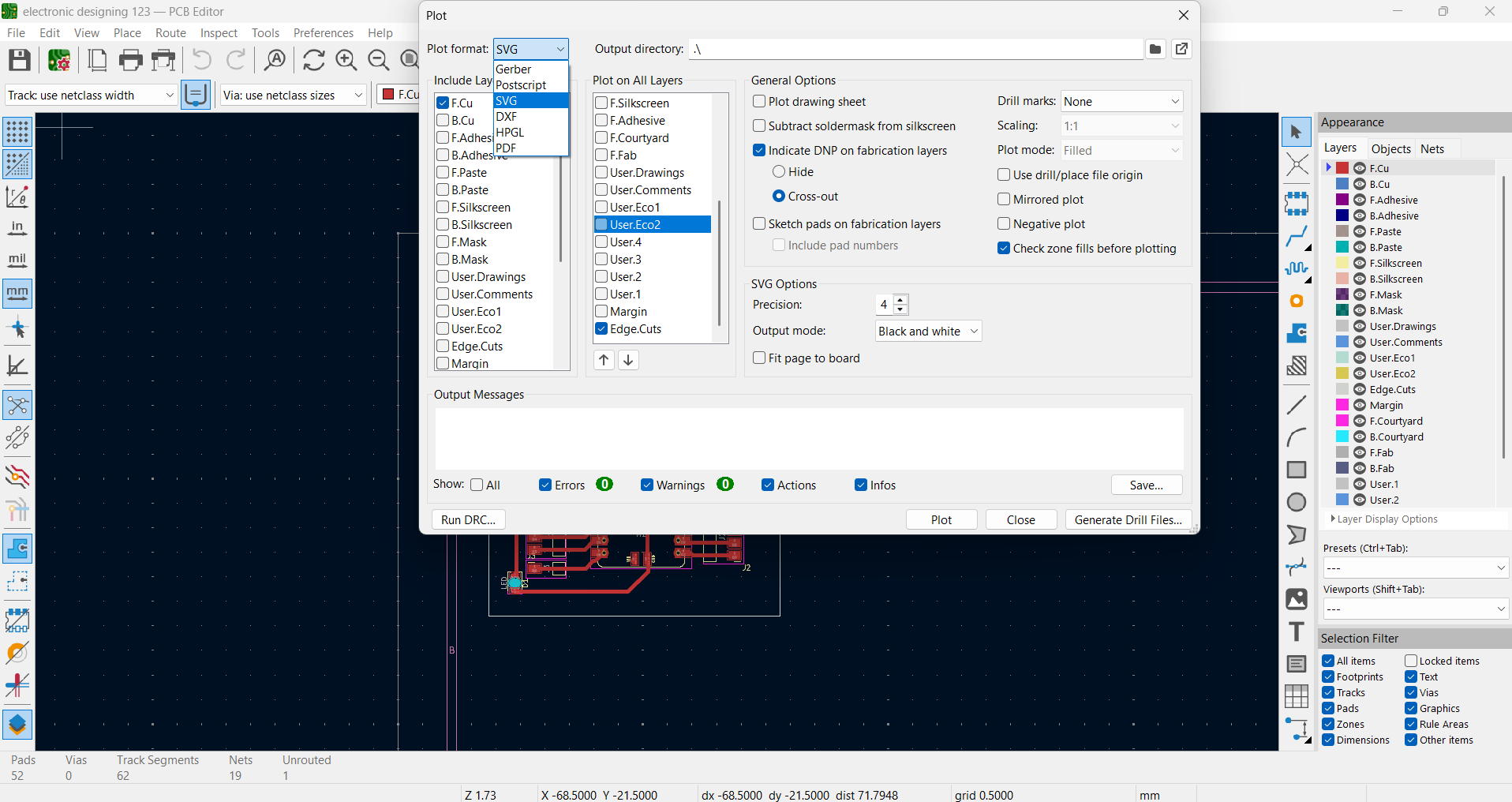
I clicked Plot and chose SVG as the file type. Then I selected the layers I needed Edge Cuts for the board shape and Front Copper for the circuit
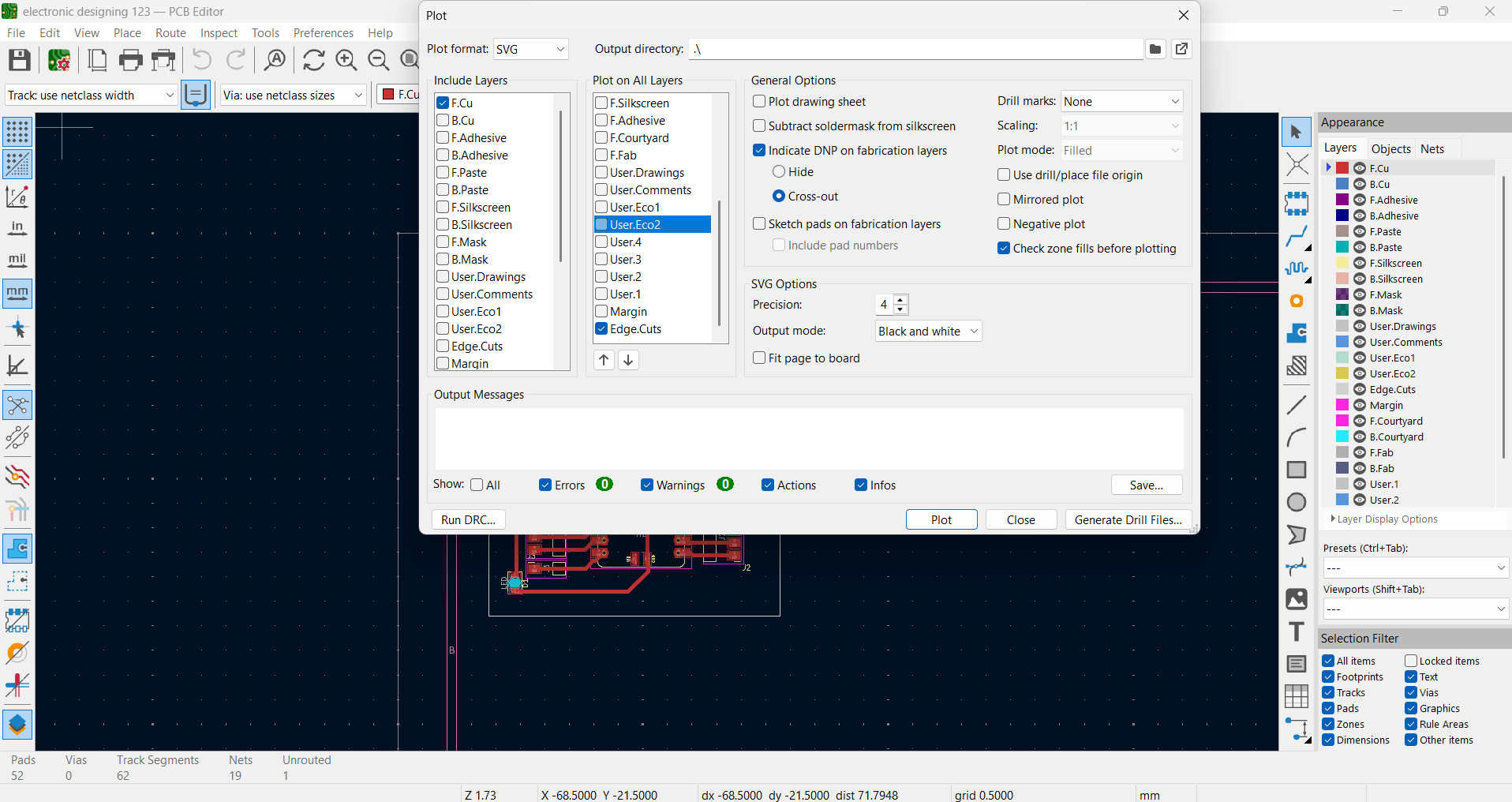
After plotting, I select the files as SVG so they could be used in ModsProject
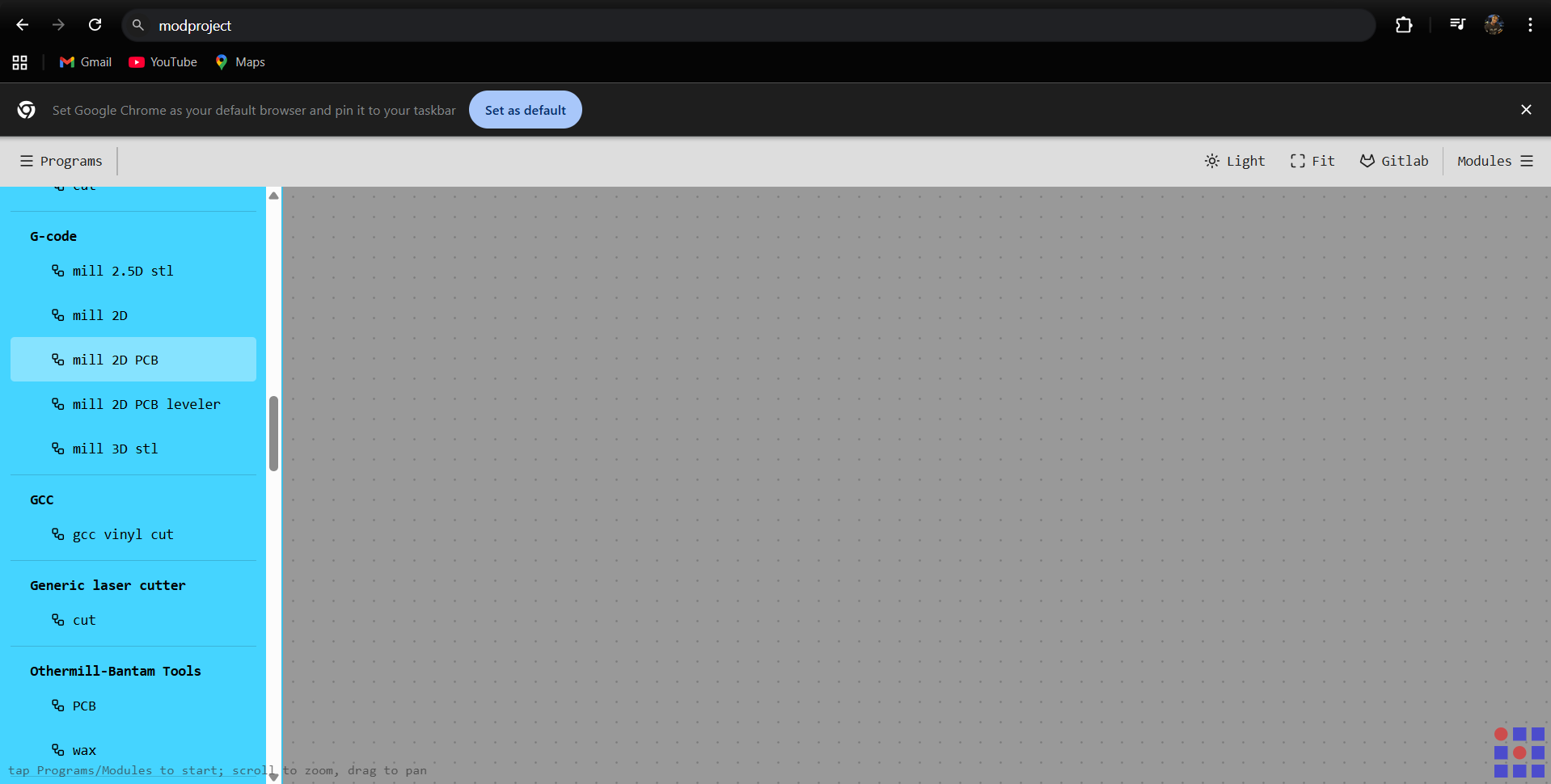
ModsProject
Next, I opened ModsProject, chose GCODE Mill 2D PCB, and imported the SVG file
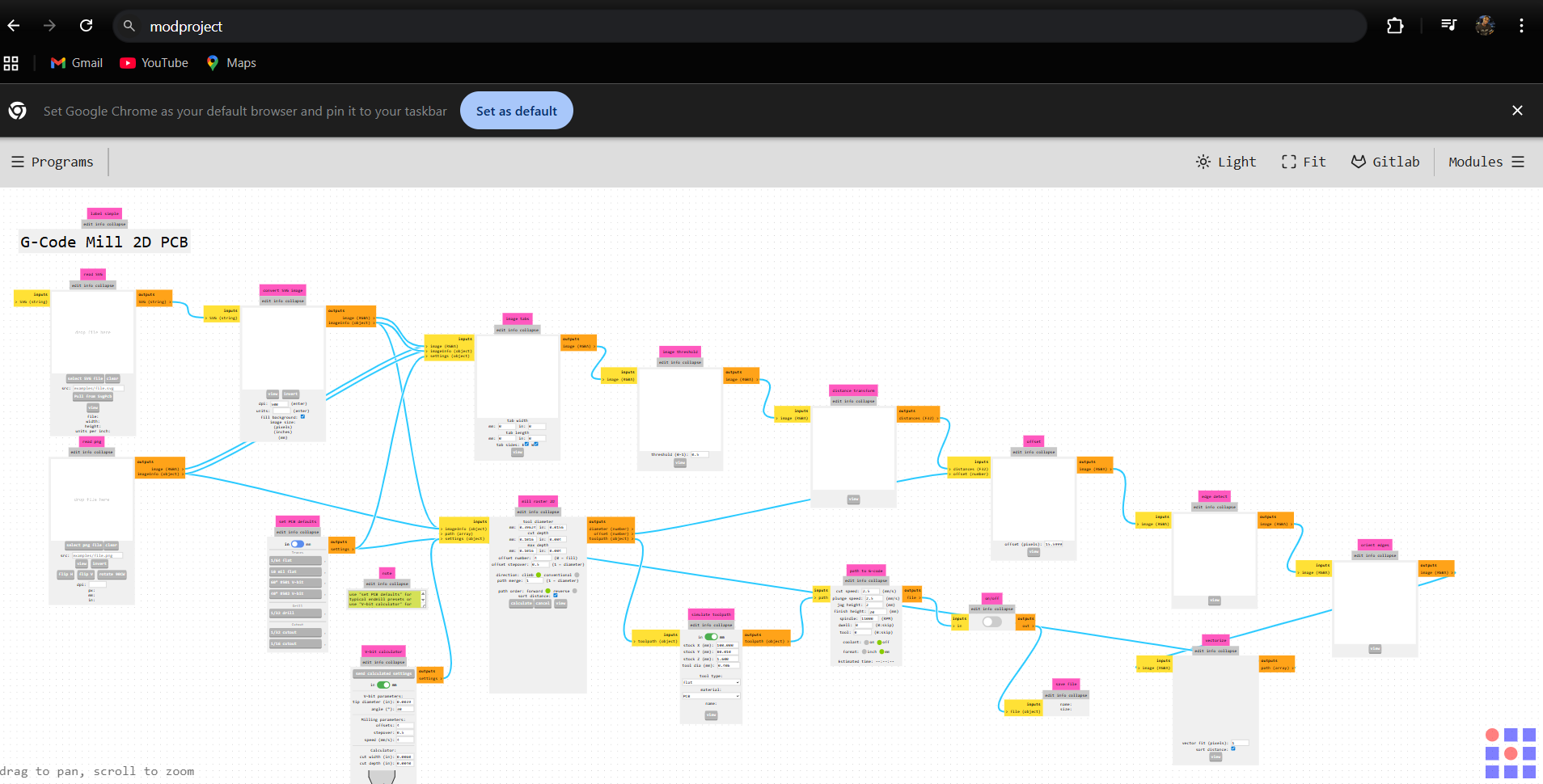
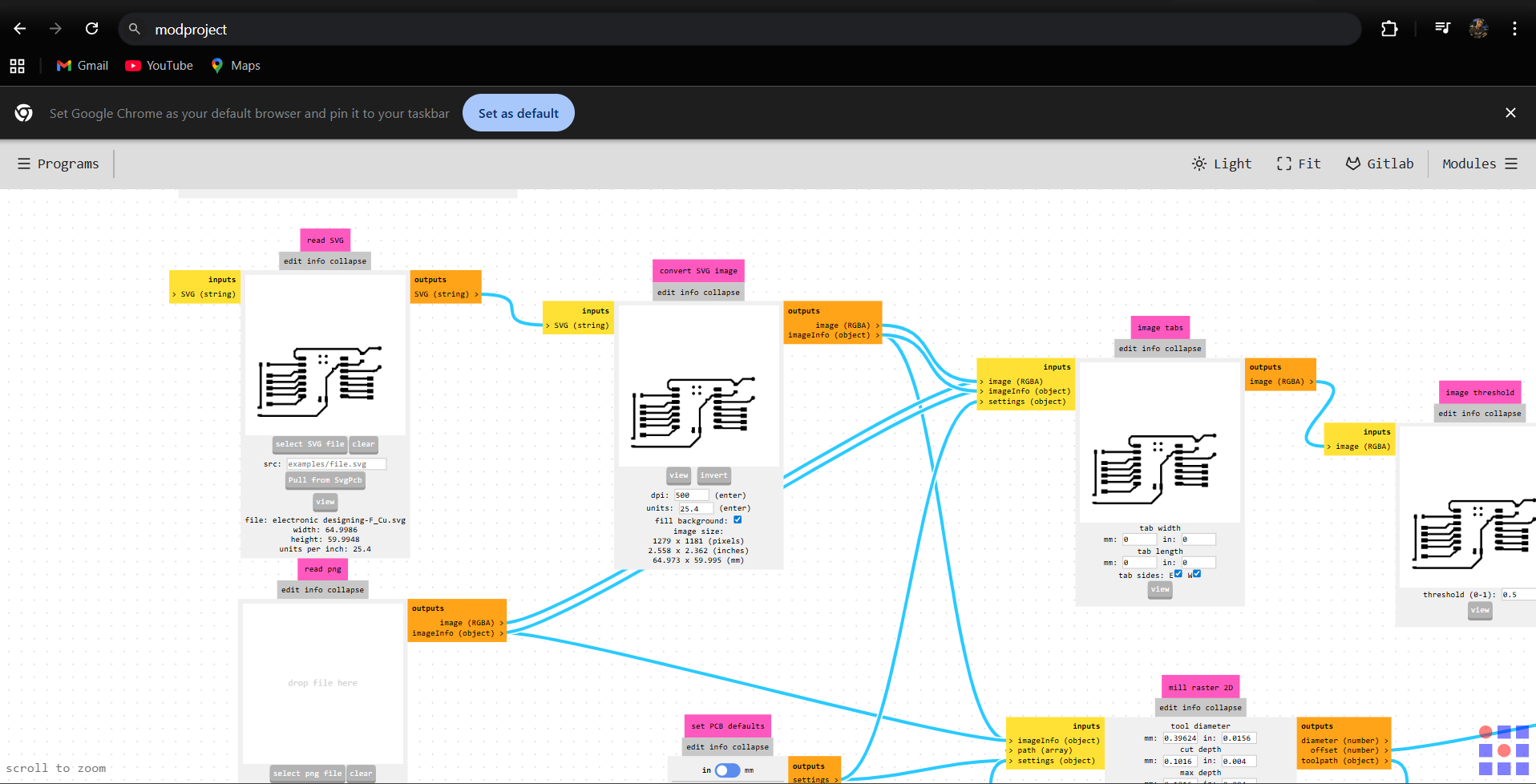
chose invert to set the correct milling area
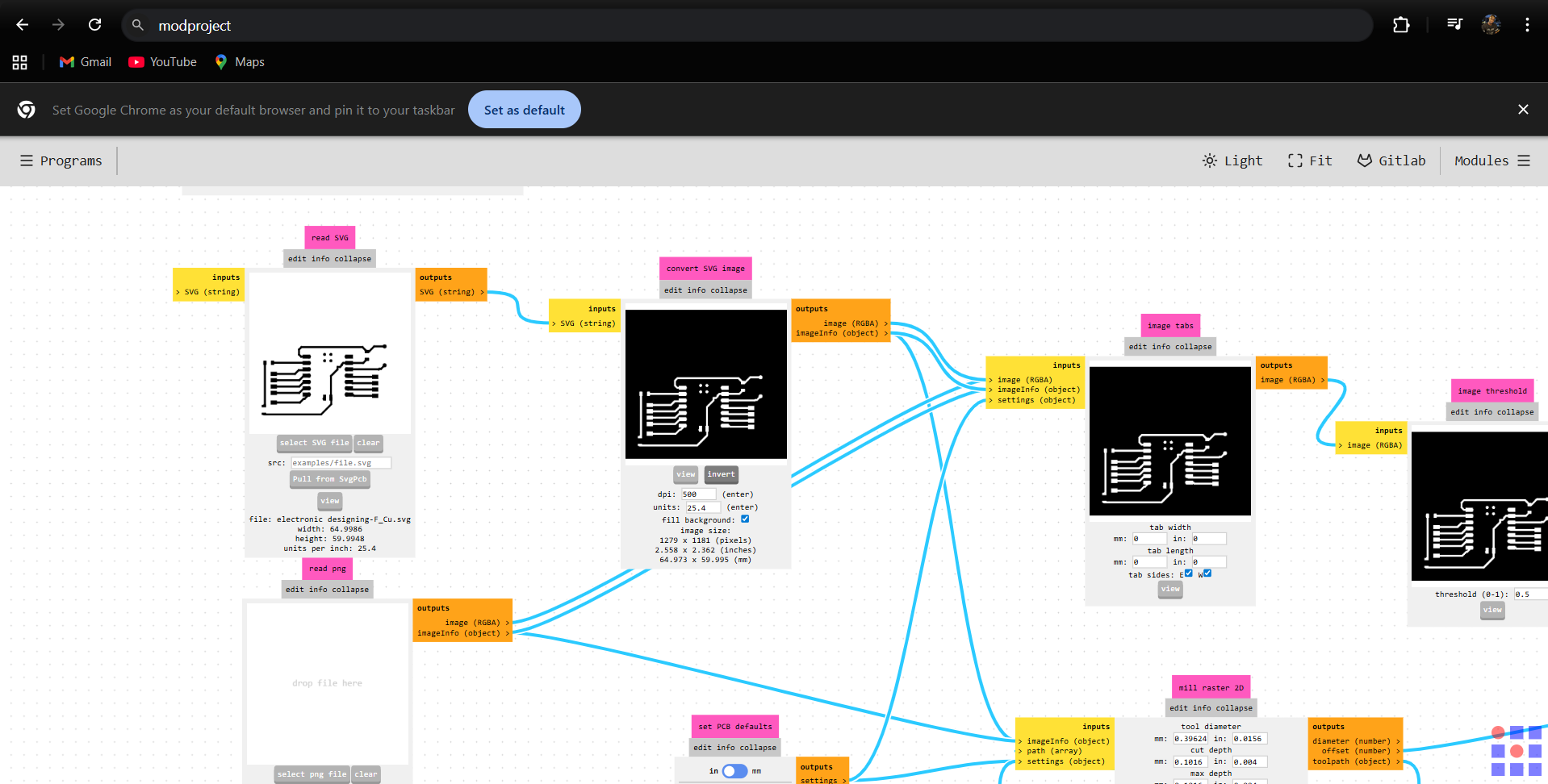
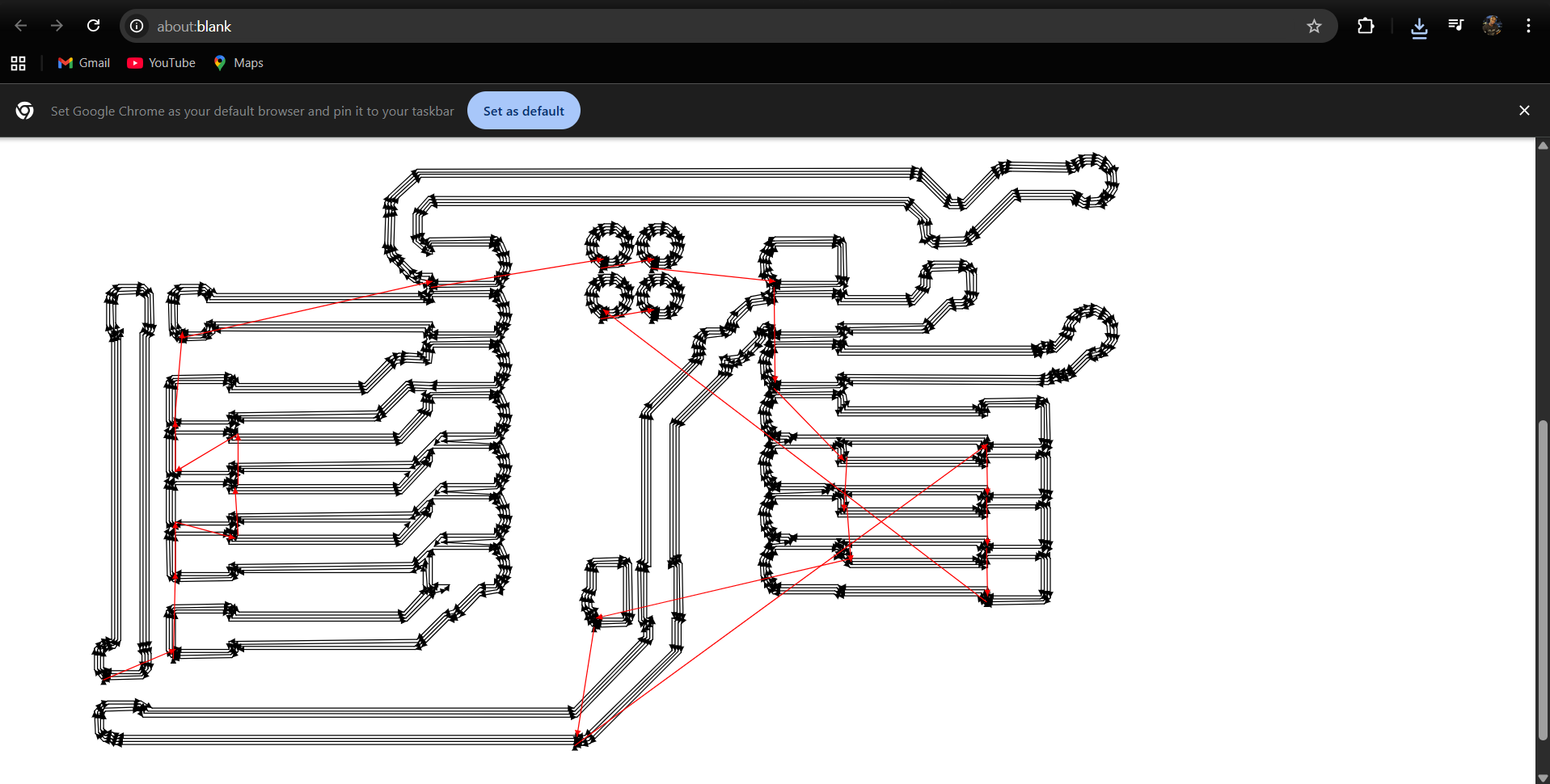
after, I went to Set PCB Defaults and picked Milly Trace. Then, in V-Bit Calculator, I set the tip diameter to 0.3 mm and the offset number to 4. After that, I sent these settings to Mill Raster 2D
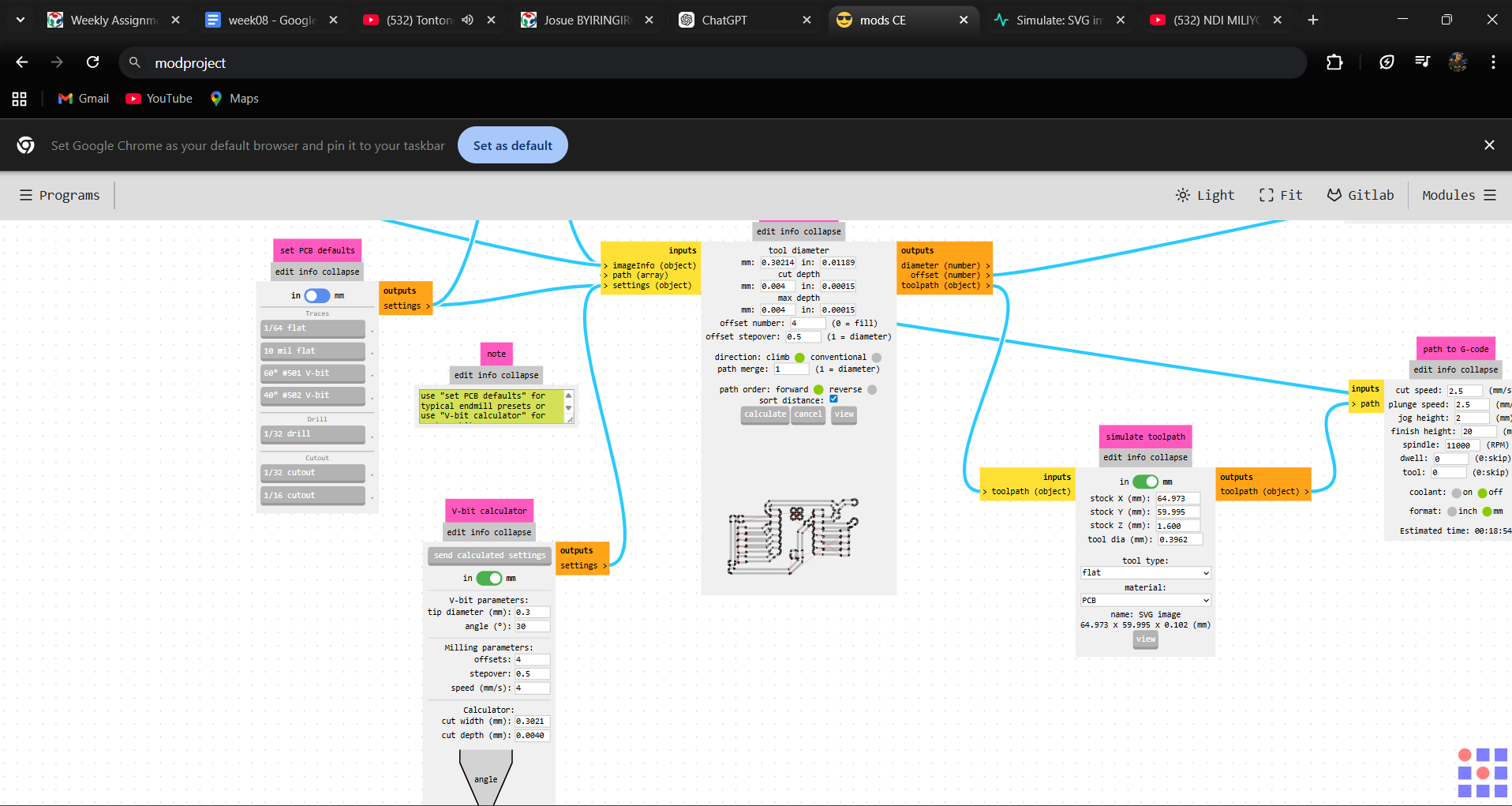
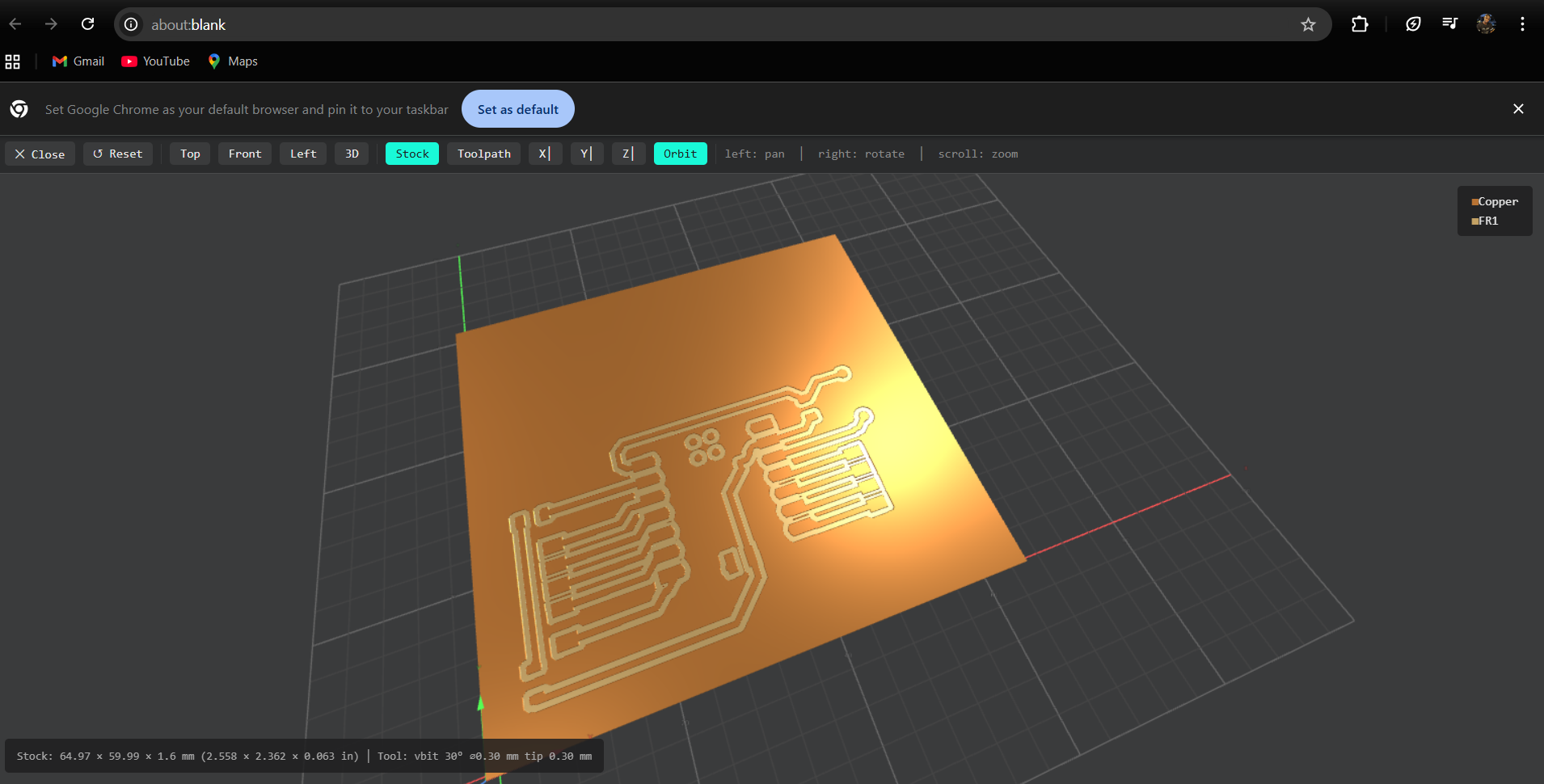
next,I went to the Mill Raster 2D section and clicked Calculate. To generated the G-code, and downloaded
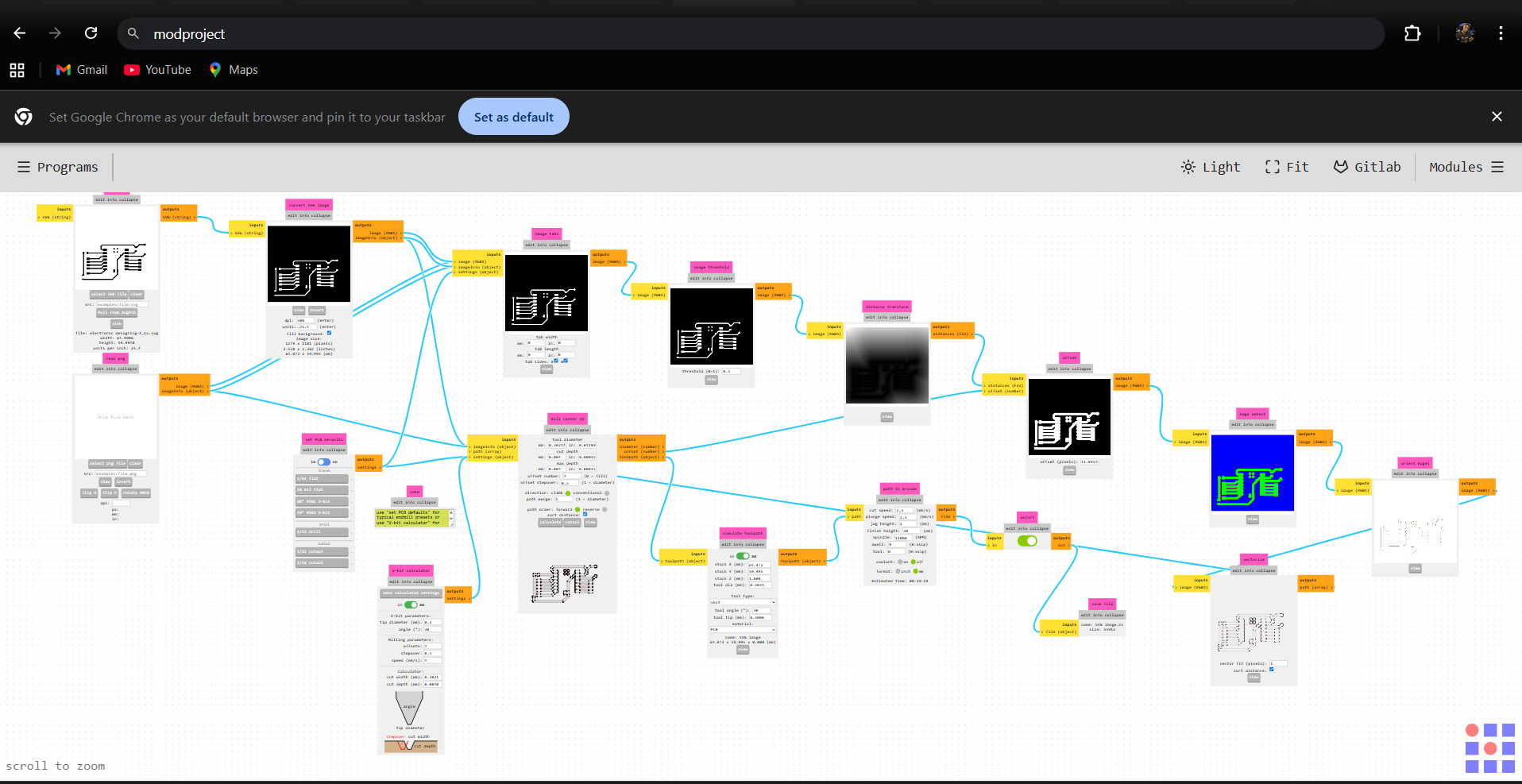
Milling PCB
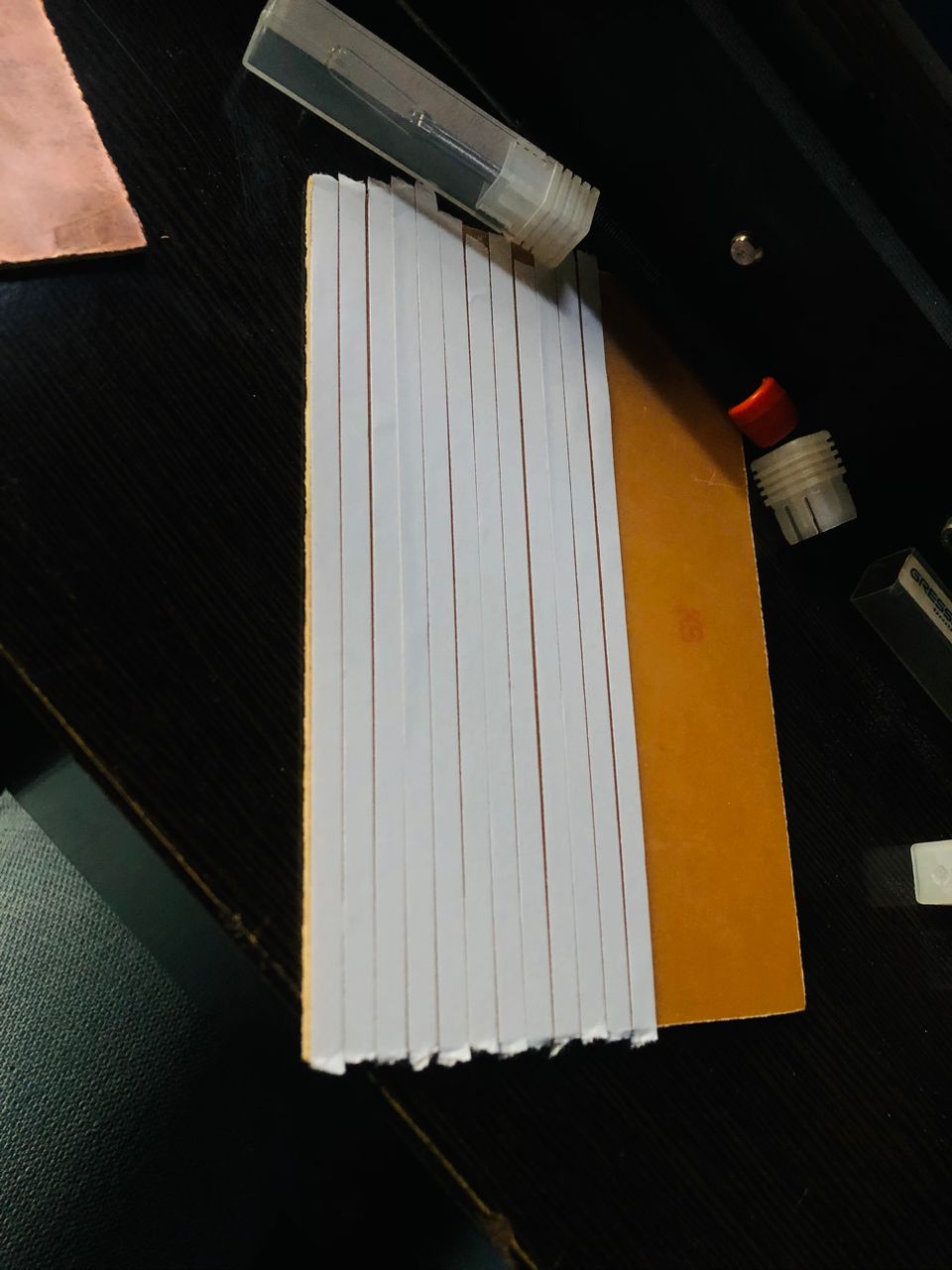
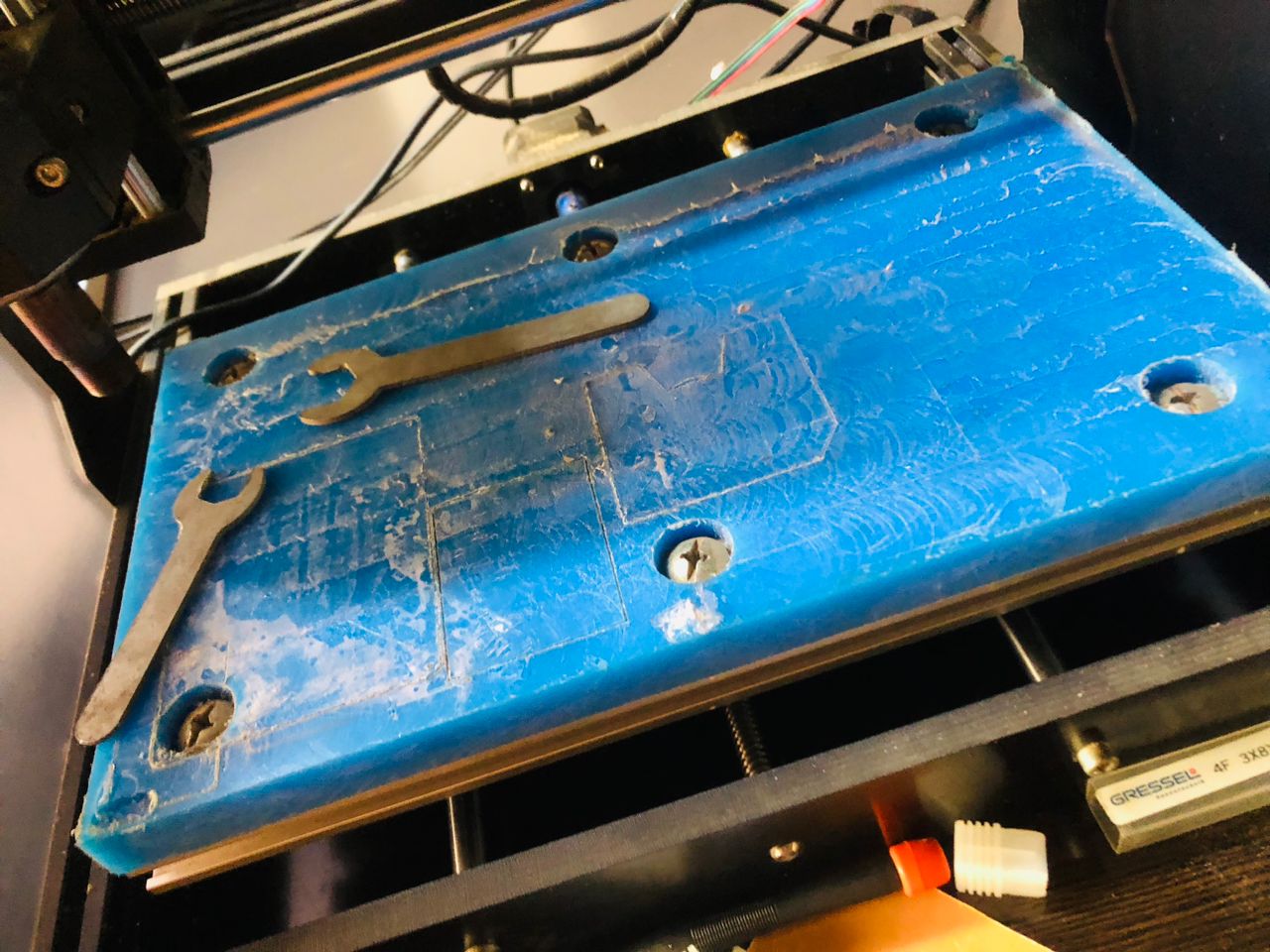
I using a CNC 3018, I opened the candle and loaded the generated G-code. I then fixed the copper board into the CNC bed using double-sided tape.
I added double-sided tape to the copper board and fixed it firmly onto the CNC bed
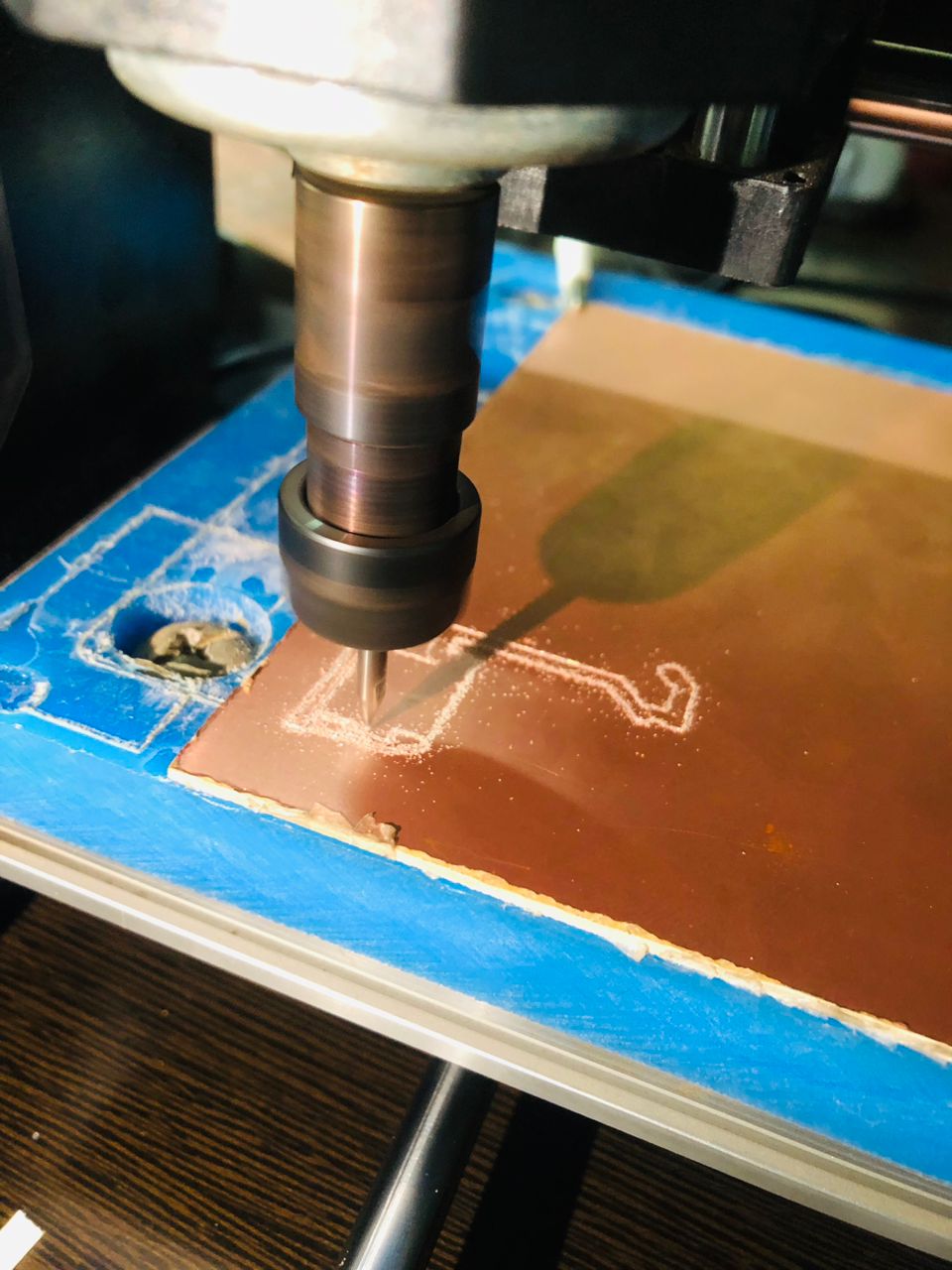
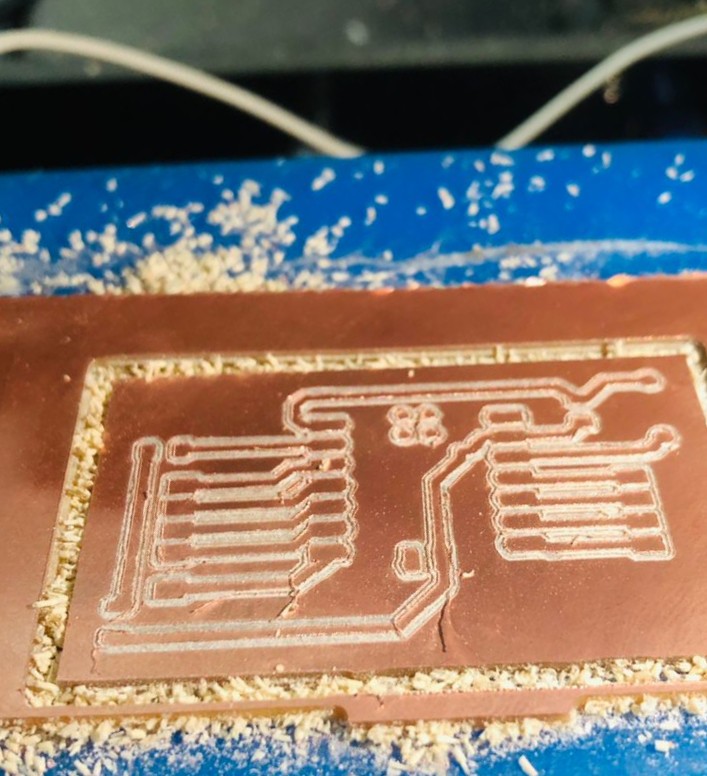
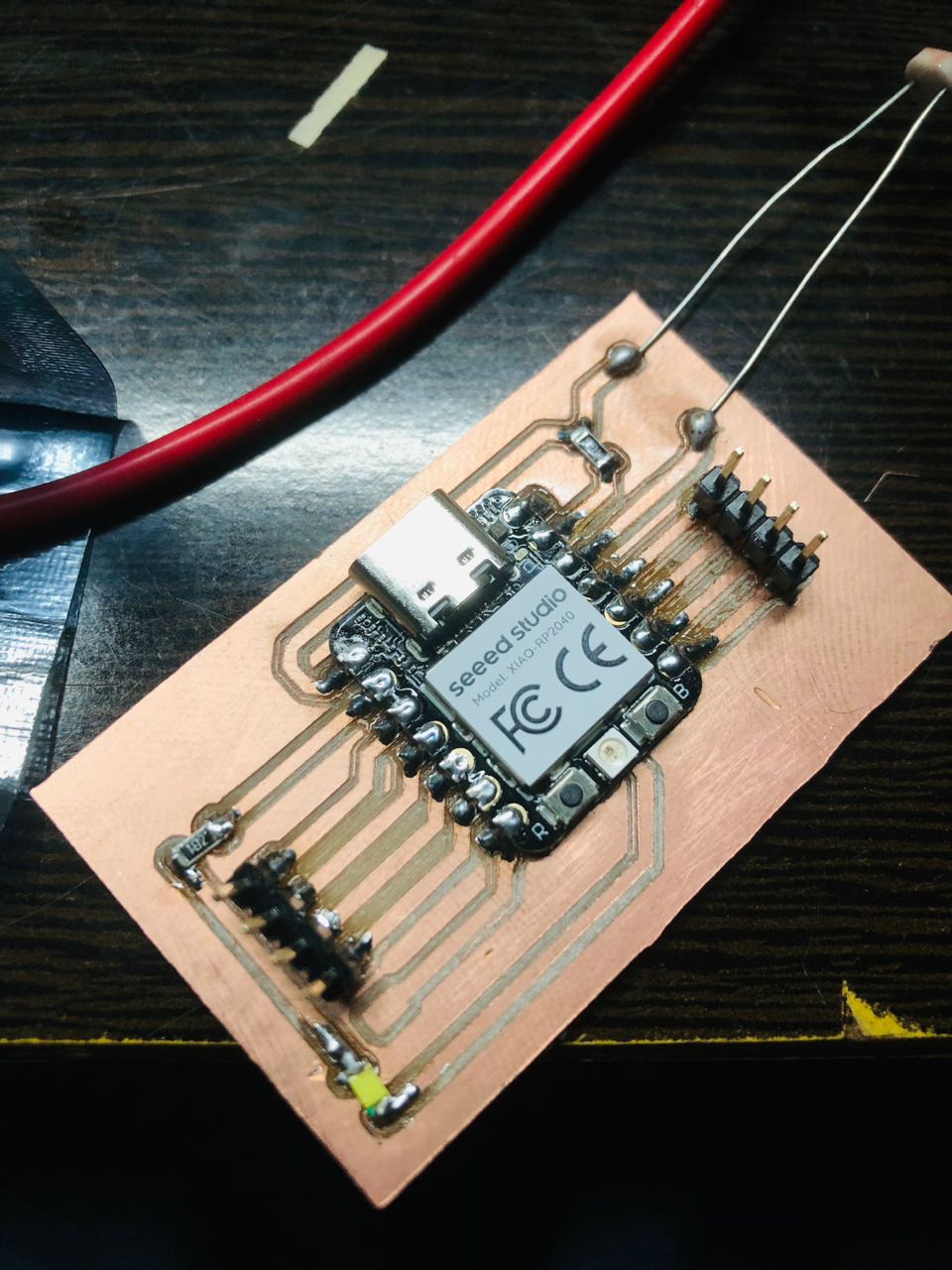
final result of milling
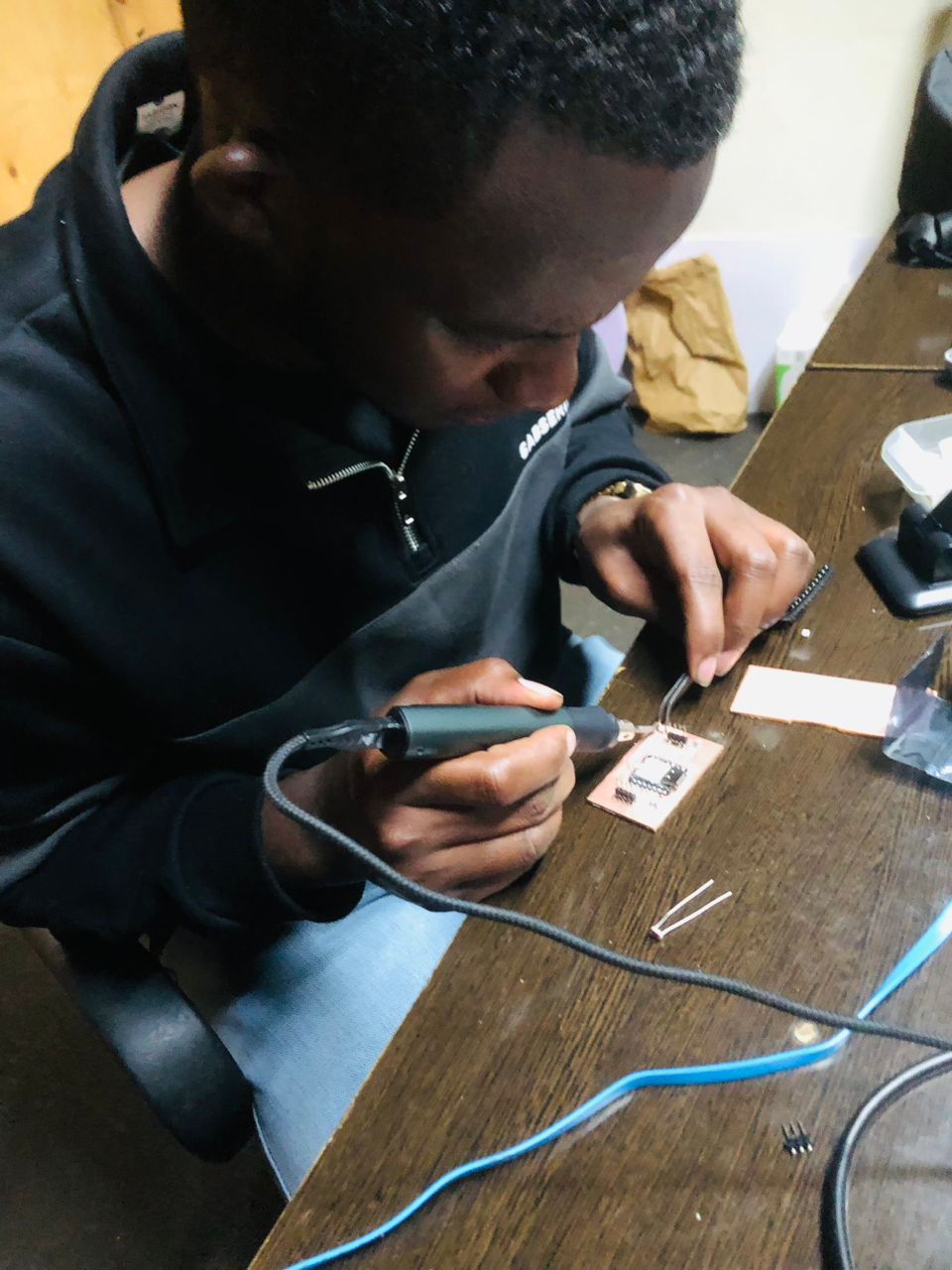
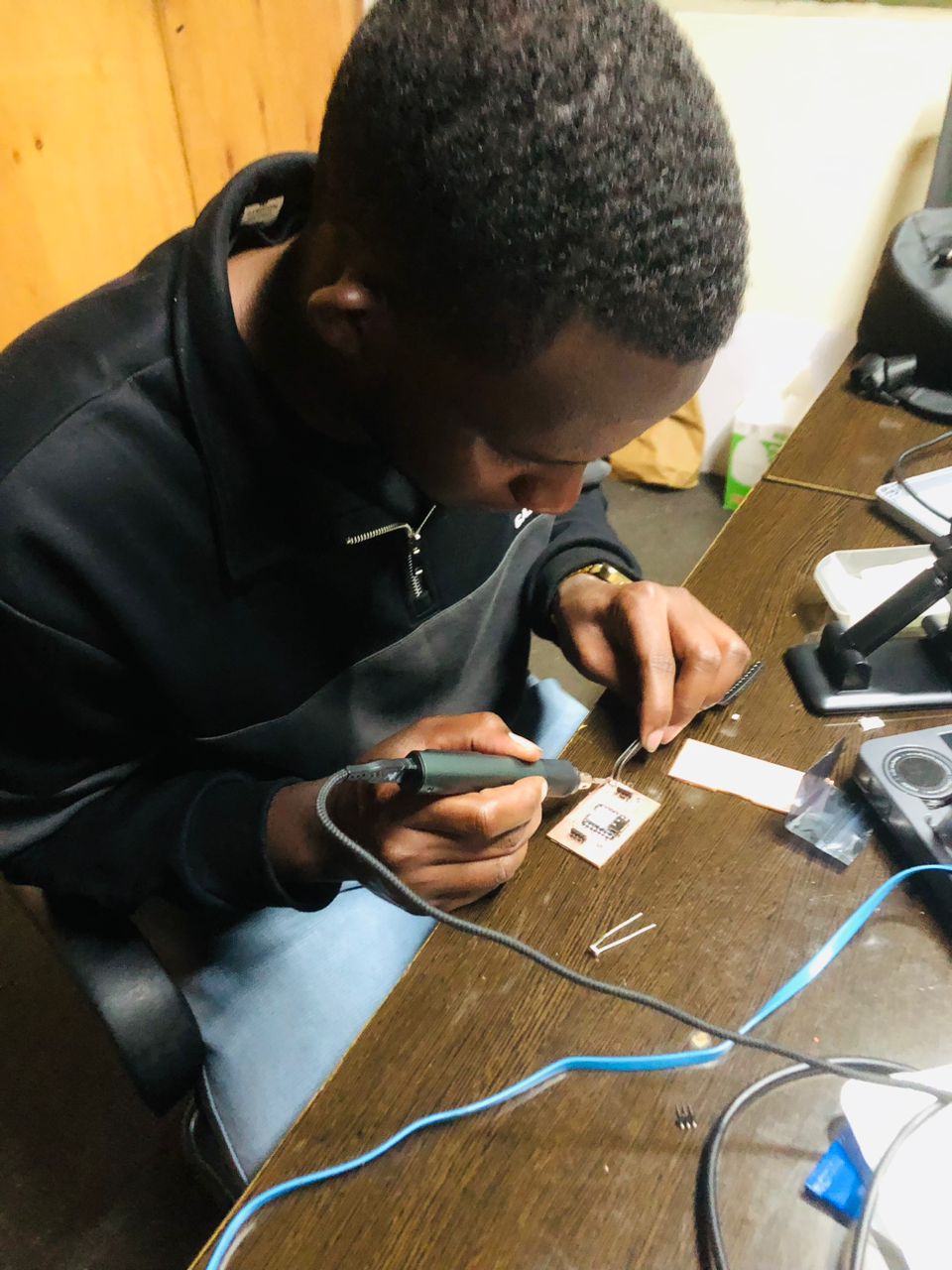
After milling, I soldered the components into the pcb
PCB Testing
After soldering all components on the PCB, I wrote a simple program to light the LED to check if the PCB was working correctly
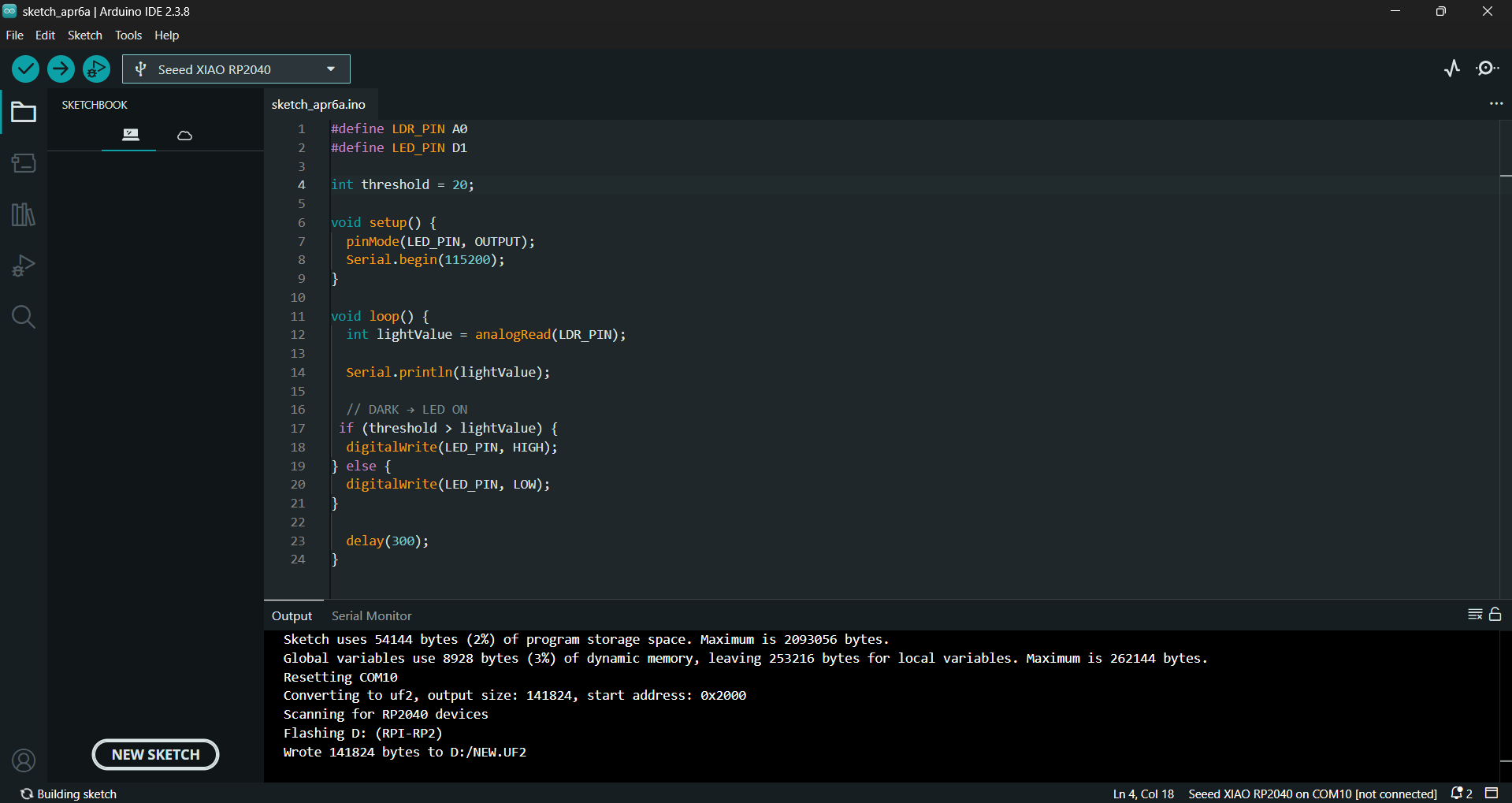
This is my test code for the PCB
#define LDR_PIN A0
#define LED_PIN D1

int threshold = 20;

void setup() {
pinMode(LED_PIN, OUTPUT);
Serial.begin(115200);
}

void loop() {
int lightValue = analogRead(LDR_PIN);

Serial.println(lightValue);

// DARK → LED ON
if (threshold > lightValue) {
digitalWrite(LED_PIN, HIGH);
} else {
  digitalWrite(LED_PIN, LOW);
}

  delay(300);
}
#define LDR_PIN A0
#define LED_PIN D1
int threshold = 20;
void setup() {
pinMode(LED_PIN, OUTPUT);
Serial.begin(115200);
}
void loop() {
int lightValue = analogRead(LDR_PIN);
Serial.println(lightValue);
// DARK → LED ON
if (threshold > lightValue) {
digitalWrite(LED_PIN, HIGH);
} else {
digitalWrite(LED_PIN, LOW);
}
delay(300);
}
After that, I completed the code.
Testing Outcome
The program reads the LDR on A0 and prints the raw reading at 115200 baud. When the reading is below 20 it drives the LED on D1 high; otherwise it drives it low. The videos below record my board test, but I still need to add the observed light/dark readings and explain how I selected the threshold.
How my test works
analogRead(A0) samples the sensor. threshold > lightValue compares the sample with 20. digitalWrite sets D1, and the 300 ms delay spaces the readings. I need actual Serial Monitor values to justify the threshold; the number in the source alone is not calibration evidence.
I exported the copper and outline as SVG, selected a 0.3 mm V-bit tip and four offsets in Mods, then loaded the generated file in Candle. Those values do not replace the missing machine settings. For design sources and the archived PCB revision, see Week 6.