01. GROUP ASSIGNMENT
MISSION LOG: SCANNING AND 3D PRINTING
Read the full group report here:
📂 OPEN GROUP ASSIGNMENTEntering the third dimension. Scanning reality and printing layer by layer.
Read the full group report here:
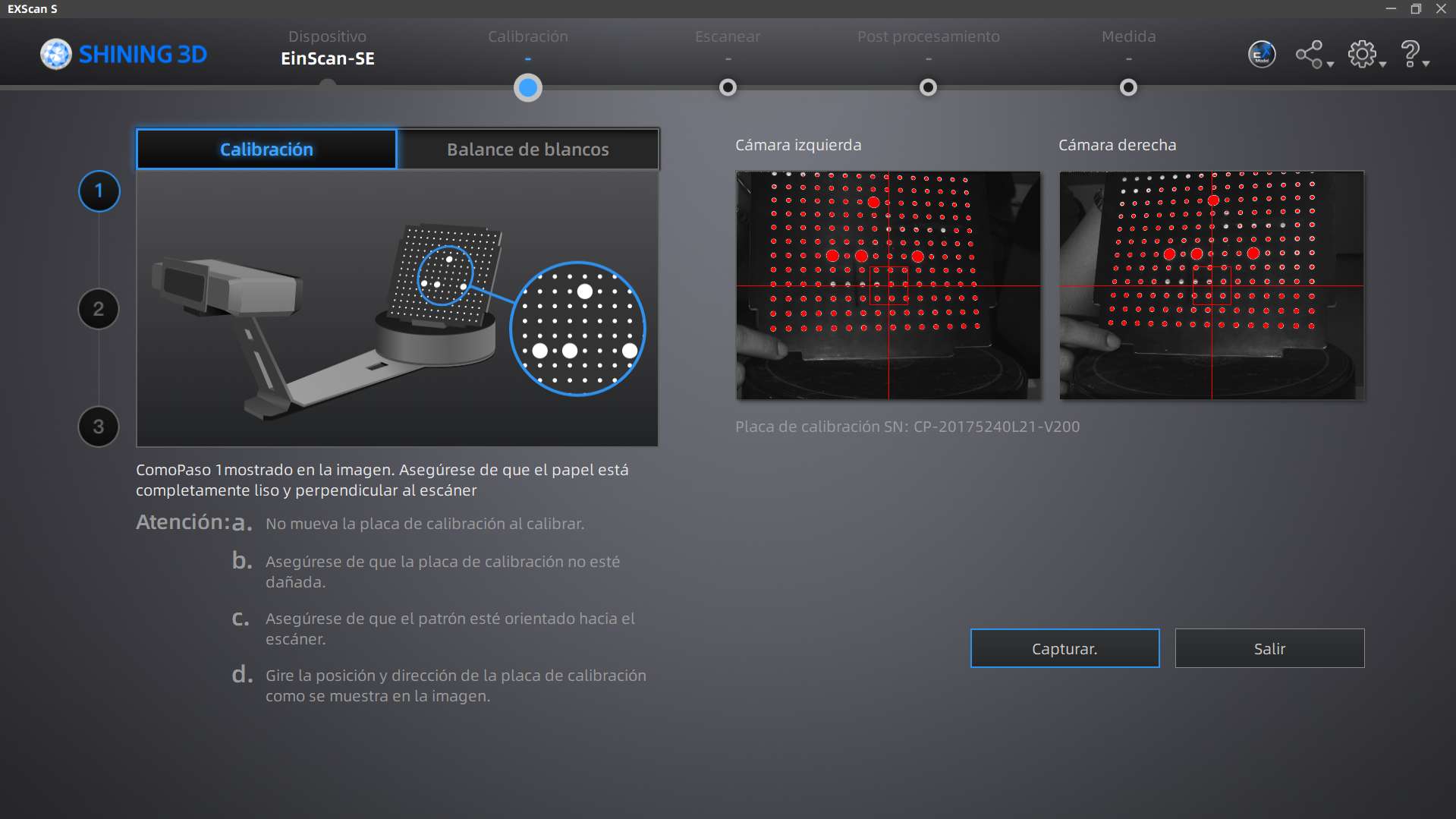
📂 OPEN GROUP ASSIGNMENTBefore capturing any object, the scanner must be calibrated. This ensures the digital tracking is accurate and scales properly. Here is the setup and the calibration process.
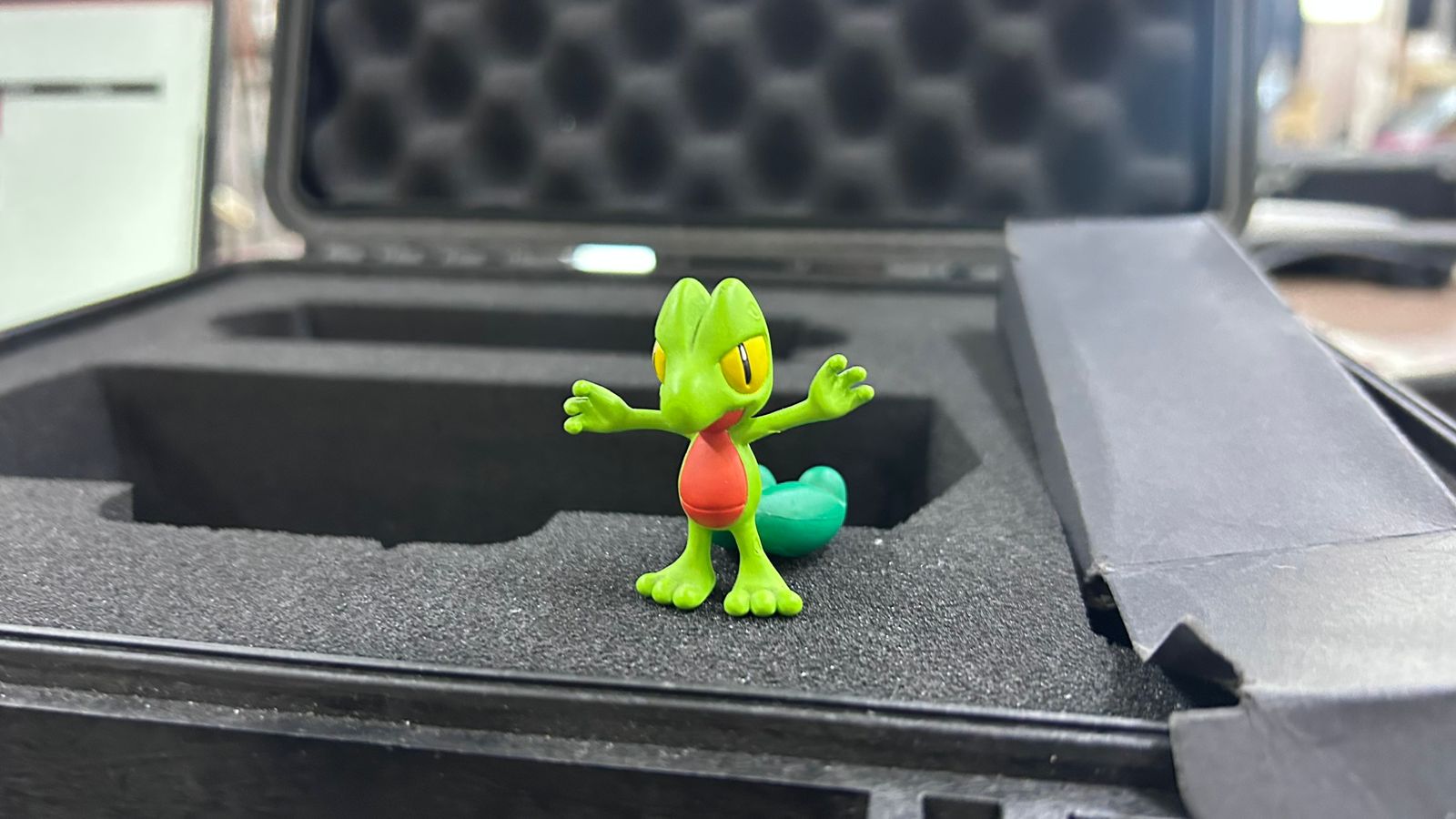
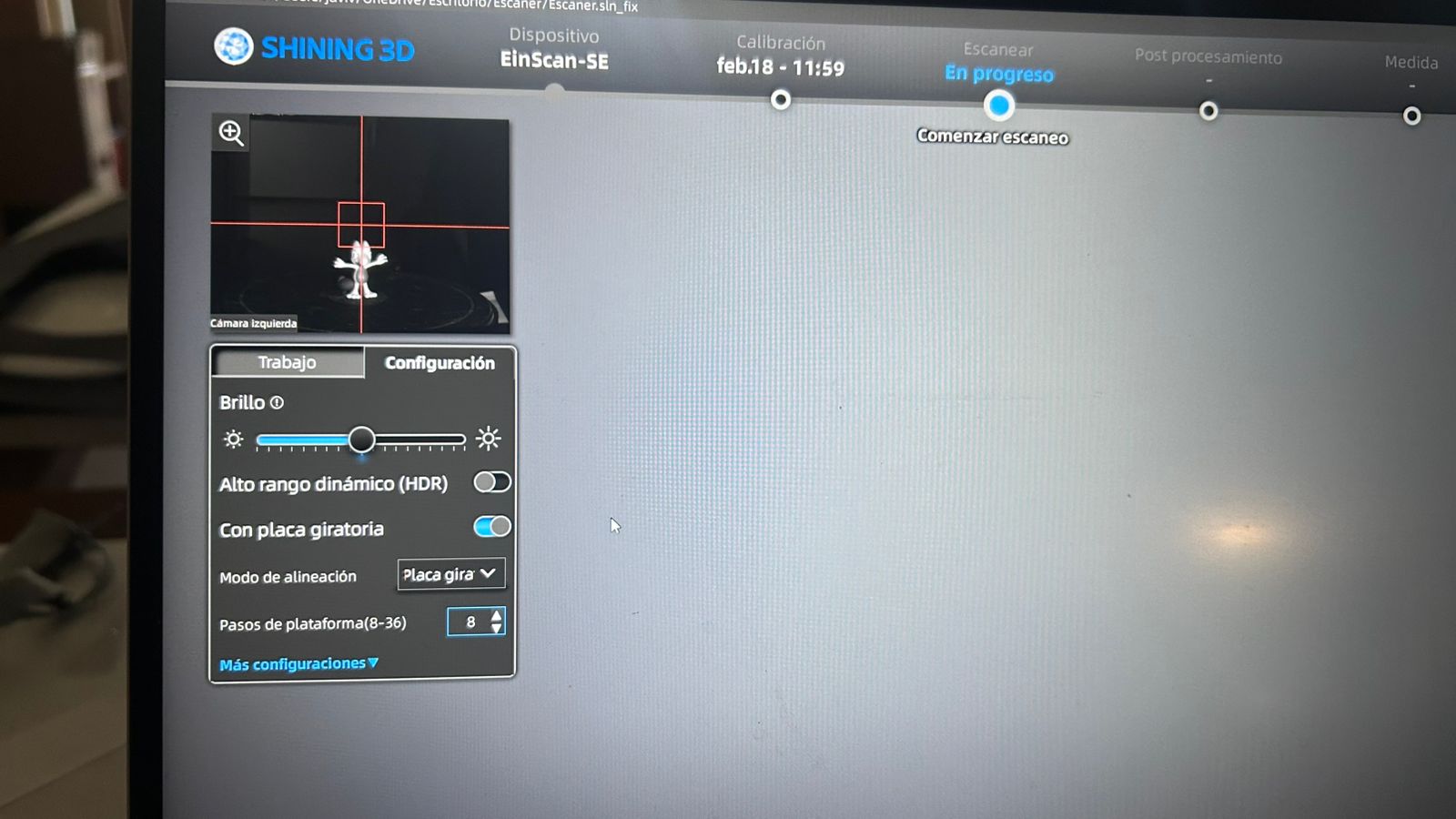
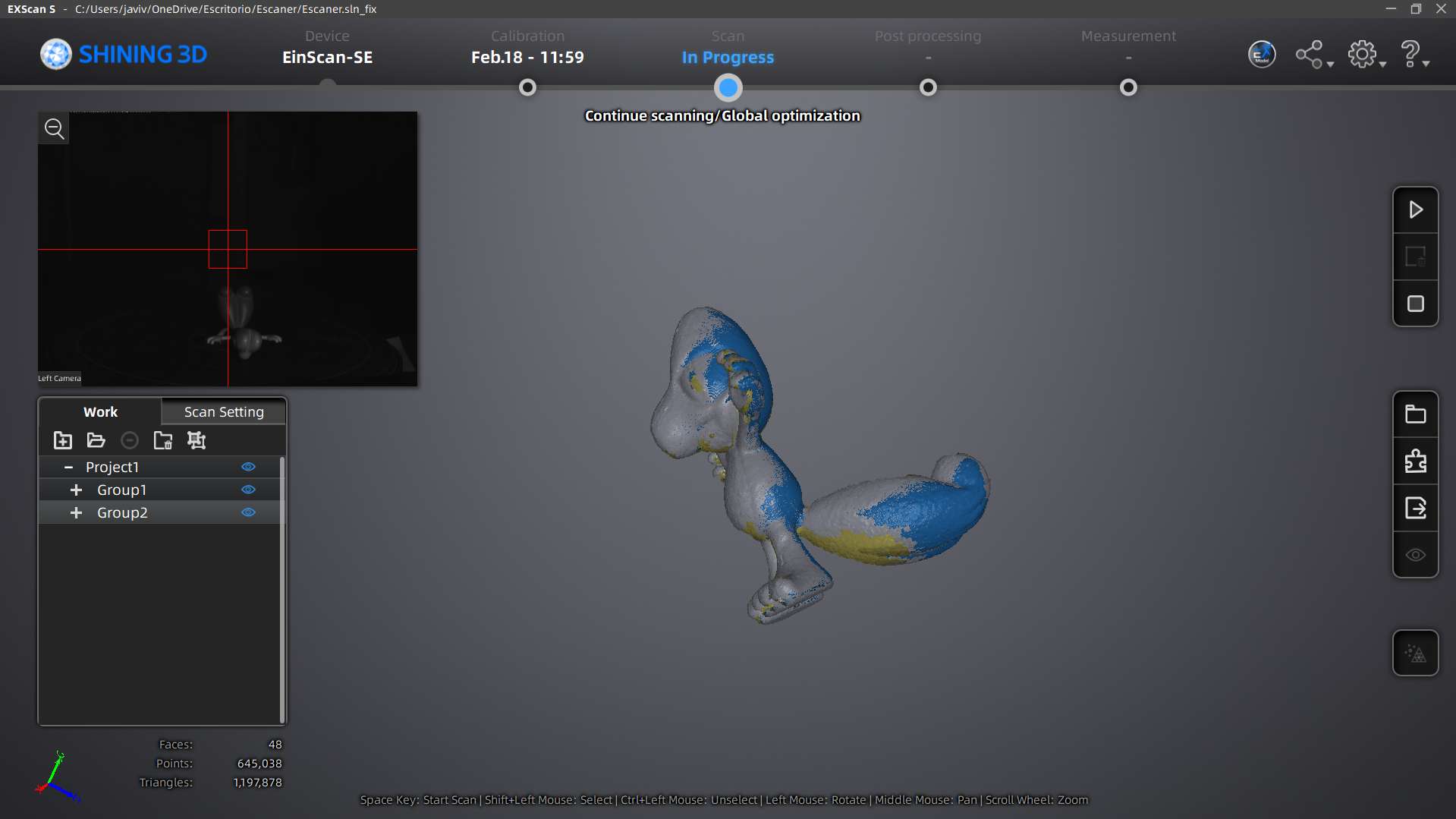
Once calibrated, I started capturing the object. To show the full process, here are the first steps, followed by a real-time video of the scanner mapping the geometry, and the final digital processing.
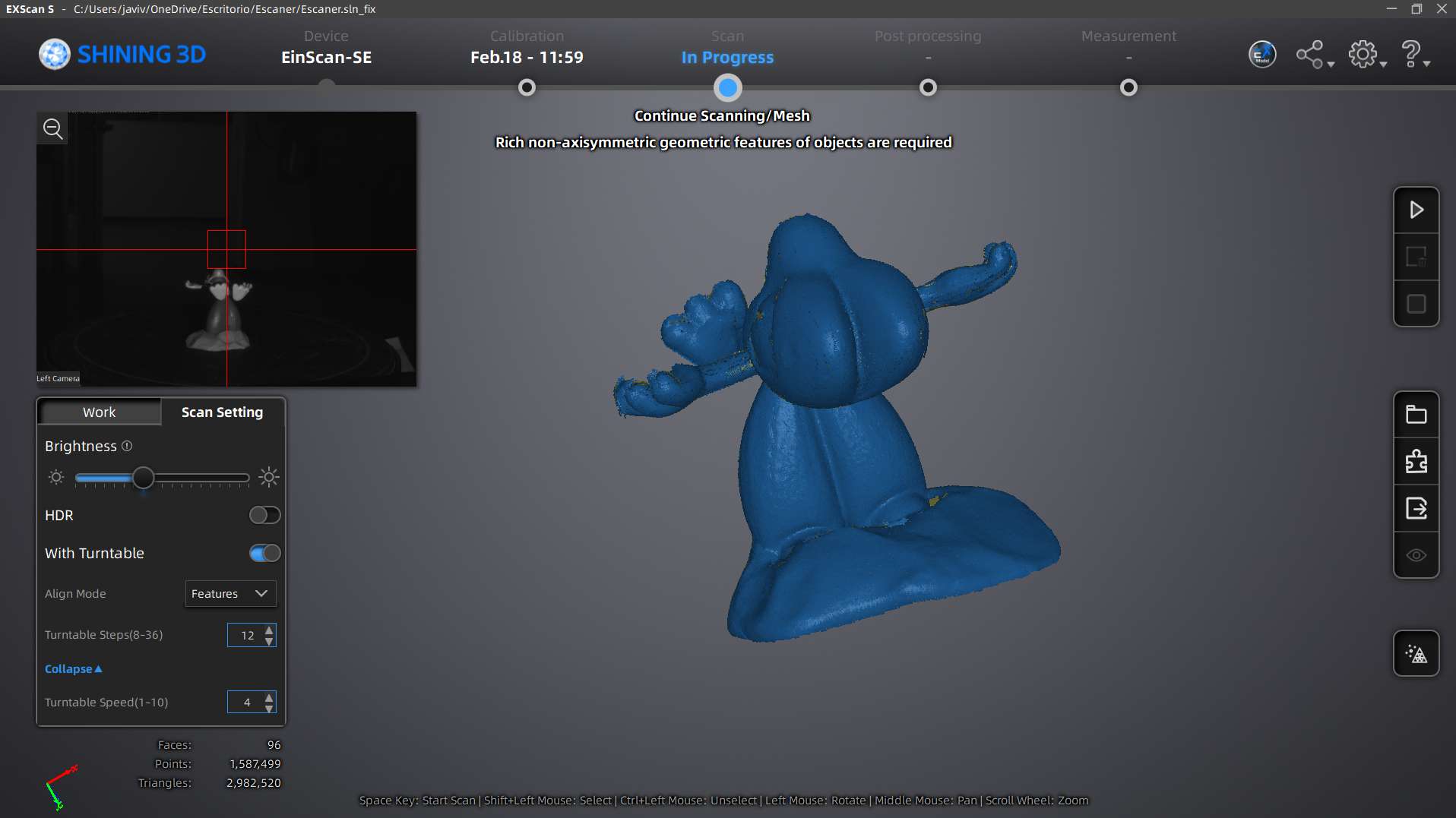
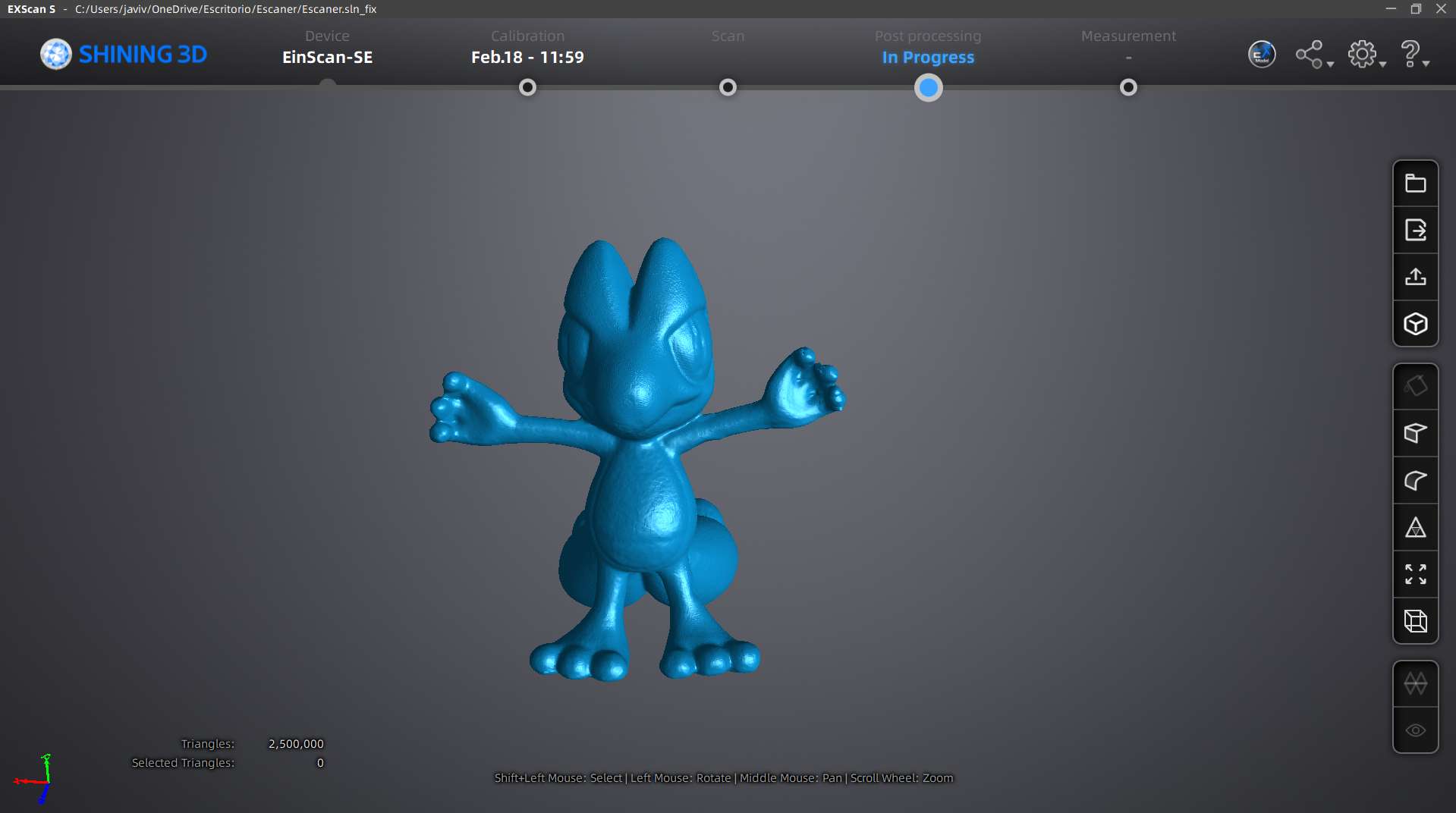
Moving from digital back to physical. Here is the complete workflow of 3D printing the part I designed for my Final Project.
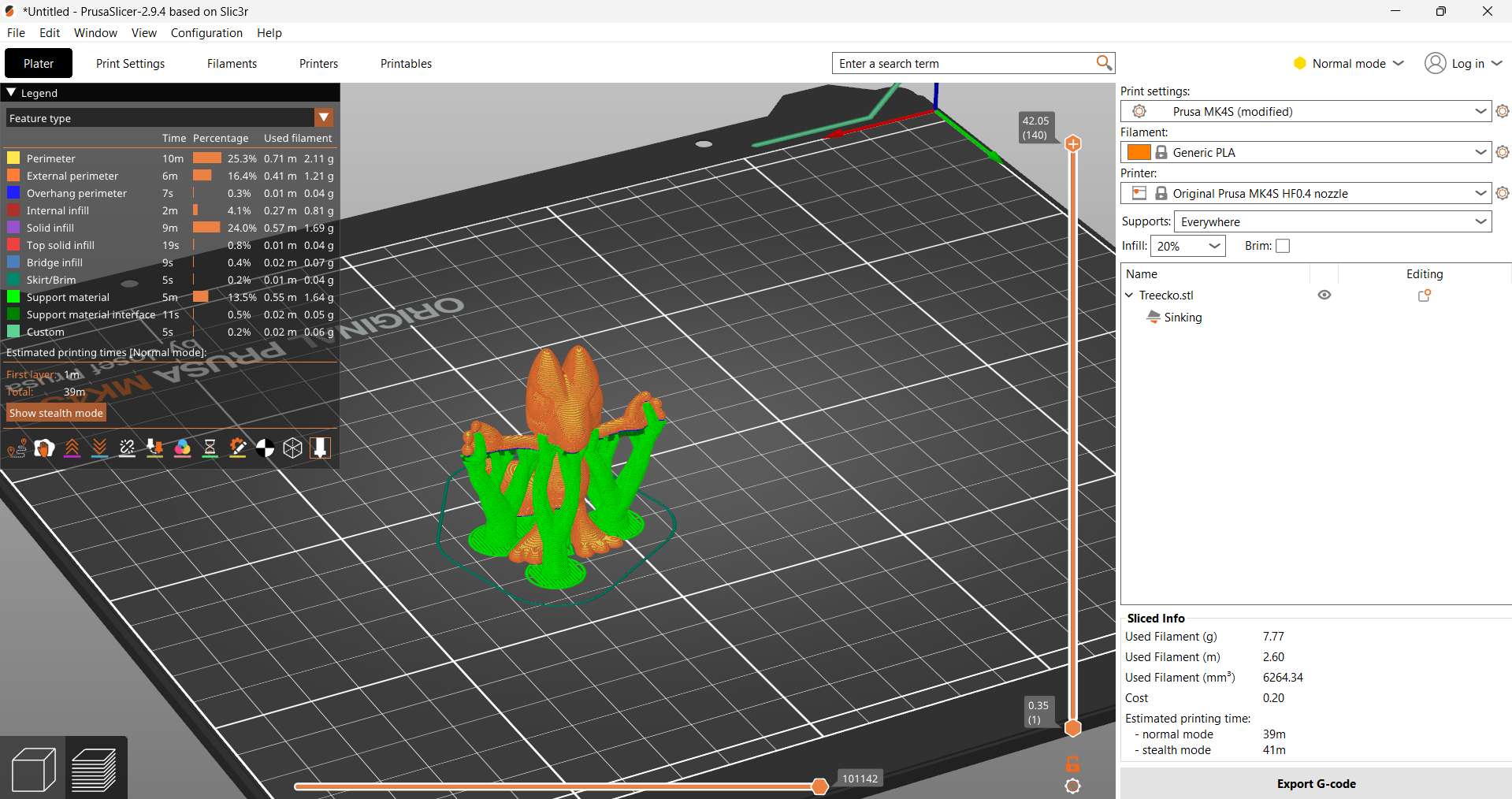
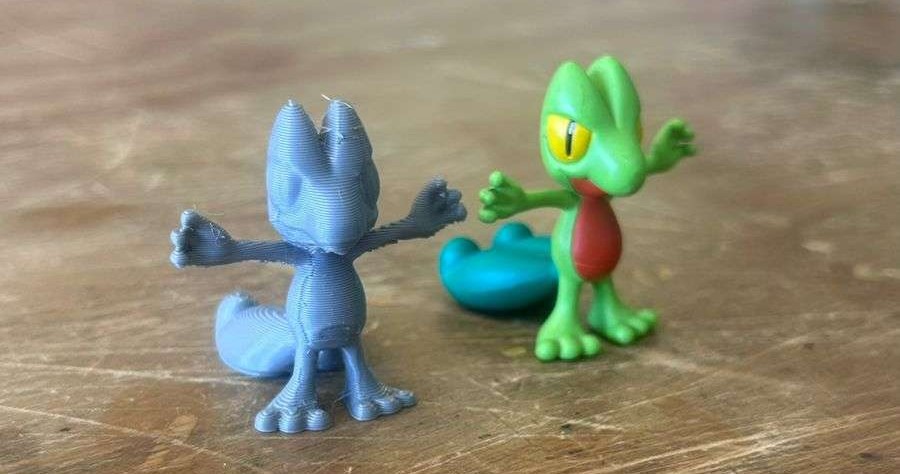
Even heroes make mistakes. Not everything went perfectly on the first attempt. I encountered a problem during the process. Here is the photographic evidence of what went wrong.
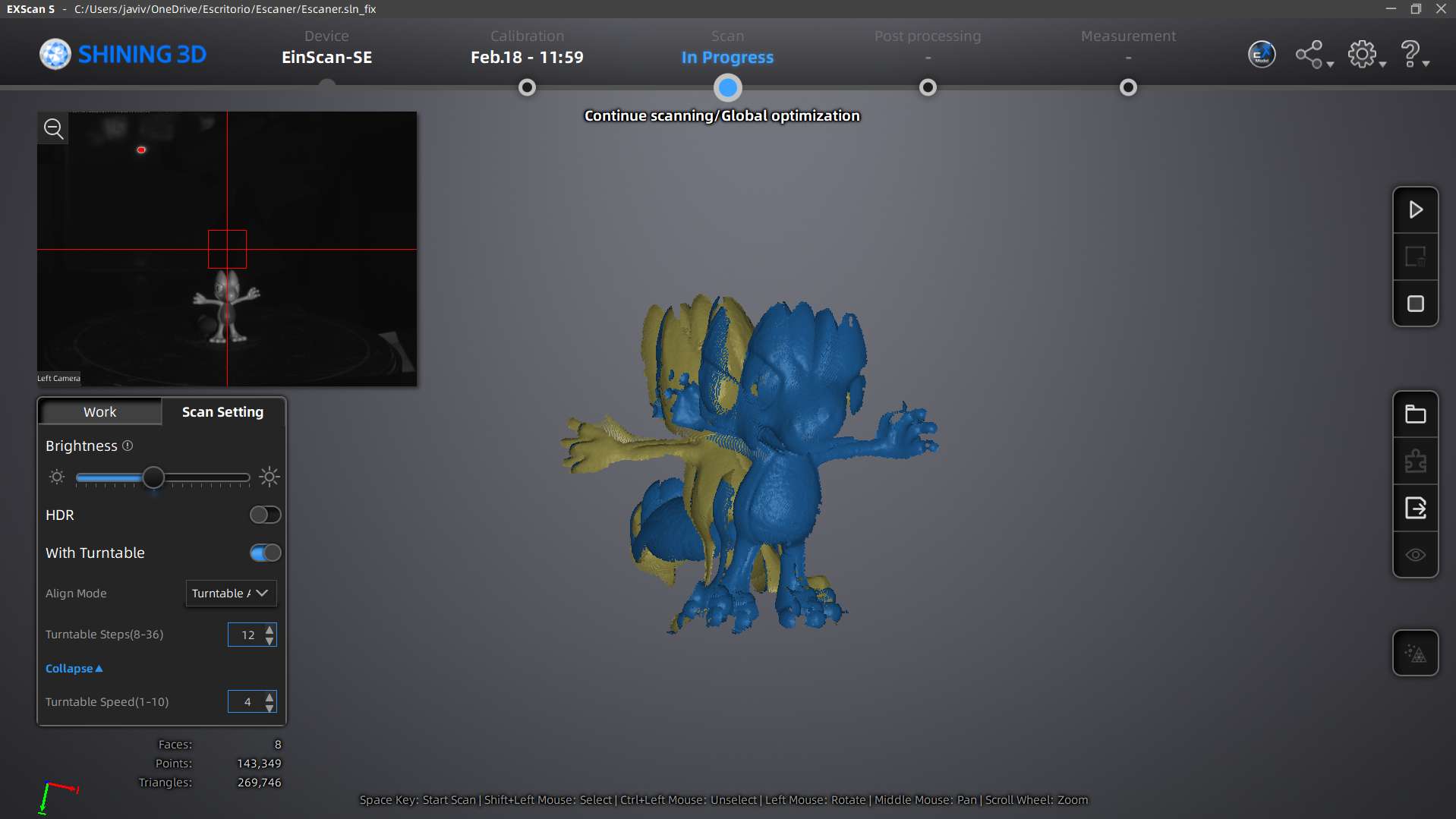
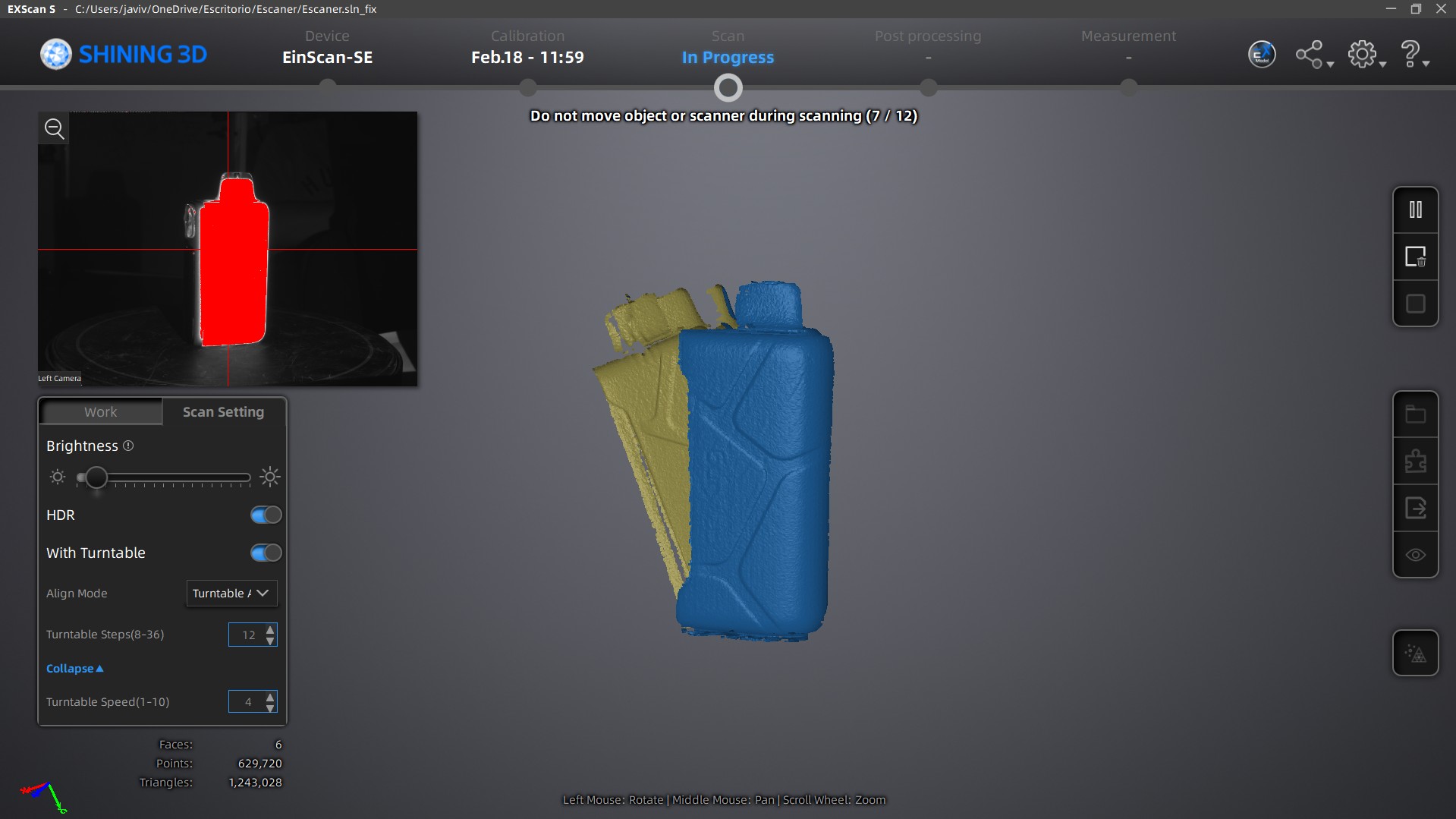
I fixed this issue by selecting the option "features" in the software interface and re-running the print job with corrected settings.
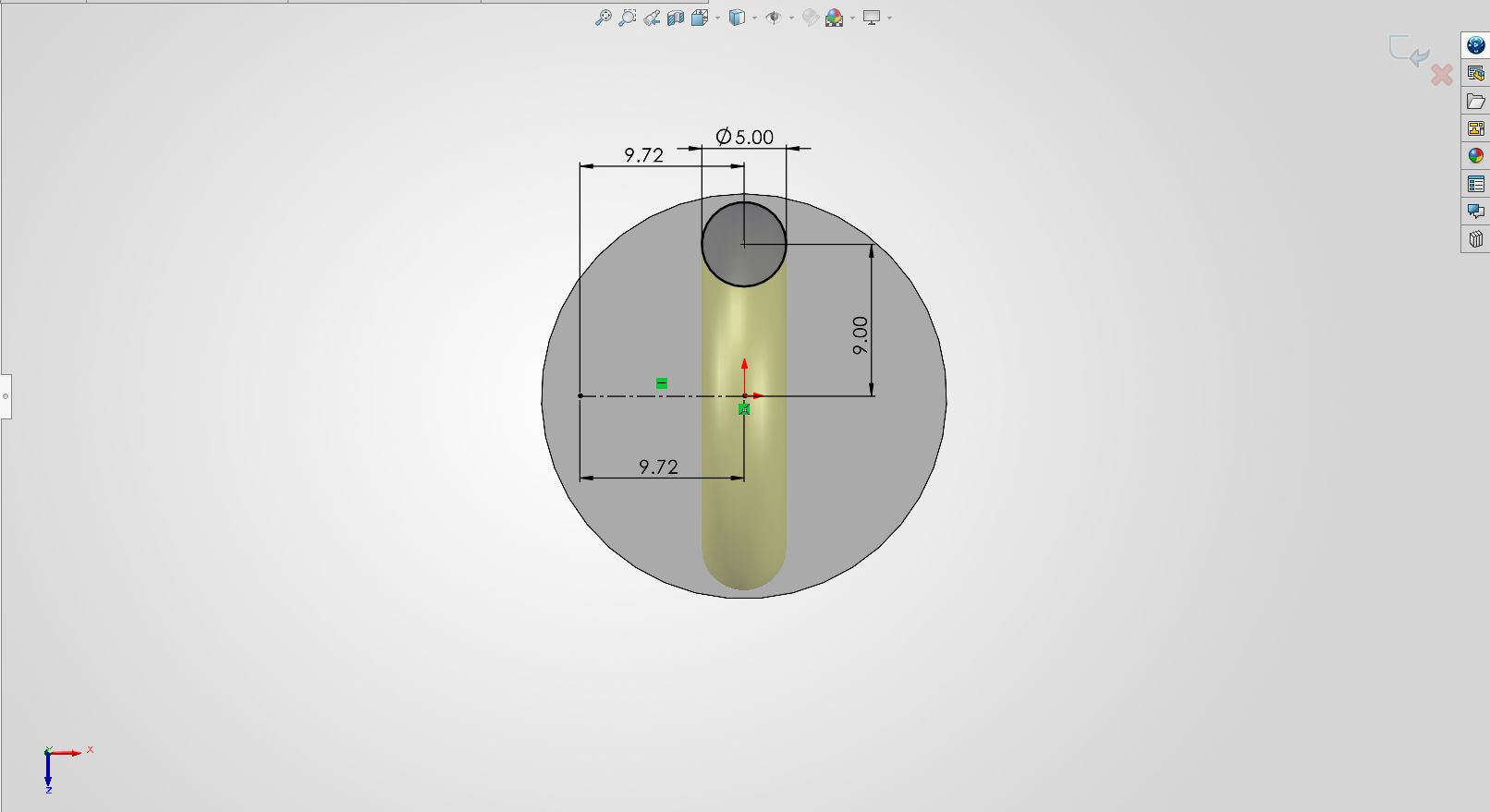
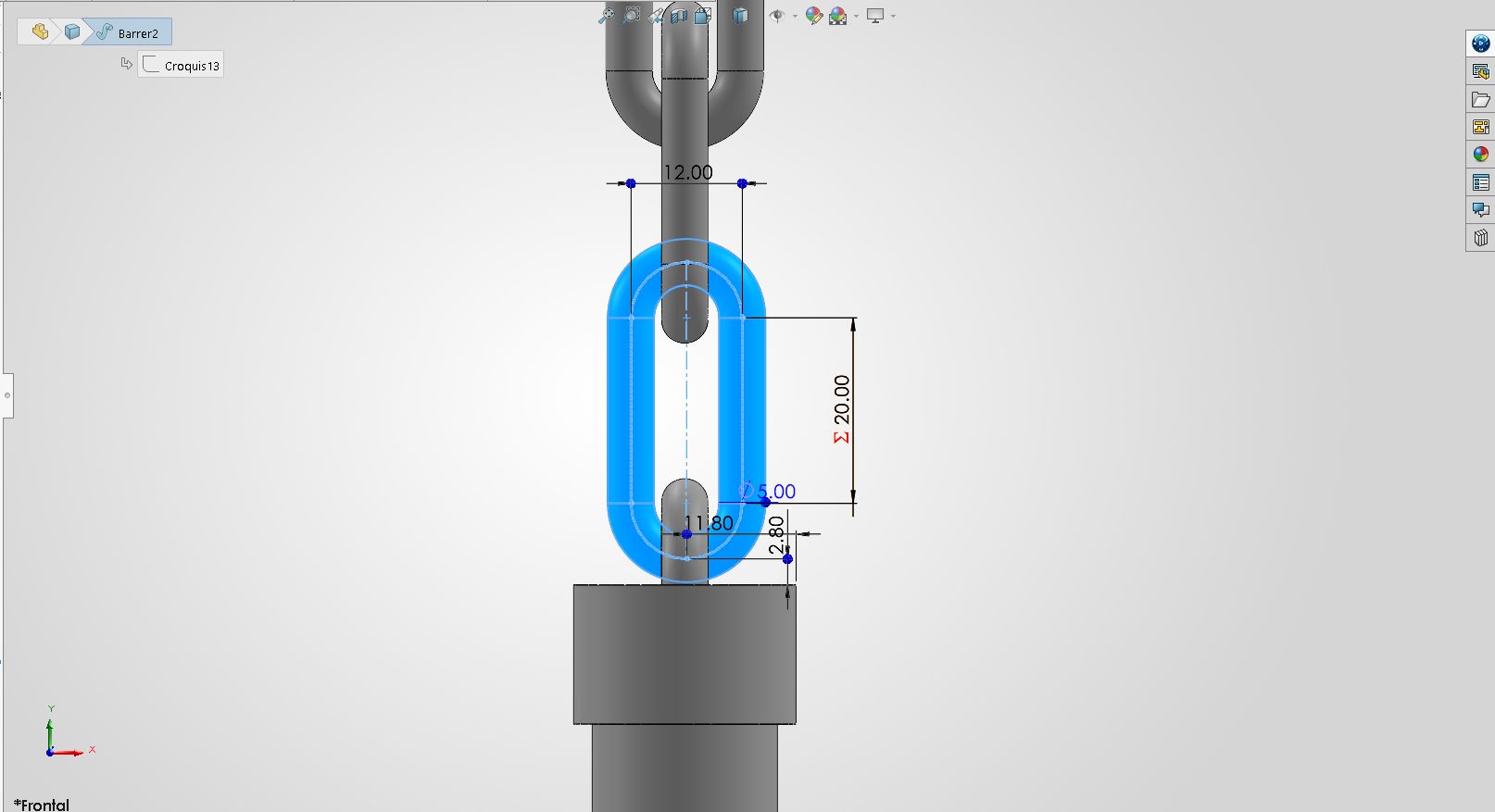
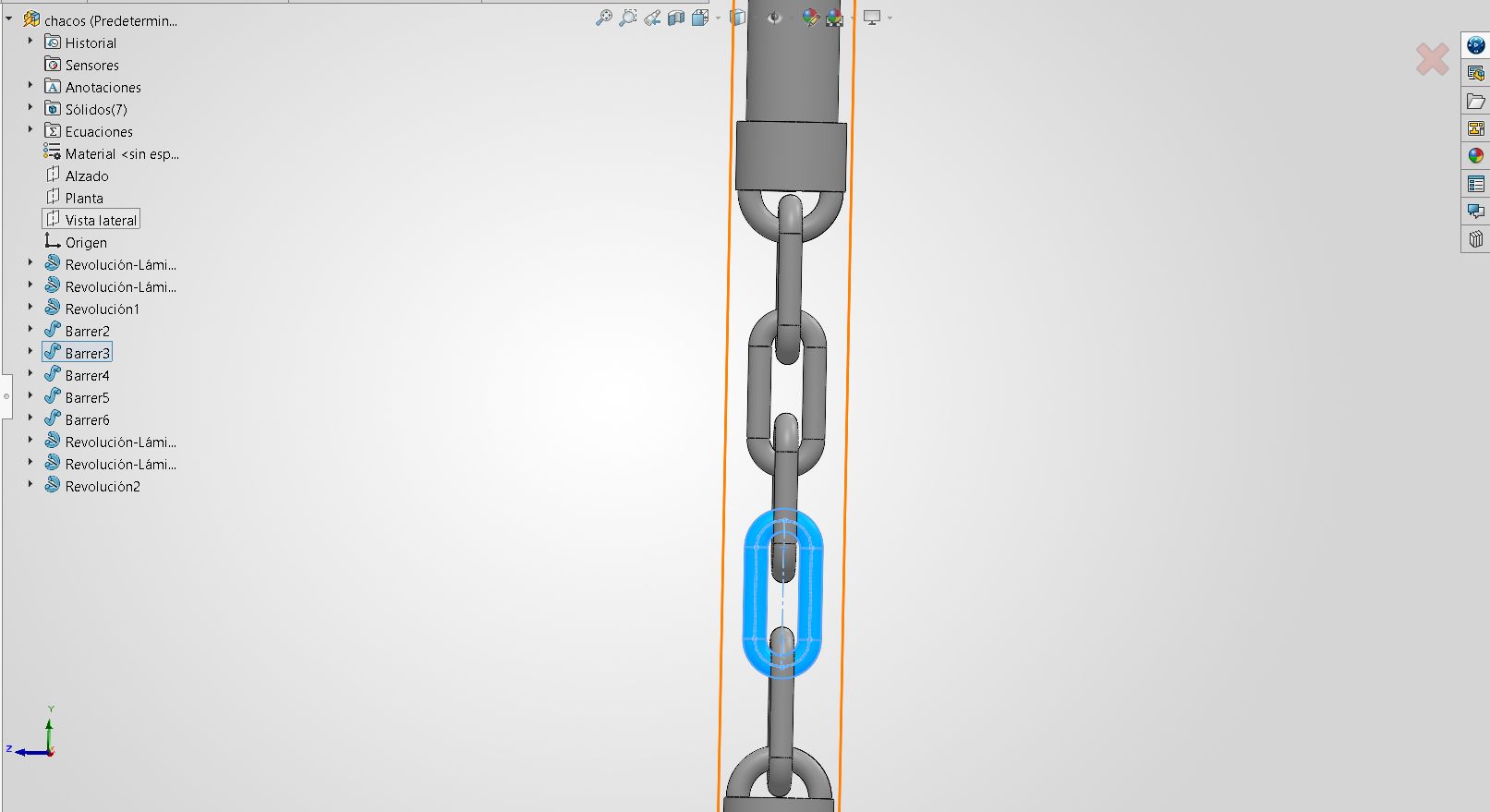
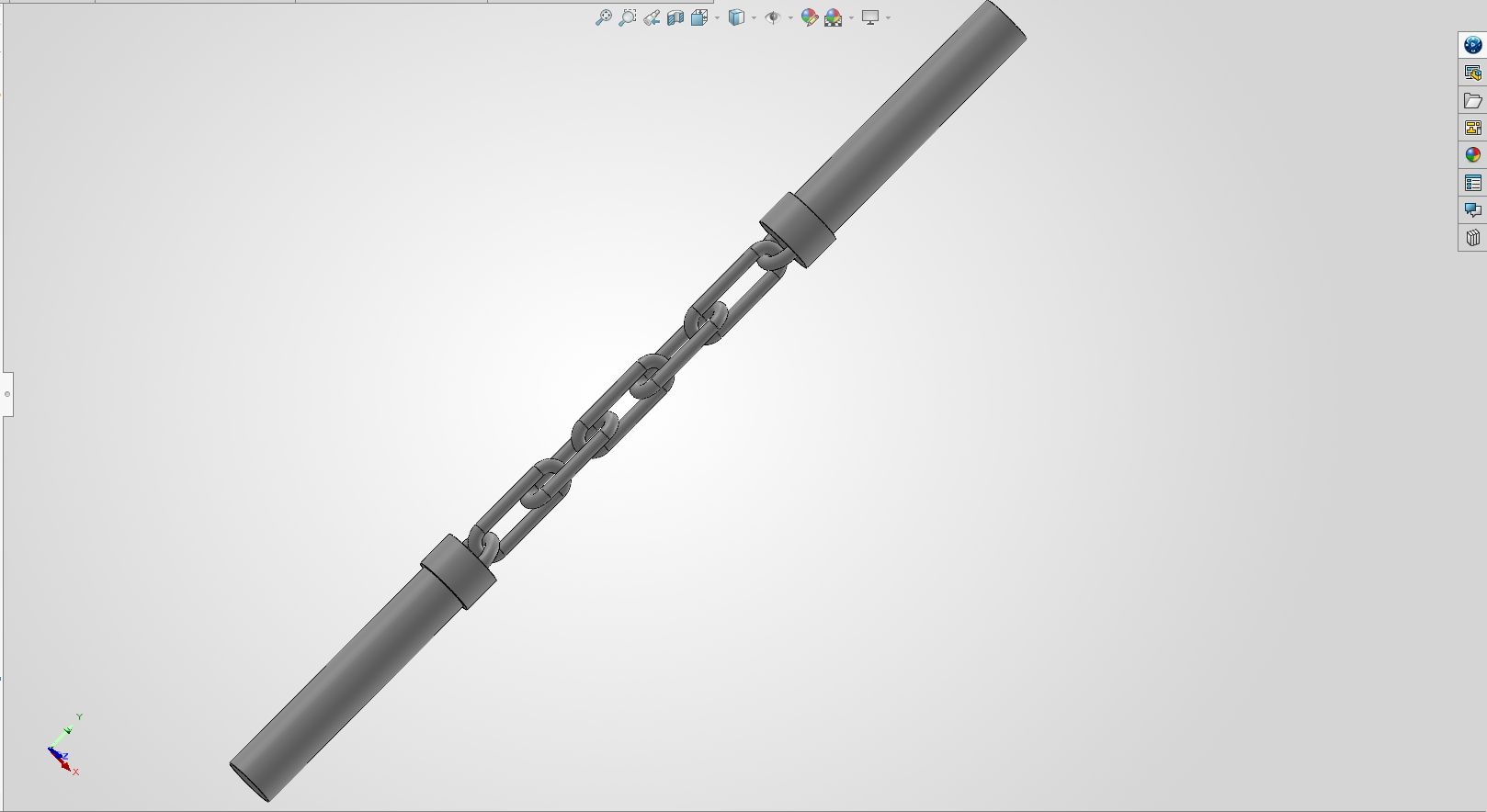
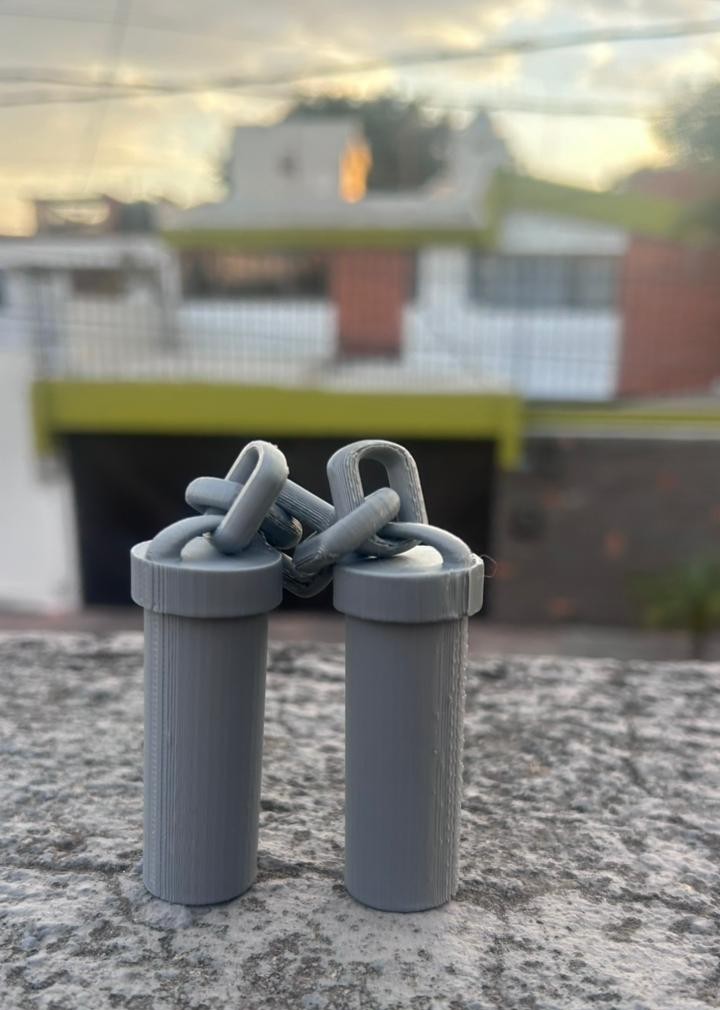
To complete this mission, I designed a Print-in-Place articulated chain in SolidWorks. This specific design cannot be manufactured using subtractive methods like laser cutting because the links are interconnected and must be printed fully assembled. Here is the design process, the printing action, and the final result.
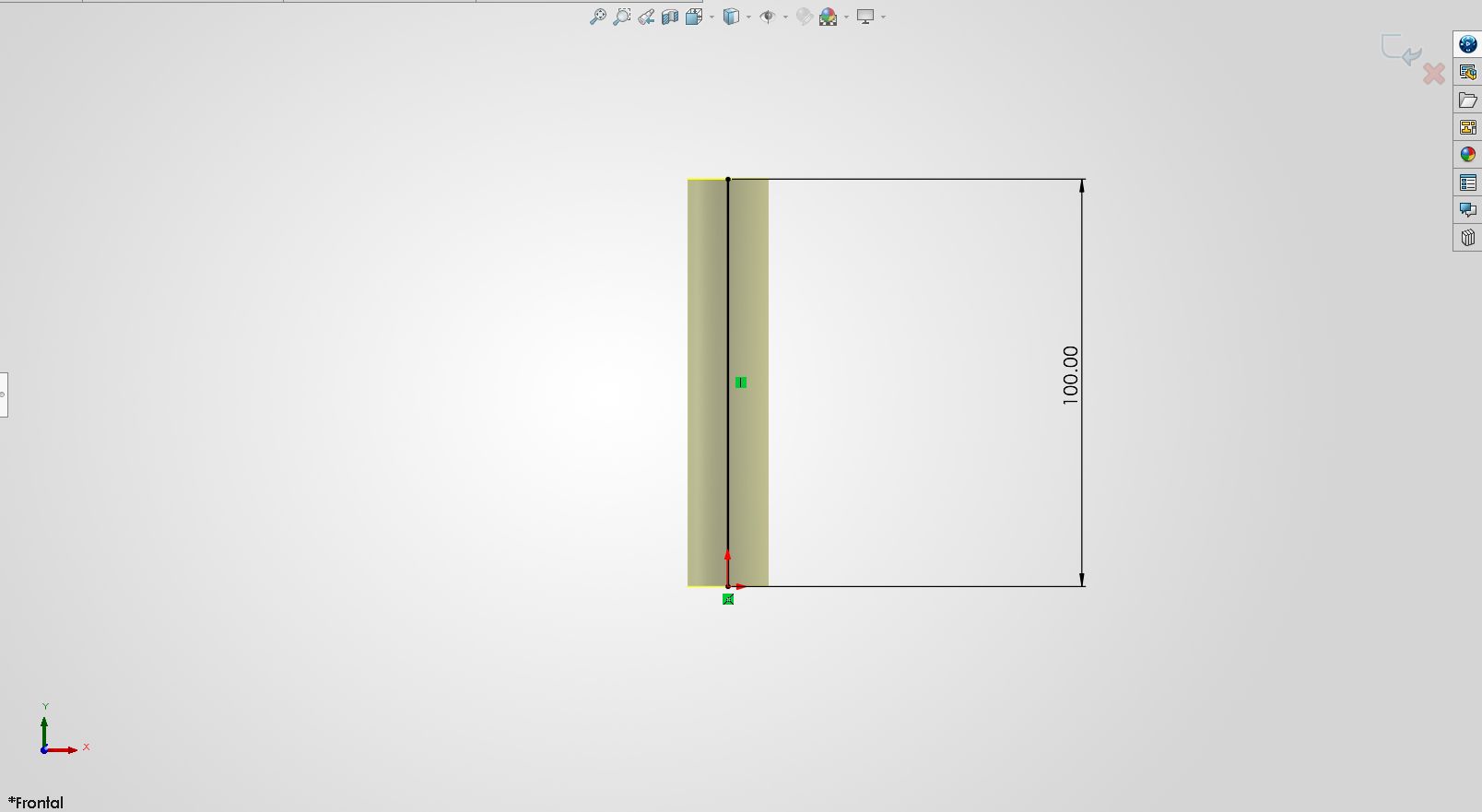
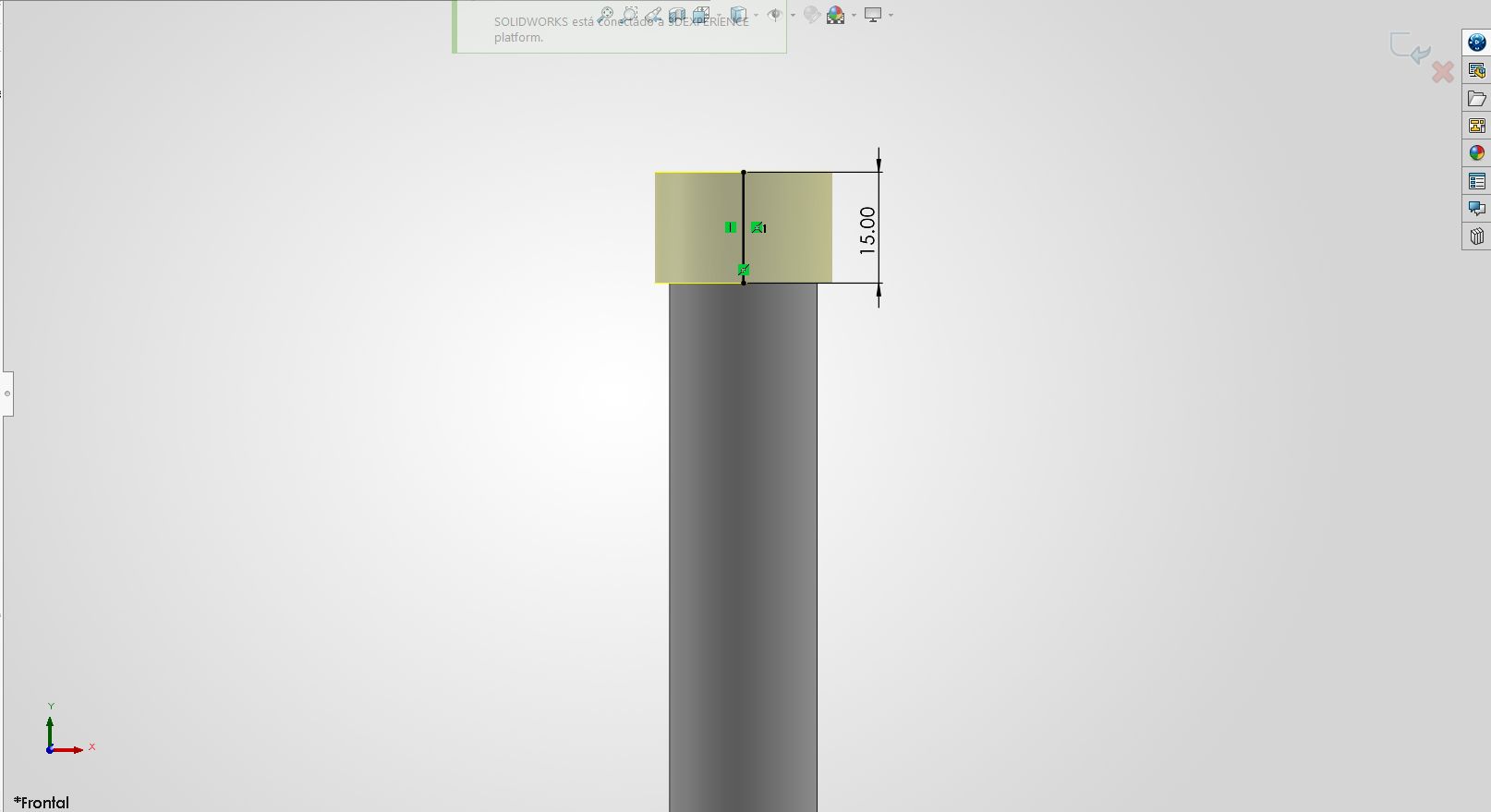
Week 5 is almost complete. Both the scanning data and the physical 3D printed parts have been successfully acquired and documented.