WEEK 7

TASK
MONDAY
WEDNESDAY
FRIDAY
MONDAY

✦ CNC Router

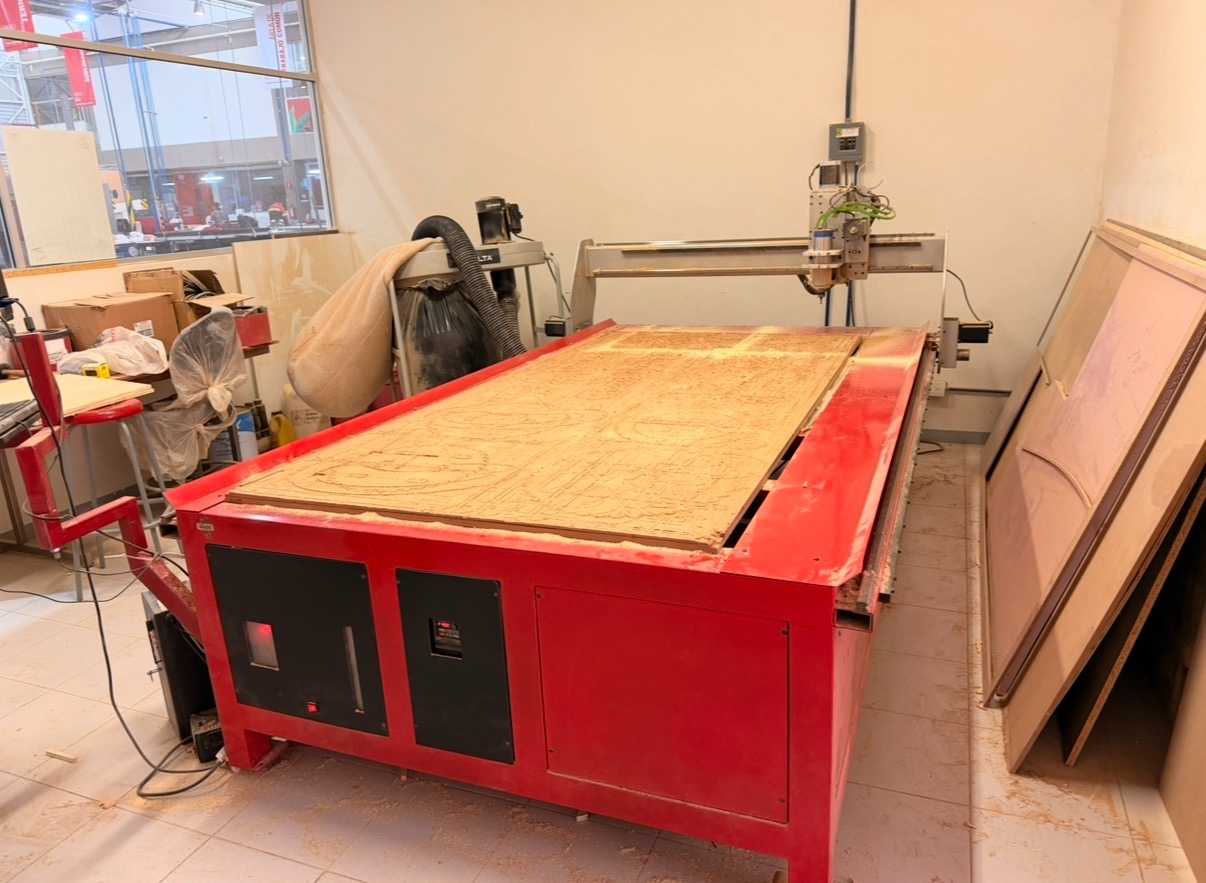
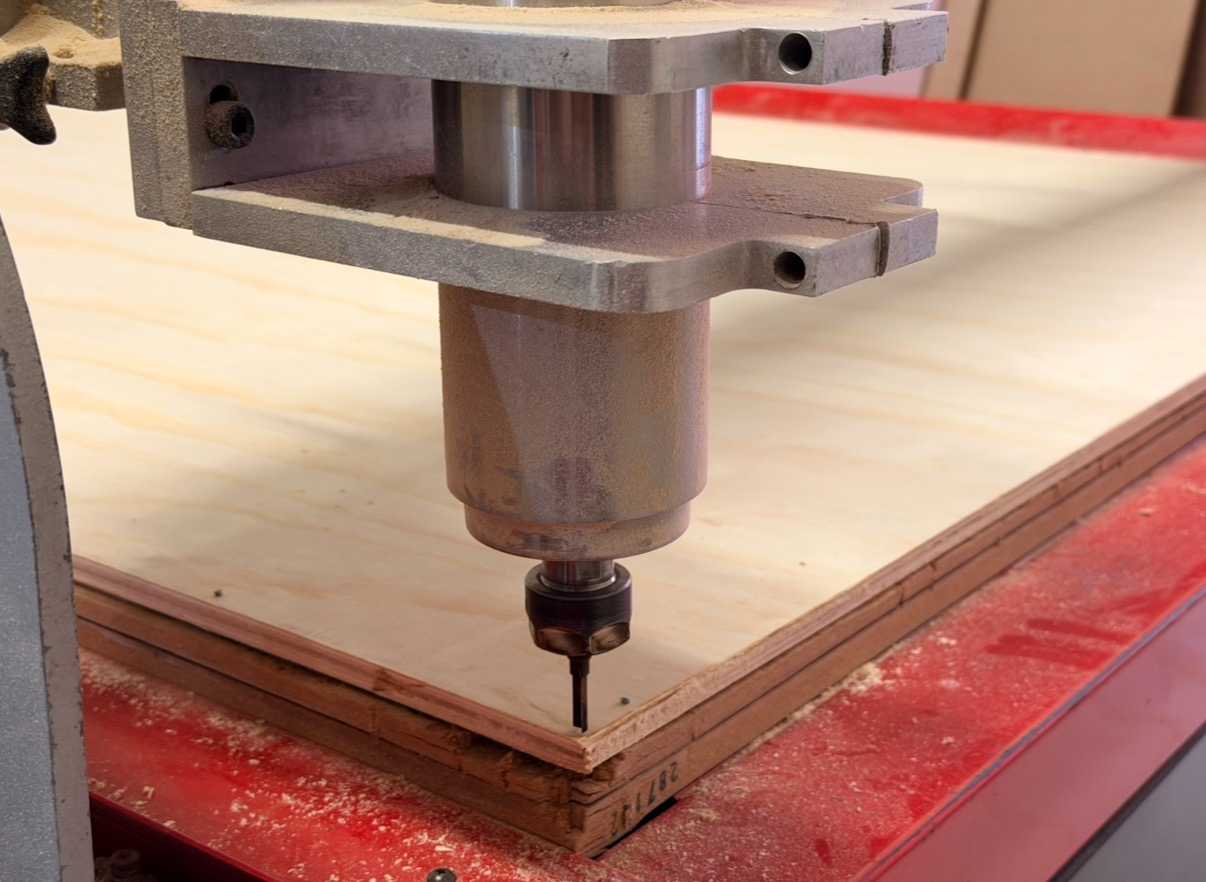
In week 7, the focus was on large-scale digital fabrication using the CNC router (Computer Numerical Control router). Unlike smaller digital fabrication tools such as laser cutter or vinyl cutter, the CNC router allows the fabrication of large structural objects from sheet materials like plywood or MDF of greater thickness.
◆ Fundamental Concepts

Before designing for CNC machining, it’s important to understand some key concepts that influence both design and fabrication process. For this, I consulted our Group Assignment.
Feauture
Description
Tool Diameter
The diameter of the milling bit determines the minimum internal radius that could be but, since it is a circular tool, it cannot produce sharp internal corners.
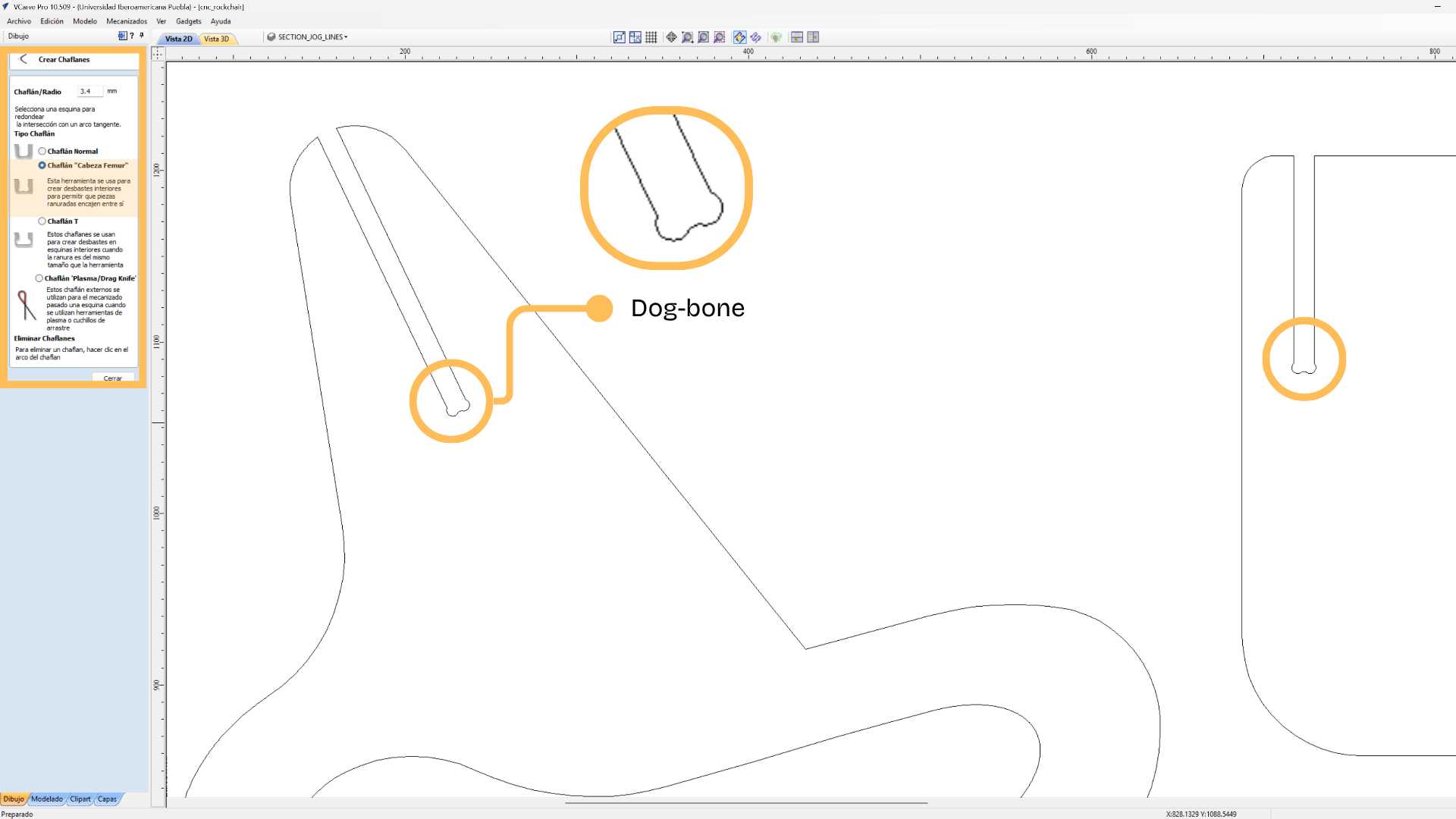
Dogbones
Also known as Fillets, these are added to the internal corners of the cut to allow square parts to fit perfectly together in press-fit joints.
Feed Rate and Spindle Speed
Spindle Speed is how fast the cutting bit rotates, and feed rate is how fast the machine moves the tools through the material. These settings are adjusted depending on the material.
Press-fit Assembly
Press-fit joints allow pieces to be assembled without the help of screws or glue, relying only on friction between the parts.

◆ Safety Protocols

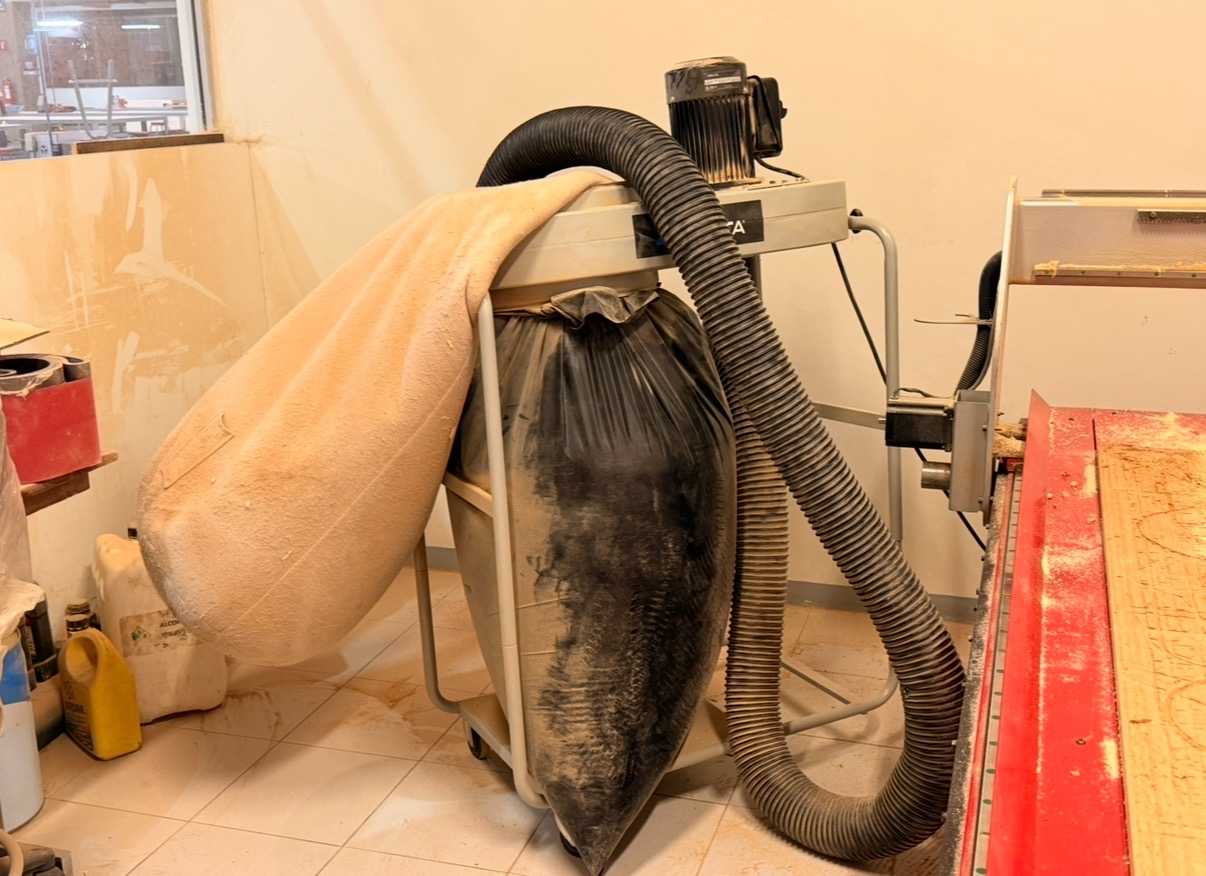
When working with a CNC router, it’s important to follow basic safety guidelines to prevent accidents and ensure a proper machine operation.

✦ Do’s and Don’ts
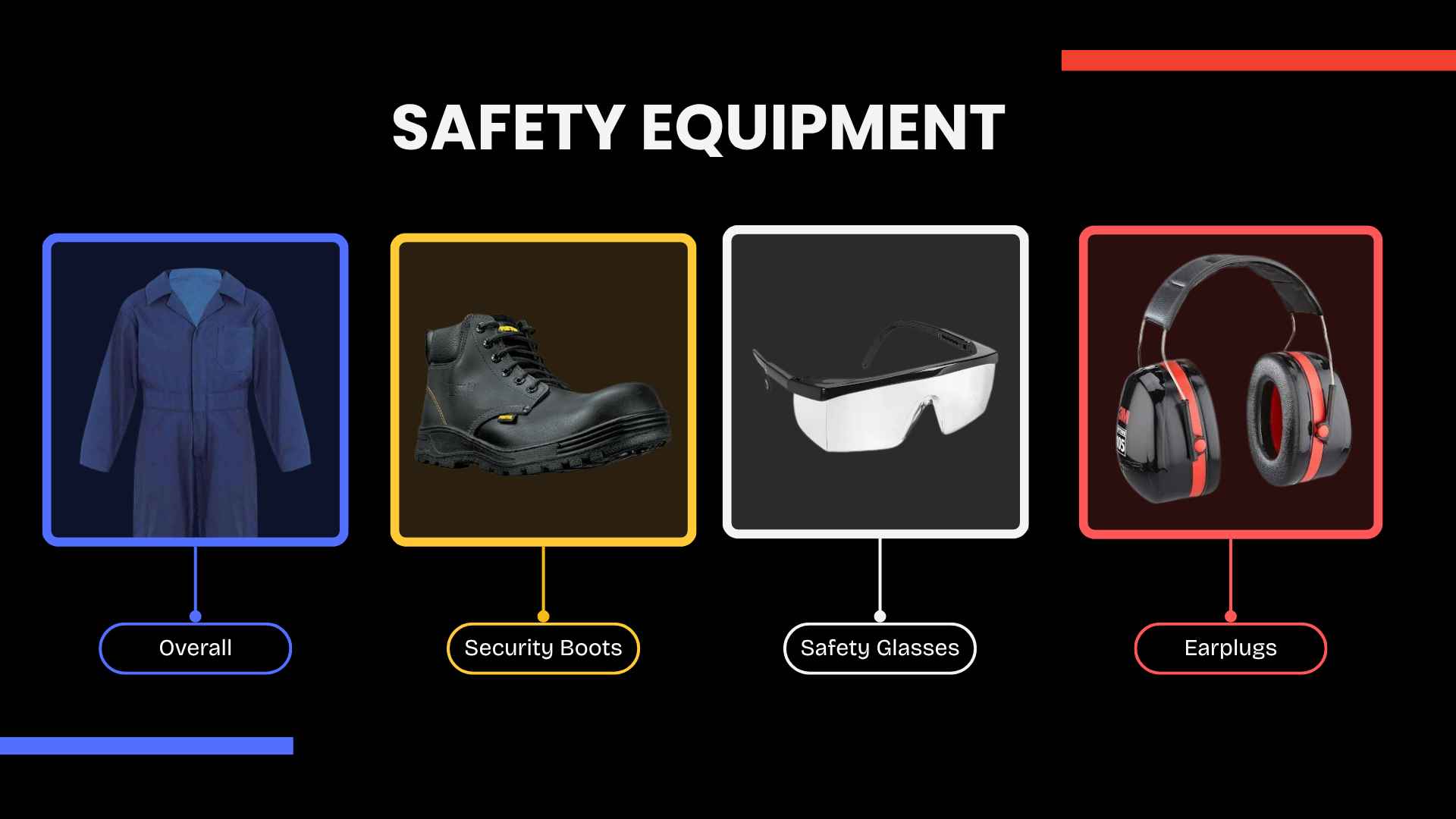
  • 1.Wear an overall, remove jewellery and tie up loose hair.
  • 2.Wear safety glasses to protect your eyes from dust produced during the cutting.
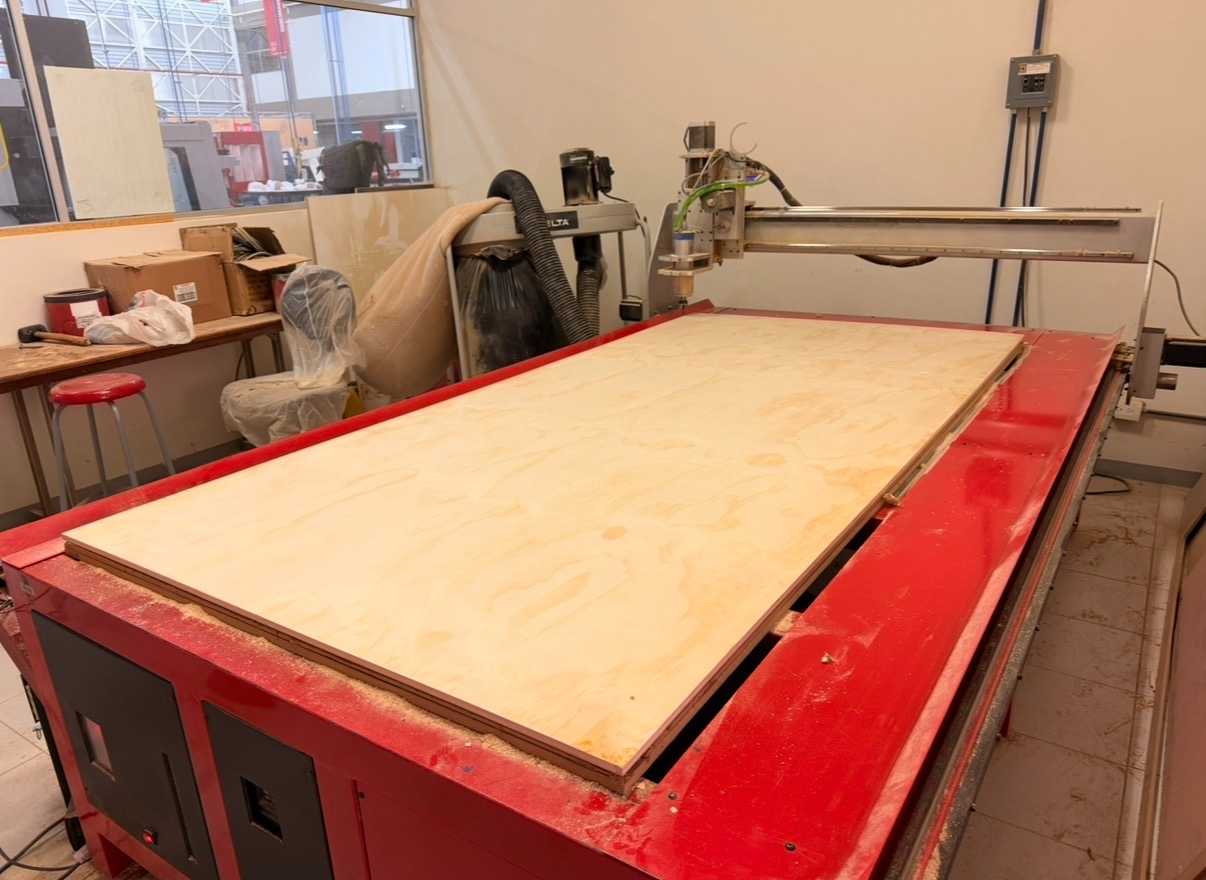
  • 3.Secure the material to the machine bed using nails before starting the cutting.
  • 4.Keep hands away from the cutting area while the machine is operating.
  • 5.Never leave the machine unattended during the cutting process.
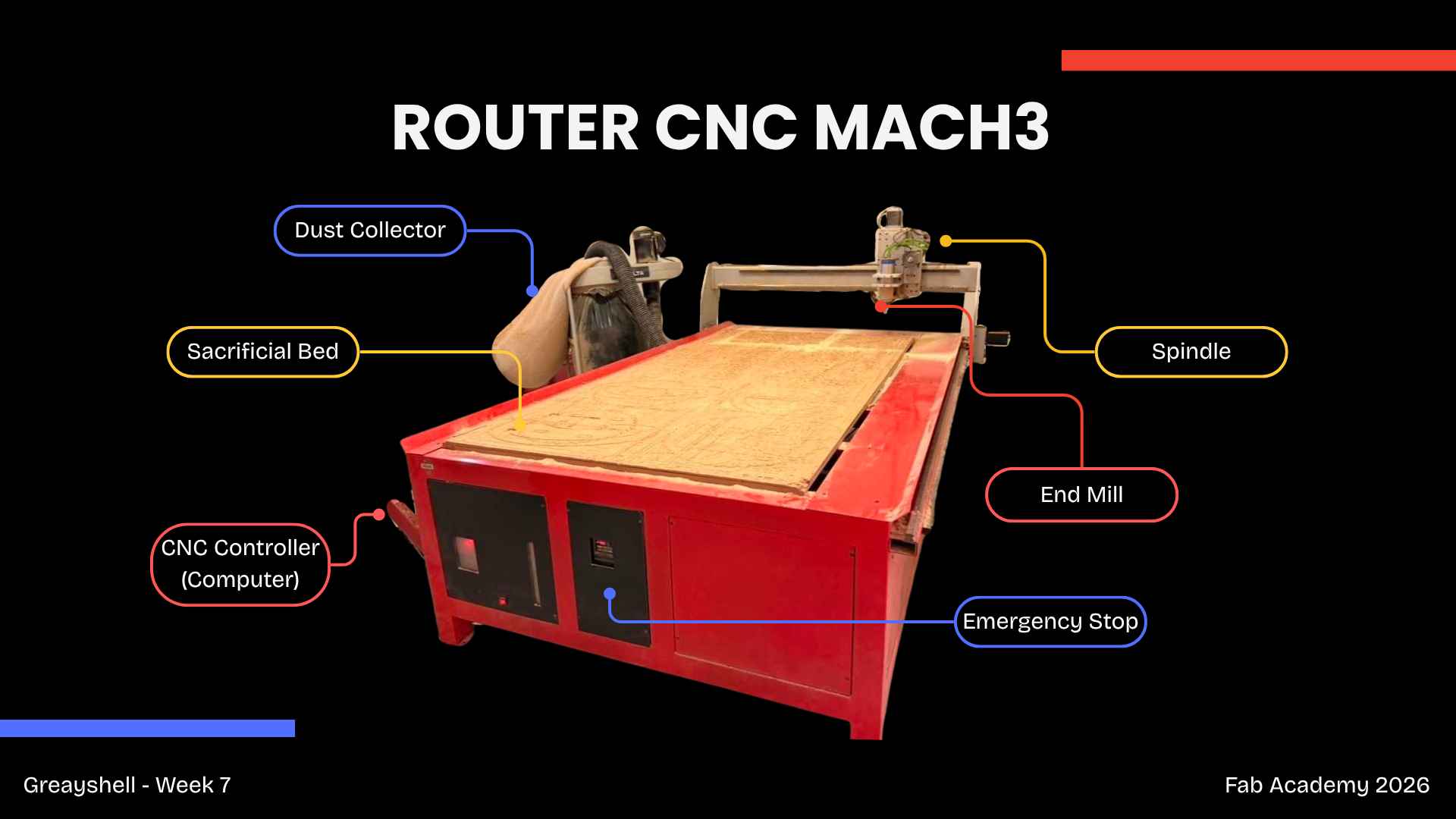
  • 6.Locate the emergency stop button to stop the machine in case of emergency.
  • 6.Clean the workspace after using the machine, removing dust and leftover material.

✦ Design Concept

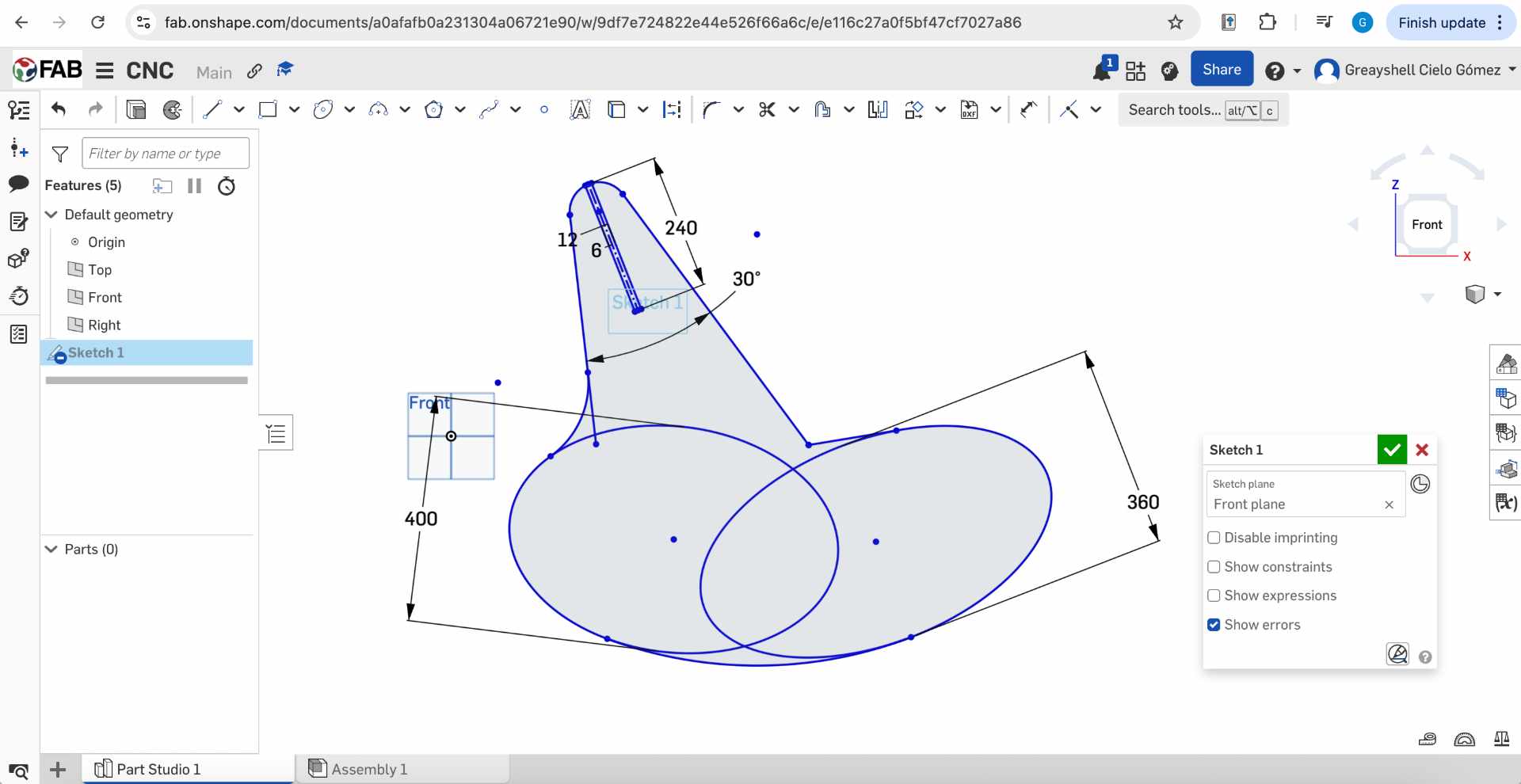
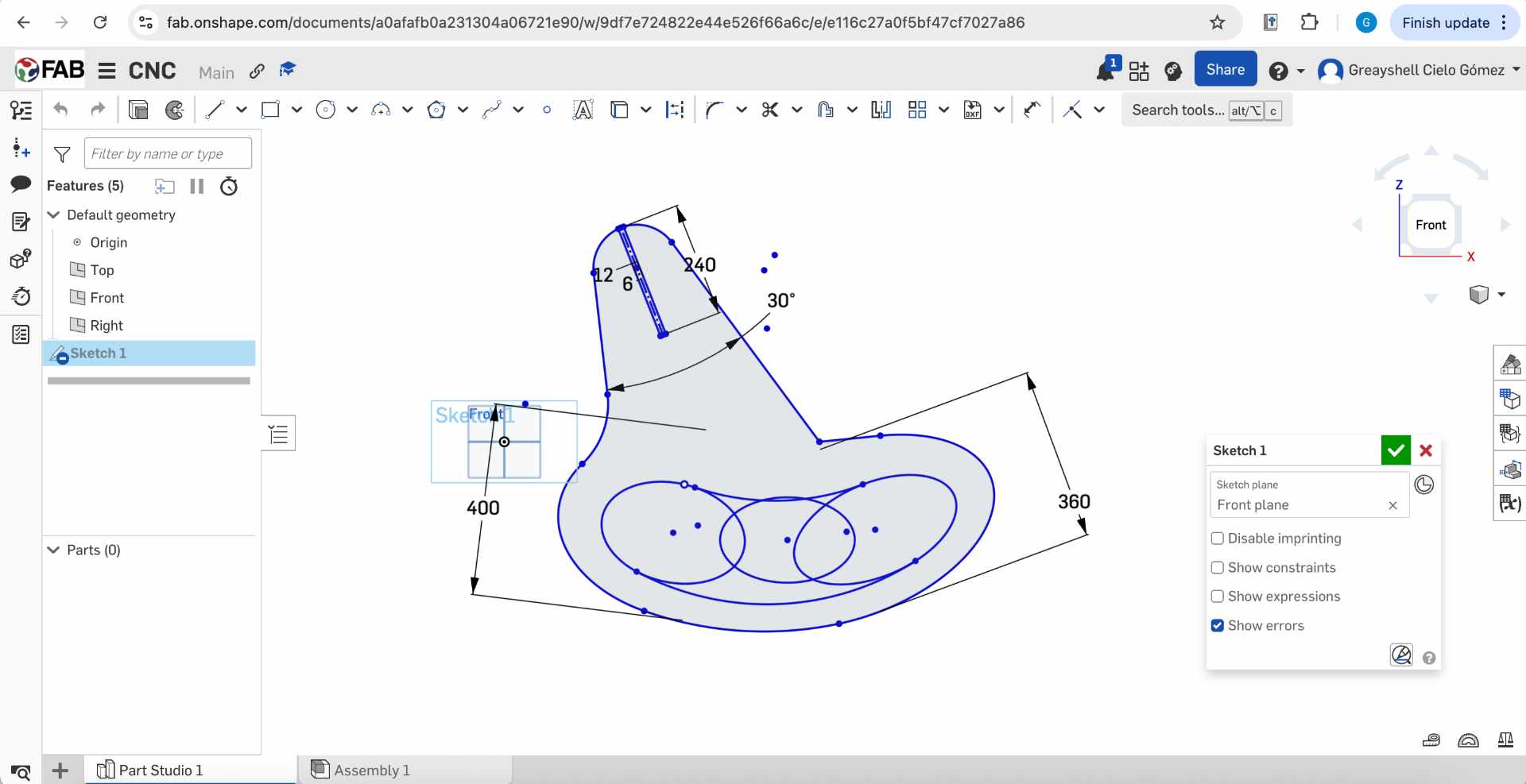
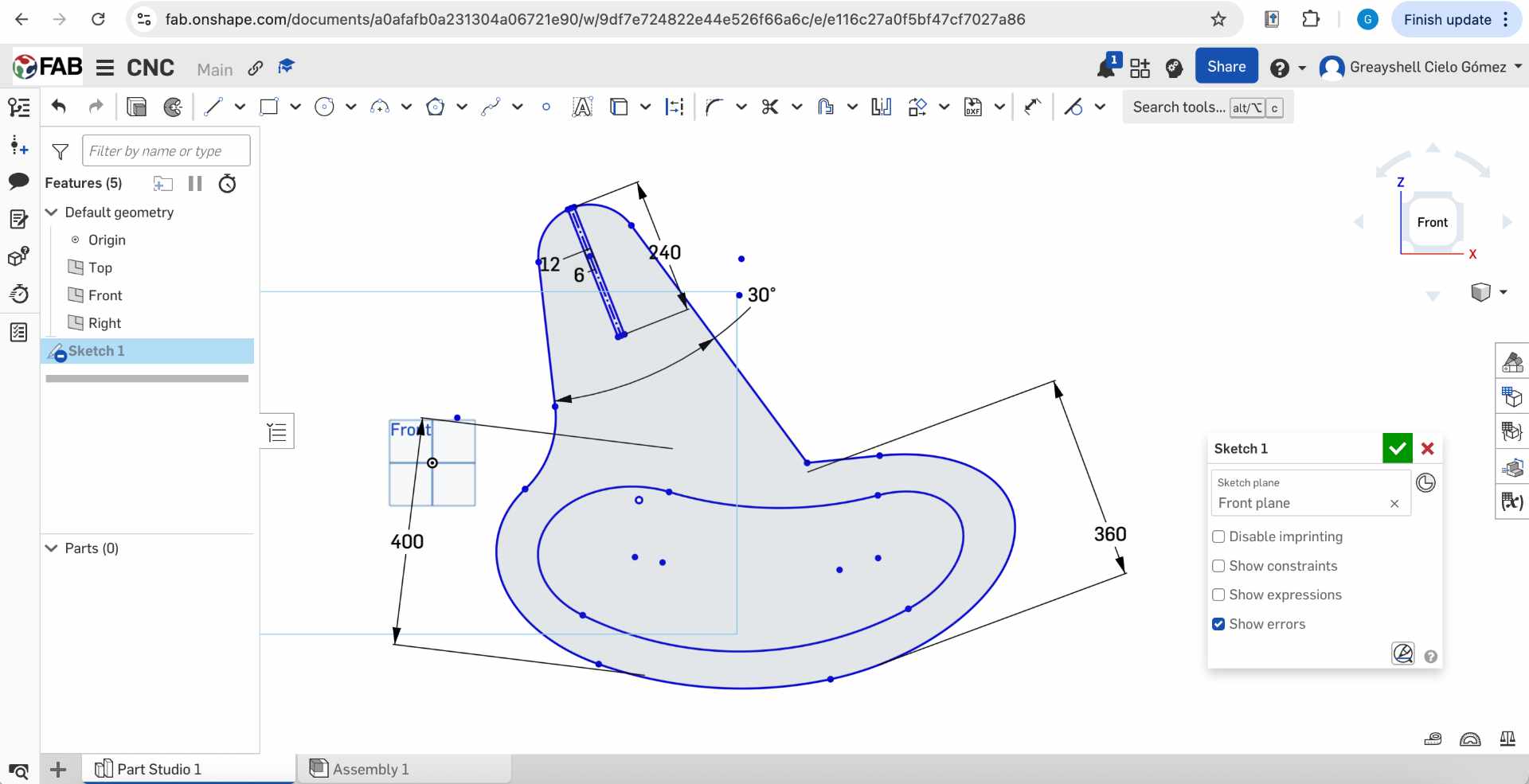
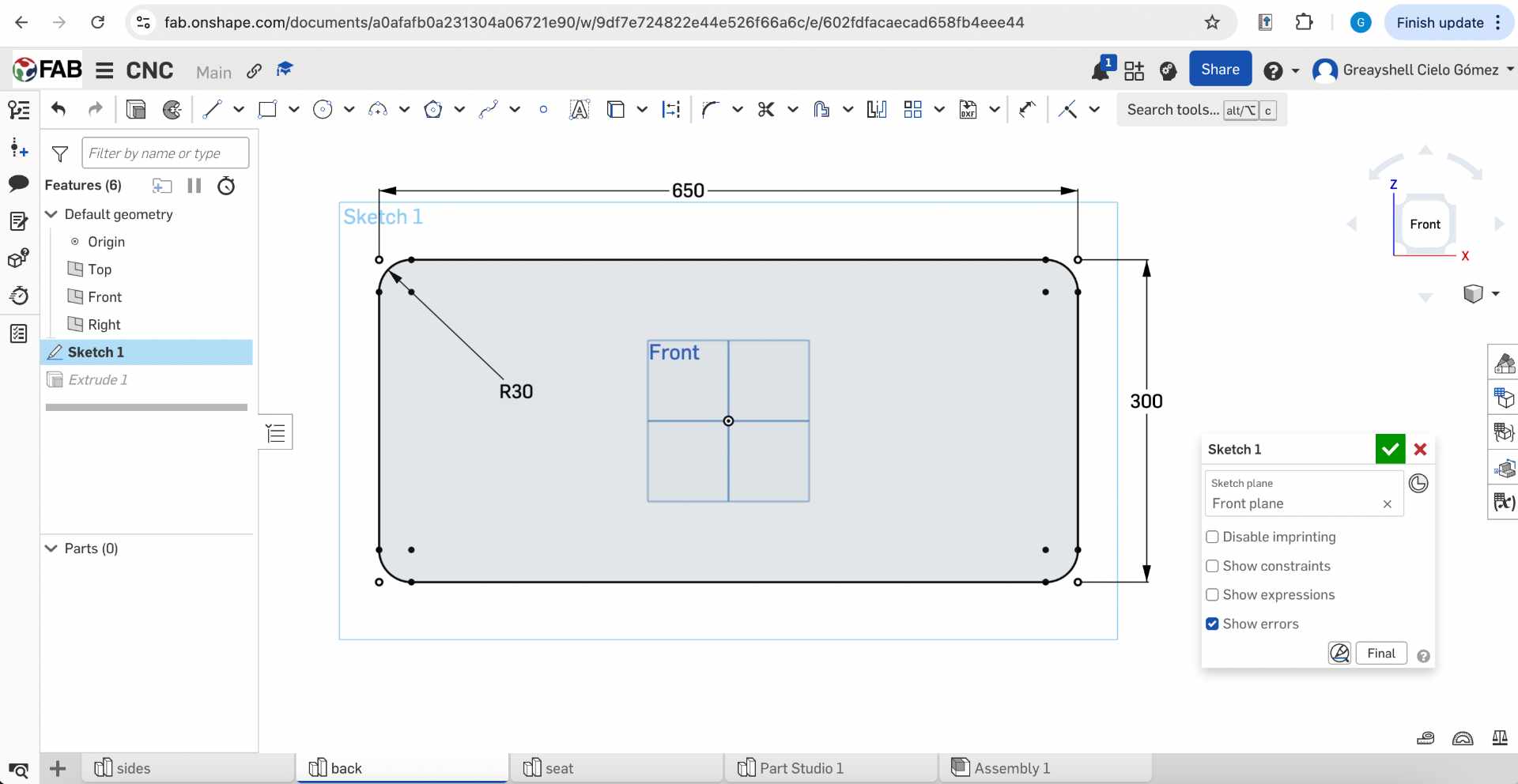
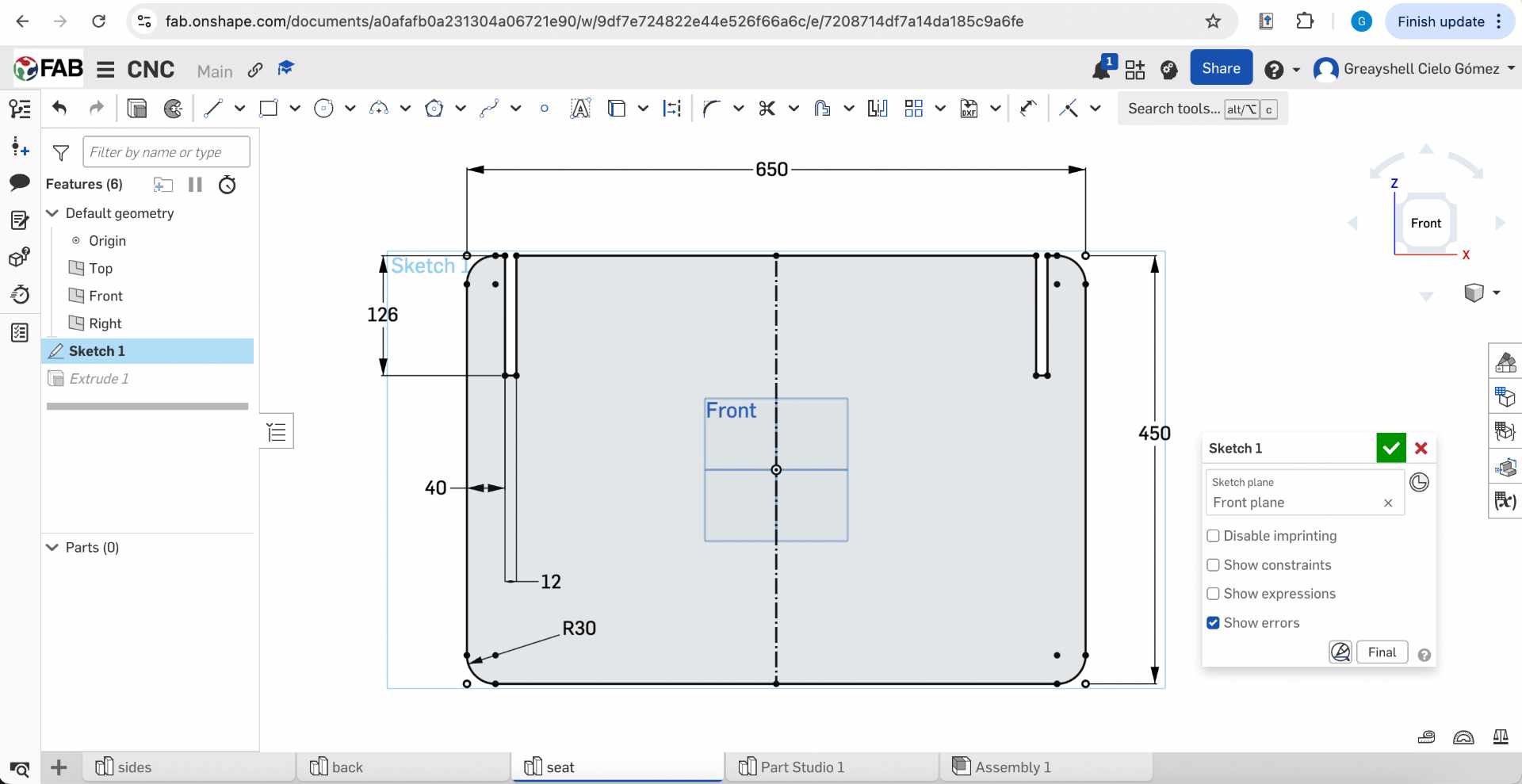
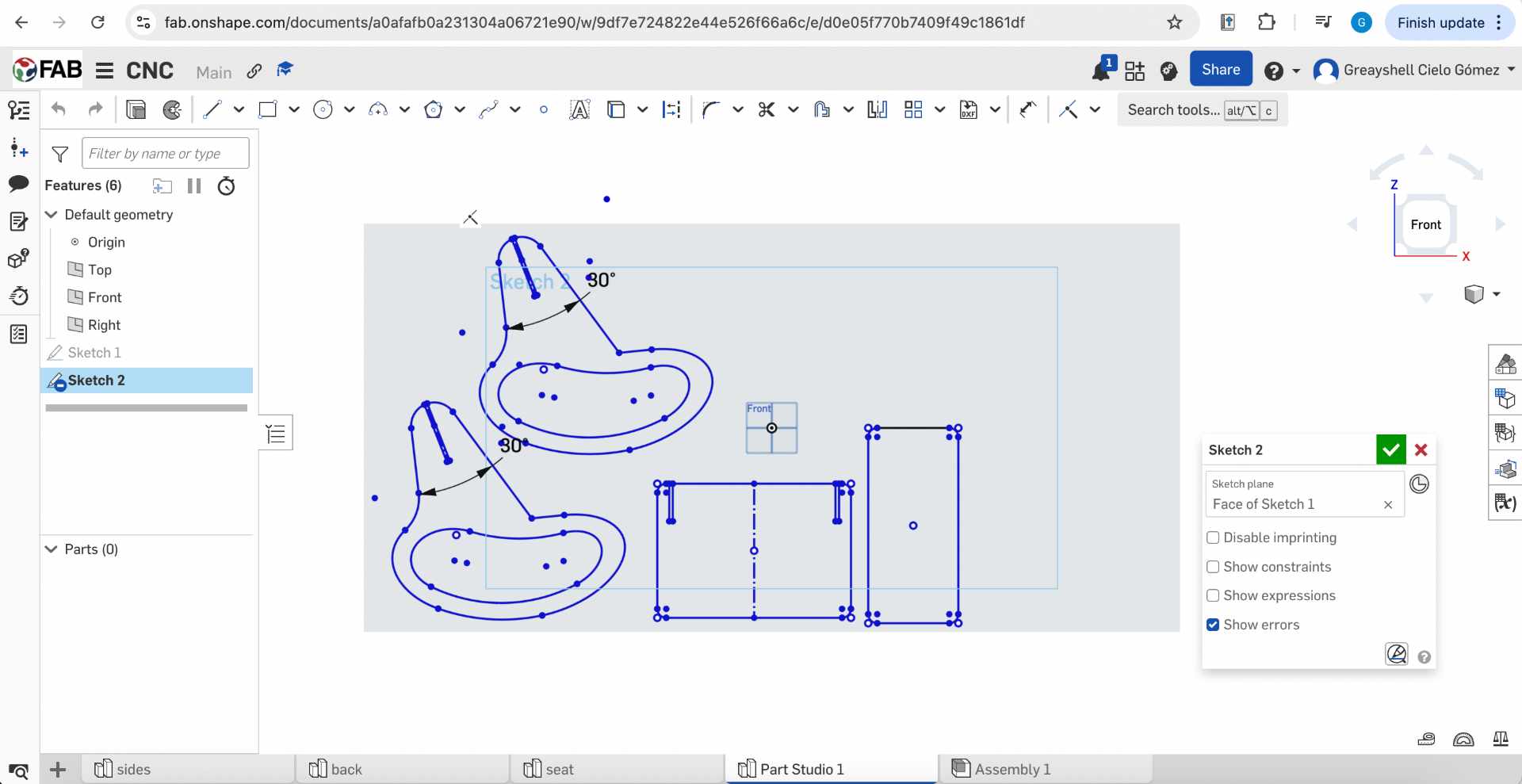
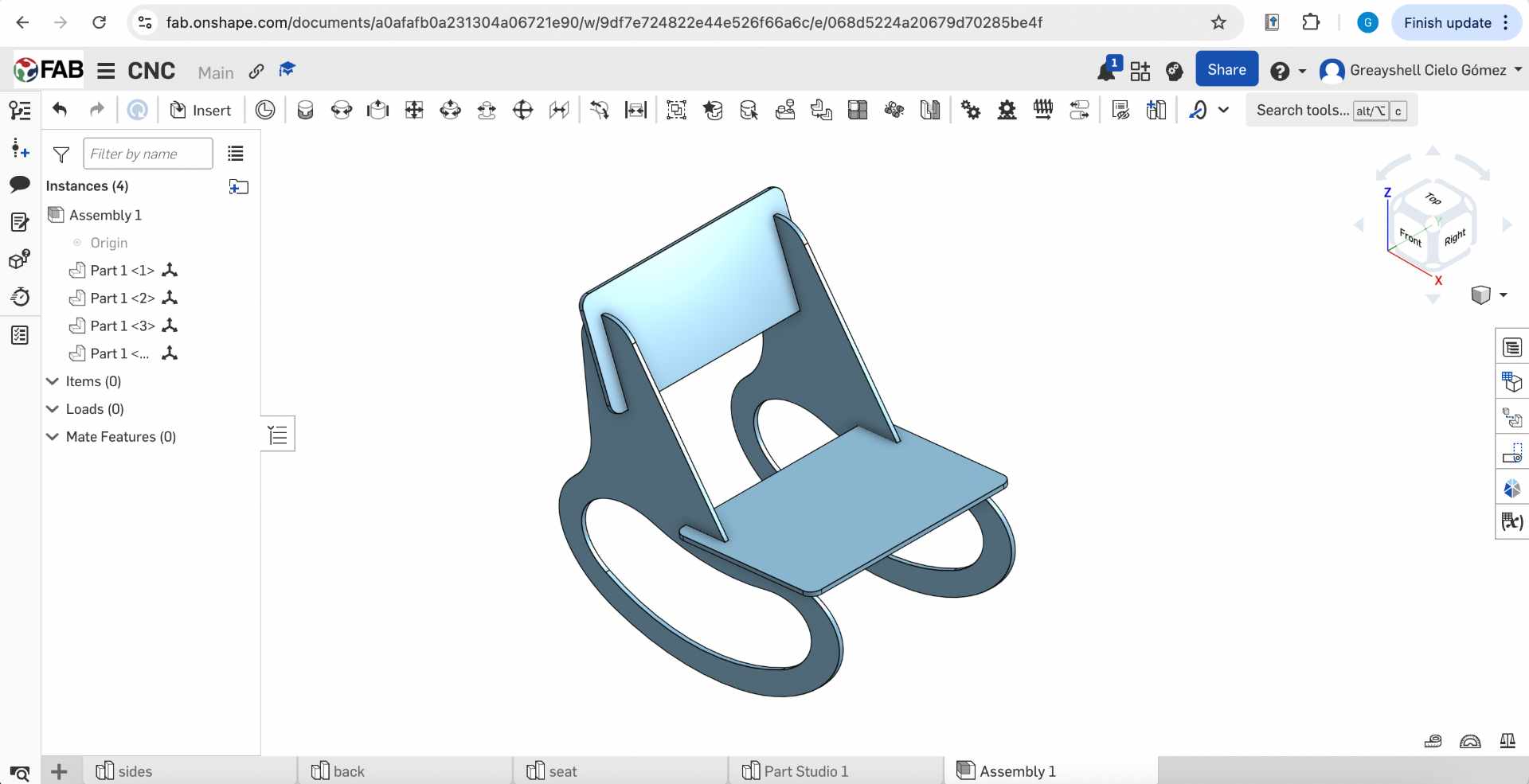
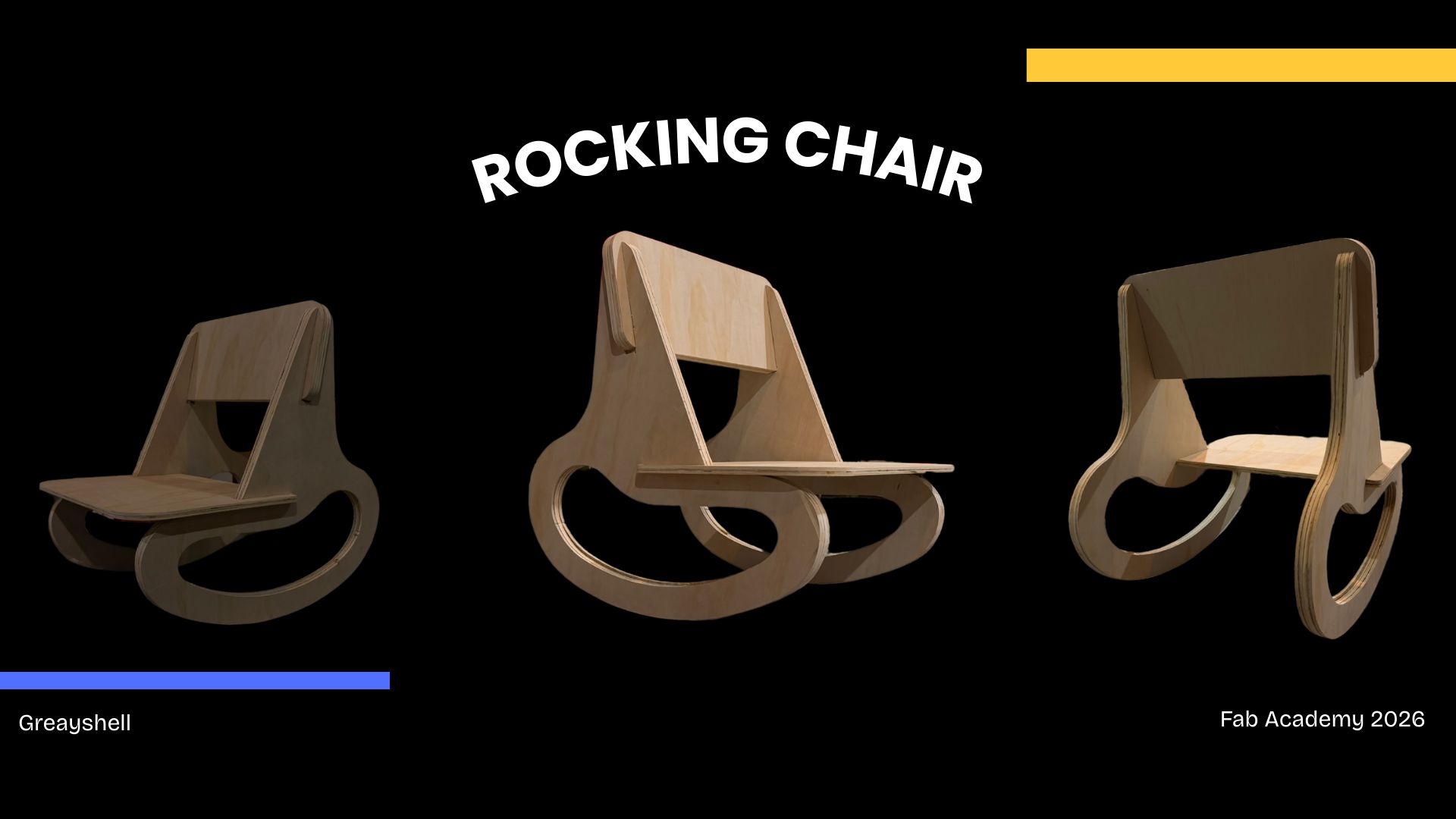
For this project, I designed a rocking chair for young children with soft organic shapes. The design focuses on simplicity and CNC fabrication, using press-fit joints to assemble the structure without glue or additional fasteners.

✦ OnShape Model

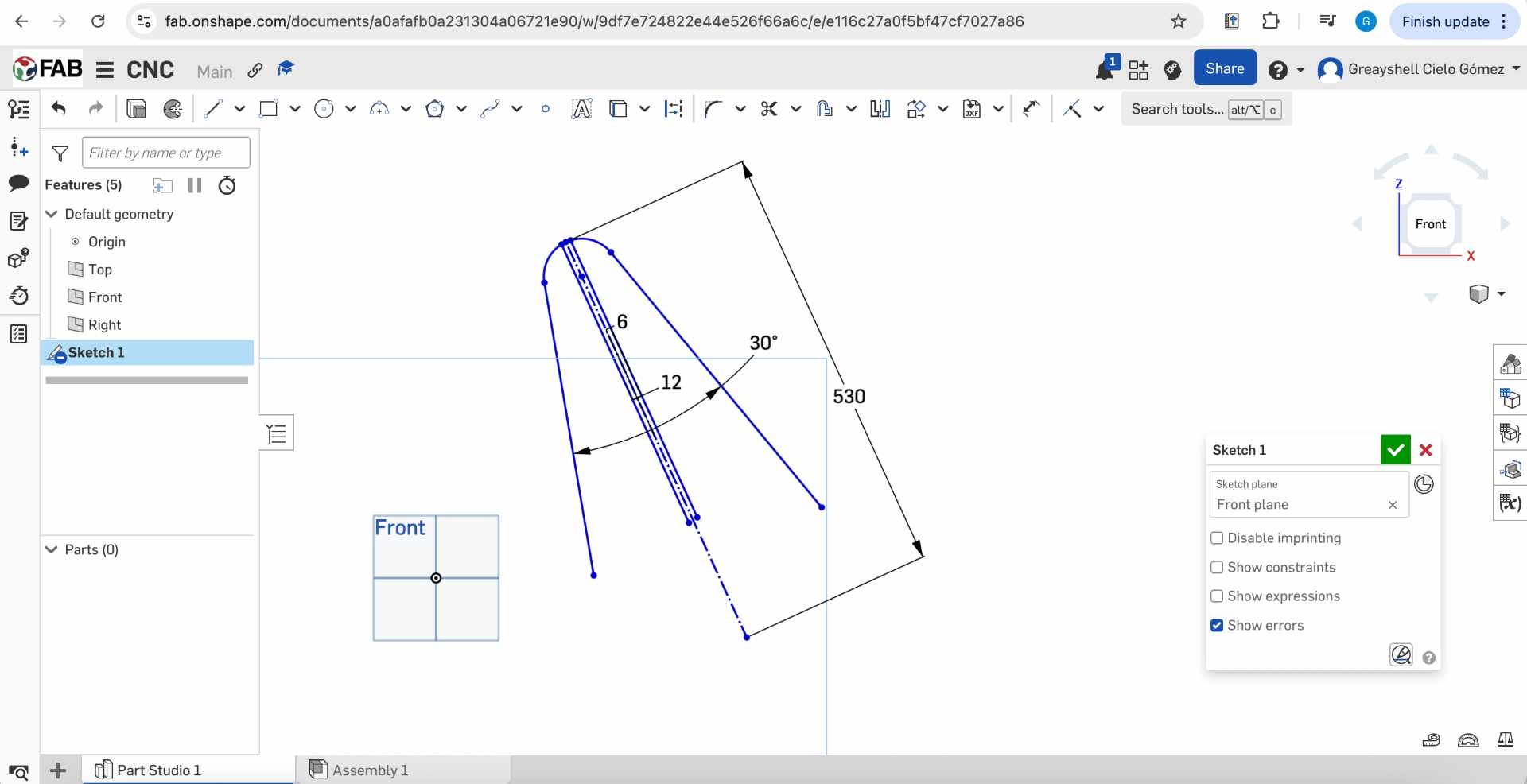
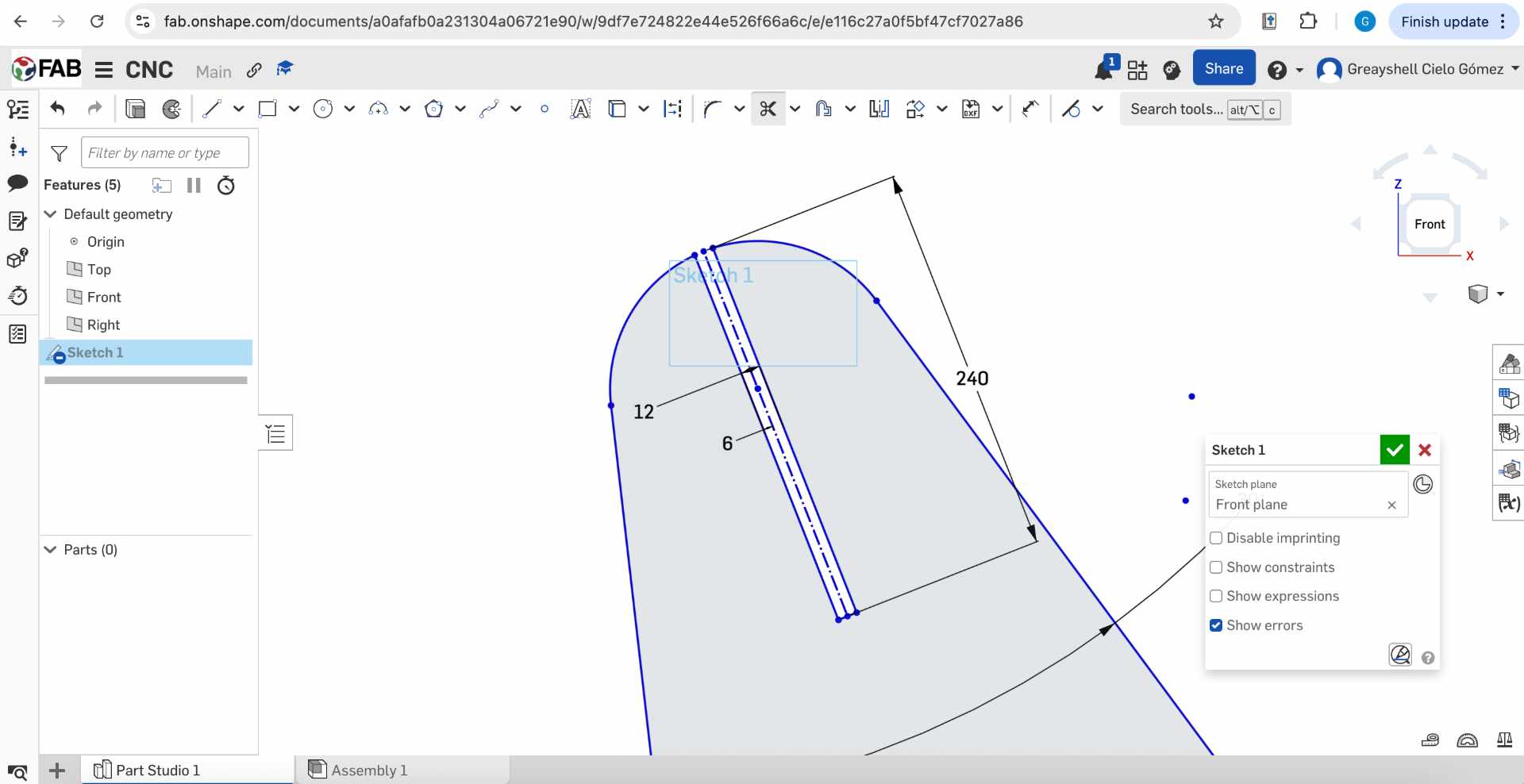
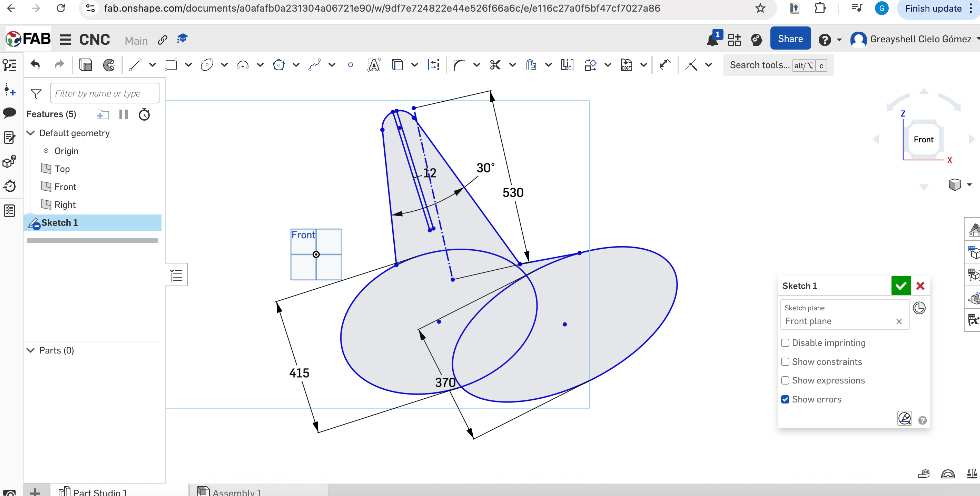
Onshape is a cloud-based CAD software used to create and model the 2D and 3D design of the rocking chair before preparing it for CNC fabrication.

✦ Vcarve Pro

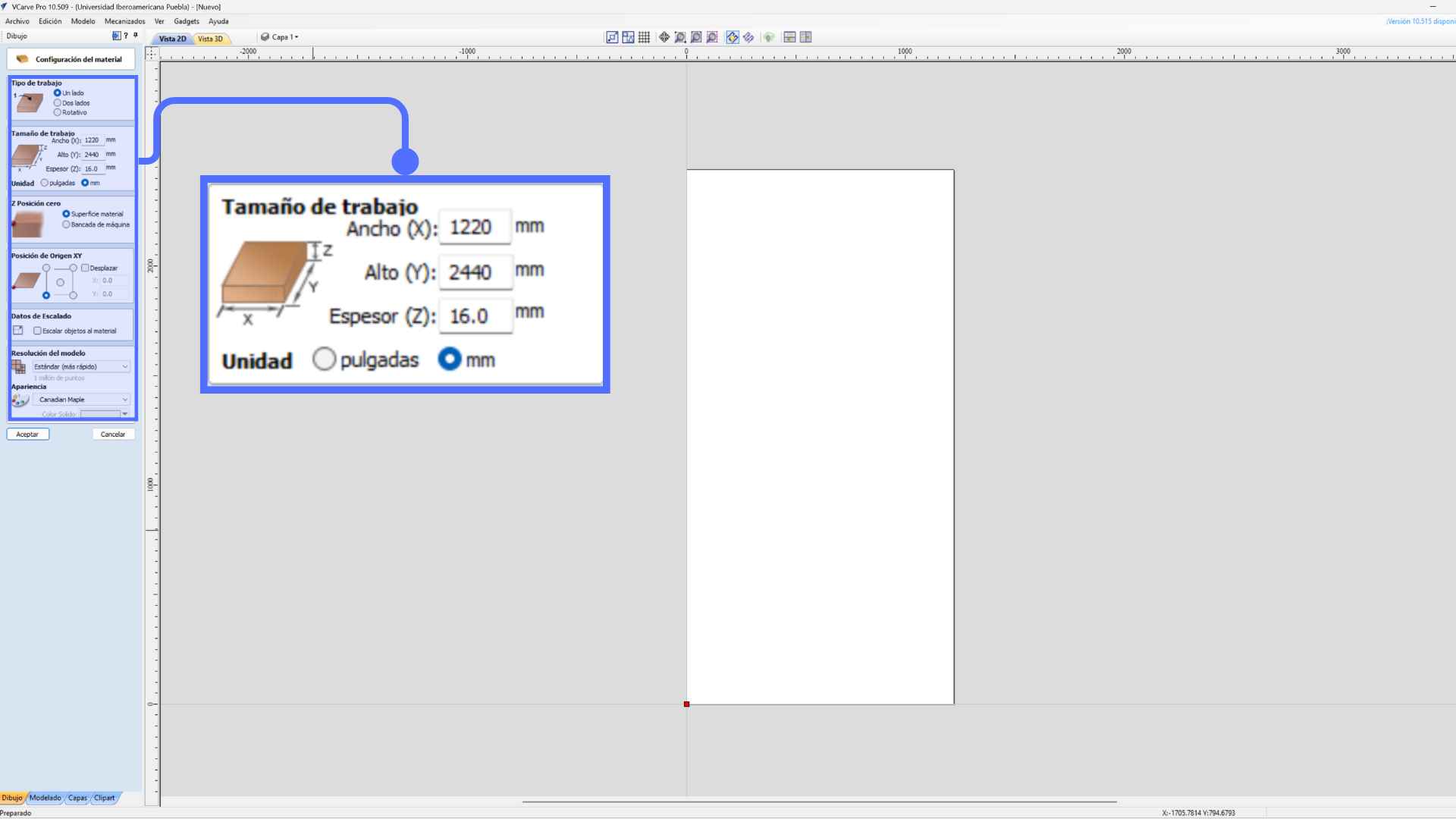
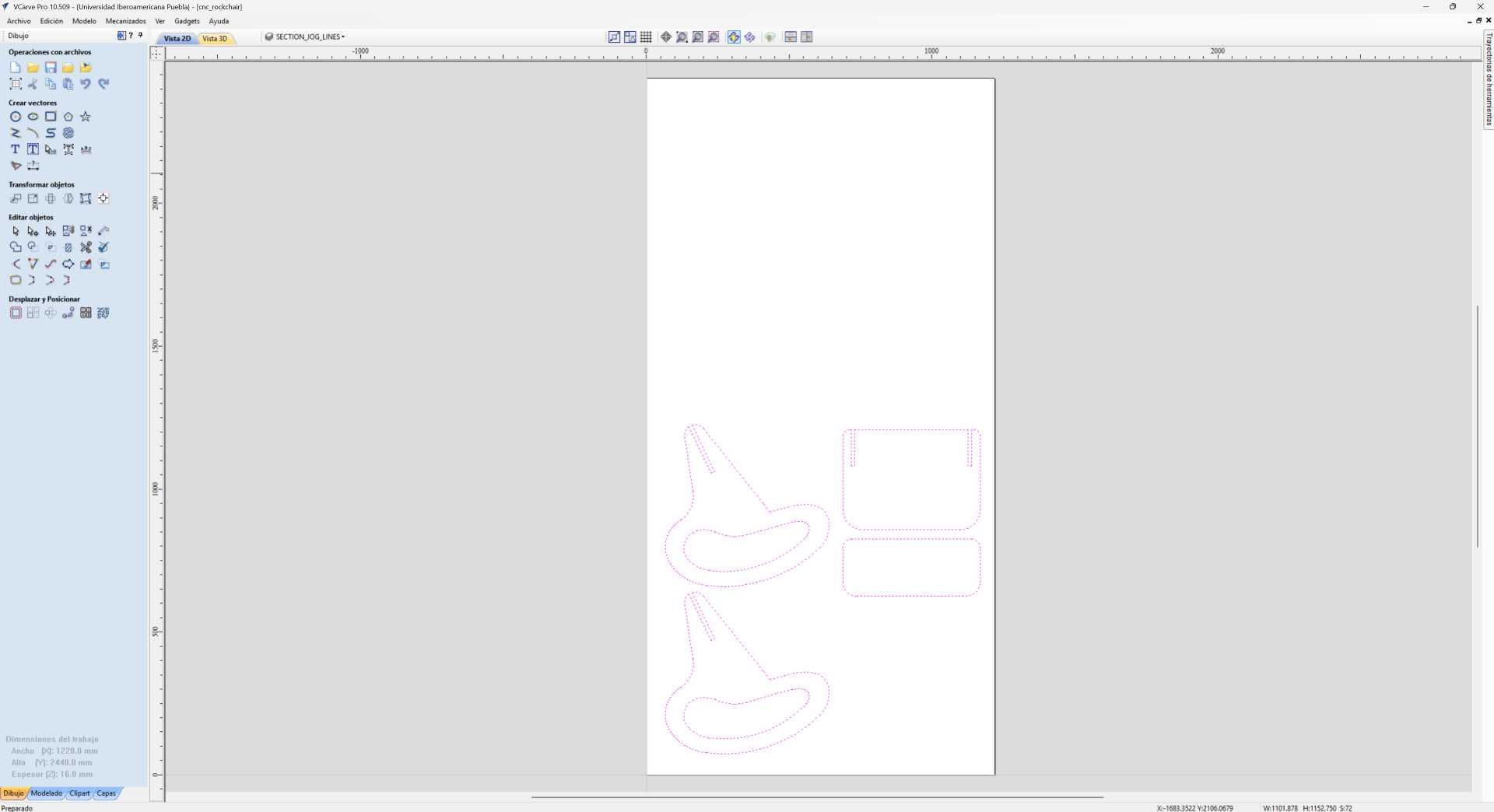
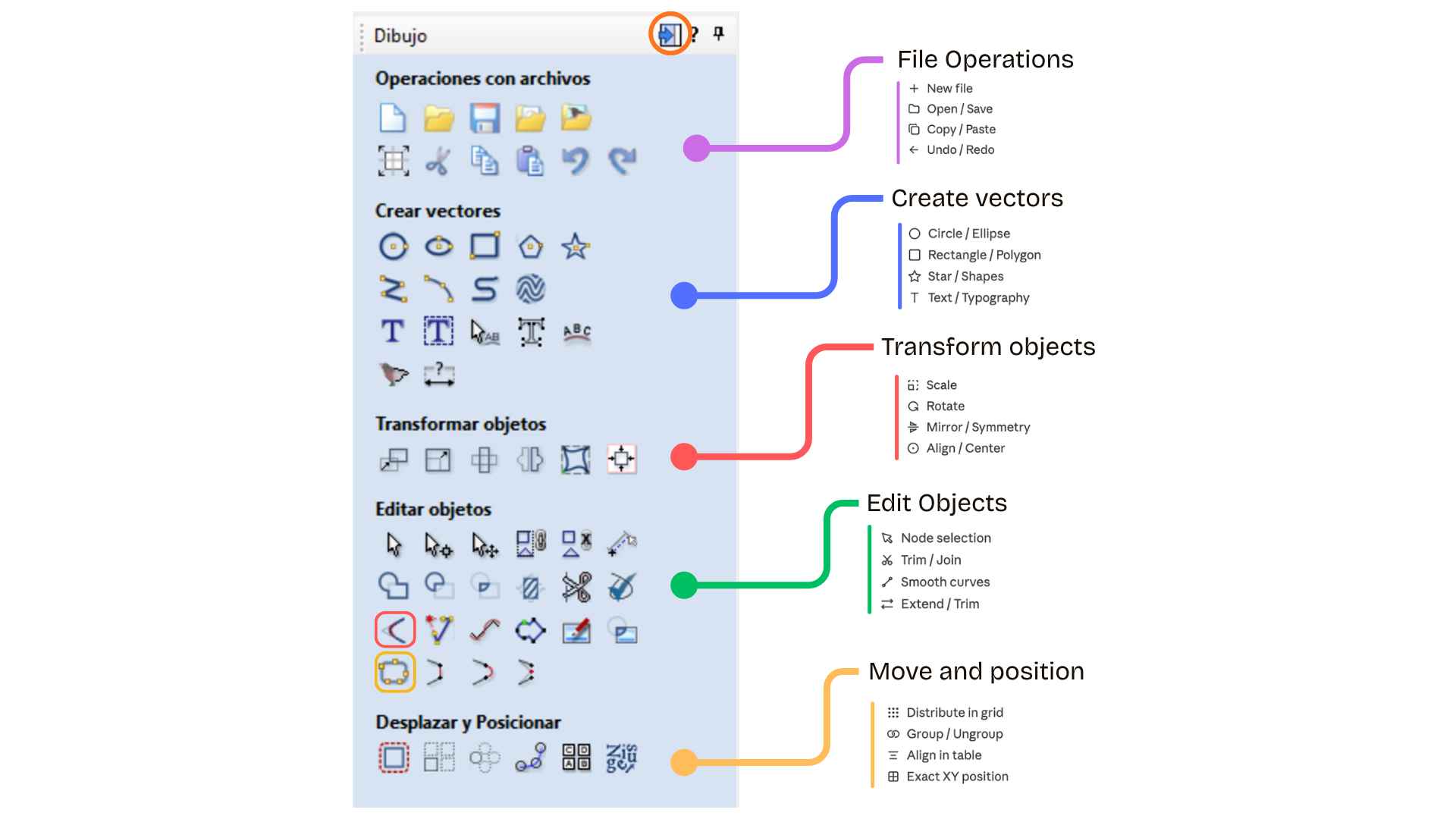
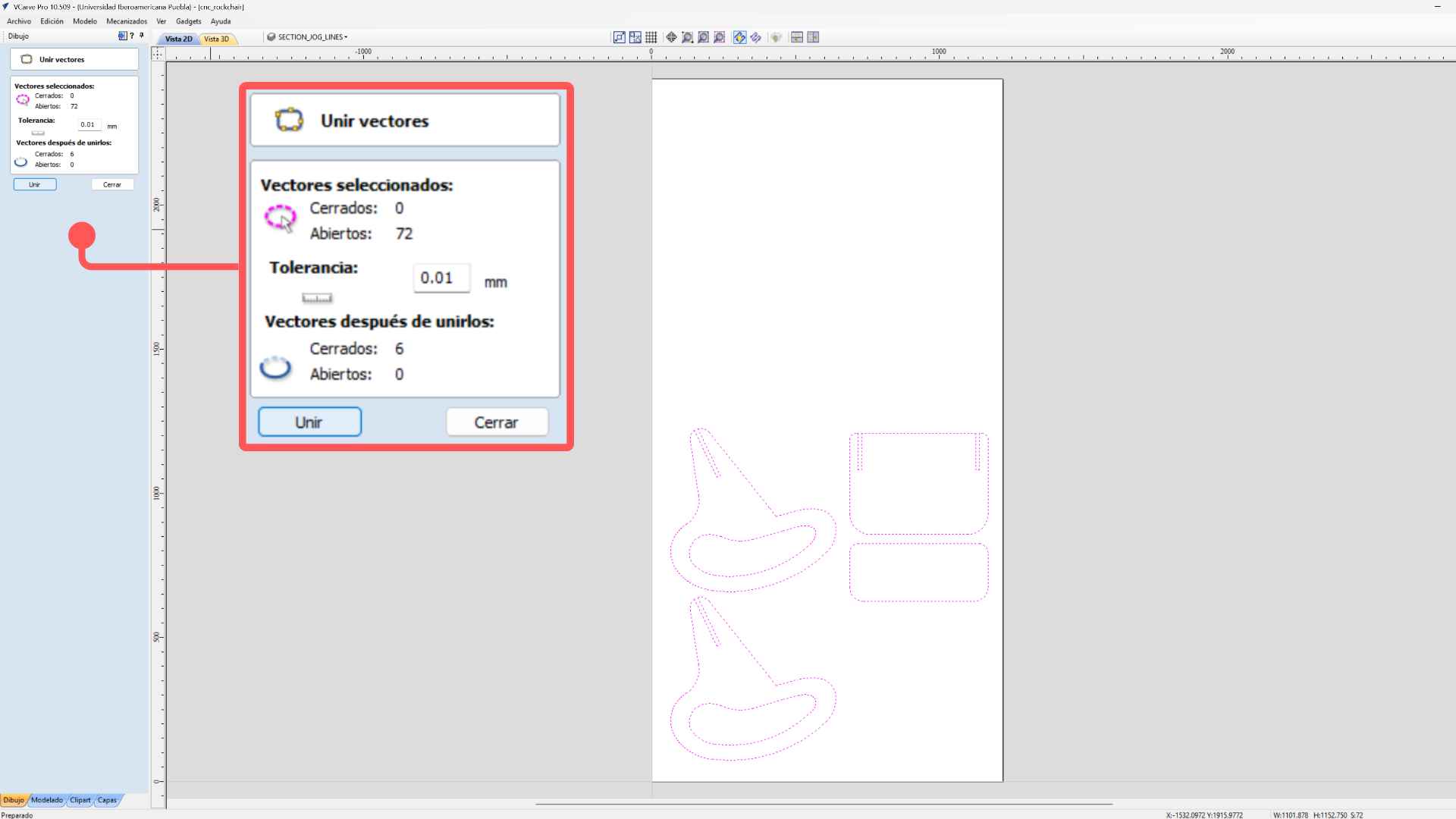
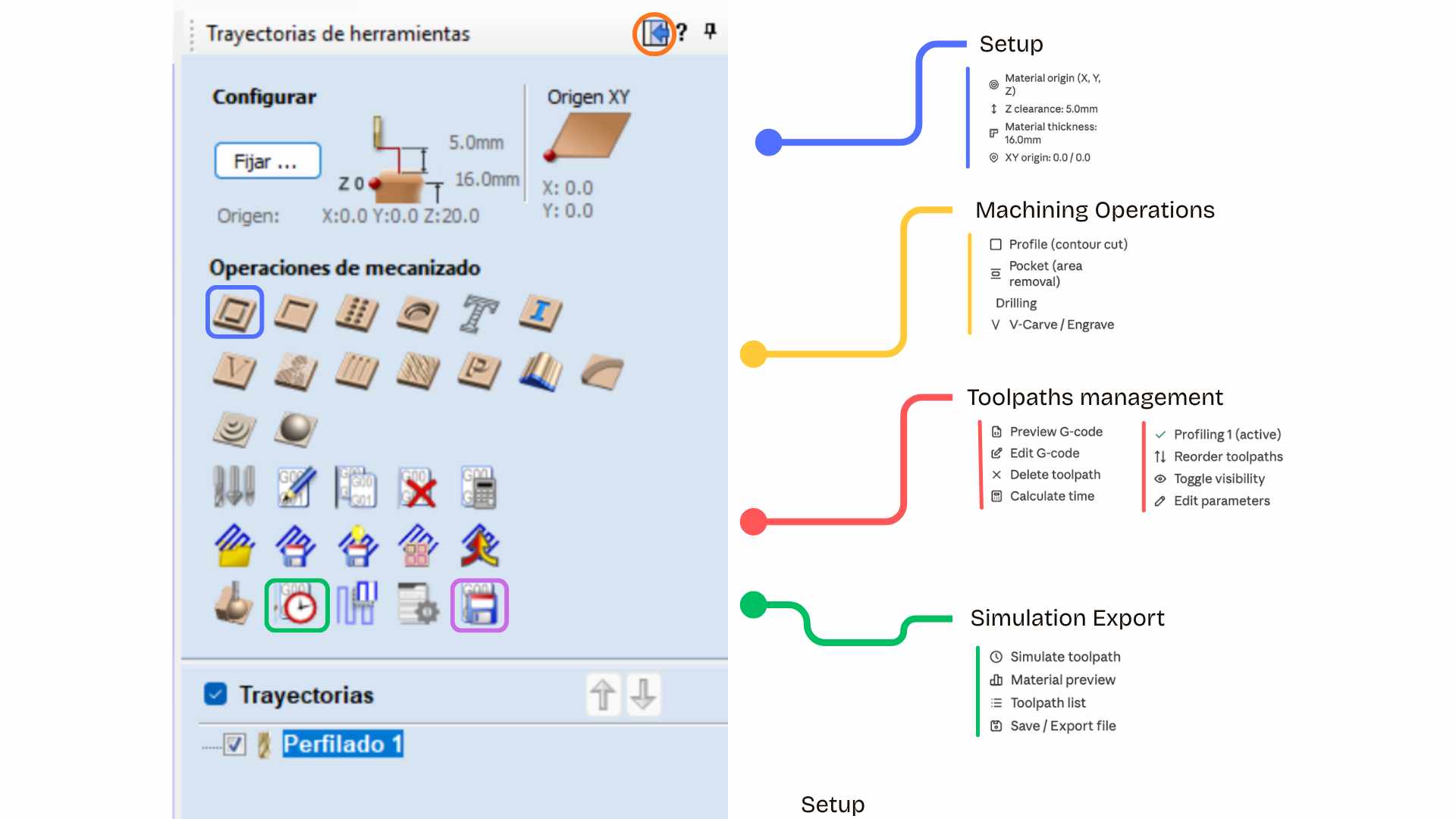
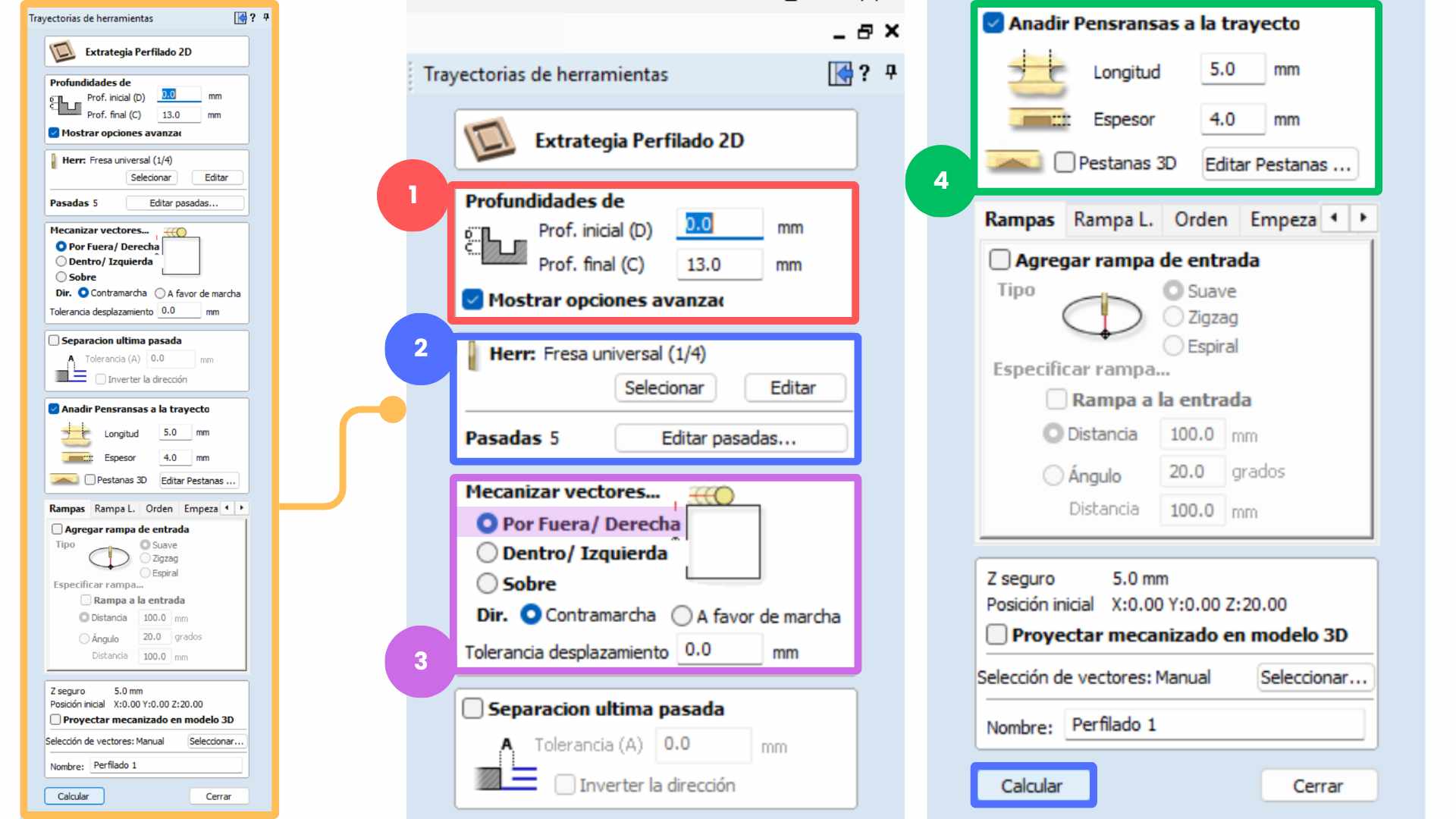
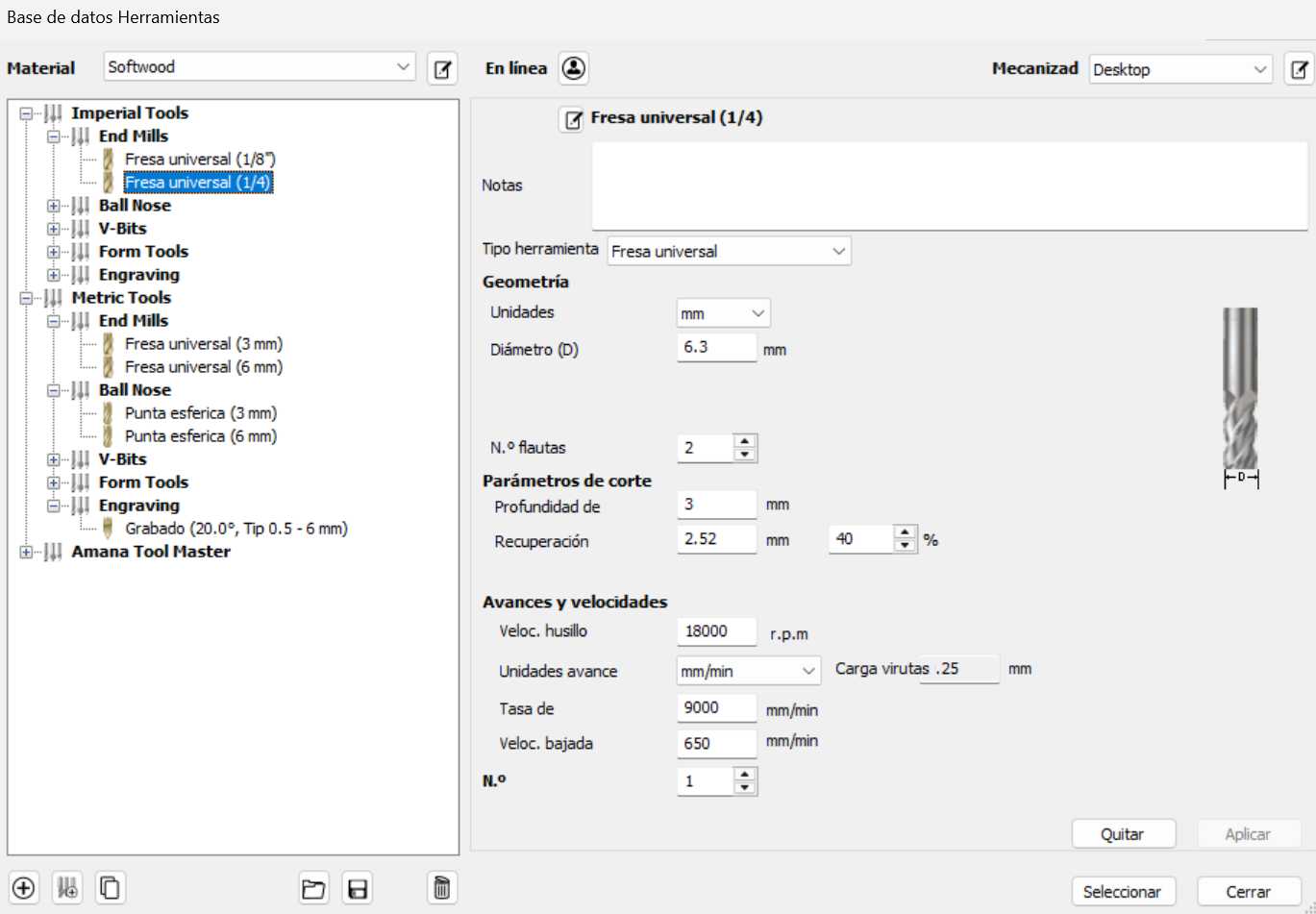
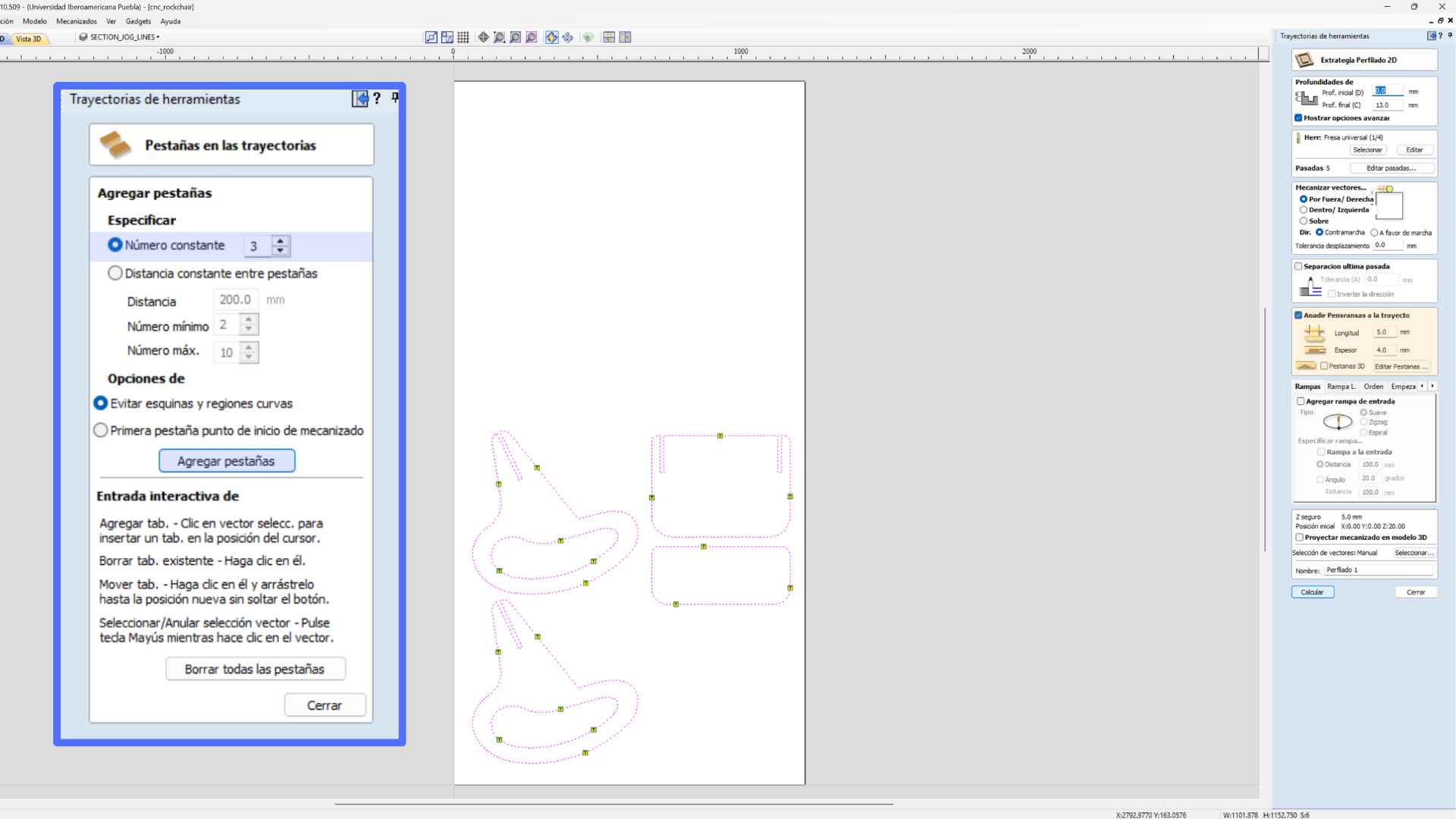
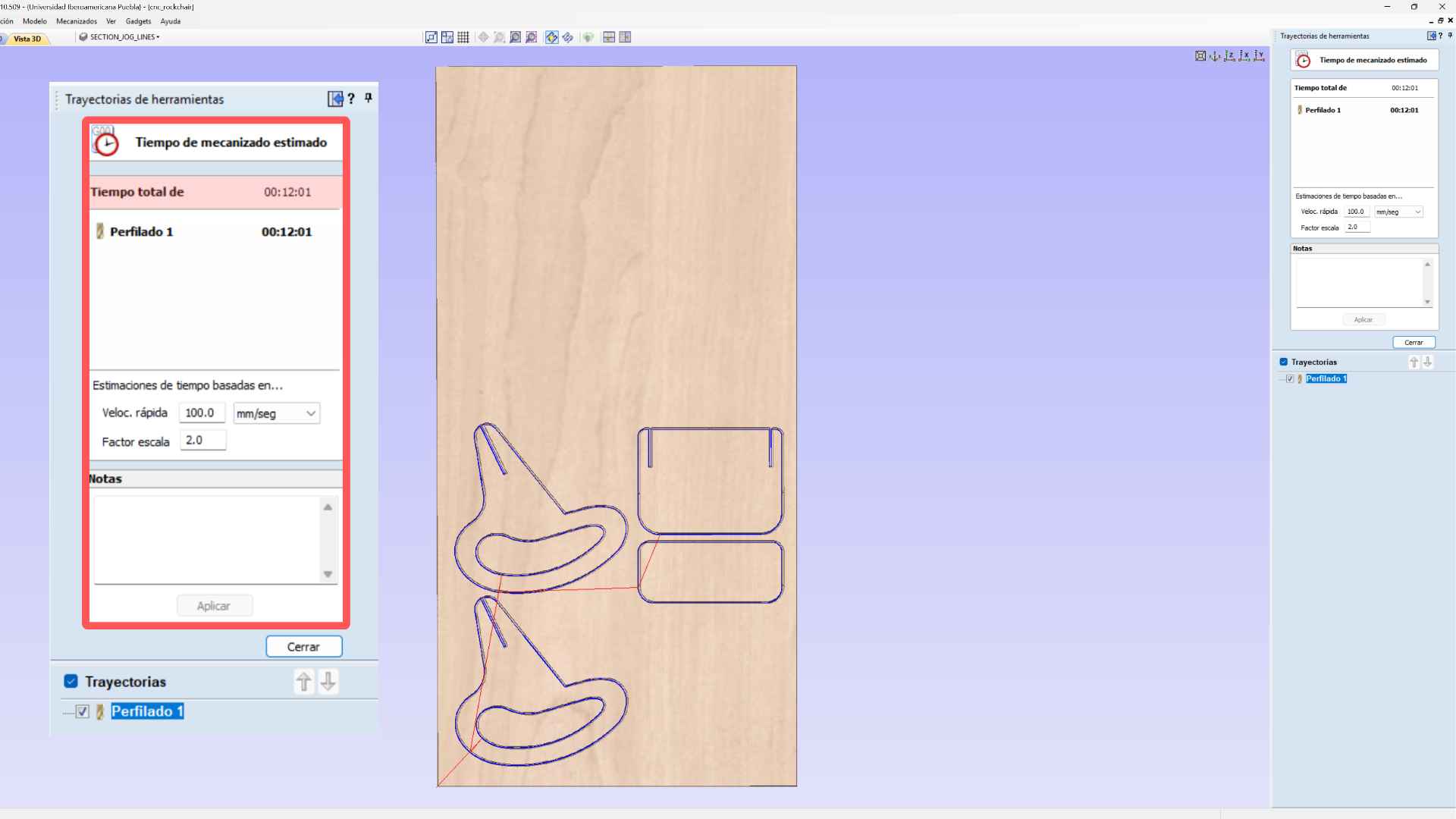
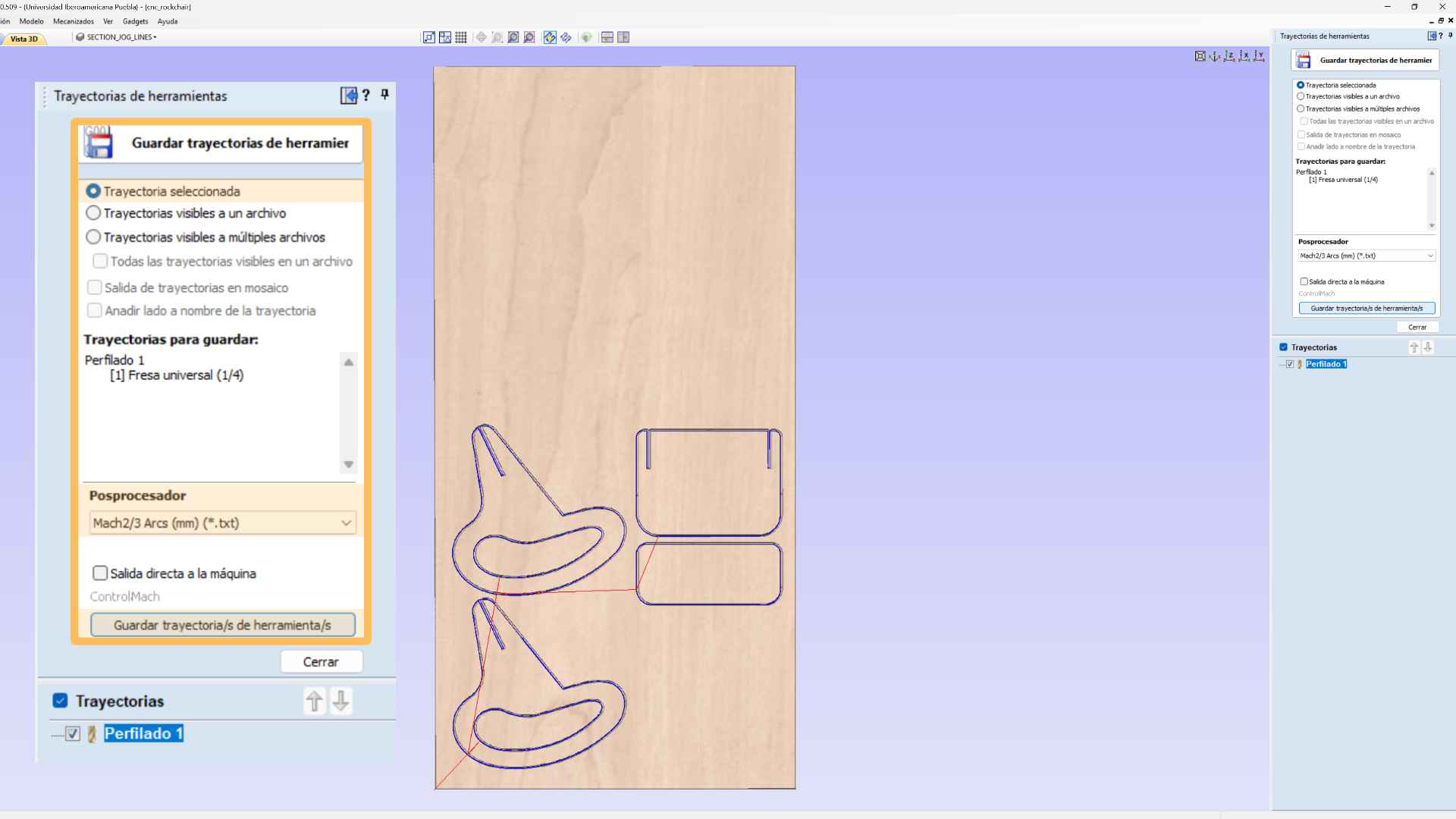
VCarve is a CAM software used to prepare designs for CNC machining. It allows importing vectors, creating toolpaths, and defining cutting parameters before exporting the file for the CNC machine.

✦ Mach3 CNC

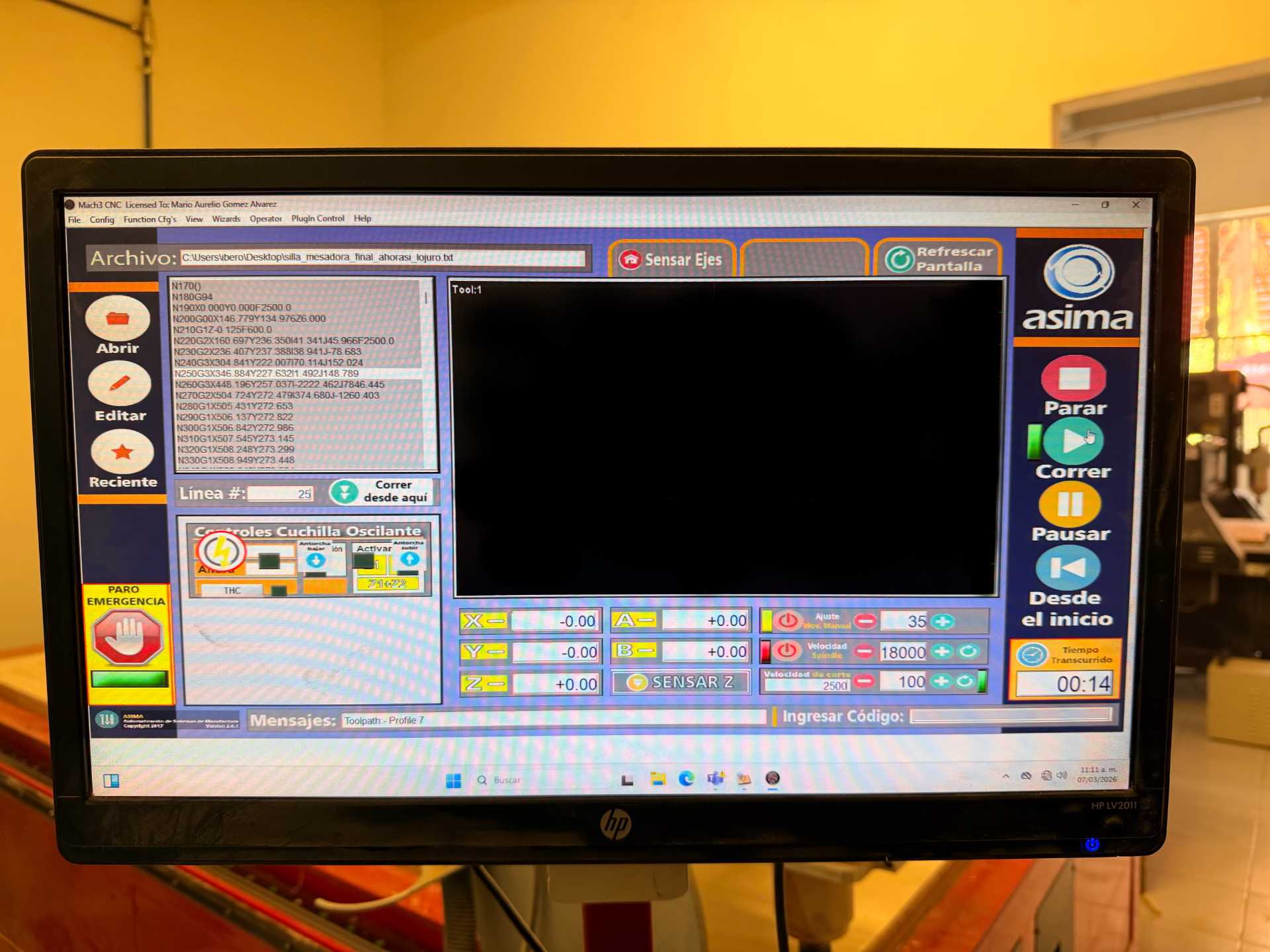
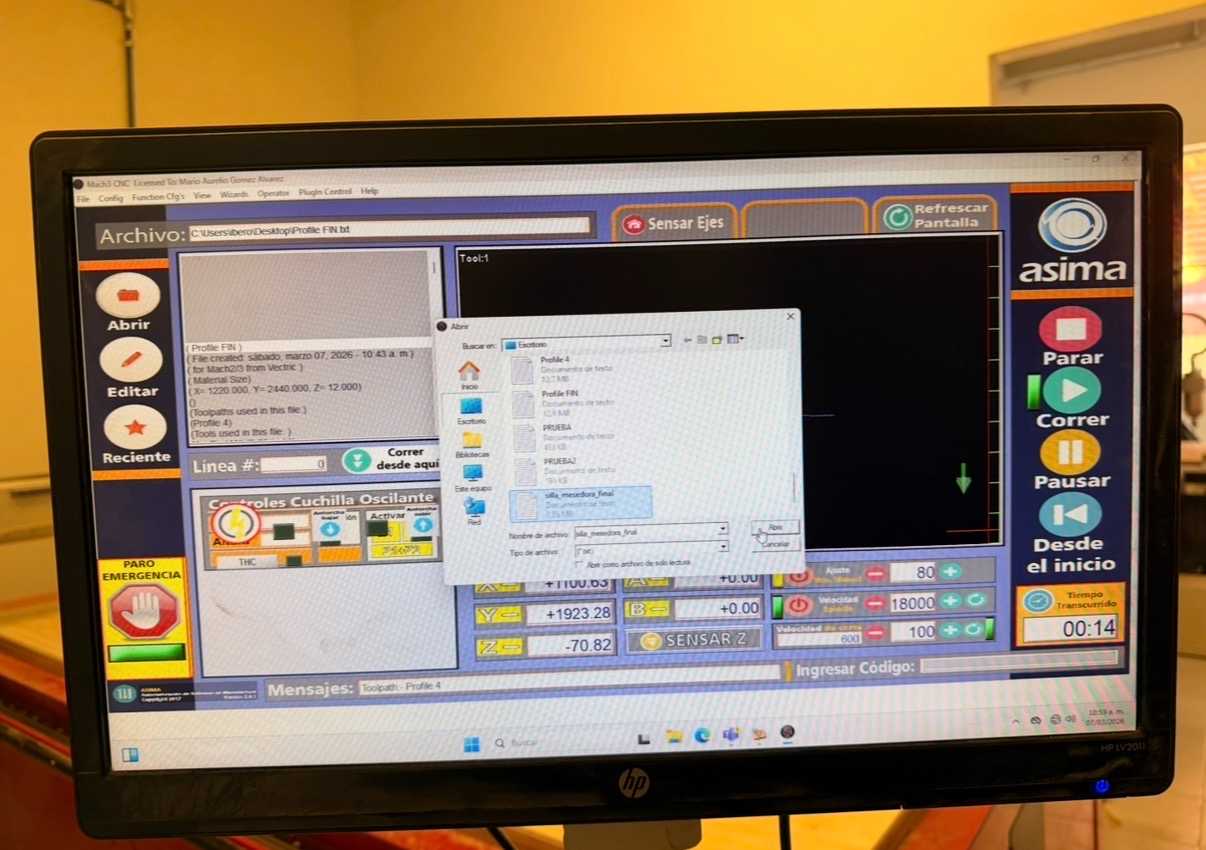
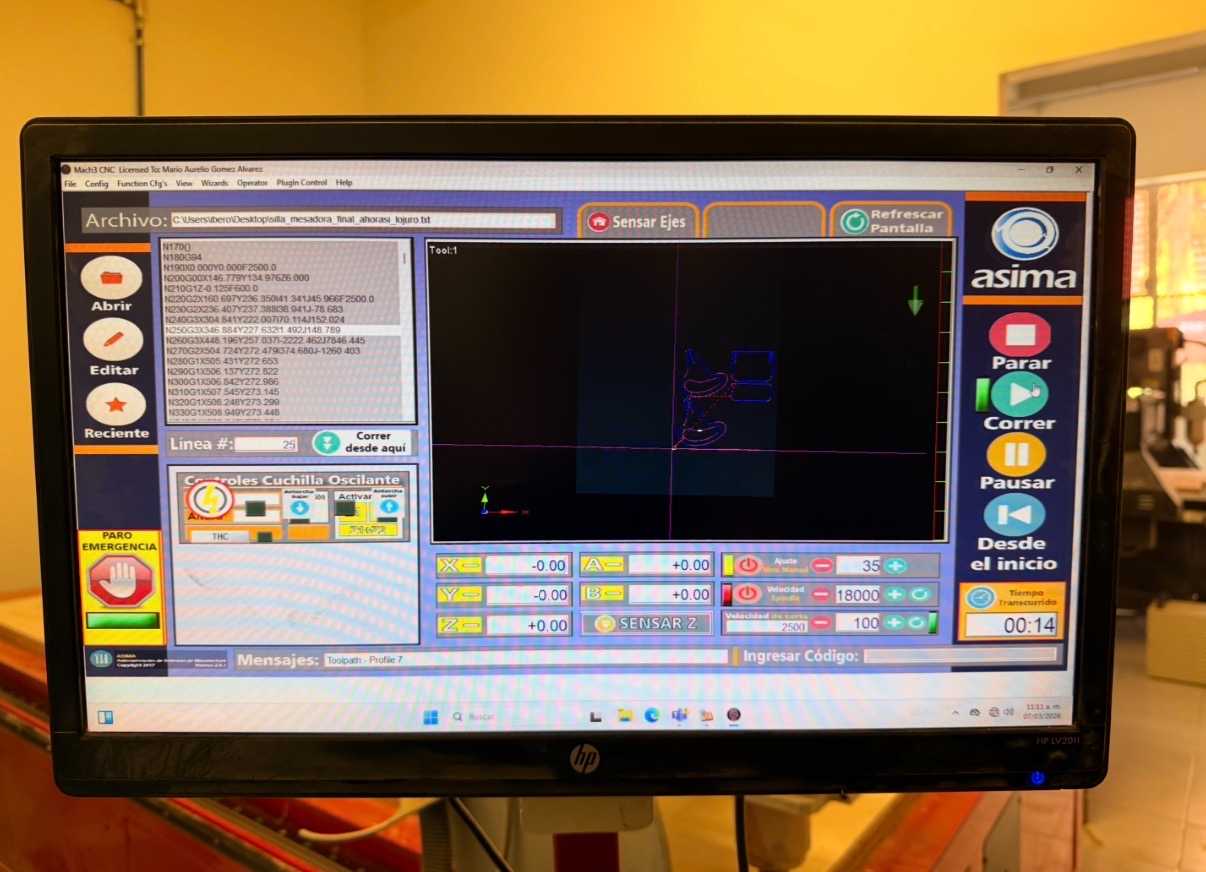
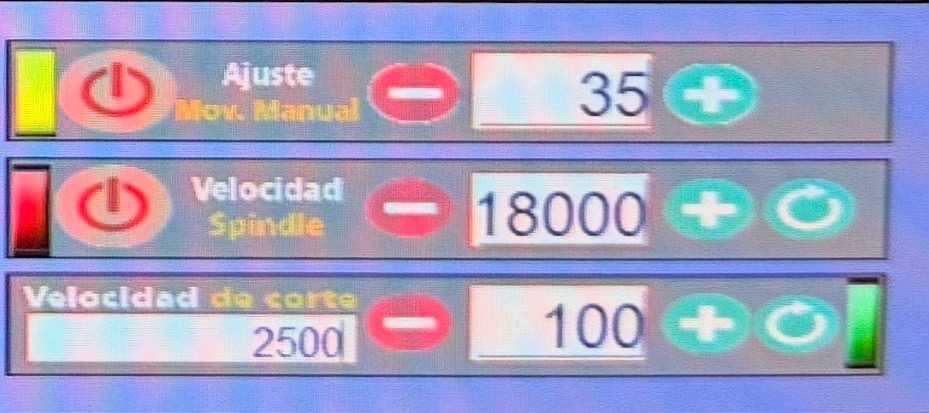
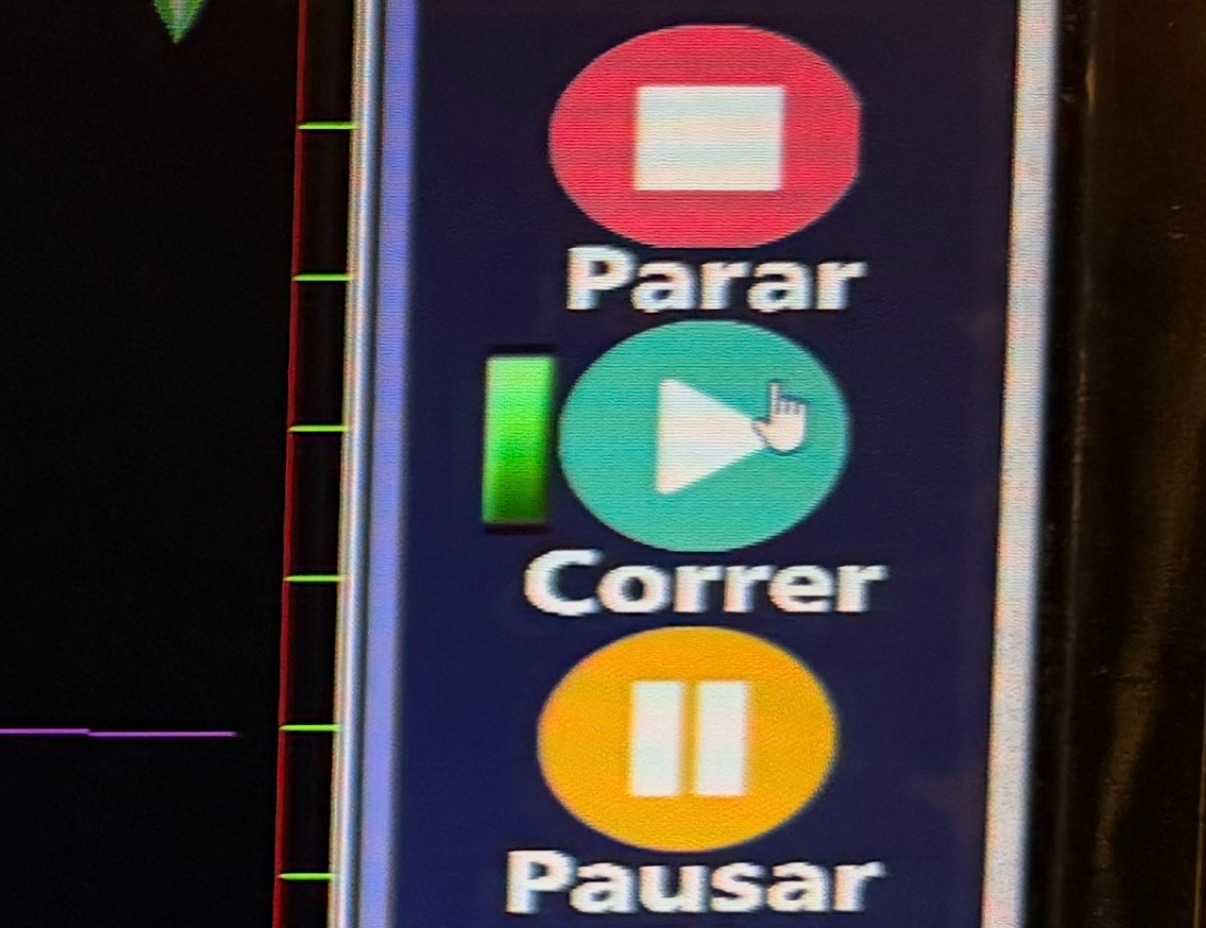
Mach3 is a control software used to operate CNC machines. It loads the G-code generated from CAM software and controls the movement of the machine during the machining process.

✦ Assembly Process

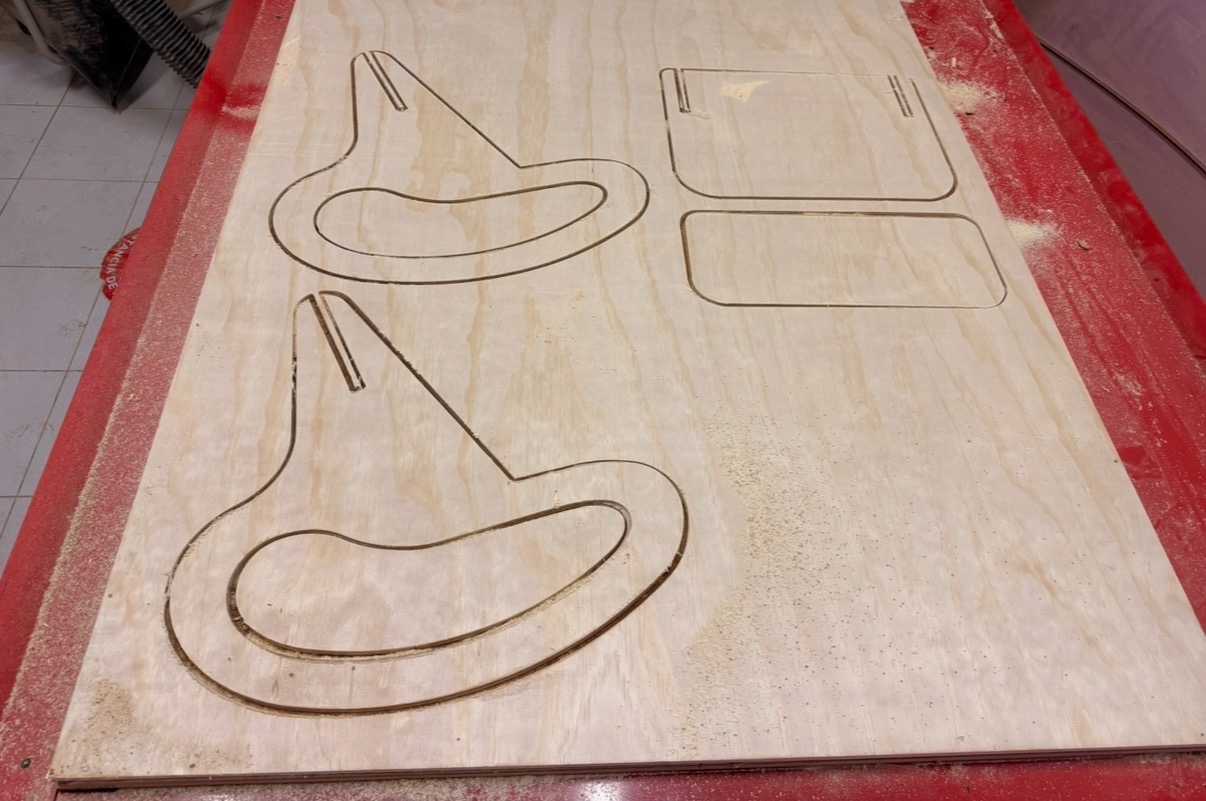
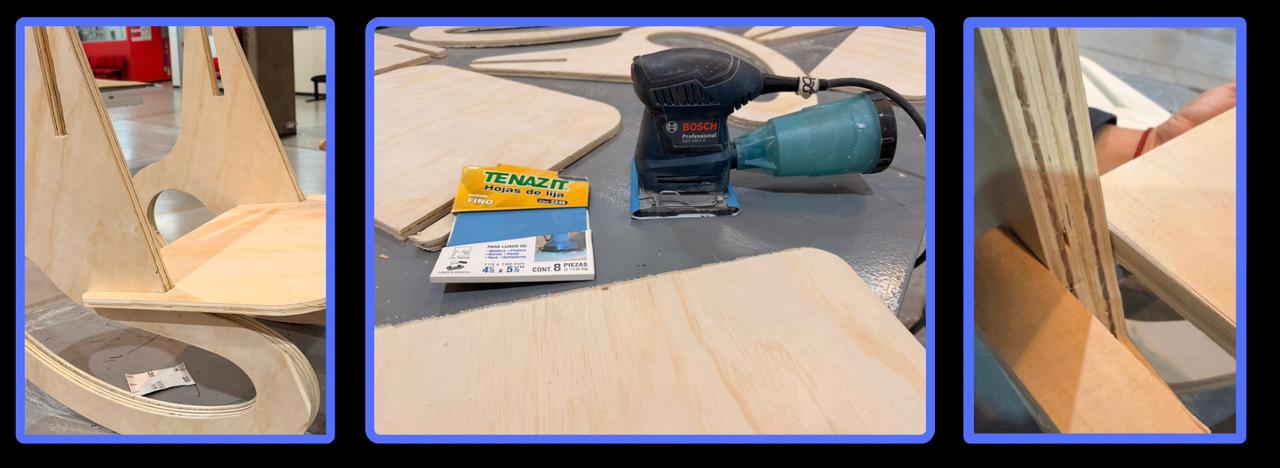
To improve the surface finish, the flat areas of the pieces were sanded using an orbital sander, removing small imperfections left after the cut. Once sanded, the chair was assembled using press-fit joints, allowing the pieces to interlock and form a stable structure without glue or additional fasteners.

✦ Final Results

✦ Final Thoughts

Working with the CNC machine was a challenging but very rewarding experience at the same time. Learning how to prepare the design, generate the toolpaths, configurate a big machine, calculate the right parameters and fabricate the parts required careful planning, but I really enjoyed the process since I could get to know hoy to operate correctly the CNC router. In the future, I would like to further develop this project and build my rocking chair at a larger scale.

✦ Download here

In this section, you can find the downloadable source files developed during this week.

DXF

ONSHAPE

Download File