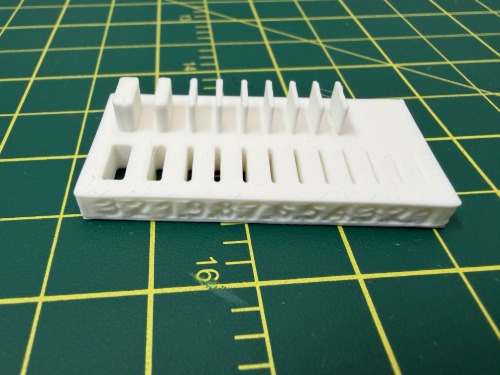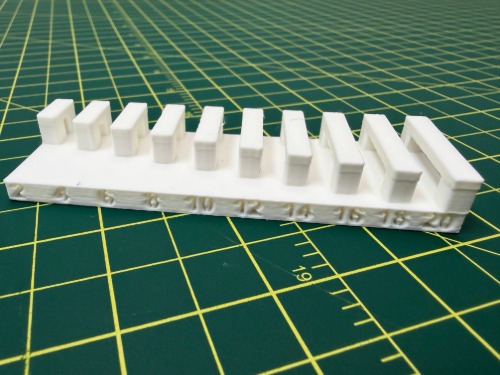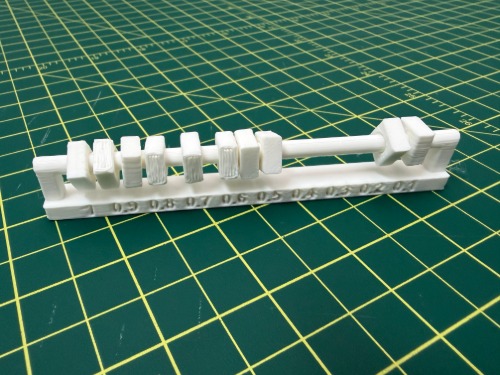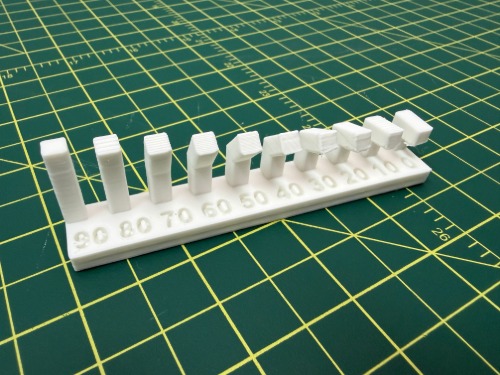

Group Assignment — Week 5: 3D Scanning and 3D Printing
This week I explored 3D Printing using the Bambu Labs A1 printer. Bambu printers have become extremely popular in the past few years for their accessibility. My node, Moonlighter FabLab, now has a Bambu print farm with X1 Carbon, P1S, H2D and A1 printers.
3D Printing Rules — Bambu A1
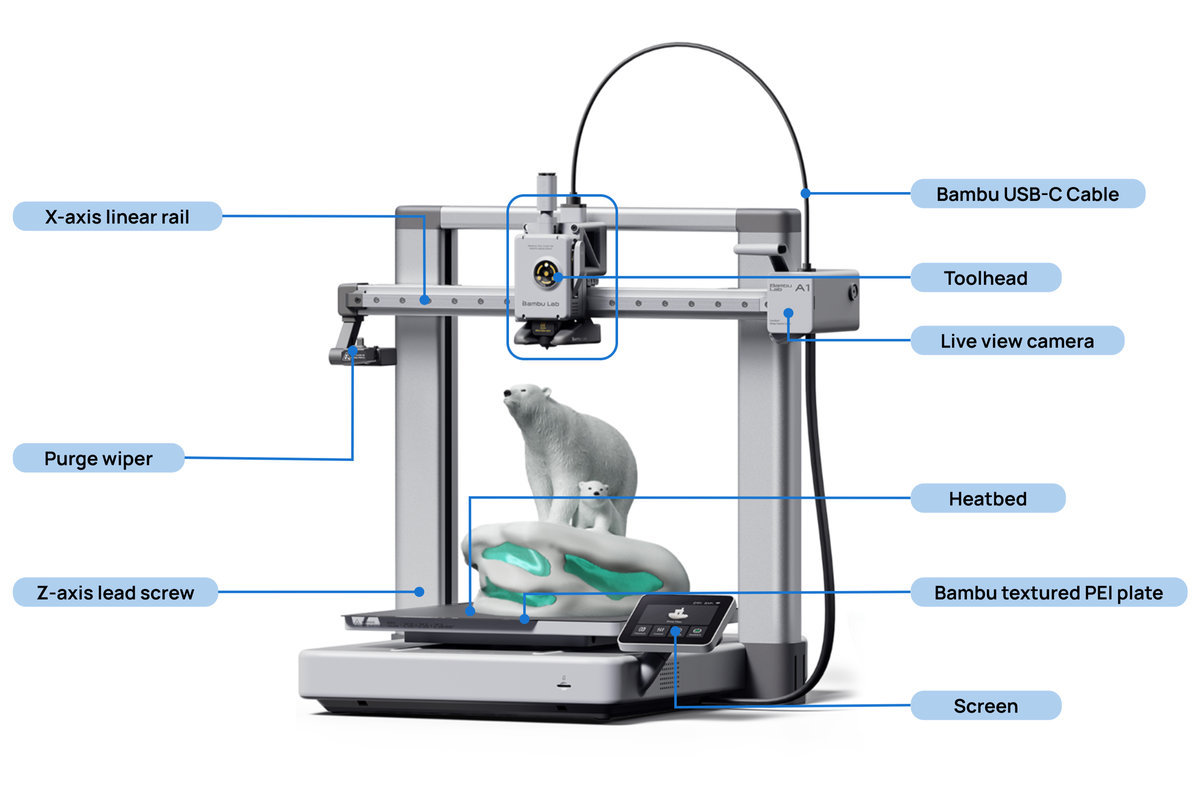
The basic model of the Bambu Labs A1 is not enclosed like most other Bambu printers. The toolhead moves along the X, Z axes and the printbed moves in the Y axis. This format makes the printer more portable and reduces shaking.
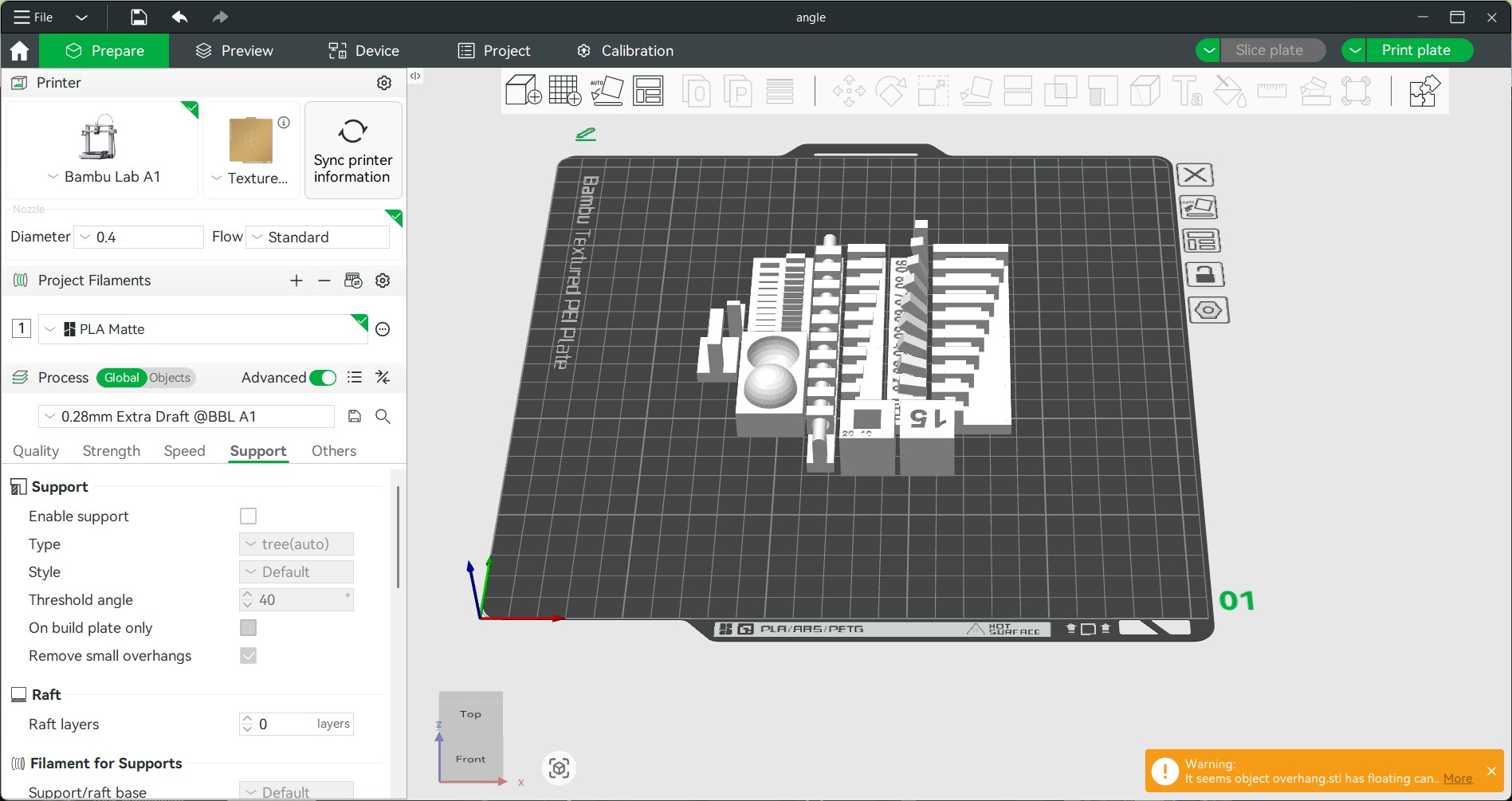
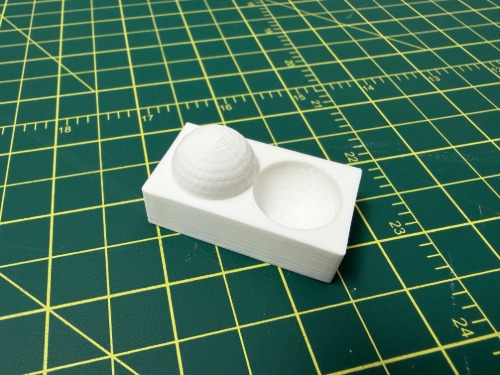
I set up the slicer for Bambu A1, textured PEI plate, 0.4 diameter nozzle, standard flow with PLA Matte. I compared extra draft quality (.028mm, no supports) vs standard quality (.20mm, supports on).
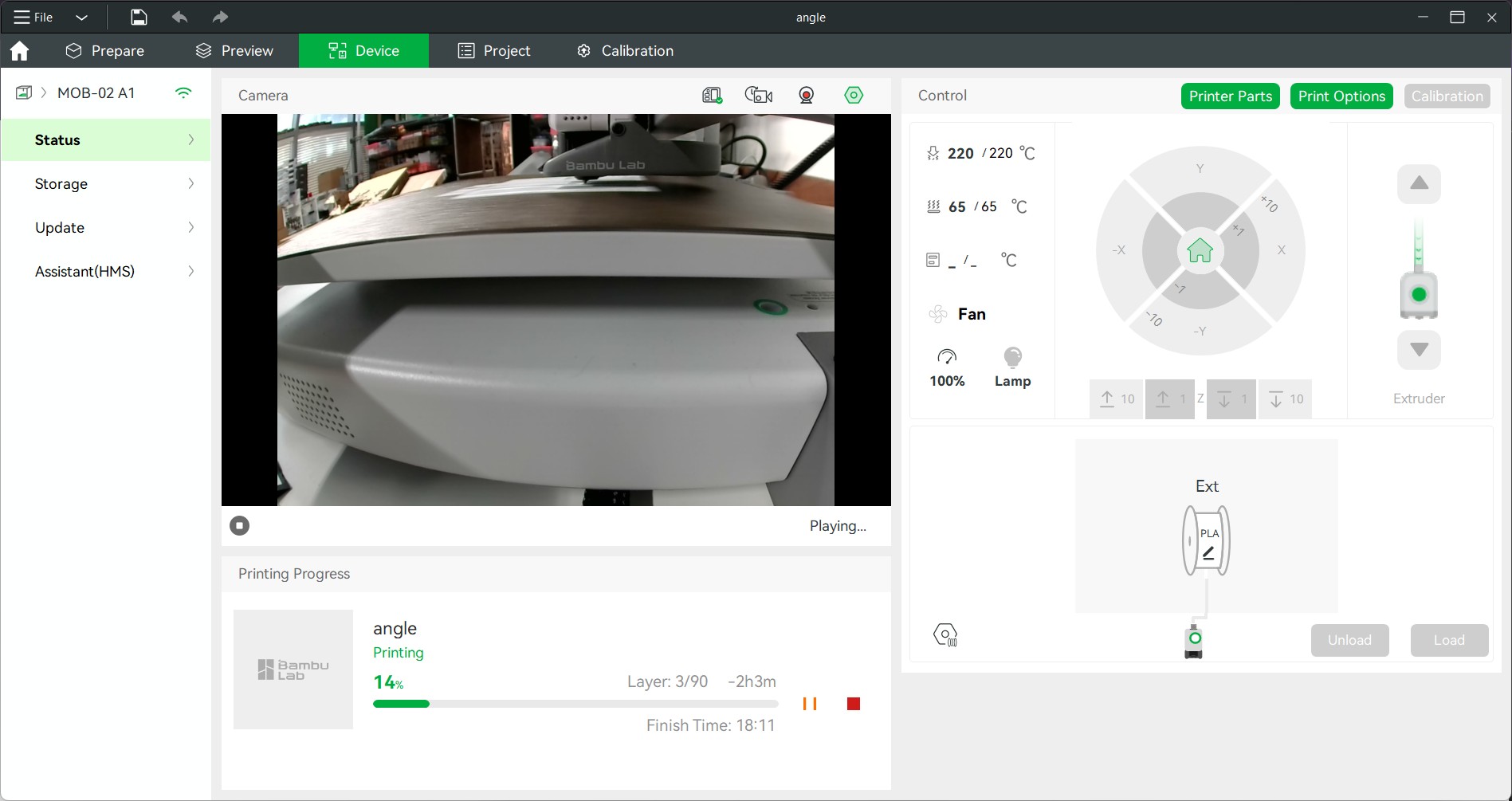
Sending the print to the printer starts with connecting to the specific device under the Device tab.
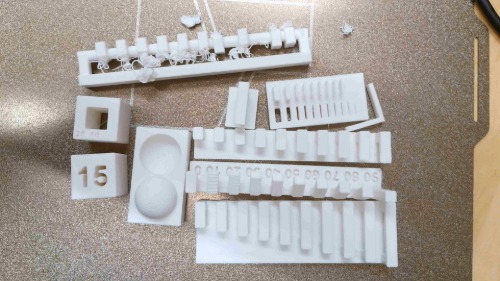
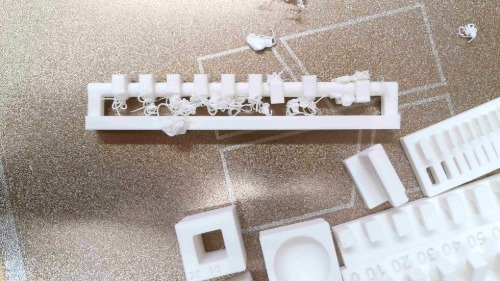
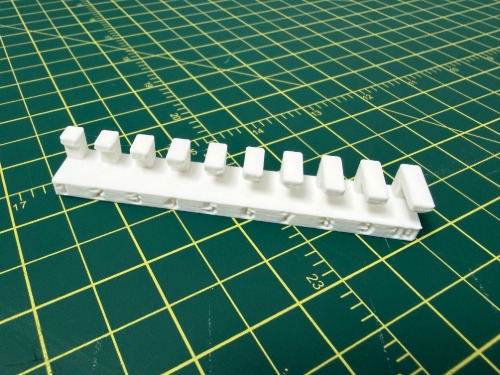
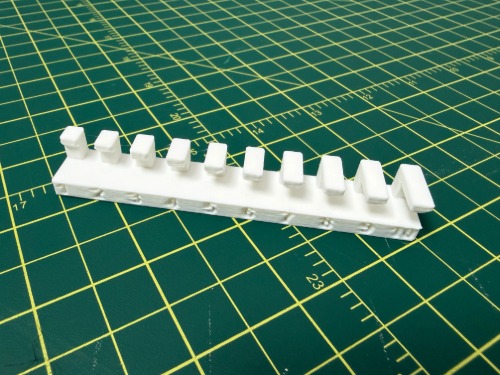
The extra draft print was unusable in some areas — unsupported bridges caused spaghetti failures. The print was able to recover after a while. Text and non-cantilevering areas printed well.
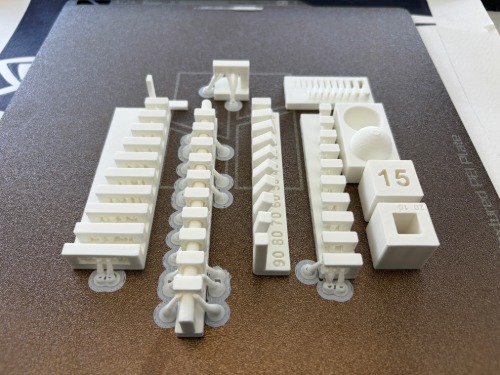
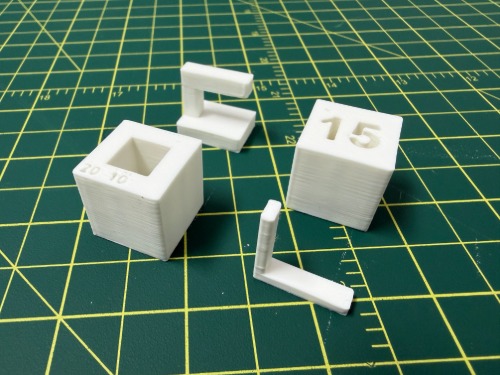
The standard quality print with supports turned out much better but needed to be spaced further apart.