Overview
Week 01 introduced the fundamental principles and practices of the Fab Academy workflow. The primary focus was to establish a reliable system for project documentation and version control using Git and GitLab.
I began by setting up the development environment, including Git, Visual Studio Code, and a structured project directory. Understanding how to manage files, track changes, and publish updates to the Fab Academy repository was essential to ensure a smooth workflow for the following weeks.
This week also involved building the initial structure of my Fab Academy website. By creating reusable layout components and a consistent visual system, the documentation platform was prepared to support future weekly assignments.
Establishing this workflow early allows the rest of the course to focus more on design, fabrication, and experimentation rather than technical setup issues.
Checklist
- Install Git on macOS
- Understand GitLab workflow (edit → commit → push)
- Clone repository locally
- Configure VS Code
- Generate SSH key for GitLab
Git and Version Control
Version control is essential for managing documentation and tracking changes across weeks. I explored both online editing and local Git workflows, ultimately choosing a local development approach.
Basic Git Workflow
git status
git add .
git commit -m "Week 01 documentation"
git pushWebsite Setup
Project Folder Structure
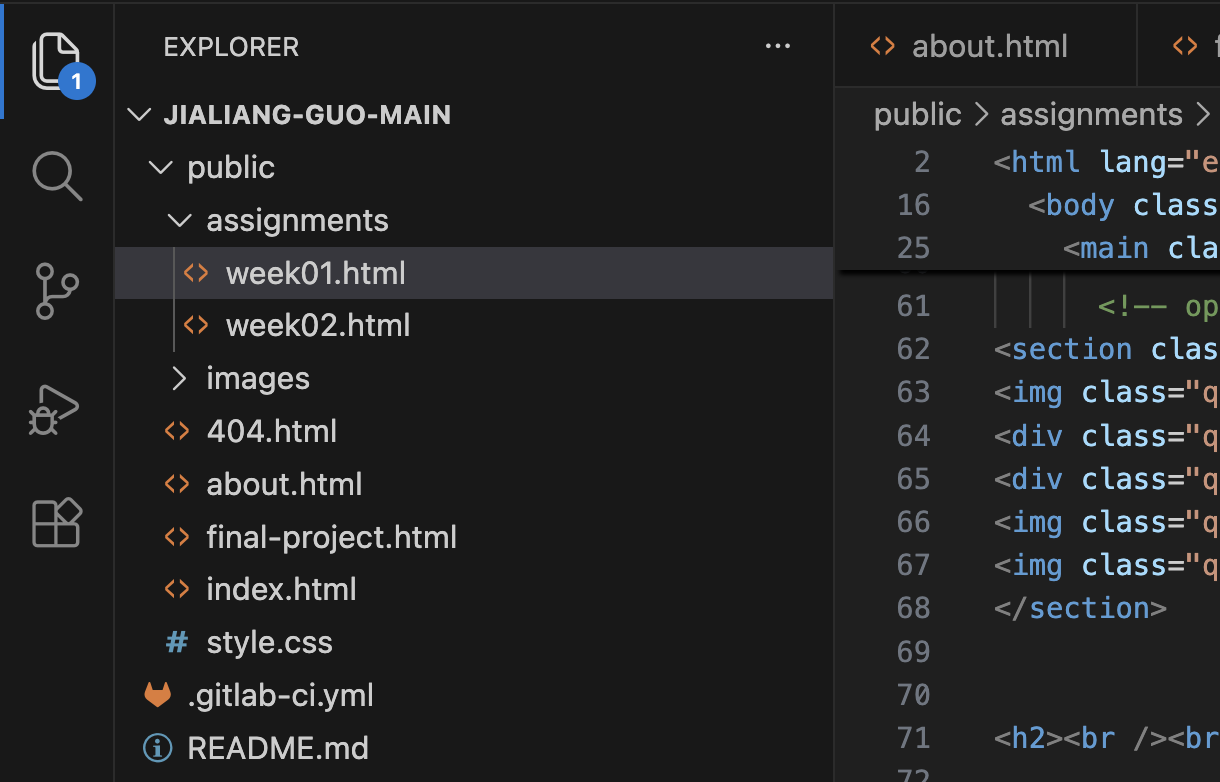
Editing in VS Code
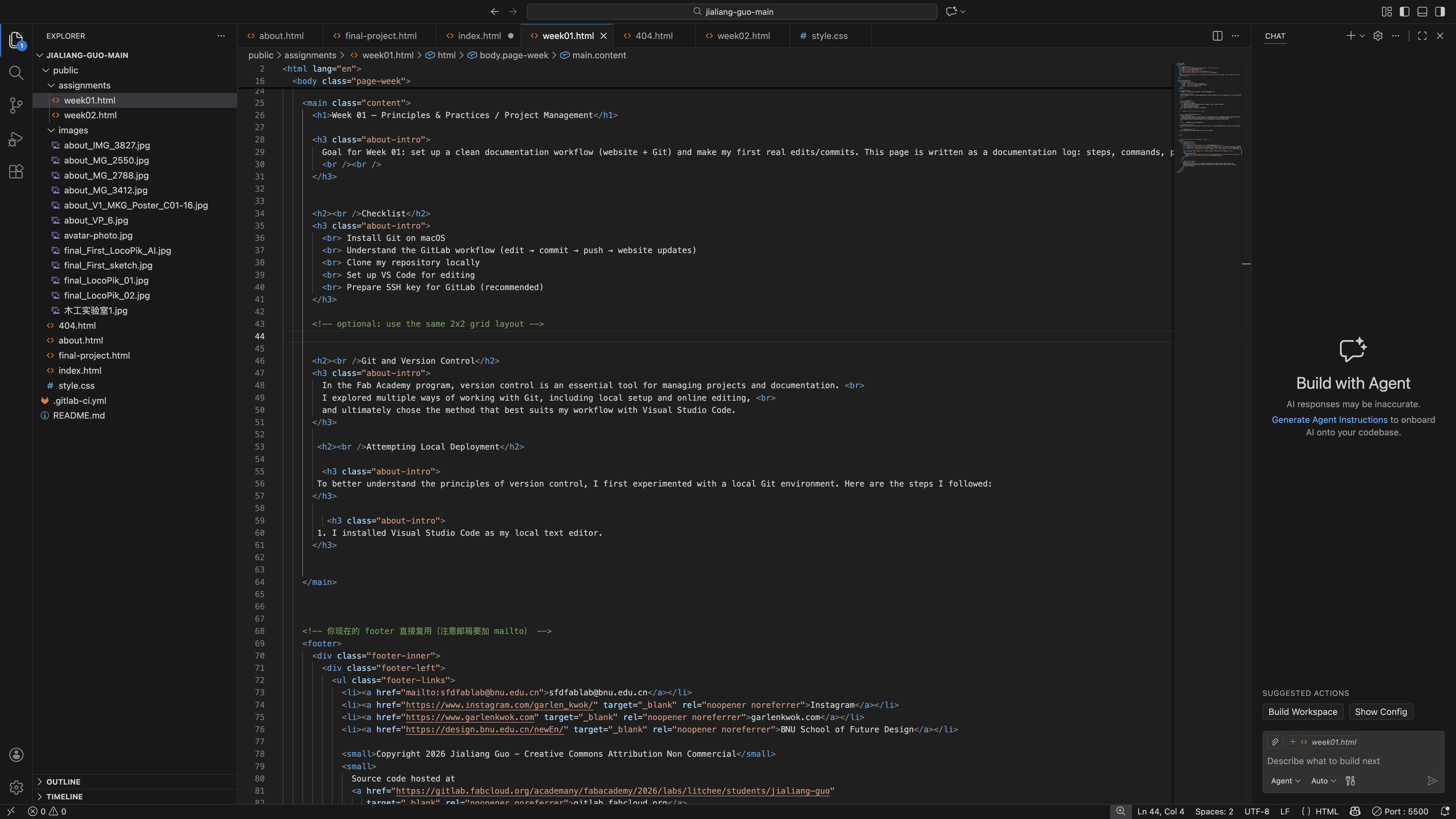
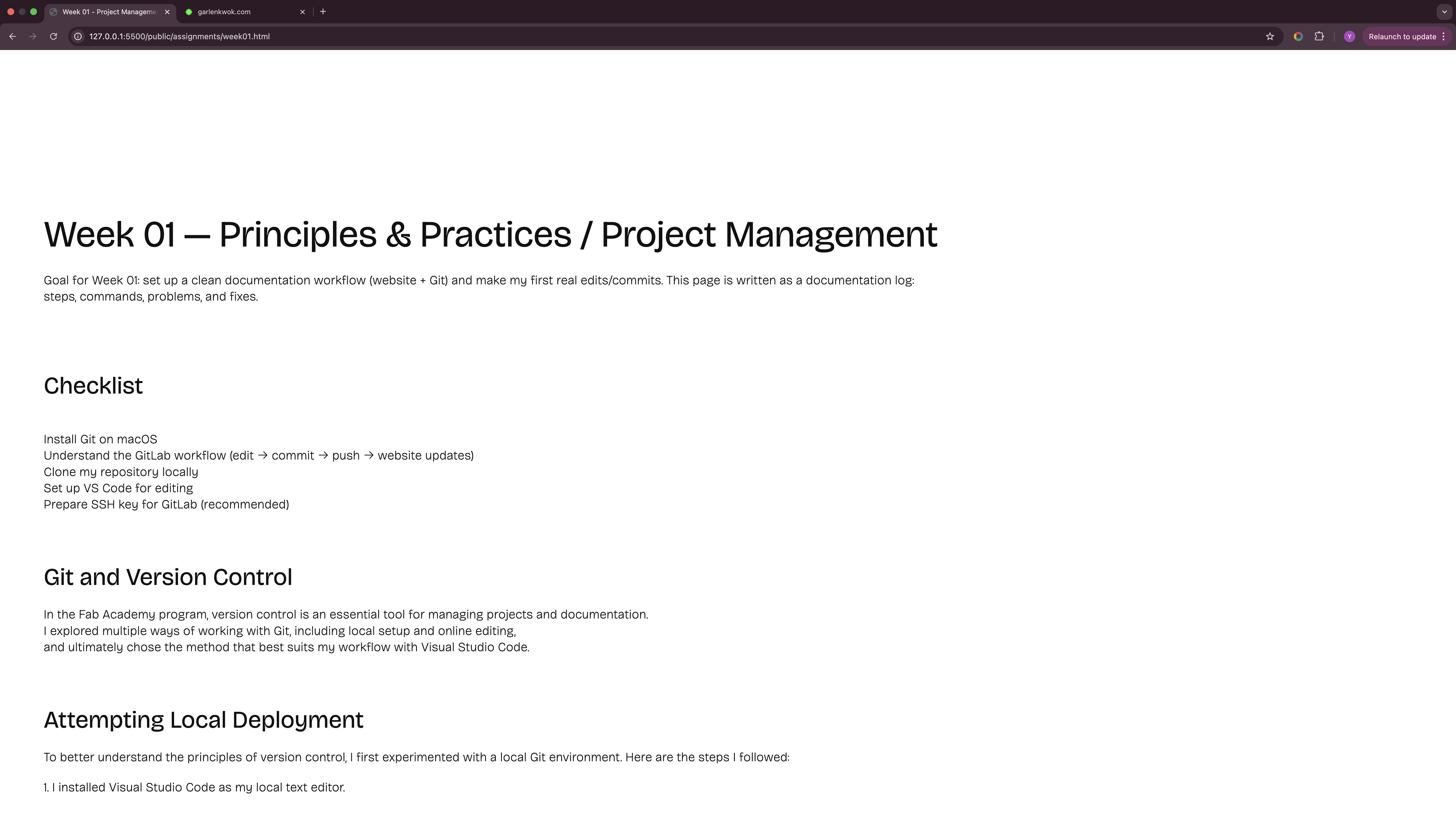
Local Preview
Layout Exploration
Typography and Hierarchy

A consistent visual language was established early, ensuring all weekly pages follow the same layout logic.
AI Usage Disclosure
AI-assisted Structuring
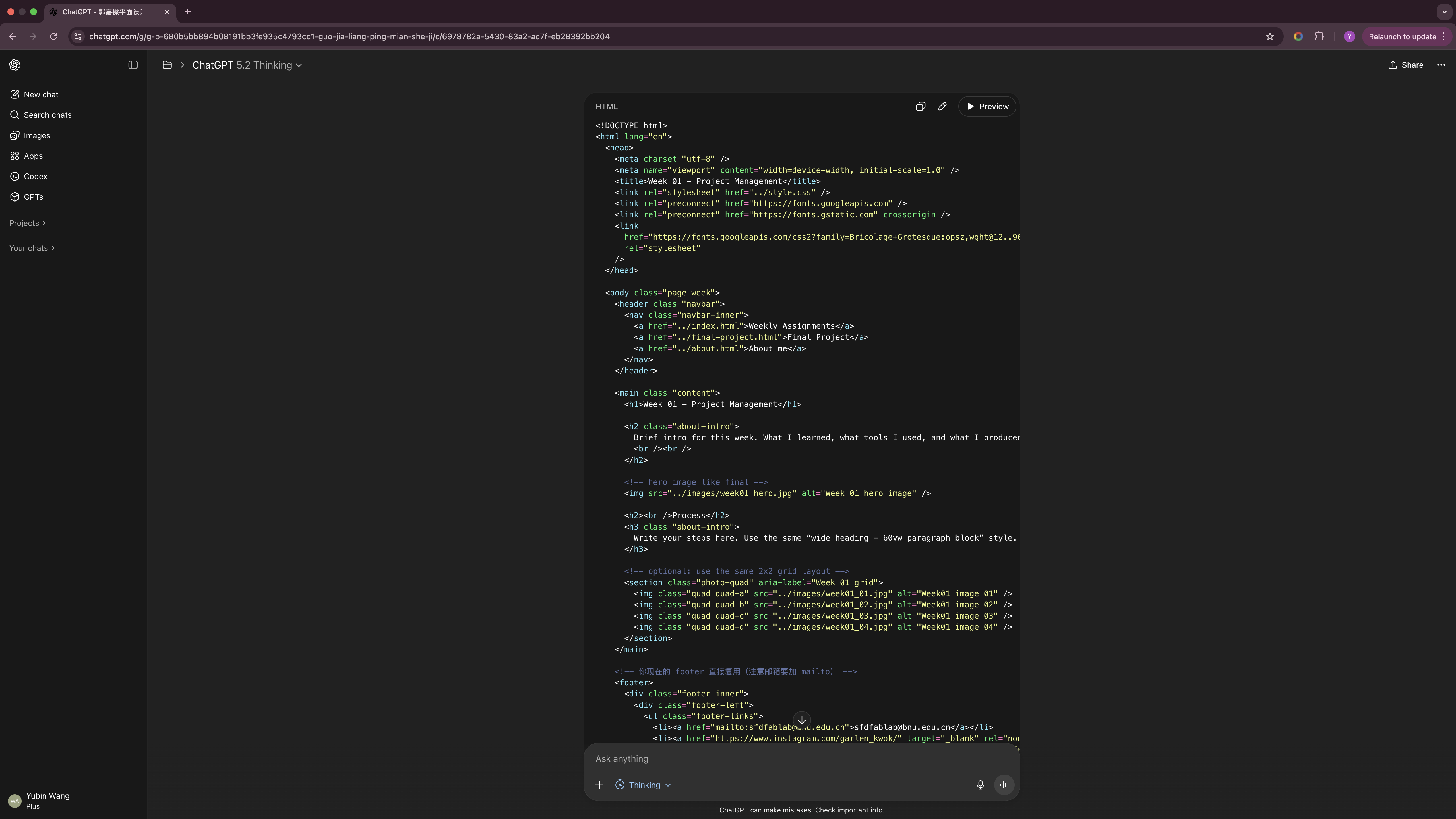
AI tools were used for structural refinement and debugging. All outputs were reviewed and manually adjusted.
Reflection
This week clarified the importance of version control and structured documentation.
- Git ensures traceable progress
- Clear folder hierarchy prevents path errors
- Consistent layout improves readability
Establishing this workflow early reduces friction for the remaining weeks.