





NODO

Additive Manufacturing, Design Rules and 3D Digitization
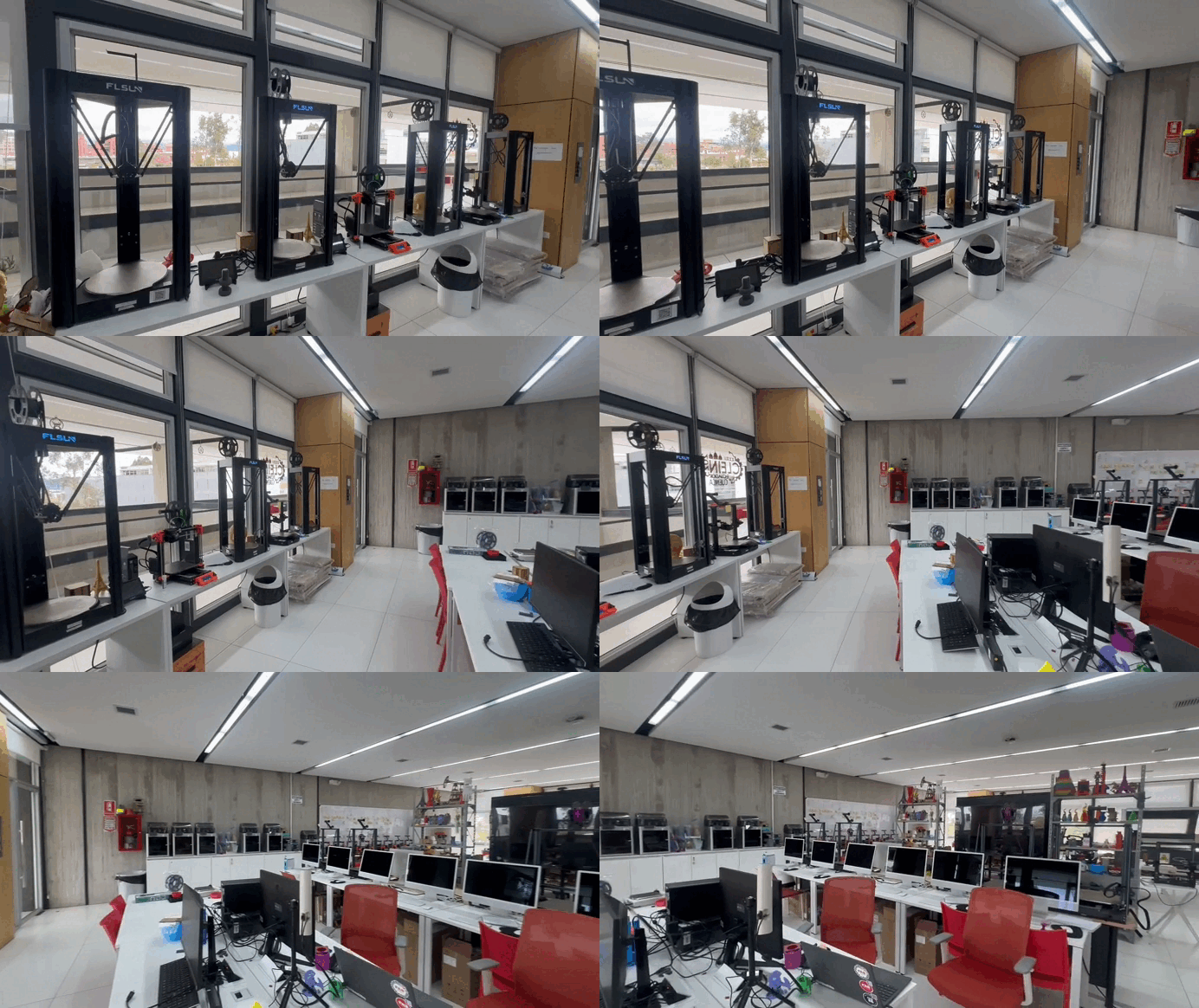
For the group assignment, the lab tested the design rules of the available 3D printers. This included observing how the machines behave under different conditions such as complex geometries, support structures, overhangs, and dimensional tolerances.
Through this process, we were able to better understand the practical limitations and capabilities of additive manufacturing, which directly informed the design decisions for the individual assignment.
Open Group AssignmentDuring this week, the 3D Scanning and Printing module was conducted at the FabLab of the University of Cuenca, focusing on the principles of additive manufacturing (AM) using Fused Deposition Modeling (FDM) technology. Unlike subtractive methods such as CNC milling, additive manufacturing builds objects layer by layer, allowing the fabrication of complex geometries that would otherwise be impossible to achieve.
This work was carried out in a collaborative group composed of Ing. Rodrigo Guamán and myself, as students of the FabAcademy 2026 program. The learning objectives established by our instructor Roberto were:
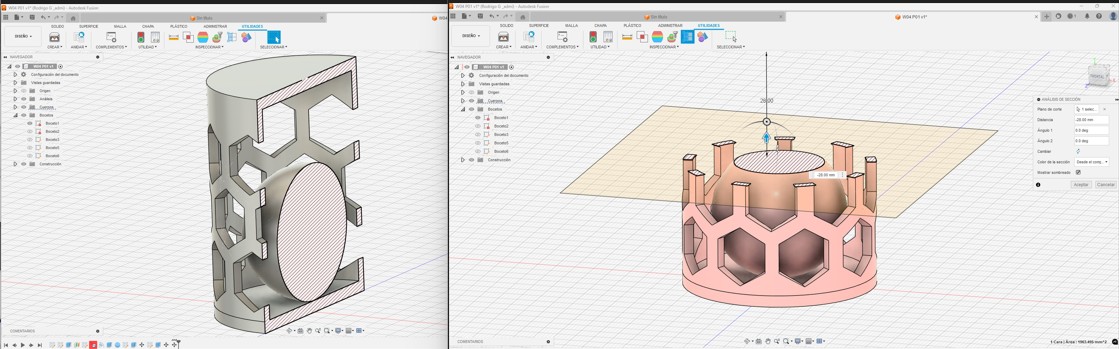
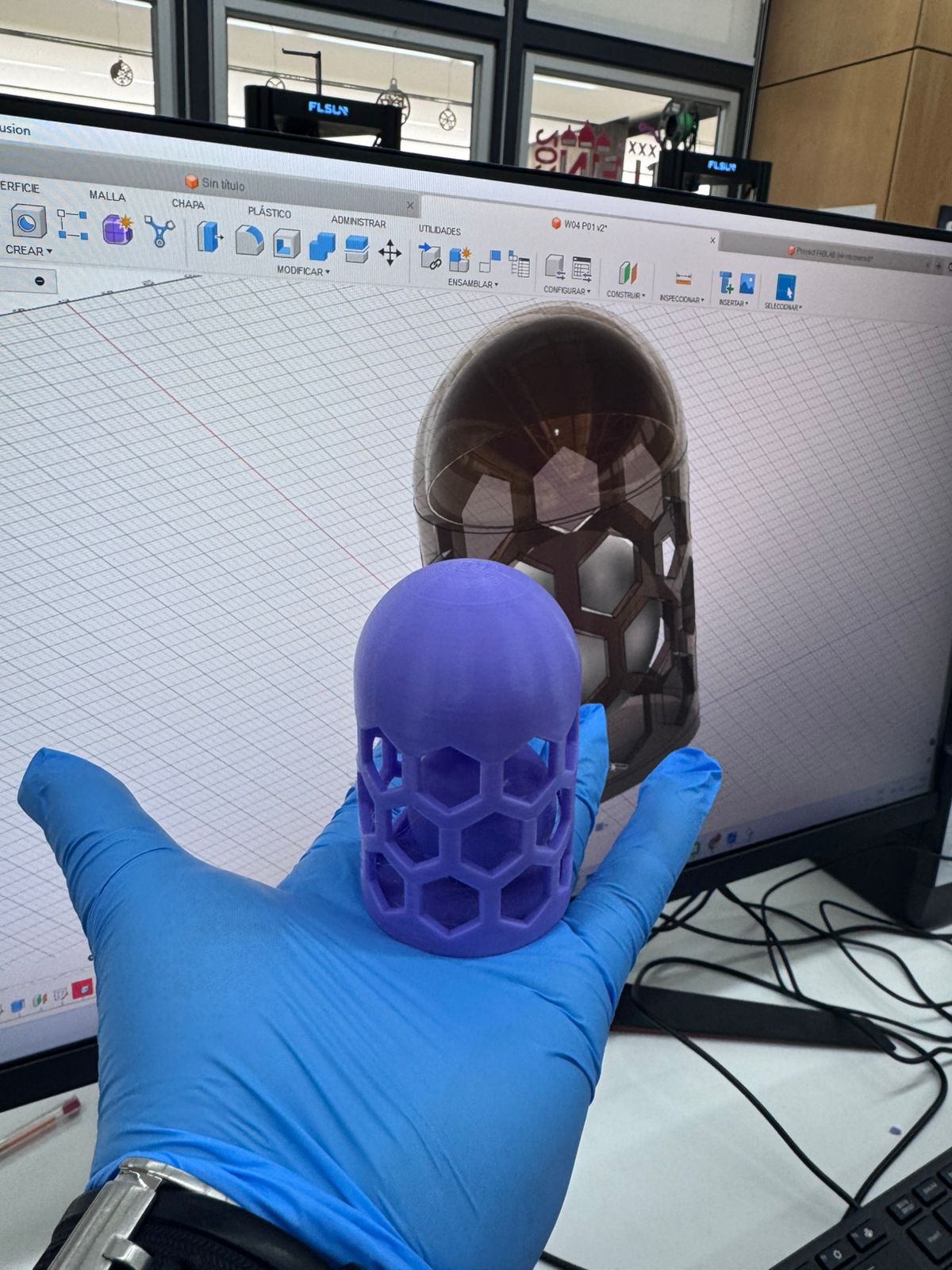
The design challenge required the creation of an object that could only be manufactured by additive methods. Autodesk Fusion 360 was used as the CAD platform. The selected geometry was a nested object design where one component is trapped inside another, making it impossible to fabricate subtractively.
The design process in Fusion 360 follows a parametric workflow that allows precise control over dimensions, constraints, and future modifications.


After designing the model, Bambu Studio is used to prepare the file for 3D printing by generating machine instructions (G-code).
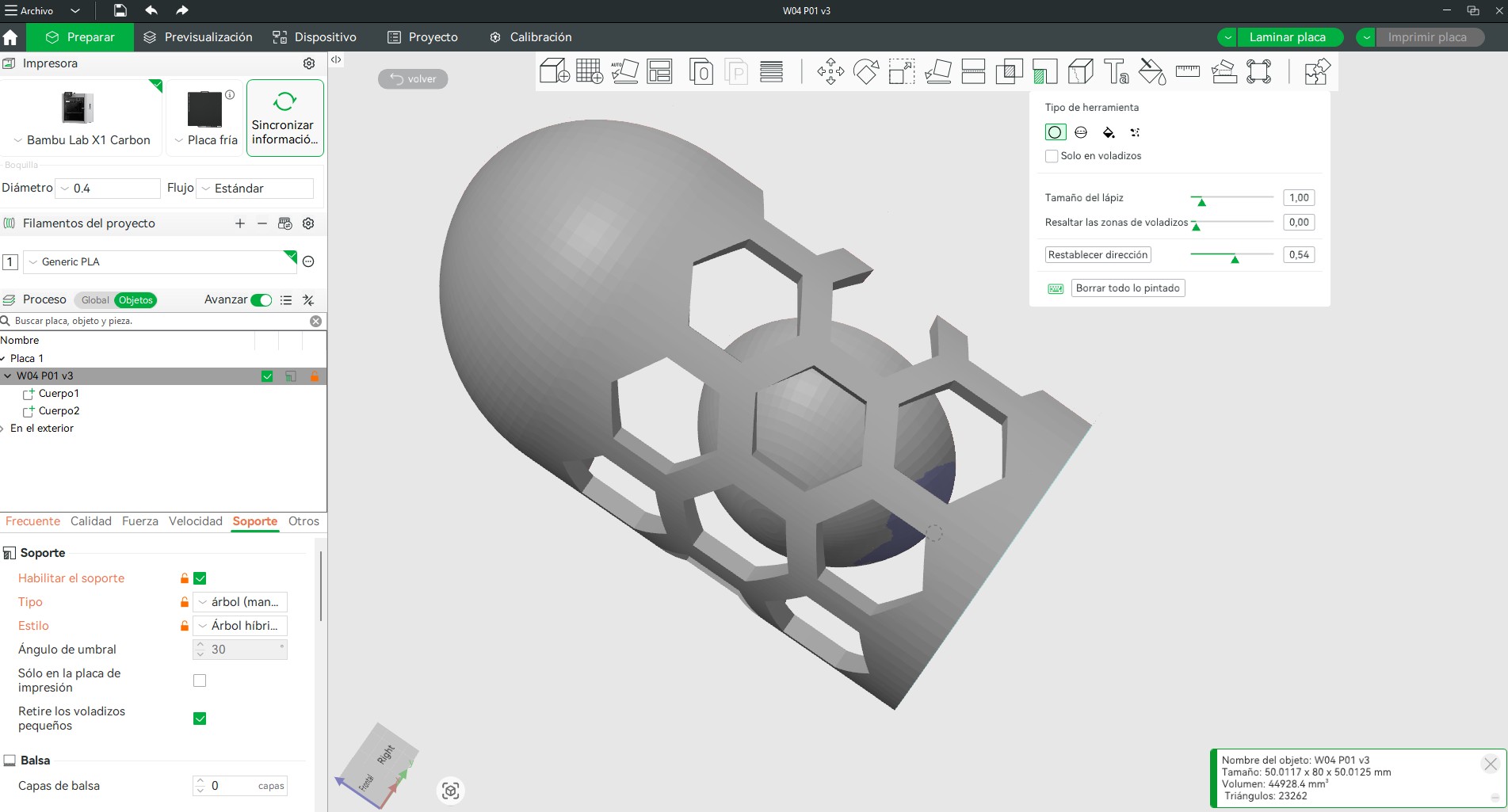
This workflow ensures a complete transition from parametric design to physical fabrication, enabling control over both geometry and manufacturing parameters.
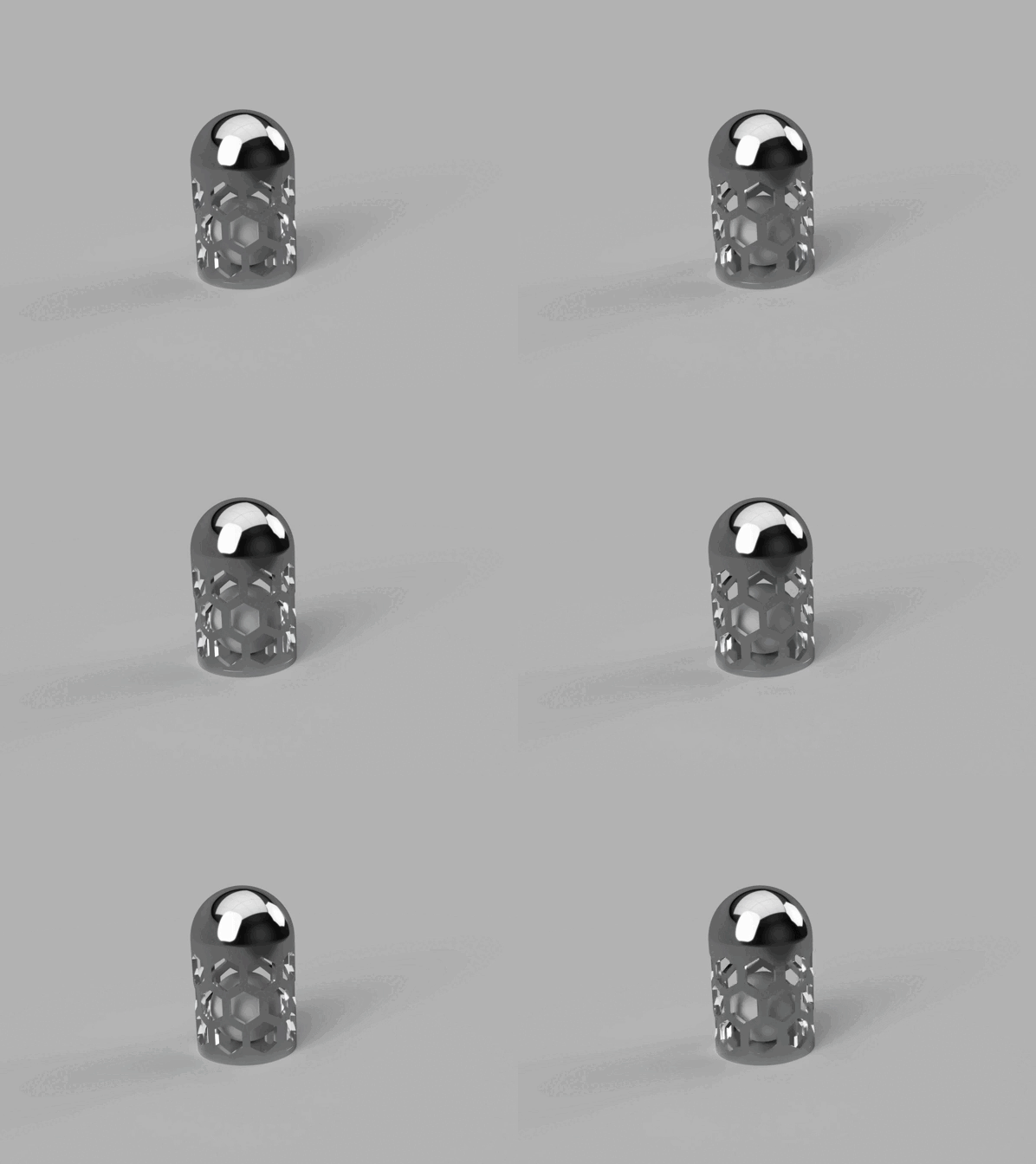
The slicing process was carried out using Bambu Studio. The following parameters were applied:
3D scanning is a process that captures the geometry of a real-world object and converts it into a digital 3D model. This is achieved by collecting data points from the surface of the object using technologies such as light, lasers, or photogrammetry. The result is typically a point cloud, which is later processed into a mesh (e.g., STL or OBJ format) for visualization, analysis, or fabrication.
The scanner records the position of thousands (or millions) of points on the object's surface. These points are then connected to form a digital representation of the object. Additional processing steps such as cleaning, smoothing, and mesh repair are often required to obtain a usable model.
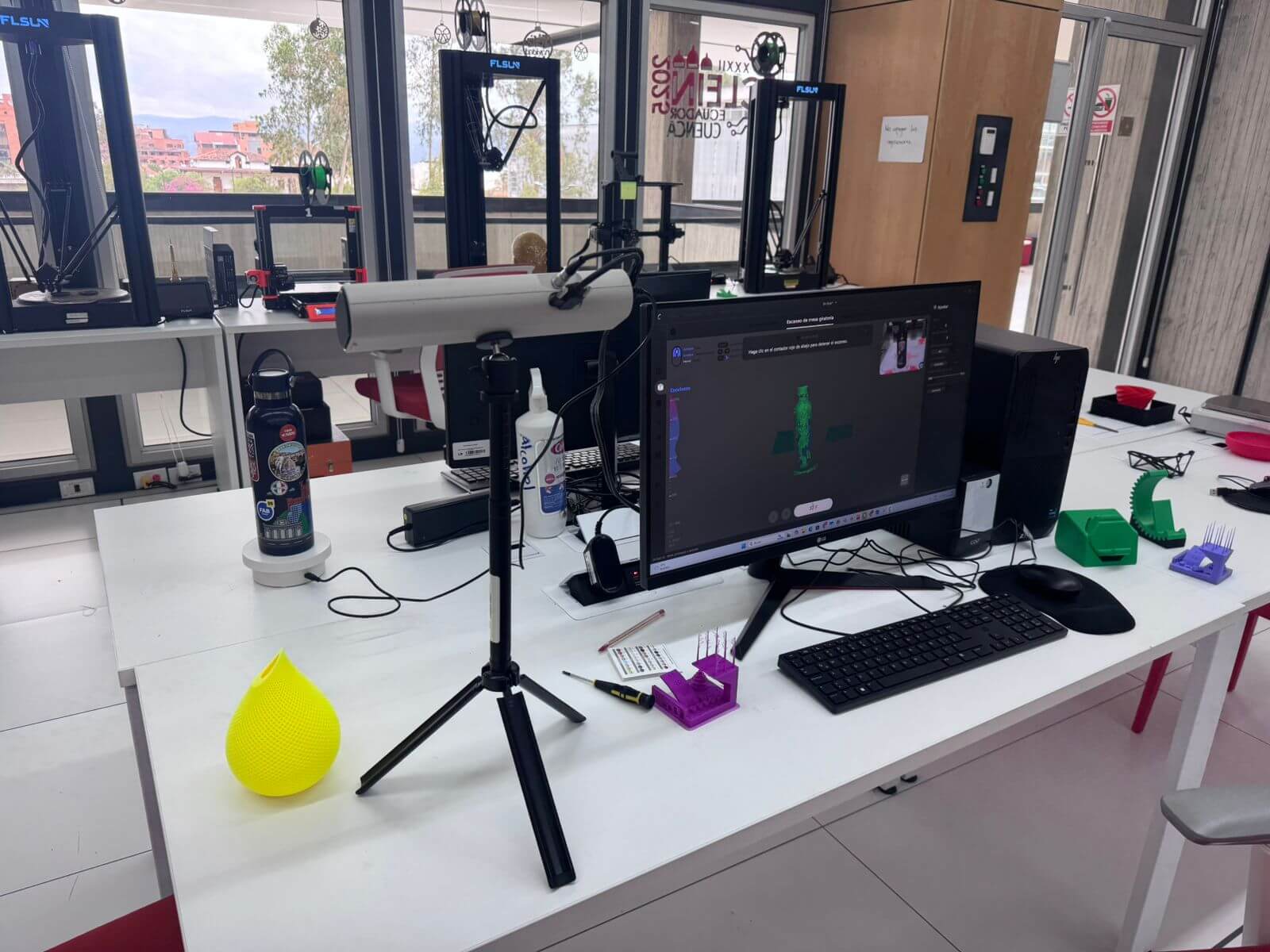
The scanning process typically involves multiple software tools:
In conclusion, 3D scanning is a versatile technology that bridges the physical and digital worlds, enabling accurate replication, analysis, and transformation of real objects into digital assets.
For the scanning activity, the Creality CR-SCAN 01 handheld 3D scanner was used.
Creality CR-SCAN 01 Specifications:
The scanned object was an organic form (a bust scan of myself). The result was initially a point cloud, which required post-processing in Blender to smooth surfaces, close mesh gaps, and eliminate noise.
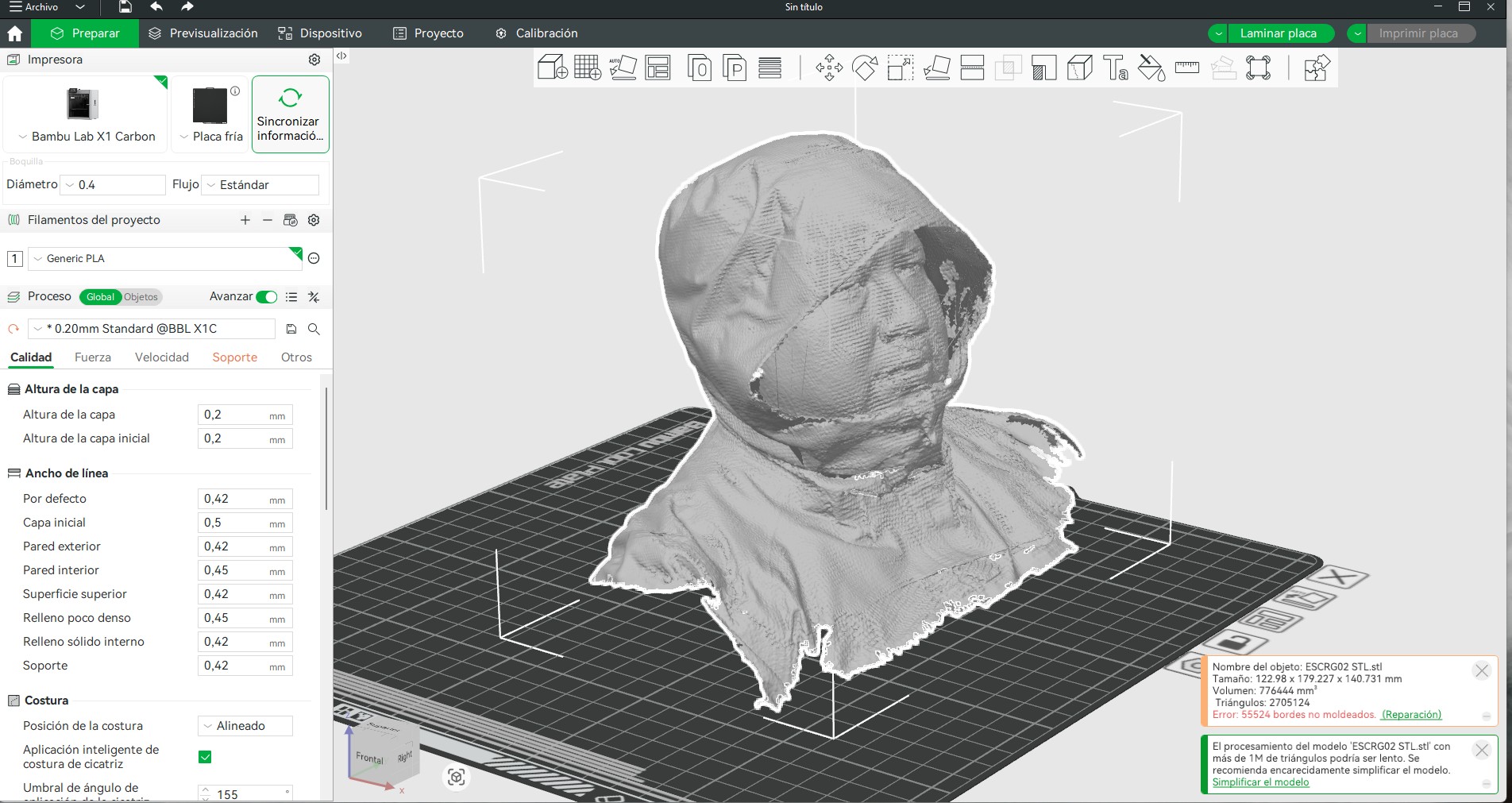
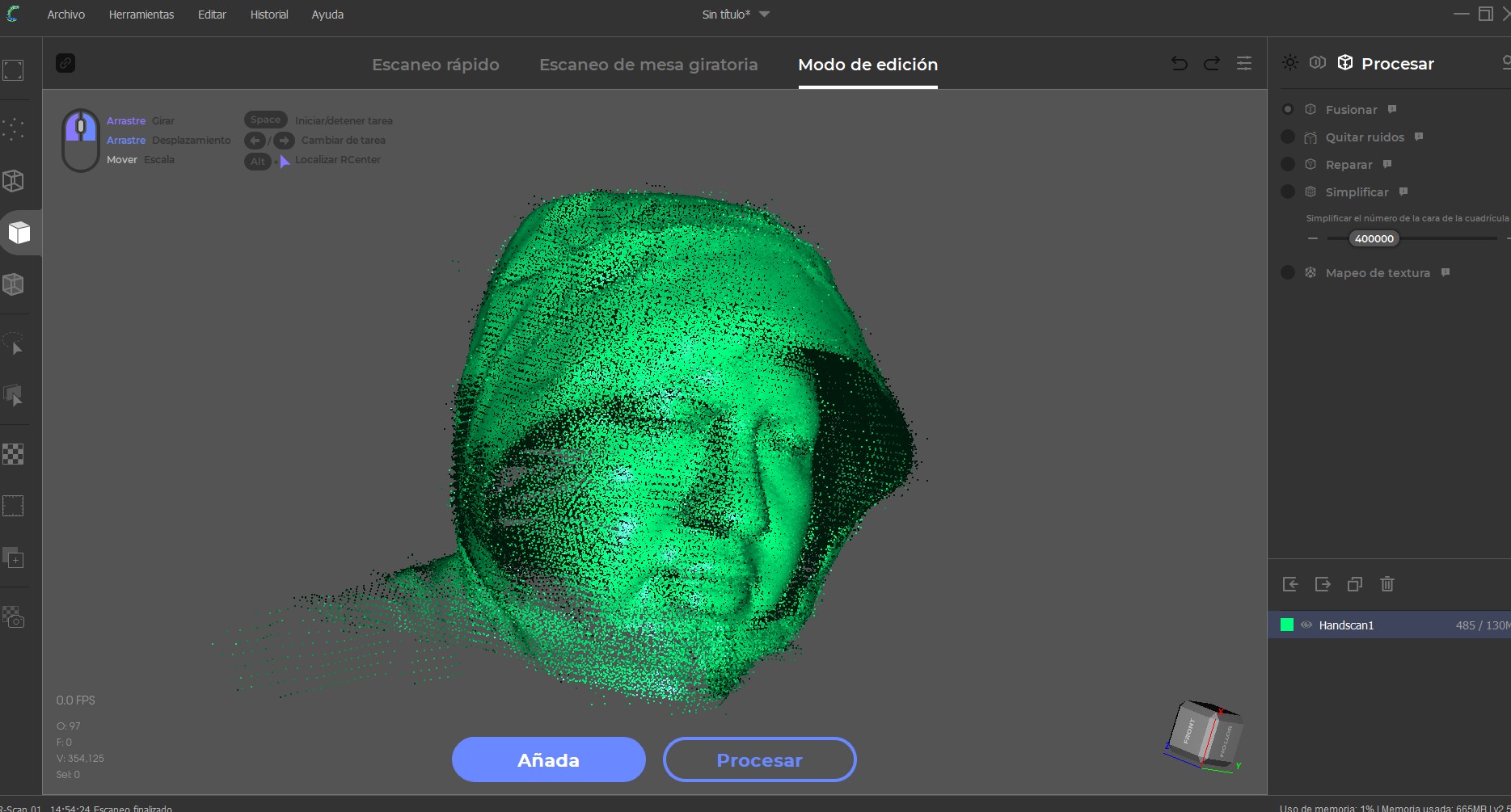
The scanned object was an organic form (a bust scan of myself). The result was initially a point cloud, which required post-processing in Blender to smooth surfaces, close mesh gaps, and eliminate noise.
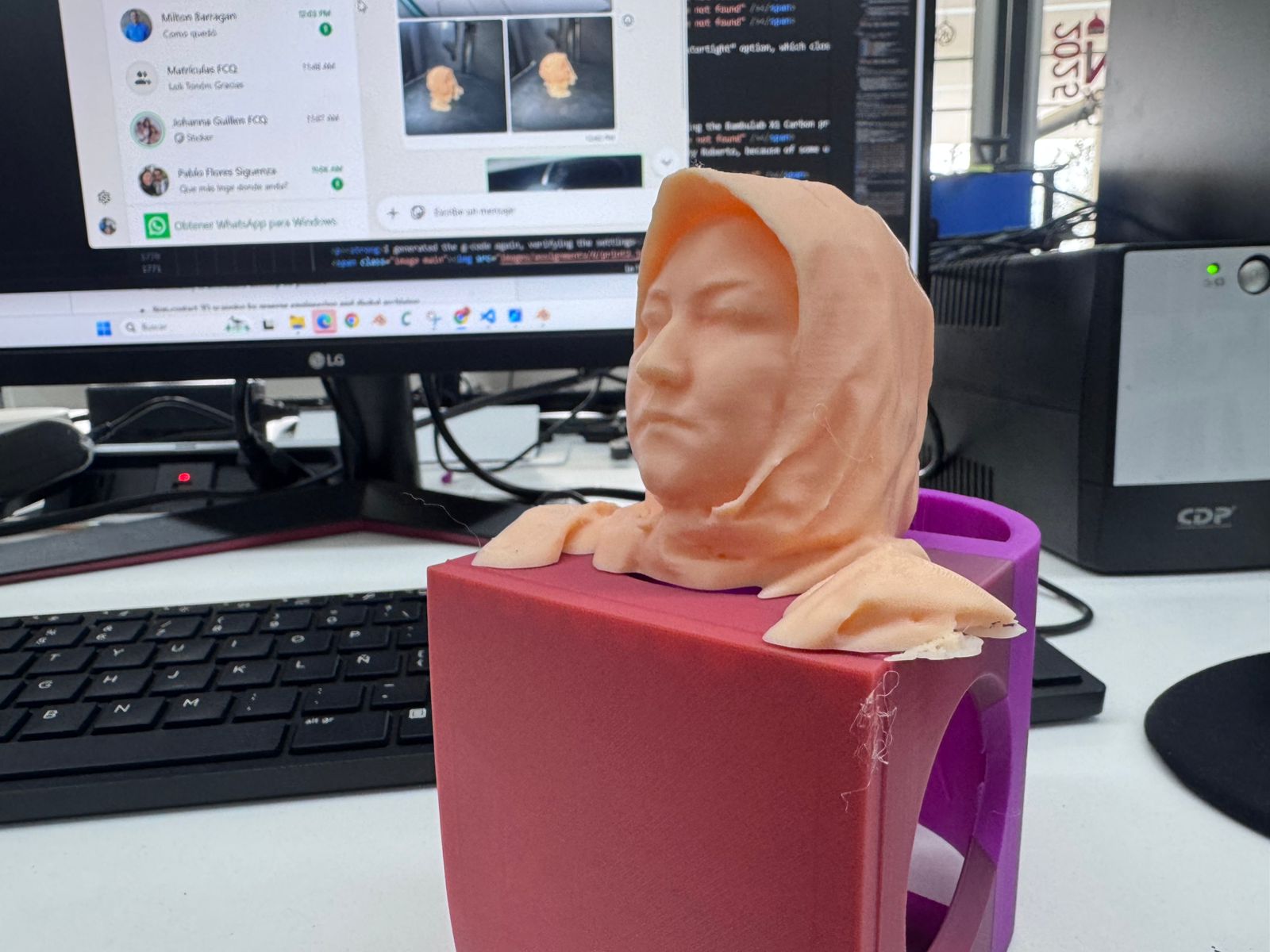
The cleaned 3D model was exported and prepared again in Bambu Studio using the Bambulab X1 Carbon printer. No supports were required due to the design orientation. A smooth surface finish was achieved using the slicer’s “smooth” tool path optimization, resulting in a detailed and faithful reproduction of the scanned geometry.
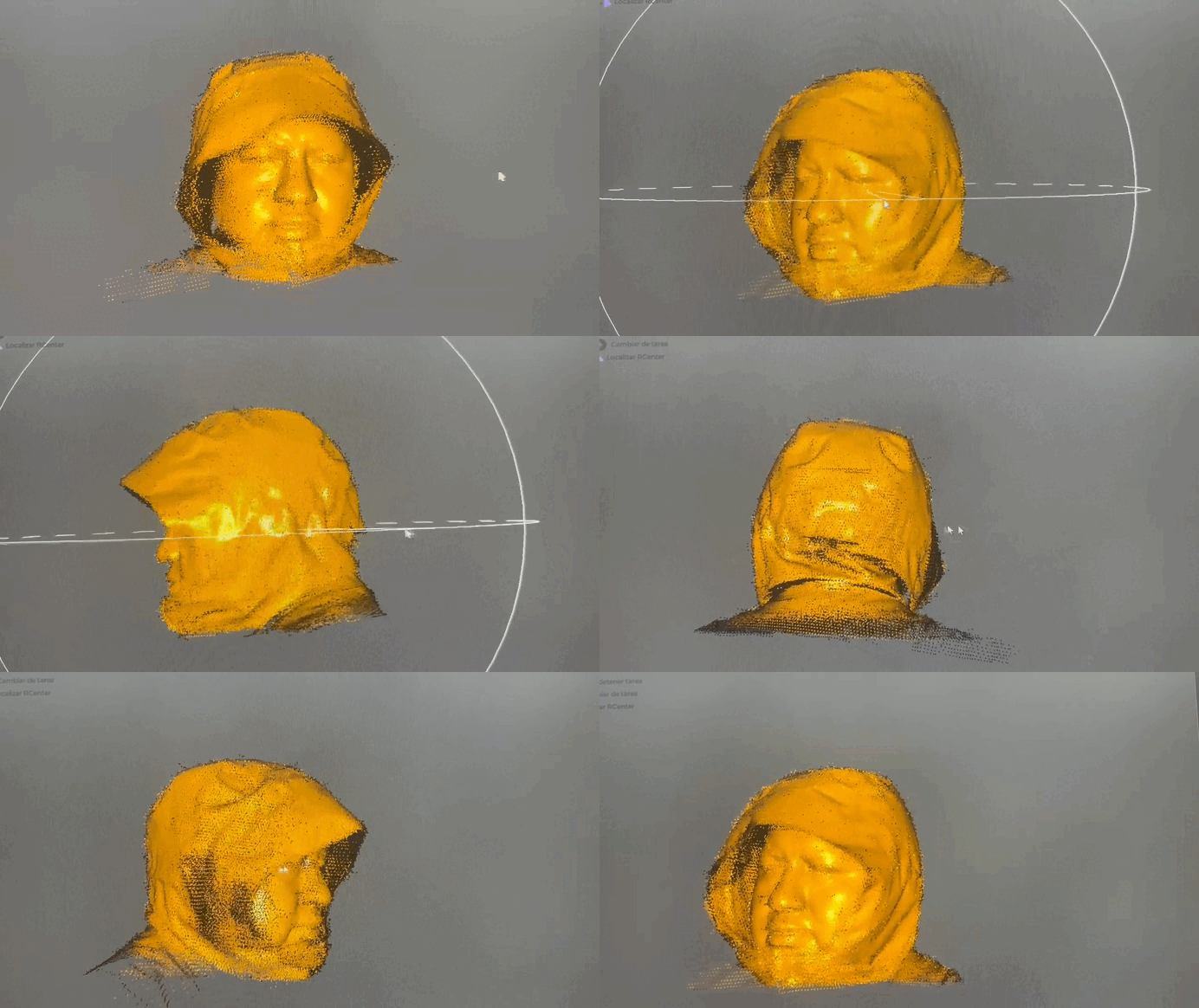
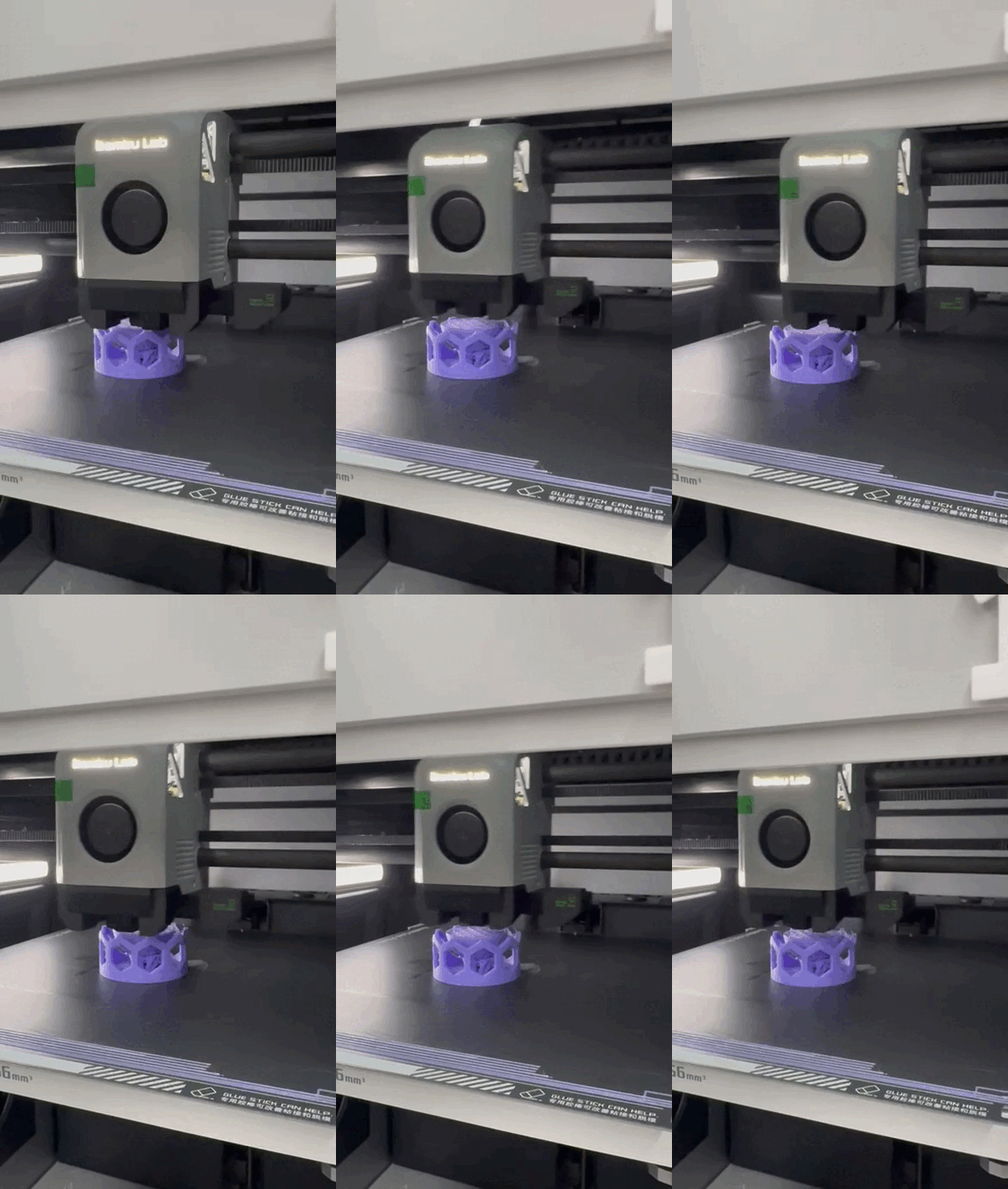
Our first test of that did not work out, as confirmed by Roberto, because of some unexpected printing error which made the machine stop randomly and refuse to continue the printing job. This is when the printer stopped working:
3D printing is a powerful tool for creating small objects or complex geometries that would be difficult or even impossible to achieve using subtractive methods such as CNC milling or laser cutting. Its ability to produce intricate internal structures, organic shapes, and customized designs makes it especially valuable in prototyping and iterative design processes.
This exercise provided a deeper understanding of how 3D printers operate, including key parameters such as layer height, infill, speed, and material behavior. It also highlighted the importance of proper slicing, orientation, and support strategies to achieve high-quality results. Through this process, the full workflow from digital modeling to physical fabrication became clearer and more controlled.
One of the main advantages of 3D printing is its flexibility and precision; however, it also presents limitations, particularly in terms of production time and scalability. Printing large objects or multiple parts can be time-consuming, making it less efficient for mass production compared to other manufacturing methods.
For this reason, a hybrid approach can be more effective: using 3D printing to create molds, prototypes, or highly detailed components, and then applying faster manufacturing processes (such as casting or molding) for replication. This strategy combines the design freedom of additive manufacturing with the efficiency of traditional production methods.
Overall, this experience demonstrates that 3D printing is not only a fabrication tool but also a key enabler of innovation, allowing designers to experiment, iterate, and materialize ideas with a high degree of freedom and precision.