Assignment 1 — Project Management
Short summary of what this assignment covers.
This week’s topic was Project Management and learning how to use Git to sync my files between a remote repository and my local machine. The task itself was small, but it was tricky because I had to learn command-line Git commands instead of using a GUI interface.
ResearchSince I’m using a MacBook Pro, I researched how to use Git through the Terminal. I discovered that Git tools were not set up the way I needed at first, so I completed the following steps.
Steps1) Open Terminal
I opened the Terminal application on macOS.
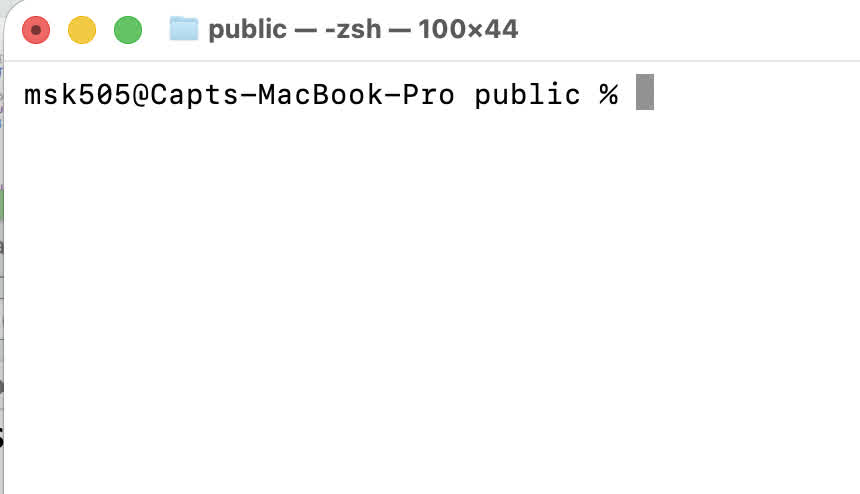
I created a folder on my Desktop named FabLab2026:
mkdir -p ~/Desktop/FabLab2026
cd ~/Desktop/FabLab2026
To download the repository files locally, I used git clone:
git clone https://gitlab.fabcloud.org/academany/fabacademy/2026/labs/vujade/students/musaed-alkout
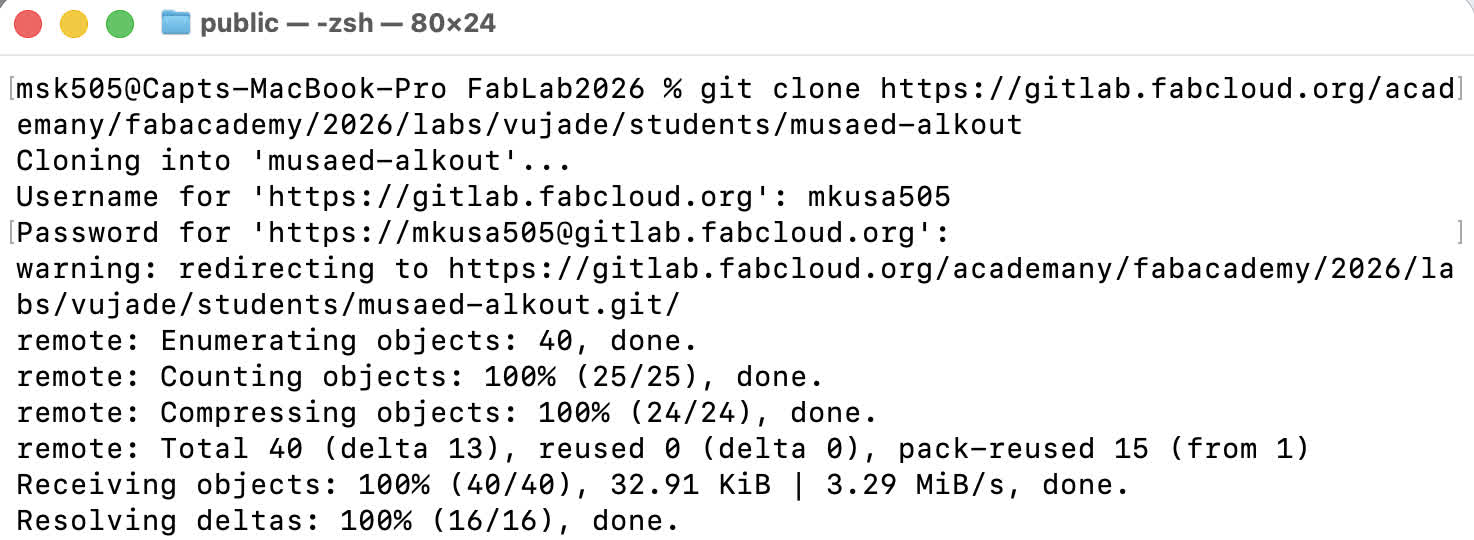
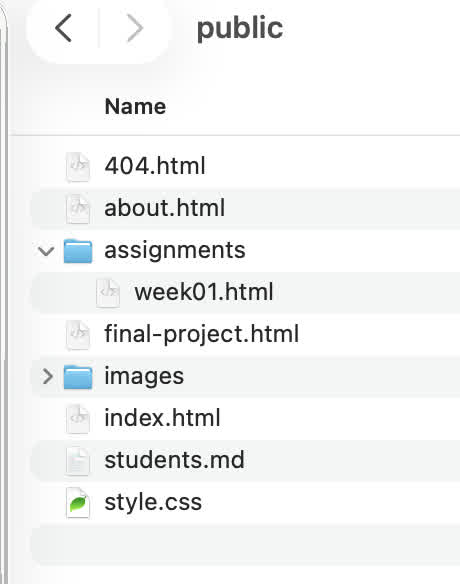
After cloning, I checked the folder and confirmed that all repository files were copied locally.
4) Edit the website files locally I used my default editor to update this page and other pages directly from the cloned folder. Image Optimization (ffmpeg)
Install ffmpeg (macOS)
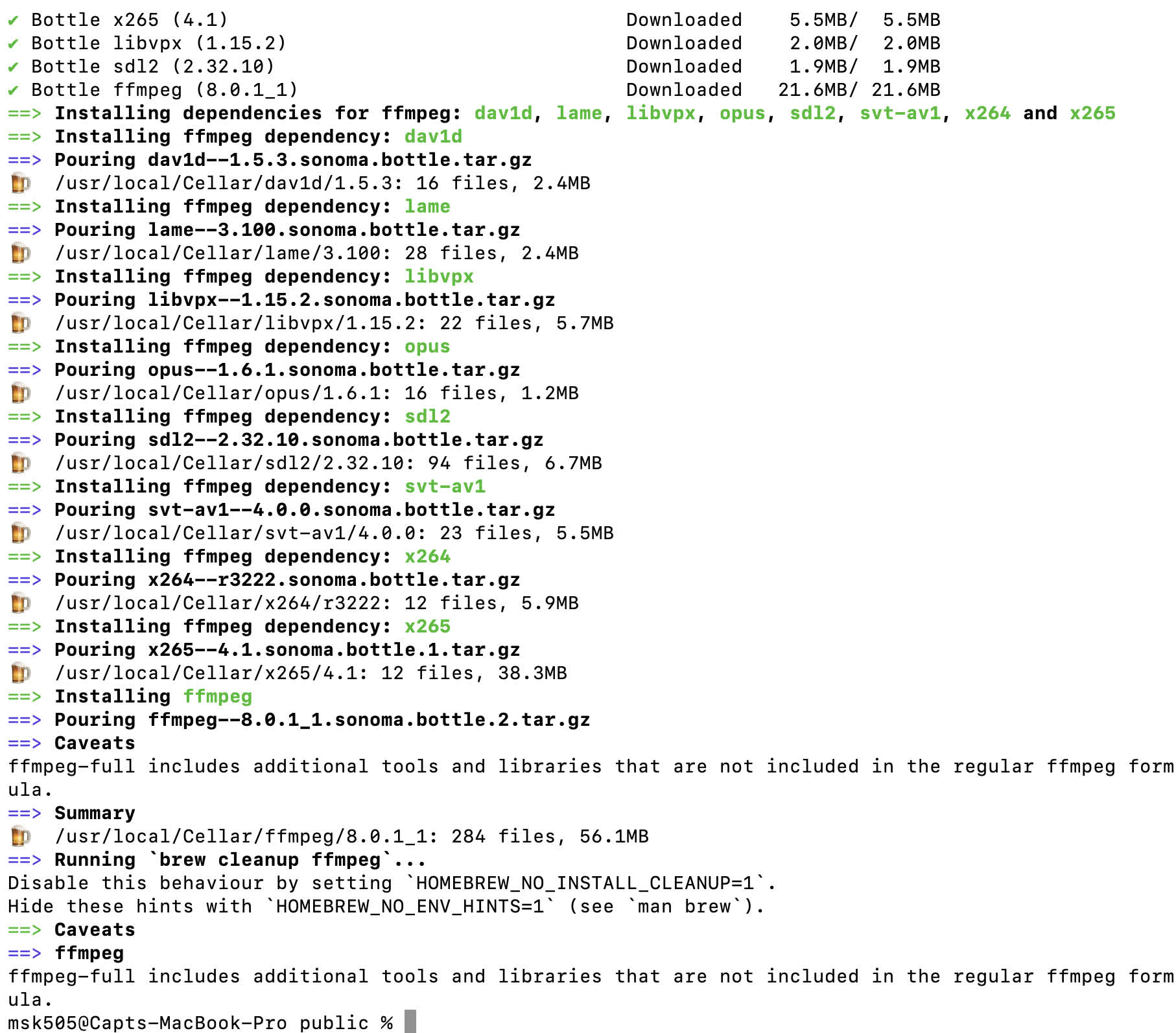
I installed ffmpeg using Homebrew:
brew install ffmpeg
Compress an image
I compressed my avatar image using:
ffmpeg -i me.jpg -q:v 10 me2.jpg
Pushing changes back to the remote repository
After finishing all edits, I used the following Git commands to upload my changes:
# Go into the repo folder (adjust folder name if needed)
cd ~/Desktop/FabLab2026/musaed-alkout
# Check what changed
git status
# Stage all changes
git add .
# Commit changes with a message
git commit -m "Update weekly documentation + compress images"
# Push to the remote repository
git push
Notes / Common issues
If git push asks for authentication, GitLab may require a Personal Access Token instead of your password.
If you see “nothing to commit,” it means there are no changes staged or saved.
What I learned • How to clone a remote repository to my local machine.
• How to use the basic workflow: status → add → commit → push.
• How to optimize images for web documentation using ffmpeg.
Additional Resources: • I Used ChatGPT to create my website as I asked for a simple theme with specific colors and then used this as template for every page I add to my Github :)