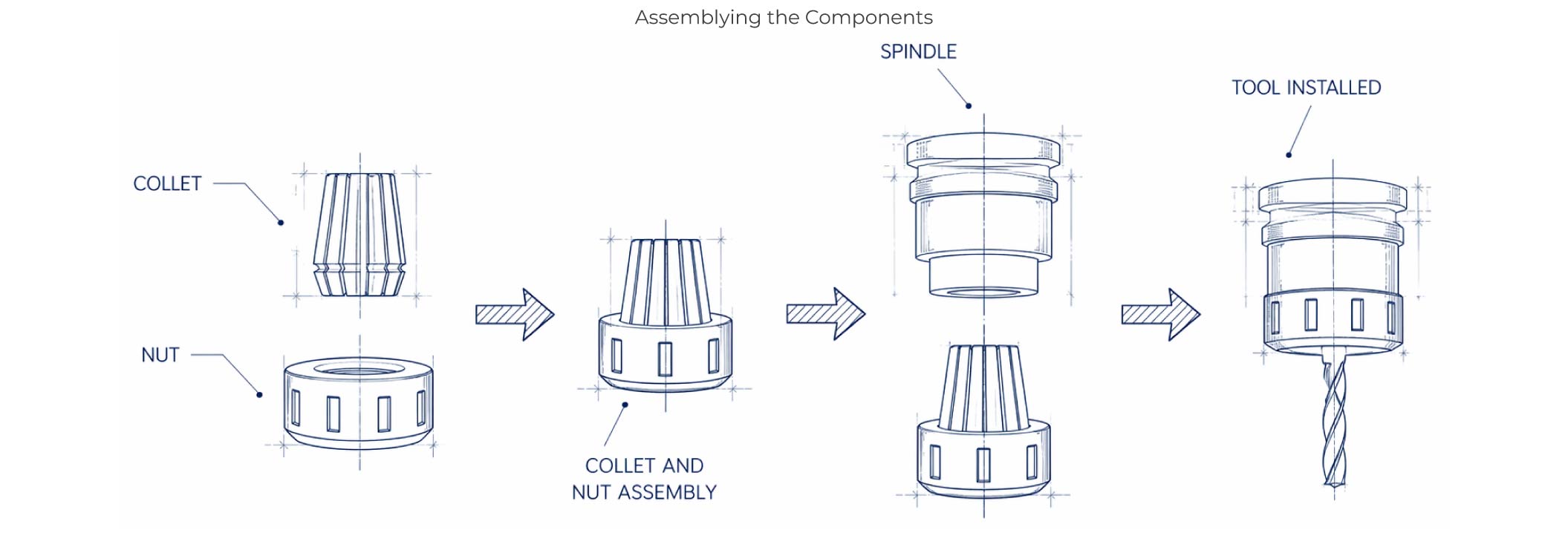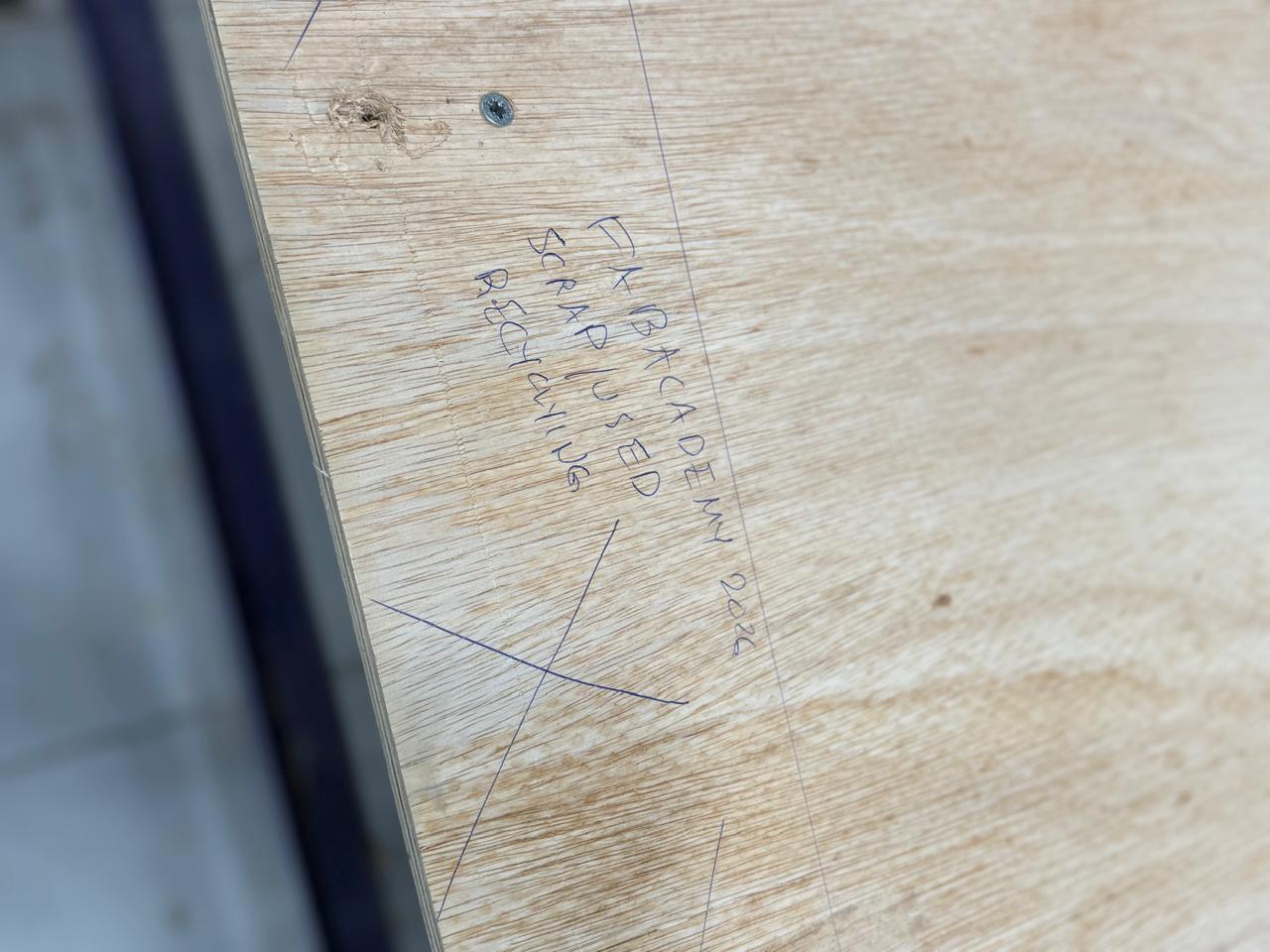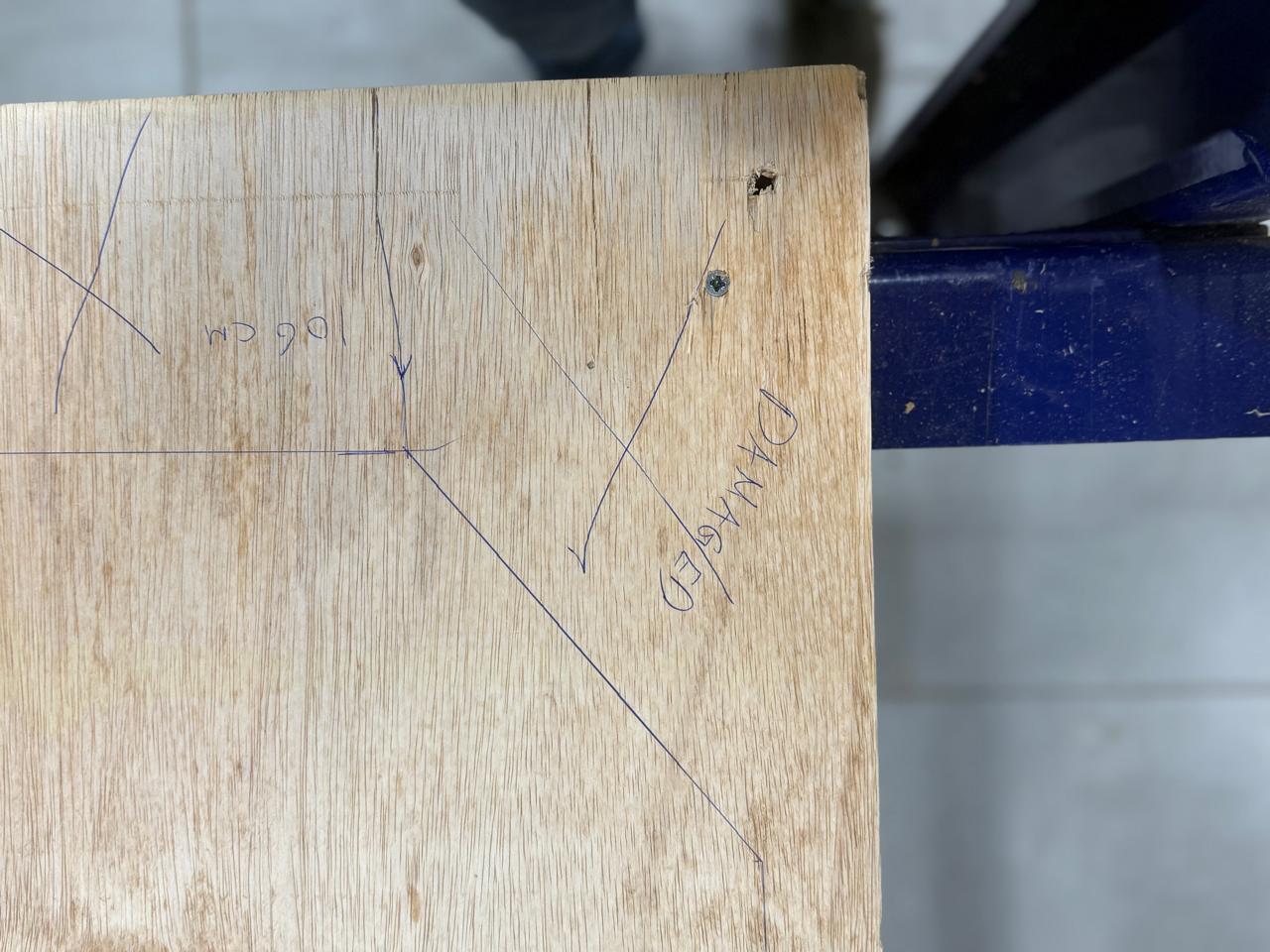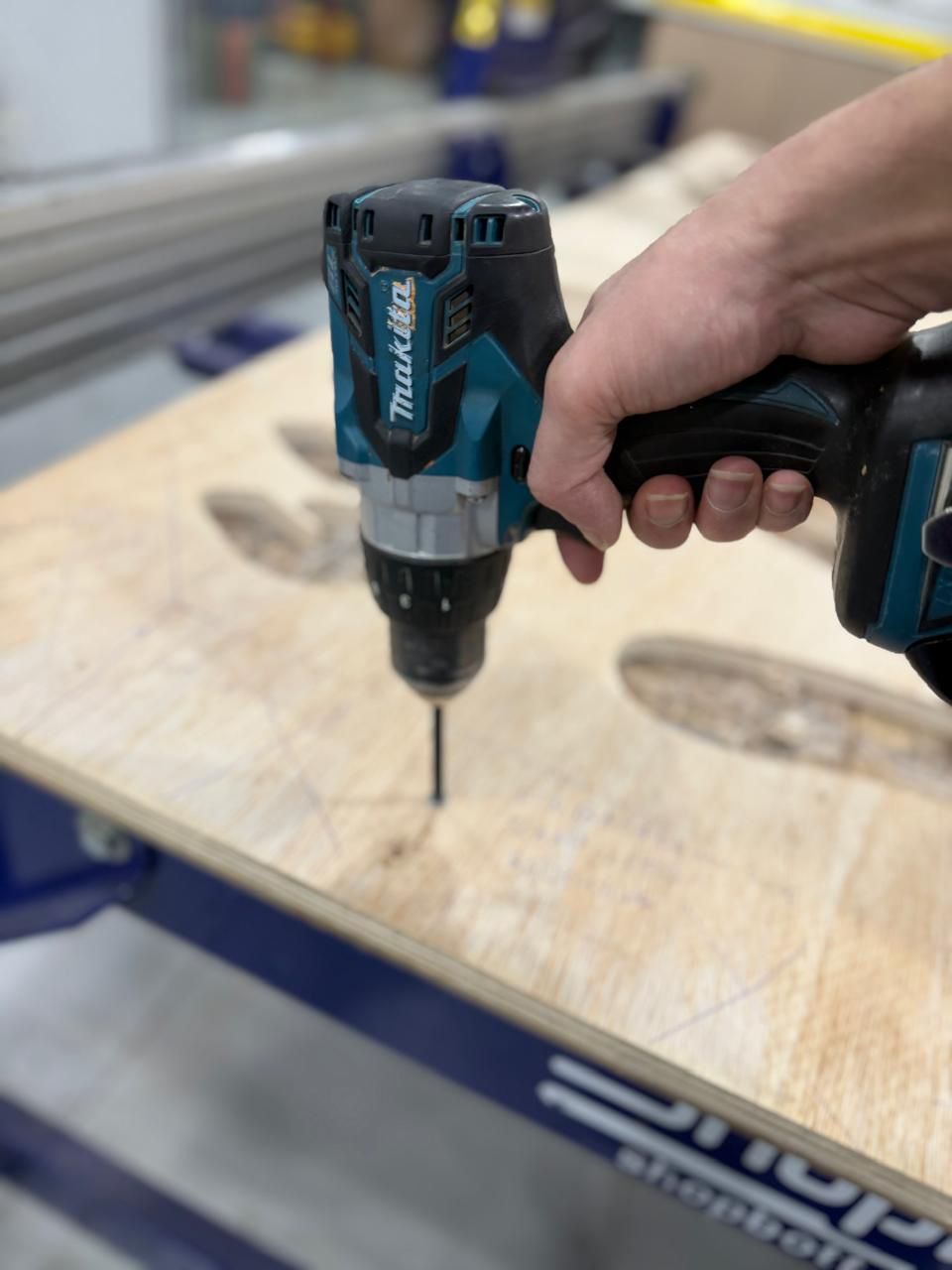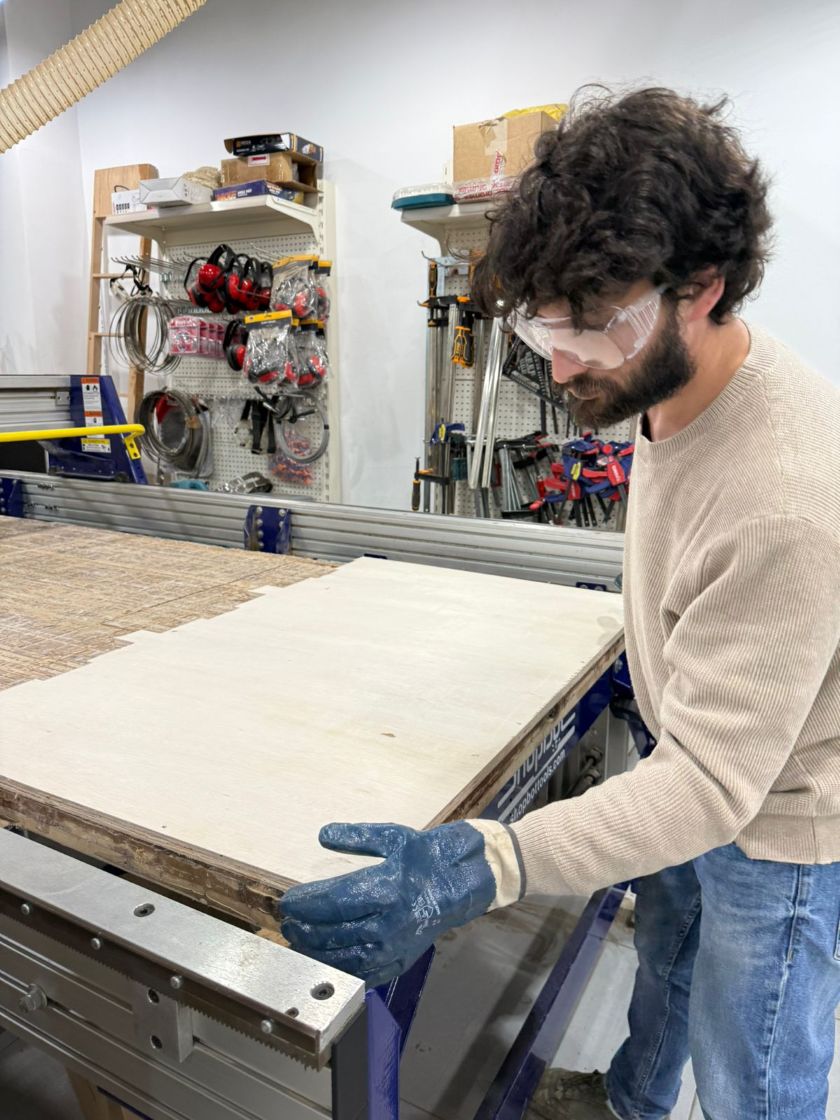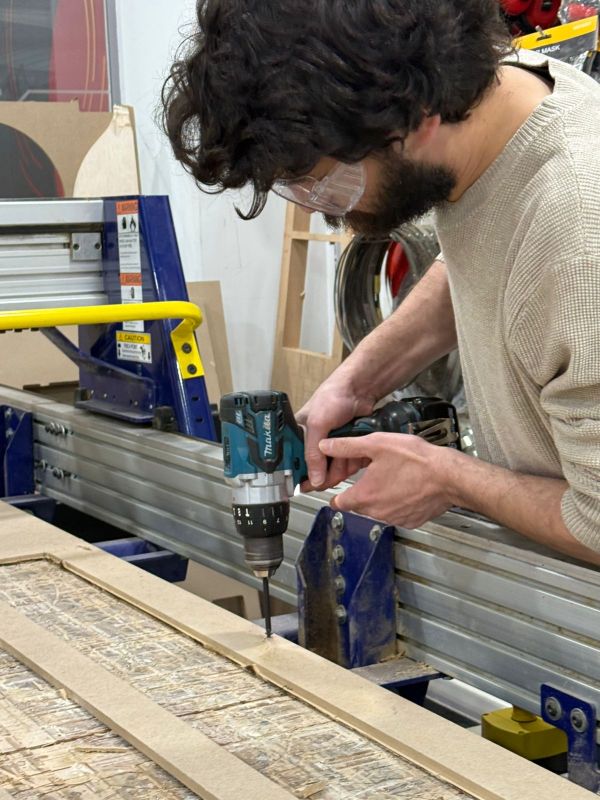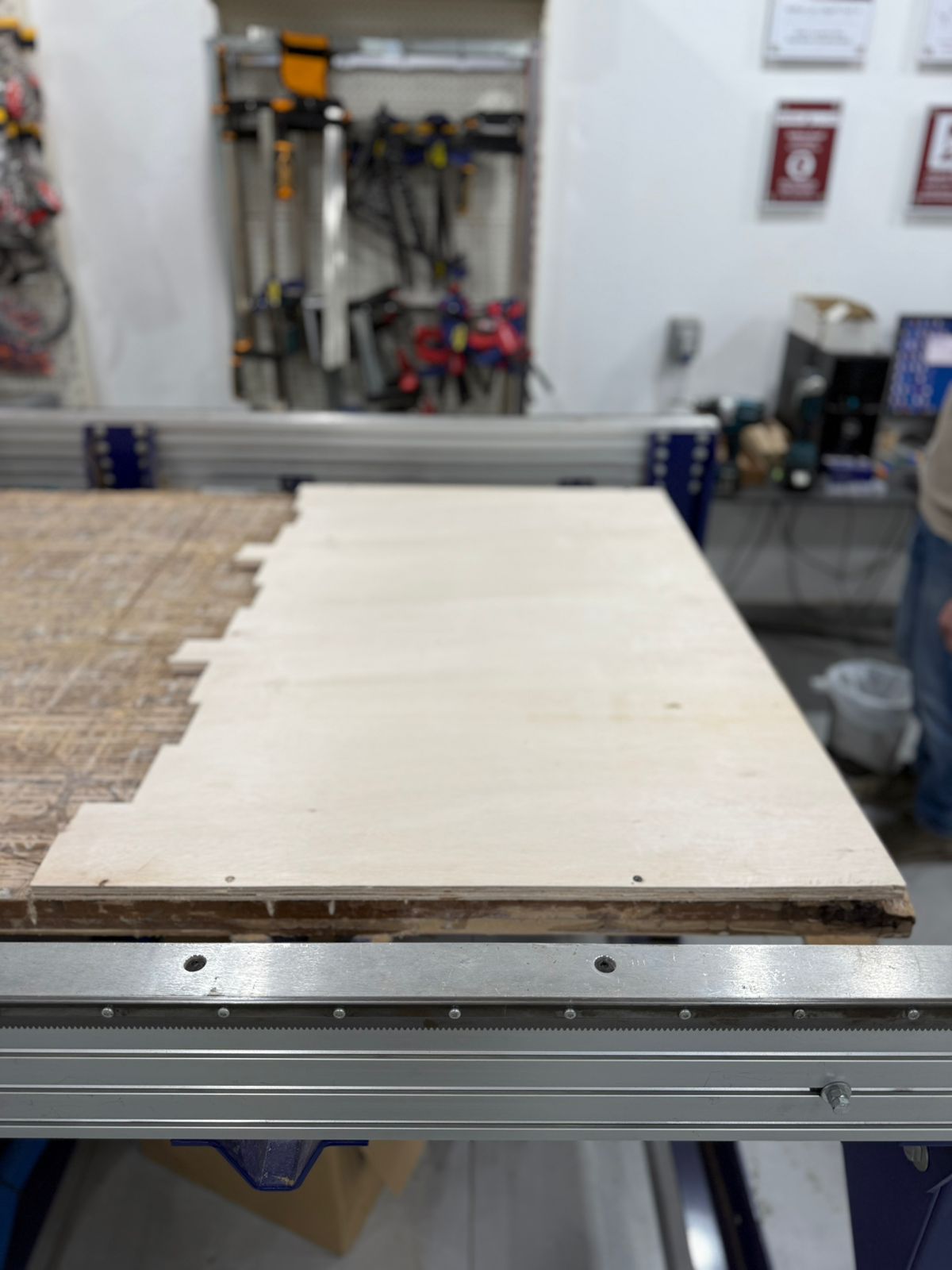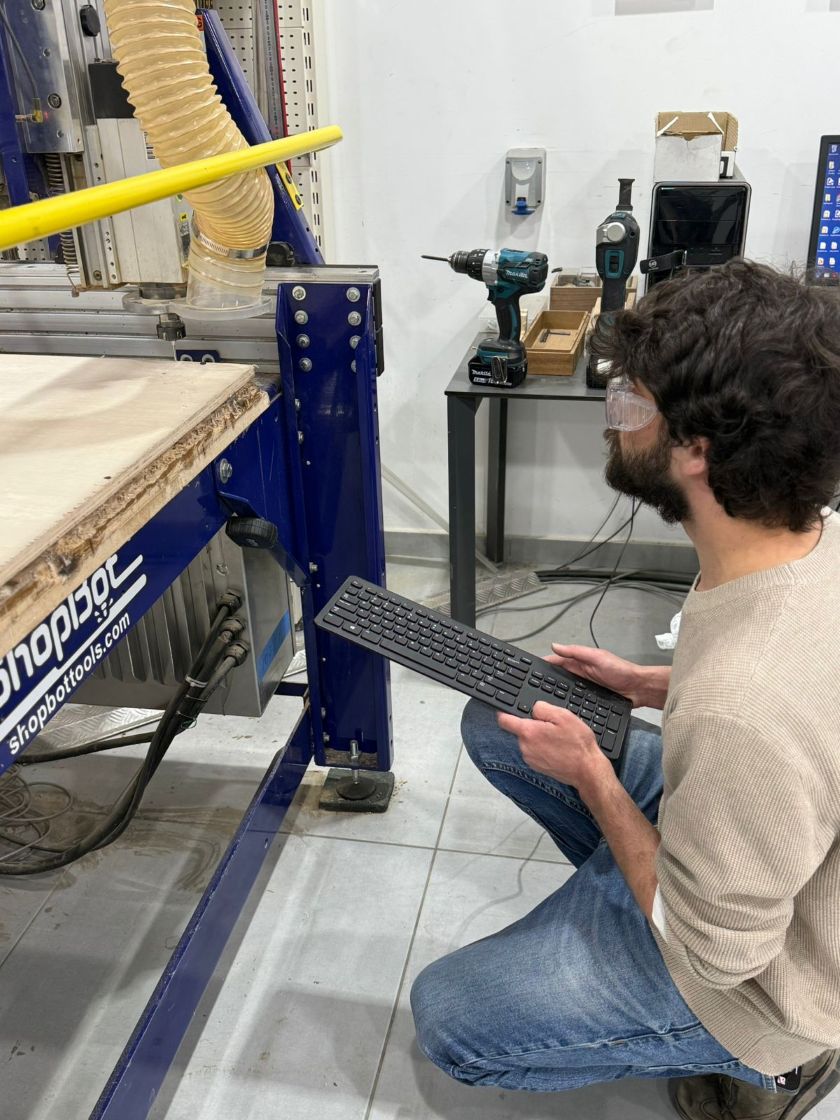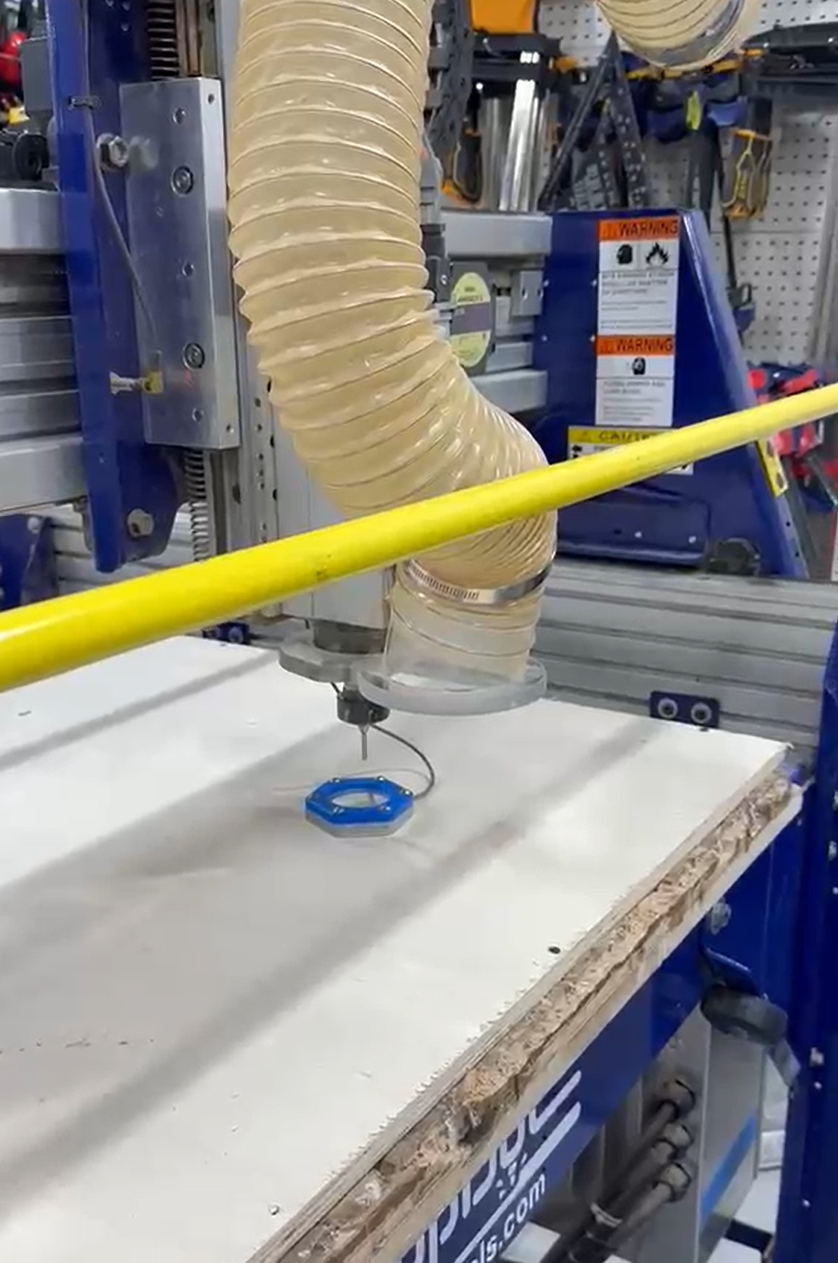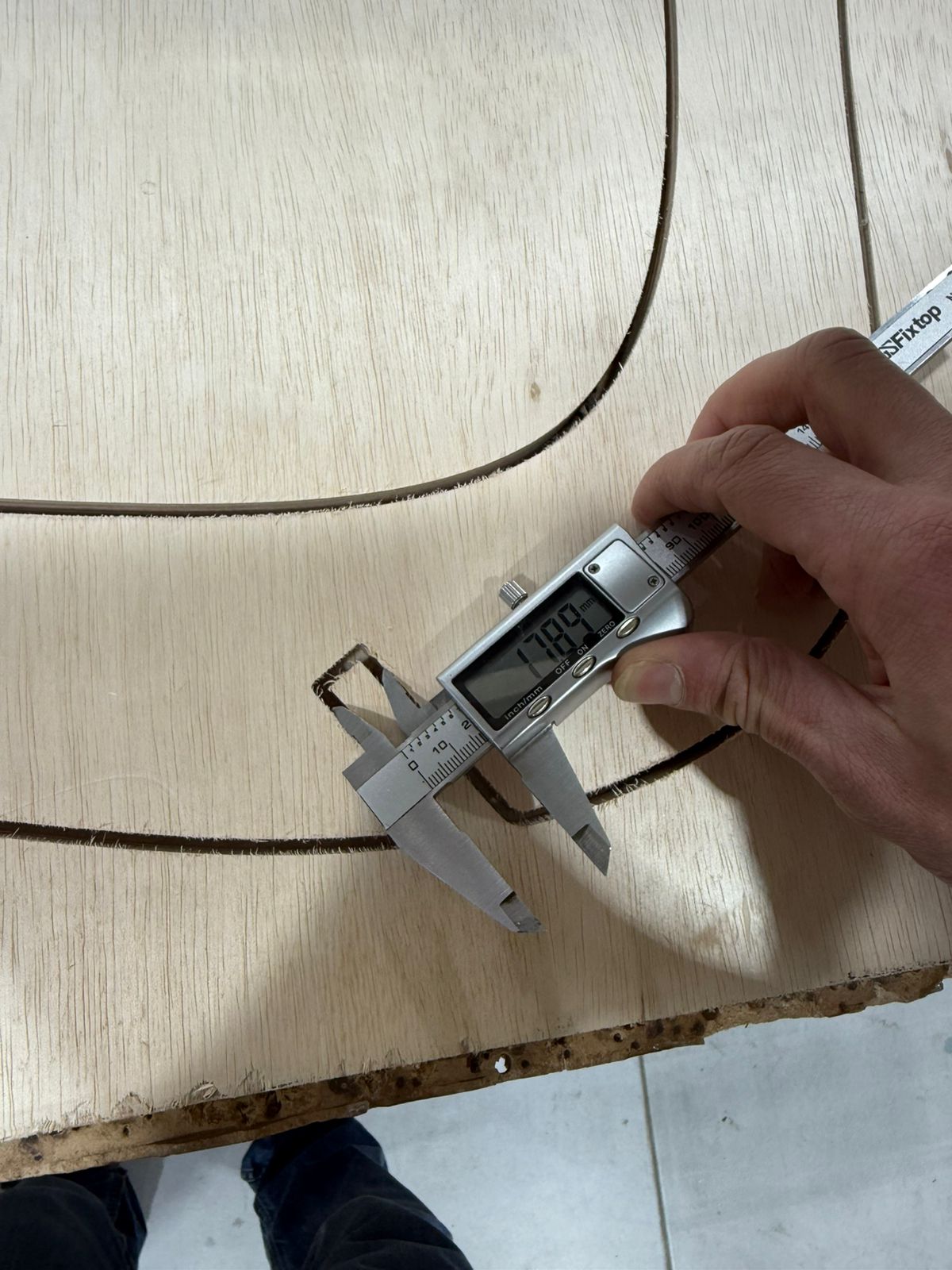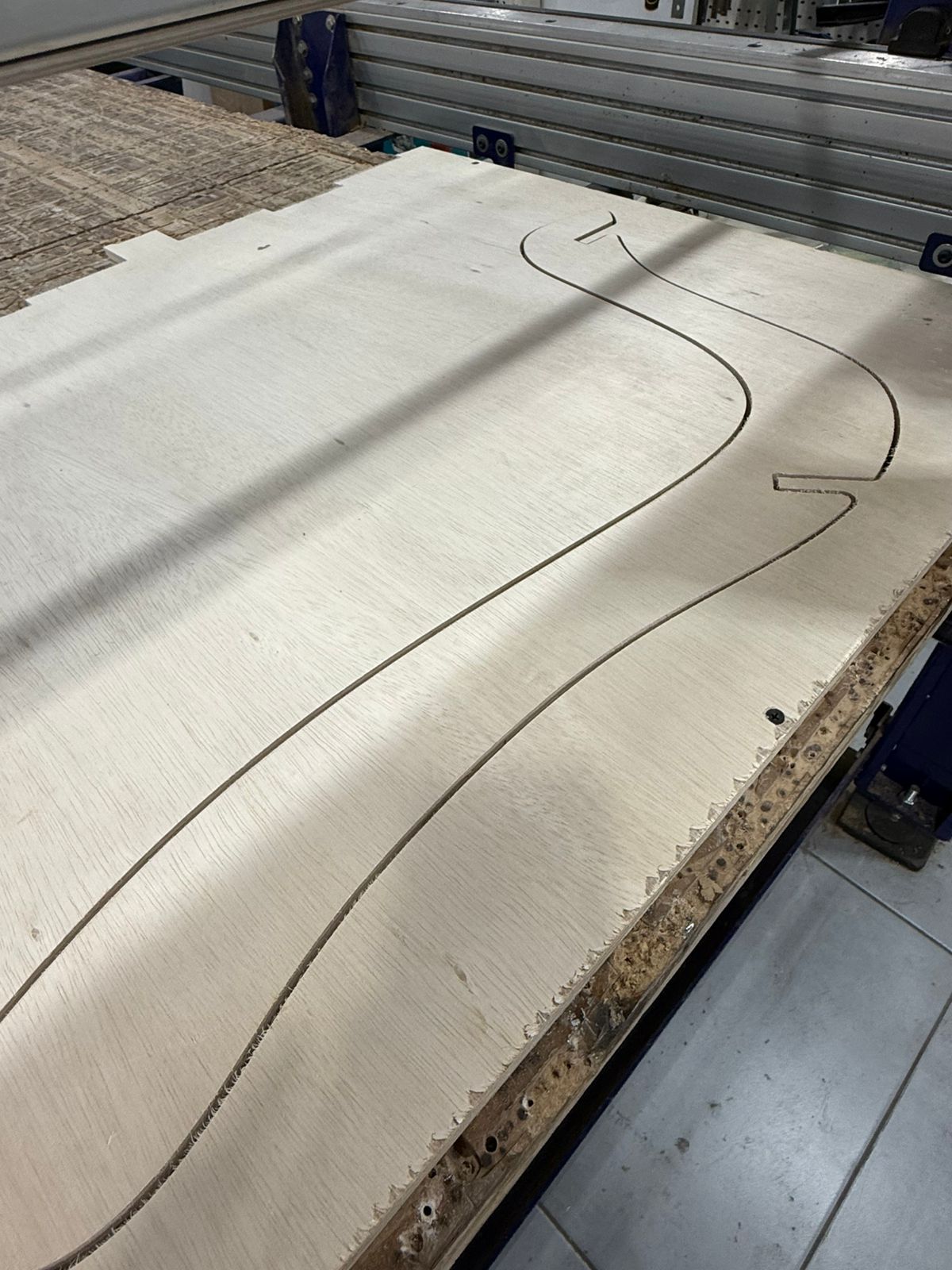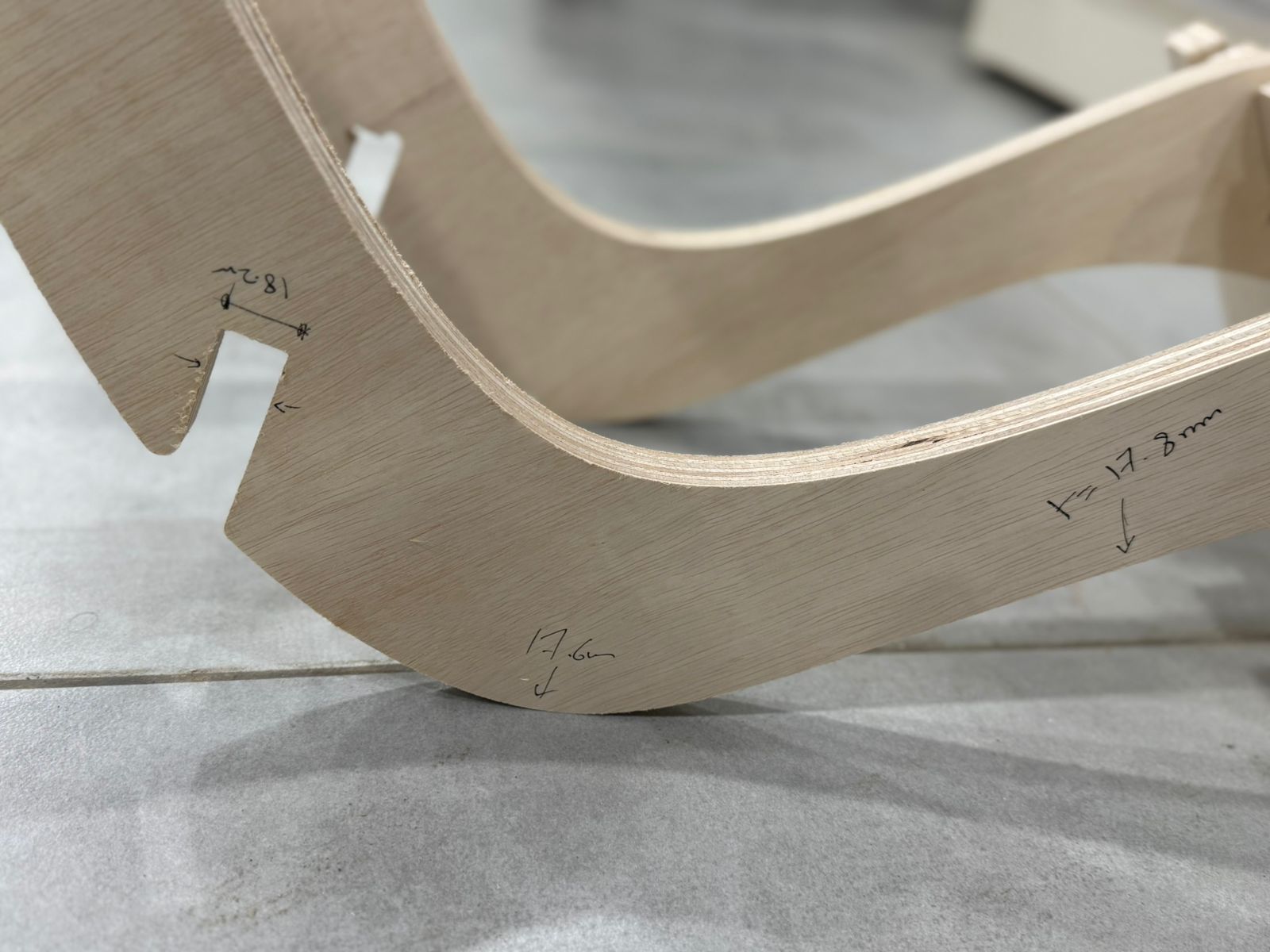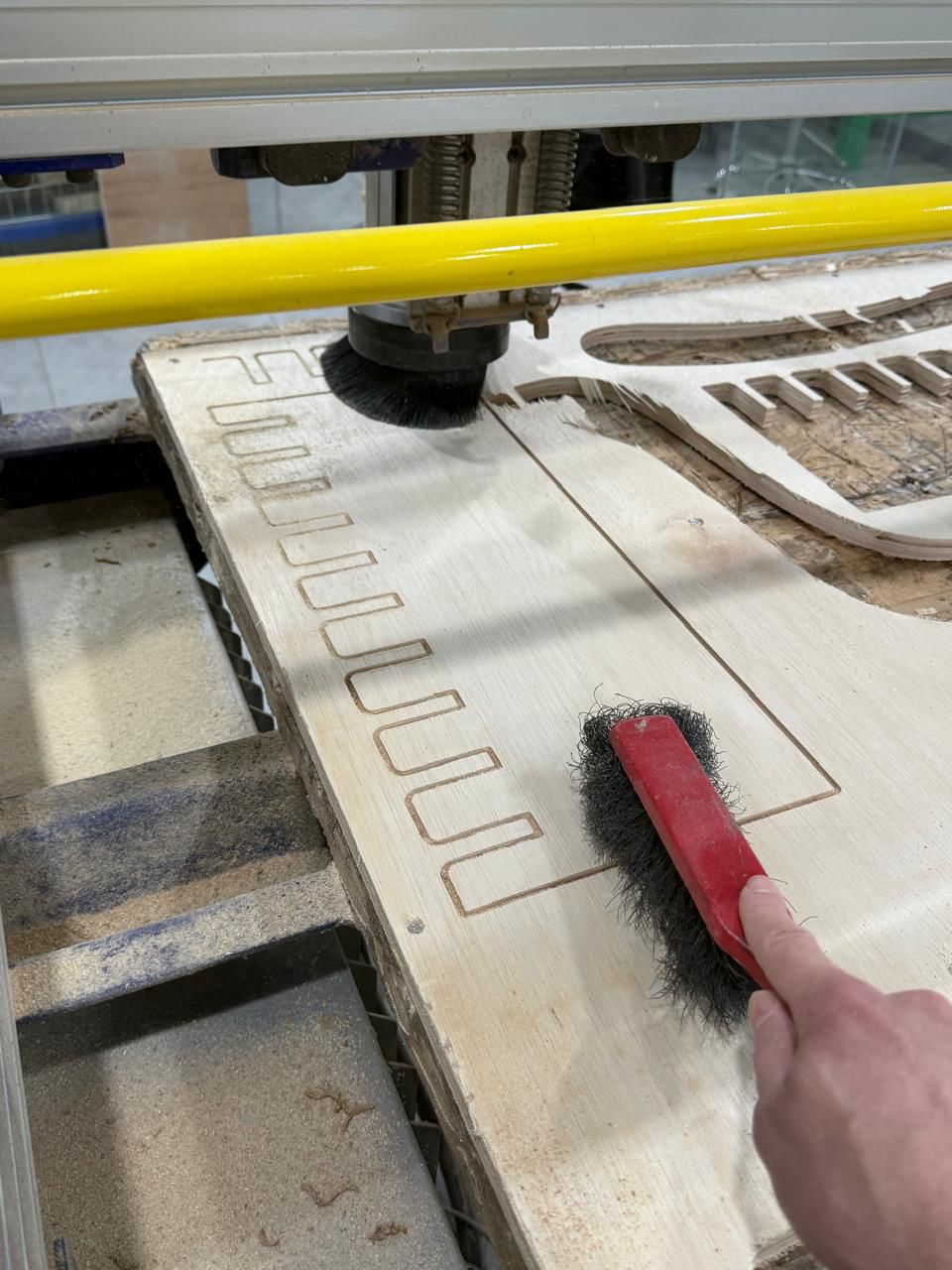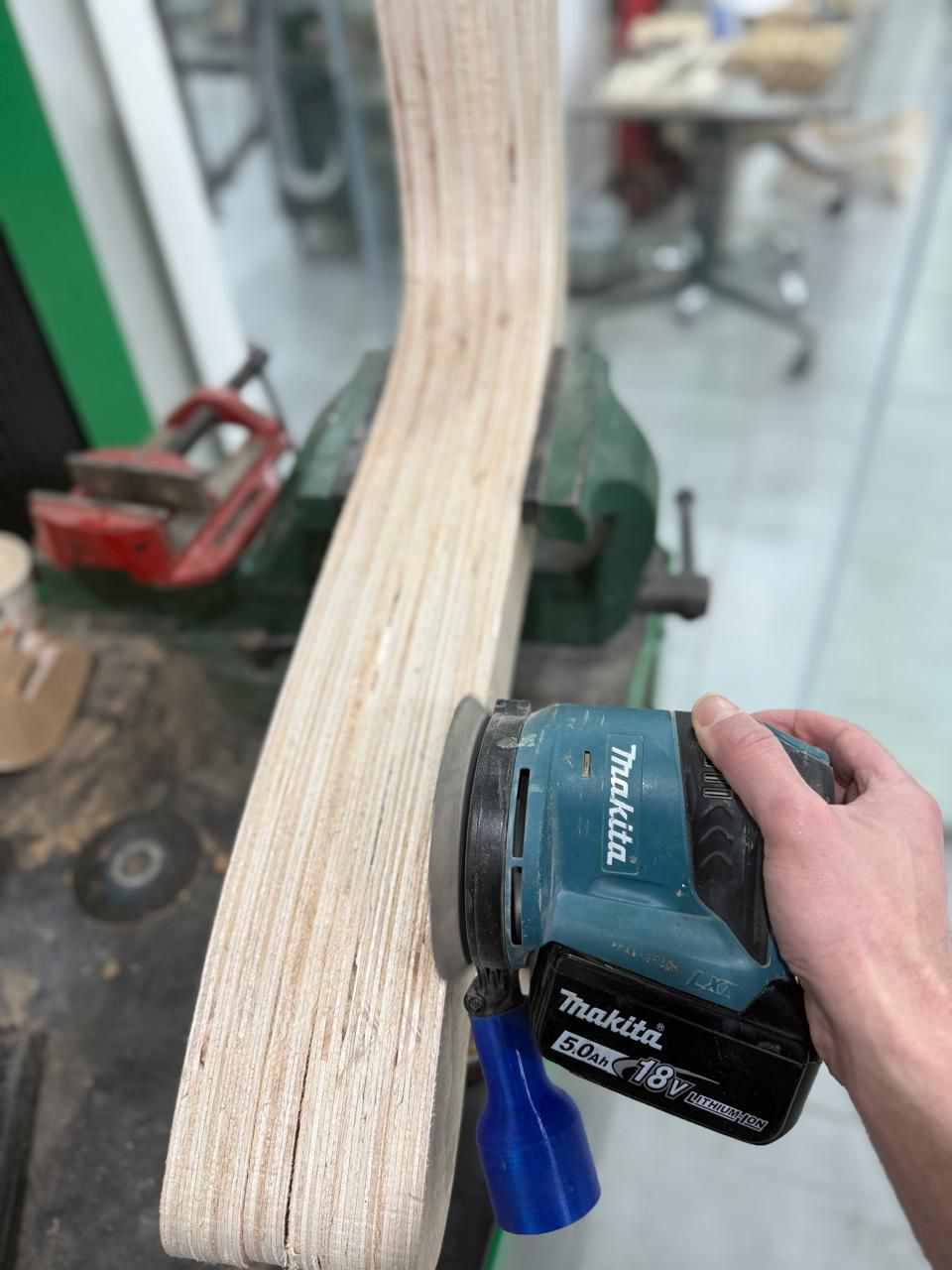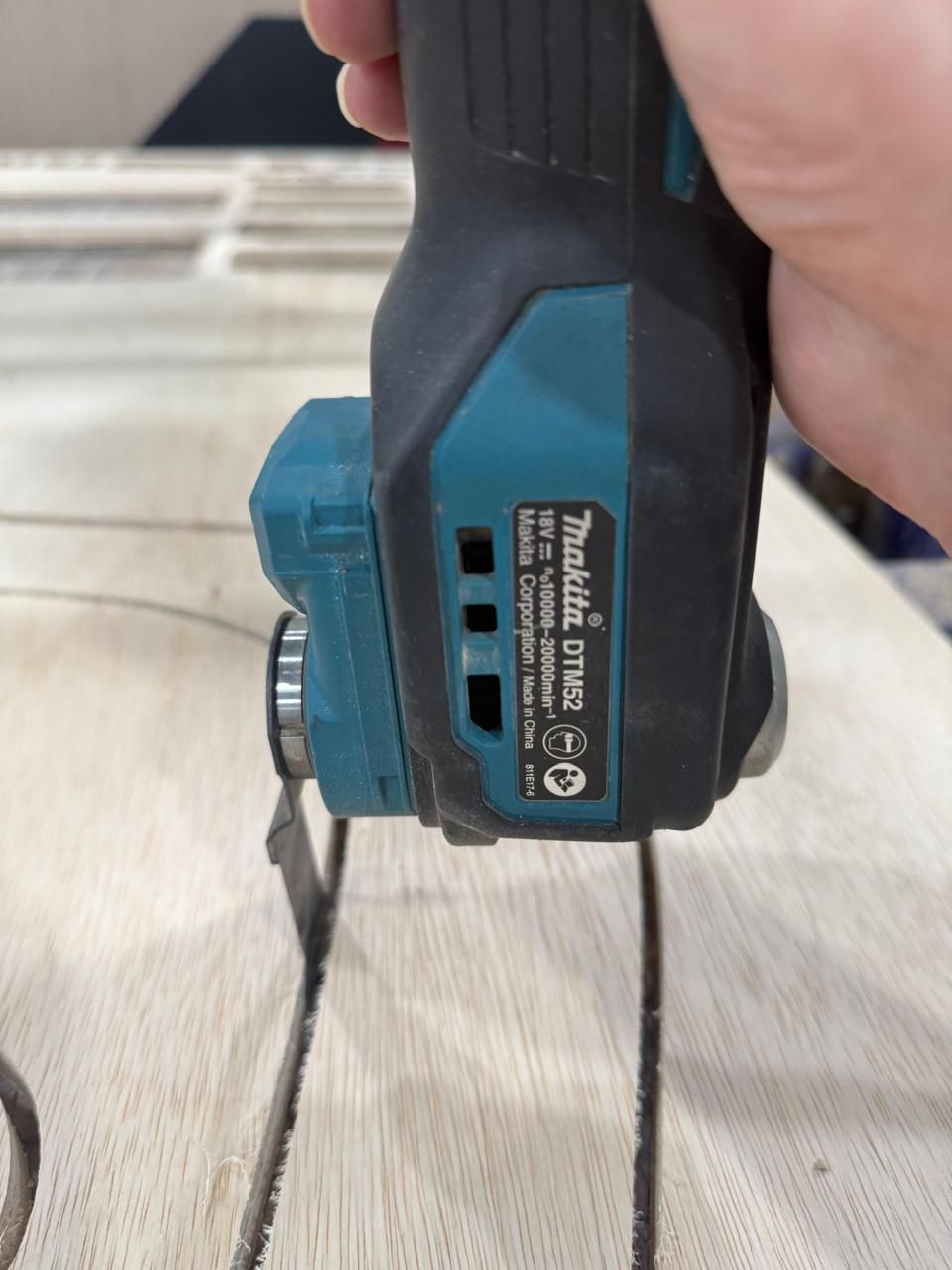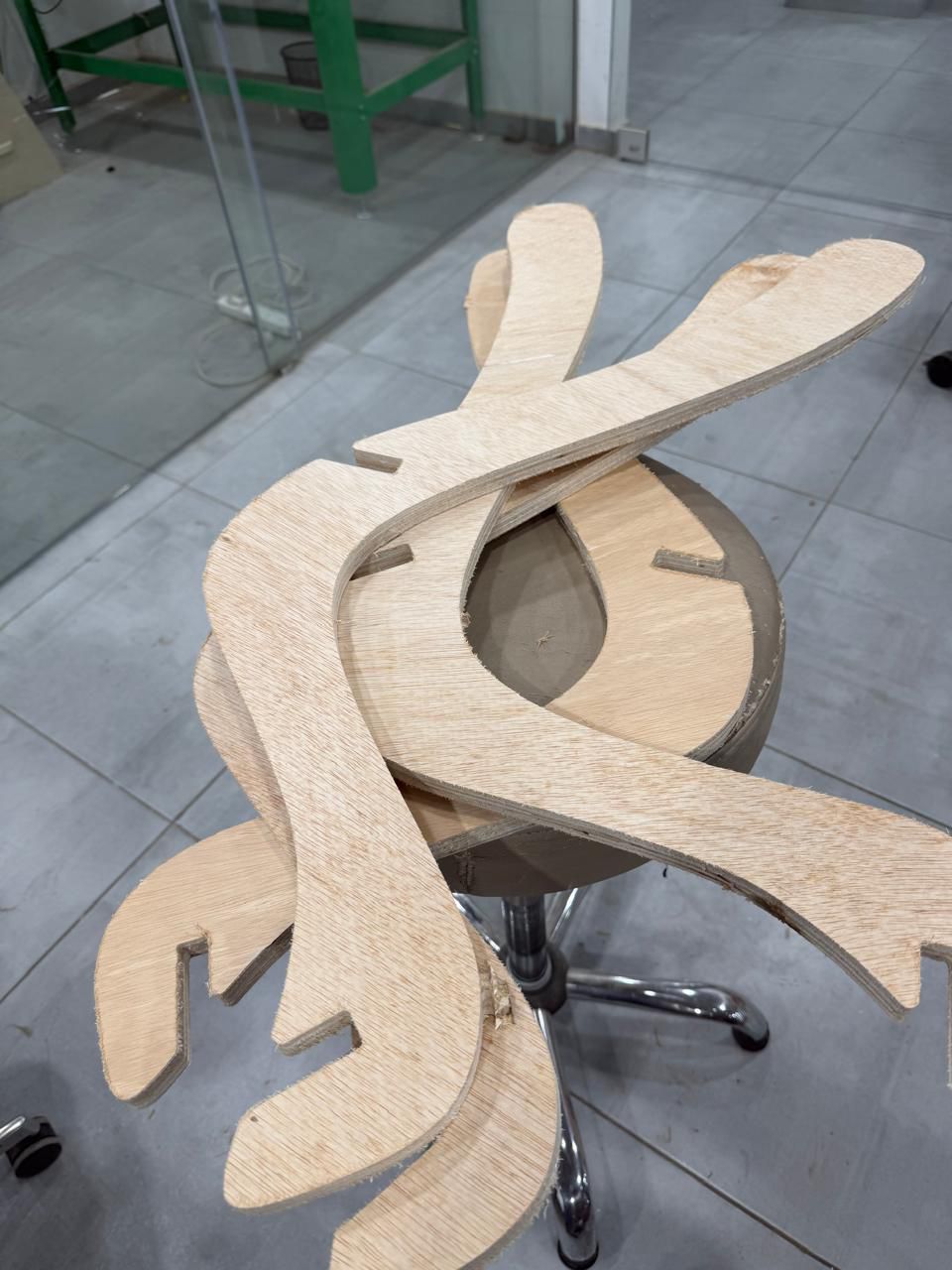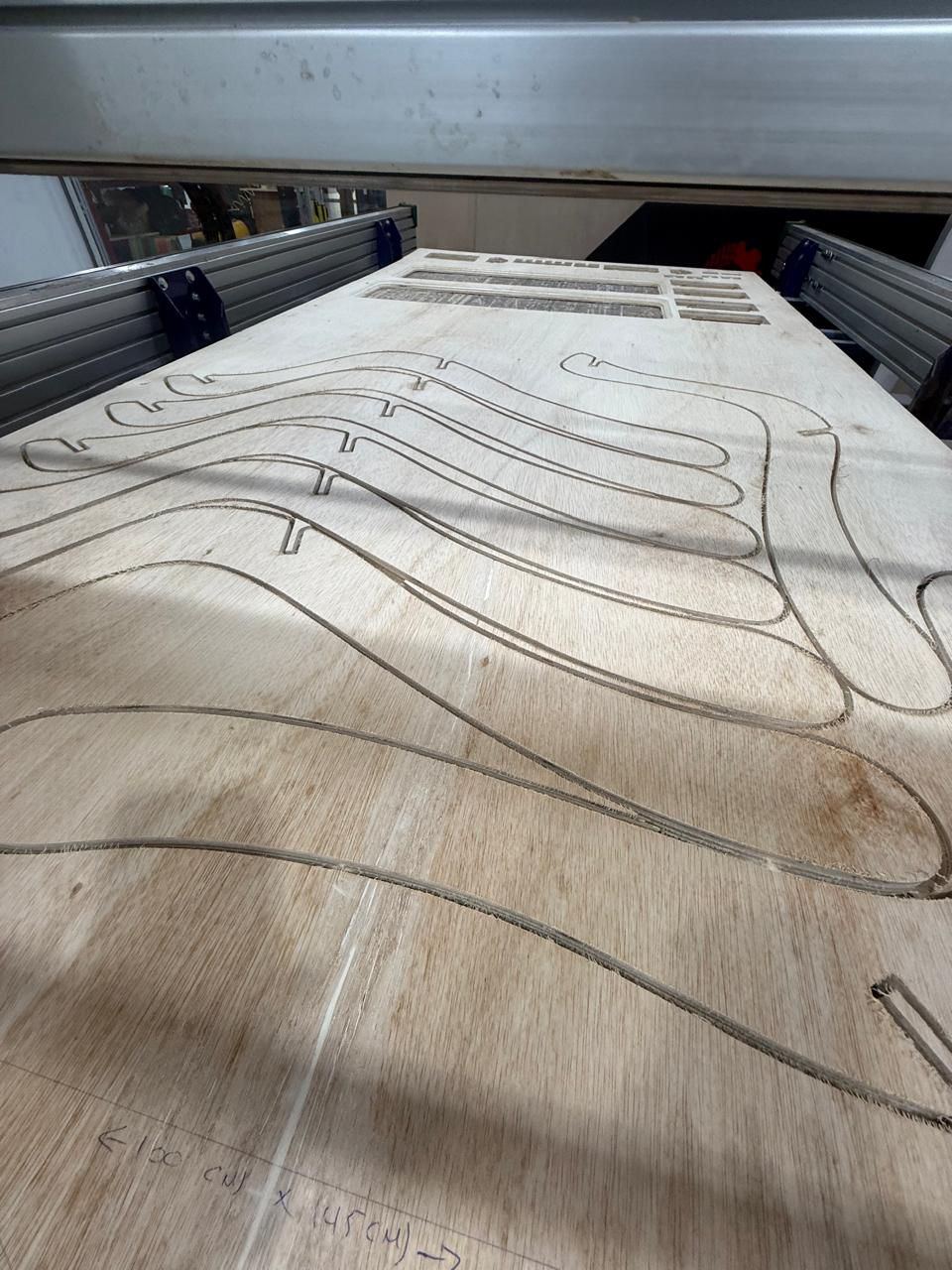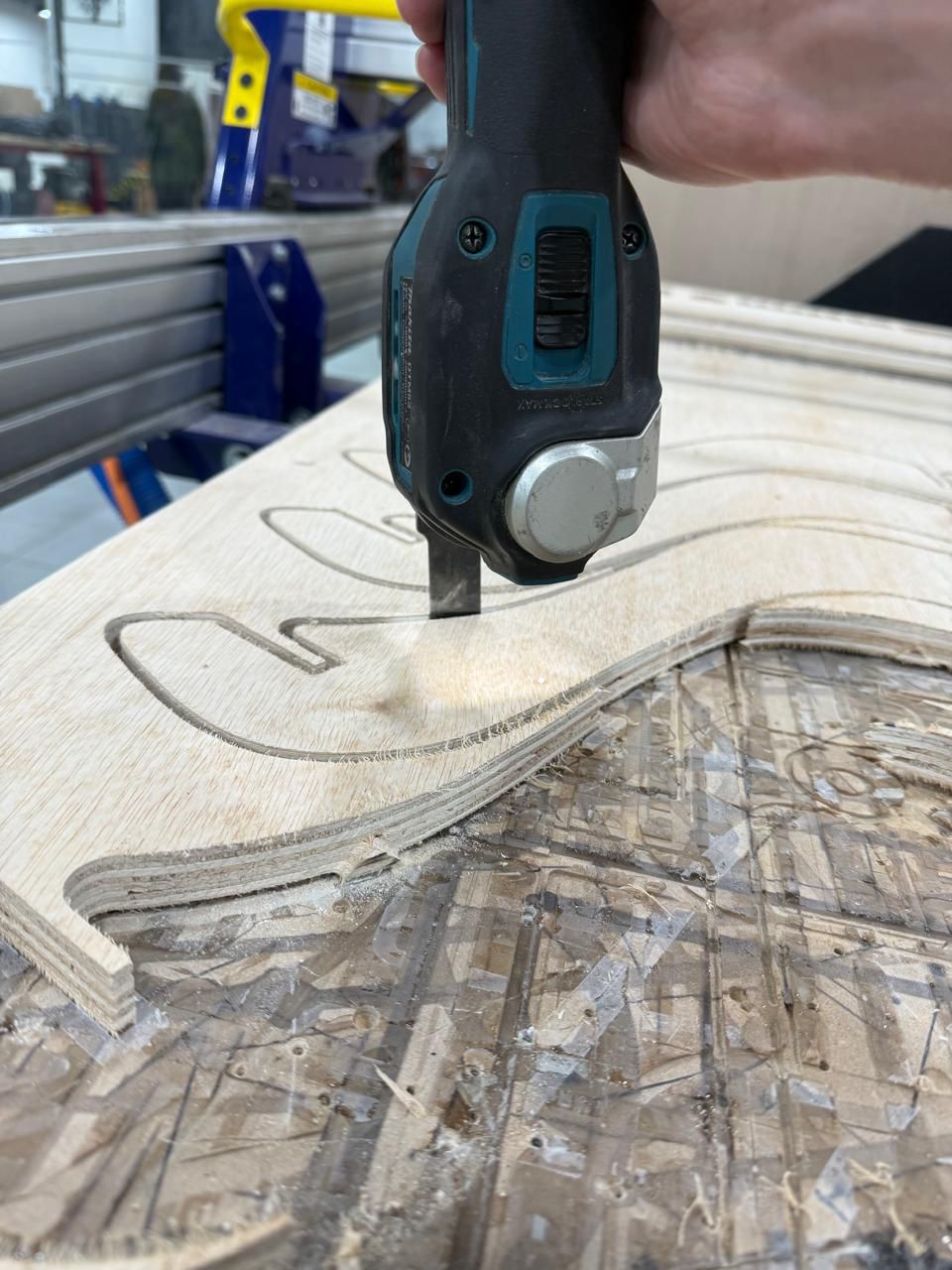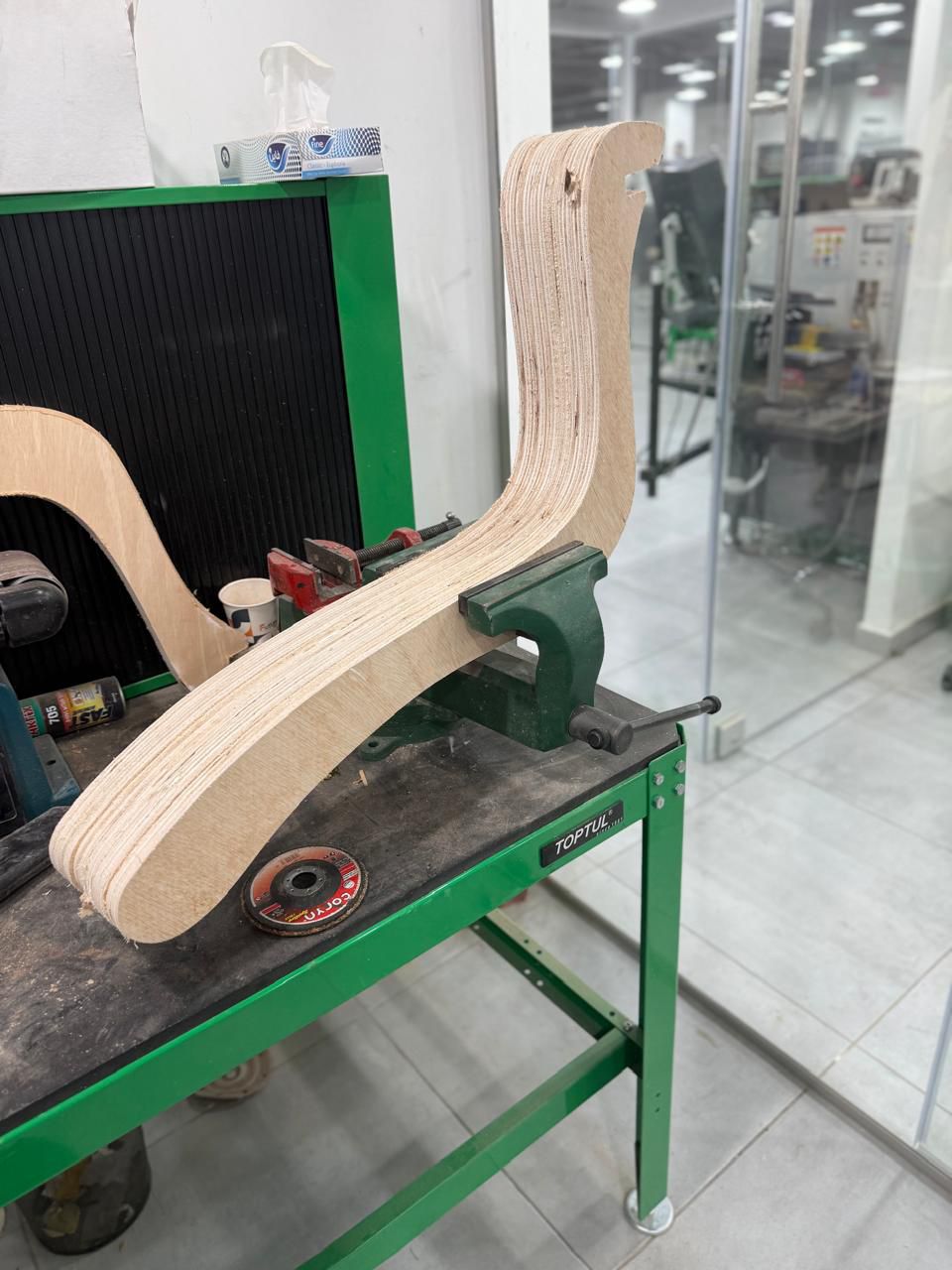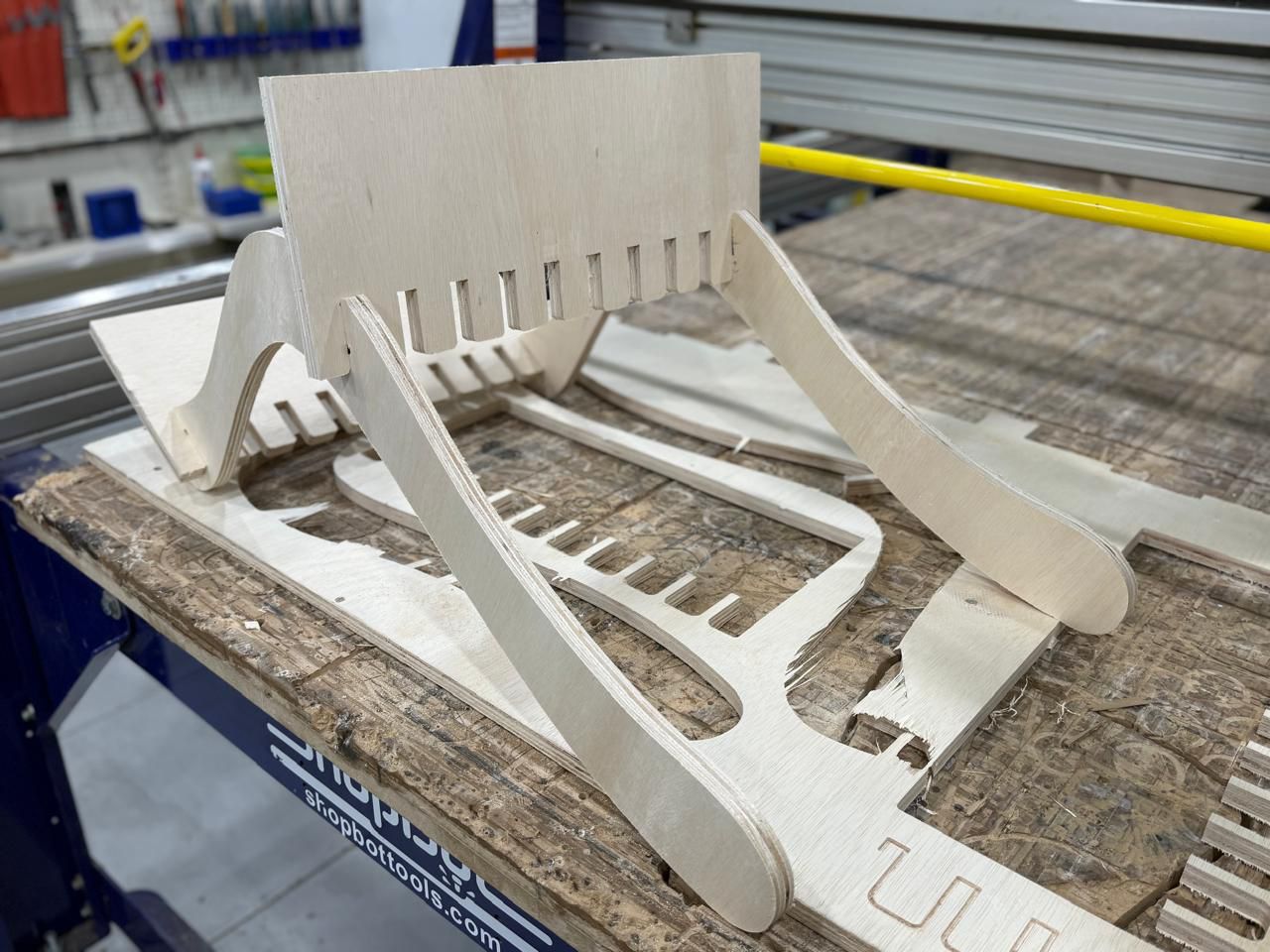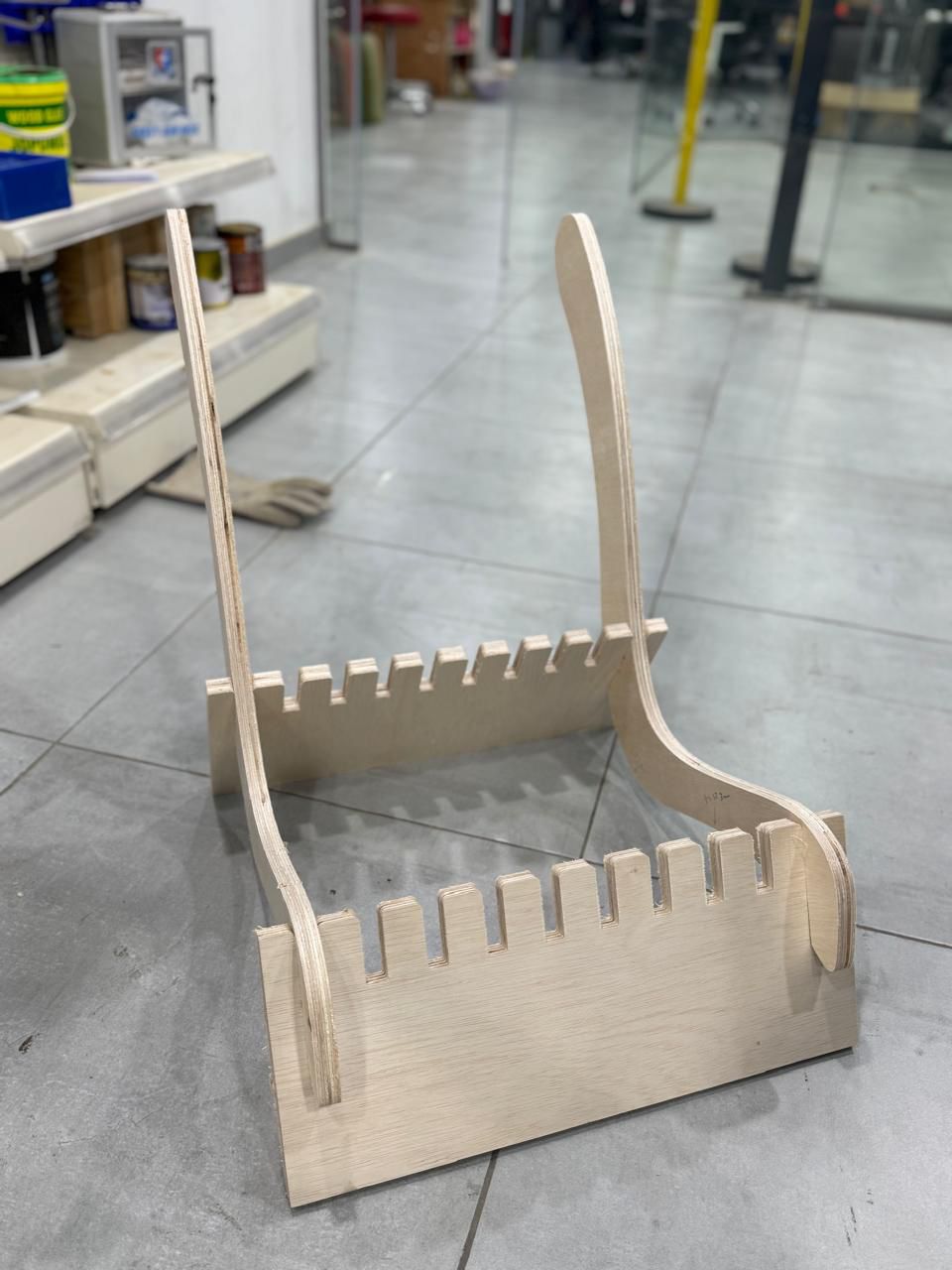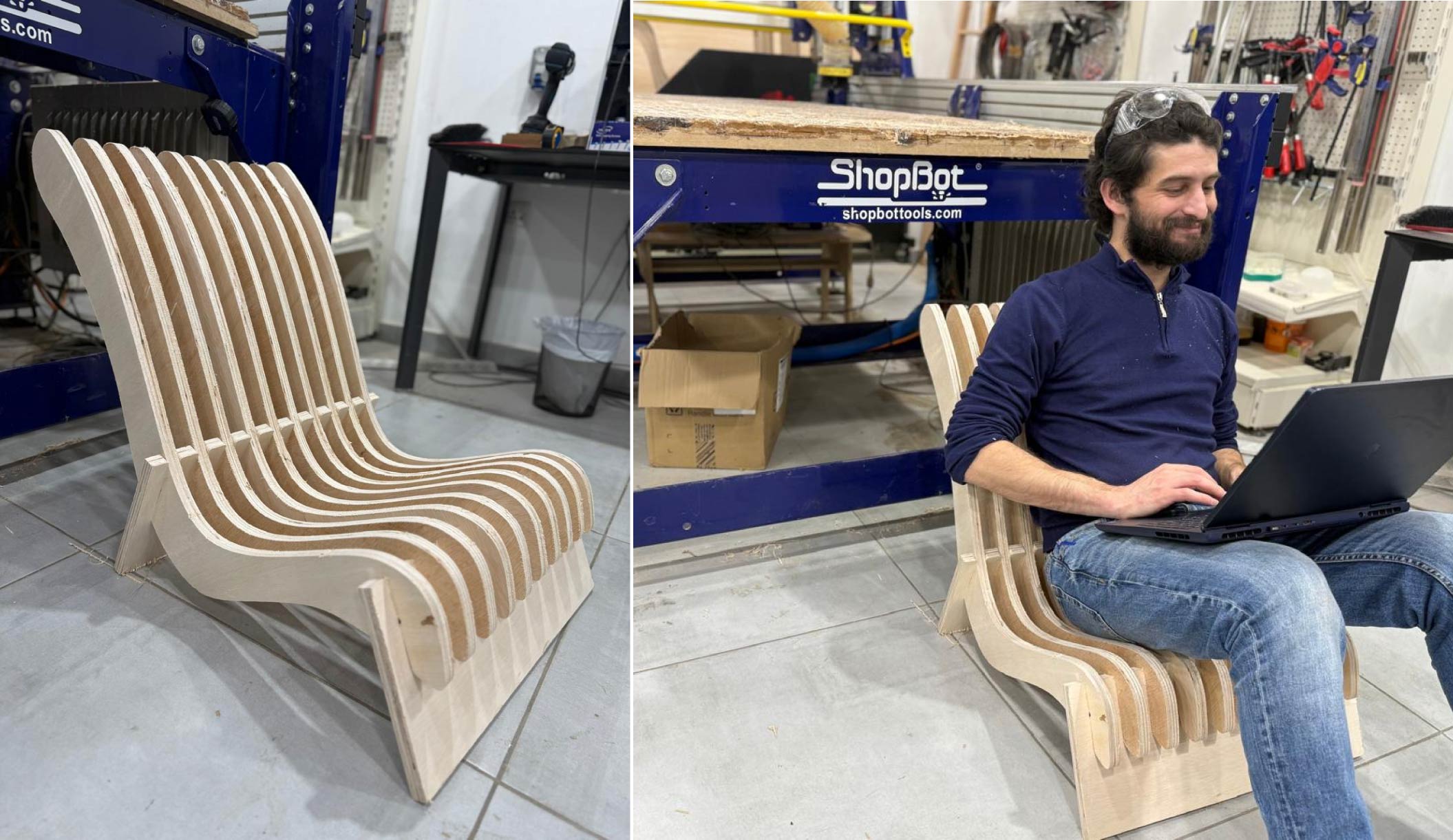
## Introduction CNC Milling was the main focus of this week, we covered important concepts to understand and work with different types of milling, toolpaths, drillbits and collars and the different types of materials a CNC milling machine can deal with. For this specific assignment I decided to do a piece of furniture,a chair which is low profile (as I mostly enjoy sitting close to the ground) and to design something which can be assembled from different fragments of used sheet boards, an attempt to recycle and mill.

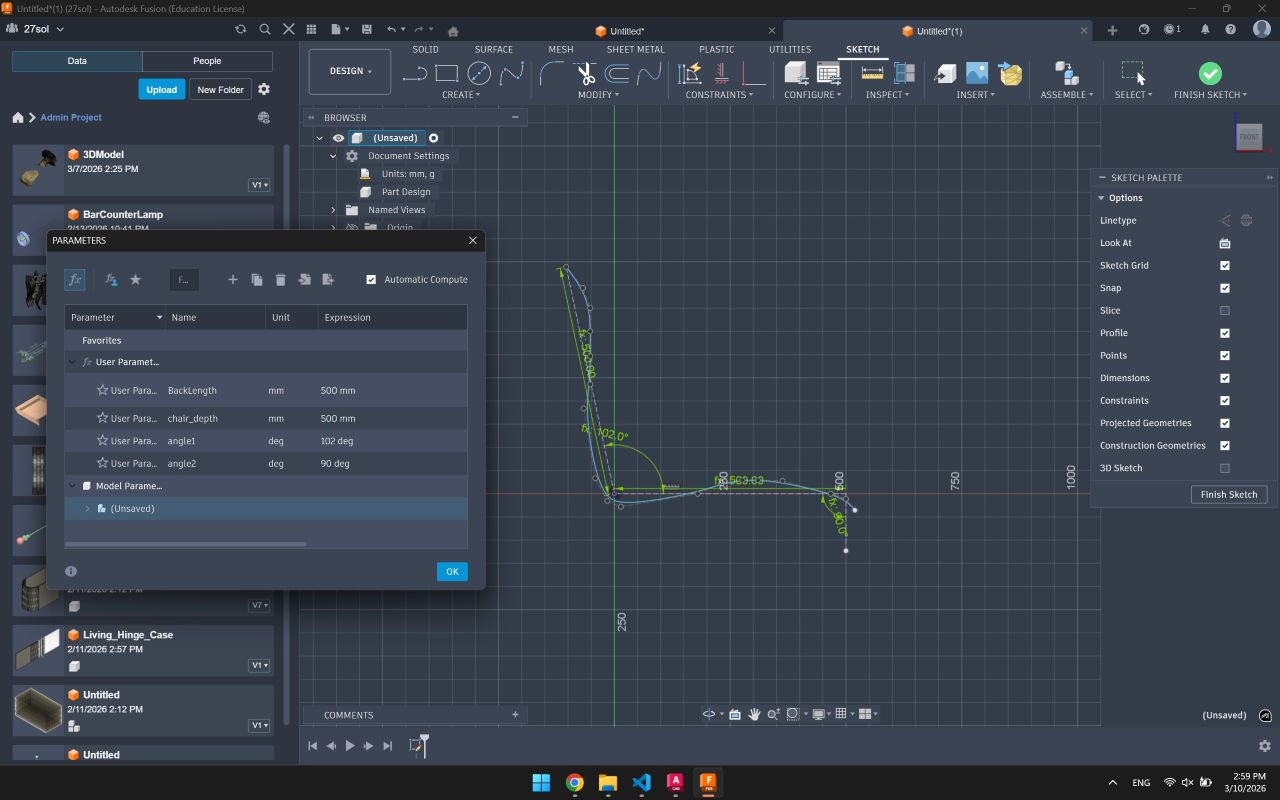
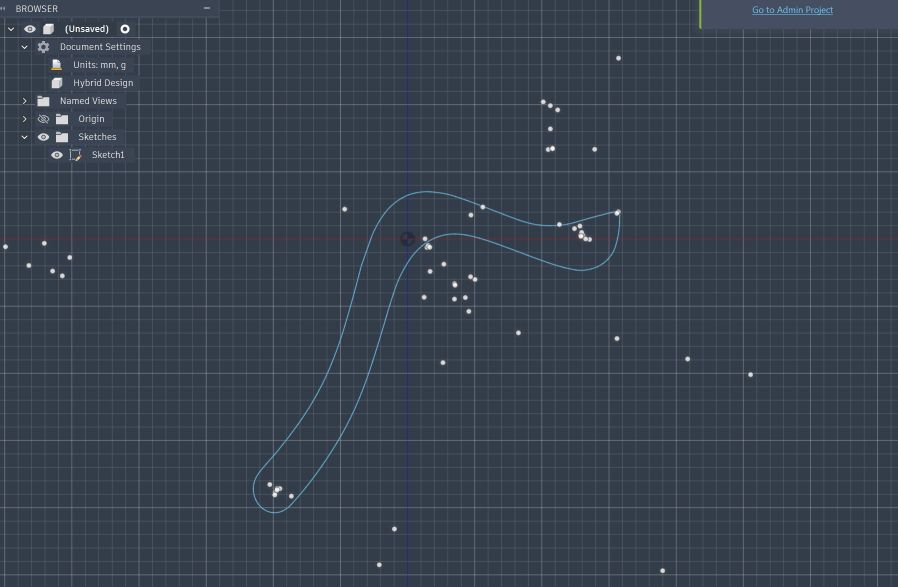
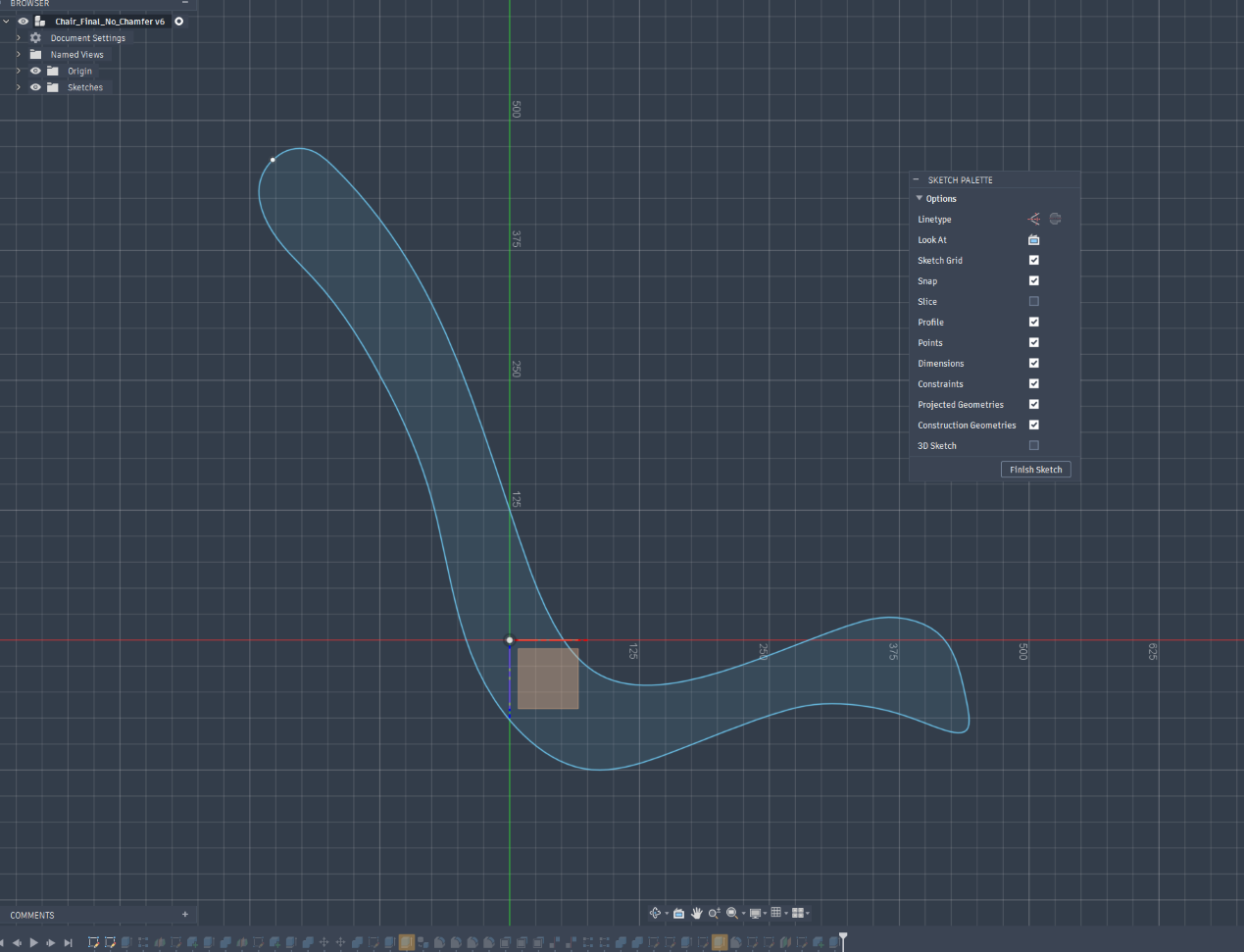
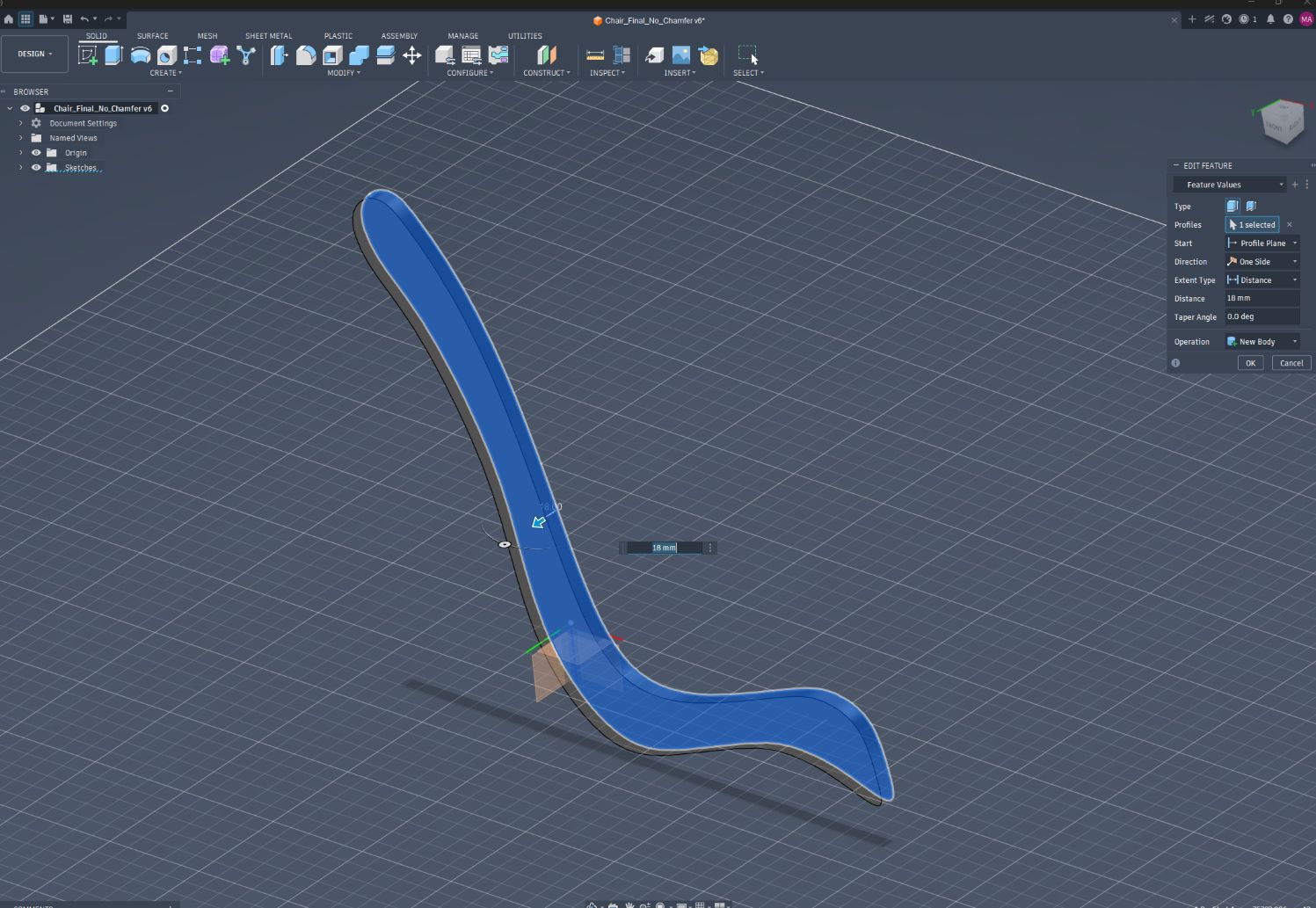
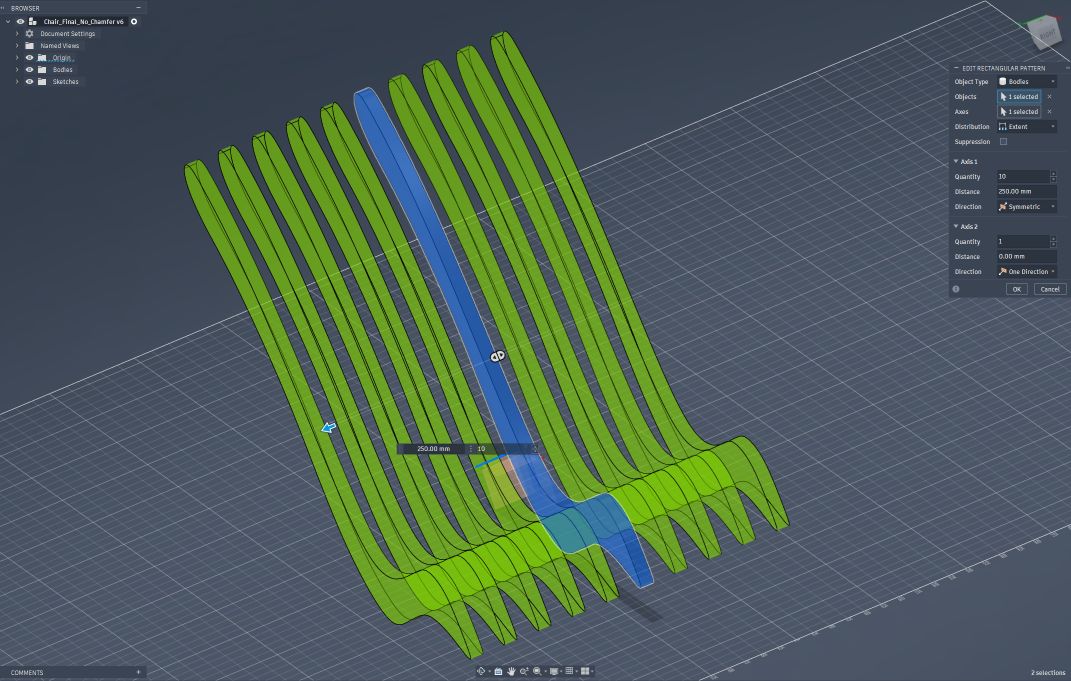
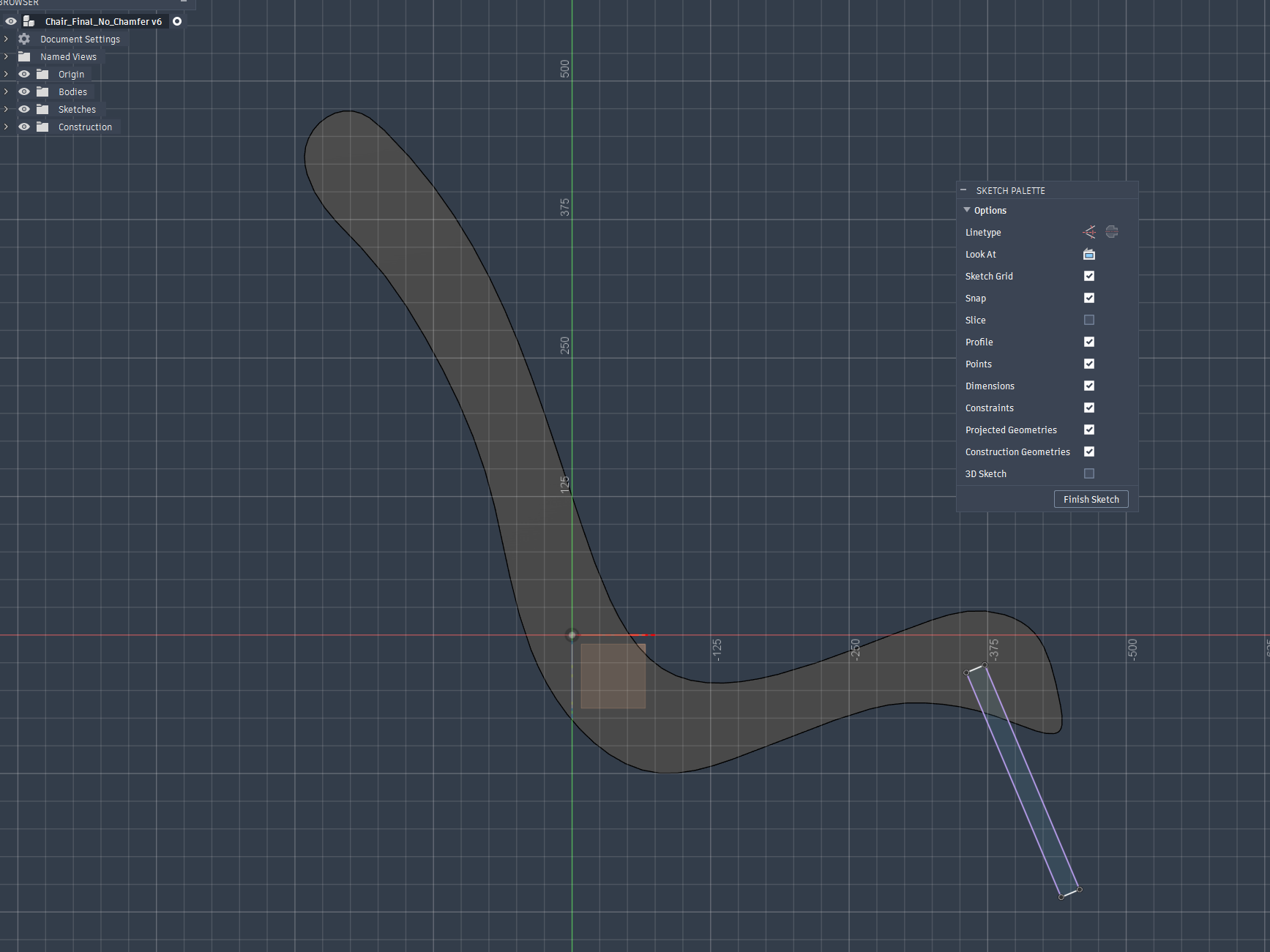
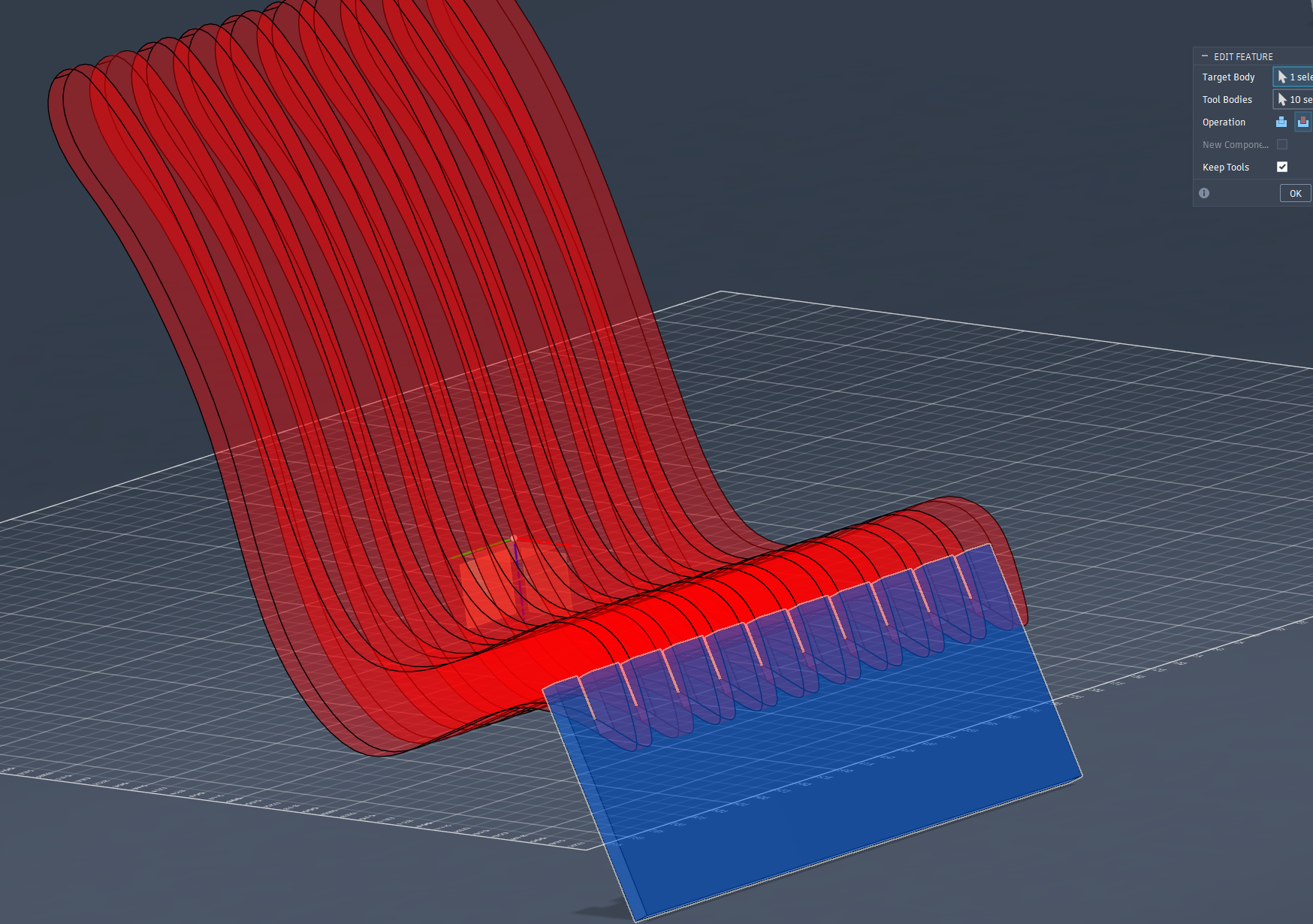
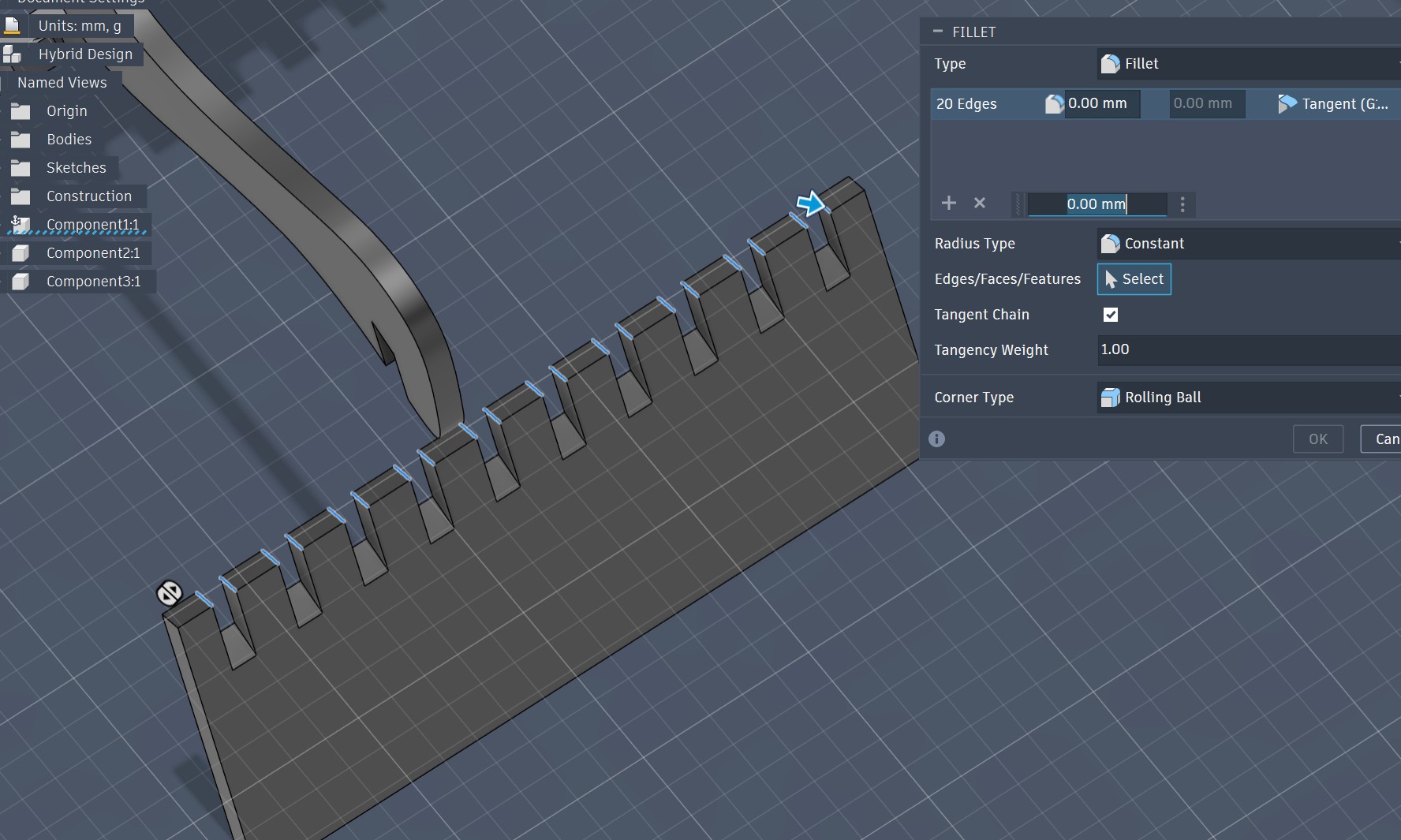
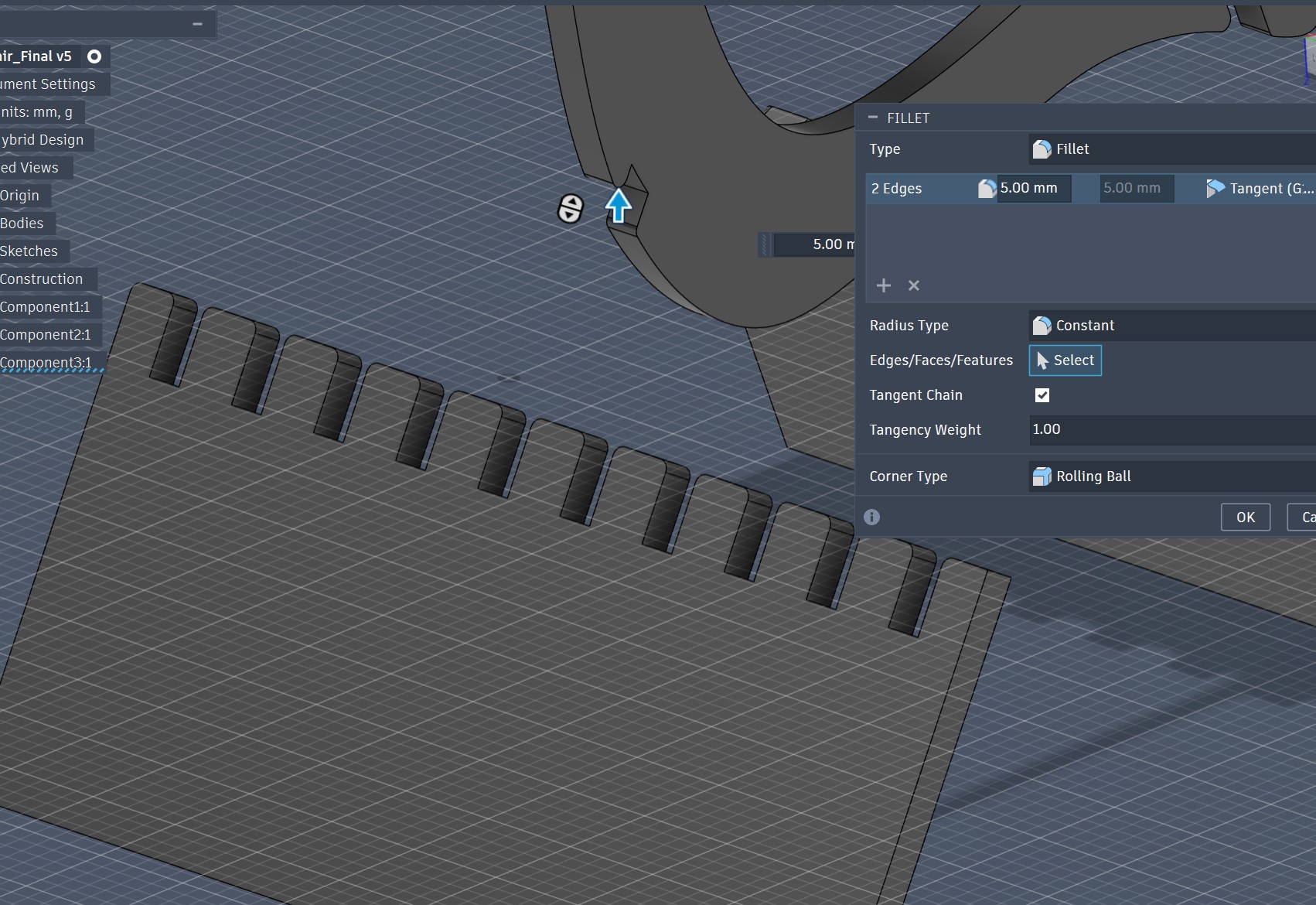
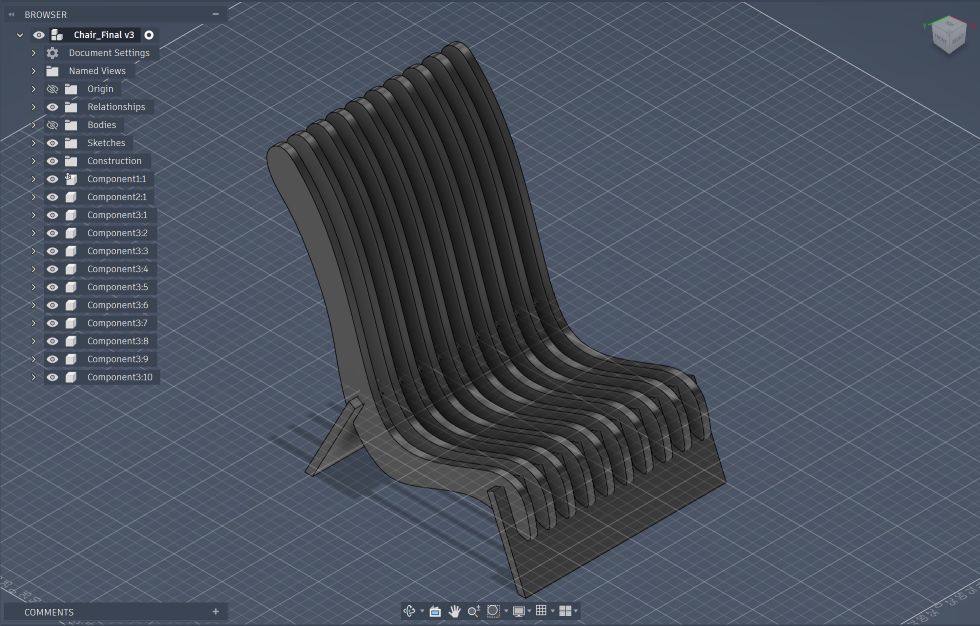
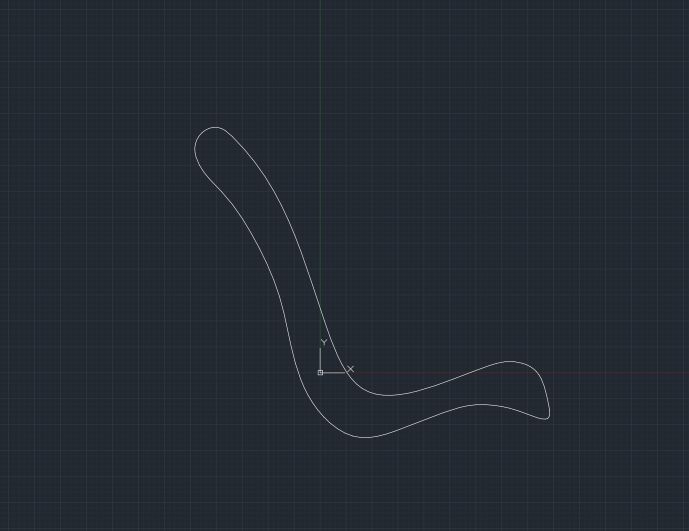
## Design & Modeling I used fusion 360 to model my chair, with a twist that I combined AI to trace the chair profile, and to get the sketch "Fusion Friendly" , I did some pre-processing to the DXF and then imported it the dxf file into my design space on fusion:
Final Result

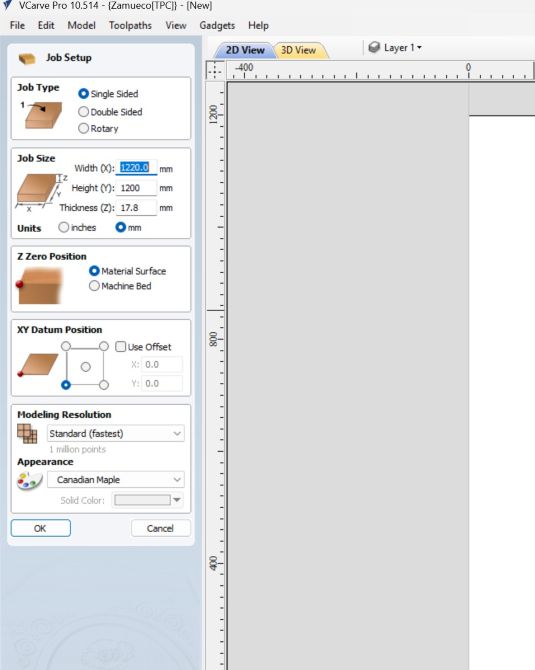
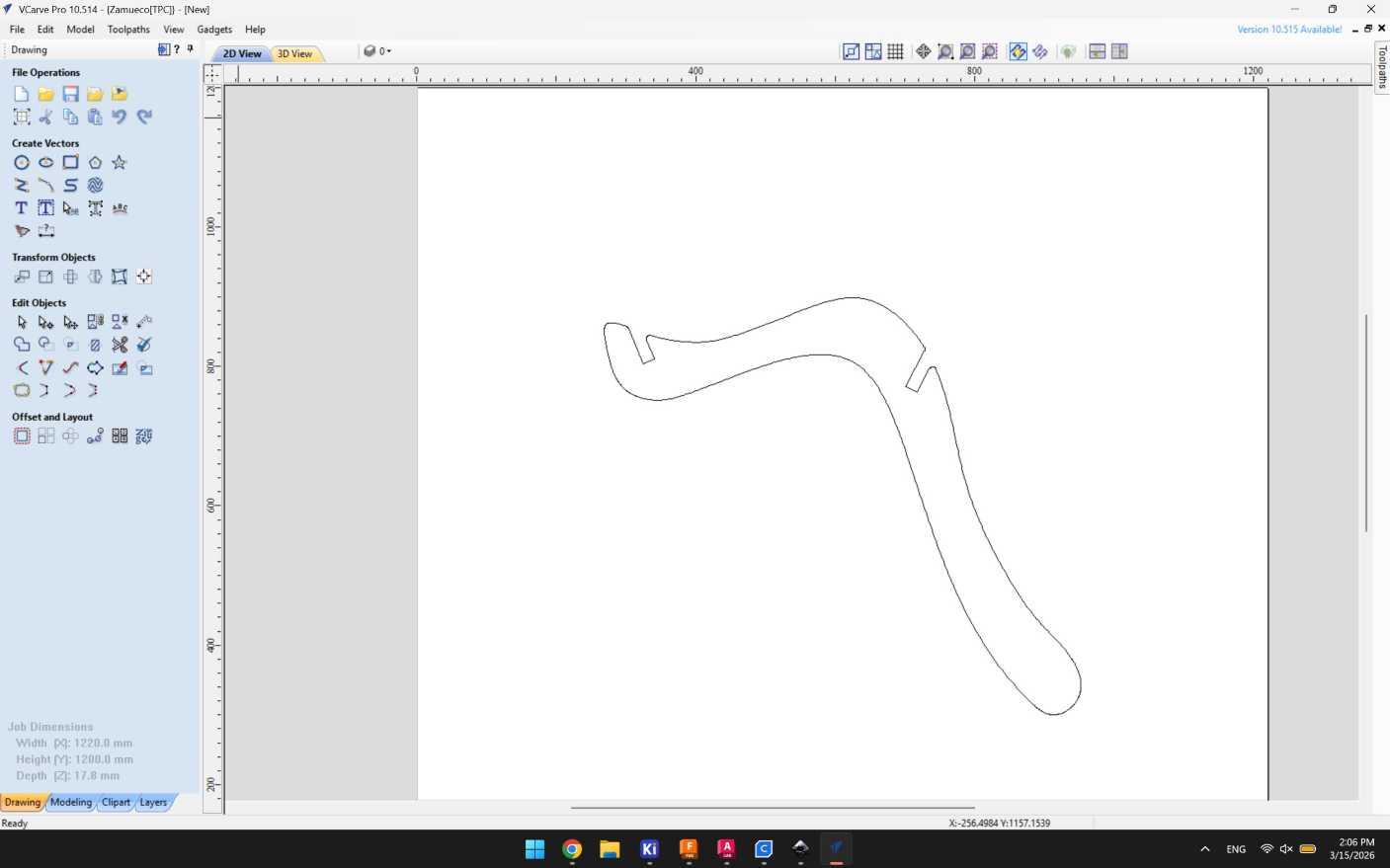
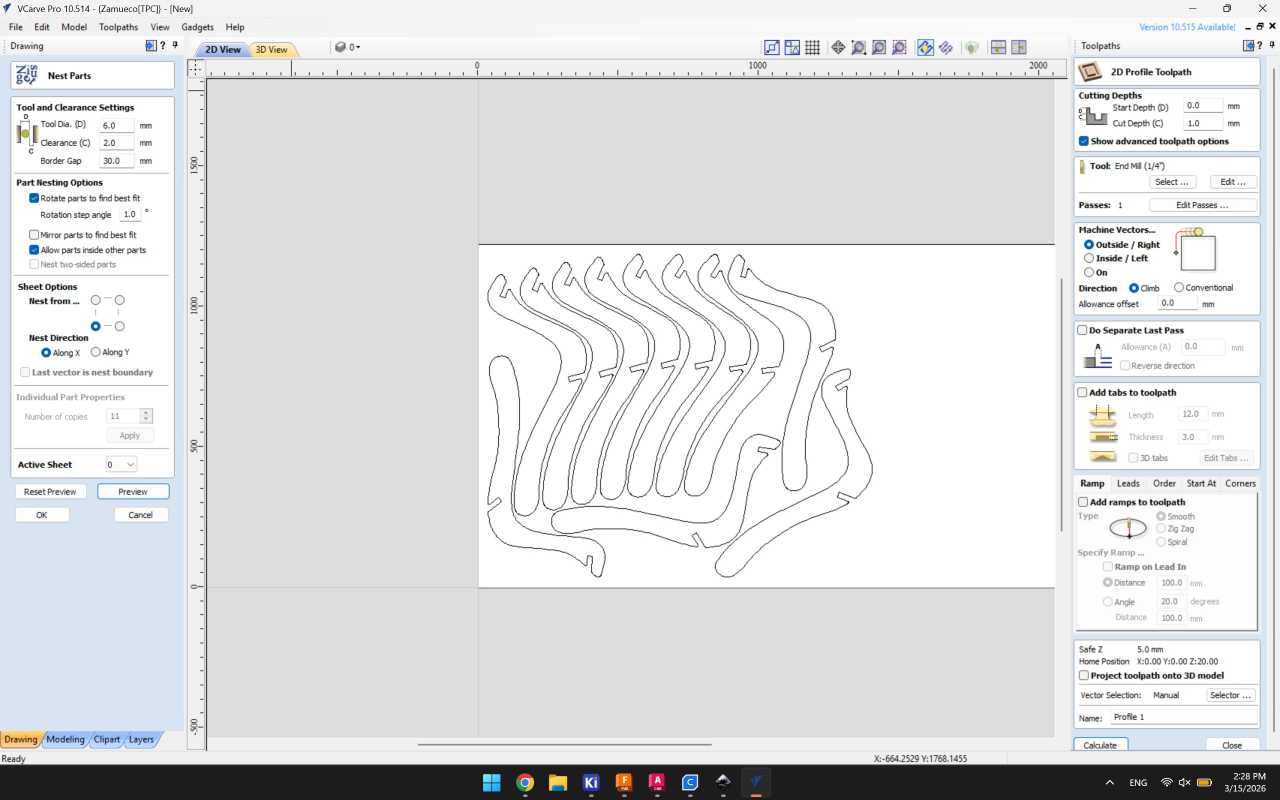
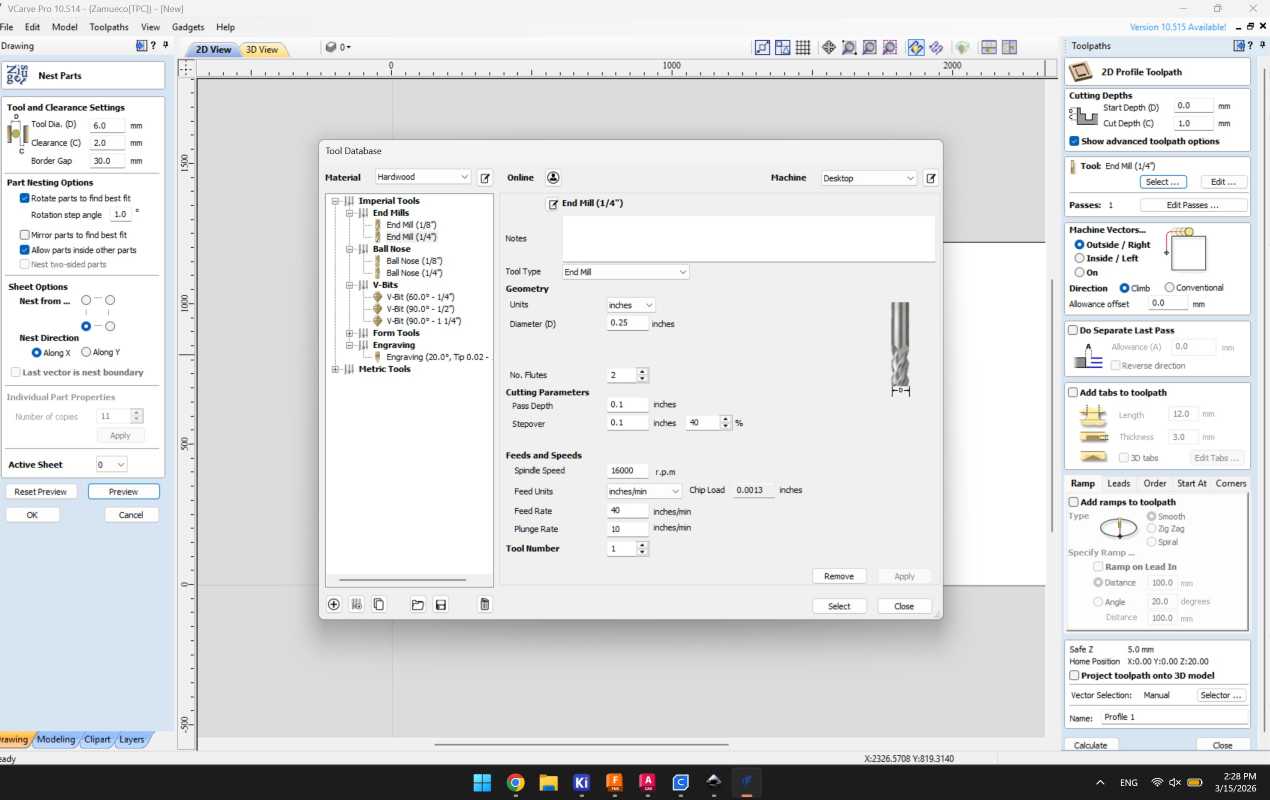
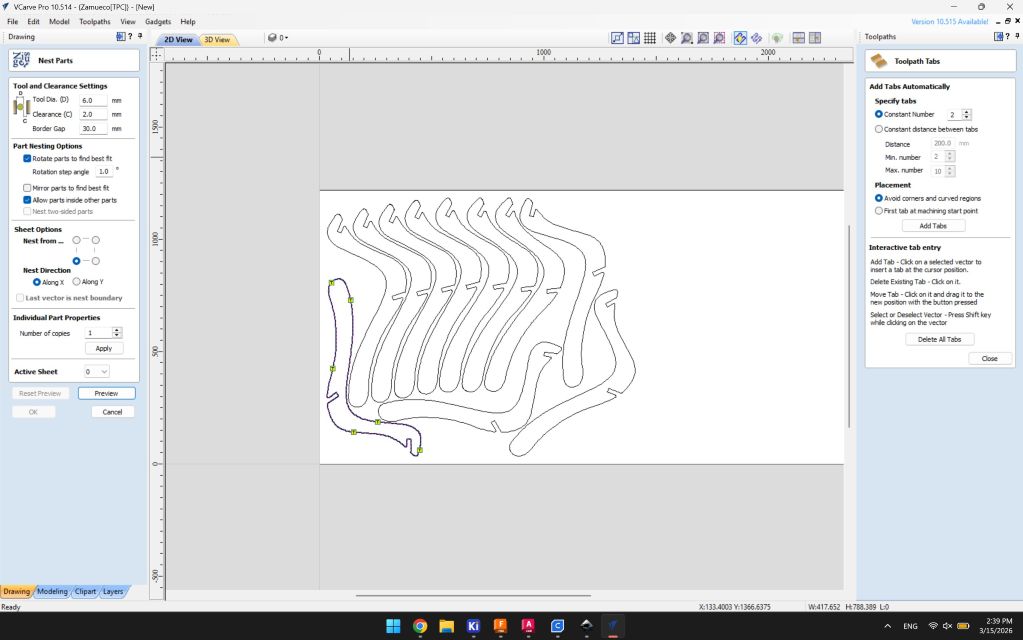
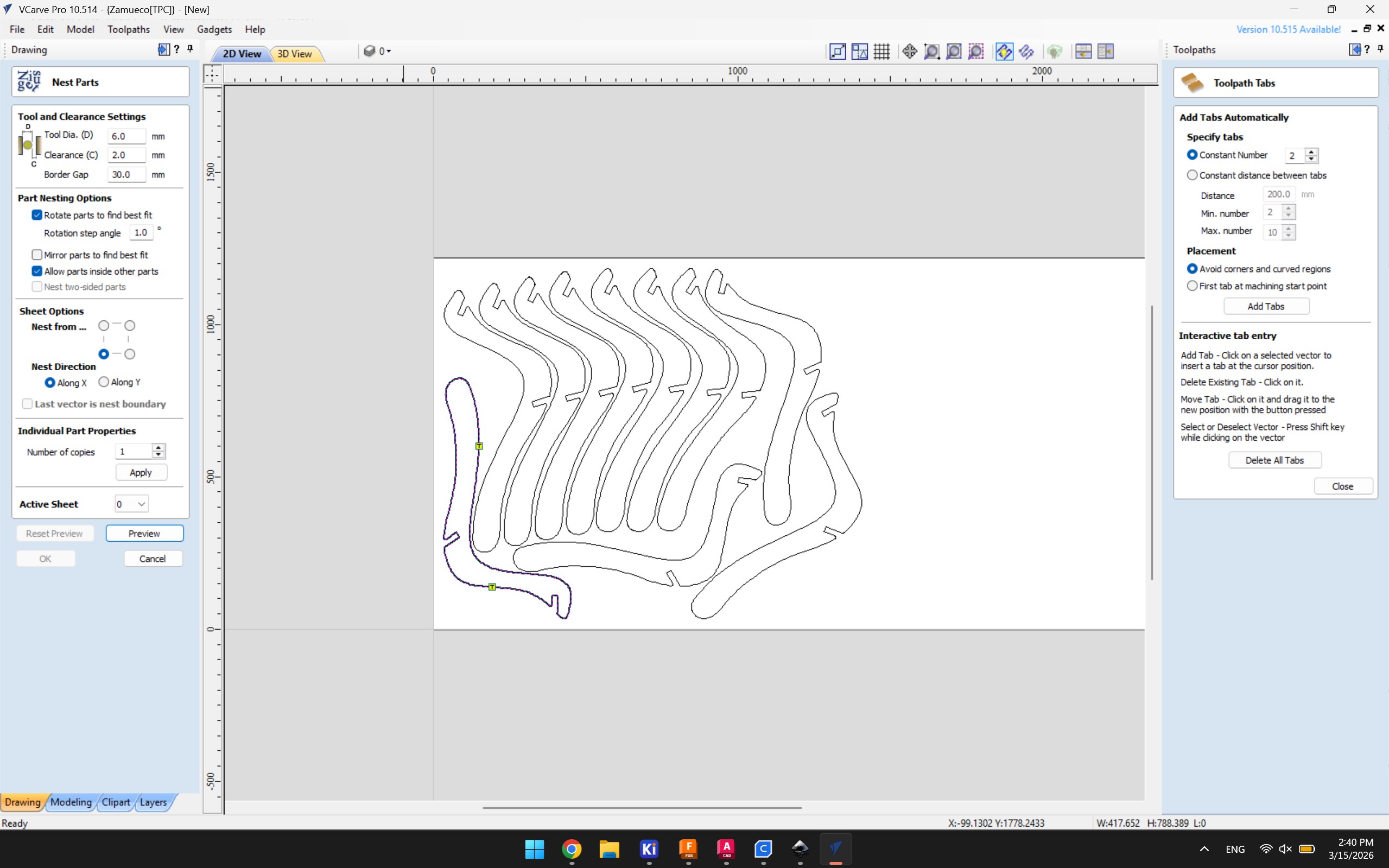
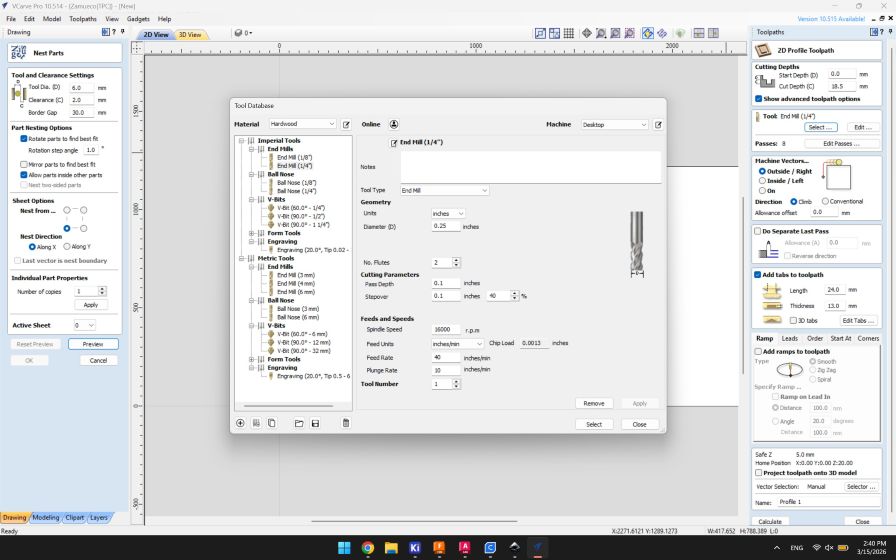
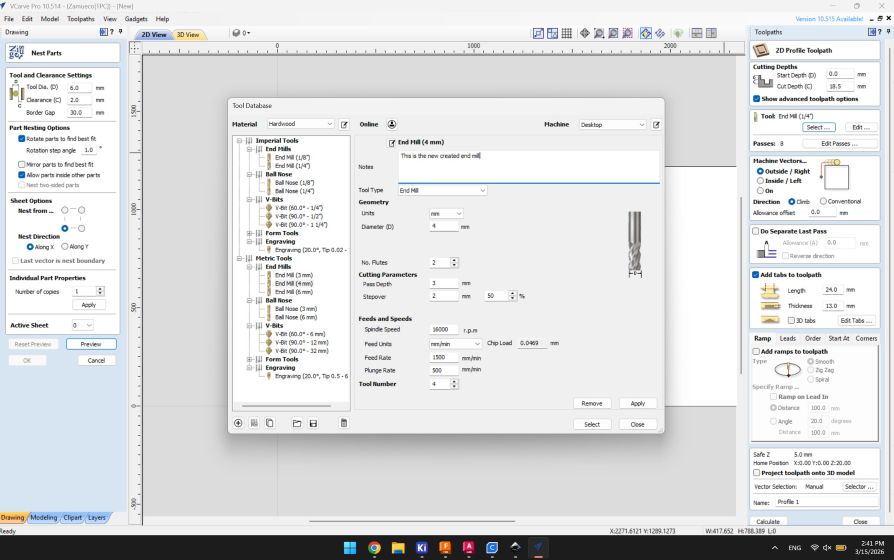
## CAM Preparation (VCarve/Fusion Manufacturing) To prepare the file for cutting I used Vcarve, which is CAM software compatible with a wide range of brands such as Shopbot. There are two softwares possible to prepare the design for milling, either through Fusion 360 or Vcarve Pro, I chose to work with Vcarve Pro. Below is a step by step workflow:
General Overview
SnapEDA Download
Project Libraries
Applying Constraints
Using Netclasses
Footprint Properties
Adding Labels in Schematic

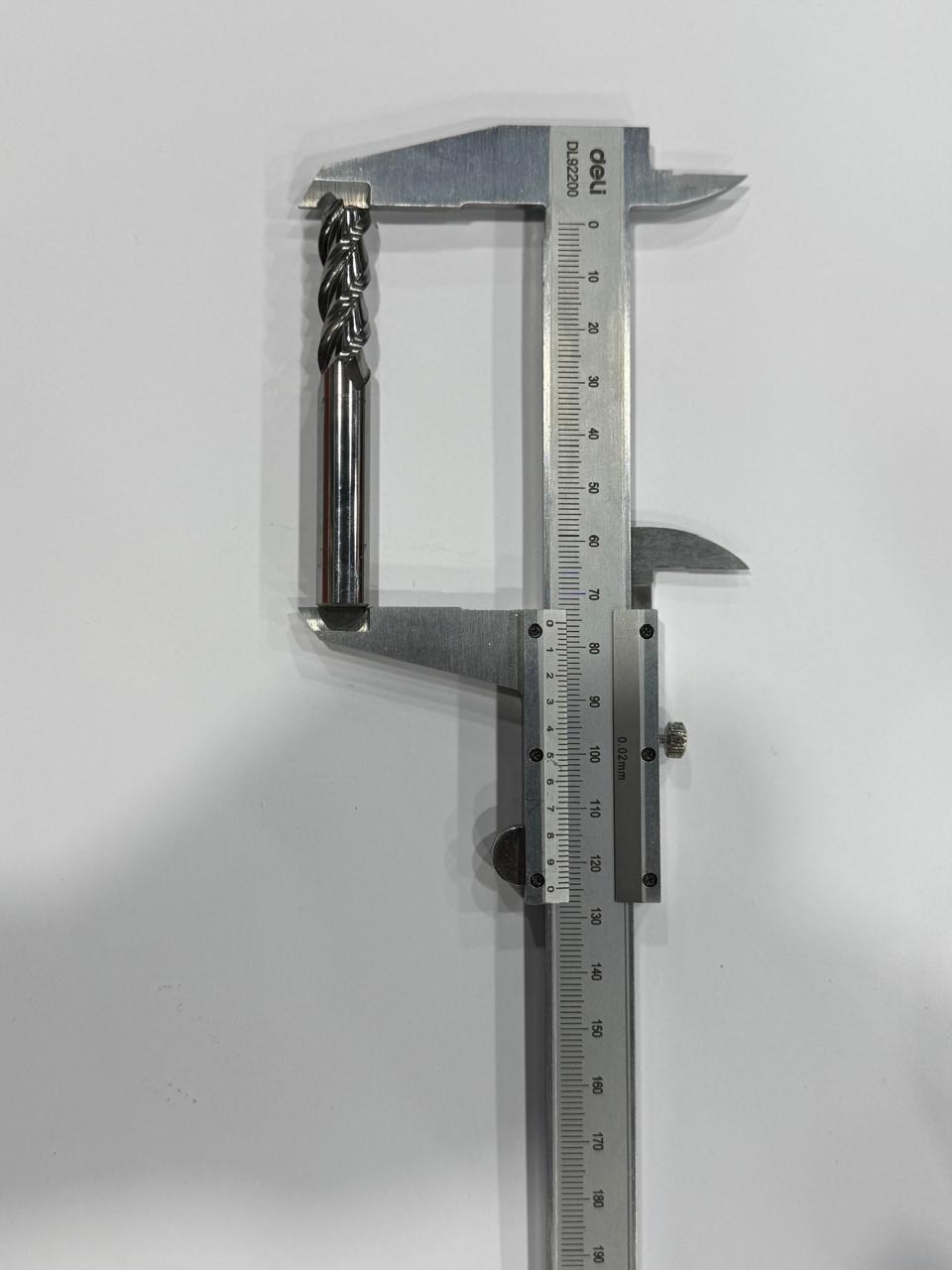
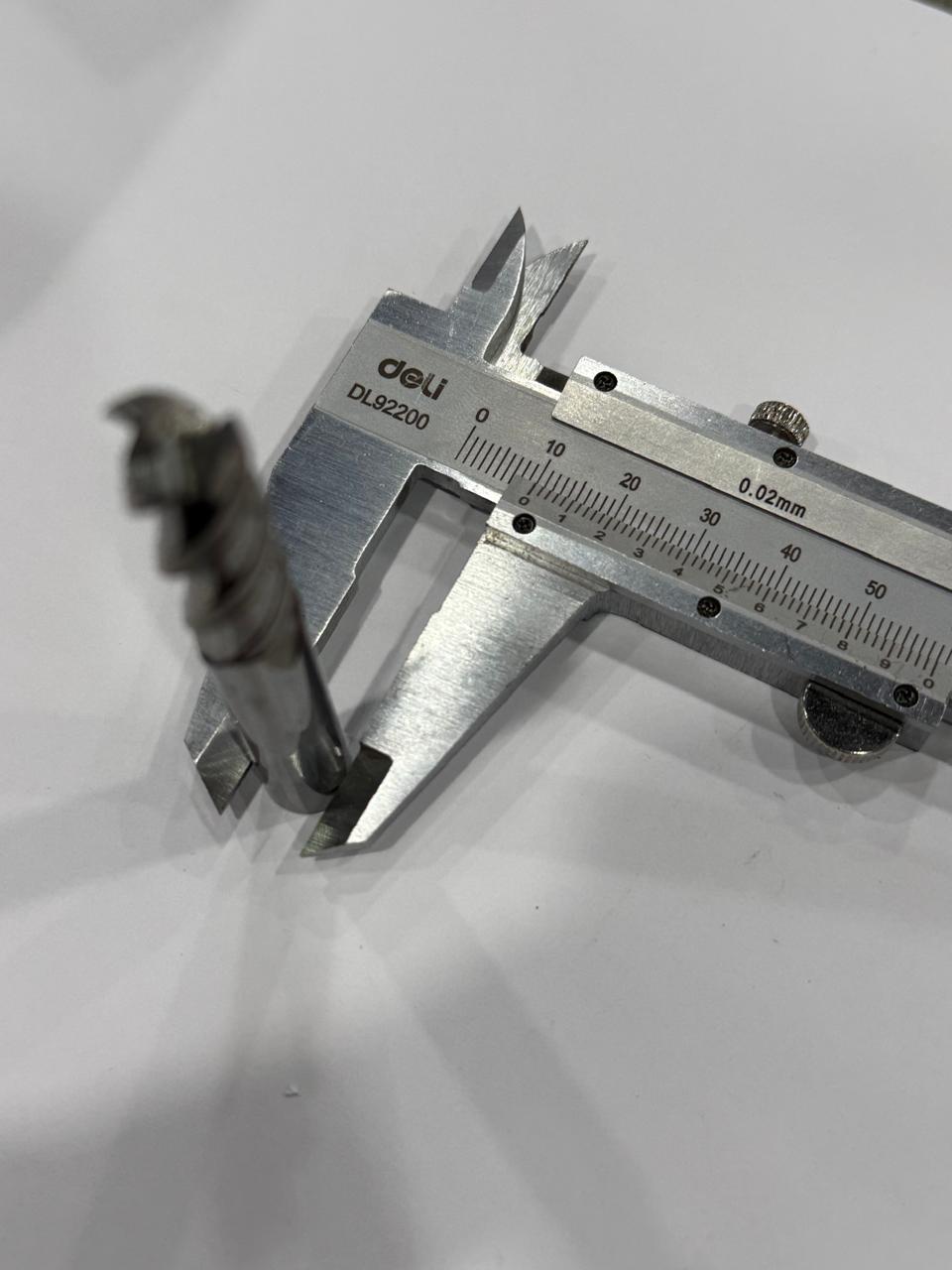
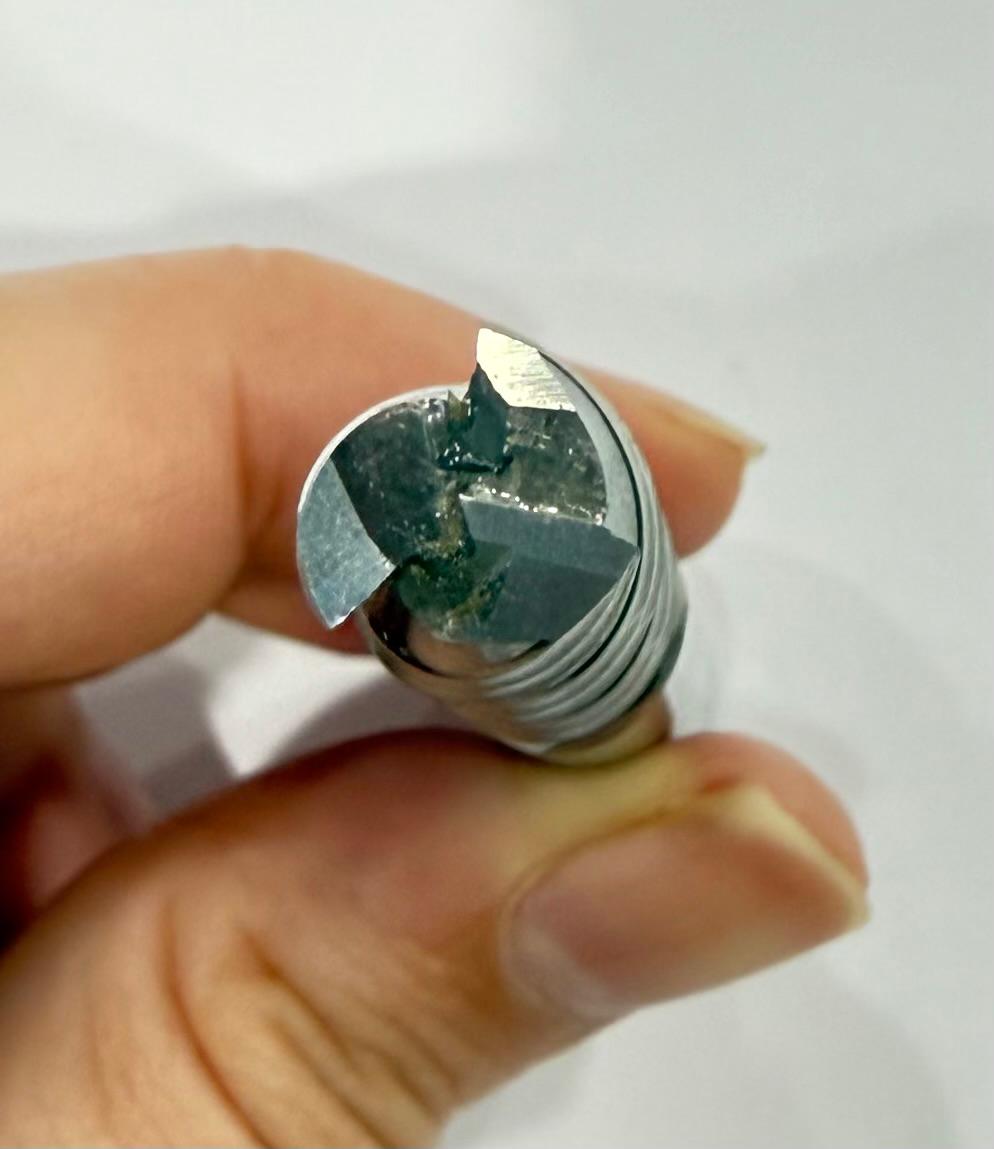
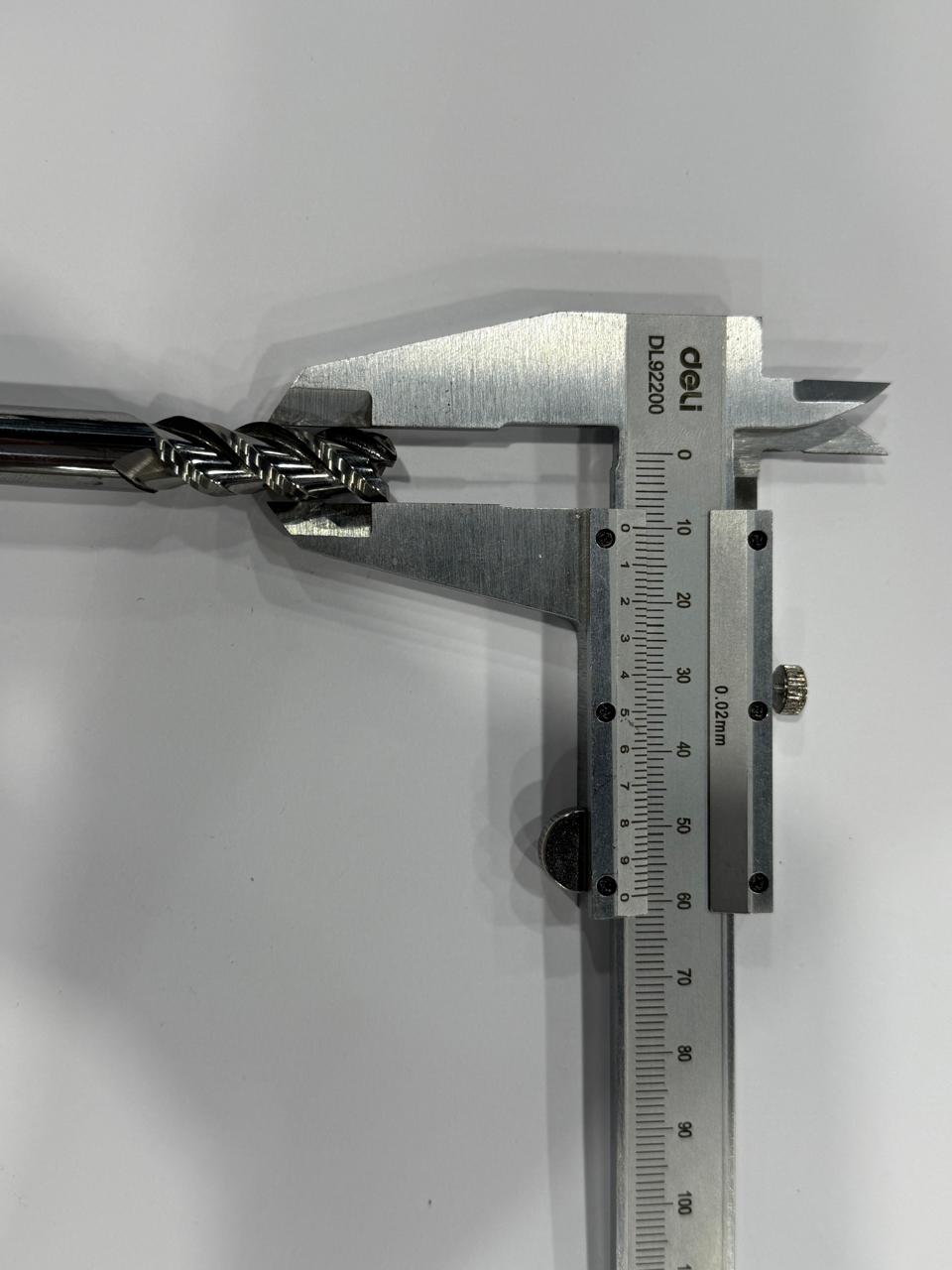
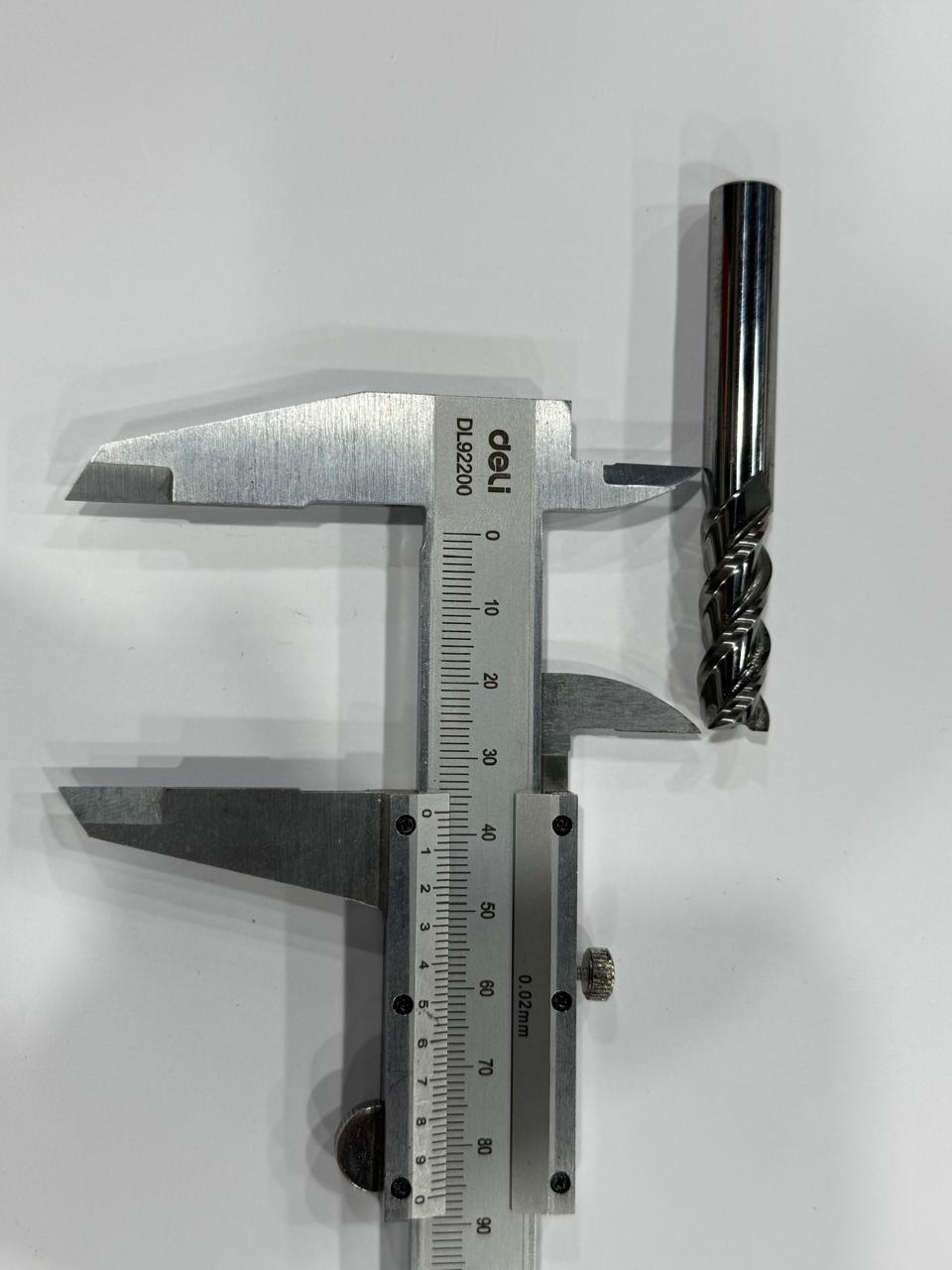
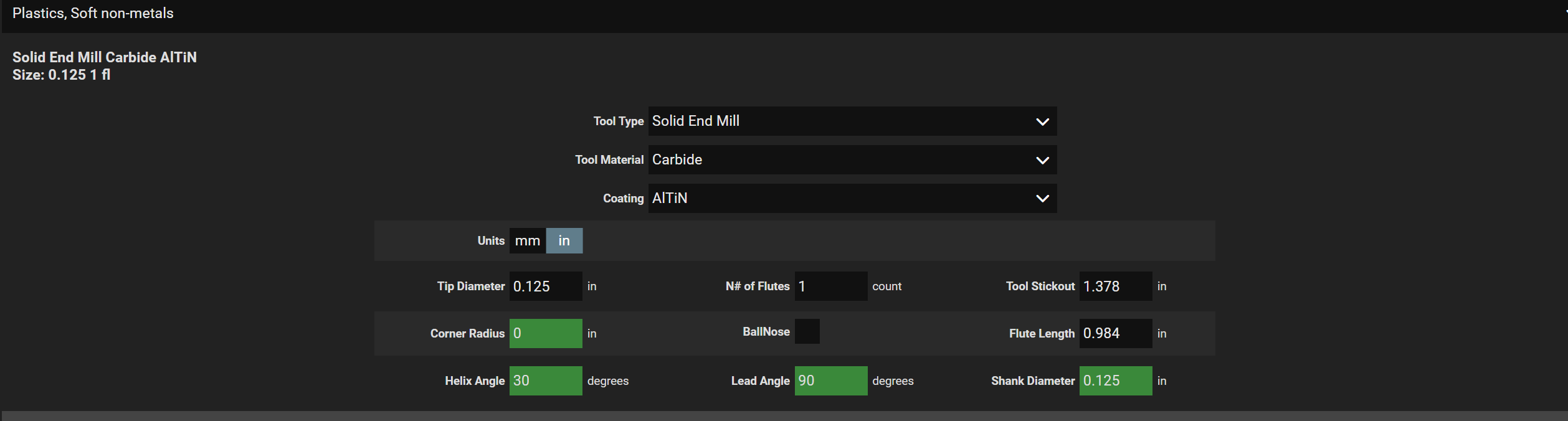
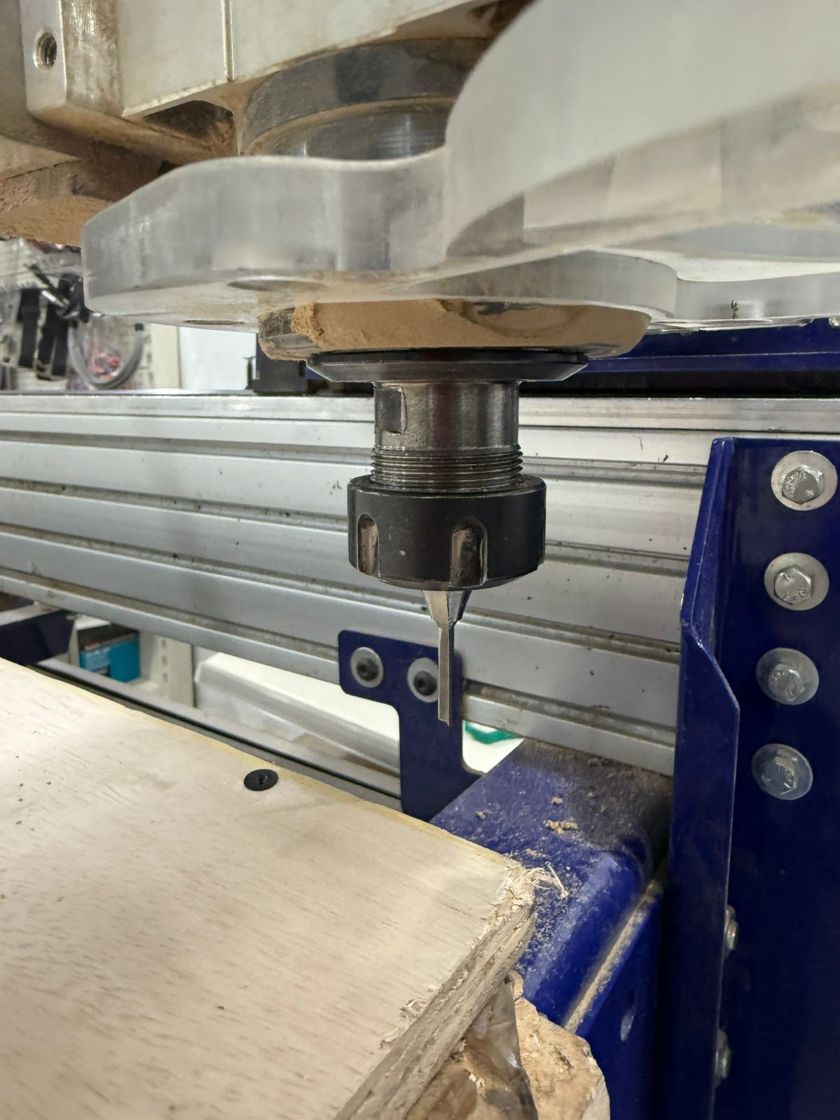
## CNC Machining In milling, understanding essential parameters, tool geometry, and material composition is critical for achieving desired results and effective troubleshooting. ### Machine Operations There are two distinct operations to distinguish when working with a CNC mill: | Operation | Direction | Characteristics | | :--- | :--- | :--- | | **Drilling** | Axial only (Vertical) | Moves only in the Z-axis; used for one specific hole size; cannot move sideways. | | **Milling** | Multi-directional | Can move in various directions (sideways, helical, etc.) to clear pockets or profiles. | ### Tool Materials & Anatomy A CNC bit is often a hybrid of materials designed to balance **hardness** (for cutting) and **toughness** (to prevent snapping). ### Material Significance: Why They Are Used - **Tungsten Carbide (The Cutting Edge):** - Significance: Extremely hard and heat-resistant. This is our primary cutting material. - Purpose: To maintain a sharp edge at high speeds without dulling. - **Steel (The Shank/Body):** - Significance: Acts as a **metal damper** for vibrations. - Purpose: Carbide is brittle; a steel shank provides the flexibility needed to prevent the tool from shattering under stress. - **HSS / HSSCO (High-Speed Steel / Cobalt):** - Significance: Tougher and less brittle than carbide but less heat-resistant. - Purpose: Generally used for manual milling or where tool "flex" is preferred over hardness. ### Visual Identification Guide | Material | Visual Appearance | Weight/Feel | | :--- | :--- | :--- | | **Tungsten Carbide** | **Dark grey or matte silver.** Lacks a mirror-like shine. | **Heavy.** Noticeably denser than steel. | | **HSS (High-Speed Steel)** | **Bright, shiny silver.** Looks like polished stainless steel. | **Lighter** than carbide. | | **HSSCO (Cobalt)** | **Dull gold or "straw" tint.** Has a distinct yellowish hue. | Similar to HSS. | | **TCT (Carbide Tipped)** | **Two-tone.** Features a dark grey tip brazed onto a shiny steel body. | Weighted toward the tip. | ### Tool Shapes & Functions The shape of the bit determines the geometry and finish of the workpiece. | Tool Type | Primary Functions | Key Details | | :--- | :--- | :--- | | **Flat / Square End Mill** | Pocketing, Contouring | Cuts sideways; cutting depth is correlated to the flat edge. | | **Ball End Mill** | 3D Surfaces, Grooving | Great for plastic runners; can be used as a shoulder mill. | | **V-Shaped End Mill** | Chamfering, Carving | Available in angles like 45°, 90°, and 120°. | | **Tapered Ball Nose** | 3D Surfaces | Ideal for detailed sculptural surfaces and runners. | ### Cutting Physics & Bit Geometry - **Rotation:** Standard cutting is **Clockwise (CW)**. Counter-Clockwise (CCW) is only used for tapping. - **Helix Angle:** Take note of the angle of the flutes as it affects chip evacuation. - **Flutes:** A higher number of flutes increases tool rigidity and diameter. - Note: Avoid single flutes for plastics and aluminum to prevent chip adherence. ### Chip Flow (Up vs. Down) - **Upcut:** Pulls chips up and out. Used for metals and plastics. - **Downcut:** Presses material down. Ideal for wood (fibrous) and pocketing to prevent splintering. - **Straight Cut:** Used for laminated or painted boards; ideal for contouring. - **Compression (Down-Up Combo):** Used for clean finishes on both top and bottom faces. ### Material Interaction & Shop Notes - **Wood:** A forgiving material; lower chances of wearing out the end mill. - **MDF:** Excellent for molding (unlike chipboard). - **Aluminum:** A "gummy" material. Adhesion is avoided by **Grinding** or using **Lubricants**.
Local Sourcing & Budget

A standard 3cm MDF board (1220x2440) in Jordan costs approximately 3 JDS. It is a cost-effective choice for molding compared to chipboard.
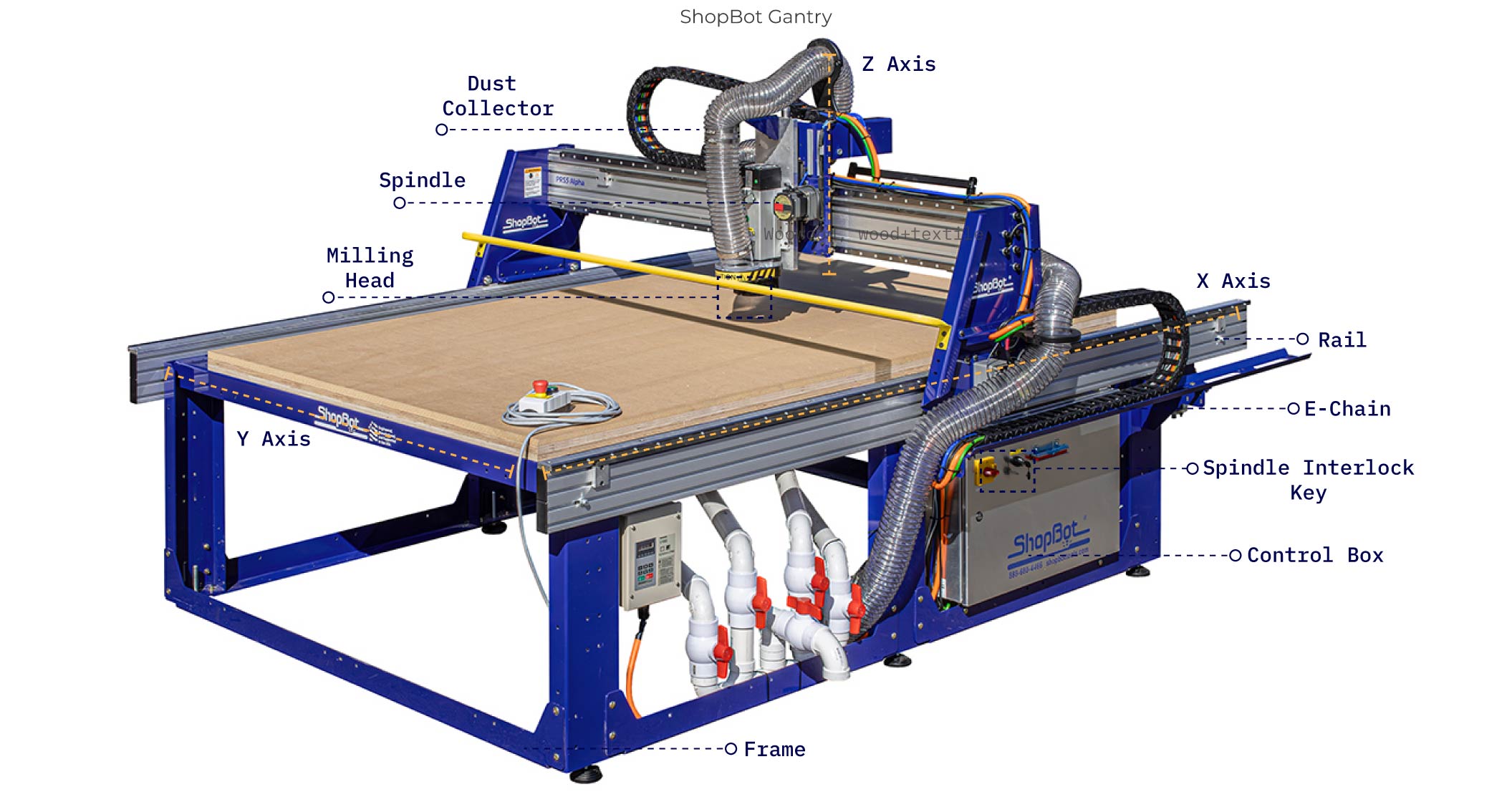

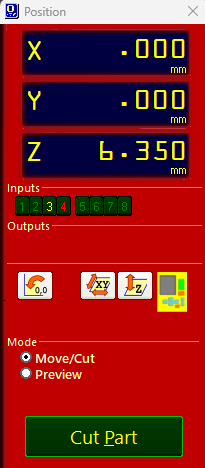
### 6. Essential Parameters | Parameter | Value / Definition | | :--- | :--- | | **Spindle Speed** | For wood, use the highest possible setting for the machine. | | **Max RPM (ShopBot)** | 18,000 RPM. | | **Feed Rate** | Travel speed: 15,000 mm/min (15 m/min). | | **Rapid Feed** | Fixed value for movement *outside* the material: 40 m/min. |

## Milling,Cutting and Assembly (documentation in progress)
Group Assignment
## Machine Characterization (documentation in progress)

Resources & Assets

Source Files
  • (files to be uploaded)
External Refs
  • (links to be added)