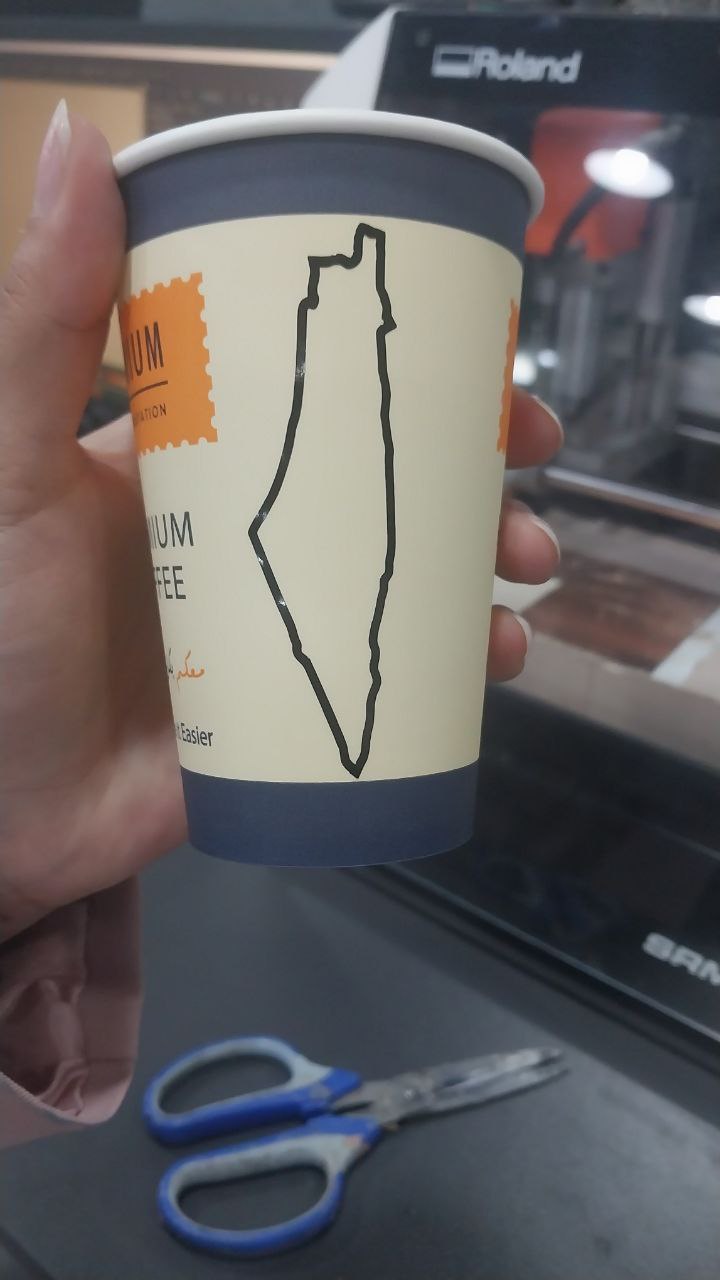
For the vinyl cutting assignment, I designed multiple logos using Inkscape.
1. Machine
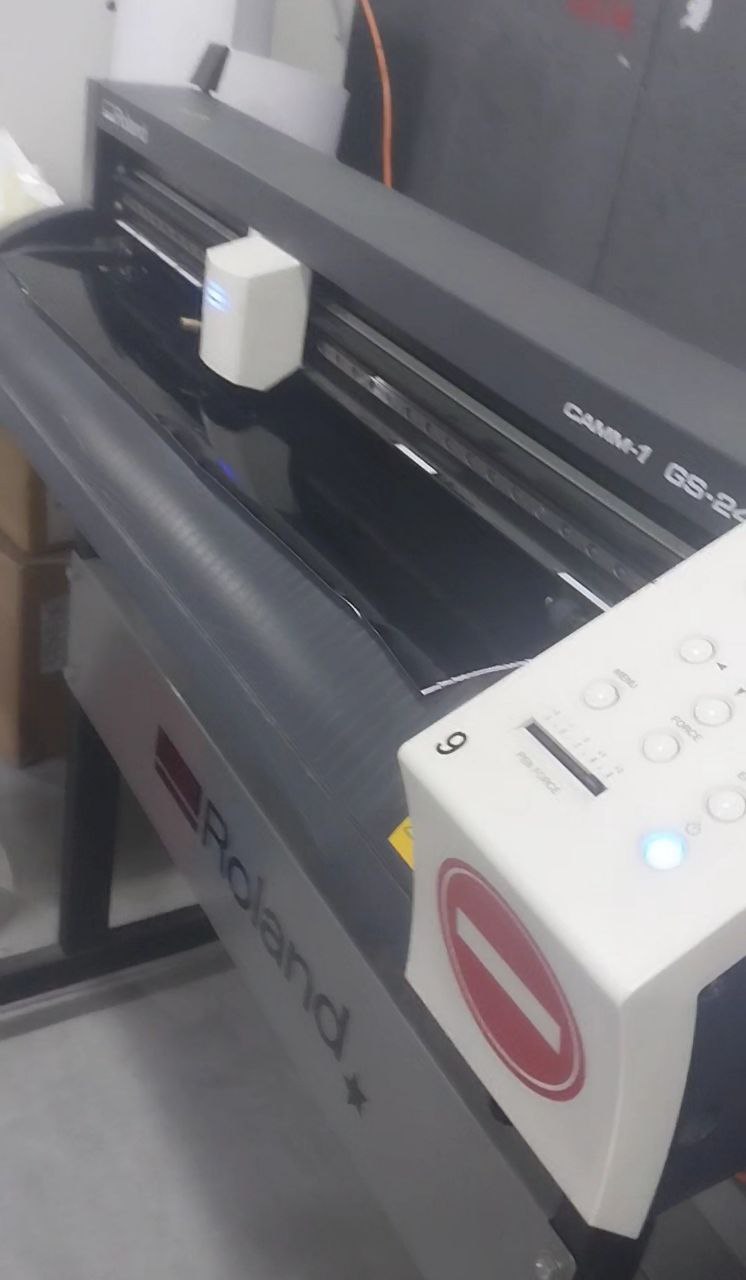
I used the Roland GS-24 vinyl cutter to complete my assignment.
2. Design
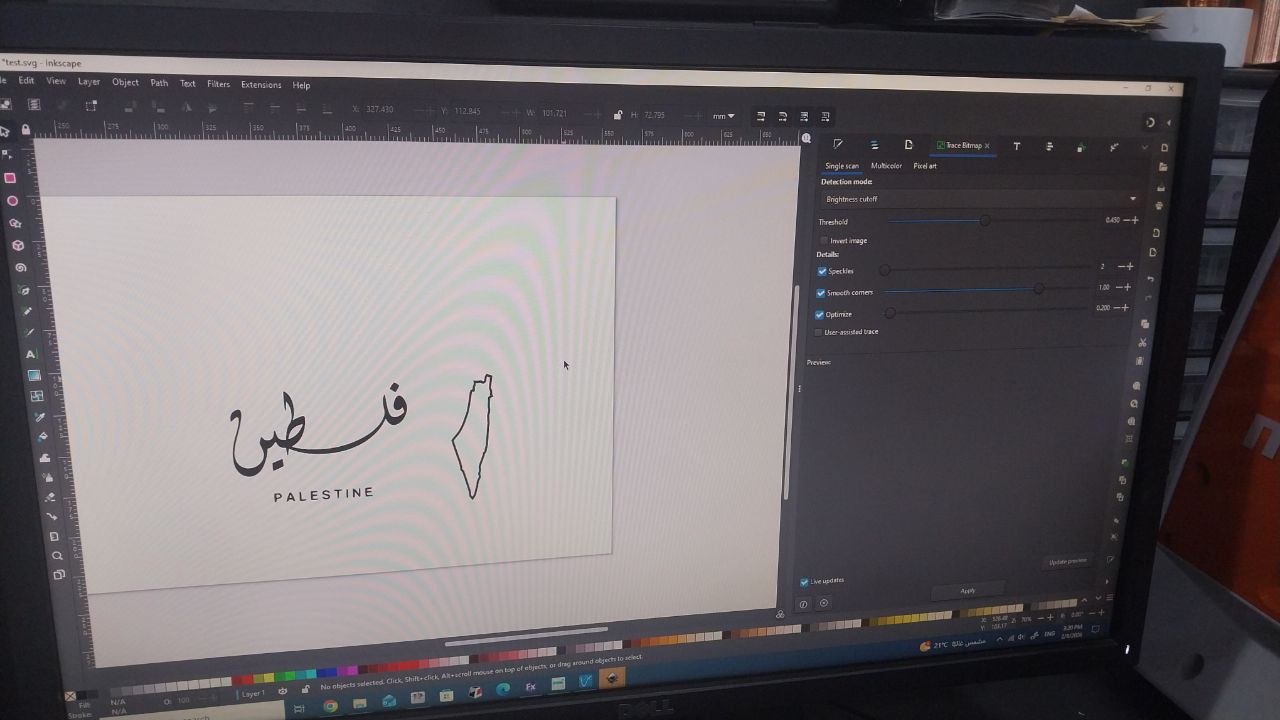
I designed multiple logos using Inkscape. I used the Trace Bitmap tool to convert the image to a vector file, and then I used the Path tool to edit the design and make it ready for cutting.
3. Using the machine
To set the machine up, I had to place the cutter on the white areas and adjust the
force. After I finished my
design, I imported it into the vinyl cutting software
and then I set the parameters by using the machine width,
the height of my design, and
adding a margin before printing.
4. Remove Excess Vinyl
After I finished cutting, I removed the excess vinyl from the design to reveal the final result.
5. Final Result
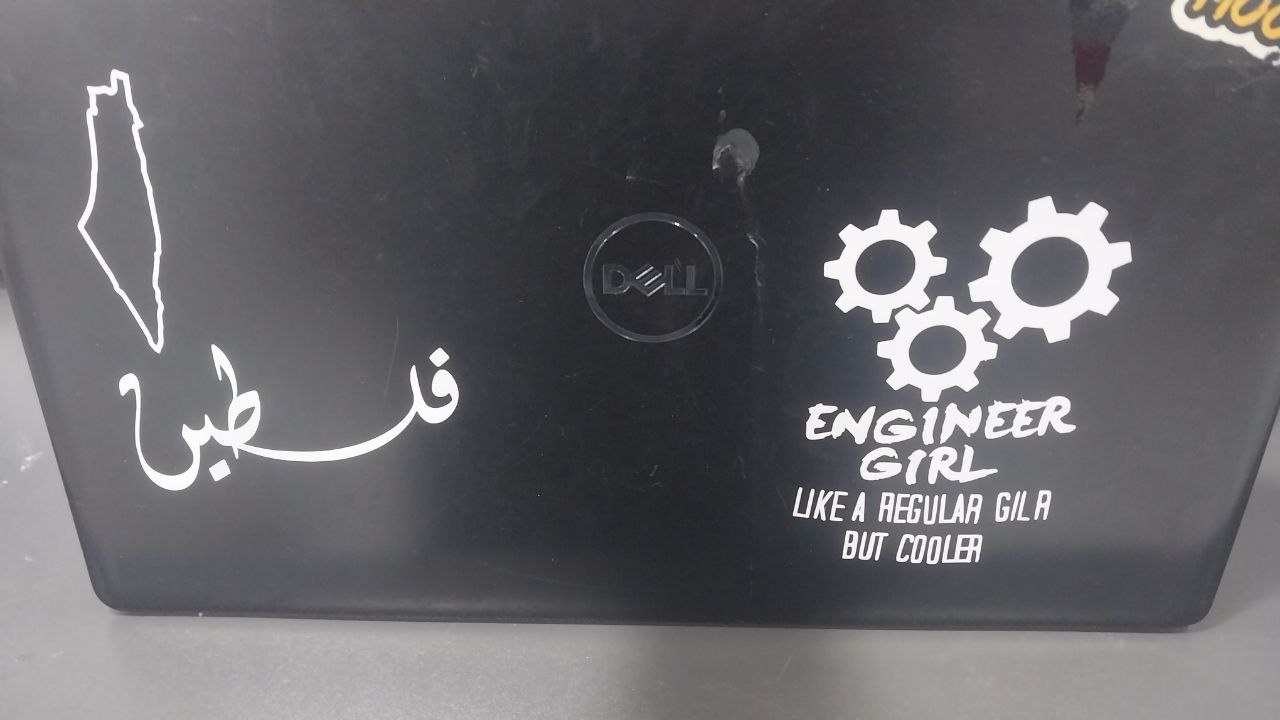
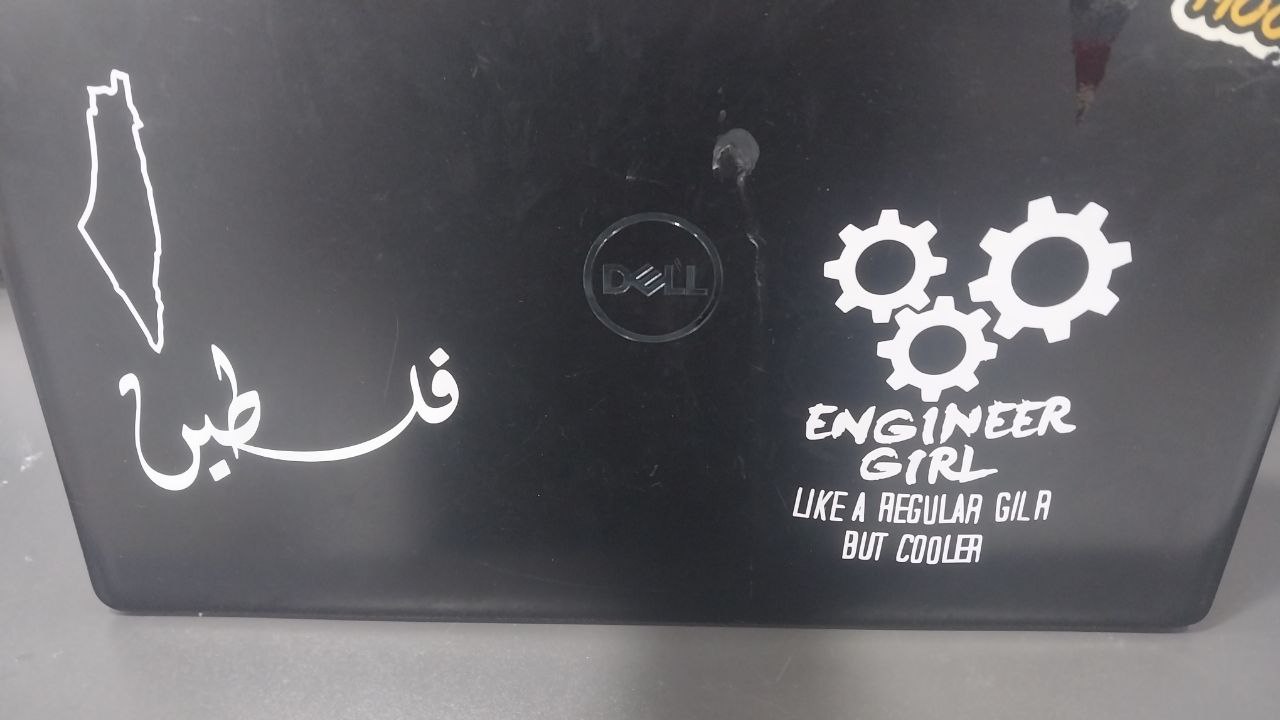
After I finished cutting and removing the excess vinyl, I
got the final result: a sticker that I can use to decorate my laptop and other items.