Documentation update — 21 October 2026
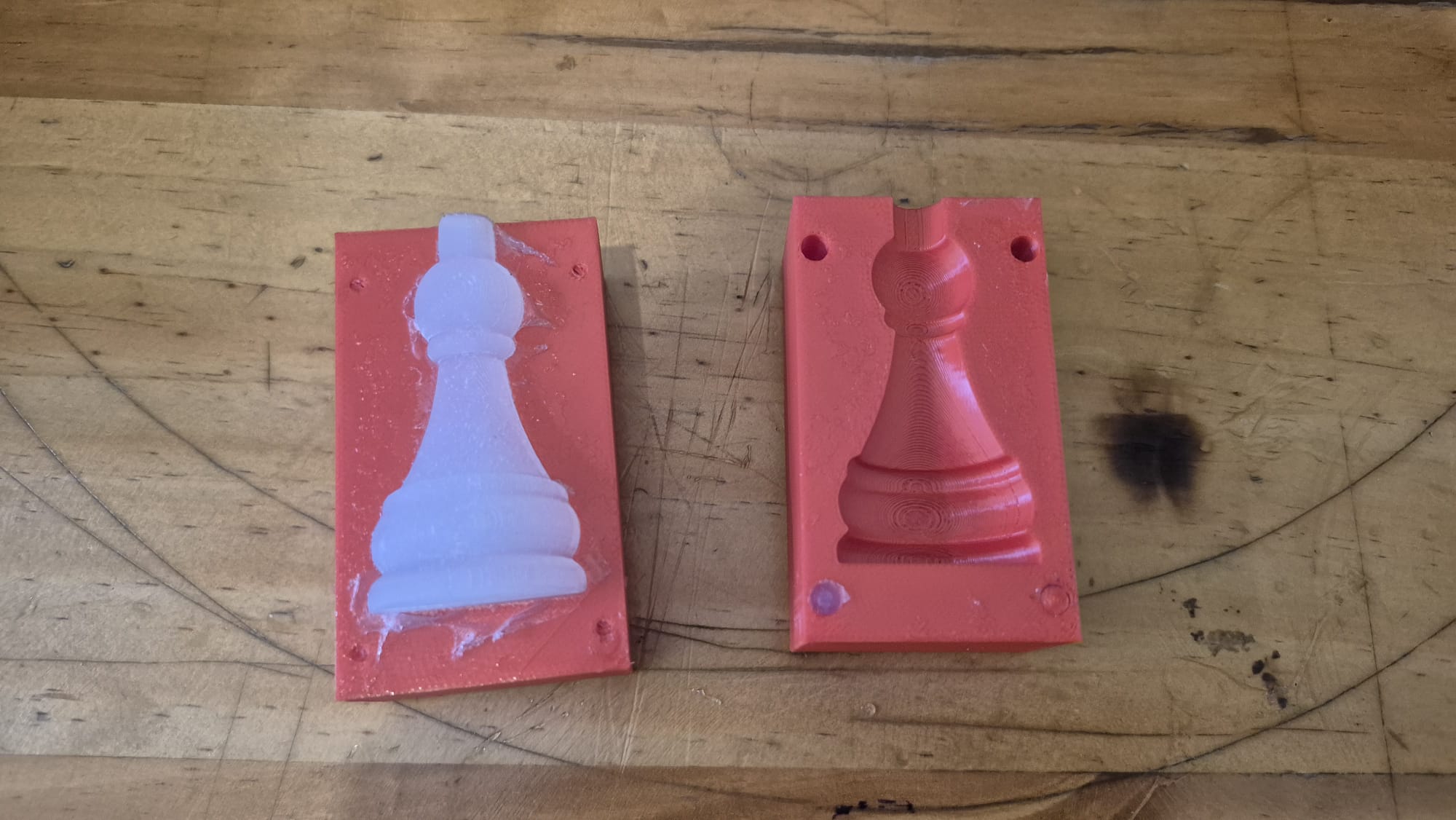
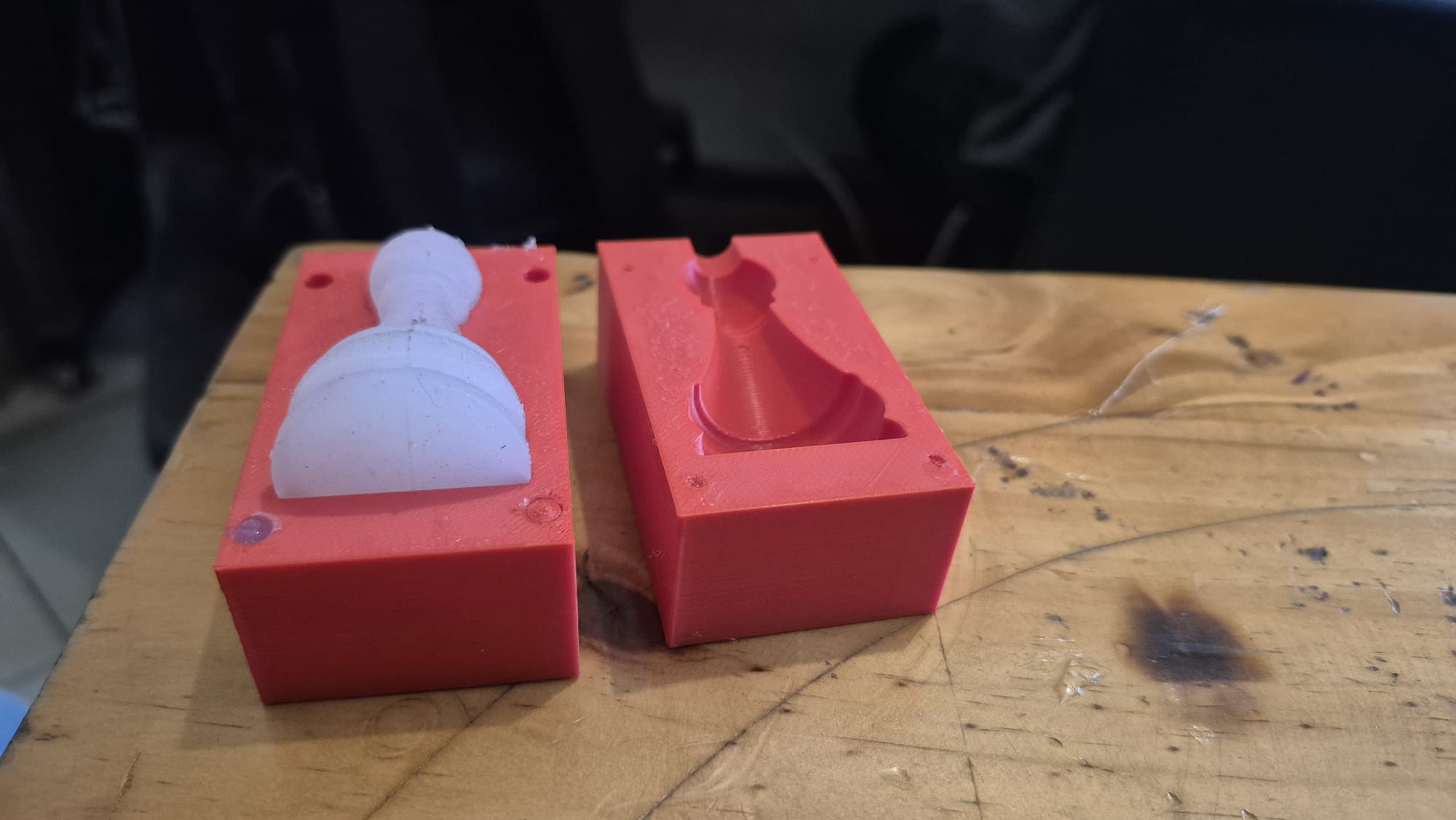
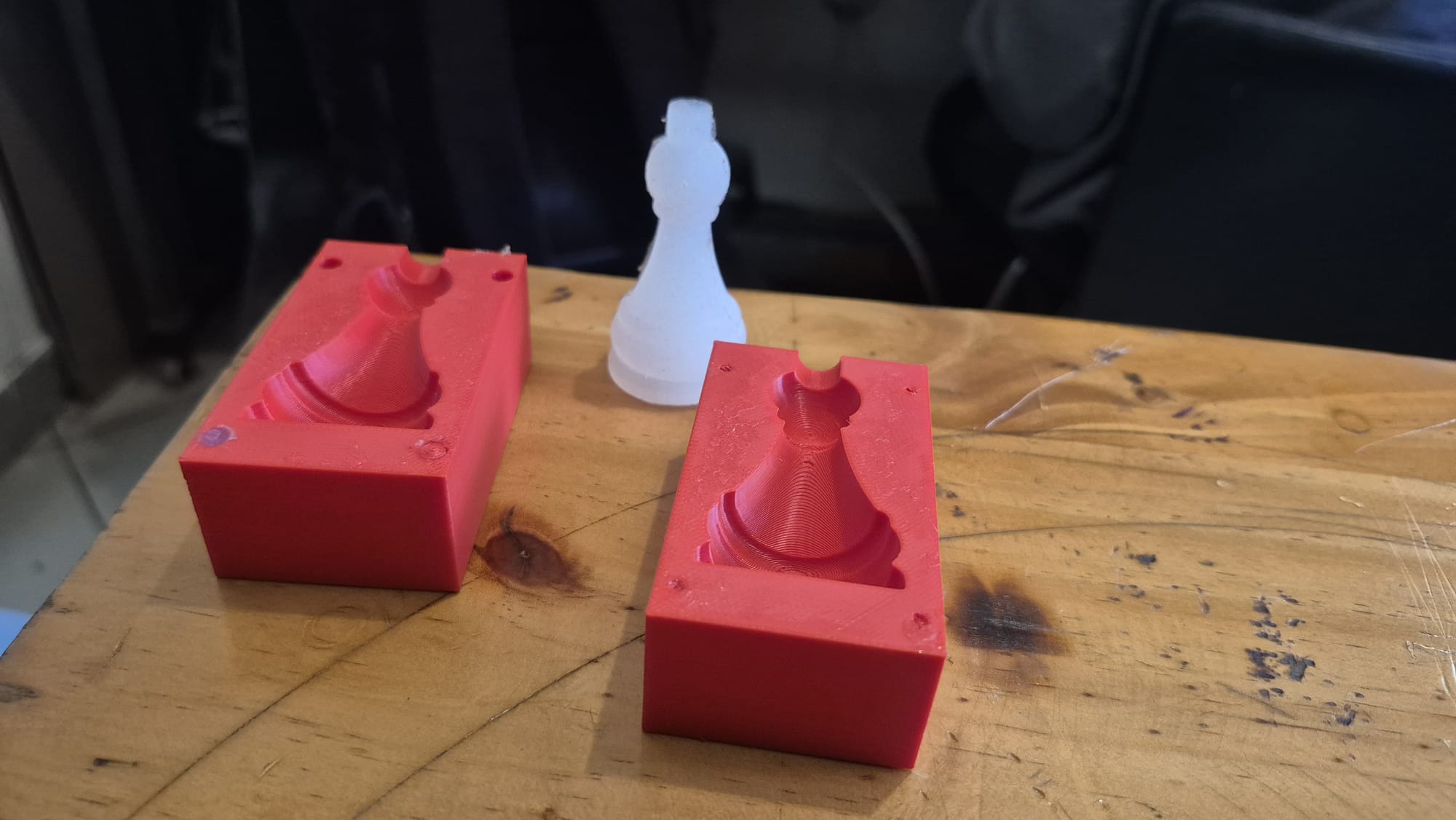
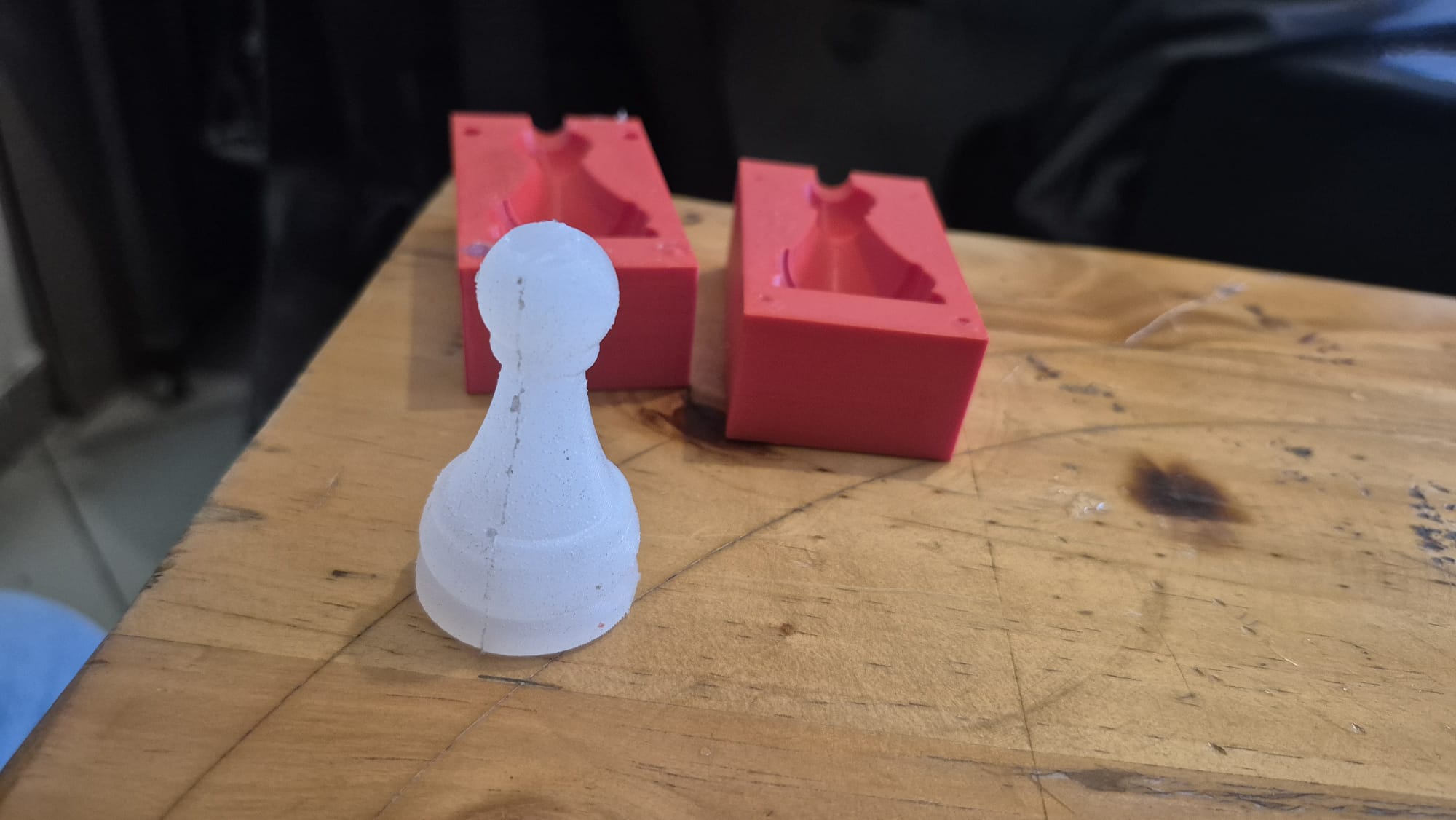
I designed and printed a two-part chess-king mould and produced the silicone cast shown below. My mould photographs still show FDM layer lines in the cavity. I have not demonstrated the smooth surface required by the assignment.
My remaining work is to finish the mould surface, document that finish, make and photograph a new cast, and add the editable SolidWorks model. I also need the actual product SDS/TDS and a record of the mix method, quantities, cure conditions and safety precautions.
Group Assignment
The group assignment page compares mould processes and casting materials. I still need to identify the actual material SDS/TDS used for my silicone, link those documents and connect their instructions to my own mixing and casting record. The generic material comparison does not establish the properties of this particular product.
Individual assignment
design a mold around the process you'll be using, produce it with a smooth surface finish that does not show the production process toolpath, and use it to cast parts
Summary
During molding and casting week,i designed and created a small chess king using molding and casting techniques. The model was made in SolidWorks, the mold was 3D printed, and silicone was used as the casting material
Design part
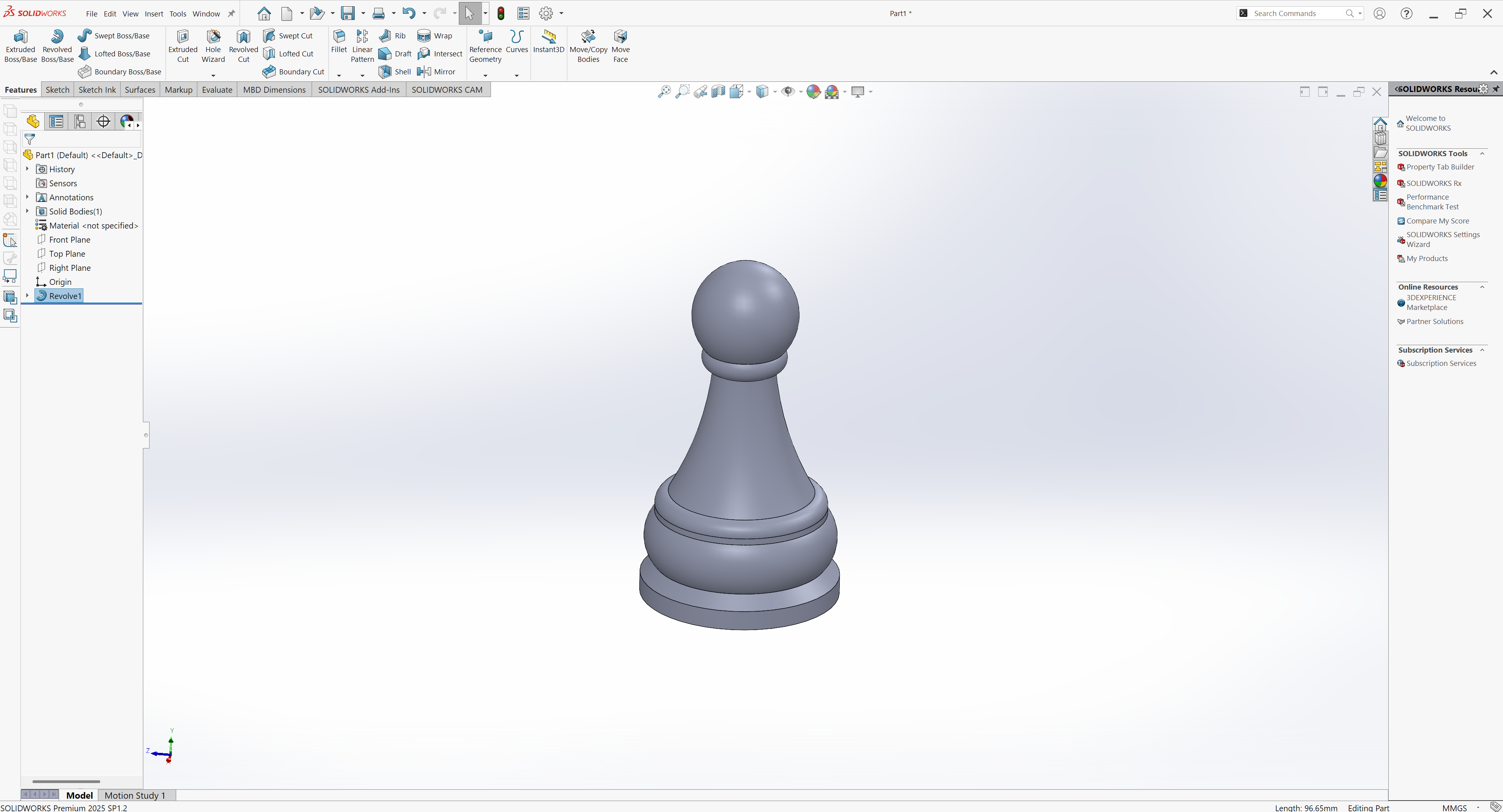
I used SolidWorks to design the chess king. I created the model by using the Revolve feature around a central axis. This helped me make a smooth and symmetric shape, which is important for a chess king design
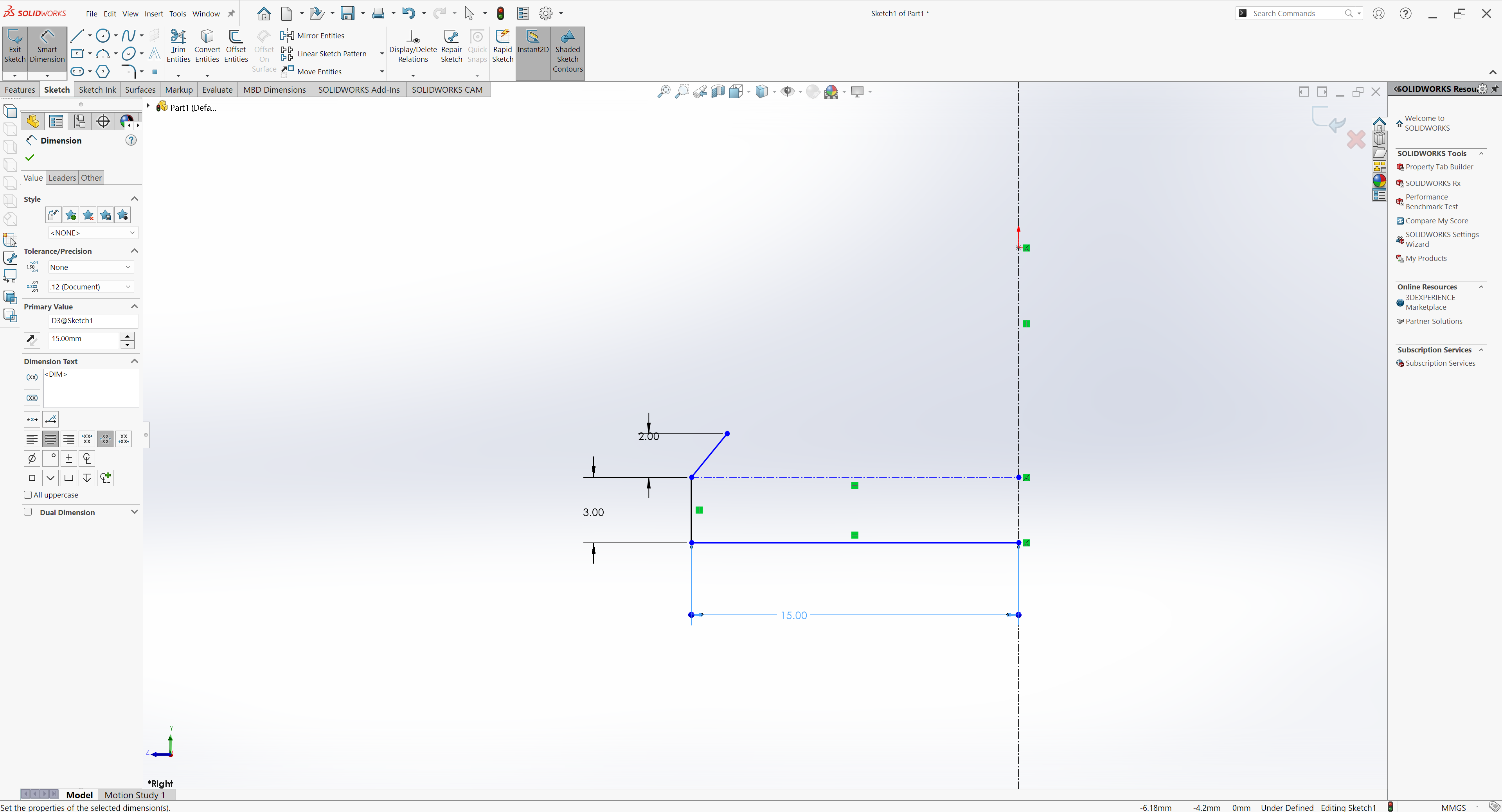
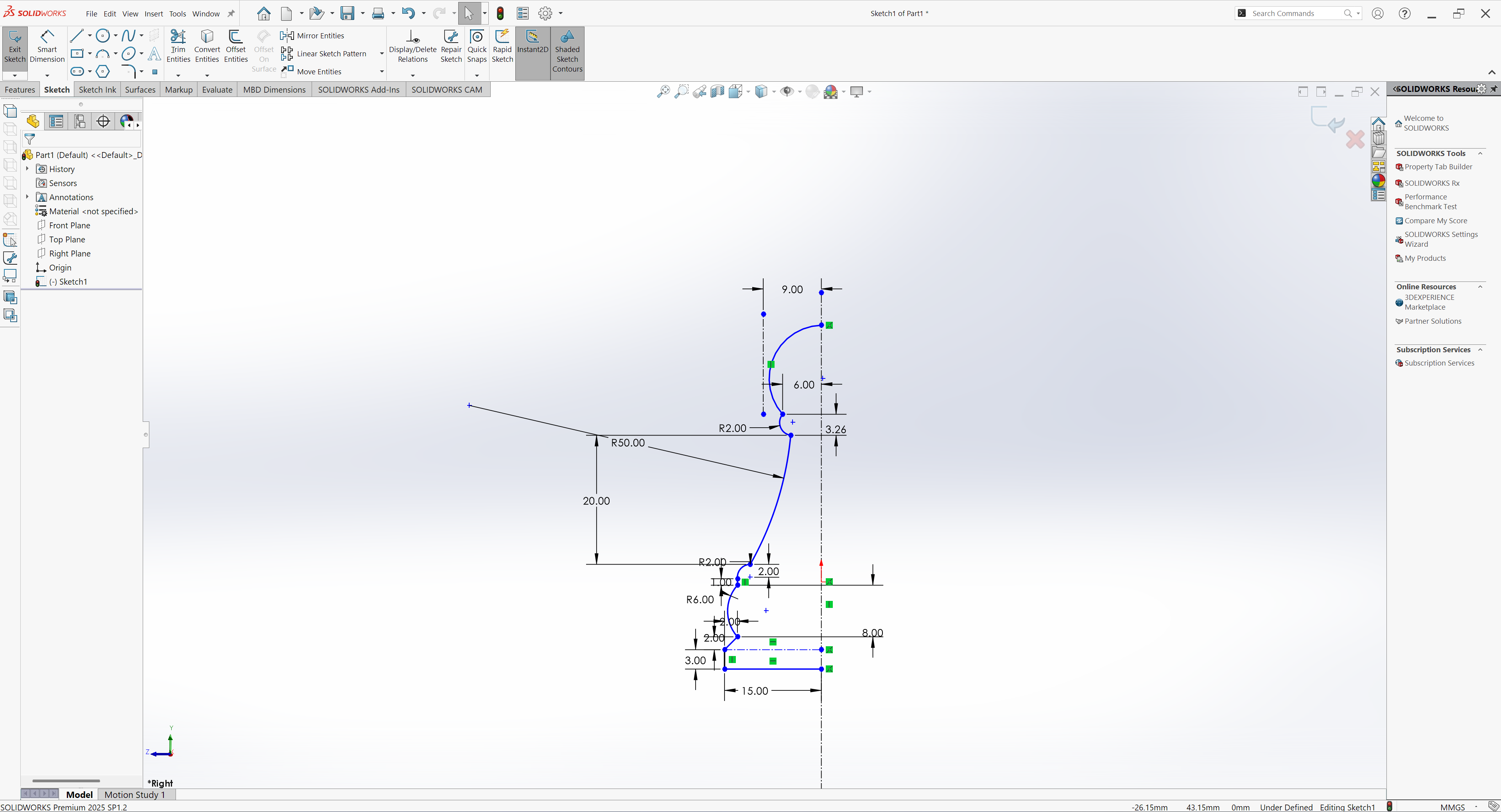
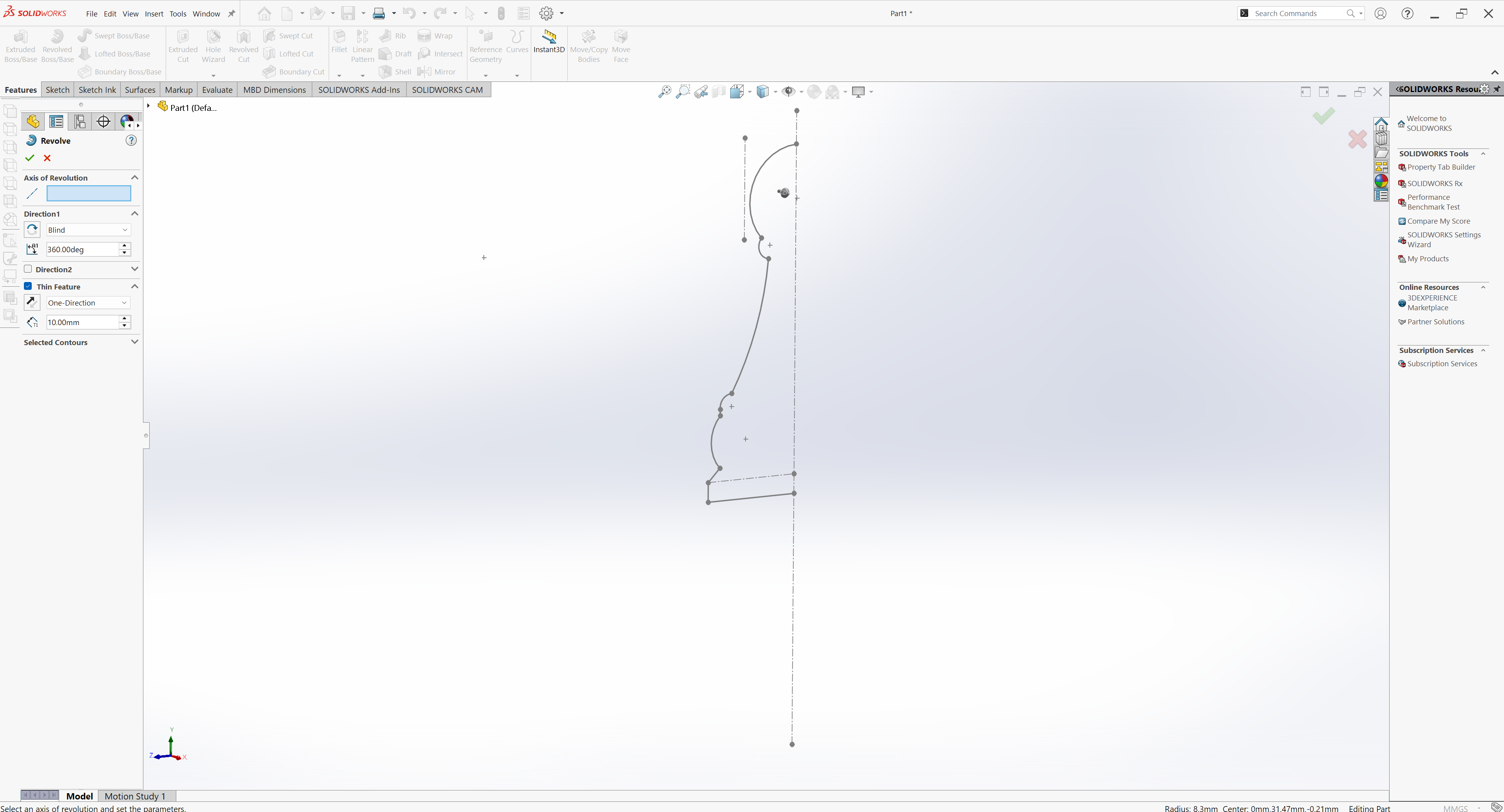
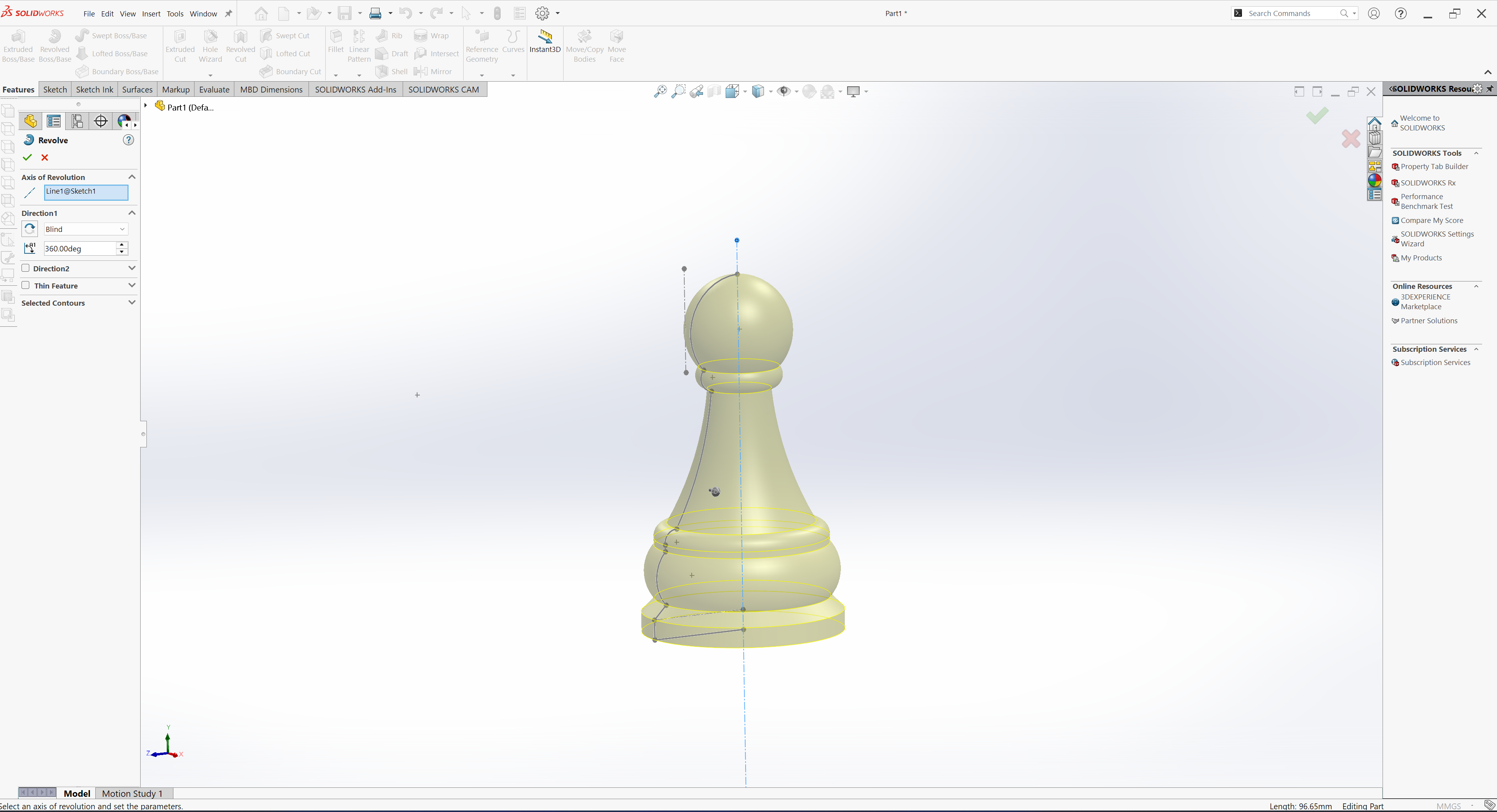
Next, I’ll sketch a rectangle to make a mold, then add positioning holes and tightening slots to one part of it
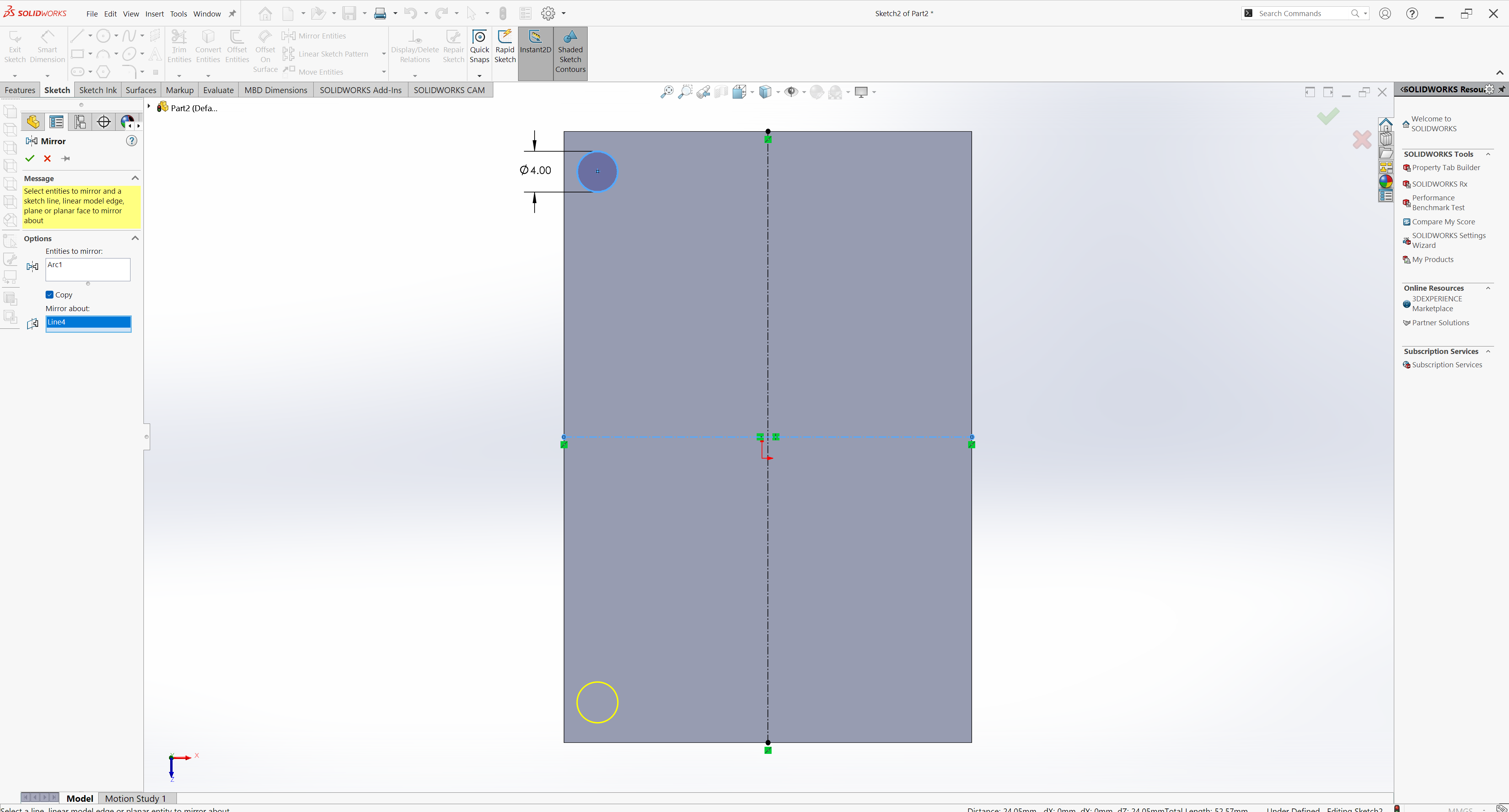
to create a mold
I used the Combine feature in SolidWorks to create the negative mold within a part file by subtracting the chess king model from the rectangular block
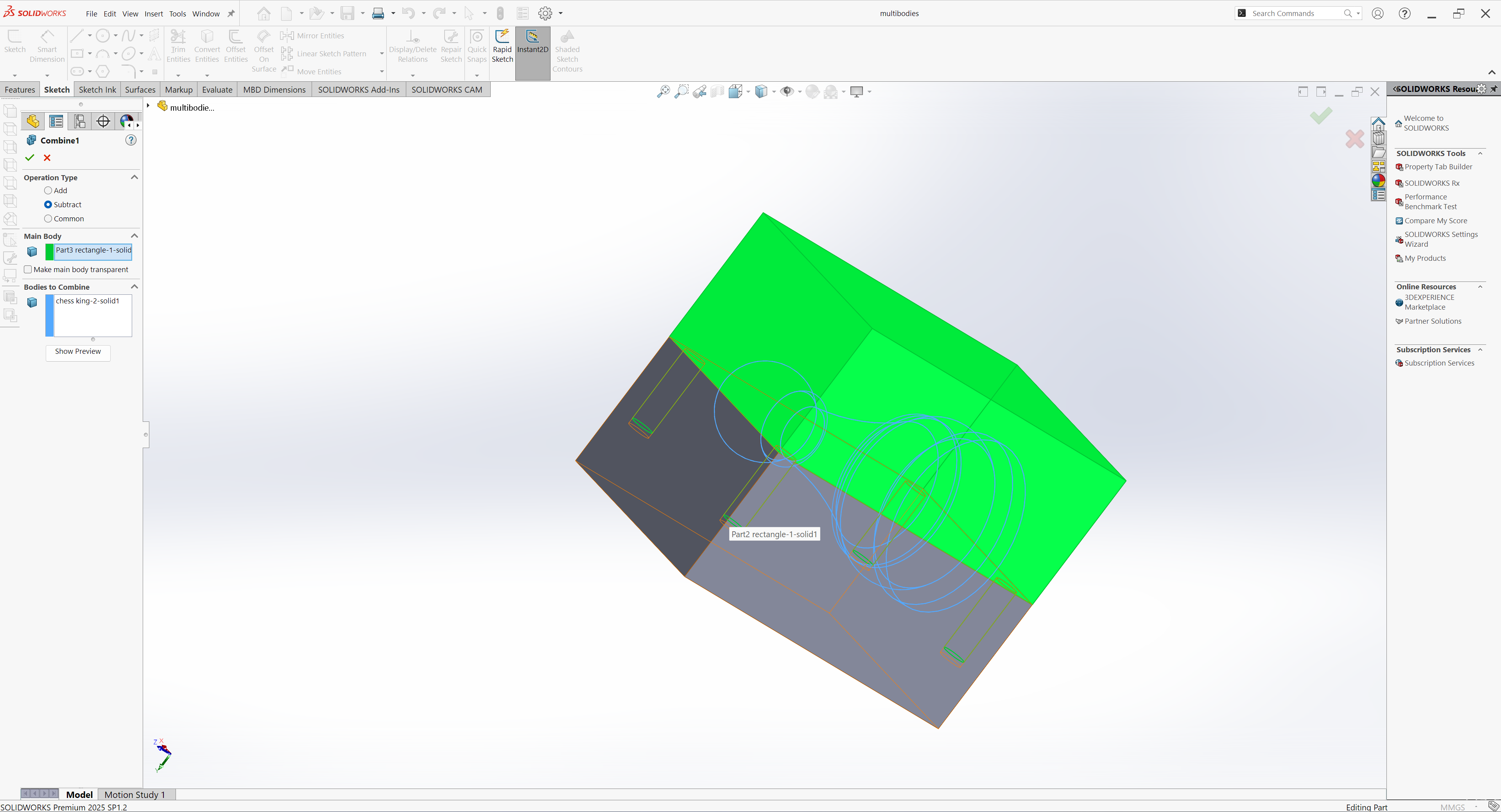
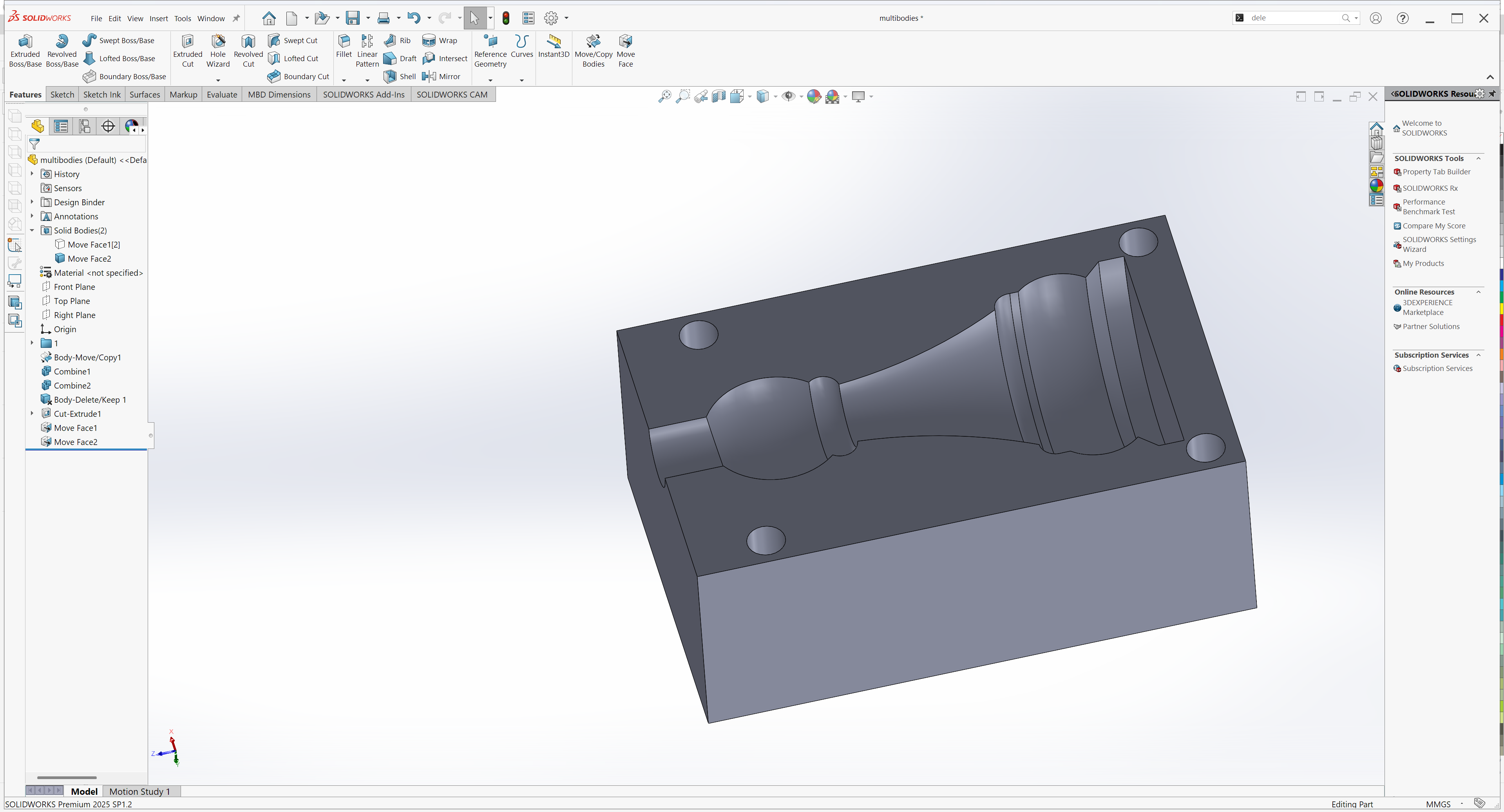
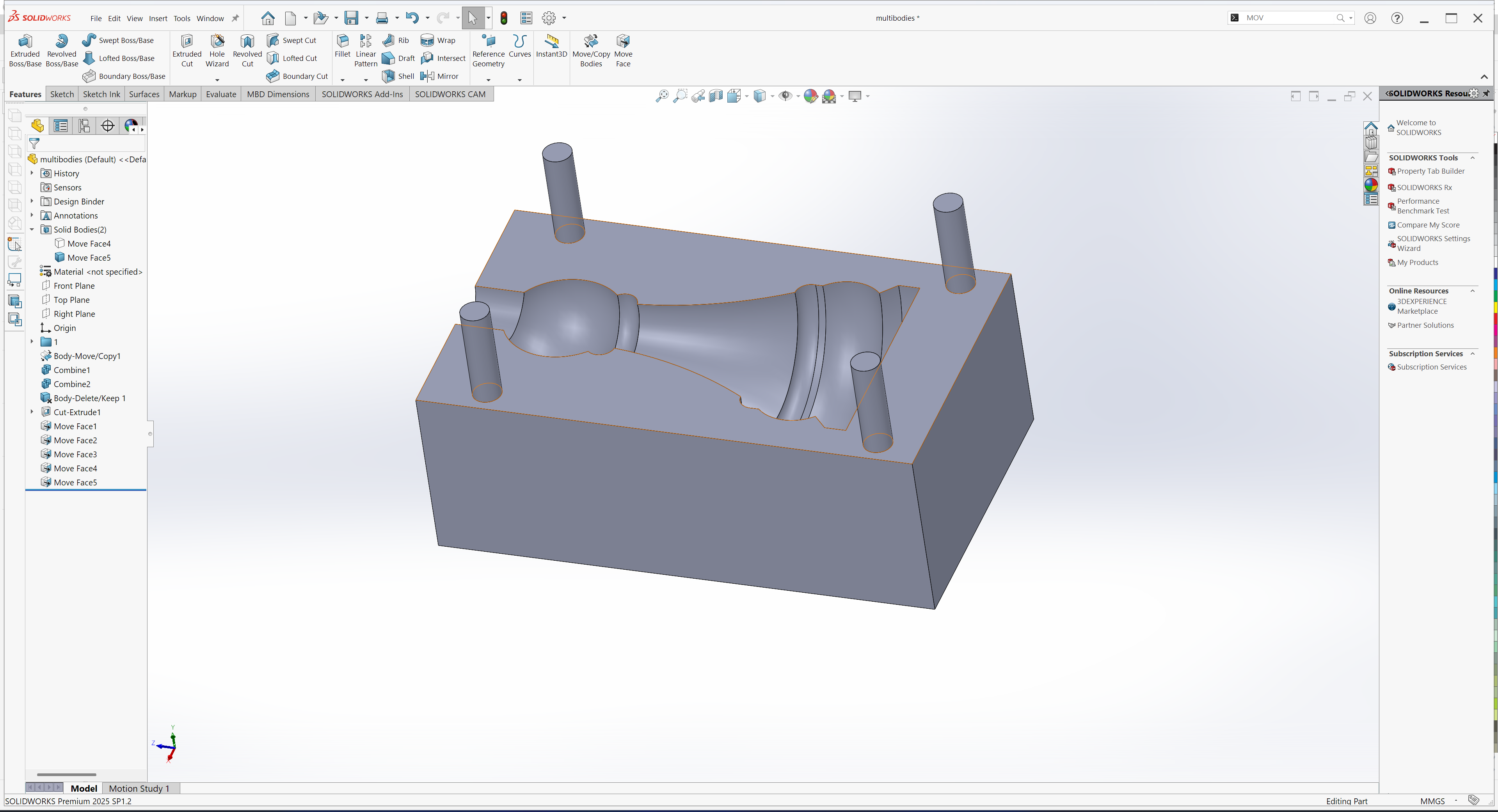
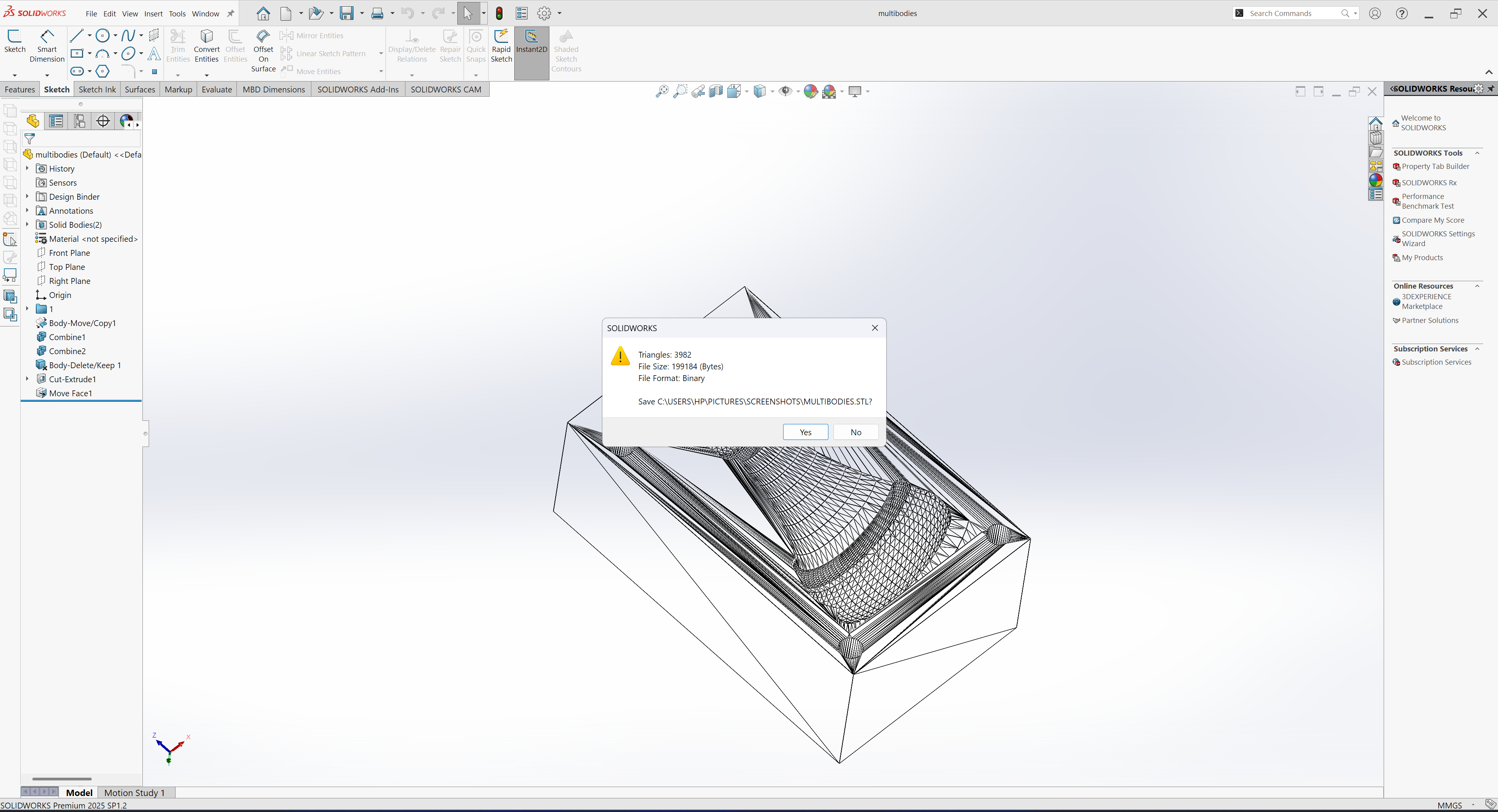
After the design was finalized in SolidWorks, I exported both parts as STL files in preparation for 3D printing
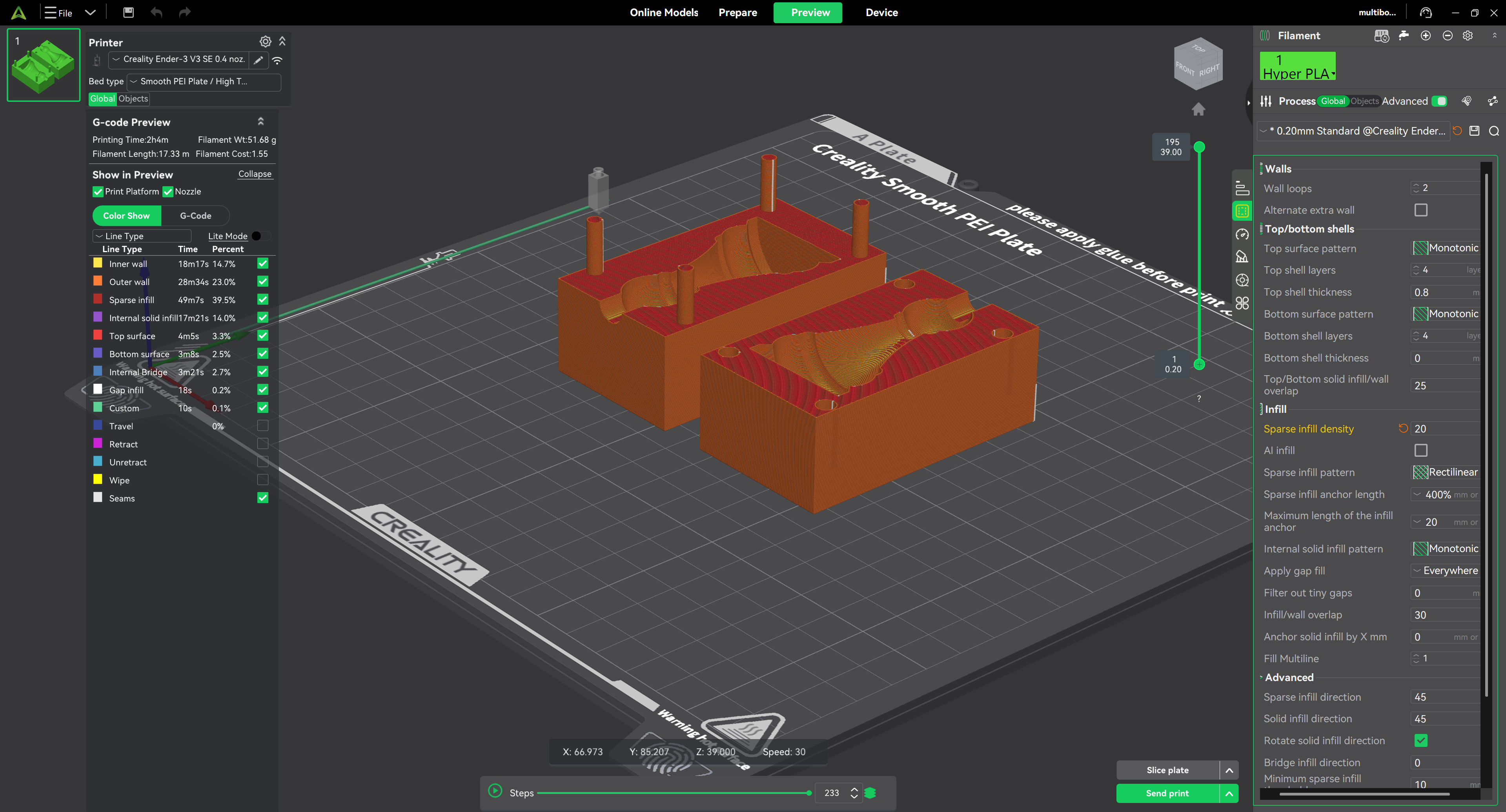
Next, I imported the STL files into Creality Slicer for slicing
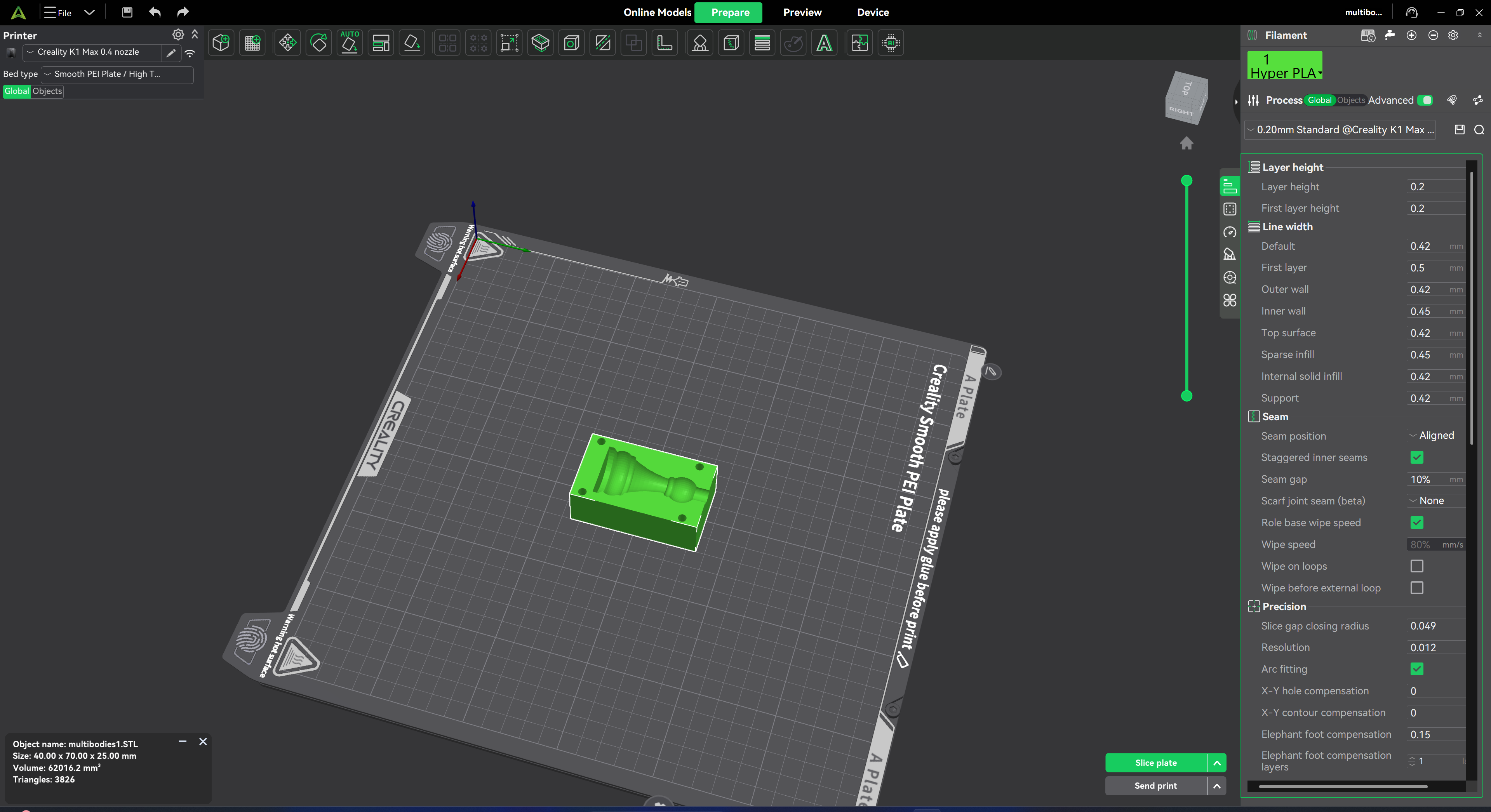
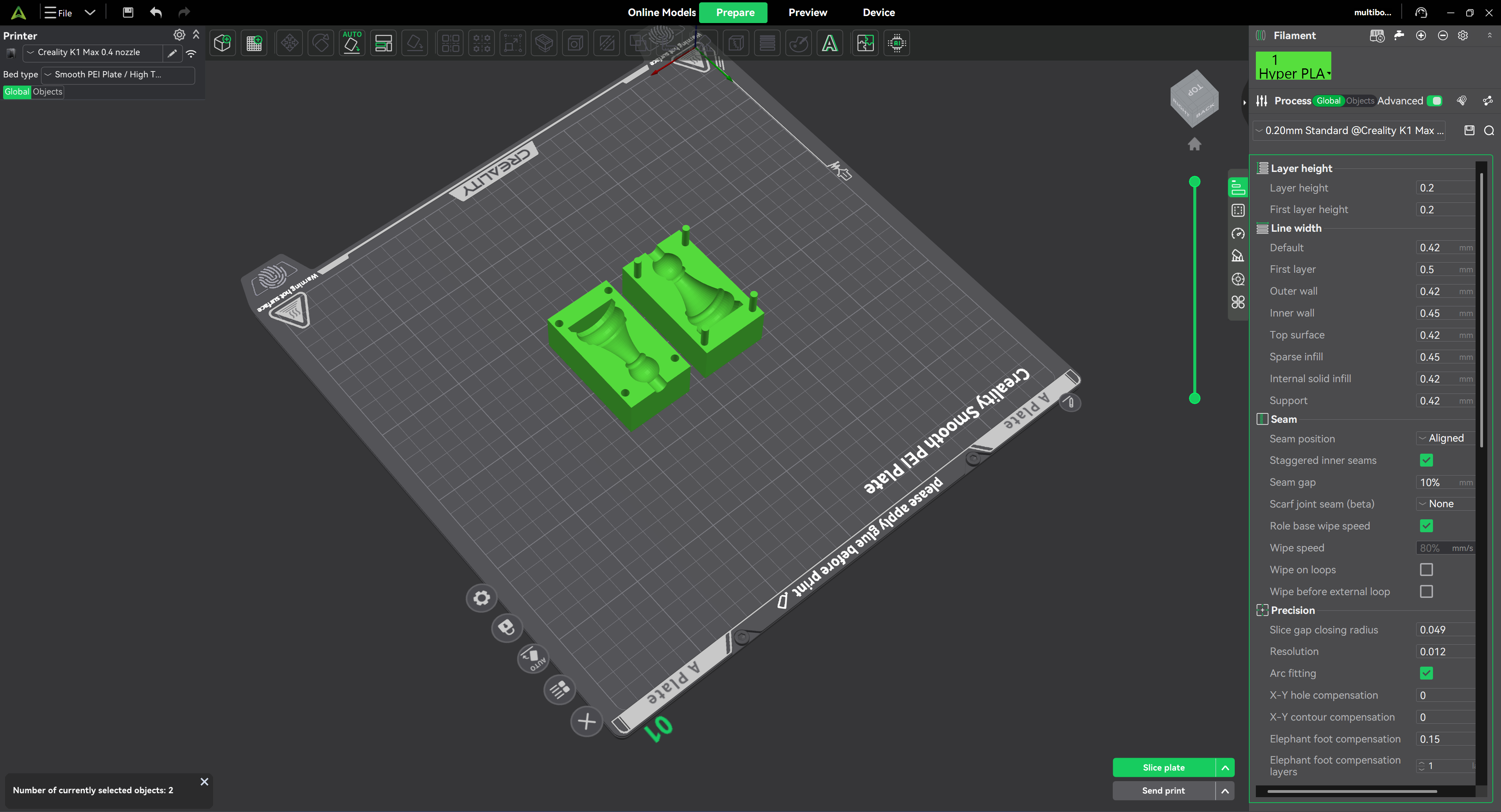
I sliced the mould in Creality Print. Increasing wall thickness changes the mould structure; it does not remove layer steps from the cavity. The photographs below show why I still need a separate surface-finishing step.
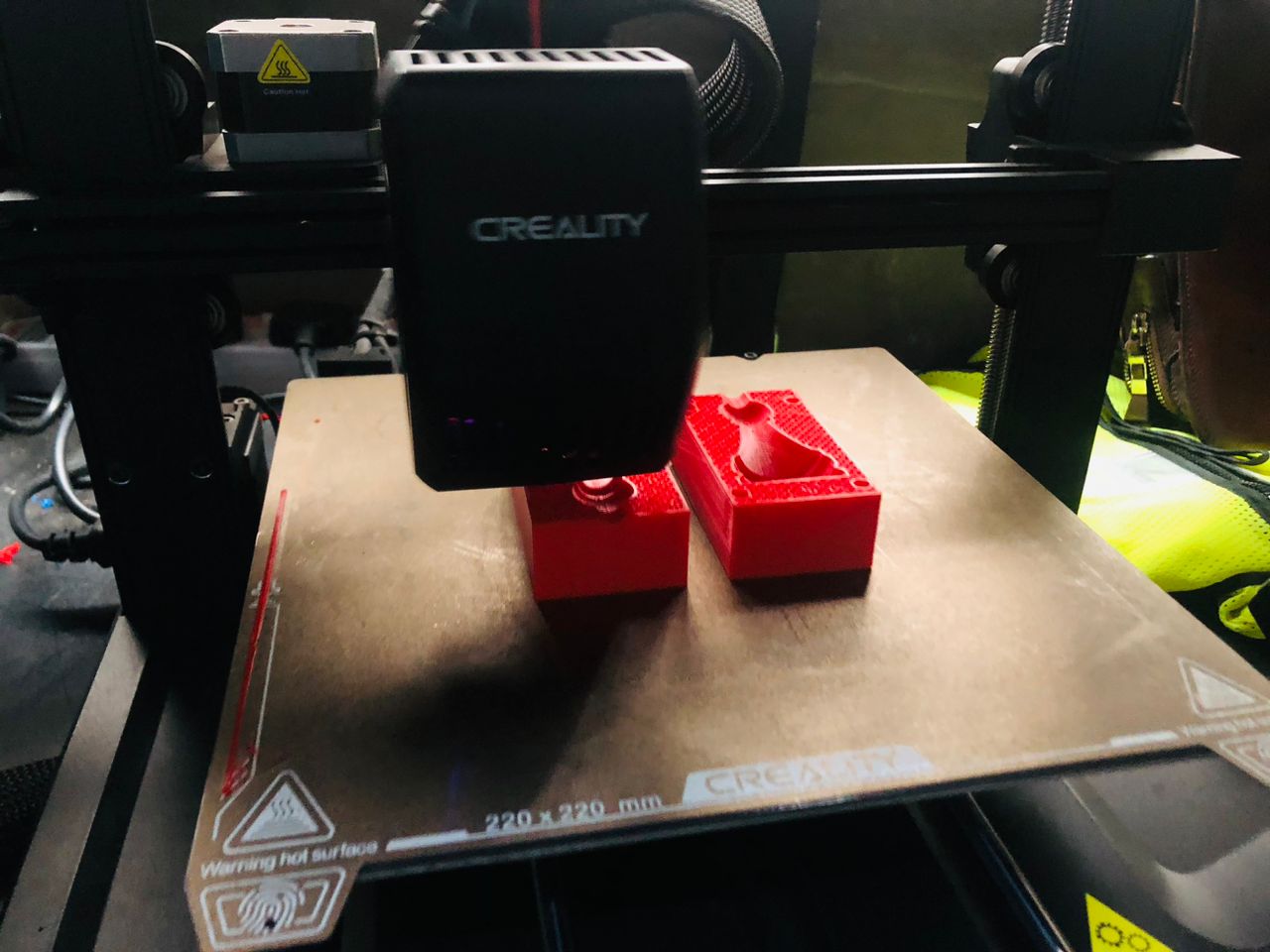
I printed the mould parts on the 3D printer, then assembled them for casting. Printing was not the final surface-finishing step.
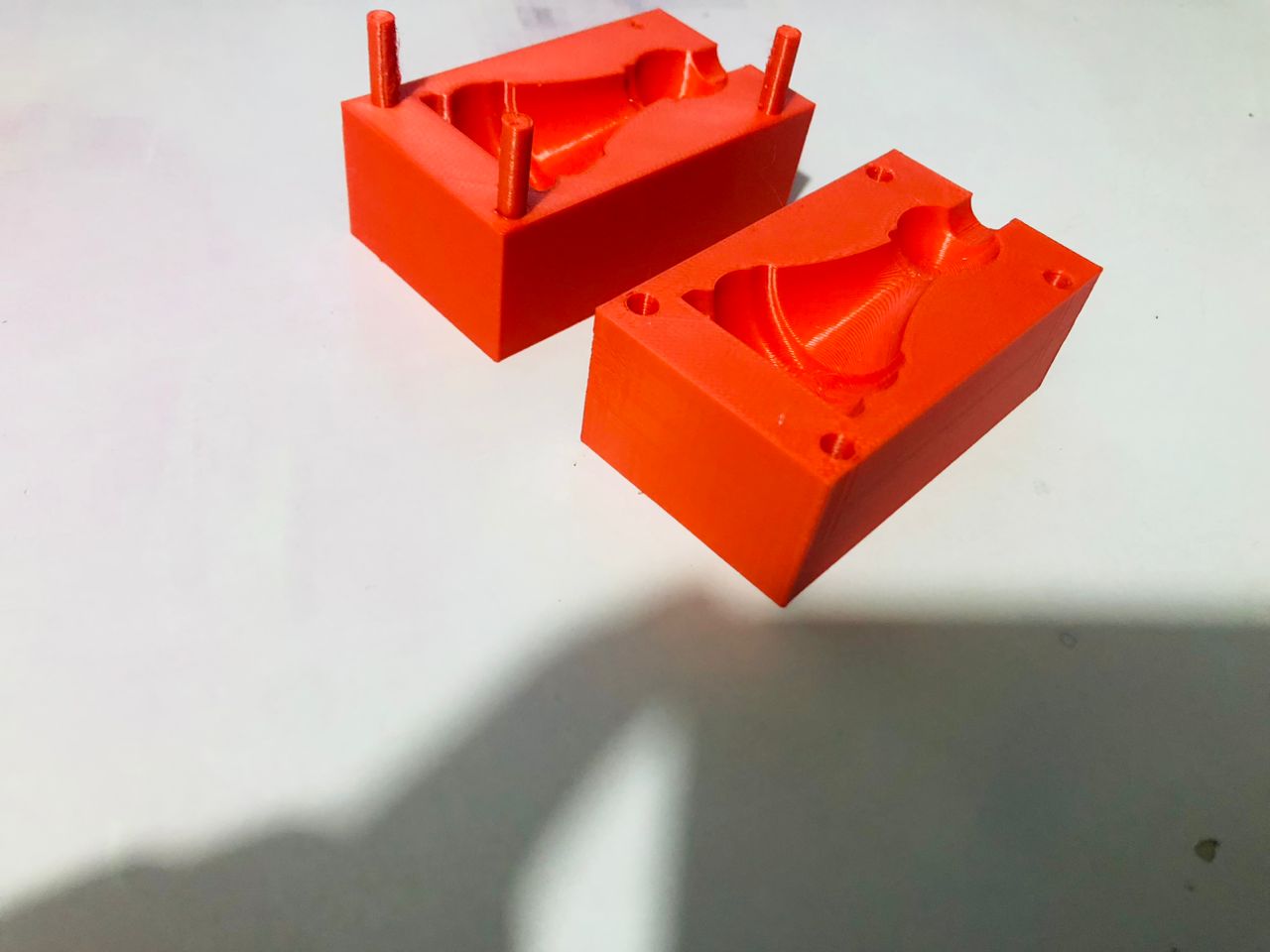
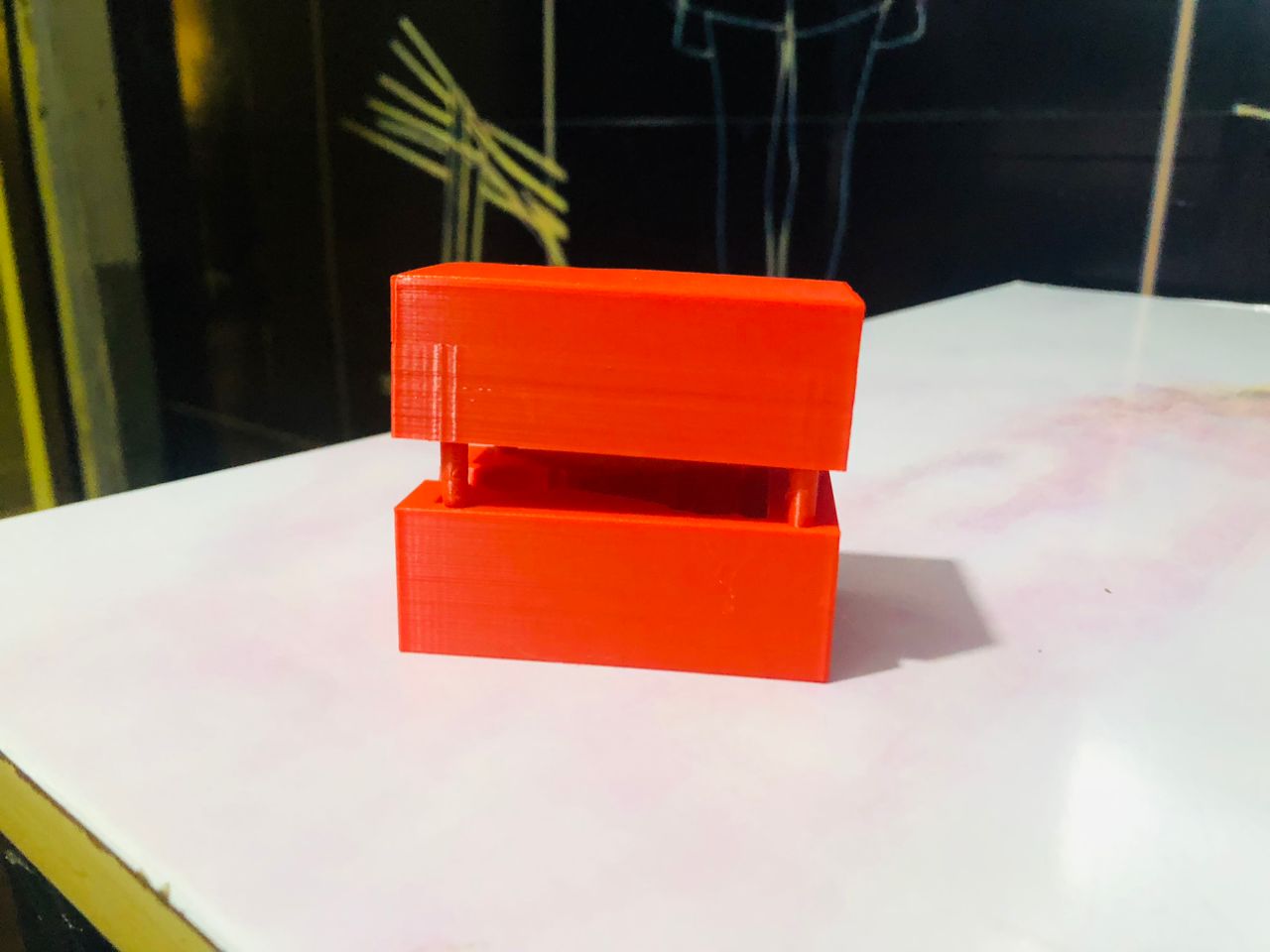
Next, I combined the printed parts by carefully aligning them and assembling them together to form the complete mold
next, i use this silicone
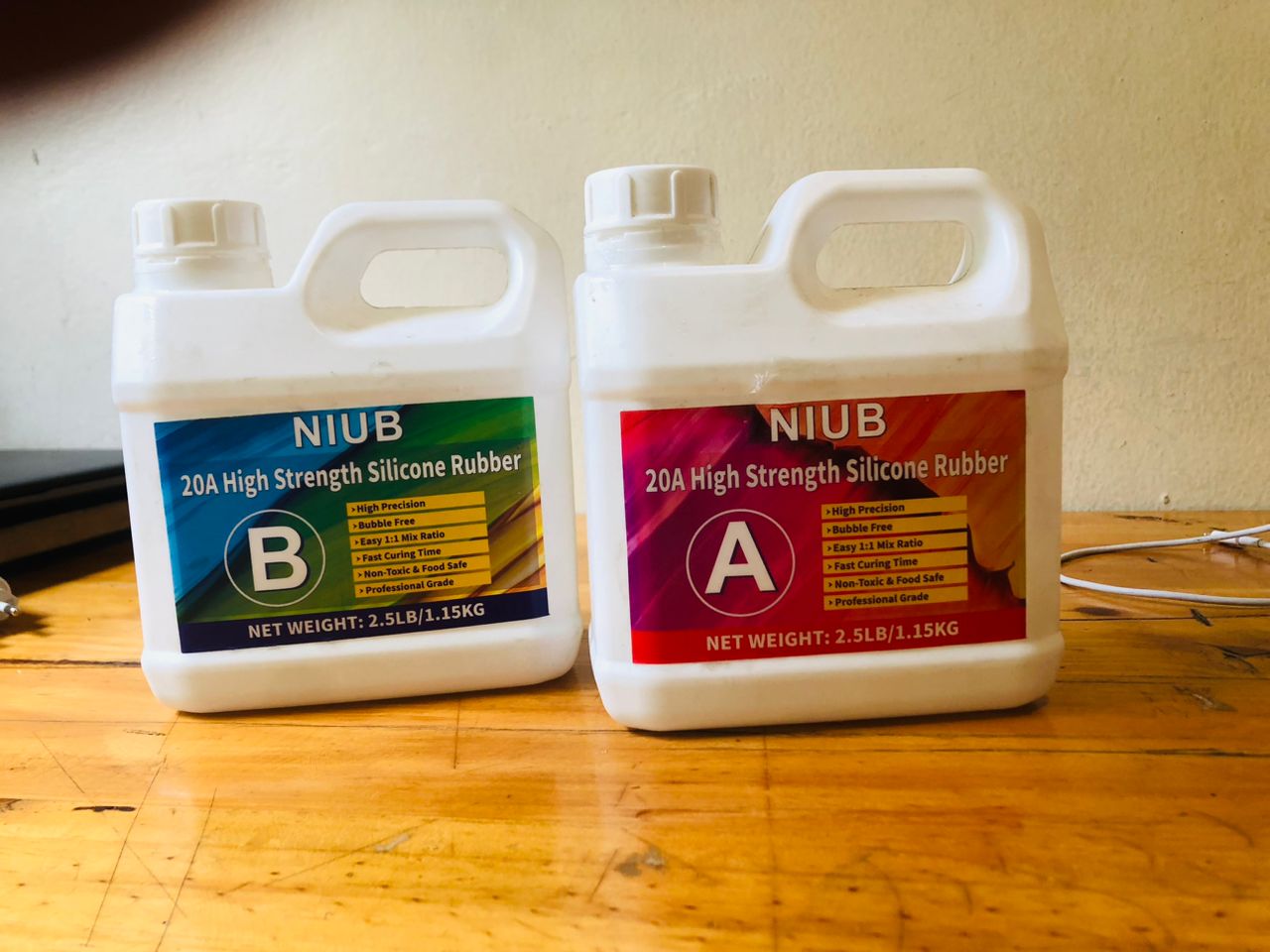
The containers show a two-part silicone. My original notes record a 1:1 mix and a 24-hour cure, but I need the product datasheet to verify whether the ratio is by mass or volume, the pot life, curing conditions and handling precautions. I have not inferred those details from the label colours.
- Part A (red label) This is the base silicone
- Part B (blue label) This is the curing agent (hardener)
My original process notes say that I mixed equal parts. I still need to add the actual quantities and the datasheet reference so this step can be reproduced.
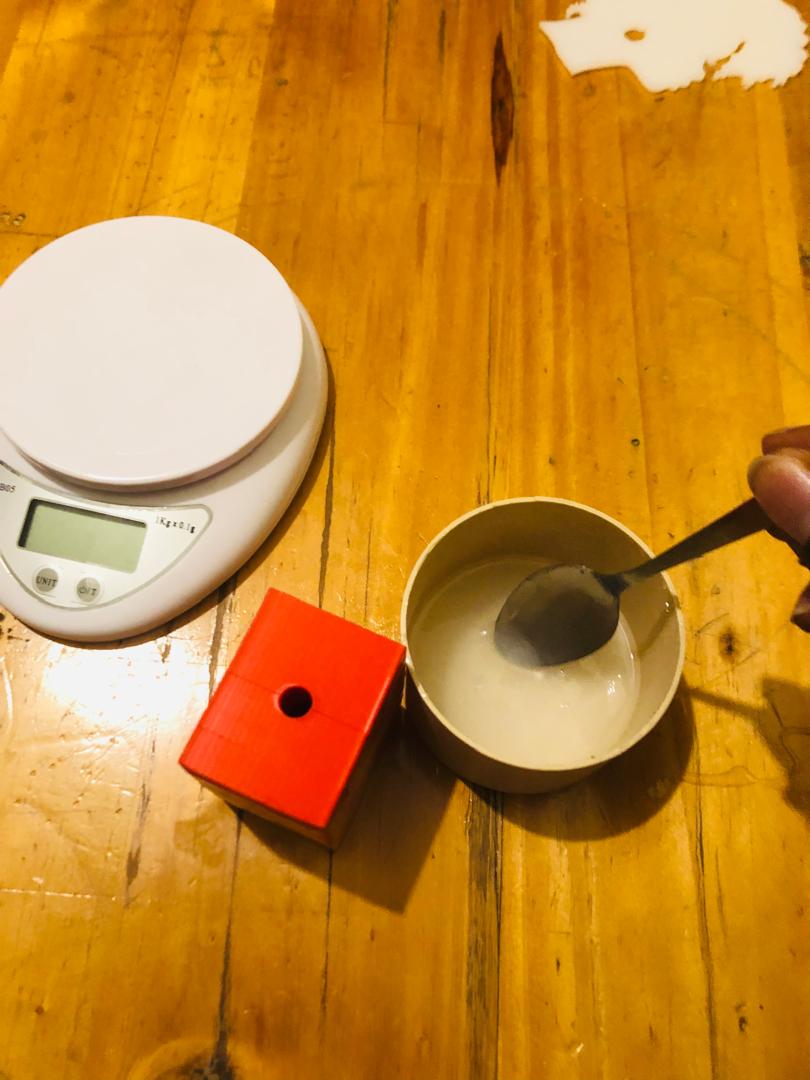
I poured the mixture into the assembled mould. My notes record a 24-hour wait before inspection; the temperature and exact product cure instructions still need to be recovered.
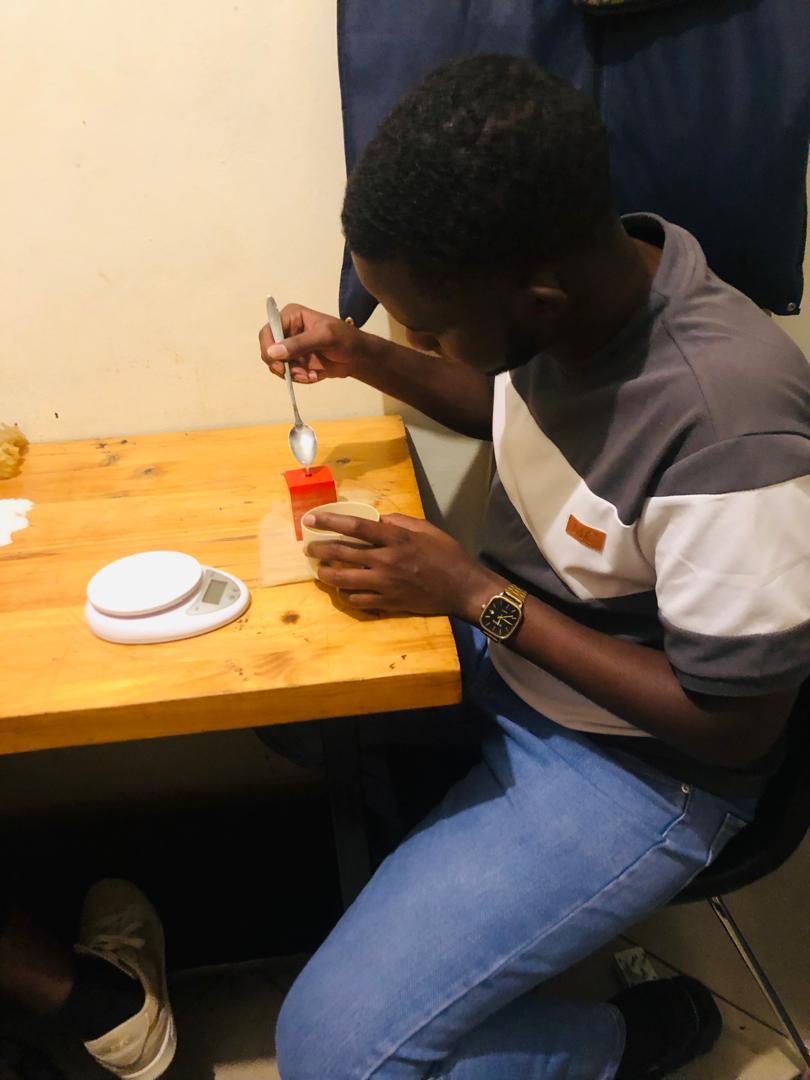
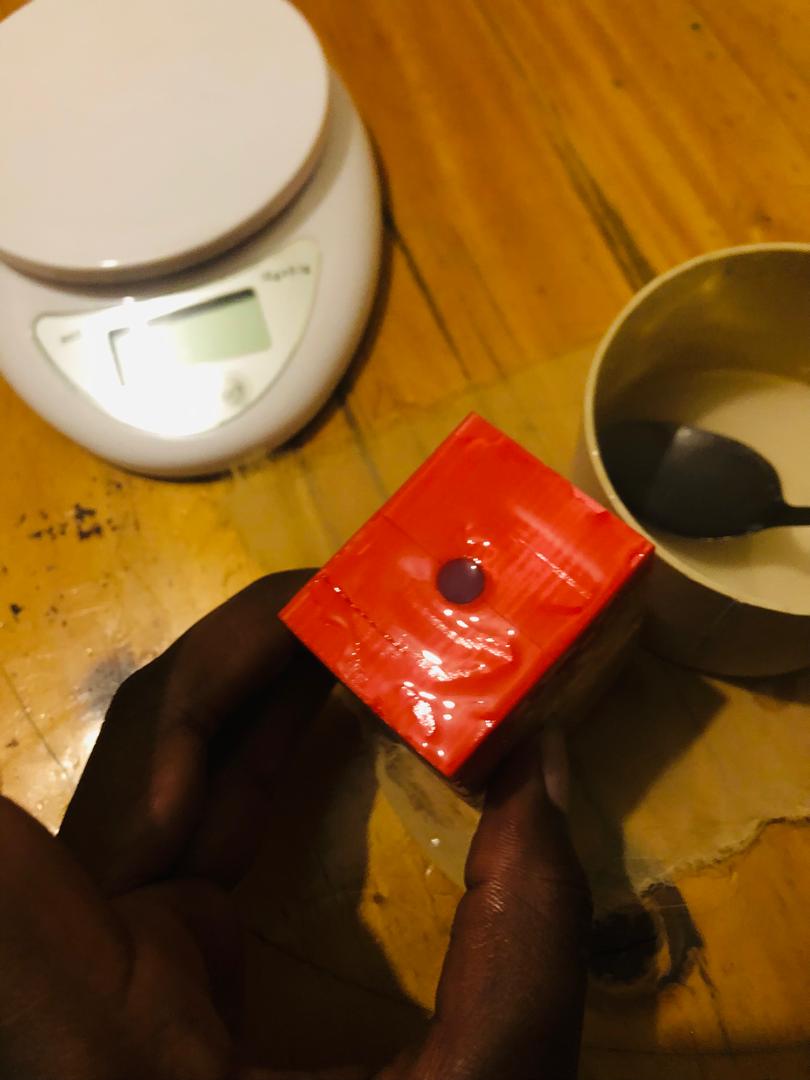
The photographs below show the cast from this attempt, including the surface inherited from the printed mould.
Here is the completed silicone-cast chess king made using a 3D-printed mold.