
✦ Where the project stands right now
This week documents the current state of the Kinetic Ambient Lamp, the plan for the coming days, and the intellectual property and dissemination decisions made for the project. Rather than describing what the project will do, this page focuses on what has been built, what still needs to happen, and what comes next.
✦ What's Working / What's Not
- CAD design
- OLED display
- NeoPixel system
- Holographic concept
- Custom PCB design
- Final hologram visibility
- Touch sensor placement
- WiFi interface testing
- ESP32 communication
- Final enclosure assembly
- System integration test
✦ Project Timeline
✦ What questions still need to be resolved
- How visible is the holographic effect under normal room lighting conditions?
- What is the optimal brightness ratio between the OLED display and the NeoPixel ring to avoid washing out the hologram?
- Can all subsystems run simultaneously on the ESP32-C6 without timing conflicts or memory issues?
- How reliable is the WiFi connection when the lamp is used away from the router?
- What is the minimum enclosure volume that allows clean cable routing and proper heat dissipation?
✦ Dissemination plan
The project will be shared openly following Fab Academy's open-source philosophy. The dissemination plan includes:
✦ Intellectual Property
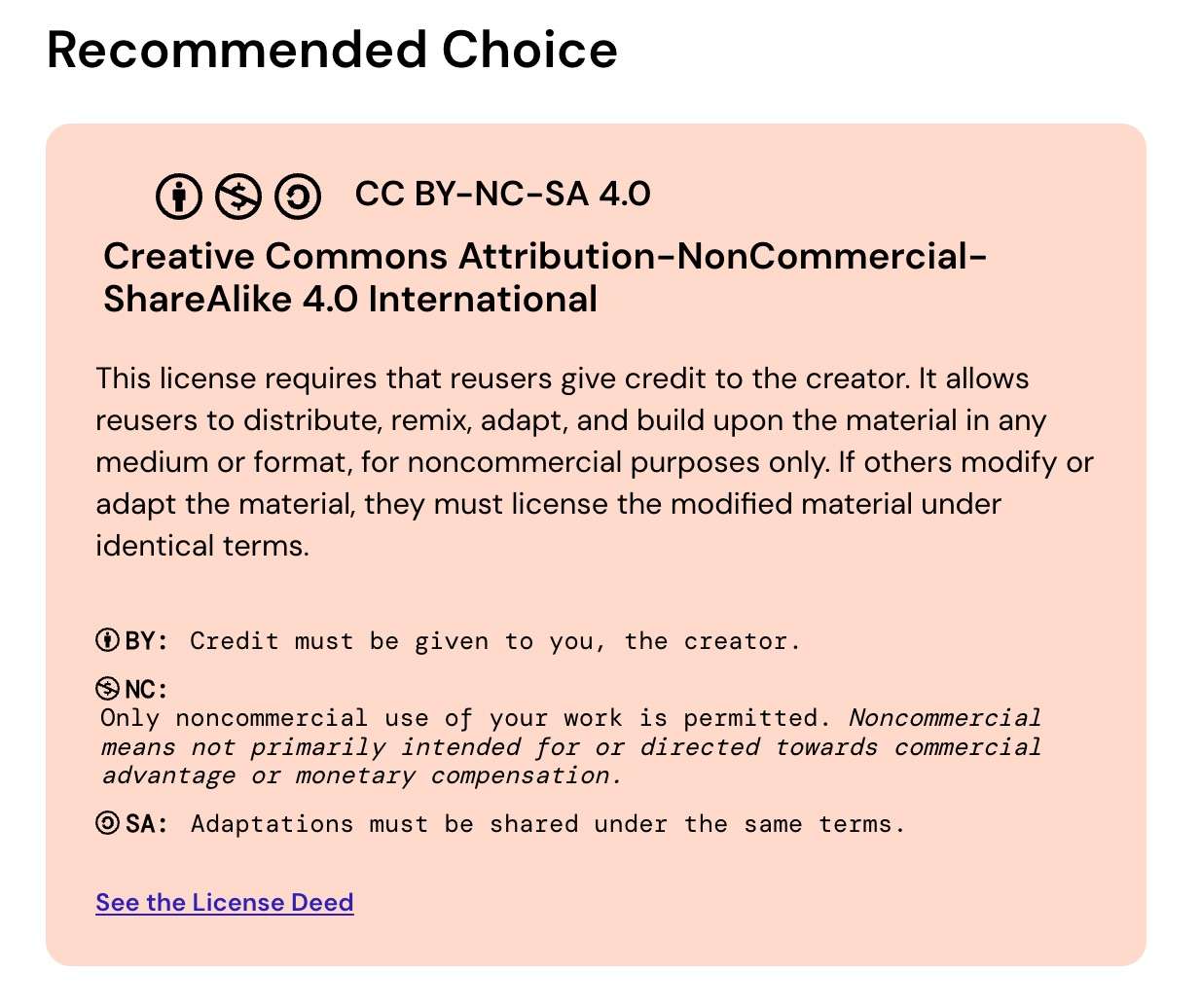
The project is released under a Creative Commons Attribution - Non Commercial - Share Alike 4.0 license. This means:
- Attribution: anyone using or adapting this work must credit the original author
- Non-commercial: the project cannot be used for commercial purposes without explicit permission
- Share alike: any adaptations must be released under the same license
All design files, firmware and documentation will be publicly available. The project doesn't contain any patented processes or proprietary technologies. Also, all components and techniques used are open source or commercially available.
01. CREATIVE COMMONS LICENSE
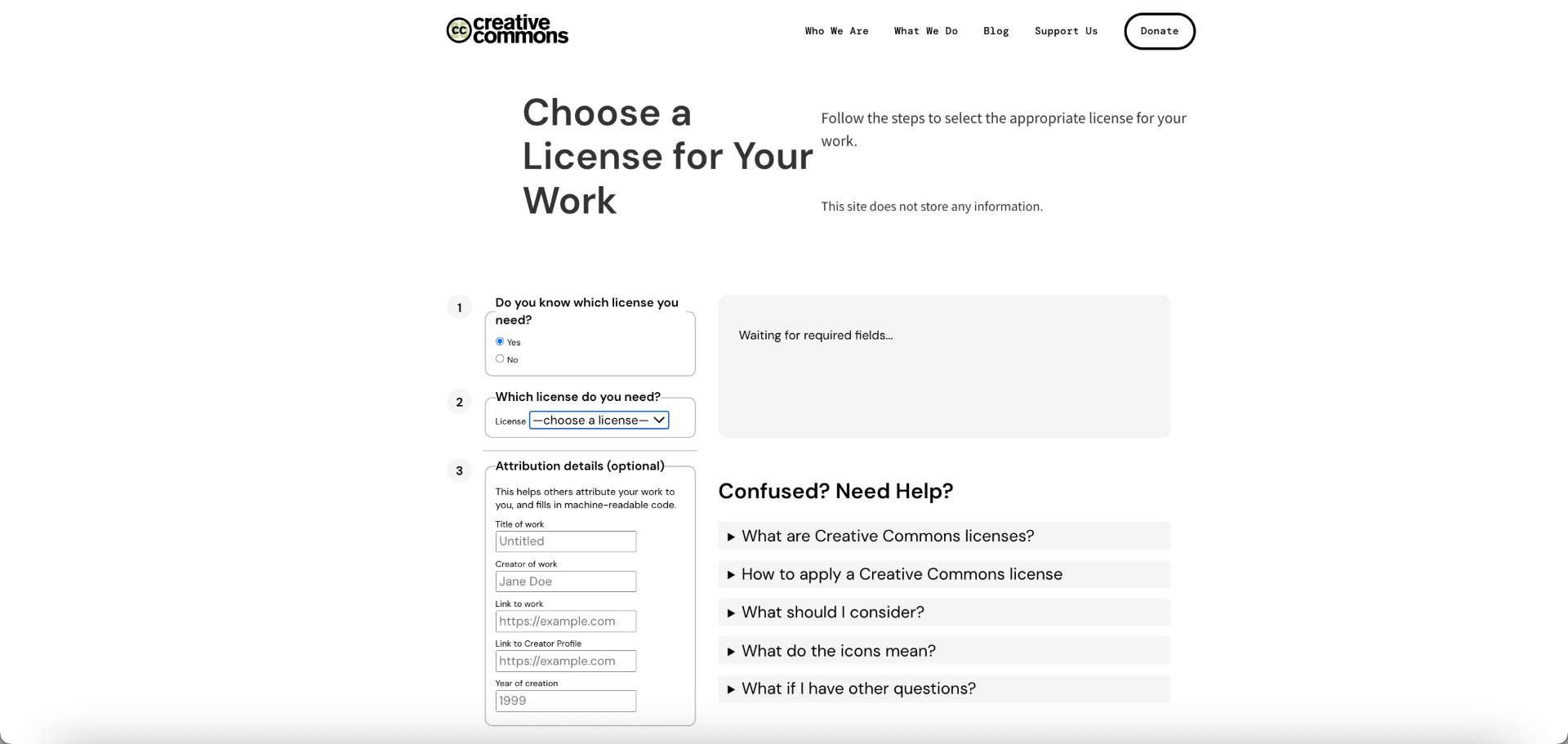
This is the main page. If the user already knows which license they want to use, the platform allows them to directly select it from a list of available Creative Commons licenses.
02. LICENSE SELECTION
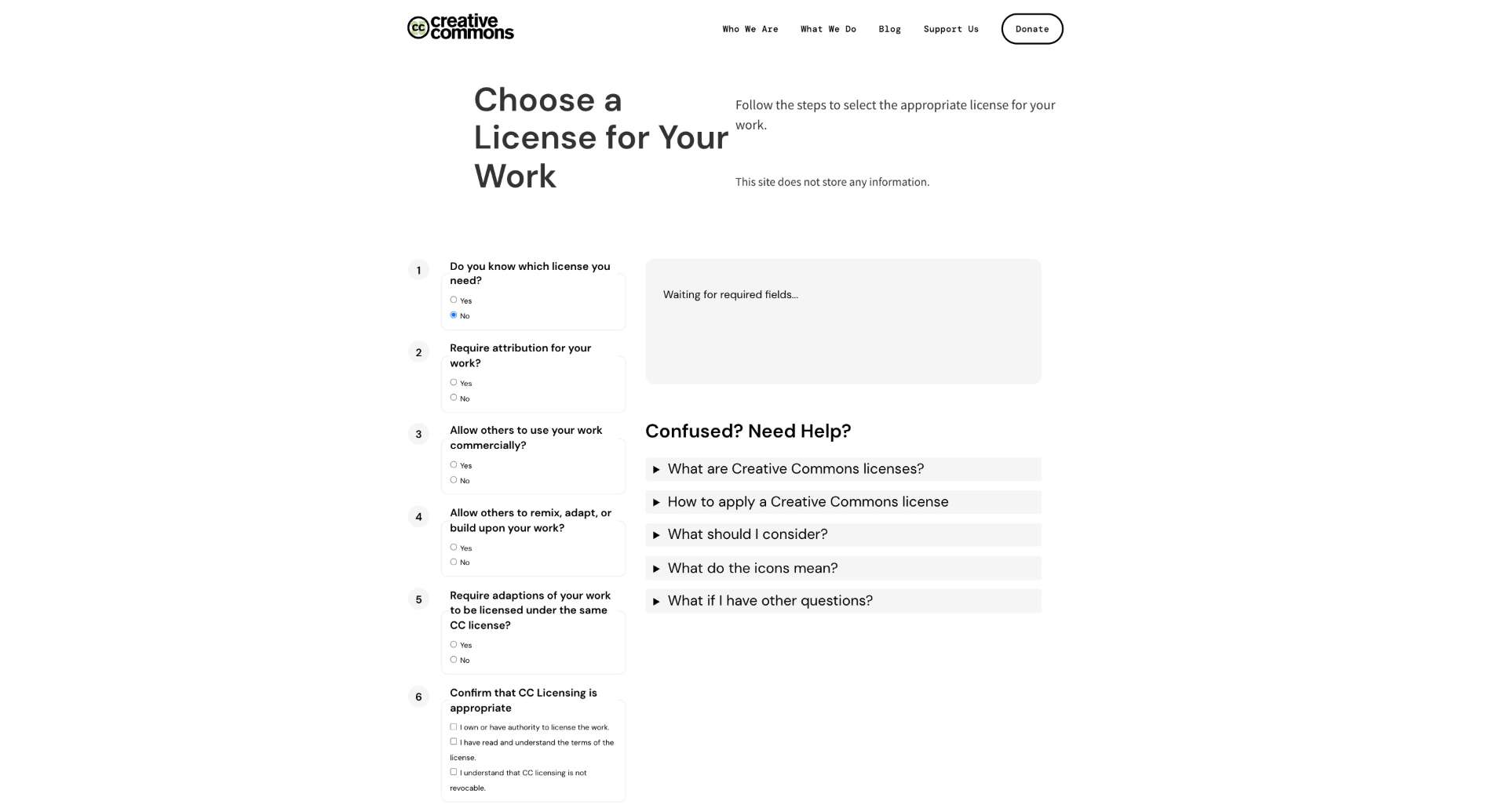
Since I was not sure which license was the most appropriate for my project, I chose the guided option to receive recommendations based on my preferences.
0.3 ATTRIBUTION INFORMATION
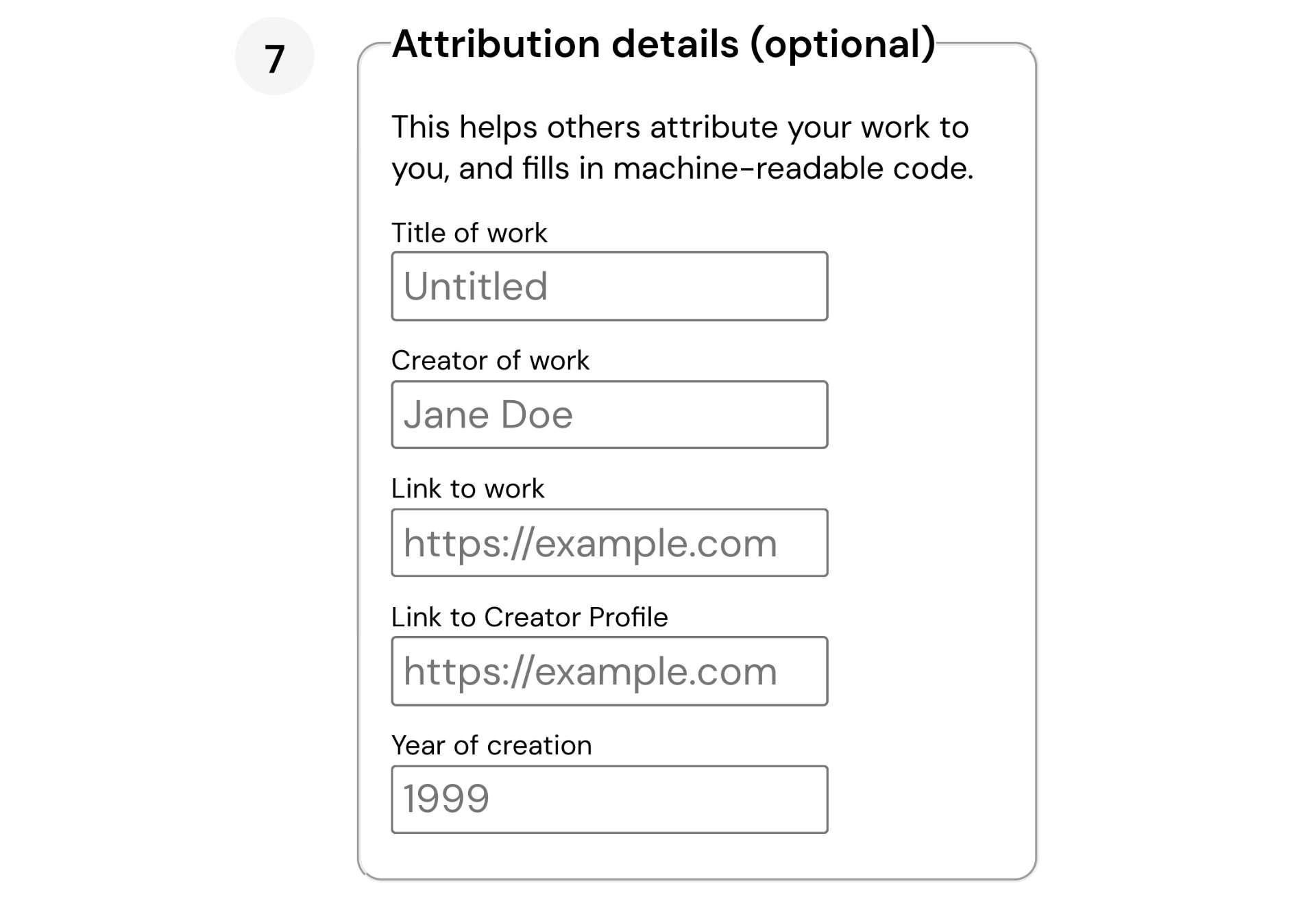
Once a license has been selected, optional attribution information can be added to provide proper credit details.
04. RECOMMENDED LICENSE
Based on the selected answers, the platform recommends a Creative Commons license and explains its permissions and restrictions.
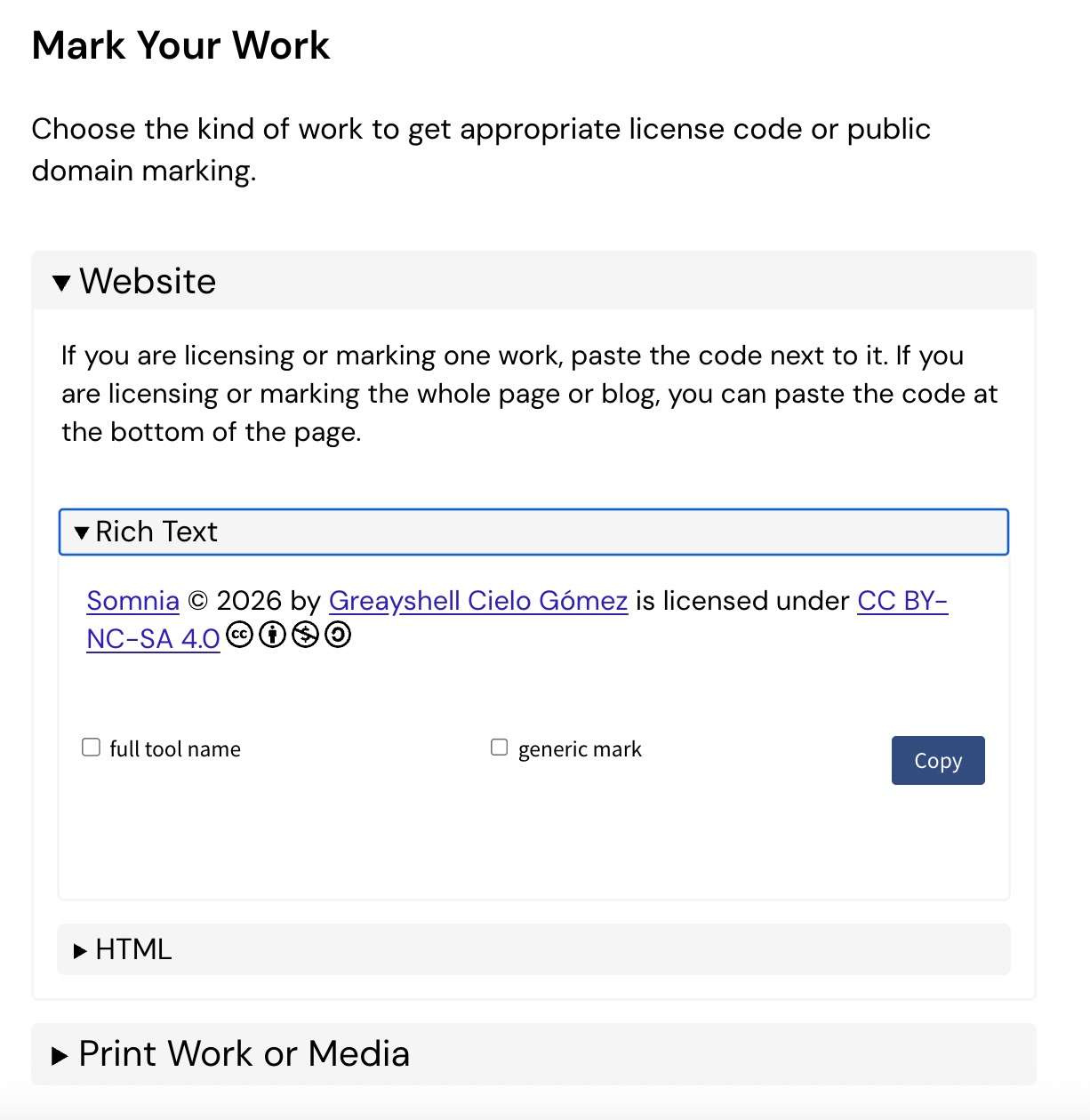
05. GENERATED LICENSE CODE
After the license is generated, Creative Commons provides ready-to-use text and code that can be added to a website or project documentation.
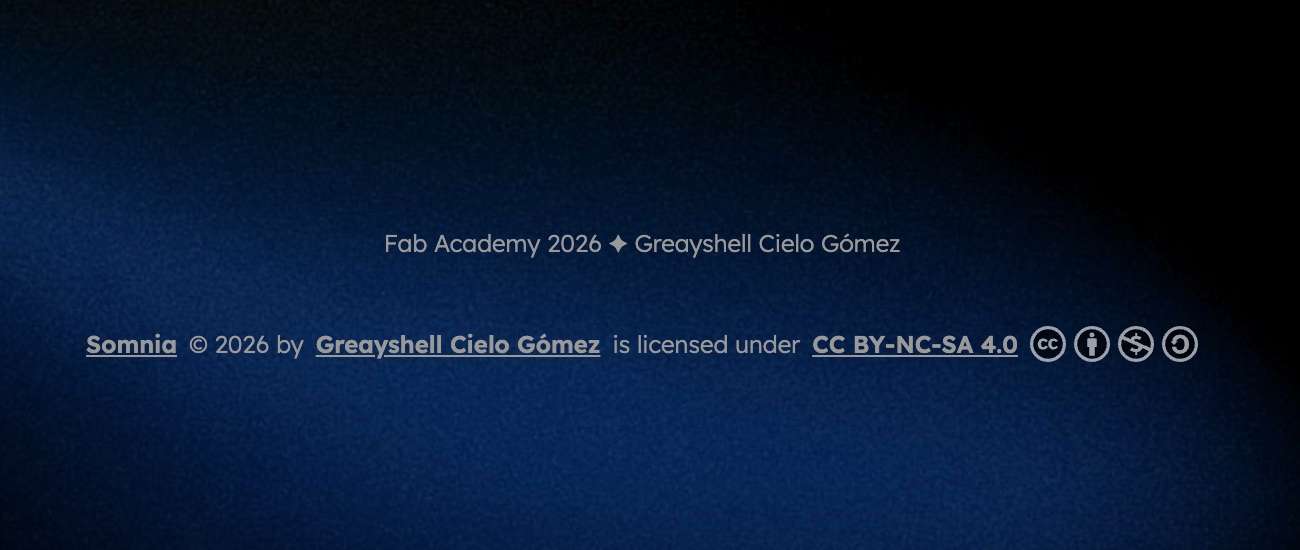
06. FINAL RESULT
This is how my code looks on my page, except I've decided to remove the symbols and leave the text.
✦ Questions asked in Creative Commons
✦ Final Thoughts
What have you learned
Working on this project has reinforced that the most valuable skill is not knowing how to use specific tools, but knowing how to think through a problem systematically. Each subsystem — the holographic optics, the lighting animations, the touch logic, the WiFi server — required a completely different way of approaching the problem.
I also learned that iteration is not failure. The servo-driven kinetic mechanism was removed not because it was a bad idea, but because the project became more focused and honest without it. Knowing when to simplify is as important as knowing when to add complexity.
Finally, Fab Academy taught me that documentation is part of the design. A project that cannot be understood, reproduced, or shared is incomplete, regardless of how well it works in person.