Main Software
Onshape, SolidWorks, FFmpeg and I Love IMG.
Fab Academy 2026
Designing the first concept of my final project and learning different CAD and media compression tools.
Onshape, SolidWorks, FFmpeg and I Love IMG.
3D modeling, CAD workflow and media optimization.
Initial concept development of Ancora.
My final project is called Ancora, a device that monitors the heart rate of its user to detect if the person is having a panic attack in order to guide them back to calmness.
The inspiration for this project came from my interest in helping people close to me who struggle with anxiety and panic attacks.
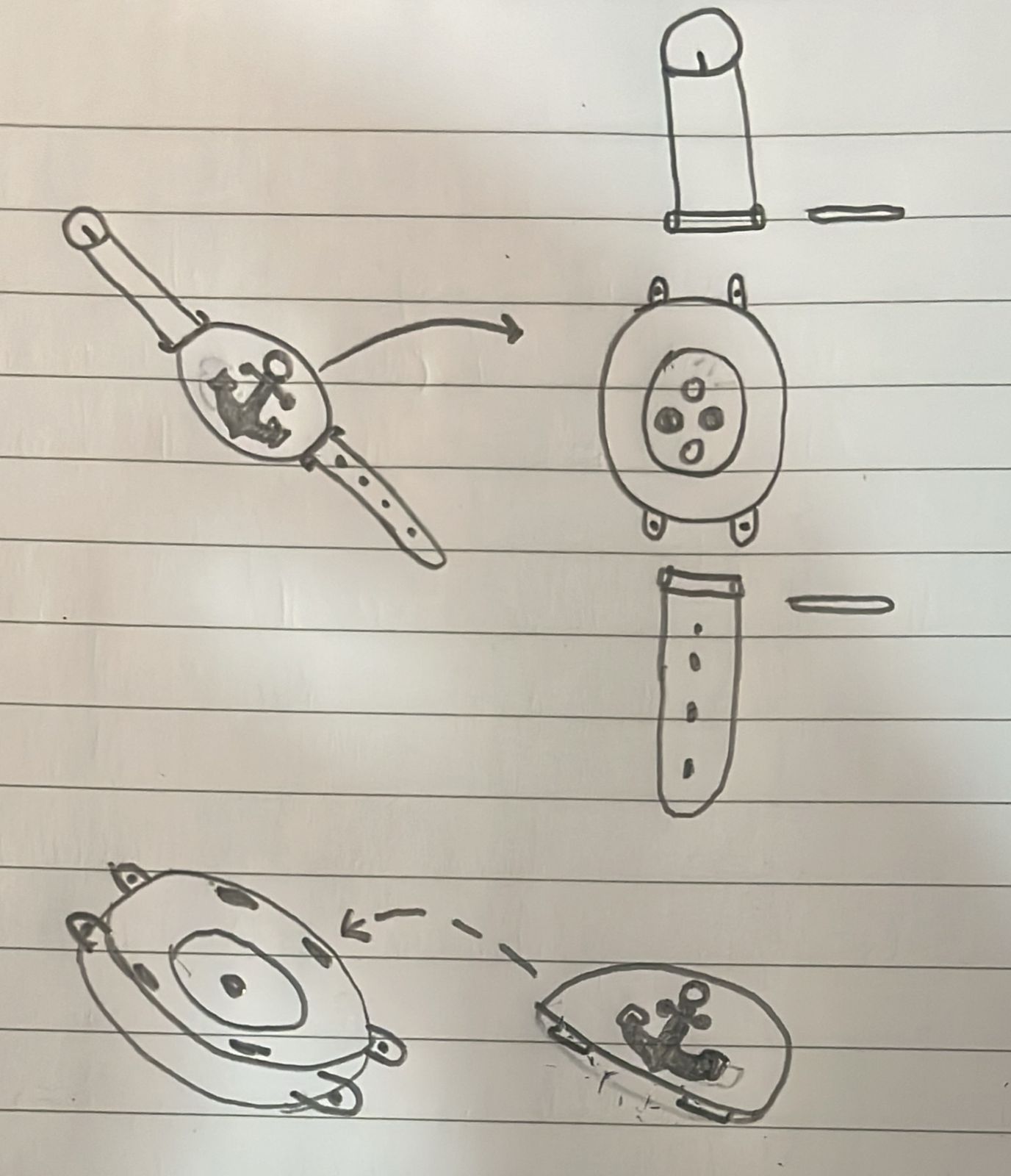
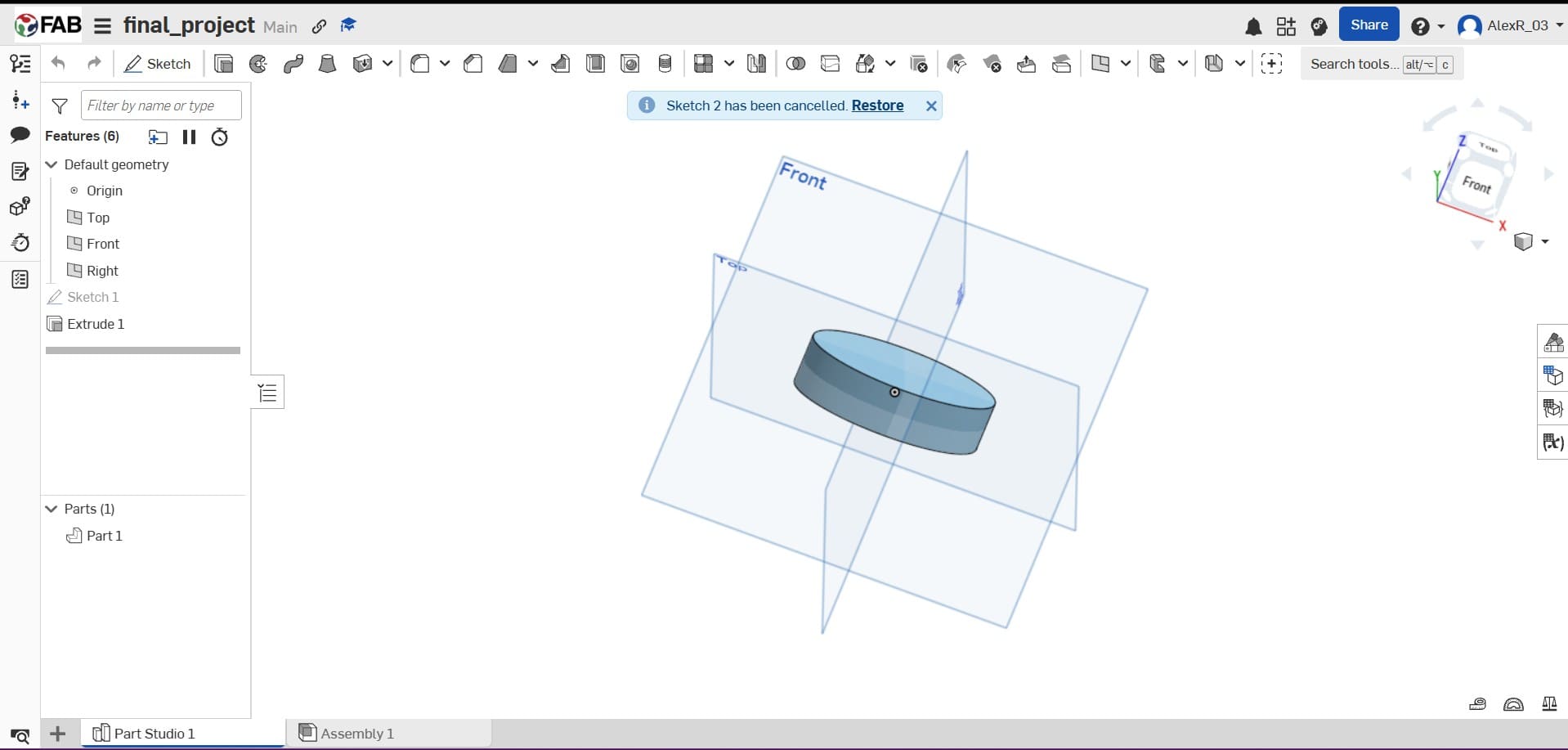
During this week I explored different CAD software to determine which workflow was more suitable for my final project.
I compared SolidWorks and Onshape because both provide powerful modeling tools but with different approaches.
I started experimenting with Onshape to better understand its cloud-based workflow and collaborative environment.
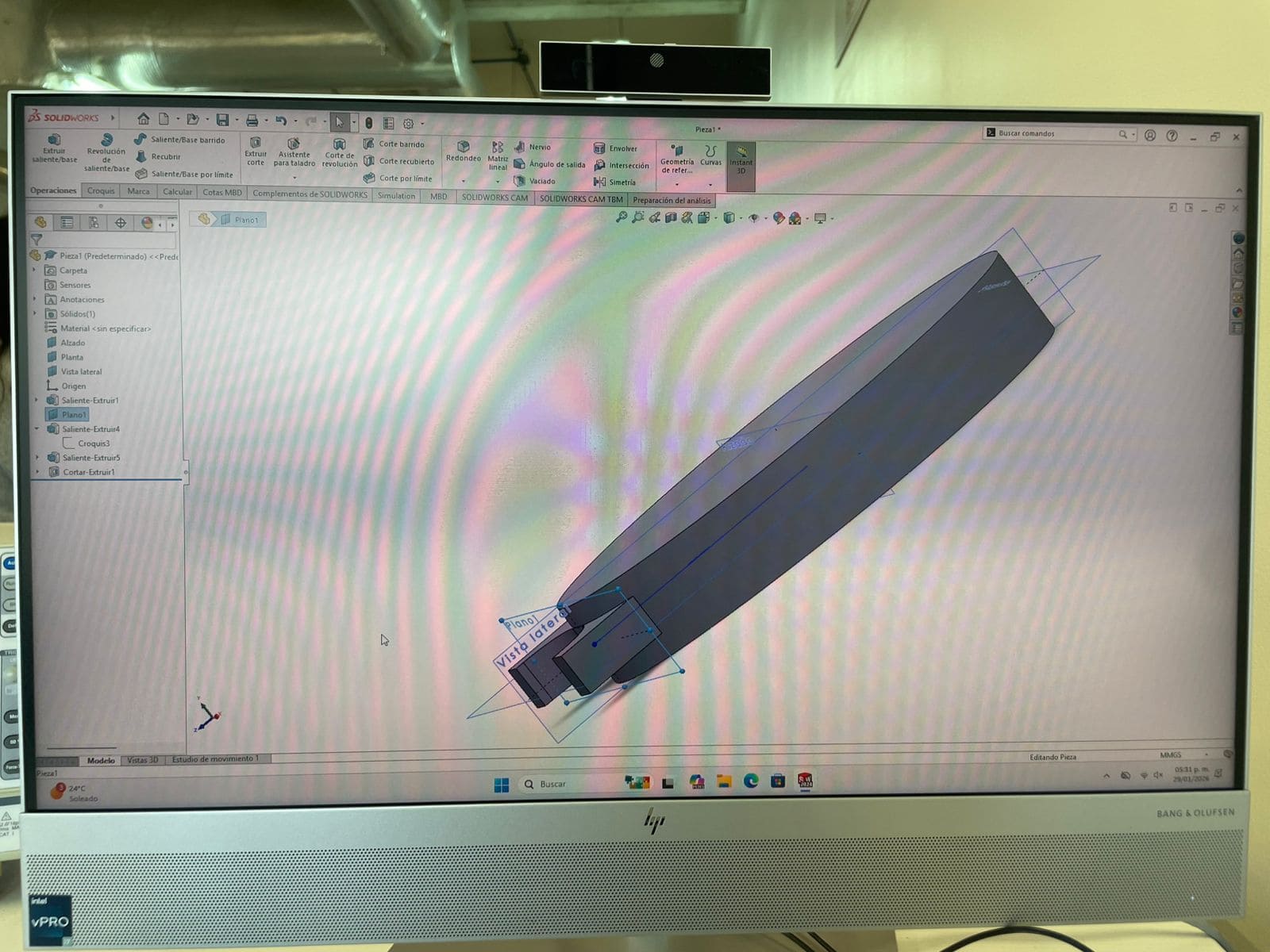
I already knew how to use SolidWorks from previous projects, which allowed me to create a 3D model of my final project in a short amount of time.
I used the computers at my university to develop the model.
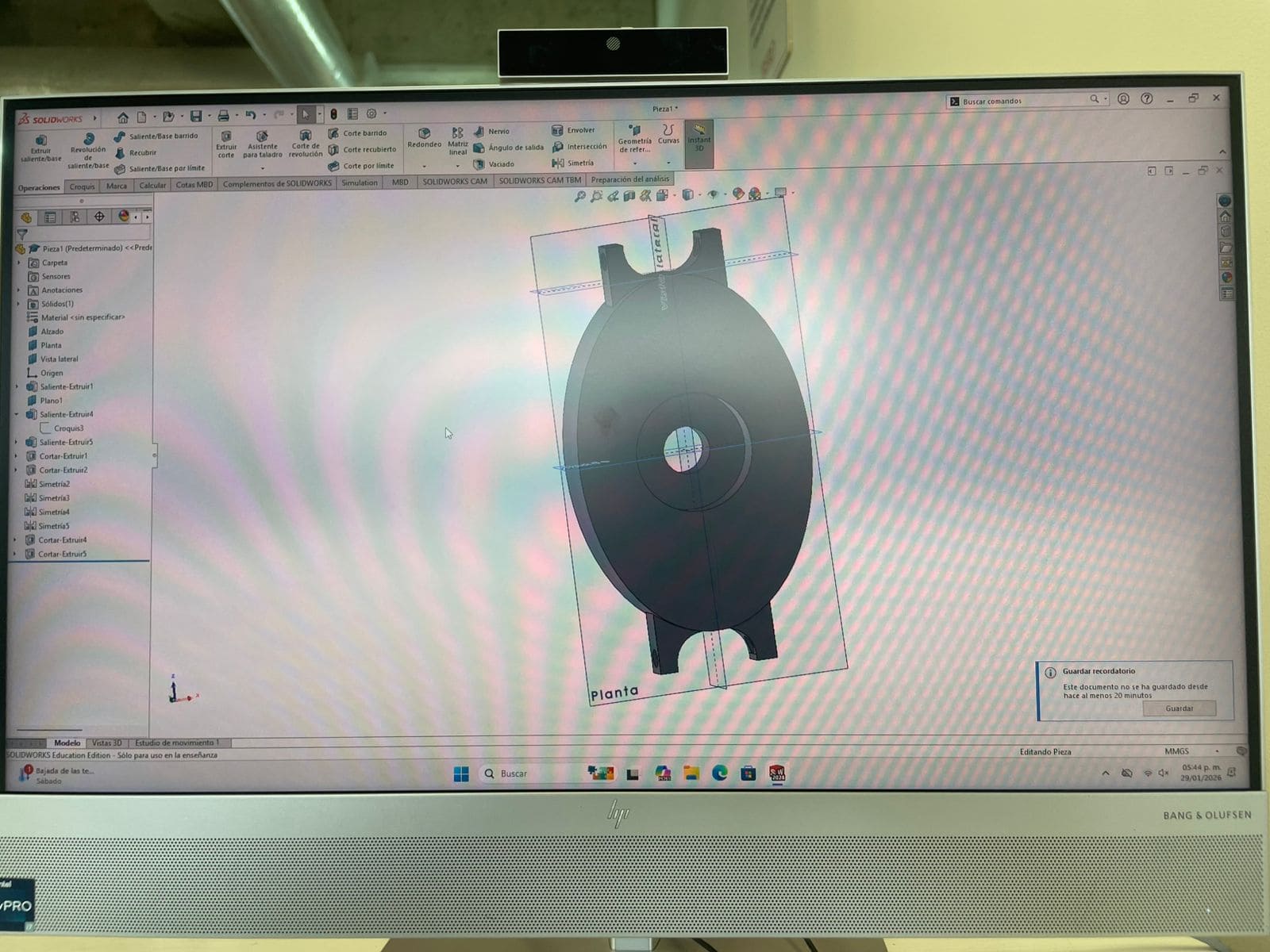
The wearable body was designed to hold the sensor and straps.
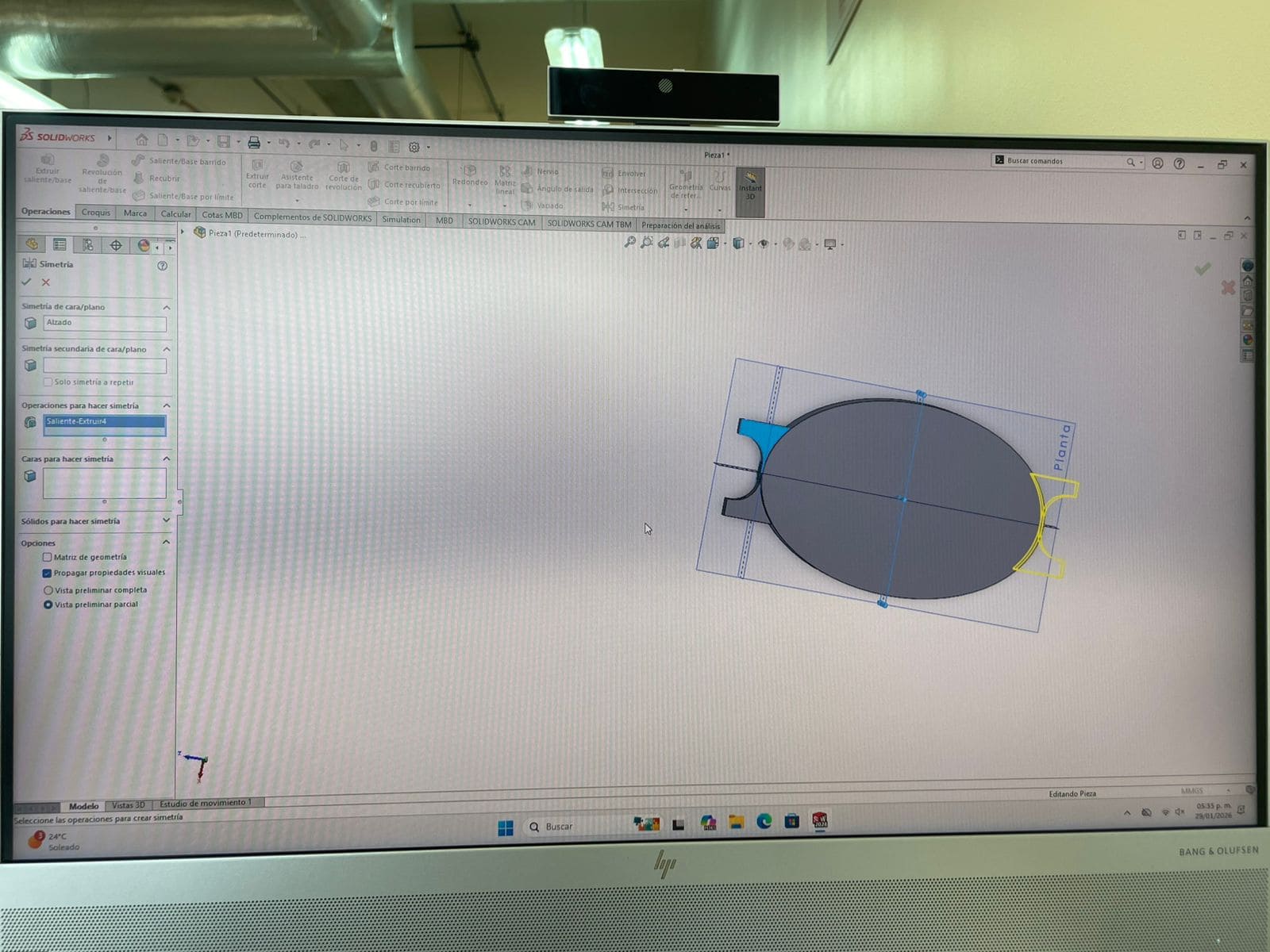
Mirror operations helped maintain a balanced mechanical design.
Holes and channels were added for future electronic integration.
First, I designed the base of the device, which will hold the heart rate sensor and the straps.
Then, using the symmetry command, I mirrored the strap attachment feature to the opposite side of the base.
Finally, I created the holes where the sensor will be placed, as well as an additional hole to route the wires to the other side.
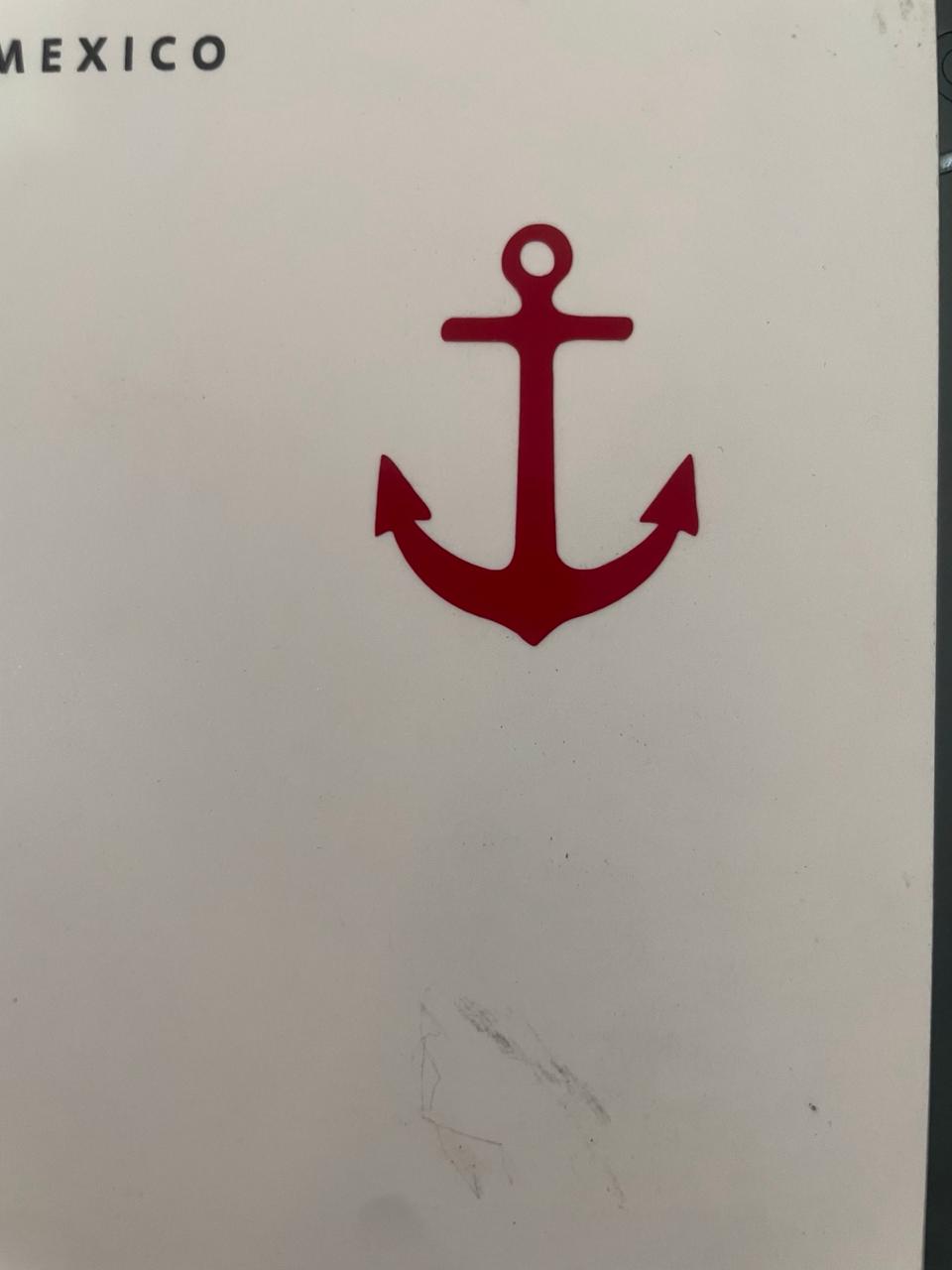
I used Inkscape to create a 2D vector of an anchor because “Ancora” means anchor in Latin, and I wanted my project logo to reflect that concept.
Then I experimented with different tools to better understand vector workflows and shape creation inside the software.
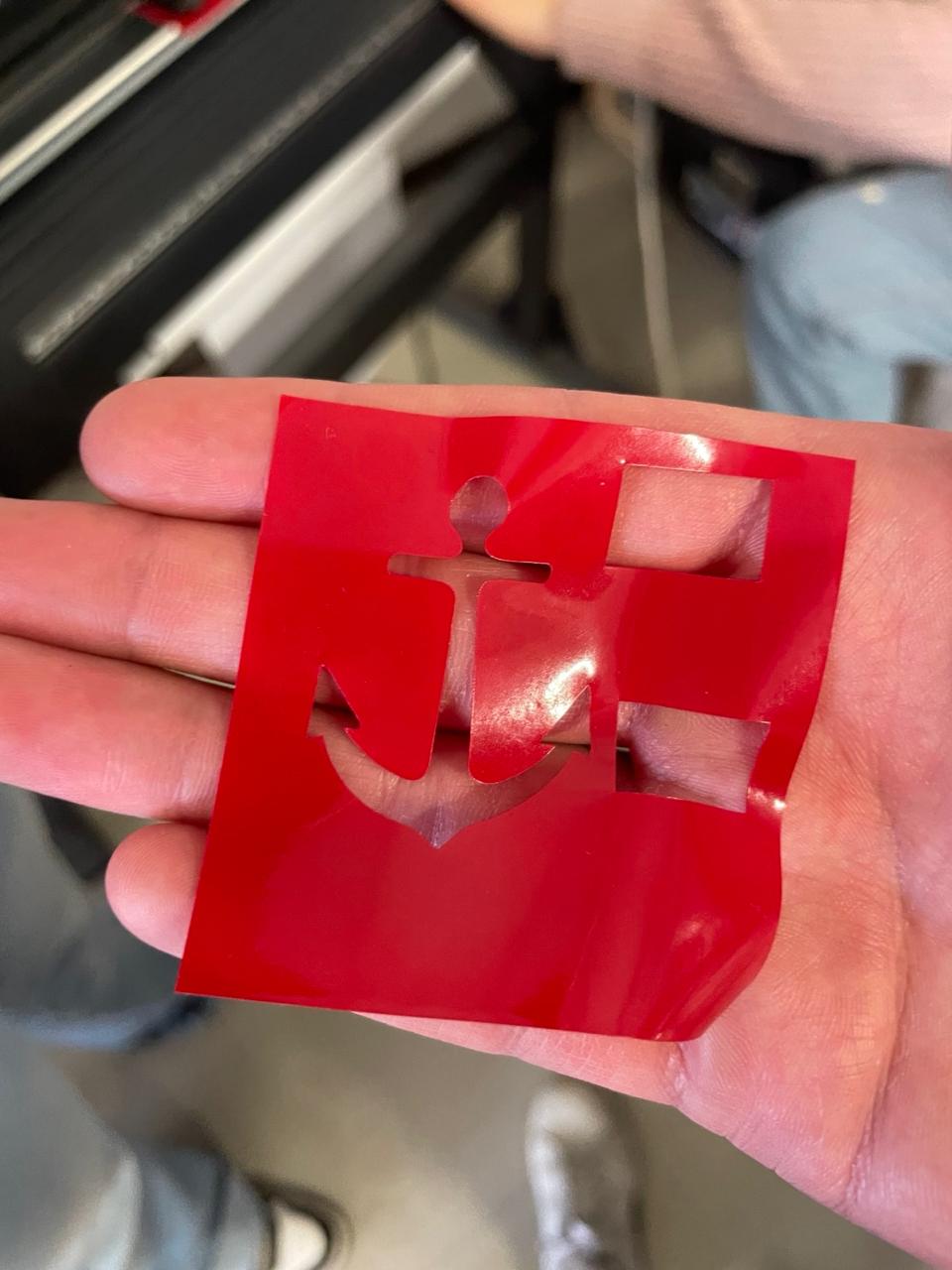
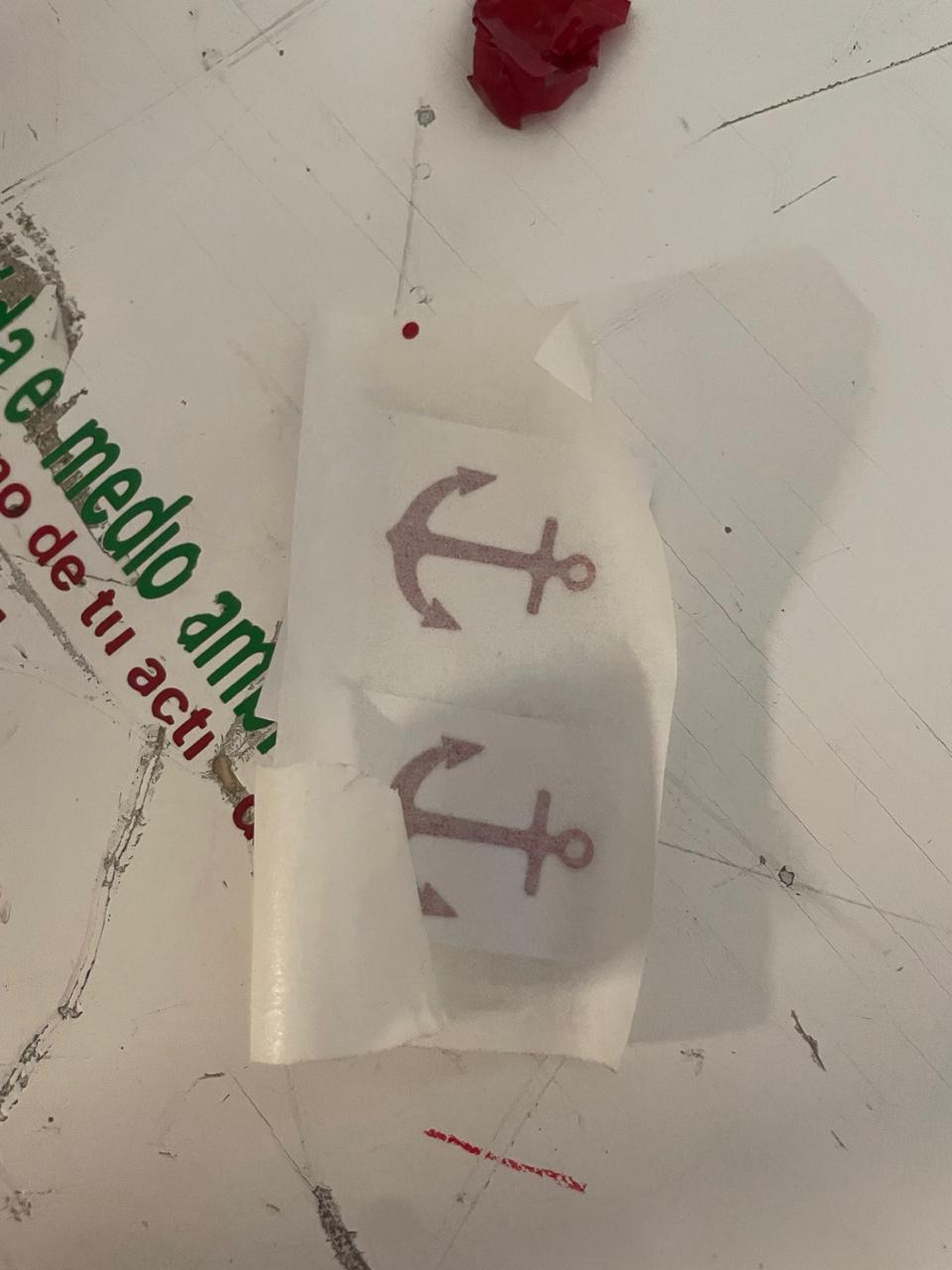
I used the vector created in Inkscape to produce a vinyl sticker using the vinyl cutter.
This was my first experience using this machine and it helped me better understand digital fabrication workflows.
Used to compress most of my images while maintaining good quality.
Powerful command-line software used for video compression.
Media compression helps reduce loading times on my website.
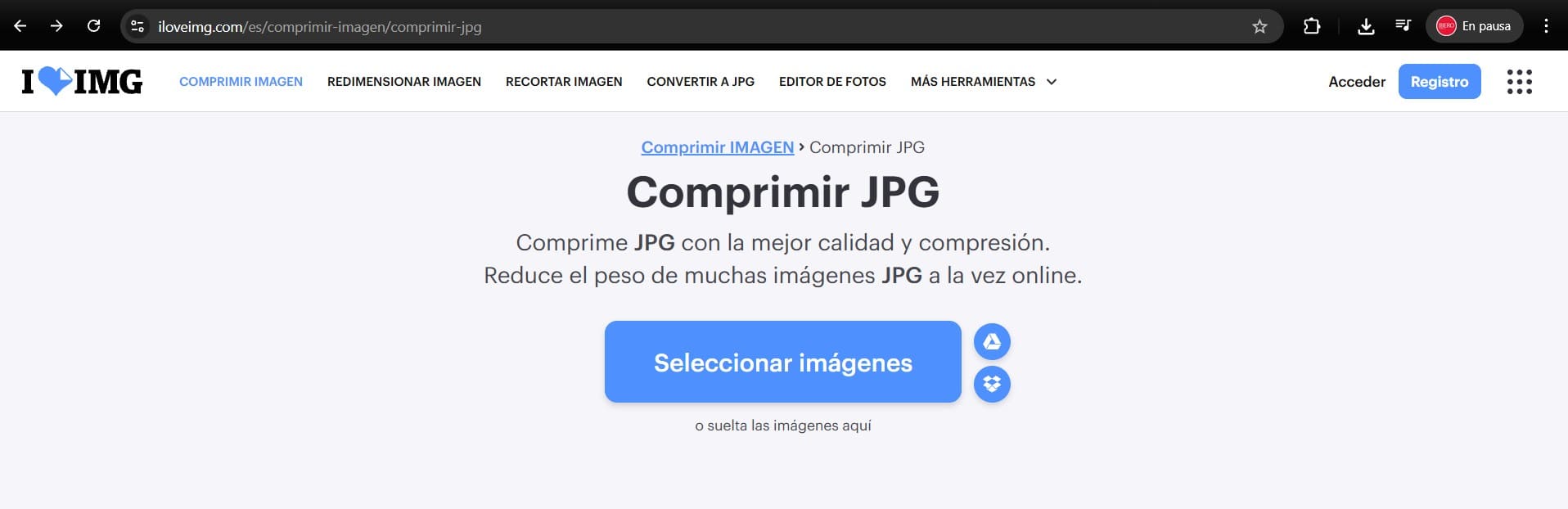
I use I Love IMG to compress most of my images in order to reduce file size without losing too much quality.
FFmpeg is a powerful command-line tool for video and audio processing. I use it mainly to compress videos before uploading them to my website.
Here is a short tutorial showing how to install the program and compress a video.
Official website:
FFmpeg.orgThis is the command I use to compress videos for my Fab Academy documentation.
.\ffmpeg -i input.mp4 -vf "scale=-2:720" -c:v libx264 -preset slow -crf 30 -pix_fmt yuv420p -movflags +faststart -an output_new.mp4
The value "720" defines the output video height.
Controls compression quality and file size balance.
Improves video loading performance in web browsers.
This week helped me improve my understanding of 3D modeling and CAD software workflows.
I learned how important image and video compression is for website performance.
I created the first digital concept of Ancora and started defining its structure.