3. paper cut machine
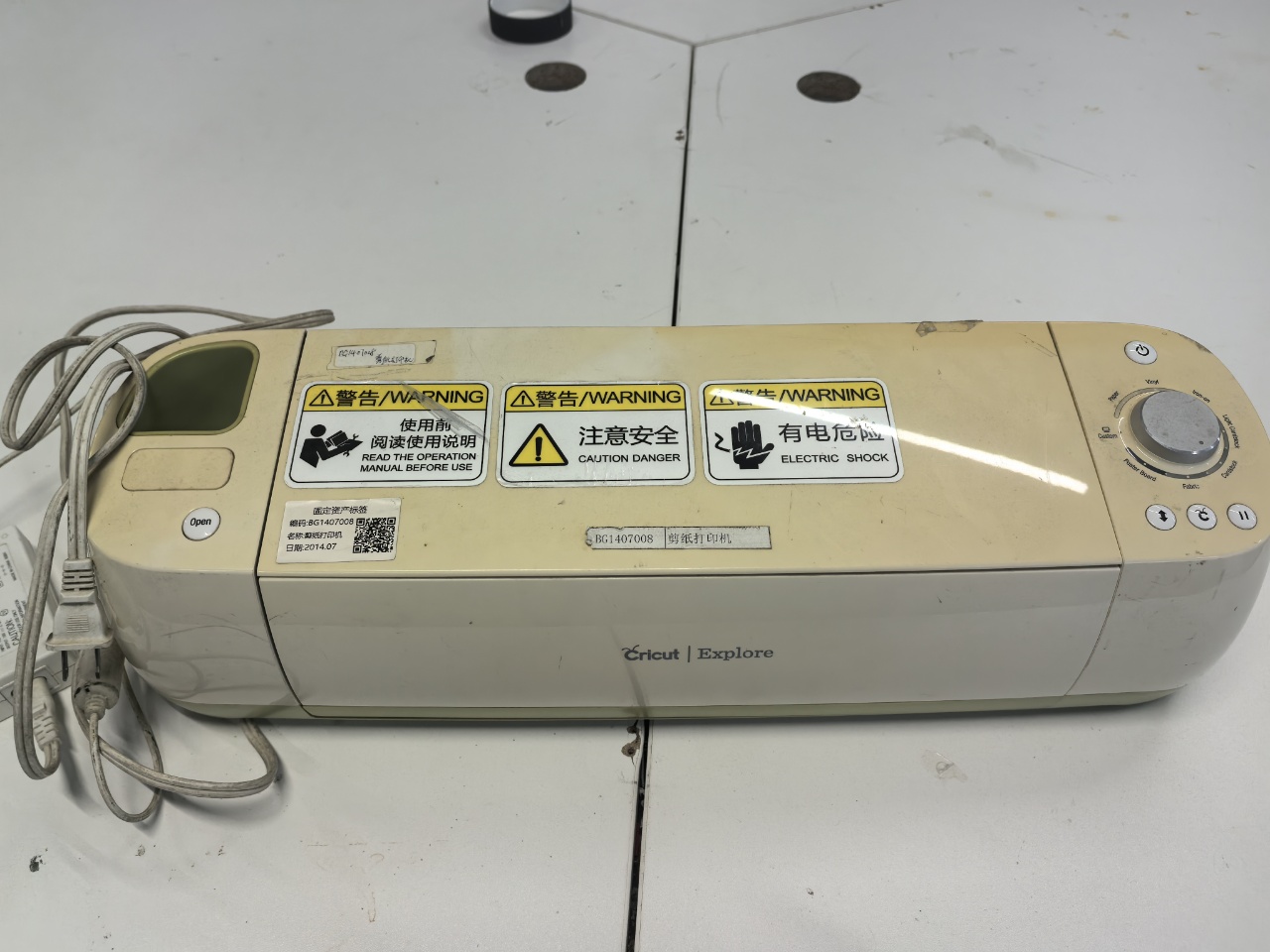
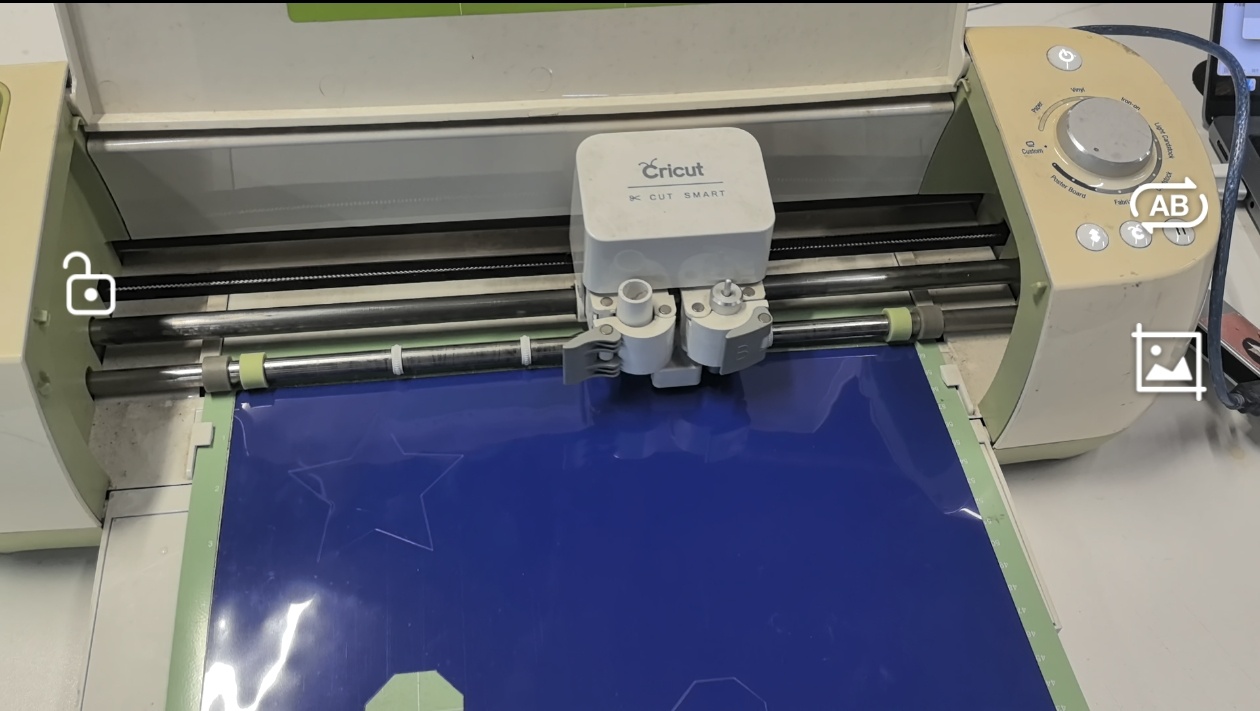
In Chaihuo x.factory, we have a paper cutter machine called Cricut Explore.
The Cricut Explore is an entry-level smart cutting machine designed for craft enthusiasts.
It precisely cuts over 100 materials including paper, vinyl, and iron-on transfers.
Key features include Print Then Cut functionality for making custom stickers, the free Design Space software with built-in designs, and compatibility with various tools for cutting, writing, and scoring.
It's an ideal tool for DIY projects like scrapbooking, card making, and home décor.
2. Download & Install Cricut Design Space
Before cutting, we need to install and configure the design software.
Download it from the official Cricut website and install it on your computer.
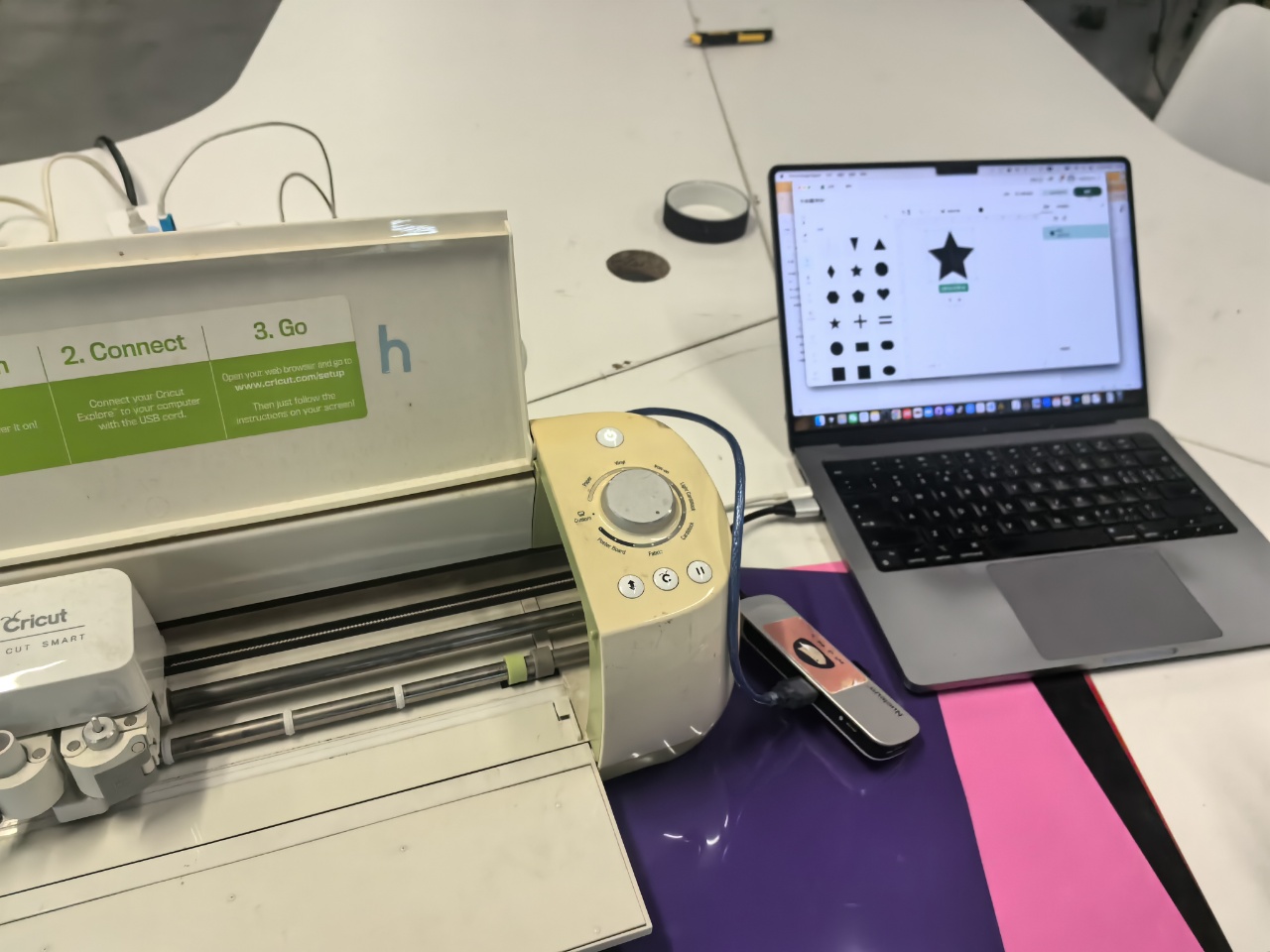
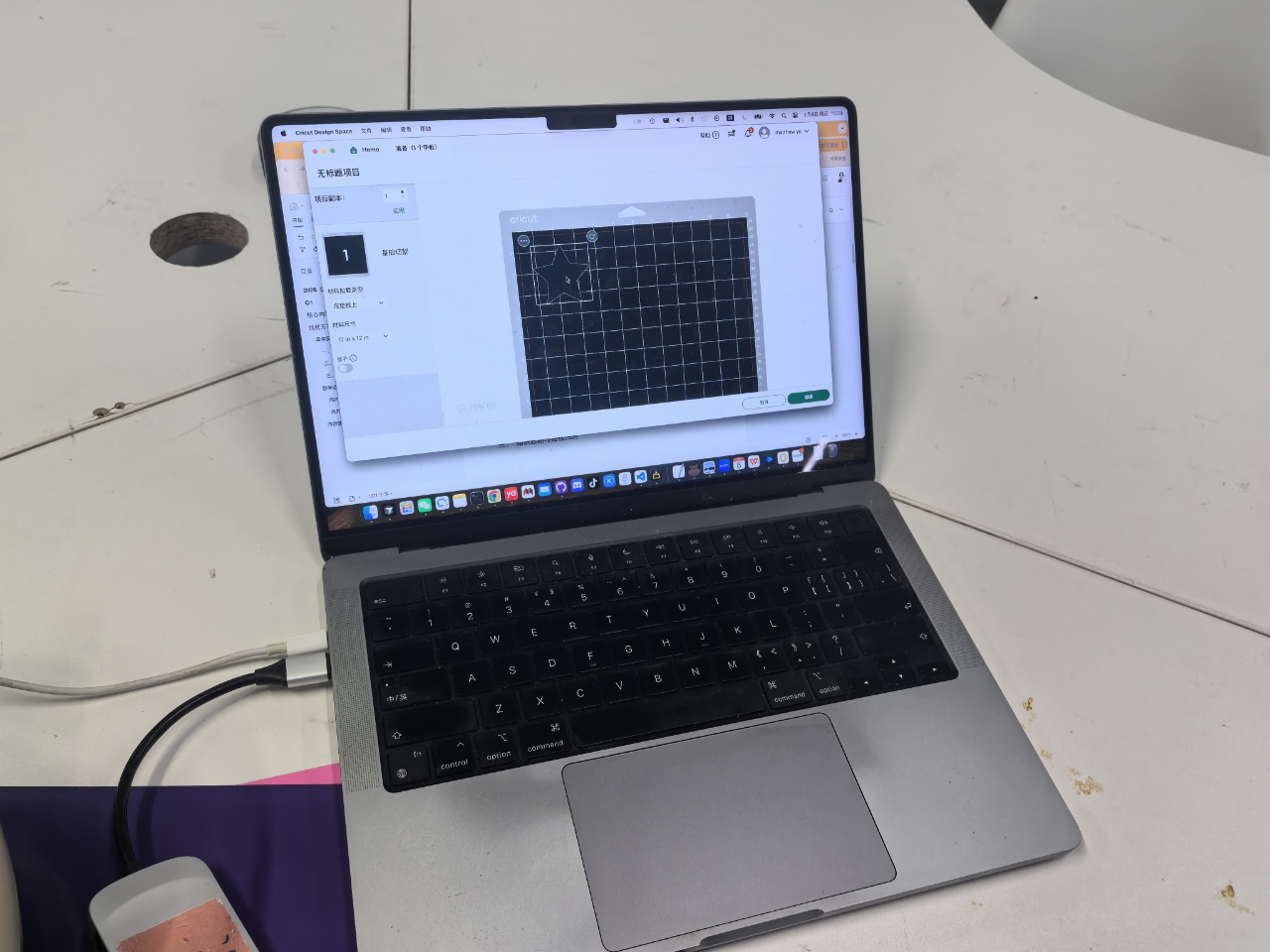
3. Designing
Once the software is set up, we can create and import design files.
| design | preparing cut |
|---|---|
 |  |
4. Cutting
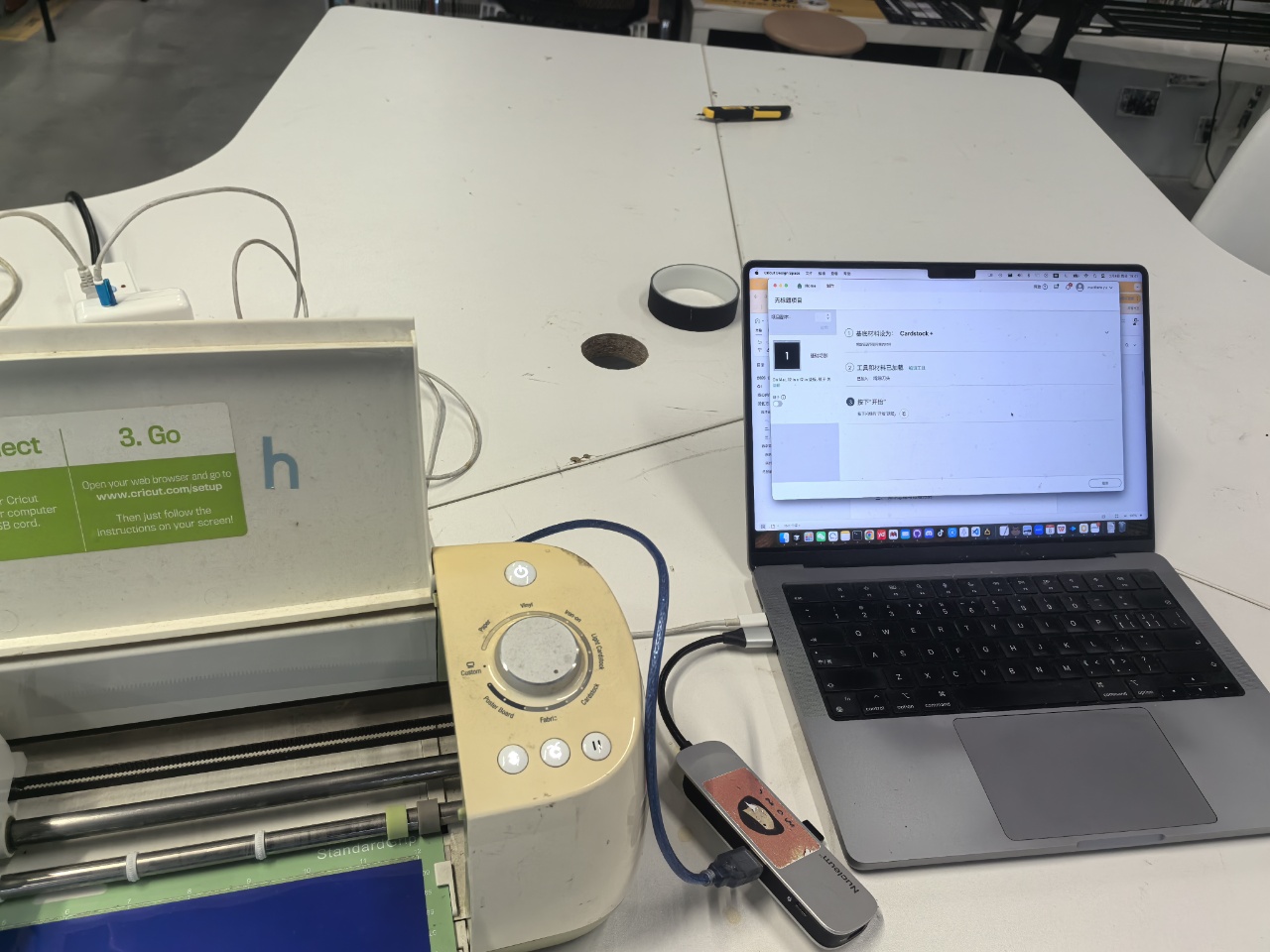
Once we finish the design file, we can connect the machine and cut.
| connecting machine | cutting |
|---|---|
 |  |