Molding and Casting
Group assignment
- Review the safety data sheets for each of your molding and casting materials, then make and compare test casts with each of them
Individual assignment
- Design a 3D mold around the stock and tooling that you'll be using, machine it, and use it to cast parts.
Learning outcomes:
- Design appropriate objects within the limitations of 3 axis machining.
- Demonstrate workflow used in mold design, construction and casting.
Have you:
- Explained how you designed your 3D mold and created your rough and finish toolpaths for machining.
- Shown how you made your mold and cast the parts.
- Described problems and how you fixed them.
- Included your design files and 'hero shot' photos of the mold and the final object.
Tools used
- CNC
Software Used
Files
Group Assignment
Go to the group assignment page.
Designing
I will be describing the workflow necessary to create a positive in wax, a negative mold in silicone and finally the casting process of the final positive. For that reason, we start by creating an assembly with the model already done using a simple revolve feature.
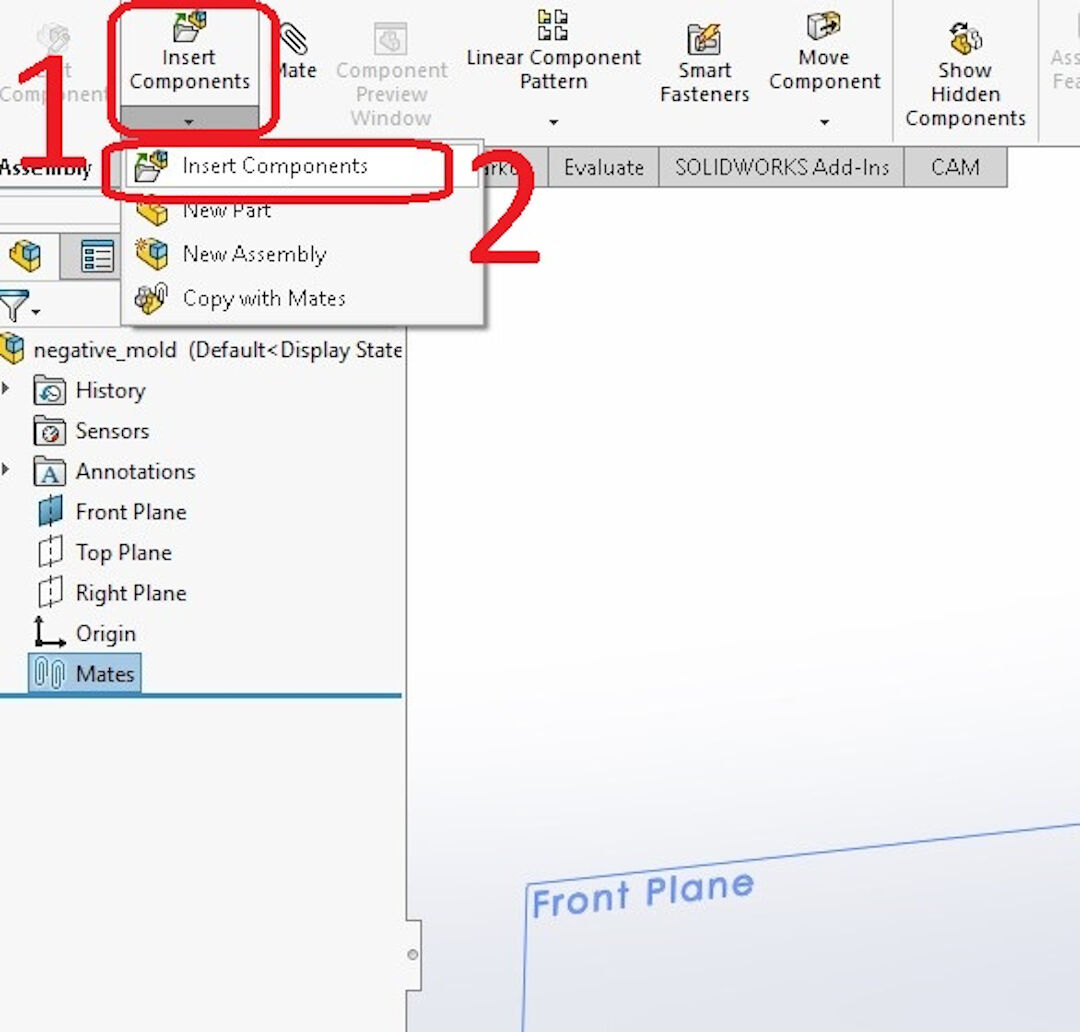
- With a new assembly opened, click on Insert Components;
- Again :-) Click on the second Insert Components;
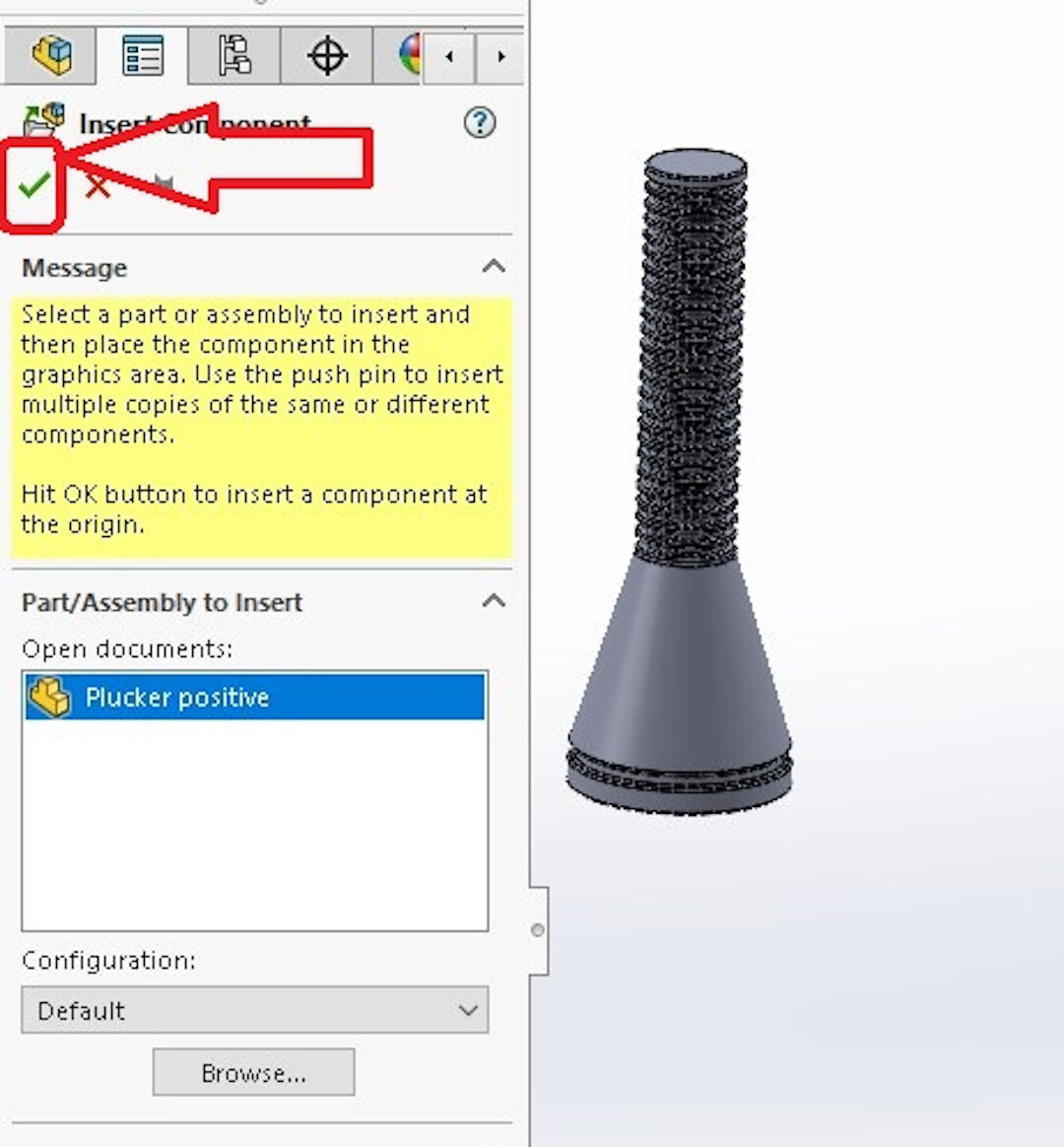
Confirm the insertion by clicking on the green checkmark.
Now we need to create the negative mold!
- Click on the front plane, making sure that this plane is in the exact middle of the part.
- Click on New part.
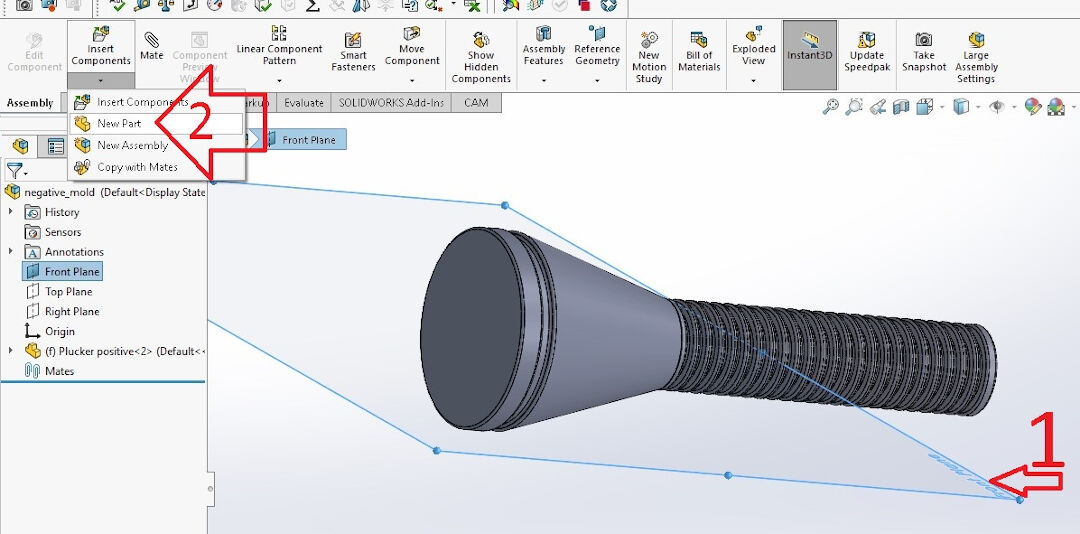
With the new part opened, click on the front plane again and then on Sketch.
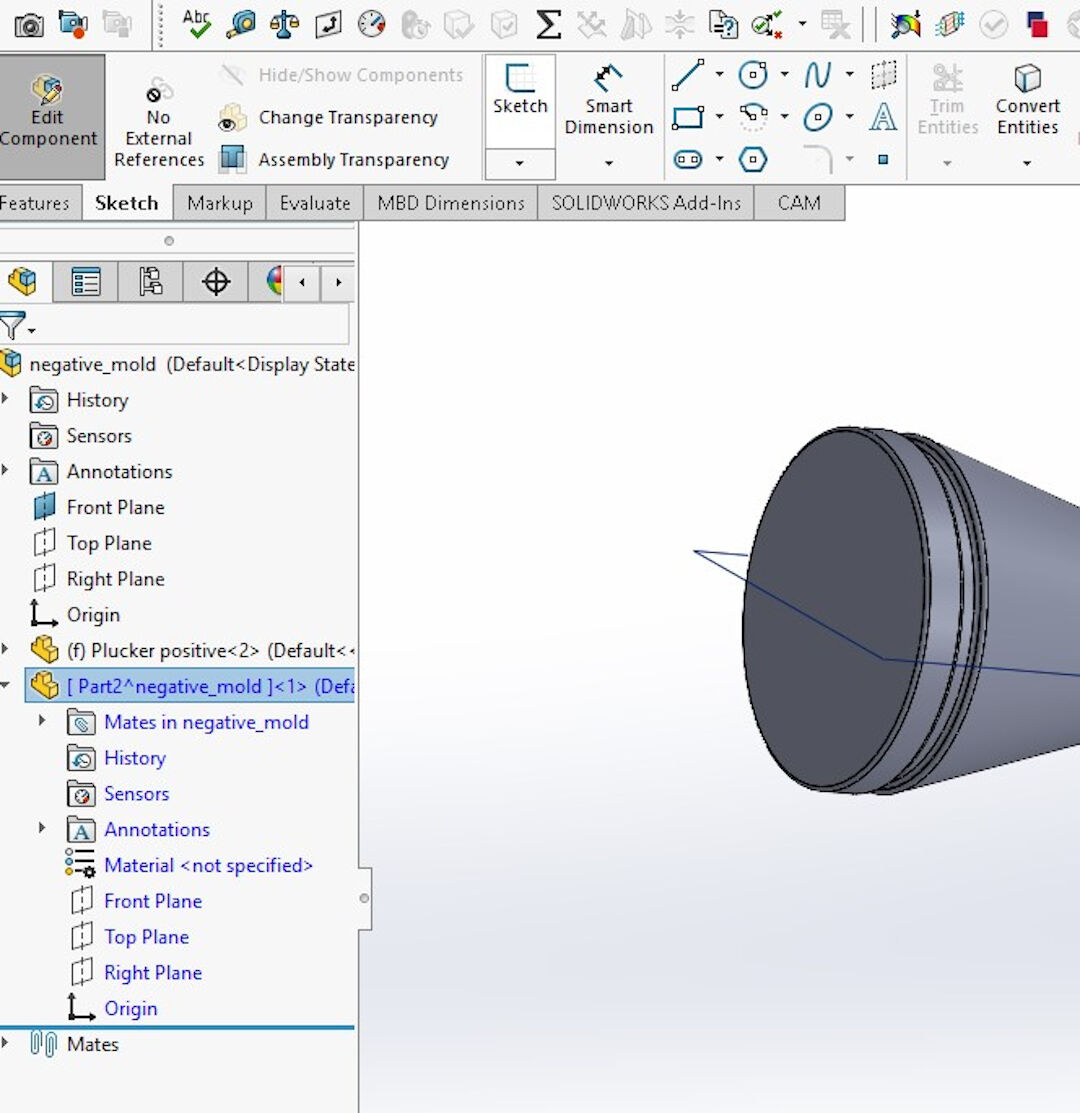
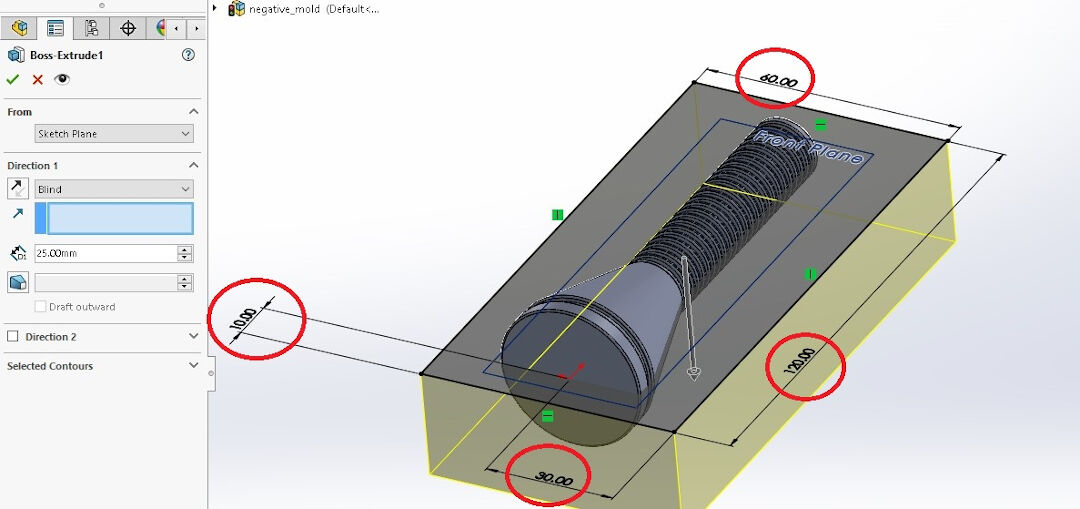
I then created a square around the part, making sure to leave 10mm around the part so there is silicone structuring the mold.
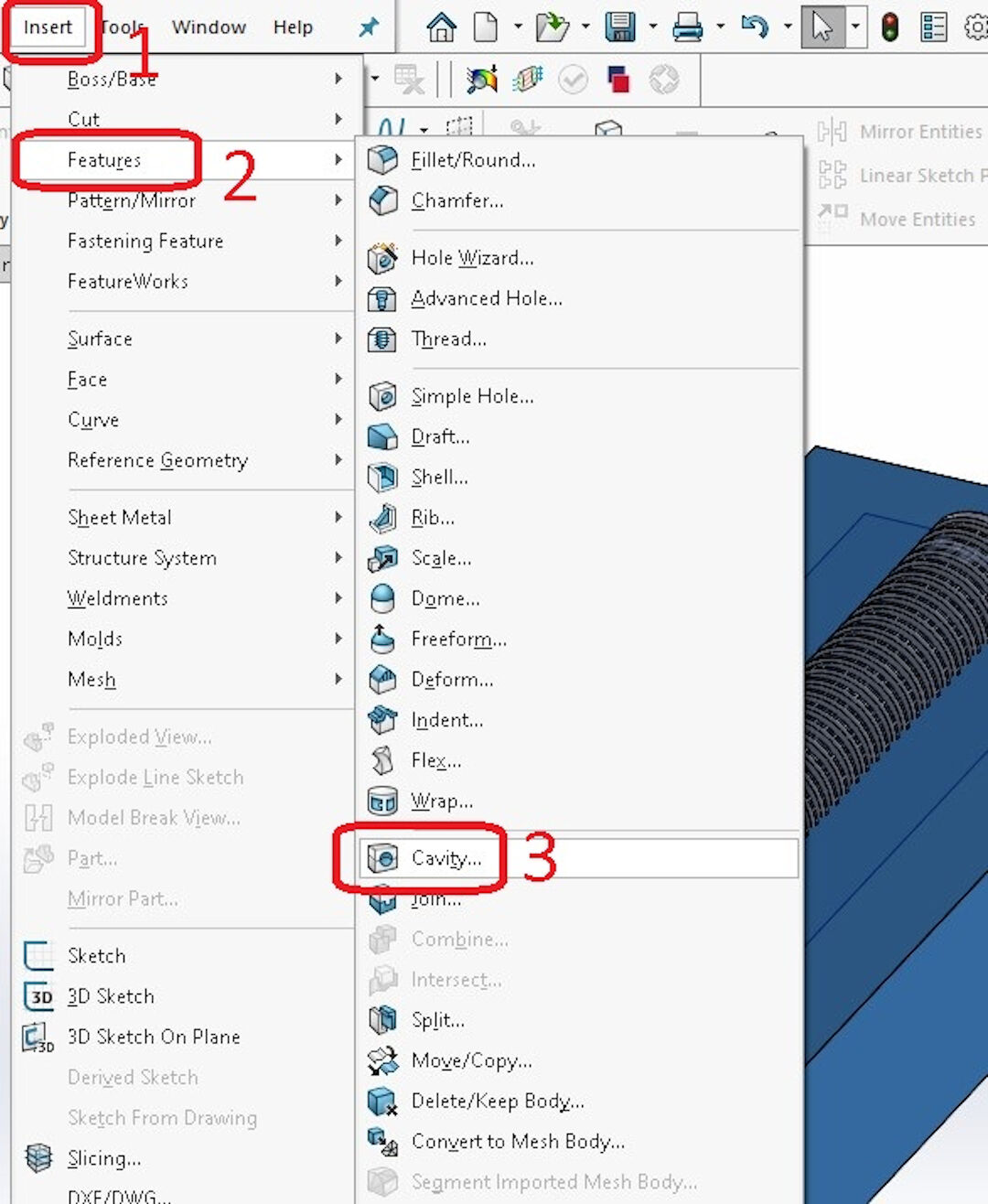
Now the magic! Imagine if we had to create all those negative features. No way, José! We are going to create a negative with the Cavity feature.
- Click Insert;
- Then click Features in the opened menu;
- Find Cavity and click on it.
Now simply select the model and confirm.
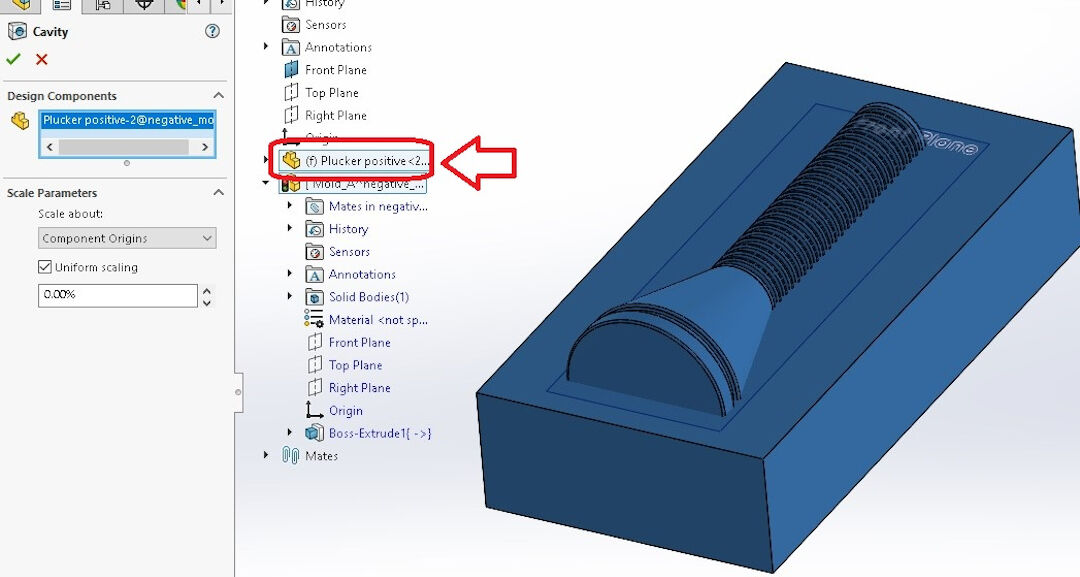
That's it! The first part is done! Let's call it mold A, shall we?
I exploded the parts for your entertainment. How nice of me! :-)
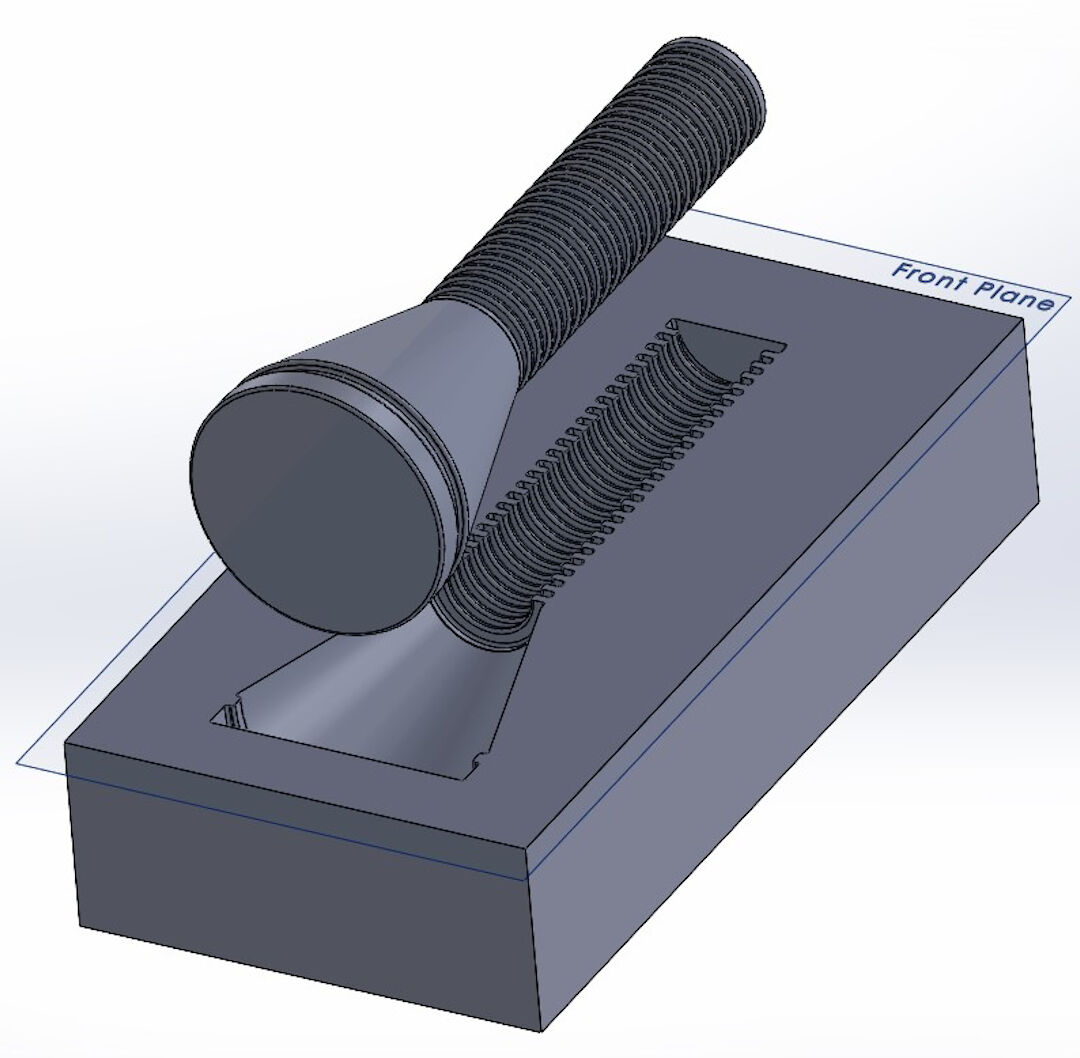
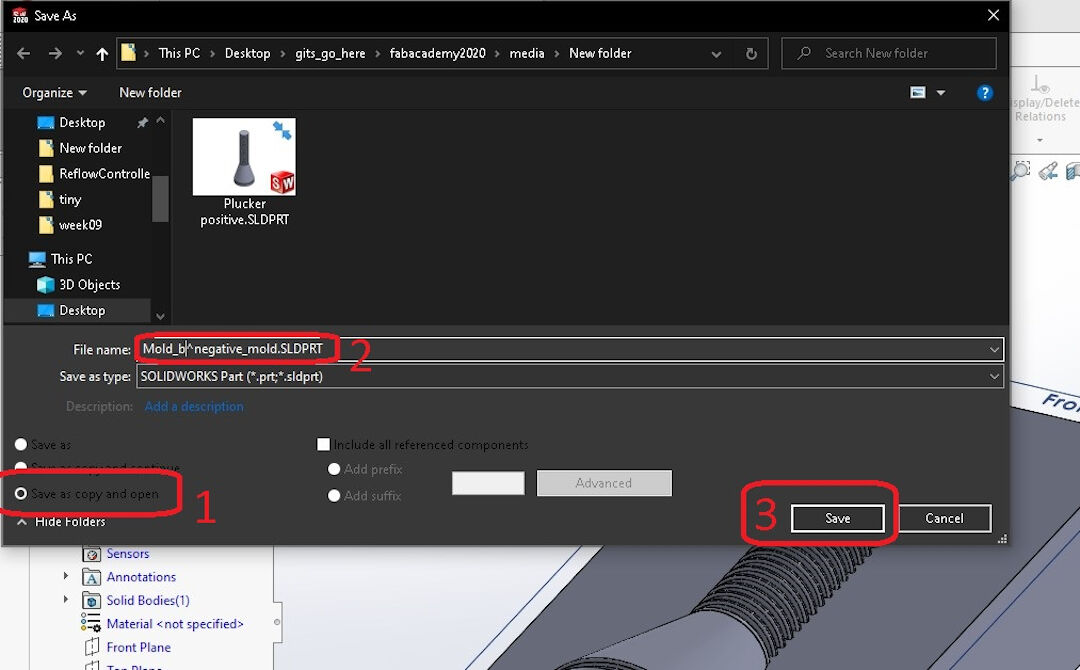
Now, because I am very lazy, I will make a copy of mold A in order to create mold B.
- Click on Save as copy and open. The reason we chose this option is that the first one will really just rename the part, but we actually want to have an open copy;
- Name the part, in my case Mold_b;
- And save.
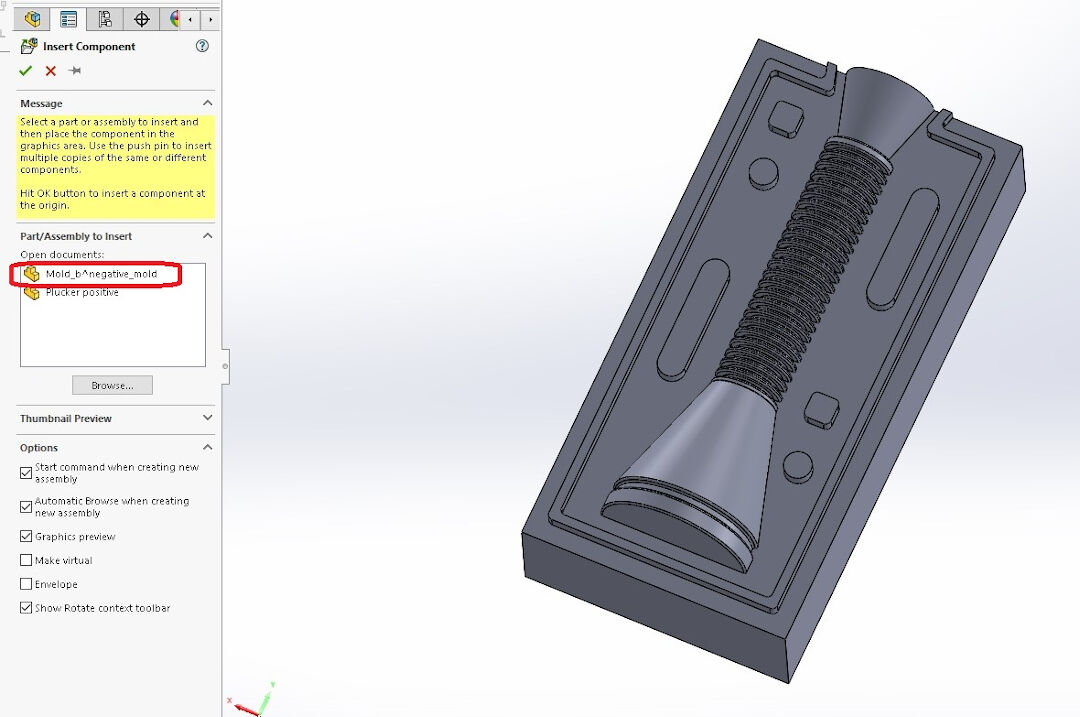
Now we are going to insert the copied part. Like before, click on Insert Part again and again... and confirm.
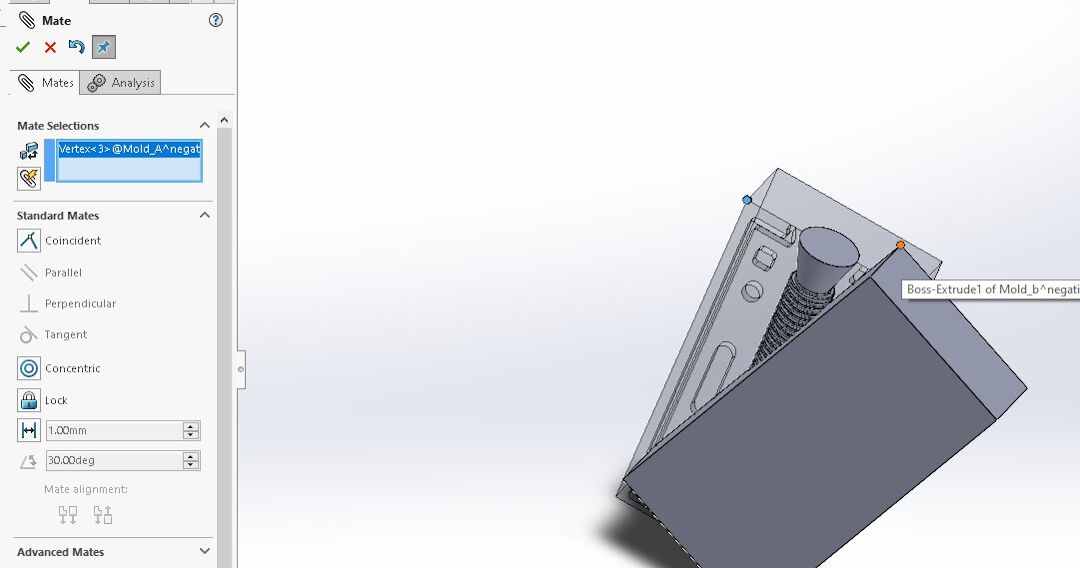
Now we need to mate the parts. Oh, I forgot to mention that after copying the part, if so desired, you should create some features in order to keep the mold from moving and to minimize the parting line.
- Do that by clicking on the face
- and then clicking on the second face of mold A, so later they will mate there.
- Now click on Coincident and confirm.
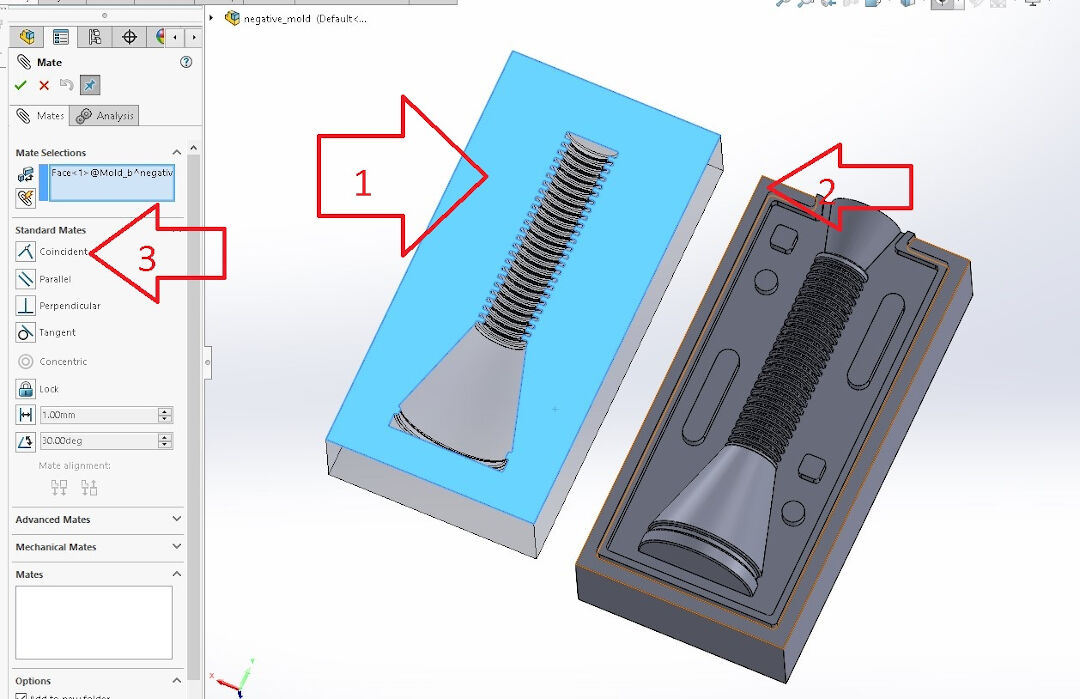
The part is not yet completely mated, but it's getting there.
Repeat this in the opposite corner and we are done mating.
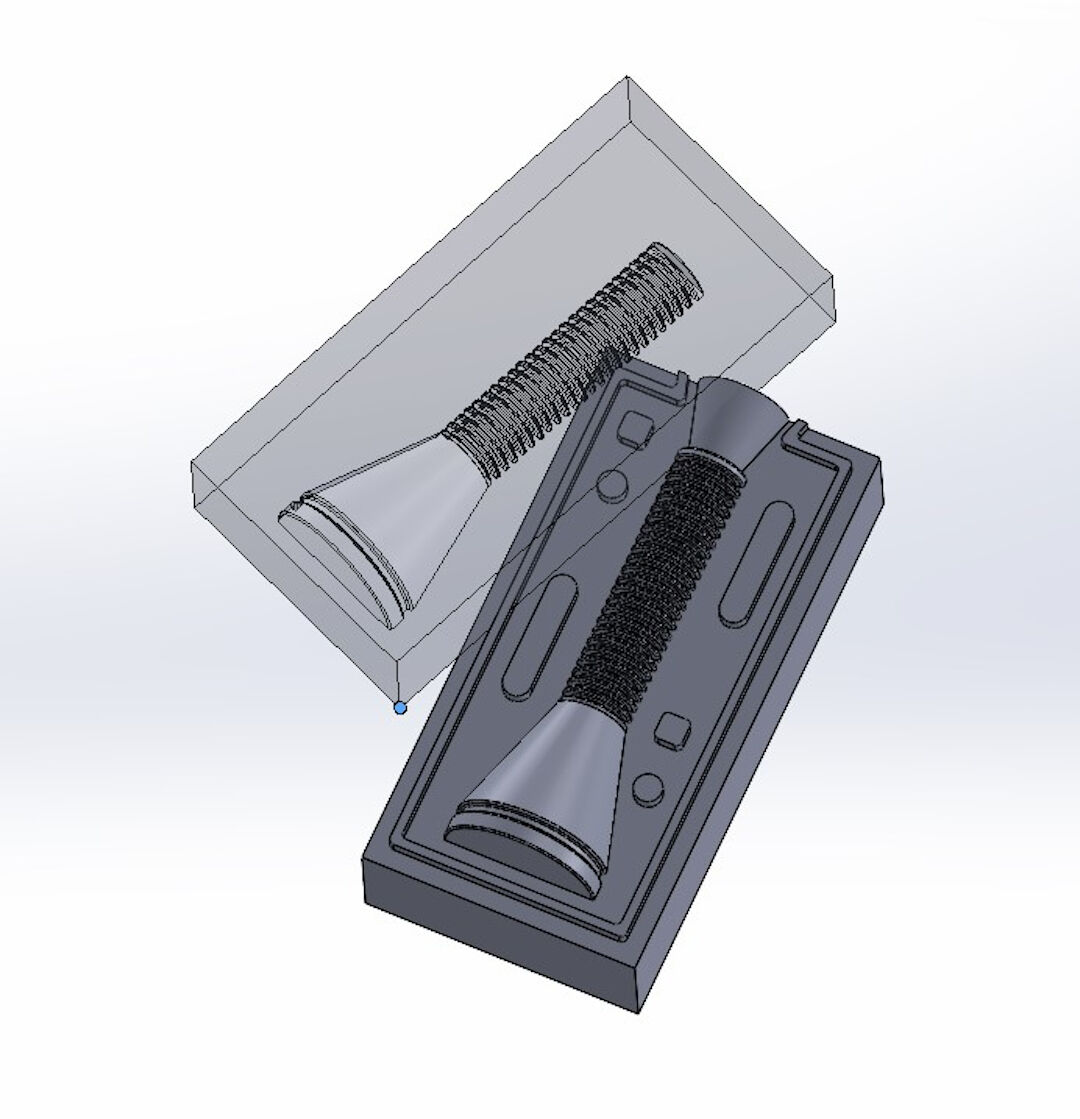
Now, with the same procedure as before, click on the corner of the part.
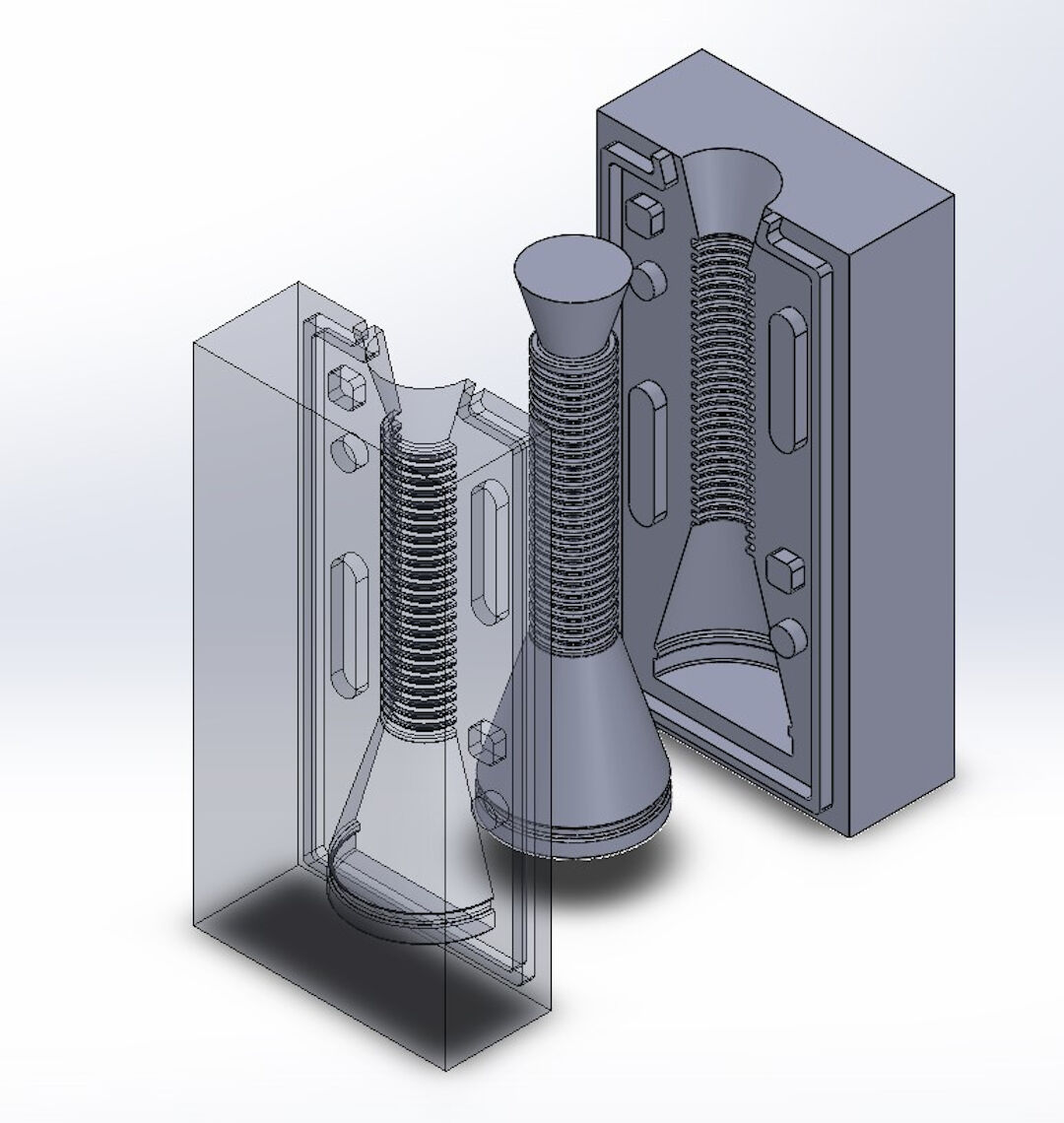
Again, exploded for you! In case you are wondering how I got the negative features in mold B, just review the first cavity; it's done the same way.
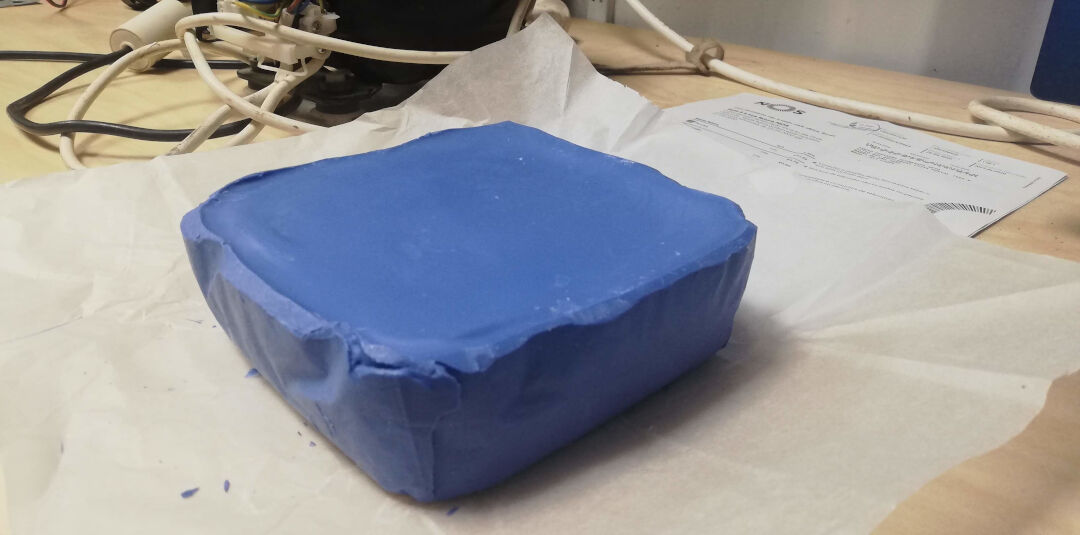
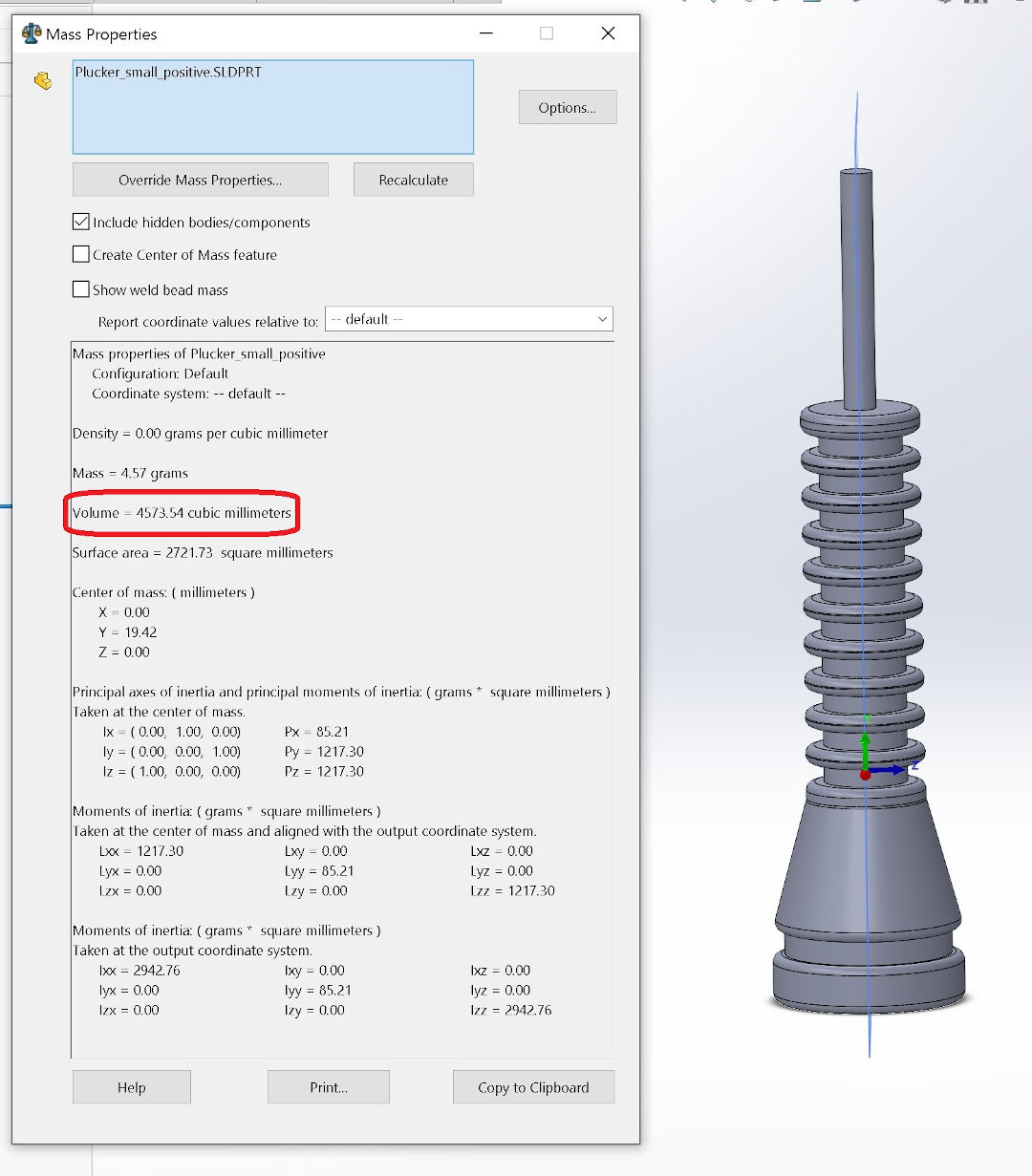
Finally, I calculate the volume of the part. This will be useful when casting, so I waste the minimum amount of silicone when casting the part. About 5ml of silicone, I guess. But I will actually prepare twice that, as I have some plans for the leftover. Ah, in case you noticed that the positive part is different from the one I used initially, it's because I decided to reduce its size, as it was too big for the machinable wax I created in the Wildcard Week.
Milling
I started milling by fitting the stock over a cardboard box so I would waste as little wax as possible. Recycling is on my mind! I drilled clearance holes and attached everything to the sacrificial bed of my large CNC.
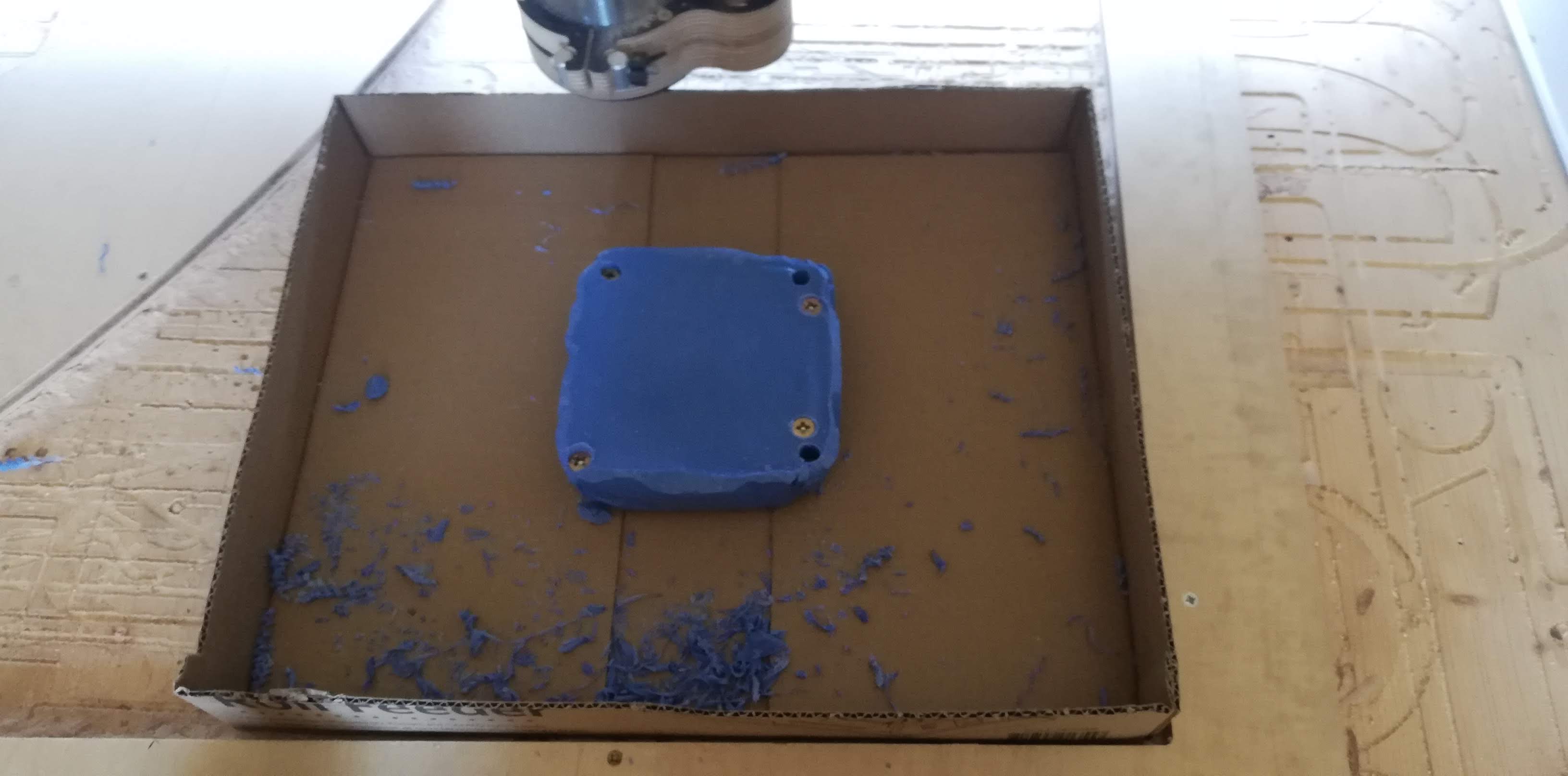
The process to start the CNC is the same one presented in the Input Devices week, except there is no auto calibration or finding the 0 automatically, so in case you forgot: start Mach3, use the arrows to move the CNC to the location where you want the origin to be, then click on each axis: X, Y and Z.
The video shows the CNC doing its initial moves, clearing the first steps with a 1/4" mill bit.
Here we can see more of the process with the smaller 1.5mm mill bit, which was the last bit I used.
The final result of the positive mold is really nice; it's smooth and the details are satisfying.
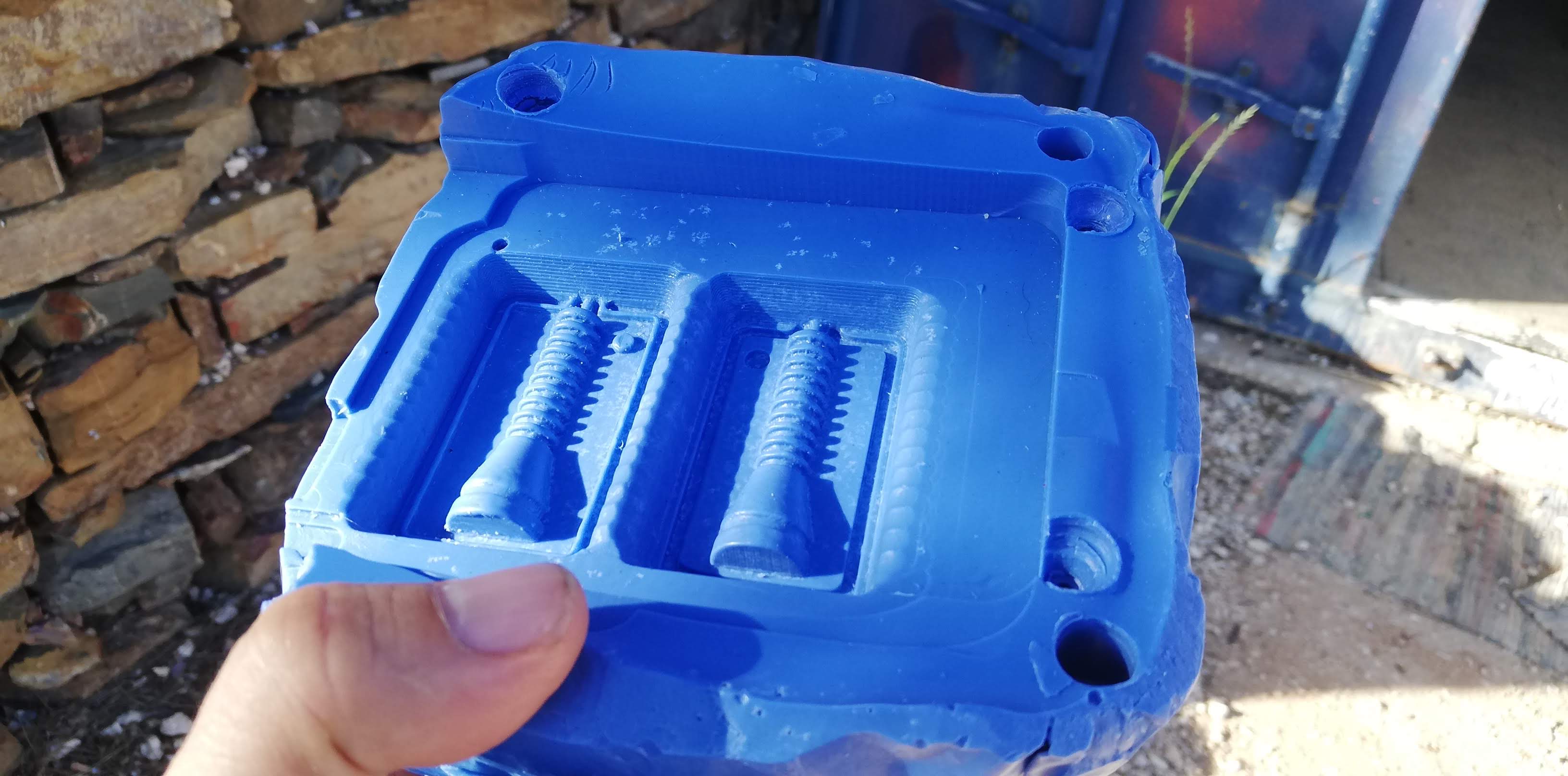
Casting the Negative Mold
We started by reading the datasheet aloud! My dear colleague and daughter Bianca did the honors. :-)
Here you can see the 3030 Slide I used initially.
We marked each bamboo stick with a different color of tape, and with glasses and gloves on, we started the process.
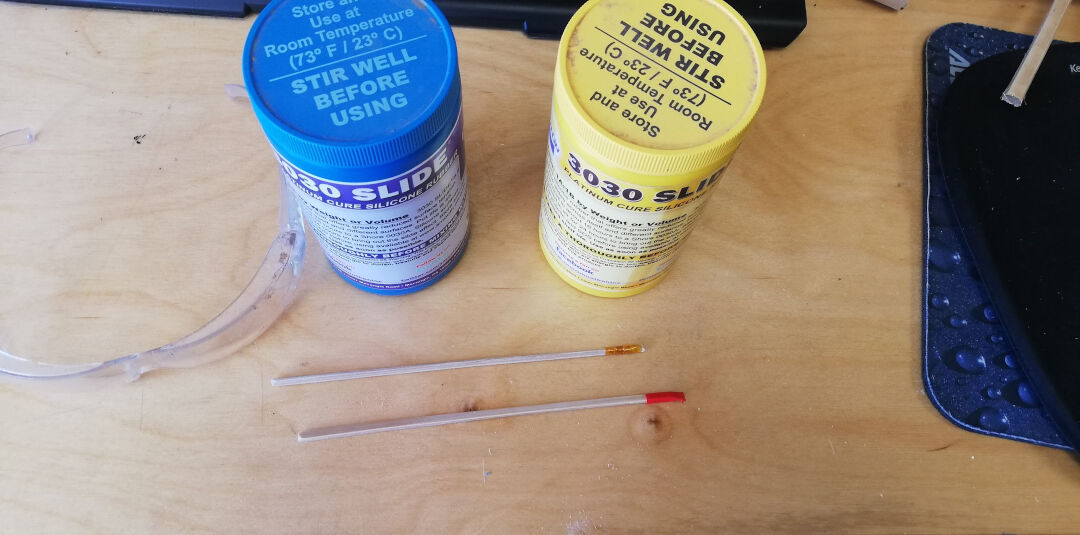
A lot of stirring is necessary, but this product has a long pot life, 45 minutes before it starts curing, so no hurry here. It's important to mix each component well and then the mix.
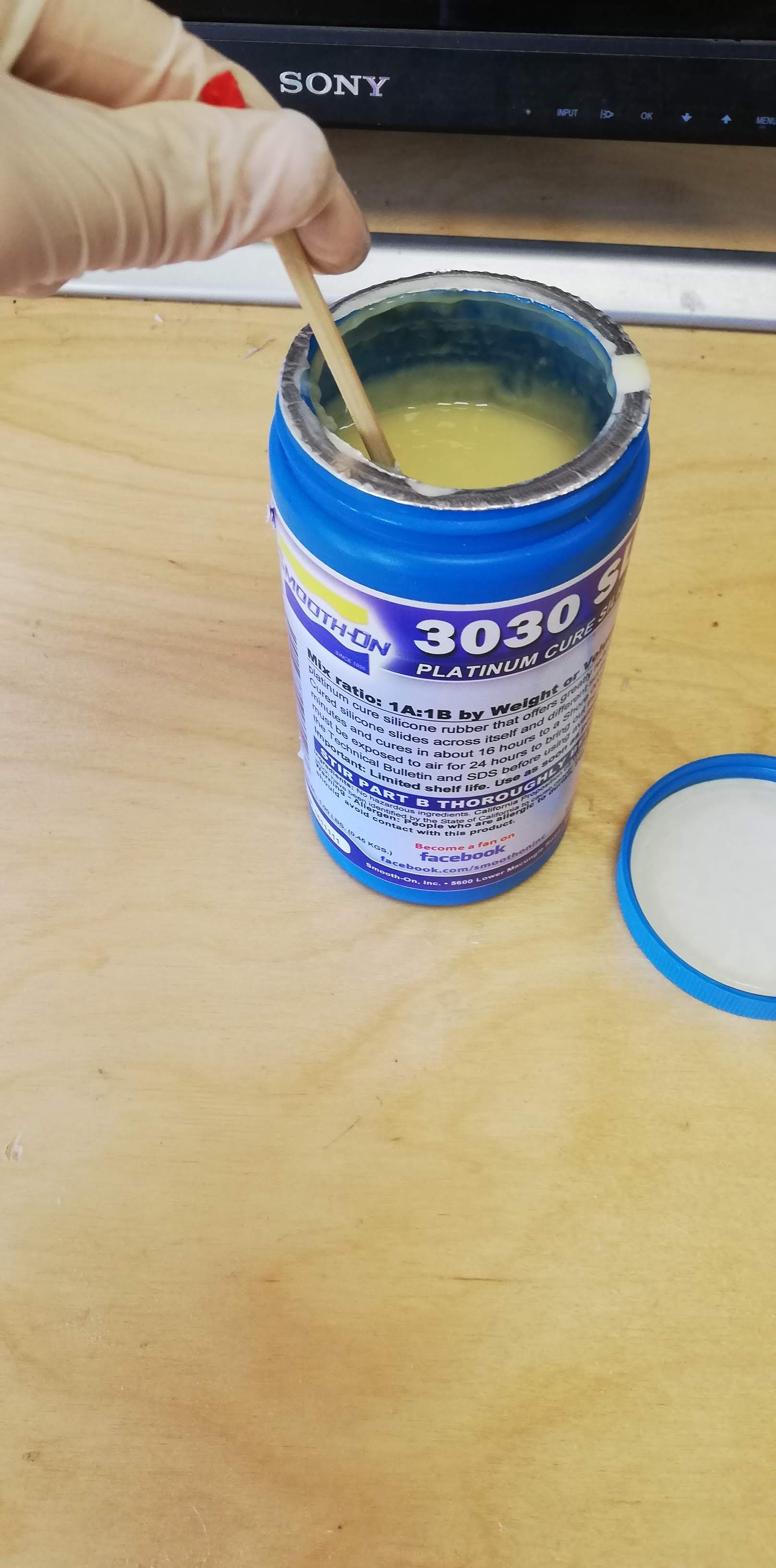
With a one-to-one ratio, we had 43 grams of silicone to make our negative mold.
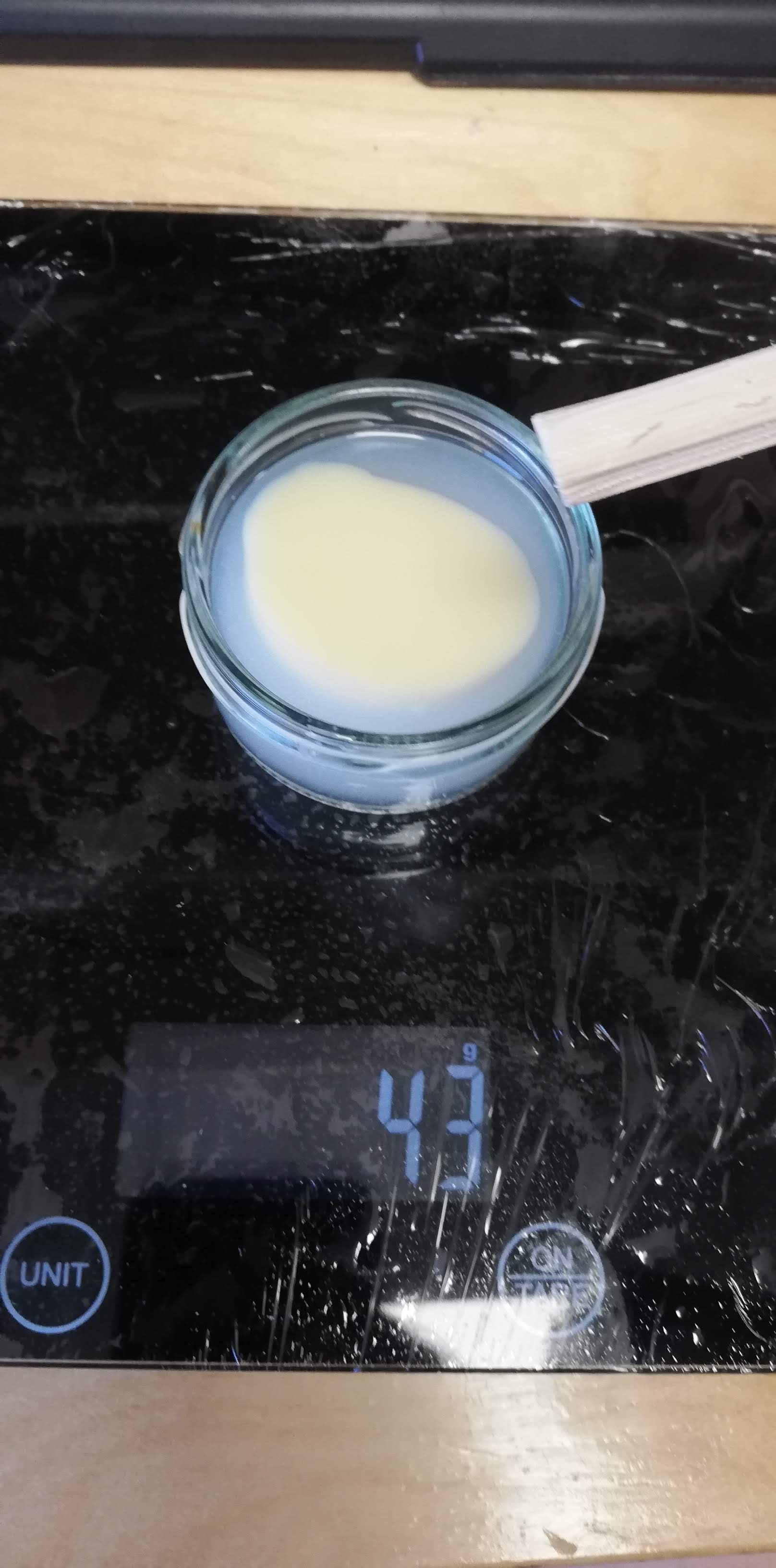
Here you can see the pouring, how satisfying!
The results were not good! After waiting more than 48 hours, the mold was still sticky. I believe there is something wrong with my silicone; it's been 2 years since I bought it, so that might be it.
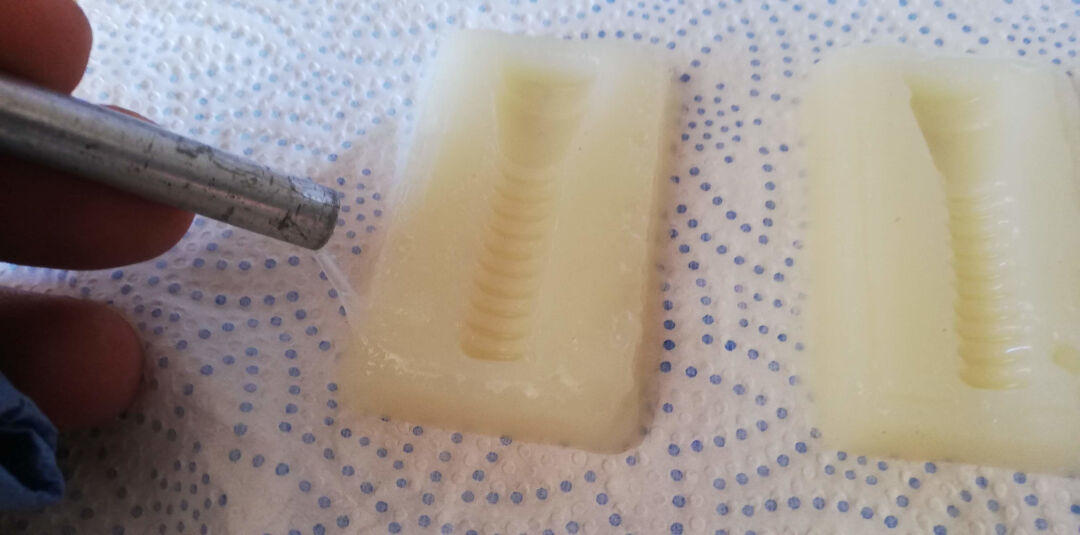
The second problem was the features I created to prevent the mold from moving: they would not fit well against each other, so I decided to fill them up with regular paraffin and smooth them with a blade. The results were decent.
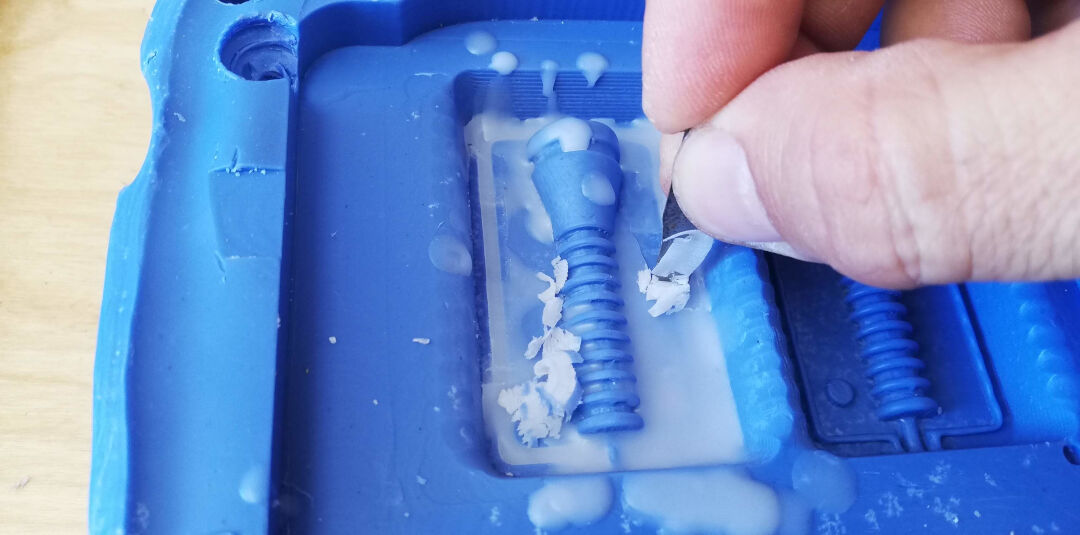
Here is the positive mold with the features manually filled with paraffin, ready for casting again.
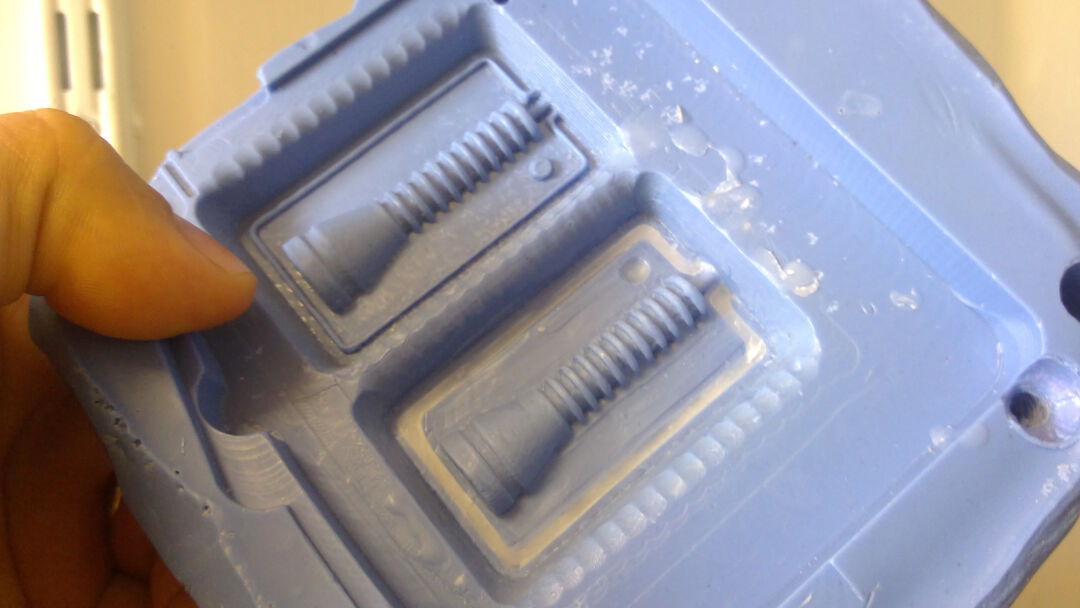
Here you can see the new cast with this silicone I had in the lab. It is from a Chinese company called OTT; the model # of the silicone is OTT-1817. I couldn't find its datasheet, as I believe it's a product no longer being made. I even tried emailing the company, but got no reply from them.
The process was the same, from ratio to stirring; the difference is that this product cures in 30-40 minutes, so one needs to be fast. :-)
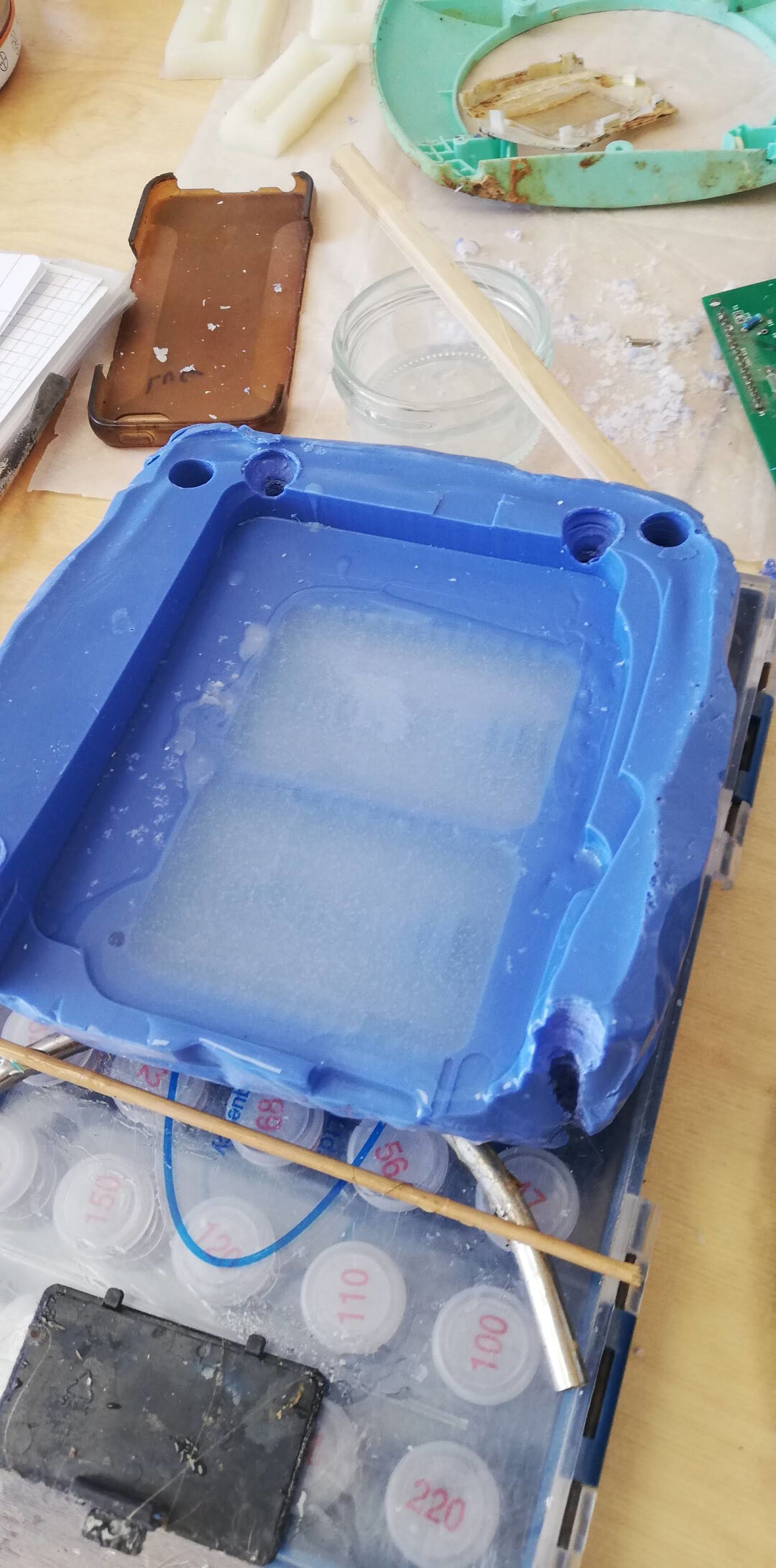
The results were really satisfying!
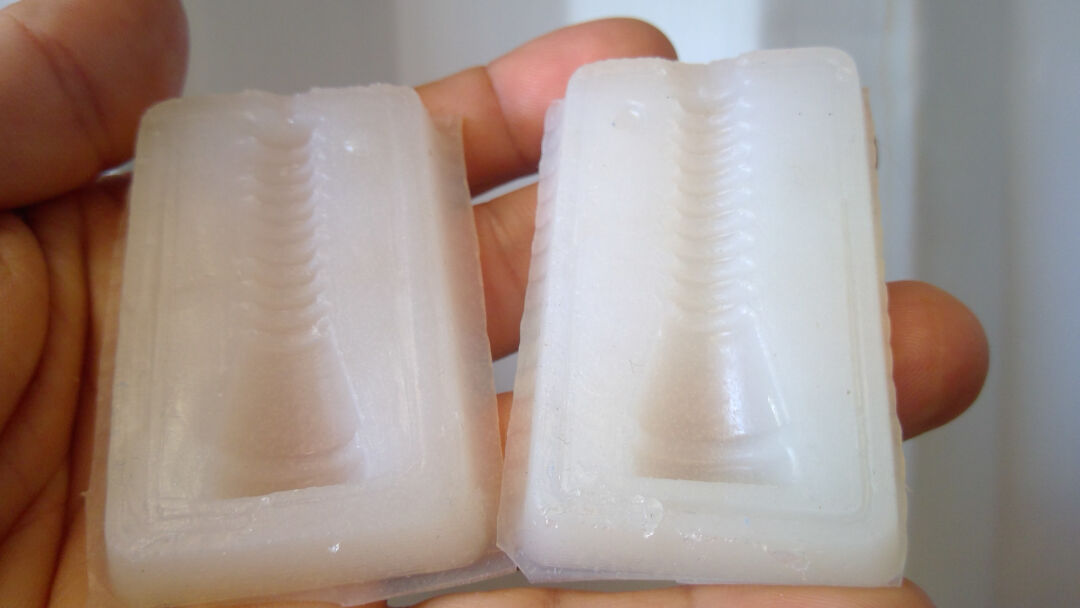
Casting the Part
As I am doing silicone-on-silicone casting, I need to prepare a release agent.
On the Smooth-On website, there are 3 possibilities presented. One is proprietary; the others are easy to DIY.
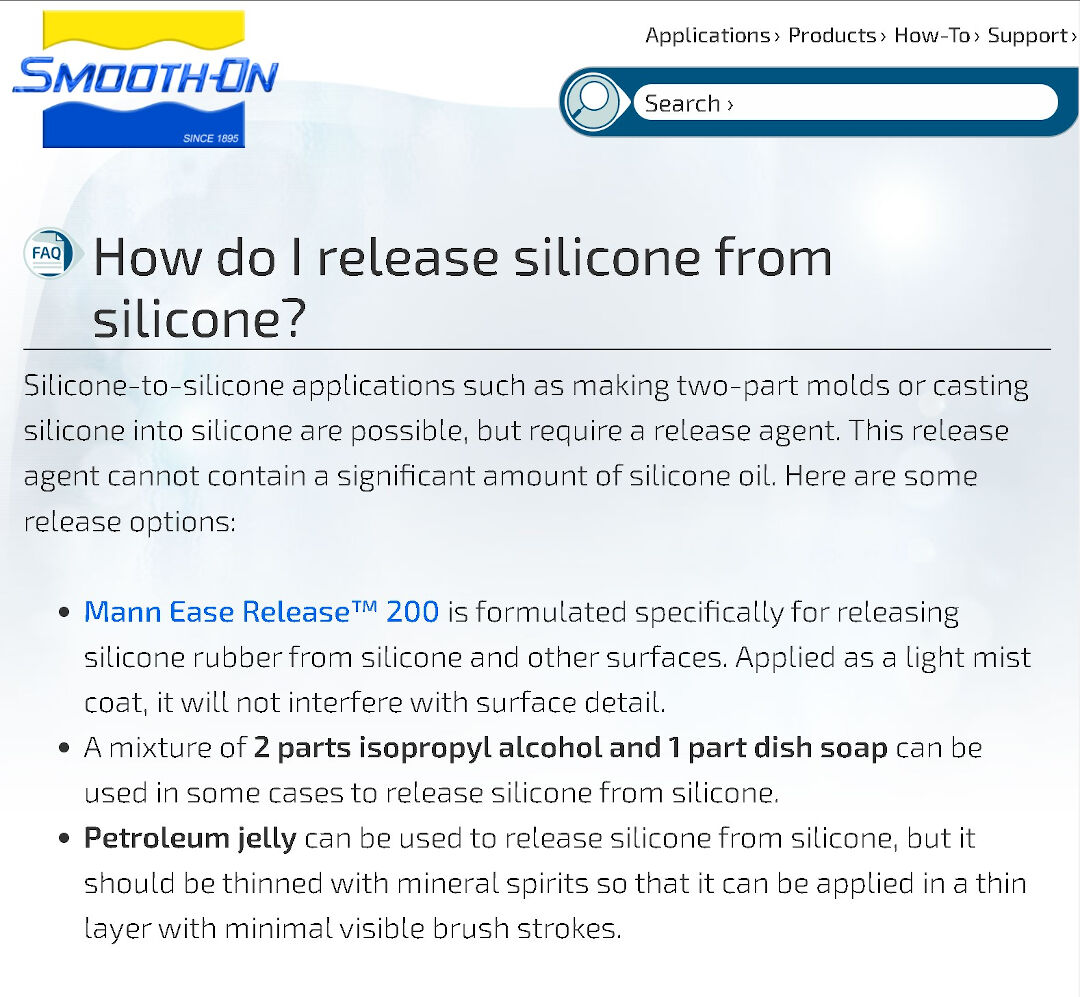
As always, I will go DIY and make a mixture of 2 parts isopropyl alcohol and 1 part dish soap. I have no idea if it will work or if it will ruin the mold.
Because there are no instructions for the DIY solution, I assume they are the same as for the proprietary option.
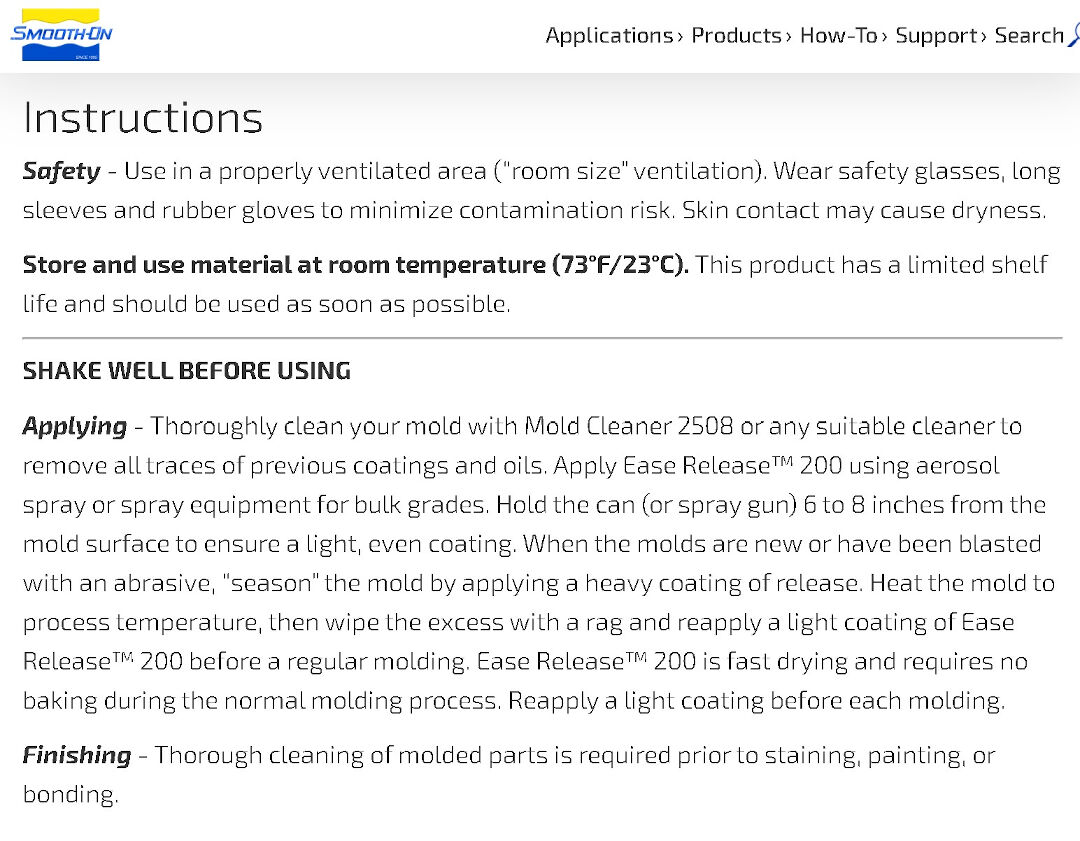
So, with the solution in hand, I apply it to the mold and let it dry in the sun.
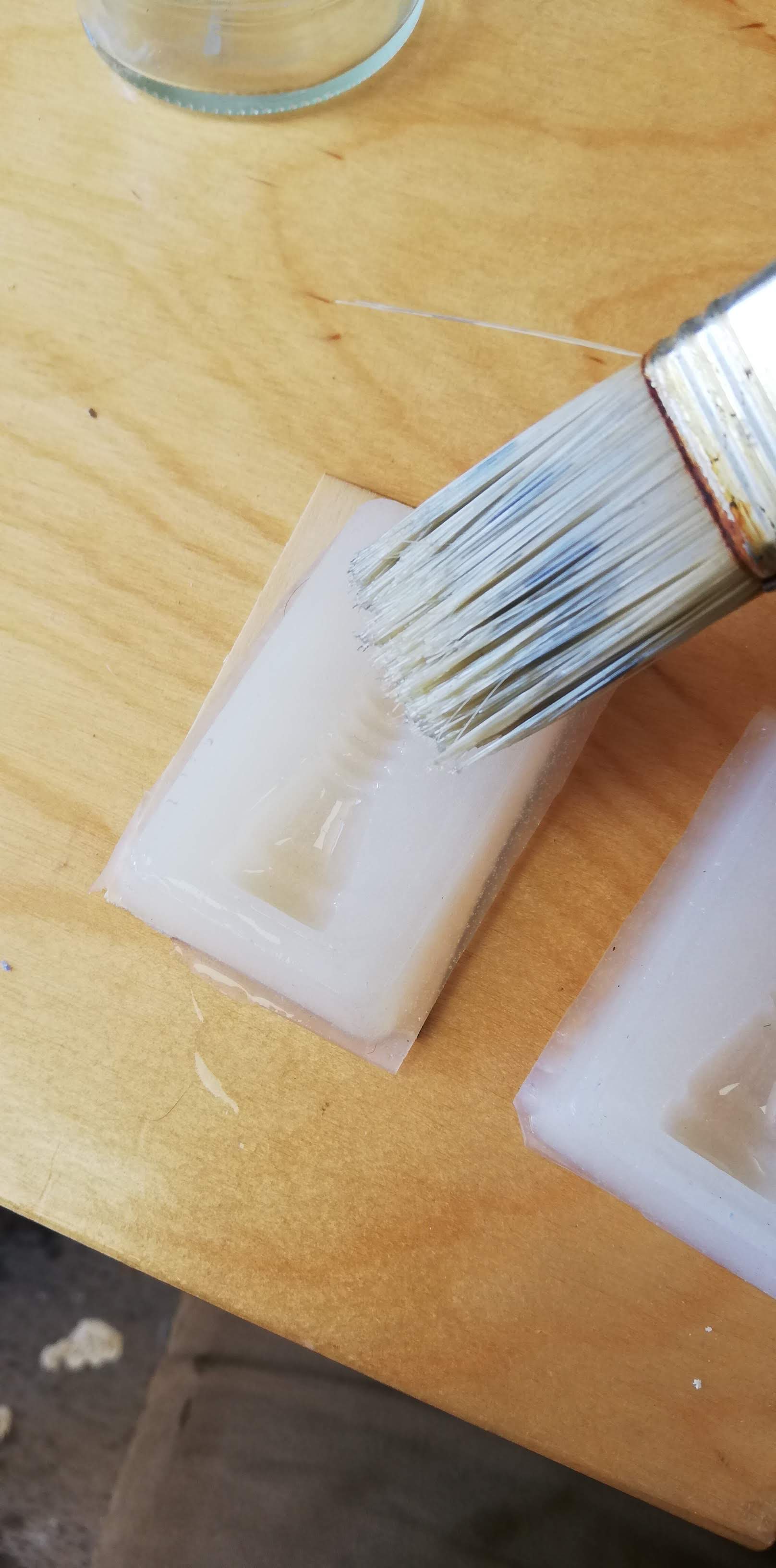
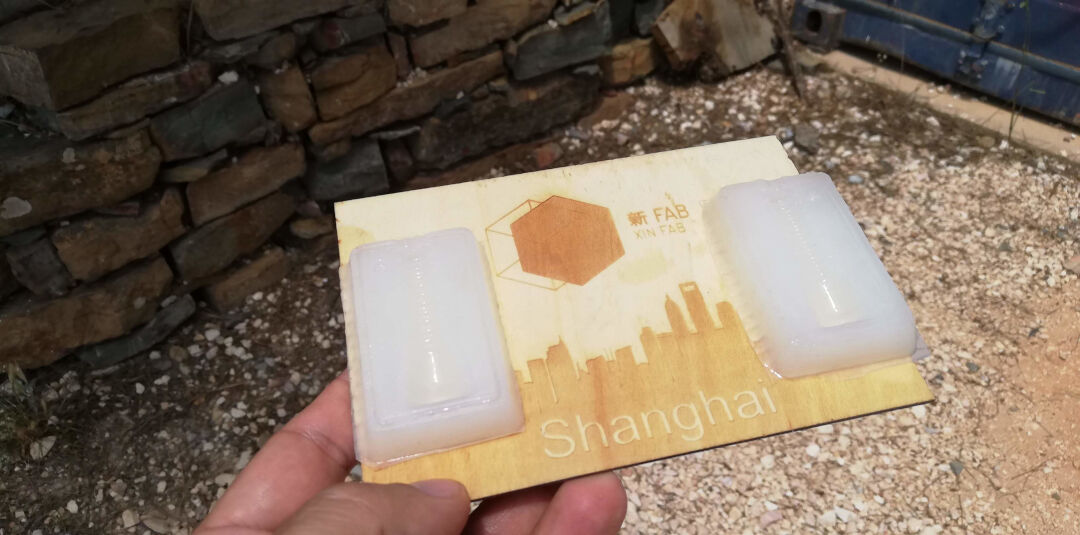
With the mold ready, I cut 2 pieces of thin plywood. This will help structure the mold to have an even pressure and prevent the mold from leaking.
I then clamp it down, hole up.
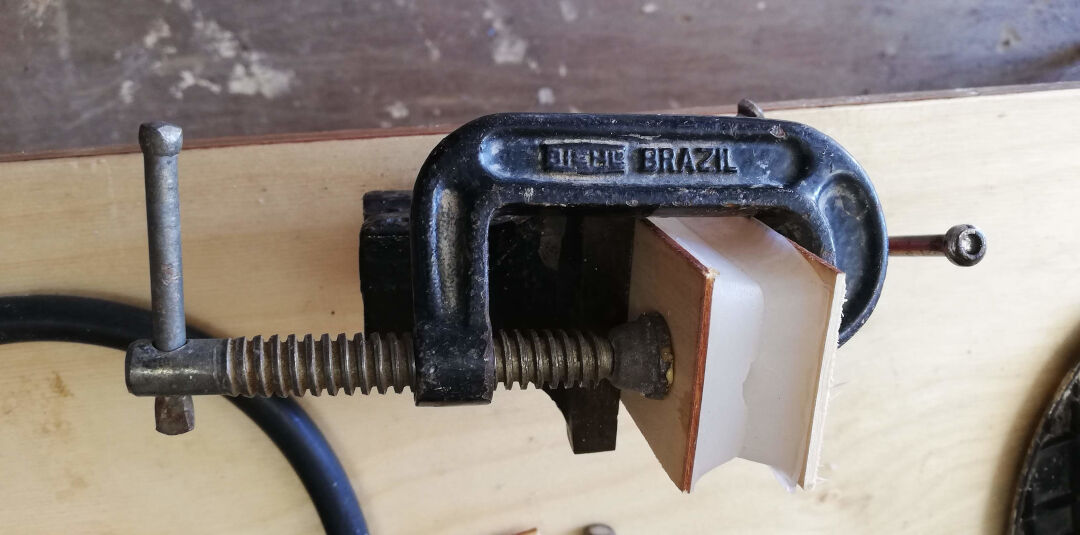
I will need a hole to let the air out as the silicone enters. As I hadn't thought of that in the design phase, I cut a bit of the silicone to enlarge the hole.
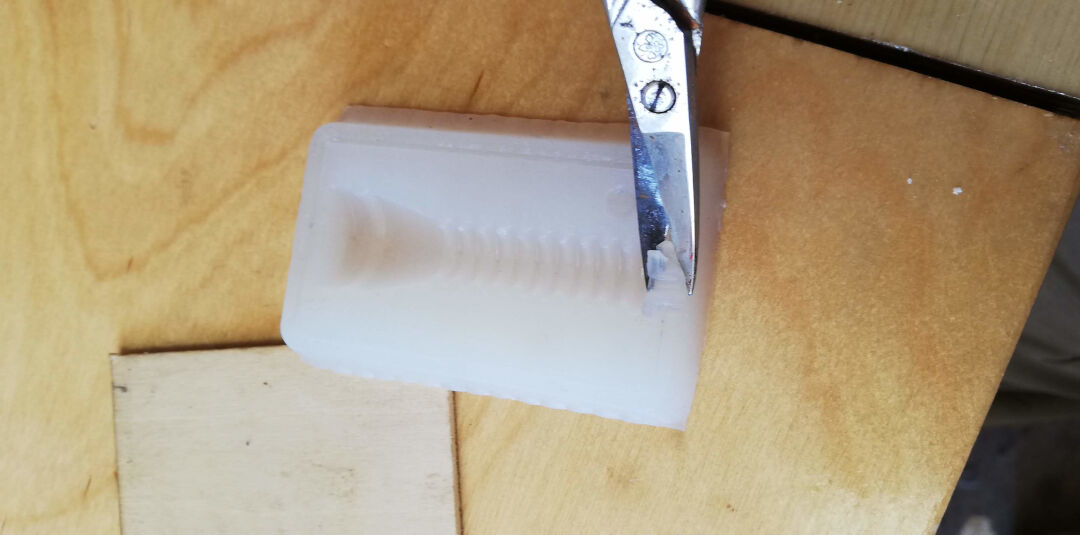
Having already prepared the silicone like before, I use the syringe to introduce the silicone into the mold.
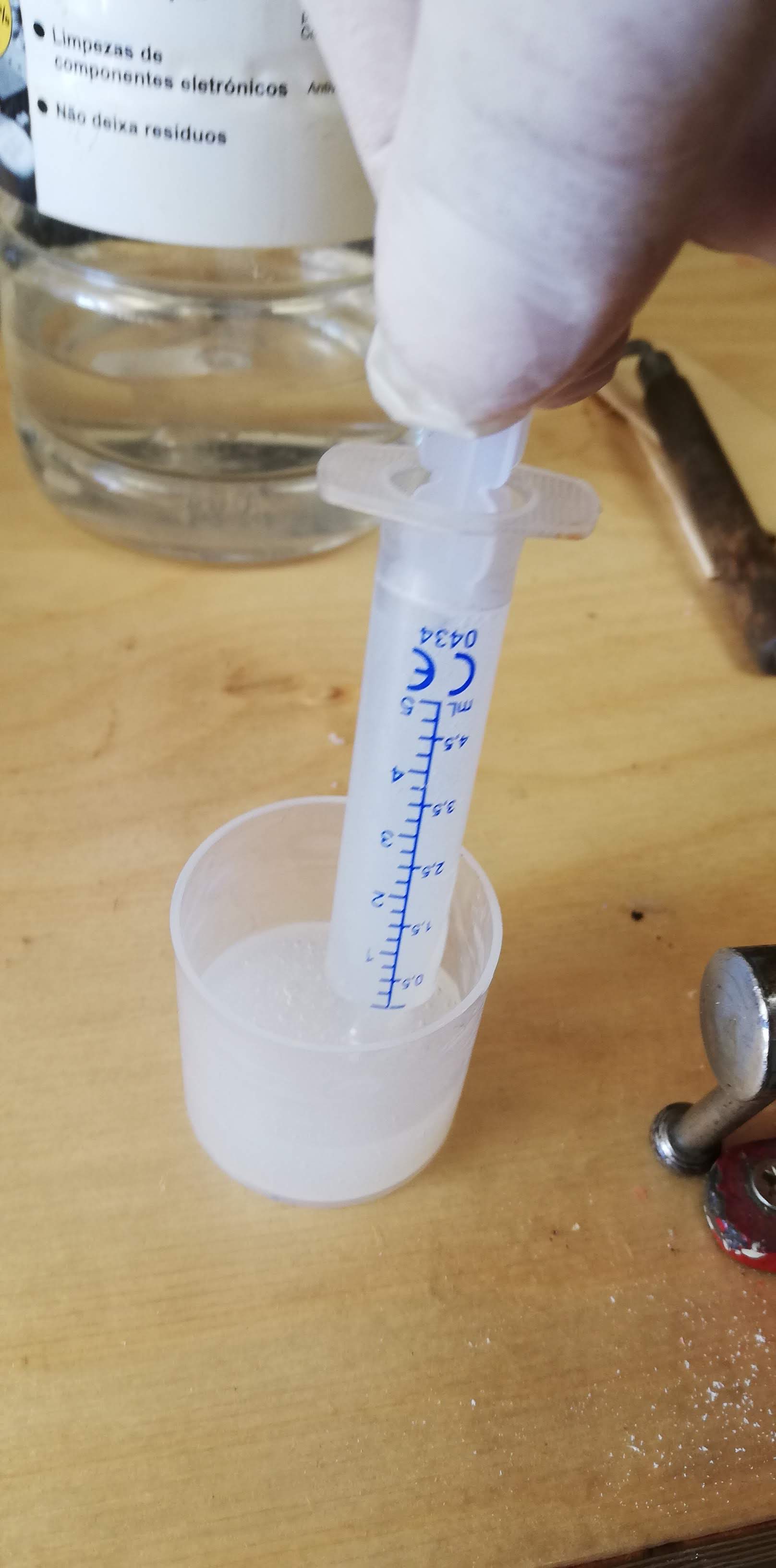
Now I wait for the silicone to cure, just like before, and then go inspect the part.
Voilà, it's done!
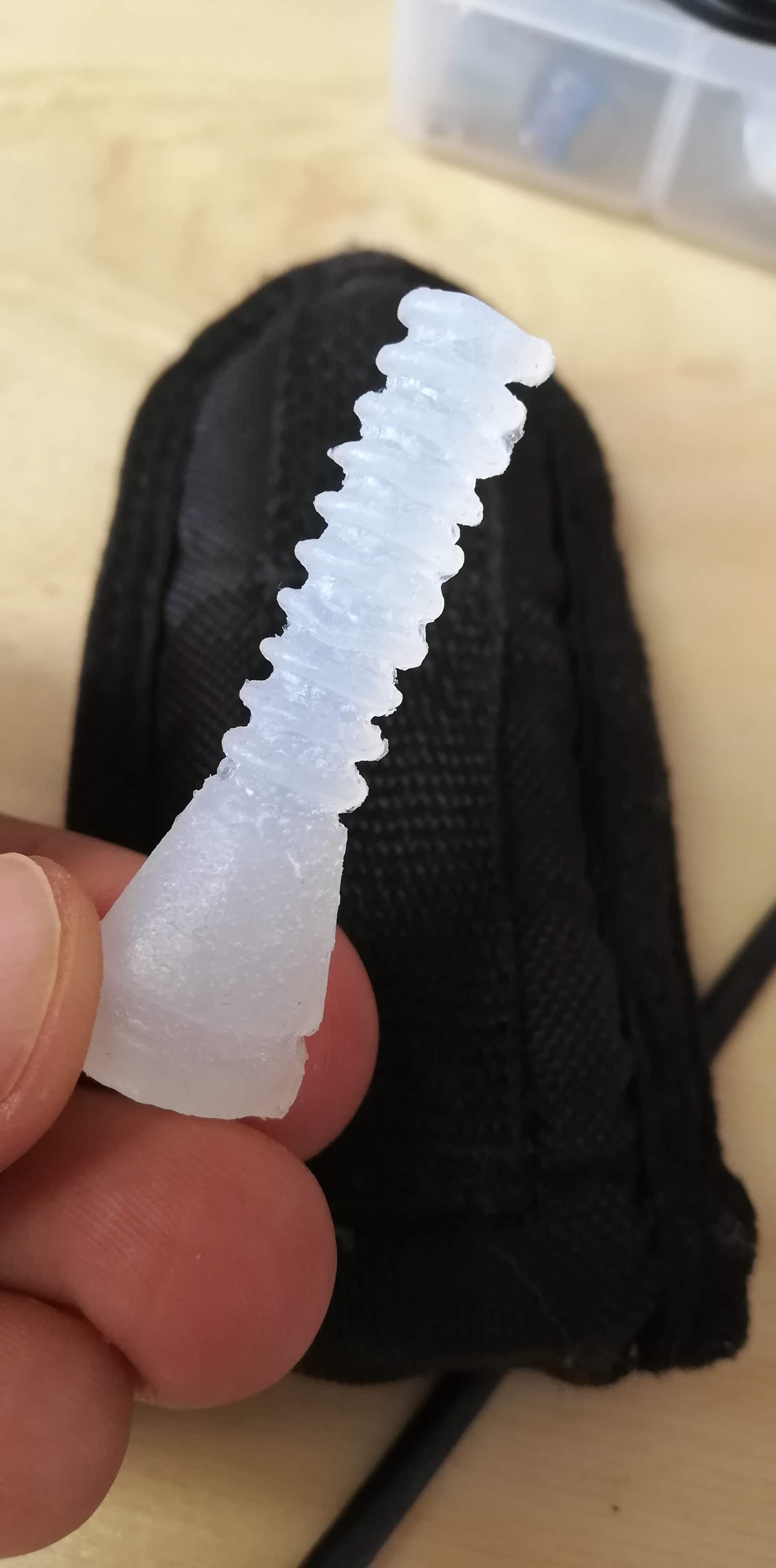
It's so flexible!
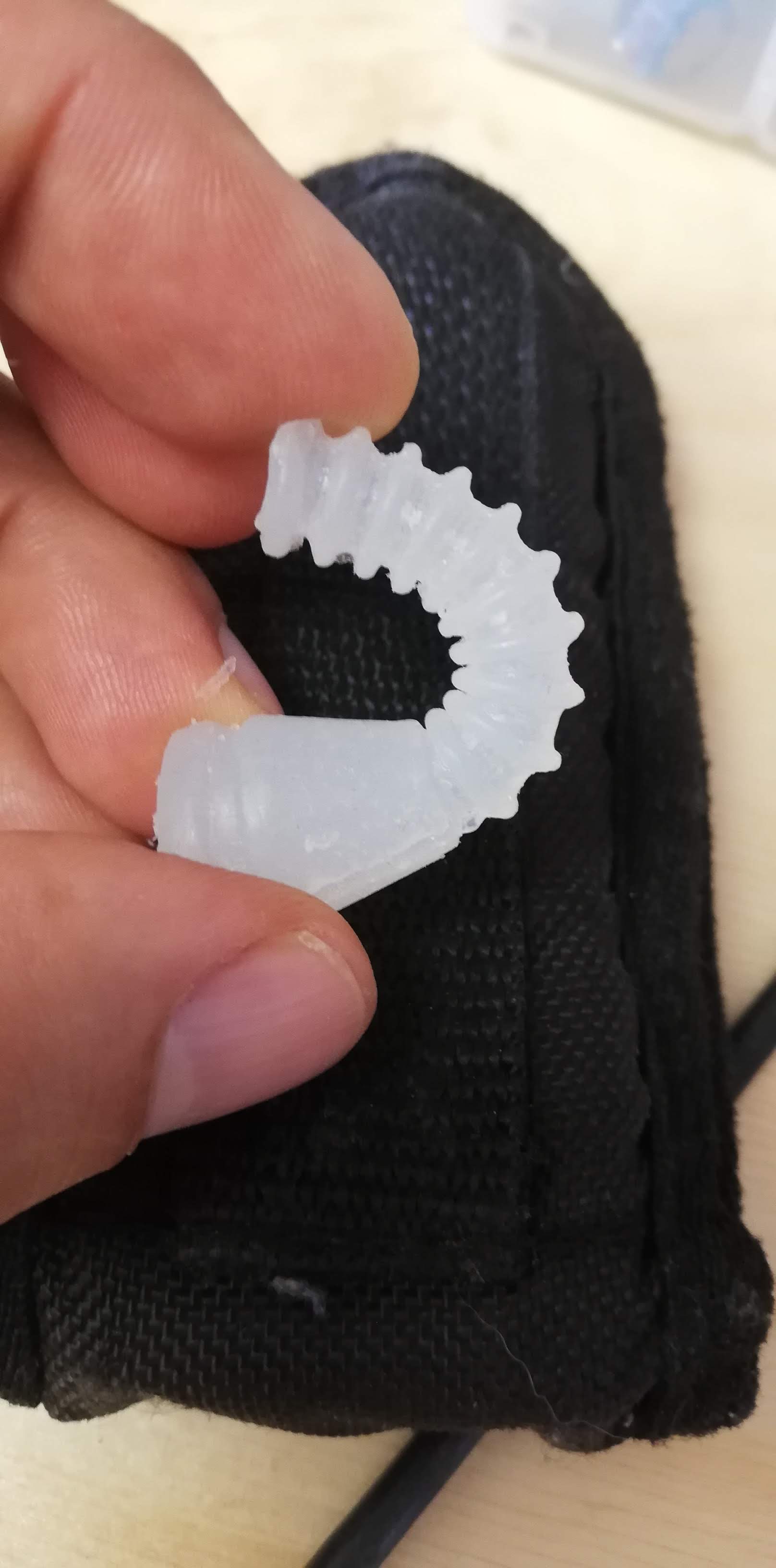
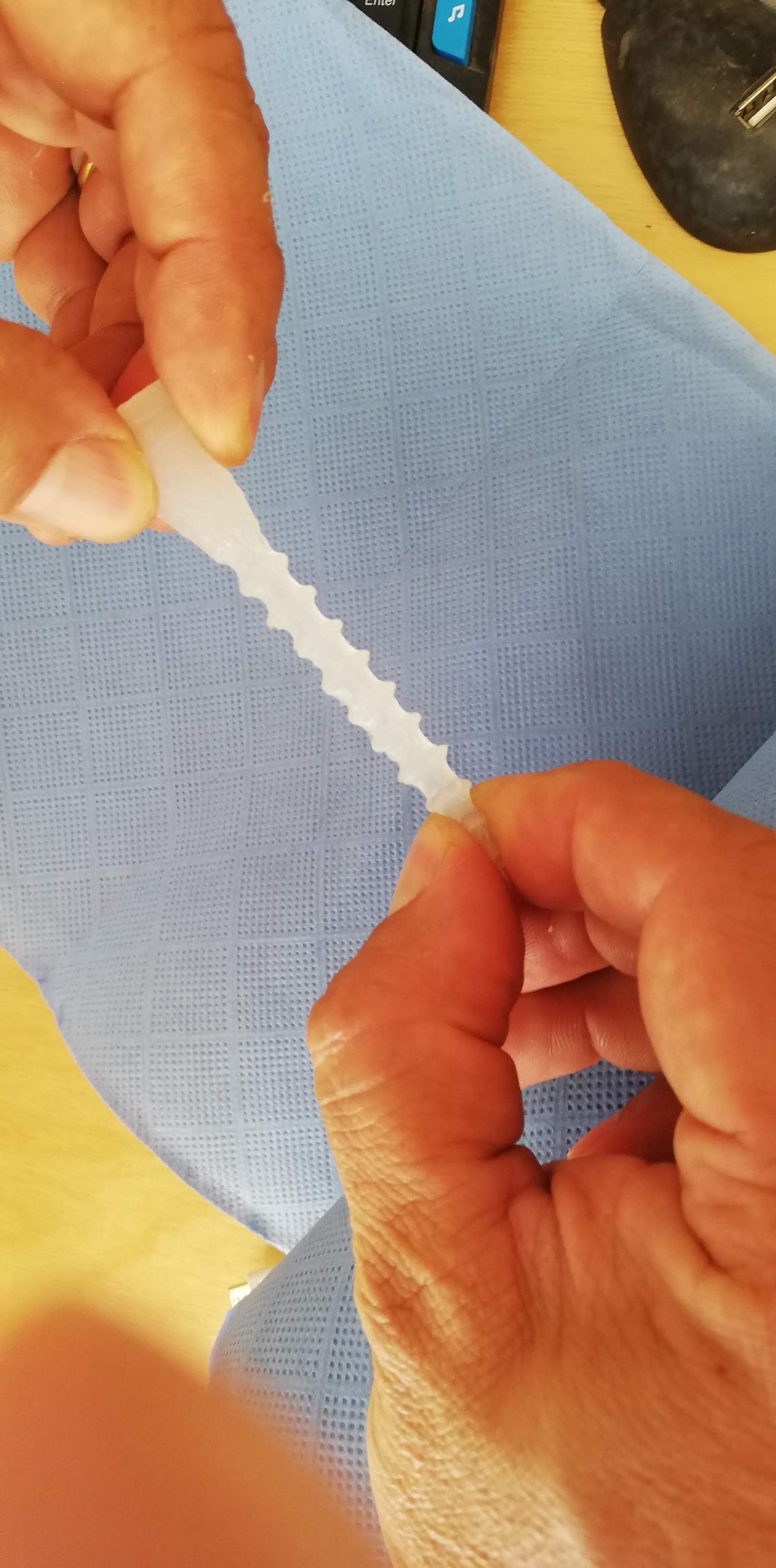
And so strong!
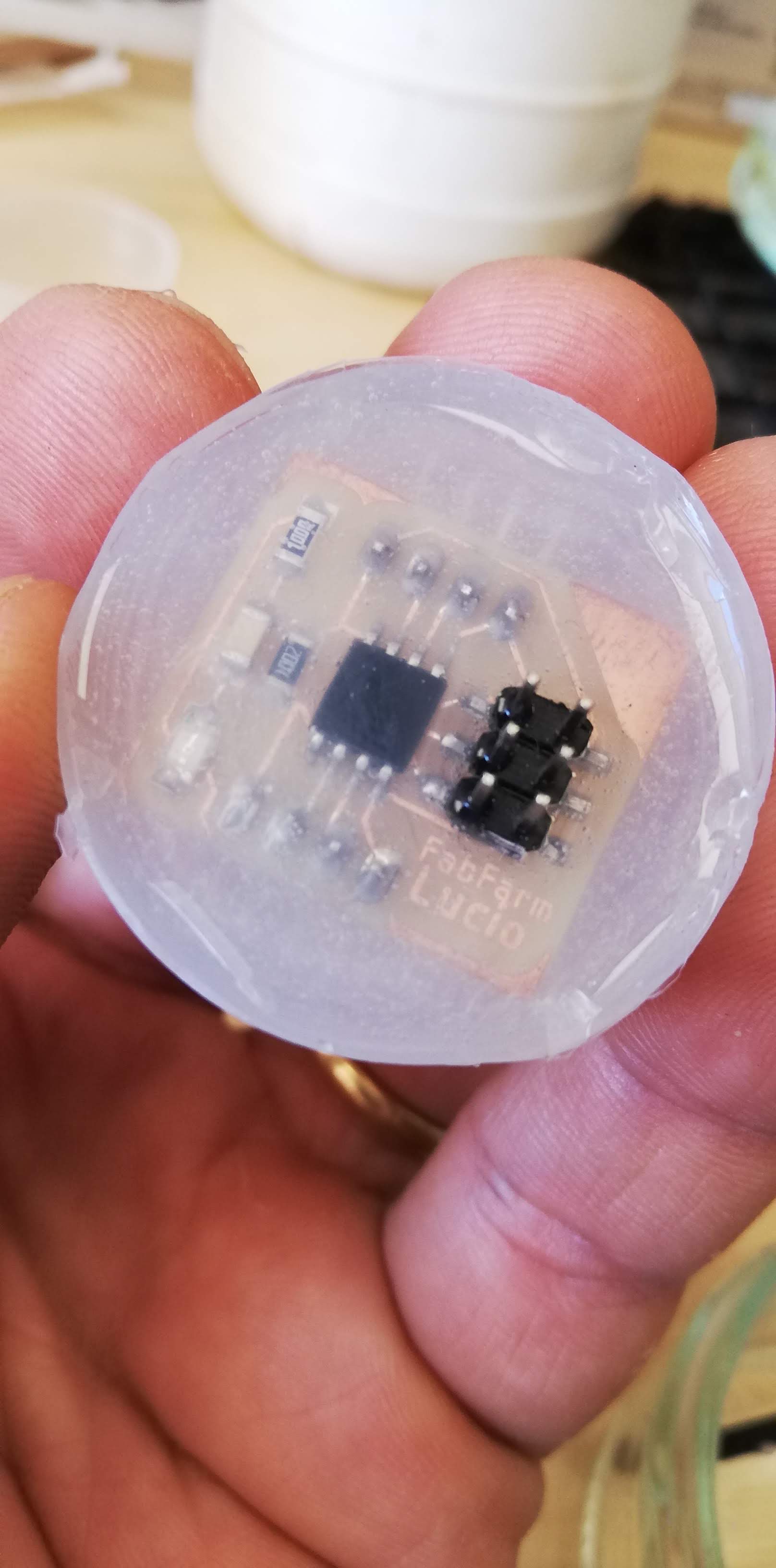
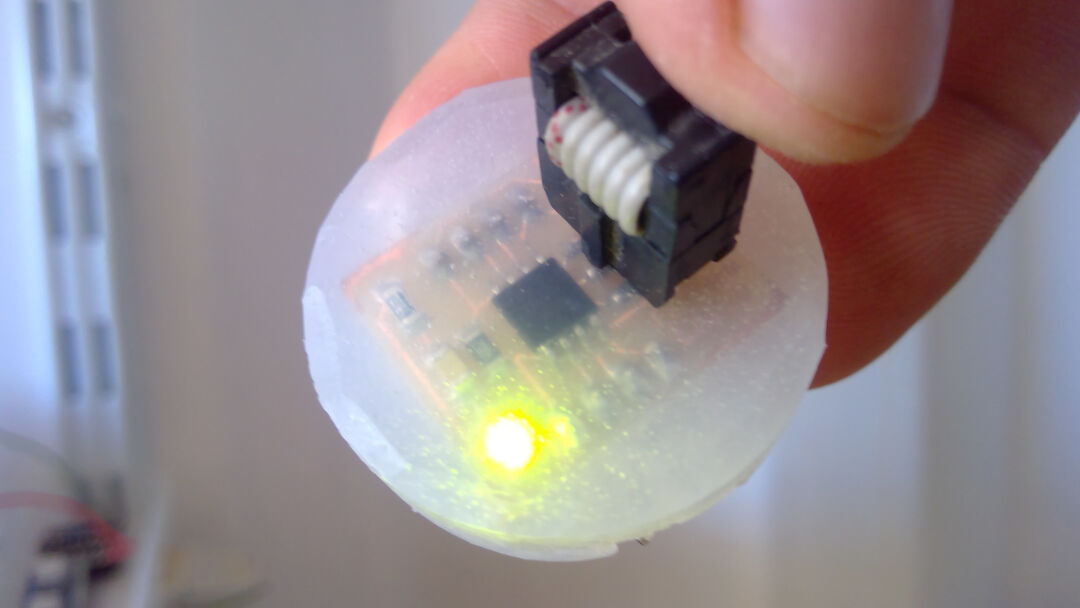
I can't forget to mention that the leftover silicone was not wasted. I made a simple cast with the measuring cup and my ATtiny45 board from Input Devices.
← (Apr 22) Output Devices · all weeks · Networking and Communications (May 06) →