Fab Charter
Student agreement
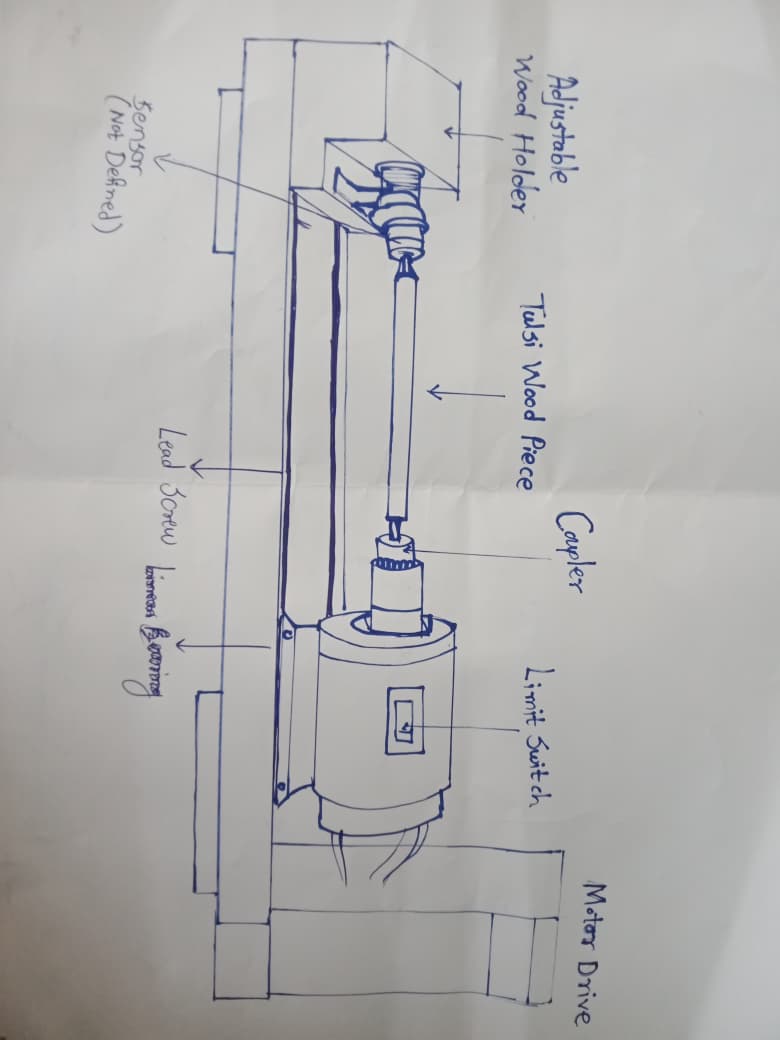
Sketch of the project:
Principles and practices:-
Final project- Tulsimala making system
In many parts of India, Tulsi mala (holy basil bead garland) making is a traditional cottage industry practiced by rural artisans, where beads are made manually from Tulsi wood using hand tools or simple hand-operated devices. This traditional process is time-consuming, physically tiring, and highly dependent on the skill of the artisan, and due to manual operation, the size and shape of beads are often inconsistent, which affects product quality and productivity. Artisans, especially women and elderly workers, face physical strain, low production rates, and safety risks while continuously rotating and shaping the Tulsi wood by hand, which also limits income generation as they are unable to meet increasing market demand within limited working hours. Commercial bead-making machines available in the market are expensive, bulky, and not suitable for small-scale rural setups, as they require higher power, skilled operation, and regular maintenance, which is not feasible for many rural artisans in India. Hence, there is a need for a low-cost, compact, and safe Tulsi mala making machine that can assist artisans by automating the rotation of Tulsi wood, improving accuracy, reducing physical effort, and increasing productivity while remaining affordable and easy to use in rural Indian conditions.
How this project will help
- To study the existing Tulsi mala making process and collect data on how many beads an artisan produces in a day and the number of hours they work per day.
- To analyze the physical effort, time consumption, and limitations of the manual bead-making method.
- To design a semi-automatic Tulsi mala making machine that assists artisans by providing controlled rotation of Tulsi wood.
- To integrate a limit switch for safe and controlled operation of the machine.
- The objective of this project is not to develop a fully automatic system, but to design a semi-automatic Tulsi mala making machine that supports artisans in their work, preserves their skills, reduces physical effort, and improves productivity, while ensuring that human involvement remains an essential part of the process to sustain livelihood and employment.
1.Web Development:-
First, I looked at many free HTML CSS templates on Google, and using them, I could create the website for my Fab Academy.
 |
 |
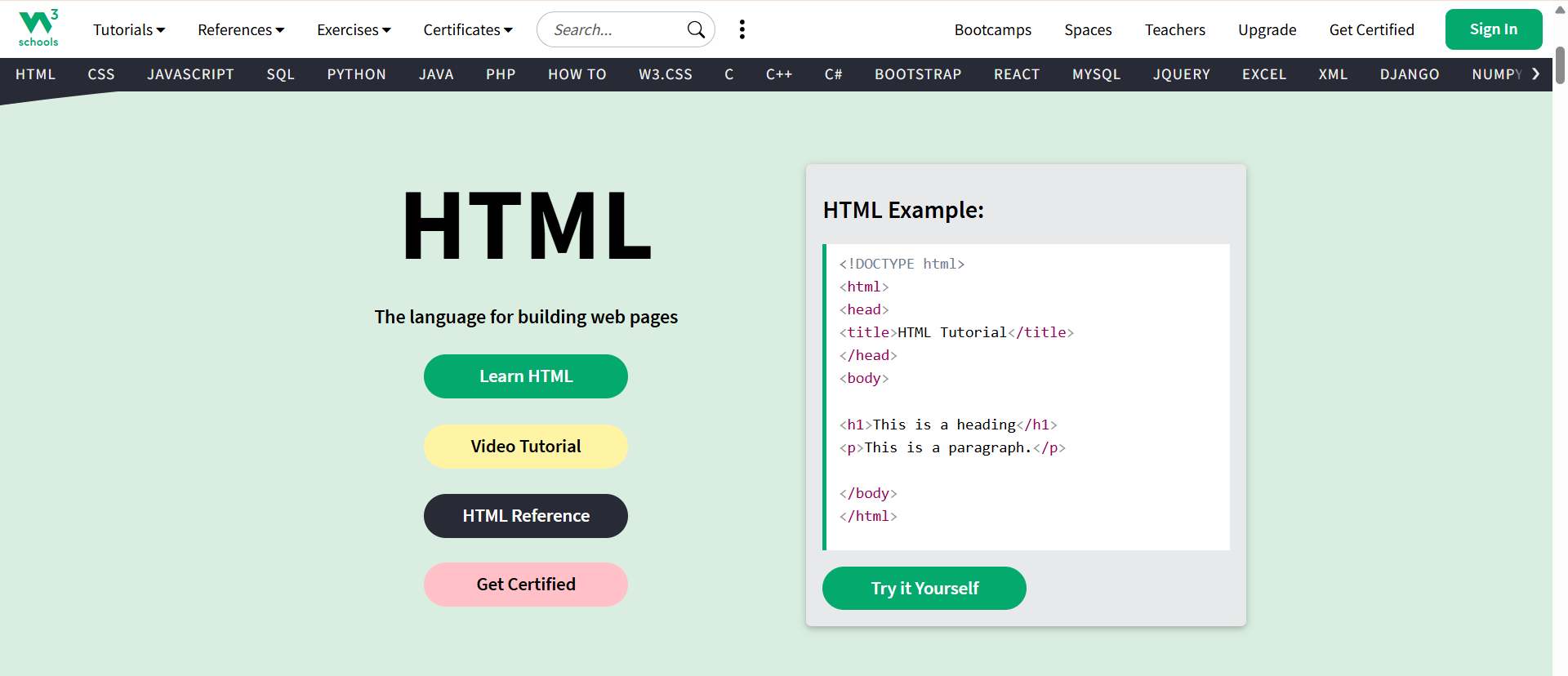
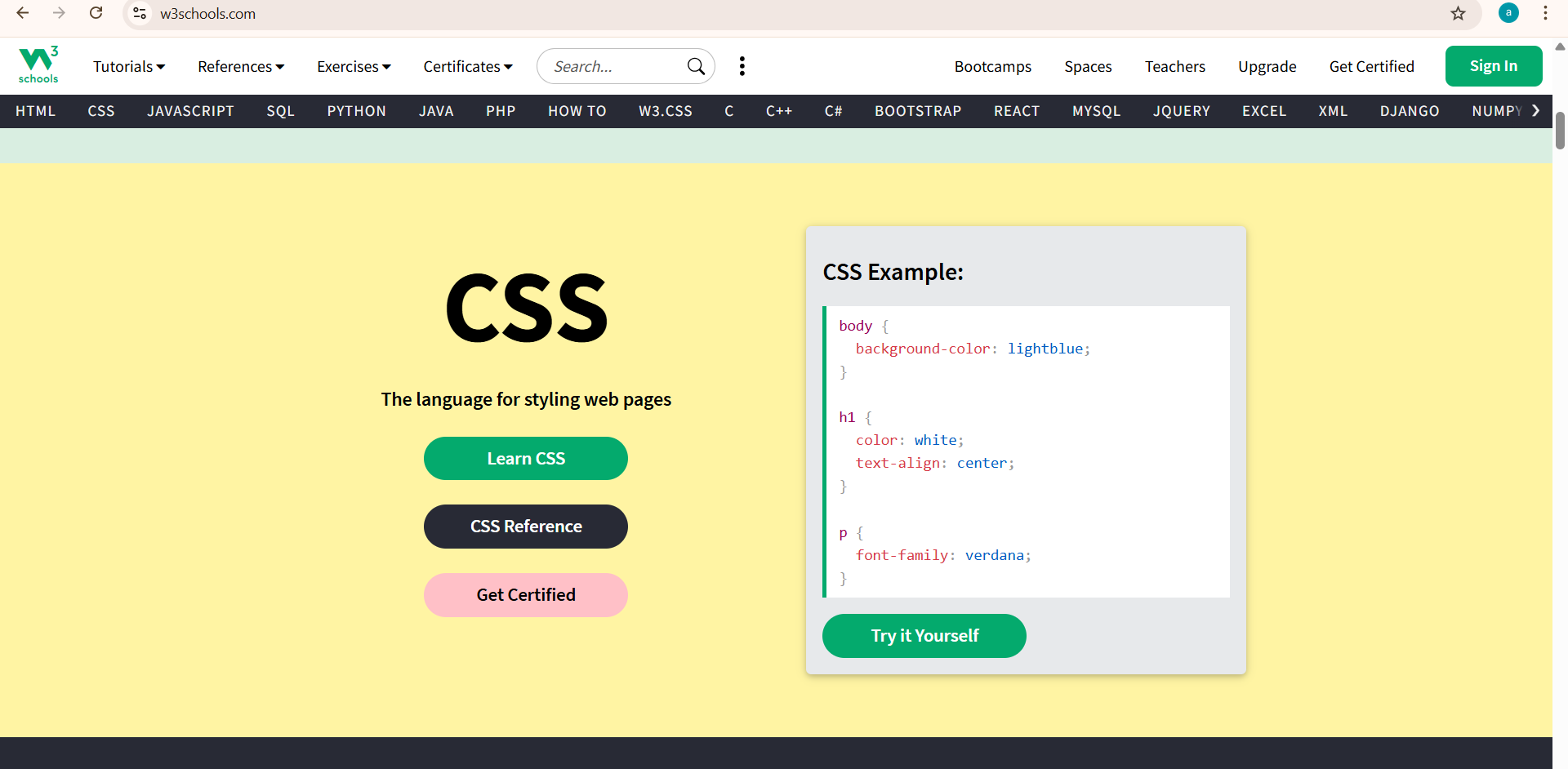
Then, I used the W3Schools website to understand the basic HTML and CSS code and then started editing the code in my website's web pages.
 |
 |
After that, I selected a template for my website and started editing it for editing pages.
 |
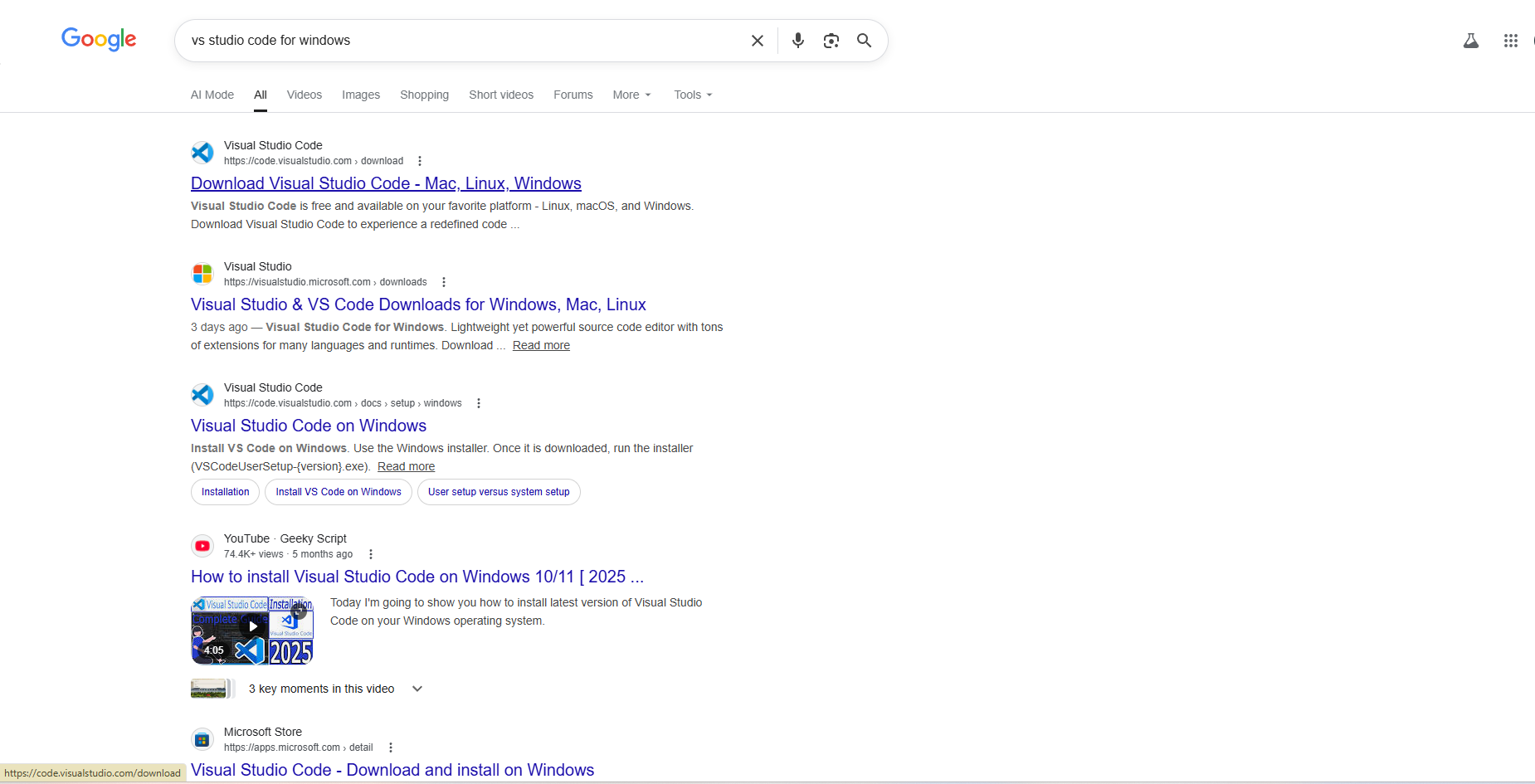
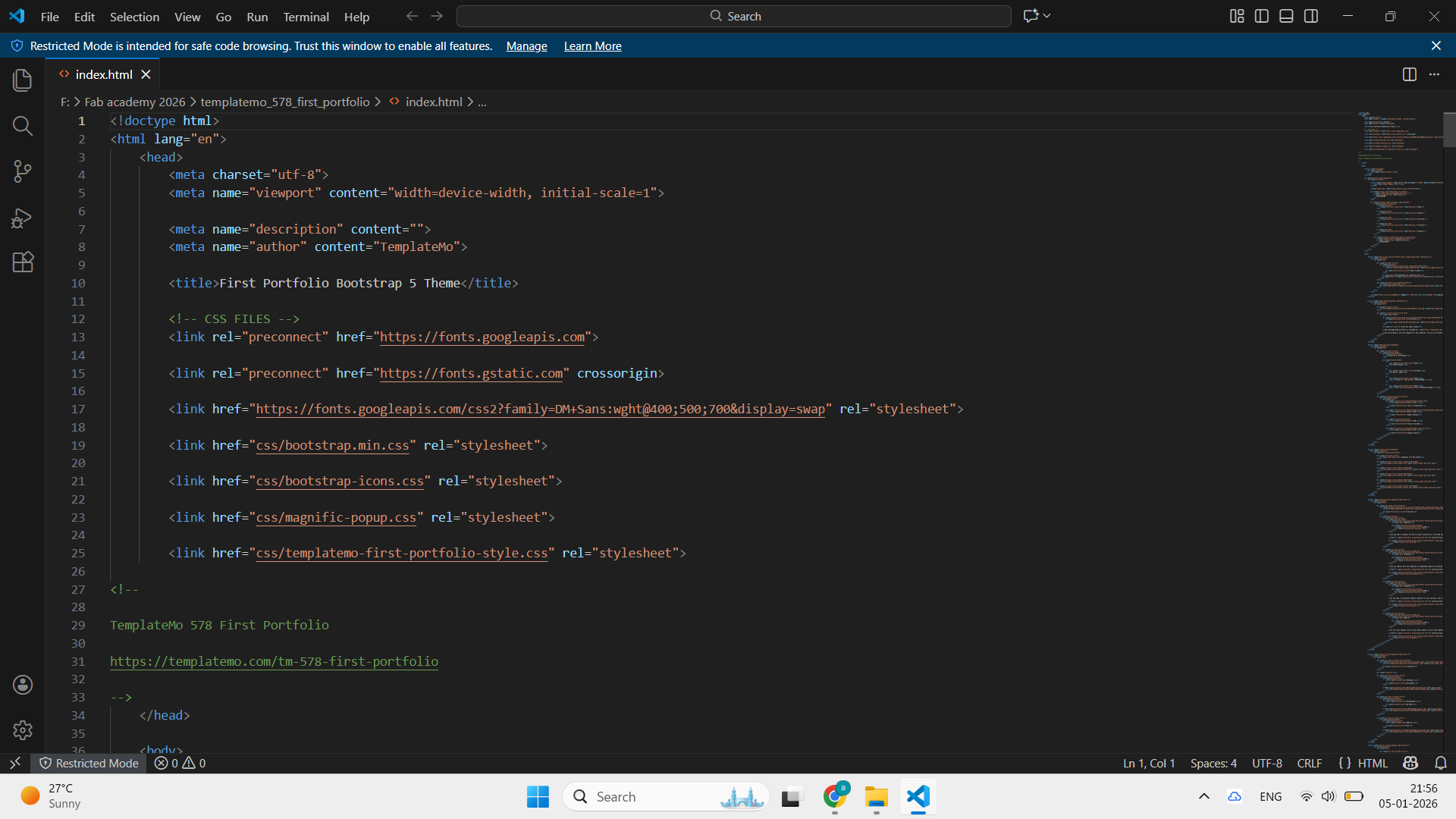
First I downloaded VS studio code and open my template for making web pages..
 |
 |
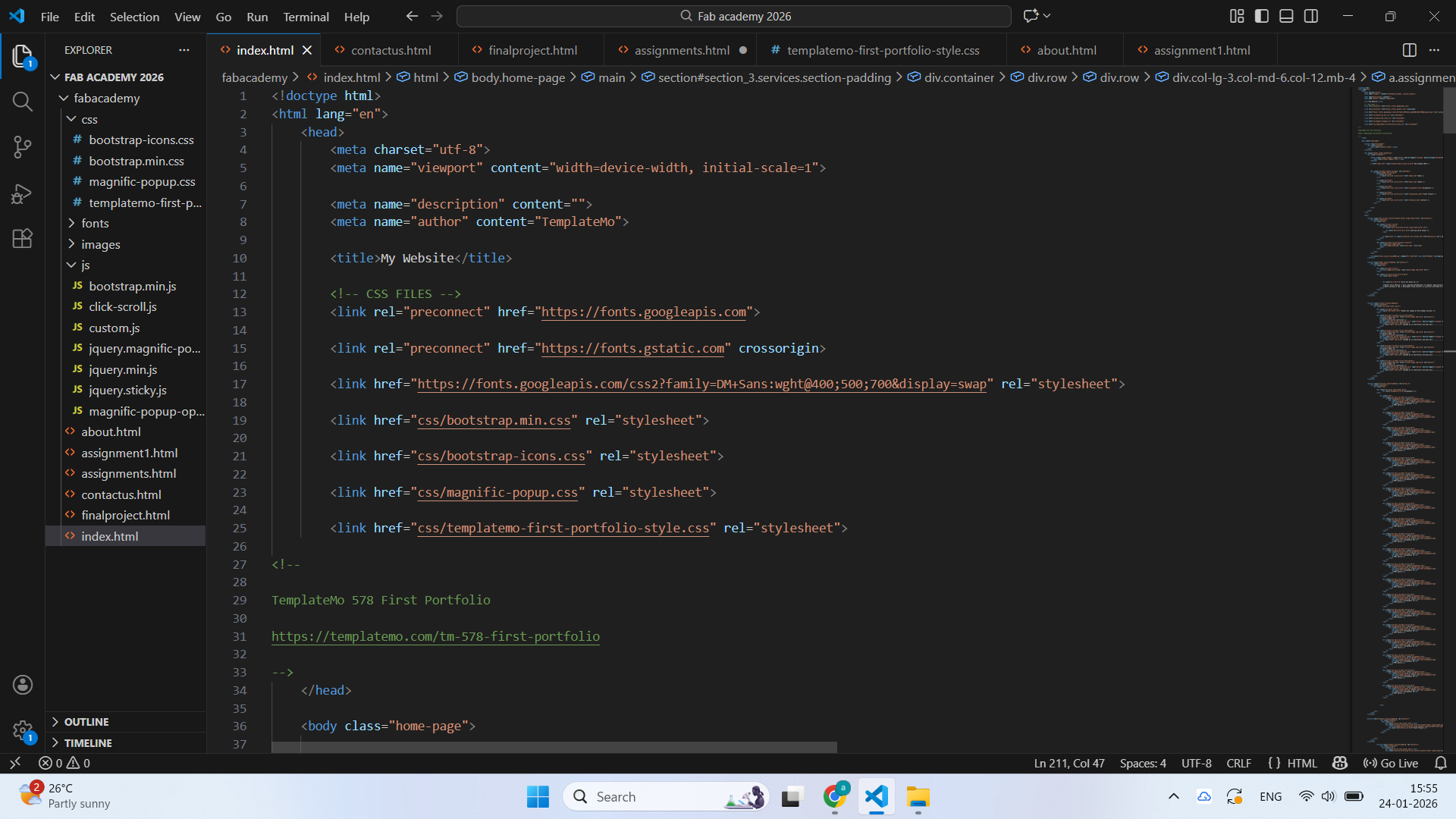
After that, I edited the pages according to my requirements, including the homepage, about me, assignments, final project, and contacts.
 |
.png) |
| This is the template homepage code | I edit code in VS Studio code and make my new home page |
After that, I edited about me section where I upload my photo and a little bit information about me.
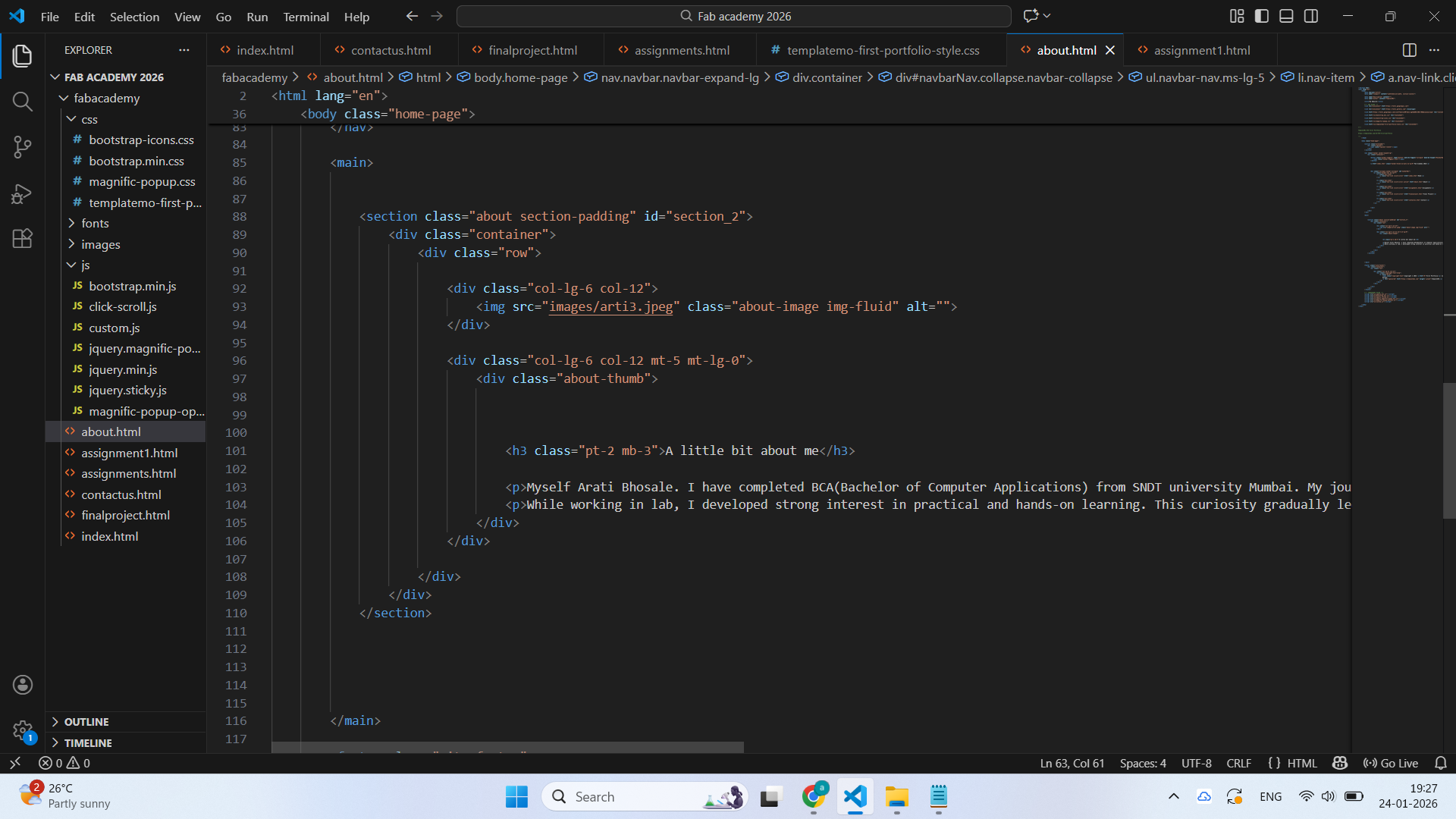 |
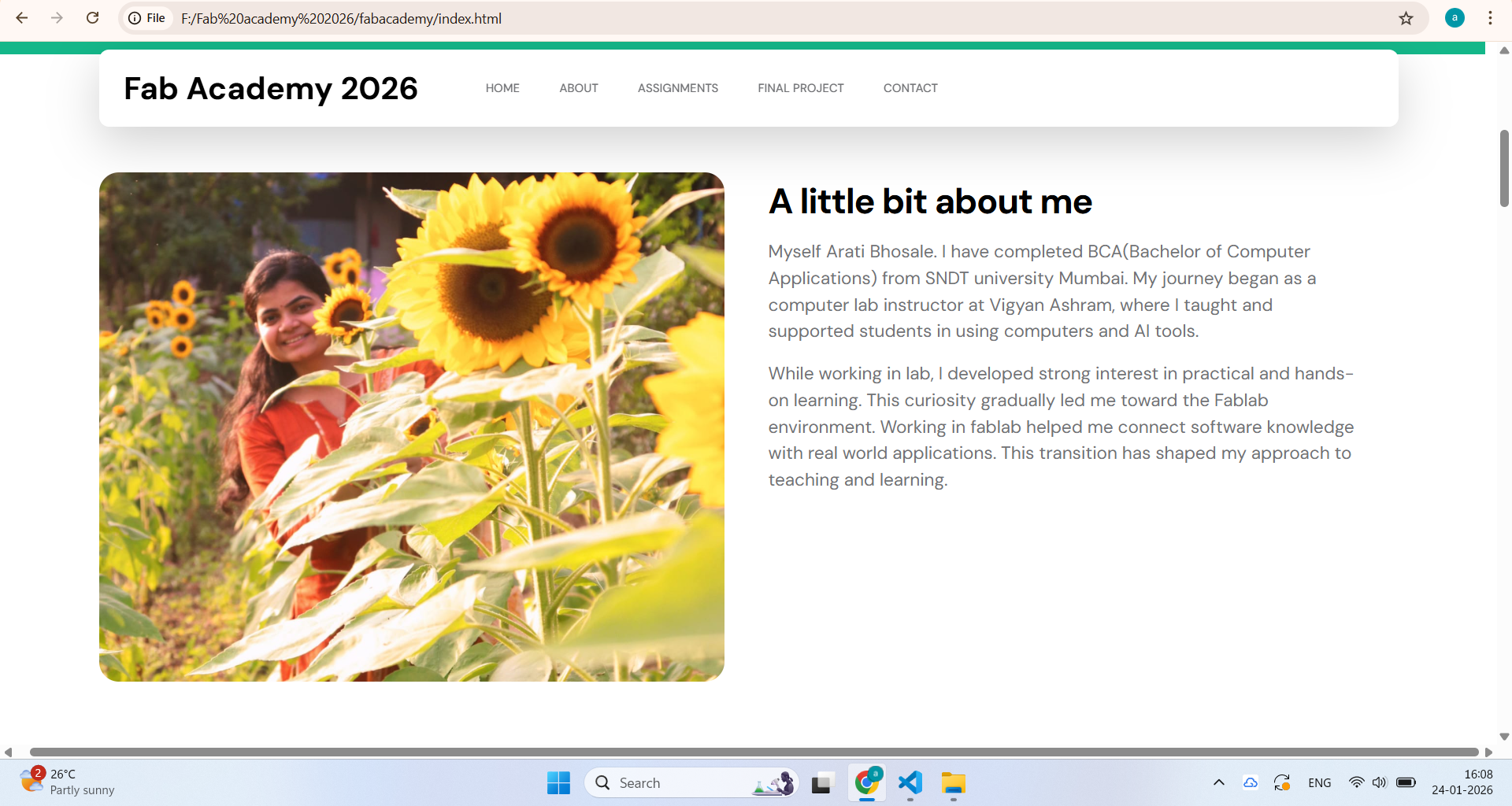 |
| I used this code for making about me webpage | and this is the final result | >
After that, I edited the assignment page according to my requirements
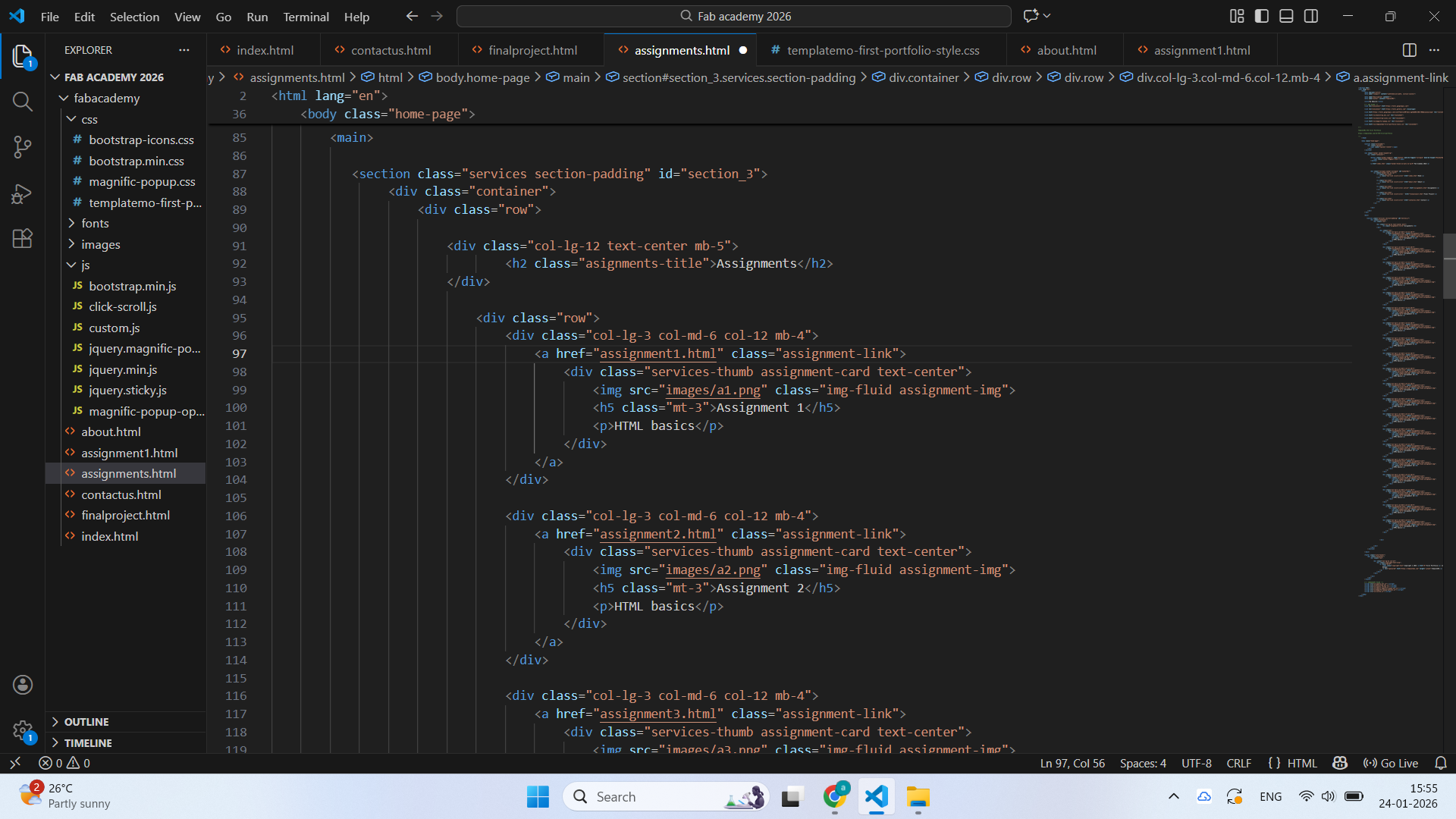 |
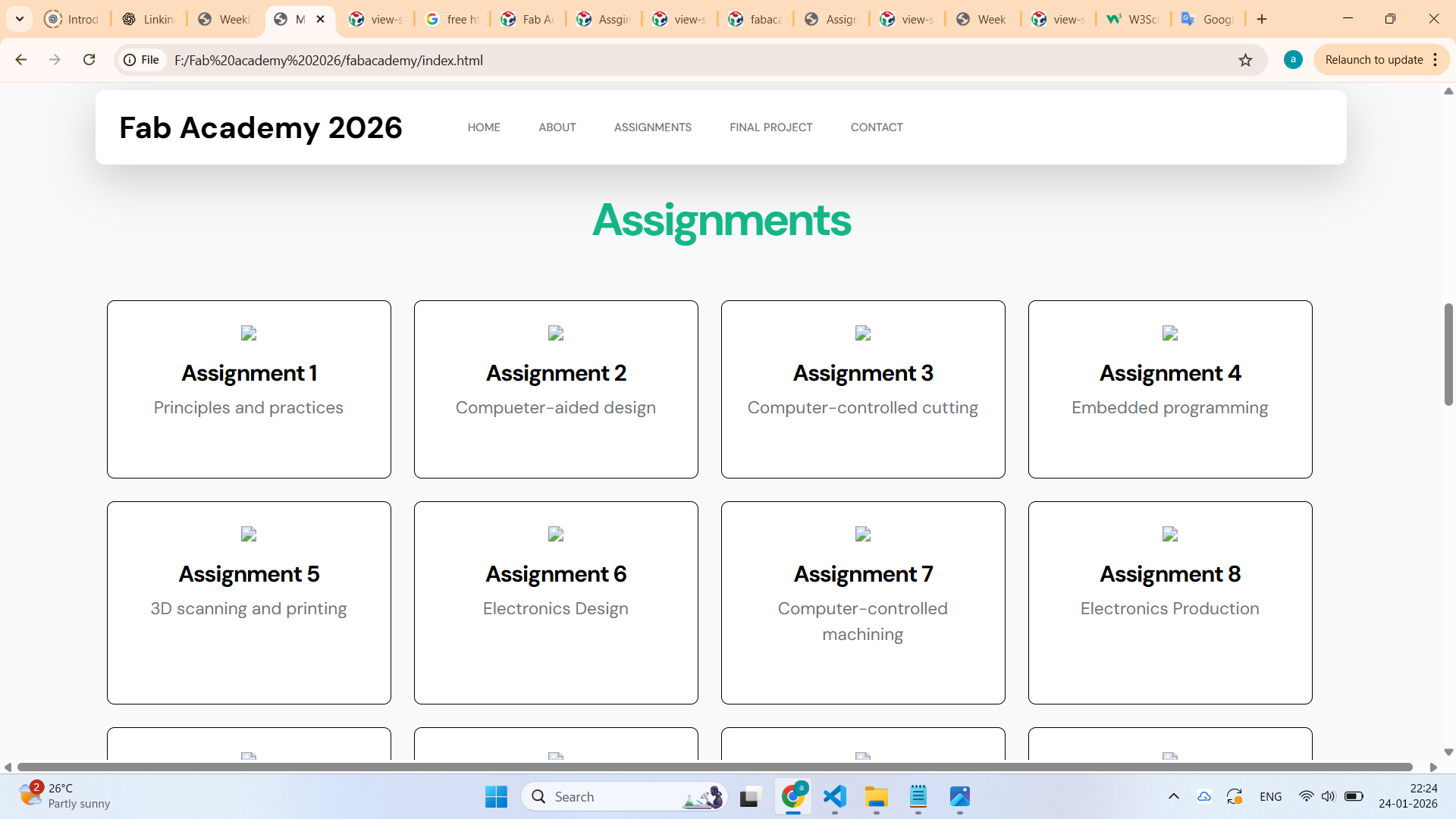 |
| This is the assignment page code edited by me. | This is the view of my assignment page and some changes are pending | >
After that, I also worked on the contact page, where I made changes.
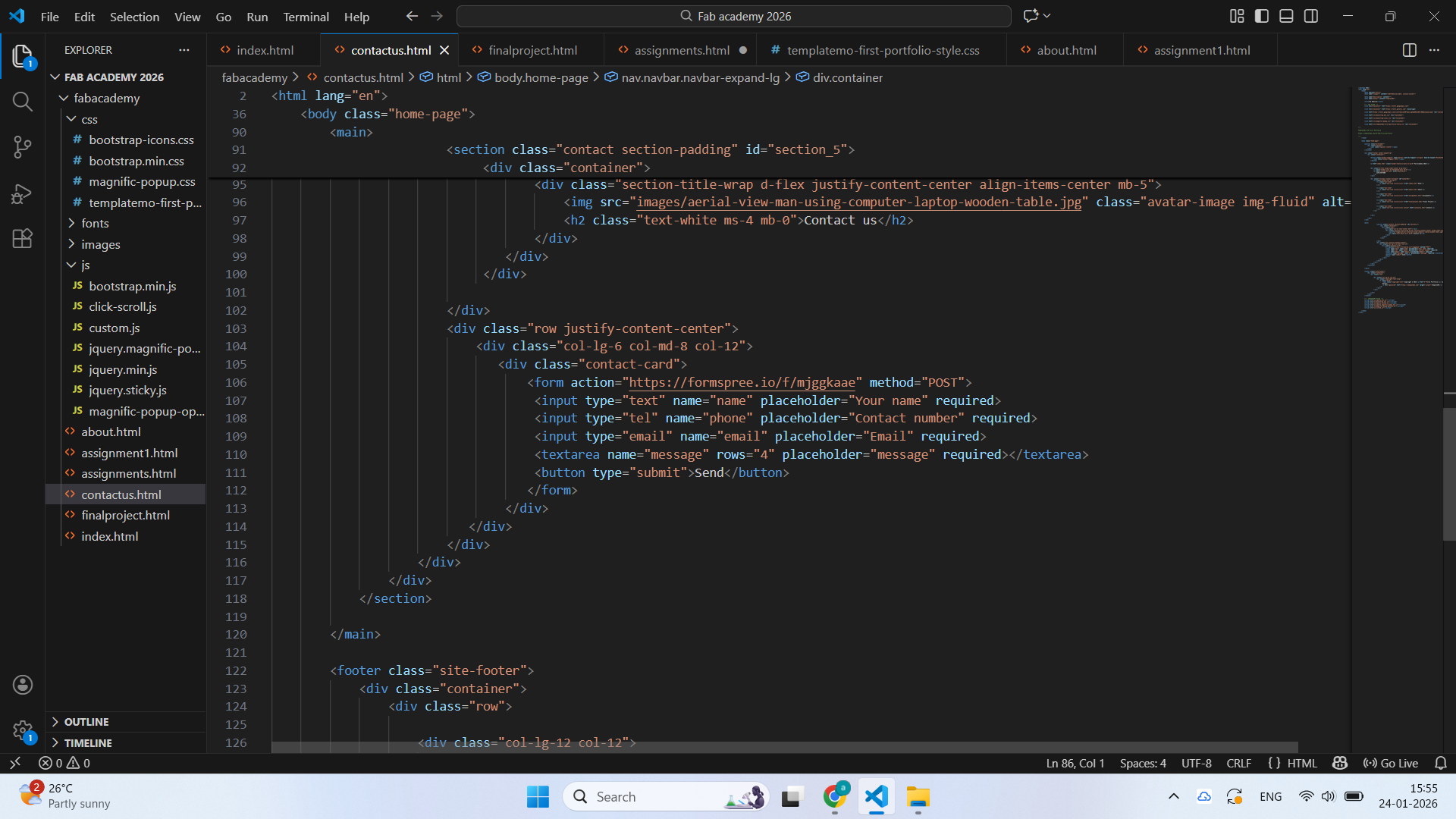 |
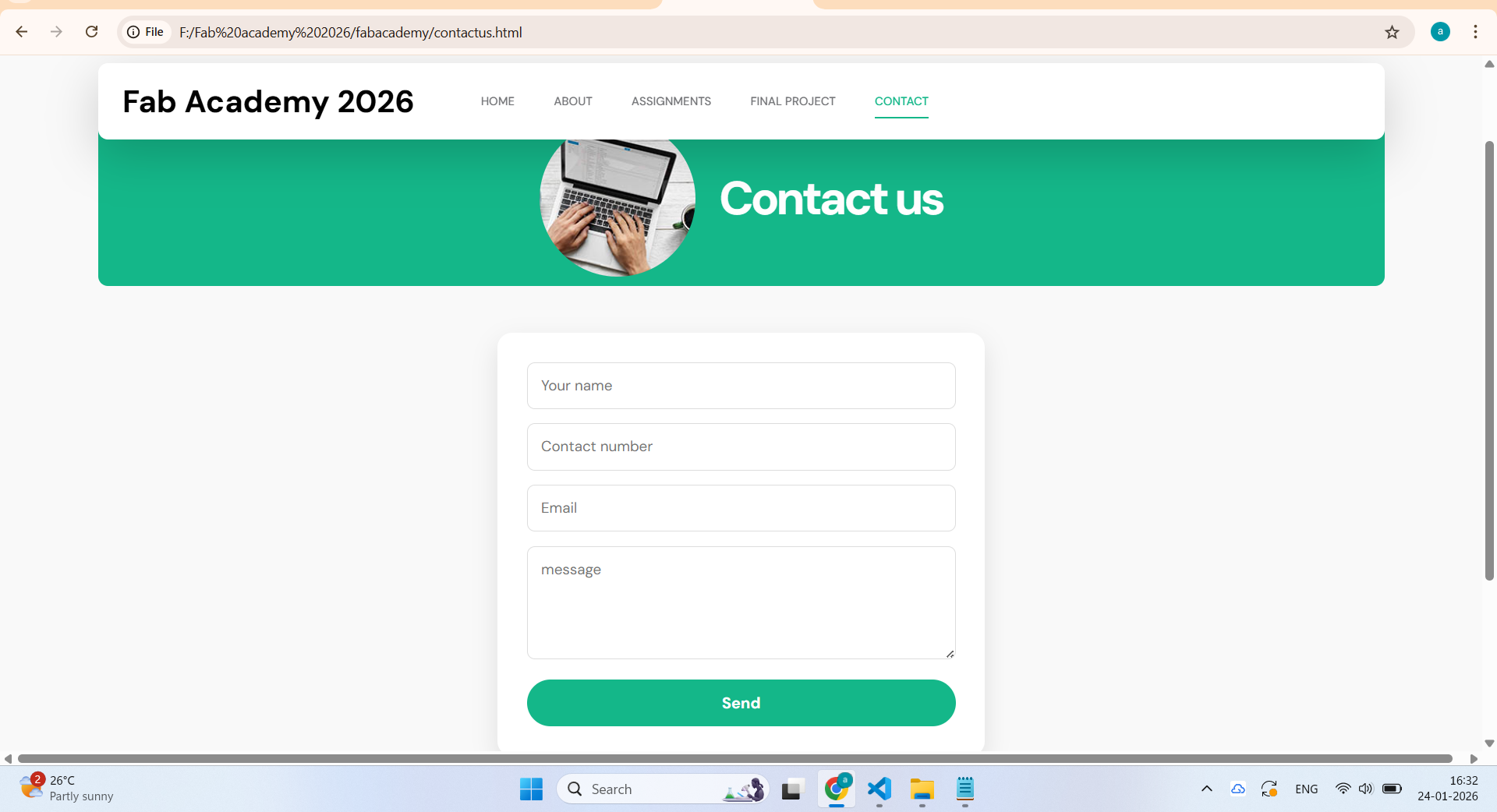 |
| This is the updated code of the contact page | This is the result | >
Tools used for web development:-
1.VS Studio Code:-
Visual Studio Code (VS Code) is a simple and powerful software used for writing and editing code. It helps users easily create, edit, and manage their programs. With VS Code, you can quickly view your work in a web browser and check the output of your code. If something needs improvement, you can make changes instantly and see the updated result.
Features of VS Code:-
1.Provides a clean and user-friendly editor for writing code.2.Allows you to view your code output in a browser while working.
3.Helps to identify mistakes in the code easily.
4.It is free software,so anyone can use it without paying money.
2.Free CSS templates:-
The Free CSS templates website has a large collection of ready-made website designs. Since these templates are open source, anyone can download and use them freely. This website is very helpful for students who are learning web design, as well as for designers and professionals. It provides many different template styles, so users can easily choose a design that suits their work. By using these templates, users can save a lot of time while creating websites. The code of each template is easy to understand and modify. Users can study the HTML and CSS structure and make changes as needed. These templates are also useful for practice and learning. Overall, the Free CSS Templates website makes website design easier and faster for everyone.
Features of Free CSS Templates:-
1.Free and open source template.2.Readymade website designs.
3.Easy to understand the code in any template.
4.It is very useful for students, designers and professionals.
3.W3 Schools
W3Schools is an open-source learning website that provides small and easy code examples. By using this website, I learned the basics of HTML step by step. It also has simple CSS examples that we can try ourselves and see the output directly on the screen. This makes learning very easy and interesting. The explanations are clear and easy to understand for beginners. By practicing the examples, I gained confidence in writing code. This website helped me understand how web pages are created. Using W3Schools, I started learning and writing code on my own.
Features of W3 Schools
1.W3 schools provides easy and simple code to understand.2.It allows us to try code and see the output.
3.It is very helpful to learn HTML and CSS basics.
4.It is free and open source learning platform for students and others.
Git
Git is an open-source tool used to manage and save code files, and people use Git to upload their code folders, keep track of changes, and update their work easily. Using Git, I can upload my code folder step by step, make changes when needed, and keep my work safe without losing previous files.
Features of Git
1.Git stores all code in a repository, which keeps everything in one place.2.Git helps to upload code folders easily.
3.Using push, I can upload my code folder to the repository.
4.With pull, I can download the latest updated files.
5.Git works through the command line tool, which helps run Git commands.
6.It helps me manage and update code step by step.
2.Version Control:-
1.As a first step, I downloaded Git on my system.
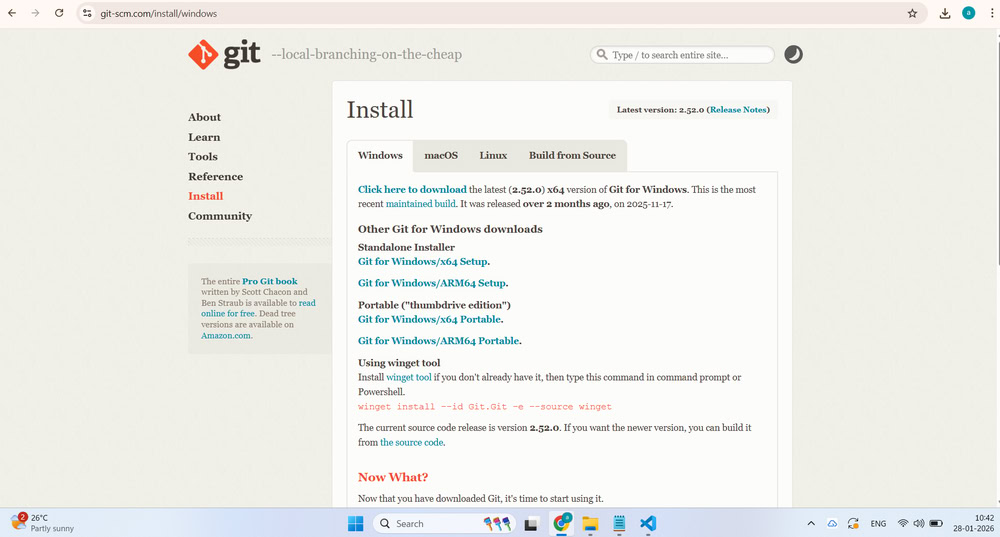
2.Next, I opened Git Bash and created an SSH key using the ssh-keygen command(ssh-keygen -t rsa -C "meghabhosale137@gmail.com" -b 4096). After the SSH key was generated, I used the cat command(cat ~/.ssh/id_rsa.pub | clip) to copy the public SSH key from Git Bash to the clipboard. This SSH key is used to establish a secure connection between my local system and the Git repository for performing Git operations.
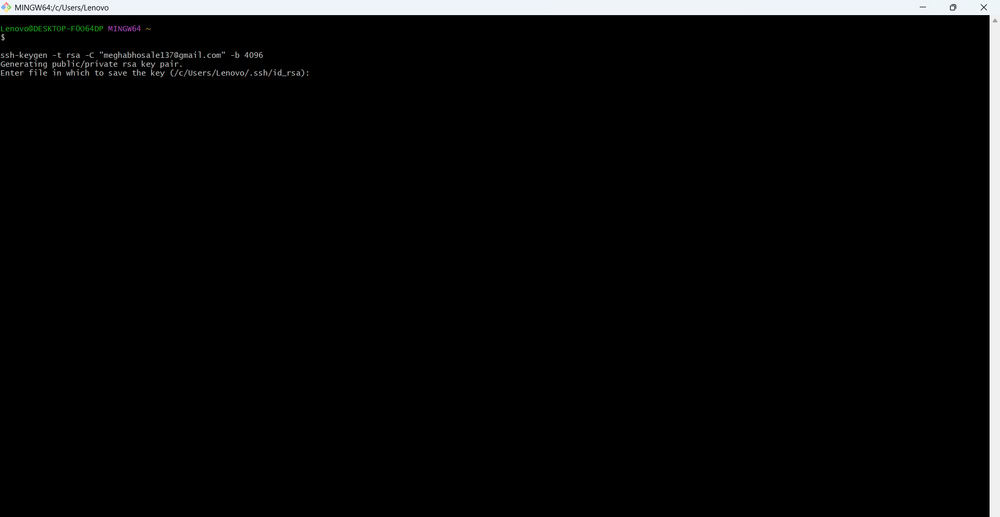
3.After copying the SSH key, I opened my GitLab account and navigated to the profile settings. From there, I went to the SSH Keys section and pasted the copied key. Once the key was added, I tested the SSH connection by running the command ssh -T git@gitlab.fabcloud.org to confirm that the connection was successful.
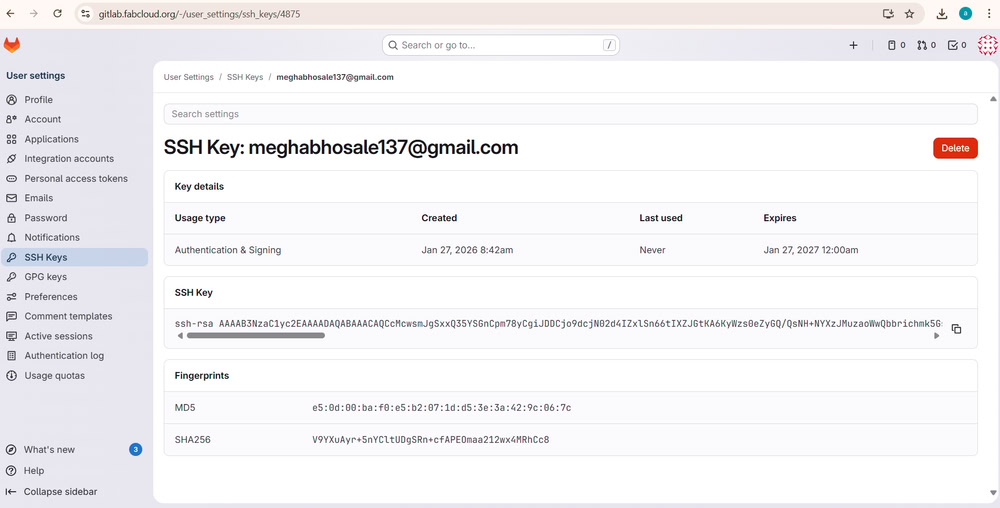
4.First, I configured my system to work with FabCloud by setting my username and email using Git configuration commands. These details match the information used in my repository and help identify my contributions during Git operations.
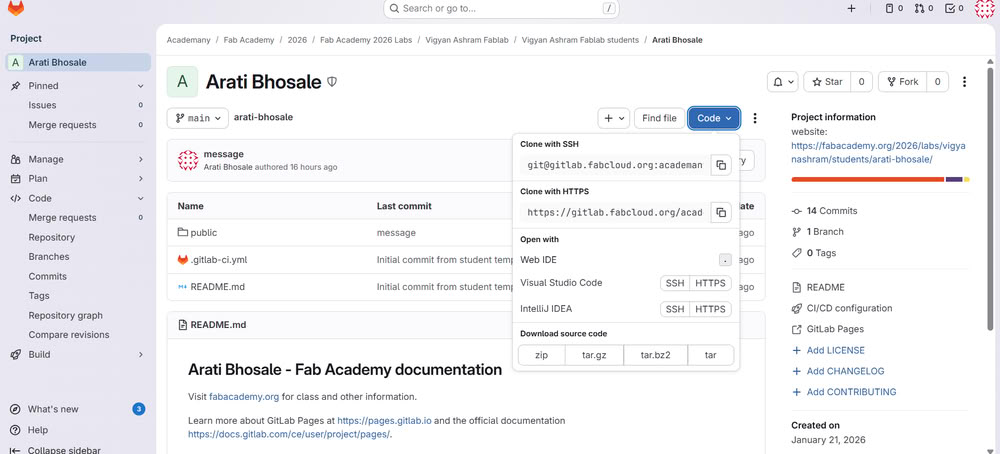
5.After completing the configuration, I cloned my FabCloud repository using the SSH link provided in the code clone section of FabCloud. This step created a local copy of the online repository on my system, allowing me to work on the files locally.
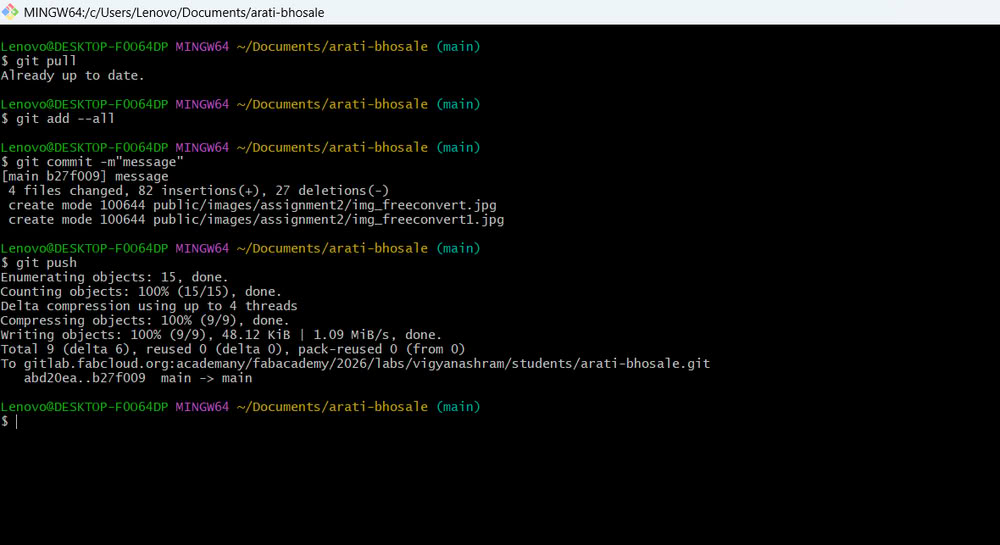
6.Finally, to upload my work to FabCloud, I used a series of Git commands. I first pulled the latest changes, then added all updated files, committed them with a message related to my assignment, and pushed the changes to the repository. This process ensures that my documentation is updated on FabCloud.
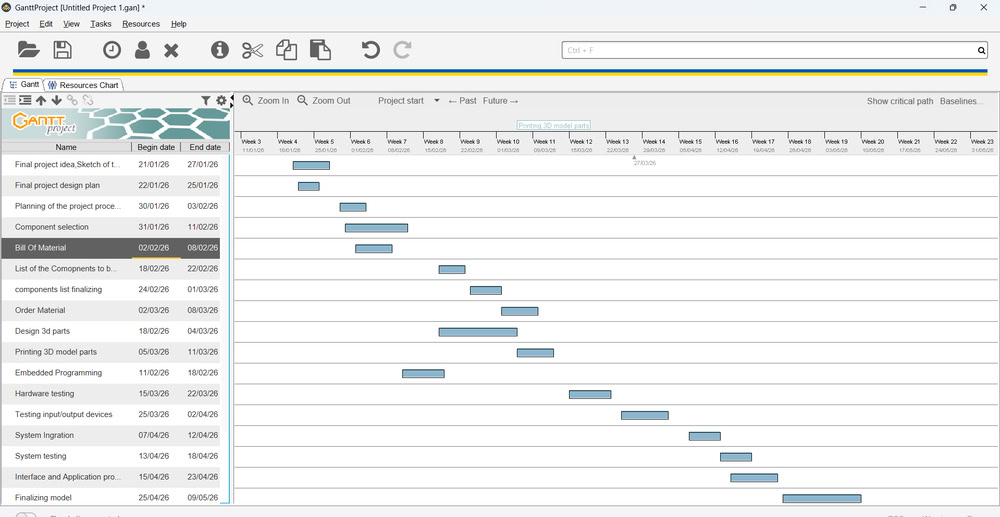
Gantt Chart
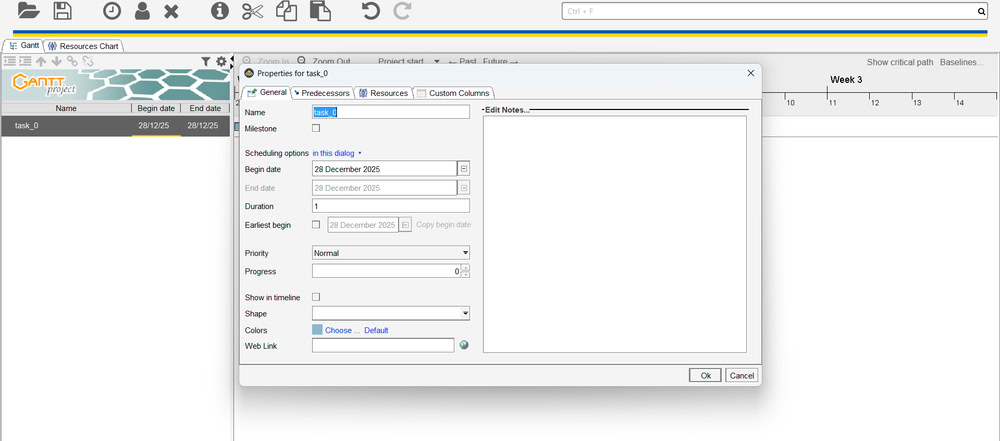
I created a Gantt chart to clearly plan my final project tasks and set approximate time for each activity. First I clicked on new project.
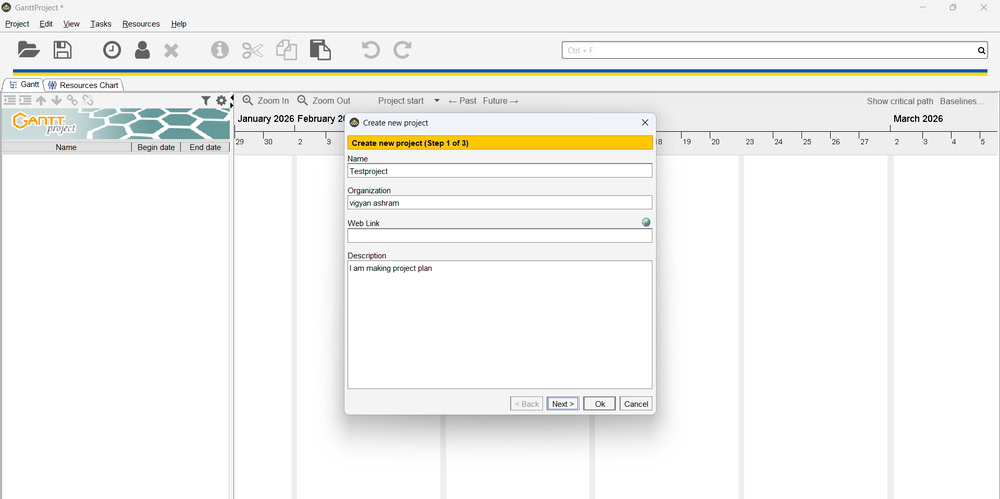
Then I give names to tasks and set timelines.
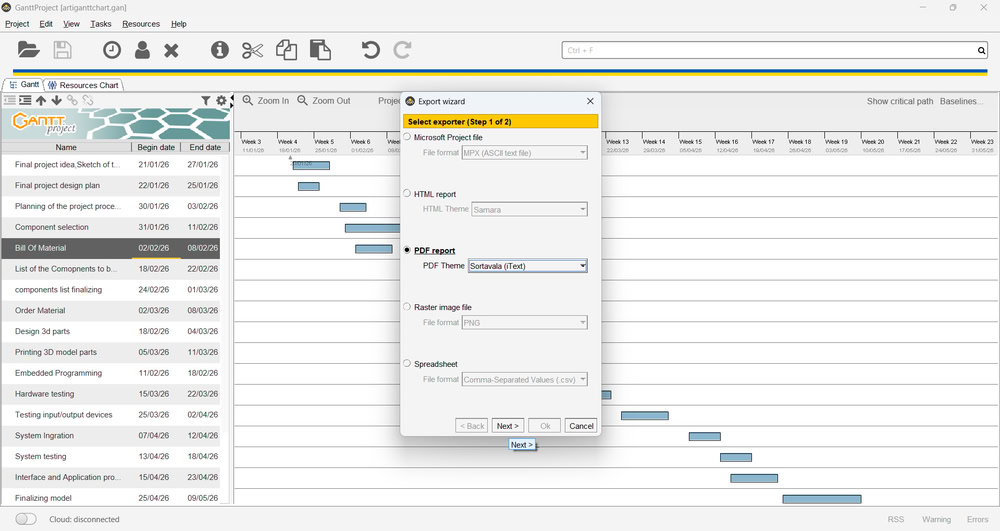
I learned how to save the project file and export it.
Key Learnings:-
1.I learned the basics of HTML, CSS, and JavaScript for creating web pages.
2.I understood how to link different web pages together.
3.I learned how to resize and optimize images using tools like XnConvert.
4.I learned how to use Git and FabCloud to upload and manage my documentation.
5.I learned how to organize and present my work clearly on a website.