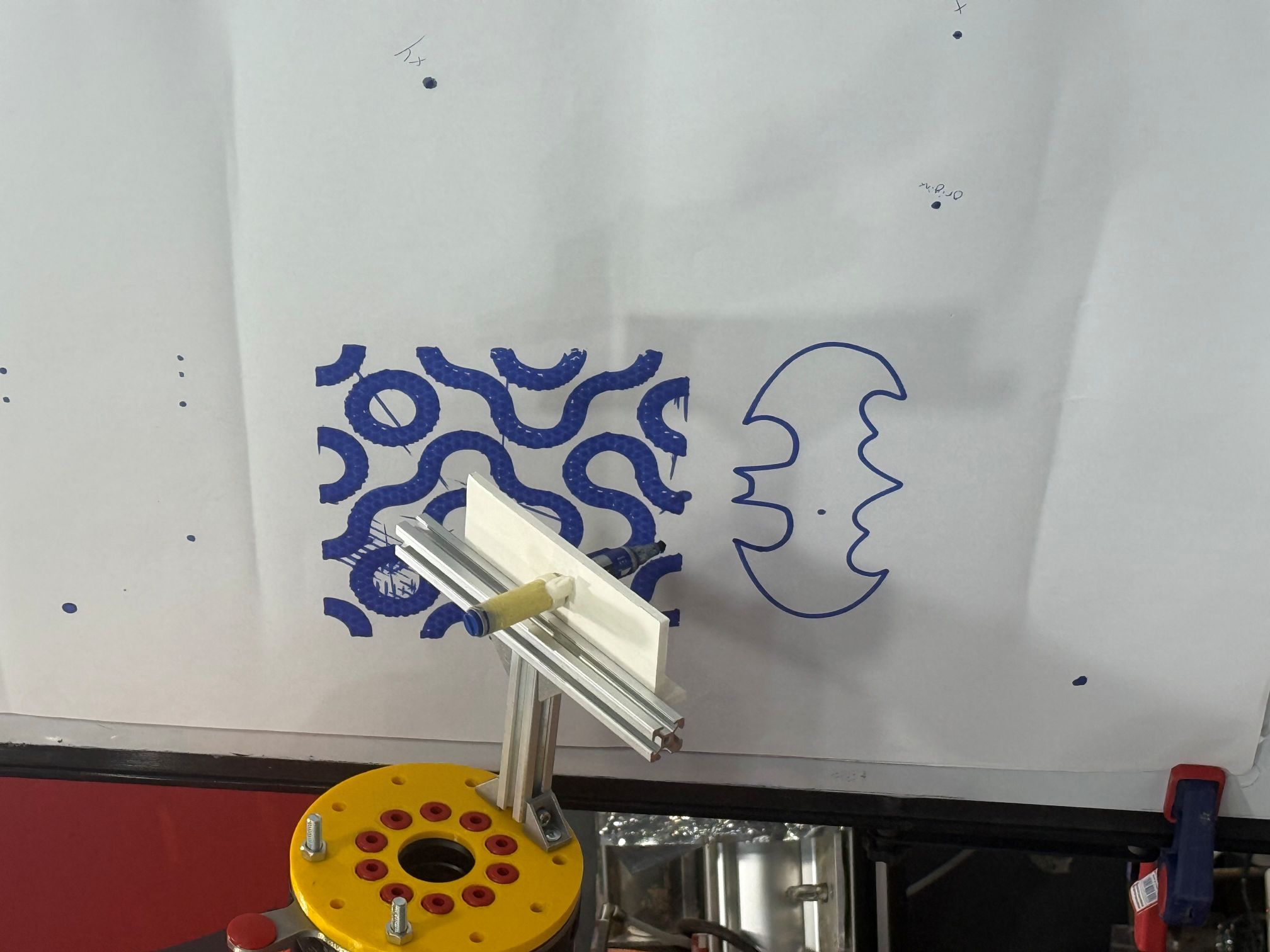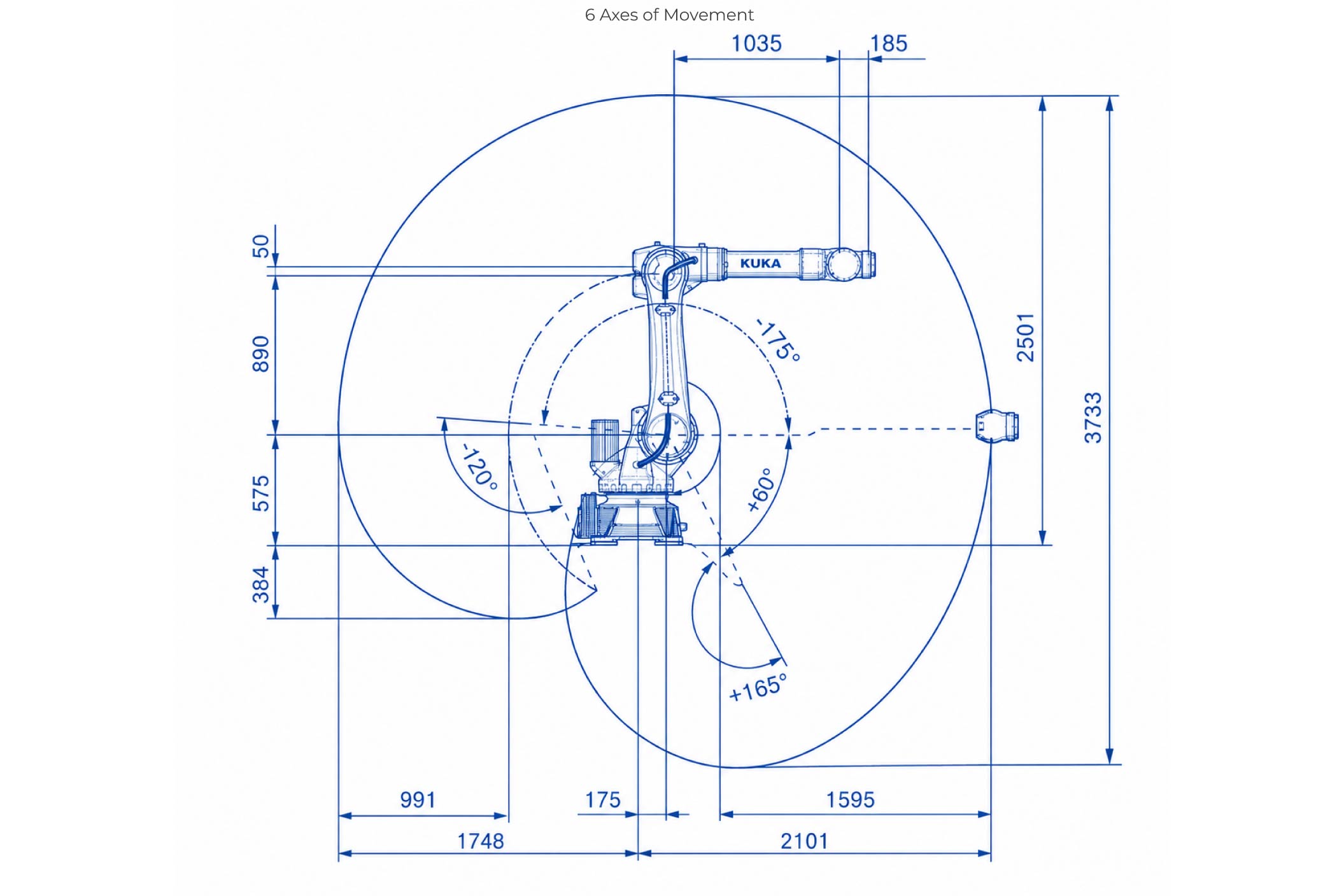
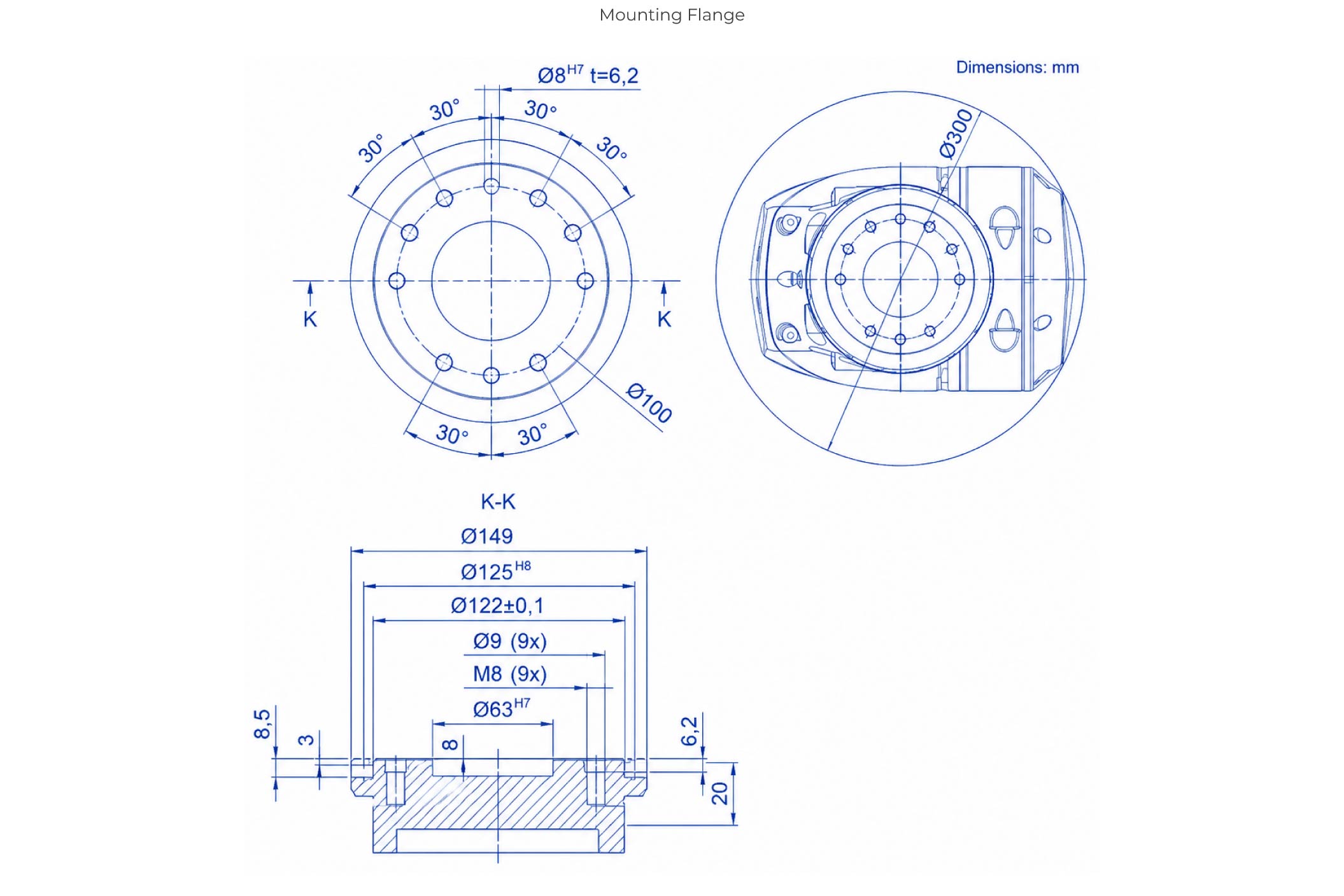
System Capability: The KUKA robotic arm operates as a high-precision, 6-axis articulation platform engineered for advanced manufacturing and digital fabrication. Mastering its core sub-assemblies and interface logic is necessary to maintain a safe, highly repeatable production workflow.
The smartPAD Teach Pendant: This handheld terminal serves as the primary control interface for configuration and manual programming. Using its tactile buttons, directional joysticks, and graphic display panel, you can manually jog separate axis nodes, generate programmatic motion paths, and monitor realtime joint diagnostics.
Safety Protocol Infrastructure: Due to the heavy payload momentum of industrial automation, rigid safety workflows are mandatory. Standard operating safety constraints include:
- Physical Boundaries: Enforcing interlocking safety cages or light-curtain barriers to isolate the arm's active reach envelope during automated execution.
- Risk Mitigation: Conducting pre-flight structural inspections and tracking coordinate clearing bounds to preempt mechanical collisions.
- Emergency Systems: Verifying hardware E-Stop circuits and maintaining clear pathways to quick-shutdown triggers before applying motor power.
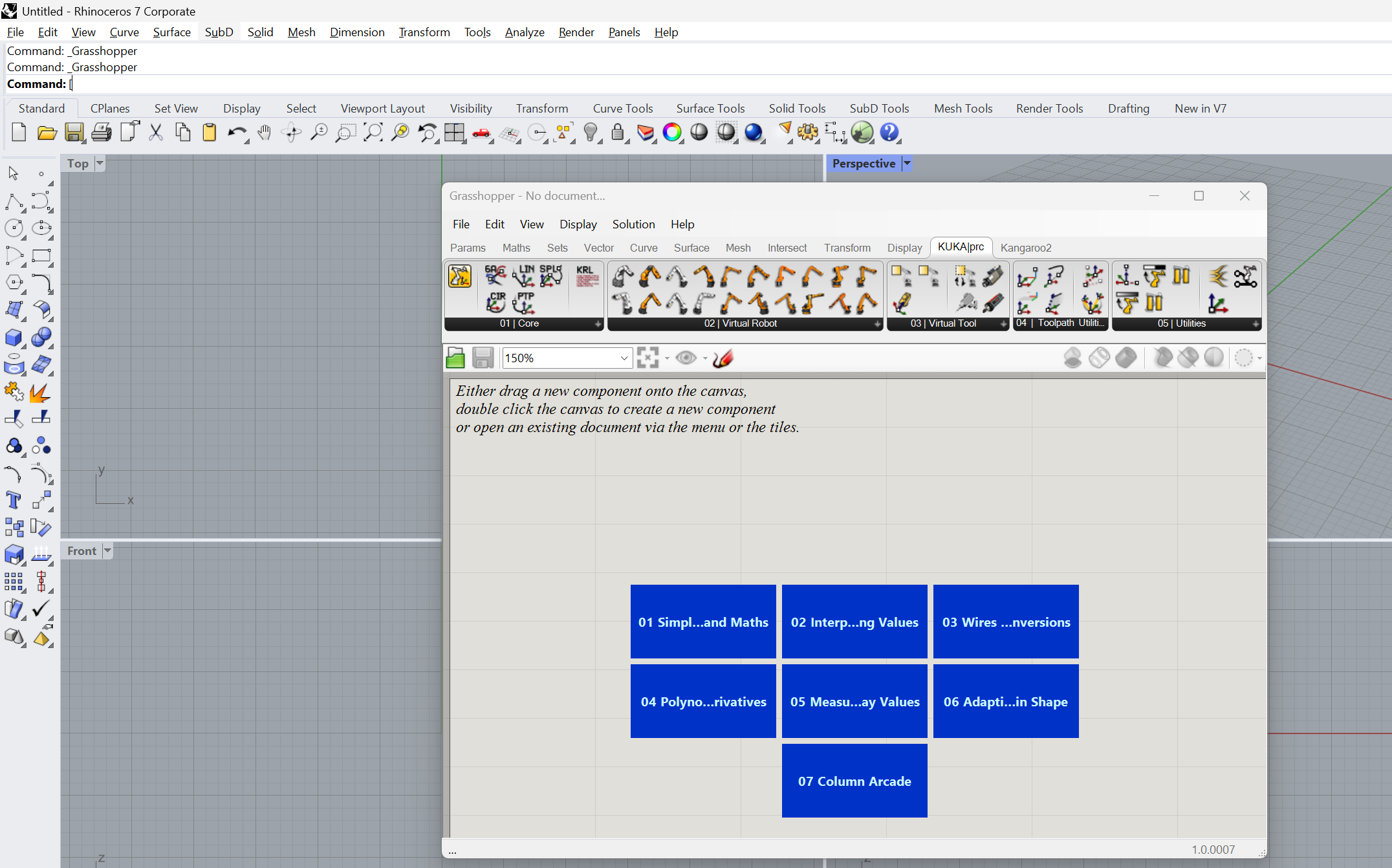
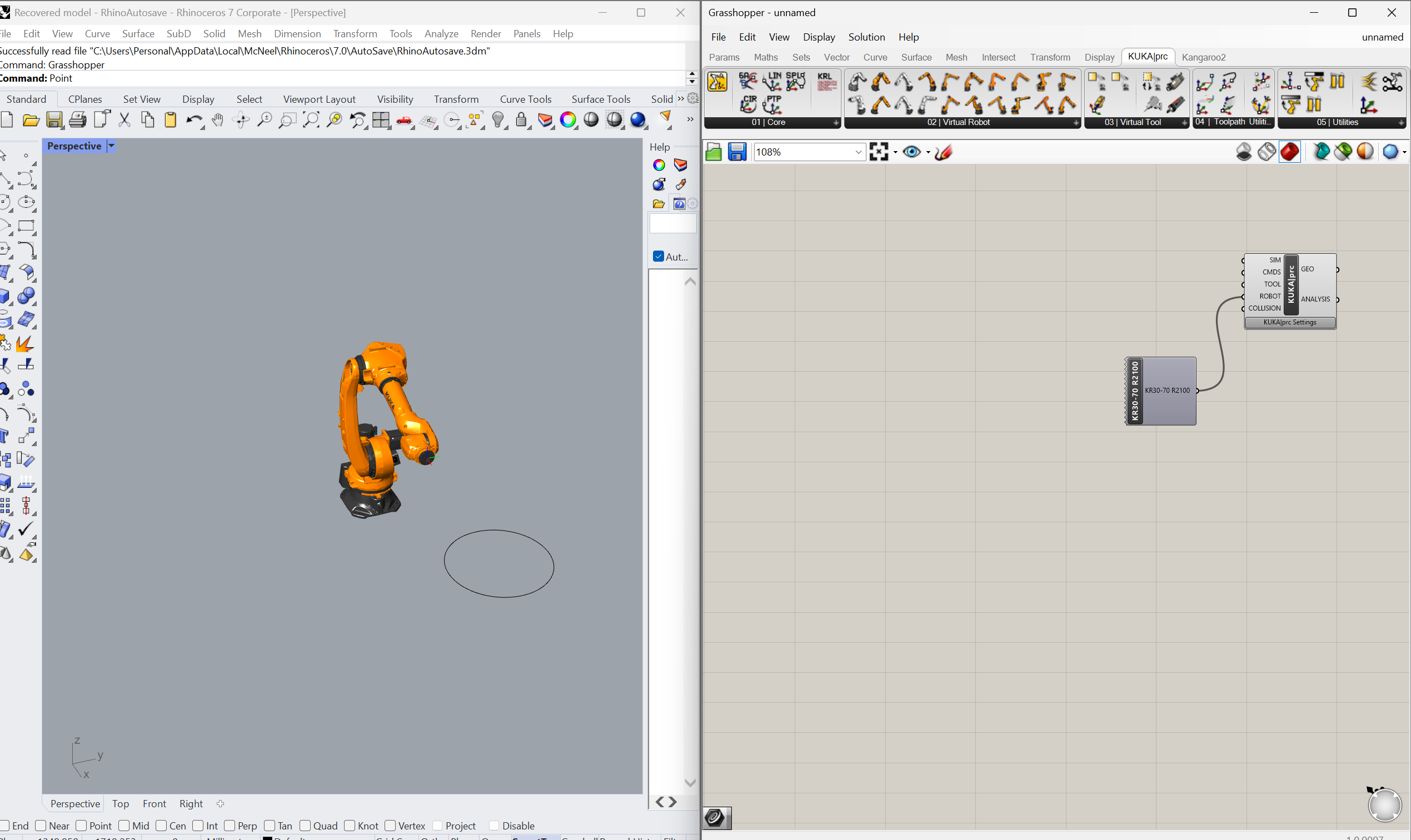
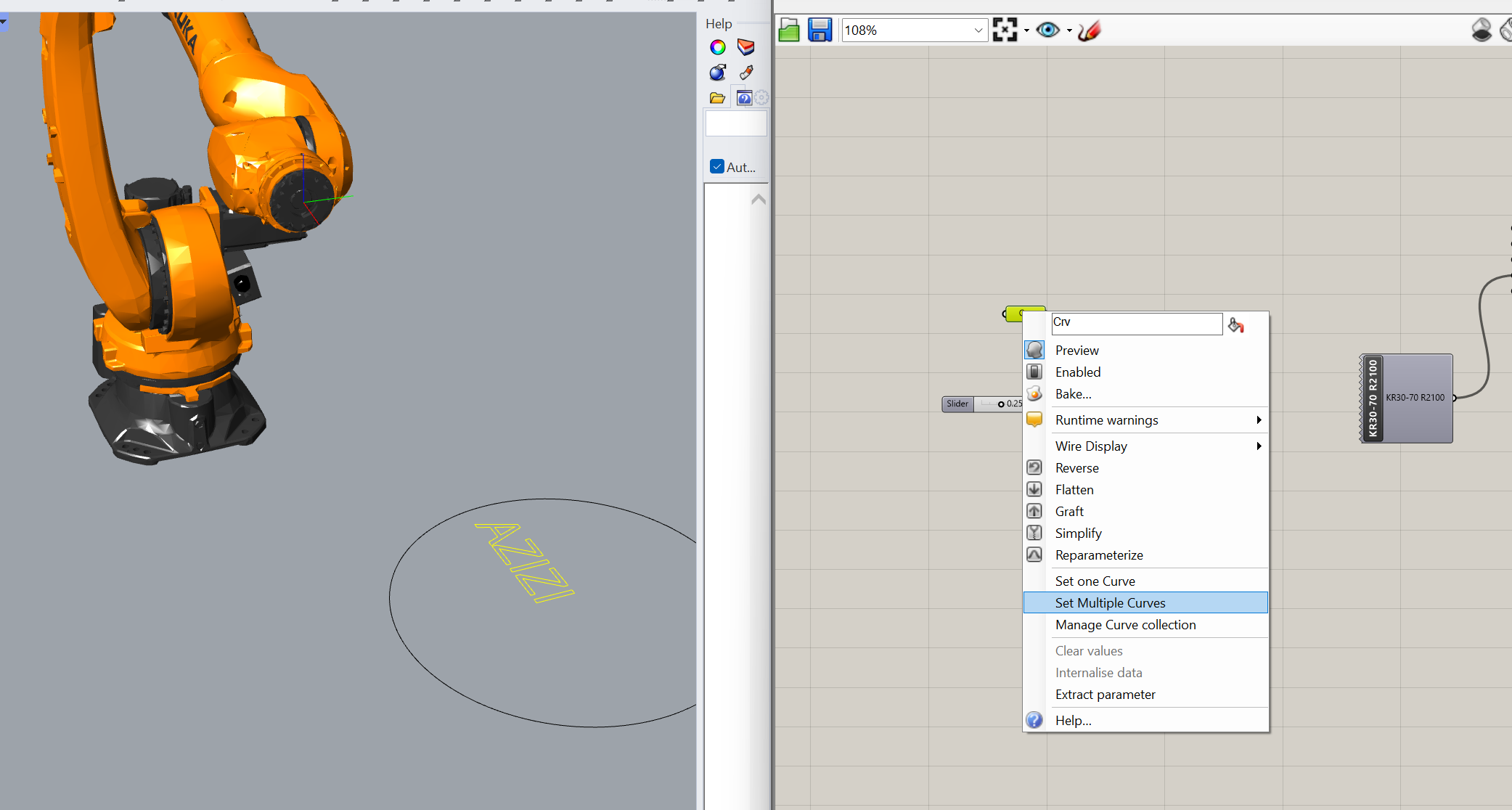
Open a clean model space, hide environmental cell fixtures, and reference target line drawings into a Curve container block.
Pass vector geometry into 'Curve to Polyline' (Curve > Util). Link a number slider to match desired tracking accuracy tolerances.
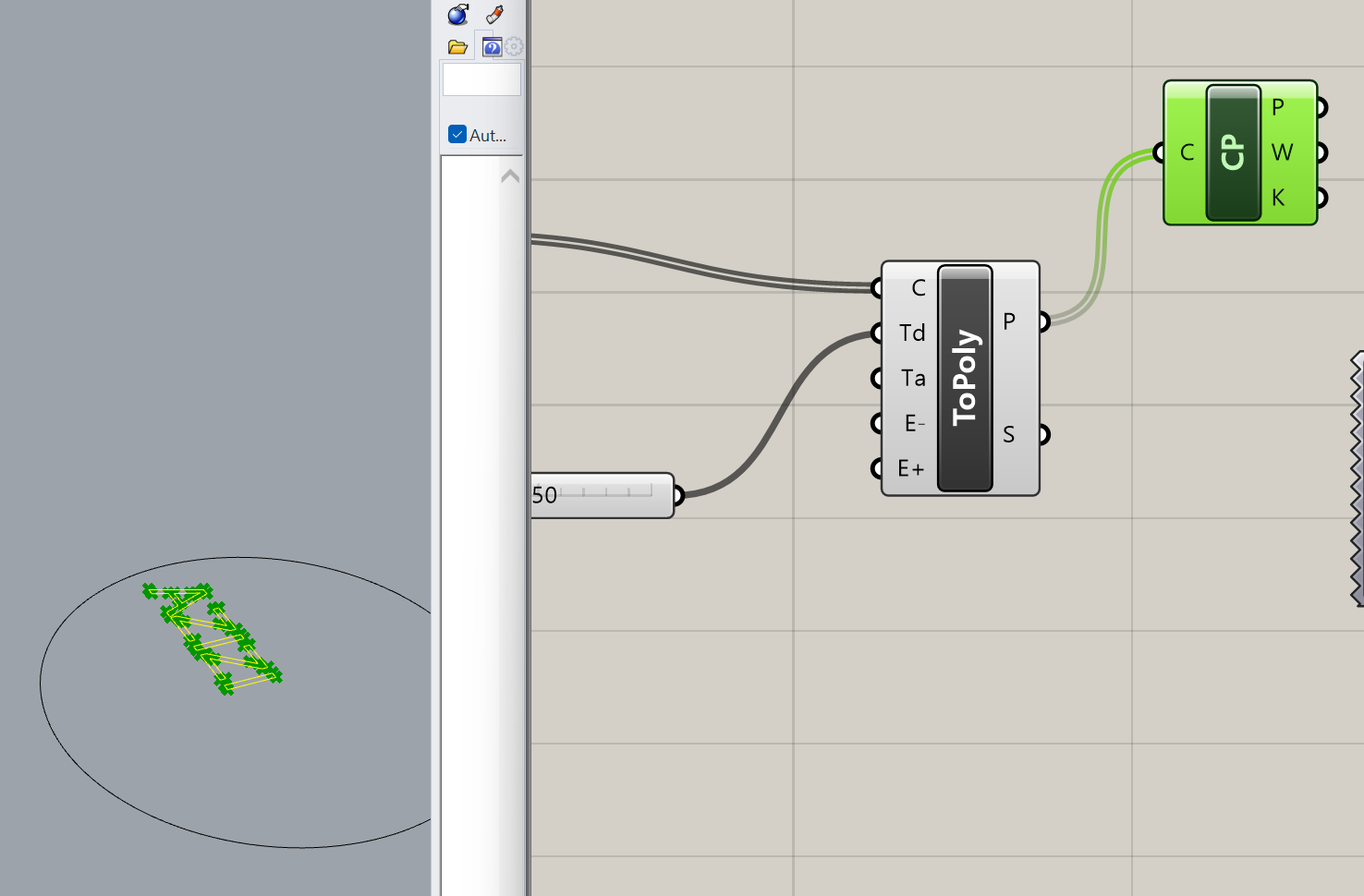
Drop a 'Control Points' analytical component (Curve > Analysis) onto the canvas to map out explicit coordinates along the split lines.
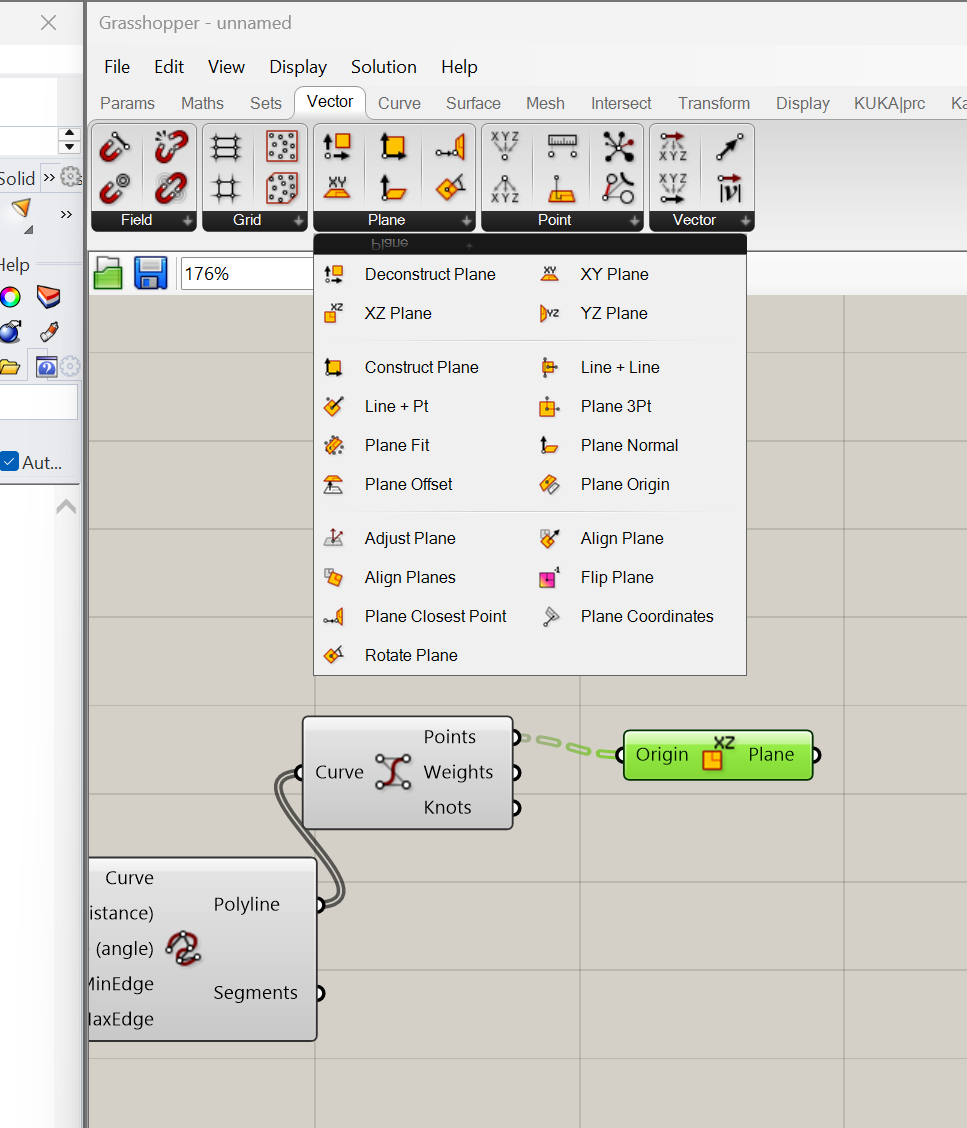
Construct local XY planes at each control vertex (Vector > Plane) to dictate the exact physical approach orientation for the arm.
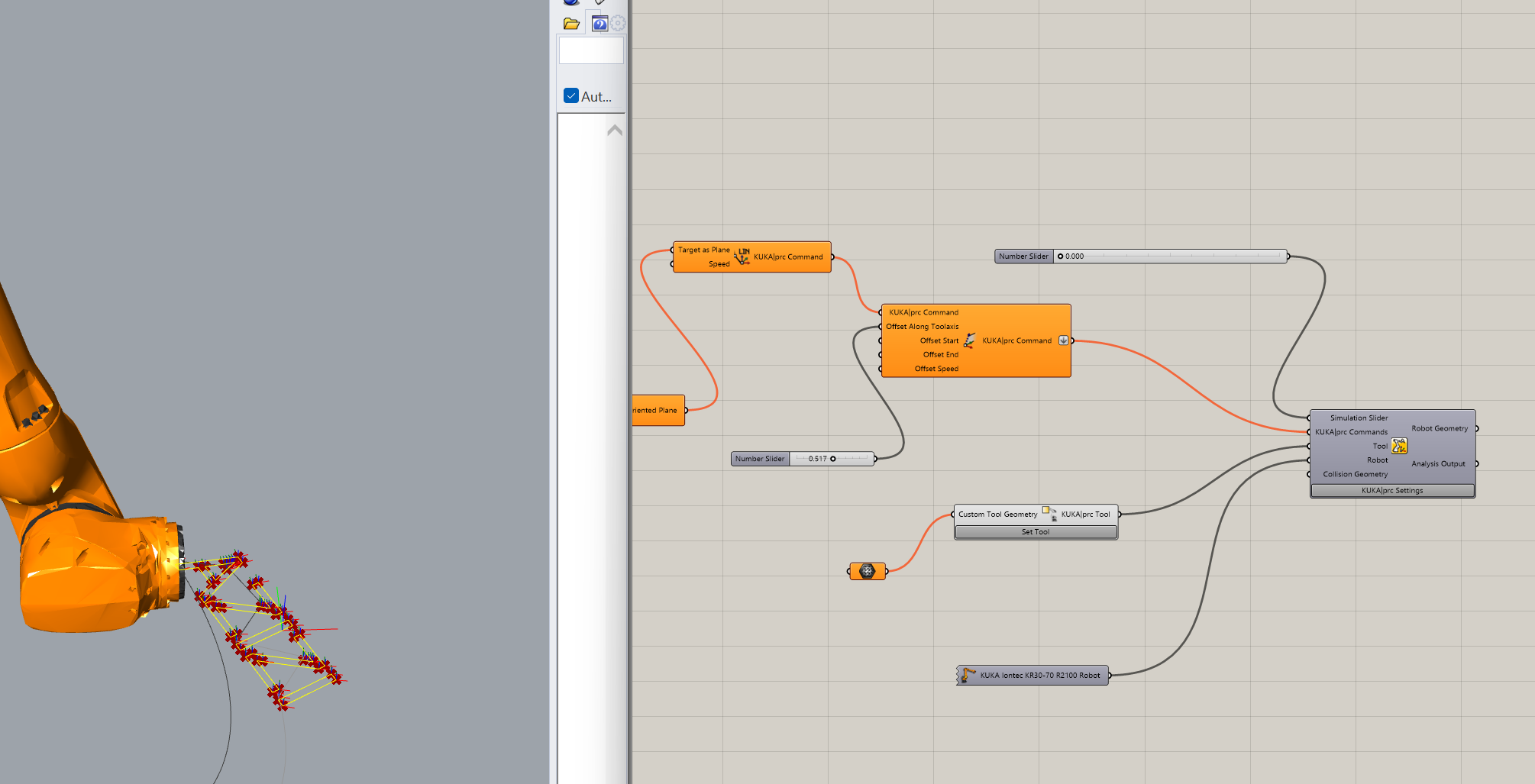
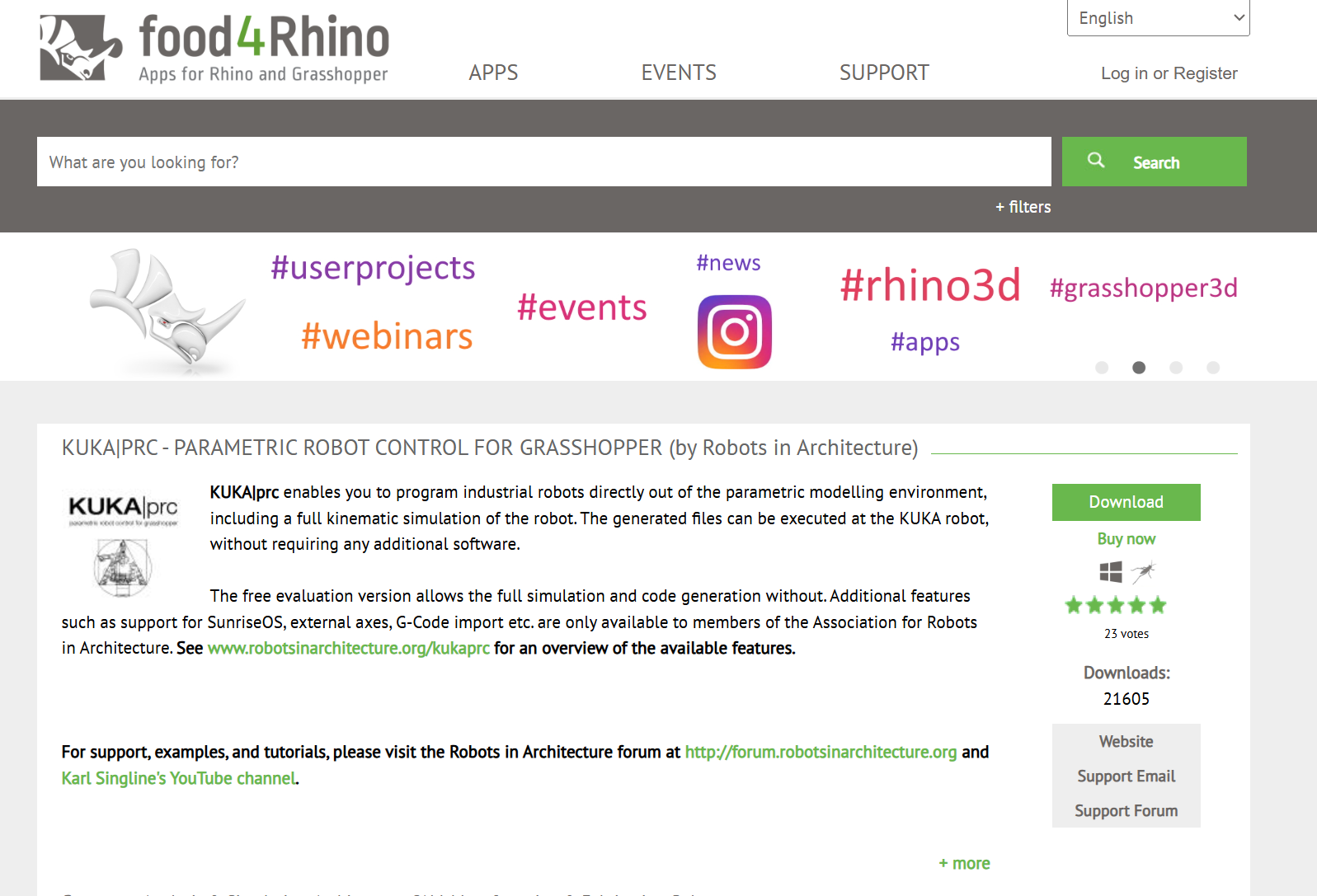
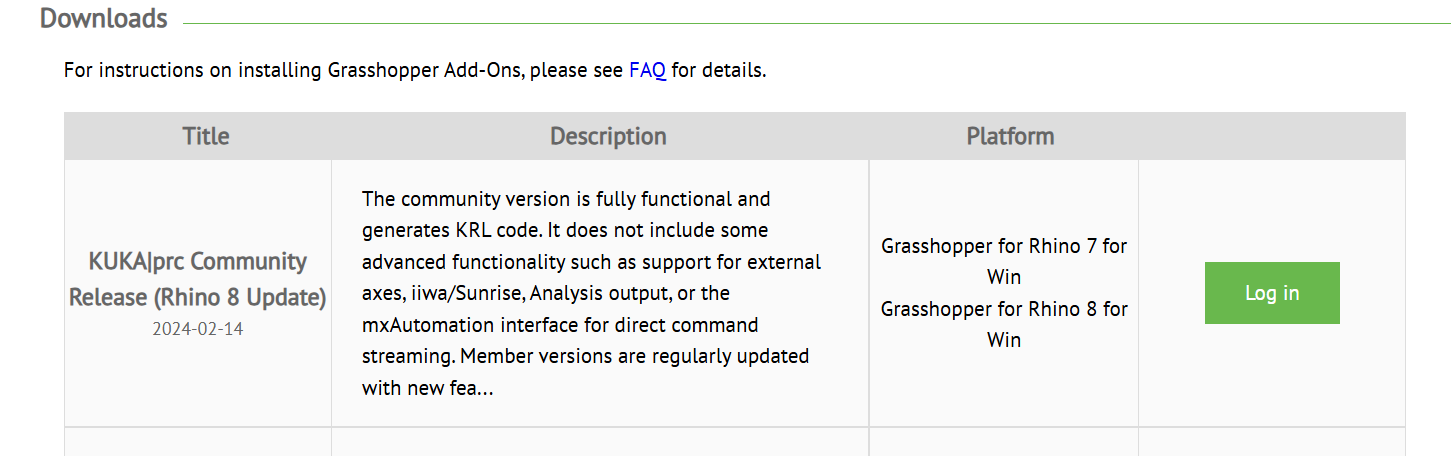
Bring in the native KUKA prc core components and stream the vector planes directly into the motion inputs.
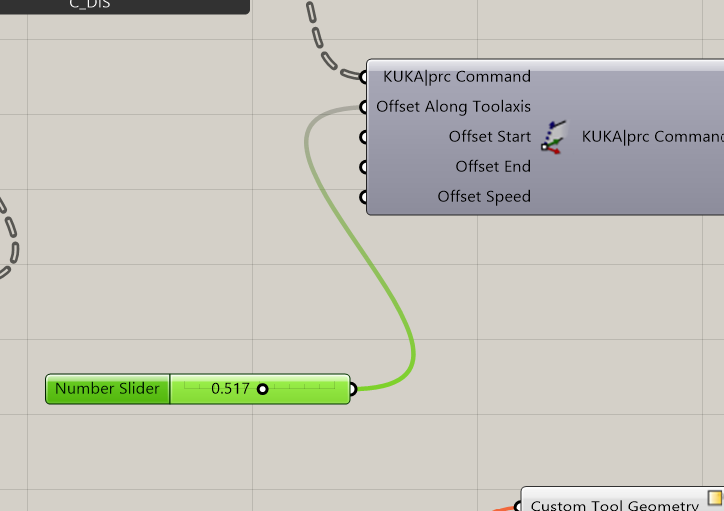
Introduce a 'Tool Axis Offset' block paired with a number slider to calibrate drawing pressure at the physical writing tip.
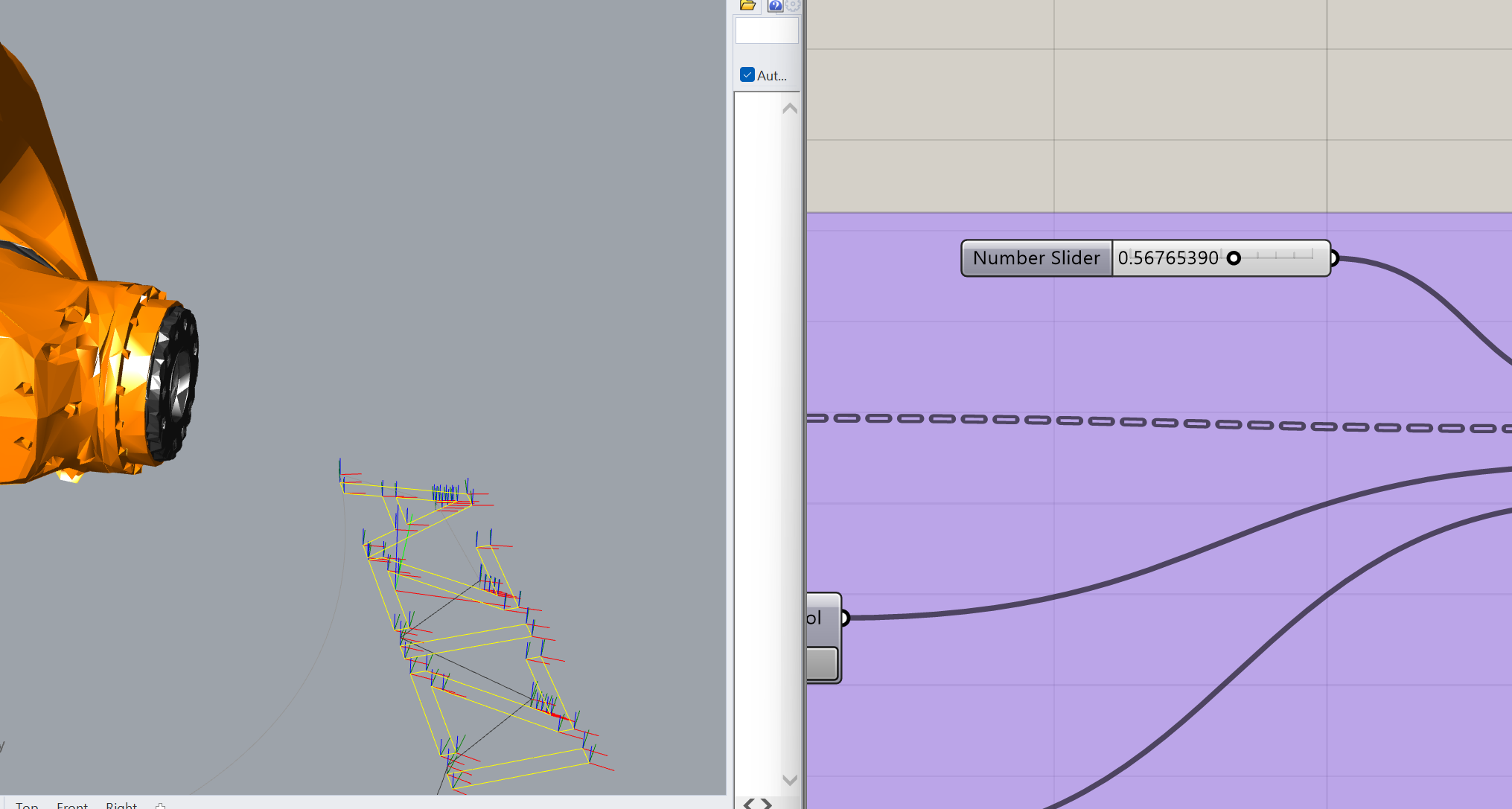
Trigger the KUKA prc play module to perform a collision check, verifying toolpaths clear all physical laboratory table bounds.
3-Point Calibration = Base Frame Setup: Use this to define your physical workspace coordinates (like mapping a table, fixture, or material block). It establishes the local origin, X-axis, and Y-axis directions.
4-Point Calibration = Tool Center Point (TCP) Setup: Use this exclusively to teach the robot the exact physical tip of your end effector. By touching a single reference spike from four different angles, the system calculates the tool's length and physical offset.
Always verify the Tool Center Point (TCP) data and execute low-speed dry runs ($10\%$ axis speed maximum) to prevent geometric collisions during automated travel cycles.